

Your forms are leaking leads. Every confusing field, every unnecessary step, every poorly designed input is costing you conversions. The difference between a 2% and 8% conversion rate often comes down to one thing: how well your forms are optimized.
But manually testing every element, analyzing drop-off points, and redesigning forms takes time most teams don't have. That's where form optimization software comes in—tools that analyze user behavior, suggest improvements, and help you build forms that actually convert.
We've tested and reviewed the top form optimization platforms for 2026, evaluating them on analytics depth, A/B testing capabilities, ease of use, and integration options. Whether you're optimizing lead gen forms, checkout flows, or survey completion rates, here are the tools that deliver real results.
1. Orbit AI
Best for: High-growth teams needing AI-powered lead qualification built into their form builder
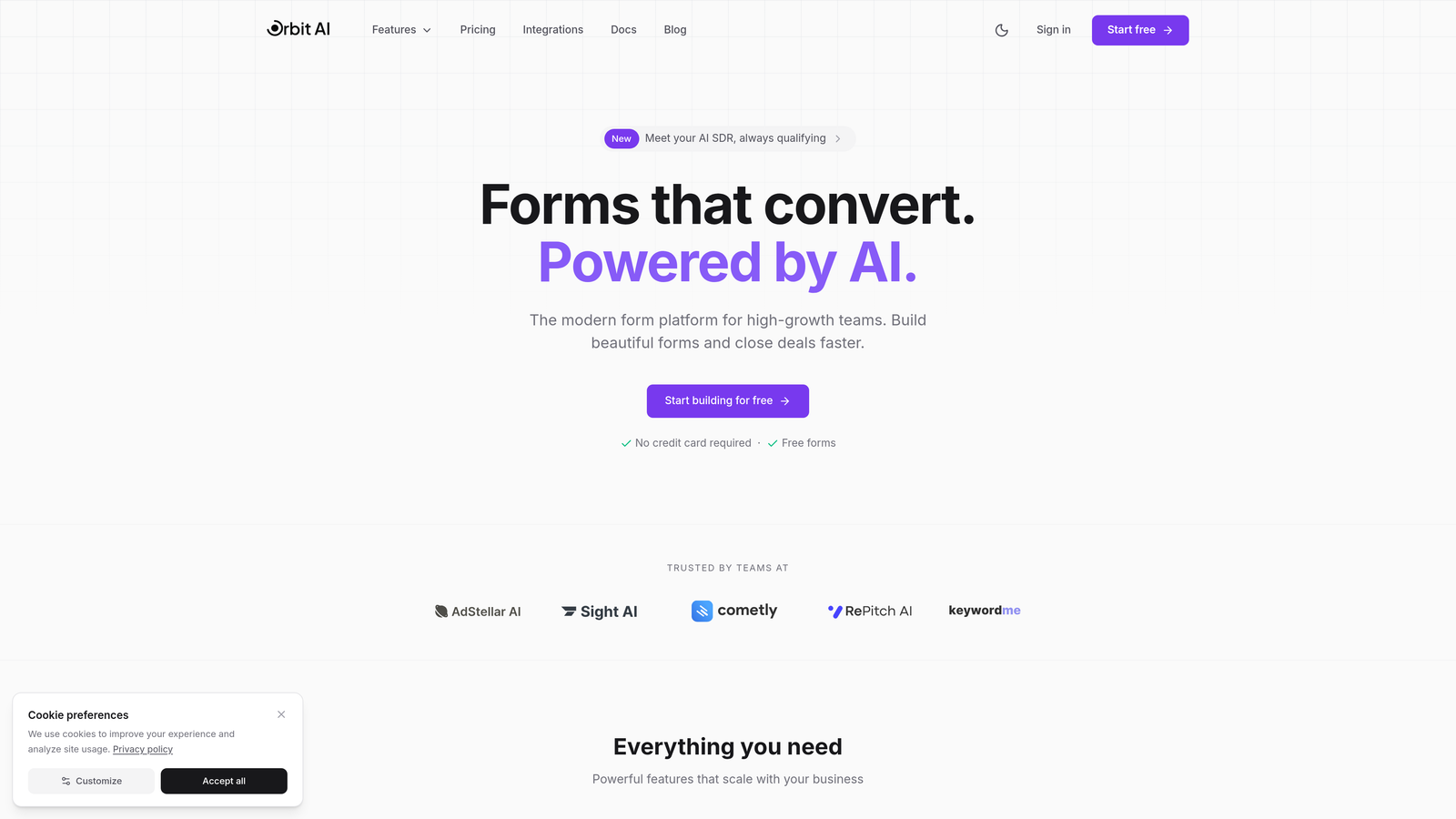
Orbit AI is an AI-powered form builder platform that combines conversion-optimized form design with intelligent lead qualification capabilities.
Where This Tool Shines
Orbit AI stands out by solving two problems at once: creating beautiful, high-converting forms while automatically qualifying the leads that come through them. Instead of building a form and then adding qualification logic as an afterthought, the AI analyzes submissions in real-time to score and route leads based on fit.
The platform's modern templates are designed specifically for conversion optimization, eliminating the guesswork around field placement, button design, and mobile responsiveness. For teams focused on lead generation, this integrated approach means fewer tools in your stack and faster time to insights.
Key Features
AI-Powered Lead Qualification: Automatically scores and qualifies form submissions based on your ideal customer profile without manual rules.
Built-In Analytics Dashboard: Track conversion rates, completion times, and form performance metrics in real-time without external analytics tools.
Conversion-Optimized Templates: Pre-built form designs based on best practices for different use cases, from lead gen to event registration.
Workflow Automation: Route qualified leads to sales, send personalized follow-ups, and trigger actions based on submission data.
Real-Time Performance Insights: Monitor which fields cause friction and where users drop off to continuously improve conversion rates.
Best For
Orbit AI is ideal for B2B companies and high-growth teams that need both form optimization and lead qualification in one platform. It's particularly valuable if you're tired of manually sorting through unqualified leads or want to give your sales team only the prospects worth their time.
Pricing
Free tier available for basic form building. Paid plans start at $29/month with advanced AI qualification features and predictable response limits.
2. Typeform
Best for: Creating conversational, one-question-at-a-time forms with high completion rates
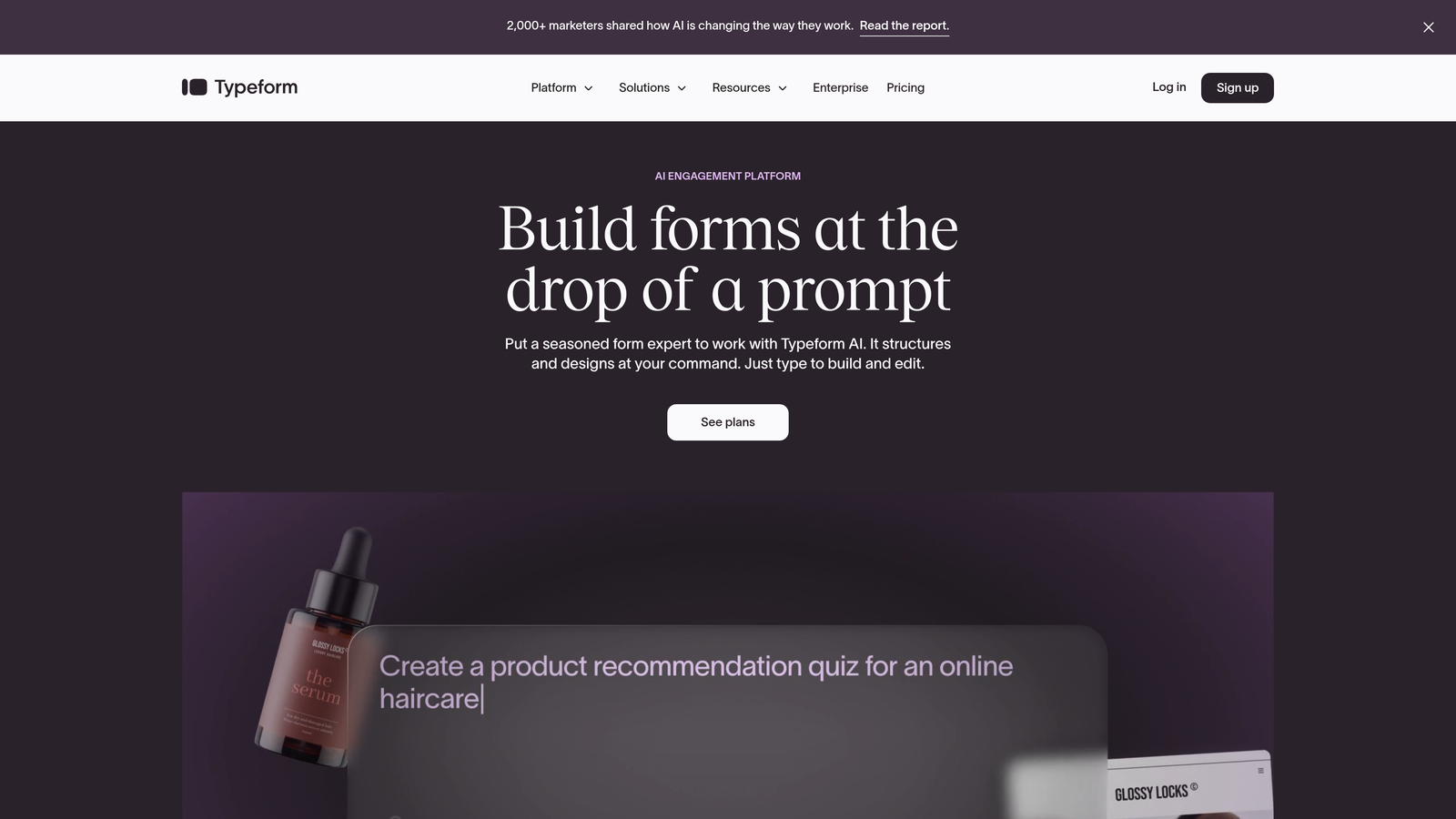
Typeform is a conversational form builder that presents questions one at a time, creating an engaging experience that feels more like a conversation than a traditional form.
Where This Tool Shines
Typeform revolutionized form design by proving that people complete forms at higher rates when they're not overwhelmed by a wall of fields. The one-question-at-a-time interface reduces cognitive load and creates momentum—once someone answers the first question, they're more likely to continue.
The platform's visual design capabilities are exceptional. You can add images, videos, and GIFs to create branded experiences that stand out. For surveys, quizzes, and feedback forms where engagement matters as much as completion, Typeform's approach consistently delivers better results than traditional forms.
Key Features
Conversational Interface: One-question-at-a-time flow that improves completion rates by reducing form overwhelm.
Completion Rate Analytics: Built-in dashboard showing exactly where respondents drop off and which questions cause friction.
Logic Jumps: Show or hide questions based on previous answers to create personalized form paths.
Native Integrations: Connect directly to Slack, Google Sheets, HubSpot, Salesforce, and hundreds of other platforms.
Mobile-First Design: Forms automatically adapt to mobile devices with smooth animations and touch-friendly interfaces.
Best For
Typeform excels for customer feedback surveys, lead qualification questionnaires, event registrations, and any scenario where you want to maximize completion rates through an engaging experience. It's particularly effective for consumer-facing brands that prioritize design.
Pricing
Free tier with basic features. Basic plan starts at $25/month with unlimited questions and advanced logic.
3. Hotjar
Best for: Analyzing user behavior on existing forms with heatmaps and session recordings
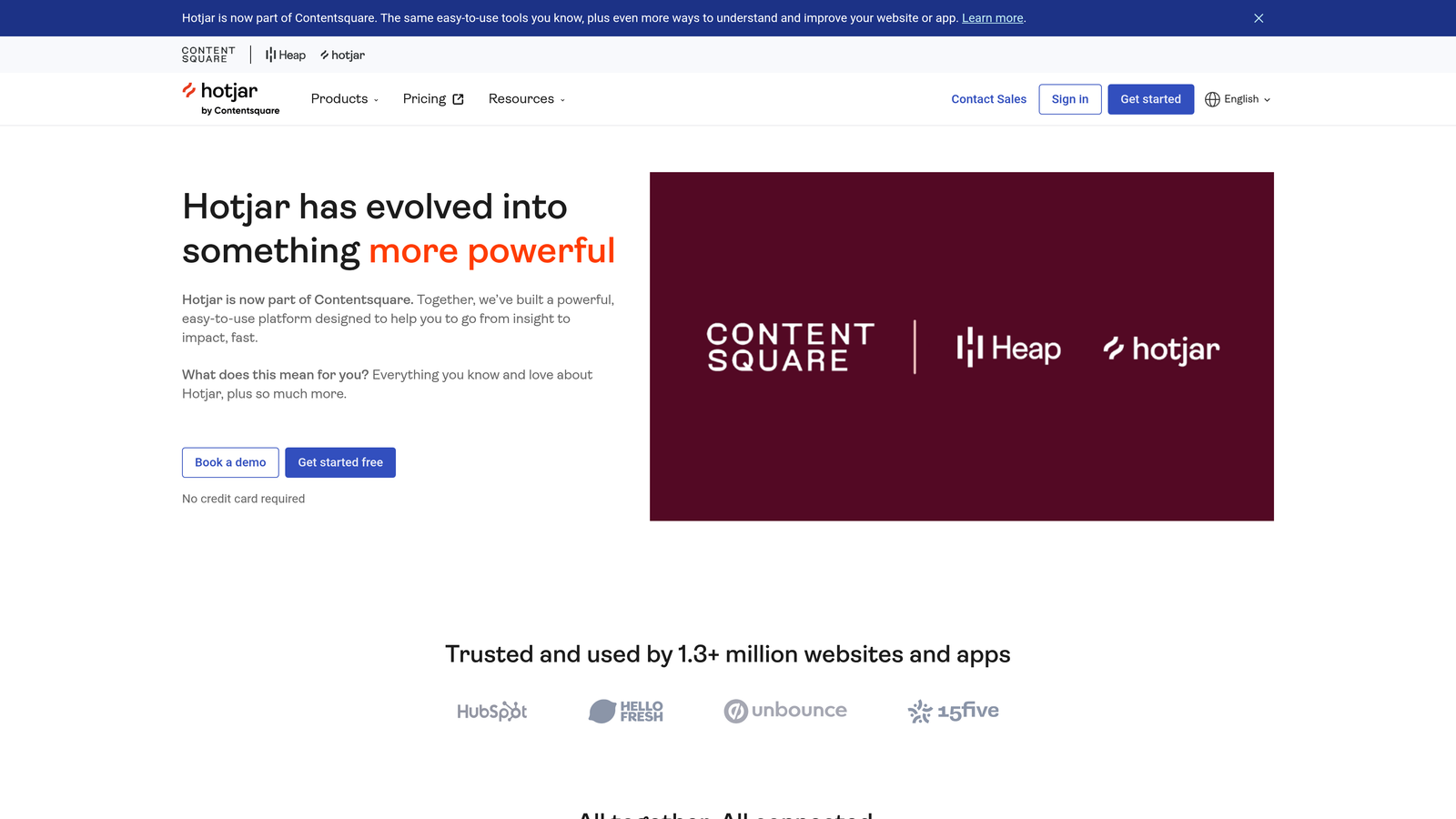
Hotjar is a behavior analytics platform that shows you exactly how users interact with your forms through heatmaps, session recordings, and field-level drop-off data.
Where This Tool Shines
Hotjar doesn't replace your form builder—it makes your existing forms better by revealing what's actually happening. You can watch session recordings of real users struggling with specific fields, see heatmaps showing where people click, and identify the exact moment they abandon your form.
The form analytics feature provides field-by-field data showing time spent, interaction rates, and abandonment points. This granular insight helps you pinpoint problems you'd never discover through conversion rate data alone. If users consistently abandon after the phone number field, you know exactly what to fix.
Key Features
Form Analytics: Field-level tracking showing completion rates, time spent, and abandonment patterns for every input.
Session Recordings: Watch real users interact with your forms to identify usability issues and friction points.
Heatmaps: Visualize click patterns, scroll depth, and mouse movement to understand user attention.
Feedback Widgets: Collect qualitative insights by asking users why they're leaving or what's confusing.
Universal Compatibility: Works with any form platform—just add the tracking code to your site.
Best For
Hotjar is perfect for teams that already have forms in place but need to understand why conversion rates are low. It's particularly valuable for e-commerce checkout optimization, multi-step registration flows, and any high-value form where small improvements have significant revenue impact.
Pricing
Free tier available with basic features. Plus plan starts at $32/month with increased data collection and feature access.
4. Formstack
Best for: Enterprise teams requiring advanced workflow automation and compliance features
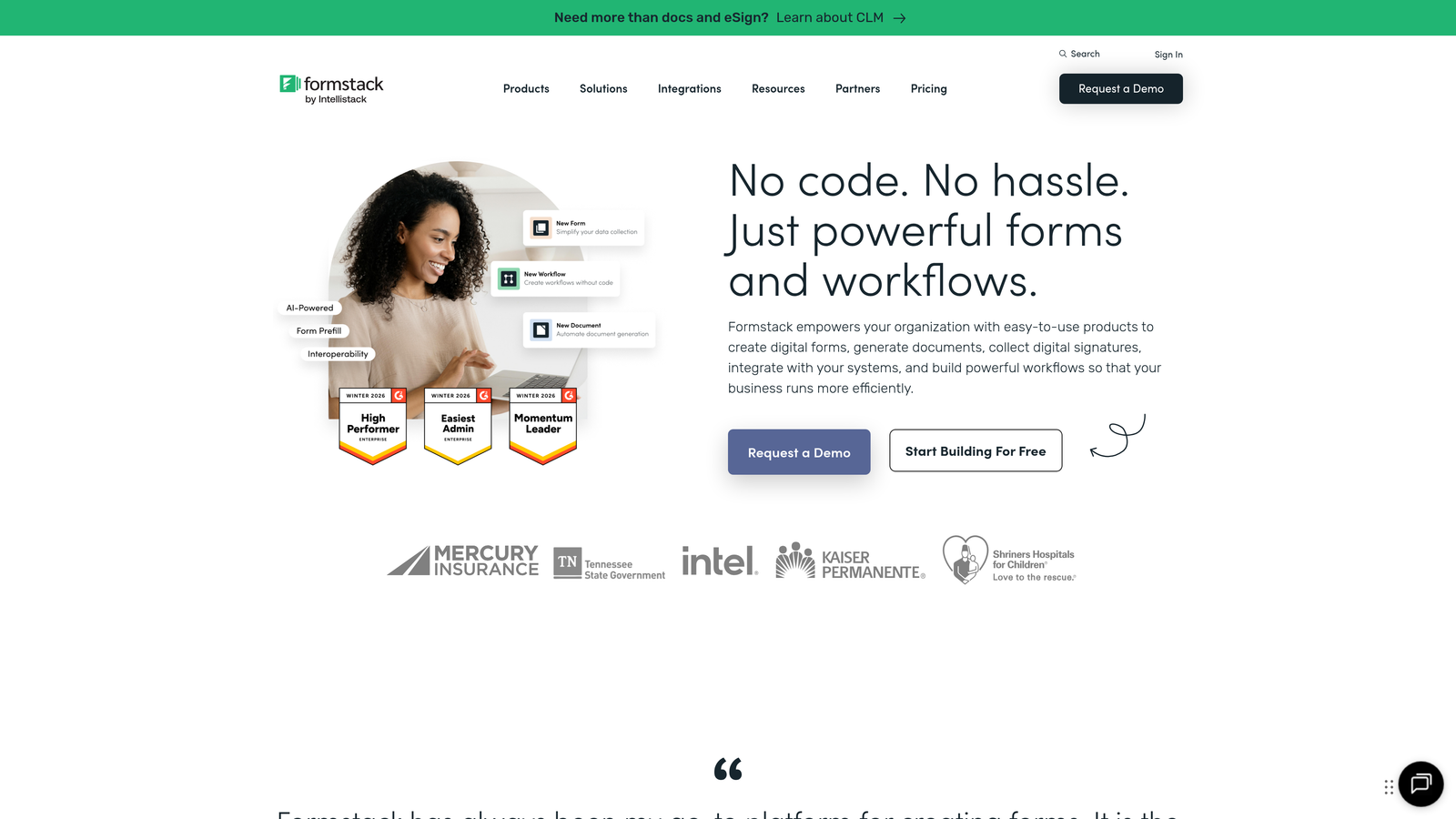
Formstack is an enterprise-grade form builder with sophisticated workflow automation, compliance options, and A/B testing capabilities designed for large organizations.
Where This Tool Shines
Formstack excels in environments where compliance and complex workflows matter. If you're in healthcare, finance, or any regulated industry, the HIPAA and GDPR compliance features provide peace of mind that consumer-focused tools can't match. The platform handles sensitive data collection with encryption and audit trails built in.
The workflow automation goes beyond basic email notifications. You can create approval processes, route submissions to different teams based on content, and trigger multi-step workflows that span departments. For enterprises managing hundreds of forms across teams, the centralized management and branding controls prevent chaos.
Key Features
A/B Testing: Test different form variations simultaneously to identify which design, copy, or field arrangement converts best.
Advanced Conditional Logic: Show or hide entire sections based on complex rules combining multiple field values.
Compliance Options: HIPAA-compliant data handling and GDPR tools for managing consent and data requests.
Workflow Automation: Build approval chains, route submissions intelligently, and trigger actions across your tech stack.
Partial Submission Capture: Save incomplete form data so you can follow up with users who started but didn't finish.
Best For
Formstack is built for enterprise organizations, healthcare providers, financial services firms, and any business with strict compliance requirements or complex approval workflows. It's overkill for simple lead gen but essential for regulated industries.
Pricing
Starter plan begins at $50/month. Enterprise plans with compliance features require custom pricing.
5. Unbounce Smart Builder
Best for: AI-powered landing page and form optimization with automatic traffic routing
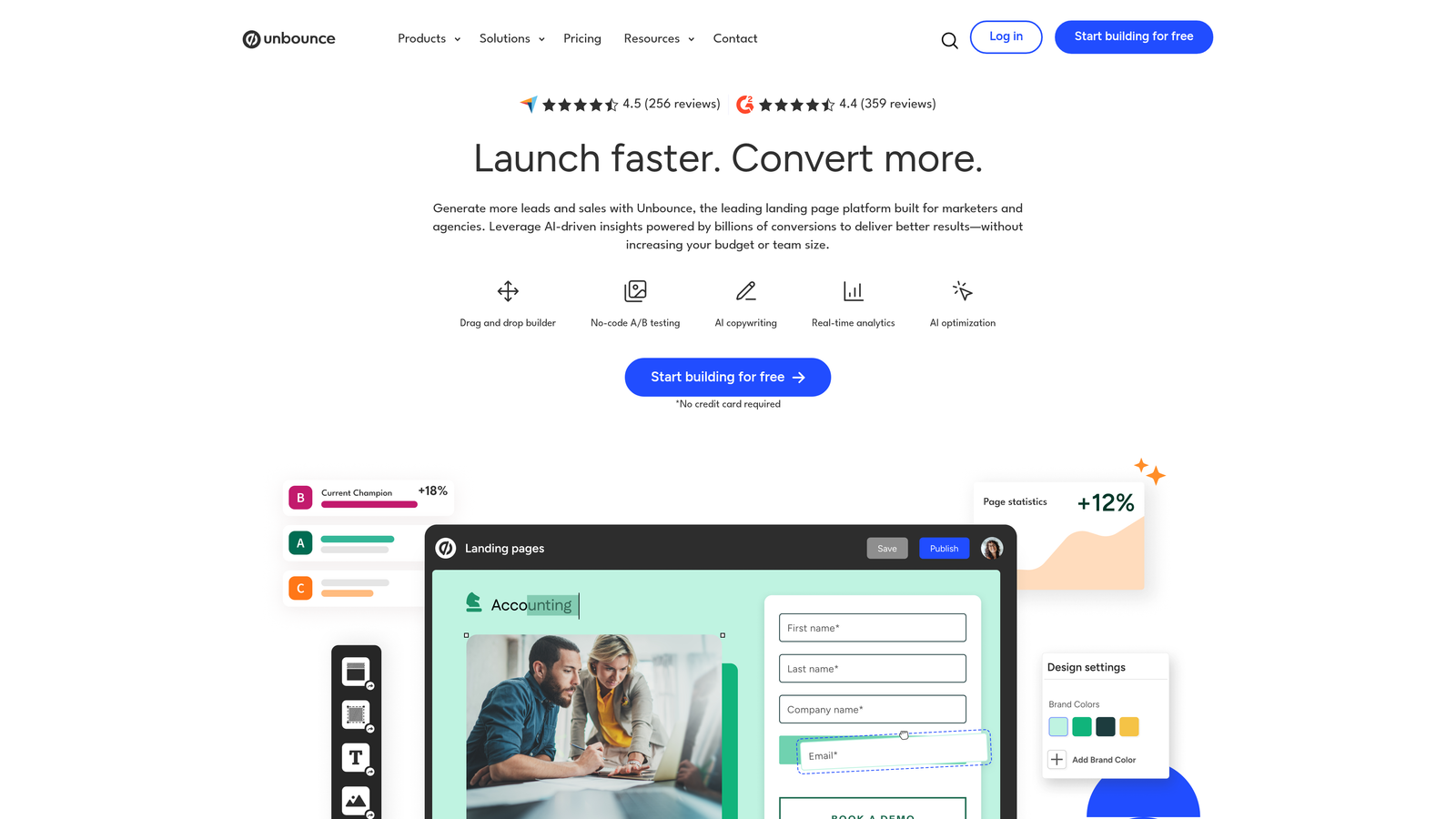
Unbounce Smart Builder is an AI-powered platform that combines landing page creation with form optimization, using machine learning to automatically improve conversion rates.
Where This Tool Shines
Unbounce's Smart Traffic feature uses AI to automatically route visitors to the landing page and form variation most likely to convert them based on their characteristics. Instead of running traditional A/B tests for weeks, the AI learns in real-time and optimizes continuously.
The platform excels at paid advertising campaigns where landing page and form work together as a system. Dynamic text replacement lets you customize form headlines and copy based on the ad keyword that brought someone to your page, creating a seamless experience that improves conversion rates.
Key Features
AI Conversion Recommendations: Get specific suggestions for improving form design based on best-performing patterns across the platform.
Smart Traffic: Automatically route visitors to the form variation most likely to convert them using machine learning.
Integrated Landing Pages: Build the entire conversion experience—landing page plus form—in one tool.
Built-In A/B Testing: Test form variations without external tools, with statistical significance calculations included.
Dynamic Text Replacement: Automatically customize form copy based on ad keywords or traffic source for higher relevance.
Best For
Unbounce is ideal for marketing teams running paid advertising campaigns who need landing pages and forms optimized together. It's particularly valuable for agencies managing multiple clients or companies with significant ad spend where conversion rate improvements directly impact ROI.
Pricing
Launch plan starts at $99/month. Higher tiers include Smart Traffic and additional features.
6. Jotform
Best for: Versatile form building with extensive templates and built-in payment processing
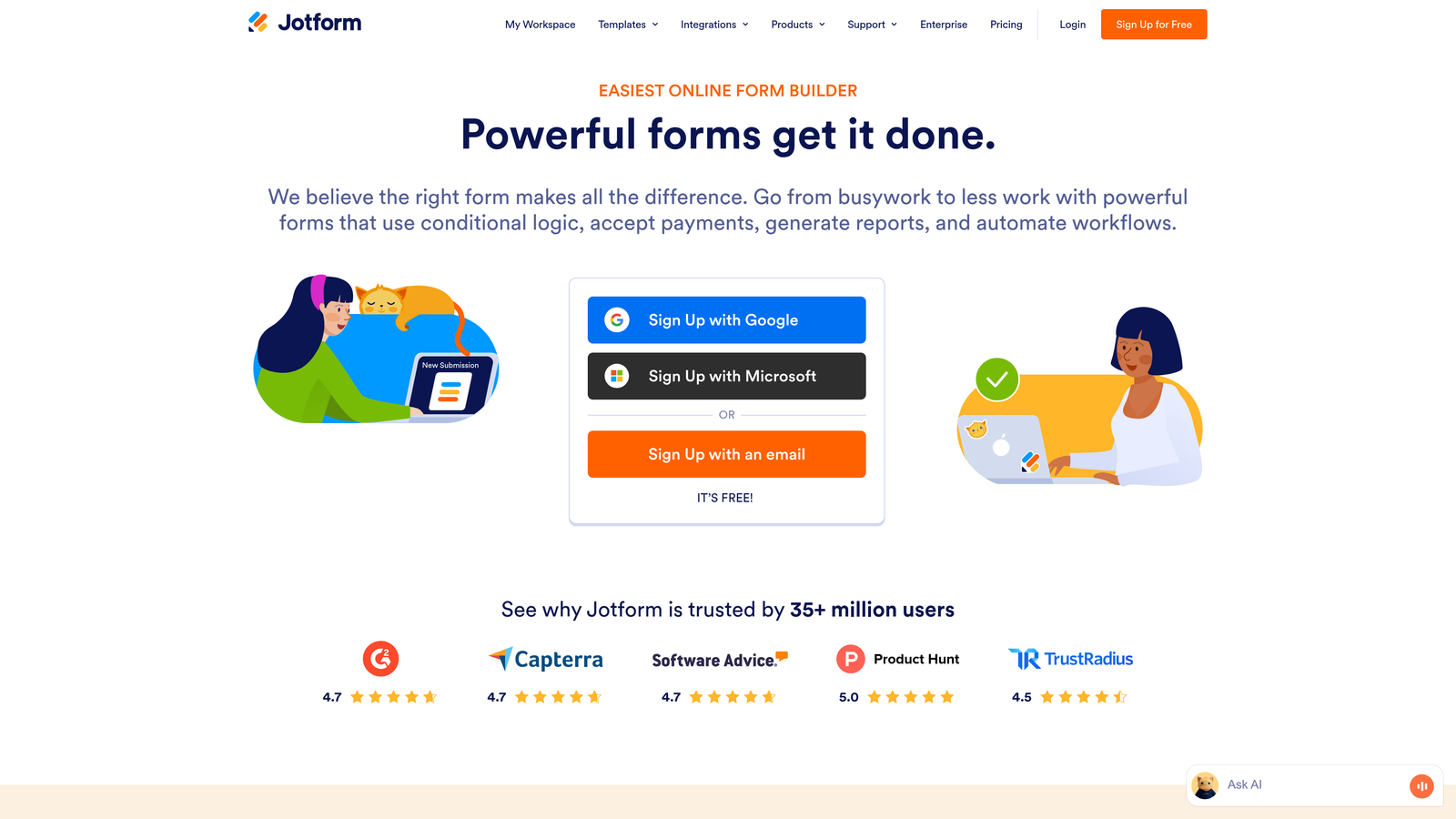
Jotform is a comprehensive form builder offering over 10,000 templates and a full analytics dashboard for tracking form performance.
Where This Tool Shines
Jotform's massive template library means you're rarely starting from scratch. Whether you need a job application form, event registration, order form, or survey, there's likely a pre-built template you can customize. This dramatically reduces the time from idea to published form.
The platform handles payment collection natively, making it particularly strong for registration forms, donations, and order forms where you need to collect money alongside information. The mobile app lets you manage submissions, view analytics, and respond to form fills from anywhere, which is valuable for field teams or event organizers.
Key Features
10,000+ Templates: Pre-built forms for virtually every use case, from simple contact forms to complex applications.
Form Analytics Dashboard: Track submission rates, completion times, device types, and traffic sources in one view.
Conditional Logic: Show or hide fields, perform calculations, and create dynamic forms that adapt to user input.
Payment Integrations: Accept payments through PayPal, Stripe, Square, and other processors directly in your forms.
Mobile App: Manage forms, view submissions, and respond to entries from iOS or Android devices.
Best For
Jotform works well for small businesses, nonprofits, event organizers, and anyone who needs versatile forms quickly without a steep learning curve. The payment features make it particularly valuable for organizations collecting fees, donations, or processing orders.
Pricing
Free tier with limited submissions. Bronze plan starts at $34/month with increased limits and features.
7. Leadformly
Best for: B2B lead generation with multi-step forms and lead scoring integration
Leadformly is a specialized form builder designed specifically for B2B lead generation, focusing on multi-step forms that improve completion rates while qualifying prospects.
Where This Tool Shines
Leadformly's entire design philosophy centers on B2B lead generation optimization. The multi-step approach breaks long forms into digestible sections, which research shows significantly improves completion rates compared to single-page forms with many fields.
The lead scoring integration means you're not just collecting information—you're qualifying prospects as they fill out the form. By the time a submission reaches your CRM, it already has a score indicating sales readiness. For B2B companies where sales time is expensive, this pre-qualification saves hours of manual lead review.
Key Features
Multi-Step Form Design: Break long forms into multiple pages to reduce abandonment and improve completion rates.
Conversion-Optimized Templates: Pre-built form structures based on B2B lead generation best practices.
Lead Scoring: Automatically score leads based on their responses to route high-value prospects to sales immediately.
A/B Testing: Test different form lengths, field orders, and button copy to continuously improve conversion rates.
CRM Integrations: Connect directly to Salesforce, HubSpot, Marketo, and other B2B sales platforms.
Best For
Leadformly is purpose-built for B2B companies with complex sales processes, particularly those with longer forms requiring multiple pieces of qualifying information. It's ideal for SaaS companies, professional services firms, and enterprise sales teams.
Pricing
Essential plan starts at $37/month. Higher tiers include advanced lead scoring and additional form submissions.
8. Gravity Forms
Best for: WordPress sites needing deep native integration and developer customization
Gravity Forms is a WordPress-native form plugin with an extensive add-on ecosystem that provides virtually unlimited customization for developers.
Where This Tool Shines
For WordPress sites, Gravity Forms offers integration depth that standalone form builders can't match. It's built specifically for WordPress, which means it works seamlessly with your theme, respects your site's design system, and doesn't require embedding external code that slows page load times.
The developer-friendly architecture with hooks and filters means you can customize virtually anything. The add-on marketplace extends functionality to payment processing, CRM integration, advanced conditional logic, and specialized features. For agencies building custom WordPress sites, Gravity Forms provides the flexibility to meet unique client requirements.
Key Features
Native WordPress Integration: Works directly within WordPress admin with no external dependencies or embed codes.
Add-On Marketplace: Extend functionality with official and third-party add-ons for payments, CRMs, and specialized features.
Conditional Logic: Show or hide fields, create multi-page forms, and build complex workflows based on user input.
Partial Entries: Capture incomplete submissions so you can follow up with users who started but didn't finish forms.
Developer Tools: Extensive hooks, filters, and API access for custom functionality and integrations.
Best For
Gravity Forms is ideal for WordPress-based businesses, agencies building custom sites for clients, and developers who need complete control over form functionality. If your site runs on WordPress and forms are central to your business, this is the most powerful option.
Pricing
Basic license starts at $59/year for a single site. Pro and Elite licenses available for multiple sites and all add-ons.
9. Zuko Analytics
Best for: Dedicated form analytics with granular field-by-field abandonment tracking
Zuko Analytics is a specialized form analytics platform that provides deep, field-level insights into form performance and user behavior.
Where This Tool Shines
Zuko does one thing exceptionally well: form analytics. Unlike general analytics tools that treat forms as black boxes, Zuko tracks every interaction with every field. You can see exactly how long users spend on each input, where they make errors, how many times they correct mistakes, and the precise moment they abandon.
The funnel visualization shows your entire form as a journey, making it immediately obvious which fields cause the most friction. This granular data helps you prioritize optimization efforts—if 40% of users abandon at the phone number field, that's where you focus first. Because Zuko works with any form platform, you can analyze existing forms without rebuilding them.
Key Features
Field-Level Abandonment Tracking: See exactly which form fields cause users to leave, with percentage drop-off for each input.
Time-Per-Field Analysis: Identify fields that take too long to complete, indicating confusion or complexity issues.
Error and Correction Tracking: Monitor validation errors and how many times users correct their inputs before succeeding.
Platform Agnostic: Works with any form builder or custom forms—just add the tracking script to your site.
Funnel Visualization: View your entire form as a visual journey showing where users progress and where they drop off.
Best For
Zuko Analytics is perfect for teams with high-value forms where small conversion improvements have significant revenue impact—think checkout flows, insurance quotes, loan applications, or enterprise lead gen forms. It's particularly valuable when you need to justify optimization decisions with hard data.
Pricing
Starter plan begins at $100/month. Higher tiers include increased form tracking and advanced features.
Making the Right Choice
The right form optimization tool depends on what you're trying to fix. If your biggest challenge is qualifying the leads you're already getting, Orbit AI combines form building with AI-powered qualification in one platform. For teams that need to understand why existing forms aren't converting, Hotjar and Zuko Analytics provide the behavioral insights to pinpoint problems.
Typeform excels when you want to maximize completion rates through conversational design. Formstack is the choice for enterprises with strict compliance requirements. Unbounce makes sense when you're optimizing entire landing page experiences, not just forms in isolation.
Here's a practical approach: Start by identifying your primary bottleneck. Is it lead quality? Lead quantity? Understanding user behavior? Compliance requirements? Your answer points to the right tool category.
Many high-performing teams combine tools—a capable form builder with dedicated analytics, or a landing page platform with specialized form tracking. But increasingly, platforms like Orbit AI are offering both form building and optimization insights in one solution, eliminating the need for multiple tools.
The best optimization strategy isn't about having the most sophisticated tool—it's about having the right data to make informed decisions. Whether that means watching session recordings of users struggling with your checkout form, A/B testing different field orders, or using AI to automatically qualify leads, the goal is the same: remove friction and improve conversions.
Transform your lead generation with AI-powered forms that qualify prospects automatically while delivering the modern, conversion-optimized experience your high-growth team needs. Start building free forms today and see how intelligent form design can elevate your conversion strategy.


