

Service businesses live and die by their client onboarding process. A clunky intake form means lost leads, frustrated prospects, and hours wasted chasing missing information. The right intake form tool does more than collect data—it qualifies leads, routes requests to the right team members, and creates a professional first impression that sets the tone for your entire client relationship.
We evaluated dozens of form builders specifically for service business needs: law firms, agencies, consultants, healthcare practices, and professional services. Here are the nine tools that stood out for their ability to streamline client intake while maintaining the professionalism your business demands.
1. Orbit AI
Best for: High-growth service teams wanting AI-powered lead qualification without manual sorting
Orbit AI is an AI-powered form builder that automatically qualifies and scores leads as they complete your intake forms.
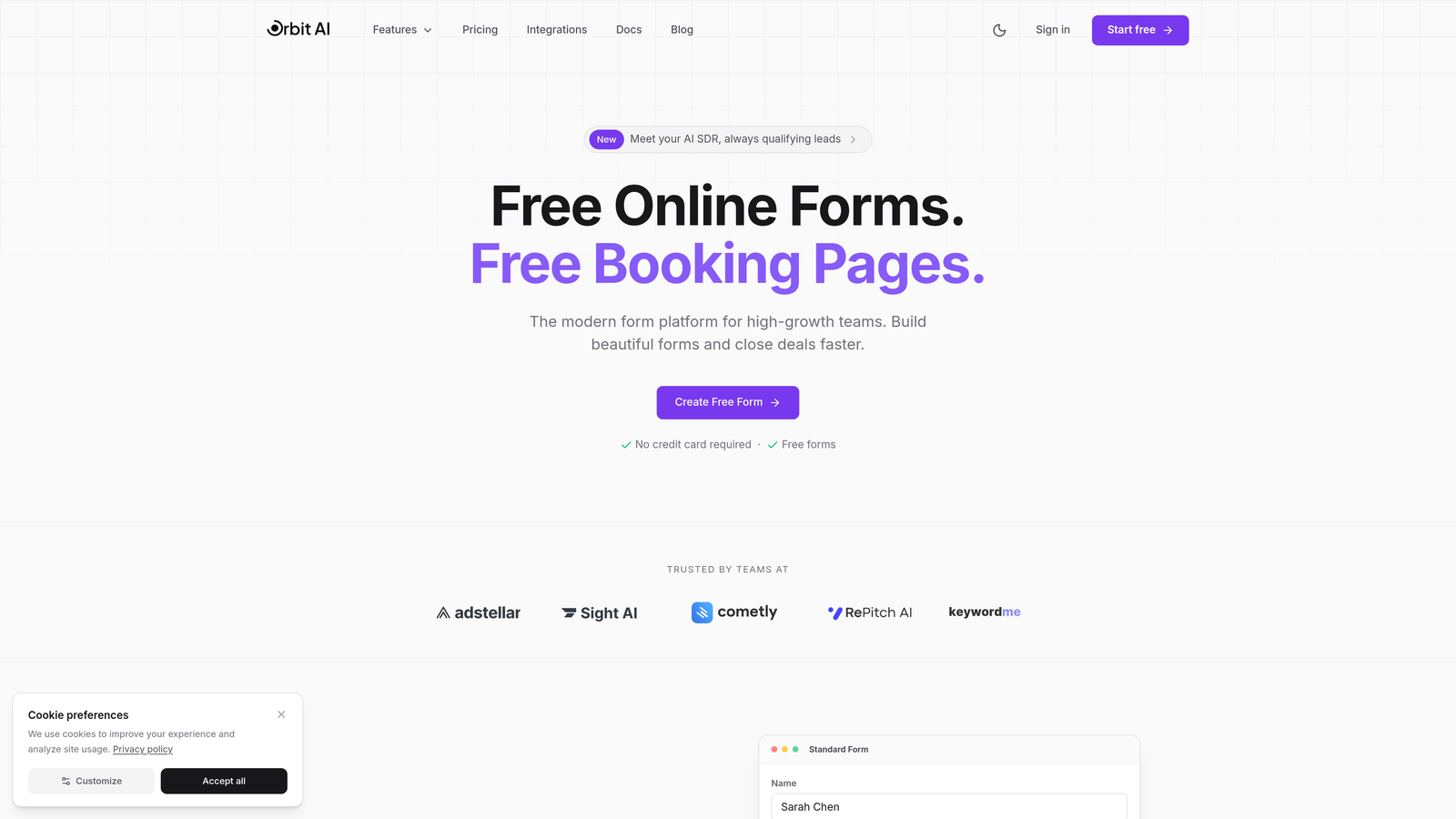
Where This Tool Shines
The standout feature is intelligent lead qualification that happens in real-time. While prospects fill out your intake form, Orbit AI analyzes their responses and assigns qualification scores based on criteria you define. This means your team immediately knows which inquiries deserve priority attention.
The platform routes submissions automatically based on service type, budget range, or any other criteria you specify. A marketing agency might route web design requests to one team and SEO inquiries to another, all without manual intervention.
Key Features
AI-Powered Lead Qualification: Automatically scores prospects based on their responses to identify high-value opportunities.
Intelligent Routing: Sends submissions to the right team member or department based on conditional logic you configure.
Conversion-Optimized Templates: Pre-built form templates designed specifically for service businesses to maximize completion rates.
Native CRM Integration: Connects directly with popular CRMs so qualified leads flow into your sales pipeline automatically.
Real-Time Analytics: Dashboard showing form performance, completion rates, and lead quality metrics to optimize your intake process.
Best For
Growing service businesses that receive enough inquiries to benefit from automated qualification. Particularly valuable for agencies, consulting firms, and professional services where lead quality varies significantly and routing inquiries to specialized team members matters.
Pricing
Free tier available for basic forms. Paid plans start at $29/month with AI qualification features included at higher tiers.
2. Typeform
Best for: Service businesses prioritizing brand experience and high form completion rates
Typeform is a conversational form builder that presents one question at a time for a more engaging experience.
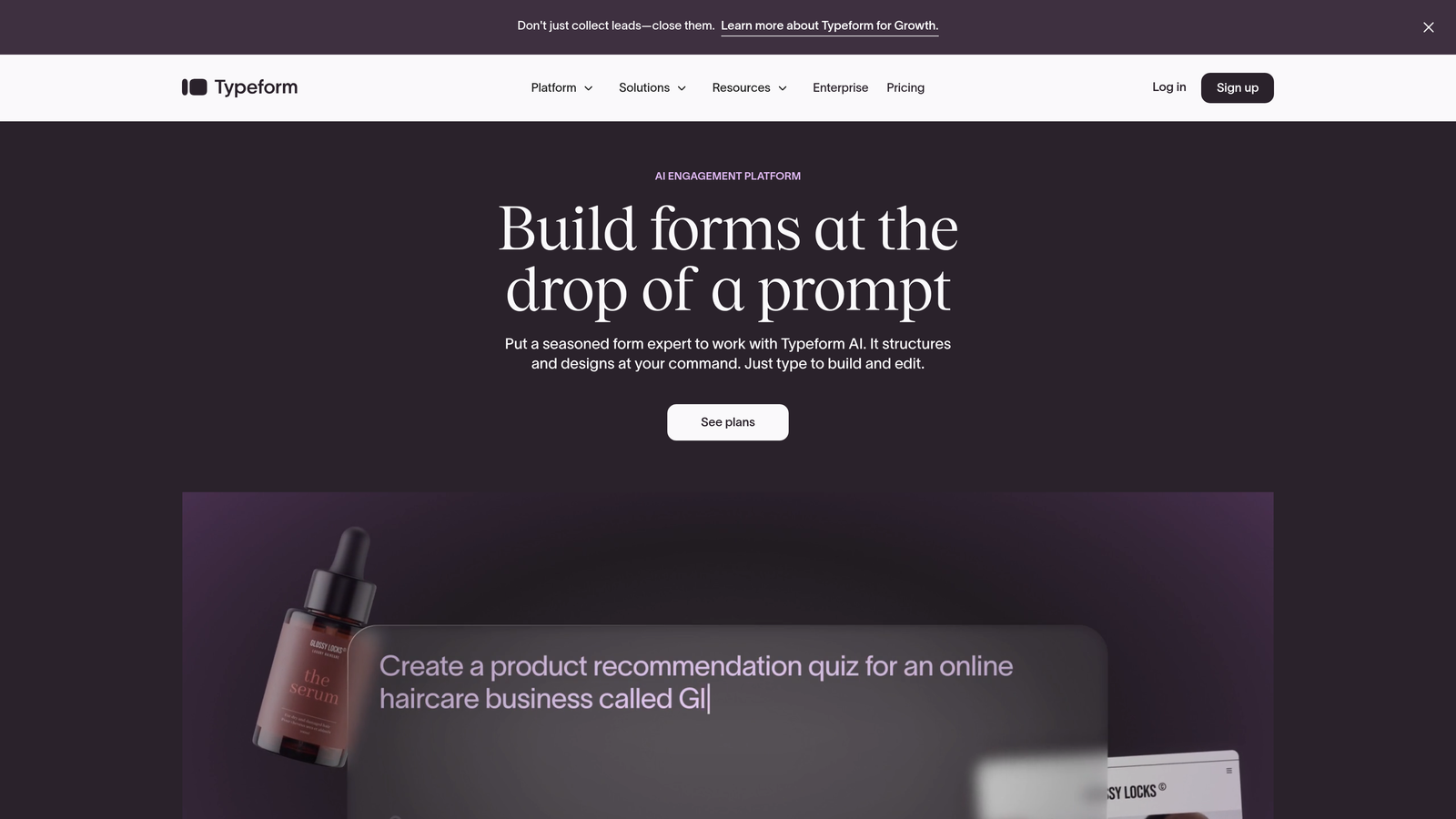
Where This Tool Shines
The one-question-at-a-time format feels more like a conversation than a traditional form. This approach significantly reduces the psychological burden of seeing twenty fields at once. Prospects answer questions sequentially, and the form feels less overwhelming.
Branding customization is exceptionally thorough. You can match fonts, colors, and imagery to your brand guidelines precisely. For creative agencies and design-focused service businesses, this level of visual control matters when your intake form is often a prospect's first real interaction with your brand.
Key Features
Conversational Interface: One-question-at-a-time format that increases completion rates by reducing form anxiety.
Extensive Branding Options: Complete control over colors, fonts, backgrounds, and imagery to match your brand identity.
Logic Jumps: Show or hide questions based on previous answers to create personalized intake paths.
Media Embedding: Include videos and images within forms to explain services or showcase portfolio work.
Integration Ecosystem: Native connections with CRMs, project management tools, and communication platforms.
Best For
Creative agencies, consultants, and service businesses where brand perception matters significantly. Ideal when you need high completion rates and want the intake experience itself to reflect your company's attention to design and user experience.
Pricing
Free tier available with Typeform branding. Basic plan starts at $25/month with branding removal and additional features.
3. Jotform
Best for: Healthcare practices and businesses needing HIPAA-compliant intake forms
Jotform is a versatile form builder offering over 10,000 templates including specialized options for regulated industries.
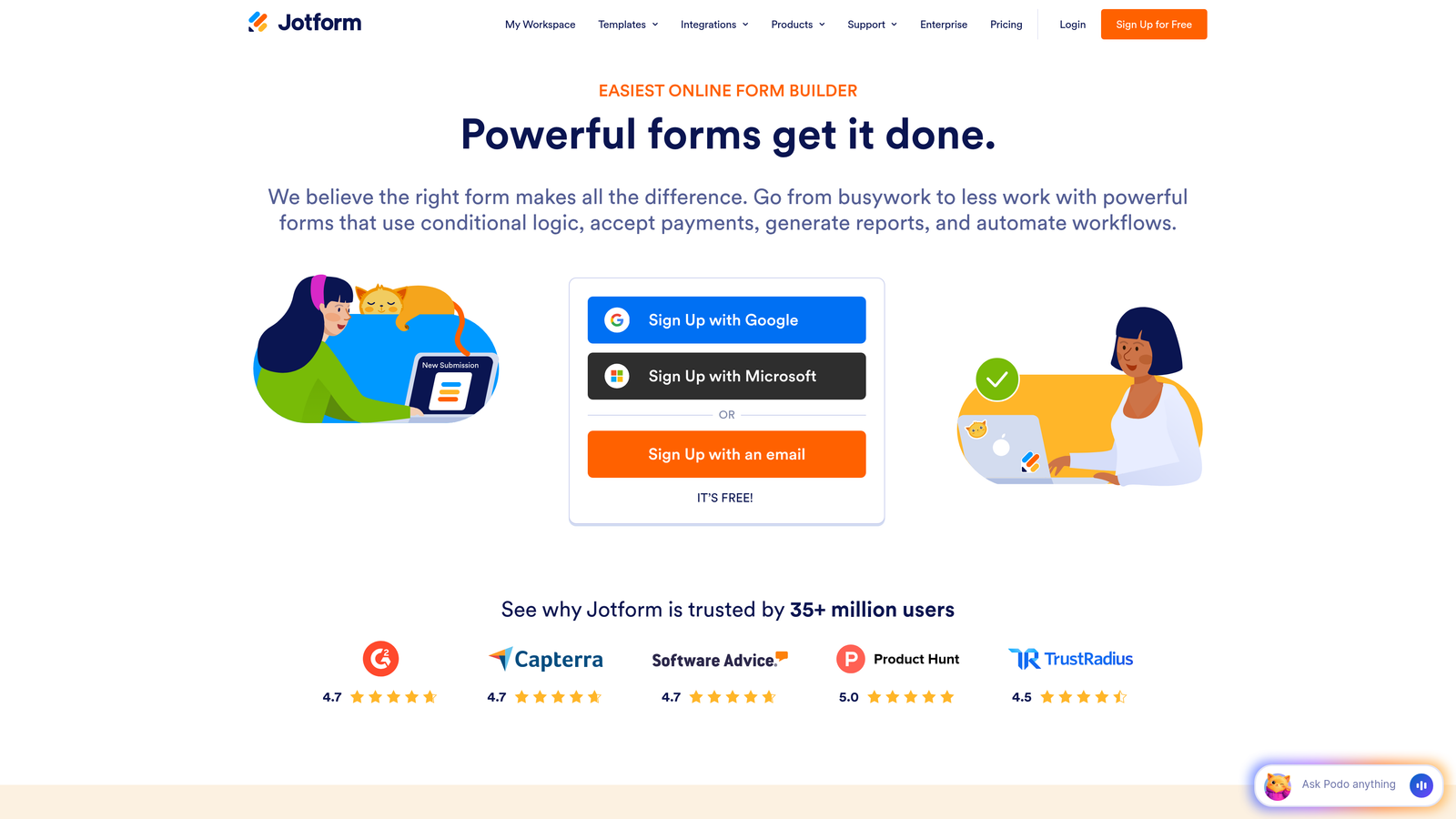
Where This Tool Shines
The template library is genuinely massive. Rather than starting from scratch, you can find intake forms specifically designed for your industry: medical practices, legal services, real estate, financial planning, and dozens more. This saves hours of form design work.
HIPAA compliance is built into specific plans, making Jotform the go-to choice for healthcare providers. The platform handles encrypted data transmission, secure storage, and provides Business Associate Agreements required for healthcare compliance.
Key Features
10,000+ Templates: Industry-specific intake forms you can customize rather than building from scratch.
HIPAA Compliance: Encrypted forms meeting healthcare privacy requirements with proper data handling and storage.
PDF Generation: Automatically create PDF documents from form submissions for record-keeping or client delivery.
E-Signature Collection: Built-in signature fields for contracts, agreements, or consent forms within your intake process.
Payment Processing: Accept deposits or retainers directly through intake forms via multiple payment gateways.
Best For
Healthcare practices requiring HIPAA compliance, and any service business wanting to skip the form design phase by starting with proven templates. Particularly valuable when you need e-signatures or payment collection as part of intake.
Pricing
Free tier available with basic features. Bronze plan starts at $34/month with increased submission limits and additional features.
4. Cognito Forms
Best for: Service businesses needing complex calculations and conditional pricing in intake forms
Cognito Forms is a form builder specializing in advanced calculations, payments, and sophisticated conditional logic.
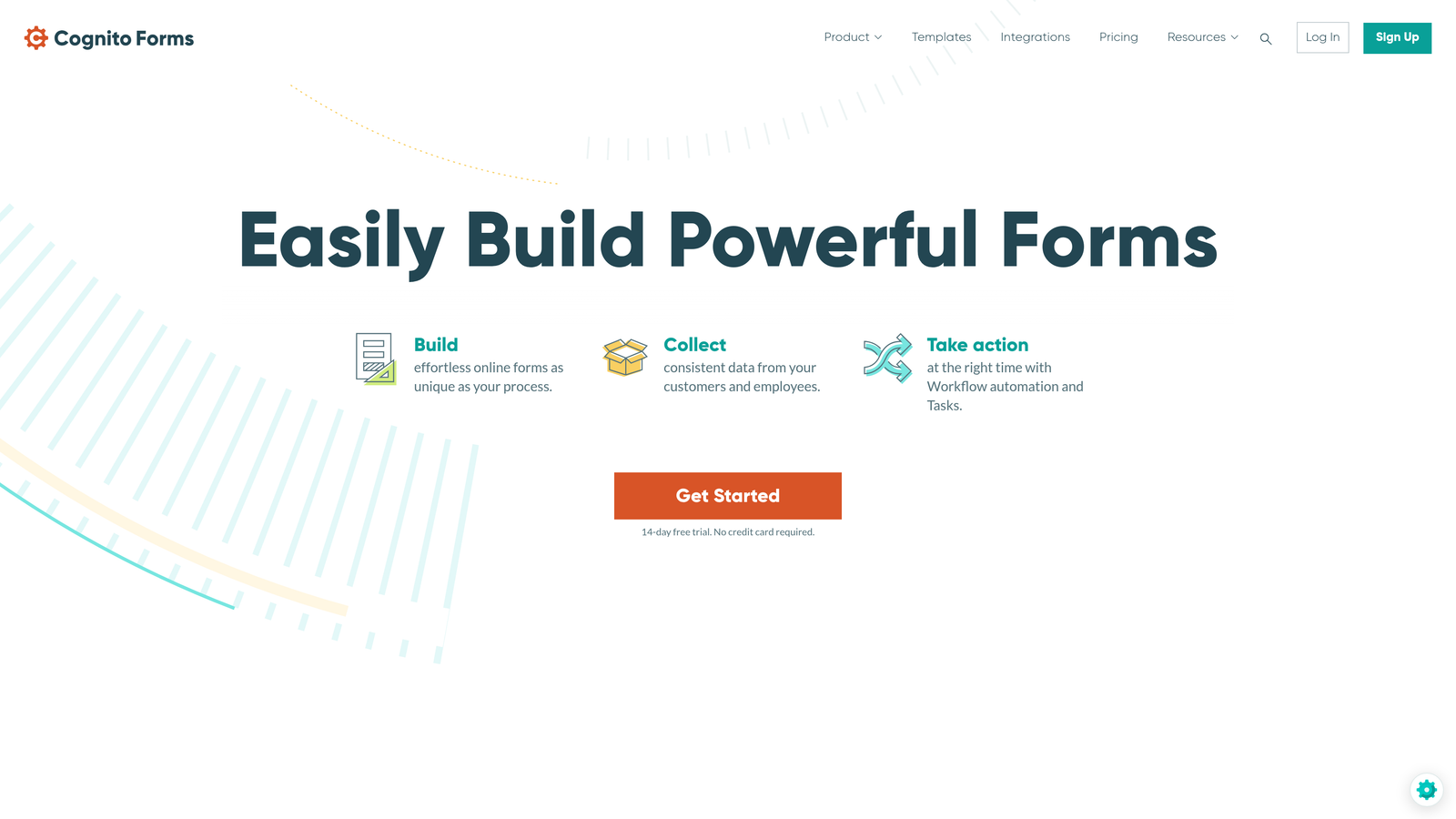
Where This Tool Shines
The calculation engine is remarkably powerful. If your service pricing depends on multiple variables—project scope, timeline, add-on services—Cognito Forms can calculate estimates in real-time as prospects complete your intake form. This transparency helps qualify leads before they even submit.
Repeating sections let prospects add multiple items without cluttering your form. A marketing agency might let prospects add multiple services they're interested in, each with its own set of detail questions, all within a single clean form.
Key Features
Advanced Calculations: Real-time pricing estimates based on service selections, quantities, and custom variables.
Integrated Payments: Accept deposits, retainers, or full payment directly through Stripe or Square integration.
Repeating Sections: Let prospects add multiple services or items without form duplication or confusion.
Workflow Routing: Send submissions through approval processes or to different team members based on form data.
Inventory Tracking: Limit service slots or track availability for businesses with capacity constraints.
Best For
Service businesses with variable pricing models, agencies offering multiple service packages, or any business that needs to calculate estimates during intake. Excellent for businesses wanting to collect payment commitments upfront.
Pricing
Free tier supports unlimited forms. Pro plan starts at $15/month with payment processing and advanced features.
5. Formstack
Best for: Enterprise service organizations with complex approval workflows and compliance requirements
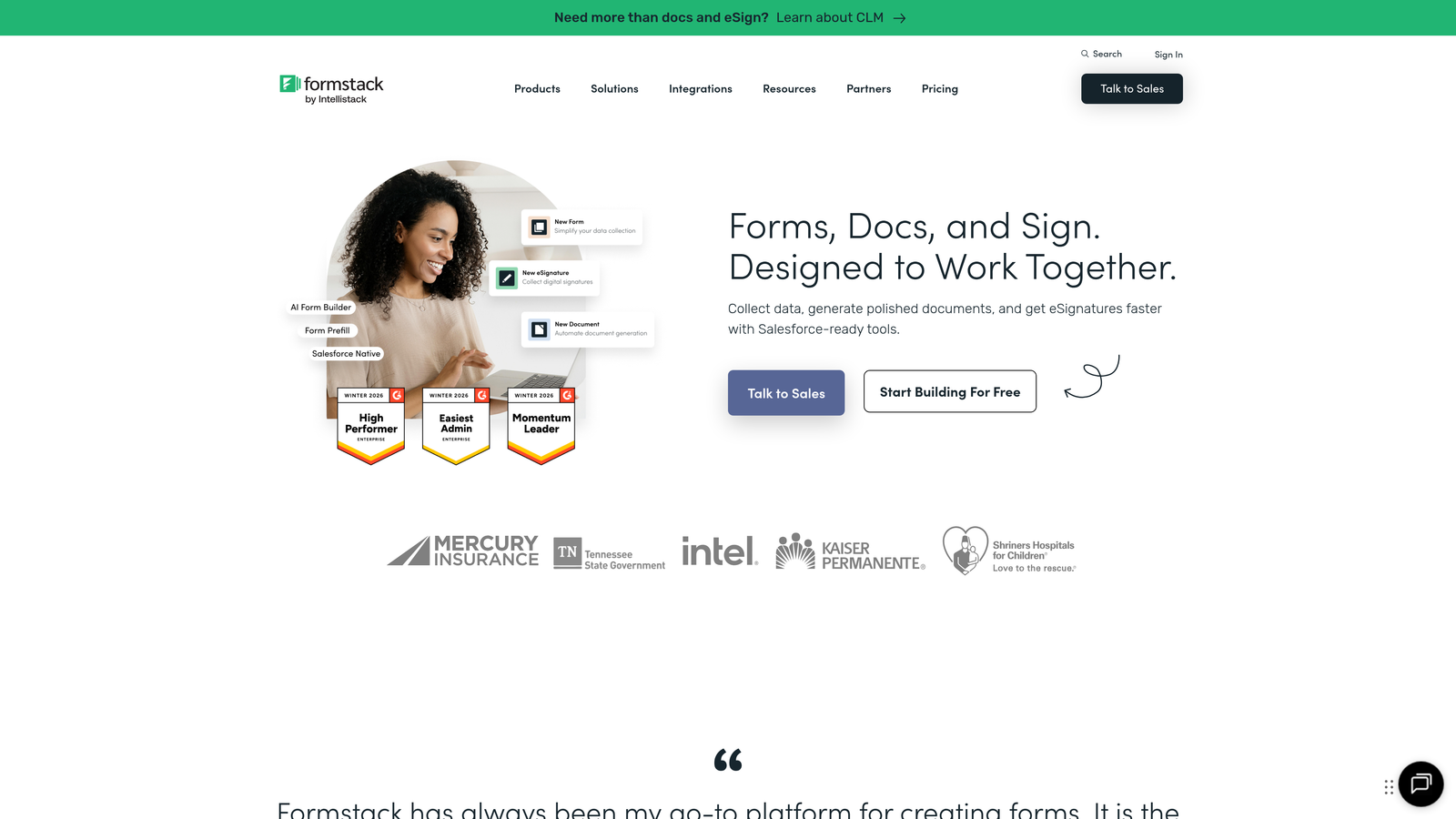
Formstack is an enterprise-grade form and workflow platform designed for organizations with sophisticated intake processes.
Where This Tool Shines
The workflow automation capabilities go far beyond simple form submission. You can build multi-step approval processes where intake requests route through department heads, compliance reviews, or resource allocation teams before client acceptance.
Document generation automatically creates contracts, proposals, or service agreements from intake data. Instead of manually copying client information into templates, Formstack populates documents automatically, reducing errors and saving significant administrative time.
Key Features
Advanced Workflow Automation: Multi-step approval processes with conditional routing based on submission data.
Document Generation: Automatically create contracts, proposals, or agreements populated with intake form data.
Enterprise Security: SOC 2 compliance, HIPAA options, and advanced security features for regulated industries.
Approval Routing: Send submissions through stakeholder reviews before final acceptance or project initiation.
Salesforce Integration: Native connection with Salesforce for seamless CRM data flow.
Best For
Large service organizations, enterprise consulting firms, or any business where intake requests require internal approvals before client acceptance. Particularly valuable for organizations already using Salesforce or needing robust compliance features.
Pricing
Starter plan begins at $50/month. Enterprise pricing available with custom features and dedicated support.
6. 123FormBuilder
Best for: Solo practitioners and small service businesses wanting simplicity over advanced features
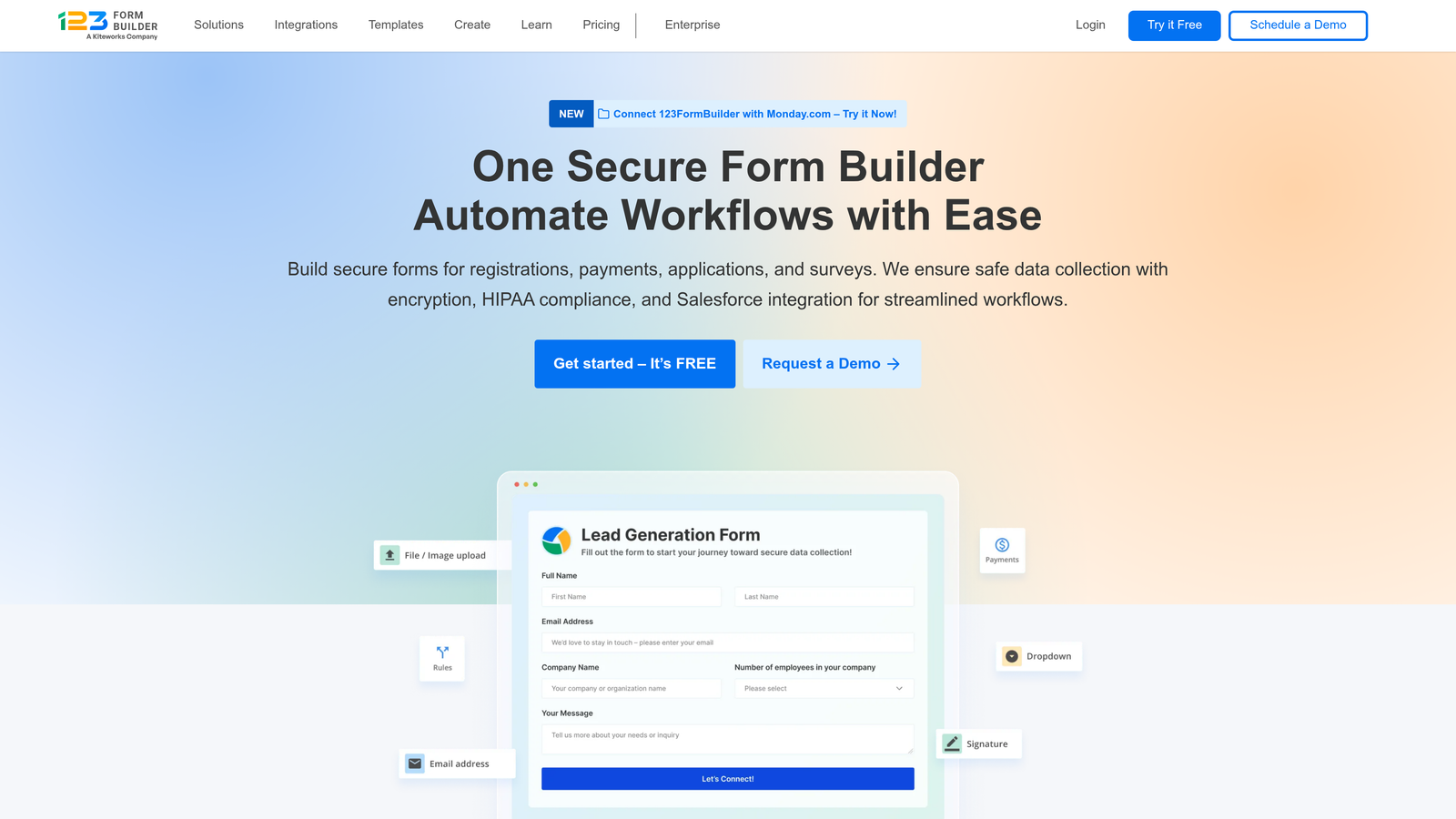
123FormBuilder is a user-friendly form builder emphasizing quick deployment and ease of use.
Where This Tool Shines
The interface is genuinely intuitive. If you're not particularly technical or don't have time to learn complex form builders, 123FormBuilder gets you from idea to published form faster than most alternatives. The drag-and-drop builder works exactly as you'd expect.
The template library covers common service business needs without overwhelming you with options. You'll find straightforward intake forms for consultants, contractors, photographers, and other service professionals that work well without extensive customization.
Key Features
Drag-and-Drop Builder: Intuitive interface that requires no technical knowledge to create professional forms.
2,000+ Templates: Pre-built forms for common service business scenarios you can deploy quickly.
Basic Conditional Logic: Show or hide fields based on answers to keep forms relevant without overwhelming complexity.
Payment Collection: Accept payments through PayPal, Stripe, or other processors for deposits or service fees.
Simple Analytics: Basic reporting on form views, submissions, and completion rates.
Best For
Solo practitioners, small service businesses, or anyone who values simplicity and quick setup over advanced features. Ideal when you need a functional intake form today without a learning curve.
Pricing
Free tier available with basic features. Gold plan starts at $24.99/month with additional functionality.
7. Paperform
Best for: Service businesses wanting intake forms that double as landing pages
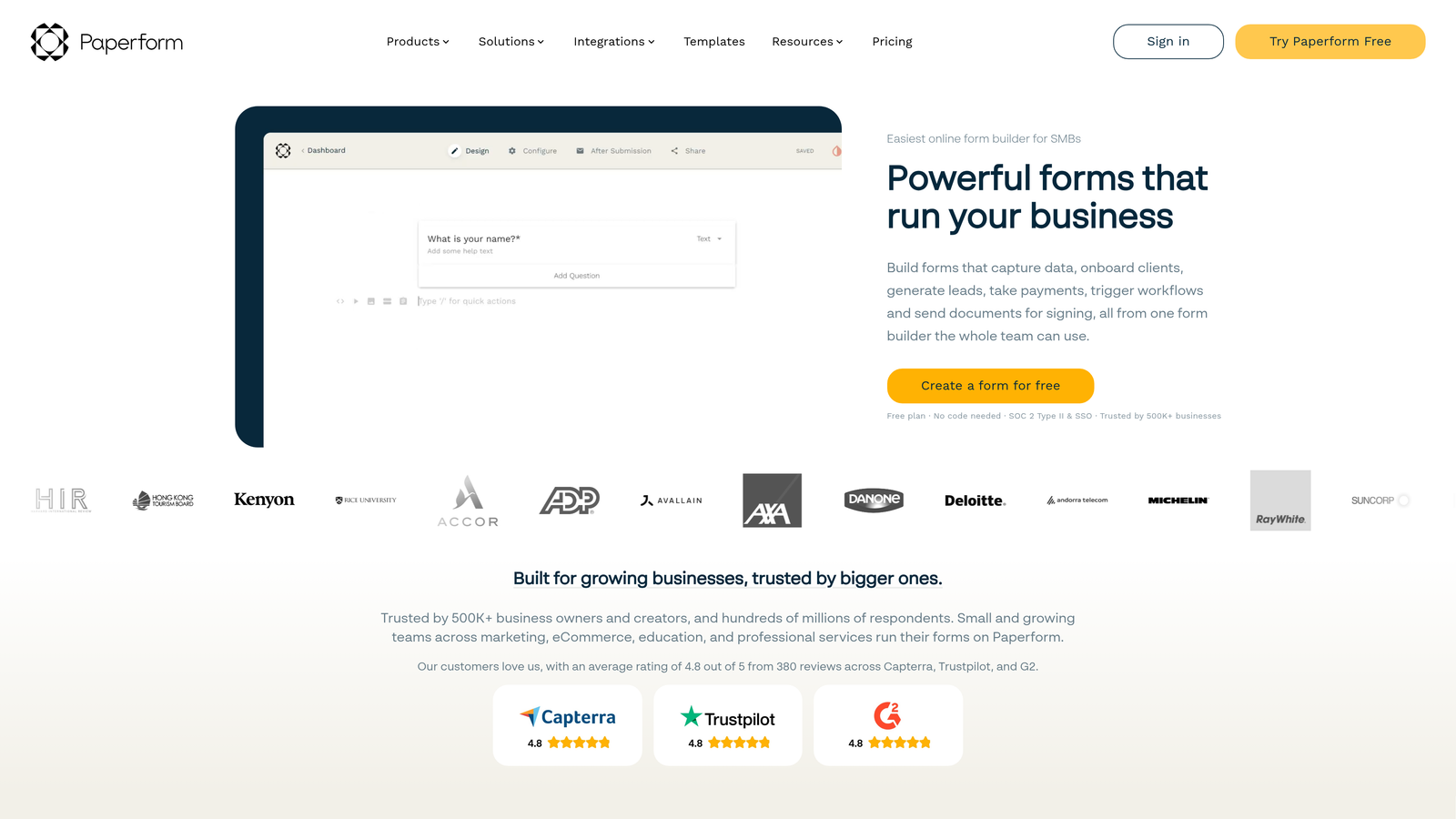
Paperform creates document-style forms that look like beautifully designed web pages rather than traditional forms.
Where This Tool Shines
The document-style layout feels less like filling out a form and more like reading a webpage with interactive elements. You can write explanatory paragraphs, add images, embed videos, and structure content in a way that educates prospects while collecting their information.
The landing page functionality means you don't need separate tools. Your intake form can serve as a service description page, pricing explainer, and data collection tool simultaneously. This consolidation simplifies your tech stack while creating a cohesive experience.
Key Features
Document-Style Layout: Forms that look like designed web pages rather than traditional field-after-field layouts.
Landing Page Functionality: Use forms as standalone pages that explain services while collecting intake information.
Product and Booking: Built-in capabilities for selling services, scheduling consultations, or taking reservations.
Advanced Conditional Logic: Show content and fields based on complex conditions for personalized experiences.
Custom Success Pages: Create tailored confirmation experiences that guide next steps after submission.
Best For
Service businesses wanting to consolidate intake forms and service explanation pages into a single tool. Particularly valuable for coaches, consultants, and creative professionals who want to educate prospects while collecting information.
Pricing
Essentials plan starts at $24/month with full feature access and branding removal.
8. Gravity Forms
Best for: WordPress-based service businesses wanting deep customization and developer control
Gravity Forms is a WordPress plugin offering extensive customization through add-ons and developer-friendly features.
Where This Tool Shines
If your service business runs on WordPress, Gravity Forms integrates more deeply than any cloud-based alternative. The forms live directly in your WordPress database, and you have complete control over styling, functionality, and data handling.
The add-on marketplace extends functionality in virtually any direction. Need to integrate with a specific CRM? There's probably an add-on. Want to create multi-page forms with save-and-continue functionality? Add-ons handle it. This extensibility makes Gravity Forms incredibly versatile for businesses with specific requirements.
Key Features
Native WordPress Integration: Forms that live directly in your WordPress installation with complete theme compatibility.
Extensive Add-On Marketplace: Hundreds of add-ons extending functionality for specific integrations or features.
Advanced Field Types: File uploads, calculations, conditional logic, and specialized fields for complex intake needs.
Conditional Logic: Show, hide, or require fields based on user responses for personalized intake paths.
Developer-Friendly: Hooks, filters, and APIs for custom functionality when standard features aren't sufficient.
Best For
WordPress-based service businesses, agencies managing multiple client sites, or any business with technical resources wanting complete control over form functionality and data handling.
Pricing
Basic license starts at $59/year for a single site. Pro and Elite licenses available for multiple sites and premium add-ons.
9. Practice Panther
Best for: Law firms needing integrated practice management with client intake
Practice Panther is legal practice management software with built-in client intake specifically designed for law firms.
Where This Tool Shines
This isn't just a form builder—it's a complete practice management system where intake forms connect directly to case management, billing, and client communication. When a prospect submits an intake form, Practice Panther can automatically create a case file, assign it to the appropriate attorney, and initiate your client onboarding workflow.
Legal-specific features like conflict checking, trust accounting compliance, and court deadline tracking mean you're not trying to force a general-purpose tool into legal workflows. The system understands how law firms operate and builds intake around those specific needs.
Key Features
Legal-Specific Intake: Forms designed for legal consultations with conflict checking and case type routing built in.
Client Portal Integration: Intake forms connect to secure client portals for ongoing document sharing and communication.
Trust Accounting Compliance: Built-in features ensuring proper handling of client funds and retainer management.
Document Management: Automatic case file creation with document organization from intake through case completion.
Court Deadline Tracking: Integration with calendaring systems to track filing deadlines and court appearances.
Best For
Law firms of any size wanting integrated practice management rather than piecing together separate tools for intake, case management, billing, and client communication. Most valuable when you need legal-specific compliance features.
Pricing
Solo plan starts at $59/month for individual practitioners. Team plans begin at $89/month per user with additional features.
Making the Right Choice
Choosing the right intake form tool depends on your service business type and growth stage. For high-growth teams wanting AI-powered qualification, Orbit AI delivers intelligent routing without manual sorting. Creative agencies prioritizing brand experience should consider Typeform's conversational approach. Healthcare and legal practices with compliance requirements will find Jotform and Practice Panther purpose-built for their needs.
Budget-conscious solo practitioners can start with 123FormBuilder's simplicity, while enterprise organizations benefit from Formstack's workflow capabilities. WordPress users gain maximum control with Gravity Forms, and businesses wanting forms that double as landing pages should explore Paperform. If your pricing involves complex calculations, Cognito Forms handles variable estimates elegantly.
Whatever you choose, the goal remains the same: capture complete client information, qualify leads automatically, and create a professional first impression that converts prospects into paying clients. The right intake form doesn't just collect data—it becomes the foundation of your entire client relationship, setting expectations and demonstrating the professionalism that makes prospects confident in choosing your services.
Transform your lead generation with AI-powered forms that qualify prospects automatically while delivering the modern, conversion-optimized experience your high-growth team needs. Start building free forms today and see how intelligent form design can elevate your conversion strategy.


