

Static forms are costing you leads. Not because your offer is wrong or your traffic is bad, but because a generic, one-size-fits-all form doesn't adapt, doesn't qualify, and doesn't do anything except collect data passively while high-intent prospects bounce.
Intelligent form platforms change that equation entirely. These tools go beyond drag-and-drop field builders to offer adaptive logic, AI-powered lead qualification, smart routing, and analytics that actually tell you something useful. They're built for teams where lead quality matters as much as lead volume, and where every friction point in a form is a conversion you didn't get.
If you're evaluating your options, this list covers the top intelligent form platforms available today. Selection criteria included AI capabilities, conditional logic depth, integration ecosystem, pricing transparency, and how well each platform scales with a growing team. You might also want to check out our guide to the best online form builders and our breakdown of AI lead generation tools for more context.
1. Orbit AI
Best for: High-growth teams that need AI-powered lead qualification built directly into the form experience.
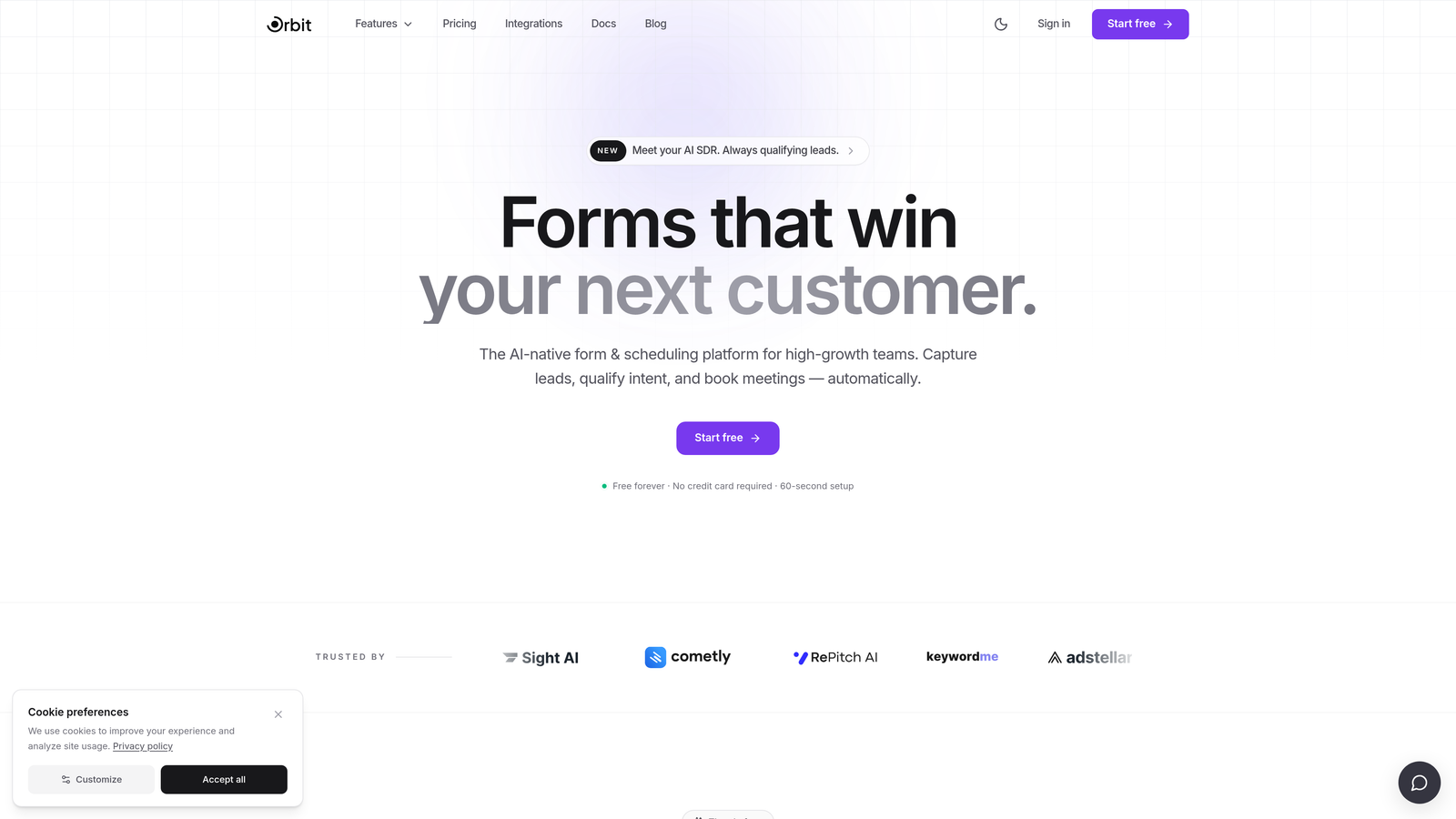
Orbit AI is an AI-powered form builder platform that scores and prioritizes leads in real time as respondents complete the form.
Where This Tool Shines
Most teams treat lead qualification as a post-submission problem, handled by CRM rules, manual review, or a separate scoring tool. Orbit AI moves that process upstream, into the form itself. As a prospect answers questions, the platform evaluates their responses in real time and surfaces lead quality signals before the form is even submitted.
This is particularly valuable for sales teams that need to act fast. Instead of waiting for a CRM workflow to fire or a rep to manually review submissions, high-intent leads are flagged immediately. The result is a tighter feedback loop between marketing and sales, and less time wasted chasing low-quality submissions.
Key Features
AI-Powered Real-Time Lead Qualification: Scores and prioritizes respondents dynamically as they move through the form, not after submission.
Conversion-Optimized Templates: Pre-built form designs specifically crafted for high-growth teams focused on lead generation and pipeline building.
Smart Conditional Logic: Adapts the form experience on the fly based on how respondents answer, creating a personalized path through the form.
Modern Visual Design: Polished, professional form aesthetics out of the box, without needing a designer to make them look good.
CRM and Marketing Automation Integrations: Connects with popular tools so qualified leads flow directly into your existing workflows.
Best For
Orbit AI is the right fit for SaaS companies, marketing teams, and sales-led organizations where lead quality is a top priority. If your team is spending too much time manually sorting submissions or relying on post-form scoring rules, the built-in qualification layer addresses that problem at the source.
Pricing
Visit orbitforms.ai for current plan details and to explore available tiers.
2. Typeform
Best for: Teams prioritizing high engagement and completion rates through a conversational form experience.
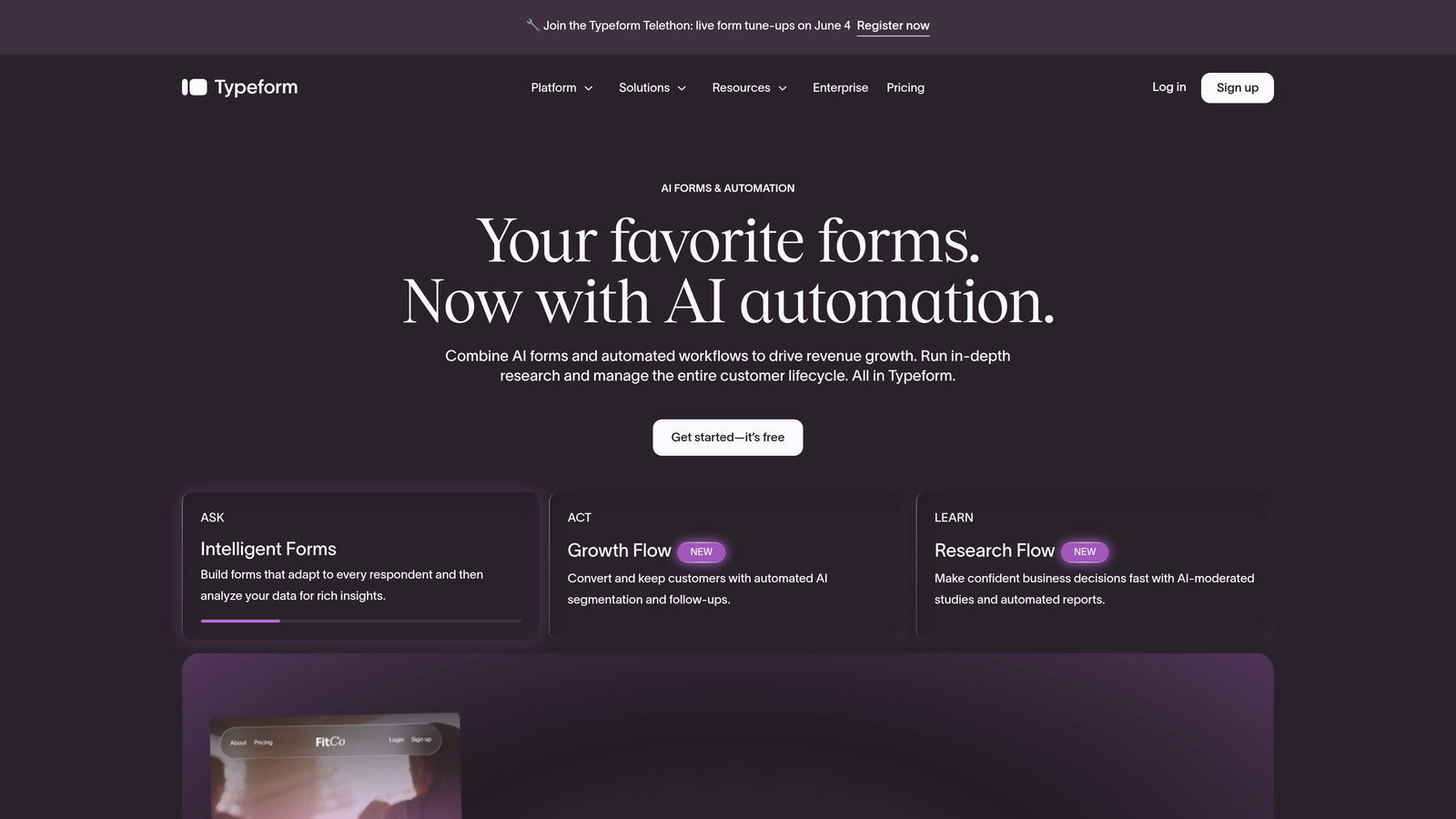
Typeform is a conversational form platform built around its signature one-question-at-a-time format.
Where This Tool Shines
Typeform pioneered the idea that forms don't have to feel like forms. By presenting one question at a time in a clean, focused interface, it reduces cognitive load and keeps respondents moving forward. The experience feels more like a conversation than a data collection exercise, which tends to improve completion rates on longer or more complex forms.
The platform has also been expanding its AI capabilities, with tools that assist in form creation and question optimization. For teams that want a polished, branded experience without heavy design work, Typeform delivers that out of the box.
Key Features
Conversational One-Question Format: Presents fields sequentially for a focused, distraction-free experience that drives completion.
Logic Jumps and Branching: Personalizes the form path based on previous answers, so respondents only see relevant questions.
Native Integrations: Connects directly with Zapier, HubSpot, Slack, and a wide range of other tools.
Media Embedding: Supports video, images, and rich content within form questions for a more engaging experience.
AI-Assisted Form Creation: Helps generate and refine form questions using AI, speeding up the build process.
Best For
Typeform works well for marketing teams running surveys, research projects, or lead capture campaigns where engagement and completion quality matter. It's also a strong choice for brand-conscious teams that want forms to feel like an extension of their product experience.
Pricing
Free plan available with basic features. Paid plans start around $25/month, with higher tiers unlocking more responses, logic, and integrations.
3. Jotform
Best for: Teams that need a versatile, no-code form builder with an enormous template library and app-building capabilities.
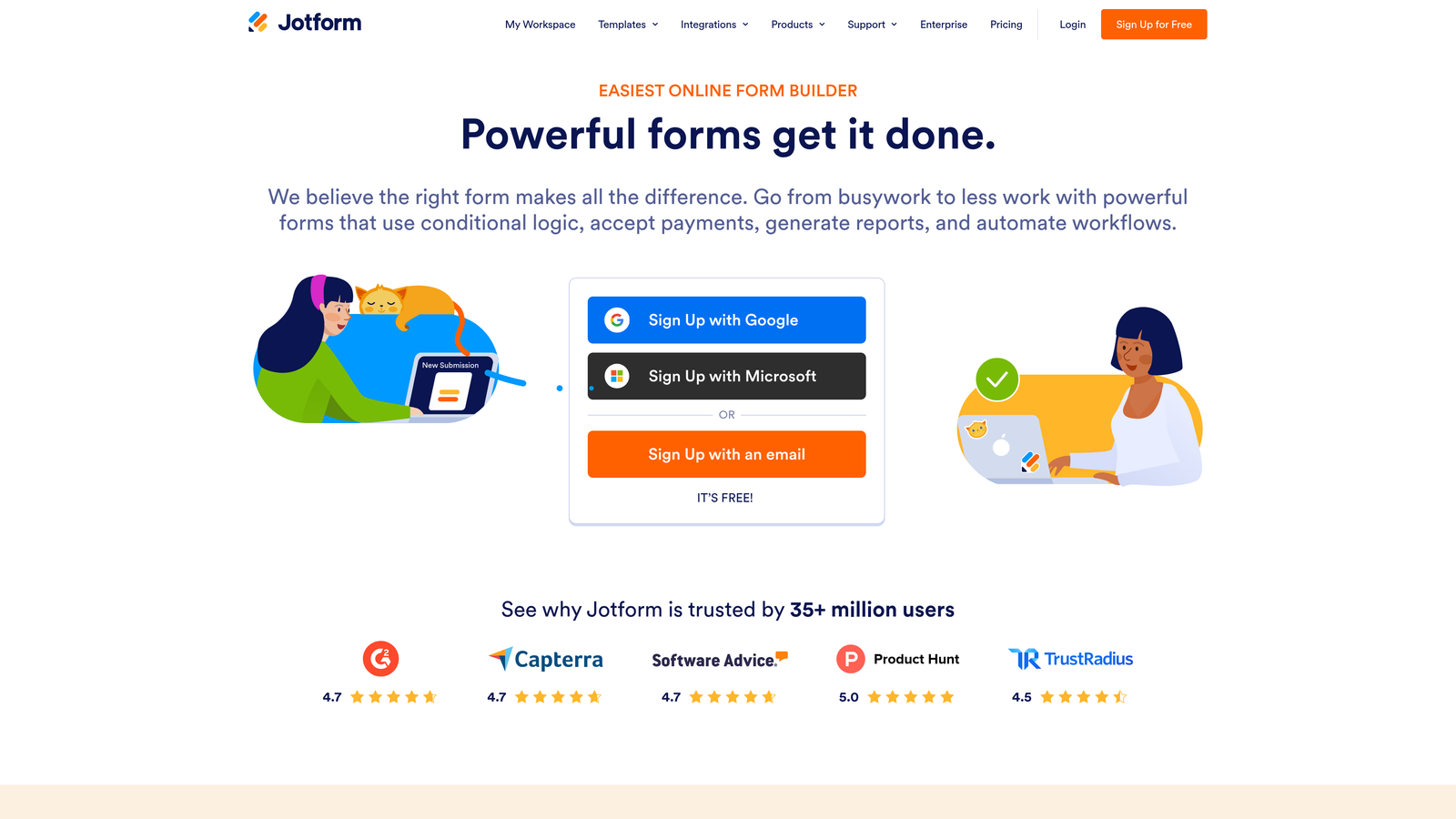
Jotform is a no-code form platform offering over 10,000 templates, drag-and-drop design, and the ability to turn forms into standalone mobile apps.
Where This Tool Shines
Jotform's depth is hard to match. Whether you need a simple contact form, a multi-step application, a payment collection page, or a full mobile app, the platform can handle it without writing a line of code. The template library alone covers virtually every industry and use case, which dramatically cuts down on build time.
Jotform Apps takes this further by letting teams package forms into branded, mobile-friendly app experiences. For operations teams, HR departments, or service businesses that rely on form-driven workflows, this flexibility is a genuine differentiator.
Key Features
10,000+ Templates: Pre-built forms across industries, from healthcare intake to event registration to e-commerce orders.
Jotform Apps: Converts forms into standalone mobile-friendly apps without additional development work.
Conditional Logic and Multi-Page Support: Builds branching, multi-step form experiences that adapt to respondent input.
Payment Collection: Accepts payments through PayPal, Stripe, Square, and other processors natively.
Jotform Tables: Provides a spreadsheet-style interface for organizing, filtering, and managing submission data.
Best For
Jotform suits teams that need a reliable, all-purpose form tool across multiple departments or use cases. It's particularly strong for operations, HR, and service teams where form variety and payment collection are regular requirements.
Pricing
Free plan available with usage limits. Paid plans start around $34/month, scaling up with submission volume and feature access.
4. HubSpot Forms
Best for: Teams already in the HubSpot ecosystem who want forms natively connected to CRM, workflows, and lead scoring.
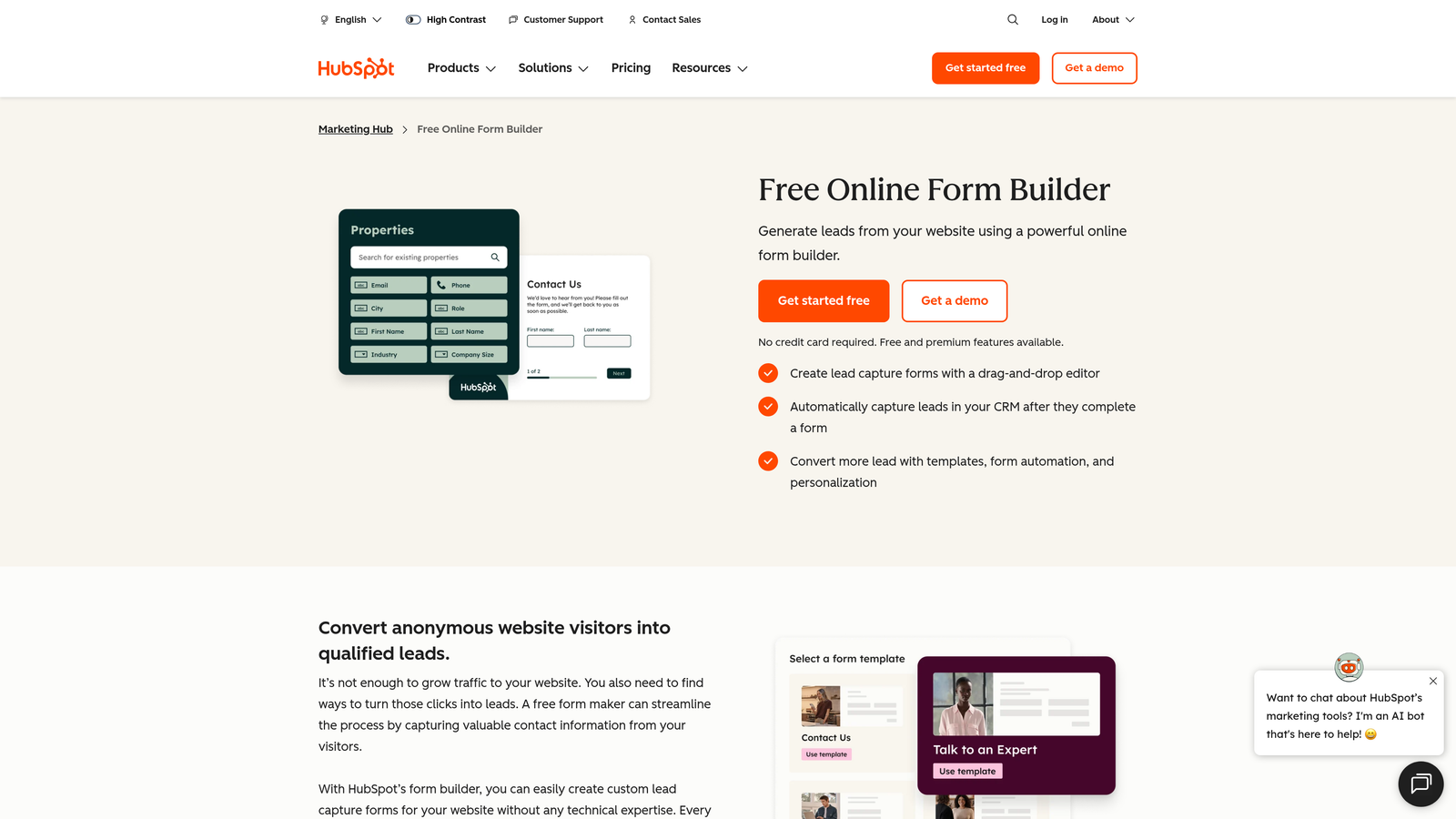
HubSpot Forms is a CRM-native form builder with progressive profiling, smart fields, and direct integration with HubSpot's marketing and sales hubs.
Where This Tool Shines
The biggest advantage HubSpot Forms has over standalone tools is context. Because it lives inside the HubSpot CRM, every form submission enriches a contact record, triggers workflows, and feeds directly into lead scoring models without any manual data mapping. For teams already running HubSpot, adding a third-party form tool often creates unnecessary complexity.
Progressive profiling is a standout capability: returning contacts see new questions rather than repeating fields they've already answered. Over time, this builds richer contact profiles without overwhelming first-time visitors with long forms.
Key Features
Progressive Profiling: Shows new questions to known contacts on return visits, gradually deepening the data profile.
Smart Fields: Adapts displayed fields based on existing CRM data, reducing redundancy for known contacts.
Native CRM Integration: Connects directly to HubSpot workflows, contact records, and lead scoring without third-party connectors.
Conditional Logic: Supports dependent fields and branching to personalize the form experience.
Built-In Analytics: Tracks form performance and supports A/B testing within the HubSpot reporting environment.
Best For
HubSpot Forms is the obvious choice for teams that have already committed to HubSpot as their CRM and marketing platform. It's less compelling as a standalone form tool but becomes extremely powerful within a full HubSpot stack.
Pricing
Free with a HubSpot CRM account. Advanced features require Marketing Hub, which starts around $20/month for starter tiers.
5. Fillout
Best for: Operations and product teams who want form data flowing directly into Airtable, Notion, or other databases without middleware.
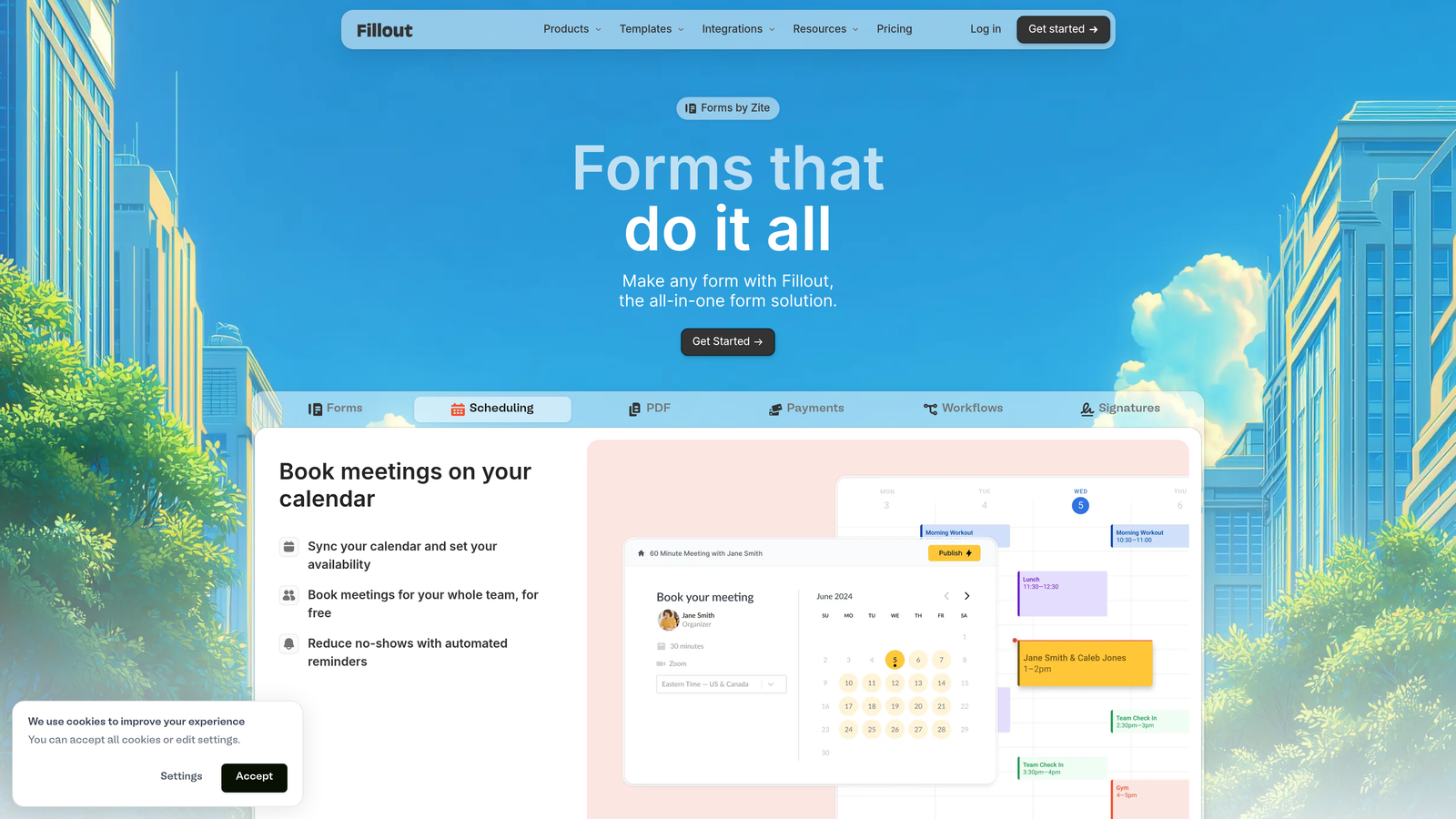
Fillout is a modern form builder with native database integrations that connect directly to Airtable, Notion, Google Sheets, and Postgres.
Where This Tool Shines
Fillout sits at the intersection of form building and database management. Rather than treating form submissions as raw data to be exported or synced via Zapier, Fillout connects natively to the databases teams are already using. Airtable bases, Notion databases, and Postgres tables become live targets for form submissions, keeping data where it belongs without extra steps.
The platform has also built a clean, modern UI that competes well on aesthetics with more design-focused tools. For ops teams who previously sacrificed form quality for data integration convenience, Fillout removes that trade-off.
Key Features
Native Database Integrations: Connects directly to Airtable, Notion, Postgres, and Google Sheets without requiring Zapier or Make.
Conditional Logic and Multi-Page Flows: Supports complex, branching form experiences across multiple steps.
Built-In Field Types: Includes scheduling, payment collection, and file upload fields natively.
Modern Customizable UI: Clean design with themeable options that look polished without heavy customization effort.
Partial Submission Tracking: Captures data from respondents who start but don't finish, helping identify drop-off points.
Best For
Fillout is a strong fit for product and operations teams running Airtable or Notion as their primary data layer. It's also well-suited for teams tired of maintaining Zapier workflows just to get form data into the right place.
Pricing
Free plan available. Paid plans start around $19/month, making it one of the more accessible options on this list.
6. Feathery
Best for: Development teams building complex, product-embedded form flows like onboarding, KYC, and multi-step checkout.
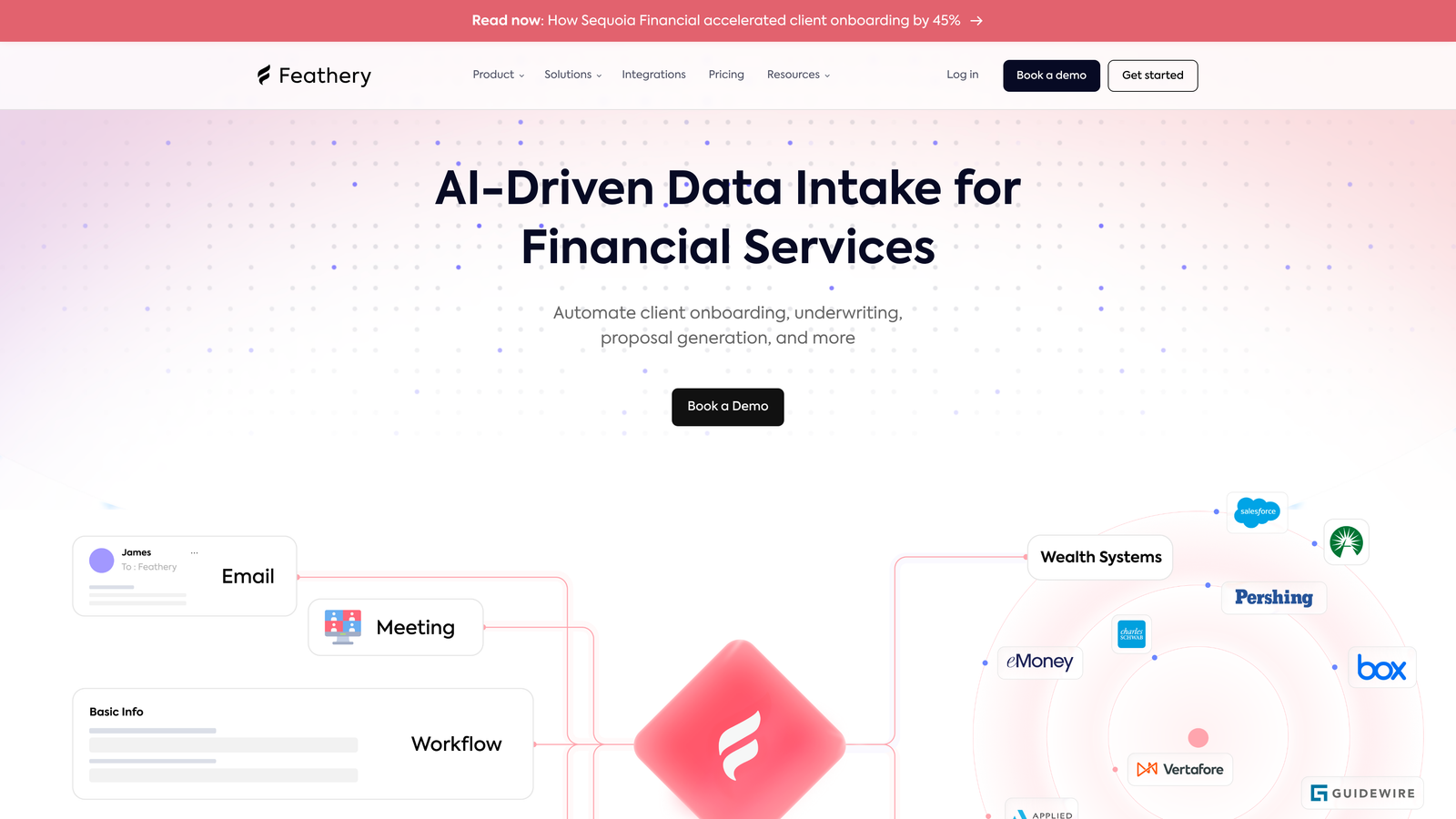
Feathery is a developer-first form platform designed for building sophisticated, deeply integrated form experiences within products.
Where This Tool Shines
Most form builders are designed for marketers. Feathery is designed for engineers, with an API-first architecture that makes it genuinely embeddable within product flows rather than bolted on as an afterthought. When a team needs a multi-step onboarding flow, a KYC verification process, or a complex checkout sequence that behaves like a native product feature, Feathery is built for that work.
The ability to drop in custom code alongside visual components gives engineering teams the flexibility to handle edge cases that no-code tools can't accommodate. Design and engineering collaboration tools are also built in, which helps when multiple stakeholders need to contribute to a complex flow.
Key Features
API-First Architecture: Designed for deep integration into existing products and codebases, not just standalone form pages.
Advanced Logic with Custom Code: Combines a visual logic builder with the ability to write custom JavaScript for complex conditions.
Pre-Built Flow Components: Includes ready-made components for KYC, onboarding, and checkout use cases.
White-Labeling and Full CSS Control: Supports complete visual customization to match any product's design system.
Collaboration Tools: Enables design and engineering teams to work together on the same form flows.
Best For
Feathery is the right choice for product and engineering teams building regulated or complex flows where a no-code tool would hit a ceiling. It's particularly strong in fintech, healthcare, and SaaS onboarding contexts.
Pricing
Free tier available. Paid plans start around $49/month, with pricing reflecting the platform's enterprise-grade capabilities.
7. Tally
Best for: Individuals and small teams who want a generous free tier with unlimited forms and a clean, Notion-style editing experience.
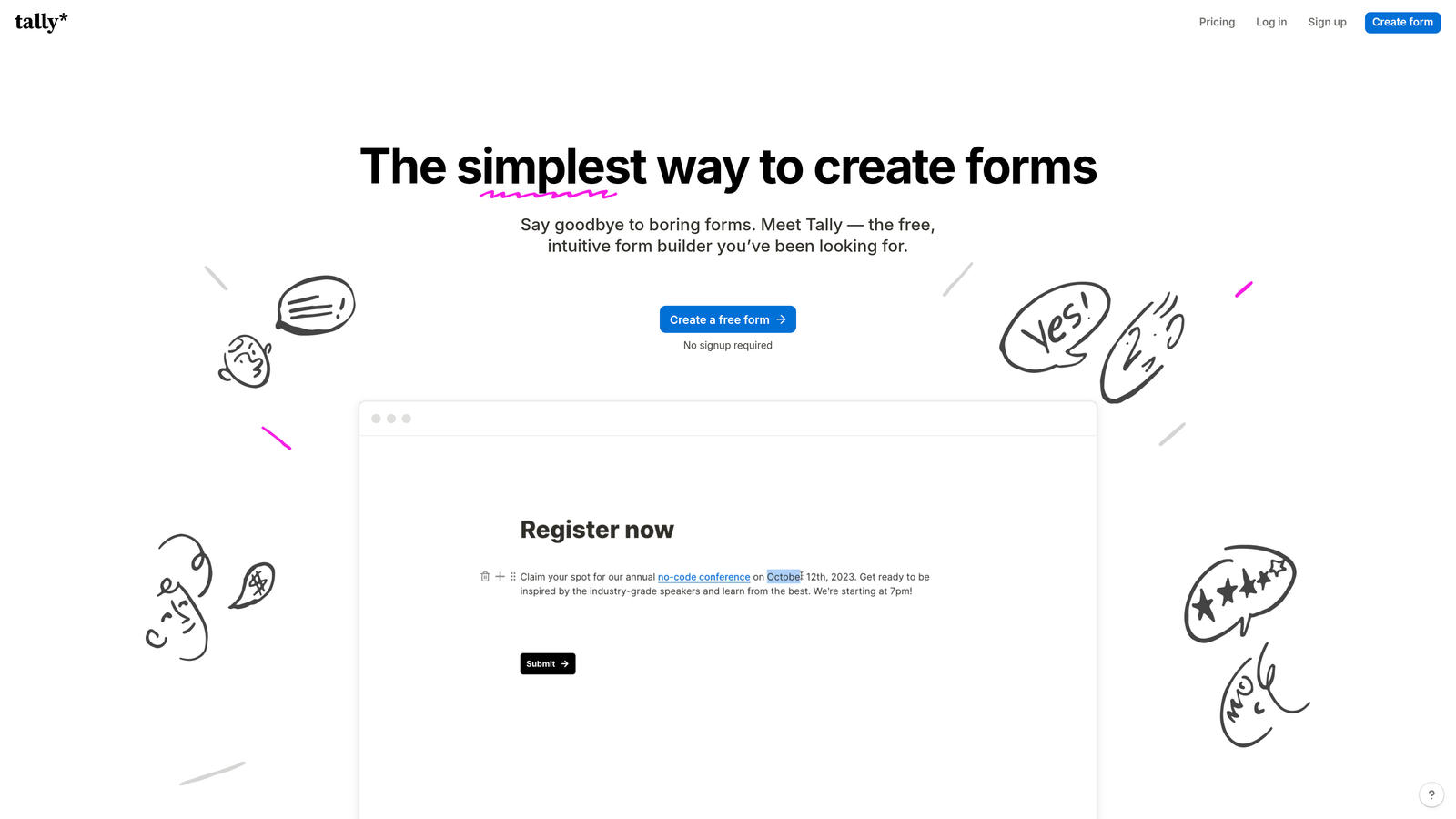
Tally is a free-first form builder with a block-based interface, unlimited forms on the free plan, and a minimal design philosophy.
Where This Tool Shines
Tally's free plan is genuinely generous in a market where most tools aggressively gate core features. Unlimited forms, unlimited submissions, conditional logic, hidden fields, and file uploads are all available without paying anything. For early-stage teams or solo operators who need capable forms without a monthly bill, that's a compelling starting point.
The Notion-style block editor also lowers the learning curve significantly. If your team already lives in Notion, Tally feels immediately familiar. It won't replace a dedicated intelligent form platform for teams with serious lead qualification needs, but as a lightweight, polished option it punches well above its price point.
Key Features
Unlimited Free Forms and Submissions: No artificial caps on the free plan, which is genuinely rare in this category.
Block-Based Editor: Notion-style interface that makes form building fast and intuitive for teams already familiar with block editors.
Conditional Logic and Calculations: Supports branching, hidden fields, and calculated fields on the free tier.
Payments and File Uploads: Handles payment collection and file upload fields without requiring an upgrade.
Integration Support: Connects via Zapier, Make, and webhooks for routing data to external tools.
Best For
Tally is ideal for freelancers, early-stage startups, and small teams that need solid form functionality without budget. It's also a good fit for internal tools, quick surveys, and lightweight lead capture where enterprise features aren't required.
Pricing
Free for most features. Tally Pro is $29/month and adds custom domains, team collaboration, and branding removal.
8. Paperform
Best for: Teams who want forms that look and feel like branded landing pages, with built-in payments and scheduling.
Paperform is a content-rich form platform that blends text, images, video, and form fields into landing-page-style experiences.
Where This Tool Shines
Paperform takes a different approach to form design: instead of treating a form as a separate object on a page, it treats the form as the page. Rich content blocks, custom fonts, brand colors, and embedded media can all live alongside form fields, creating experiences that feel more like a curated landing page than a data collection tool.
This approach works particularly well for service businesses, coaches, consultants, and e-commerce operators who want a single URL that both presents their offer and captures the response. The built-in payment processing and scheduling fields mean you can collect a booking and a payment in the same flow without stitching together multiple tools.
Key Features
Rich Content Blocks: Combines text, images, and video with form fields to create landing-page-style form experiences.
Built-In Payment Processing: Accepts payments via Stripe, PayPal, Braintree, and Square natively within the form.
Appointment Scheduling Fields: Handles booking and scheduling directly inside the form flow.
Custom Branding: Full control over themes, fonts, and CSS for a polished, on-brand experience.
Conditional Logic and Calculations: Supports dynamic fields and calculated outputs based on respondent input.
Best For
Paperform suits service businesses, consultants, and e-commerce teams who want a single, beautiful form-as-landing-page experience. It's less suited for high-volume lead generation pipelines that need deep CRM integration or AI qualification.
Pricing
Plans start around $29/month. There is no free plan, though a trial is available.
9. Formstack
Best for: Enterprise teams that need forms, document generation, and e-signatures in a single compliance-ready workflow platform.
Formstack is an enterprise-grade workflow platform that combines forms, documents, and e-signatures with HIPAA, SOC 2, and GDPR compliance support.
Where This Tool Shines
Formstack's value proposition is the full workflow, not just the form. Where most tools stop at data collection, Formstack continues into document generation and electronic signature, enabling teams to automate entire processes from intake to signed agreement without switching platforms. For regulated industries like healthcare, legal, and financial services, that end-to-end capability within a compliant environment is significant.
The Salesforce-native edition is worth noting for enterprise sales teams: it embeds directly into Salesforce, allowing forms to be built, deployed, and tracked without leaving the CRM environment. Combined with role-based access controls and audit trails, it meets the governance requirements that larger organizations typically need.
Key Features
End-to-End Workflow Automation: Connects forms, document generation, and e-signatures in a single platform without third-party tools.
Compliance Support: Built-in HIPAA, SOC 2, and GDPR capabilities for regulated industries and enterprise security requirements.
Advanced Conditional Logic and Prefill: Supports complex branching and pre-populates fields from existing data sources.
Salesforce-Native Edition: Deep CRM integration for enterprise sales teams operating within the Salesforce ecosystem.
Role-Based Access and Audit Trails: Provides the governance controls and accountability records that enterprise teams require.
Best For
Formstack is built for enterprise and mid-market organizations in regulated industries where compliance, workflow automation, and governance are non-negotiable requirements. It's overkill for small teams but genuinely powerful for the right context.
Pricing
Starts around $50/month. Enterprise pricing is available and scales with team size and feature requirements.
Which Tool Is Right for Your Team?
The honest answer is that the best intelligent form platform depends on what "intelligent" means for your specific situation. Lead qualification? Workflow automation? Database integration? Each of these tools has a distinct sweet spot.
Here's a quick breakdown by use case to help you decide:
Best for AI-driven lead qualification: Orbit AI is the standout choice here. The real-time scoring built directly into the form experience sets it apart from tools that require separate CRM rules or post-submission workflows to achieve the same result.
Best conversational experience: Typeform remains the benchmark for engagement-first form design, particularly for surveys, research, and brand-forward lead capture.
Best for CRM-native teams: If your team runs on HubSpot, HubSpot Forms is the path of least resistance. Progressive profiling and native CRM sync make it hard to justify a third-party tool in that context.
Best free option: Tally's free plan is genuinely hard to beat for teams that need capable forms without a monthly commitment.
Best for developers: Feathery is purpose-built for engineering teams embedding complex form flows inside products, with the API depth and code flexibility to match.
Best enterprise workflow platform: Formstack is the right call for regulated industries that need forms, documents, and e-signatures in a single compliant environment.
As you evaluate, think about where your biggest constraint actually is. If you're losing leads to poor qualification, start with the form experience itself. If your data is scattered across tools, database-native platforms like Fillout solve a different problem. And if you're early-stage and budget-constrained, Tally lets you build properly without spending anything.
For teams focused on growing pipeline and improving lead quality, the form is often the most underinvested part of the funnel. You might also find value in our guides on how to improve lead quality and how to increase form submissions as you refine your approach.
Start building free forms today and see how intelligent form design, built-in AI qualification, and conversion-optimized templates can change what your forms actually do for your growth team.


