

Net Promoter Score surveys are deceptively simple: one core question, a 0–10 scale, and an optional follow-up. But the form builder sitting behind that experience determines whether you get a 40% response rate or a 4% one, whether detractor feedback triggers immediate action or disappears into a spreadsheet, and whether NPS data actually connects to your CRM or lives in isolation.
A clunky tool means low completion rates, disconnected data, and insights that never reach the teams who need them most. The right tool turns a simple survey into a closed-loop customer intelligence system.
This guide covers the best NPS survey form builders available in 2026, evaluated on ease of setup, design flexibility, conditional logic, integrations, and how well they connect survey data to your broader growth workflows. Each pick is genuinely assessed, including where it falls short, so you can match the right tool to your team's actual needs.
1. Orbit AI
Best for: High-growth SaaS teams that want NPS surveys to trigger automated follow-up workflows
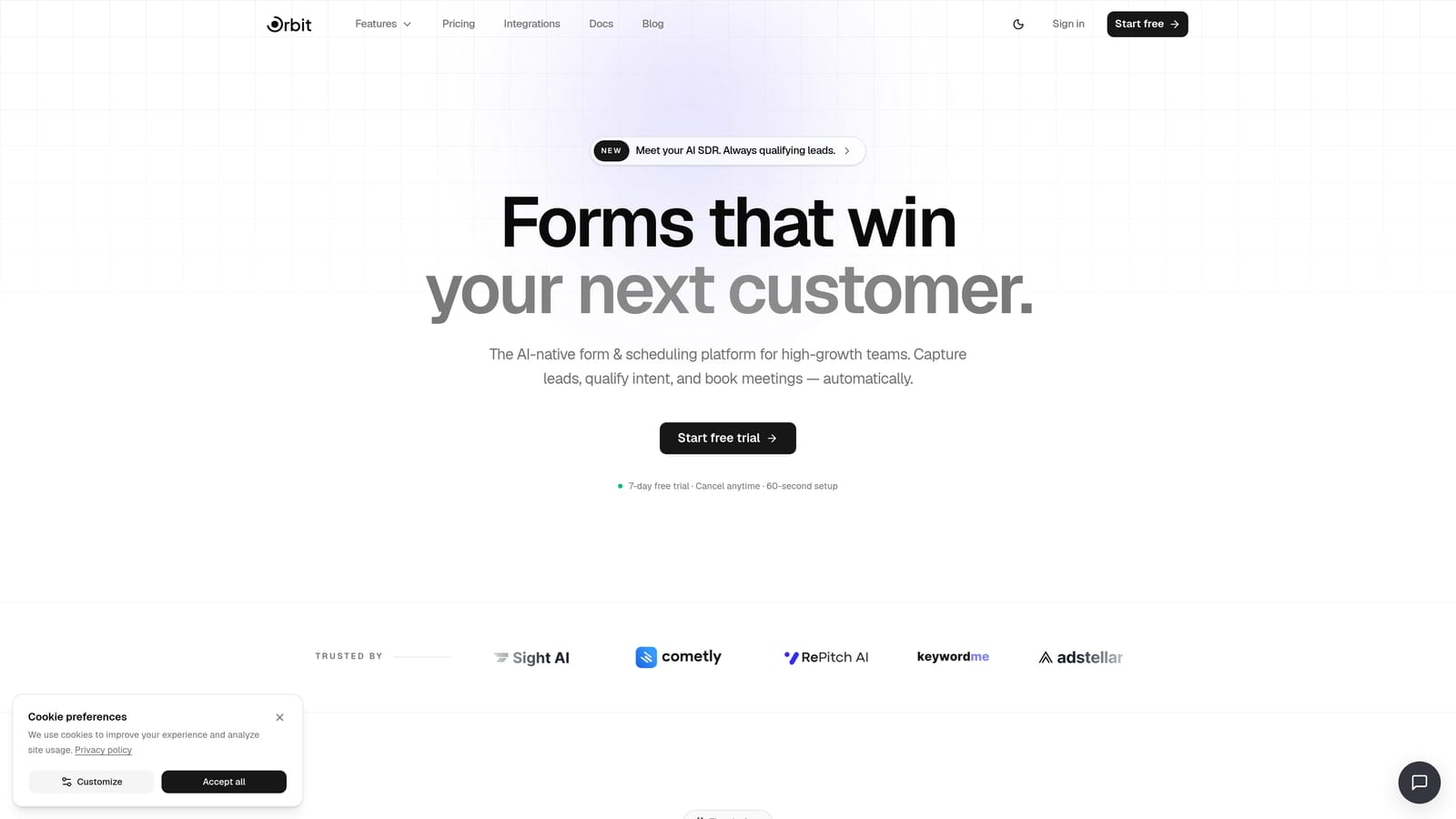
Orbit AI is an AI-powered form builder with lead qualification logic and workflow automation built specifically for growth-focused teams.
Where This Tool Shines
Most NPS tools stop at collecting responses. Orbit AI is built around what happens next. Its AI-powered form logic can segment respondents automatically by score band, routing detractors into a recovery sequence, passives into a nurture flow, and promoters toward referral or case study opportunities, without anyone manually reviewing submissions.
For SaaS teams running post-onboarding or quarterly NPS programs, this closes the loop at scale. The form design is modern and conversion-optimized, which matters more than it sounds: a well-designed NPS form consistently outperforms a generic one on response rates, and Orbit AI's UI reflects that priority from the ground up.
Key Features
AI-Powered Score Routing: Automatically segments respondents into Detractor, Passive, or Promoter paths and triggers different follow-up sequences based on score band.
Automated Follow-Up Sequences: Closes the loop with detractors and amplifies promoter relationships through pre-built workflow automation tied directly to NPS submissions.
Conversion-Optimized Design: Modern, clean form UI designed to maximize response rates, with customizable branding that doesn't feel like a generic survey tool.
Built-In Analytics: Tracks NPS response trends over time, giving teams visibility into score distribution and shifts without needing a separate reporting tool.
Workflow Integrations: Connects NPS data to broader growth tools, so insights land in your CRM, customer success platform, or Slack channel automatically.
Best For
High-growth SaaS teams and customer success functions that need NPS surveys to do more than collect data. If your priority is closing the loop at scale, automating detractor recovery, or connecting NPS signals to your broader revenue workflow, Orbit AI is built for exactly that use case.
Pricing
Visit orbitforms.ai/pricing for current plan details. Pricing is structured for growing teams with different automation and volume needs.
2. Typeform
Best for: Teams prioritizing respondent engagement and high completion rates through conversational UX
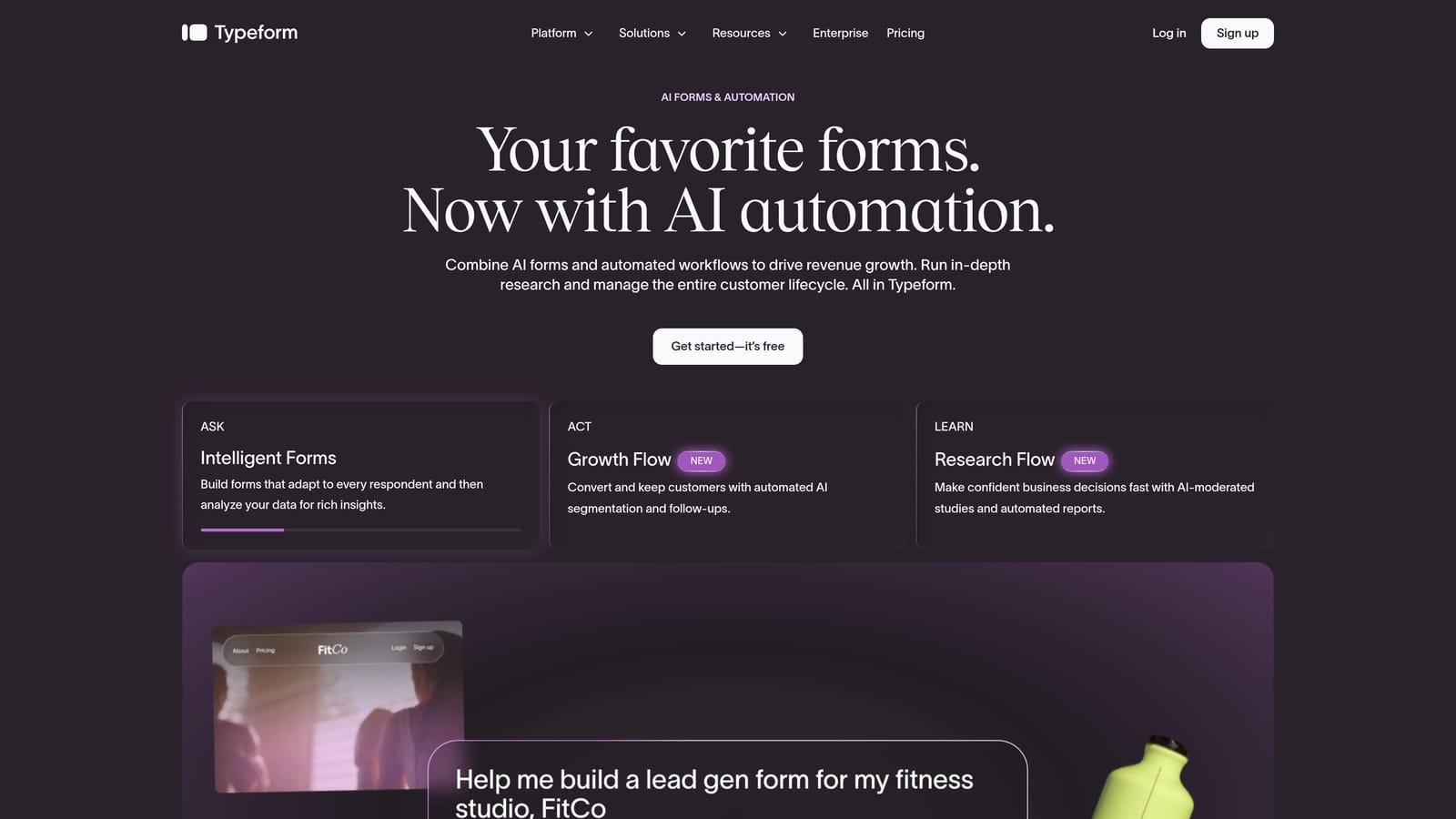
Typeform is a conversational form builder with a native NPS question type and a one-question-at-a-time interface designed to feel less like a survey and more like a conversation.
Where This Tool Shines
Typeform's biggest advantage in NPS use cases is its respondent experience. The one-at-a-time format reduces cognitive load, and the native NPS field type means you're not manually configuring a rating scale from scratch. Logic jumps let you route Detractors, Passives, and Promoters to different follow-up questions, which keeps the survey relevant without making it feel long.
The integration ecosystem is broad. Typeform connects natively with many CRM and customer success platforms, and Zapier fills any remaining gaps. Where it falls short is depth of automation: Typeform surfaces the data, but orchestrating what happens next typically requires a third-party tool or manual process.
Key Features
Native NPS Question Type: Pre-built 0–10 scale field with proper NPS formatting, ready to drop into any form without manual configuration.
Logic Jumps: Routes respondents to different follow-up questions based on their score, keeping the survey relevant for each segment.
Conversational Interface: One-question-at-a-time UX that reduces drop-off and makes surveys feel less formal and more engaging.
Integration Ecosystem: Native connections to popular CRMs, Slack, and Zapier for routing response data to the tools your team already uses.
Custom Branding: Branded themes and custom domains available on paid plans for a polished, on-brand respondent experience.
Best For
Marketing and CX teams that prioritize response rates and want a polished, engaging survey experience. Typeform works well for mid-market teams with an existing automation layer (like Zapier or HubSpot workflows) that can handle post-submission routing.
Pricing
Free plan available with limited responses and features. Paid plans start from approximately $25/month. Verify current pricing at typeform.com.
3. Jotform
Best for: Enterprise teams needing compliance controls, extensive templates, and a wide integration library
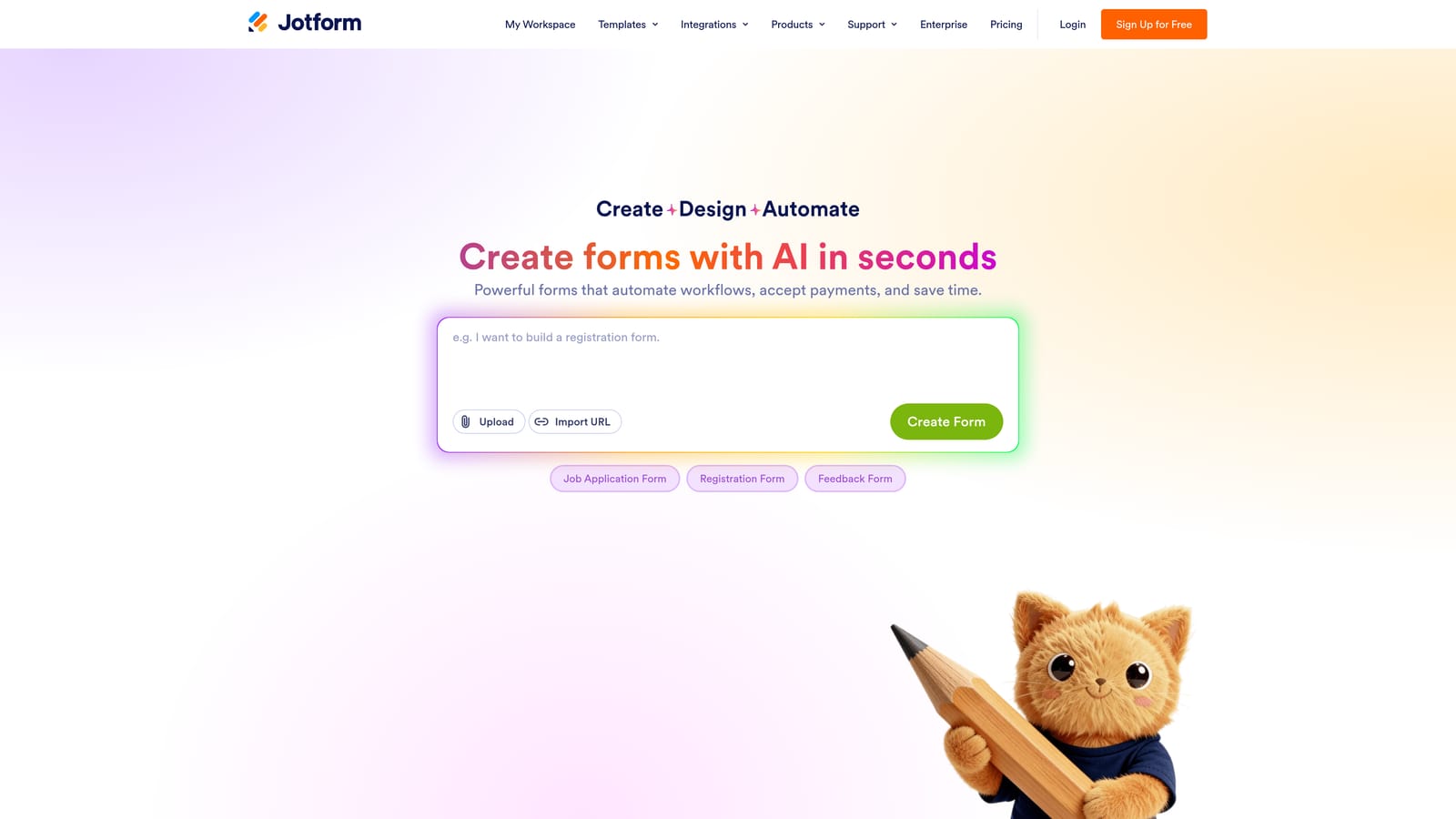
Jotform is a feature-rich form builder with an extensive NPS template library, advanced conditional logic, and enterprise-grade compliance controls for structured survey programs.
Where This Tool Shines
Jotform's depth is its defining characteristic. The template library includes ready-made NPS survey forms you can deploy immediately, and the conditional logic engine handles score-based branching with precision. For teams running NPS across multiple product lines or customer segments, multi-page form support and advanced calculations give you flexibility that simpler tools can't match.
The enterprise tier adds HIPAA compliance, SSO, and advanced security controls, making Jotform one of the few form builders that can operate inside regulated industry environments. The tradeoff is interface complexity: Jotform can feel heavy for teams that just need a clean two-question NPS survey and a webhook.
Key Features
NPS Template Library: Pre-built survey templates with proper NPS structure, reducing setup time for teams starting from scratch.
Conditional Logic: Score-based branching that shows different follow-up questions for each respondent segment without manual filtering.
Enterprise Compliance: HIPAA compliance, SSO, and advanced security features on enterprise plans for regulated industries.
Wide Integration Library: Connects with CRM, helpdesk, and customer success tools through native integrations and API access.
Multi-Page Support: Handles longer survey flows with multi-page forms and progress indicators for more complex NPS programs.
Best For
Enterprise and mid-market teams with compliance requirements, or organizations running complex NPS programs across multiple segments. Also well-suited for teams that want to start from a template rather than building from scratch.
Pricing
Free plan available with Jotform branding. Paid plans start from approximately $34/month. Enterprise pricing is available separately. Verify current tiers at jotform.com.
4. Tally
Best for: Small teams and early-stage companies that need a clean, no-fuss NPS form without a paid subscription
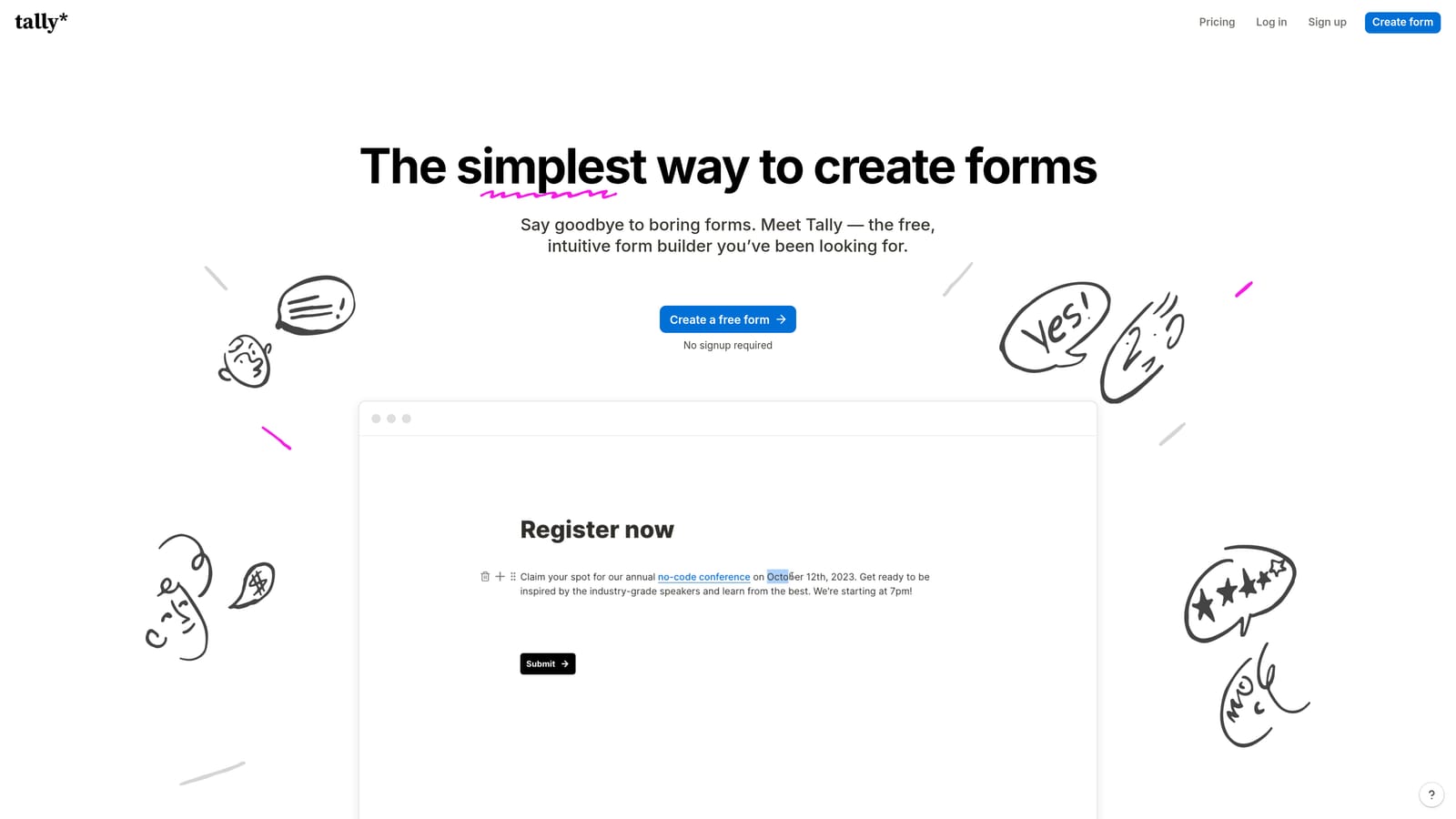
Tally is a minimal, Notion-inspired form builder with a generous free tier, ideal for teams that need a clean NPS form without complex setup or ongoing cost.
Where This Tool Shines
Tally's block-based editor is fast and intuitive. You can build a functional NPS survey in minutes, embed it via link, iframe, or popup, and start collecting responses without touching a credit card. The respondent experience is clean and distraction-free, which matters for completion rates on short surveys.
The honest limitation: Tally doesn't have a native NPS field type, so you'll configure a rating scale manually. It also lacks the advanced automation that teams running large-scale NPS programs typically need. But for early-stage SaaS companies running their first NPS pulse or small teams without a dedicated ops function, Tally's free plan is genuinely useful rather than artificially limited.
Key Features
Block-Based Editor: Fast, intuitive form creation with a Notion-style interface that requires no learning curve for teams already familiar with block editors.
Clean Respondent Experience: Minimal, distraction-free form design that keeps completion rates strong on short surveys.
Flexible Embed Options: Distribute via link, iframe, or popup without additional configuration.
Basic Conditional Logic: Score-based branching for simple follow-up question routing.
Generous Free Plan: No response limits on the free tier, making it genuinely viable for teams at early stages.
Best For
Early-stage startups, small teams, and individual operators who need a quick NPS survey without budget allocation. Also useful for internal NPS programs where advanced automation isn't required.
Pricing
Free plan with no response limits. Tally Pro starts from approximately $29/month. Verify current pricing at tally.so.
5. Paperform
Best for: Teams embedding NPS questions within multi-touchpoint customer journey forms
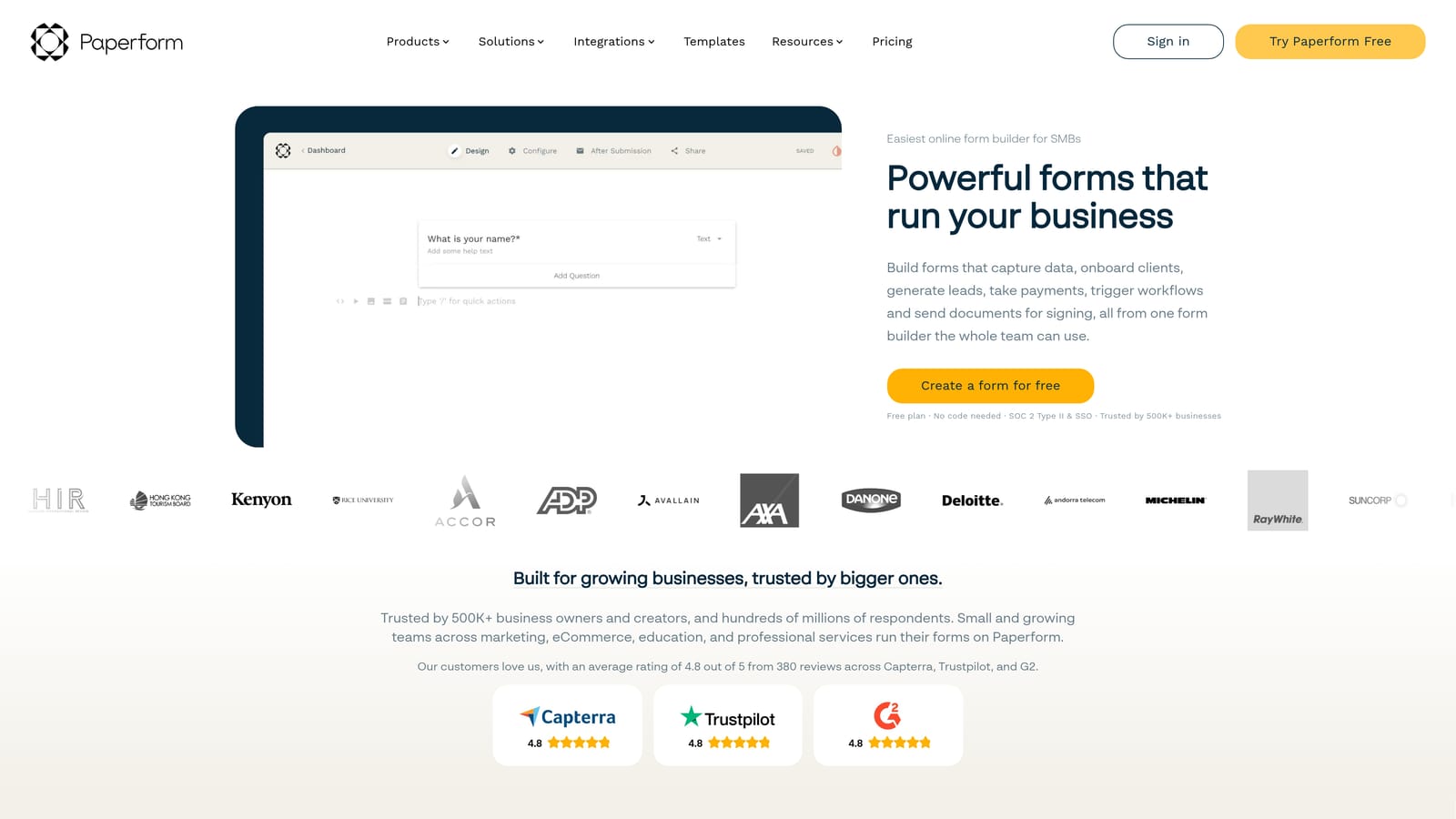
Paperform is a document-style form builder that blends NPS questions with rich media, payments, and scheduling, suited for forms that serve multiple purposes across the customer journey.
Where This Tool Shines
Paperform's document-style editor is genuinely different from most form builders. You write prose, drop in form fields, add images, and build something that reads like a thoughtful document rather than a clinical survey. For NPS surveys embedded in a broader customer touchpoint, like a post-onboarding check-in that also includes scheduling a success call or collecting payment for an upsell, Paperform handles the combination elegantly.
Conditional logic handles score-based branching well, and Zapier plus webhook support means response data can flow into your existing stack. Where Paperform is less suited is pure NPS programs at scale: it's a multi-purpose tool that excels at versatility, not at dedicated NPS workflow automation.
Key Features
Document-Style Editor: Mix prose, images, and form fields in a single canvas for surveys that feel like thoughtful communications rather than generic forms.
Conditional Logic: Score-based question branching for routing Detractors, Passives, and Promoters to relevant follow-up content.
Native Payment and Scheduling: Combine NPS questions with payment collection or calendar booking in a single form flow.
Zapier and Webhook Support: Routes response data to CRM, customer success, or communication tools automatically.
Custom Domain and Branding: Full white-label options for a polished, on-brand survey experience.
Best For
Customer success and marketing teams that want NPS questions embedded within richer customer touchpoints rather than standalone survey links. Strong fit for teams already using Paperform for other form types who want to consolidate their tool stack.
Pricing
No free tier; a free trial is available. Plans start from approximately $24/month. Verify current pricing at paperform.co.
6. Formstack
Best for: Enterprise teams running structured NPS programs with complex approval workflows and compliance requirements
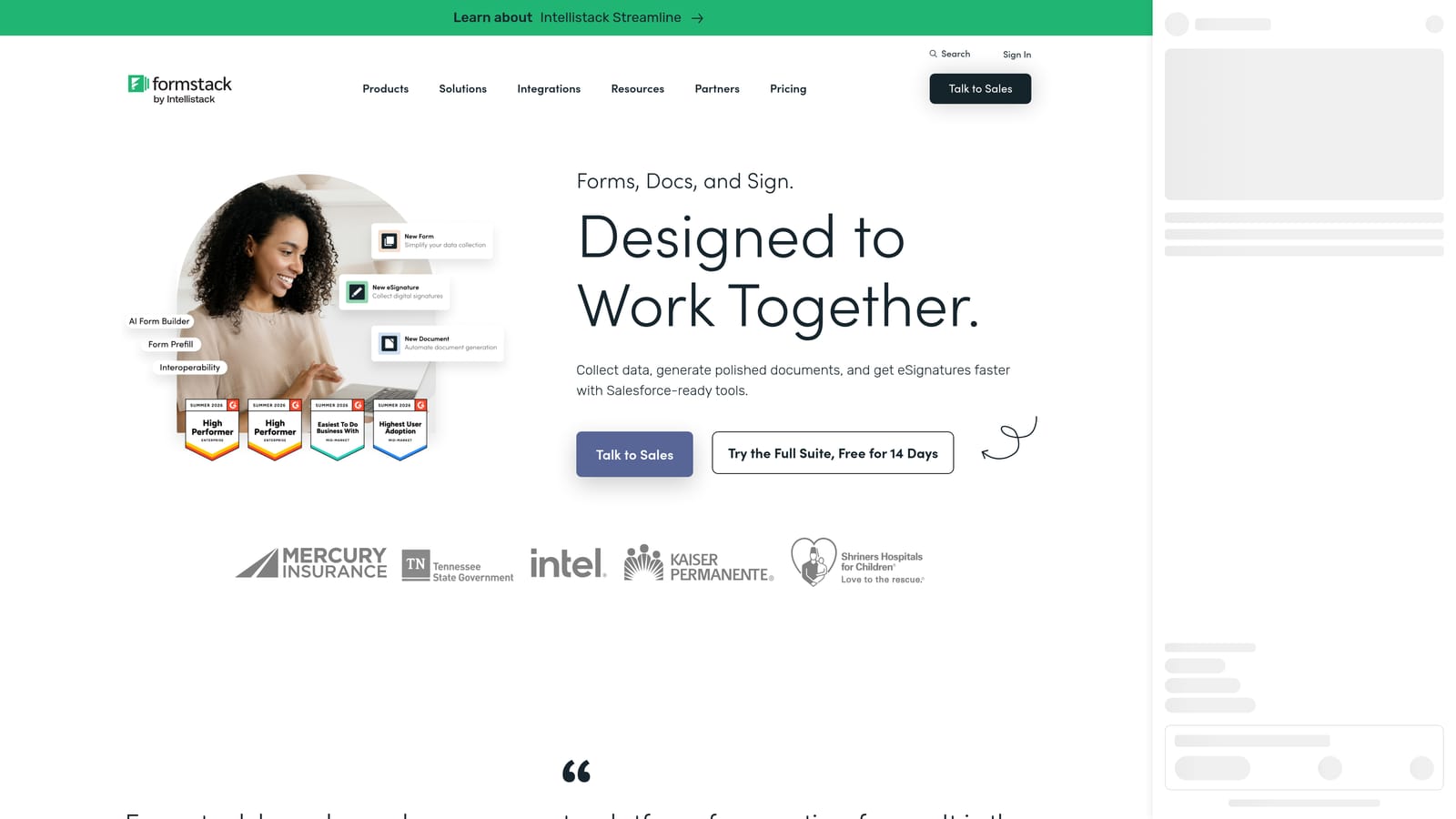
Formstack is an enterprise-oriented form and workflow platform with advanced data routing, document generation, and compliance features for organizations running formal NPS programs.
Where This Tool Shines
Formstack operates at a different level of organizational complexity than most tools on this list. Its workflow automation connects NPS submissions to approval chains, document generation, and e-signature flows, which matters for enterprise teams where survey responses need to trigger formal processes rather than just a Slack notification. HIPAA and GDPR compliance features make it viable in regulated industries where data handling requirements are strict.
The tradeoff is setup complexity and cost. Formstack requires more configuration than simpler tools, and its price point reflects its enterprise positioning. For a small team running a quarterly NPS survey, it's significant overkill. For a mid-market or enterprise operations team managing NPS as part of a formal customer program with documented workflows, it's a strong fit.
Key Features
Advanced Workflow Automation: Connects NPS submissions to multi-step approval workflows, escalation chains, and operational processes beyond basic notifications.
Score-Based Conditional Logic: Routes respondents and submission data based on NPS score for structured follow-up processes.
HIPAA and GDPR Compliance: Enterprise-grade data handling for regulated industries with documented compliance controls.
Document Generation and E-Signature: Generates documents and collects signatures as part of post-survey workflows, useful for formal customer programs.
Approval Workflows: Structured review and sign-off processes tied to NPS submissions for enterprise governance requirements.
Best For
Enterprise and mid-market operations teams running formal NPS programs with compliance requirements, multi-step workflows, or integration into document and approval processes. Less suited for lean teams that need speed and simplicity.
Pricing
Plans start from approximately $83/month; enterprise pricing is available. Verify current plans at formstack.com.
Choosing the Right NPS Survey Form Builder for Your Team
The best NPS tool isn't the one with the most features. It's the one that matches how your team actually works and what you plan to do with the data after it comes in.
Here's how the picks break down by use case:
Orbit AI is the strongest choice for high-growth SaaS teams that want NPS surveys to drive action automatically. If closing the loop with detractors, nurturing promoters, and connecting NPS signals to your CRM without manual intervention is the goal, the AI-powered routing and workflow automation are purpose-built for that outcome.
Typeform is the right pick when respondent engagement and completion rates are the primary concern. Its conversational UX consistently performs well for customer-facing surveys, and the native NPS field type removes setup friction.
Jotform fits enterprise and compliance-sensitive environments best. The template library accelerates setup, and the HIPAA and SSO features matter for regulated industries that simpler tools can't serve.
Tally is the honest choice for early-stage teams or anyone who needs a functional NPS survey without a budget line item. The free plan is genuinely capable for simple programs.
Paperform works best when NPS is one piece of a larger customer touchpoint, like a post-onboarding check-in that also includes scheduling or a product update survey that combines feedback with a next-step CTA.
Formstack belongs in enterprise stacks where NPS submissions need to trigger formal approval workflows, generate documents, or operate inside strict compliance frameworks.
If you're building or scaling an NPS program and want the survey itself to drive downstream action automatically, Orbit AI is worth exploring first. Start building free forms today and see how AI-powered form logic can turn NPS responses into closed-loop workflows that actually move the needle for your team.


