

Managing event registrations at scale is harder than it looks. Whether you're running a multi-track conference, a weekly webinar series, a product launch, or a community meetup, the registration experience sets the tone for everything that follows. A clunky form loses attendees before they even sign up. A smart one can qualify leads, segment your audience, and feed your CRM before the event even starts.
High-growth teams need more than a basic form. They need software that handles payments, manages attendee data, integrates with their marketing stack, and delivers a branded registration experience that converts. That's a tall order, and not every tool is built for it.
This list covers the best event registration forms software across different budgets and use cases, from AI-powered form builders to full-scale event management platforms. Each tool was evaluated on ease of use, customization options, integrations, payment handling, attendee management, and pricing flexibility. If you're also thinking about the broader form strategy behind your registration flows, check out our guides on how to build effective web forms and how to improve form conversion rates.
1. Orbit AI
Best for: High-growth teams that want event registration forms to double as lead qualification engines.
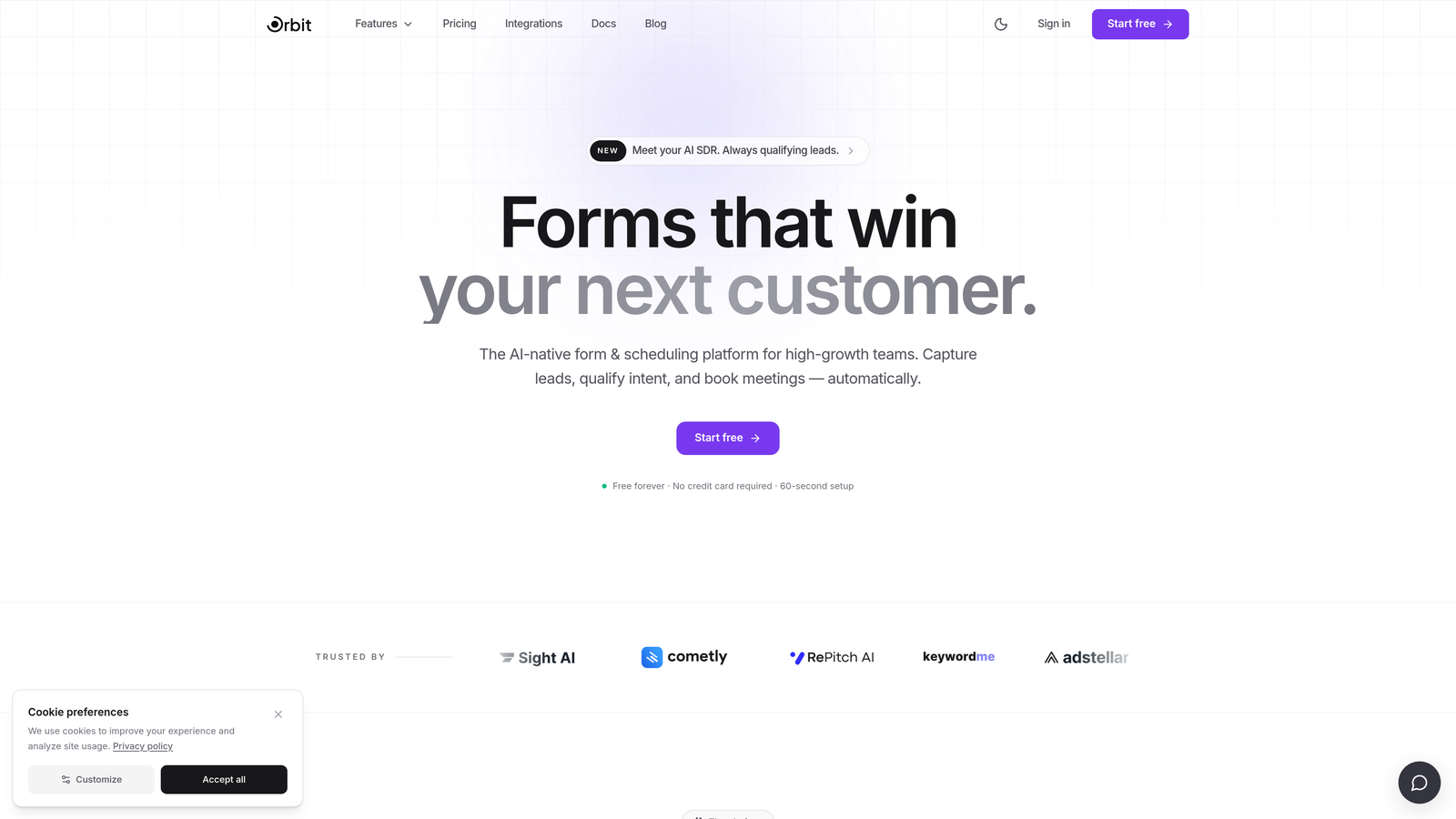
Orbit AI is an AI-powered form builder with built-in lead qualification designed for teams that treat every event registration as a pipeline opportunity.
Where This Tool Shines
Most event registration tools are built to collect attendee information. Orbit AI is built to qualify it. The platform layers AI-powered lead scoring directly into the registration flow, so by the time someone completes your form, your sales or marketing team already knows how to prioritize them. That's a meaningful shift for teams running events as part of a demand generation strategy.
The form design is also genuinely modern. Templates are conversion-optimized out of the box, and dynamic fields adapt based on what registrants enter, creating a personalized experience without requiring complex conditional logic to set up manually.
Key Features
AI-Powered Lead Qualification: Automatically scores and routes registrants based on their responses, so your team knows who to follow up with first.
Conversion-Optimized Templates: Pre-built event registration templates designed with conversion best practices baked in from the start.
Dynamic Form Fields: Fields that adapt in real time based on registrant input, creating a tailored experience for different audience segments.
CRM and Marketing Automation Integrations: Connect registration data directly to your CRM and marketing tools so leads flow into the right workflows automatically.
Real-Time Lead Scoring and Routing: Prioritize high-value attendees and trigger follow-up sequences before the event even happens.
Best For
SaaS companies, B2B teams, and growth marketers running events where attendee quality matters as much as attendee volume. If you're using events to fill a pipeline rather than just fill seats, Orbit AI is built for exactly that use case.
Pricing
Visit orbitforms.ai for current pricing plans. Free plan available to get started.
2. Eventbrite
Best for: Public-facing events of all sizes that benefit from built-in event discovery and ticketing.
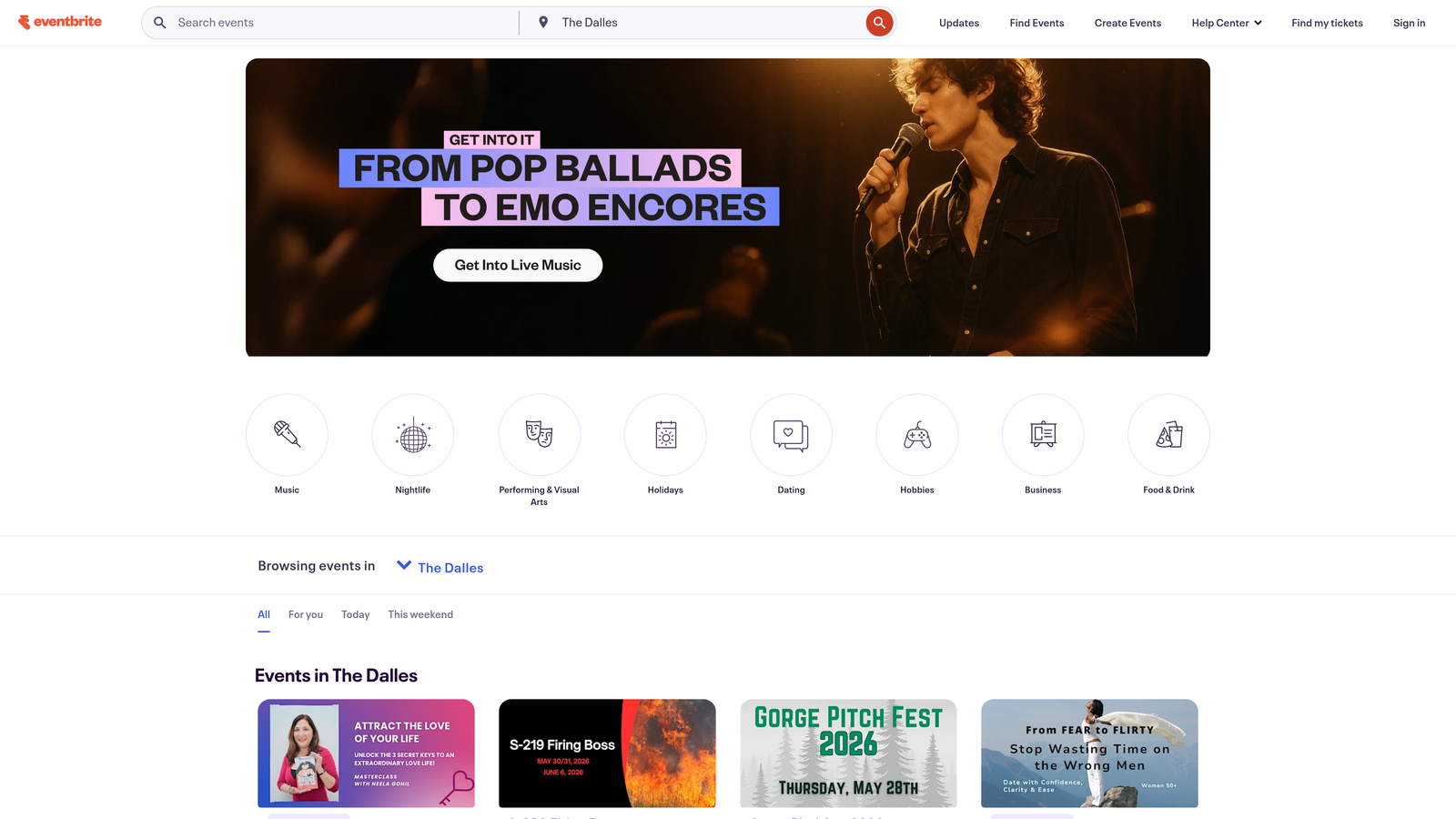
Eventbrite is the leading event ticketing and registration platform with a built-in marketplace that gives your events organic reach beyond your own audience.
Where This Tool Shines
Eventbrite's biggest differentiator is its marketplace. When you publish an event, it becomes discoverable to millions of people already browsing Eventbrite for things to attend. For public events, workshops, and community gatherings, that built-in distribution is genuinely valuable and not something most form builders can replicate.
The attendee management side is also well-developed. On-site check-in tools, mobile scanning, and real-time attendance tracking make Eventbrite a practical choice for events with physical logistics to manage.
Key Features
Built-In Event Discovery Marketplace: Your event gets listed in front of Eventbrite's existing audience, driving registrations beyond your own channels.
Flexible Ticketing Options: Supports free, paid, and donation-based ticket types with customizable pricing tiers.
On-Site Check-In Tools: Mobile app and barcode scanning for smooth attendee check-in at in-person events.
Marketing Integrations: Connects with Mailchimp, Salesforce, HubSpot, and other popular marketing tools.
Mobile-Optimized Registration Pages: Registration experience works cleanly across devices without extra configuration.
Best For
Event organizers running public-facing, ticketed events who want built-in discovery and solid attendee management without building everything from scratch. Less suited to private, invite-only events or teams with heavy CRM integration needs.
Pricing
Free for free events. Paid events start at 3.7% + $1.79 per ticket, with additional fees depending on payment method and plan.
3. Cvent
Best for: Enterprise teams managing complex, multi-session events with full lifecycle management requirements.
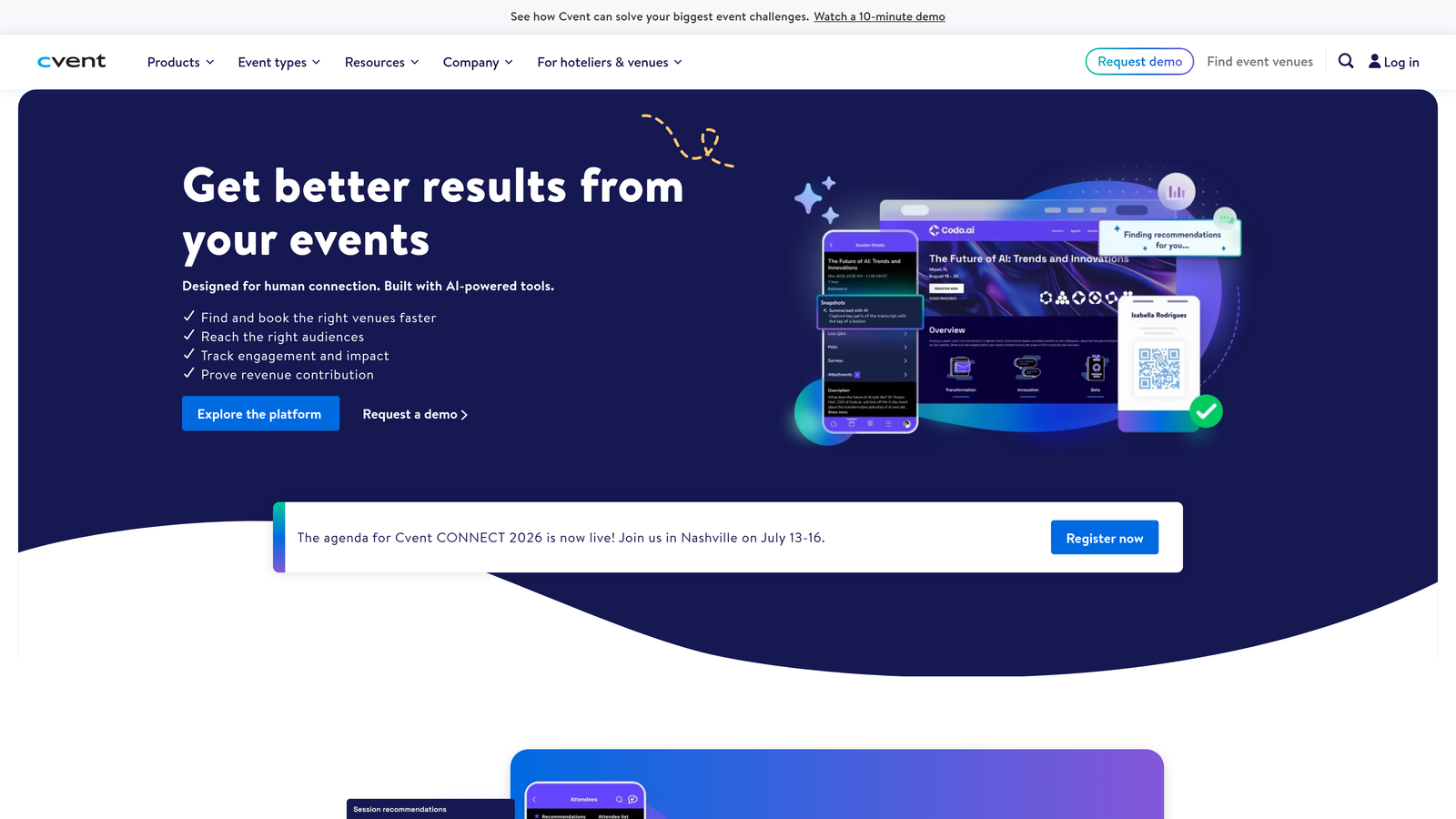
Cvent is an enterprise-grade event management platform that covers everything from venue sourcing to registration, attendee engagement, and post-event analytics.
Where This Tool Shines
Cvent is the platform event professionals reach for when the stakes are high and the complexity is real. Multi-session conferences, large corporate events, and hybrid summits with hundreds or thousands of attendees are where Cvent earns its reputation. The depth of its registration capabilities, including waitlists, session selection, and multi-track management, goes far beyond what general-purpose form builders offer.
The venue sourcing network is a unique addition. Teams planning in-person events can use Cvent to source and compare venues directly within the platform, keeping more of the event planning process in one place.
Key Features
End-to-End Event Lifecycle Management: Covers planning, registration, execution, and post-event reporting in a single platform.
Advanced Registration Capabilities: Supports multi-session selection, waitlists, group registration, and custom attendee paths.
Venue Sourcing Network: Access to a global supplier network for finding and booking event venues directly through Cvent.
Robust Reporting and Analytics: Detailed attendee data and event performance reporting for post-event analysis and ROI measurement.
Virtual and Hybrid Event Support: Built-in capabilities for managing virtual attendance alongside in-person components.
Best For
Enterprise event teams, large corporations, and professional event planners managing high-complexity events where depth of features matters more than simplicity or price.
Pricing
Custom pricing. Contact Cvent directly for a quote based on your organization's event volume and feature requirements.
4. Jotform
Best for: Teams that want maximum template variety and flexible payment collection without a steep learning curve.
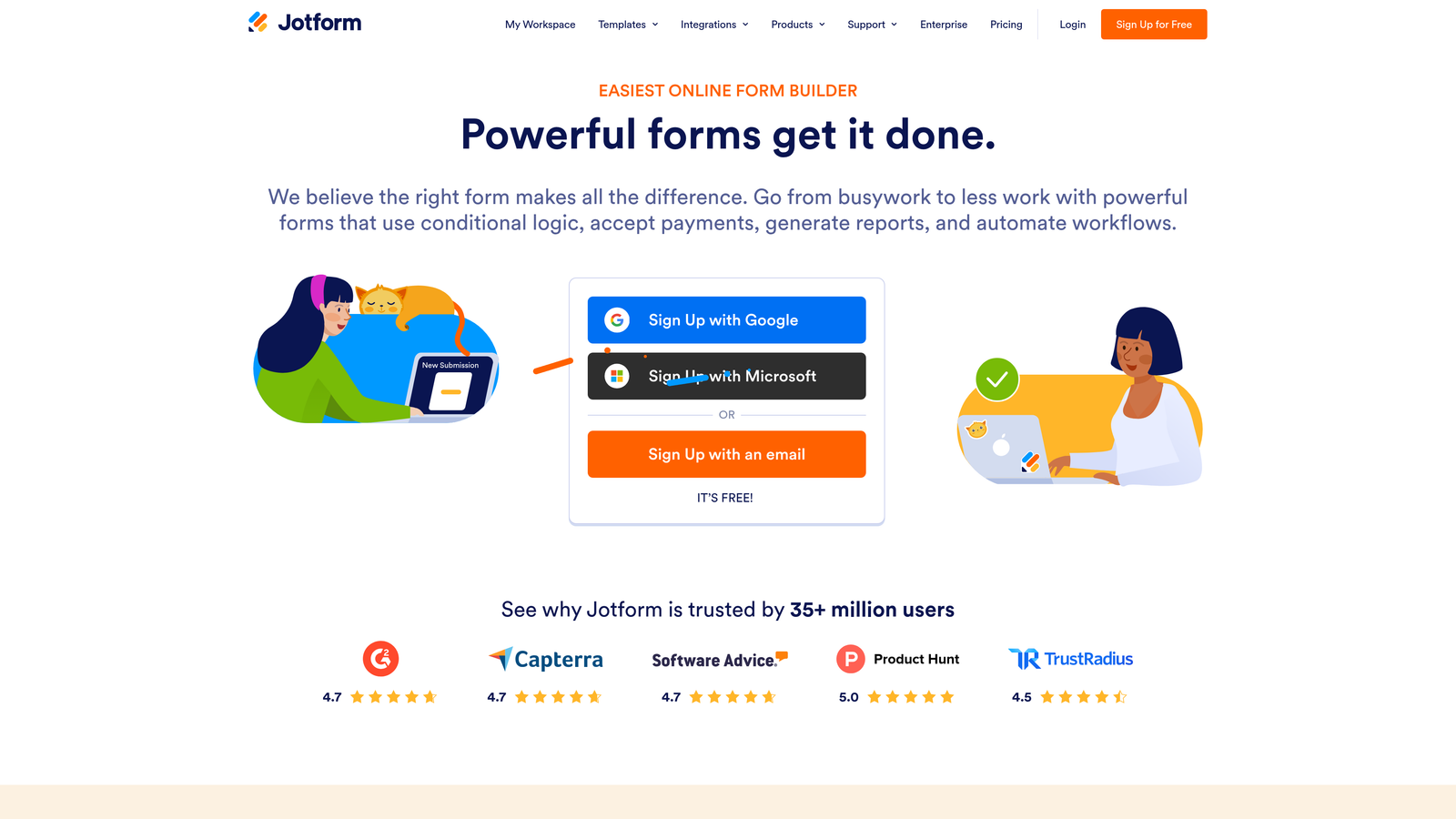
Jotform is a versatile online form builder with thousands of templates, drag-and-drop design, and built-in payment processing that works well for event registration across many use cases.
Where This Tool Shines
Jotform's template library is one of its strongest assets. With over 10,000 form templates, including a solid collection of event-specific designs, most teams can find a starting point that's close to what they need and customize from there. The drag-and-drop builder is approachable enough for non-technical users while offering enough depth for more complex form logic.
Payment processing is a genuine strength here. Jotform supports PayPal, Stripe, and Square natively, making it straightforward to collect registration fees without needing a separate payment integration. Jotform reports over 25 million users on its platform, reflecting its broad adoption across industries.
Key Features
10,000+ Form Templates: Extensive library including event registration, RSVP, and ticketing-specific templates ready to customize.
Drag-and-Drop Builder with Conditional Logic: Intuitive form building with branching logic to create personalized registration flows.
Multi-Gateway Payment Collection: Accept payments via PayPal, Stripe, and Square directly within the registration form.
Approval Workflows and Email Notifications: Automate confirmation emails and set up approval steps for gated or capacity-limited events.
Jotform Tables: A built-in spreadsheet-style view for managing and filtering registrant data after submissions come in.
Best For
Small to mid-sized teams, nonprofits, and educators who need a flexible, affordable form builder with solid payment support and don't require deep CRM integration or advanced analytics.
Pricing
Free plan available with limited submissions. Paid plans start at $34/month, with higher tiers unlocking more submissions, storage, and features.
5. Google Forms
Best for: Simple, internal, or low-stakes event registrations where cost is the primary constraint.
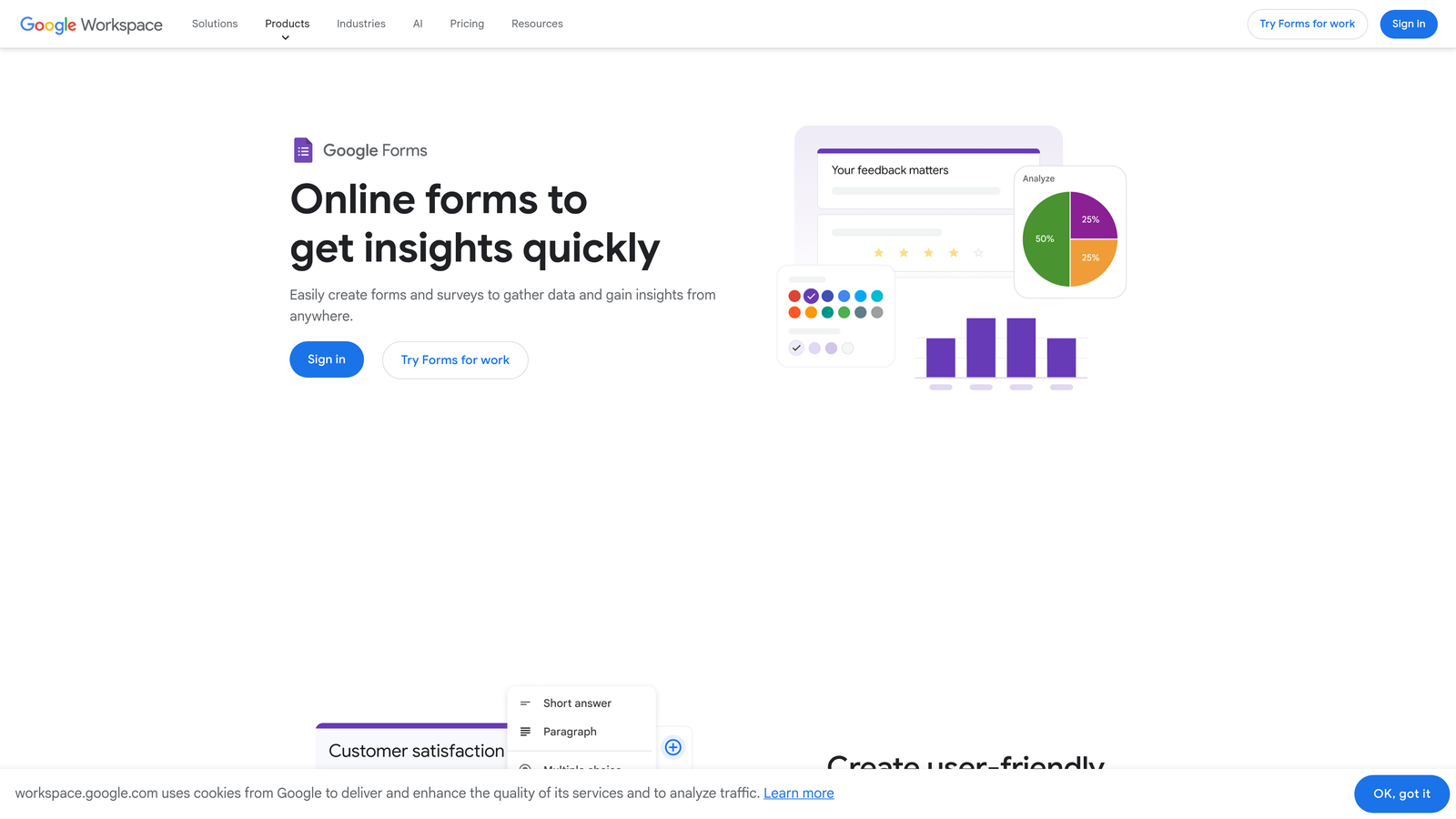
Google Forms is a free, no-frills form builder that integrates seamlessly with Google Workspace and handles basic event registration without any cost or setup complexity.
Where This Tool Shines
There's a reason Google Forms remains the default choice for simple registration needs: it's free, it's fast to set up, and it syncs automatically with Google Sheets. For internal events, small team gatherings, or situations where you just need to collect names and emails quickly, it does the job without friction.
Collaboration is another quiet strength. Multiple team members can edit a form simultaneously, and response data is immediately available in a shared spreadsheet. For teams already living in Google Workspace, the workflow feels natural.
Key Features
Completely Free: No submission limits for personal use, no credit card required, and no hidden fees for basic functionality.
Auto-Sync to Google Sheets: Every registration response flows directly into a connected spreadsheet for easy viewing and filtering.
Conditional Logic and Section Branching: Basic logic for routing respondents to different sections based on their answers.
Real-Time Collaboration: Multiple team members can build and edit forms simultaneously, just like any Google Workspace document.
Add-On Ecosystem: Basic third-party add-ons available through the Google Workspace Marketplace for extended functionality.
Best For
Teams with minimal budgets, internal event coordinators, educators, and community organizers who need a simple, fast registration solution without payment processing or branding requirements.
Pricing
Free for personal and basic use. Included with Google Workspace plans starting at $7.20/user/month for business accounts.
6. Typeform
Best for: Teams that prioritize registrant experience and want a conversational, design-forward registration flow.
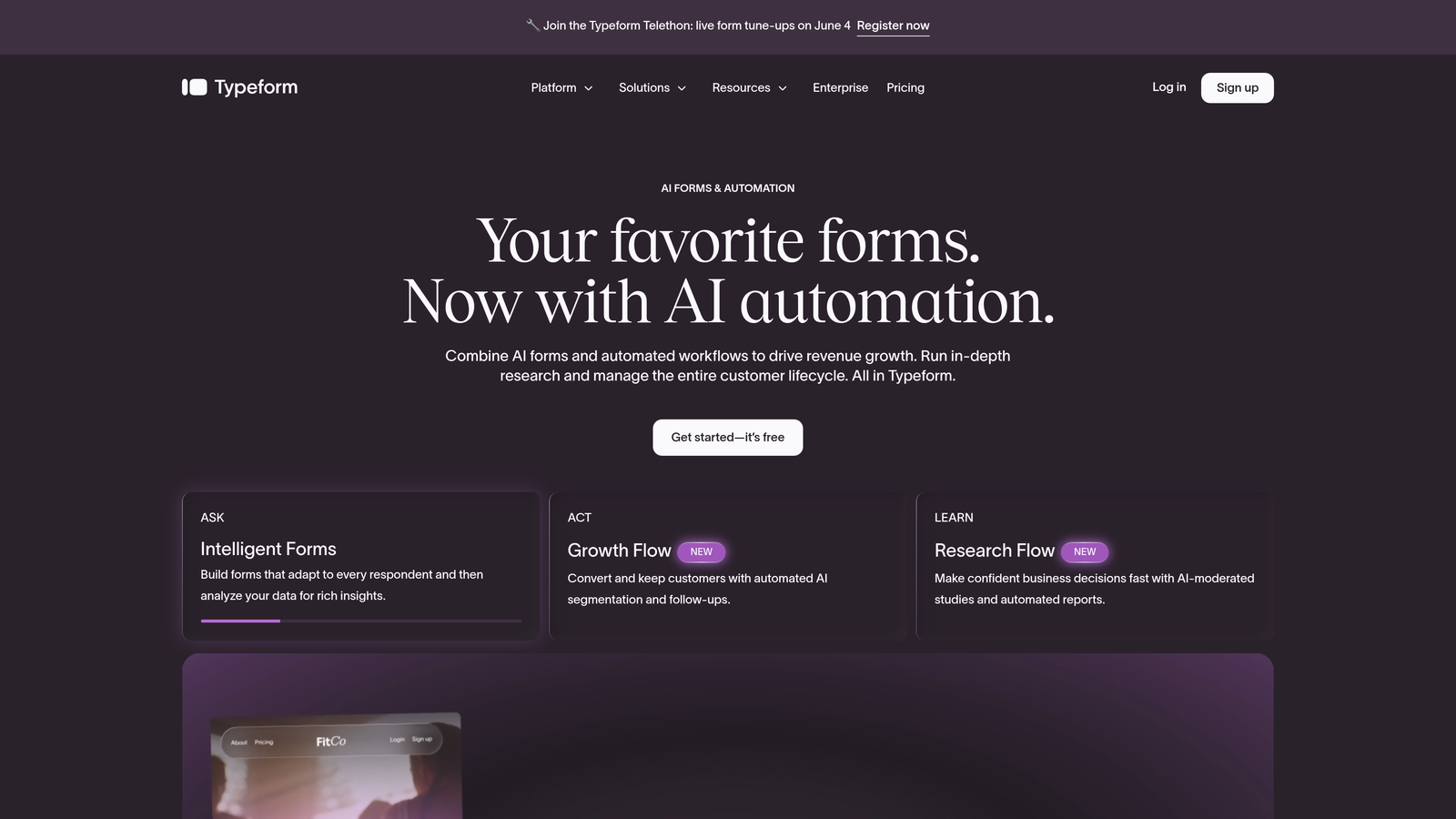
Typeform is a design-forward form builder known for its conversational, one-question-at-a-time format that creates engaging registration experiences with high completion rates.
Where This Tool Shines
Typeform's format is genuinely different from traditional form builders. Instead of presenting a long list of fields, it guides registrants through one question at a time, which creates a more conversational feel and tends to reduce form abandonment. For brand-conscious teams where the registration experience is part of the event's overall impression, this matters.
The design customization is also a step above most competitors. Custom fonts, brand colors, background images, and video backgrounds make it easy to create a registration page that feels like an extension of your brand rather than a generic form.
Key Features
Conversational One-Question-at-a-Time Interface: Guides registrants through the form progressively, reducing overwhelm and improving completion rates.
Highly Customizable Design: Full control over fonts, colors, imagery, and layout to match your brand identity.
Logic Jumps and Conditional Branching: Route registrants to different questions based on previous answers for a personalized flow.
Stripe Payment Integration: Collect registration fees directly within the Typeform experience via Stripe.
Wide Integration Support: Connects with Zapier, HubSpot, Slack, Google Sheets, and many other tools in your stack.
Best For
Marketing teams, agencies, and brand-led organizations that want a registration experience that reflects their brand quality and care about form completion rates as much as data collection.
Pricing
Free plan available with limited responses. Paid plans start at $25/month, with higher tiers offering more responses, logic features, and integrations.
7. Splash
Best for: Brand-led marketing teams running experiential events where the registration page is part of the brand story.
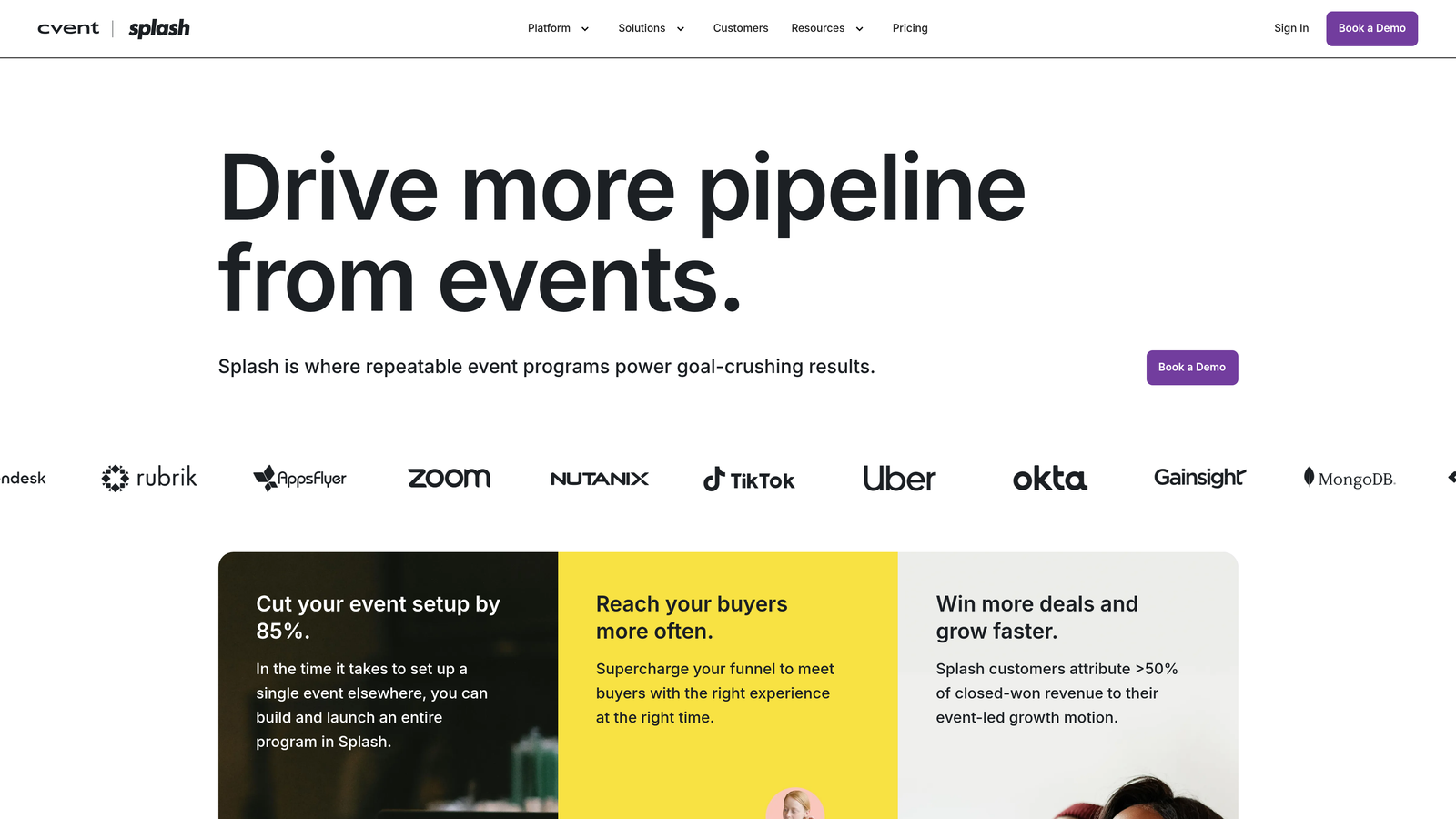
Splash is an event marketing platform that combines branded event pages, email invitations, and registration into a single brand-controlled experience.
Where This Tool Shines
Splash is purpose-built for marketing teams that treat events as brand moments. The platform's drag-and-drop event page builder gives you full creative control over the visual experience, and the built-in email marketing tools mean you can manage invitations, reminders, and follow-ups without switching to a separate email platform.
The CRM integrations are also well-developed for a platform in this category. Native connections to Salesforce, Marketo, and HubSpot mean that guest data flows directly into the tools your marketing and sales teams already use, reducing manual data work after events.
Key Features
Branded Event Pages: Drag-and-drop page builder with full visual customization for creating on-brand event registration experiences.
Built-In Email Marketing: Send invitations, reminders, and post-event follow-ups directly from the Splash platform.
Guest List Management and Check-In: Tools for managing RSVPs, capacity limits, and on-site attendee check-in.
CRM Integrations: Native connections to Salesforce, Marketo, and HubSpot for seamless data flow into marketing and sales systems.
Event Performance Analytics: Dashboard tracking registration rates, email engagement, and attendee data across events.
Best For
Corporate marketing teams, field marketers, and agencies managing a portfolio of brand events where visual consistency, email coordination, and CRM data integrity are top priorities.
Pricing
Free plan available for basic events. Premium plans with advanced features and integrations require contacting Splash's sales team for pricing.
8. Whova
Best for: Hybrid and in-person events where attendee networking and engagement are as important as registration.
Whova is an award-winning event management platform with registration, attendee networking tools, and a mobile event app built for hybrid and in-person events.
Where This Tool Shines
Whova goes well beyond registration. The platform's mobile event app gives attendees a full event experience in their pocket, including the agenda, networking tools, live polling, and discussion boards. For multi-day conferences and professional events where attendee engagement is a key success metric, this is a significant differentiator.
Whova has received multiple industry awards for its event app and attendee experience features, which reflects the depth of investment in the attendee-facing side of the platform. If you're running events where what happens after registration matters as much as the registration itself, Whova is worth serious consideration.
Key Features
Customizable Registration Forms: Multi-ticket support, custom questions, and session selection built into the registration flow.
Mobile Event App: Full-featured attendee app with agenda, networking, live polling, and Q&A capabilities.
Attendee Engagement Tools: Discussion boards, community features, and real-time interaction tools that keep attendees engaged throughout the event.
Exhibitor and Sponsor Management: Tools for managing exhibitor profiles, lead capture, and sponsor visibility within the event app.
Post-Event Surveys and Analytics: Built-in survey tools and reporting to measure attendee satisfaction and event performance.
Best For
Conference organizers, associations, and corporate event teams running multi-day hybrid or in-person events where attendee networking, engagement, and a polished mobile experience are essential.
Pricing
Custom pricing based on event size and feature requirements. Contact Whova directly for a quote tailored to your event.
9. Zoho Forms
Best for: Teams already using the Zoho ecosystem who want registration data flowing directly into Zoho CRM and Campaigns.
Zoho Forms is an online form builder with deep integration into the Zoho ecosystem, making it a natural fit for organizations that run their business on Zoho's suite of apps.
Where This Tool Shines
The native integration with 45+ Zoho apps is Zoho Forms' clearest advantage. If your team uses Zoho CRM, Zoho Campaigns, or other Zoho tools, registration data flows directly into those systems without needing Zapier or manual exports. That kind of tight integration reduces data friction and keeps your sales and marketing workflows running smoothly after each event.
The pricing is also notably competitive. For teams that don't need the enterprise depth of Cvent or the brand design focus of Splash, Zoho Forms delivers solid form-building capabilities, conditional logic, and payment processing at a price point that's hard to argue with.
Key Features
Native Zoho Ecosystem Integration: Direct connections to Zoho CRM, Zoho Campaigns, and 45+ other Zoho applications out of the box.
Drag-and-Drop Builder with Conditional Rules: Intuitive form creation with logic-based field visibility and branching for personalized registration flows.
Multi-Gateway Payment Collection: Accept registration fees via PayPal, Stripe, and Razorpay within the form itself.
UTM Tracking and Form Analytics: Track where registrants are coming from and measure form performance across campaigns.
Mobile-Responsive Forms with Custom Themes: Forms that look polished on any device, with theming options to match your brand.
Best For
Small to mid-sized businesses and teams already invested in the Zoho ecosystem who want a cost-effective form builder that integrates natively with their existing CRM and marketing tools.
Pricing
Free plan available. Paid plans start at $10/month, making it one of the more affordable options on this list for teams that need more than the free tier.
Which Tool Is Right for Your Events?
The right event registration software depends on what you're optimizing for. Here's a quick-reference breakdown to help you choose:
Best for lead-qualifying events: Orbit AI. If every event registration is a pipeline opportunity, Orbit AI's built-in lead scoring and CRM routing makes it the obvious choice for growth-focused teams.
Best for public ticketed events: Eventbrite. The built-in marketplace and ticketing infrastructure make it the go-to for events where organic discovery and paid ticket management matter.
Best for enterprise: Cvent. When you're managing complex, multi-session events at scale with full lifecycle requirements, Cvent's depth is unmatched.
Best free option: Google Forms. For simple, low-stakes registrations where cost is the constraint, nothing beats free with Google Sheets sync built in.
Best for design and experience: Typeform. When the registration experience itself is part of your brand impression, Typeform's conversational format and visual customization stand out.
Best for brand-led marketing events: Splash. Corporate marketing teams running experiential events will appreciate Splash's combination of branded pages, email tools, and CRM integrations.
Best for hybrid and in-person events: Whova. When attendee networking and a mobile event app are as important as registration, Whova's platform delivers the full picture.
Best for Zoho users: Zoho Forms. If you're already in the Zoho ecosystem, this is the most frictionless path to getting registration data where it needs to go.
Best all-rounder for templates: Jotform. Broad template library, solid payment support, and an approachable builder make it a reliable choice across many event types and team sizes.
Before you choose, think about what matters most to your team: lead quality, attendee experience, or full event management. The answer will point you to the right tool faster than any feature comparison chart. For more guidance on optimizing what happens after people find your forms, explore our resources on form submission rate benchmarks and how to increase form submissions.
Ready to turn your event registrations into a lead generation engine? Start building free forms today and see how AI-powered form design can elevate your conversion strategy and deliver the modern registration experience your attendees and your pipeline both deserve.


