Planning a conference, webinar, or workshop? The signup form is your first touchpoint with attendees—and it can make or break your registration numbers. Clunky forms lose registrants. Smart forms convert them and give you the data you need to run a successful event.
But with dozens of form builders claiming to handle event signups, finding the right fit for your needs isn't straightforward. We evaluated tools based on event-specific features like capacity limits, session selection, and payment processing, plus ease of use, integration capabilities, and value for growing teams.
Whether you're organizing intimate workshops or large-scale conferences, here are nine event signup form solutions worth your attention in 2026.
1. Orbit AI
Best for: High-growth teams who want event signups that double as sales intelligence
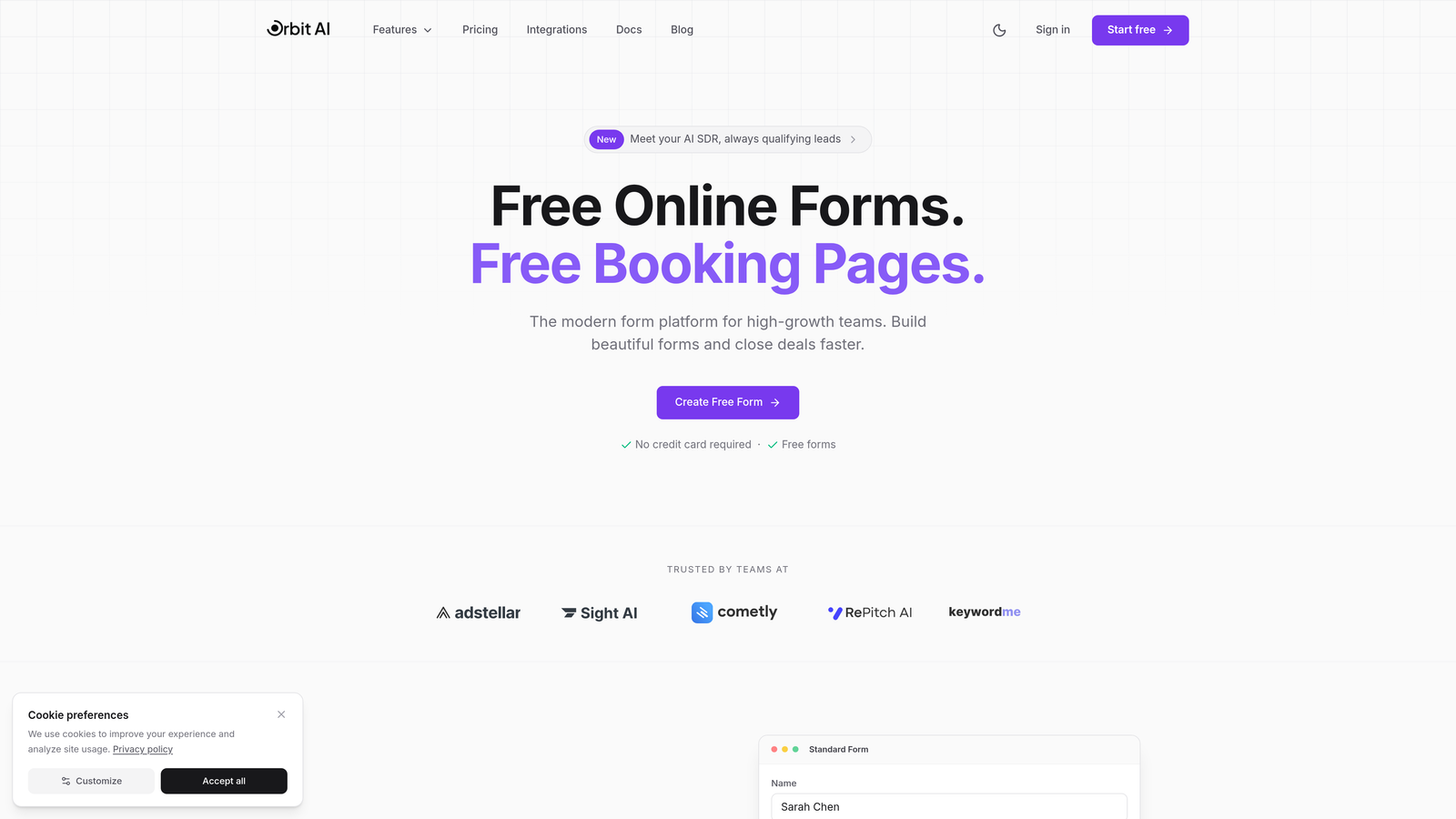
Orbit AI is an AI-powered form builder that transforms event registration from simple data collection into actionable sales insights.
Where This Tool Shines
What sets Orbit AI apart is how it treats every event signup as a qualified lead opportunity. The platform analyzes form responses in real-time to assess attendee quality and intent, automatically routing high-value registrants to your sales team while sending others through appropriate nurture sequences.
The form designs themselves are built for conversion. You get modern, mobile-responsive templates that look nothing like traditional form builders. For teams running webinars, product launches, or networking events where attendee quality matters as much as quantity, this approach changes the game.
Key Features
AI-Powered Lead Qualification: Automatically scores and routes registrants based on their responses, job title, company size, and engagement signals.
Conversion-Optimized Designs: Modern form templates designed specifically to maximize completion rates and reduce drop-off.
Native CRM Integration: Connects directly to your sales and marketing stack with automated workflow triggers based on registrant data.
Real-Time Analytics Dashboard: Track not just registration numbers but lead quality metrics and conversion patterns.
Automated Workflows: Set up conditional actions that fire based on how attendees answer specific questions.
Best For
Orbit AI works best for B2B companies, SaaS teams, and agencies running events where attendee quality directly impacts revenue. If you're hosting webinars to generate pipeline or running industry conferences where networking quality matters, the AI qualification layer delivers immediate ROI.
Pricing
Free tier available for teams getting started. Paid plans start at competitive rates designed for growing teams who need advanced qualification and integration capabilities.
2. Typeform
Best for: Creating engaging, conversational event registration experiences that feel different
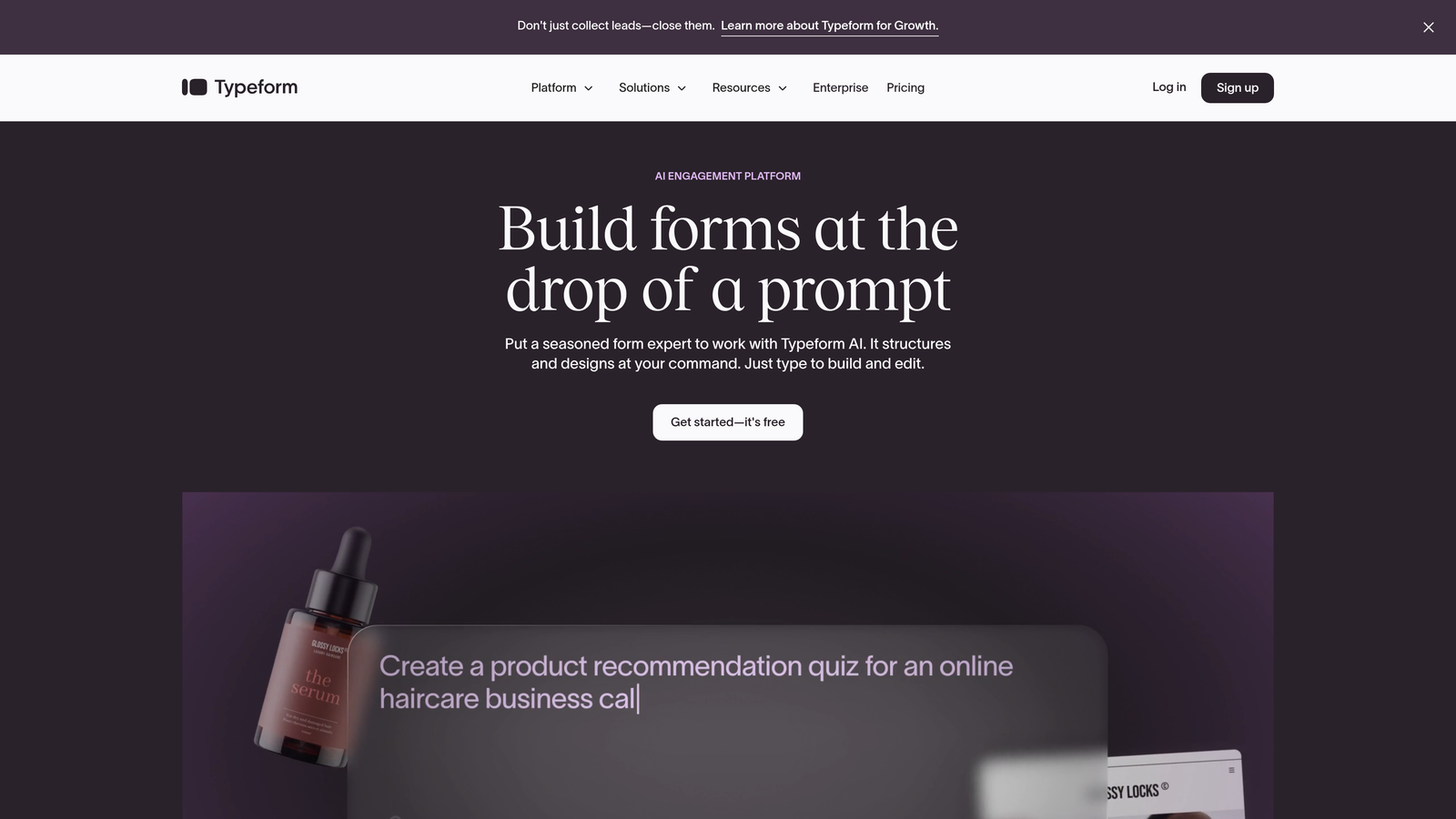
Typeform is a conversational form builder known for its one-question-at-a-time interface that turns standard registration into an interactive experience.
Where This Tool Shines
Typeform's signature approach displays one question at a time, creating a conversation-like flow that feels less overwhelming than traditional multi-field forms. This format works exceptionally well for events where you need detailed attendee information without scaring people off with long forms.
The platform excels at brand customization. You can match your event's visual identity with custom backgrounds, fonts, and color schemes. For brand-conscious organizations running high-profile events, this level of design control matters.
Key Features
Conversational Interface: One-question-at-a-time format that creates higher engagement and completion rates.
Logic Jumps: Show different questions based on previous answers to create personalized registration paths.
Rich Media Support: Embed videos and images throughout your form to showcase event highlights or venue details.
Brand Customization: Deep design controls let you match forms perfectly to your event branding.
Native Integrations: Connects with popular tools like Slack, Google Sheets, Mailchimp, and HubSpot.
Best For
Typeform suits marketing teams and event planners who prioritize attendee experience and brand presentation. It's particularly effective for workshops, masterclasses, and VIP events where you want registration to feel premium.
Pricing
Free plan available with limited responses. Basic plan starts at $25/month, with higher tiers unlocking advanced logic, payment processing, and removal of Typeform branding.
3. Jotform
Best for: Complex event registrations requiring extensive customization and payment processing
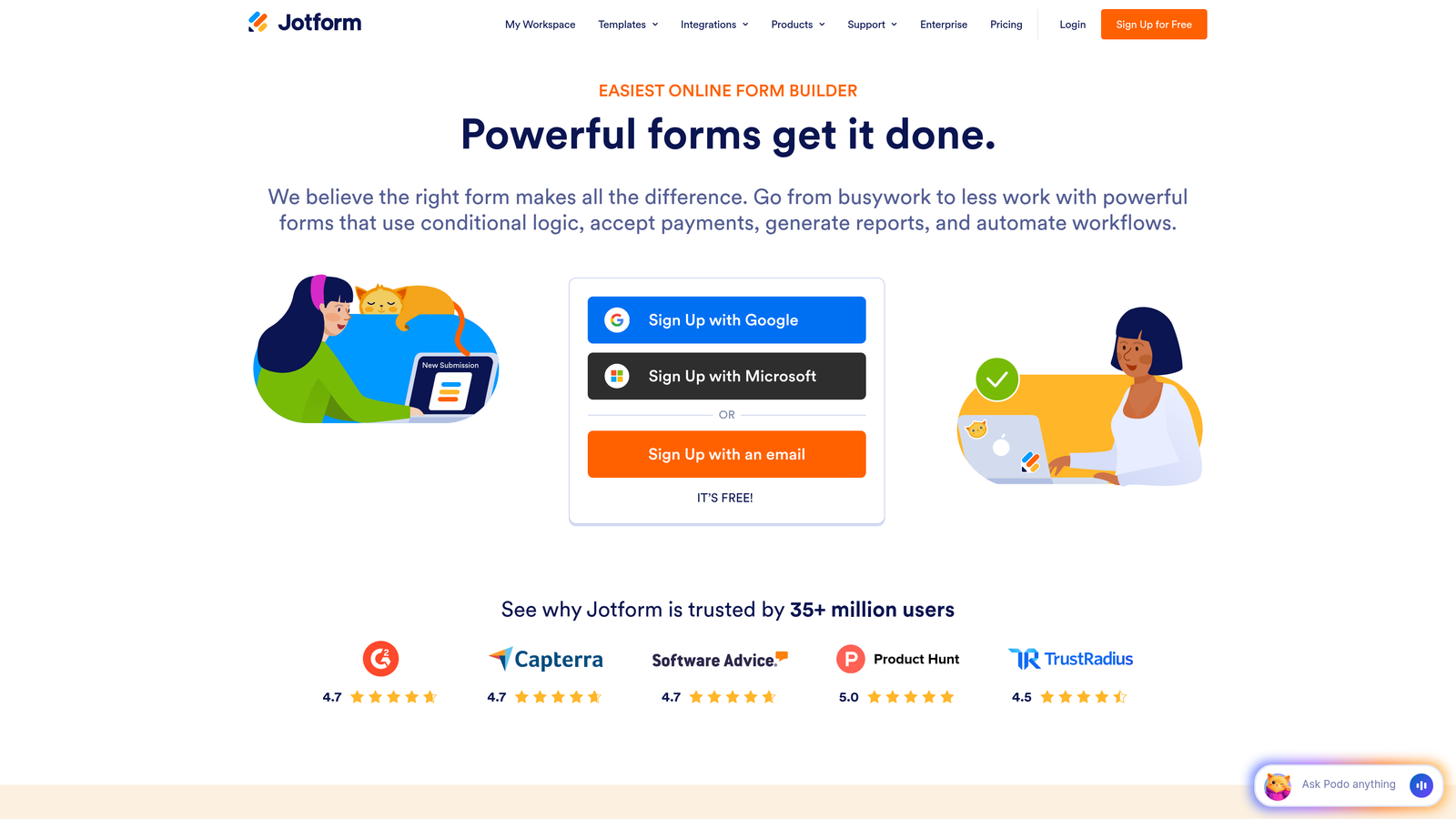
Jotform is a feature-rich form builder with over 10,000 templates and a massive widget library for handling virtually any registration scenario.
Where This Tool Shines
Jotform's strength lies in its sheer versatility. Need to collect payments? It integrates with PayPal, Stripe, and Square. Want to generate PDF tickets automatically? There's a widget for that. Need approval workflows for VIP registration requests? Built in.
The platform offers hundreds of event-specific templates covering everything from 5K races to academic conferences. For teams who don't want to build forms from scratch, this template library provides solid starting points that you can customize extensively.
Key Features
10,000+ Templates: Extensive library includes event-specific templates for conferences, workshops, fundraisers, and sporting events.
Payment Integration: Native support for major payment processors with no coding required.
Conditional Logic: Show or hide fields based on attendee responses to create dynamic registration flows.
PDF Generation: Automatically create tickets, confirmations, or receipts from form submissions.
Approval Workflows: Route registrations through approval processes for events with limited capacity or VIP access.
Best For
Jotform works well for organizations running diverse event types who need one platform to handle everything. Event management companies, universities, and nonprofits particularly benefit from the template variety and workflow automation.
Pricing
Free plan includes 5 forms with 100 monthly submissions. Bronze plan starts at $34/month, with higher tiers offering more forms, submissions, and storage.
4. Google Forms
Best for: Quick, no-cost event signups for teams already using Google Workspace
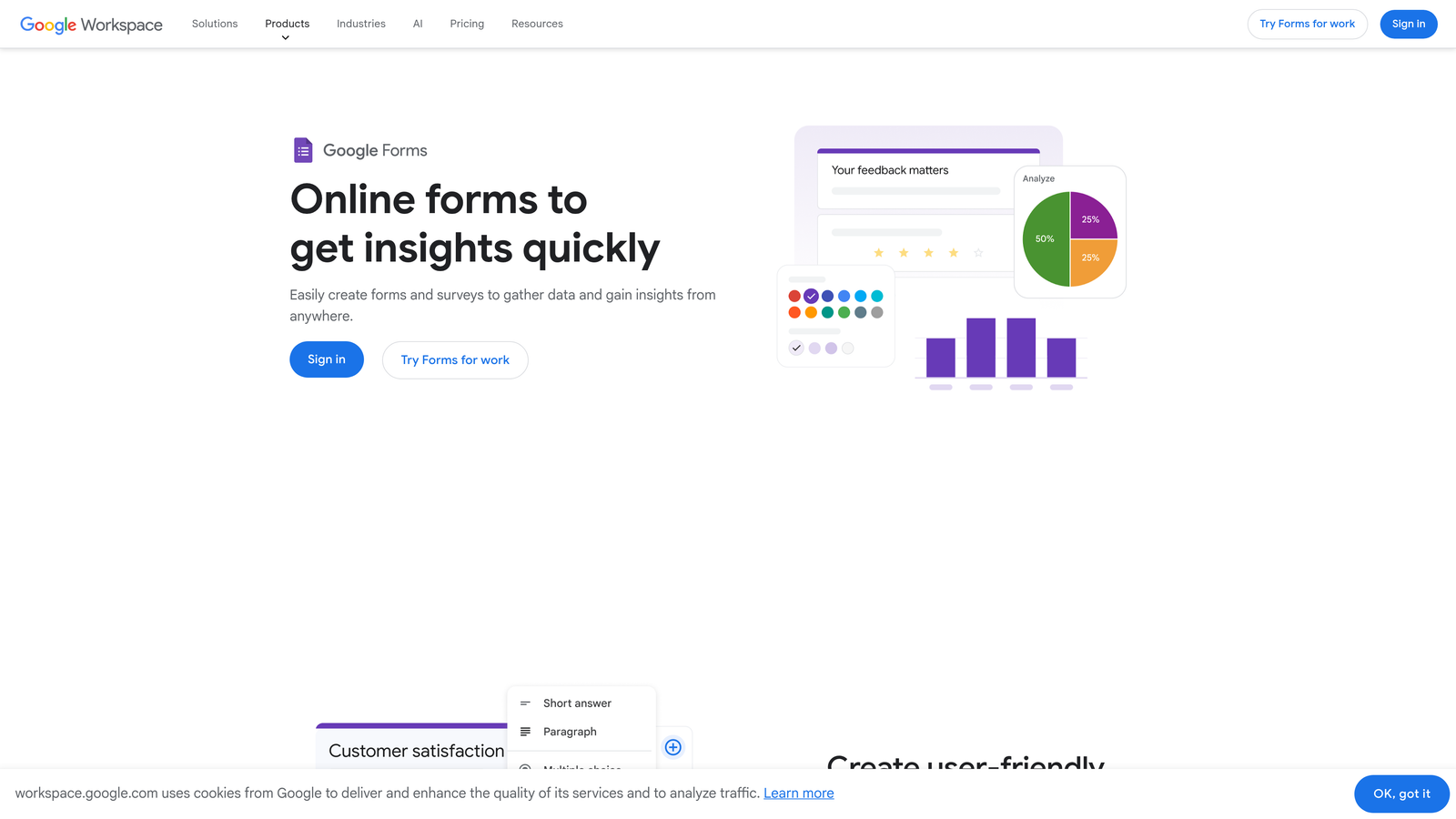
Google Forms is a free, straightforward form builder that integrates seamlessly with Google Sheets and the broader Google ecosystem.
Where This Tool Shines
Google Forms wins on simplicity and cost. It's completely free with unlimited submissions, making it ideal for internal events, community gatherings, or situations where budget is tight. The learning curve is minimal—if you can use Google Docs, you can build a registration form.
Responses automatically populate a Google Sheet, which becomes your real-time attendee database. For teams comfortable with spreadsheets, this direct connection enables quick data analysis, mail merges, and attendee management without additional tools.
Key Features
Completely Free: No submission limits, no hidden costs, no premium tiers required for basic functionality.
Google Sheets Integration: Responses flow directly into spreadsheets for immediate analysis and management.
Real-Time Collaboration: Multiple team members can edit forms simultaneously, just like Google Docs.
Basic Conditional Logic: Show questions based on previous answers to create simple branching paths.
Quiz Mode: Useful for events requiring knowledge checks or pre-event assessments.
Best For
Google Forms suits nonprofits, educational institutions, and small businesses running straightforward events where advanced features aren't necessary. It's perfect for team offsites, volunteer signups, or community workshops.
Pricing
Completely free with a Google account. No paid tiers or upgrade pressure.
5. Eventbrite
Best for: Public events requiring ticketing, promotion, and discovery in one platform
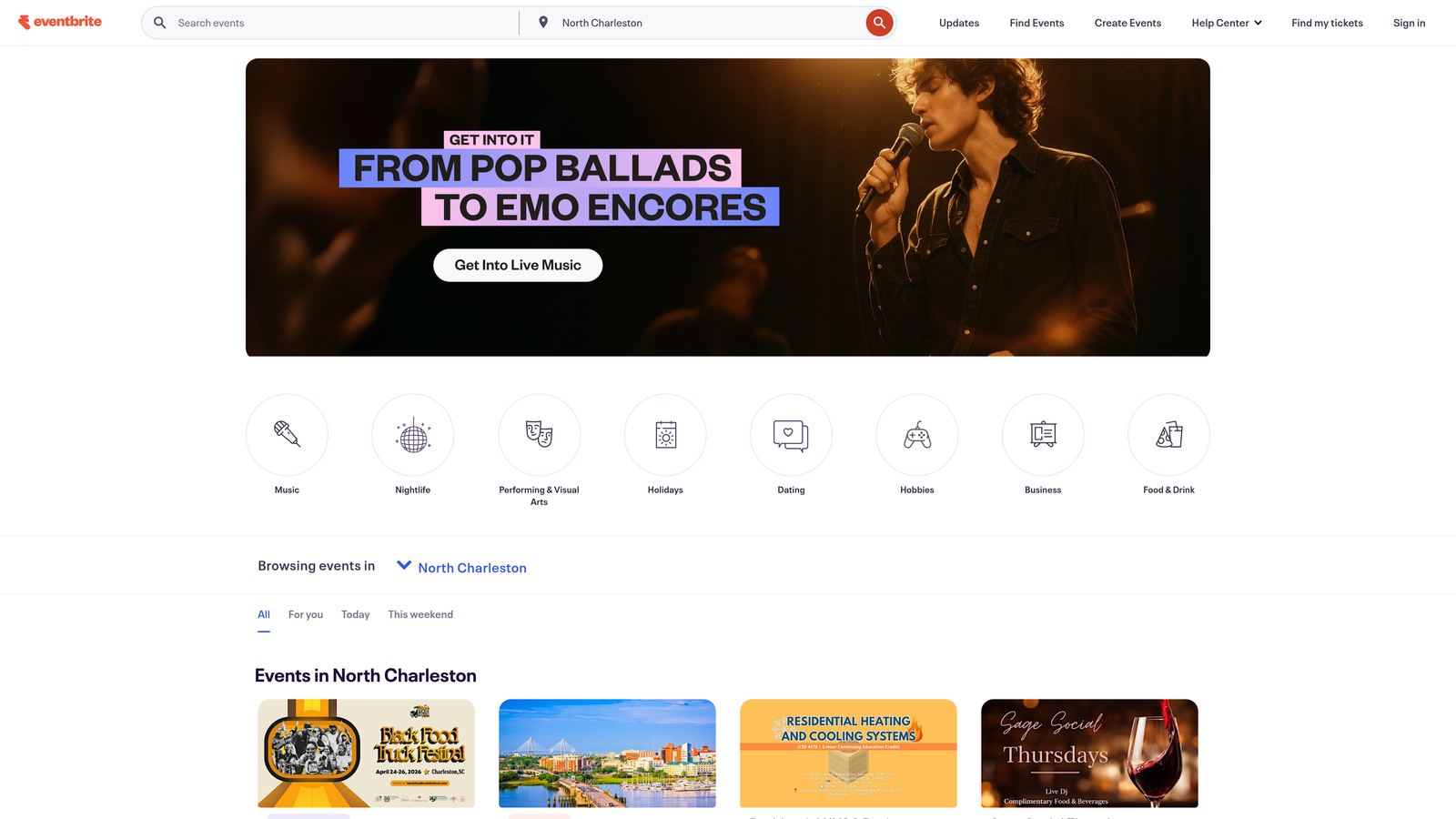
Eventbrite is an event management platform with built-in registration, ticketing, and event discovery features designed for public-facing events.
Where This Tool Shines
Eventbrite isn't just a form builder—it's a complete event ecosystem. Your registration form automatically becomes a ticketing page that appears in Eventbrite's discovery search, potentially bringing in attendees you wouldn't reach otherwise. This built-in promotion advantage matters for public events, workshops, and conferences seeking broader audiences.
The platform handles the entire attendee journey from discovery through check-in. QR code tickets, mobile app management, and on-site check-in tools create a professional experience that standalone form builders can't match.
Key Features
Event Discovery: Your event appears in Eventbrite's search and recommendation engine, reaching potential attendees organically.
Integrated Ticketing: Generate QR code tickets automatically with built-in payment processing.
Attendee Dashboard: Comprehensive management interface for tracking registrations, sending updates, and analyzing sales.
Mobile Check-In: Use the Eventbrite app to scan tickets and manage on-site registration.
Email Marketing: Send event updates and reminders directly through the platform.
Best For
Eventbrite excels for public events, paid workshops, conferences, and community gatherings where ticket sales and discovery matter. Event producers, training companies, and organizations running regular public programming get the most value.
Pricing
Free for free events. Paid events incur a service fee starting at 3.7% plus $1.79 per ticket sold. Payment processing fees apply separately.
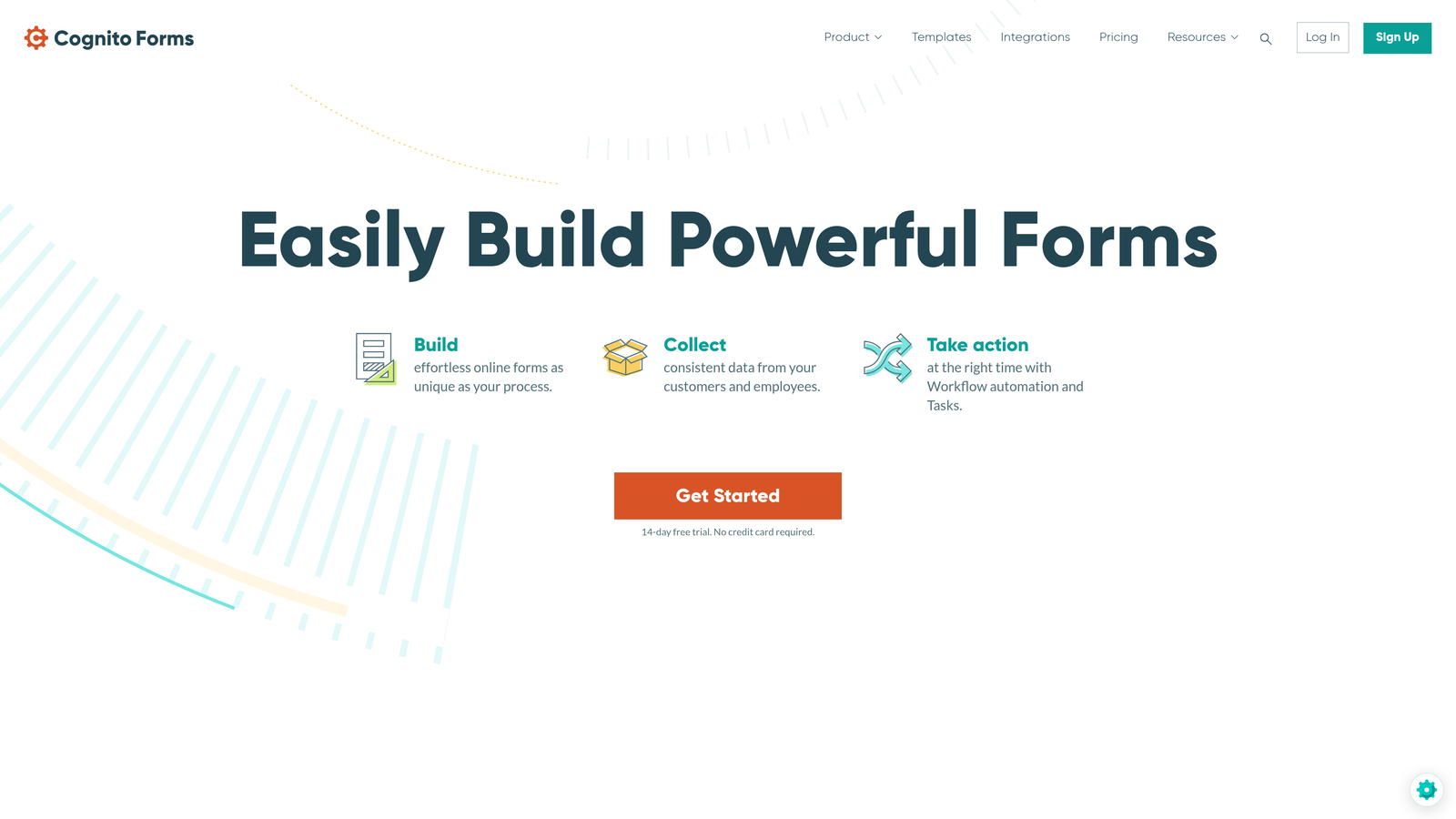
6. Cognito Forms
Best for: Complex registration workflows requiring calculations, multi-page forms, and payment processing
Cognito Forms is a powerful form builder with advanced calculation capabilities and workflow automation ideal for sophisticated event registration needs.
Where This Tool Shines
Cognito Forms handles complexity that makes other form builders struggle. Need to calculate registration fees based on attendee type, add-ons, and early-bird discounts? Cognito's calculation engine handles it. Running multi-day conferences where attendees select sessions with capacity limits? The repeating sections and conditional logic make it possible.
The platform also offers save-and-resume functionality, letting attendees complete lengthy registration forms over multiple sessions. For conferences requiring extensive information collection, this feature significantly improves completion rates.
Key Features
Advanced Calculations: Build complex pricing logic based on attendee selections, dates, and conditional factors.
Multi-Page Forms: Break long registrations into manageable sections with save-and-resume capability.
Payment Processing: Integrated payments with no additional transaction fees beyond standard processor rates.
Conditional Sections: Show entire form sections based on previous answers to create personalized registration paths.
Workflow Automation: Set up approval processes and automated notifications based on submission data.
Best For
Cognito Forms suits organizations running complex events like multi-track conferences, training programs with variable pricing, or registration processes requiring approval workflows. Universities and professional associations particularly benefit from its advanced capabilities.
Pricing
Free plan available with limited forms and features. Pro plan starts at $15/month per user, offering unlimited forms and advanced functionality.
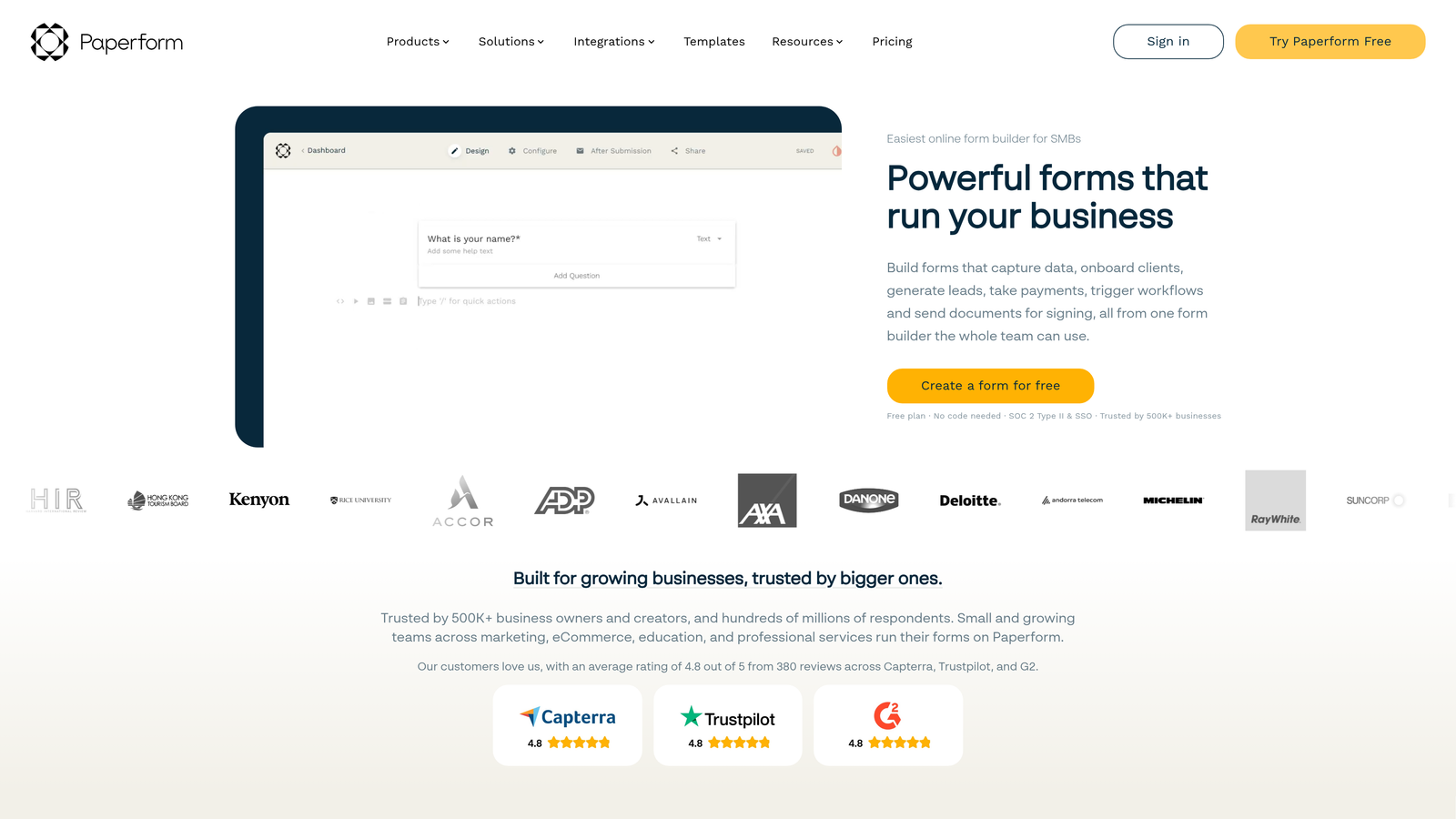
7. Paperform
Best for: Creating visually stunning registration pages that double as event landing pages
Paperform is a design-forward form builder that creates registration experiences looking more like landing pages than traditional forms.
Where This Tool Shines
Paperform blurs the line between form and landing page. Your registration form can include full-width images, embedded videos, rich text blocks, and custom layouts that create an immersive brand experience. For events where visual presentation matters—think design conferences, creative workshops, or luxury retreats—this approach elevates perception.
The platform also includes built-in appointment scheduling, making it particularly useful for events involving one-on-one sessions, consultation bookings, or time-slot selection within larger conferences.
Key Features
Landing Page Design: Forms that look and feel like custom landing pages with rich media and flexible layouts.
Built-In Scheduling: Appointment booking functionality integrated directly into registration forms.
Rich Media Embedding: Add videos, images, GIFs, and custom content blocks throughout your form.
E-Commerce Capabilities: Sell tickets, merchandise, or add-ons with integrated payment processing.
Conditional Logic: Create dynamic forms that adapt based on attendee responses.
Best For
Paperform works best for creative agencies, design-focused brands, and premium events where registration experience directly reflects event quality. It's particularly effective for workshops, retreats, and exclusive gatherings.
Pricing
Essentials plan starts at $24/month. Higher tiers unlock advanced features, increased submissions, and white-label options.
8. Wufoo
Best for: Small businesses running recurring events who need reliable payment processing
Wufoo is a straightforward form builder with dependable payment integrations and simple reporting, ideal for organizations running regular event programming.
Where This Tool Shines
Wufoo prioritizes reliability over flashiness. The drag-and-drop builder is intuitive without overwhelming users with options. For small businesses running monthly workshops, weekly classes, or recurring networking events, this simplicity means you can create and modify registration forms quickly without a learning curve.
Payment processing works smoothly with Stripe, PayPal, and Authorize.net, making it easy to collect event fees. The reporting features are basic but sufficient for tracking registration trends and attendee demographics over time.
Key Features
Simple Drag-and-Drop Builder: Intuitive interface that anyone can learn in minutes.
Payment Integrations: Process payments through Stripe, PayPal, or Authorize.net without technical setup.
Basic Reporting: Track submissions, analyze trends, and export data for further analysis.
File Uploads: Collect documents, photos, or materials from registrants when needed.
Form Rules: Conditional logic for showing or hiding fields based on attendee responses.
Best For
Wufoo suits small businesses, consultants, and coaches running regular paid events where straightforward registration and payment processing matter more than advanced features. It's particularly good for recurring event formats that don't change much.
Pricing
Free plan includes limited forms and submissions. Starter plan at $14.08/month offers more forms and features, with higher tiers available for growing needs.
9. 123FormBuilder
Best for: Healthcare, finance, and regulated industries requiring HIPAA compliance and advanced security
123FormBuilder is an enterprise-ready form builder with HIPAA compliance, advanced security features, and robust workflow automation for organizations in regulated industries.
Where This Tool Shines
123FormBuilder addresses a specific pain point: collecting sensitive attendee information for events in regulated industries. Healthcare conferences, financial seminars, and legal workshops often require HIPAA or GDPR compliance for registration data. This platform delivers the security infrastructure and compliance certifications that general-purpose form builders can't provide.
Beyond compliance, the workflow automation capabilities rival dedicated business process tools. You can build complex approval chains, route registrations based on multiple criteria, and integrate with enterprise databases and CRMs.
Key Features
HIPAA and GDPR Compliance: Enterprise-grade security and compliance certifications for regulated industries.
Advanced Workflow Automation: Build sophisticated approval processes and automated routing based on registration data.
Database Integration: Connect directly to enterprise databases and CRM systems for seamless data flow.
Electronic Signatures: Collect legally binding signatures for waivers, agreements, or consent forms.
Role-Based Access: Control who can view, edit, and manage different aspects of your registration forms.
Best For
123FormBuilder serves healthcare organizations, financial institutions, legal firms, and any enterprise requiring compliance certifications for attendee data. It's particularly valuable for continuing education events, professional conferences, and training programs in regulated sectors.
Pricing
Free plan available with basic features. Gold plan starts at $24.99/month. Enterprise pricing required for HIPAA compliance and advanced security features.
Finding Your Perfect Event Signup Solution
The right event signup form software depends entirely on what you're trying to accomplish. Running high-stakes webinars where lead quality drives revenue? Orbit AI's intelligent qualification turns registrations into sales opportunities. Need a complete ticketing ecosystem for public events? Eventbrite's discovery and check-in features justify the per-ticket fees.
For teams prioritizing attendee experience and brand presentation, Typeform's conversational interface creates memorable registration moments. Organizations managing complex pricing structures or multi-day conferences benefit from Cognito Forms' calculation capabilities. And if you're just getting started with limited budget, Google Forms delivers surprising functionality at zero cost.
Think about your specific needs: Do you need payment processing? How important is visual customization? Will you collect sensitive data requiring compliance certifications? Does your event format require session selection or capacity management? Your answers to these questions matter more than feature lists.
The event signup form landscape has evolved significantly beyond simple data collection. Tools now offer AI-powered insights, sophisticated automation, and seamless integration with your broader marketing and sales stack. The question isn't just "which form builder should I use?" but rather "how can my registration process actively contribute to event success?"
Transform your lead generation with AI-powered forms that qualify prospects automatically while delivering the modern, conversion-optimized experience your high-growth team needs. Start your free trial today and see how intelligent form design can elevate your conversion strategy.