

Managing a flood of sales leads without the right tools is like trying to catch water with your hands. As your pipeline grows, so does the chaos—lost opportunities, duplicated efforts, and qualified prospects slipping through the cracks while your team chases dead ends.
The best sales lead management tools don't just organize contacts. They automate qualification, route leads intelligently, integrate with your existing tech stack, and provide the visibility your team needs to focus on deals that actually close. We evaluated dozens of platforms based on automation capabilities, ease of use, integration depth, pricing transparency, and real-world performance with high-growth teams.
Here are the top sales lead management tools transforming how teams capture, qualify, and convert leads in 2026.
1. Orbit AI
Best for: Teams that want to qualify leads before they hit the CRM through intelligent forms
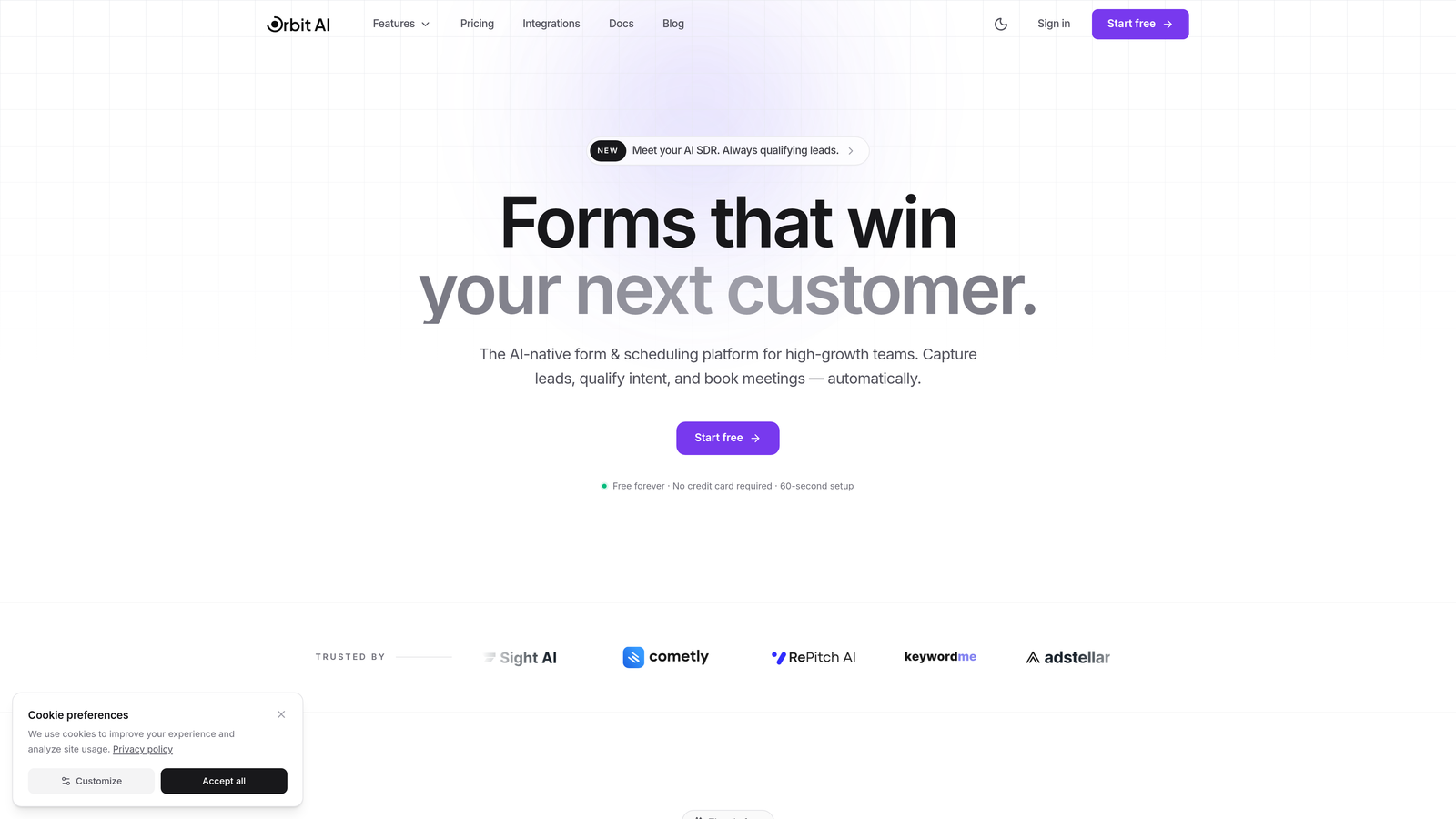
Orbit AI takes a different approach to lead management by solving the problem at the source—your forms.
Where This Tool Shines
Most CRMs force you to clean up messy data after leads submit forms. Orbit AI flips this model by using AI to qualify leads during the form submission process, ensuring only qualified prospects reach your sales team.
The platform combines beautiful, conversion-optimized form design with intelligent lead scoring that happens in real-time. Your team stops wasting time on tire-kickers and starts focusing on prospects who actually match your ideal customer profile.
Key Features
AI-Powered Lead Qualification: Automatically scores and routes leads based on responses, behavior, and fit criteria you define.
Conversion-Optimized Templates: Pre-built form designs that balance data collection with user experience to maximize completion rates.
Native CRM Integrations: Seamlessly pushes qualified leads to HubSpot, Salesforce, and other major CRMs with proper field mapping.
Automated Lead Routing: Distributes leads to the right sales reps based on territory, product interest, or company size.
Real-Time Analytics: Track form performance, conversion rates, and lead quality metrics to optimize your capture strategy.
Best For
High-growth teams, SaaS companies, and businesses focused on lead quality over quantity. Particularly valuable if you're generating leads through content marketing, paid ads, or inbound channels where qualification at point of capture saves significant sales time.
Pricing
Free tier available for basic form building. Paid plans start at $29/month with advanced qualification features. Business plan at $99/month includes unlimited forms.
2. HubSpot Sales Hub
Best for: Teams seeking comprehensive CRM with strong marketing alignment and generous free tier
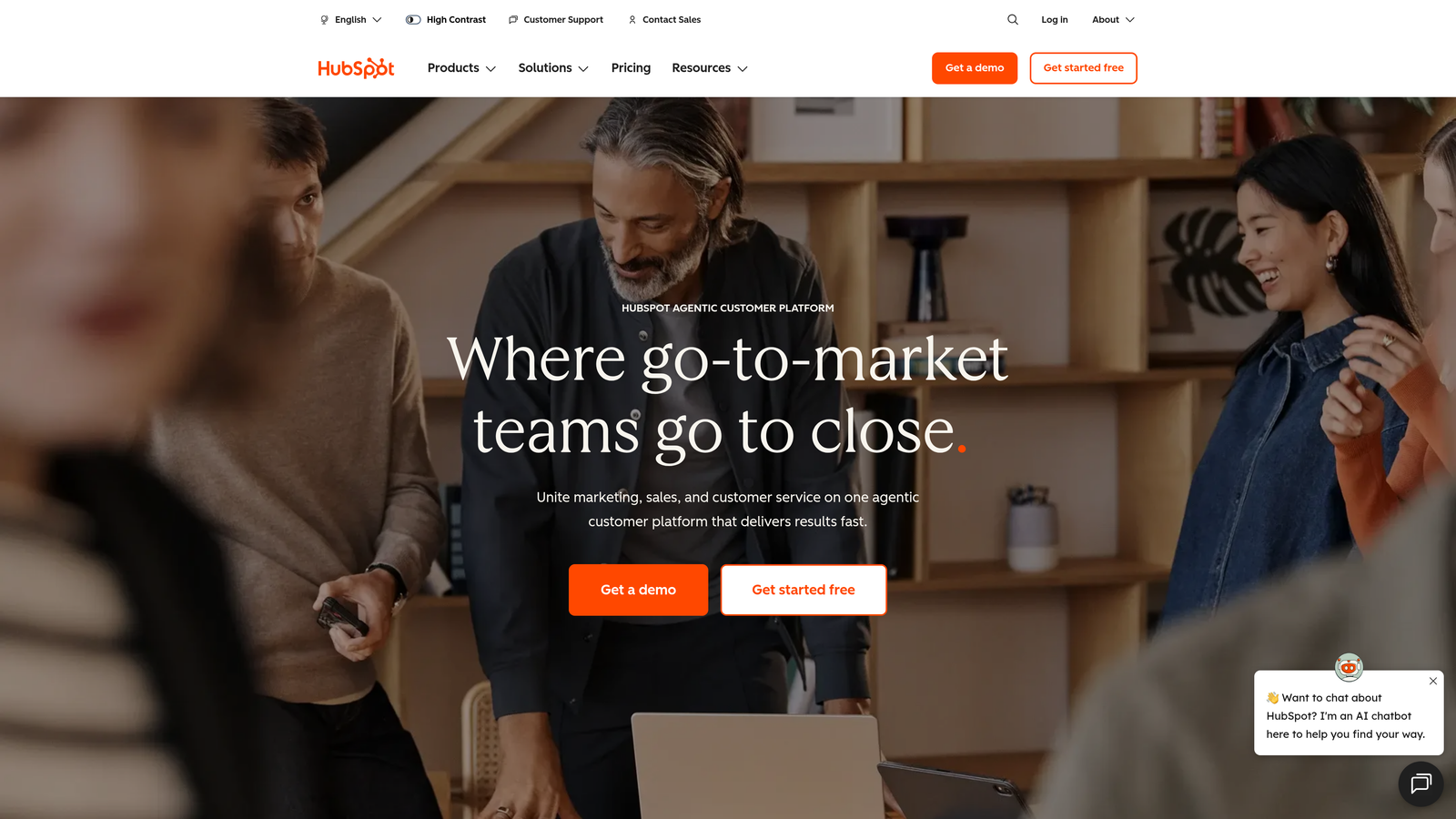
HubSpot Sales Hub offers one of the most complete free CRMs available, making it accessible for startups while scaling to enterprise needs.
Where This Tool Shines
HubSpot's real strength lies in how seamlessly sales and marketing teams can work together. Lead handoffs feel natural because both teams operate in the same platform, sharing context and activity history without data silos.
The conversation intelligence features have improved dramatically, now offering AI-powered call analysis that surfaces deal risks and coaching opportunities automatically. For teams making the jump from spreadsheets to proper CRM, HubSpot's interface feels intuitive rather than overwhelming.
Key Features
Email Tracking and Templates: Know when prospects open emails and use proven templates to speed up outreach.
Meeting Scheduler: Embedded calendar booking that eliminates email tennis when setting up calls.
Pipeline Management: Visual deal stages with drag-and-drop simplicity and customizable sales processes.
Conversation Intelligence: AI analysis of sales calls with automatic transcription and keyword tracking.
Sales Automation: Workflow triggers that handle repetitive tasks like follow-up reminders and lead assignment.
Best For
Small to mid-sized businesses that want room to grow, teams already using HubSpot Marketing Hub, and companies prioritizing ease of use over deep customization. The free tier works surprisingly well for teams under 5 people.
Pricing
Free CRM with core features. Sales Hub Starter begins at $20/user/month, with Professional and Enterprise tiers adding advanced automation and reporting.
3. Salesforce Sales Cloud
Best for: Enterprise organizations requiring extensive customization and complex sales processes
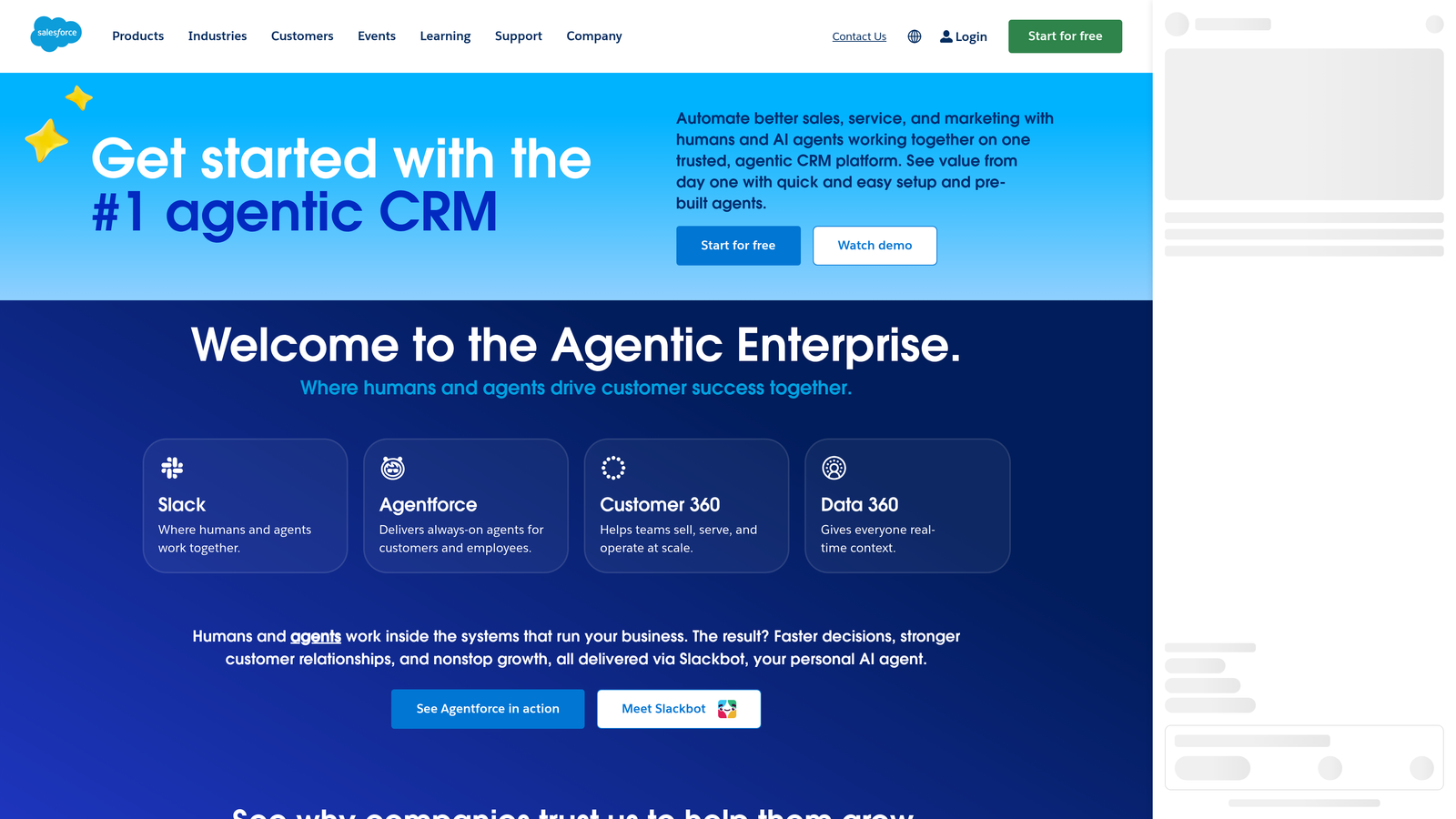
Salesforce Sales Cloud remains the gold standard for companies with sophisticated sales operations and budget for implementation.
Where This Tool Shines
No platform matches Salesforce's customization depth. You can model virtually any sales process, create custom objects for unique business needs, and build automation that handles the most complex scenarios.
The AppExchange ecosystem gives you thousands of pre-built integrations and extensions. Need specialized functionality? There's likely an app for it. Einstein AI has matured into genuinely useful predictive insights rather than just flashy features, particularly for opportunity scoring and next-best-action recommendations.
Key Features
Advanced Reporting and Dashboards: Build sophisticated reports with multiple data sources and real-time visualization.
Einstein AI Insights: Predictive lead scoring, opportunity insights, and automated activity capture from emails and calendar.
Territory Management: Complex territory hierarchies with automated assignment rules for enterprise sales structures.
CPQ Capabilities: Configure-price-quote functionality for complex product catalogs and pricing scenarios.
AppExchange Marketplace: Access to 5,000+ third-party apps and integrations for specialized needs.
Best For
Enterprise sales teams with complex processes, organizations with dedicated Salesforce administrators, and companies requiring extensive compliance or audit capabilities. Expect to invest in implementation and ongoing administration.
Pricing
Essentials starts at $25/user/month for small teams. Professional at $80/user/month, Enterprise at $165/user/month, and Unlimited at $330/user/month with premium support and features.
4. Pipedrive
Best for: Sales teams that prioritize visual pipeline management and activity-based selling
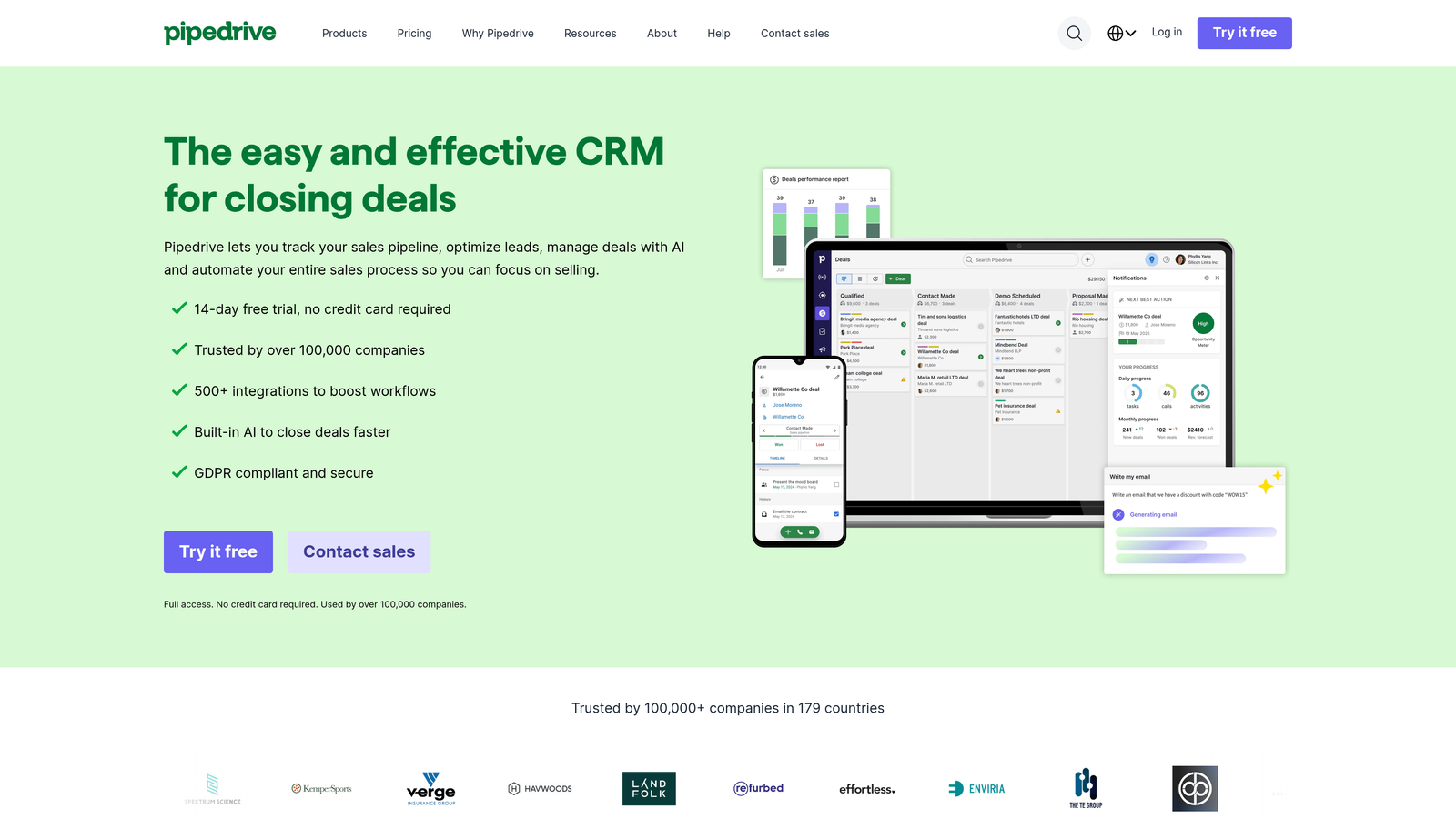
Pipedrive was built by salespeople who got frustrated with overly complex CRMs, and that philosophy shows in every interaction.
Where This Tool Shines
The visual pipeline is Pipedrive's signature feature—drag deals between stages and instantly see where your revenue sits. It's designed around activities rather than just contacts, pushing reps to focus on what they need to do next rather than endless data entry.
The AI sales assistant has become genuinely helpful, suggesting which deals need attention and surfacing patterns in your successful closes. Unlike bloated enterprise CRMs, Pipedrive stays focused on the core job: moving deals forward.
Key Features
Visual Deal Pipeline: Kanban-style pipeline view that makes deal stages and bottlenecks immediately obvious.
AI Sales Assistant: Smart recommendations on deal prioritization, next actions, and revenue forecasting.
Email Integration: Two-way sync with Gmail and Outlook, tracking opens and clicks without leaving your inbox.
Workflow Automation: Trigger-based actions that handle routine tasks like lead assignment and follow-up scheduling.
Revenue Forecasting: Predictive analytics based on historical win rates and current pipeline health.
Best For
Small to mid-sized sales teams, inside sales organizations, and companies selling products with defined sales cycles. Works particularly well for B2B teams with 5-50 salespeople who need simplicity over enterprise complexity.
Pricing
Essential plan starts at $14/user/month. Advanced at $29/user/month adds automation and email features. Professional and Enterprise tiers scale up to $99/user/month.
5. Close
Best for: Inside sales teams that live on the phone and need calling built into their CRM
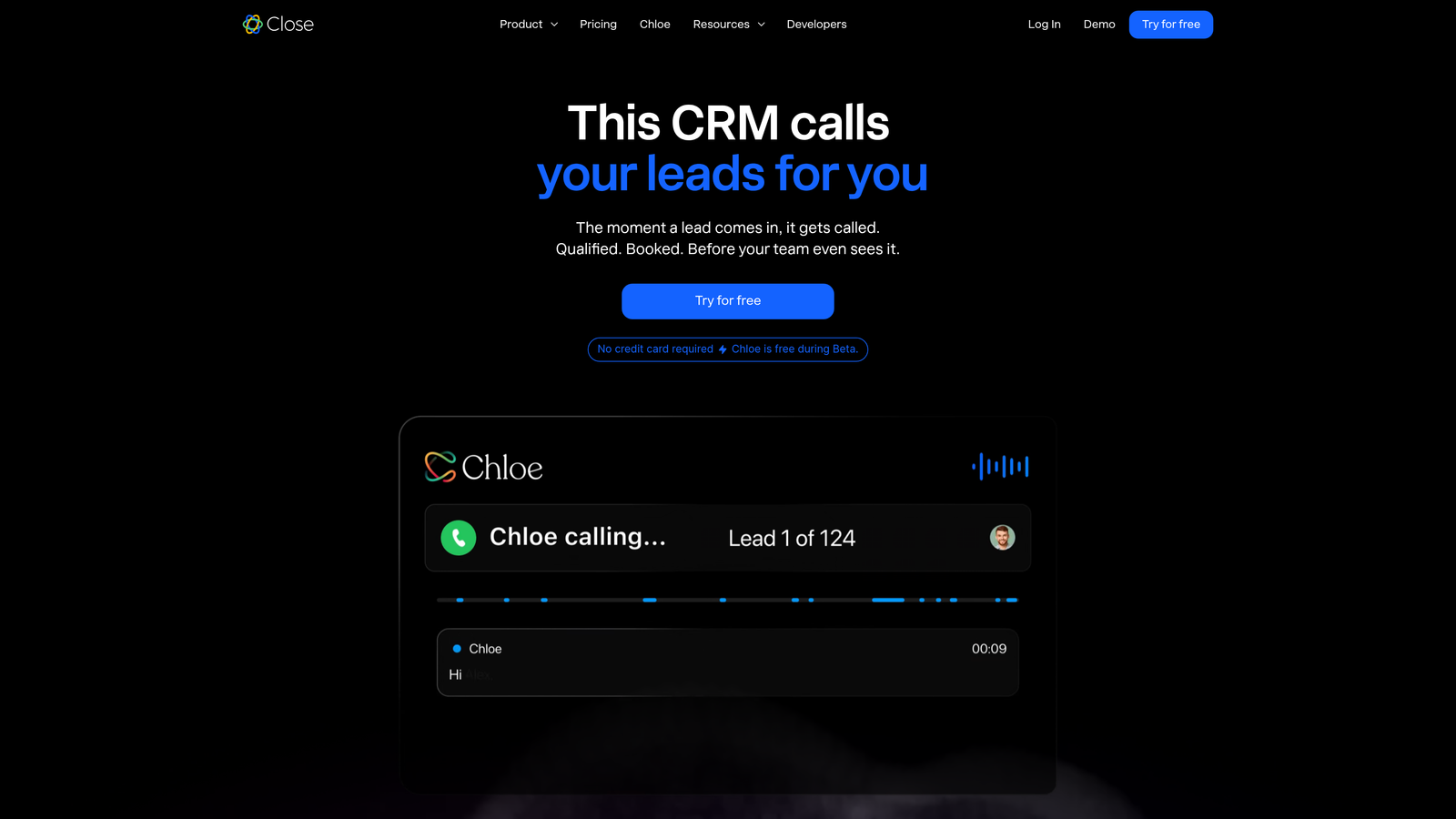
Close eliminates the need for separate calling tools by building power dialing, SMS, and email directly into the platform.
Where This Tool Shines
Close was purpose-built for inside sales teams making high volumes of calls. The power dialer lets reps blast through lists efficiently, while predictive dialing takes it further by connecting calls before reps even finish their last conversation.
Everything happens in one interface—no toggling between CRM and phone system. Call recordings, transcriptions, and coaching tools are native features, not awkward integrations. For teams where phone conversations drive deals, this unified approach saves hours every week.
Key Features
Power Dialer and Predictive Dialing: Make 3-4x more calls per day with automated dialing and local presence numbers.
Built-in SMS: Text prospects directly from the CRM with conversation history tracked automatically.
Email Sequences: Automated email campaigns that pause when prospects reply or engage.
Pipeline Reporting: Real-time visibility into activities, conversion rates, and rep performance.
Call Coaching Tools: Recording library, transcription search, and manager review workflows for training.
Best For
Inside sales teams, SDR organizations, remote sales teams, and companies where phone conversations are the primary sales channel. Less suitable for field sales or product-led growth motions.
Pricing
Startup plan at $49/user/month includes basic calling. Professional at $99/user/month adds power dialer and SMS. Enterprise at $149/user/month includes predictive dialing.
6. Attio
Best for: Modern teams wanting a flexible, collaborative CRM that adapts to their workflow
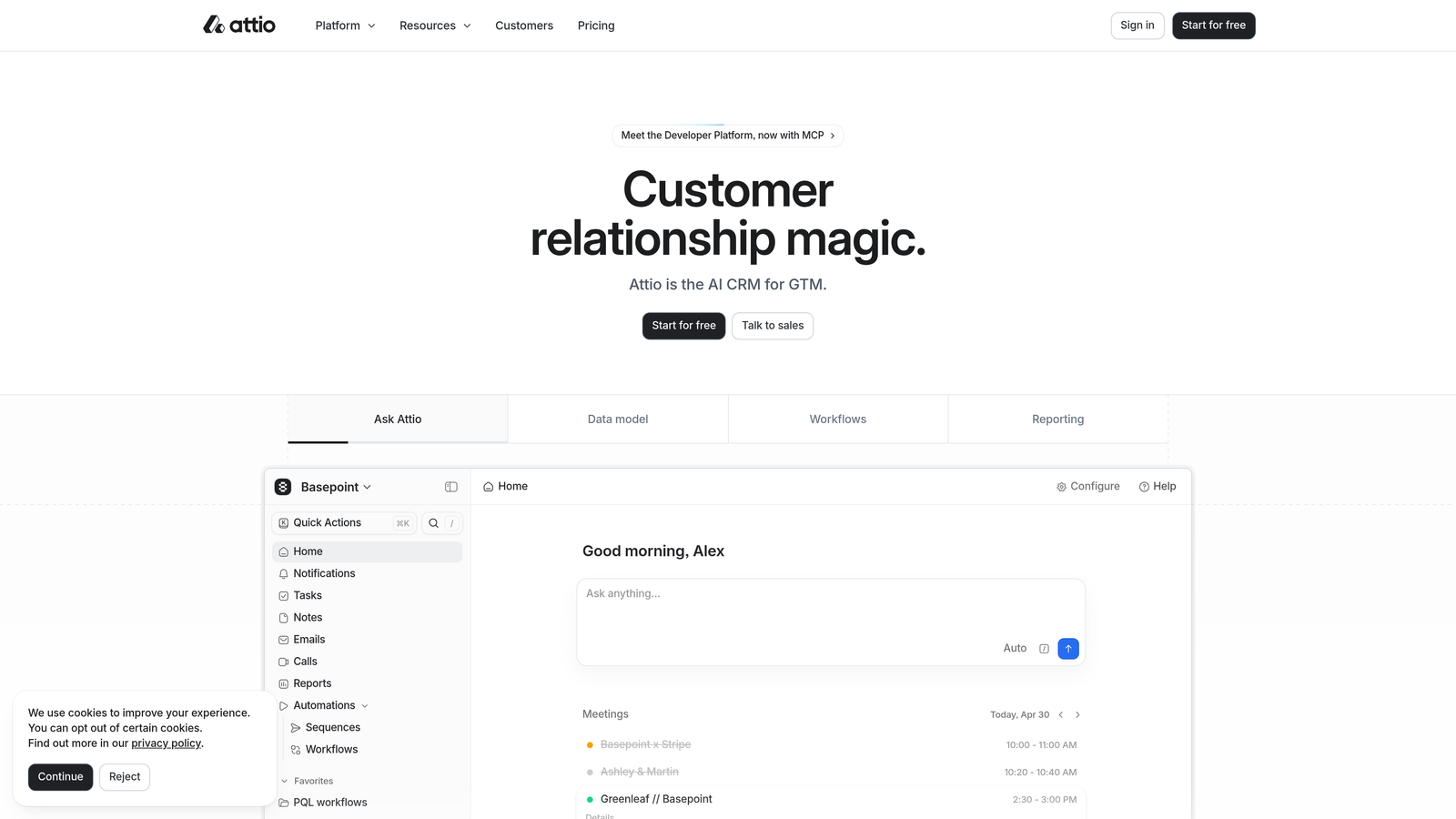
Attio represents the next generation of CRM design—beautiful interface, powerful data model, and built for how teams actually collaborate.
Where This Tool Shines
Attio's flexible data model means you're not fighting the CRM to match your process. Create custom objects, define relationships between data types, and build views that surface exactly what your team needs to see.
Real-time collaboration feels like working in Notion or Airtable rather than traditional CRM. The automatic data enrichment pulls in company information, social profiles, and firmographic data without manual research. For teams tired of rigid CRM structures, Attio feels refreshingly adaptable.
Key Features
Flexible Data Model: Define custom objects, fields, and relationships that match your unique sales process.
Automatic Data Enrichment: Pull in company data, social profiles, and contact information from public sources automatically.
Real-Time Collaboration: Multiple team members can work on records simultaneously with live updates.
Custom Objects and Fields: Track anything beyond standard contacts and companies—projects, investors, partnerships.
API-First Architecture: Robust API for custom integrations and workflow automation with tools like Zapier and Make.
Best For
Startups and scale-ups that need flexibility, product-led growth companies, venture capital firms, and teams that want their CRM to feel modern rather than legacy. Technical teams will appreciate the API capabilities.
Pricing
Free for up to 3 users with core features. Plus plan at $29/user/month adds advanced automation and integrations. Pro and Enterprise tiers available for larger teams.
7. Freshsales
Best for: Growing teams seeking enterprise CRM features at mid-market prices
Freshsales delivers sophisticated AI capabilities and built-in communication tools without the enterprise price tag.
Where This Tool Shines
Freddy AI, Freshsales' assistant, provides genuinely useful lead scoring and deal insights rather than gimmicky features. The AI analyzes patterns in your closed deals and identifies which current opportunities share those winning characteristics.
Built-in phone and email mean no separate subscriptions for communication tools. The visual pipeline combines simplicity with power—easy enough for new reps to grasp immediately while offering the customization sales ops teams need. For companies outgrowing basic CRMs but not ready for Salesforce complexity, Freshsales hits a sweet spot.
Key Features
Freddy AI Lead Scoring: Predictive scoring based on engagement patterns and fit criteria to prioritize highest-value prospects.
Built-in Phone and Email: Make calls and send emails directly from the CRM with automatic activity logging.
Visual Sales Pipeline: Customizable deal stages with drag-and-drop management and bottleneck identification.
Workflow Automation: Trigger-based actions for lead assignment, follow-up tasks, and status updates.
Territory Management: Assign leads based on geography, company size, or industry with automatic routing rules.
Best For
Mid-sized sales teams scaling from 10-100 people, companies wanting AI features without enterprise costs, and teams already using other Freshworks products for support or marketing.
Pricing
Free tier available with basic CRM features. Growth plan starts at $15/user/month. Pro at $39/user/month adds AI and automation. Enterprise at $69/user/month includes advanced customization.
8. Zoho CRM
Best for: Teams leveraging the broader Zoho ecosystem for integrated business operations
Zoho CRM offers remarkable depth at competitive prices, especially powerful when combined with Zoho's 45+ business applications.
Where This Tool Shines
The Zoho ecosystem integration is unmatched—connect your CRM seamlessly with Zoho Books for accounting, Zoho Desk for support, Zoho Campaigns for marketing, and dozens more. Data flows between applications without complex integrations or middleware.
Zia, the AI assistant, handles lead scoring, anomaly detection, and even suggests optimal times to contact prospects. Blueprint process management lets you design and enforce complex sales workflows visually. For the feature set you get, Zoho's pricing is exceptionally competitive.
Key Features
Zia AI Assistant: Conversational AI for lead scoring, sentiment analysis, and workflow recommendations.
Omnichannel Communication: Manage email, phone, social media, and live chat from a unified interface.
Blueprint Process Management: Visual workflow designer that enforces sales processes and ensures consistency.
Advanced Analytics: Customizable reports and dashboards with AI-powered insights and anomaly detection.
Canvas Design Studio: Drag-and-drop interface builder to create custom CRM layouts without coding.
Best For
Budget-conscious teams wanting enterprise features, companies already using Zoho products, and organizations needing deep customization. Works well for international teams with Zoho's strong multi-currency and localization support.
Pricing
Free for up to 3 users with basic features. Standard at $14/user/month, Professional at $23/user/month, and Enterprise at $40/user/month with advanced AI and automation.
9. Monday Sales CRM
Best for: Cross-functional teams wanting CRM that connects with broader project management
Monday Sales CRM brings the familiar Monday.com interface to sales, making it instantly recognizable for teams already using the work OS.
Where This Tool Shines
If your organization runs on Monday.com for project management, adding the Sales CRM creates seamless handoffs between sales and delivery teams. Won a deal? The project kickoff board populates automatically with client information and contract details.
The no-code automation builder is remarkably powerful—create complex workflows without developer help. Custom dashboards let each team member see exactly what matters to them, whether that's pipeline value, activities completed, or deals closing this quarter. The visual, colorful interface makes CRM feel less like data entry and more like collaborative work.
Key Features
No-Code Automations: Build complex workflows with visual automation builder—no technical skills required.
Custom Dashboards: Create personalized views with widgets for pipeline, activities, forecasts, and team performance.
Email Sync and Tracking: Two-way email integration with open and click tracking built in.
Lead Scoring: Automated scoring based on engagement, fit criteria, and custom rules you define.
Document Management: Attach files to deals, create templates, and track document versions within the CRM.
Best For
Teams already using Monday.com for operations, companies wanting visual project-to-sales alignment, and organizations prioritizing ease of use over deep sales-specific features. Less ideal for traditional enterprise sales teams.
Pricing
Starts at $12/seat/month with a 3-seat minimum. Standard, Pro, and Enterprise tiers add advanced automation, integrations, and support. Annual billing required.
10. Copper
Best for: Google Workspace teams wanting CRM that lives inside Gmail
Copper eliminates the friction of switching between tools by embedding CRM functionality directly in your Gmail sidebar.
Where This Tool Shines
Copper's automatic data capture is remarkably smart—it recognizes when you're emailing a prospect, creates the contact record automatically, and logs the conversation without you clicking anything. For teams living in Gmail, this zero-friction approach means CRM actually gets used instead of ignored.
The Google Calendar integration is equally seamless. Schedule a meeting and Copper creates the activity, links it to the right deal, and reminds you to log outcomes. For Google Workspace-native companies, Copper feels like a natural extension rather than a separate system to learn.
Key Features
Gmail Sidebar Integration: Access full CRM functionality without leaving your inbox—see contact history, deals, and tasks inline.
Automatic Data Capture: Copper recognizes contacts from email signatures and creates records automatically.
Google Calendar Sync: Meetings sync bidirectionally with automatic activity logging and reminders.
Pipeline Management: Visual deal stages with customizable workflows and automated progression rules.
Workflow Automation: Trigger-based actions for lead routing, task creation, and follow-up sequences.
Best For
Companies standardized on Google Workspace, teams that struggle with CRM adoption due to tool-switching friction, and small to mid-sized sales organizations. Less suitable if you're heavily invested in Microsoft 365.
Pricing
Starts at $23/user/month for Basic plan. Professional at $59/user/month adds automation and reporting. Business at $99/user/month includes advanced features and priority support.
11. Apollo.io
Best for: Outbound sales teams needing prospecting database plus engagement platform
Apollo.io combines a massive B2B contact database with sales engagement tools, making it powerful for teams building pipeline from scratch.
Where This Tool Shines
Apollo's database of 275+ million contacts gives you direct access to decision-makers without buying separate list services. Search by title, company size, technology stack, or intent signals to build targeted prospect lists in minutes.
The engagement platform lets you run multi-channel sequences—email, LinkedIn, phone calls—from a single workflow. Intent data signals show you which companies are actively researching solutions like yours, letting you reach out at exactly the right moment. For outbound-focused teams, Apollo consolidates what used to require three separate tools.
Key Features
275M+ Contact Database: Searchable B2B database with direct dials, email addresses, and firmographic data.
Email Sequences: Multi-step campaigns with A/B testing, personalization, and automatic follow-ups.
Intent Data Signals: Identify companies showing buying signals based on web activity and research behavior.
Lead Scoring: Prioritize prospects based on engagement, fit, and likelihood to convert.
Chrome Extension: Capture contact information and add prospects to sequences directly from LinkedIn or company websites.
Best For
Outbound sales teams, SDR organizations, companies building new markets, and businesses needing extensive prospecting data. Works particularly well for B2B SaaS and professional services firms.
Pricing
Free tier with limited credits and basic features. Basic plan starts at $49/user/month with increased credits and sequences. Professional and Organization tiers scale to $79 and $119/user/month.
Finding Your Perfect Fit
The right sales lead management tool depends entirely on your team's specific workflow and growth stage.
For startups and small teams prioritizing lead quality from day one, Orbit AI's form-based qualification approach prevents bad leads from ever entering your pipeline. HubSpot offers the most generous free tier if you're just getting started and need basic CRM functionality without upfront investment.
Mid-sized teams with active sales processes should consider Pipedrive for its visual simplicity or Freshsales for AI-powered insights at reasonable prices. Inside sales teams making high call volumes will find Close's built-in dialing capabilities eliminate tool-switching friction.
Enterprise organizations with complex sales motions and budget for implementation can't beat Salesforce's customization depth and ecosystem. Google Workspace-native companies should seriously evaluate Copper's seamless Gmail integration.
If you're running outbound campaigns and building lists from scratch, Apollo.io's prospecting database plus engagement platform consolidates your tech stack. Teams wanting flexibility and modern collaboration will appreciate Attio's adaptable data model.
The common thread? The best tool is the one your team actually uses consistently. Start with your biggest pain point—whether that's lead quality, pipeline visibility, or adoption friction—and choose the platform that solves it most elegantly.
Start building free forms today and see how intelligent form design can elevate your conversion strategy. Transform your lead generation with AI-powered forms that qualify prospects automatically while delivering the modern, conversion-optimized experience your high-growth team needs.


