

Sales teams live and die by lead quality. The problem isn't usually traffic — it's what happens after a prospect lands on your page. A generic contact form wastes that momentum. The right sales team form builder does more than collect names and emails: it qualifies leads, routes them to the right rep, and feeds your CRM automatically.
This list covers the top form builders built or well-suited for sales workflows. Each tool was evaluated on lead capture capabilities, CRM integrations, conditional logic, qualification features, and ease of use for non-technical teams. Whether you're running outbound follow-up flows, demo request pipelines, or inbound lead routing, there's a tool here for your stack.
Let's get into it.
1. Orbit AI
Best for: High-growth SaaS and B2B teams that need AI-powered lead qualification built into the form itself.
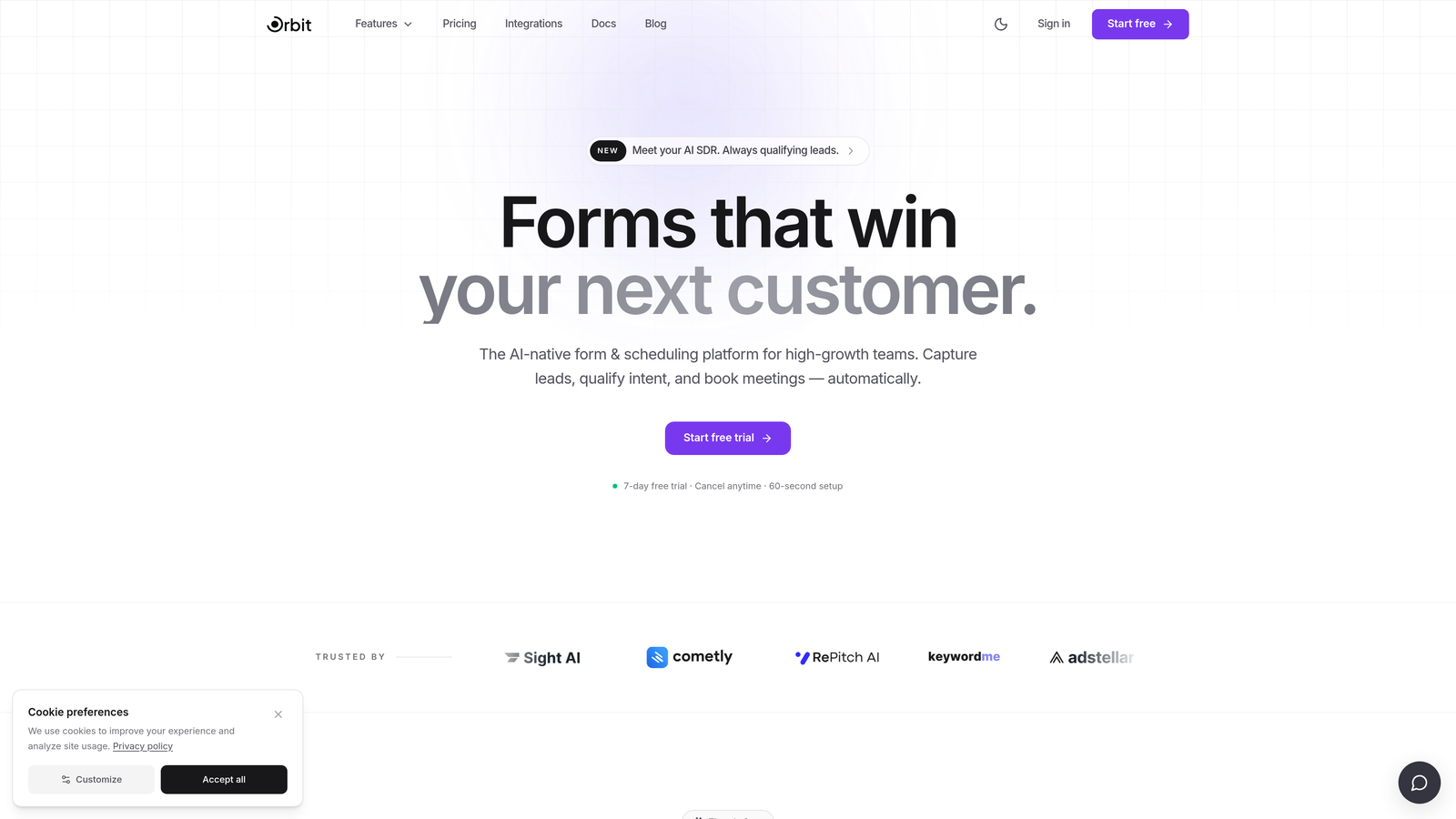
Orbit AI is an AI-powered form builder purpose-built for lead qualification, scoring, and conversion optimization.
Where This Tool Shines
Most form builders collect data and hand it off to your CRM for qualification later. Orbit AI flips that model. The AI-driven lead scoring happens inside the form flow itself, meaning by the time a submission lands in your pipeline, it already carries qualification context your reps can act on immediately.
For high-growth teams where speed-to-lead matters, that difference is significant. Instead of routing every submission to a rep and letting them figure out fit, Orbit AI does the heavy lifting upfront. The result is a tighter handoff between marketing and sales, and less time wasted on leads that were never going to close.
Key Features
AI-Driven Lead Qualification: Qualification logic runs inside the form experience, not as a post-submission CRM workflow.
Real-Time Lead Scoring: Responses are analyzed and scored in real time so reps can prioritize follow-up the moment a lead comes in.
Conditional Logic: Questions adapt dynamically based on how a prospect responds, keeping the flow relevant and reducing drop-off.
Conversion-Optimized Templates: Modern, branded form designs built to maximize completion rates rather than just look functional.
CRM Integrations: Automated lead routing to your CRM ensures no manual data entry slows down the handoff.
Best For
Orbit AI is built specifically for SaaS and B2B sales teams running demo request flows, inbound qualification pipelines, or any workflow where lead quality matters more than lead volume. It's particularly strong for teams that have outgrown generic form tools and want qualification intelligence closer to the top of the funnel.
Pricing
Visit orbitforms.ai for current pricing plans. A free starting option is available.
2. Typeform
Best for: Sales teams running longer qualification surveys that need strong completion rates.
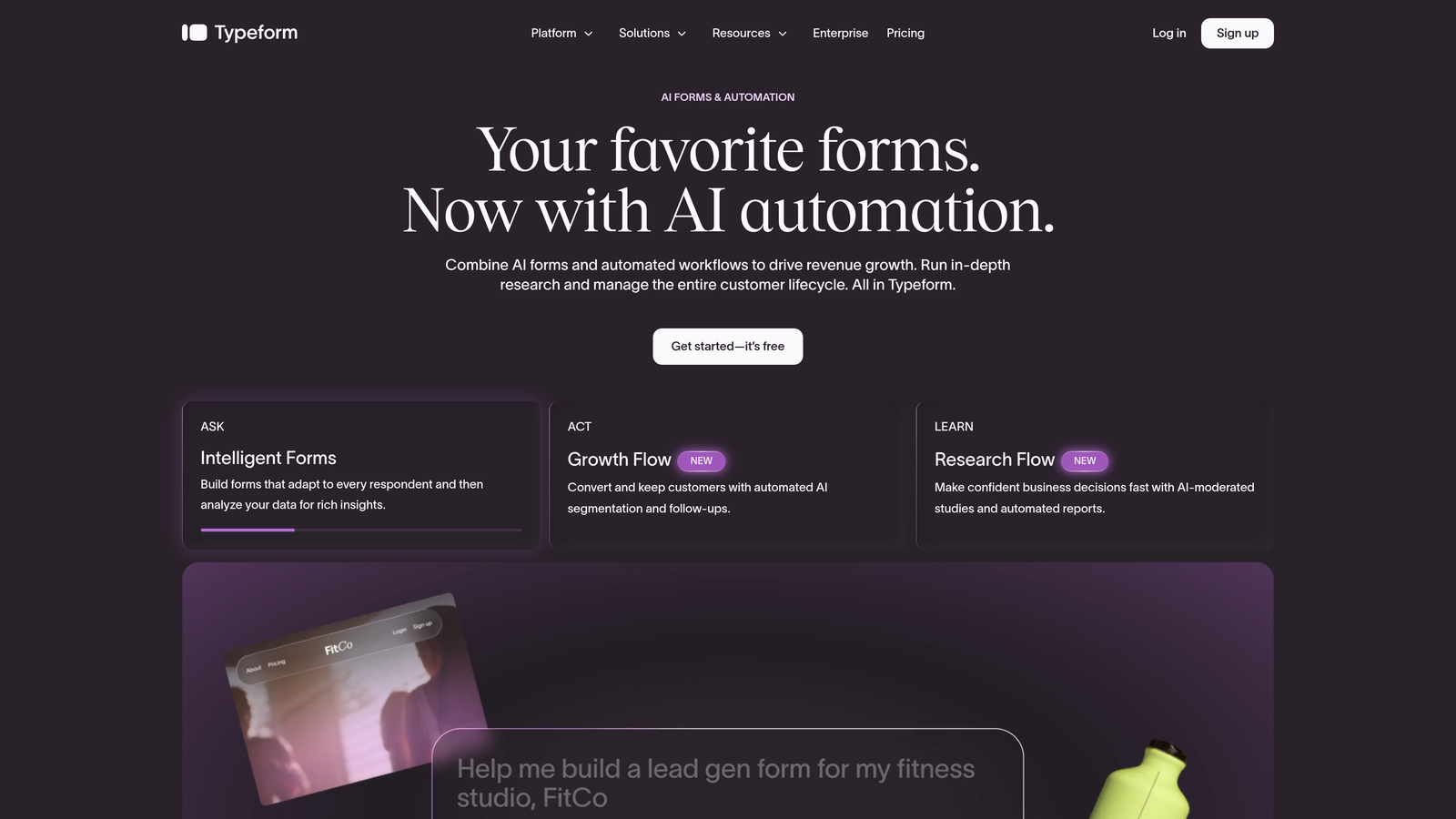
Typeform is a conversational form builder known for its one-question-at-a-time format that keeps prospects engaged through multi-step flows.
Where This Tool Shines
Typeform's biggest strength is its ability to make a long qualification form feel like a conversation rather than a chore. When you're asking a prospect eight or ten questions to determine fit, the format matters. Showing one question at a time reduces cognitive load and tends to improve completion rates compared to traditional multi-field forms.
The trade-off is that qualification logic lives downstream in your CRM or automation layer, not inside the form itself. Typeform collects and routes data well, but the intelligence has to come from elsewhere in your stack.
Key Features
Conversational UX: One-question-at-a-time format designed to reduce friction on longer forms.
Logic Jumps: Conditional branching lets you route prospects through different question paths based on responses.
Native CRM Integrations: Direct connections to HubSpot and Salesforce without requiring middleware.
Rich Media Support: Embed images and video within form questions to add context or personality.
Analytics Dashboard: Drop-off tracking shows exactly where prospects abandon the form so you can optimize.
Best For
Sales and marketing teams that run discovery surveys, qualification flows, or event registration forms where a polished, branded experience matters. Especially effective for B2B teams with longer qualification sequences where completion rate is a key metric.
Pricing
Free plan available with limited responses. Paid plans start at approximately $25/month. Verify current pricing on Typeform's website.
3. HubSpot Forms
Best for: Teams already running their pipeline inside HubSpot CRM.
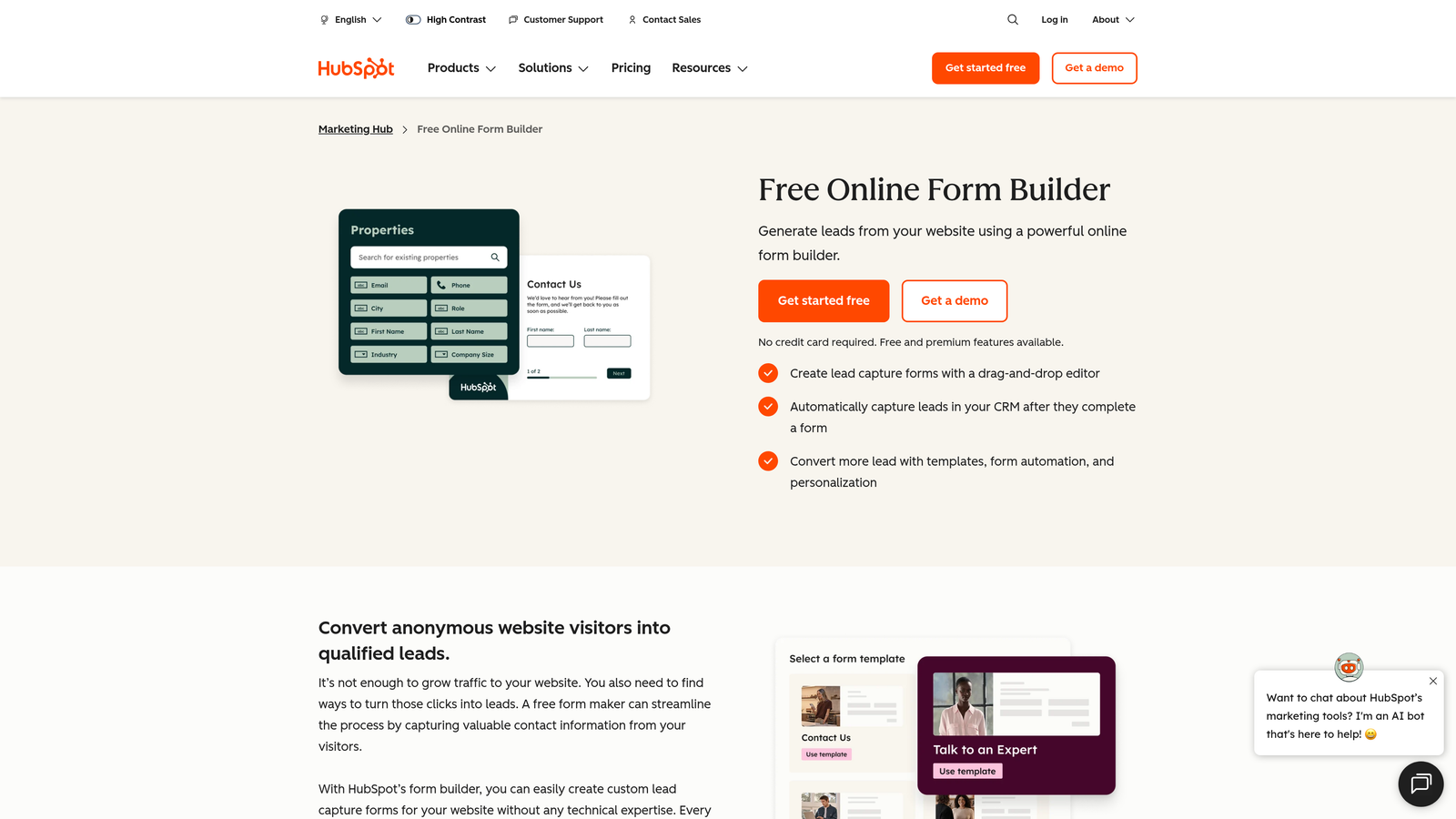
HubSpot Forms is the native form builder included with HubSpot CRM, offering seamless data sync without any integration layer.
Where This Tool Shines
If your team lives in HubSpot, this is the path of least resistance. Every form submission maps directly to a contact record and deal pipeline in real time. There's no Zapier step, no field mapping to maintain, no risk of data falling through the cracks during sync. That reliability is genuinely valuable when you're managing a high-volume inbound pipeline.
Progressive profiling is a standout feature worth highlighting. Instead of asking returning visitors the same fields they already filled out, HubSpot Forms shows new fields to build out the contact record over time. For sales teams nurturing contacts across multiple touchpoints, this creates richer profiles without friction.
Key Features
Native CRM Sync: Zero-friction connection to HubSpot contact records and deal pipelines with no integration layer required.
Progressive Profiling: Shows new fields to returning visitors to build richer contact records over time.
Workflow Triggers: Form submissions can fire automated HubSpot workflows directly, enabling instant follow-up sequences.
Embedded and Pop-Up Options: Deploy forms inline on pages or as exit-intent and timed pop-ups.
Free Tier Access: Available at no cost with HubSpot's free CRM plan.
Best For
Teams already committed to the HubSpot ecosystem who want seamless data integrity between form submissions and their CRM. Less ideal for teams on other CRM platforms or those who need advanced design customization.
Pricing
Free with HubSpot CRM's free tier. Advanced features like A/B testing and smart forms require paid Marketing Hub plans, which start at higher price points.
4. Jotform
Best for: Complex multi-step sales intake flows that require deep conditional logic and a large template library.
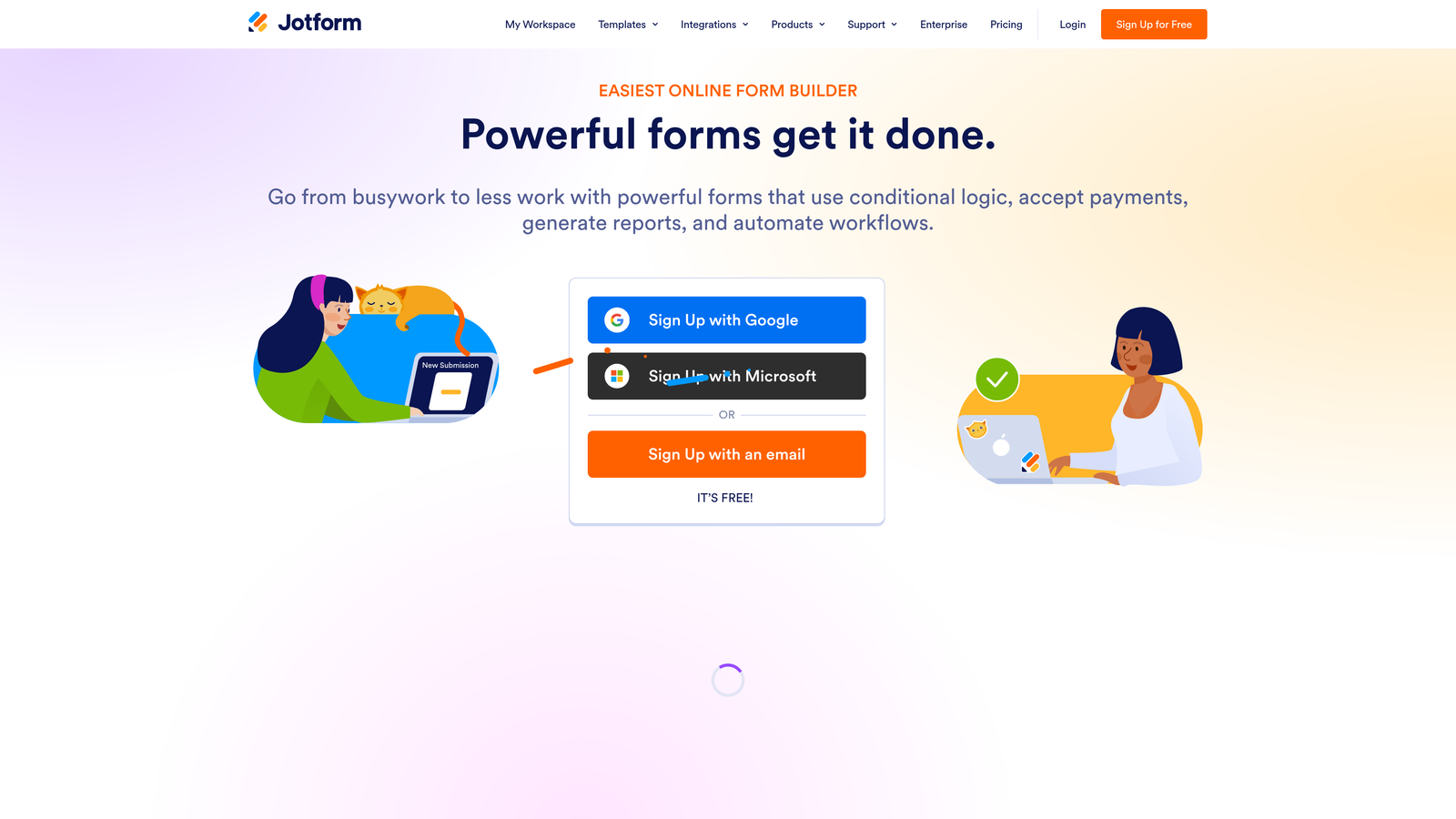
Jotform is one of the most feature-rich general-purpose form builders available, with an extensive template library and broad CRM compatibility.
Where This Tool Shines
Jotform's depth is its defining characteristic. If you need complex conditional logic, calculation fields, multi-page flows, or payment collection built into the same form, Jotform can handle it. It's particularly well-suited for agencies or enterprise sales teams managing multiple distinct intake workflows across different products or regions.
The template library is genuinely useful for teams that don't want to start from scratch. With thousands of templates including sales and lead capture categories, you can get a working form deployed quickly and customize from there.
Key Features
Extensive Template Library: Over 10,000 templates including sales, lead capture, and CRM-specific options.
Advanced Conditional Logic: Deep branching logic and calculation fields for complex qualification flows.
Multi-CRM Integrations: Native connections to Salesforce, HubSpot, and Zoho without requiring Zapier.
Built-In Payment Collection: Accept payments directly within forms, useful for sales teams handling deposits or subscriptions.
Team Collaboration: Form management and collaboration features for teams handling multiple workflows simultaneously.
Best For
Agencies managing multiple client workflows, enterprise sales teams with complex intake requirements, or any team that needs payment collection alongside lead capture. The learning curve is steeper than lighter tools, so it rewards teams willing to invest setup time.
Pricing
Free plan available with limited submissions. Paid plans start at approximately $34/month. Pricing scales with submission volume at higher tiers.
5. Salesforce Web-to-Lead
Best for: Salesforce-first teams where data integrity and direct Lead object mapping are the top priority.
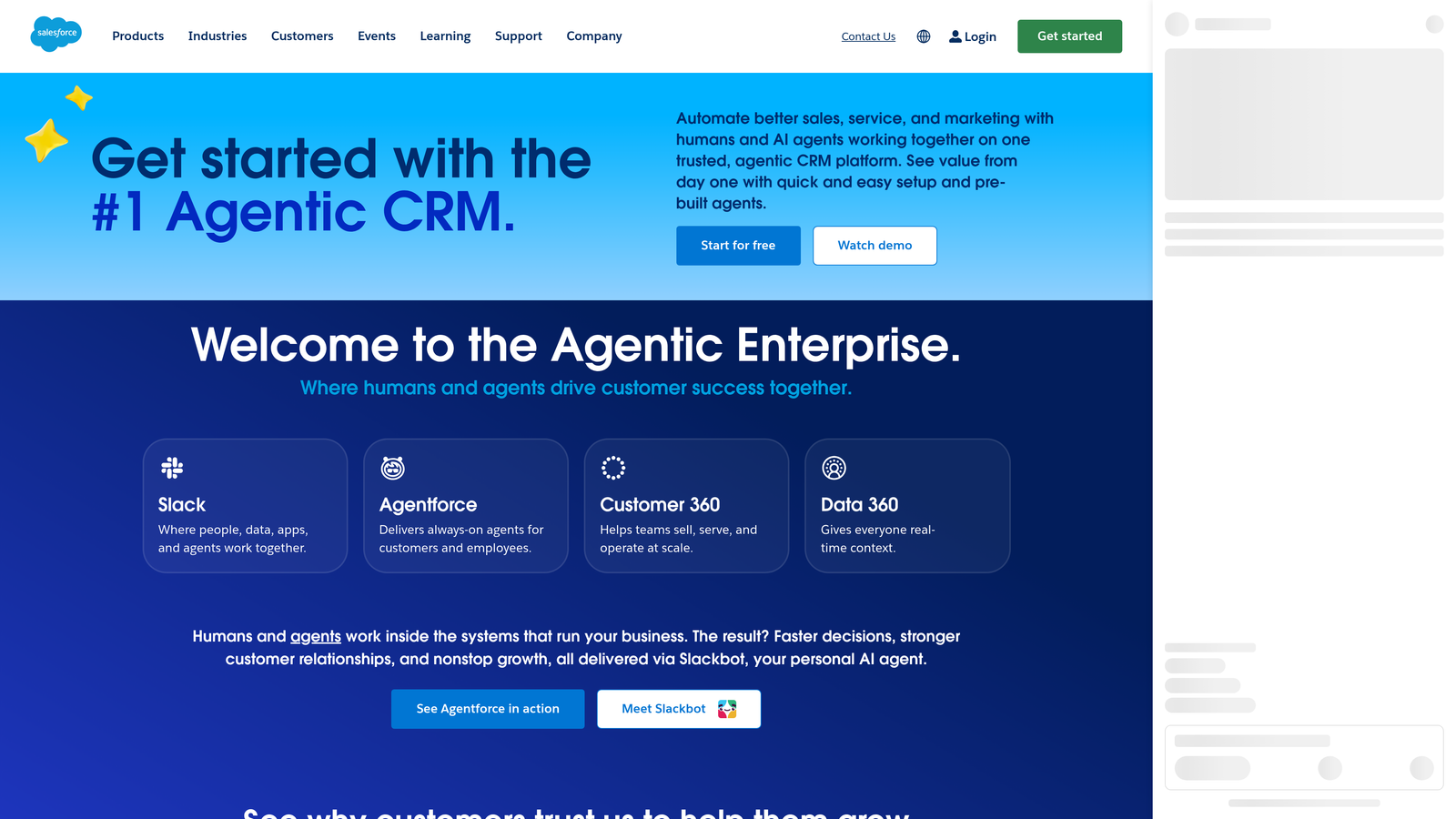
Salesforce Web-to-Lead is a built-in Salesforce feature that generates HTML forms mapping directly to Salesforce Lead objects with no middleware required.
Where This Tool Shines
The core value proposition here is simplicity of data flow. A Web-to-Lead form creates a Lead record in Salesforce directly. No integration, no sync delay, no field mapping to maintain in a third-party tool. For teams where Salesforce data integrity is non-negotiable, eliminating that integration layer removes a real source of risk.
Auto-assignment rules let you route leads to the right rep or queue based on field values immediately upon submission. That's a meaningful capability for sales teams managing territory-based or product-based routing without needing a separate routing tool.
Key Features
Direct Lead Object Mapping: Form fields map straight to Salesforce Lead records with no integration layer in between.
Auto-Assignment Rules: Built-in lead routing within Salesforce based on field values at submission.
Custom Field Support: Supports custom fields that match your Salesforce data model exactly.
Lead Source Tracking: Captures lead source data natively for attribution reporting inside Salesforce.
No Additional Tool Cost: Included with existing Salesforce licenses at no extra charge.
Best For
Teams running Salesforce as their primary CRM who want the most direct path from web form to Lead record. Not well-suited for teams that need polished, conversion-optimized form design or advanced UX — this is a functional tool, not a design-forward one.
Pricing
Included with Salesforce licenses at no additional cost. Salesforce itself starts at approximately $25/user/month for the Starter plan.
6. Tally
Best for: Small sales teams and startups that need a fast, modern form builder with a generous free tier.
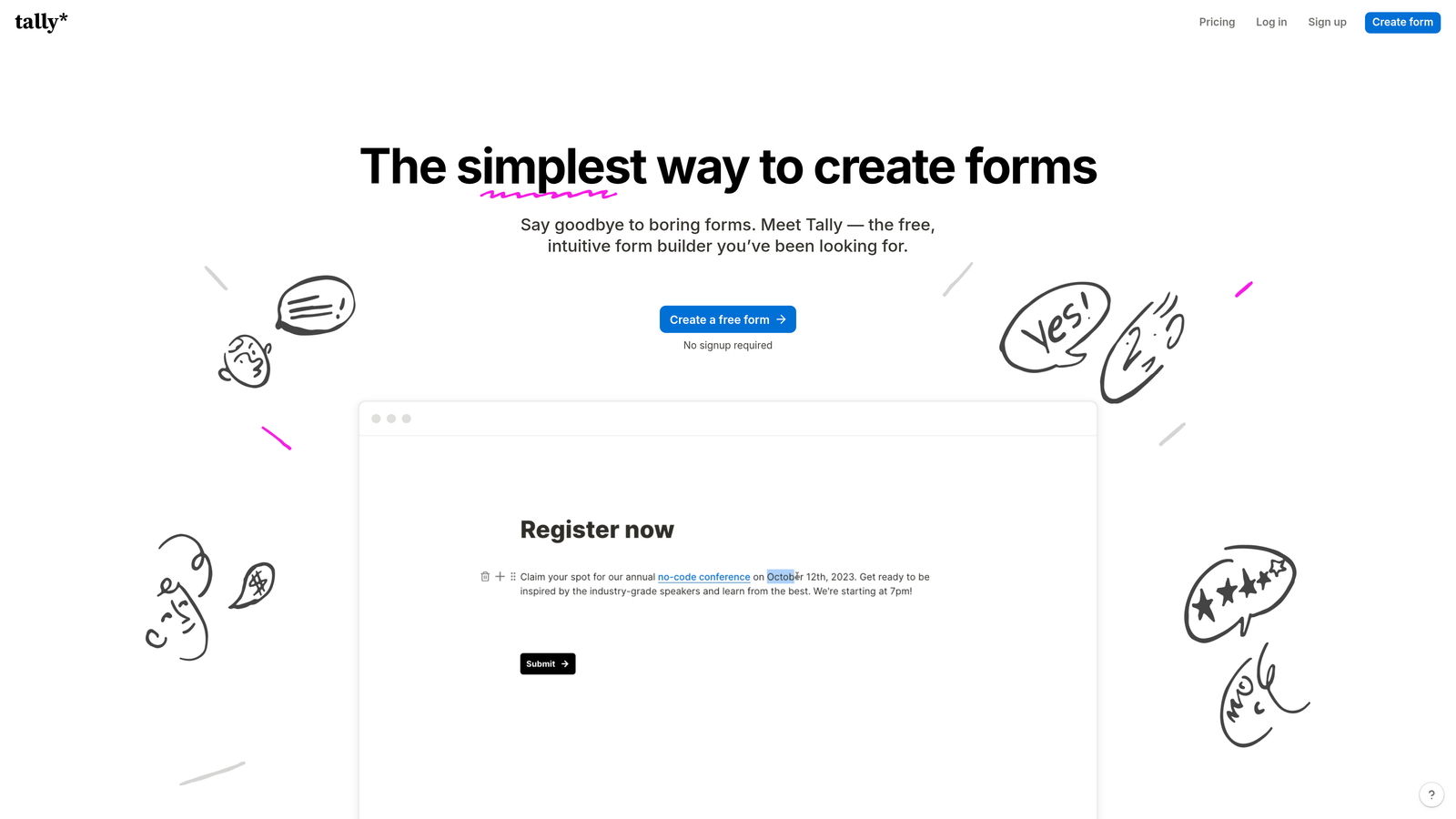
Tally is a lightweight, modern form builder with a Notion-inspired editor and one of the most generous free tiers in the market.
Where This Tool Shines
Tally's free tier stands out for one specific reason: no forced branding. Most free form tools slap their logo on your forms, which looks unprofessional when you're trying to make a strong first impression on a prospect. Tally removes that friction entirely on the free plan, which is genuinely unusual in this space.
The Notion-like block editor makes building and iterating on forms fast. For a small sales team that needs to spin up a demo request form or event registration page quickly, Tally's speed from idea to published form is a real advantage.
Key Features
Notion-Inspired Editor: Block-based interface that's fast to learn and quick to iterate on.
No Branding on Free Plan: Unusual in the market — your forms look clean and professional without paying.
Conditional Logic: Multi-page forms with conditional branching included on free and paid tiers.
Flexible Integrations: Connects via Zapier, Make, and native webhooks to route data to your CRM or automation tools.
Unlimited Forms and Submissions: No caps on the free tier, making it genuinely usable for growing teams.
Best For
Startups, small sales teams, and solo operators who need a capable, professional-looking form builder without a monthly bill. Less suited for teams that need native CRM integrations or advanced lead qualification logic without building it out through Zapier or Make.
Pricing
Generous free plan with unlimited forms and submissions. Tally Pro starts at approximately $29/month for additional features like custom domains and priority support.
7. Paperform
Best for: Sales teams that want to combine persuasive copy and lead capture in a single conversion-focused page.
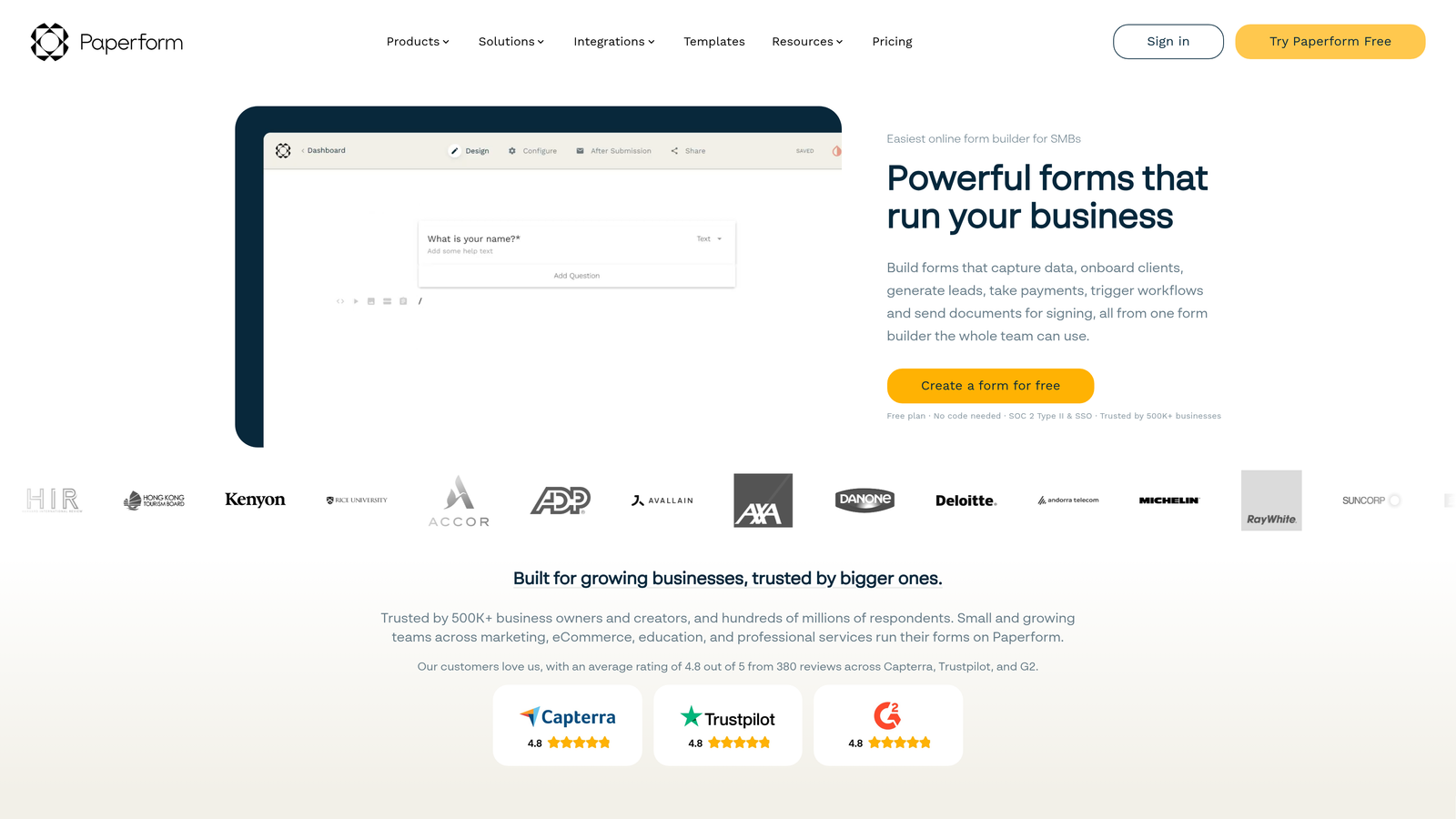
Paperform is a hybrid form and landing page builder that lets teams combine rich content and form fields in one editor.
Where This Tool Shines
The core insight behind Paperform is that context converts. When a prospect fills out a demo request form, showing them supporting copy, a product screenshot, or a short video alongside the form fields can meaningfully increase completion rates. Paperform lets you do that without maintaining a separate landing page tool.
For sales teams that don't have a dedicated web team to build custom landing pages, this is a practical middle ground. You can create a branded, content-rich form page without touching your website's CMS or waiting on a developer.
Key Features
Hybrid Page Builder: Combine landing page content and form fields in a single editor without needing two separate tools.
Rich Media Support: Embed images, video, and formatted text alongside form questions to add context and credibility.
Conditional Logic and Multi-Step Flows: Route prospects through different paths based on their responses.
CRM and Automation Integrations: Connects with HubSpot, Salesforce, Zapier, and Slack for downstream routing.
Custom Domains: Host form pages on your own domain for a fully branded experience.
Best For
Sales teams running standalone conversion pages for specific campaigns, product launches, or event registrations where context and copy matter as much as the form itself. Particularly useful for teams without dedicated landing page infrastructure.
Pricing
Plans start at approximately $24/month. No free tier, but a trial is available. Check Paperform's website for current plan details.
8. Gravity Forms
Best for: Sales teams running on WordPress who need deep CRM integrations and a mature add-on ecosystem.
Gravity Forms is the leading WordPress form plugin, with an extensive library of add-ons covering CRM, payment, and automation integrations.
Where This Tool Shines
If your sales team's primary web presence runs on WordPress, Gravity Forms is the most mature, well-supported option in the ecosystem. The add-on library covers nearly every CRM and automation tool a sales team might need, including HubSpot, Salesforce, Zoho, and Mailchimp, without requiring Zapier for basic integrations.
The developer-friendly architecture is a genuine differentiator for teams with technical resources. Extensive hooks and filters mean you can build highly customized form logic, custom field validation, or complex routing rules that would be impossible in a SaaS form tool. For enterprise teams with specific requirements, that flexibility has real value.
Key Features
Deep WordPress Integration: Access to WordPress user data, custom post types, and native site functionality.
CRM Add-Ons: Direct integrations with HubSpot, Salesforce, Zoho, and Mailchimp via official add-ons.
Multi-Page Forms and Conditional Logic: Complex multi-step flows with advanced branching and file upload support.
Payment Collection: Stripe, PayPal, and Square integrations via add-ons for sales teams handling transactions.
Developer-Friendly: Extensive hooks, filters, and an active developer community for custom implementations.
Best For
WordPress-based businesses with technical resources who need a mature, extensible form solution. Not suitable for teams on non-WordPress platforms, and the add-on model means costs can add up if you need multiple integrations.
Pricing
Annual license from approximately $59/year for the Basic plan to $259/year for the Elite plan, which includes all add-ons. One-time license options are also available.
9. Google Forms
Best for: Early-stage teams or internal workflows where budget is zero and basic data collection is sufficient.
Google Forms is a completely free form tool from Google that feeds responses directly into Google Sheets.
Where This Tool Shines
There's no simpler path from "we need a form" to "we have a form" than Google Forms. If you have a Google account, you have access to unlimited forms with no submission caps, no branding, and no monthly bill. For very early-stage teams testing a lead capture concept or running internal surveys, that zero-cost, zero-setup barrier is genuinely useful.
The Google Sheets integration is the most practical feature for sales teams using this tool. Responses populate a spreadsheet automatically, which can then feed into basic reporting or be exported to a CRM manually. It's not elegant, but it works for low-volume use cases.
Key Features
Completely Free: No cost, no submission limits, no account upgrade required.
Automatic Google Sheets Sync: Every response populates a spreadsheet in real time without any setup.
Basic Conditional Logic: Section branching lets you show different follow-up questions based on responses.
Easy Sharing: Share via link or embed on any page with no technical setup.
No Submission Limits: Handles high-volume responses without hitting a paywall.
Best For
Teams with zero budget, internal data collection needs, or very early-stage lead capture where a basic contact form is all that's required. Not recommended for teams where form design, CRM integration, or lead qualification are priorities.
Pricing
Completely free with any Google account.
Which Tool Is Right for Your Sales Team?
The right choice depends almost entirely on where you are in your sales process maturity and what your stack already looks like.
If lead qualification is a priority and you want intelligence built into the form itself rather than bolted on afterward, Orbit AI is the purpose-built option. It's designed specifically for high-growth B2B teams that need more from their forms than data collection.
For teams already deep in the HubSpot ecosystem, HubSpot Forms is the obvious choice. The native sync and progressive profiling features are hard to replicate without adding complexity to your stack. Similarly, if Salesforce is your system of record and data integrity is the priority, Web-to-Lead gives you the most direct path from submission to Lead record.
WordPress teams should look seriously at Gravity Forms before evaluating SaaS alternatives. The add-on ecosystem covers most CRM and automation needs, and the annual license model is cost-effective for teams that need multiple integrations.
For smaller teams or early-stage companies watching budget, Tally's free tier is the most capable no-cost option in the market. And if budget is truly zero and basic collection is all that's needed, Google Forms remains a practical starting point.
The broader takeaway: form builders have evolved well beyond simple data collection. The tools at the top of this list treat the form as an active part of the qualification process, not just a handoff mechanism. For sales teams focused on conversion and lead quality, that distinction is where the real leverage is.
Transform your lead generation with AI-powered forms that qualify prospects automatically while delivering the modern, conversion-optimized experience your high-growth team needs. Start building free forms today and see how intelligent form design can elevate your conversion strategy.


