

Choosing the right survey and form platform can be the difference between generic data collection and a lead generation machine that drives real business growth. The best platforms don't just gather responses—they qualify leads, optimize for conversions, and integrate seamlessly with your existing tools to turn every form submission into actionable intelligence.
In 2026, the market has evolved far beyond basic form builders. Today's top platforms leverage AI for lead scoring, create conversational experiences that boost completion rates, and offer sophisticated analytics that reveal insights you'd miss with traditional tools. Whether you're a high-growth team focused on conversion optimization, a researcher needing advanced survey logic, or a business seeking the perfect balance of design and functionality, there's a platform built for your specific needs.
We've evaluated the leading options based on what matters most: ease of use, customization capabilities, integration ecosystems, analytics depth, and value for growing teams. Here are the top survey and form platforms transforming how businesses collect and act on data in 2026.
1. Orbit AI
Best for: High-growth teams prioritizing lead generation and AI-powered conversion optimization
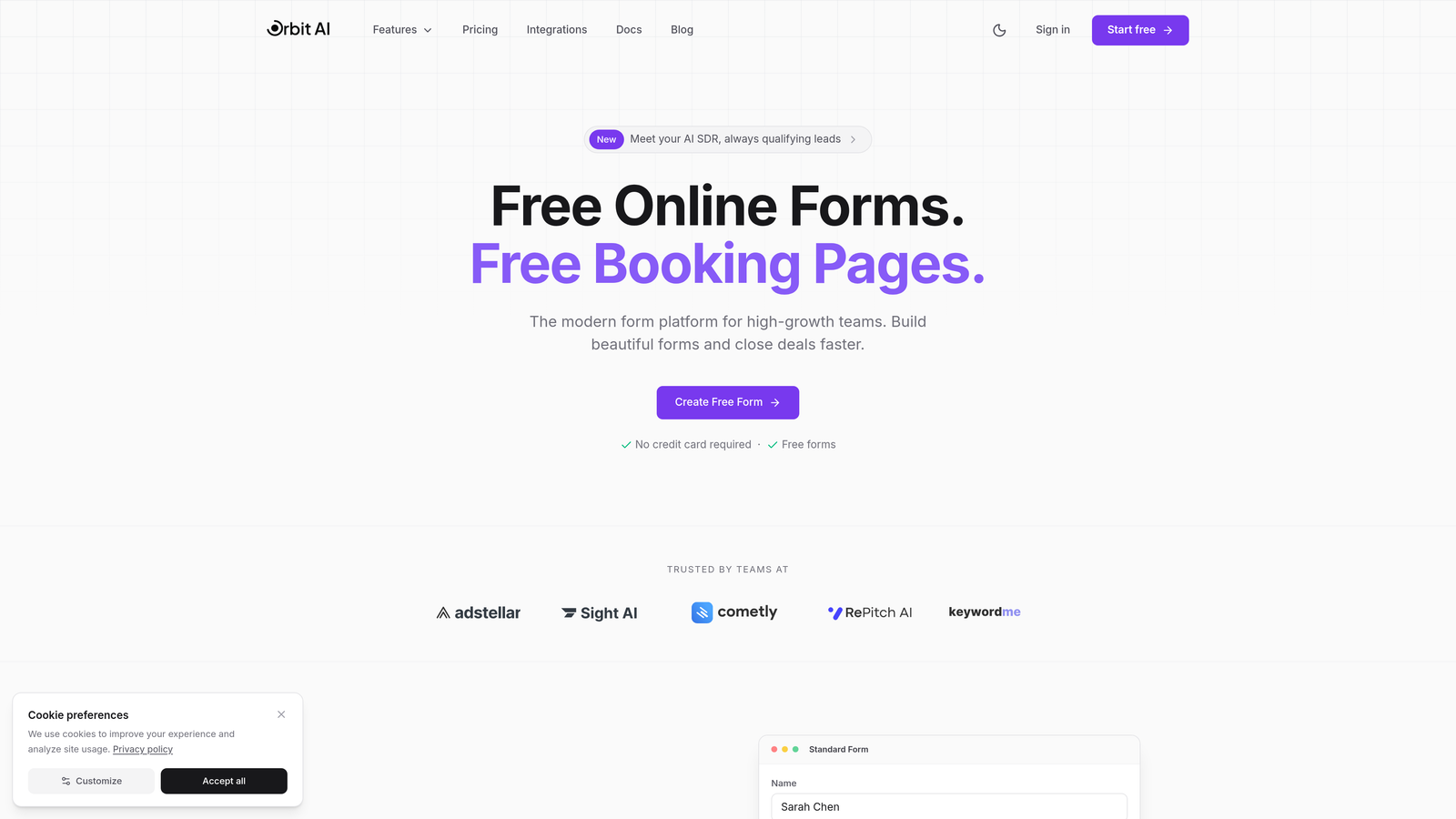
Orbit AI is an AI-powered form builder designed specifically for teams who view forms as revenue drivers, not just data collection tools.
Where This Tool Shines
What sets Orbit AI apart is its intelligent lead qualification engine. While other platforms simply capture form data, Orbit AI analyzes responses in real-time to score and route leads based on conversion potential. This means your sales team spends time on qualified prospects instead of sifting through low-intent submissions.
The platform's conversion-optimized templates are built on behavioral research and A/B testing insights, giving you forms that perform from day one. For teams where every lead counts and conversion rates directly impact revenue, this focus on optimization over generic form building makes a measurable difference.
Key Features
AI-Powered Lead Qualification: Automatically scores and prioritizes leads based on response patterns and behavioral signals.
Conversion-Optimized Templates: Pre-built forms designed around proven conversion principles and user experience best practices.
Intelligent Routing: Automatically directs qualified leads to the right team members based on custom workflows and scoring criteria.
Native CRM Integrations: Seamlessly syncs with popular CRM platforms to ensure lead data flows directly into your sales pipeline.
Real-Time Analytics Dashboard: Track conversion metrics, completion rates, and lead quality insights to continuously optimize performance.
Best For
Orbit AI is ideal for B2B SaaS companies, marketing agencies, and high-growth teams where lead quality matters as much as quantity. If your goal is turning form submissions into qualified sales opportunities rather than just collecting responses, this platform aligns perfectly with that objective.
Pricing
Free tier available for teams getting started. Paid plans unlock advanced AI features, increased submission limits, and premium integrations. Pricing scales with team size and feature requirements.
2. Typeform
Best for: Creating engaging, conversational form experiences with high completion rates
Typeform is a conversational form builder that revolutionized the industry with its one-question-at-a-time interface.

Where This Tool Shines
Typeform's signature approach displays one question per screen, creating a focused, conversation-like experience that feels less overwhelming than traditional long forms. This design philosophy consistently delivers higher completion rates, particularly for surveys and questionnaires where respondent fatigue is a concern.
The platform excels at creating visually stunning forms that reflect your brand identity. With extensive customization options for colors, fonts, backgrounds, and media integration, you can build forms that feel like natural extensions of your website rather than generic data collection tools.
Key Features
Conversational Interface: One-question-at-a-time format that reduces cognitive load and improves completion rates.
Design Customization: Extensive branding options including custom colors, fonts, backgrounds, and white-labeling capabilities.
Logic Jumps: Advanced conditional logic that creates personalized paths based on previous responses.
Media Integration: Embed videos, images, and GIFs to create more engaging and interactive form experiences.
Native Integrations: Connect with popular tools like Google Sheets, Slack, HubSpot, and hundreds of other platforms via Zapier.
Best For
Typeform works best for customer feedback surveys, event registrations, personality quizzes, and any scenario where user experience and completion rates are top priorities. It's particularly popular with creative agencies and consumer brands focused on aesthetic presentation.
Pricing
Free tier allows up to 10 responses per month. Basic plan starts at $25/month with 100 responses, while Plus ($50/month) and Business ($83/month) tiers offer increased limits and advanced features.
3. Jotform
Best for: Teams needing extensive template variety and specialized functionality like payment collection
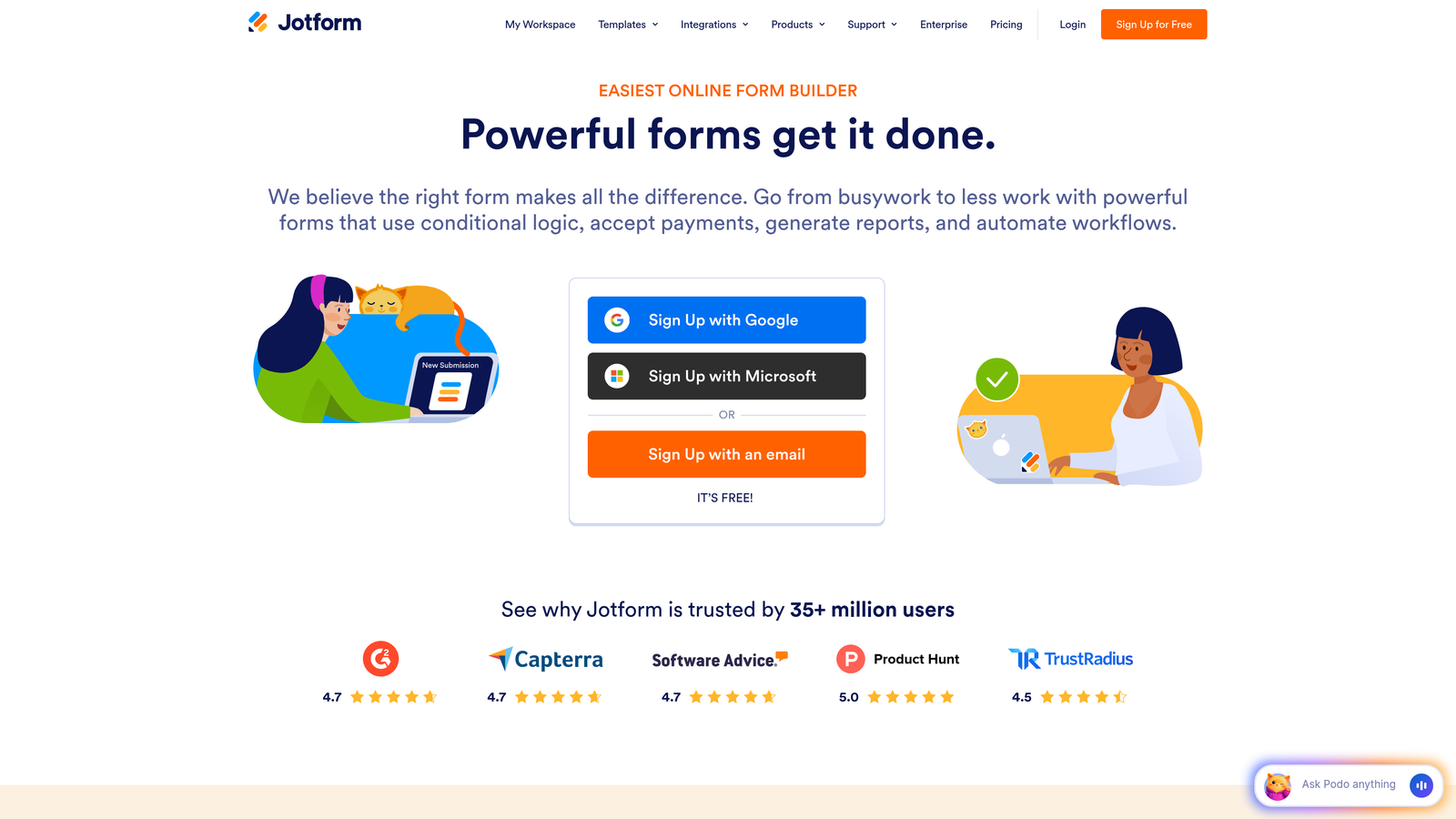
Jotform is a versatile no-code form builder offering over 10,000 templates and powerful customization through widgets and integrations.
Where This Tool Shines
Jotform's massive template library means you can find a pre-built starting point for virtually any use case—from job applications to event registrations to complex multi-page surveys. This breadth saves significant setup time compared to building forms from scratch.
The platform's widget ecosystem extends functionality far beyond basic forms. Need payment processing? Appointment scheduling? E-signatures? Jotform has specialized widgets that transform simple forms into comprehensive business solutions without requiring custom development.
Key Features
10,000+ Templates: Industry-specific templates covering everything from healthcare intake forms to real estate applications.
Payment Integrations: Built-in support for PayPal, Stripe, Square, and other payment processors for collecting fees and donations.
PDF Generation: Automatically convert form submissions into professional PDF documents with custom formatting.
Approval Workflows: Route submissions through multi-step approval processes with notifications and status tracking.
HIPAA Compliance: Enterprise plans offer HIPAA-compliant forms for healthcare organizations handling protected health information.
Best For
Jotform serves businesses needing versatile form solutions across multiple departments—HR for job applications, finance for payment collection, operations for approval workflows. It's particularly strong for organizations in healthcare, education, and nonprofit sectors requiring compliance features.
Pricing
Free tier includes 5 forms and 100 monthly submissions. Bronze plan starts at $34/month for 25 forms, with Silver ($39/month) and Gold ($99/month) offering increased limits and advanced features.
4. SurveyMonkey
Best for: Research-focused organizations requiring advanced analytics and industry benchmarking
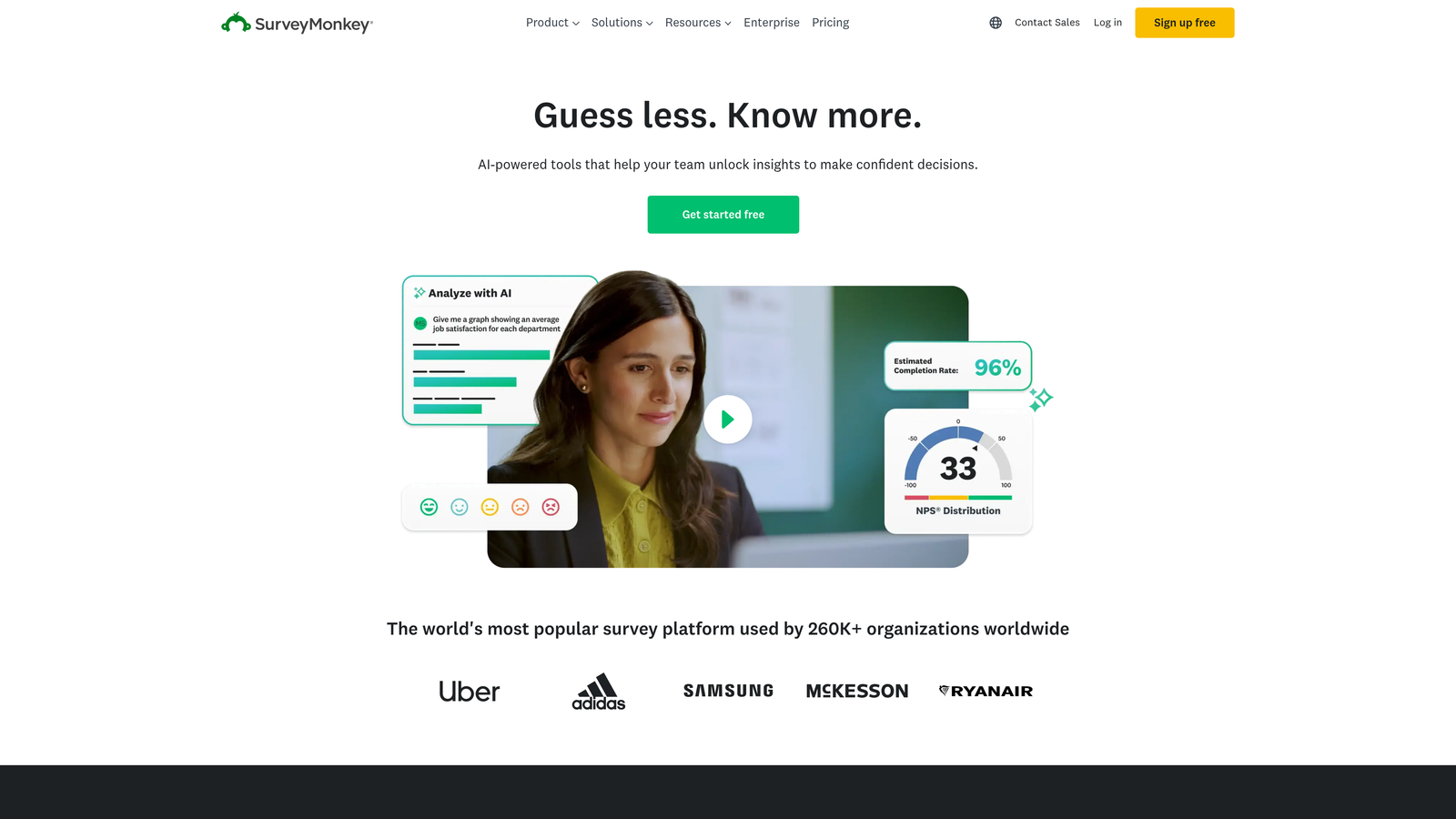
SurveyMonkey is the established leader in survey platforms, offering sophisticated research tools and extensive analytics capabilities.
Where This Tool Shines
SurveyMonkey's expert-written templates are built on decades of survey methodology research. These templates incorporate best practices for question wording, response scales, and survey structure that help you collect more reliable, unbiased data—critical for academic research, market analysis, and employee feedback programs.
The platform's industry benchmarking feature lets you compare your results against aggregated data from similar organizations and surveys. This context transforms raw numbers into actionable insights by showing whether your customer satisfaction scores are competitive or your employee engagement metrics need attention.
Key Features
Expert Templates: Methodologically sound survey templates created by research professionals for common use cases.
Advanced Logic: Sophisticated skip logic, piping, and randomization options for complex survey designs.
Industry Benchmarks: Compare your results against industry standards and similar organizations' data.
Statistical Analysis: Built-in significance testing, trend analysis, and cross-tabulation for deeper insights.
Enterprise Security: SOC 2 compliance, GDPR readiness, and advanced data encryption for sensitive research.
Best For
SurveyMonkey is ideal for market researchers, HR departments conducting employee surveys, academic institutions, and any organization where data quality and statistical rigor matter more than conversion optimization or lead generation.
Pricing
Basic free tier with limited features. Team Advantage starts at $25/user/month, while Team Premier ($75/user/month) and Enterprise (custom pricing) unlock advanced analytics and collaboration features.
5. Google Forms
Best for: Budget-conscious teams already using Google Workspace
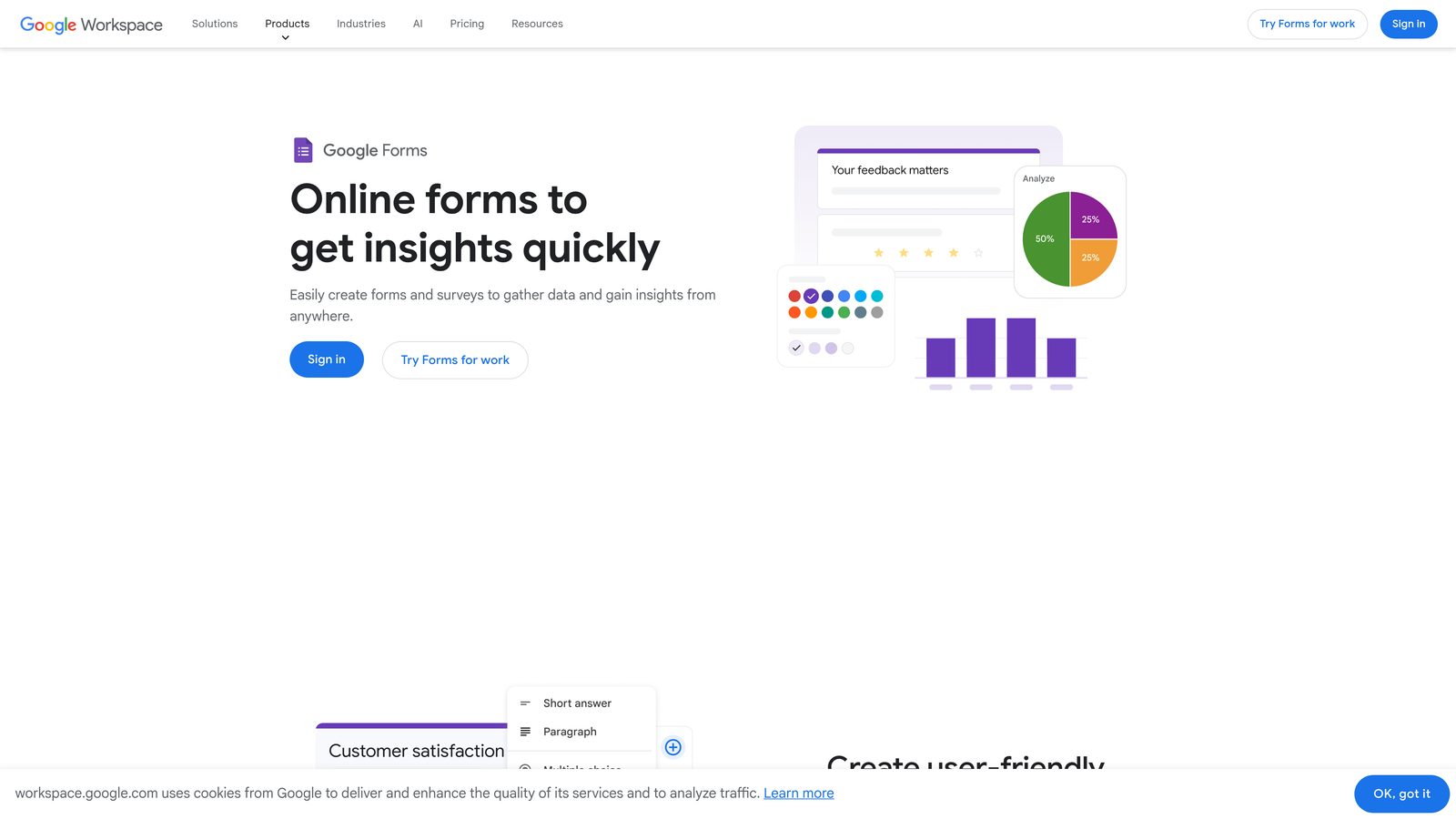
Google Forms is a free, straightforward form builder with seamless integration across Google's productivity suite.
Where This Tool Shines
Google Forms' greatest strength is its complete lack of cost barriers. There are no submission limits, no feature paywalls, and no surprise charges as your usage grows. For startups, nonprofits, educational institutions, and small teams with tight budgets, this removes the financial friction from data collection entirely.
The automatic Google Sheets integration means every form submission instantly populates a spreadsheet where you can analyze, visualize, and share data using familiar tools. This native connection eliminates the manual export-import cycles required with other platforms.
Key Features
Completely Free: Unlimited forms, unlimited responses, and all core features at no cost with a Google account.
Real-Time Collaboration: Multiple team members can edit forms simultaneously with automatic syncing and version history.
Google Sheets Sync: Responses automatically populate a connected spreadsheet for instant analysis and visualization.
Basic Conditional Logic: Show or hide questions based on previous answers to create dynamic form experiences.
Quiz Functionality: Built-in quiz mode with automatic grading, answer keys, and immediate feedback for educational use.
Best For
Google Forms works well for internal team surveys, event RSVPs, simple feedback collection, educational quizzes, and any scenario where budget constraints outweigh the need for advanced features or extensive customization.
Pricing
Completely free with a Google account. No premium tiers or paid upgrades available.
6. Tally
Best for: Modern teams wanting powerful features without subscription costs
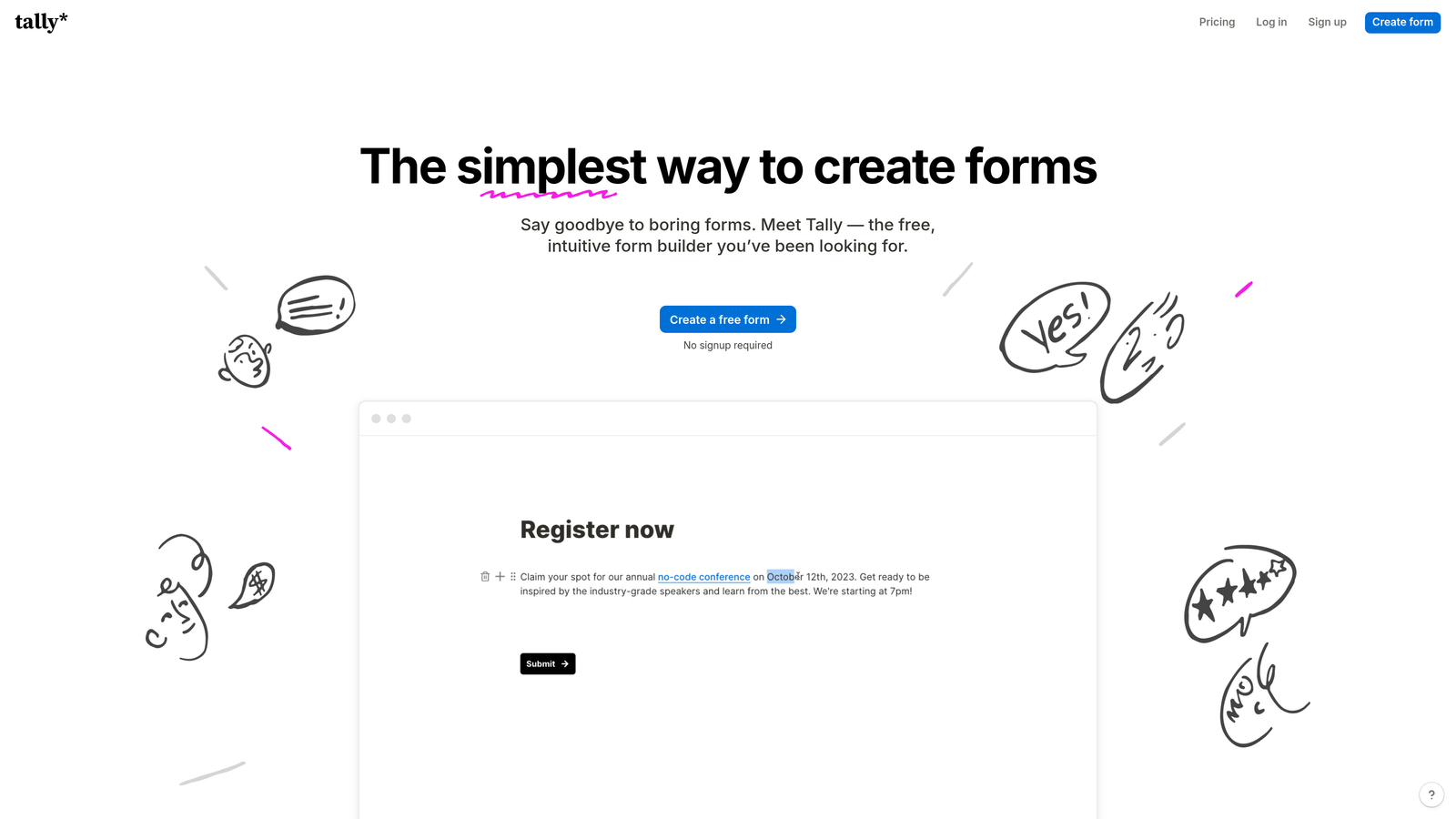
Tally is a modern form builder with a generous free tier and Notion-inspired editing experience that makes form creation feel intuitive.
Where This Tool Shines
Tally's free tier is remarkably generous—unlimited forms, unlimited responses, and most advanced features at no cost. This pricing model makes it accessible to bootstrapped startups and growing teams who need professional-grade forms without committing to monthly subscriptions.
The Notion-like block editing interface feels familiar to teams already using modern productivity tools. You build forms by adding and arranging blocks—text, multiple choice, file uploads—with a clean, minimalist aesthetic that requires no design skills to look professional.
Key Features
Unlimited Free Tier: Create unlimited forms with unlimited responses on the free plan, with only minor feature restrictions.
Block-Based Editing: Notion-style interface where you add and arrange content blocks to build forms quickly.
Custom Domains: Connect your own domain for branded form URLs even on the free tier.
File Uploads: Collect documents, images, and other files directly through form submissions.
Hidden Fields: Pass URL parameters and hidden data for tracking campaign sources and user context.
Best For
Tally appeals to indie makers, small SaaS companies, content creators, and modern teams who appreciate clean design and generous free tiers. It's particularly popular among teams already using Notion who want a similar editing experience for forms.
Pricing
Free tier includes most features with unlimited forms and responses. Pro plan at $29/month adds custom branding removal, advanced integrations, and priority support.
7. Fillout
Best for: Teams using Airtable or Notion who need native database-connected forms
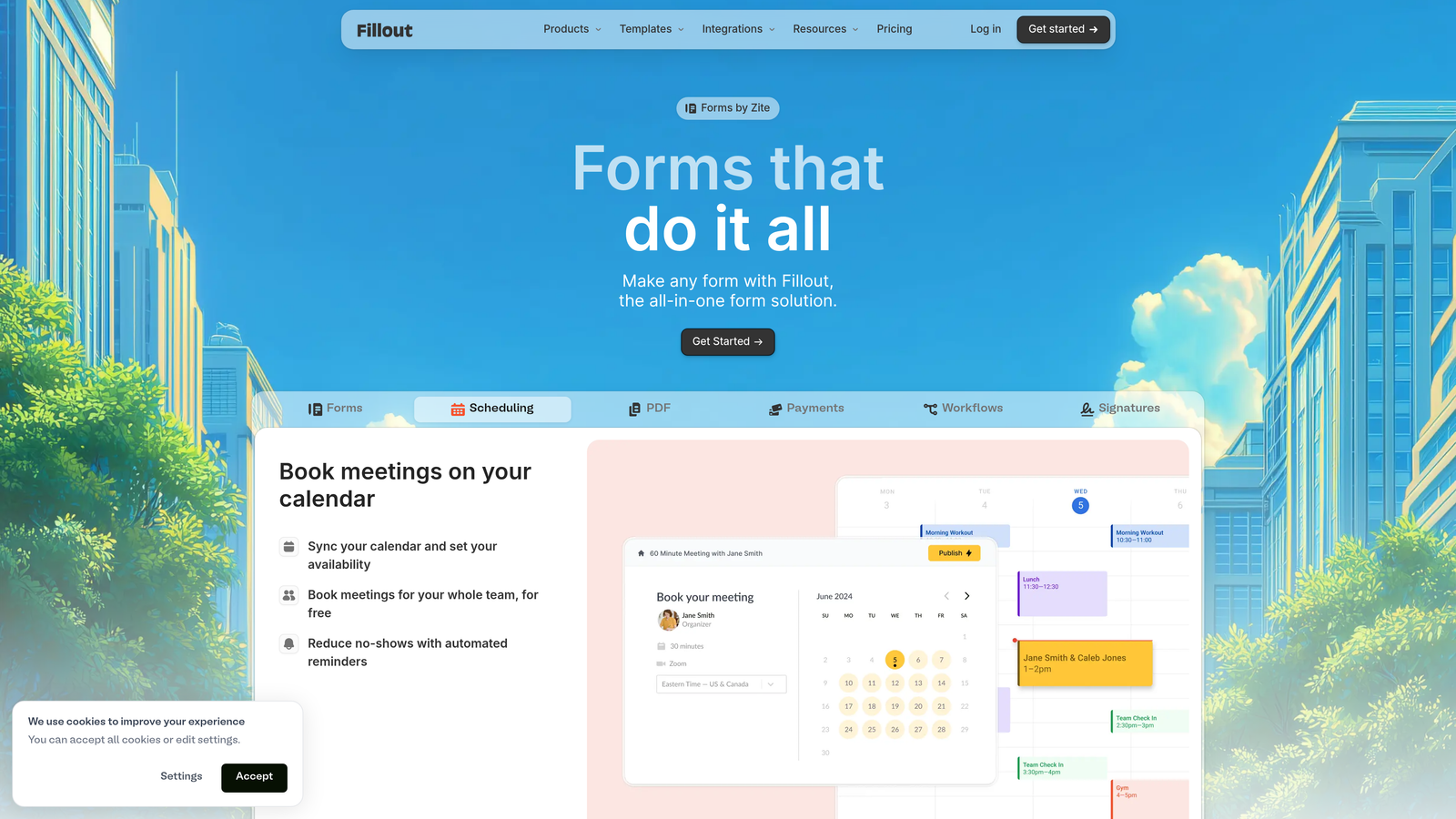
Fillout is a database-connected form builder that syncs natively with Airtable, Notion, and other modern tools in your workflow.
Where This Tool Shines
Fillout's native Airtable and Notion integrations go beyond simple data export. Forms can pre-fill with existing database records, update specific fields in connected bases, and maintain two-way sync—turning forms into interfaces for your existing databases rather than separate data silos.
This database-first approach eliminates the manual work of copying form submissions into your systems. When someone fills out a form, the data flows directly into your Airtable base or Notion database with proper formatting and relationships intact, ready for your existing workflows.
Key Features
Native Database Sync: Direct integration with Airtable and Notion that maintains two-way connections and relationships.
Pre-Fill Functionality: Load existing records into forms for updates and edits rather than starting from scratch.
Multi-Page Logic: Create complex multi-step forms with conditional branching based on previous responses.
Scheduling Integration: Built-in calendar booking that connects with Calendly and other scheduling tools.
Custom Success Pages: Show different thank-you pages based on form responses for personalized follow-up experiences.
Best For
Fillout is perfect for teams already using Airtable or Notion as their primary database who want forms that integrate seamlessly into existing workflows. It's particularly valuable for operations teams managing applicant tracking, customer onboarding, or internal request systems.
Pricing
Free tier available with core features. Starter plan at $15/month includes increased submissions and advanced features, with Professional ($40/month) offering unlimited everything.
8. Qualtrics
Best for: Enterprise organizations requiring sophisticated research methodology and predictive analytics
Qualtrics is an enterprise experience management platform offering advanced survey capabilities, predictive intelligence, and comprehensive analytics for large organizations.
Where This Tool Shines
Qualtrics provides research-grade survey methodology tools that go far beyond basic form building. The platform incorporates advanced techniques like quota management, panel sampling, and complex weighting that ensure statistically valid results—critical for organizations making multi-million dollar decisions based on survey insights.
The predictive intelligence engine analyzes open-text responses using natural language processing to identify sentiment, themes, and trends automatically. This transforms thousands of qualitative comments into quantifiable insights without manual coding, saving research teams weeks of analysis time.
Key Features
Advanced Methodology: Sophisticated survey design tools including quota management, weighting, and sampling controls for research validity.
Predictive Intelligence: AI-powered analytics that forecast trends and identify key drivers of satisfaction or churn.
Text Analytics: Natural language processing that analyzes open-ended responses for sentiment, themes, and actionable insights.
Panel Management: Built-in tools for recruiting, managing, and engaging research panels for ongoing studies.
Enterprise Security: SOC 2 Type II, ISO 27001, HIPAA compliance, and advanced data residency controls for regulated industries.
Best For
Qualtrics serves Fortune 500 companies, academic research institutions, and large enterprises conducting customer experience programs, employee engagement initiatives, or market research at scale. The platform is built for organizations where research quality and compliance are non-negotiable.
Pricing
Custom enterprise pricing based on organization size, feature requirements, and deployment needs. Contact Qualtrics for a quote—expect significant investment compared to SMB-focused platforms.
9. Paperform
Best for: Design-conscious businesses wanting forms that double as landing pages
Paperform is a design-forward form builder that combines beautiful aesthetics with powerful functionality, creating forms that look like custom landing pages.
Where This Tool Shines
Paperform treats forms as content experiences rather than simple data collection tools. You can embed rich media, add custom sections with images and videos, and create layouts that feel like designed web pages. This approach works beautifully for businesses where brand presentation matters as much as the information collected.
The platform's built-in payment processing and appointment scheduling turn forms into complete business solutions. You can create product order forms, booking pages, or registration systems without stitching together multiple tools—everything happens within a single, beautifully designed form experience.
Key Features
Rich Content Embedding: Add images, videos, custom HTML, and formatted text to create landing page-style form experiences.
Payment Processing: Built-in Stripe and PayPal integration for collecting payments, deposits, or donations directly through forms.
Conditional Logic: Advanced calculations and logic that show, hide, or modify form elements based on user responses.
Custom Success Pages: Design personalized thank-you pages with additional content, offers, or next steps.
Appointment Scheduling: Integrated calendar booking that lets users schedule appointments as part of the form submission process.
Best For
Paperform excels for creative agencies, consultants, coaches, event organizers, and any business where aesthetic presentation directly impacts conversion. It's particularly popular with service-based businesses handling bookings and payments through forms.
Pricing
Essentials plan starts at $24/month for basic features. Pro plan at $49/month adds advanced logic, integrations, and increased submission limits. Agency tier available for teams managing multiple client accounts.
Making the Right Choice
The best survey and form platform depends entirely on your primary objective and team priorities. For high-growth teams where lead quality and conversion optimization drive revenue, Orbit AI's intelligent lead qualification delivers measurable ROI by ensuring your sales team focuses on prospects most likely to convert.
If you're conducting market research or employee surveys where statistical validity matters, SurveyMonkey or Qualtrics provide the methodology rigor and benchmarking data that basic form builders can't match. For teams already invested in Airtable or Notion ecosystems, Fillout's native database connections eliminate data silos and manual transfer work.
Budget-conscious teams and educational institutions will find Google Forms and Tally offer surprisingly robust functionality at no cost, while creative businesses and service providers benefit from Paperform's landing page aesthetics and built-in payment processing. Typeform remains the gold standard for conversational experiences that maximize completion rates.
The critical decision factor is alignment with your workflow. A platform with every feature imaginable won't deliver value if it doesn't integrate with your CRM, match your team's technical skills, or support your specific use case. Start by defining your must-have requirements—whether that's AI-powered lead scoring, database connectivity, or enterprise compliance—then evaluate platforms that excel in those areas.
Start building free forms today and see how intelligent form design can elevate your conversion strategy. Transform your lead generation with AI-powered forms that qualify prospects automatically while delivering the modern, conversion-optimized experience your high-growth team needs.


