

Most forms ask everyone the same questions in the same order. That uniformity feels safe, but it's quietly killing your conversion rates. A prospect who runs a 500-person enterprise and a freelancer just exploring your product shouldn't be navigating the same form path — yet most teams treat them identically.
Advanced form logic software changes this dynamic entirely. Modern platforms adapt in real time: branching to different paths, showing or hiding fields, qualifying leads automatically, and personalizing the experience based on what each respondent actually tells you. For high-growth teams, that's not a UX upgrade — it's a pipeline upgrade.
This list covers the top advanced form logic software tools available in 2026, evaluated on conditional logic depth, lead qualification capabilities, integration ecosystems, and ease of use for non-technical teams. Whether you're building multi-step qualification flows, quiz funnels, or dynamic contact forms, there's a tool here built for your use case.
Quick note on methodology: tools were selected based on feature depth, market presence, and suitability for teams focused on conversion optimization — not paid placement.
1. Orbit AI
Best for: High-growth SaaS and B2B teams that need AI-powered lead qualification inside the form itself.
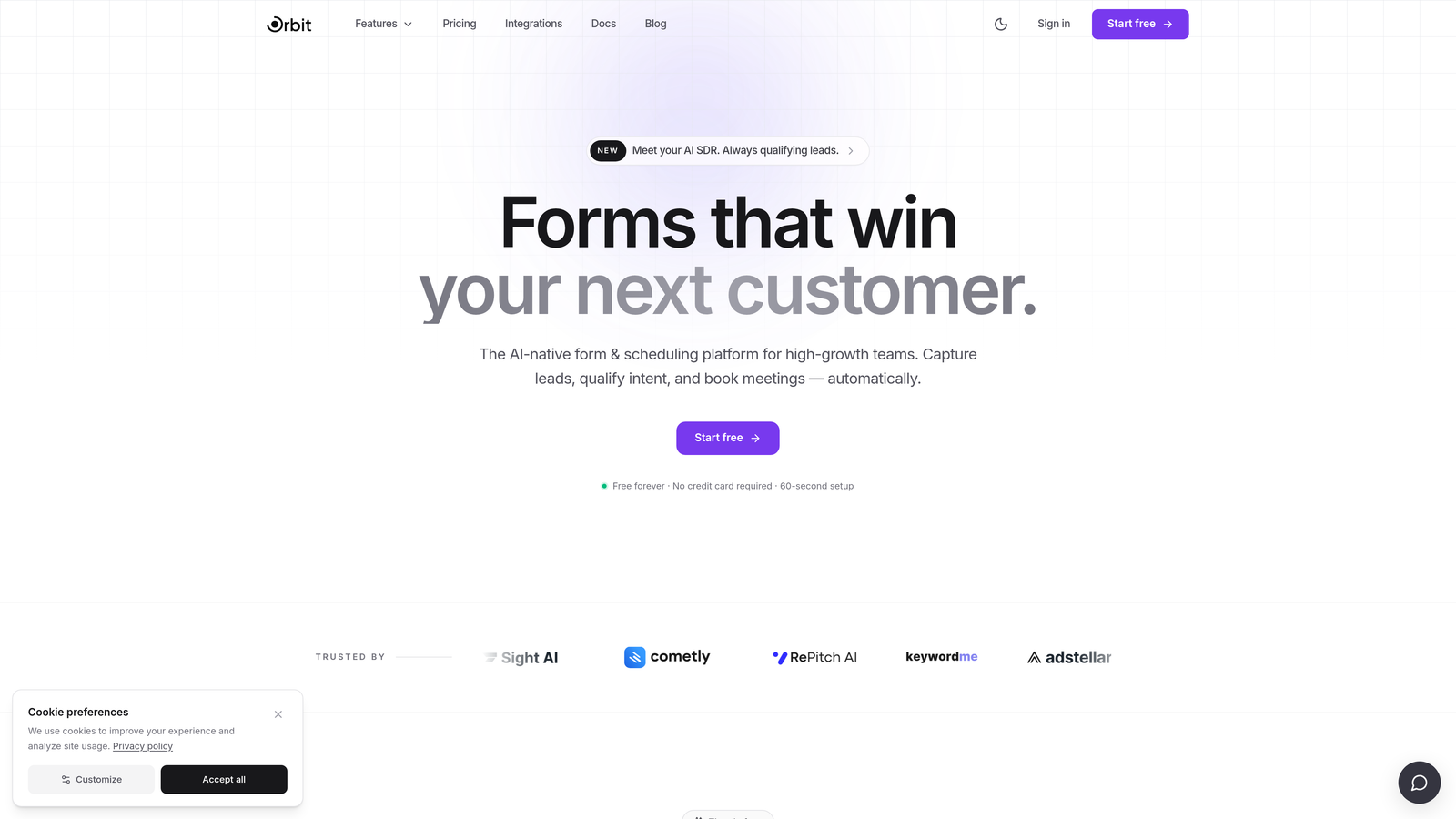
Orbit AI is an AI-powered form builder that combines conditional branching with built-in lead scoring to help teams capture and prioritize pipeline-ready leads.
Where This Tool Shines
Most form builders let you show or hide fields based on answers. Orbit AI goes further by layering AI-driven lead qualification directly on top of that logic. As respondents move through a form, the platform scores and segments them in real time — so your team isn't just collecting submissions, it's receiving pre-qualified leads with context attached.
The design side is equally considered. Orbit AI is built with conversion-optimized UX at its core, which matters more than most teams realize. A beautifully structured, fast-moving form that adapts to each respondent reduces drop-off and increases completion rates in ways that static forms simply can't match.
Key Features
AI-Powered Lead Qualification: Scores and segments leads automatically based on form responses, without requiring manual review or external scoring tools.
Dynamic Form Branching: Conditional logic routes respondents to different paths based on their answers, creating a personalized experience for each visitor.
Conversion-Optimized Design: Modern, clean form UX built to reduce friction and improve completion rates for high-intent audiences.
Lead Scoring and Segmentation: Qualification logic runs within the form flow itself, delivering segmented leads directly to your CRM or sales team.
Built for B2B and SaaS Teams: Feature set and workflow integrations are designed around the needs of growth-stage companies focused on pipeline generation.
Best For
Orbit AI is the strongest fit for SaaS and B2B teams who want their form to do more than collect data. If lead qualification is a core part of your workflow and you're tired of routing unscored submissions to your sales team, this is the platform designed specifically for that problem.
Pricing
Visit orbitforms.ai for current pricing plans. A free tier is available to get started.
2. Typeform
Best for: Marketing teams wanting polished, conversational forms with solid branching logic.
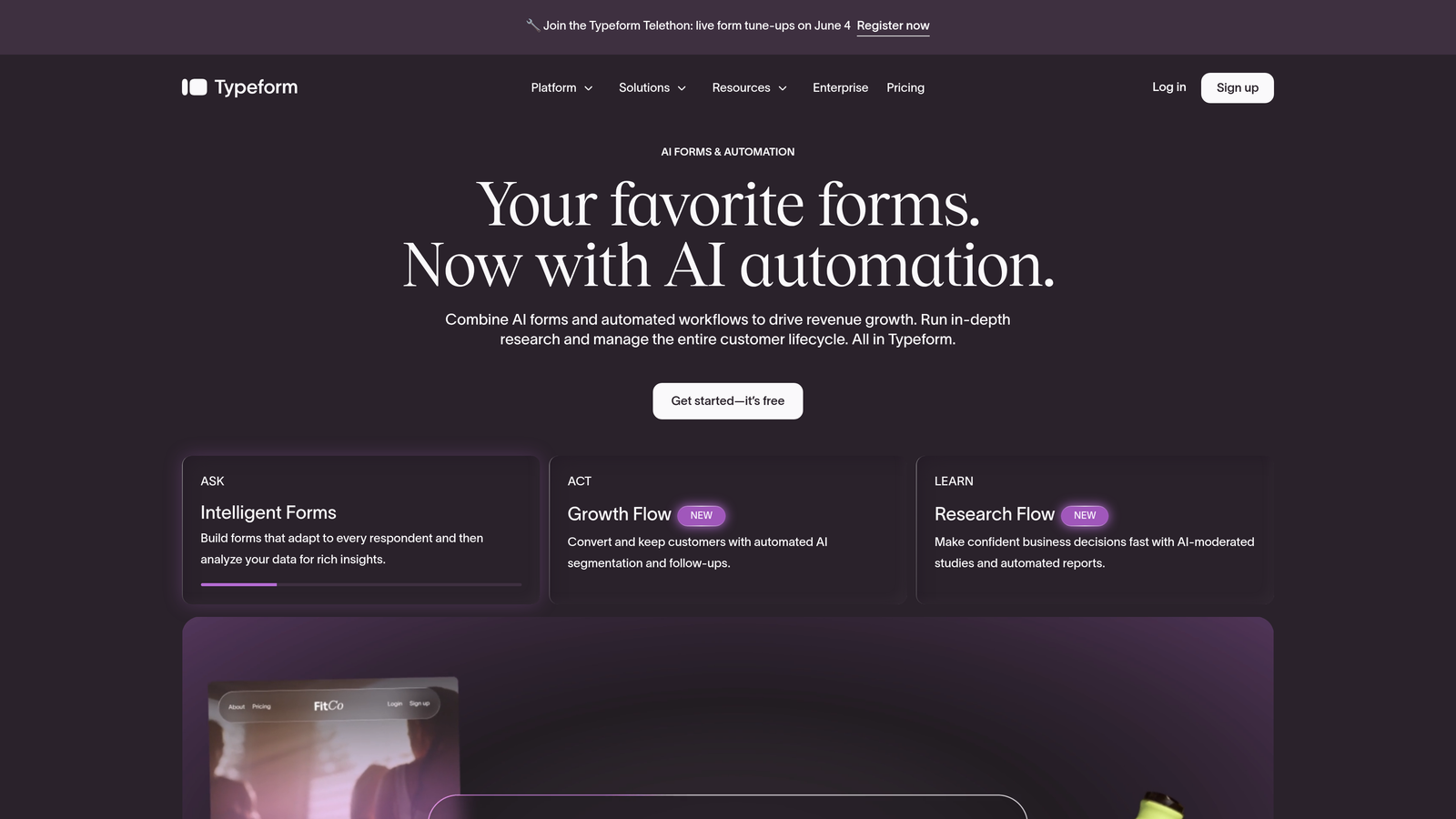
Typeform is a conversational form platform known for its one-question-at-a-time UX and clean conditional branching capabilities.
Where This Tool Shines
Typeform's signature format — presenting one question at a time in a full-screen, distraction-free layout — creates a survey experience that feels more like a conversation than a form. This format naturally reduces cognitive load and tends to improve completion rates for longer forms.
The branching logic is well-executed and accessible to non-technical users. You can create jump rules based on answer values, calculated scores, or hidden fields passed via URL parameters, giving marketers meaningful control over respondent paths without needing developer support.
Key Features
Conversational One-Question Flow: Presents questions individually in a full-screen format, reducing overwhelm and improving engagement.
Logic Jumps and Branching: Routes respondents to different questions or endings based on answer values, scores, or hidden fields.
Wide Integration Ecosystem: Native connections to HubSpot, Salesforce, Zapier, and other key marketing and CRM platforms.
Video and Image Answer Options: Supports richer interaction formats beyond text, useful for product research and brand surveys.
Score-Based Logic: Calculates scores across answers and uses them to drive branching decisions or personalized outcomes.
Best For
Marketing teams building lead gen forms, quizzes, or onboarding surveys who prioritize a polished, on-brand experience. Typeform works best when form completion rate and respondent experience are the primary goals.
Pricing
Free plan available with limited responses. Paid plans start from approximately $25/month. Verify current pricing at typeform.com.
3. Jotform
Best for: Teams needing deep conditional logic, calculations, and workflow automation in a single platform.
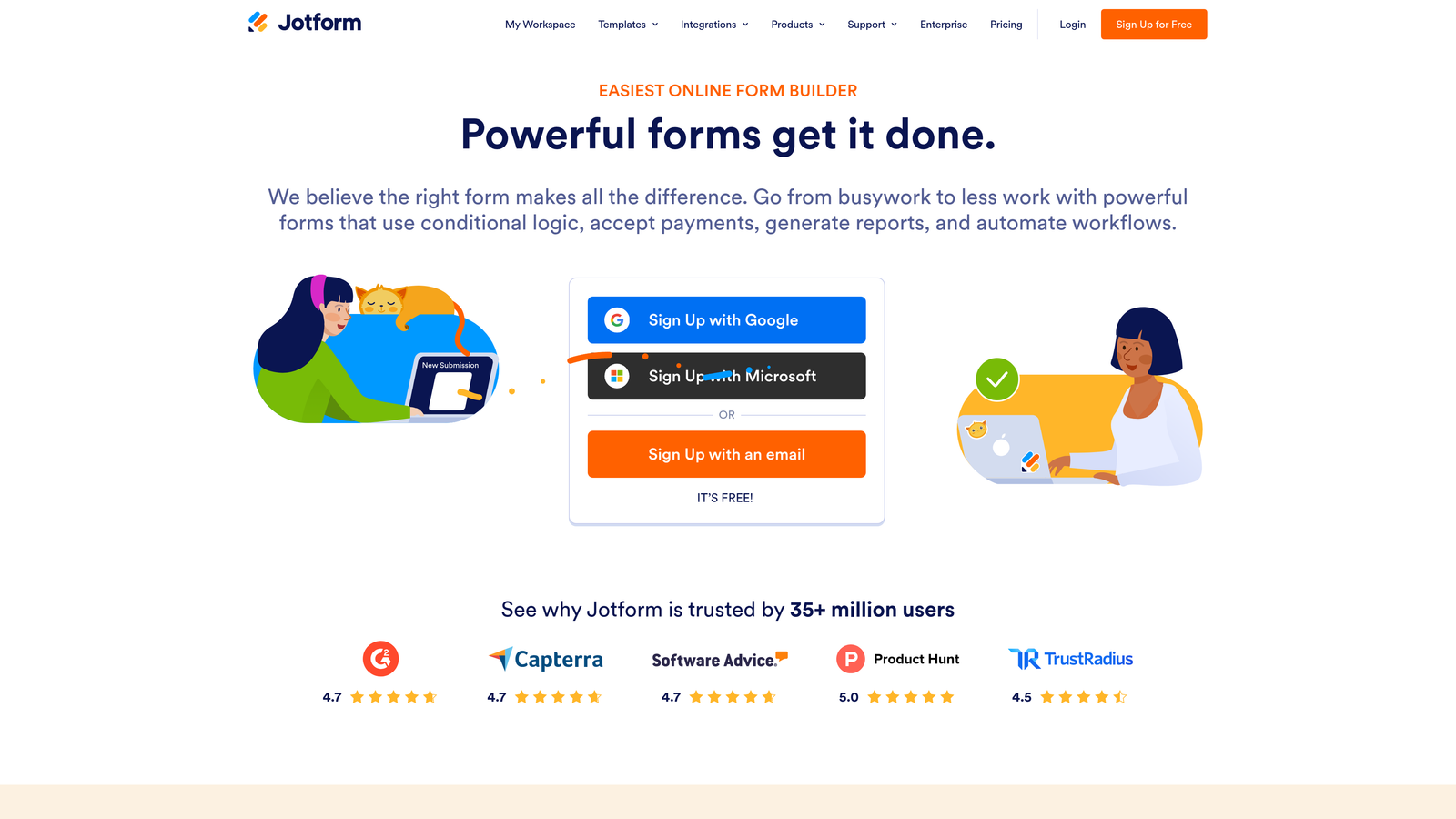
Jotform is a feature-rich form builder with multi-condition logic, calculation fields, approval workflows, and one of the largest template libraries in the market.
Where This Tool Shines
Jotform's conditional logic system is genuinely deep. You can build AND/OR logic combinations, nest multiple conditions, and trigger field visibility, calculations, or workflow actions based on complex rule sets. For teams that need granular control over form behavior, Jotform delivers without requiring code.
The approval workflow capabilities are a standout feature often overlooked in comparison lists. Jotform allows multi-step approval chains, which makes it valuable for internal operations, procurement requests, and HR forms — not just external-facing lead generation.
Key Features
Multi-Condition AND/OR Logic: Build complex rule combinations using multiple conditions simultaneously for precise field control.
Calculation Fields: Perform dynamic pricing, scoring, or totals based on respondent inputs within the form.
Approval Workflow Automation: Route submissions through multi-step approval chains with notifications and status tracking.
10,000+ Templates: Extensive template library covering logic-heavy use cases across industries.
HIPAA-Compliant Plans: Available for healthcare teams handling sensitive patient or intake data.
Best For
Operations teams, agencies, and businesses that need forms to do heavy lifting across multiple departments. Jotform is especially strong when workflows extend beyond the form itself into approval, routing, and document generation.
Pricing
Free plan available. Paid plans start from approximately $34/month. Verify current pricing at jotform.com.
4. HubSpot Forms
Best for: HubSpot users who need CRM-native forms with progressive profiling and smart field logic.
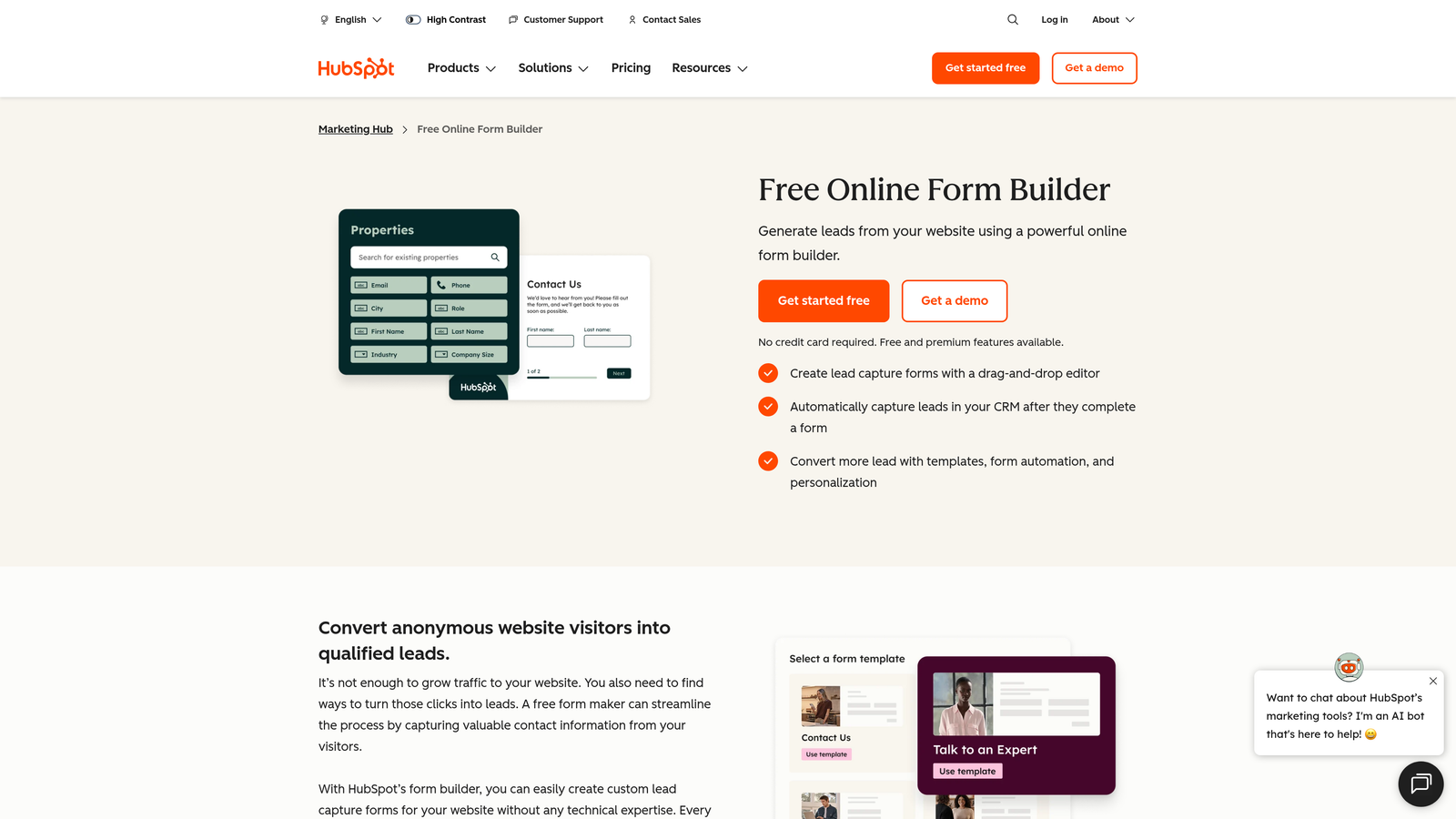
HubSpot Forms is a CRM-native form tool with progressive profiling and smart field logic tied directly to HubSpot contact records.
Where This Tool Shines
The defining capability here is progressive profiling. Rather than asking known contacts to re-enter information you already have, HubSpot Forms automatically replaces known fields with new questions — so every form submission enriches your contact record without creating friction for returning visitors. This is a significant advantage for teams running long nurture sequences.
Because the form logic is connected directly to CRM contact properties, you can show or hide fields based on data that already exists in HubSpot — not just what the respondent enters in the current session. That level of personalization is difficult to replicate with standalone form tools.
Key Features
Progressive Profiling: Automatically shows new fields to returning contacts instead of repeating questions you already have answers to.
Smart Fields Based on CRM Data: Adapts field visibility based on existing contact properties stored in HubSpot.
Automatic Contact Creation: Submissions instantly create or update contact records and trigger list enrollment.
Dependent Field Logic: Shows or hides fields based on answers within the current form session.
Native Workflow Integration: Submissions can trigger HubSpot workflows, deal creation, and sequence enrollment without third-party connectors.
Best For
Teams already running HubSpot as their CRM and marketing platform. The value compounds significantly when you're using HubSpot workflows, sequences, and reporting alongside the forms — but it's limited as a standalone tool.
Pricing
Available on HubSpot's free tier with limited functionality. Advanced logic and smart fields require paid HubSpot plans. Verify at hubspot.com.
5. Paperform
Best for: Small businesses wanting conditional logic combined with payments, bookings, and product listings in one tool.
Paperform is a logic-driven form builder that combines conditional branching with built-in payment processing, product listings, and appointment booking.
Where This Tool Shines
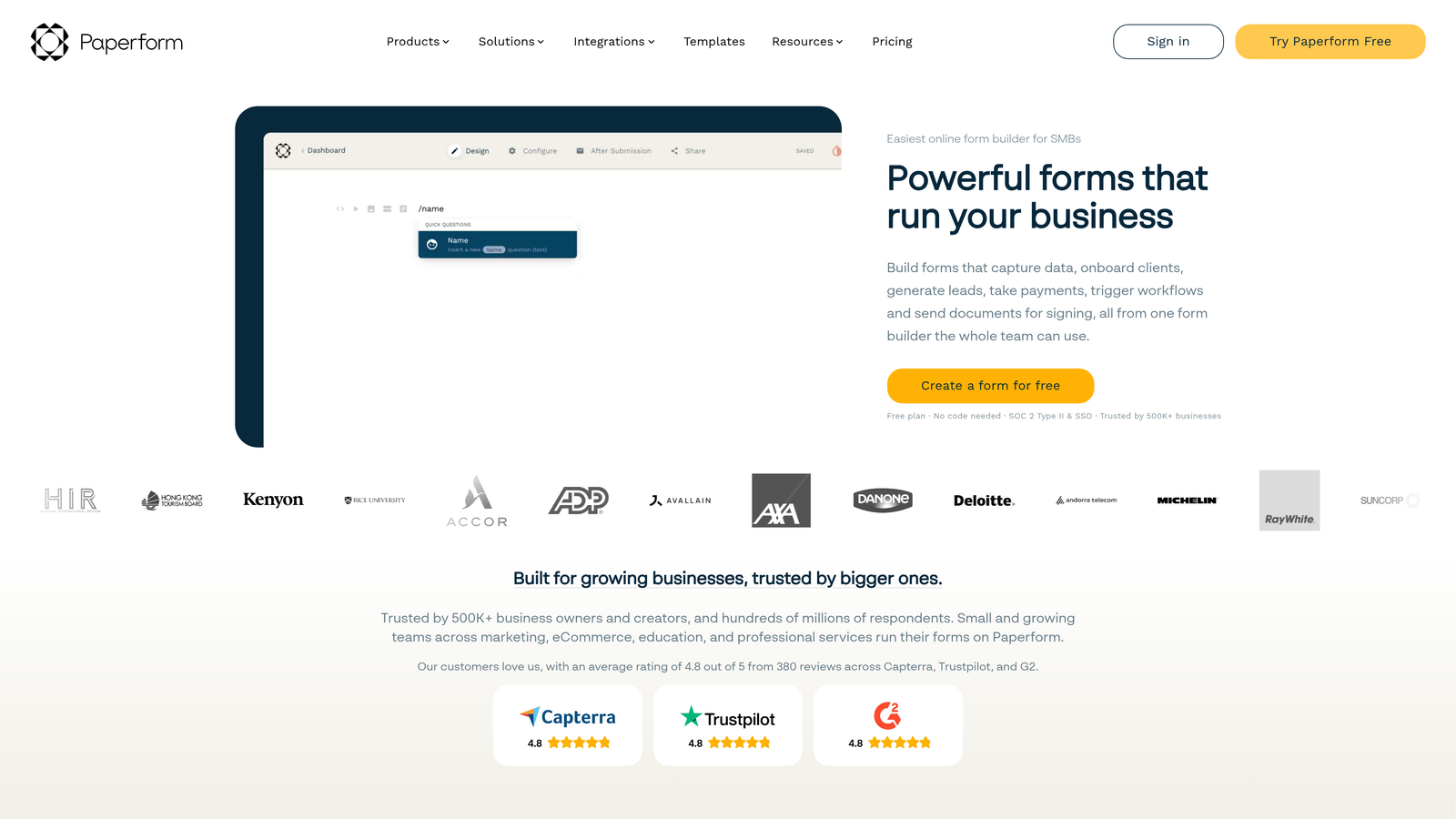
Paperform's strongest differentiator is its breadth of built-in functionality. Most form builders require third-party integrations to handle payments or bookings. Paperform handles these natively, which means your conditional logic can interact directly with product selections, pricing calculations, and scheduling availability — all within a single form.
The editing experience is document-like and approachable, making it accessible to non-technical users who want to build sophisticated forms without wrestling with a complex interface. For service businesses and consultants, this combination of logic and commerce capabilities is particularly well-suited.
Key Features
Conditional Sections and Field Visibility: Show or hide entire sections of a form based on respondent answers.
Built-In Payment Processing: Accept payments via Stripe, PayPal, and Square directly within the form flow.
Product and Service Listings: Display purchasable items within the form, with pricing logic tied to selections.
Appointment Scheduling: Built-in availability logic for booking forms without external calendar tools.
Calculation Fields: Dynamic pricing and totals that update based on respondent inputs and product selections.
Best For
Service businesses, consultants, and small teams that need one tool to handle intake, payments, and scheduling. Paperform reduces the need for multiple tools when your use cases overlap across these categories.
Pricing
Plans start from approximately $24/month. Verify current pricing at paperform.co.
6. Formstack
Best for: Enterprise and regulated-industry teams needing advanced branching, data routing, and compliance certifications.
Formstack is an enterprise-grade form platform with advanced conditional branching, data routing, digital signatures, and compliance certifications for regulated industries.
Where This Tool Shines
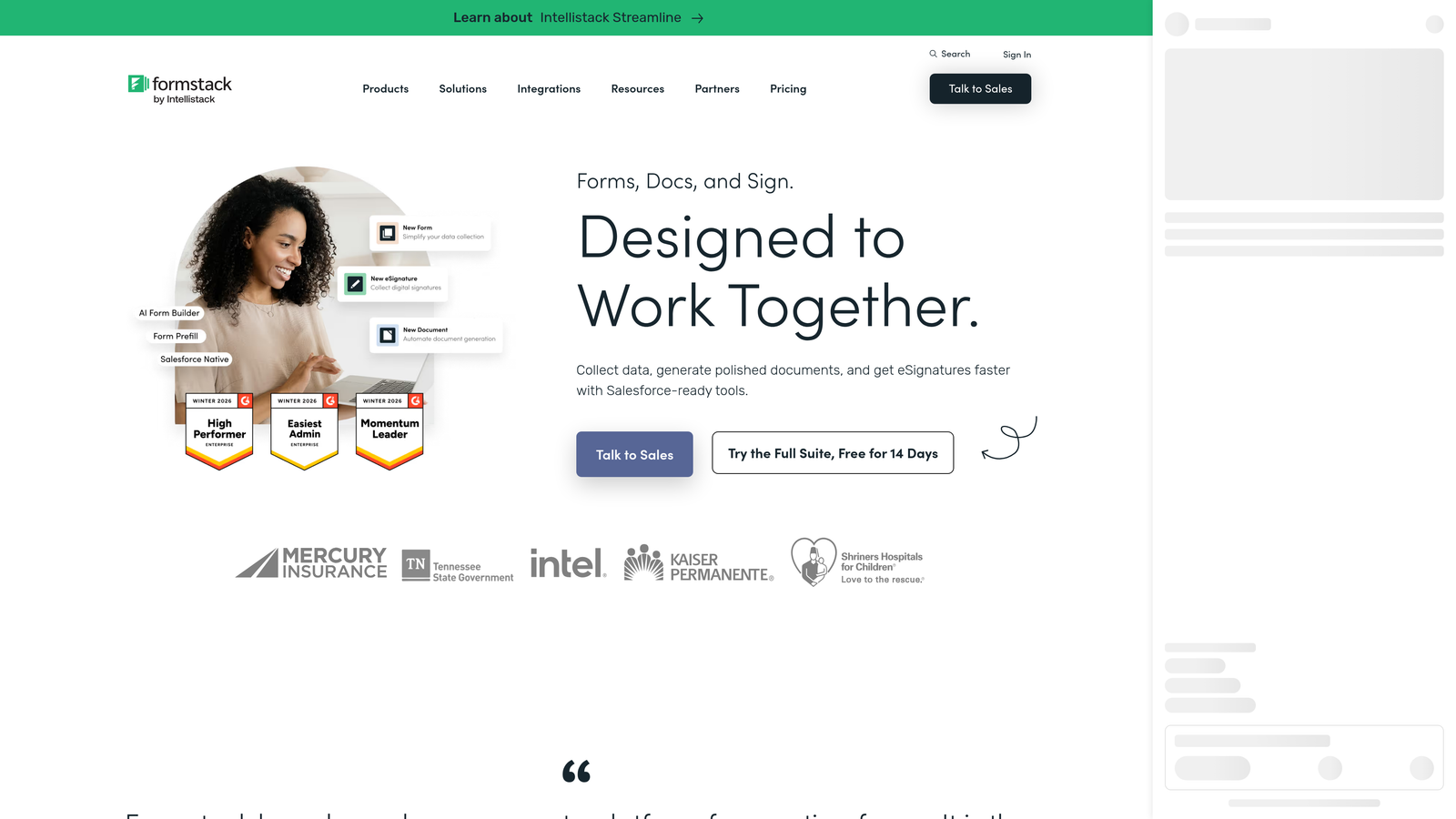
Formstack is built for complexity at scale. The branching logic supports multi-path routing with field-level data distribution rules — meaning you can send different pieces of form data to different systems based on what respondents enter. For organizations managing multiple departments or data destinations, this routing capability is genuinely valuable.
The compliance story is also strong. Formstack holds HIPAA, GDPR, and SOC 2 certifications, which makes it one of the few form platforms suitable for healthcare, legal, and financial services teams that need both advanced logic and regulatory coverage.
Key Features
Advanced Multi-Path Branching: Complex conditional logic with nested rules and multi-destination routing.
Field Routing and Data Distribution: Send specific form data to different systems or teams based on response values.
Compliance Certifications: HIPAA, GDPR, and SOC 2 compliance options for regulated industries.
Digital Signatures and Document Generation: Collect legally binding signatures and generate documents from form submissions.
Approval Workflow Chains: Multi-step approval routing with notifications and audit trails.
Best For
Enterprise teams in healthcare, legal, finance, or any regulated sector where compliance and data routing requirements exceed what standard form builders can support.
Pricing
The Forms product starts from approximately $83/month. Verify current pricing at formstack.com.
7. Cognito Forms
Best for: Teams building complex calculation forms, pricing tools, or multi-item order forms with expression-based logic.
Cognito Forms is a calculation-focused form builder with expression-based conditional logic and repeating section support for complex, multi-item forms.
Where This Tool Shines
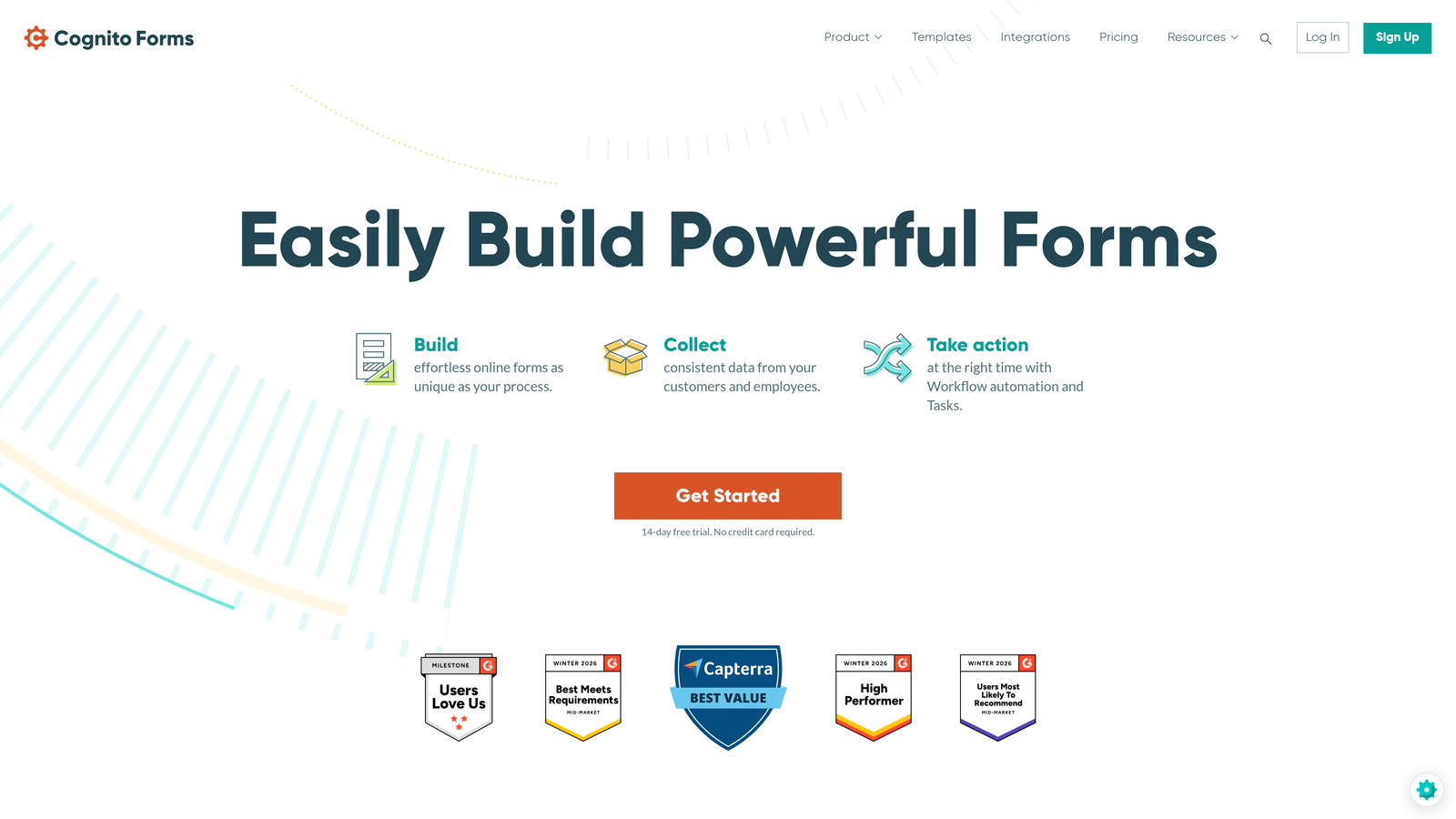
Where most form builders use dropdown-based rule builders, Cognito Forms uses an expression language that gives you precise, programmatic control over logic without requiring full development skills. If you've ever been frustrated by the limitations of a visual rule builder, Cognito's approach offers a meaningful step up in flexibility.
The repeating sections feature is another standout. It allows respondents to add multiple line items within a single form — essential for order forms, expense reports, or any use case where the number of entries isn't fixed. Combined with calculation fields, this makes Cognito Forms particularly capable for pricing calculators and itemized request forms.
Key Features
Expression-Based Conditional Logic: Write logic expressions for granular control beyond what visual rule builders typically allow.
Repeating Sections: Allow respondents to add multiple entries of the same field group within a single form submission.
Calculation Fields: Compute totals, scores, and pricing dynamically based on respondent inputs and repeating section data.
Role-Based Field Visibility: Show different fields to different users based on assigned roles — useful for internal workflows.
Stripe Payment Integration: Accept payments tied directly to calculated form totals.
Best For
Technical users and operations teams who need precise logic control, particularly for pricing calculators, order forms, or any scenario where repeating entries and dynamic calculations are central to the form's function.
Pricing
Free plan available. Paid plans start from approximately $15/month. Verify current pricing at cognitoforms.com.
8. Tally
Best for: Startups and indie teams wanting conditional logic and branching without a paid subscription.
Tally is a lightweight, Notion-inspired form builder with conditional logic and branching available on a generous free tier.
Where This Tool Shines
Tally's free tier is genuinely remarkable by industry standards. Conditional logic, branching, hidden fields, unlimited forms, and unlimited responses are all available without paying a cent. For early-stage teams or those building internal tools, this removes the usual trade-off between functionality and cost.
The editing experience is block-based and immediately familiar to anyone who's used Notion. There's almost no learning curve, which means you can build a branching form in minutes rather than working through a complex interface. It's deliberately simple — which is a strength for teams that don't need enterprise-grade complexity.
Key Features
Conditional Logic on Free Plan: Full branching and logic features available without a paid subscription.
Notion-Like Block Editor: Drag-and-drop block interface with minimal learning curve for fast form creation.
Hidden Fields and URL Parameters: Pass data into forms via URL to personalize experiences or track source attribution.
Unlimited Forms and Responses: No response caps or form limits on the free tier.
Zapier and Make Integrations: Connect to automation workflows without requiring a paid Tally plan.
Best For
Startups, indie makers, and internal teams that need functional conditional logic without a budget commitment. Also a strong choice for rapid prototyping before investing in a more specialized platform.
Pricing
Free plan includes logic features. Pro plan is approximately $29/month. Verify current pricing at tally.so.
9. SurveySparrow
Best for: CX and HR teams running recurring surveys with skip logic and NPS-specific workflows.
SurveySparrow is a conversational survey platform with skip logic, recurring survey automation, and built-in NPS and employee experience workflows.
Where This Tool Shines
SurveySparrow's core strength is in ongoing feedback programs rather than one-off lead capture. The recurring survey scheduling feature allows you to automate survey distribution at set intervals — monthly NPS pulses, quarterly employee engagement checks, post-purchase CSAT surveys — without manually triggering each send.
The chat-style conversational format applies the same one-at-a-time interaction model as Typeform but with a stronger focus on CX and HR use cases. The built-in reporting for NPS, CSAT, and CES scores makes it a more purpose-built choice for teams running structured feedback programs rather than general lead generation.
Key Features
Skip Logic and Display Logic: Personalize survey paths based on respondent answers to keep questions relevant.
Chat-Style Conversational Format: Presents surveys in a messaging interface for a more engaging respondent experience.
Recurring Survey Scheduling: Automate survey distribution at defined intervals for ongoing feedback programs.
NPS, CSAT, and CES Question Types: Purpose-built question formats with built-in scoring and trend reporting.
360-Degree Feedback Modules: Structured employee experience and performance review workflows built into the platform.
Best For
Customer experience, HR, and people operations teams running structured, recurring feedback programs. SurveySparrow is less suited to lead generation and better suited to teams that treat surveys as an ongoing operational function.
Pricing
Free trial available. Paid plans vary by tier and feature set. Verify current pricing at surveysparrow.com.
Which Tool Is Right for Your Team?
The right advanced form logic software depends entirely on what you're trying to accomplish — and the worst mistake you can make is chasing features you'll never actually use.
Here's a quick breakdown by use case to help you match tool to workflow:
For lead qualification and pipeline generation: Orbit AI is the purpose-built choice. If your primary goal is capturing and qualifying B2B or SaaS leads with AI-driven scoring built directly into the form, it's the only tool on this list designed specifically for that outcome.
For CRM-native forms in HubSpot: HubSpot Forms wins by default if your team is already running on HubSpot. The progressive profiling and CRM-connected logic create compounding value that standalone tools can't replicate within that ecosystem.
For enterprise and regulated industries: Formstack's compliance certifications, data routing, and document generation capabilities make it the strongest choice for healthcare, legal, and financial services teams with strict data requirements.
For calculation-heavy or multi-item forms: Cognito Forms' expression-based logic and repeating sections make it the standout option for pricing calculators, order forms, and complex operational use cases.
For teams on a tight budget: Tally's free tier is genuinely hard to beat. Full conditional logic, unlimited responses, and a clean editing experience — all without a subscription.
For conversational marketing forms: Typeform remains one of the most polished options for brand-forward, one-question-at-a-time experiences with solid branching capabilities.
The broader principle here: start with your use case, not the feature list. A tool with 50 logic options you'll never configure isn't more powerful than a focused platform that solves your specific problem elegantly.
If lead qualification and conversion optimization are at the center of your form strategy, Orbit AI was built for exactly that. Start building free forms today and see how AI-powered form logic can turn your intake process into a pipeline-ready qualification engine.


