

Form automation has become essential for teams looking to scale lead capture without scaling headcount. But enterprise pricing often puts powerful automation out of reach for growing businesses. The good news? A new generation of affordable form automation tools delivers sophisticated features—conditional logic, integrations, AI-powered qualification—at price points that won't blow your budget.
We evaluated dozens of options based on automation capabilities, ease of use, integration options, and value for money. Here are nine affordable form automation tools that deliver enterprise-grade functionality without the enterprise price tag.
1. Orbit AI
Best for: High-growth teams needing AI-powered lead qualification and conversion optimization
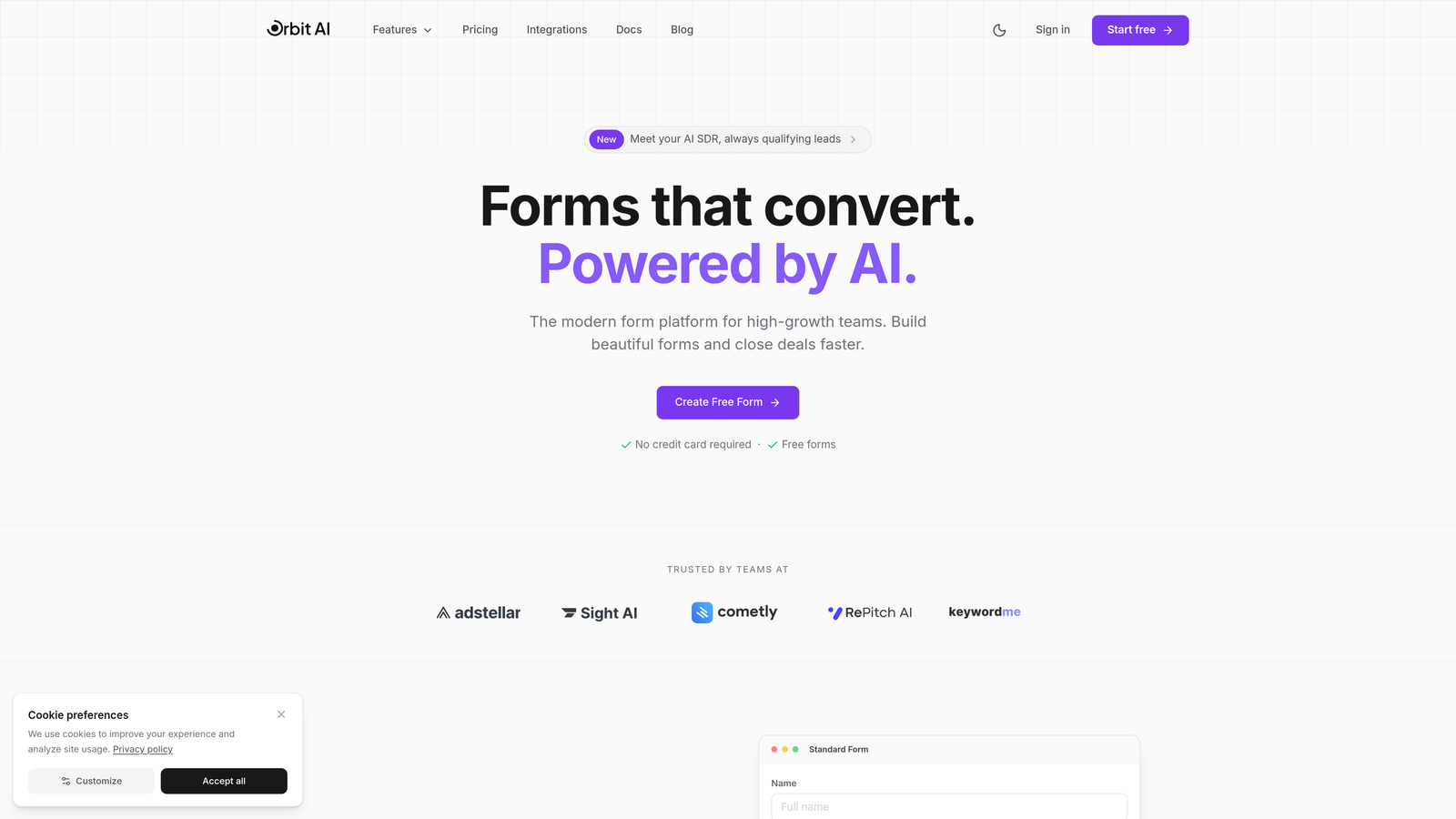
Orbit AI is an AI-powered form builder designed specifically for teams that need to qualify leads automatically while maintaining high conversion rates.
Where This Tool Shines
What sets Orbit AI apart is its built-in AI agents that automatically qualify and score leads as they come in. Instead of treating every form submission equally, the platform uses intelligent logic to identify your highest-value prospects in real-time.
The conversion-optimized templates are built on data from thousands of high-performing forms, giving you a head start on design that actually converts. For teams focused on growth, this combination of automation and optimization is hard to beat.
Key Features
AI Lead Qualification: Automatically scores and qualifies leads based on responses, routing high-value prospects to sales immediately.
Conversion-Optimized Templates: Pre-built form designs tested for maximum completion rates across industries.
Native CRM Integration: Direct connections to major CRMs and marketing tools without requiring middleware.
Real-Time Analytics: Track form performance, completion rates, and lead quality with detailed response tracking.
Workflow Automation: Trigger actions based on form responses, from email notifications to CRM updates.
Best For
Orbit AI is ideal for B2B companies, SaaS teams, and agencies that need to maximize lead quality while minimizing manual qualification work. If your sales team spends hours sorting through form submissions, the AI qualification alone will save significant time.
Pricing
Free tier available for teams getting started. Paid plans begin at competitive rates designed for growing teams, with pricing that scales as you grow.
2. Tally
Best for: Teams wanting unlimited forms and responses without paying a monthly fee
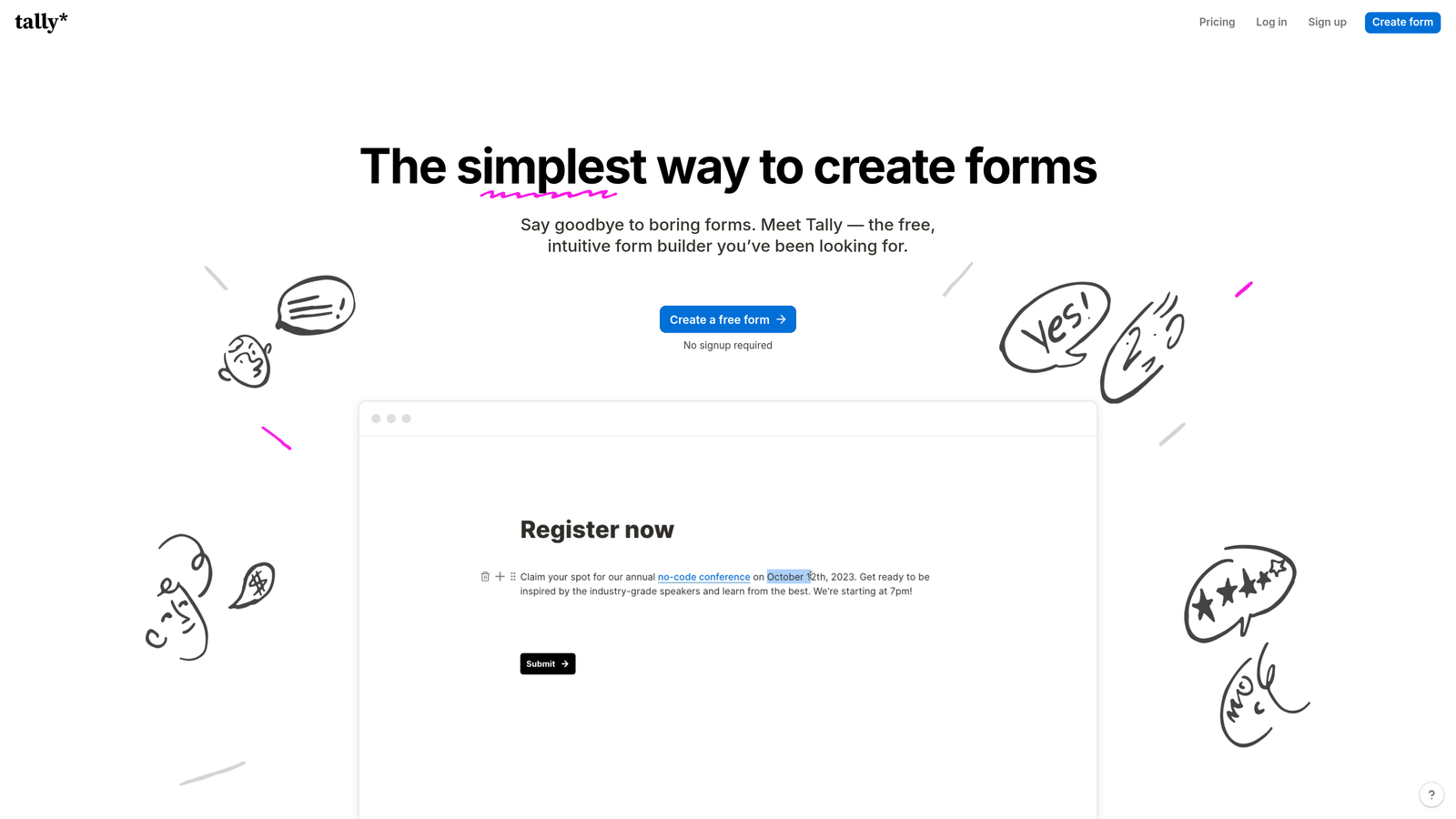
Tally is a free-first form builder with a Notion-like editing experience that makes form creation feel natural.
Where This Tool Shines
Tally's free plan is genuinely generous—unlimited forms, unlimited submissions, no feature restrictions on core functionality. The block-based editor will feel immediately familiar if you've used Notion, making the learning curve almost nonexistent.
The interface is clean and modern, and forms load quickly without feeling bloated. For teams that don't need advanced AI features but want solid automation, Tally delivers exceptional value.
Key Features
Unlimited Free Tier: No caps on forms or submissions, even on the free plan.
Block-Based Editor: Notion-style interface that makes building complex forms intuitive.
Conditional Logic: Show or hide questions based on previous answers to create dynamic forms.
Native Integrations: Connect directly to popular tools without requiring Zapier for basic workflows.
Custom Branding: Remove Tally branding and add custom domains on paid plans.
Best For
Tally works best for startups, nonprofits, and small teams that need professional forms without monthly costs. If you're comfortable with Notion's interface, you'll build forms faster in Tally than almost anywhere else.
Pricing
Free for unlimited forms and responses. Pro plan at $29/month adds custom domains, file uploads, and advanced automation features.
3. Jotform
Best for: Teams needing extensive templates and built-in approval workflows
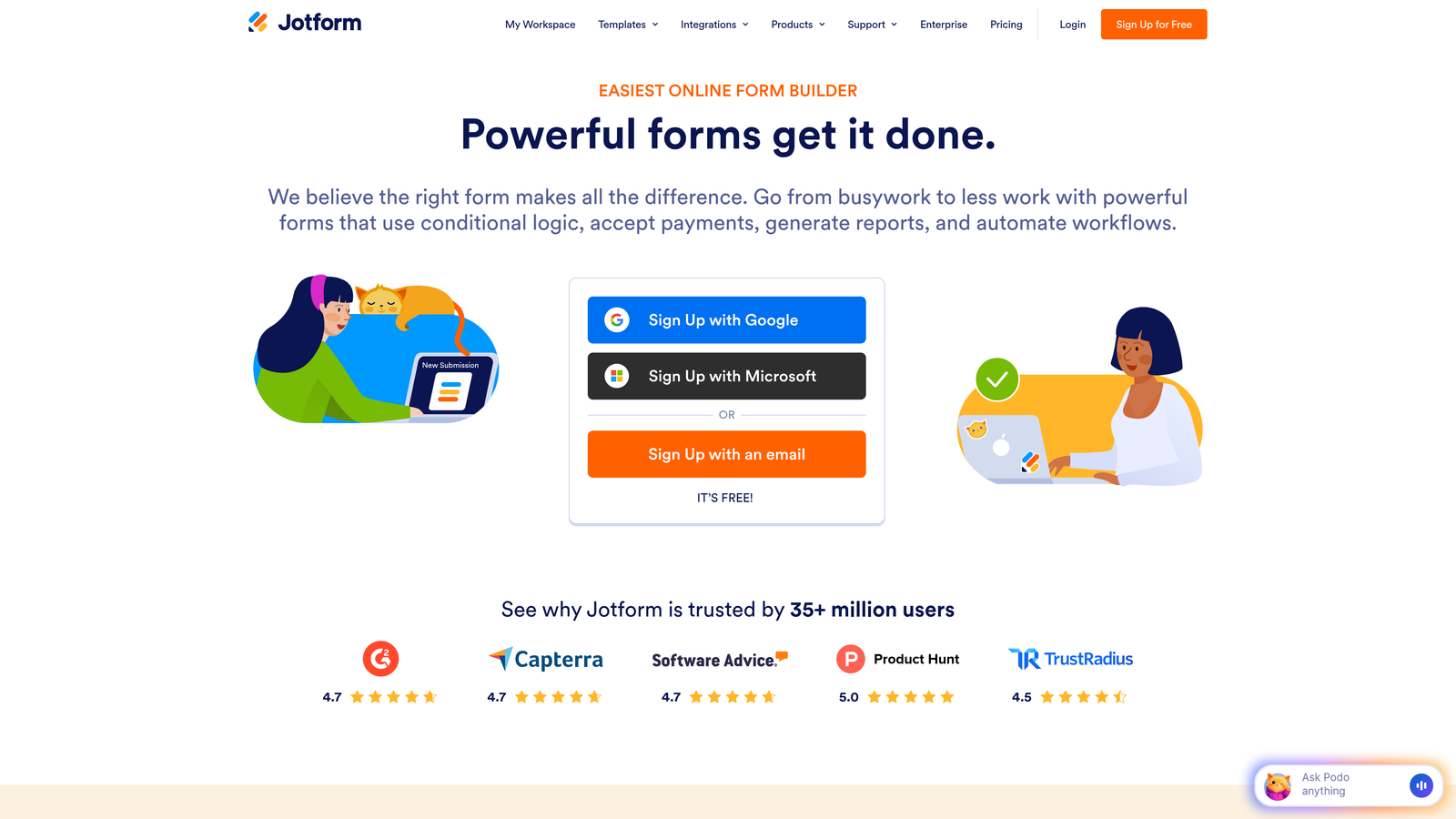
Jotform is an established form platform with over 10,000 templates covering virtually every use case imaginable.
Where This Tool Shines
The template library alone is worth the price of admission. Whether you need employee onboarding forms, event registrations, or customer feedback surveys, there's a pre-built template that's 80% of the way there.
Approval workflows let you route submissions through multiple stakeholders automatically—perfect for expense reports, time-off requests, or content approvals. The PDF generation feature turns form data into professional documents without manual formatting.
Key Features
10,000+ Templates: Pre-built forms for every industry and use case, fully customizable.
Approval Workflows: Route submissions through approval chains with automatic notifications.
Payment Processing: Accept payments through 30+ payment gateways including Stripe and PayPal.
PDF Report Generation: Automatically create formatted PDF documents from form submissions.
Team Collaboration: Share forms, assign permissions, and collaborate with team members.
Best For
Jotform excels for HR teams, operations departments, and businesses that need forms for internal processes as much as external lead capture. The approval workflows make it particularly strong for organizations with multi-step processes.
Pricing
Free tier includes 5 forms and 100 monthly submissions. Paid plans start at $34/month for unlimited forms and 1,000 monthly submissions.
4. Typeform
Best for: Creating conversational experiences with high completion rates
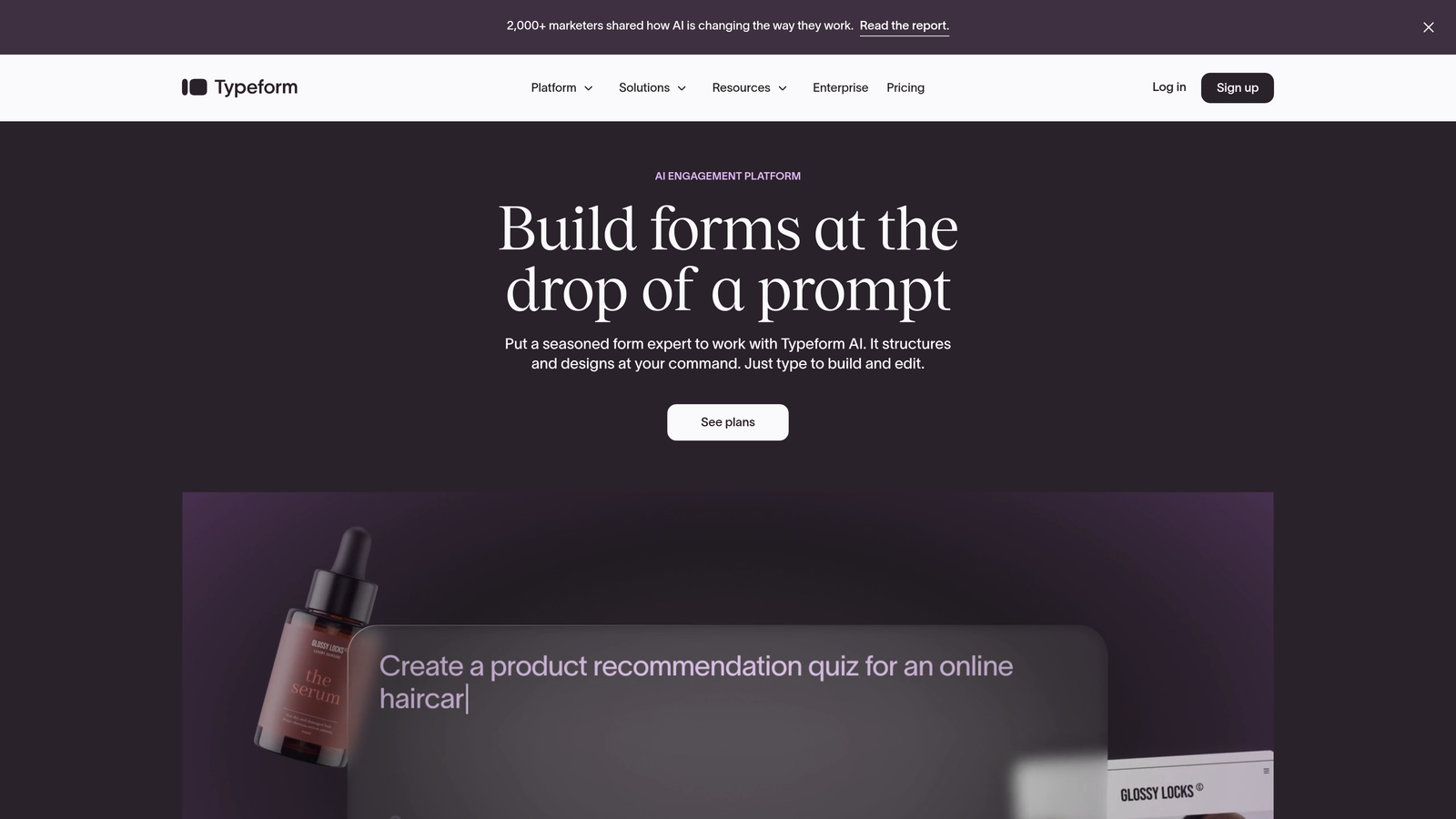
Typeform pioneered the one-question-at-a-time format that makes forms feel more like conversations than interrogations.
Where This Tool Shines
The conversational format significantly improves completion rates compared to traditional long-form layouts. By showing one question at a time, Typeform reduces cognitive load and makes even lengthy surveys feel manageable.
Logic jumps create personalized paths through your form based on previous answers, making each respondent feel like they're getting a tailored experience. The interface is polished and professional, working beautifully on mobile devices.
Key Features
One-Question Format: Conversational interface that displays questions sequentially for better engagement.
Logic Jumps: Create branching paths based on answers to show relevant questions only.
Rich Media Support: Embed videos, images, and GIFs to make forms more engaging.
Native Integrations: Direct connections to HubSpot, Salesforce, and major marketing platforms.
Answer Piping: Reference previous answers in later questions for personalization.
Best For
Typeform works exceptionally well for customer research, lead qualification surveys, and any scenario where completion rate matters more than speed. Marketing teams and UX researchers particularly appreciate the engaging format.
Pricing
Free basic tier with Typeform branding. Paid plans start at $25/month for custom branding and logic jumps.
5. Fillout
Best for: Teams managing data across Airtable, Notion, or Google Sheets
Fillout specializes in native database integrations that eliminate the need for middleware like Zapier.
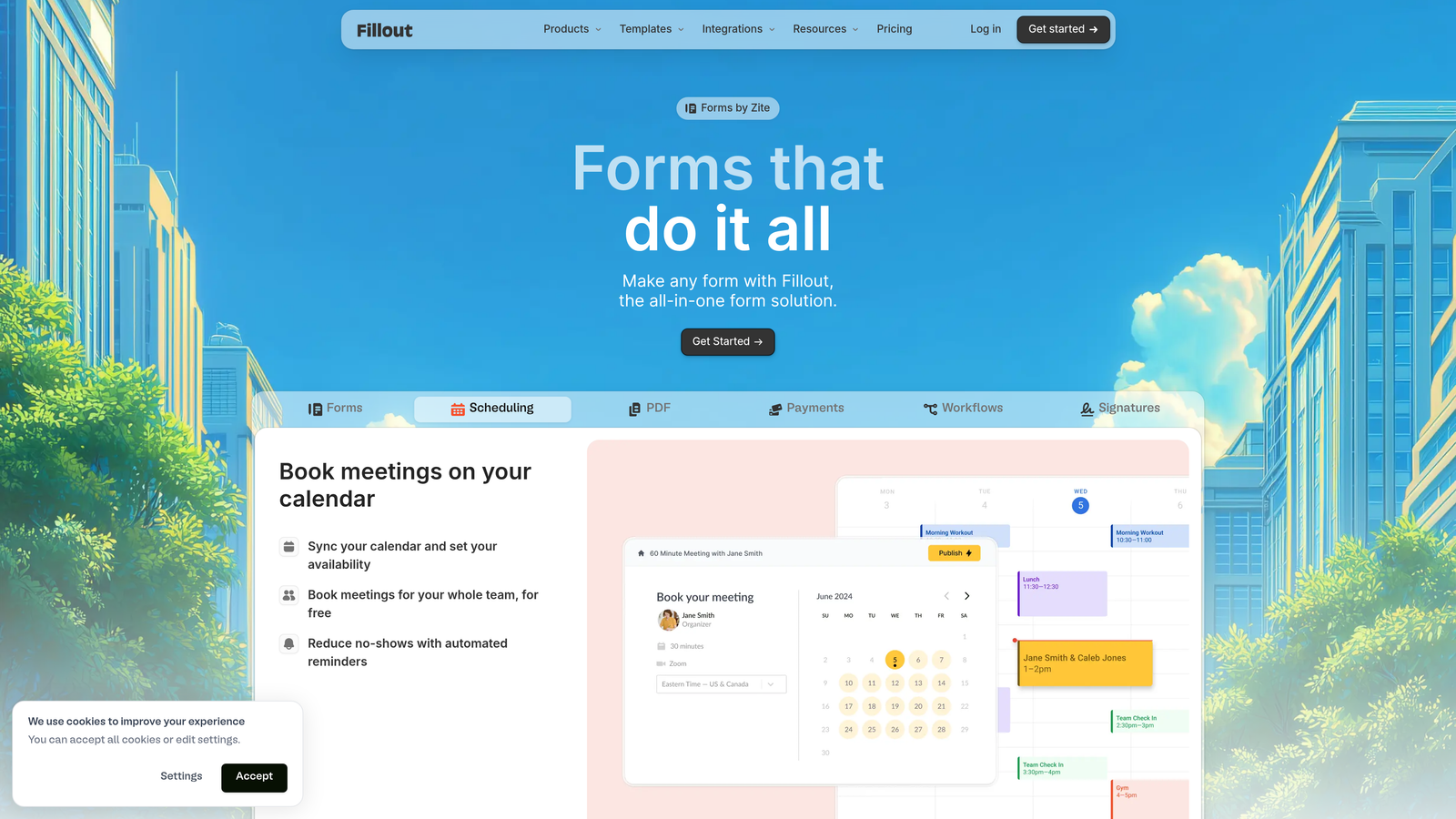
Where This Tool Shines
Fillout's direct sync with Airtable and Notion is game-changing for teams already using these platforms. Instead of exporting data and importing it elsewhere, your form submissions flow directly into your existing databases.
The ability to update existing records via forms is particularly powerful—imagine letting customers update their own information or employees submitting status updates that automatically refresh your project tracker.
Key Features
Native Database Sync: Direct integration with Airtable, Notion, and Google Sheets without third-party tools.
Record Updates: Allow users to update existing database records through forms, not just create new ones.
Multi-Page Forms: Break long forms into steps with progress indicators.
Conditional Logic: Show or hide fields based on previous answers for streamlined experiences.
Scheduling Integration: Built-in calendar booking and payment processing options.
Best For
Fillout is perfect for operations teams, project managers, and anyone who lives in Airtable or Notion. If your workflow centers on these platforms, Fillout saves hours of manual data transfer every week.
Pricing
Free tier available with basic features. Paid plans start at $15/month for unlimited forms and advanced integrations.
6. Formstack
Best for: Organizations needing document generation and e-signature automation
Formstack goes beyond basic form building to include document automation and compliance features.
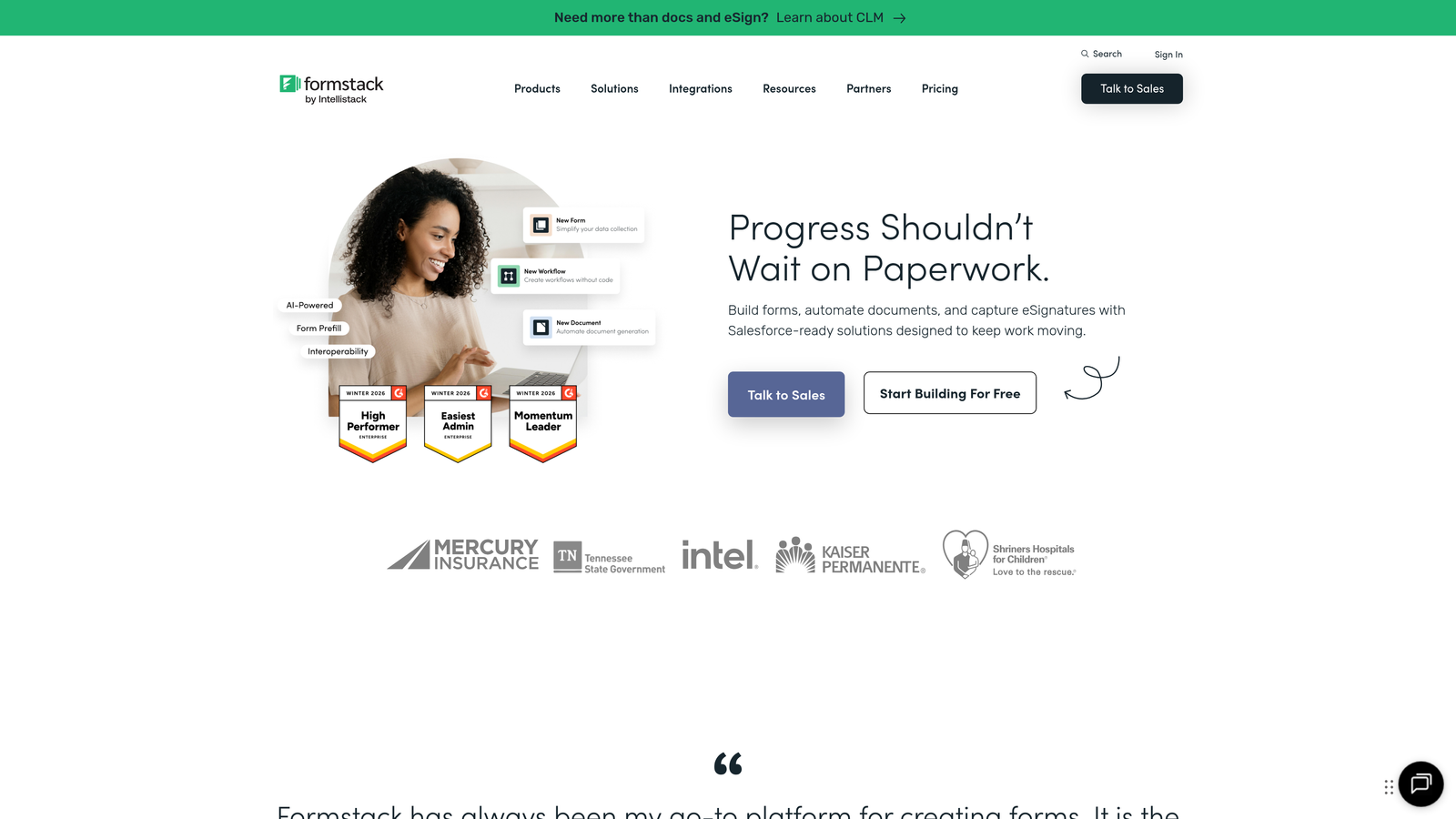
Where This Tool Shines
Formstack automatically generates professional documents from form submissions—contracts, proposals, invoices—without manual copy-paste. Combined with built-in e-signature collection, you can go from form submission to signed agreement without leaving the platform.
The HIPAA compliance options make Formstack particularly attractive for healthcare organizations and other regulated industries. Advanced workflow routing ensures submissions reach the right people automatically based on form data.
Key Features
Document Generation: Automatically create formatted documents from submission data using custom templates.
E-Signature Collection: Built-in signature fields with legally binding electronic signatures.
HIPAA Compliance: Security features and data handling that meet healthcare privacy requirements.
Workflow Routing: Route submissions to different teams or individuals based on form responses.
Salesforce Integration: Native connector that syncs form data directly to Salesforce objects.
Best For
Formstack excels for professional services firms, healthcare providers, and sales teams that need to generate contracts or agreements from form data. The compliance features make it suitable for regulated industries.
Pricing
Plans start at $50/month for basic forms. Document generation and advanced features require higher-tier plans starting around $83/month.
7. Paperform
Best for: Creating beautiful forms with embedded content and payment processing
Paperform treats forms like landing pages, letting you embed rich content alongside questions.
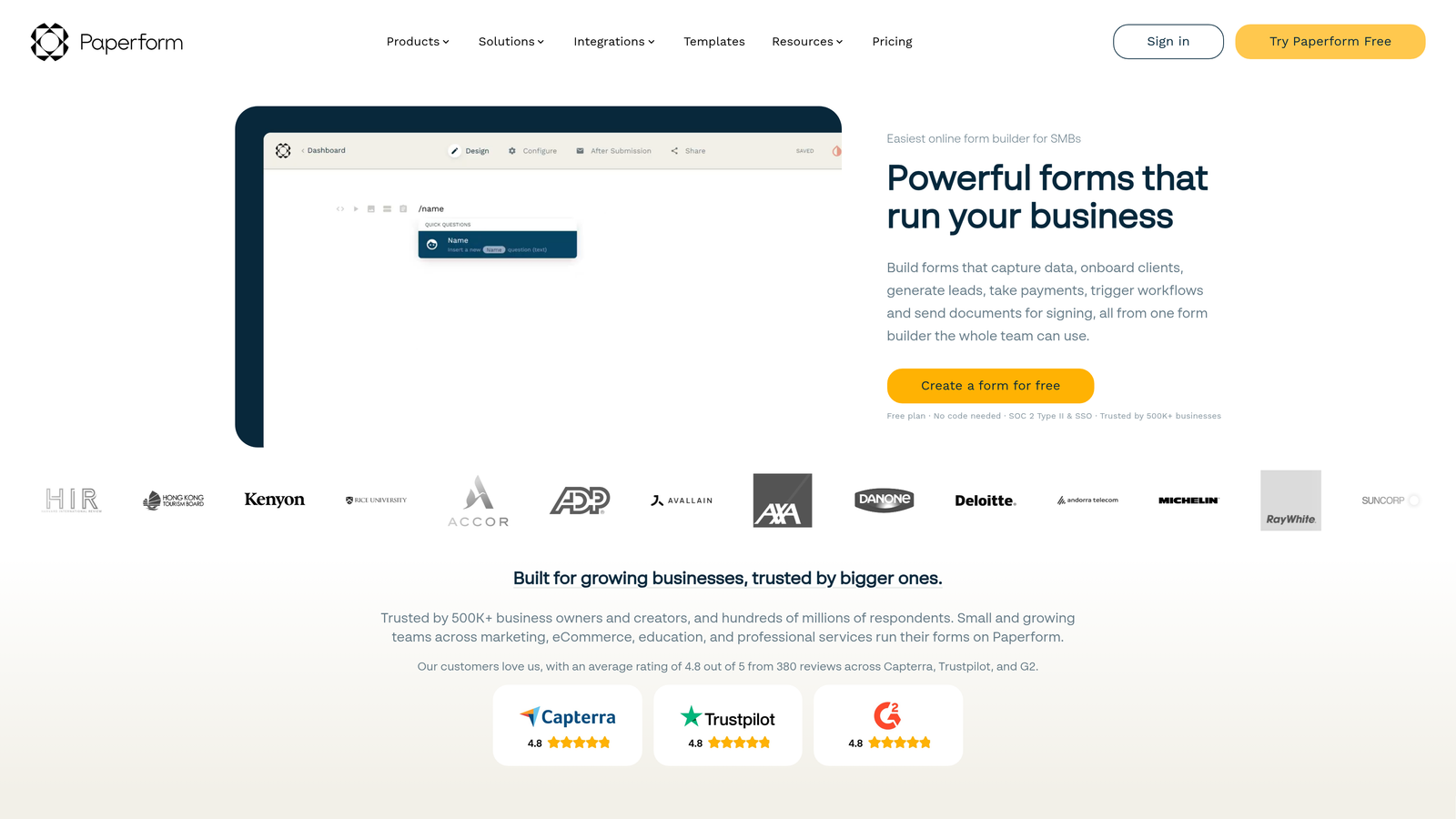
Where This Tool Shines
Paperform's forms don't look like traditional forms—they feel more like interactive web pages. You can embed images, videos, and formatted text blocks to create context around your questions, making the experience feel more engaging.
The native payment processing through Stripe and Square makes it excellent for bookings, registrations, and product sales. Calculation fields let you build quote generators and pricing calculators directly into your forms.
Key Features
Rich Content Blocks: Embed images, videos, and formatted text within forms for context and engagement.
Payment Processing: Accept payments via Stripe and Square without additional integrations.
Product Catalogs: Create order forms with product selections, quantities, and automatic pricing.
Custom Success Pages: Design unique thank-you pages or redirect users based on their responses.
Calculation Fields: Build pricing calculators and quote generators with formula-based fields.
Best For
Paperform works beautifully for service businesses, event organizers, and e-commerce sellers who need forms that double as landing pages. If you're selling anything through your forms, the payment features are particularly strong.
Pricing
Plans start at $24/month with payment processing included. Higher tiers add advanced features and remove submission limits.
8. Cognito Forms
Best for: Budget-conscious teams needing powerful calculations and payment collection
Cognito Forms delivers sophisticated features at some of the lowest prices in the market.
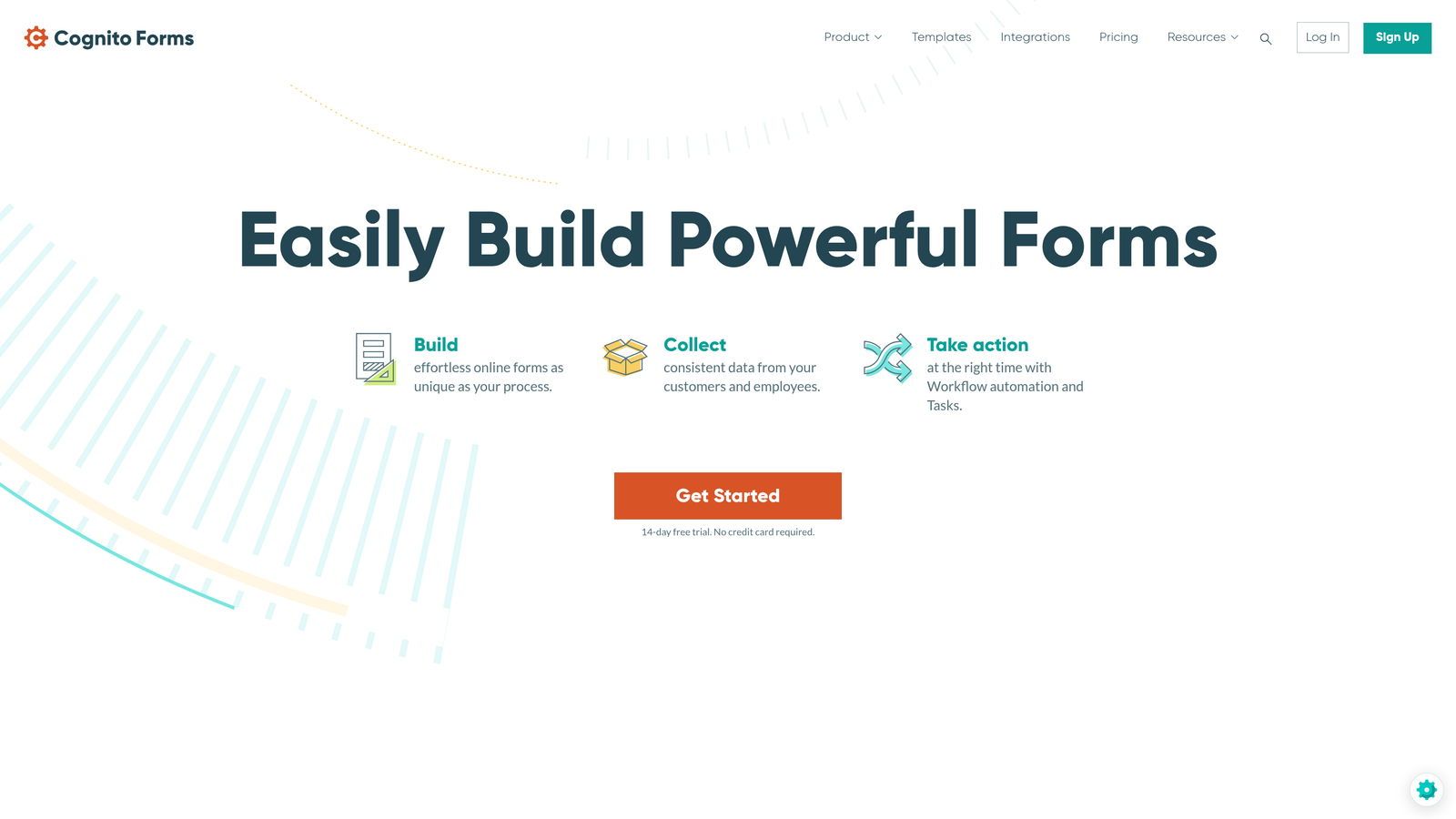
Where This Tool Shines
The calculation engine in Cognito Forms is remarkably powerful for the price point. You can build complex pricing calculators, quote generators, and order forms with conditional pricing based on multiple factors.
Payment processing fees are lower than many competitors, and the repeating sections feature lets you collect complex data sets—like multiple line items or family member information—within a single form submission.
Key Features
Advanced Calculations: Build complex formulas and pricing logic with a powerful calculation engine.
Payment Processing: Accept payments with competitive processing fees through Stripe or Square.
Repeating Sections: Let users add multiple entries of the same fields for complex data collection.
Workflow Automation: Create approval processes and routing rules based on form data.
Data Encryption: Built-in security features and compliance options for sensitive information.
Best For
Cognito Forms is ideal for small businesses, nonprofits, and organizations that need sophisticated features but have tight budgets. The calculation capabilities make it particularly strong for order forms and registration systems.
Pricing
Free tier available for basic forms. Paid plans start at just $15/month for unlimited forms and advanced features.
9. Google Forms
Best for: Teams needing completely free forms with automatic spreadsheet integration
Google Forms remains the most accessible form tool available, requiring only a Google account.
Where This Tool Shines
Google Forms is 100% free with zero submission limits, making it unbeatable for budget-conscious teams. Every form automatically syncs to Google Sheets, giving you instant access to response data in a familiar spreadsheet format.
The collaboration features integrate seamlessly with Google Workspace, letting teams co-edit forms and share results without additional tools. For basic needs, Google Forms handles the essentials reliably.
Key Features
Completely Free: No limits on forms, questions, or responses with any Google account.
Automatic Sheets Sync: Responses flow directly into Google Sheets for analysis and automation.
Basic Conditional Logic: Show or hide questions based on previous answers using section branching.
Workspace Collaboration: Share and co-edit forms with team members using Google's collaboration tools.
Quiz Features: Built-in grading and scoring for assessments and knowledge checks.
Best For
Google Forms works well for internal surveys, event registrations, and basic data collection where advanced automation isn't required. Educational institutions and nonprofits particularly benefit from the zero-cost model.
Pricing
Completely free with a Google account. No paid tiers or premium features.
Making the Right Choice
The best affordable form automation tool depends on your specific workflow and priorities.
For teams focused on lead generation and conversion optimization, Orbit AI delivers the most value with AI-powered qualification that automatically identifies your highest-value prospects. The combination of intelligent automation and conversion-optimized design makes it particularly strong for high-growth teams.
If you need unlimited free forms with a modern interface, Tally is hard to beat. The Notion-like editing experience and generous free tier make it perfect for startups and small teams.
Typeform remains the gold standard for conversational experiences when completion rates matter most. The one-question-at-a-time format consistently outperforms traditional layouts for surveys and lead qualification.
For teams managing data across multiple platforms, Fillout's native integrations with Airtable and Notion save hours of manual work every week. If your workflow centers on these tools, the direct sync alone justifies the investment.
Jotform offers unmatched template variety and approval workflows, making it ideal for operations teams and HR departments managing internal processes.
Budget is your primary concern? Google Forms paired with automation tools like Zapier can handle basic needs at zero cost, though you'll sacrifice the advanced features that make other platforms more powerful.
The bottom line: You don't need enterprise budgets to automate your forms effectively. Each of these nine tools proves that affordable doesn't mean basic—you just need to match the platform to your specific requirements.
Start building free forms today and see how intelligent form design can elevate your conversion strategy. Transform your lead generation with AI-powered forms that qualify prospects automatically while delivering the modern, conversion-optimized experience your high-growth team needs.


