

Modern teams don't just need forms that collect data. They need forms that do something with that data the moment it arrives: route leads to a CRM, trigger a Slack notification, update a database record, or kick off an automated nurture sequence. That's where API-enabled form software earns its place in the stack.
API access transforms a form from a static widget into a programmable component. Developers can create forms on the fly, retrieve submissions in bulk, fire webhooks to custom endpoints, and build deeply integrated lead pipelines without manual CSV exports or brittle workarounds.
This listicle covers nine standout platforms evaluated on API depth, documentation quality, webhook support, integration flexibility, and overall form-building experience. Selection criteria include REST or GraphQL API availability, webhook support, developer documentation quality, pricing transparency, and suitability for high-growth teams. Whether you're a developer building a custom intake flow, a growth engineer automating lead routing, or a technical marketer connecting forms to a data warehouse, there's a tool here for your use case.
1. Orbit AI
Best for: High-growth teams that need AI-powered lead qualification built directly into their form API pipeline.
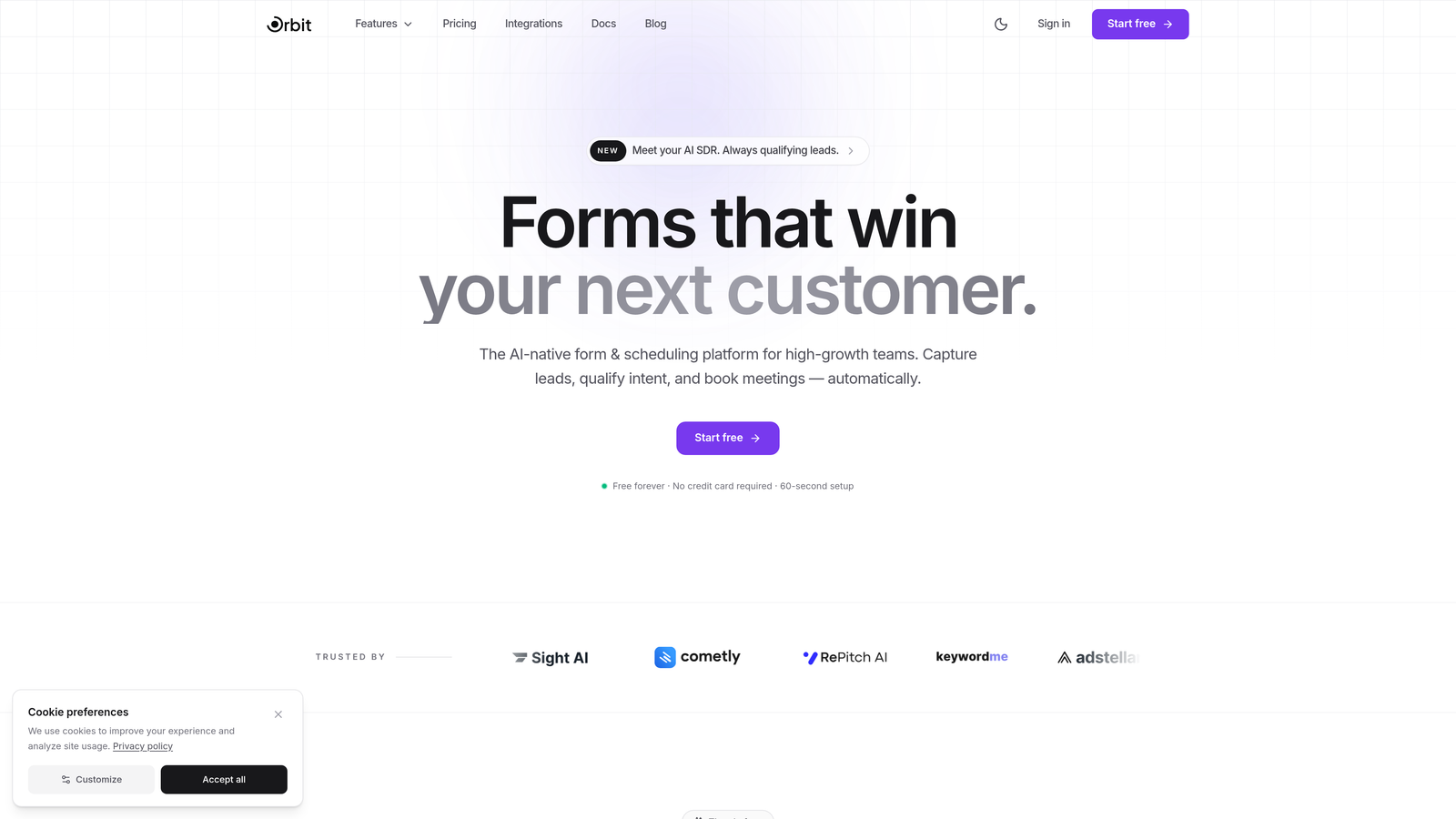
Orbit AI is an AI-powered form builder that combines conversion-optimized design with lead qualification capabilities and a developer-friendly API.
Where This Tool Shines
Most form tools give you raw submission data and leave the qualification work to downstream systems. Orbit AI flips that model by embedding lead scoring and qualification logic directly into the form experience, meaning the data you pull via API is already enriched and prioritized. For growth teams connecting forms to CRMs or sales automation platforms, this reduces the processing overhead on the receiving end.
The platform is built with high-growth teams in mind, offering modern, conversion-optimized templates alongside the programmatic control that developers expect. Conditional logic, real-time webhook delivery, and clean API responses make it a strong foundation for building event-driven lead pipelines.
Key Features
AI-Powered Lead Qualification: Lead scoring and qualification logic runs within the form submission flow, so API consumers retrieve enriched, prioritized lead data rather than raw field values.
Programmatic Form Management: The API supports form creation and submission retrieval, giving developers full control over form lifecycle without touching the UI.
Webhook Support: Real-time webhooks push submission data to CRMs, custom endpoints, or automation platforms the moment a form is completed.
Conversion-Optimized Templates: Pre-built templates designed specifically for lead generation use cases, with modern aesthetics that don't require design work to deploy.
Conditional Logic: Dynamic form behavior based on respondent input, enabling smarter data capture without overwhelming users with irrelevant questions.
Best For
Growth engineers and technical marketers at SaaS companies who want forms that qualify leads automatically rather than dumping raw data into a CRM for manual review. Also a strong fit for teams building programmatic lead intake flows where API-retrieved submissions feed directly into scoring or routing logic.
Pricing
Visit orbitforms.ai for current plan details and to explore available tiers.
2. Typeform
Best for: Teams that want a polished conversational form experience backed by a mature, well-documented REST API.
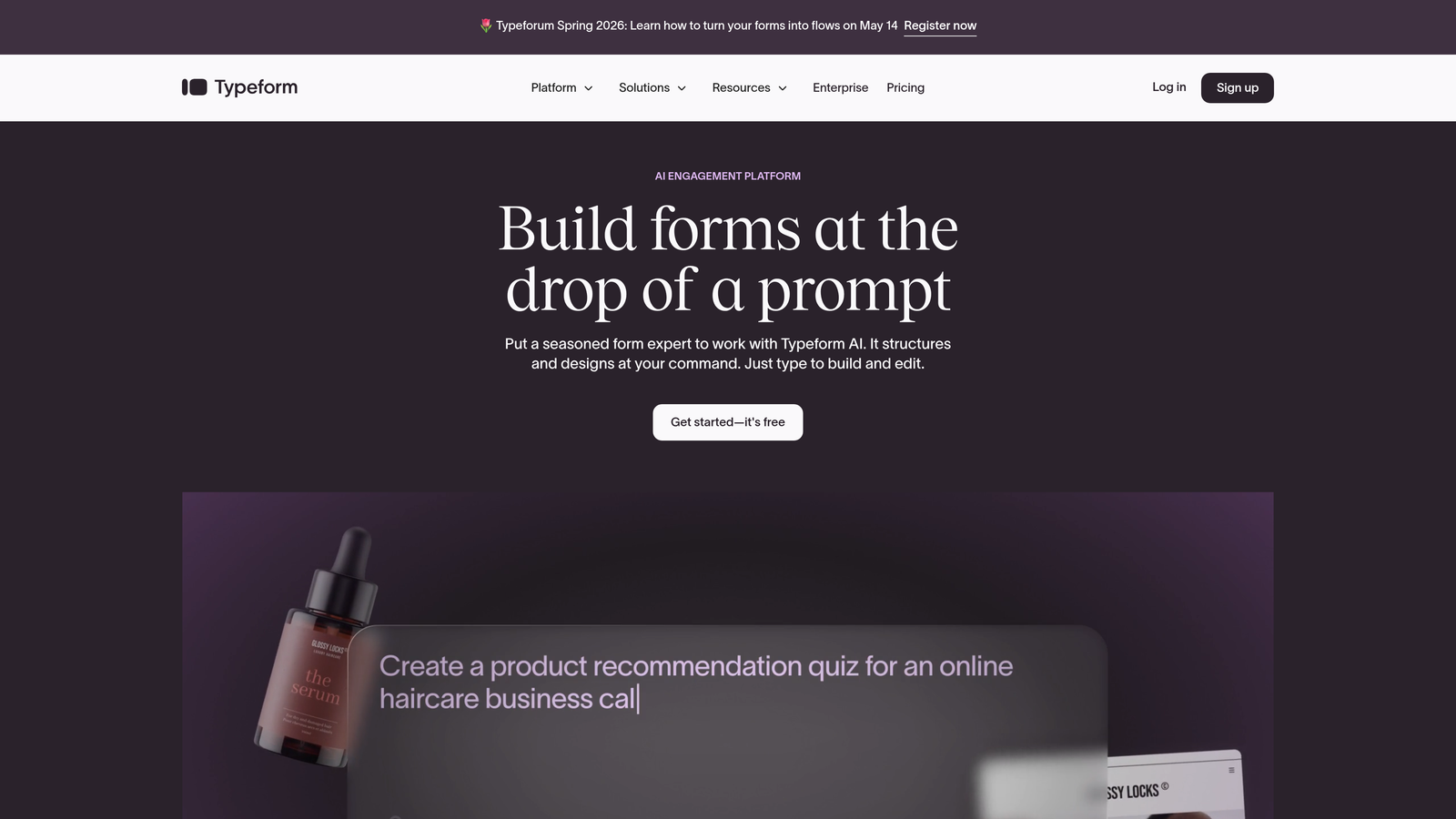
Typeform is a conversational form platform with one of the most established developer ecosystems in the category.
Where This Tool Shines
Typeform's REST API is genuinely mature. It covers full CRUD operations for forms, response retrieval, and webhook configuration, and the developer documentation is thorough enough that most integrations don't require support tickets. The SDK availability across multiple languages further reduces friction for developer teams.
The one-question-at-a-time UX tends to drive higher completion rates for longer forms, which makes Typeform a popular choice for research surveys, onboarding flows, and lead capture sequences where respondent experience directly impacts data quality.
Key Features
Full REST API: Supports form creation, editing, deletion, and response retrieval with clear endpoint documentation and versioning.
Webhooks: Real-time submission notifications delivered to any endpoint, with payload configuration options.
Conversational UX: One-question-at-a-time interface that can improve completion rates for longer or more complex forms.
Logic Jumps and Hidden Fields: Dynamic routing and pre-populated fields support sophisticated data capture workflows.
SDKs and Developer Docs: Official SDKs and a well-maintained developer portal reduce integration time significantly.
Best For
Marketing and product teams at mid-size SaaS companies who need a polished respondent experience combined with reliable API access for downstream integrations. Less ideal for high-volume, high-frequency API usage where rate limits may become a constraint.
Pricing
Free plan available with limited responses; paid plans start around $25/month. API access is available on paid tiers.
3. Jotform
Best for: Teams that need one of the broadest API surfaces in the category, covering forms, submissions, reports, and file uploads.
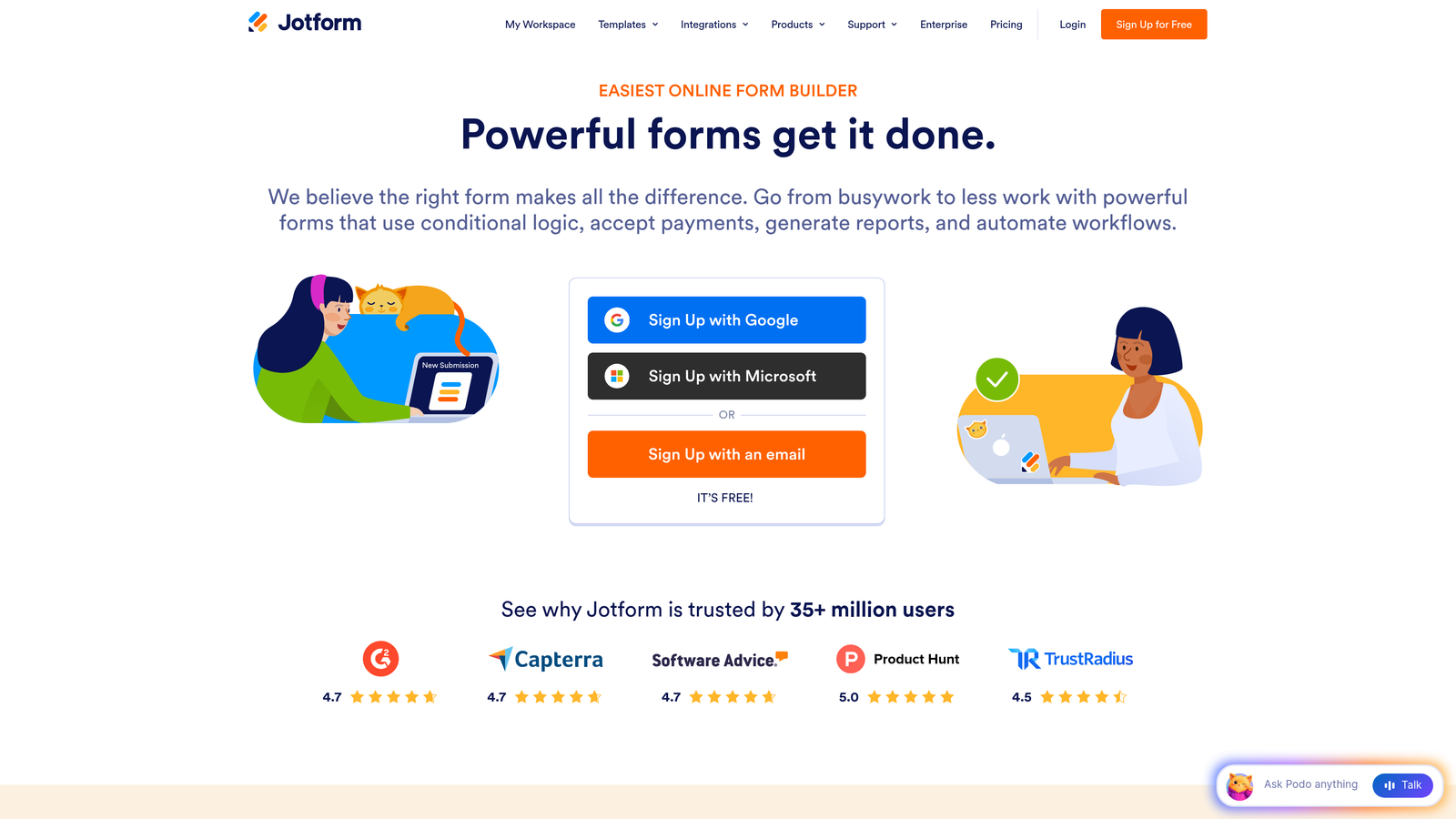
Jotform is a feature-rich form builder with an API that covers more ground than most competitors in this space.
Where This Tool Shines
Jotform's API is unusually comprehensive. Beyond basic form and submission management, it exposes endpoints for reports, file uploads, and bulk operations, which makes it viable for high-volume use cases where you're processing thousands of submissions programmatically. The combination of API depth and an enormous template library (over 10,000 templates) means teams can move quickly from concept to deployed form.
The native integration ecosystem is also extensive, with direct connectors to popular CRMs, payment processors, and automation platforms alongside Zapier and Make support. For teams that want API access as a fallback rather than a primary integration method, Jotform's native connectors often handle common workflows without custom code.
Key Features
Extensive REST API: Covers forms, submissions, reports, file uploads, and bulk operations with solid documentation.
10,000+ Templates: One of the largest template libraries in the category, spanning industry verticals and use cases.
Webhook and Integration Support: Native connectors plus Zapier and Make integrations for extended workflow automation.
Conditional Logic and Payments: Advanced form logic alongside built-in payment processing and e-signature capabilities.
Bulk API Operations: Supports high-volume submission retrieval and management, useful for data pipeline use cases.
Best For
Operations teams and developers who need broad API coverage and don't want to build custom integrations for every downstream system. Also well-suited for organizations that need payment forms or e-signatures alongside standard data collection.
Pricing
Free plan includes up to 5 forms; paid plans start around $34/month with higher submission limits and additional features.
4. Formstack
Best for: Enterprise teams with compliance requirements who need API-driven form and workflow automation in regulated industries.
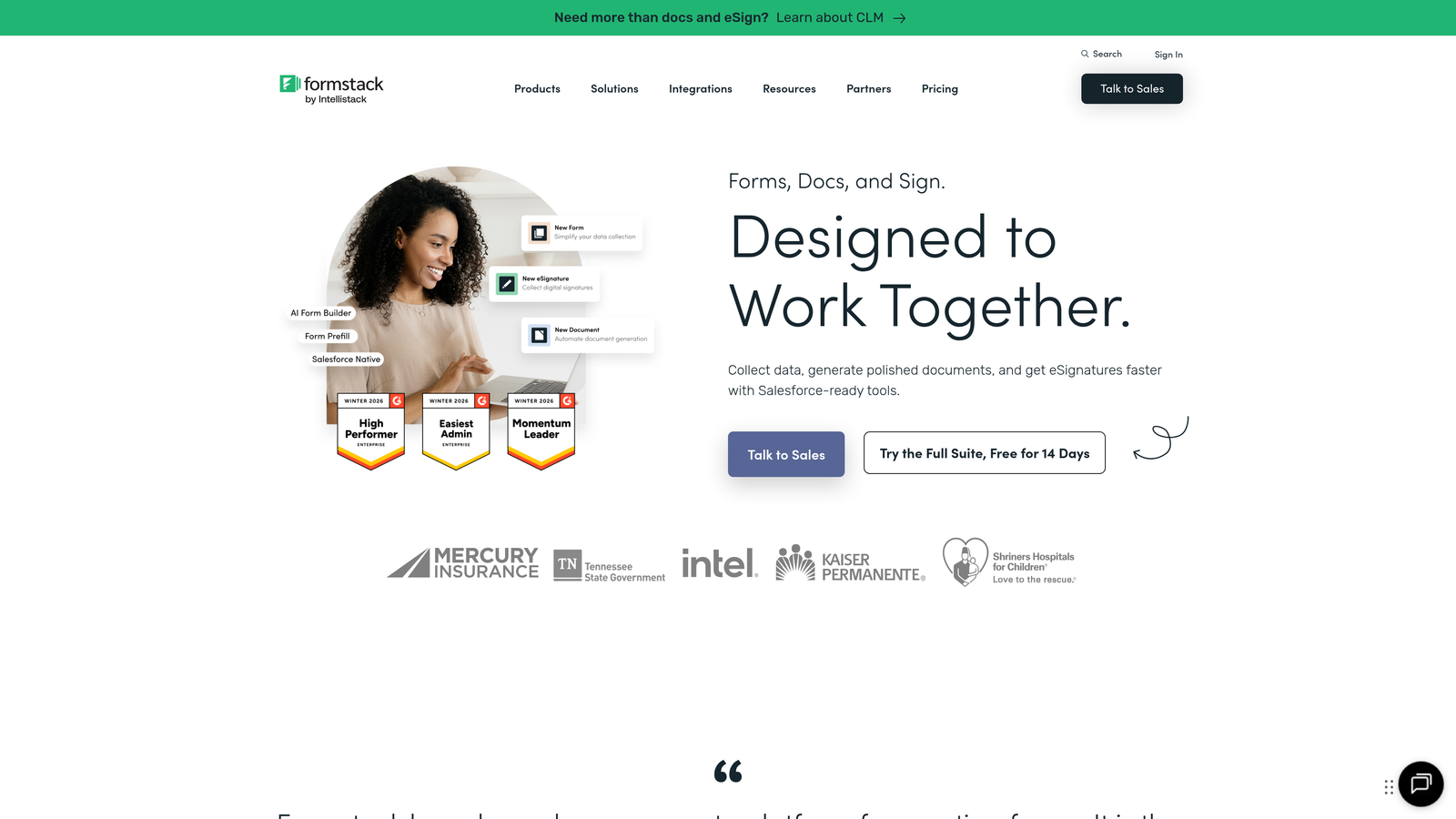
Formstack is an enterprise-grade form and workflow automation platform built with compliance and data governance at its core.
Where This Tool Shines
Formstack's value proposition goes beyond form building. The platform extends into document generation, e-signature workflows, and approval routing, all accessible via its REST API. For enterprise teams that need to automate multi-step processes involving form data, this makes Formstack more of a workflow engine than a simple form tool.
The compliance credentials are a genuine differentiator for teams in healthcare, finance, or government contexts. HIPAA, GDPR, and SOC 2 compliance options, combined with field-level encryption, mean that API consumers can handle sensitive data with appropriate governance controls in place.
Key Features
REST API for Workflows: API access covers forms, submissions, and workflow automation steps, not just basic data retrieval.
Compliance Options: HIPAA, GDPR, and SOC 2 compliance configurations for regulated data collection environments.
Native Salesforce and Microsoft Integrations: Deep connectors for enterprise CRM and productivity ecosystems.
Document Generation and E-Signatures: Form submissions can trigger document creation and signature workflows programmatically.
Field Encryption: Advanced data governance controls at the field level for sensitive information handling.
Best For
Enterprise teams in regulated industries who need compliance-ready data collection with API access and workflow automation. The pricing reflects the enterprise positioning, so smaller teams may find better value elsewhere.
Pricing
Plans start around $50/month; enterprise pricing is available for larger deployments with advanced compliance needs.
5. Cognito Forms
Best for: Budget-conscious teams that need API access, calculation fields, and payment processing without a premium price tag.
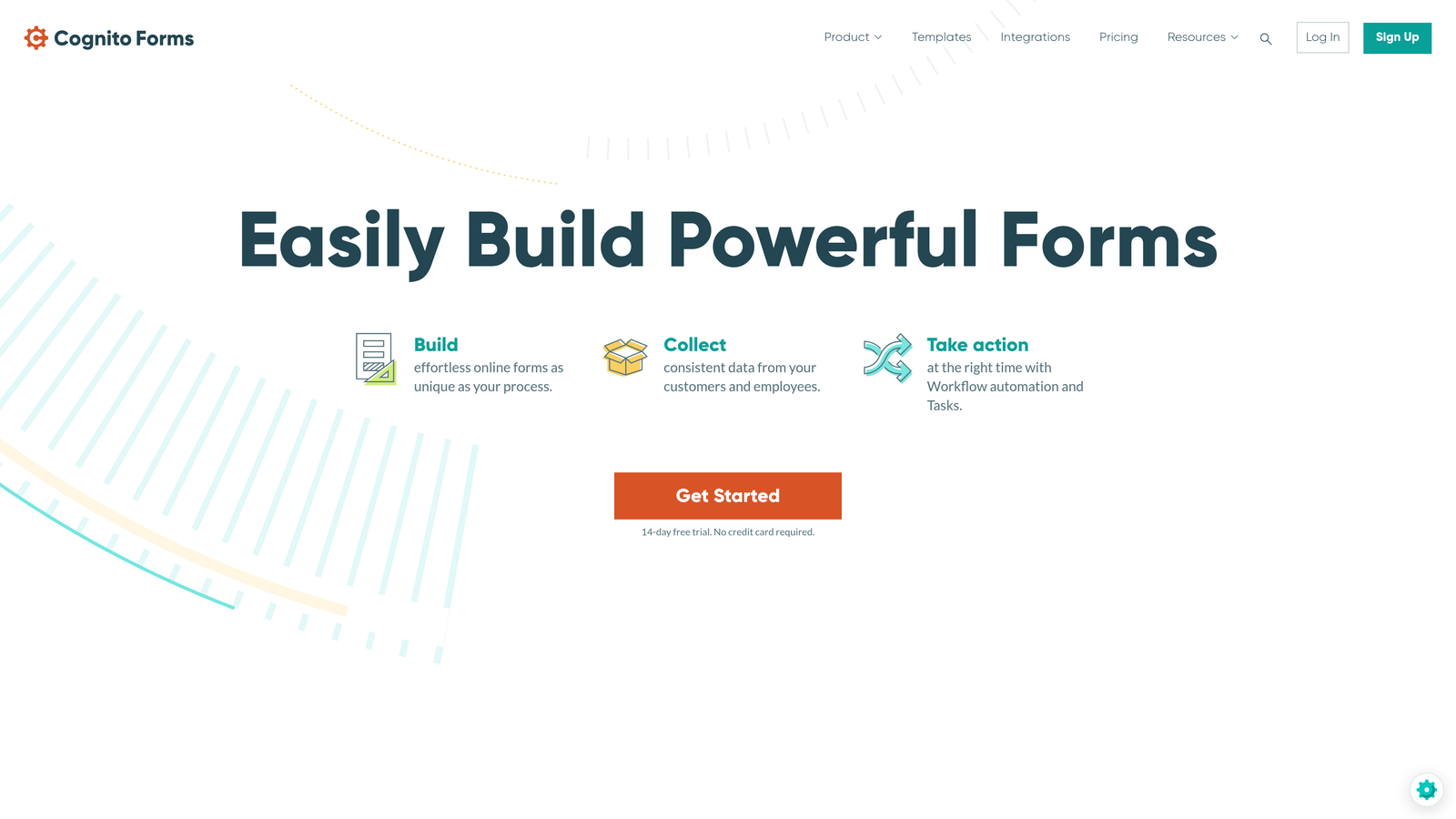
Cognito Forms is an affordable form builder that punches above its price point with a solid REST API and built-in payment capabilities.
Where This Tool Shines
Cognito Forms is often overlooked in API-focused comparisons, but its REST API covers entry management and form data retrieval competently, and the free tier includes API access, which is genuinely unusual in this category. For early-stage teams or developers prototyping integrations, this removes the "pay to test" friction that other platforms impose.
The calculation field functionality is a standout feature. Teams building quote forms, order forms, or any scenario where submitted data needs to drive a computed output will find this capability saves significant custom development time. Combined with repeating sections and multi-page support, Cognito Forms handles more complex form structures than its price suggests.
Key Features
REST API with Free Tier Access: API access for entry management and form data retrieval is available on the free plan, not locked behind a paywall.
Built-In Payment Processing: Native Stripe, PayPal, and Square integrations for commerce and fee-collection use cases.
Calculation Fields: Dynamic computed fields based on respondent input, useful for quotes, pricing, and scoring scenarios.
Repeating Sections: Supports complex form structures where respondents need to add multiple instances of a field group.
Conditional Logic: Standard conditional display and branching logic for dynamic form experiences.
Best For
Small teams, freelancers, and developers who need API access and payment processing without committing to a paid plan upfront. Also useful for organizations building internal tools where form aesthetics are secondary to functionality.
Pricing
Free plan available with generous limits; paid plans start around $15/month for higher submission volumes and advanced features.
6. Paperform
Best for: Teams that want design-forward forms with webhook-driven API connectivity and built-in booking and payment features.
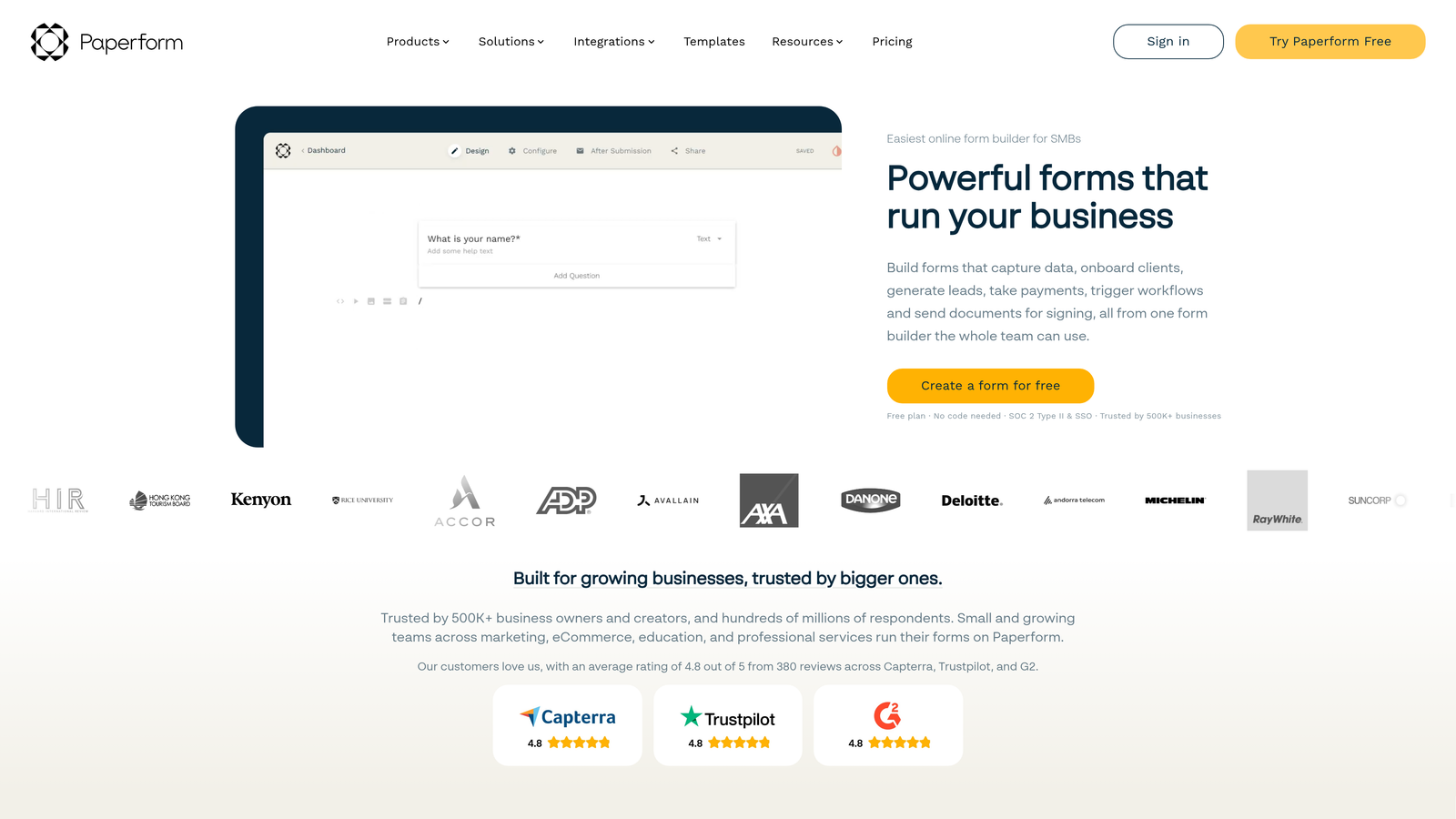
Paperform is a design-forward form and landing page builder that connects to external systems primarily through webhooks and automation platforms.
Where This Tool Shines
Paperform takes a different approach to API connectivity than most tools on this list. Rather than a native REST API, it relies on webhooks for real-time data delivery and Zapier or Make for extended workflow automation. For teams already operating within those ecosystems, this is a non-issue. The webhook implementation is clean and reliable, making it straightforward to push submission data to custom endpoints or downstream systems.
Where Paperform genuinely stands out is on the design side. The ability to embed rich content blocks, including images, video, and formatted text, within forms creates experiences that feel more like landing pages than traditional form interfaces. This matters for conversion-sensitive use cases where first impressions affect completion rates.
Key Features
Webhook Support: Real-time submission delivery to custom endpoints, with configurable payload structure.
Rich Content Blocks: Embed images, video, and formatted text within forms for landing page-quality experiences.
Built-In Payments and Booking: Native payment processing and appointment scheduling without third-party add-ons.
Zapier and Make Integrations: Extended API connectivity through leading automation platforms.
Calculation and Conditional Logic: Dynamic fields and branching logic for more sophisticated form flows.
Best For
Marketing teams and solopreneurs who want beautiful, content-rich forms with reliable webhook delivery. Less suitable for developers who need a native REST API for programmatic form management.
Pricing
Plans start around $24/month; no free plan, but a trial period is available.
7. Fillout
Best for: Teams building on Airtable, Notion, or Supabase who need native two-way database sync alongside API and webhook support.
Fillout is a modern form builder with native database integrations and growing API capabilities designed for technical teams.
Where This Tool Shines
Fillout's native two-way sync with Airtable, Notion, Google Sheets, and Supabase is the feature that sets it apart. Rather than treating these platforms as one-way submission destinations, Fillout can pre-fill forms from existing database records and write submissions back as updates to those same records. For teams whose source of truth lives in one of these tools, this eliminates an entire layer of custom integration work.
The ability to pre-fill forms from external data sources via URL parameters or API is particularly useful for personalized outreach flows, customer portal experiences, and any scenario where you want to present a respondent with their existing data for review or update.
Key Features
Native Two-Way Database Sync: Bidirectional integration with Airtable, Notion, Google Sheets, and Supabase for read and write operations.
API and Webhook Support: Programmatic submission retrieval and real-time event delivery to custom endpoints.
External Data Pre-Fill: Populate form fields from external sources via URL parameters or API for personalized form experiences.
Scheduling and Payment Forms: Specialized form types for appointment booking and payment collection beyond standard data capture.
Conditional Logic and Multi-Step Forms: Standard dynamic form capabilities for complex intake flows.
Best For
Startups and technical teams whose data infrastructure is built around no-code databases like Airtable or Notion, and who want forms that feel like a native extension of those platforms rather than a separate tool.
Pricing
Free plan available; paid plans start around $19/month with higher response limits and advanced integration features.
8. Tally
Best for: Developers and indie teams who want a free-first, minimalist form builder with webhook support for custom API workflows.
Tally is a minimalist form builder with a generous free tier, a Notion-like editing experience, and webhook support for connecting submissions to any endpoint.
Where This Tool Shines
Tally's free plan is genuinely remarkable in this category. Unlimited forms, unlimited submissions, and webhook support at no cost makes it an obvious starting point for developers prototyping integrations or small teams with tight budgets. Most competitors gate webhook access behind paid plans, so Tally's approach stands out.
The Notion-like block editor makes form building intuitive for non-technical collaborators, while the webhook and Zapier/Make support gives developers the connectivity they need. Hidden fields and URL pre-fill enable dynamic workflows without custom code, covering a surprising range of use cases for a tool at this price point.
Key Features
Free Unlimited Forms and Submissions: No artificial limits on the free plan, including webhook access, which is rare in this category.
Webhook Support: Real-time submission delivery to any endpoint, available on the free tier.
Notion-Like Editor: Block-based form building that feels familiar to teams already working in Notion.
Hidden Fields and URL Pre-Fill: Dynamic data passing for personalized and context-aware form experiences.
Zapier and Make Integrations: Extended automation connectivity for teams that prefer no-code workflow tools.
Best For
Indie developers, early-stage startups, and teams that want to prototype webhook-driven form integrations without spending anything. The Pro plan adds branding customization and additional features for teams that outgrow the free tier.
Pricing
Free for most features with unlimited forms and submissions; Pro plan is around $29/month for custom branding and advanced capabilities.
9. FormAssembly
Best for: Enterprise Salesforce shops that need deep CRM integration, strict compliance controls, and a REST API for form and submission management.
FormAssembly is an enterprise form platform purpose-built for the Salesforce ecosystem, with compliance credentials that cover some of the most demanding regulatory environments.
Where This Tool Shines
FormAssembly's Salesforce integration goes deeper than most. It can pre-fill forms from existing Salesforce records, create new records on submission, and update existing ones, all without custom Apex code or middleware. For organizations where Salesforce is the system of record, this level of native integration reduces both development time and data consistency risks.
The compliance coverage is equally serious: HIPAA, GDPR, FedRAMP, and PCI options make FormAssembly one of the few form platforms viable for healthcare, federal government, and financial services contexts where data handling requirements are non-negotiable.
Key Features
Deep Salesforce Integration: Pre-fill from Salesforce records, create and update objects on submission, without custom middleware.
REST API: Programmatic form and submission management for teams that need to extend beyond the native Salesforce connector.
Broad Compliance Coverage: HIPAA, GDPR, FedRAMP, and PCI compliance options for regulated industry deployments.
Payment Processing: Native Stripe and Authorize.net integrations for fee collection within compliant form workflows.
Workflow Automation and Approval Routing: Multi-step approval workflows triggered by form submissions, manageable via API.
Best For
Enterprise teams in regulated industries whose primary CRM is Salesforce and who need compliance-ready data collection with API access. The pricing reflects the enterprise positioning and is unlikely to suit smaller teams or those without a Salesforce investment.
Pricing
Plans start around $99/month; enterprise tiers with advanced compliance and support options are available at custom pricing.
Which Tool Is Right for Your Stack?
The right choice here depends less on which tool has the "best" API and more on what your team is actually building and where your data needs to go.
If you're a growth team focused on lead qualification, Orbit AI is the standout option. The combination of AI-powered lead scoring built into the submission flow and a developer-friendly API means you're retrieving enriched, qualified leads rather than raw field data. For teams whose bottleneck is lead quality rather than lead volume, that's a meaningful architectural advantage.
For the best free option, Tally is hard to beat. Unlimited forms, unlimited submissions, and webhook support at no cost covers a surprising range of real-world use cases. Cognito Forms is the runner-up here, especially if you need calculation fields or payment processing on a free plan.
For enterprise deployments, FormAssembly is the clear choice for Salesforce-centric organizations with compliance requirements, while Formstack serves teams that need workflow automation and document generation alongside form data collection.
For the strongest API documentation and developer experience, Typeform and Jotform both have mature, well-maintained developer portals with SDKs and extensive endpoint coverage. Jotform edges ahead on API breadth; Typeform wins on respondent experience.
If your infrastructure is built around Airtable, Notion, or Supabase, Fillout's native two-way sync removes a layer of integration complexity that other tools require you to build yourself.
The broader takeaway: API-enabled form software is no longer a niche requirement. As more teams move toward composable, event-driven architectures, the ability to treat a form as a programmable API endpoint rather than a standalone widget becomes a baseline expectation. Start building free forms today with Orbit AI and see how intelligent form design, combined with AI-powered lead qualification and real-time API delivery, can transform your lead generation pipeline from a data collection exercise into a conversion engine.


