

First impressions matter, and your forms are often the first real interaction a prospect has with your brand. Clunky, generic forms kill conversions before they start. Beautiful form design software does the opposite: it builds trust, reduces friction, and guides users toward completion.
This list covers nine tools that stand out for design quality, flexibility, and conversion-focused features. Whether you're a growth marketer optimizing lead capture, a SaaS team qualifying inbound leads, or an agency building branded experiences for clients, there's a tool here for you.
We evaluated each platform on visual design quality, customization depth, UX and conversational features, integrations, and pricing. Orbit AI leads the list because it's built specifically for high-growth teams that need both beauty and brains — but every tool here earns its spot.
1. Orbit AI
Best for: High-growth SaaS and B2B teams that need AI-powered lead qualification alongside conversion-optimized form design.
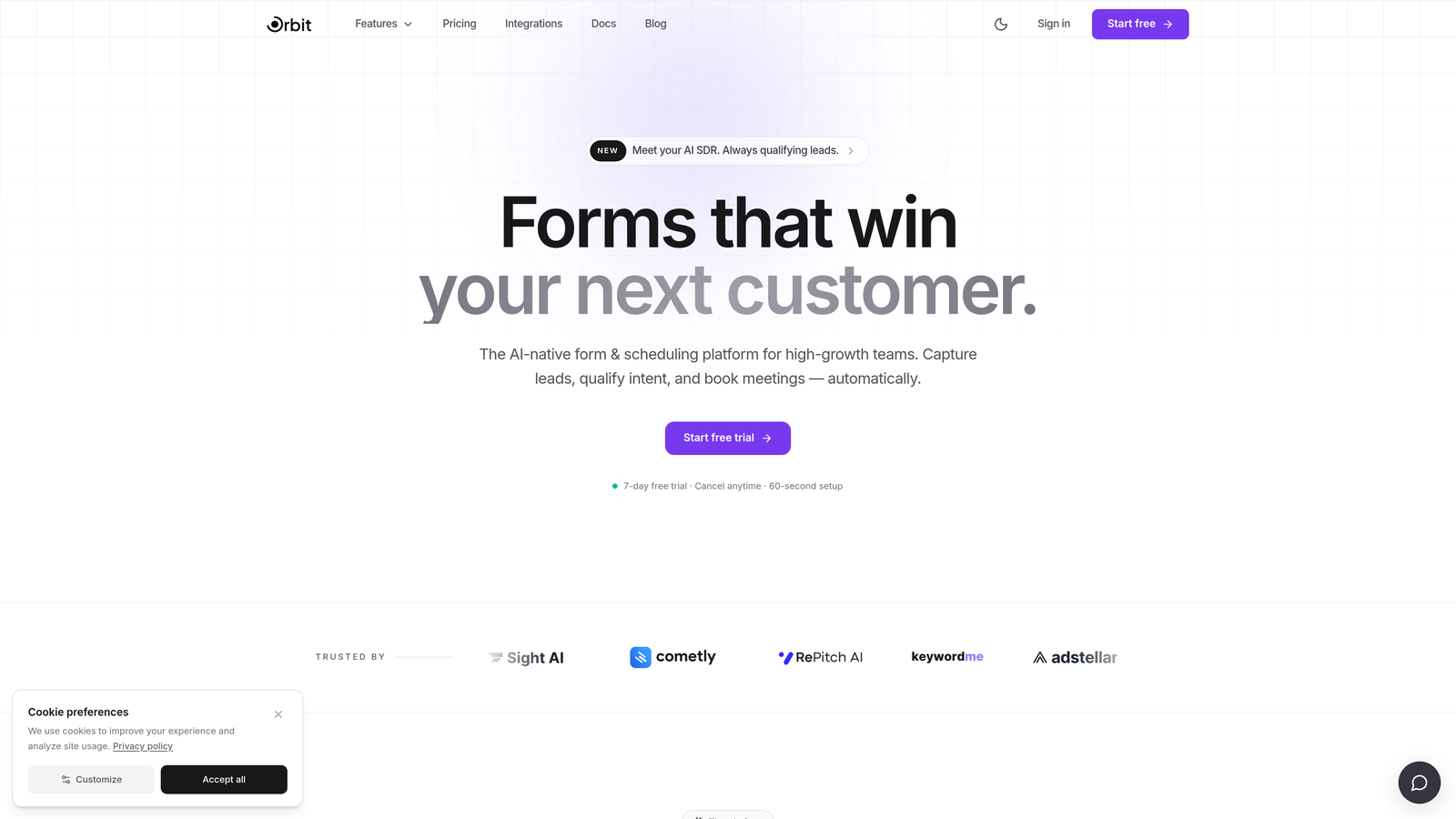
Orbit AI is an AI-powered form builder that combines modern, conversion-focused design with intelligent lead qualification built directly into the form flow.
Where This Tool Shines
Most form builders treat design and intelligence as separate problems. Orbit AI treats them as one. The platform is built around the idea that a beautiful form is only half the job — the other half is making sure the leads coming through are actually worth pursuing.
Where other tools give you submission counts, Orbit AI gives you lead quality signals. The AI qualification layer works inside the form itself, scoring and segmenting respondents in real time so your sales team can prioritize without manual triage.
Key Features
AI-Powered Lead Qualification: Built-in lead scoring runs inside the form flow, automatically segmenting prospects by quality before they hit your CRM.
Conversion-Optimized Templates: Modern, visually polished templates designed specifically to reduce drop-off and drive form completion.
Conditional Logic and Dynamic Fields: Show or hide fields based on prior answers, creating personalized paths through the form without complexity on the backend.
CRM and Marketing Tool Integrations: Connects with the tools high-growth teams already use, keeping lead data flowing without manual handoffs.
Lead Quality Analytics: Reporting that goes beyond submission volume to surface insights about who's filling out your forms and how qualified they are.
Best For
Orbit AI is the right fit for SaaS companies, B2B marketing teams, and growth-focused organizations where lead quality matters as much as lead volume. If you're tired of high form submission counts that don't translate to pipeline, this is the tool built to solve that problem.
Pricing
Visit orbitforms.ai for current pricing details and available plans.
2. Typeform
Best for: Teams that want a polished, conversational form experience with strong brand recognition and wide integrations.
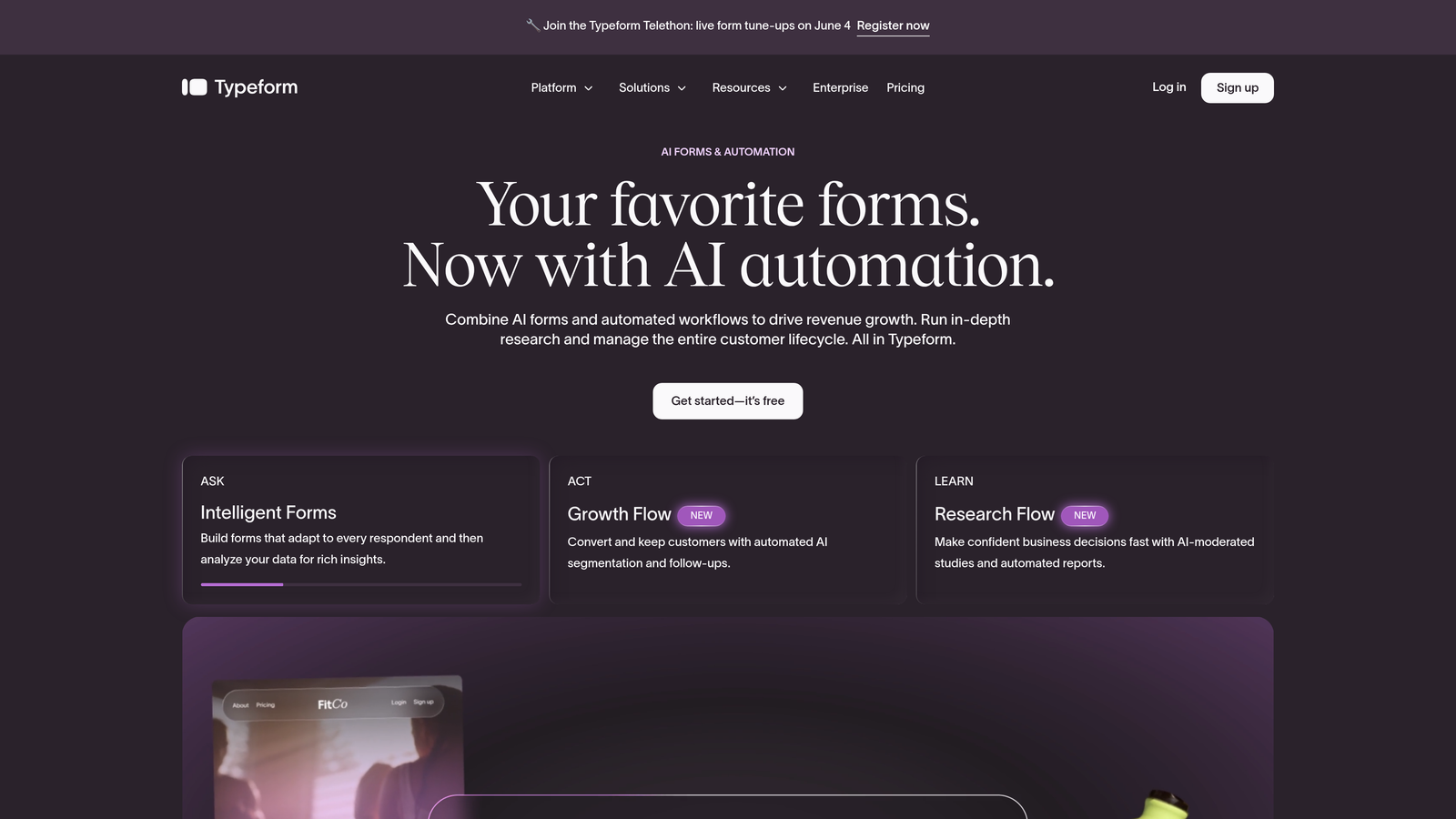
Typeform is the original conversational form builder, presenting one question at a time with a clean, engaging interface that has become a benchmark for form UX.
Where This Tool Shines
Typeform pioneered the idea that forms don't have to feel like forms. The one-question-at-a-time format reduces cognitive load and keeps respondents focused, which is why it remains one of the most recognizable tools in this space.
The default design quality is genuinely high. Even without heavy customization, a Typeform looks polished. For teams that want to ship something beautiful quickly, that out-of-the-box quality is a real advantage.
Key Features
Conversational One-Question-at-a-Time UX: The signature format that keeps respondents engaged by presenting the form as a dialogue rather than a document.
Custom Themes and Visual Design: Strong baseline aesthetics with options to match your brand's colors, fonts, and imagery.
Logic Jumps and Conditional Branching: Route respondents to different questions based on their answers, creating personalized form paths.
Wide Integration Ecosystem: Connects with hundreds of tools including major CRMs, marketing platforms, and productivity apps.
Video and Image Embedding: Add visual context directly inside questions to enrich the experience and improve clarity.
Best For
Typeform works well for surveys, lead capture, customer research, and onboarding flows where a conversational tone fits the context. It's a strong choice for marketing teams that prioritize user experience and want a tool with an established reputation.
Pricing
Free tier available. Paid plans start from approximately $25/month. Verify current pricing at typeform.com.
3. Jotform
Best for: Teams that need to ship forms fast across diverse use cases, backed by one of the largest template libraries available.
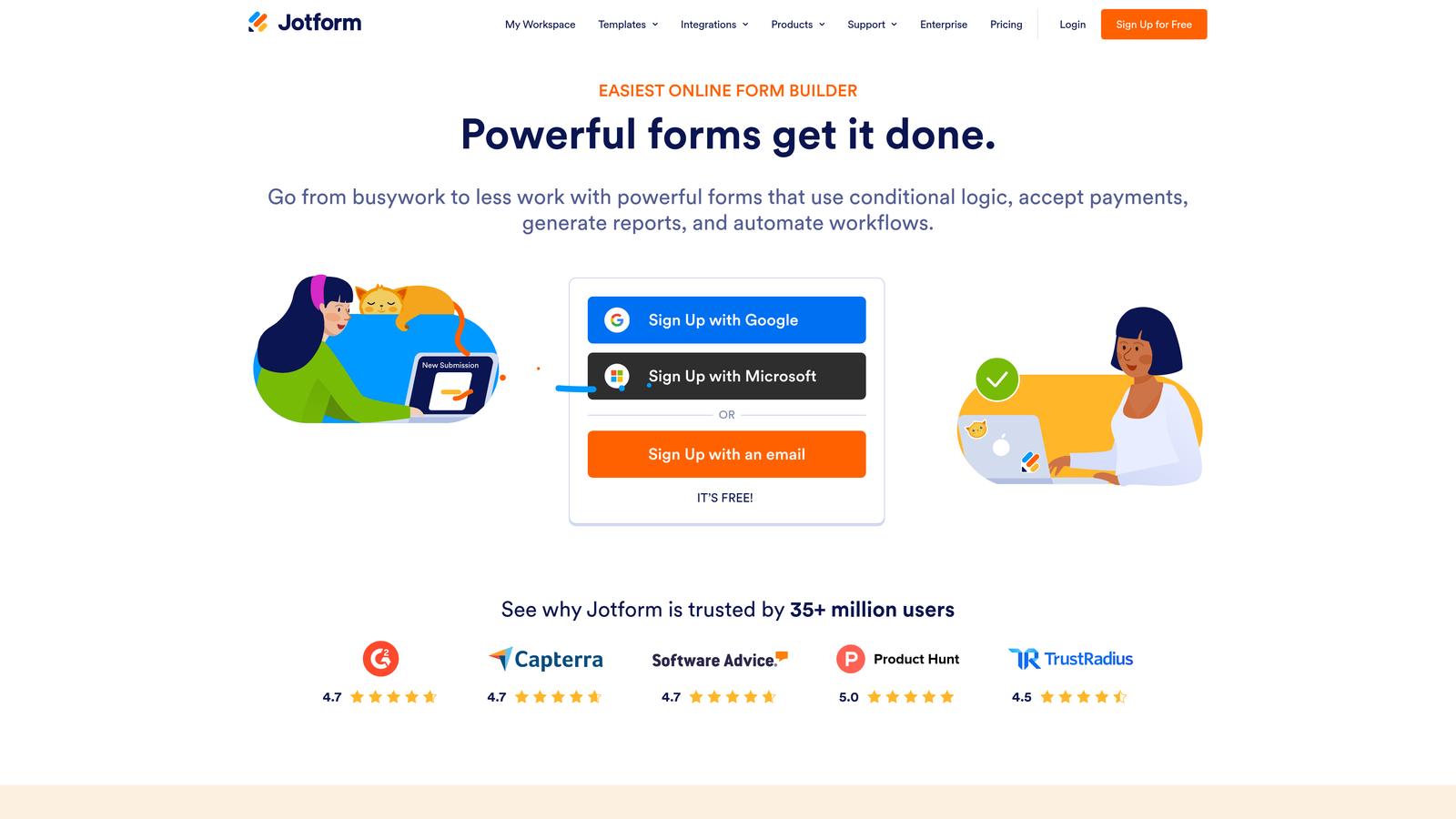
Jotform is a feature-rich form builder with over 10,000 templates and a drag-and-drop editor that covers everything from simple lead capture to complex payment and contract workflows.
Where This Tool Shines
Jotform's breadth is its superpower. Whether you need a registration form, a payment intake, an e-signature workflow, or a multi-step lead gen form, there's almost certainly a template that gets you 80% of the way there before you touch a single setting.
For agencies managing multiple clients across different industries, that template volume is a genuine time-saver. The drag-and-drop editor is intuitive enough for non-technical users while still offering enough depth for more complex builds.
Key Features
10,000+ Templates: One of the largest template libraries in the form builder space, spanning dozens of industries and use cases.
Drag-and-Drop Visual Editor: Build and customize forms without writing code, with a straightforward interface that doesn't require a learning curve.
Payment Collection and E-Signature Support: Handle transactions and document signing directly within the form, without third-party workarounds.
Conditional Logic and Calculations: Create dynamic forms that respond to user input and perform real-time calculations.
White-Label Options: Remove Jotform branding for agency use cases where client-facing consistency matters.
Best For
Jotform is ideal for agencies, operations teams, and businesses that need high form volume across varied use cases. It's especially strong when payment collection or document workflows are part of the picture.
Pricing
Free tier available. Paid plans start from approximately $34/month. Verify current pricing at jotform.com.
4. Tally
Best for: Indie makers, early-stage startups, and teams that want a minimalist, Notion-style form builder with a generous free tier.
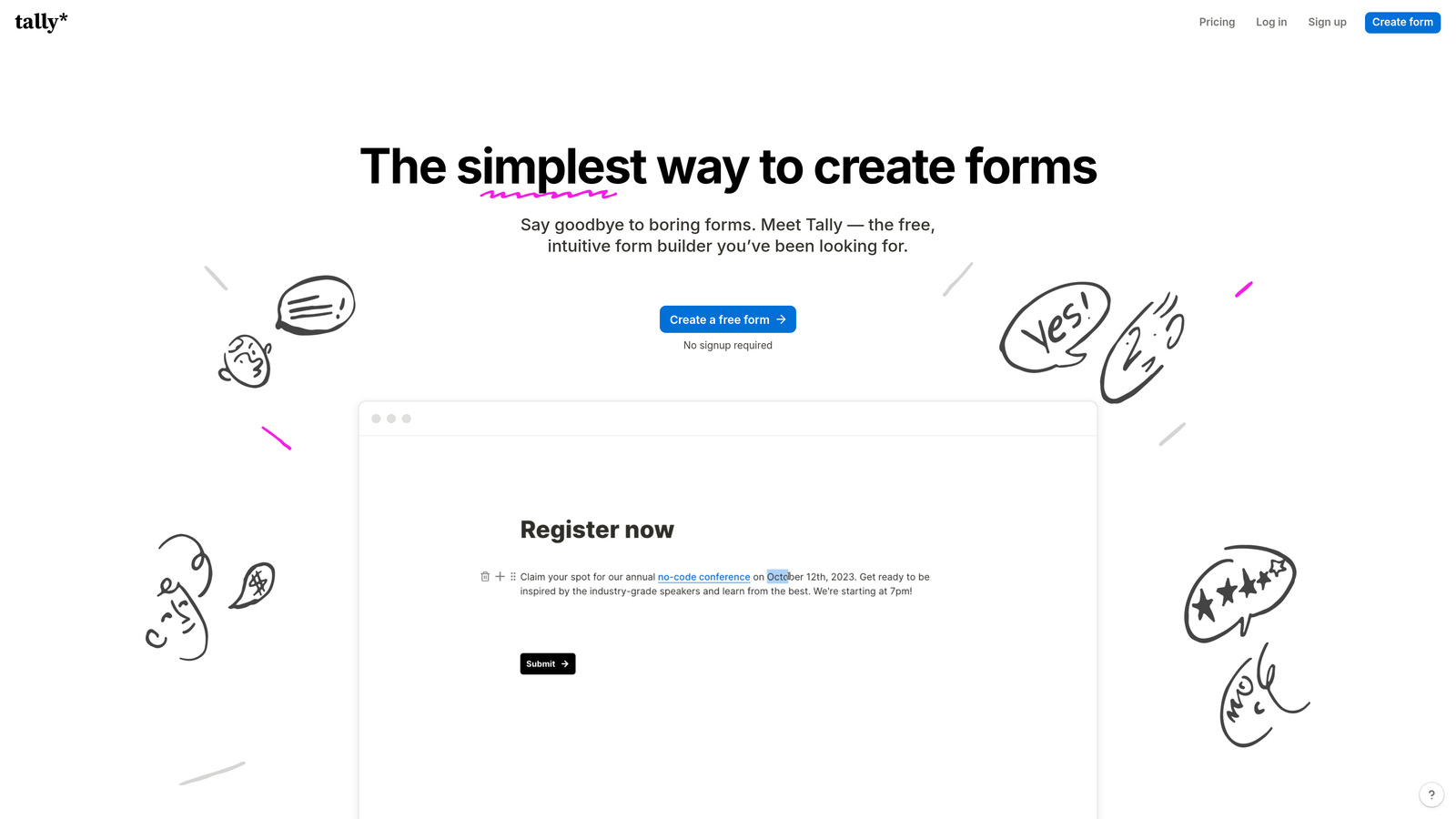
Tally is a block-based form builder with a clean, distraction-free aesthetic and one of the most generous free plans in the space.
Where This Tool Shines
If you've ever wished building a form felt as natural as writing a Notion document, Tally is your answer. The block-based editor is intuitive and fast, and the resulting forms have a minimalist elegance that feels intentional rather than default.
The free plan is genuinely useful, not artificially limited. Unlimited forms and unlimited responses on the free tier make Tally an easy choice for small teams that don't want to commit to a subscription before validating their needs.
Key Features
Block-Based Notion-Style Editor: Build forms by adding and arranging content blocks, making the creation process feel familiar to anyone who uses Notion.
Unlimited Forms and Responses on Free Plan: Rare in this space, and a major reason Tally has built a loyal following among bootstrapped teams.
Clean, Distraction-Free Aesthetic: Forms look polished without heavy customization, with a minimalist style that works well for modern brands.
No Branding on Paid Plan: Embed Tally forms anywhere without the Tally logo appearing in the experience.
Basic Conditional Logic: Show or hide fields based on responses, covering the most common branching use cases.
Best For
Tally is the right pick for solo founders, early-stage teams, and anyone who values simplicity over feature density. It's less suited for enterprise use cases or complex lead qualification workflows, but for straightforward form needs it's hard to beat.
Pricing
Free tier available. Pro plan approximately $29/month. Verify current pricing at tally.so.
5. HubSpot Forms
Best for: Teams already running on HubSpot who want CRM-native forms with smart fields and progressive profiling.
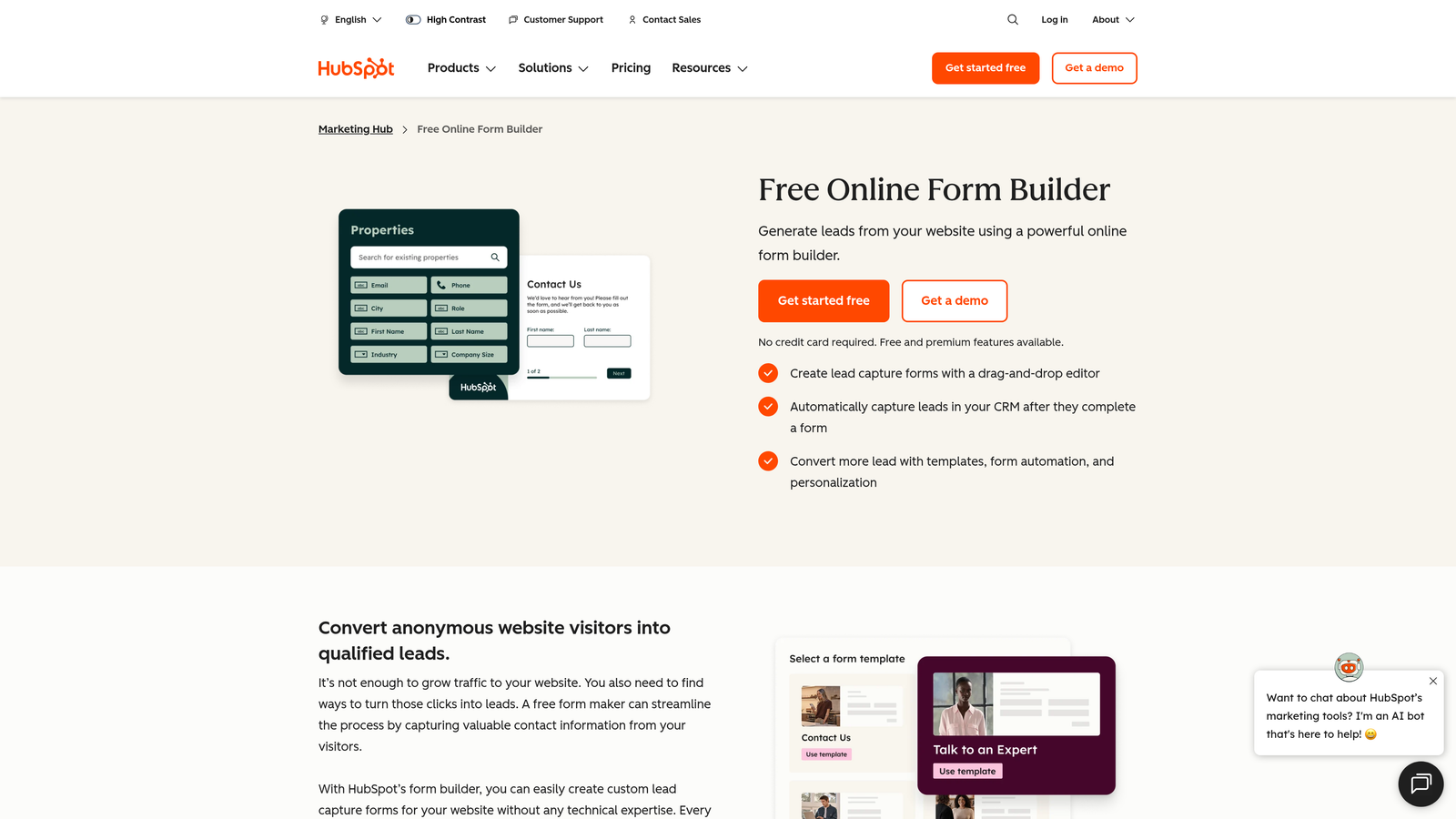
HubSpot Forms is a form builder built natively into the HubSpot CRM ecosystem, with smart fields and automatic contact record creation that makes it the natural choice for HubSpot-committed teams.
Where This Tool Shines
The integration depth is the story here. When a prospect fills out a HubSpot form, their data flows directly into your CRM, updates existing contact records, triggers workflows, and feeds into your reporting — all without any manual configuration after initial setup.
Progressive profiling is a standout feature. Rather than asking the same questions every time, HubSpot Forms can show new fields to returning visitors, gradually building richer contact profiles without overwhelming anyone on a first visit.
Key Features
Native HubSpot CRM Integration: Form submissions automatically create or update contact records in your CRM, with no middleware required.
Smart Fields and Progressive Profiling: Show different fields to different visitors based on what HubSpot already knows about them, reducing friction for returning contacts.
Dependent Fields and Conditional Logic: Adapt the form experience based on respondent input, keeping forms relevant and concise.
Automatic Contact Record Creation: Every submission becomes a structured CRM record, ready for sales follow-up or marketing automation.
A/B Testing: Available on Marketing Hub paid plans, allowing you to test form variations and optimize for conversion.
Best For
HubSpot Forms is the obvious choice if your team is already invested in the HubSpot stack. If you're not on HubSpot, the design flexibility is more limited compared to dedicated form builders, and the advanced features require paid Marketing Hub plans.
Pricing
Available on HubSpot's free tier. Advanced features require paid Marketing Hub plans. Verify current pricing at hubspot.com.
6. Paperform
Best for: Service businesses and client-facing teams that want forms to feel like beautifully designed landing pages.
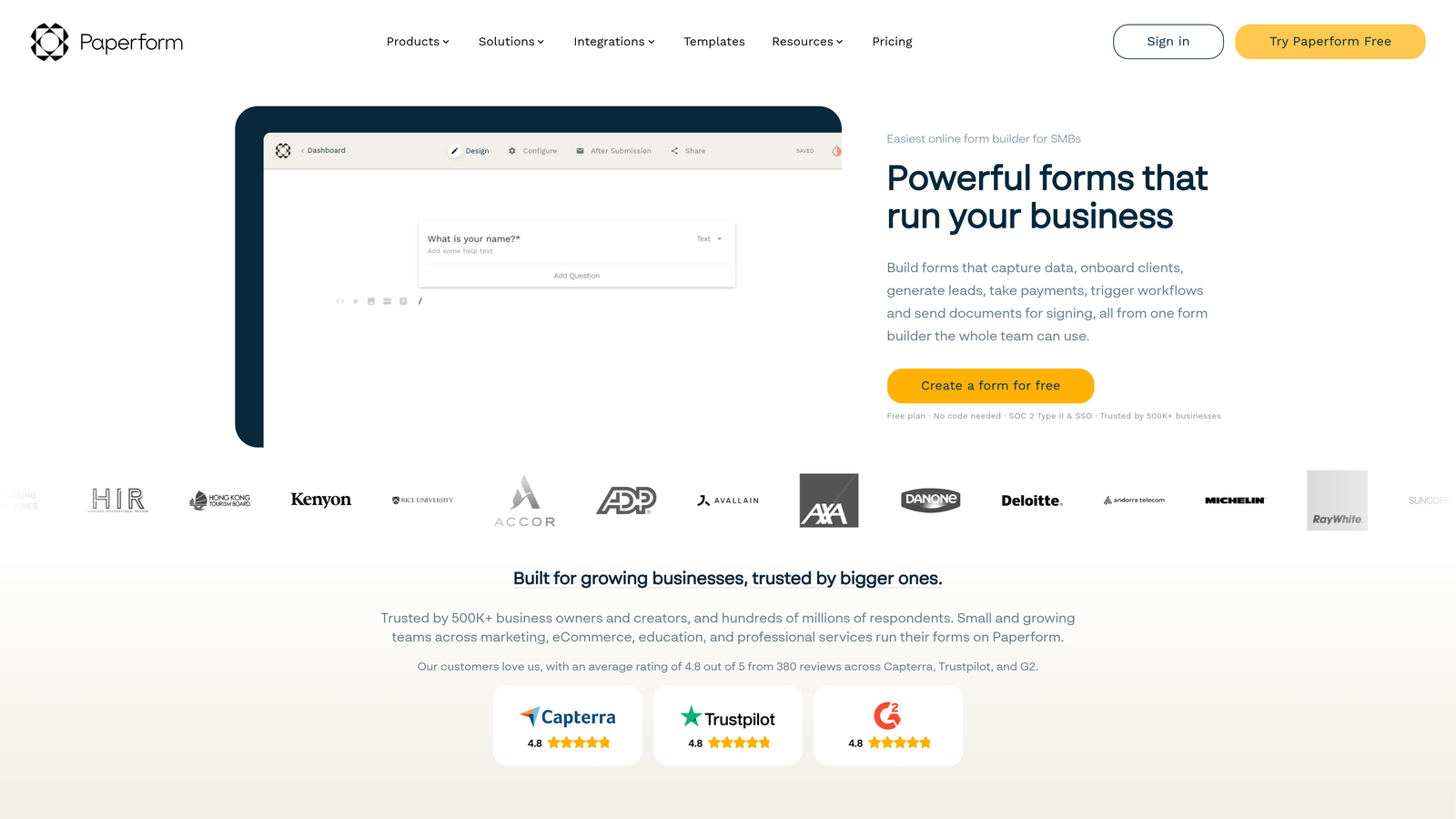
Paperform is a form builder with a rich-text editor that lets you mix written content, images, and form fields freely, creating experiences that read more like branded documents than traditional forms.
Where This Tool Shines
Paperform's editing experience is genuinely different. Instead of dropping fields into a form shell, you write content and embed fields inline, the way you'd lay out a well-designed document. The result is forms that feel warm and intentional rather than clinical.
For service businesses, this format is particularly effective. A client intake form that reads like a thoughtful questionnaire, a pricing calculator that walks clients through their options, a booking flow that explains what to expect — Paperform handles all of these with a level of polish that most form builders can't match.
Key Features
Rich-Text Editor: Mix written content, images, videos, and form fields in a single canvas, creating forms that double as branded content experiences.
Calculation Fields: Build pricing calculators, quote generators, and scoring tools directly into the form without custom code.
Payment Collection: Accept payments inline, making Paperform useful for bookings, deposits, and product sales alongside data collection.
Conditional Sections and Logic: Show or hide entire sections of the form based on respondent answers, keeping the experience relevant.
Custom Domain Support: Host forms on your own domain for a fully branded experience without third-party URLs appearing.
Best For
Paperform is best suited for consultants, agencies, coaches, and service businesses where the form itself is part of the client experience. It's less optimized for high-volume lead generation than for thoughtful, relationship-driven intake flows.
Pricing
Plans start from approximately $24/month. Verify current pricing at paperform.co.
7. Fillout
Best for: Operations and product teams that need advanced conditional logic paired with clean, modern design and strong database integrations.
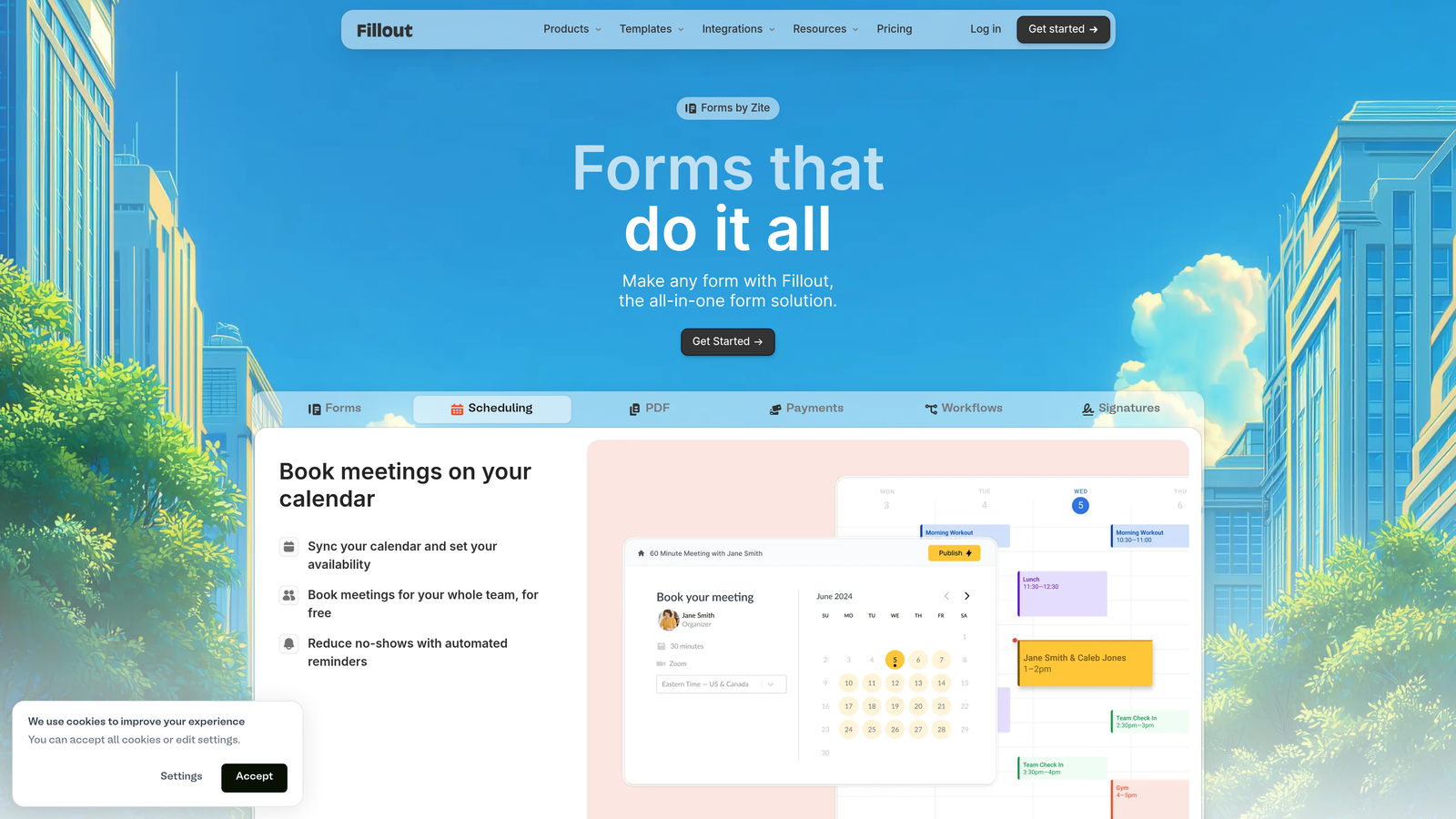
Fillout is a newer form builder gaining traction for combining sophisticated branching logic with a polished visual output, plus native integrations with Notion and Airtable that set it apart from older tools.
Where This Tool Shines
Fillout sits in an interesting position: it's approachable enough for non-technical users but capable enough for teams with genuinely complex logic requirements. The branching and conditional features go deeper than most tools at this price point, without requiring any code.
The Notion and Airtable integrations are particularly well-executed. If your team lives in either of those tools, Fillout can write form responses directly into your existing databases, making it a natural extension of how many modern ops teams already work.
Key Features
Advanced Branching and Conditional Logic: Build complex form paths that respond intelligently to respondent input, covering edge cases that simpler tools can't handle.
Native Notion and Airtable Integrations: Write form submissions directly into Notion databases or Airtable bases without middleware or Zapier workarounds.
Clean, Modern Template Designs: Forms look contemporary and professional out of the box, without requiring design expertise to customize.
Scheduling and Booking Form Support: Handle appointment booking and scheduling use cases alongside standard data collection.
Generous Free Tier: A competitive free plan makes it easy to evaluate the tool before committing to a paid subscription.
Best For
Fillout is ideal for product and operations teams working in Notion or Airtable environments, and for anyone who needs more conditional logic depth than basic form builders offer without stepping up to a developer-focused platform.
Pricing
Free tier available. Paid plans start from approximately $19/month. Verify current pricing at fillout.com.
8. Feathery
Best for: SaaS product teams that need pixel-perfect form customization with full developer access alongside a visual editor.
Feathery is a developer-friendly form platform that combines a visual editor with SDK and API access, giving product teams the control to build forms that match their product UI exactly.
Where This Tool Shines
Most form builders make a trade-off: either they're easy to use but visually constrained, or they're fully customizable but require significant engineering time. Feathery is one of the few tools that genuinely bridges that gap, letting designers work visually while giving engineers the hooks they need to go deeper.
For SaaS teams building onboarding flows, KYC processes, or complex intake experiences that need to feel like part of the product rather than a bolted-on widget, Feathery offers a level of customization that no-code-only tools simply can't match.
Key Features
Visual Editor Plus Full SDK and API Access: Design visually and extend programmatically, giving both designers and developers the tools they need without compromise.
Pixel-Perfect Design Customization: Go beyond theme settings to control every visual detail, ensuring forms match your product's design system precisely.
Multi-Step Onboarding and KYC Flows: Built specifically for the complex, multi-stage form experiences that SaaS and fintech products require.
Logic and Conditional Branching: Route users through different paths based on their inputs, supporting sophisticated product flows.
SSO and Enterprise Security Features: Authentication and security controls that meet enterprise requirements for sensitive data collection.
Best For
Feathery is the right choice for SaaS product teams with engineering resources who need forms that feel native to their product. It has a steeper learning curve than no-code tools and isn't the right fit for non-technical users or simple lead capture use cases.
Pricing
Self-serve and enterprise plans available. Verify current pricing at feathery.io.
9. involve.me
Best for: Teams that want interactive, quiz-style lead generation experiences with outcome-based personalization and gamified engagement.
involve.me is an interactive content platform that goes beyond traditional forms into quizzes, calculators, and outcome-based experiences designed to engage first and capture leads second.
Where This Tool Shines
involve.me occupies a different part of the spectrum from most tools on this list. Where others focus on reducing friction in a traditional form experience, involve.me leans into engagement, making the form itself feel like content worth completing.
The outcome-based format is particularly effective for product recommendation flows, assessment tools, and quiz-driven lead generation. Respondents get something personalized at the end, which creates a natural incentive to complete the experience and share their contact information.
Key Features
Quiz and Calculator Form Types: Build interactive experiences that go beyond data collection into genuine value delivery for the respondent.
Outcome-Based Personalized Results: Show different results pages based on respondent answers, creating a personalized endpoint that feels earned rather than generic.
Interactive and Animated Design Elements: Visual treatments that make forms feel more like interactive content than administrative tasks.
Lead Scoring and Segmentation: Tag and score leads based on their quiz responses, feeding qualified data into your marketing workflows.
Embeddable Anywhere: Drop involve.me experiences into any website or landing page without disrupting your existing design.
Best For
involve.me is ideal for content marketers, demand generation teams, and brands where engagement and entertainment value are part of the lead generation strategy. It's a strong alternative for teams that want something more dynamic than a standard form but don't need the depth of a dedicated form builder.
Pricing
Free tier available. Paid plans start from approximately $29/month. Verify current pricing at involve.me.
Which Tool Is Right for You
The right form builder depends less on which tool has the most features and more on what your team actually needs to accomplish. Here's a quick way to think through it.
If AI-powered lead qualification is a priority for your team, Orbit AI is the clear choice. It's the only tool on this list built specifically to score and segment leads inside the form flow, which means your sales team gets better signals without any extra work. For teams running on HubSpot, HubSpot Forms is the natural fit, with CRM-native integration that no third-party tool can replicate.
For conversational survey and lead capture experiences, Typeform remains the benchmark. If you need sheer template volume to move fast across diverse use cases, Jotform is hard to beat. Teams that value minimalism and a generous free tier will find Tally refreshingly straightforward.
When forms need to feel like branded documents, Paperform delivers a richness that standard form builders can't match. For complex conditional logic paired with Notion or Airtable integrations, Fillout punches well above its price point. SaaS product teams that need pixel-perfect control should look at Feathery. And if you want gamified, quiz-style lead generation experiences, involve.me brings a level of interactivity that traditional form tools simply don't offer.
Beautiful form design is no longer just about aesthetics. The tools that drive real conversion results in 2026 combine visual quality with intelligent features: conditional logic, personalization, lead scoring, and seamless CRM handoffs. That's the standard worth holding your form builder to.
Transform your lead generation with AI-powered forms that qualify prospects automatically while delivering the modern, conversion-optimized experience your high-growth team needs. Start building free forms today and see how intelligent form design can elevate your conversion strategy.


