

Every visitor who leaves your site without converting represents lost revenue. The difference between a 2% and 4% conversion rate can mean doubling your business without spending an extra dollar on traffic. But identifying what's stopping visitors from converting—and fixing it—requires the right tools.
This guide covers top conversion optimization software solutions that help you understand user behavior, test improvements, and turn more visitors into customers. We've evaluated each tool based on ease of use, feature depth, integration capabilities, and value for different team sizes. Whether you're optimizing forms, landing pages, or entire user journeys, you'll find a solution that fits your workflow.
1. Orbit AI
Best for: Teams who need intelligent form optimization with automatic lead qualification
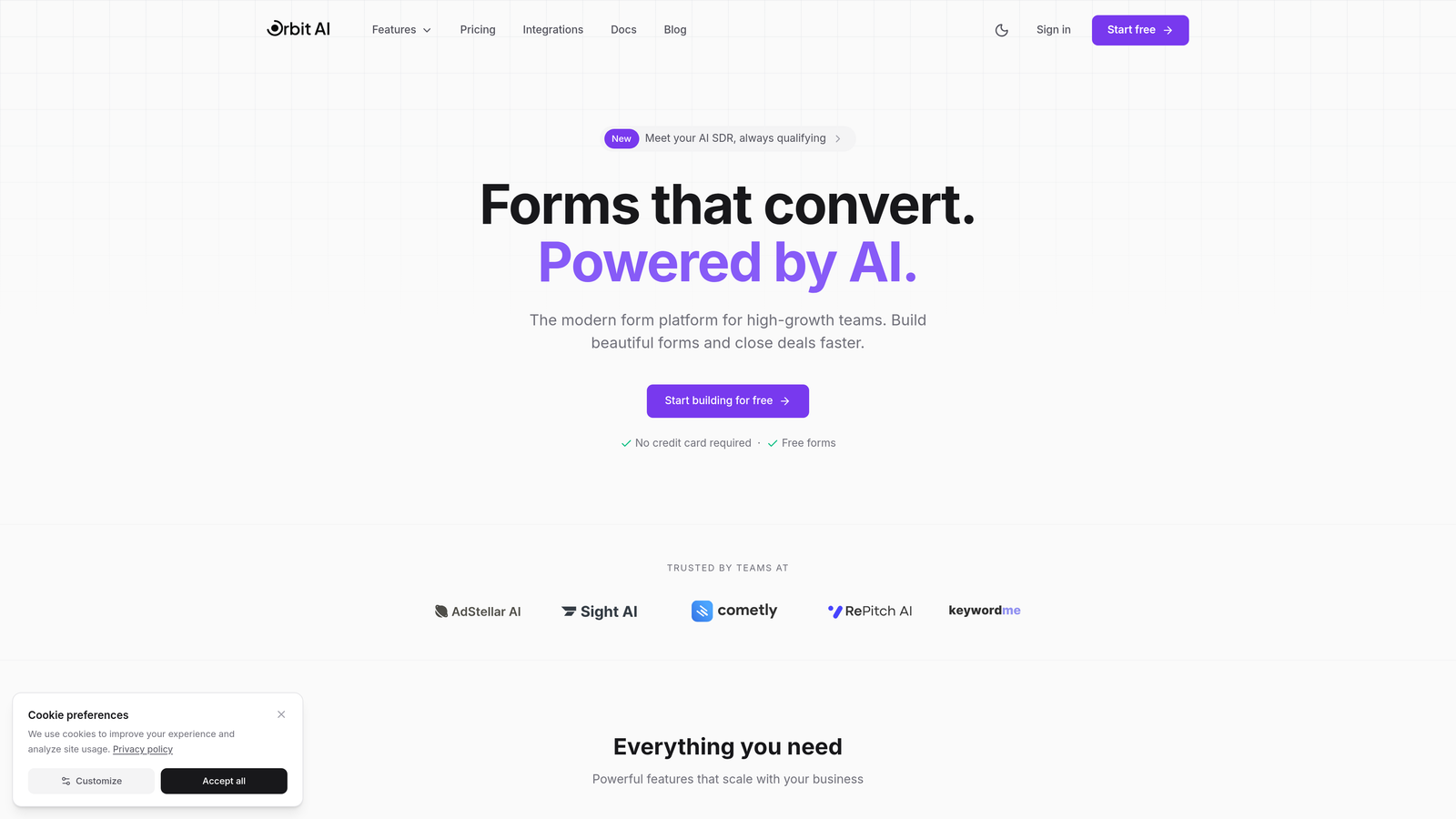
Orbit AI is an AI-powered form builder that optimizes conversions through intelligent lead qualification and modern form design.
Where This Tool Shines
Forms are often the final conversion point in your funnel, yet they're frequently the weakest link. Orbit AI addresses this by combining beautiful, conversion-optimized templates with AI that automatically scores and routes leads based on quality.
The platform excels at removing friction from the form completion process while simultaneously improving the quality of submissions your team receives. Instead of treating every form fill as equal, the AI identifies high-intent prospects and prioritizes them for immediate follow-up.
Key Features
AI-Powered Lead Qualification: Automatically scores and routes form submissions based on prospect quality, ensuring your sales team focuses on the best opportunities.
Conversion-Optimized Templates: Pre-built form templates designed specifically for high completion rates, removing the guesswork from form design.
Real-Time Analytics: Dashboard showing exactly where visitors drop off in your forms, which fields cause friction, and completion metrics by traffic source.
Native Integrations: Direct connections to major CRMs and marketing automation platforms, eliminating manual data transfer and routing delays.
Multi-Step Form Logic: Break long forms into digestible steps that improve completion rates while maintaining data collection depth.
Best For
High-growth B2B teams who generate leads through forms and need to improve both conversion rates and lead quality simultaneously. Particularly valuable for marketing teams overwhelmed by low-quality form submissions that waste sales resources.
Pricing
Free tier available for getting started. Paid plans begin at $29/month, making it accessible for teams of all sizes looking to optimize their form conversion strategy.
2. Optimizely
Best for: Enterprise teams running sophisticated experiments across multiple platforms and touchpoints
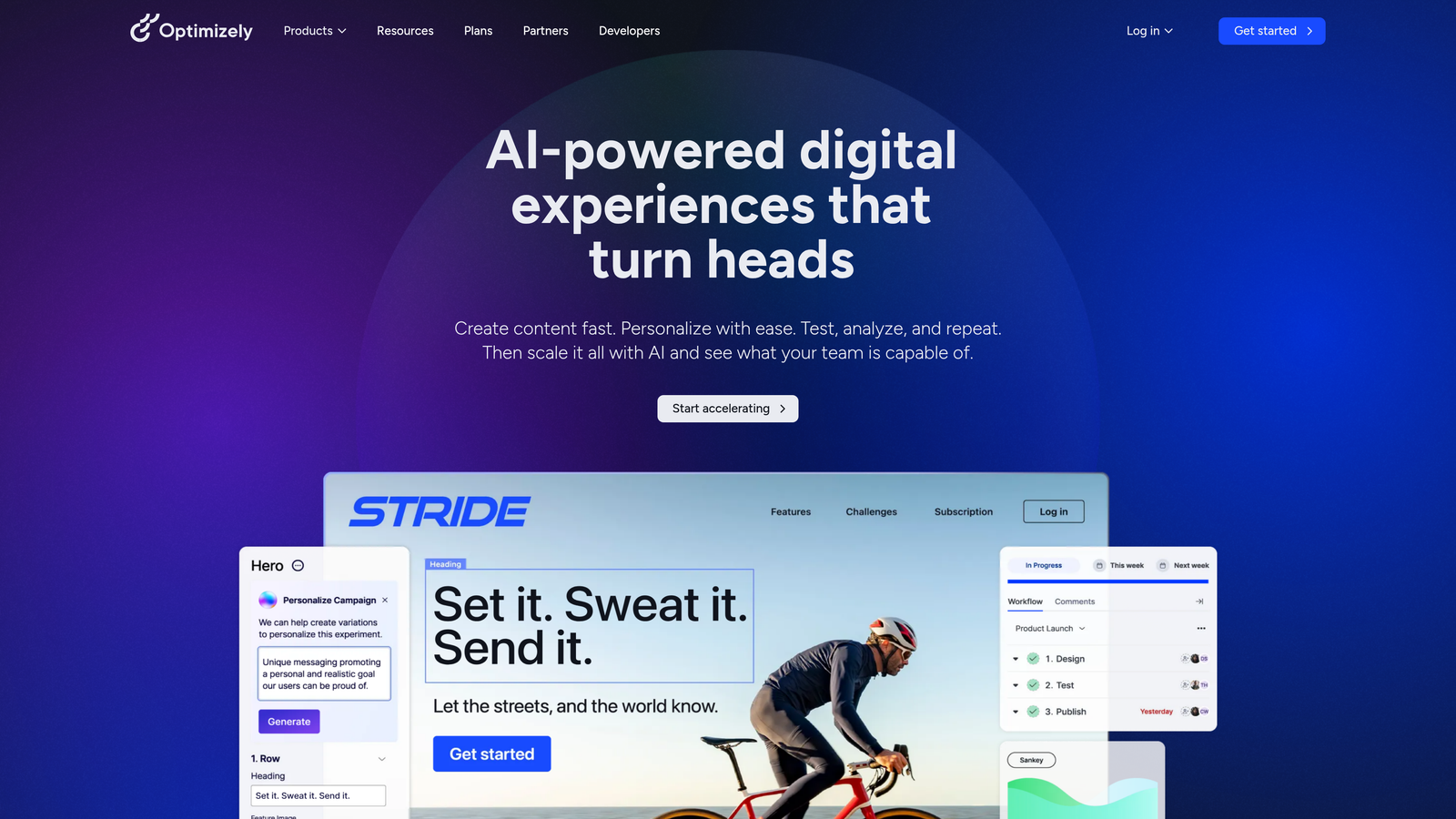
Optimizely is an enterprise experimentation platform offering robust A/B testing, feature flagging, and personalization capabilities at scale.
Where This Tool Shines
When your optimization program matures beyond simple landing page tests, Optimizely provides the infrastructure for complex experimentation. The platform handles everything from traditional client-side tests to server-side experiments that modify backend logic.
Feature flagging capabilities allow product teams to release new functionality gradually, testing impact before full rollout. This approach reduces risk while generating data about which features actually drive conversion improvements.
Key Features
Full-Stack Experimentation: Run tests across web, mobile apps, and backend systems from a unified platform with consistent methodology.
Advanced Statistical Engine: Choose between frequentist and Bayesian statistics, with multi-armed bandit options for automatic traffic allocation to winning variants.
Feature Flagging: Control feature rollouts independently from code deployments, enabling gradual releases and instant rollbacks if needed.
Audience Targeting: Segment experiments by user attributes, behavior, or custom data points for personalized testing strategies.
Enterprise Collaboration: Team management, approval workflows, and audit logs designed for large organizations with compliance requirements.
Best For
Large enterprises with dedicated optimization teams running dozens of concurrent experiments. Organizations that need to test across multiple platforms and require sophisticated statistical approaches with strong governance controls.
Pricing
Custom enterprise pricing based on traffic volume and feature requirements. Typical starting point around $50,000 annually, positioning this as an investment for established optimization programs.
3. VWO
Best for: Teams wanting an all-in-one platform combining testing, analytics, and qualitative insights
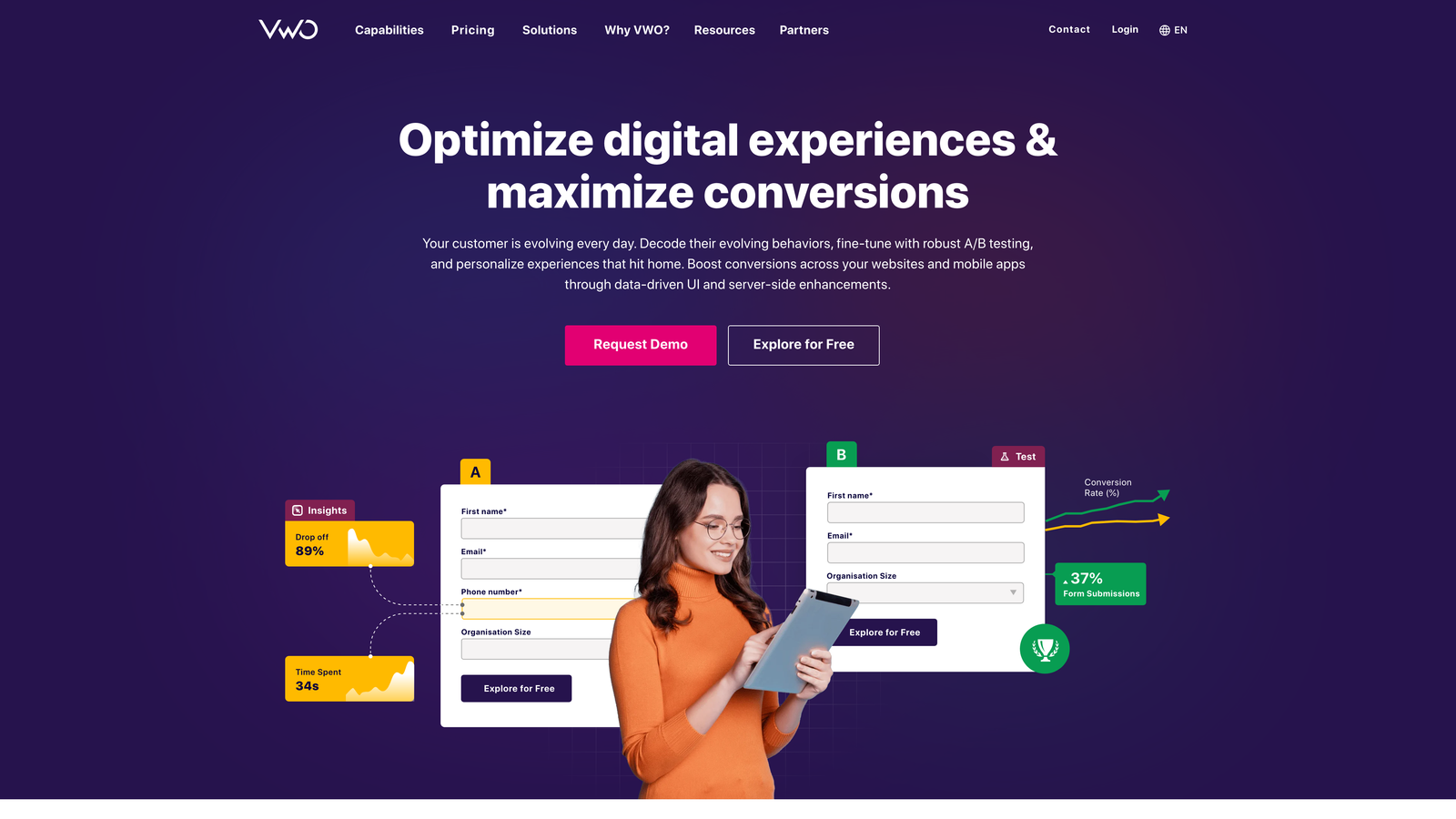
VWO is a comprehensive conversion optimization platform that combines A/B testing, heatmaps, session recordings, and user surveys in one interface.
Where This Tool Shines
Most teams struggle with tool sprawl, juggling separate platforms for testing, analytics, and user feedback. VWO consolidates these capabilities, allowing you to identify issues with heatmaps, understand context through recordings, and validate solutions with tests—all without switching tools.
The visual editor makes creating test variations accessible to marketers without engineering support. You can modify page elements, test different copy, or restructure layouts through a point-and-click interface.
Key Features
Visual Test Editor: Create A/B test variations by clicking elements and modifying them directly, no coding required for most changes.
Integrated Behavior Analytics: Heatmaps and session recordings built into the same platform as your testing tools, making hypothesis generation seamless.
Form Analytics Module: Dedicated analysis showing which form fields cause abandonment, how long visitors spend on each field, and completion rates by segment.
On-Page Surveys: Collect qualitative feedback from visitors at specific points in their journey to understand the "why" behind behavior patterns.
SmartStats Engine: Bayesian statistics that provide faster test results with built-in protection against false positives.
Best For
Mid-market companies building their first dedicated optimization program who want comprehensive capabilities without managing multiple vendor relationships. Marketing teams who need autonomy to run tests without constant developer support.
Pricing
Growth plan starts at $314/month, with pricing scaling based on monthly tracked users. Pro and Enterprise tiers available for larger organizations needing advanced features.
4. Hotjar
Best for: Understanding visitor behavior through visual analytics and direct user feedback
Hotjar is a behavior analytics tool providing heatmaps, session recordings, and feedback mechanisms to reveal how visitors actually use your site.
Where This Tool Shines
Before you can optimize effectively, you need to understand what's actually happening on your pages. Hotjar excels at making visitor behavior visible through intuitive visual reports that require no statistical background to interpret.
The combination of quantitative data (heatmaps showing aggregate behavior) and qualitative insights (recordings of individual sessions) helps teams develop informed hypotheses rather than guessing what might improve conversions.
Key Features
Multiple Heatmap Types: Click maps show where visitors interact, scroll maps reveal content visibility, and move maps display cursor patterns across your pages.
Session Recordings: Watch replays of actual visitor sessions, filtered by behavior like rage clicks, u-turns, or conversion events to focus on relevant sessions.
Feedback Widgets: Embedded tools allowing visitors to rate pages, report issues, or answer specific questions at the moment of interaction.
Conversion Funnels: Visualize the path visitors take through multi-page processes, identifying exactly where drop-off occurs in your conversion flows.
Survey Tools: Deploy targeted surveys based on visitor behavior, page visits, or exit intent to gather context about user intent and obstacles.
Best For
Small to mid-sized teams who need to understand user behavior before investing in testing tools. UX designers and product managers who want qualitative insights to inform design decisions and prioritize optimization efforts.
Pricing
Free plan covers up to 35 daily sessions, sufficient for small sites getting started. Plus plan begins at $32/month, scaling with session volume and feature access.
5. Unbounce
Best for: Creating and optimizing dedicated landing pages for campaigns without developer resources
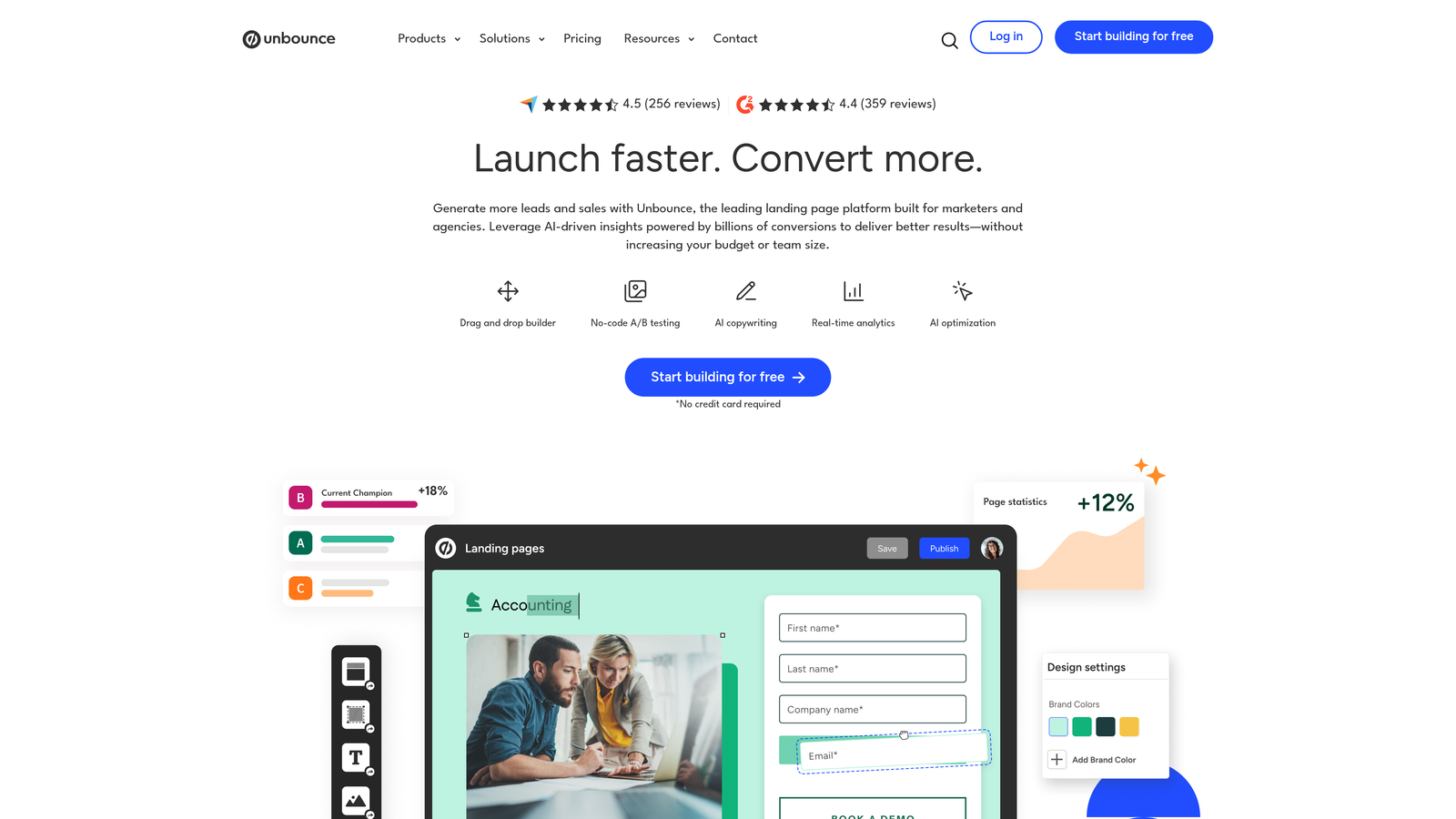
Unbounce is a landing page builder with AI-powered optimization tools designed specifically for high-converting campaign pages.
Where This Tool Shines
Campaign landing pages live outside your main website, requiring a different creation workflow than your CMS typically provides. Unbounce specializes in this use case, offering templates and tools built specifically for paid traffic conversion.
The Smart Traffic feature uses machine learning to automatically route visitors to the landing page variant most likely to convert them based on their attributes. This goes beyond traditional A/B testing by personalizing at the individual level without manual segmentation.
Key Features
Drag-and-Drop Builder: Create landing pages visually with pre-built sections, form elements, and conversion-focused components that snap together without coding.
Smart Traffic AI: Machine learning automatically sends each visitor to the page variant with the highest predicted conversion probability based on their characteristics.
AI Copywriting Assistant: Generate headline variations, CTA copy, and page content using AI trained on high-performing landing page patterns.
Pop-ups and Sticky Bars: Layer additional conversion opportunities over your pages with targeted overlays based on visitor behavior and scroll depth.
Dynamic Text Replacement: Automatically customize page copy based on the ad keyword or campaign that brought the visitor, improving message match.
Best For
Marketing teams running paid advertising campaigns who need to create dedicated landing pages quickly without waiting for development resources. Agencies managing landing pages for multiple clients who need efficient page creation workflows.
Pricing
Launch plan starts at $99/month for one domain and 500 conversions. Optimize and Accelerate tiers add Smart Traffic and additional capacity for growing programs.
6. Crazy Egg
Best for: Quick visual insights and simple A/B testing for teams new to optimization
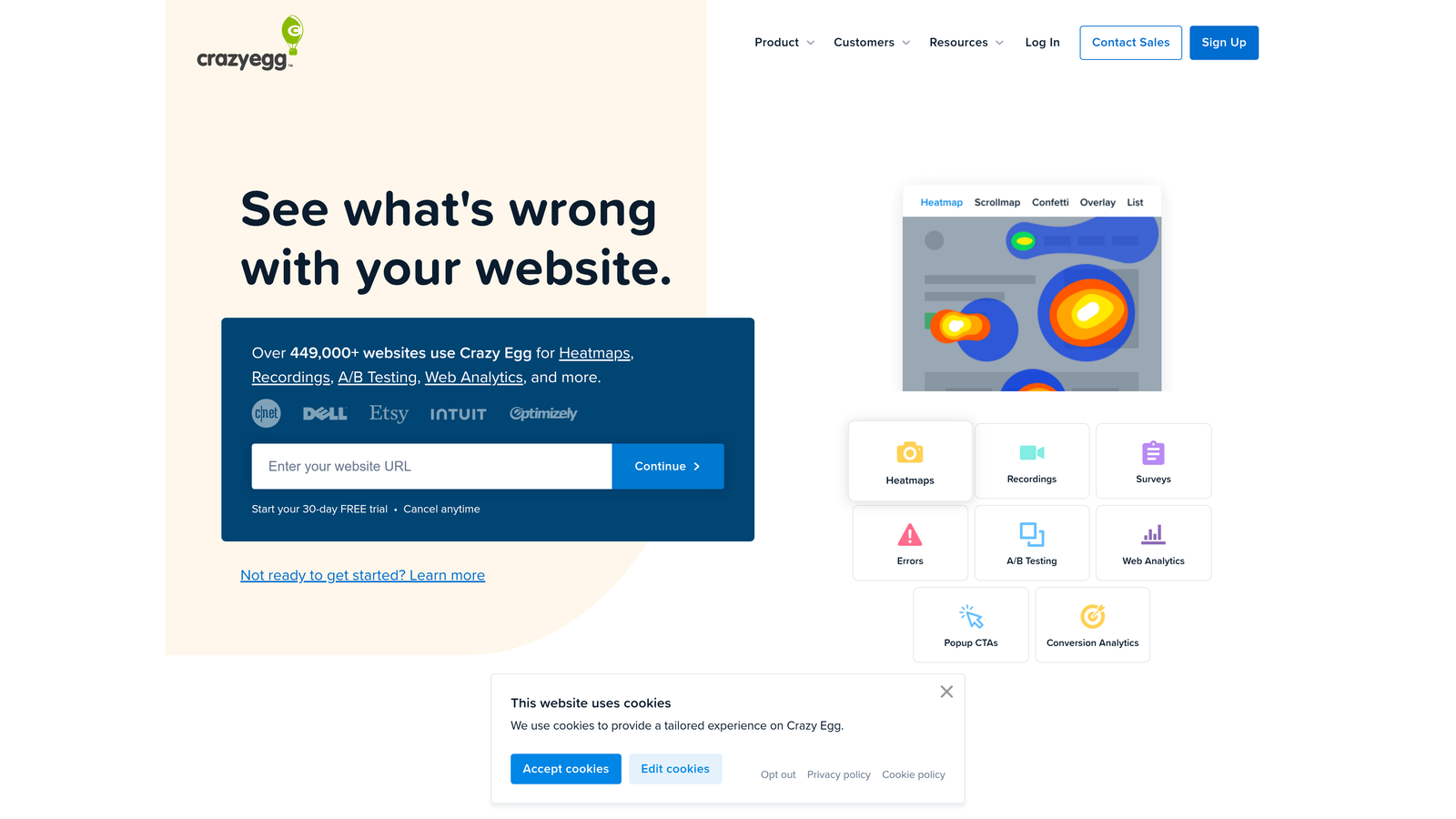
Crazy Egg is a visual analytics tool offering heatmaps, scroll maps, and straightforward A/B testing for rapid optimization insights.
Where This Tool Shines
Crazy Egg pioneered heatmap technology and maintains its focus on making optimization accessible. The interface prioritizes simplicity over advanced features, making it ideal for teams taking their first steps beyond basic analytics.
Confetti reports add unique value by breaking down clicks by traffic source, showing whether visitors from different channels interact with your pages differently. This helps identify whether conversion issues are universal or specific to certain acquisition channels.
Key Features
Confetti Click Reports: View clicks color-coded by referral source, search terms, or other segmentation to understand channel-specific behavior patterns.
Scroll Maps: Visual representation showing what percentage of visitors see each section of your page, revealing invisible content that never gets viewed.
Visual A/B Testing: Simple editor for creating test variations by modifying existing page elements, with automatic winner selection based on your conversion goals.
Snapshots Over Time: Compare how visitor behavior changes across different time periods to identify seasonal patterns or measure impact of external changes.
Recording Filters: Focus session recordings on specific visitor segments, devices, or behaviors to make review time more efficient.
Best For
Small businesses and solopreneurs who want to improve conversions but don't need enterprise-level testing capabilities. Teams who prefer visual, intuitive interfaces over complex statistical dashboards.
Pricing
Basic plan starts at $29/month for 30,000 pageviews. Standard, Plus, and Pro tiers add capacity and features like A/B testing and recordings for growing optimization needs.
7. AB Tasty
Best for: Mid-market companies needing both client-side testing and personalization capabilities
AB Tasty is a feature-rich experimentation platform offering client-side and server-side testing combined with AI-powered personalization.
Where This Tool Shines
AB Tasty positions itself between entry-level tools and enterprise platforms, providing sophisticated capabilities without the complexity and cost of Optimizely. The platform gained significant traction after Google Optimize sunset in 2023, offering a natural migration path for mid-market teams.
The widget library accelerates test implementation by providing pre-built components for common optimization patterns like social proof notifications, urgency timers, and recommendation engines. This reduces the technical burden of running experiments.
Key Features
Hybrid Testing Options: Run client-side tests for front-end changes and server-side experiments for backend logic, all managed through one platform interface.
AI Personalization Engine: Automatically deliver different experiences to visitor segments based on behavior, demographics, or custom attributes without manual rule creation.
Widget Library: Pre-built components for common conversion tactics like exit-intent pop-ups, recommendation carousels, and trust indicators that deploy with minimal code.
Advanced Segmentation: Target experiments and personalization to specific audiences using behavioral triggers, custom data layers, or third-party data integrations.
Feature Experimentation: Test new product features with controlled rollouts, gathering data before full release to reduce risk of negative impact.
Best For
Growing e-commerce and SaaS companies who have outgrown basic testing tools but aren't ready for enterprise pricing. Teams who want personalization capabilities alongside traditional A/B testing without managing separate platforms.
Pricing
Custom pricing based on monthly visitors and feature requirements. Generally positioned between entry-level tools and enterprise platforms, offering better value for mid-market budgets.
8. Convert
Best for: Privacy-conscious teams needing GDPR-compliant testing with flicker-free implementation
Convert is a privacy-focused A/B testing platform emphasizing flicker-free implementation and strong compliance with data protection regulations.
Where This Tool Shines
Many testing tools create a brief flash where visitors see the original page before the test variation loads. Convert eliminates this flicker through technical implementation that loads variations before page render, improving both user experience and test validity.
The platform was built with GDPR compliance as a core feature rather than an afterthought. This makes it particularly valuable for European companies or any organization prioritizing visitor privacy and data protection compliance.
Key Features
Flicker-Free Testing: Technical implementation ensures test variations load before page render, eliminating the visual flash that degrades user experience and skews results.
Privacy by Design: GDPR-compliant architecture with data processing agreements, cookie-less testing options, and transparent data handling for regulatory compliance.
Advanced Targeting: Segment tests by visitor attributes, behavior patterns, custom JavaScript conditions, or integration data for precise experiment control.
Analytics Integration: Native connections to Google Analytics, Adobe Analytics, and other platforms for unified reporting without data discrepancies.
Multivariate Testing: Test multiple page elements simultaneously to understand interaction effects, not just individual element performance.
Best For
European companies requiring strict GDPR compliance in their testing programs. Teams who have experienced flicker issues with other tools that negatively impact user experience and test reliability.
Pricing
Kickstart plan begins at $99/month for smaller sites. Growth and Scale tiers add capacity and advanced features, with custom enterprise pricing for high-traffic organizations.
9. Mouseflow
Best for: Identifying friction points automatically through session replay and friction scoring
Mouseflow is a session replay and heatmap tool with automatic friction detection and comprehensive funnel analysis capabilities.
Where This Tool Shines
Watching session recordings manually is time-consuming when you're processing hundreds or thousands of sessions. Mouseflow's friction scoring automatically identifies sessions where visitors struggled, allowing you to focus review time on the most problematic interactions.
The form analytics module provides field-level insights showing exactly which questions cause visitors to hesitate, skip, or abandon. This specificity helps prioritize form optimization efforts on the highest-impact changes.
Key Features
Automatic Friction Scoring: Machine learning identifies sessions with rage clicks, excessive scrolling, or other struggle indicators, surfacing problem sessions without manual filtering.
Multiple Heatmap Types: Click, movement, scroll, and attention heatmaps reveal different aspects of visitor interaction patterns across your pages.
Funnel Analysis: Visualize multi-step conversion processes with drop-off rates at each stage, identifying exactly where visitors exit your desired flow.
Form Analytics: Field-level insights showing hesitation time, skip rates, and abandonment points within forms to optimize completion rates.
Feedback Campaigns: Deploy targeted surveys based on visitor behavior to gather qualitative context about friction points identified in recordings.
Best For
E-commerce and SaaS teams who need to diagnose conversion obstacles across complex user journeys. Organizations with high form abandonment who need detailed insights into which fields create friction.
Pricing
Free plan includes 500 recordings per month for small sites. Pro plan starts at $31/month, with Business and Enterprise tiers for larger organizations needing more capacity.
10. Lucky Orange
Best for: Real-time visitor monitoring combined with live chat for immediate engagement
Lucky Orange is a real-time analytics platform combining session recordings, heatmaps, and live chat capabilities in one interface.
Where This Tool Shines
Most analytics tools show you what happened in the past. Lucky Orange's real-time dashboard displays current visitors on your site, what pages they're viewing, and how they're interacting. This enables immediate action when you spot someone struggling.
The live chat integration with co-browsing takes this further, allowing your team to see exactly what a visitor sees and guide them through obstacles in real-time. This combination of analytics and engagement creates unique optimization opportunities.
Key Features
Real-Time Visitor Dashboard: Monitor current site visitors, their journey path, and interaction patterns as they happen, not hours or days later.
Live Chat with Co-Browsing: Engage visitors through chat while simultaneously viewing their screen to provide contextual assistance during conversion moments.
Dynamic Heatmaps: Aggregate click and scroll behavior into visual heatmaps that update continuously as new data arrives.
Conversion Funnels: Track visitor progression through defined conversion paths with drop-off analysis at each step.
Form Analytics: Identify which form fields cause abandonment and measure completion rates across different visitor segments.
Best For
Small e-commerce businesses who want to combine analytics with customer support capabilities. Teams who can benefit from engaging struggling visitors in real-time rather than analyzing behavior retrospectively.
Pricing
Free plan covers 100 sessions per month for small sites. Build plan starts at $32/month, with Grow and Expand tiers adding capacity and advanced features.
11. Instapage
Best for: Connecting ad campaigns to personalized landing pages for improved post-click conversion
Instapage is a post-click optimization platform that links advertising campaigns to personalized landing pages for improved campaign performance.
Where This Tool Shines
Most landing page builders treat pages as isolated assets. Instapage focuses on the connection between ads and landing pages, recognizing that message match dramatically impacts conversion rates. The AdMap technology visually connects each ad to its corresponding landing page, making campaign management more intuitive.
Collaboration features address a common bottleneck in landing page creation. Multiple team members can work on pages simultaneously, leave feedback, and manage approval workflows without email chains or version control confusion.
Key Features
AdMap Technology: Visual interface linking specific ads to corresponding landing pages, making it easy to maintain message consistency across campaigns.
Real-Time Collaboration: Multiple team members can edit pages simultaneously, leave inline comments, and manage approval workflows within the platform.
AMP Landing Pages: Create mobile-optimized pages using Accelerated Mobile Pages technology for faster load times on mobile devices.
Built-In Heatmaps: Analyze visitor clicks and scroll behavior directly within the page builder to inform design iterations.
A/B Testing: Compare landing page variations with statistical significance tracking to identify winning designs backed by data.
Best For
Marketing teams running substantial paid advertising budgets who need tight coordination between ads and landing pages. Agencies managing campaigns for multiple clients who require efficient collaboration and client approval processes.
Pricing
Build plan starts at $199/month for core landing page creation. Convert plan adds experimentation and heatmaps, with custom enterprise pricing for large organizations.
Building Your Optimization Stack
The right conversion optimization software depends on where you are in your optimization journey and what specific problems you're solving. Teams just starting out typically benefit most from behavior analytics tools like Hotjar or Mouseflow that help identify issues before investing in testing infrastructure.
As your program matures, you'll likely need multiple tools working together. A common stack combines form optimization (like Orbit AI), behavior analytics for hypothesis generation, and testing capabilities for validation. The key is choosing tools that integrate well rather than creating data silos.
Consider your team's technical capabilities when evaluating platforms. Visual editors and no-code options (VWO, Unbounce, Crazy Egg) enable marketing autonomy, while enterprise platforms (Optimizely, AB Tasty) offer more sophisticated capabilities at the cost of requiring developer support.
Budget matters, but focus on potential return rather than just monthly cost. A $29/month tool that increases your conversion rate by 0.5% generates far more value than it costs. Calculate the revenue impact of even small conversion improvements to justify investment in proper optimization infrastructure.
Privacy and compliance requirements should influence your choice, especially if you operate in regulated industries or serve European customers. Convert and VWO offer strong GDPR compliance features, while other platforms may require additional configuration to meet regulatory requirements.
The most successful optimization programs combine quantitative testing with qualitative insights. Tools that show you what visitors do (heatmaps, analytics) pair well with tools that explain why they do it (surveys, recordings). This combination produces better hypotheses and more impactful experiments.
Start with one or two tools that address your biggest conversion obstacles, then expand your stack as you develop optimization capabilities. Trying to implement everything at once typically results in underutilization and wasted investment. Build competency with core tools before adding complexity.
Transform your lead generation with AI-powered forms that qualify prospects automatically while delivering the modern, conversion-optimized experience your high-growth team needs. Start building free forms today and see how intelligent form design can elevate your conversion strategy.


