

Your form is often the final step between a visitor and a lead—yet most forms leak conversions through poor design, slow load times, or generic experiences that fail to engage. The right form builder doesn't just collect data; it actively optimizes for completion rates, qualifies leads in real-time, and integrates seamlessly with your sales workflow.
We evaluated dozens of form builders based on conversion-focused features, ease of use, integration capabilities, and pricing to bring you the tools that actually move the needle on your conversion rates. Here are the top form builders designed specifically for maximizing conversions.
1. Orbit AI
Best for: High-growth teams needing AI-powered lead qualification and conversion optimization
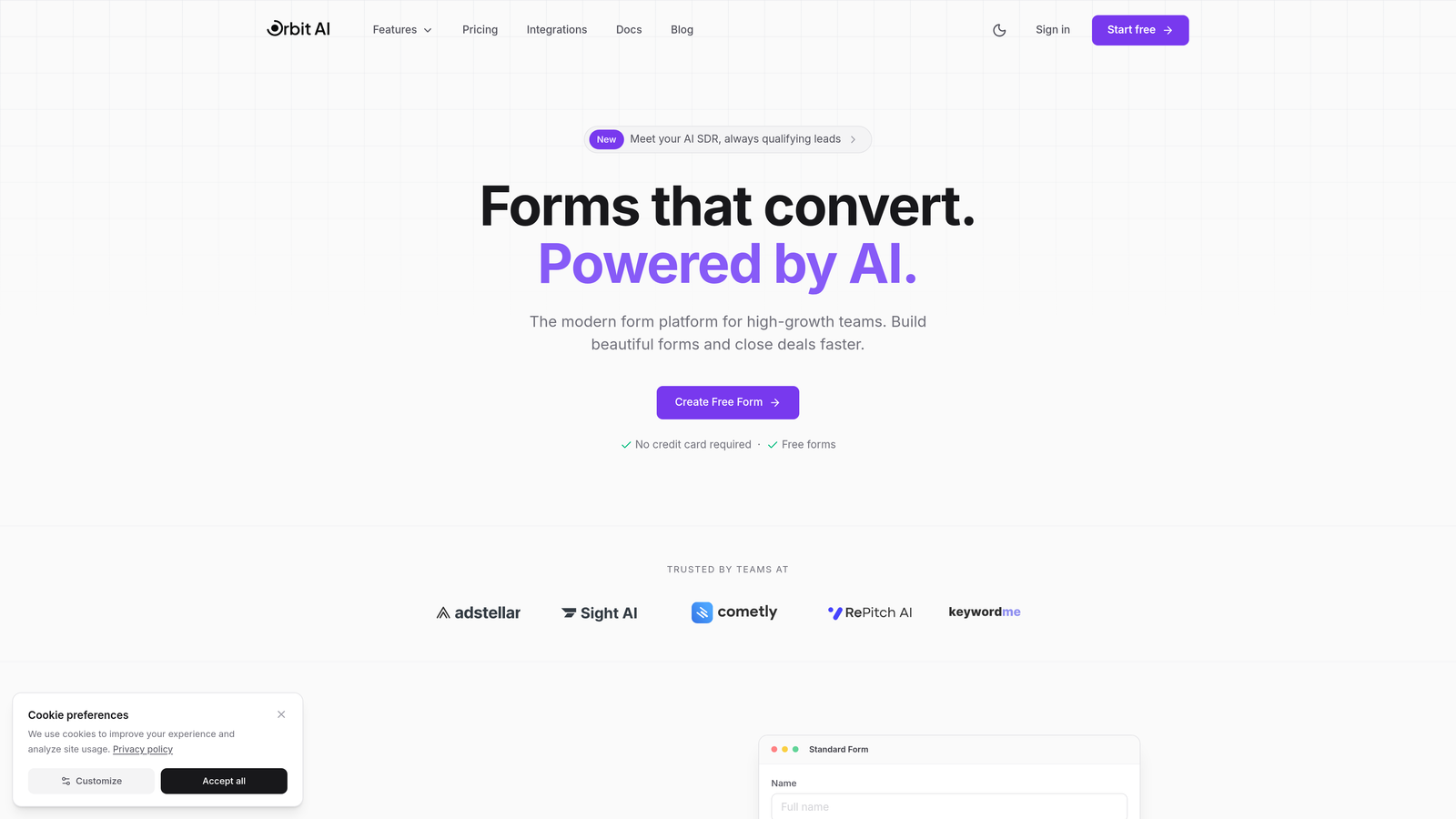
Orbit AI is an AI-powered form builder platform that helps teams create conversion-optimized forms with built-in lead qualification.
Where This Tool Shines
Orbit AI stands out by combining beautiful form design with intelligent lead qualification. The platform automatically scores and qualifies leads as they complete forms, helping your sales team focus on high-value prospects immediately.
The modern templates are specifically designed for conversion optimization, with mobile-first responsiveness and intuitive user experiences that reduce abandonment. Real-time analytics show exactly where visitors drop off, enabling continuous improvement.
Key Features
AI-Powered Lead Qualification: Automatically scores and qualifies leads based on their responses, routing high-priority prospects to sales instantly.
Conversion-Optimized Templates: Modern, professionally designed templates built specifically to maximize completion rates across all devices.
Real-Time Analytics: Track conversion rates, abandonment points, and form performance with detailed analytics dashboards.
Native CRM Integrations: Seamlessly connects with major CRMs and marketing tools to automate your lead workflow.
Workflow Automation: Set up intelligent routing rules to send qualified leads directly to the right team members.
Best For
Orbit AI is ideal for high-growth B2B teams, SaaS companies, and marketing agencies that need to qualify leads at scale while maintaining a modern, professional brand experience. It's particularly valuable for teams that want to automate lead scoring without sacrificing design quality.
Pricing
Free tier available with core features. Paid plans start at competitive rates designed for growing teams that need advanced qualification and automation capabilities.
2. Typeform
Best for: Creating engaging conversational forms with one-question-at-a-time experiences
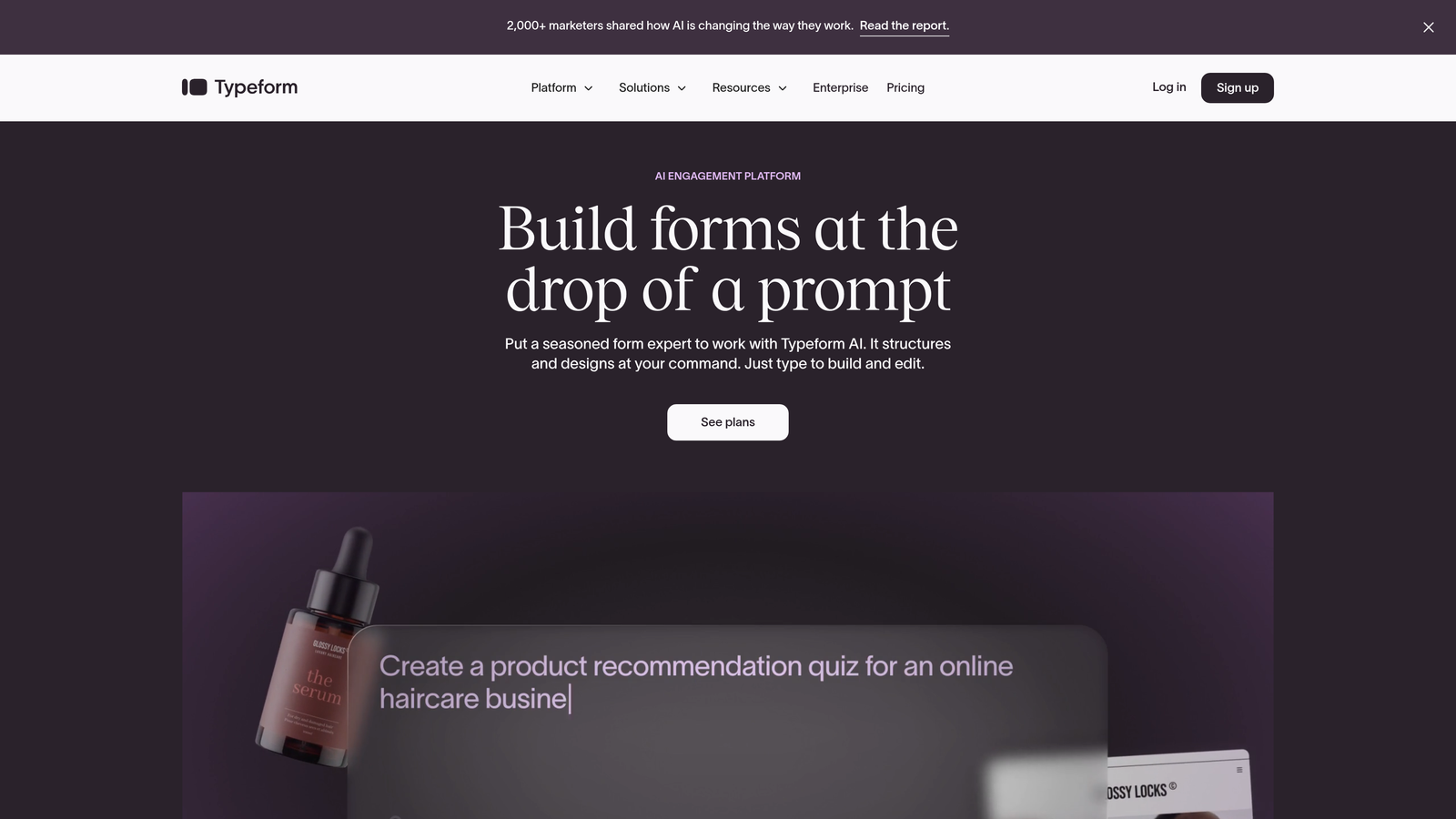
Typeform is a conversational form builder known for its distinctive one-question-at-a-time format that drives engagement.
Where This Tool Shines
Typeform revolutionized form design by treating forms like conversations rather than interrogations. The one-question-at-a-time approach reduces cognitive load and makes forms feel less overwhelming, particularly for longer surveys or multi-step lead capture.
The platform excels at creating branded, visually stunning forms that feel like an extension of your website. Video backgrounds, custom fonts, and smooth animations create memorable experiences that stand out from traditional forms.
Key Features
Conversational Format: One-question-at-a-time interface that increases engagement and reduces form abandonment.
Logic Jumps: Create personalized form paths based on responses, showing relevant questions to each user.
Rich Media Support: Embed videos, images, and GIFs to create more engaging, interactive experiences.
Brand Customization: Fully customize colors, fonts, and backgrounds to match your brand identity perfectly.
Integration Library: Connect with hundreds of tools including Slack, Google Sheets, HubSpot, and Mailchimp.
Best For
Typeform works best for companies prioritizing user experience and engagement over traditional form functionality. It's particularly effective for customer feedback surveys, event registrations, and multi-step lead qualification where the conversational format shines.
Pricing
Free plan available with Typeform branding. Basic plan starts at $25/month with 100 responses, while Plus at $50/month removes branding and increases limits.
3. Jotform
Best for: Teams needing extensive template variety and customization flexibility
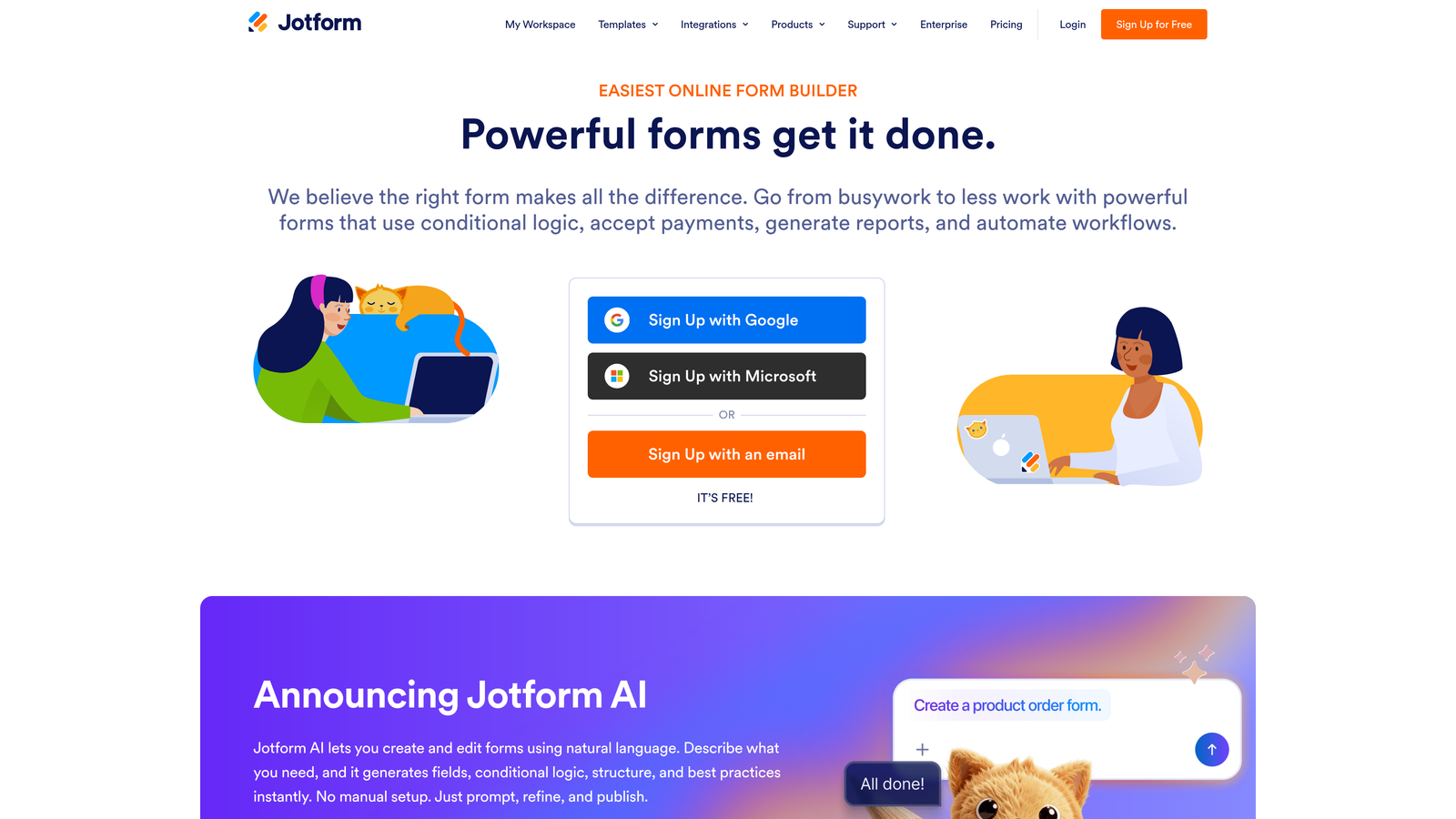
Jotform is a versatile form builder offering thousands of pre-built templates for virtually any use case.
Where This Tool Shines
With over 10,000 templates, Jotform eliminates the blank-canvas problem. Whether you need registration forms, order forms, surveys, or applications, there's likely a template that gets you 80% of the way there immediately.
The drag-and-drop builder provides extensive customization without requiring code. Payment integrations, PDF generation, and advanced calculations make Jotform particularly strong for forms that need to do more than just collect basic information.
Key Features
10,000+ Templates: Massive template library covering every industry and use case imaginable, from medical intake to event registration.
Payment Processing: Built-in integrations with PayPal, Stripe, Square, and other payment processors for collecting fees directly in forms.
PDF Generation: Automatically convert form submissions into formatted PDF documents for easy record-keeping.
Conditional Logic: Show or hide fields based on user responses to create dynamic, personalized form experiences.
Calculation Fields: Perform automatic calculations for order totals, scoring, or complex formulas within forms.
Best For
Jotform is perfect for small businesses, nonprofits, and organizations that need versatile forms quickly. The extensive template library makes it especially valuable for teams without design resources who need professional-looking forms fast.
Pricing
Free plan includes 5 forms with 100 monthly submissions. Bronze starts at $34/month for 25 forms, while Silver at $39/month adds more submissions and features.
4. HubSpot Forms
Best for: Teams already using HubSpot CRM who need native integration
HubSpot Forms is a CRM-native form builder that automatically syncs submissions with contact records and marketing automation.

Where This Tool Shines
HubSpot Forms eliminates the integration headache entirely if you're in the HubSpot ecosystem. Form submissions automatically create or update contact records, trigger workflows, and feed into your lead scoring model without any middleware or zapier connections.
Progressive profiling is where HubSpot truly excels. The platform remembers returning visitors and shows them different questions each time, gradually building complete profiles without overwhelming anyone with long forms.
Key Features
Native CRM Integration: Submissions automatically sync with HubSpot CRM, creating contacts and triggering workflows instantly.
Progressive Profiling: Show different questions to returning visitors, building complete profiles over multiple interactions.
Smart Fields: Automatically populate known information for returning visitors to reduce form friction.
Lead Scoring Integration: Form submissions automatically feed into HubSpot's lead scoring engine for prioritization.
A/B Testing: Test different form variations to optimize conversion rates based on real performance data.
Best For
HubSpot Forms makes perfect sense for companies already invested in the HubSpot ecosystem. It's particularly valuable for B2B companies with longer sales cycles where progressive profiling helps gather information gradually without overwhelming prospects.
Pricing
Free with HubSpot CRM, including basic form functionality. Advanced features like A/B testing and progressive profiling require Marketing Hub, starting at $800/month.
5. Leadpages
Best for: Creating landing pages with integrated conversion-focused forms
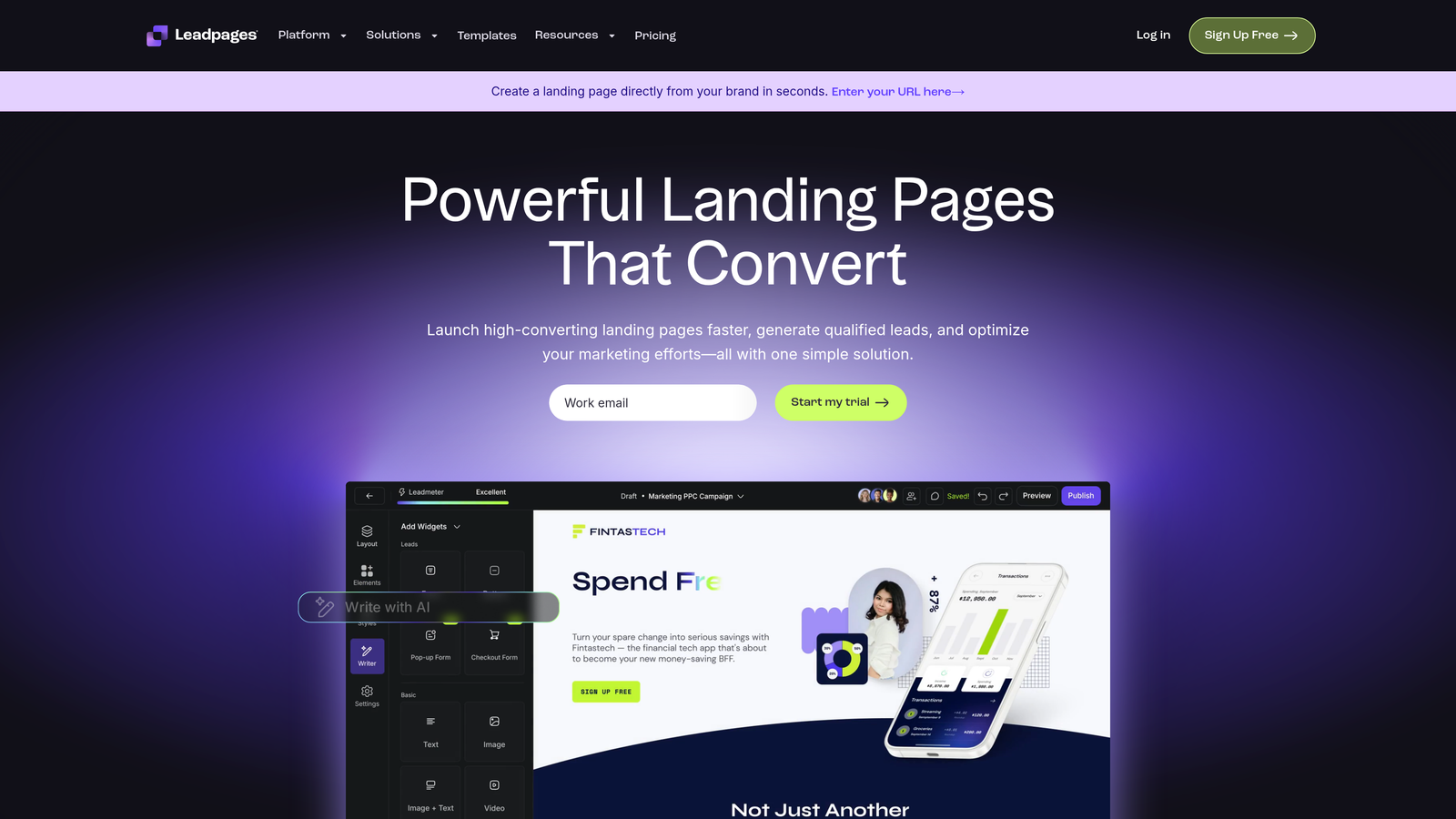
Leadpages is a landing page builder with integrated forms designed specifically for lead generation campaigns.
Where This Tool Shines
Leadpages treats forms as part of a complete conversion ecosystem rather than standalone elements. The platform combines landing pages, pop-ups, alert bars, and forms into cohesive campaigns designed to maximize lead capture at every touchpoint.
Built-in A/B testing makes optimization straightforward. Test different headlines, form lengths, or button colors directly within the platform and let data guide your conversion strategy.
Key Features
Landing Page Integration: Create complete landing pages with embedded forms in a unified builder without switching tools.
Built-In A/B Testing: Test different form variations, headlines, and designs to identify what converts best.
Pop-Up Forms: Create exit-intent pop-ups, timed pop-ups, and alert bars to capture leads at multiple points.
Mobile-Responsive Templates: All templates automatically adapt to mobile devices for optimal conversion across screen sizes.
Conversion Guidance: Real-time tips and best practices appear as you build to help optimize for conversions.
Best For
Leadpages works best for digital marketers, coaches, and small businesses running paid advertising campaigns who need to quickly create and test landing pages with conversion-optimized forms. It's particularly valuable when you need the complete landing page, not just the form.
Pricing
Standard plan at $37/month includes unlimited landing pages and pop-ups. Pro at $74/month adds A/B testing and online sales features.
6. Paperform
Best for: Creating beautiful document-style forms with advanced logic
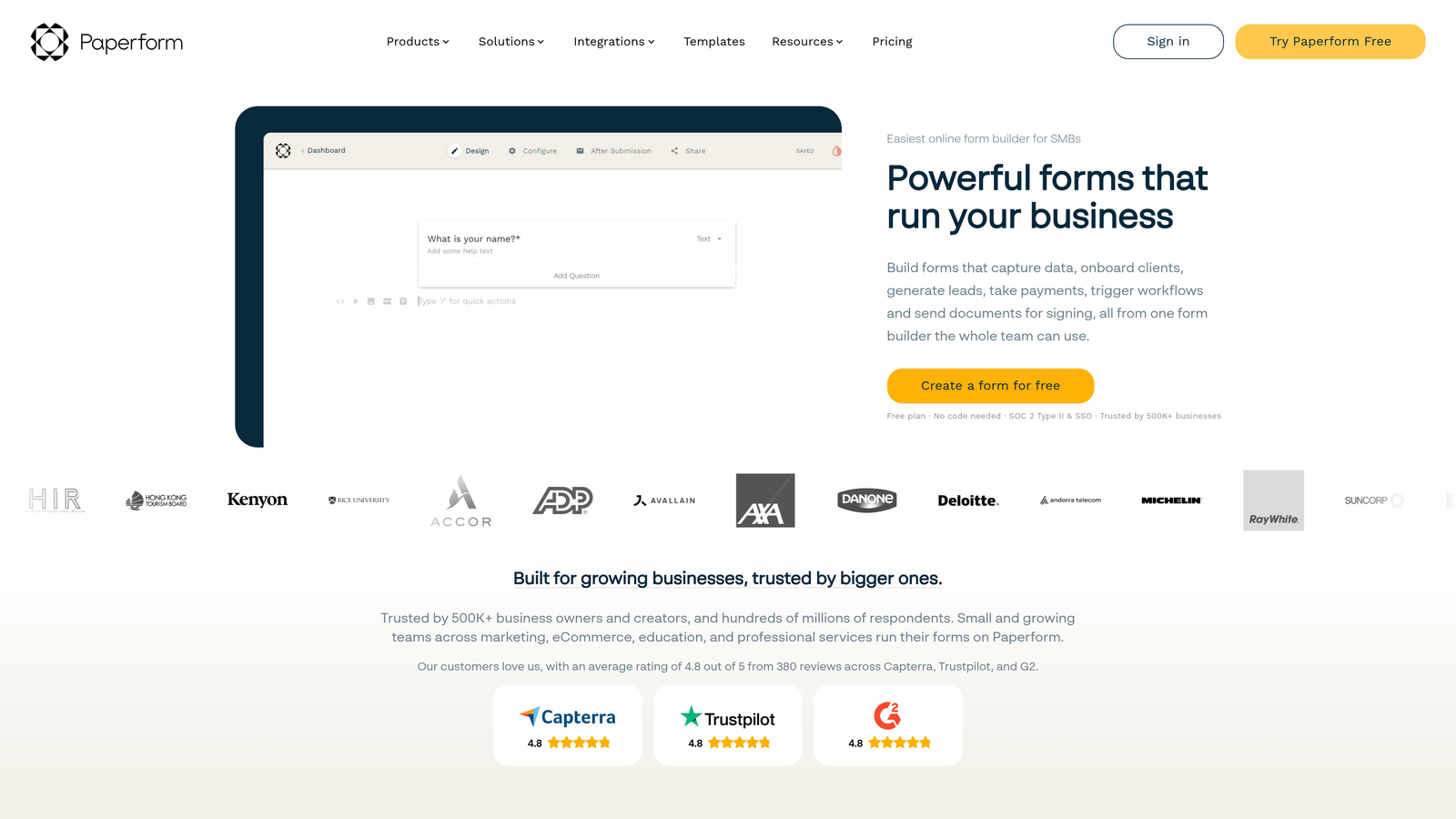
Paperform is a document-style form builder that creates branded forms with powerful conditional logic and calculation features.
Where This Tool Shines
Paperform's document-style interface makes forms feel less like data collection and more like interactive content. The approach works particularly well for applications, bookings, and complex forms where context and explanation matter as much as the fields themselves.
The calculation and scoring capabilities are remarkably powerful. Build product configurators, pricing calculators, or assessment tools that provide instant results to users while capturing their information.
Key Features
Document-Style Design: Forms look like interactive documents rather than traditional web forms, creating a more engaging experience.
Advanced Conditional Logic: Show, hide, or modify fields based on complex rules and multiple conditions.
Payment Processing: Accept payments through Stripe, PayPal, Square, and Braintree directly within forms.
Calculations and Scoring: Perform complex calculations, create pricing configurators, or build scored assessments.
Custom Thank You Pages: Create personalized confirmation pages that display different content based on form responses.
Best For
Paperform excels for businesses needing sophisticated forms that go beyond basic data collection. It's particularly strong for service businesses, consultants, and B2B companies that need booking forms, proposals, or interactive calculators.
Pricing
Essentials at $24/month includes unlimited forms and submissions. Pro at $49/month adds priority support and removes Paperform branding.
7. Formstack
Best for: Enterprise teams requiring compliance certifications and advanced security
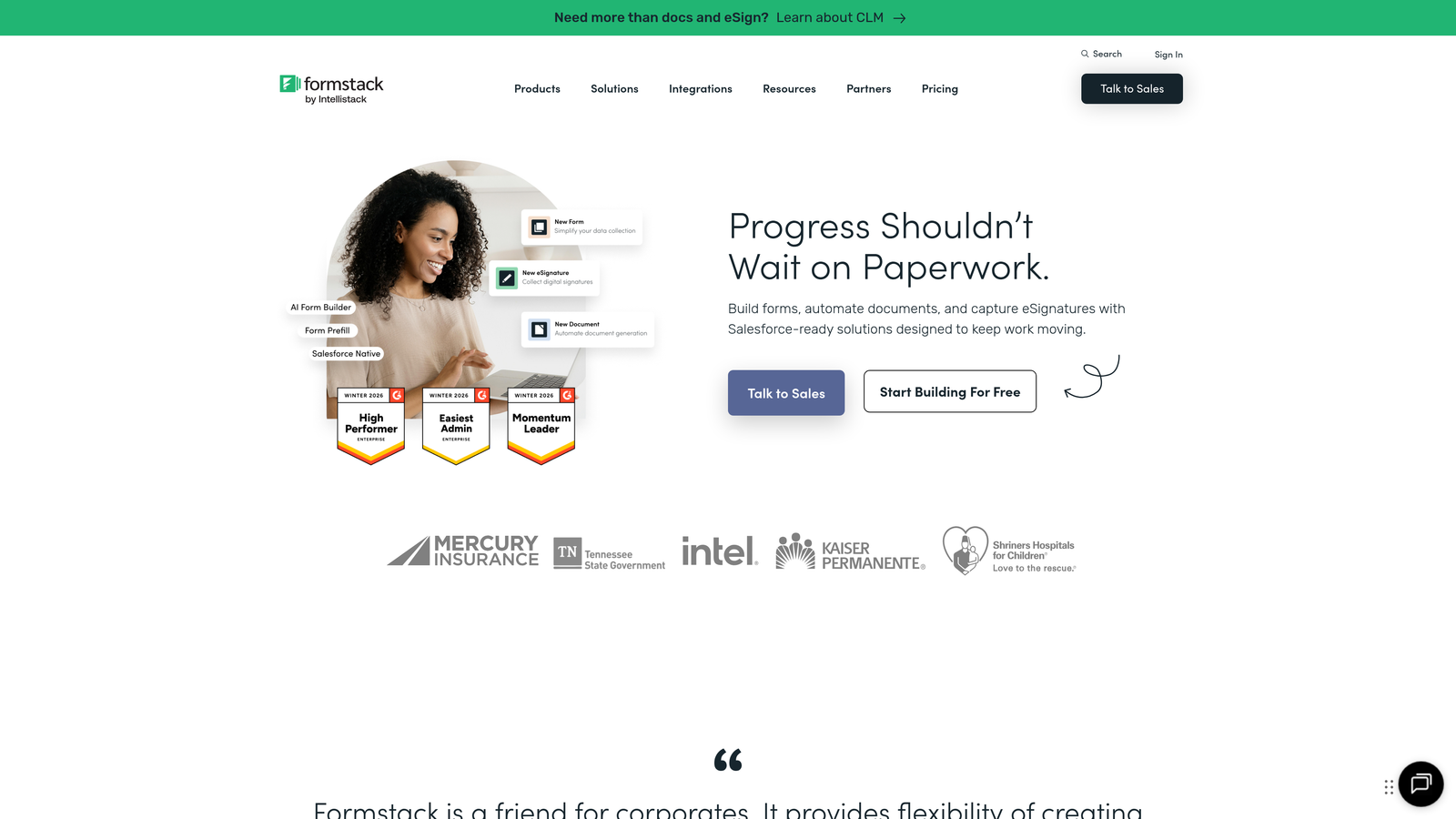
Formstack is an enterprise-grade form builder with advanced workflow automation, security features, and compliance certifications.
Where This Tool Shines
Formstack is built for organizations where compliance isn't optional. HIPAA compliance, SOC 2 Type II certification, and enterprise-level security features make it the go-to choice for healthcare, finance, and other regulated industries.
The workflow automation capabilities extend far beyond basic email notifications. Create complex approval chains, route submissions based on sophisticated rules, and integrate with enterprise systems through robust APIs.
Key Features
HIPAA and SOC 2 Compliance: Certified for handling sensitive data in healthcare and other regulated industries.
Advanced Workflow Automation: Create complex approval processes, conditional routing, and multi-step workflows.
Electronic Signatures: Collect legally binding e-signatures directly within forms for contracts and agreements.
Offline Forms: Continue collecting data even without internet connectivity, syncing when connection returns.
Enterprise Security: Advanced encryption, SSO support, and granular permission controls for large organizations.
Best For
Formstack is designed for enterprises, healthcare organizations, financial services, and any business handling sensitive data that requires compliance certifications. It's particularly valuable for organizations with complex approval workflows and integration requirements.
Pricing
Starter plan at $50/month for basic features. Teams plan at $83/month adds collaboration and advanced features. Enterprise pricing available for compliance and custom requirements.
8. Tally
Best for: Startups and small teams needing unlimited free forms
Tally is a free, Notion-like form builder offering unlimited forms with a clean, minimalist interface.
Where This Tool Shines
Tally's free plan is genuinely generous. Unlimited forms, unlimited submissions, and conditional logic—all free. For bootstrapped startups and small teams, this removes the financial barrier to professional form building entirely.
The Notion-style block editor feels immediately familiar to anyone who's used modern document tools. Building forms becomes intuitive and fast, without wrestling with complex interfaces or learning curves.
Key Features
Unlimited Free Forms: Create as many forms as needed with unlimited submissions on the free plan.
Notion-Style Editor: Familiar block-based interface that makes form building intuitive and fast.
Conditional Logic: Show or hide questions based on responses, included free without upgrade requirements.
File Uploads and Signatures: Collect files and capture signatures without paying for premium features.
Clean Design: Minimalist aesthetic that looks professional without customization effort.
Best For
Tally is perfect for startups, side projects, indie makers, and small teams that need professional forms without budget for paid tools. It's particularly appealing for teams already using Notion who want a similar interface for forms.
Pricing
Free plan includes most features with Tally branding. Pro at $29/month removes branding and adds custom domains and advanced customization.
9. Unbounce Smart Builder
Best for: AI-powered landing page optimization with integrated forms
Unbounce Smart Builder is an AI-powered landing page builder using conversion intelligence to automatically optimize form performance.
Where This Tool Shines
Unbounce's AI doesn't just build forms—it actively optimizes them. Smart Traffic automatically sends visitors to the landing page variant most likely to convert them based on their characteristics, improving conversion rates without manual testing.
The platform combines landing pages, pop-ups, and sticky bars into cohesive conversion campaigns. Dynamic text replacement personalizes content based on ad keywords, creating more relevant experiences that improve form completion rates.
Key Features
AI-Powered Optimization: Smart Traffic uses machine learning to automatically route visitors to the best-performing variant for them.
Dynamic Text Replacement: Automatically customize landing page and form content based on ad keywords and traffic source.
Built-In Analytics: Track conversion rates, form abandonment, and performance metrics without external analytics tools.
Pop-Up and Sticky Bar Forms: Create multiple form touchpoints beyond the main landing page for maximum lead capture.
Conversion Intelligence: AI analyzes your forms and provides specific recommendations to improve conversion rates.
Best For
Unbounce is ideal for marketing teams running significant paid advertising campaigns who need AI-powered optimization to maximize ROI. It's particularly valuable for companies with high traffic volumes where automated optimization provides measurable improvements.
Pricing
Launch plan at $74/month includes landing pages and basic features. Optimize at $109/month adds Smart Traffic AI and A/B testing capabilities.
Making the Right Choice
The best form builder for conversions depends on your specific needs and existing tech stack. For AI-powered lead qualification and conversion optimization built specifically for high-growth teams, Orbit AI delivers the most comprehensive solution. The platform combines beautiful design with intelligent lead scoring, helping your sales team focus on high-value prospects automatically.
If you prioritize conversational experiences that maximize engagement, Typeform's one-question-at-a-time approach consistently drives higher completion rates. HubSpot Forms makes perfect sense if you're already invested in their CRM ecosystem and need seamless integration without middleware.
For teams on tight budgets, Tally offers an exceptionally generous free plan that includes features other platforms charge for. Startups and small teams can build unlimited professional forms without spending a dollar.
Enterprise organizations handling sensitive data should prioritize Formstack's compliance certifications and security features. The HIPAA and SOC 2 compliance alone makes it worth the premium for regulated industries.
Consider your integration requirements carefully. Native CRM integration eliminates data sync issues and enables faster response to form submissions. If you're running paid advertising campaigns, tools like Unbounce and Leadpages that combine landing pages with forms provide more cohesive conversion experiences.
The form builder market continues evolving rapidly, with AI-powered features becoming increasingly important for conversion optimization. Progressive profiling, conditional logic, and smart routing help create personalized experiences that convert better while gathering more complete data over time.
Transform your lead generation with AI-powered forms that qualify prospects automatically while delivering the modern, conversion-optimized experience your high-growth team needs. Start building free forms today and see how intelligent form design can elevate your conversion strategy.


