

Your form converts at 3%. Your competitor's converts at 18%. The difference? It's not the offer, the traffic source, or the design budget—it's the form software itself. In 2026, choosing the right form platform means the difference between capturing qualified leads and watching prospects bounce before hitting submit.
The best form software for conversion optimization goes far beyond basic data collection. We evaluated platforms based on five critical criteria: conversion-focused features like multi-step progression and smart field logic, robust A/B testing capabilities, analytics depth that reveals exactly where users drop off, ease of implementation for non-technical teams, and integration quality with your existing marketing stack.
Here are the top form software platforms that turn visitors into qualified leads.
1. Orbit AI
Best for: High-growth teams needing AI-powered lead qualification with beautiful, conversion-optimized forms
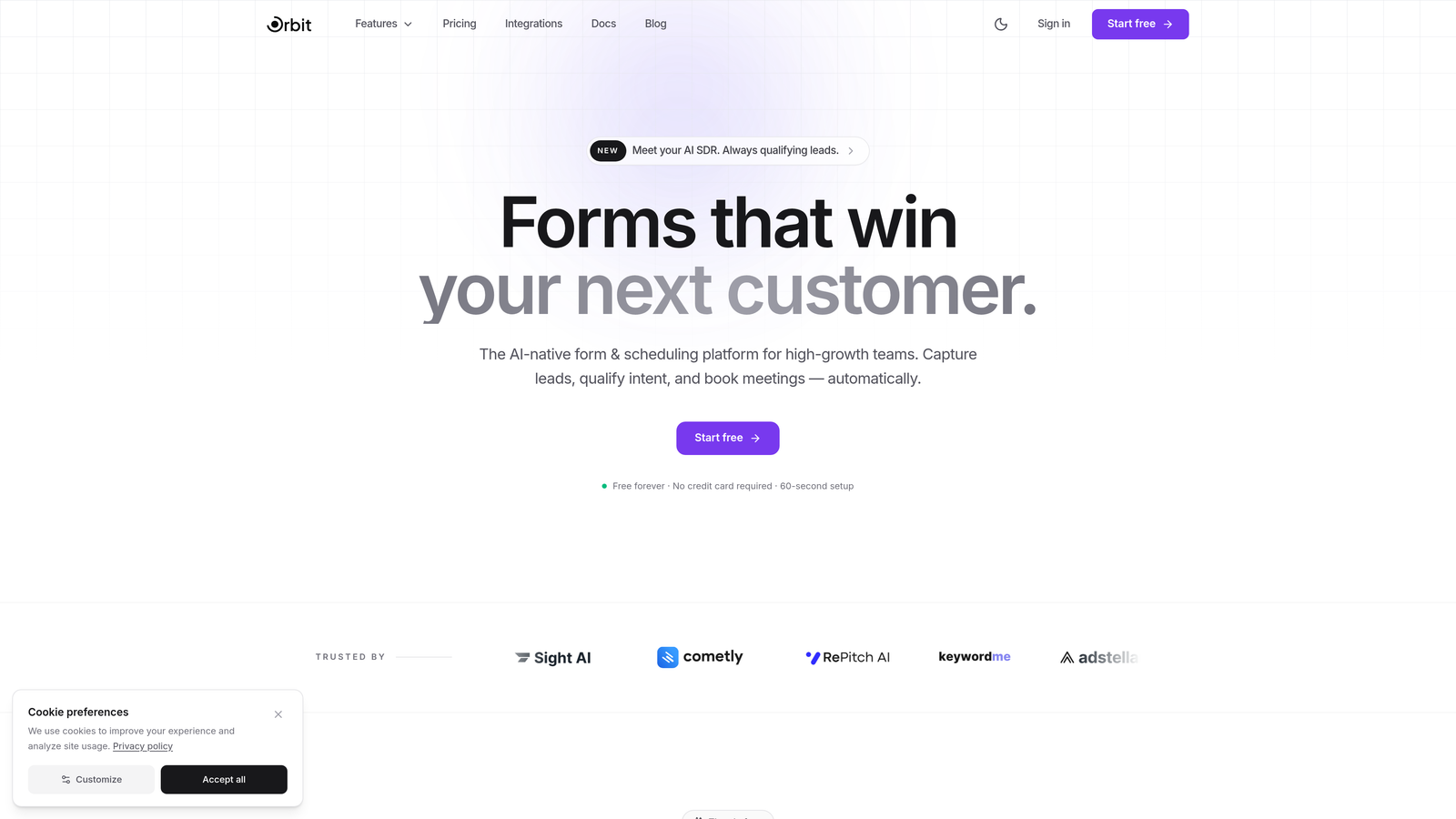
Orbit AI combines intelligent lead qualification with modern form design to maximize conversion rates while automatically scoring prospect quality.
Where This Tool Shines
The platform's AI-powered qualification engine works behind the scenes to score leads as they complete your forms, meaning your sales team receives not just contact information but actionable intelligence about prospect fit and intent. This dual focus on conversion rate and lead quality sets it apart from traditional form builders.
Real-time analytics track completion rates, drop-off points, and field-level engagement, giving you the data needed to continuously optimize form performance without guesswork.
Key Features
AI-Powered Lead Qualification: Automatically scores and qualifies prospects based on their responses, routing high-value leads directly to sales.
Conversion-Optimized Templates: Pre-built form designs based on conversion best practices, eliminating the need to start from scratch.
Real-Time Analytics: Track completion rates, abandonment points, and field-level performance to identify optimization opportunities.
Smart Conditional Logic: Show or hide fields based on previous answers to create personalized, relevant experiences.
Native CRM Integrations: Sync qualified leads directly to your CRM with automatic lead scoring data included.
Best For
High-growth B2B teams, SaaS companies, and marketing teams focused on generating qualified pipeline rather than just collecting contact information. Ideal when you need both high conversion rates and lead quality intelligence in a single platform.
Pricing
Free tier available for testing and small-scale use; paid plans start at $29/month with advanced AI qualification features and unlimited forms.
2. Typeform
Best for: Creating conversational, engaging form experiences with one-question-at-a-time presentation
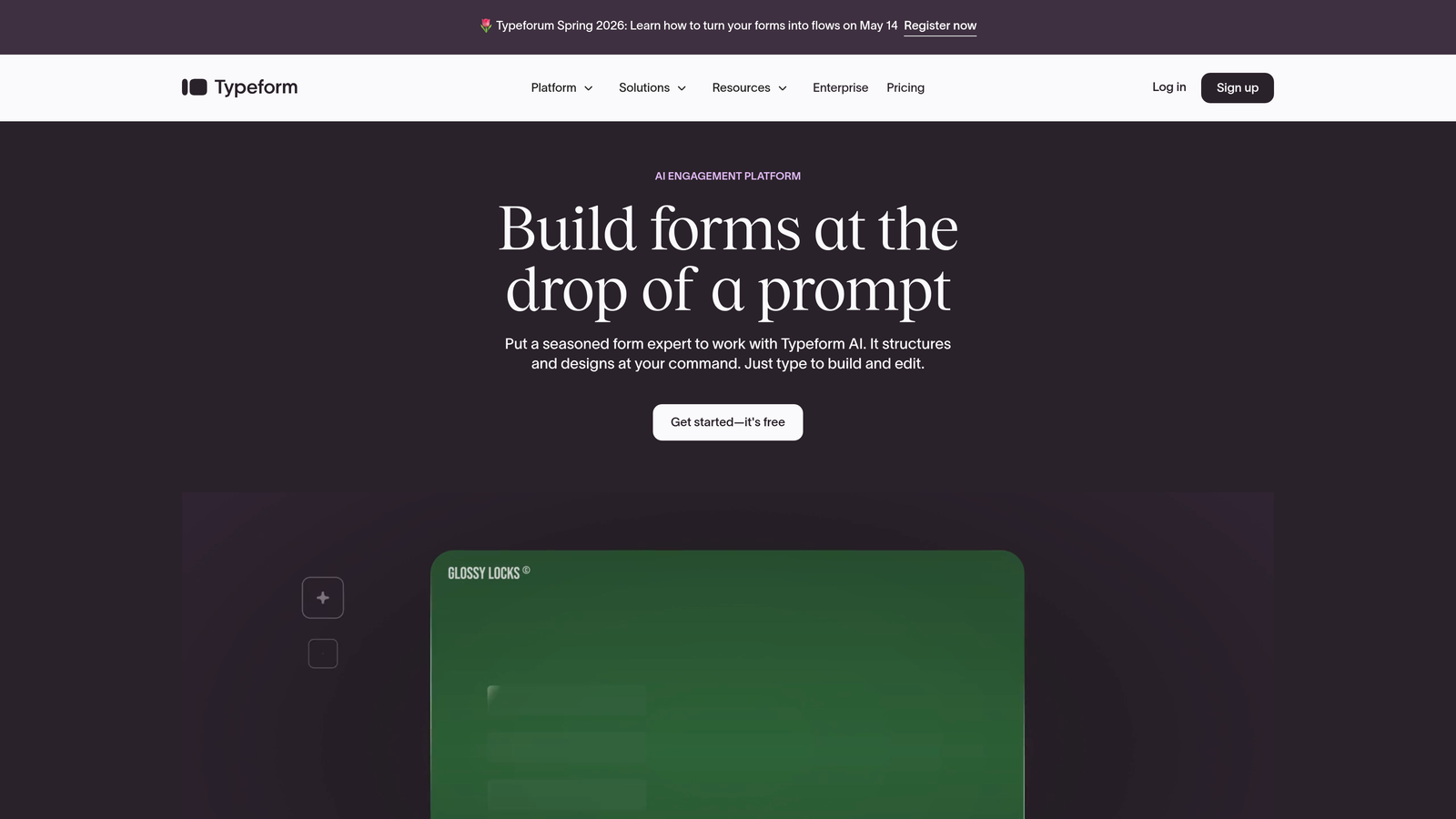
Typeform pioneered the conversational form approach that feels more like a dialogue than a traditional data collection exercise.
Where This Tool Shines
The one-question-at-a-time interface reduces cognitive load and form intimidation, particularly effective for longer surveys or forms requiring thoughtful responses. This approach has consistently shown higher completion rates compared to traditional multi-field layouts for certain use cases.
The platform's visual polish and animation create an experience that feels premium and modern, which can positively impact brand perception during the lead capture process.
Key Features
Conversational Interface: Present one question at a time to reduce overwhelm and increase completion rates.
Logic Jumps: Create branching paths based on answers to deliver personalized question flows.
Rich Media Embedding: Include videos, images, and GIFs to create more engaging form experiences.
Native Integrations: Connect directly with popular marketing tools, CRMs, and automation platforms.
Response Analytics: Track completion rates, drop-off points, and response patterns.
Best For
Marketing teams creating surveys, quizzes, or lead qualification forms where engagement and completion rate matter more than speed. Works particularly well for consumer-facing brands and content marketing campaigns.
Pricing
Free tier with basic features; paid plans start at $25/month with advanced logic, integrations, and response limits.
3. Unbounce Smart Builder
Best for: Marketers running paid campaigns who need landing pages and forms optimized together
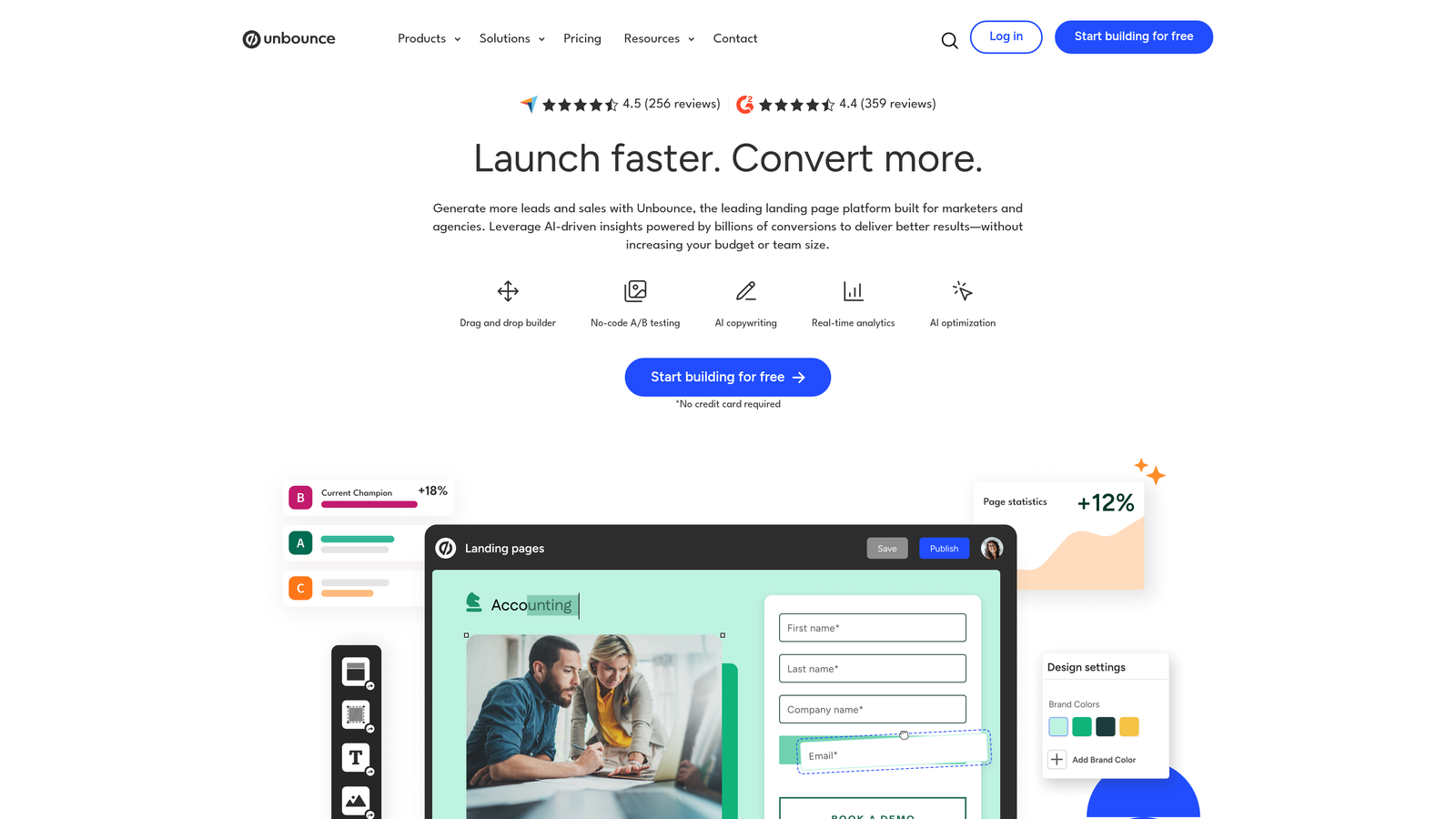
Unbounce Smart Builder uses AI to automatically optimize landing page and form combinations for maximum conversion performance.
Where This Tool Shines
The platform's Smart Traffic feature automatically routes visitors to the landing page and form variation most likely to convert them based on their attributes and behavior. This AI-powered approach removes the guesswork from A/B testing and continuously improves performance without manual intervention.
Because Unbounce treats forms as integral parts of landing pages rather than standalone elements, you get cohesive optimization across the entire conversion experience.
Key Features
AI-Powered Optimization: Smart Traffic automatically directs visitors to the highest-converting page variant for their profile.
Landing Page Integration: Build forms as part of complete landing page experiences rather than isolated elements.
Dynamic Text Replacement: Automatically customize form headlines and copy based on the ad or keyword that brought visitors to your page.
Popup and Sticky Forms: Deploy forms as popups, slide-ins, or sticky bars for different conversion strategies.
Built-In A/B Testing: Test multiple form variations with statistical significance tracking.
Best For
Performance marketers running paid advertising campaigns, agencies managing multiple client landing pages, and teams that need tight integration between landing page design and form optimization.
Pricing
Plans start at $99/month with Smart Traffic and advanced optimization features included in higher tiers.
4. Leadformly
Best for: Teams without CRO expertise who need built-in conversion best practices and guidance
Leadformly specializes in multi-step forms with conversion optimization guidance baked into the building process.
Where This Tool Shines
The platform actively guides you toward conversion best practices as you build, suggesting optimal field order, question phrasing, and form length based on your industry and use case. This makes professional-grade conversion optimization accessible to teams without dedicated CRO specialists.
Field-level analytics show exactly which questions cause drop-off, allowing you to identify and fix conversion bottlenecks with precision rather than guessing which changes to test.
Key Features
Multi-Step Progression: Break long forms into digestible steps with progress indicators to reduce abandonment.
Conversion Best Practice Guidance: Built-in recommendations for field order, question types, and form structure.
Field-Level Analytics: See exactly which fields cause visitors to abandon so you can optimize strategically.
Template Library: Industry-specific templates pre-optimized for conversion based on best practices.
A/B Testing: Test different form variations to continuously improve conversion rates.
Best For
Small to mid-size B2B companies, lead generation agencies, and marketing teams that want conversion optimization without hiring specialists or running complex experiments.
Pricing
Plans start at $37/month with unlimited forms and basic analytics; higher tiers include advanced testing and integrations.
5. HubSpot Forms
Best for: HubSpot users needing progressive profiling and native CRM integration
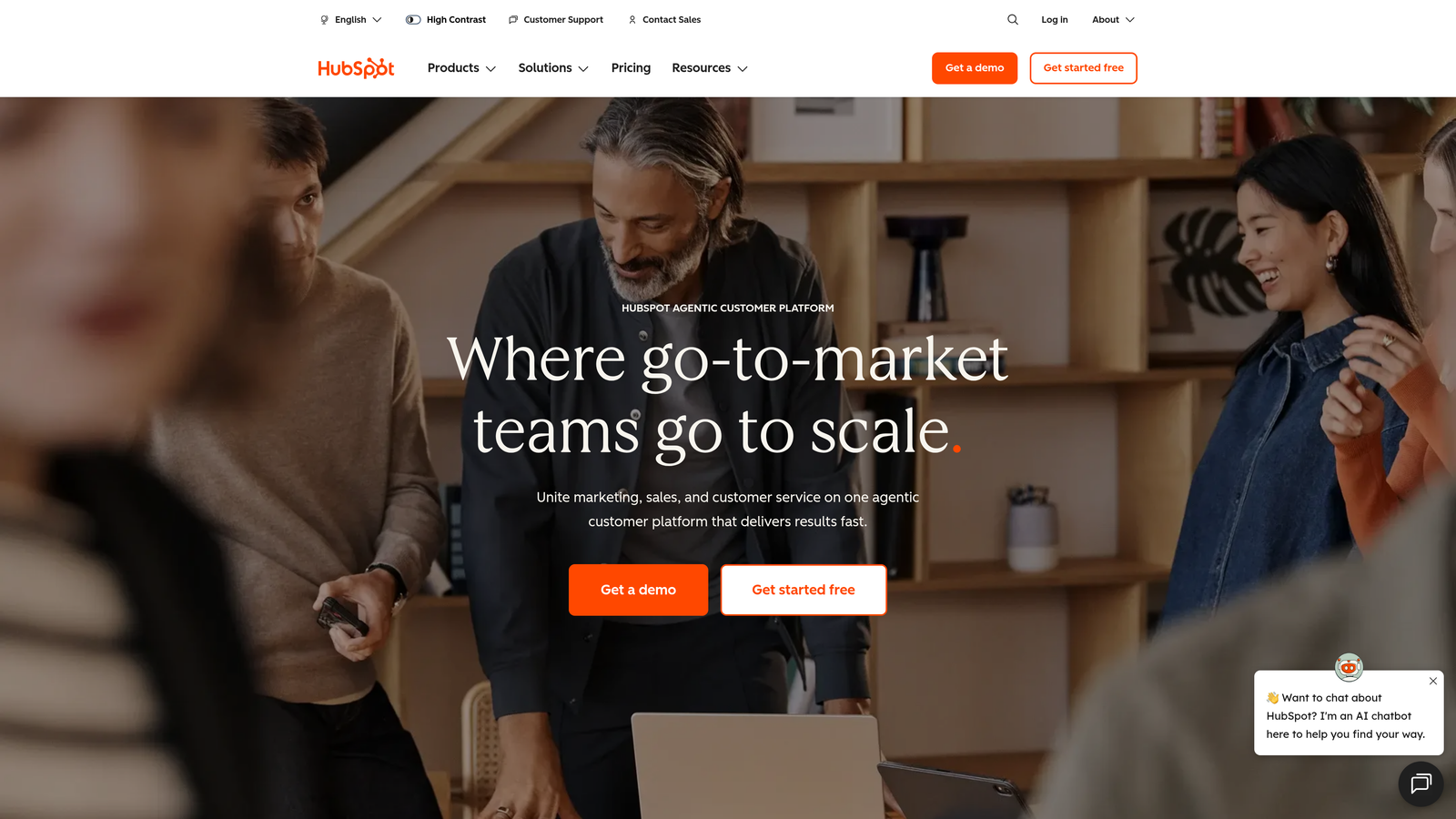
HubSpot Forms provides native form building within the HubSpot ecosystem with deep CRM data integration.
Where This Tool Shines
Progressive profiling automatically shows different fields to returning visitors based on what information you already have in your CRM, preventing form fatigue from asking the same questions repeatedly. This approach increases conversion rates for known contacts while still collecting complete data over time.
The seamless connection between forms and HubSpot's CRM, marketing automation, and sales tools means captured leads immediately enter your nurture workflows without manual data transfer or integration complexity.
Key Features
Progressive Profiling: Smart fields that change based on existing contact data to avoid repetitive questions.
Native CRM Sync: Instant data flow to HubSpot CRM with automatic contact creation and updates.
Dependent Fields: Show or hide fields based on previous answers for personalized experiences.
Embedded and Popup Options: Deploy forms directly on pages, as popups, or in slide-in boxes.
Automated Workflows: Trigger email sequences, notifications, and task creation based on form submissions.
Best For
Companies already using HubSpot CRM or Marketing Hub, teams that prioritize tight integration between marketing and sales tools, and businesses focused on progressive data enrichment strategies.
Pricing
Free with HubSpot CRM; advanced features like progressive profiling and automation require paid Marketing Hub plans starting at $45/month.
6. Jotform
Best for: Teams needing versatile form creation with extensive templates and customization options
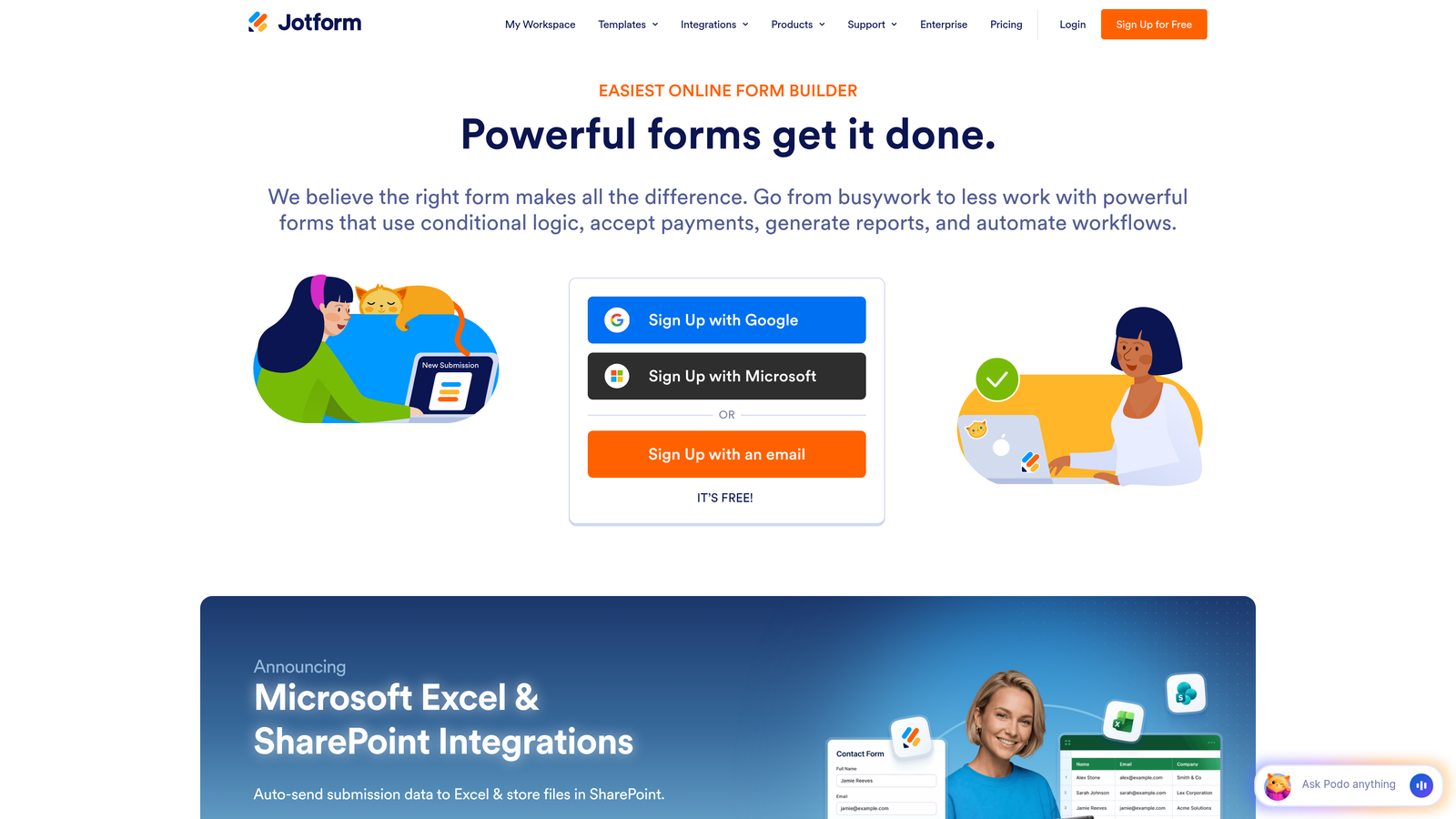
Jotform offers one of the largest template libraries and widest feature sets for creating virtually any type of form.
Where This Tool Shines
With over 10,000 pre-built templates spanning industries and use cases, you rarely need to start from scratch. The platform handles everything from simple contact forms to complex payment forms, registration systems, and application processes within a single tool.
The extensive integration library connects with hundreds of third-party tools, making it straightforward to fit Jotform into existing workflows regardless of your tech stack.
Key Features
Massive Template Library: Over 10,000 pre-built form templates for virtually any use case or industry.
Advanced Conditional Logic: Create complex branching and field dependencies based on multiple conditions.
Payment Integration: Accept payments directly through forms with Stripe, PayPal, and other processors.
PDF Generation: Automatically convert form submissions into formatted PDF documents.
Third-Party Integrations: Connect with 150+ apps including CRMs, email marketing tools, and project management platforms.
Best For
Organizations needing diverse form types across departments, teams that value template variety and customization flexibility, and businesses requiring payment collection or document generation capabilities.
Pricing
Free tier with basic features; paid plans start at $34/month with increased submissions, storage, and advanced features.
7. Formstack
Best for: Enterprise teams requiring compliance certifications, security, and workflow automation
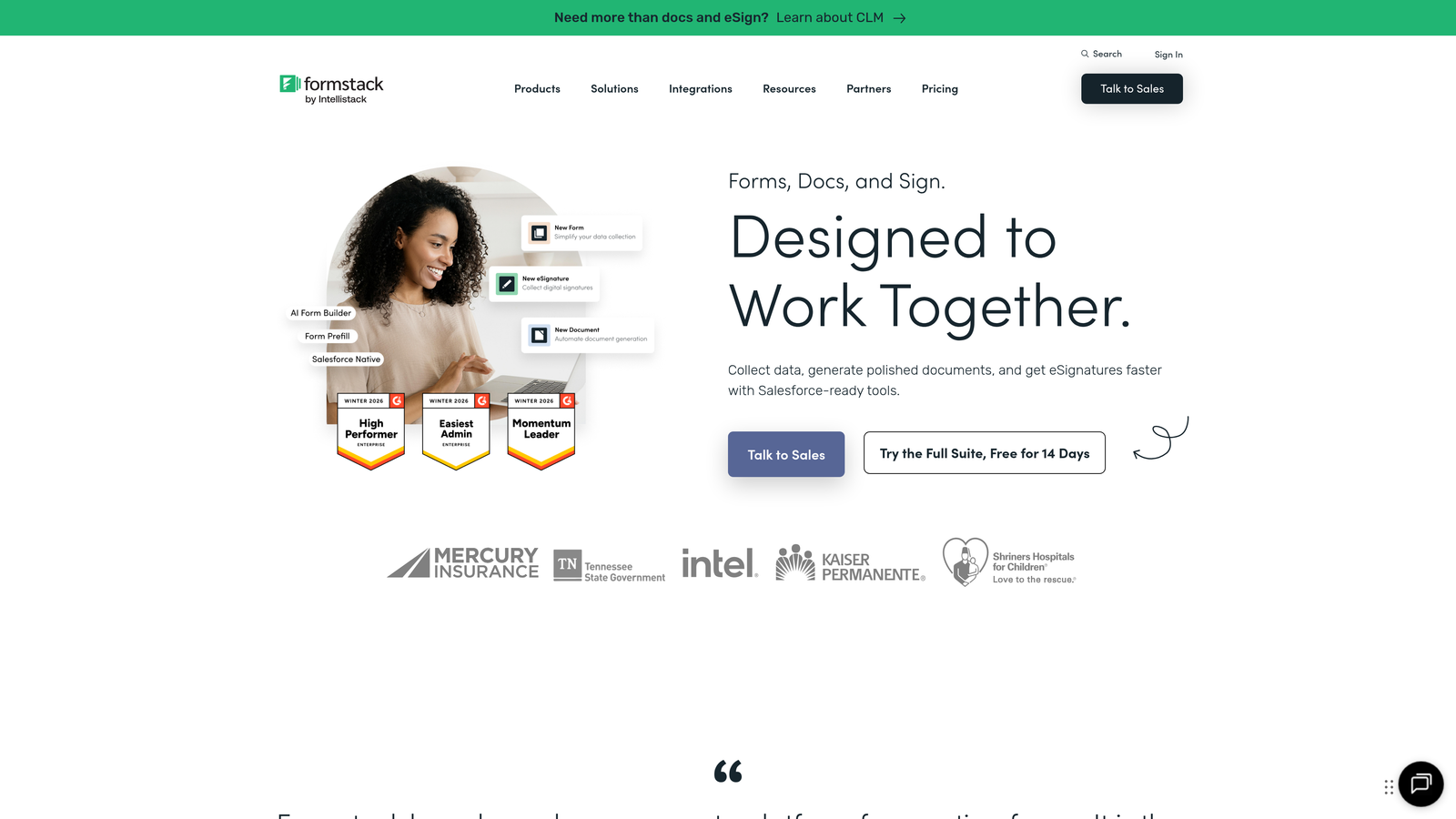
Formstack delivers enterprise-grade form building with strong compliance features and post-submission workflow automation.
Where This Tool Shines
HIPAA and GDPR compliance certifications make Formstack suitable for healthcare, financial services, and other regulated industries where data security isn't optional. The platform provides the documentation and technical controls enterprise compliance teams require.
Workflow automation extends beyond simple email notifications to complex multi-step processes, routing submissions through approval chains, triggering document generation, and updating multiple systems based on form data.
Key Features
Workflow Automation: Build multi-step processes that trigger after form submission, including approvals and data routing.
Compliance Certifications: HIPAA and GDPR compliant with necessary security controls and documentation.
E-Signature Integration: Collect legally binding signatures directly within forms.
Advanced Conditional Logic: Create complex field dependencies and branching based on multiple criteria.
Team Collaboration: Multiple users can build and manage forms with role-based permissions.
Best For
Enterprise organizations with compliance requirements, healthcare and financial services companies, and teams needing sophisticated post-submission workflow automation beyond basic CRM integration.
Pricing
Plans start at $50/month for basic features; enterprise plans with compliance certifications require custom pricing.
8. Paperform
Best for: Creating branded, content-rich form experiences that blend landing pages with data collection
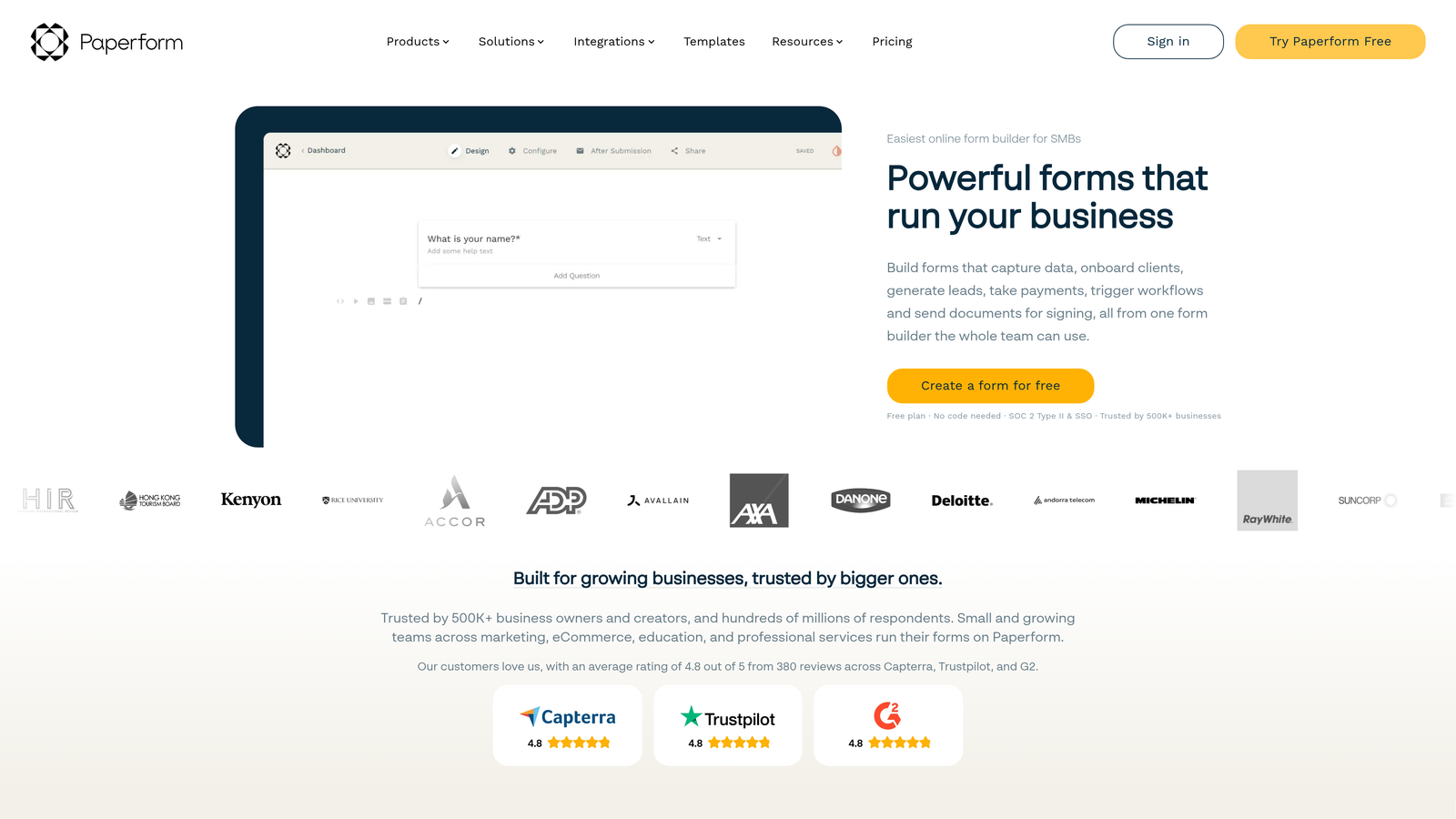
Paperform allows you to embed rich content within forms to create immersive, branded experiences rather than traditional form layouts.
Where This Tool Shines
The platform treats forms as content experiences, letting you intersperse questions with images, videos, product showcases, and explanatory text. This approach works particularly well for product orders, event registrations, and situations where context improves conversion.
Partial submission tracking captures data even when visitors don't complete the entire form, allowing you to follow up with incomplete leads rather than losing them entirely.
Key Features
Rich Content Embedding: Add images, videos, and formatted text between form fields to create engaging experiences.
Product and Payment Pages: Build complete product showcases with checkout functionality, not just simple payment forms.
Conditional Logic and Calculations: Show/hide fields and calculate totals based on user selections.
Custom Branding: Full theme customization to match your brand without coding.
Partial Submission Tracking: Capture data from incomplete forms to recover potentially lost leads.
Best For
E-commerce businesses, event organizers, coaches and consultants selling services, and brands that prioritize visual storytelling as part of the conversion process.
Pricing
Plans start at $24/month with unlimited forms and submissions; higher tiers add advanced features and remove branding.
9. Tally
Best for: Startups and budget-conscious teams needing straightforward form creation with generous free features
Tally provides intuitive form building with a Notion-like interface and an unusually generous free tier.
Where This Tool Shines
The unlimited forms on the free plan make Tally ideal for early-stage companies and teams testing multiple lead magnets or campaign variations without budget constraints. You can experiment freely without worrying about hitting form limits.
The Notion-inspired editing experience feels immediately familiar to teams already using modern productivity tools, reducing the learning curve to nearly zero.
Key Features
Unlimited Free Forms: Create as many forms as needed without upgrading to paid plans.
Notion-Like Editor: Intuitive slash-command interface familiar to modern productivity tool users.
Conditional Logic: Show or hide questions based on previous answers to create personalized flows.
File Uploads: Collect documents, images, and other files through form submissions.
Webhook and Zapier Integration: Connect form data to other tools in your stack.
Best For
Bootstrapped startups, solo entrepreneurs, content creators, and teams in early validation stages who need functional forms without monthly software costs.
Pricing
Generous free tier with unlimited forms; Pro plan at $29/month adds advanced features, custom domains, and removes Tally branding.
Making the Right Choice for Your Conversion Goals
Your ideal form software depends on your specific conversion priorities and organizational context.
For teams focused on lead quality alongside conversion rate, Orbit AI delivers AI-powered qualification that automatically scores prospects while maintaining high completion rates. If you're running paid campaigns where landing page and form work together, Unbounce Smart Builder's AI optimization across the entire experience produces measurable results. Teams already invested in HubSpot benefit from the native CRM integration and progressive profiling that HubSpot Forms provides.
When conversational experiences align with your brand, Typeform's one-question-at-a-time approach creates engagement that traditional forms can't match. Enterprise organizations with compliance requirements should evaluate Formstack's HIPAA and GDPR certifications alongside its workflow automation capabilities. Budget-conscious startups get remarkable value from Tally's unlimited free forms.
The common thread among high-converting forms is intentional design based on data rather than assumptions. Track field-level analytics, test variations systematically, and optimize based on where users actually drop off rather than where you think they might.
Transform your lead generation with AI-powered forms that qualify prospects automatically while delivering the modern, conversion-optimized experience your high-growth team needs. Start building free forms today and see how intelligent form design can elevate your conversion strategy.


