

If your forms aren't qualifying leads, they're just collecting noise. The best lead gen form builders go beyond basic input fields — they guide prospects through smart flows, filter out low-intent visitors, and hand your sales team contacts worth calling.
With dozens of options competing for your stack, the right choice depends on your team's size, tech setup, and how seriously you take conversion optimization. This list covers the strongest tools available in 2026, evaluated on lead qualification capabilities, UX design, integrations, and pricing.
Whether you're a high-growth SaaS team running aggressive demand gen, an agency managing multiple client pipelines, or a B2B company tired of sifting through junk submissions — there's a tool here built for your workflow. Orbit AI leads the list because it's purpose-built for exactly this use case, but every tool earns its place.
1. Orbit AI
Best for: High-growth SaaS and B2B teams that need forms to actively qualify leads, not just collect them.
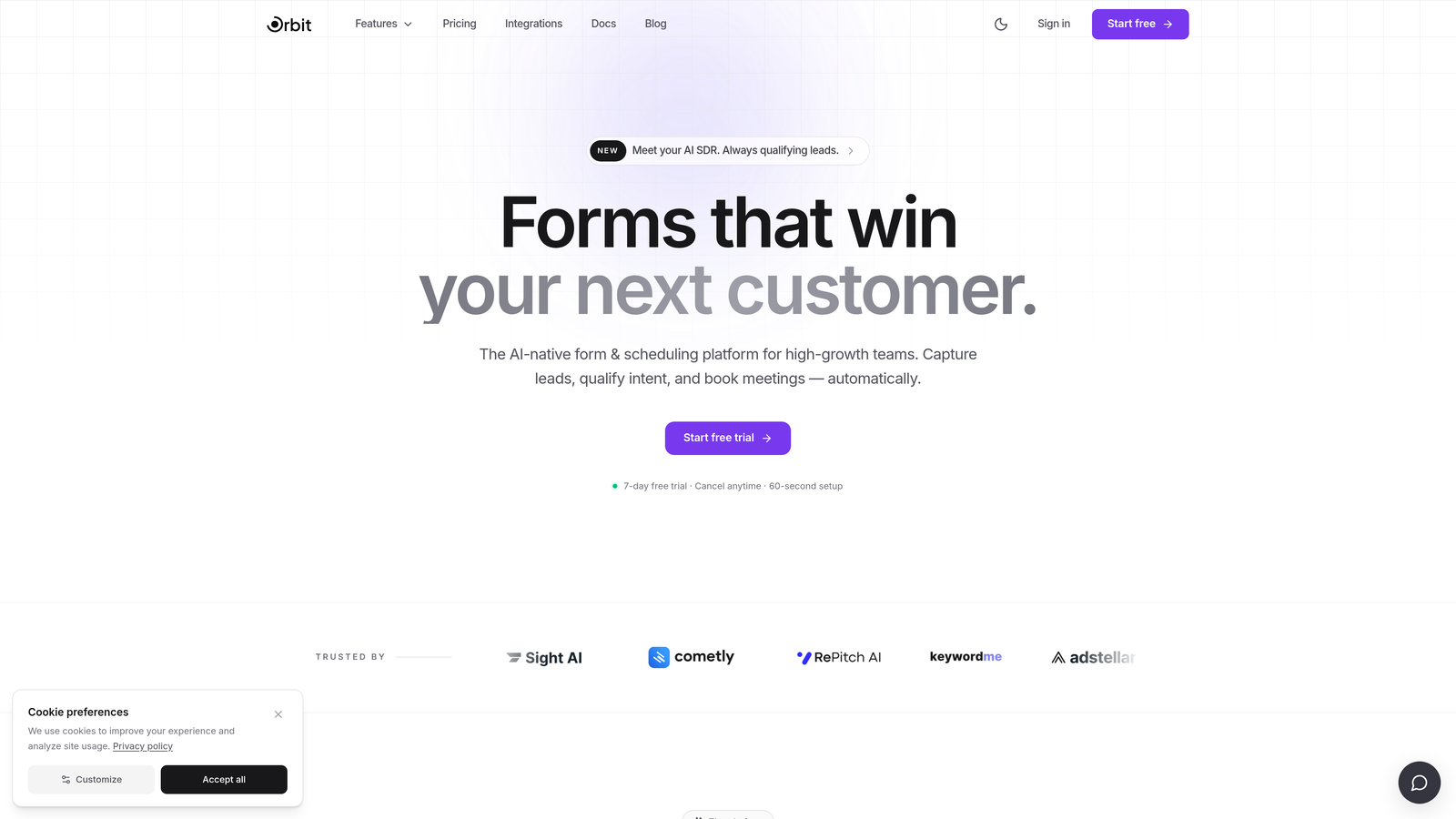
Orbit AI is an AI-powered form builder built specifically for lead qualification and conversion optimization.
Where This Tool Shines
Most form builders treat qualification as an afterthought — you capture the submission, then figure out if it's worth anything afterward. Orbit AI flips that model. Lead scoring and qualification logic live inside the form flow itself, so by the time a submission hits your CRM, the filtering has already happened.
The design quality is also worth calling out. Forms built in Orbit AI look like they belong on a modern SaaS product page, not a generic contact widget. For teams where brand perception matters at every touchpoint, that distinction is real.
Key Features
AI-Powered Lead Qualification: Qualification logic is embedded directly into the form flow, scoring and filtering leads before they ever reach your pipeline.
Conversion-Optimized Design: Modern, beautiful UI out of the box — no design team required to make forms look polished and on-brand.
Smart Conditional Branching: Route respondents through different paths based on their answers, creating a personalized experience that surfaces intent early.
Lead Scoring Built Into the Builder: Set qualification criteria directly in the form builder rather than configuring scoring rules in a separate CRM layer.
Built for High-Growth Workflows: Designed with SaaS and B2B lead gen teams in mind — not a general-purpose tool trying to be everything to everyone.
Best For
Revenue-focused teams where lead quality matters as much as volume. Particularly strong for SaaS companies running inbound lead gen, B2B teams with defined ICP criteria, and growth operators who want qualification logic embedded at the top of the funnel rather than downstream.
Pricing
Visit orbitforms.ai for current pricing plans. The platform is designed to scale with growing teams.
2. Typeform
Best for: Marketing teams that prioritize engagement and brand experience in their lead capture flows.
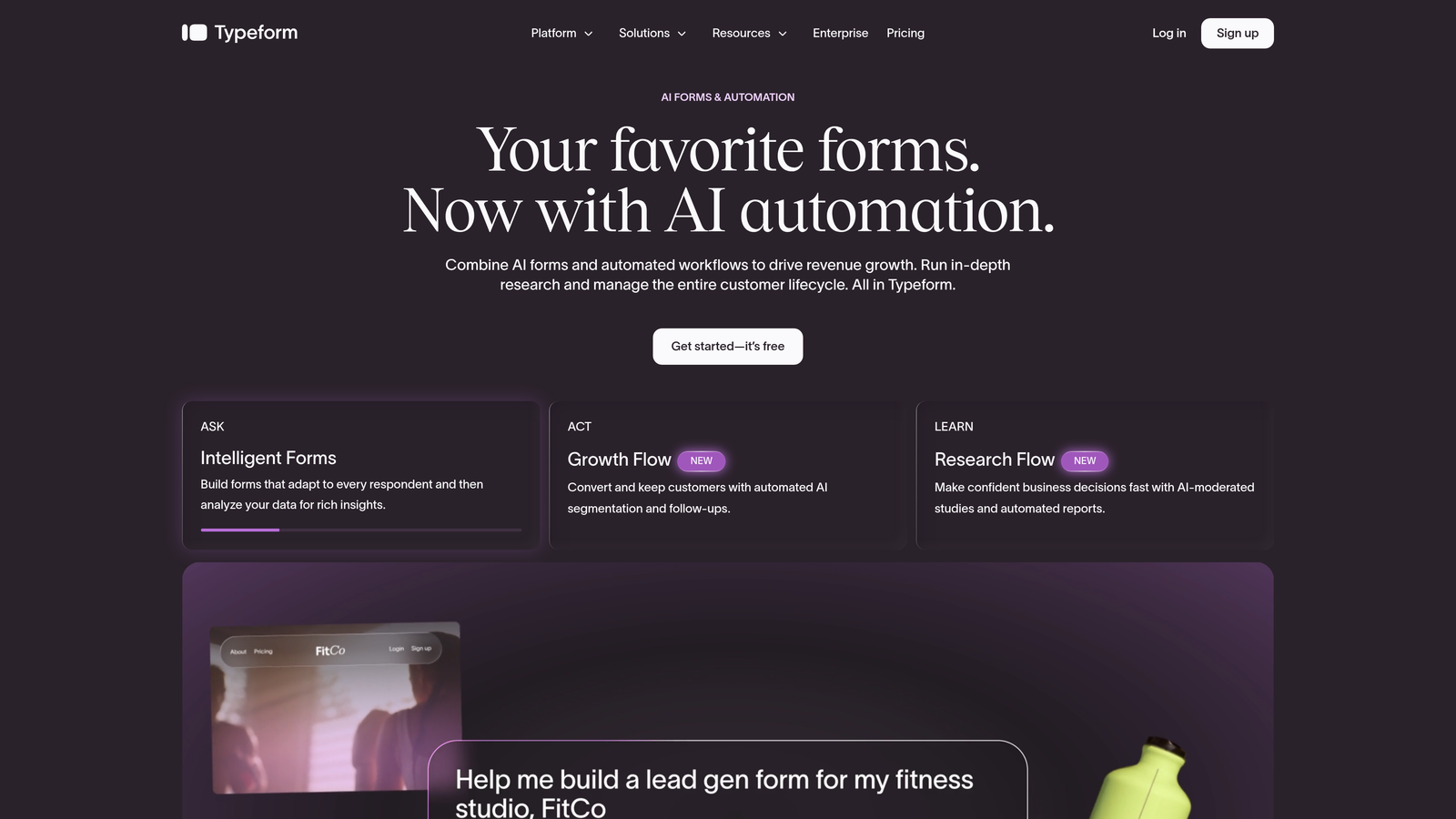
Typeform is a conversational form builder known for its one-question-at-a-time interface that creates an interview-like experience for respondents.
Where This Tool Shines
Typeform's core strength is reducing form fatigue. By presenting one question at a time, it creates a more focused, conversational feel that tends to improve completion rates compared to traditional multi-field layouts. For lead gen flows where you need to ask several qualifying questions without overwhelming the respondent, this format genuinely helps.
The brand customization options are among the best in the market. You can match fonts, colors, and imagery closely enough that the form feels like a native part of your product experience rather than a bolted-on widget.
Key Features
Conversational One-Question UX: Presents questions sequentially, reducing cognitive load and improving the completion experience.
Logic Jumps and Conditional Branching: Route respondents to different questions based on previous answers for smarter, more relevant flows.
Video and AI-Assisted Features: Supports video questions and AI-assisted form creation for faster builds.
Strong Visual Customization: Deep control over typography, colors, imagery, and layout to match brand guidelines.
Wide Integration Library: Native integrations plus Zapier connections cover most CRM and marketing automation stacks.
Best For
Marketing teams that want engaging, brand-forward lead capture. Works well for quizzes, multi-step qualification flows, and any situation where respondent experience is a priority. Less ideal if you need native lead scoring or deep CRM qualification logic built into the form itself.
Pricing
Free plan available. Paid plans start around $25/month, with pricing scaling based on response volume. Costs can increase meaningfully at higher traffic levels.
3. HubSpot Forms
Best for: Teams already running on HubSpot who want seamless CRM sync without managing a separate form tool.
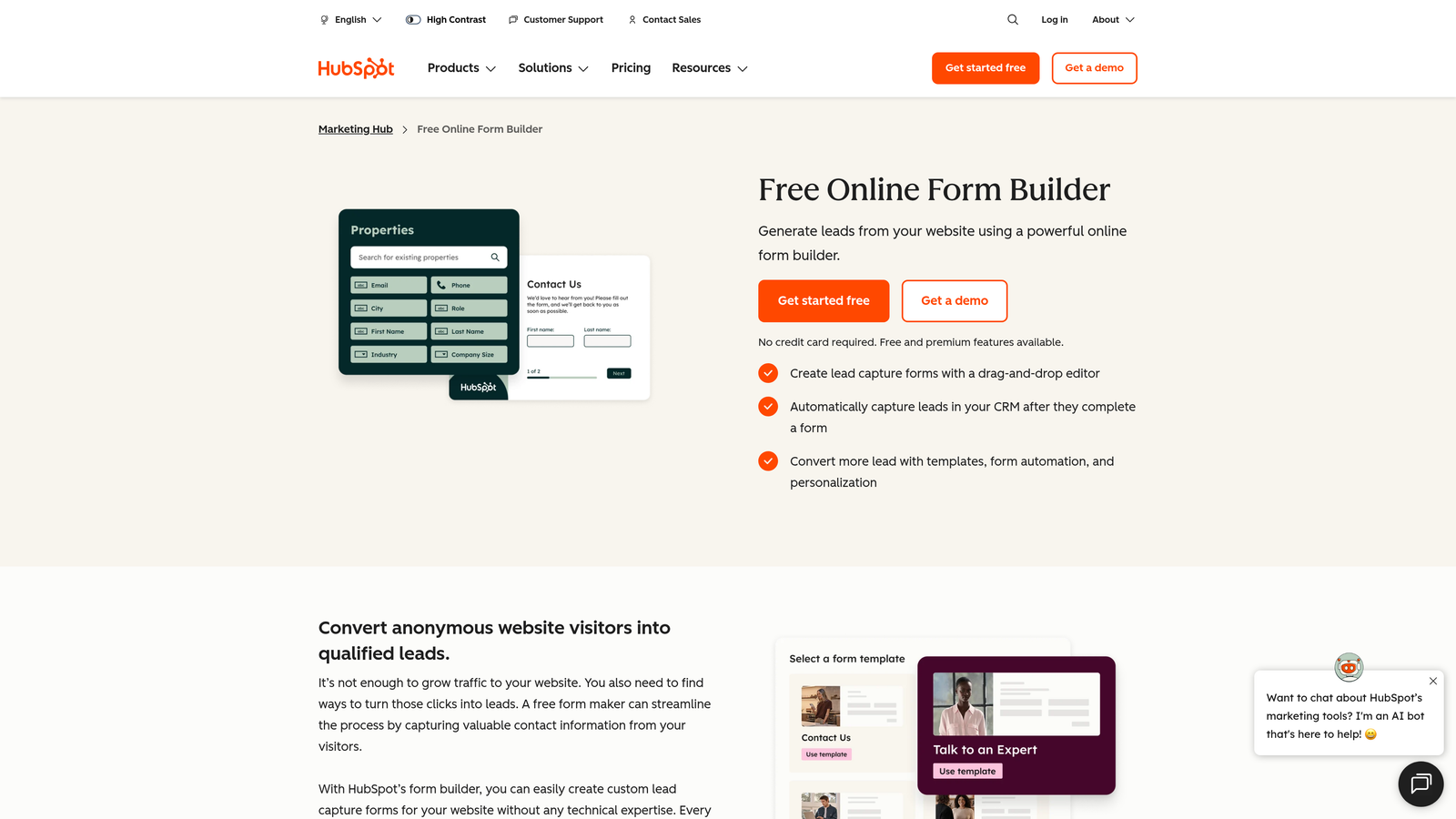
HubSpot Forms is a native form builder included in HubSpot's CRM and marketing platform, built for teams that live in the HubSpot ecosystem.
Where This Tool Shines
The integration story here is unmatched within its own ecosystem. Form submissions sync directly to contact records, trigger workflows, and feed reporting dashboards without any middleware. For HubSpot-centric teams, this eliminates an entire layer of integration maintenance that standalone form builders require.
Progressive profiling is a particularly useful feature for lead gen. Rather than asking contacts for information you already have, HubSpot Forms surfaces new questions on repeat visits — building richer contact records over time without creating friction.
Key Features
Native CRM Sync: Submissions flow directly into HubSpot contact records — no Zapier, no webhooks, no manual setup.
Automatic Contact Enrichment: HubSpot's database can supplement form data with additional contact and company information.
Workflow Triggers: Form submissions can instantly kick off email sequences, internal notifications, and pipeline updates.
Progressive Profiling: Replaces already-known fields with new questions on repeat form visits, improving data quality over time.
Free Tier Available: Fully functional within HubSpot's free CRM, making it accessible without upfront cost.
Best For
Teams already invested in HubSpot. If HubSpot is your CRM and marketing platform, using its native form builder is the path of least resistance. For teams on other stacks, the design limitations and ecosystem lock-in make standalone builders more attractive.
Pricing
Free with HubSpot's free CRM tier. Advanced features require Marketing Hub subscriptions starting around $15/month, with costs scaling significantly at higher contact volumes.
4. Jotform
Best for: Agencies and teams that need a high-volume, feature-rich builder with extensive templates and integrations.
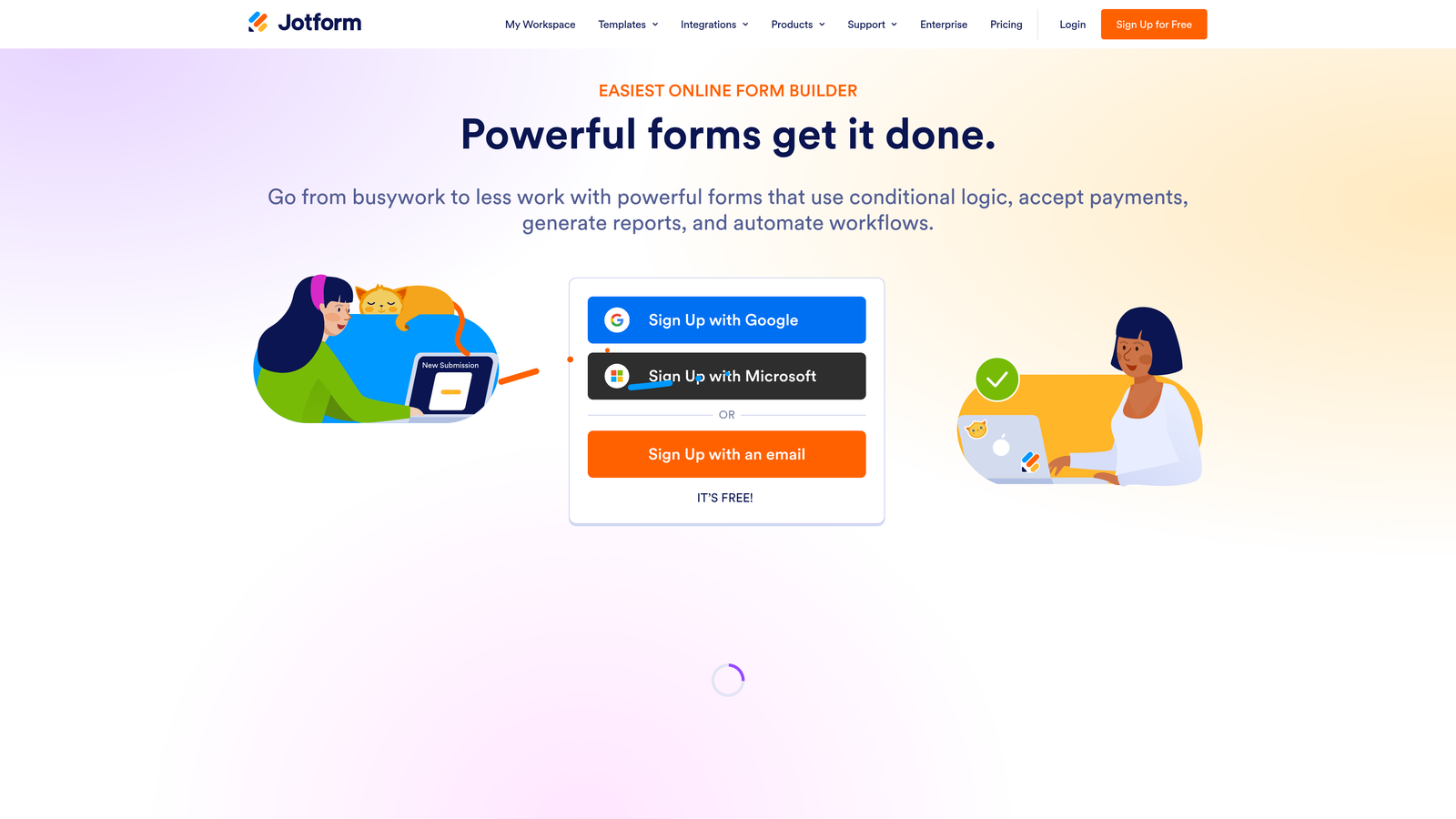
Jotform is one of the most feature-complete form builders on the market, with thousands of templates and a wide integration ecosystem.
Where This Tool Shines
Jotform's template library is genuinely impressive. Across industries and use cases, you can find a starting point that gets you 80% of the way to a finished form before you've written a single question. For agencies managing multiple client accounts with varying needs, this accelerates production significantly.
The AI form generation feature is worth noting: you can describe what you need or upload a document, and Jotform will generate a draft form structure. It's not a replacement for thoughtful form design, but it removes the blank-canvas problem for fast-moving teams.
Key Features
Thousands of Pre-Built Templates: One of the largest template libraries available, spanning industries from healthcare to SaaS to e-commerce.
Advanced Conditional Logic: Multi-step forms with complex branching logic for sophisticated qualification flows.
AI Form Generation: Generate form drafts from a text prompt or uploaded document to accelerate builds.
Wide Integration Ecosystem: Connects to CRMs, payment processors, and automation platforms including Salesforce, HubSpot, and Zapier.
Team Workspaces: Multi-client and multi-team management for agencies handling several accounts simultaneously.
Best For
Agencies managing multiple client pipelines and teams that need a flexible, template-driven builder with broad integration support. Can feel over-engineered for teams with simple lead capture needs, but the depth is genuinely useful for complex workflows.
Pricing
Free plan available with limited monthly submissions. Paid plans start around $34/month, with higher tiers unlocking more submissions and advanced features.
5. Unbounce
Best for: Paid media and performance marketing teams that want to control the full post-click conversion experience.
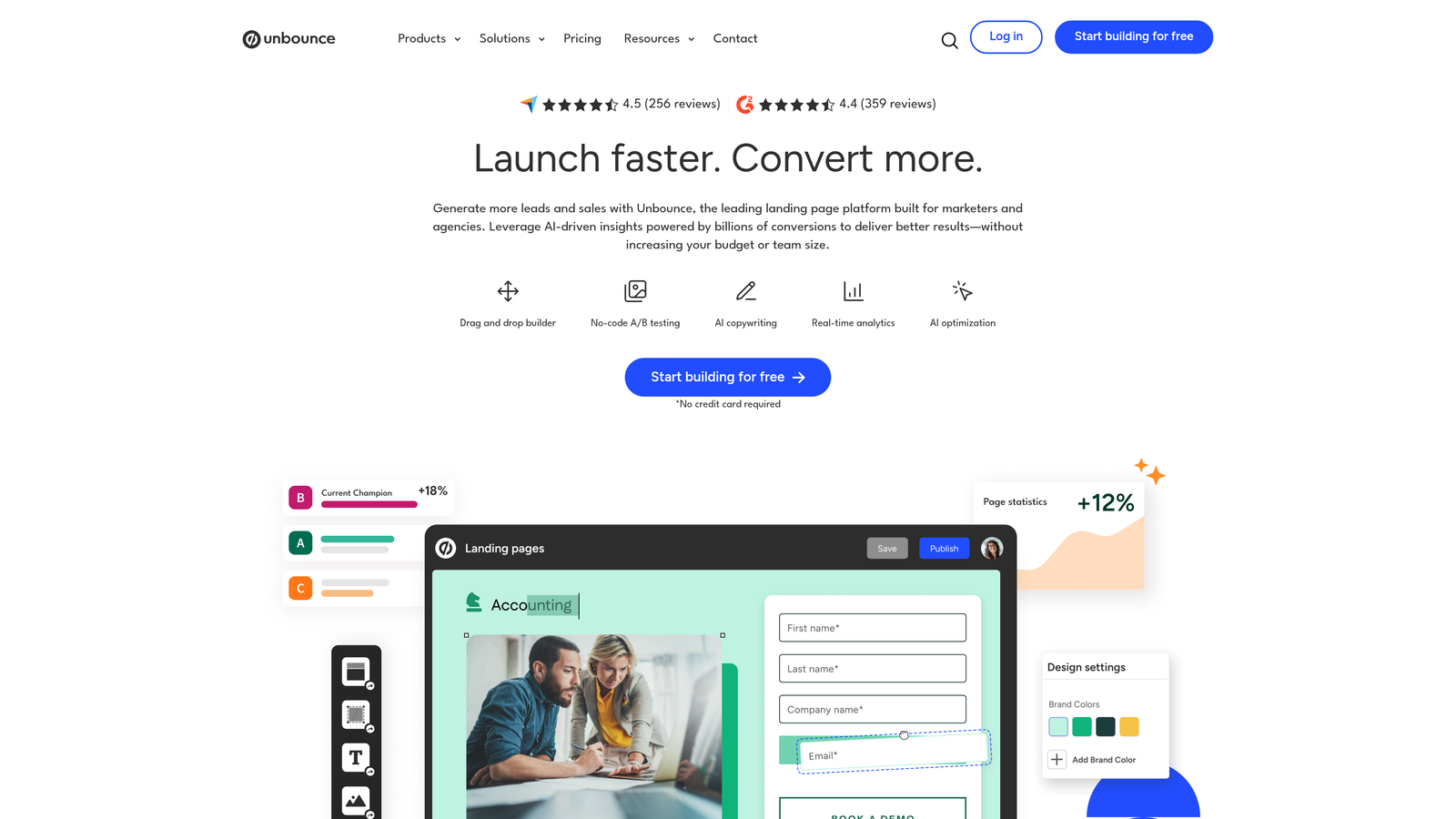
Unbounce is a landing page platform with integrated form capabilities, designed for marketers who need the landing page and lead capture form to work as a single conversion unit.
Where This Tool Shines
Unbounce isn't really a form builder — it's a conversion platform where forms are one component of a larger system. If you're running paid campaigns and need to build, test, and optimize the entire post-click experience without involving engineering, Unbounce gives you that control end to end.
The Smart Traffic feature uses AI to route visitors to the landing page variant most likely to convert based on their profile. Combined with A/B and multivariate testing, it creates a feedback loop that improves conversion performance over time without manual analysis.
Key Features
Landing Page and Form in One Platform: Build and optimize the full conversion experience without stitching together separate tools.
AI Smart Traffic Routing: Automatically routes visitors to the highest-converting page variant based on visitor attributes.
A/B and Multivariate Testing: Built-in testing infrastructure to identify what's driving or killing conversions.
Dynamic Text Replacement: Personalizes form and page copy based on the ad or keyword that drove the visit.
CRM and Email Integrations: Connects to major marketing and sales platforms for downstream lead routing.
Best For
Performance marketers running paid search or social campaigns who want to own the full post-click experience. Best value when you're using it for landing pages and forms together. If you only need forms, the price point is hard to justify.
Pricing
Plans start around $99/month. The value proposition improves significantly when used for the full landing page plus form workflow rather than forms alone.
6. Gravity Forms
Best for: WordPress-based teams and agencies that need developer-extensible forms with no per-response pricing.
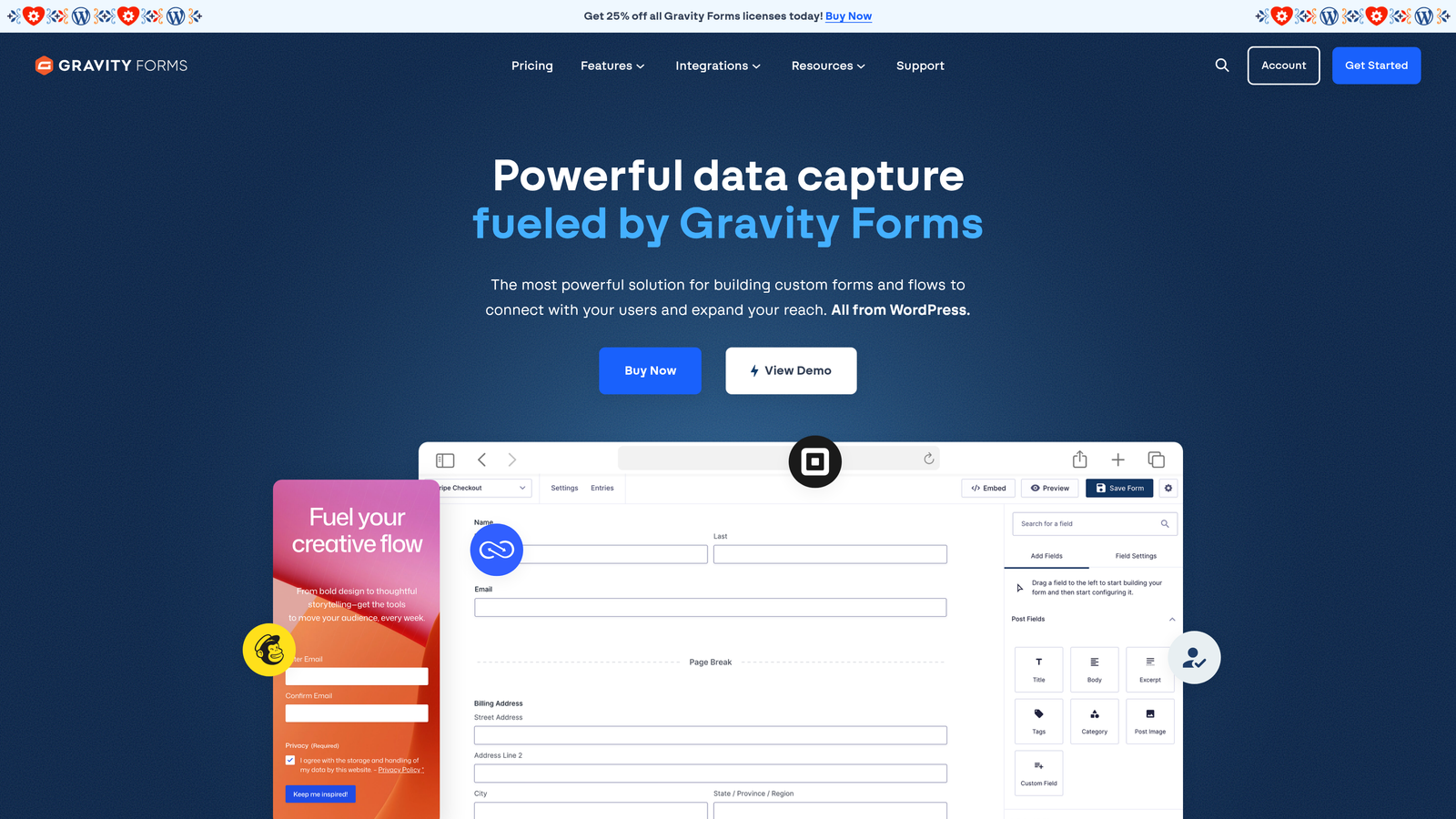
Gravity Forms is a WordPress-native form plugin with advanced conditional logic, a strong add-on ecosystem, and a licensing model that doesn't charge per submission.
Where This Tool Shines
For teams running on WordPress, Gravity Forms offers a depth of conditional logic and customization that hosted form builders rarely match. Because it runs natively on your WordPress installation, you have full control over data storage, styling, and behavior — no third-party servers handling your lead data.
The add-on ecosystem is extensive. Native integrations with HubSpot, Salesforce, Zapier, and payment processors mean you can build sophisticated lead gen and qualification workflows without custom development. Developers also appreciate the hooks and filters for custom logic that goes beyond what the UI supports.
Key Features
Deep WordPress Integration: Runs natively on your WP installation with full access to WordPress user data and site context.
Advanced Conditional Logic: Multi-page forms with complex branching, calculations, and display rules.
Extensive Add-On Library: Native connections to Zapier, HubSpot, Salesforce, Stripe, and more via official and third-party add-ons.
Developer-Friendly Architecture: Hooks, filters, and custom code support for builds that go beyond standard form functionality.
Annual License Model: Flat annual fee with no per-response charges — cost-effective at scale.
Best For
WordPress-based businesses and agencies building client sites on WP who need reliable, extensible forms without per-submission costs. Not relevant for teams not on WordPress.
Pricing
Annual licenses start around $59/year. Add-ons and higher-tier features may require upgraded license levels. Strong value compared to per-response SaaS pricing at volume.
7. Tally
Best for: Early-stage startups and lean teams that need clean, functional lead capture without paying for features they don't use.
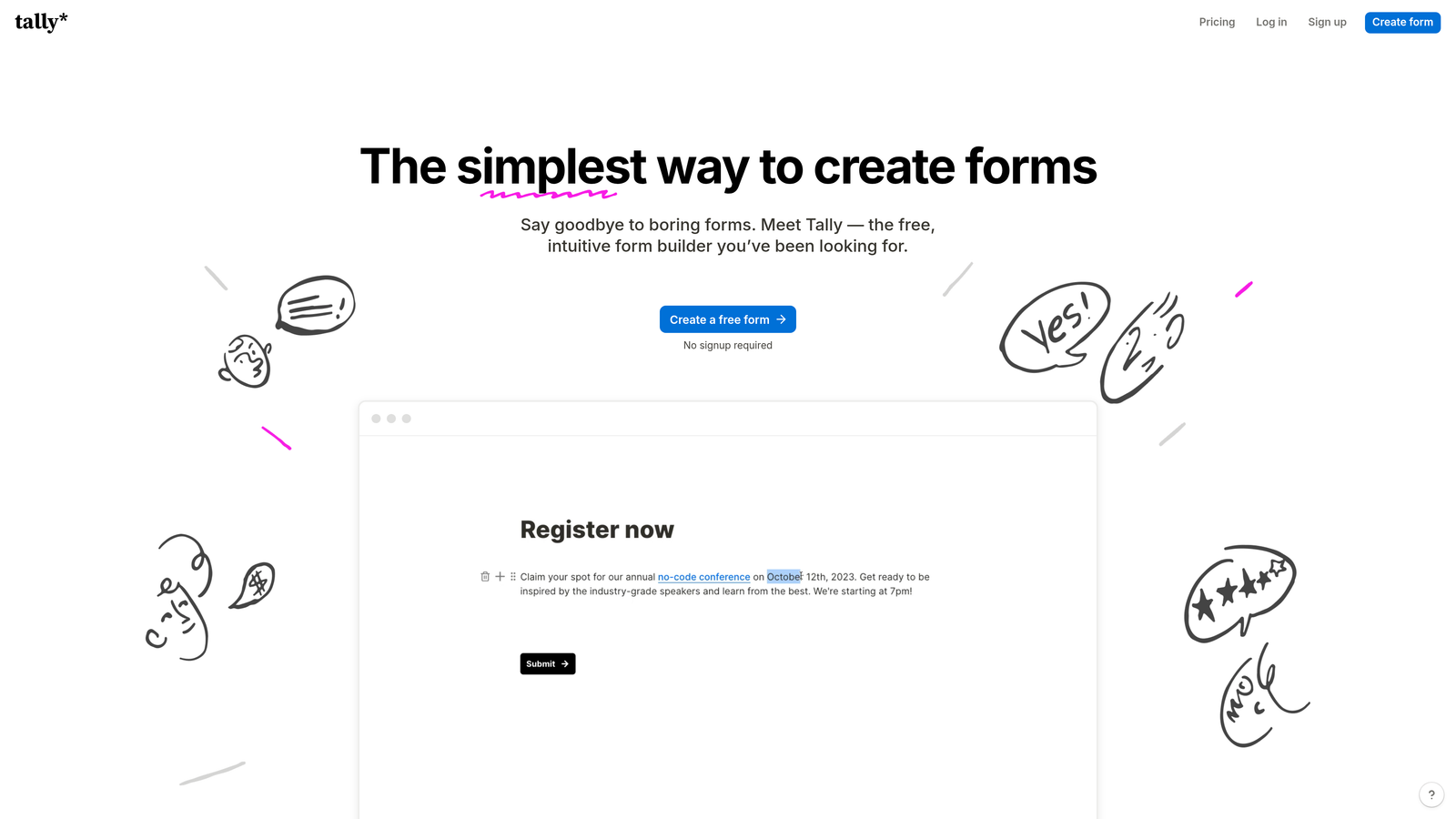
Tally is a Notion-inspired form builder with a generous free tier, no forced branding, and a minimal editor that makes form creation fast and low-friction.
Where This Tool Shines
Tally's free tier is genuinely exceptional compared to what competitors offer at the same price point. Unlimited forms, unlimited responses, and no Tally branding on your forms — that last part is rare and meaningful for early-stage teams that care about presentation but can't justify a paid subscription yet.
The block-based editor feels immediately familiar if your team uses Notion. There's almost no learning curve, which means you can go from idea to live form in minutes. For simple to moderately complex lead capture flows, Tally covers the ground without the overhead.
Key Features
Free Tier Without Branding: No Tally watermark on free forms — uncommon in the market and valuable for brand-conscious teams.
Notion-Like Block Editor: Intuitive, fast editing experience with minimal setup required.
Conditional Logic on Free Plan: Multi-step forms and conditional branching available without upgrading.
Unlimited Forms and Responses: No submission caps on the free tier, making it genuinely usable at early-stage scale.
Native Notion Integration: Direct connection to Notion databases plus Zapier for broader tool connectivity.
Best For
Early-stage startups, solo operators, and lean teams with straightforward lead capture needs. Also a strong option for teams that live in Notion and want form data flowing directly into their workspace. Not the right fit if you need built-in lead scoring or advanced qualification logic.
Pricing
Generous free tier with no submission limits or forced branding. Tally Pro is available for around $29/month and unlocks advanced features including custom domains and priority support.
8. ActiveCampaign Forms
Best for: ActiveCampaign users who want form submissions to trigger email automation and contact segmentation without additional tools.
ActiveCampaign Forms is a form builder embedded within ActiveCampaign's marketing automation platform, tightly connected to its email sequences and CRM pipelines.
Where This Tool Shines
The tight automation integration is the main reason to use this tool. When a lead submits a form, they can be immediately tagged, added to a segmented list, enrolled in an email sequence, and have a CRM deal created — all without leaving the ActiveCampaign environment or configuring middleware. For teams that have already built their marketing engine in ActiveCampaign, this eliminates meaningful operational friction.
The embed flexibility is also useful: inline forms, floating bars, and modal popups are all supported, giving you options for where and how lead capture appears across your site.
Key Features
Native Automation Triggers: Form submissions directly activate email sequences, tagging rules, and pipeline updates within ActiveCampaign.
Automatic Contact Segmentation: Tag and segment contacts at the moment of submission based on form responses.
Multiple Embed Formats: Inline, floating bar, and modal popup options for flexible placement across your site.
Conditional Form Fields: Show or hide fields based on contact data already stored in ActiveCampaign.
CRM Deal Creation: Automatically create deals in the ActiveCampaign CRM pipeline triggered by form submissions.
Best For
Teams already using ActiveCampaign as their primary marketing automation platform. The forms are a strong complement to the broader system but not a compelling standalone option. If you're not an ActiveCampaign customer, there are better dedicated form builders on this list.
Pricing
Included in ActiveCampaign plans, which start around $15/month. Not available as a standalone product — you're paying for the full platform.
9. Paperform
Best for: Service businesses that want to combine lead capture, payments, scheduling, and quotes in a single form flow.
Paperform is a document-style form builder that goes beyond lead capture to support payments, bookings, and pricing calculations within the same form experience.
Where This Tool Shines
Paperform's document-style editor is distinctive. Forms don't feel like forms — they feel like well-designed pages that happen to collect information. This presentation style works particularly well for service businesses where the form itself is part of the sales experience: a proposal, an intake questionnaire, or a booking flow.
The built-in payment and scheduling capabilities set it apart from pure lead gen tools. If your conversion flow ends with a booking or a payment rather than just a contact submission, Paperform handles that entire sequence without requiring a separate tool for each step.
Key Features
Document-Style Editor: Forms are built and experienced as pages, not traditional form layouts — more engaging and brand-appropriate for many use cases.
Built-In Payment Processing: Accept payments via Stripe and other providers directly within the form, no separate checkout required.
Scheduling and Booking: Capture lead information and book appointments or calls within the same form flow.
Calculation Fields: Build pricing estimators and quote generators that give respondents an immediate value output.
Conditional Logic and Multi-Section Flows: Solid branching and multi-step form support for more complex qualification sequences.
Best For
Consultants, agencies, and service businesses where the conversion event involves a booking, payment, or quote rather than a simple contact submission. Also useful for SaaS teams that want to qualify and book demos in a single form flow.
Pricing
Plans start around $24/month. Higher tiers unlock increased submission limits and advanced features. Competitive given the breadth of functionality included.
Which Tool Is Right for Your Team
The right choice depends on what you actually need your forms to do. Here's a quick breakdown by use case.
If lead qualification is your primary goal and you want AI-powered scoring built into the form itself, Orbit AI is purpose-built for exactly that. It's the strongest option for high-growth SaaS and B2B teams where lead quality drives pipeline health.
If you're already running on HubSpot, start with HubSpot Forms before adding another tool. The native CRM sync and progressive profiling are hard to replicate cleanly from outside the ecosystem.
For teams on WordPress, Gravity Forms offers depth and flexibility at a flat annual cost that becomes very attractive at scale. For paid media teams, Unbounce is the logical choice when you need to own the entire post-click experience.
If you're early-stage and budget-constrained, Tally's free tier is legitimately excellent. Typeform is worth considering when engagement and brand experience are priorities. Jotform suits agencies with complex multi-client needs, ActiveCampaign Forms serves teams already in that ecosystem, and Paperform is the standout for service businesses combining lead capture with bookings and payments.
For teams serious about turning forms into a qualification engine rather than just a data collection layer, start building free forms today and see how intelligent form design can change what comes through your pipeline.


