

In today's competitive landscape, managing leads effectively is the difference between hitting quota and falling short. A simple spreadsheet or a cluttered inbox can quickly become a bottleneck, causing high-intent prospects to slip through the cracks. The right software doesn't just store contact information; it automates tedious tasks, enriches data, scores leads based on their readiness to buy, and provides the insights your sales team needs to focus on closing deals. This is where the best lead management software becomes an indispensable asset, transforming a chaotic process into a predictable revenue machine.
To truly move beyond basic tools, understanding the importance of CRM integration is key for creating a unified customer view and automating workflows. The platforms we cover are designed to integrate seamlessly into your existing tech stack, ensuring data flows where it's needed most. This guide cuts through the noise to showcase the 12 best lead management software platforms available today. We'll analyze their core strengths, potential drawbacks, and ideal use cases, from AI-powered lead capture to enterprise-grade CRMs.
Our goal is to help you find the perfect fit to supercharge your sales pipeline. Each entry includes:
- A concise breakdown of its core features and target audience.
- Honest pros and cons based on real-world usage.
- A "Best For" recommendation to match the tool to your specific business needs (e.g., startups, agencies, B2B SaaS).
- Up-to-date pricing information and screenshots to give you a clear view.
Forget sifting through endless marketing copy. This comprehensive resource is designed to give you the practical insights needed to make a confident decision and find the software that will turn your leads into loyal customers.
1. Orbit AI
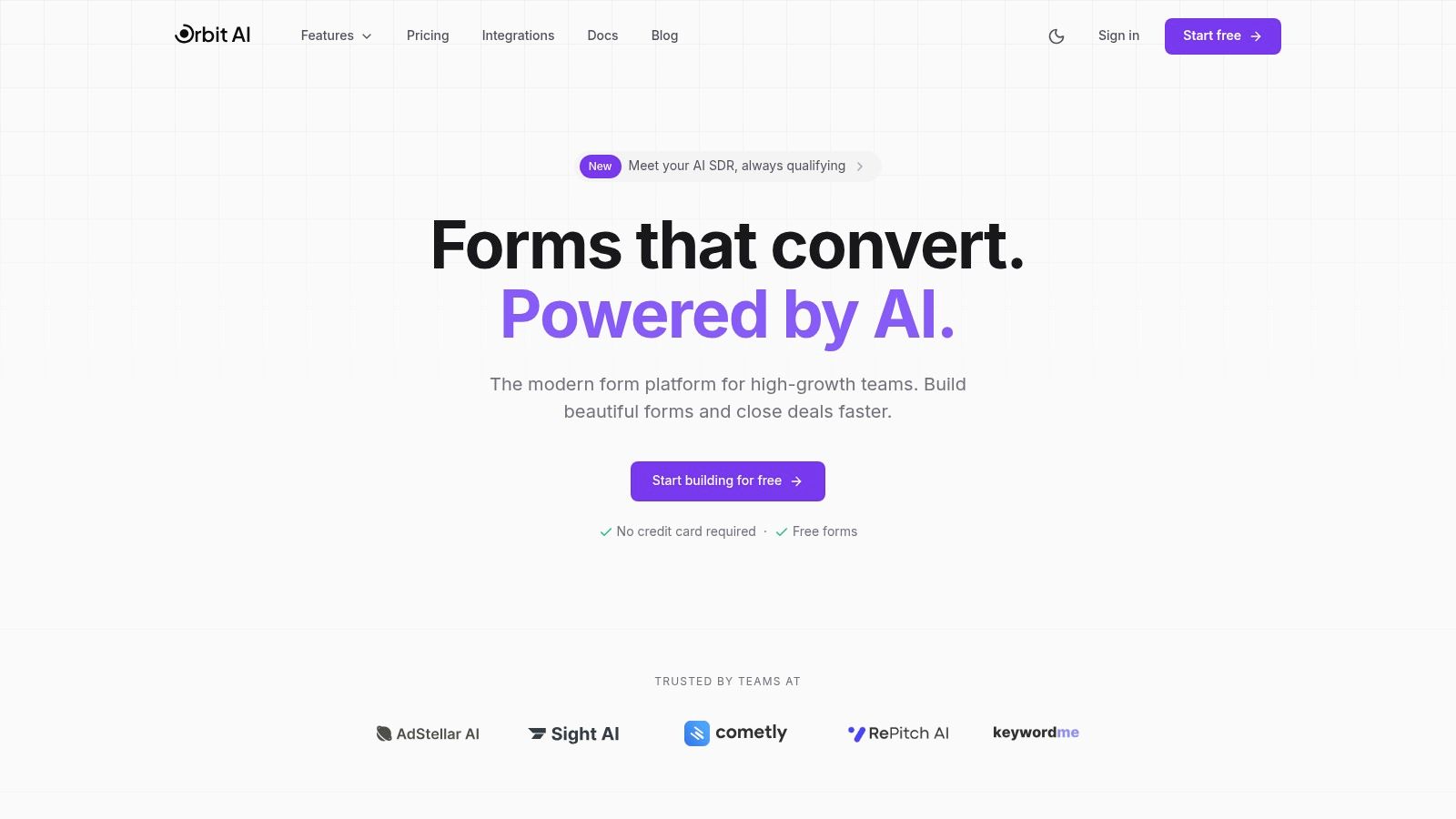
Orbit AI secures the top position as the best lead management software by fundamentally rethinking the point of lead capture. It moves beyond simple data collection, transforming static web forms into dynamic, intelligent lead qualification and conversion engines. This AI-powered platform is engineered for high-growth teams that need to not only capture more leads but also ensure they are high-quality and sales-ready, directly addressing the common disconnect between marketing efforts and sales pipeline.
The platform's core strength lies in its "AI SDR," a sophisticated system that works behind the scenes. Once a lead is submitted through one of Orbit AI’s fast-loading, visually appealing forms, the AI instantly begins enriching the data, scoring the lead based on custom criteria, and qualifying its intent. This automated process significantly reduces manual triage for sales development teams, allowing them to focus exclusively on engaging high-potential prospects rather than sifting through unqualified submissions. For teams struggling with lead volume that doesn't translate to revenue, this is a game-changing capability.
Key Features & Use Cases
- AI-Powered Lead Qualification: The system automatically enriches submissions with firmographic data and applies smart scoring. A practical use case is a B2B SaaS company that can instantly prioritize inbound leads from enterprise-level companies in their target industry, routing them directly to a senior account executive’s calendar. You can learn more about its AI agent capabilities and how they automate these critical workflows.
- High-Conversion Form Builder: Its intuitive, no-code visual builder and optimized templates allow marketing teams to deploy beautiful forms that load quickly, reducing friction and abandonment. This is ideal for landing pages, demo requests, and webinar sign-ups where conversion speed is critical.
- Seamless Integrations & Collaboration: With over 50 native integrations, Orbit AI ensures lead data flows instantly into CRMs like Salesforce, marketing automation tools like HubSpot, and data platforms. Unlimited team member access fosters collaboration between marketing, sales, and operations.
- Enterprise-Grade Security: For businesses in regulated industries or those handling sensitive data, Orbit AI’s enterprise-grade encryption and GDPR-readiness provide essential peace of mind.
Pricing & Onboarding
Orbit AI offers a robust free-forever plan that allows teams to start building and capturing leads without a credit card. For advanced features like deeper AI qualification and premium integrations, paid plans are available. Teams can explore these options on the website or contact sales for enterprise needs. The user experience is designed for quick adoption, with a clean interface and helpful templates to get started in minutes.
Website: https://orbitforms.ai
2. HubSpot Sales Hub
HubSpot Sales Hub is a cornerstone of the CRM world, offering an all-in-one platform where lead management is deeply integrated with marketing, sales, and service activities. It stands out for its scalability, providing a robust free tier that allows startups and small businesses to organize contacts and track deals without initial investment. This seamless integration makes it one of the best lead management software options for teams wanting a single source of truth for all customer interactions.
The platform excels at centralizing lead data. You can capture leads through forms and live chat, track every interaction on a single timeline, and visualize your entire sales process with customizable deal pipelines. Its user interface is famously clean and intuitive, supported by the extensive HubSpot Academy, which provides free courses to help teams master the software. For growing teams, features like email sequences and automated workflows streamline follow-up and ensure no lead falls through the cracks.
Pricing and Key Features
| Tier | Price (Starts At) | Key Lead Management Features |
|---|---|---|
| Free Tools | $0/month | Contact management, deal pipelines, live chat, meeting scheduler |
| Starter | $15/seat/month | Simple automation, conversation routing, payment links |
| Professional | $90/seat/month | Sales automation, forecasting, custom reporting |
| Enterprise | $150/seat/month | Predictive lead scoring, advanced permissions, conversation intelligence |
Pros and Cons
Pros:
- Generous Free Tier: A powerful starting point for new businesses.
- All-in-One Platform: Combines marketing, sales, and service tools natively.
- User-Friendly: Excellent UI and extensive free training resources.
Cons:
- Rising Costs: Pricing increases significantly with more seats and advanced features.
- Onboarding Fees: Professional and Enterprise plans often require a paid onboarding package.
For teams looking to enhance HubSpot's native forms with AI-driven qualification, you can explore how to integrate advanced AI with HubSpot to automate lead scoring and routing further.
3. Salesforce Sales Cloud
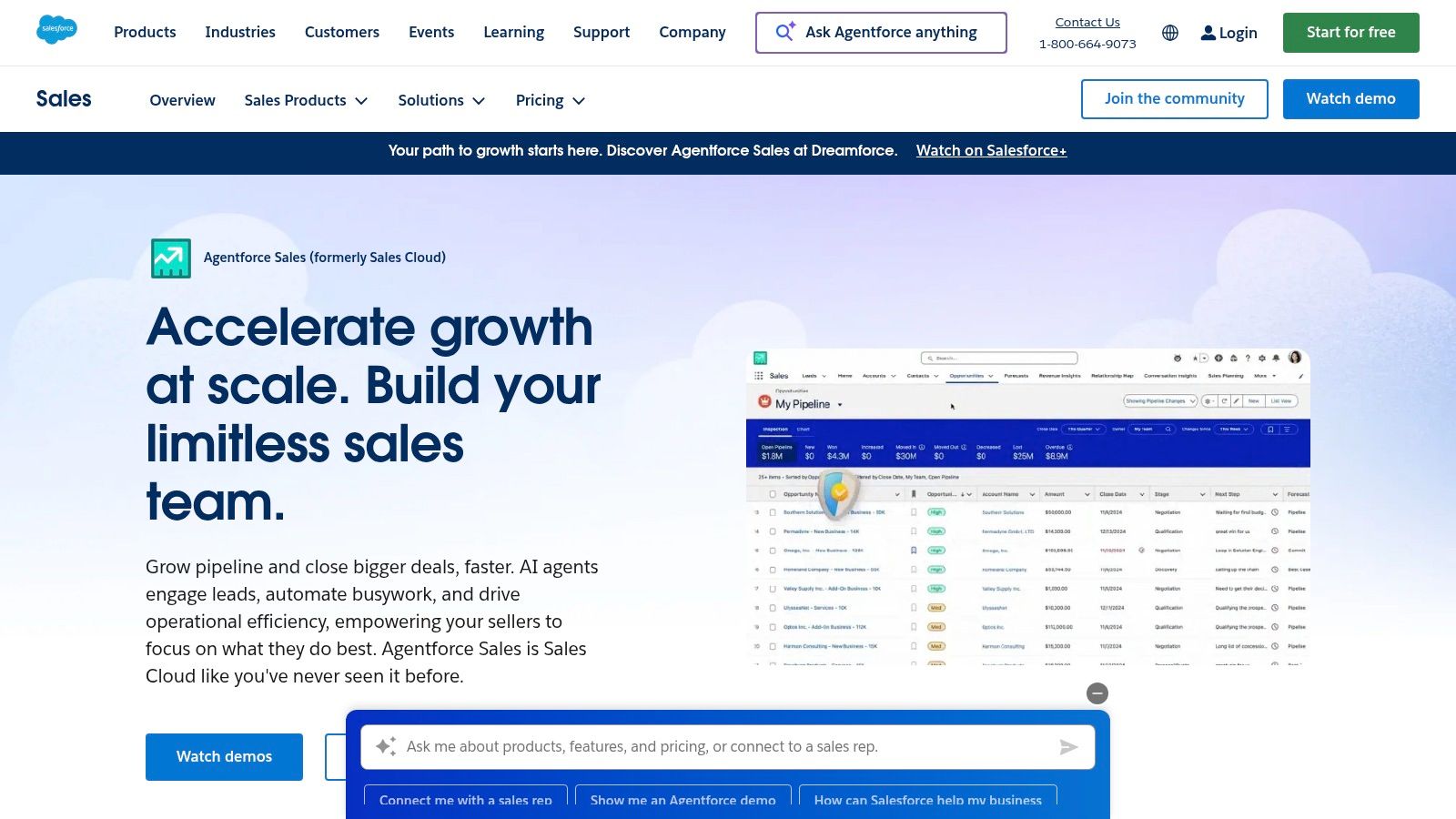
Salesforce Sales Cloud is the undisputed enterprise leader in the CRM market, offering a deeply powerful and customizable platform for managing complex sales cycles. Its lead management capabilities are designed for scale, providing sophisticated tools for routing, assignment, and tracking that can be tailored to any organizational structure. For large teams that require granular control and extensive integration options, Salesforce remains one of the best lead management software solutions available due to its sheer depth and adaptability.
The platform is built to handle massive volumes of data, allowing for intricate lead capture through web-to-lead forms and advanced territory management rules. It excels at providing a 360-degree view of the customer, combining lead information with sales, service, and marketing data. While its extensive feature set presents a steeper learning curve than simpler tools, the investment pays off for organizations needing robust reporting, forecasting, and a vast ecosystem of third-party apps via its AppExchange marketplace.
Pricing and Key Features
| Tier | Price (Starts At) | Key Lead Management Features |
|---|---|---|
| Starter | $25/user/month | Lead capture, contact management, web-to-lead forms, duplicate blocking |
| Professional | $80/user/month | Lead assignment and routing rules, basic forecasting |
| Enterprise | $165/user/month | Advanced reporting, workflow automation, opportunity splits |
| Unlimited | $330/user/month | AI-powered insights (Einstein), performance management, 24/7 support |
Pros and Cons
Pros:
- Deep Customization: Highly adaptable to complex business processes and sales workflows.
- Unmatched Ecosystem: The AppExchange provides endless integration and extension possibilities.
- Enterprise-Grade Security: Strong compliance, security, and administrative controls for large organizations.
Cons:
- High Learning Curve: Requires significant training and often a dedicated administrator to manage.
- Expensive: The total cost of ownership grows quickly with additional users, features, and necessary add-ons.
To connect Salesforce with AI-powered forms for automated lead qualification and routing, discover how to integrate Orbit AI with your Salesforce instance and streamline your data capture process.
4. Pipedrive
Pipedrive is a sales-focused CRM renowned for its simplicity and powerful visual pipelines. It's designed to help sales teams get organized and close deals faster, making it one of the best lead management software choices for small and medium-sized businesses that prioritize ease of use and a clear, activity-based sales process. The platform centers everything around a deal pipeline, giving teams an immediate visual overview of where every lead stands.
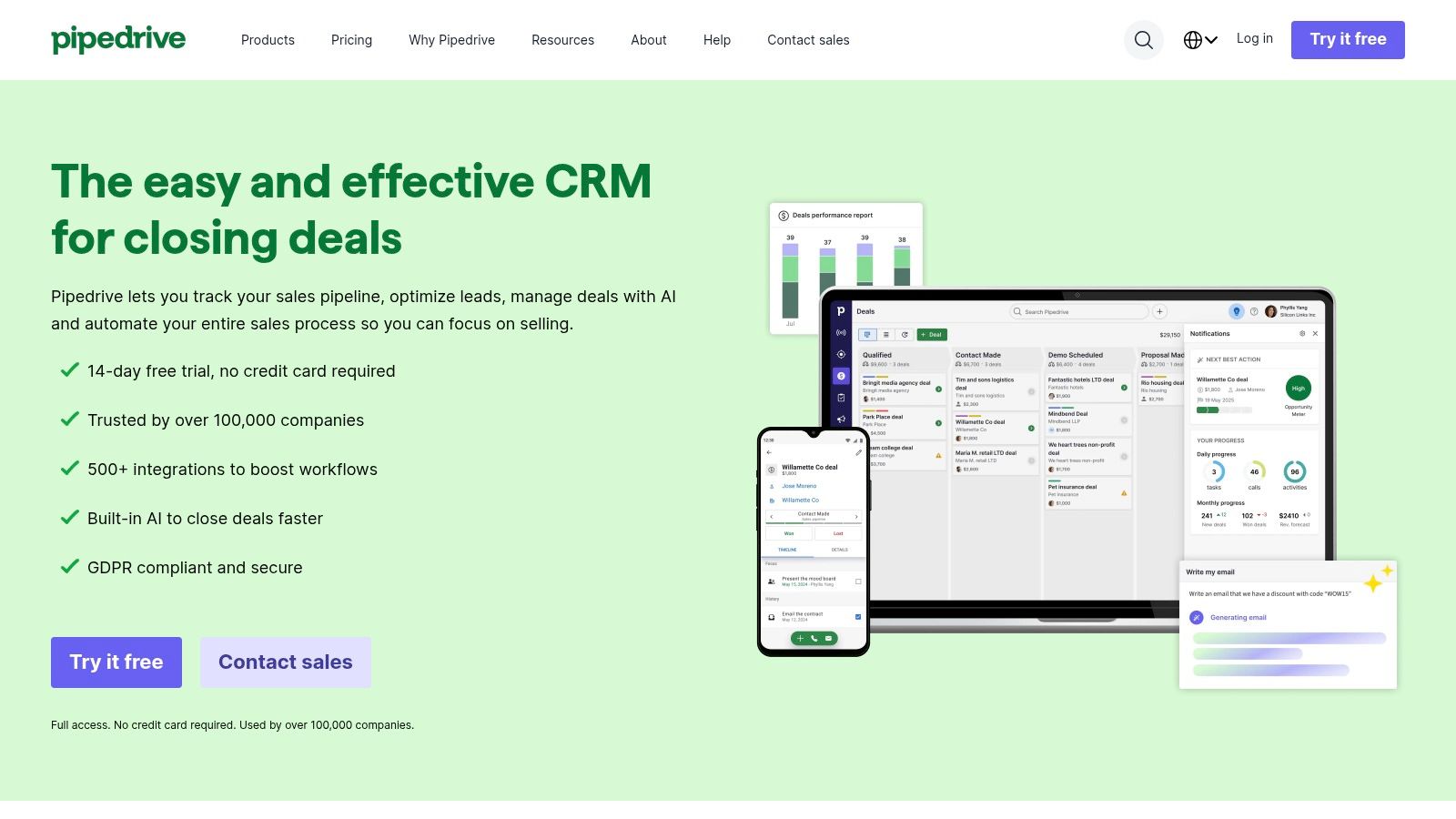
The user experience is clean and intuitive, minimizing the learning curve often associated with CRM implementation. Pipedrive’s dedicated "Leads Inbox" acts as a staging area where you can qualify prospects before committing them to your sales pipeline. Features like email sync, a meeting scheduler, and AI-assisted reporting help streamline daily activities, while its robust mobile app ensures sales reps can manage leads effectively from anywhere. This straightforward approach allows teams to focus more on selling and less on administrative tasks.
Pricing and Key Features
| Tier | Price (Starts At) | Key Lead Management Features |
|---|---|---|
| Essential | $14.90/user/month | Lead inbox, deal pipelines, contact and calendar management |
| Advanced | $27.90/user/month | Email sync, workflow automation, meeting scheduler |
| Professional | $49.90/user/month | Revenue forecasting, custom reporting, lead routing |
| Enterprise | $99/user/month | Enhanced security, phone support, advanced permissions |
Pros and Cons
Pros:
- Easy to Implement and Use: Highly intuitive interface requires minimal training.
- Clear Pricing: Straightforward, per-user pricing without hidden costs.
- Strong Mobile Apps: Excellent mobile support for sales teams on the go.
Cons:
- Limited Native Marketing: Lacks the built-in marketing automation of larger suites.
- Advanced Analytics Cost More: Key reporting and forecasting features are in higher-tier plans.
For teams wanting to connect their Pipedrive pipeline with AI-powered forms for automated qualification, you can integrate Orbit AI with Pipedrive to push qualified leads directly into your deal flow.
5. Zoho CRM
Zoho CRM is renowned for its powerful customization capabilities and deep integration within the extensive Zoho ecosystem. It offers a comprehensive suite of tools that cater exceptionally well to small and medium-sized businesses, providing a scalable solution for lead and deal management without the enterprise-level price tag. Its strength lies in its ability to adapt to unique business processes, making it a top contender for the best lead management software for teams needing flexibility.
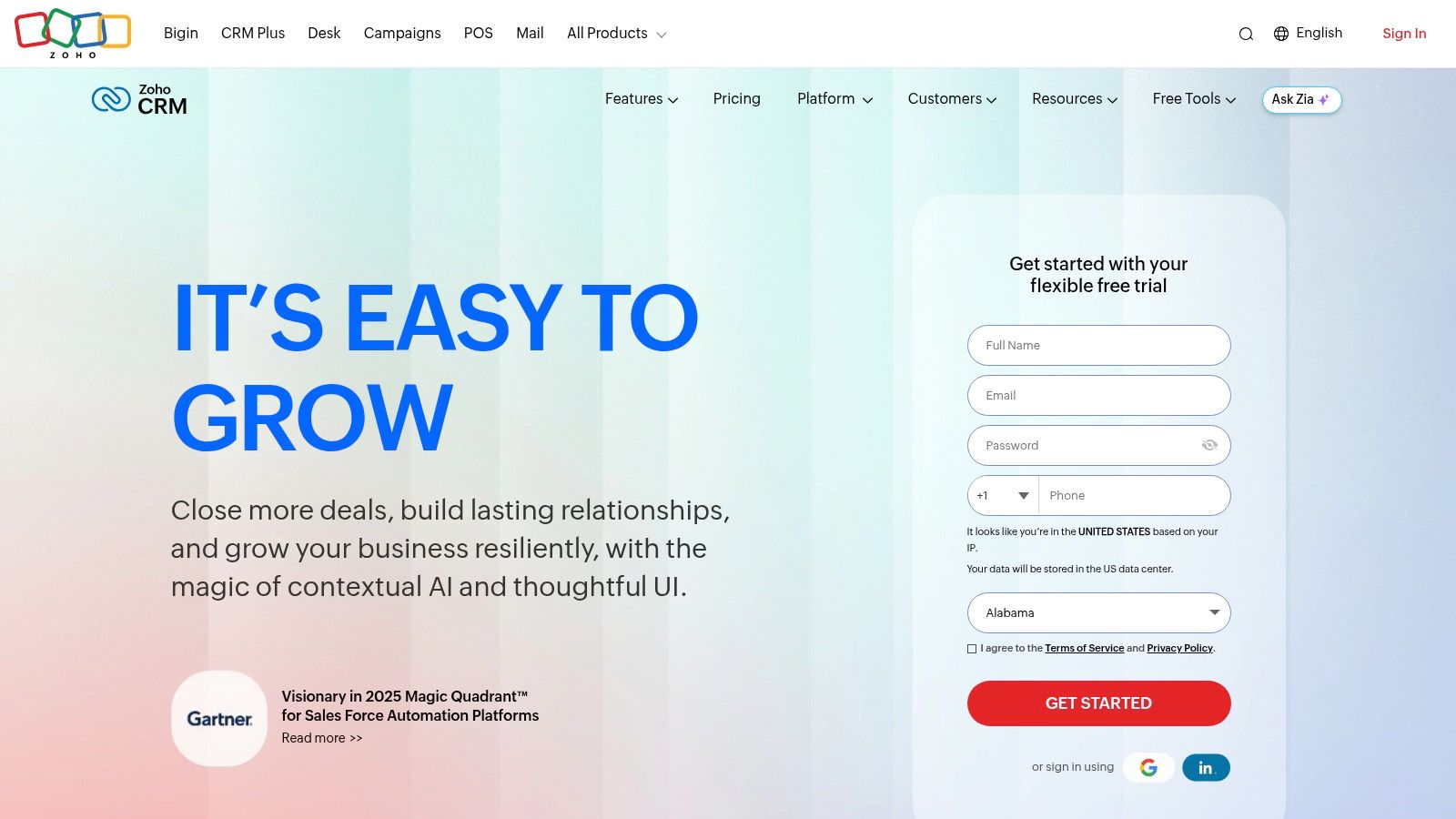
The platform enables users to capture leads from multiple sources, automate follow-up workflows, and score leads to prioritize sales efforts. On higher tiers, Zoho's AI assistant, Zia, provides predictive analytics and suggestions to optimize sales activities. With over 600 third-party integrations and connections to more than 40 native Zoho apps, it acts as a central hub for all business operations, from finance to marketing. This integration is key for teams that want to learn how to qualify sales leads more effectively by using data from across their entire organization.
Pricing and Key Features
| Tier | Price (Starts At) | Key Lead Management Features |
|---|---|---|
| Free Edition | $0/month (up to 3 users) | Leads, contacts, and deals management; basic workflows |
| Standard | $14/user/month | Scoring rules, mass email, custom dashboards |
| Professional | $23/user/month | SalesSignals (real-time notifications), inventory management |
| Enterprise | $40/user/month | Zia AI, advanced customization, multi-user portals |
Pros and Cons
Pros:
- Competitive Pricing: Offers a feature-rich free plan and affordable paid tiers.
- Highly Customizable: Adapts to specific business workflows and processes.
- Broad App Ecosystem: Seamlessly integrates with dozens of other Zoho business apps.
Cons:
- Gated AI Features: Advanced AI capabilities like Zia are reserved for higher-priced plans.
- Variable Support: Standard support can be slow; premium support comes at an extra cost.
6. Freshsales (Freshworks)
Freshsales, part of the Freshworks ecosystem, is a sales-focused CRM designed for speed and simplicity. It carves out its space in the market by offering built-in phone, chat, and email functionalities directly within the platform, making it a powerful tool for sales teams that rely on multichannel communication. The inclusion of Freddy AI, its artificial intelligence assistant, provides lead insights and forecasting, offering advanced features at a very competitive price point.
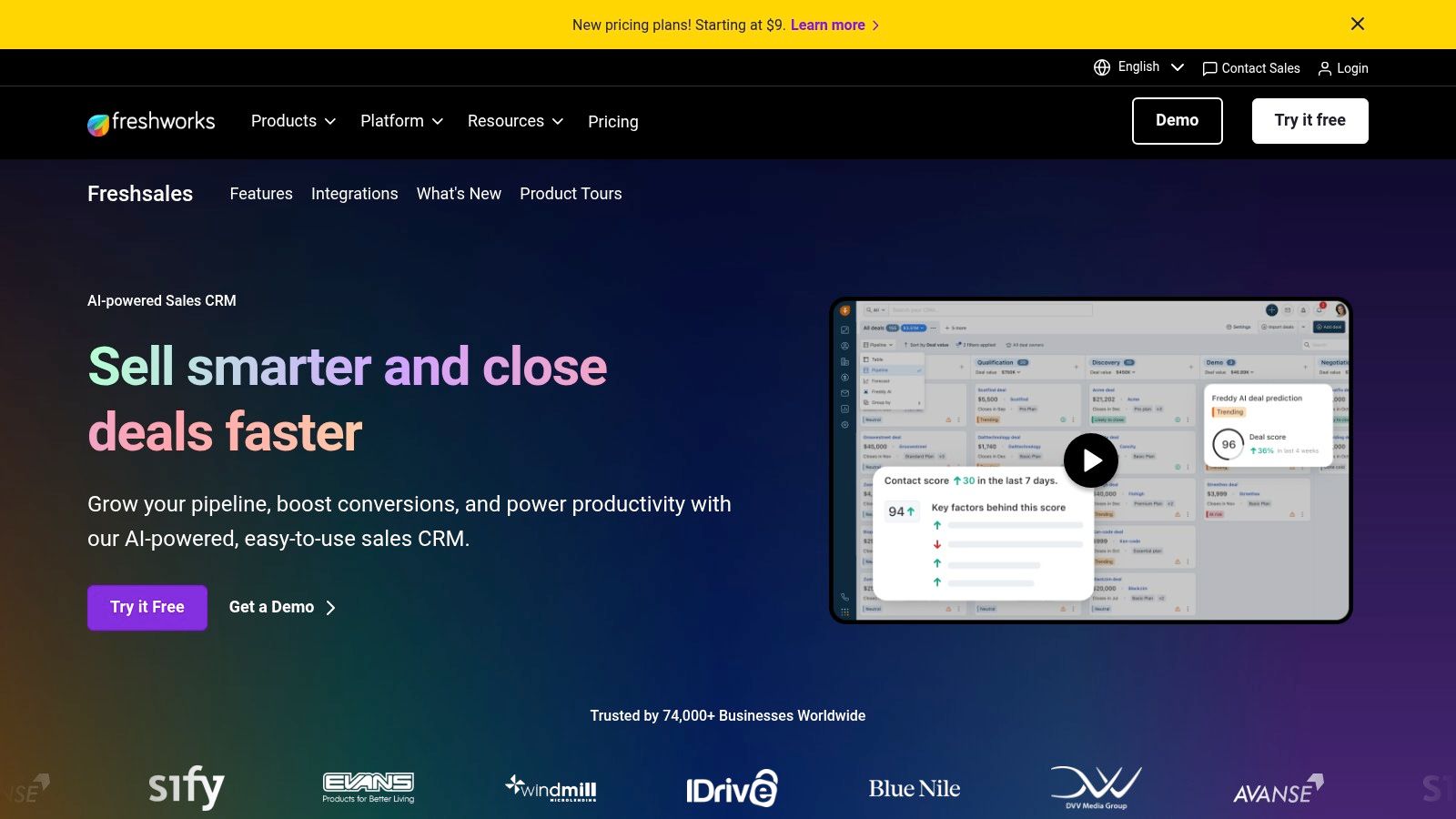
This platform is one of the best lead management software options for small to mid-sized businesses looking for an out-of-the-box solution that is easy to set up. Its visual Kanban pipelines allow for intuitive lead and deal tracking, while sales sequences help automate follow-ups. For teams wanting a more integrated approach, the Freshsales Suite bundles the CRM with Freshmarketer, creating a unified sales and marketing platform that covers the entire customer lifecycle without the complexity of larger enterprise systems.
Pricing and Key Features
| Tier | Price (Starts At) | Key Lead Management Features |
|---|---|---|
| Free | $0/month | Contact & account management, built-in chat, email & phone |
| Growth | $9/seat/month | Sales sequences, custom pipelines, product catalog |
| Pro | $39/seat/month | AI-powered contact scoring, multiple sales pipelines, sales teams |
| Enterprise | $59/seat/month | AI forecasting insights, custom modules, audit logs |
Pros and Cons
Pros:
- Affordable Tiers: Very competitive pricing with a generous free plan and a 21-day trial.
- Quick Setup: Known for its fast implementation and 24x5 customer support.
- Built-in Communication: Native phone, chat, and email tools reduce the need for third-party apps.
Cons:
- Less Customizable: Not as flexible as high-end platforms like Salesforce or HubSpot.
- Tier-Gated Features: Some key automation and AI features are reserved for Pro and Enterprise plans.
You can learn more and sign up at the official Freshsales website.
7. monday sales CRM
monday sales CRM leverages the highly visual and flexible monday.com Work OS to create a customizable lead and deal management environment. It stands out for its intuitive, board-based interface that allows sales teams to build and modify their pipelines with drag-and-drop simplicity. This visual approach makes it an excellent choice for teams that value cross-departmental visibility and a no-code platform that can be adapted to unique sales processes without developer support.
The platform is built to centralize all sales activities, from lead capture to post-sale management, in one colorful and collaborative workspace. Key functions like two-way email sync, activity tracking, and automation for repetitive tasks are seamlessly integrated. For teams needing a solution that is both powerful and easy to adopt, monday sales CRM reduces onboarding friction and empowers users to manage their contacts and deals effectively from day one. Its strength as one of the best lead management software options lies in this blend of user-friendliness and deep customization.
Pricing and Key Features
| Tier | Price (Starts At) | Key Lead Management Features |
|---|---|---|
| Basic CRM | $10/seat/month | Unlimited customizable pipelines, contact & deal management |
| Standard CRM | $14/seat/month | Two-way email sync, basic deal automations, quotes & invoices |
| Pro CRM | $24/seat/month | Advanced reporting & dashboards, sales forecasting |
| Enterprise CRM | Contact Sales | Lead scoring, team goals, advanced analytics |
Pros and Cons
Pros:
- Intuitive UI: The visual, board-based interface reduces onboarding time.
- Flexible Customization: Easily adapts to different sales motions and processes.
- Competitive Pricing: Offers strong value, particularly for smaller teams.
Cons:
- Three-Seat Minimum: All paid plans require a minimum of three users.
- Limited Advanced Features: Reporting and territory management are less robust than enterprise-focused CRMs.
8. Close CRM
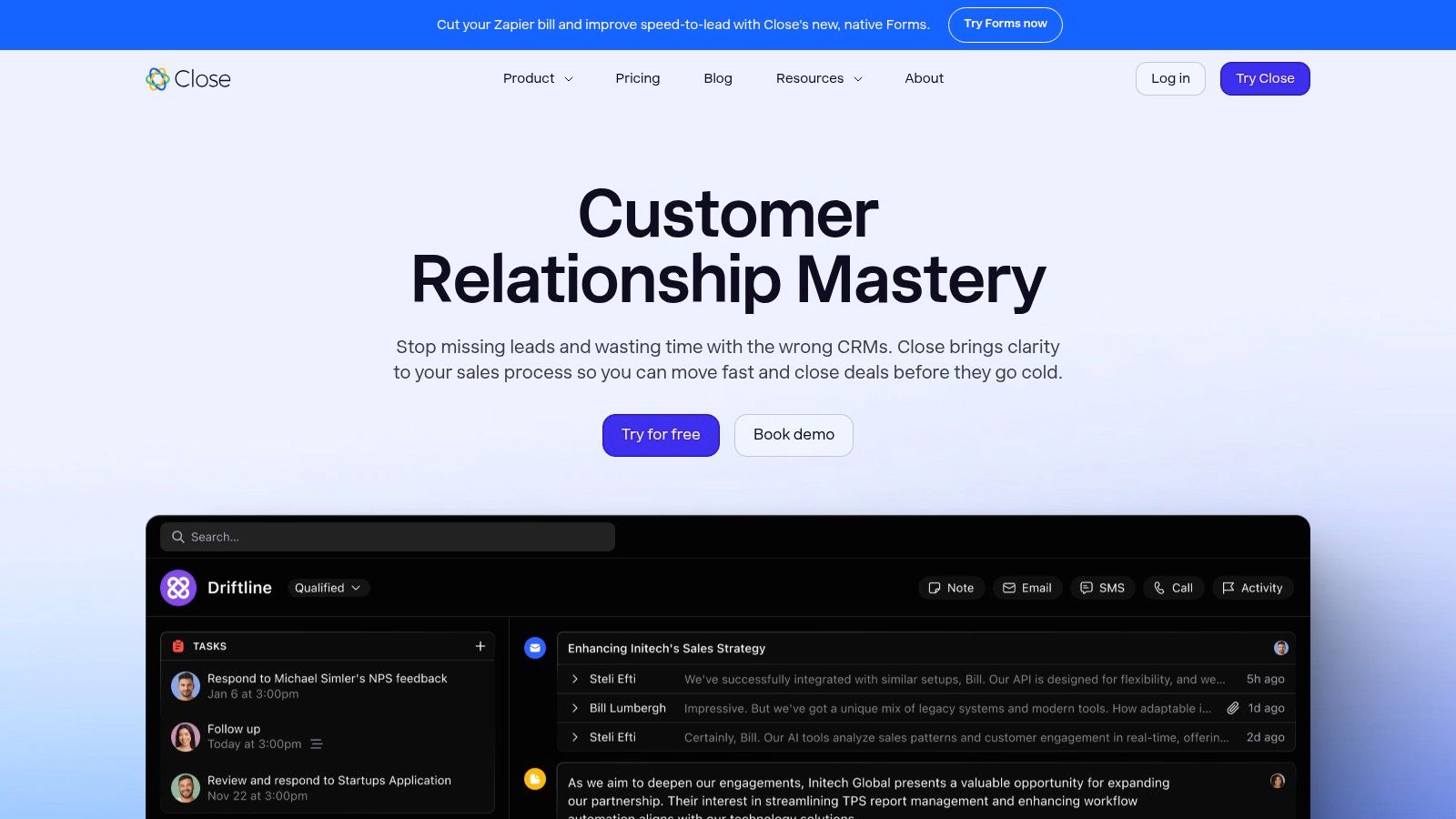
Close CRM is a high-velocity sales engagement platform designed for teams that live on the phone and in their inbox. It merges powerful communication tools directly into its CRM, eliminating the need for separate calling, texting, and emailing systems. This tight integration makes it one of the best lead management software choices for inside sales and outbound-focused teams who need to make a high volume of calls and send personalized email sequences efficiently.
The platform’s core strength is its focus on action. From a single view, a sales rep can see a lead's entire history, make a call using the built-in Power Dialer, send a text, and enroll them in an email sequence without ever switching tabs. Features like call recording, SMS templates, and automated follow-ups are built to maximize rep productivity and ensure consistent communication, making it a favorite among teams that value speed and simplicity.
Pricing and Key Features
| Tier | Price (Starts At) | Key Lead Management Features |
|---|---|---|
| Startup | $49/seat/month | 2,500 leads, email sequences, 2-way email sync, 1 pipeline |
| Professional | $99/seat/month | 10,000 leads, Power Dialer, group calling, multiple pipelines |
| Business | $149/seat/month | Predictive Dialer, call recording & coaching, custom reporting |
Pros and Cons
Pros:
- All-in-One Communication: Native calling, SMS, and email are deeply integrated.
- High Productivity: Built for speed with a Power Dialer and efficient workflows.
- Fast Implementation: Known for being easy to set up and intuitive for sales reps.
Cons:
- Dialer Costs: Per-minute charges for calling can add up for high-volume teams.
- Limited Free Version: Lacks a free-forever plan, offering only a 14-day trial.
- Fewer Integrations: Not as extensive in its app ecosystem as larger CRM platforms.
9. Copper
Copper is a unique CRM purpose-built for Google Workspace, positioning itself as the ideal solution for teams that live inside Gmail and Google Calendar. It stands out by dramatically reducing manual data entry, automatically capturing leads, contacts, and email conversations directly from your inbox. This native integration creates a seamless workflow, making it one of the best lead management software choices for service-based businesses and agencies deeply embedded in the Google ecosystem.
The platform functions like a natural extension of Google Workspace, surfacing lead and contact details in a sidebar within Gmail. Users can update deals, add notes, and manage pipelines without ever leaving their inbox, which significantly boosts adoption and productivity. Copper's visual pipelines are easy to configure and manage, providing clarity on your sales process. For teams who find traditional CRMs too cumbersome, Copper’s simplicity and deep Google integration offer a refreshingly efficient approach to managing leads.
Pricing and Key Features
| Tier | Price (Starts At) | Key Lead Management Features |
|---|---|---|
| Basic | $23/user/month | Google Workspace integration, 2,500 contacts, deal management |
| Professional | $59/user/month | Workflow automation, bulk email sending, custom reporting |
| Business | $99/user/month | Lead scoring, email sequences, advanced reports |
Pros and Cons
Pros:
- Deep Google Integration: Seamlessly syncs with Gmail, Calendar, and Drive, minimizing data entry.
- User-Friendly: Clean interface and easy deployment for teams familiar with Google's UI.
- High Adoption: Works within existing workflows, making it easy for teams to adopt.
Cons:
- Limited for Non-Google Users: Value is significantly diminished for teams not using Google Workspace.
- Feature Ceilings: Lower-tier plans have restrictive contact limits and lack key automation features.
10. Salesforce AppExchange
While not a standalone software, the Salesforce AppExchange is a critical resource for any team using Salesforce as their CRM. It functions as the premier marketplace for applications that extend and specialize Salesforce's native capabilities, making it an essential hub for finding some of the best lead management software components. Instead of offering one solution, it provides a curated ecosystem of tools for advanced lead-to-account matching, routing, scoring, and enrichment from proven vendors like LeanData and Distribution Engine.
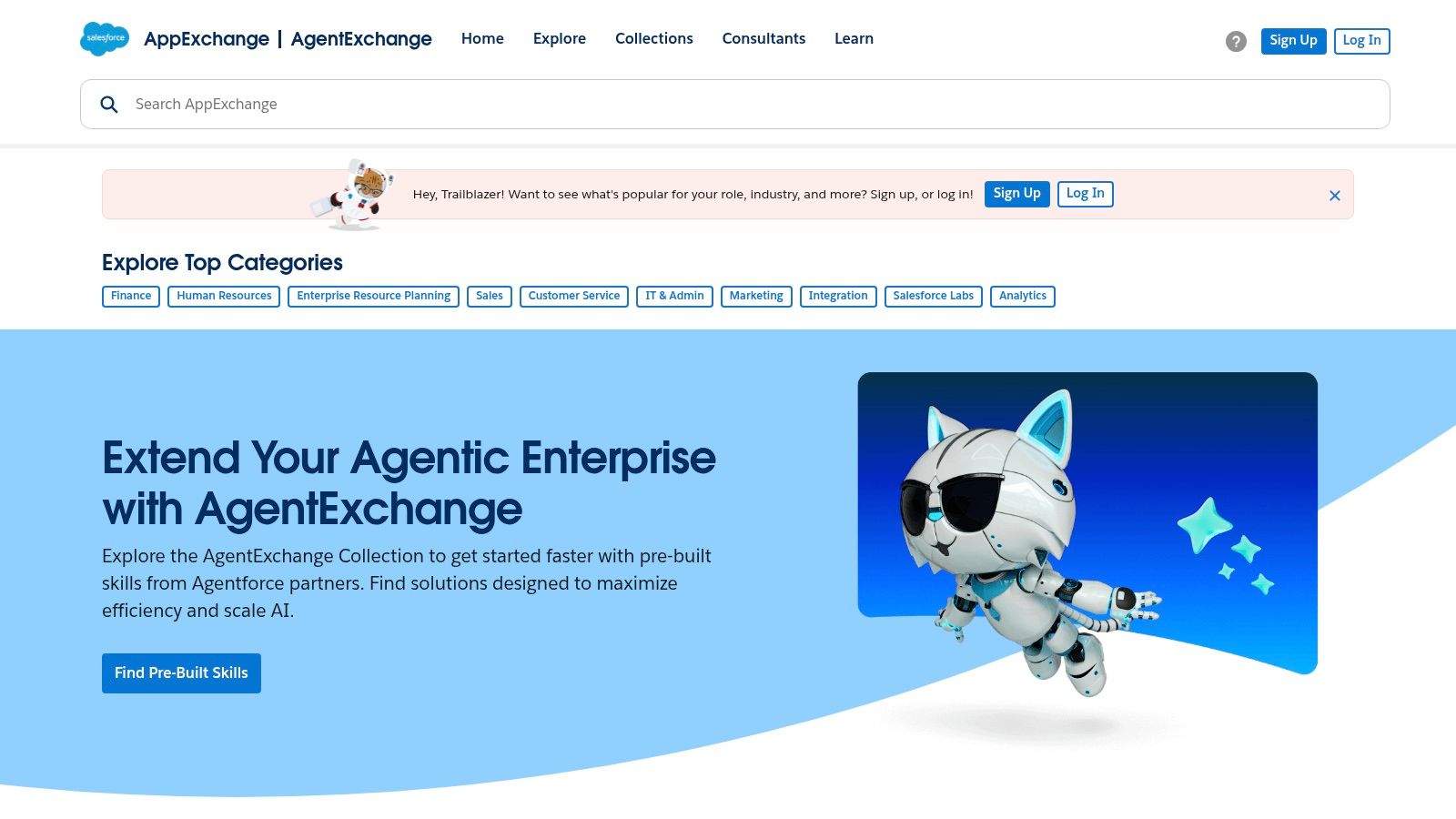
This platform allows businesses to build a highly customized lead management stack directly within their Salesforce environment. You can find, trial, and deploy native apps that address very specific pain points, from territory management to data cleansing. Each listing includes detailed descriptions, user reviews, and transparent pricing information, helping sales ops and admins make informed decisions. The true power of the AppExchange is its ability to transform a general-purpose CRM into a specialized, high-performance lead management machine tailored to your exact business processes.
Pricing and Key Features
| Tier | Price (Starts At) | Key Lead Management Features |
|---|---|---|
| Varies by App | App-specific pricing | Curated collections for lead routing and sales ops |
| Varies by App | App-specific pricing | Vendor listings with pricing tiers, trials, and reviews |
| Varies by App | App-specific pricing | Native apps that integrate within Salesforce editions |
Pros and Cons
Pros:
- Deep Selection: Unmatched variety of specialized lead management apps.
- Admin-Friendly: Tools are designed for seamless deployment and governance within Salesforce.
- Flexible Trials: Many vendors offer free trials or nonprofit discounts.
Cons:
- Requires Salesforce: You must be a Salesforce customer to use these apps.
- Rising Costs: The total cost and complexity can increase significantly with multiple apps.
11. G2 (Lead Management Software category)
While not a software tool itself, G2’s Lead Management category is an indispensable resource for any team researching the best lead management software. It acts as a comprehensive, user-review-driven hub where you can compare dozens of solutions based on real-world feedback. G2 aggregates verified user reviews, market presence data, and satisfaction scores into easy-to-digest formats like their signature Grid® reports, allowing you to see which tools lead in performance and which are gaining momentum.
This platform is invaluable for creating a data-backed shortlist. You can filter vendors by company size, specific features (like lead scoring or distribution), and user ratings to find tools that match your exact needs. Instead of relying solely on vendor marketing, G2 provides raw, peer-generated pros and cons, direct comparisons between alternatives, and links to vendor websites for trials or demos. It's a crucial first step in the buying process, helping you validate claims and uncover potential red flags before committing to a platform.
Pricing and Key Features
| Tier | Price (Starts At) | Key Lead Management Features |
|---|---|---|
| User Access | Free | Verified user reviews and ratings, vendor comparison tools, market Grid® reports |
| G2 Track | Contact Sales | Software spend management, license tracking, contract renewal alerts |
| G2 Marketing | Contact Sales | Buyer intent data, lead generation, review management |
| G2 Investor | Contact Sales | Market intelligence, trend analysis, competitive insights |
Pros and Cons
Pros:
- Authentic Peer Feedback: Provides fresh, high-volume reviews from verified users.
- Powerful Filtering: Easily compare tools based on your company size and required features.
- Market Transparency: Quickly identify market leaders, trending tools, and viable alternatives.
Cons:
- Sponsored Placements: Vendor advertising can influence visibility on category pages.
- Requires Further Vetting: Ratings are a starting point; you must still validate each tool's fit for your specific workflows.
To explore the extensive list of options and read user reviews, you can visit the G2 Lead Management category directly.
12. Capterra (Lead Management Software directory)
Capterra isn’t a lead management software itself but rather an indispensable discovery platform and software directory. It serves as a comprehensive research hub where businesses can compare hundreds of lead management tools side-by-side. For teams just beginning their search, Capterra provides an organized, filterable landscape, making it a crucial first step in finding the best lead management software that aligns with specific business needs, from industry focus to company size and budget constraints.
The platform excels at simplifying the complex process of software evaluation. Users can filter solutions by key features like lead scoring, nurturing, and distribution, as well as by deployment type and pricing models. Each listing includes aggregated user reviews, feature summaries, and screenshots, offering a balanced view of a tool's capabilities and user experience. This allows decision-makers to create a well-researched shortlist before committing time to demos or trials.
Pricing and Key Features
| Tier | Price (Starts At) | Key Lead Management Features |
|---|---|---|
| Free Resource | $0 | N/A (Directory for research) |
| Vendor Listings | Varies | Filter by features, pricing models, and deployment type |
| Comparisons | Free | Side-by-side software comparisons and buyer guides |
| Reviews & Ratings | Free | Access to verified user reviews and value ratings |
Pros and Cons
Pros:
- Easy Shortlisting: Powerful filters help narrow down options for SMB buyers quickly.
- Transparent Summaries: Provides clear overviews of features and plan structures.
- Highlights Typical Costs: Gives a general sense of costs and overall value ratings.
Cons:
- Potential for Bias: Some listings are vendor-submitted and may be promotional.
- Inconsistent Detail: The depth of technical information varies significantly between product pages.
Top 12 Lead Management Software Comparison
| Product | Core features | Target audience | UX & quality | Unique selling points | Price / value |
|---|---|---|---|---|---|
| Orbit AI | AI SDR lead qualification, visual form builder, templates, real‑time analytics, 50+ integrations | High‑growth B2B SaaS & enterprise marketing & sales teams | Fast‑loading, high conversion forms; clean UX | Continuous enrichment + smart lead scoring; unlimited team collaboration; GDPR‑ready | Free starter; paid tiers (contact for details) |
| HubSpot Sales Hub | Forms, chat, deal pipelines, workflows, predictive scoring (Enterprise) | Teams wanting unified marketing + sales platform | Strong UI, excellent onboarding & learning resources | Large ecosystem & HubSpot Academy; generous free tier | Free → Enterprise; costs increase with seats/add‑ons |
| Salesforce Sales Cloud | Lead capture/routing, scoring (add‑on), reporting, forecasting, AppExchange | Large or complex sales organizations / enterprises | Highly customizable; steeper learning curve | Best‑in‑class scalability, partner network & security | Enterprise pricing; higher total cost with add‑ons |
| Pipedrive | Lead inbox, visual pipelines, email sync, scheduler, AI reporting | SMB sales teams focused on speed & simplicity | Intuitive, fast to implement; strong mobile apps | Clear pricing, easy pipeline management | Clear tiered pricing; mid‑tier automation |
| Zoho CRM | Lead capture & workflows, Zia AI scoring (higher tiers), analytics, 600+ integrations | SMBs needing customization and value | Good automation for price; support varies | Competitive pricing; broad Zoho app ecosystem | Free plan available; competitive paid tiers |
| Freshsales (Freshworks) | Built‑in telephony/chat/email, Kanban pipelines, Freddy AI | SMBs wanting multichannel engagement | Quick setup; 21‑day trial; 24x5 support | Built‑in communications + AI insights at entry value | Affordable entry tiers; advanced features on higher plans |
| monday sales CRM | Custom pipelines/boards, two‑way email sync, automations, dashboards | Teams wanting no‑code visual CRM & cross‑team visibility | Intuitive UI; reduces onboarding time | Visual, flexible workflows built on monday.com | Competitive for small teams; three‑seat min on paid plans |
| Close CRM | Built‑in calling, SMS, email, sequences, power/predictive dialers | Outbound & inside‑sales teams focused on calls | High usability; fast to implement | Integrated dialer + multi‑channel engagement | Month‑to‑month billing; dialer minutes may cost extra |
| Copper | Native Gmail/Calendar/Drive integration, lead & deal workflows | Google Workspace‑centric teams & service SMBs | Minimal manual entry; clean UI | Deep Google Workspace automation | Simple tiered pricing; contact limits on lower plans |
| Salesforce AppExchange | Curated lead‑management apps, vendor listings, trials & reviews | Salesforce customers / admins seeking extensions | Marketplace with reviews & governance tools | Large catalog of specialized lead ops apps | App pricing varies; requires Salesforce base license |
| G2 (Lead Management) | Category filters, verified reviews, comparisons, product links | Buyers researching & shortlisting lead management tools | Fresh, high‑volume peer feedback; market grids | Real user reviews & trending insights | Free to browse; vendor links to trials/pricing |
| Capterra (Lead Management) | Filterable directory, side‑by‑side comparisons, buyer guides | SMB buyers shortlisting software | Clear summaries of features & typical costs | Easy shortlisting and direct vendor links | Free to browse; vendor‑provided listings possible |
Choosing the Right System to Fuel Your Growth
Navigating the landscape of lead management software can feel overwhelming. We've explored a wide spectrum of solutions, from the AI-powered precision of Orbit AI at the point of capture to the sprawling, all-in-one ecosystems of Salesforce and HubSpot, and the user-friendly simplicity of CRMs like Pipedrive and Copper. The central takeaway is clear: the "best lead management software" is not a one-size-fits-all designation. It's the system that most effectively removes friction from your specific sales process and empowers your team to focus on what they do best: building relationships and closing deals.
Your final decision should be a strategic one, rooted in a deep understanding of your current bottlenecks and future growth ambitions. A startup struggling with low-quality inbound leads from its website has vastly different needs than an enterprise sales team managing a complex, multi-stage pipeline. The former might gain immense value from a specialized tool that automates qualification, while the latter requires a robust CRM with extensive customization and reporting capabilities.
Key Takeaways and Your Next Steps
As you move from evaluation to decision, keep these core principles at the forefront. This framework will help you select a tool that doesn't just manage leads, but actively accelerates your revenue engine.
1. Diagnose Your Core Problem First:
Before you get dazzled by feature lists, pinpoint your single biggest lead management challenge.
- Is it lead quality? Are your reps wasting hours on unqualified prospects? A tool like Orbit AI that uses conversational AI to qualify leads before they enter your CRM can deliver an immediate, high-impact solution.
- Is it process chaos? Do leads fall through the cracks due to a lack of a centralized system? A foundational CRM like HubSpot Sales Hub or Pipedrive can bring much-needed order and visibility.
- Is it scalability? Is your current system buckling under the weight of a growing team and complex workflows? An enterprise-grade platform like Salesforce Sales Cloud may be the necessary long-term investment.
2. Prioritize the Point of Conversion:
Your lead management process doesn't start when a contact record is created in a CRM. It begins the moment a prospect shows interest. Optimizing this initial interaction is the most powerful lever you have for improving pipeline quality. Traditional static forms are a massive point of friction and lead drop-off. Modern solutions that engage prospects with intelligent, conversational interfaces significantly improve conversion rates and gather richer qualification data from the outset.
3. Balance Power with Usability:
The most powerful software is useless if your team refuses to use it. While platforms like Salesforce offer nearly limitless customization, they often come with a steep learning curve and require significant implementation resources. Tools like monday sales CRM and Close CRM prioritize user experience, which can lead to faster adoption and more consistent data entry. Always involve your end-users, the sales reps themselves, in the evaluation process. Their buy-in is critical for a successful rollout and achieving a positive ROI.
Making a Strategic Implementation Plan
Once you've made your choice, a thoughtful implementation plan is essential. Don't simply "turn on" the new software.
- Define Your Lead Stages: Clearly map out your sales process, from "New Lead" to "Closed-Won," and configure the software to match.
- Establish Data Hygiene Rules: Create a clear standard for data entry to ensure your CRM remains a reliable source of truth, not a cluttered database.
- Plan for Integration: Ensure your chosen software connects seamlessly with your existing marketing automation, email, and analytics tools to create a cohesive tech stack.
- Invest in Training: Dedicate time to properly train your team not just on how to use the tool, but why it benefits them. Highlight how it will save them time and help them hit their quotas.
Ultimately, selecting the best lead management software is an investment in your sales team's efficiency and your company's future growth. By focusing on your unique challenges, prioritizing the critical moment of lead capture, and choosing a tool your team will actually embrace, you can build a powerful system that transforms raw interest into predictable revenue.
Ready to fix your lead qualification problem at its source? The most impactful change you can make to your pipeline is to ensure only high-intent, fully qualified leads reach your sales team. Orbit AI replaces your static web forms with an AI-driven conversational experience that qualifies every lead in real-time, 24/7, so your reps can focus exclusively on revenue-generating activities. See how you can instantly improve lead quality and accelerate your sales cycle by visiting Orbit AI today.


