

If you're investing in form optimization software, you already know that forms are one of the highest-leverage conversion assets in your stack. The right tool can mean the difference between a leaky funnel and a lead-generation engine that compounds over time.
But the market is crowded. Some tools are built for simple data collection. Others are engineered for conversion, with AI-powered logic, lead qualification, analytics, and integrations that turn every form interaction into a revenue signal.
This list covers the best form optimization software tools available today, evaluated on conversion features, ease of use, integrations, and pricing. Whether you're a high-growth SaaS team, a B2B marketing agency, or an operator optimizing a lead funnel, there's a tool here that fits your workflow.
1. Orbit AI
Best for: High-growth SaaS and B2B teams that need AI-powered lead qualification baked into their forms.
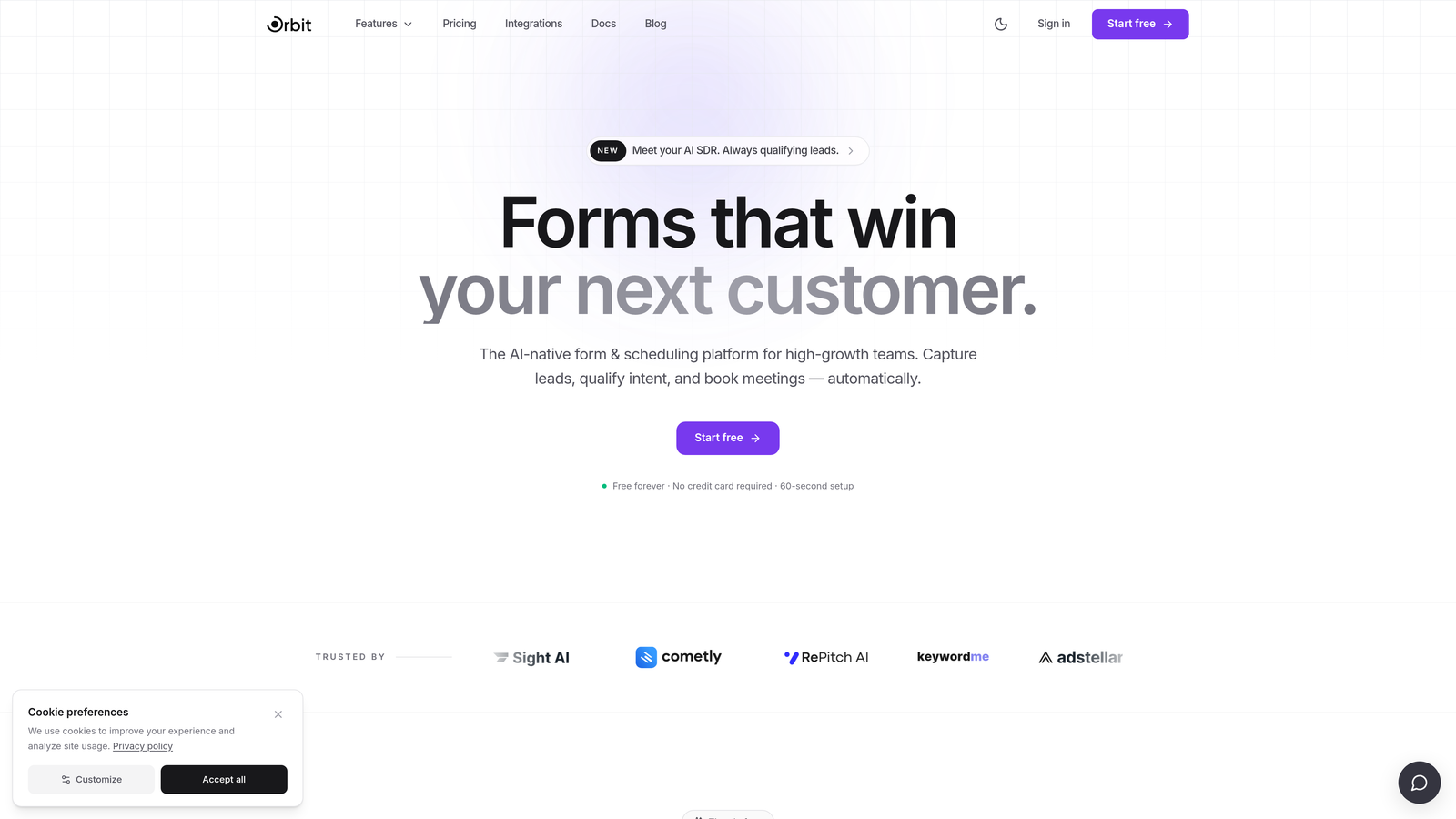
Orbit AI is an AI-powered form builder platform designed for conversion-focused teams that want more than a pretty form.
Where This Tool Shines
What separates Orbit AI from most form builders is that it treats lead qualification as a first-class feature, not an afterthought. Instead of collecting submissions and leaving your sales team to sort through them manually, Orbit AI builds scoring logic directly into the form experience. High-value leads get flagged automatically. Your team spends time on the right conversations.
The design layer is equally considered. Orbit AI is built for teams that care about brand experience alongside conversion performance. You're not choosing between a form that looks good and one that converts. You get both, with conditional logic and dynamic fields that adapt in real time based on how each respondent answers.
Key Features
AI-Powered Lead Qualification: Intelligent scoring logic runs inside the form itself, so every submission arrives pre-qualified and prioritized for your sales team.
Conversion-Optimized Design: Modern, brand-forward aesthetics that reduce friction without sacrificing visual quality or on-brand consistency.
Conditional Logic and Dynamic Fields: Forms adapt in real time based on user responses, creating a personalized path for each respondent.
Lead Scoring Engine: Automatically ranks submissions by quality so sales teams can focus effort where it matters most.
Built for SaaS and B2B Funnels: Purpose-built workflows and integrations designed around the specific needs of high-growth revenue teams.
Best For
Orbit AI is the strongest fit for SaaS companies, B2B marketing teams, and growth operators who need their forms to do more than collect data. If lead quality is a core metric in your funnel, and if your sales team is wasting time on unqualified submissions, this is the platform built to solve that problem directly.
Pricing
Visit orbitforms.ai for current pricing and plan details. A free starting option is available for teams ready to explore the platform.
2. Typeform
Best for: Teams that want a conversational form experience to reduce abandonment and improve engagement rates.
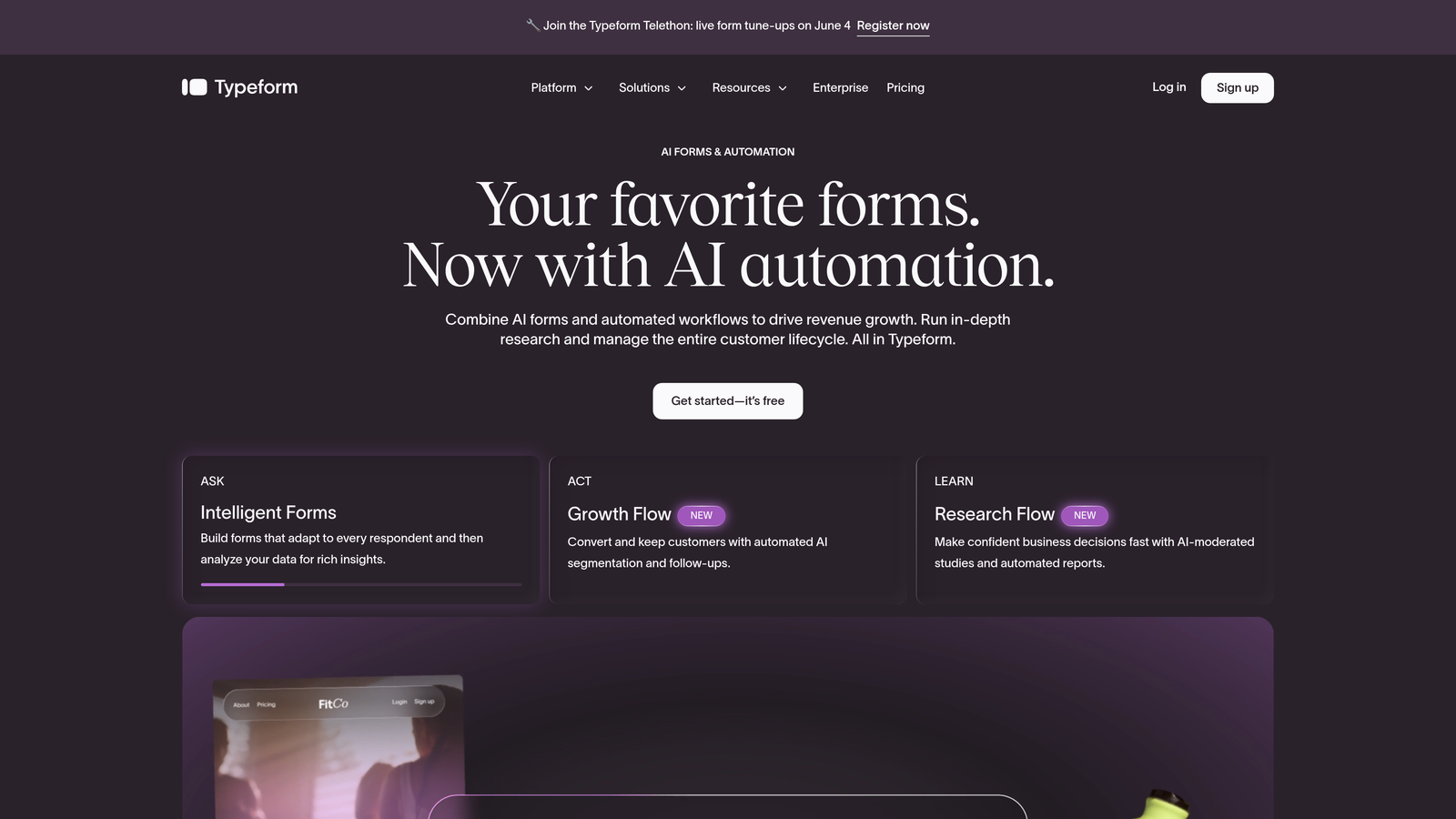
Typeform is a well-established conversational form builder known for its one-question-at-a-time interface that keeps respondents engaged through the entire form flow.
Where This Tool Shines
Typeform's core UX insight is simple but effective: showing one question at a time reduces the cognitive load that causes form abandonment. Instead of confronting respondents with a wall of fields, you guide them through a conversation. This approach tends to work especially well for longer forms where a traditional layout would cause significant drop-off.
The integration library is broad, connecting to HubSpot, Salesforce, Zapier, and dozens of other platforms. For teams that want to enrich their CRM with conversational data, Typeform slots in cleanly.
Key Features
Conversational One-Question UI: Displays one field at a time to reduce friction and keep completion rates high across longer forms.
Logic Jumps and Conditional Branching: Routes respondents through different question paths based on their answers.
Wide Integration Library: Native connections to HubSpot, Salesforce, Slack, and Zapier for workflow automation.
Video and Image Embeds: Supports richer, media-enhanced form experiences beyond standard text fields.
Developer API: Enables custom implementations for teams with technical resources.
Best For
Typeform works well for marketing teams, agencies, and product teams that prioritize engagement and completion rates. It's a strong choice when form length is unavoidable and you need UX design to carry the experience. Less ideal if AI-powered lead qualification or deep lead scoring is a priority.
Pricing
A free tier is available. Paid plans start at approximately $25-29/month. Verify current pricing at typeform.com.
3. Unbounce
Best for: Paid acquisition teams that need landing page-native form testing and AI-powered traffic routing.
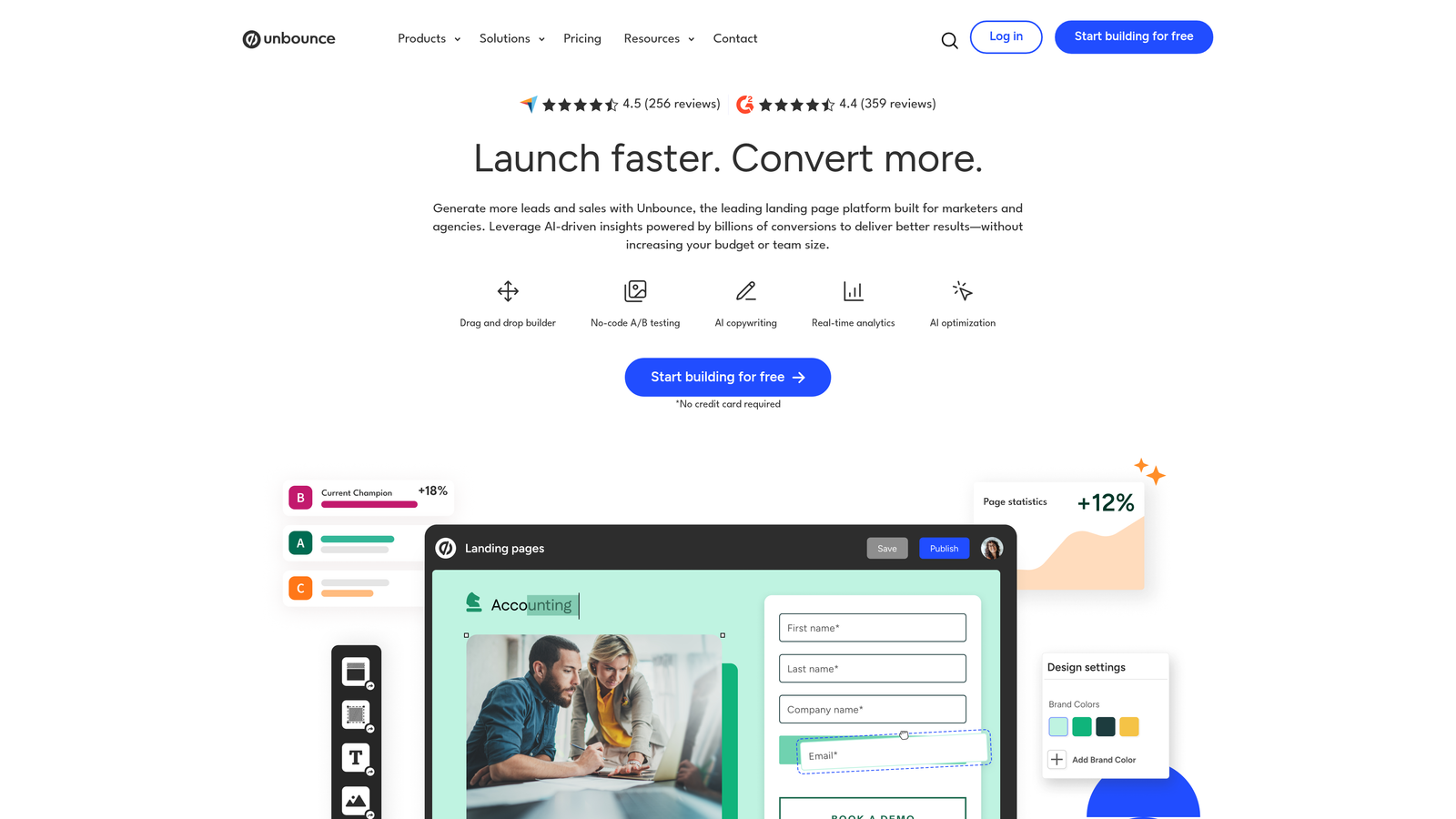
Unbounce is primarily a landing page builder with strong form optimization capabilities, built specifically for teams running paid traffic campaigns.
Where This Tool Shines
Unbounce's Smart Traffic feature is the standout differentiator. It uses AI to analyze visitor attributes and automatically route each person to the landing page variant most likely to convert them. This happens at the traffic level, before the form is even seen, which makes it uniquely powerful for paid acquisition workflows where every click has a cost attached.
The form layer is embedded natively within the landing page builder, so you're optimizing the entire conversion unit together rather than managing forms and pages as separate tools.
Key Features
Smart Traffic AI: Routes visitors to the highest-converting page variant automatically based on behavioral signals.
A/B and Multivariate Testing: Full testing capability built into the landing page layer, including form field variations.
Drag-and-Drop Builder: Visual editor with form fields natively embedded in the page-building experience.
Popups and Sticky Bars: Additional conversion touchpoints beyond the primary landing page form.
CRM and Marketing Automation Integrations: Connects to major platforms for downstream lead routing and nurturing.
Best For
Unbounce is purpose-built for performance marketing teams managing paid search or paid social campaigns. If your primary use case is organic lead generation or CRM-native form workflows, you'll likely find better value elsewhere. But for paid acquisition, it's one of the most conversion-focused platforms available.
Pricing
Plans typically start around $74-99/month. Verify current pricing at unbounce.com.
4. HubSpot Forms
Best for: Teams already using HubSpot who want CRM-native forms with progressive profiling and automatic contact enrichment.
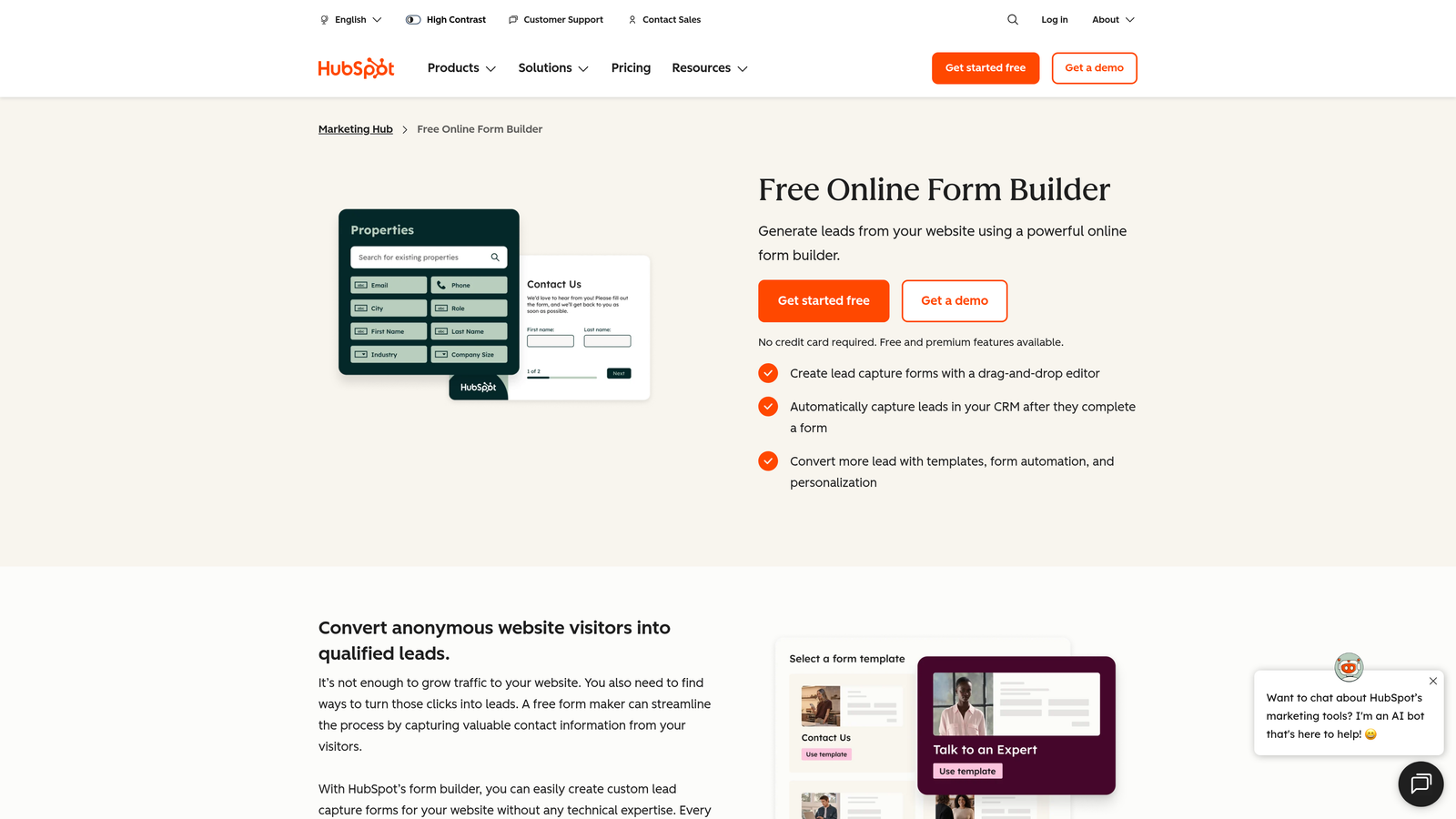
HubSpot Forms is a CRM-native form tool that syncs directly with HubSpot's marketing, sales, and service hubs without any configuration required.
Where This Tool Shines
Progressive profiling is HubSpot Forms' most compelling feature for lead generation teams. Instead of asking a returning visitor the same questions they already answered, HubSpot recognizes known contacts and shows only new fields. Over multiple interactions, you build a richer contact profile without ever making someone repeat themselves. It's a significant friction reducer for inbound funnels with repeat visitors.
The native CRM sync means every submission flows directly into HubSpot with automatic contact creation, property mapping, and workflow triggering. There's no middleware, no Zapier step, no manual import.
Key Features
Progressive Profiling: Shows new fields to returning visitors, building richer contact records over time without redundant questions.
Native HubSpot CRM Sync: Automatic contact creation and enrichment with every submission, no integration setup needed.
Smart Fields: Pre-populates known contact data for recognized visitors to reduce form friction.
Multiple Form Types: Embedded, popup, and standalone form options for different placement contexts.
Free Tier Available: Fully functional forms included with the free HubSpot CRM plan.
Best For
HubSpot Forms is the obvious choice for teams already invested in the HubSpot ecosystem. As a standalone form tool outside of HubSpot, it's less compelling. But within that ecosystem, the CRM-native integration and progressive profiling features are genuinely difficult to replicate with third-party tools.
Pricing
Free with HubSpot CRM. Marketing Hub plans start at approximately $15-20/month. Verify current pricing at hubspot.com.
5. Jotform
Best for: Teams that need a feature-rich, template-heavy form builder for diverse operational and data collection use cases.
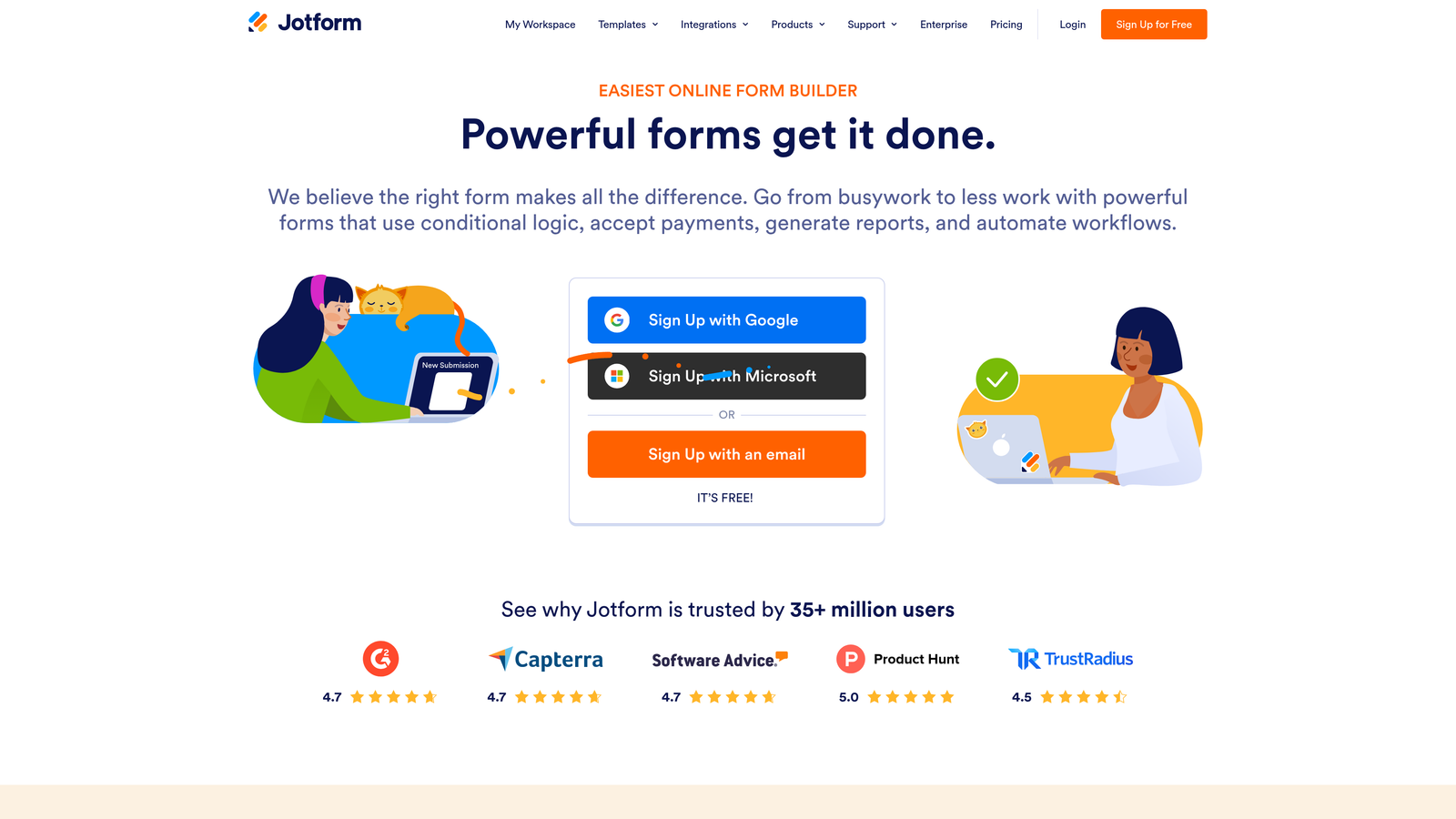
Jotform is one of the most comprehensive form builders available, covering everything from simple contact forms to complex payment collection and HIPAA-compliant data capture.
Where This Tool Shines
Jotform's template library is genuinely extensive, with thousands of pre-built forms across industries and use cases. For teams that need to deploy forms quickly across multiple contexts, this breadth is a real time-saver. You're rarely starting from scratch.
The payment processing capabilities are also a standout. Native integrations with Stripe, PayPal, and Square make Jotform a practical choice for teams that need to collect payments, deposits, or fees alongside form data, without adding a separate payment tool to the stack.
Key Features
Extensive Template Library: Thousands of pre-built form templates across industries for rapid deployment.
Payment Processing: Native integrations with Stripe, PayPal, and Square for in-form payment collection.
Advanced Conditional Logic: Sophisticated branching and calculation fields for complex form flows.
Offline Mobile App: Allows form completion without an internet connection, syncing data when connectivity is restored.
HIPAA-Compliant Plan: Available for healthcare and regulated industry use cases requiring data security compliance.
Best For
Jotform suits operations teams, agencies, and businesses with diverse form needs beyond lead generation, including event registration, payment collection, internal workflows, and regulated data capture. Less specialized for pure conversion optimization than tools like Orbit AI or Unbounce.
Pricing
Free tier available. Paid plans start at approximately $34/month. Verify current pricing at jotform.com.
6. Formstack
Best for: Enterprise teams that need forms connected to document generation, e-signatures, and multi-step approval workflows.
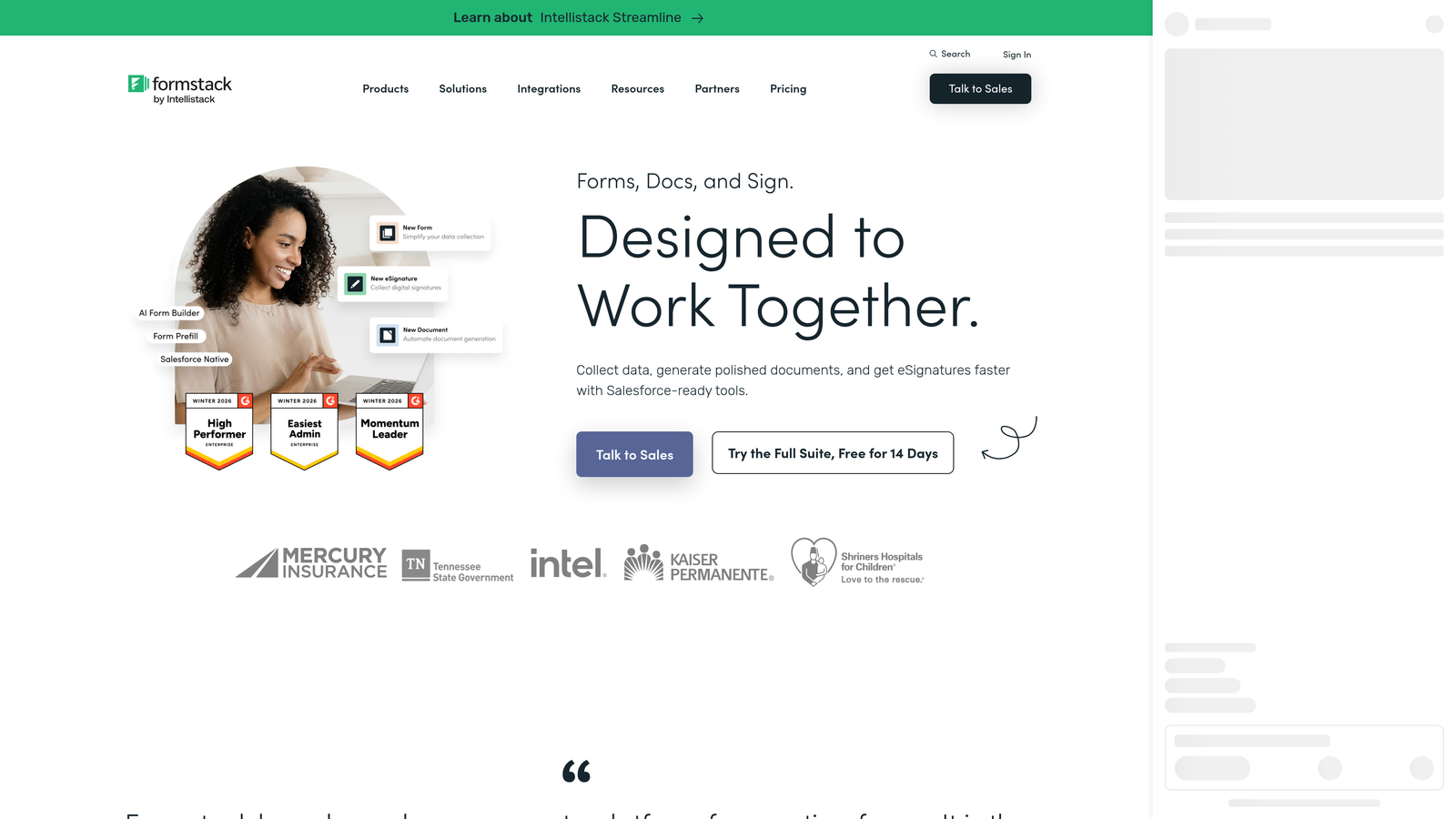
Formstack is an enterprise-grade platform that extends well beyond form building into document automation and complex workflow orchestration.
Where This Tool Shines
Formstack's differentiation is in what happens after a form is submitted. Where most form tools route data to a CRM and stop there, Formstack can trigger document generation, route submissions through multi-step approval chains, collect e-signatures, and manage the full lifecycle of a data-driven workflow. For organizations with complex internal processes, this is a meaningful capability gap versus simpler tools.
Compliance features are also enterprise-grade. HIPAA and GDPR compliance options, advanced field encryption, and a Salesforce native app make Formstack a credible choice for regulated industries and large sales organizations.
Key Features
Multi-Step Approval Workflows: Routes form submissions through custom approval chains before data is acted upon or stored.
Document Generation and E-Signatures: Converts form data into formatted documents and collects legally binding signatures.
HIPAA and GDPR Compliance: Enterprise compliance options for healthcare, finance, and regulated industries.
Salesforce Native App: Deep Salesforce integration for enterprise sales teams managing complex CRM workflows.
Advanced Field Encryption: Protects sensitive data collected through forms at the field level.
Best For
Formstack is the right choice for enterprise organizations, legal teams, healthcare providers, and large sales operations that need forms embedded in structured, multi-step business processes. It's overbuilt for simple lead generation but purpose-built for operational complexity.
Pricing
Enterprise pricing typically starts at $50+/month. Verify current pricing at formstack.com.
7. Leadformly
Best for: B2B teams specifically focused on lead qualification and improving the quality of inbound submissions.
Leadformly is a form builder designed from the ground up for B2B lead qualification, with multi-step forms and built-in lead scoring as core features rather than add-ons.
Where This Tool Shines
Leadformly's entire product philosophy centers on lead quality. The multi-step form design is intentional: breaking a form into stages reduces the intimidation factor of a long single-page form while also creating natural qualification checkpoints. Progress indicators keep respondents moving forward, and the built-in scoring logic evaluates each submission against your ideal customer profile criteria.
For B2B teams frustrated by high submission volume but low conversion-to-opportunity rates, this qualification-first approach addresses the problem at the source rather than downstream in the CRM.
Key Features
Multi-Step Form Design: Breaks forms into stages optimized for B2B lead capture and qualification flow.
Built-In Lead Scoring: Evaluates submissions against qualification criteria and scores leads automatically.
Progress Indicators: Visual progress cues that reduce abandonment on longer qualification forms.
Lead Quality Analytics: Reporting focused on submission quality metrics, not just volume.
Best For
Leadformly is a focused choice for B2B marketing teams and demand generation managers who want qualification logic built into the form layer. It has a smaller market footprint than HubSpot or Typeform but is purpose-built for the use case it serves.
Pricing
Check current pricing at leadformly.com for up-to-date plan details.
8. Paperform
Best for: Small teams and service businesses that need forms, payments, bookings, and product sales in a single flexible platform.
Paperform is a design-first form builder that combines form functionality with payments, scheduling, and product sales in one tool.
Where This Tool Shines
Paperform's flexibility is its defining quality. Most form tools do one thing well. Paperform lets you build a form that collects information, takes a payment, books an appointment, and sells a product, all within a single form page. For service businesses, consultants, and small teams juggling multiple customer touchpoints, this consolidation is genuinely useful.
The design experience is also notably clean. Rich text and media embedding within form pages lets you create form experiences that feel more like landing pages than data entry screens, which matters for service-oriented businesses where brand impression is part of the conversion.
Key Features
All-in-One Functionality: Combines forms, payments, appointment bookings, and product sales in a single platform.
Rich Media Embedding: Supports text, images, and video within form pages for a landing-page-quality experience.
Conditional Logic and Calculations: Dynamic field behavior and calculation support for complex form flows.
500+ Integrations: Native connectors and Zapier support for broad workflow compatibility.
Custom Domain Support: Available on paid plans for branded form URL presentation.
Best For
Paperform suits freelancers, service businesses, coaches, and small teams that want one tool to handle multiple customer interaction types. It's more affordable than enterprise platforms and more capable than simple form builders, sitting in a practical middle ground.
Pricing
Plans start at approximately $24/month. Verify current pricing at paperform.co.
9. Google Forms
Best for: Teams that need fast, free form deployment with zero budget and basic data collection requirements.
Google Forms is the free, unlimited form builder included with every Google account, deeply integrated with Google Workspace.
Where This Tool Shines
Google Forms' strongest attribute is its total absence of cost and friction. There's no pricing tier to evaluate, no trial period to manage, and no integration to configure if your team already lives in Google Workspace. Responses flow directly into Google Sheets, which makes basic data analysis immediately accessible to anyone comfortable with spreadsheets.
For internal surveys, event registrations, quick feedback collection, or any scenario where conversion optimization isn't the goal, Google Forms is genuinely sufficient. The real-time collaboration on form editing is also a practical advantage for teams that build forms together.
Key Features
Completely Free: Unlimited forms and unlimited responses with any Google account, no paid tier required.
Native Google Sheets Integration: Responses populate automatically into a connected spreadsheet for immediate analysis.
Basic Conditional Logic: Section branching based on responses for simple routing needs.
Instant Sharing: Share via link or embed with a single click, no configuration required.
Real-Time Collaboration: Multiple team members can edit forms simultaneously like any Google Workspace document.
Best For
Google Forms is the right choice when budget is the binding constraint and conversion optimization is not the goal. For teams that need to collect data quickly without any tool evaluation process, it's a practical starting point. It is not a competitive option for lead qualification, conversion rate optimization, or any funnel where submission quality matters.
Pricing
Free with a Google account. No paid plans or upgrades available.
Which Form Optimization Tool Is Right for You?
The honest answer is that the best tool depends entirely on what you're actually trying to optimize. Not every team needs AI-powered lead scoring. Not every team needs enterprise compliance workflows. But every team deserves a form that works as hard as the rest of their funnel.
Here's a quick selection guide by use case:
For AI-powered lead qualification and conversion optimization: Orbit AI is the strongest choice for high-growth SaaS and B2B teams. The combination of intelligent scoring, dynamic fields, and conversion-focused design makes it purpose-built for teams where lead quality is a primary metric.
For paid acquisition teams: Unbounce is purpose-built for this workflow. Smart Traffic routing and landing-page-native testing make it the most conversion-focused option for teams spending on paid search or social.
For teams inside the HubSpot ecosystem: HubSpot Forms is the obvious choice. Progressive profiling and native CRM sync create a seamless inbound funnel that third-party tools can't fully replicate within that environment.
For enterprise workflow and compliance needs: Formstack is the most robust option when forms need to connect to document generation, approval workflows, and regulated data handling.
For budget-constrained teams with basic needs: Google Forms gets you started immediately at zero cost. When your needs grow beyond basic data collection, that's the signal to evaluate the tools higher on this list.
The key insight worth carrying forward: form optimization software isn't just about building forms. It's about building forms that qualify, convert, and integrate. The tools at the top of this list treat forms as a strategic revenue asset, not a utility checkbox.
Transform your lead generation with AI-powered forms that qualify prospects automatically while delivering the modern, conversion-optimized experience your high-growth team needs. Start building free forms today and see how intelligent form design can elevate your conversion strategy.


