

Finding the right conversion form software means balancing features against budget—but pricing pages rarely tell the whole story. Hidden fees, user limits, and feature gates can turn an affordable tool into an expensive headache. This guide breaks down what you'll actually pay for the top conversion form platforms in 2026, from free tiers to enterprise plans. We've analyzed pricing structures, included features at each tier, and identified where costs scale so you can make an informed decision without surprises on your invoice.
1. Orbit AI
Best for: High-growth teams needing AI-powered lead qualification built into their forms
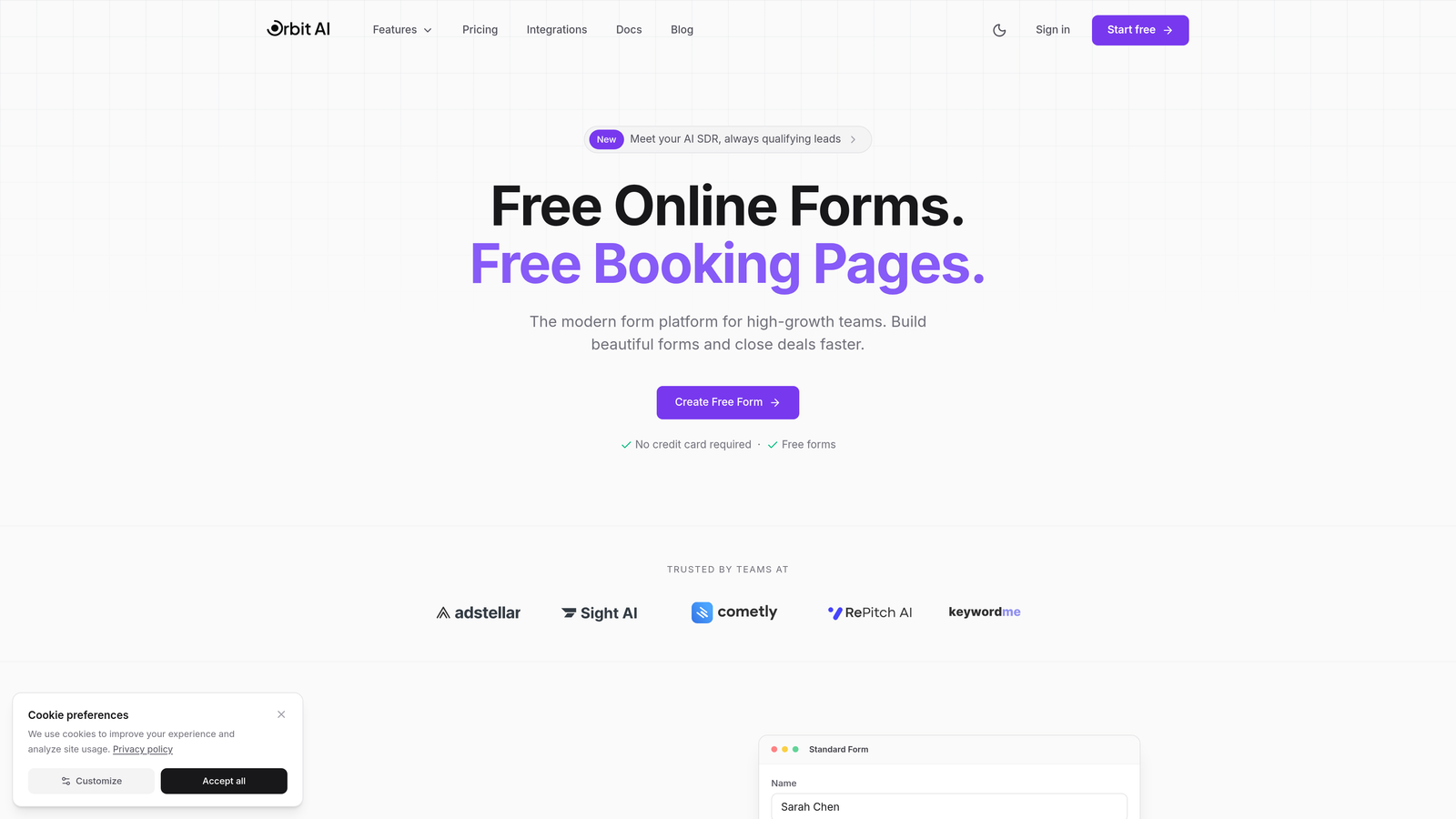
Orbit AI is an AI-powered form builder designed specifically for teams that need more than just data collection—it qualifies leads automatically while delivering conversion-optimized form experiences.
Where This Tool Shines
The standout feature is the AI-powered lead qualification that runs in the background as prospects fill out your forms. Instead of collecting responses and manually sorting through them later, Orbit AI scores and qualifies leads in real-time, routing high-value prospects to your sales team immediately.
The platform is built for modern teams who care about conversion rates, not just form submissions. Every template is designed with conversion optimization principles baked in, from field ordering to visual hierarchy.
Key Features
AI Lead Qualification: Automatically scores and qualifies prospects based on their responses without manual intervention.
Conversion-Optimized Templates: Pre-built form designs engineered for maximum completion rates across industries.
Built-In Analytics Dashboard: Track form performance, conversion rates, and drop-off points without connecting external analytics.
Workflow Automation: Route qualified leads to the right team members and trigger follow-up sequences automatically.
Native CRM Integrations: Connect directly to your existing CRM and marketing automation platforms.
Best For
High-growth B2B companies, SaaS businesses, and marketing teams that generate significant lead volume and need intelligent qualification to separate signal from noise. Particularly valuable for teams where sales time is expensive and lead quality directly impacts revenue.
Pricing
Visit orbitforms.ai/pricing for current plan details. The platform offers a free tier to get started, with paid plans scaling based on form submissions and advanced AI features.
2. Typeform
Best for: Creating engaging, conversational form experiences with strong visual design
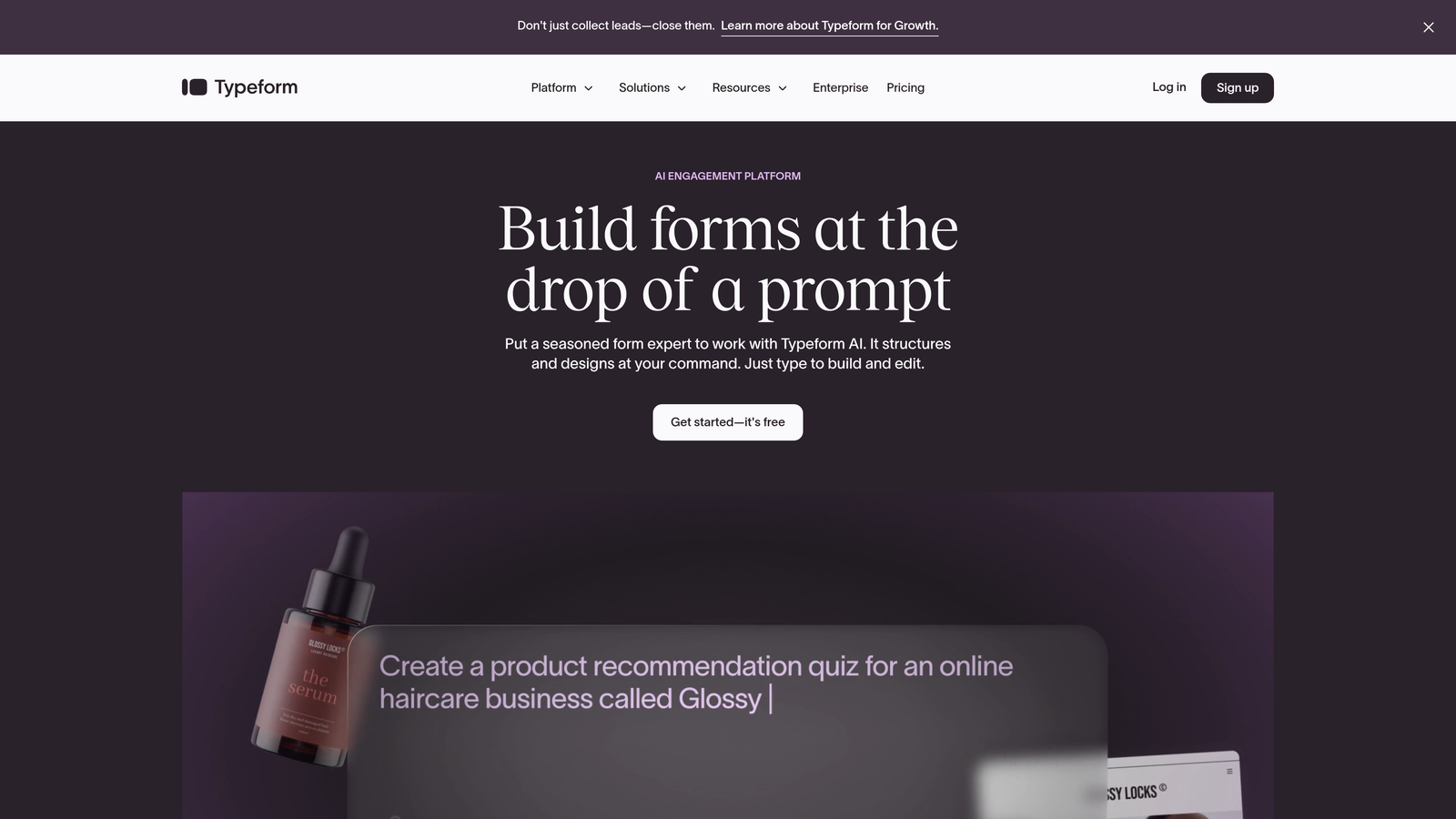
Typeform is a conversational form builder that presents questions one at a time, creating an interactive experience that often feels more like a conversation than a traditional form.
Where This Tool Shines
The one-question-at-a-time interface reduces cognitive load and creates a more engaging experience than traditional multi-field forms. This approach typically improves completion rates for longer surveys and data collection forms.
Design customization is extensive—you can match your brand precisely with custom backgrounds, fonts, and colors. The visual editor makes it easy to create forms that feel premium without design skills.
Key Features
Conversational Flow: One question per screen creates a focused, distraction-free experience for respondents.
Logic Jumps: Branch questions based on previous answers to create personalized form paths.
Video Integration: Embed video and images directly into questions for richer context.
Design Customization: Full control over visual appearance including backgrounds, fonts, and button styles.
Integration Marketplace: Connect to hundreds of apps including Slack, Google Sheets, and major CRMs.
Best For
Marketing teams prioritizing user experience, customer feedback collection, and survey distribution where completion rates matter more than speed. Works well for brand-conscious companies that want forms to feel like an extension of their visual identity.
Pricing
Free tier allows 10 responses per month. Paid plans start around $25/month (Basic) with 100 responses, scaling to $50/month (Plus) for 1,000 responses and $83/month (Business) for 10,000 responses. Response limits are the primary cost driver.
3. Jotform
Best for: Teams needing extensive templates and a generous free tier for basic forms
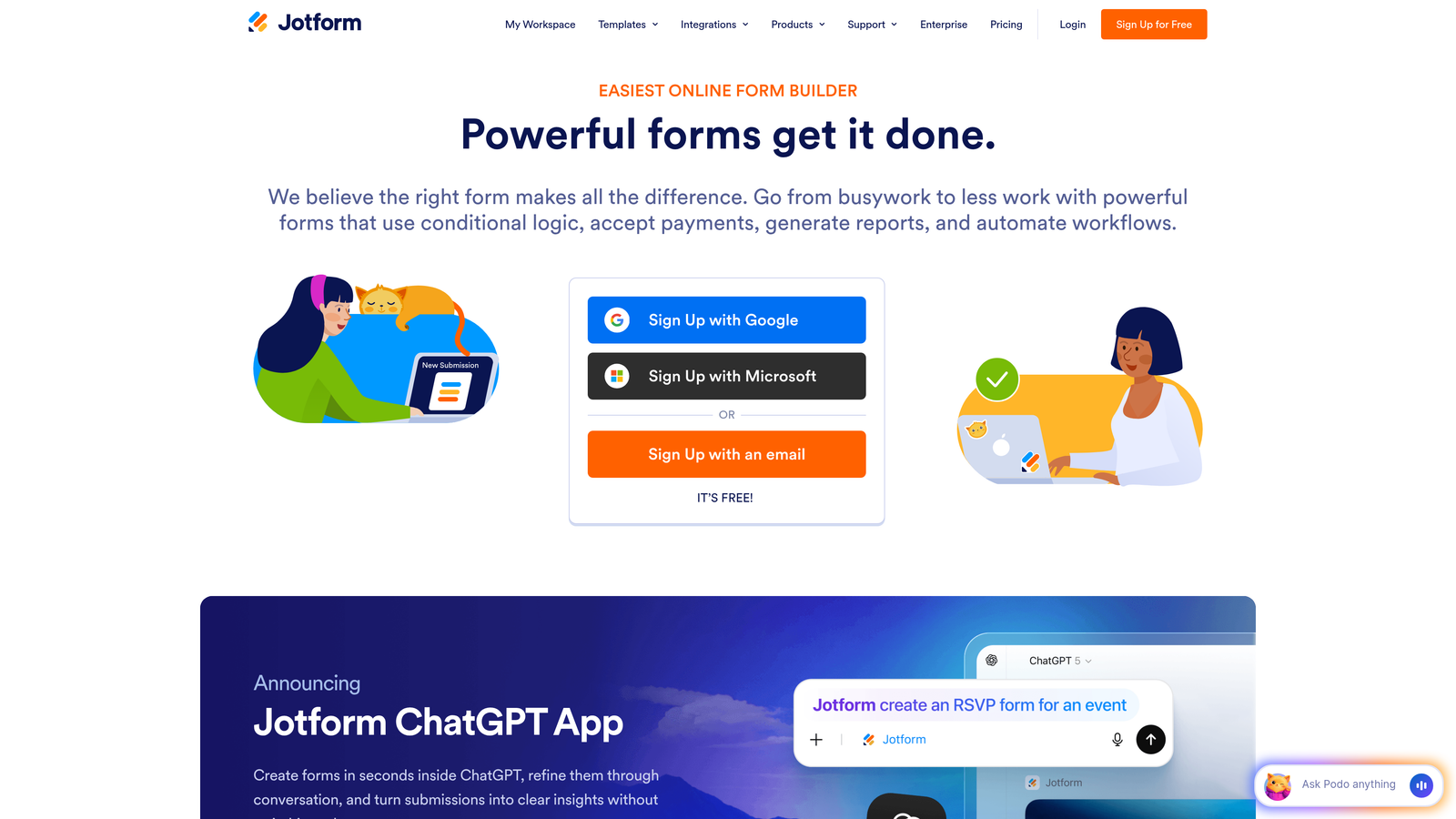
Jotform is a versatile form builder with one of the largest template libraries in the industry and a feature-rich free tier that covers many basic use cases.
Where This Tool Shines
The template library is massive—over 10,000 pre-built forms covering virtually every industry and use case. This makes it incredibly fast to launch forms without starting from scratch.
The free tier is genuinely useful with 5 forms and 100 monthly submissions, making it viable for small businesses and startups that don't need advanced features. You get core functionality without hitting a paywall immediately.
Key Features
Template Library: 10,000+ pre-built forms across industries from registration to order forms to surveys.
PDF Conversion: Convert existing PDF forms into fillable online forms automatically.
Payment Collection: Accept payments through Square, Stripe, PayPal and other processors directly in forms.
Approval Workflows: Route form submissions through multi-step approval processes.
HIPAA Compliance: Available on enterprise plans for healthcare and regulated industries.
Best For
Small to medium businesses that value template variety and want to get forms live quickly. Particularly useful for organizations that collect payments through forms or need to digitize existing paper/PDF forms.
Pricing
Free tier includes 5 forms and 100 monthly submissions. Bronze plan starts around $34/month (25 forms, 1,000 submissions), Silver at $39/month (100 forms, 10,000 submissions), and Gold at $99/month (unlimited forms and submissions). HIPAA compliance requires enterprise pricing.
4. HubSpot Forms
Best for: Teams already using HubSpot CRM who need native form integration
HubSpot Forms is the native form builder within HubSpot's marketing platform, offering deep integration with the CRM and marketing automation tools.

Where This Tool Shines
The direct CRM integration is seamless—form submissions automatically create or update contact records with zero configuration. Every interaction is tracked in the contact timeline, giving sales teams complete context before they reach out.
Progressive profiling is a standout feature that prevents form fatigue. The system remembers what information you've already collected from a contact and shows new questions on subsequent forms, gradually building complete profiles without asking repetitive questions.
Key Features
Native CRM Integration: Form data flows directly into HubSpot CRM with automatic contact creation and updates.
Progressive Profiling: Show different questions to returning visitors based on what information you've already collected.
Smart Fields: Pre-populate form fields with known contact information to reduce friction.
Lead Scoring Integration: Form submissions automatically trigger lead scoring and routing rules.
Marketing Automation: Launch workflows and email sequences based on form submissions.
Best For
Companies already invested in the HubSpot ecosystem or planning to adopt it. Most valuable for B2B companies with longer sales cycles where progressive profiling and detailed contact tracking justify the platform cost.
Pricing
Basic forms are free with HubSpot's free CRM. Advanced features like progressive profiling, smart fields, and automation require Marketing Hub Professional starting around $800/month. The cost is primarily driven by the broader platform, not just forms.
5. Formstack
Best for: Enterprise teams needing compliance features and advanced workflow automation
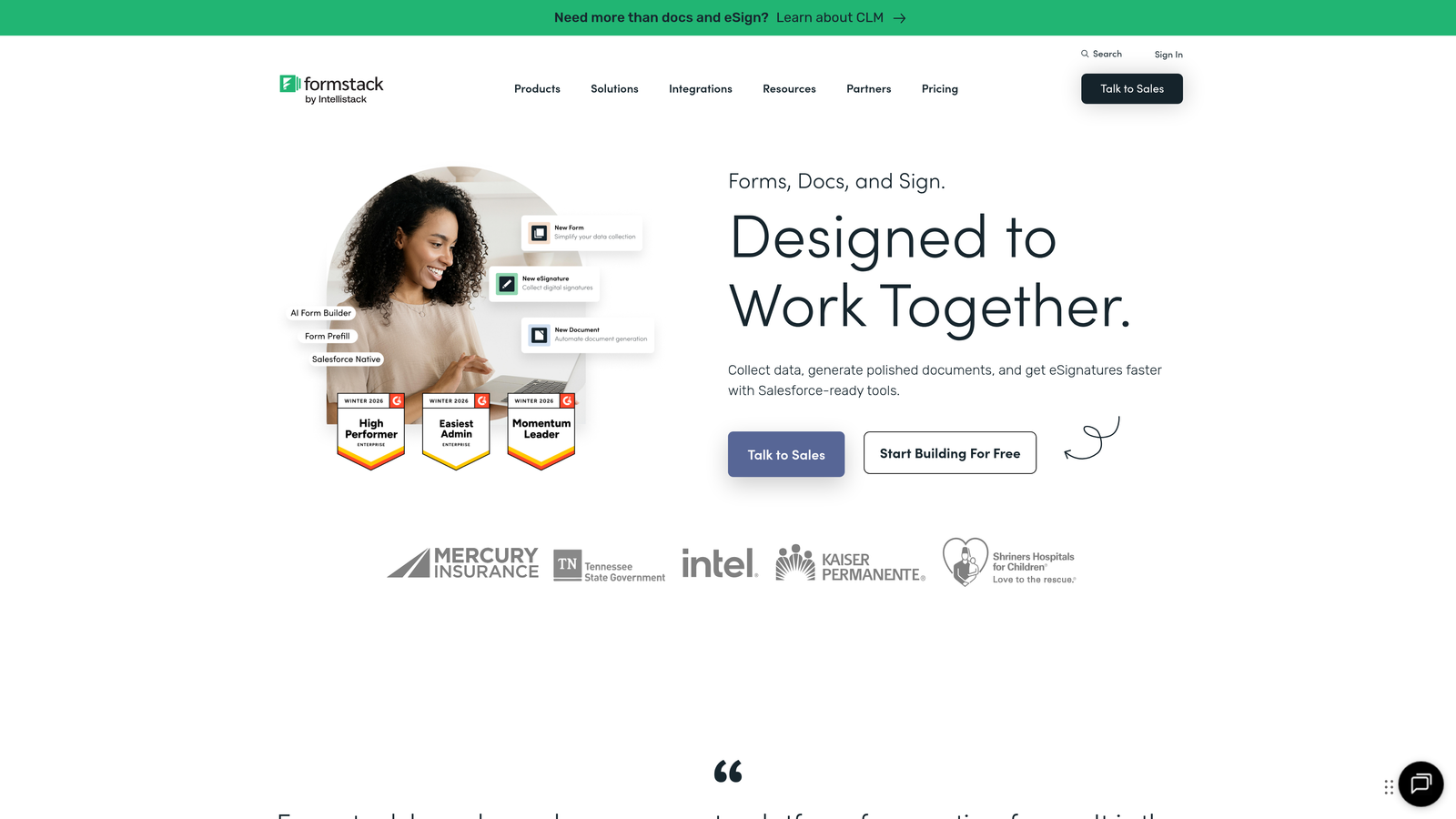
Formstack is an enterprise-grade form builder with robust compliance features, workflow automation, and document generation capabilities designed for regulated industries.
Where This Tool Shines
Compliance features are built into the platform, not bolted on. HIPAA, GDPR, and SOC 2 compliance come standard on appropriate tiers, making it viable for healthcare, finance, and other regulated industries where data handling requirements are strict.
The workflow automation goes beyond simple notifications. You can build complex approval chains, trigger document generation, route submissions through multi-step processes, and integrate with enterprise systems through robust APIs.
Key Features
Document Generation: Automatically create PDFs and documents from form submissions using custom templates.
Electronic Signatures: Collect legally binding signatures directly within forms.
Compliance Ready: HIPAA, GDPR, and SOC 2 compliance built into enterprise plans.
Advanced Workflows: Build multi-step approval processes and conditional routing logic.
Enterprise SSO: Single sign-on integration with SAML 2.0 for enterprise authentication.
Best For
Enterprise organizations in regulated industries, healthcare providers, financial services firms, and large corporations that need audit trails, compliance documentation, and sophisticated workflow automation. The platform justifies its cost when compliance and security are non-negotiable.
Pricing
Pricing starts around $50/month per user with submission limits. Enterprise plans with full compliance features require custom quotes. The per-user model means costs scale with team size, not just form volume.
6. Paperform
Best for: Teams wanting landing page functionality with unlimited responses at flat-rate pricing
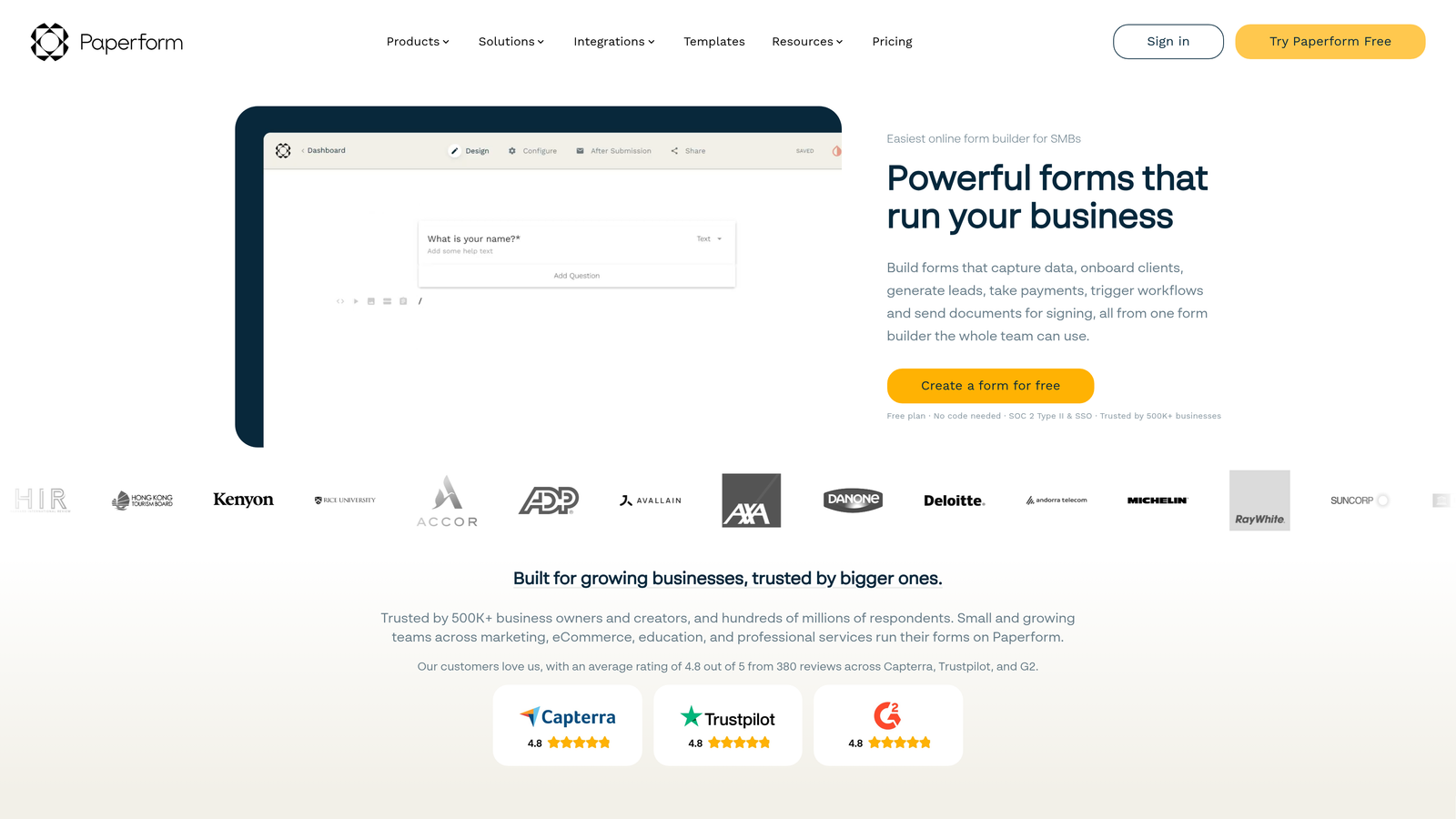
Paperform is a form builder that doubles as a landing page creator, offering flat-rate pricing with no response limits on paid plans—a refreshing change from per-submission pricing models.
Where This Tool Shines
The landing page functionality means you're not just building forms—you're creating complete conversion experiences. Add headers, images, text blocks, and call-to-action buttons to create standalone pages without needing a separate landing page tool.
Unlimited responses on paid plans eliminate the anxiety of viral campaigns or seasonal spikes. You pay a flat monthly rate regardless of whether you get 100 or 100,000 submissions.
Key Features
Landing Page Builder: Create complete landing pages with forms embedded, not just standalone forms.
Conditional Logic: Show or hide questions based on previous answers to create dynamic experiences.
Payment Processing: Accept payments through Stripe and PayPal directly in forms.
Appointment Scheduling: Integrate calendar booking functionality within forms.
Custom Branding: Remove Paperform branding and add your own custom domain.
Best For
Marketing teams running high-volume campaigns, event organizers expecting large registration volumes, and businesses that need both forms and landing pages without juggling multiple tools. The flat-rate pricing makes budgeting predictable.
Pricing
Starts around $24/month (Essentials) with unlimited forms and submissions, scaling to $49/month (Pro) for advanced features and $159/month (Agency) for white-label options and client management. No per-response charges at any tier.
7. Gravity Forms
Best for: WordPress sites needing native form functionality with extensive customization
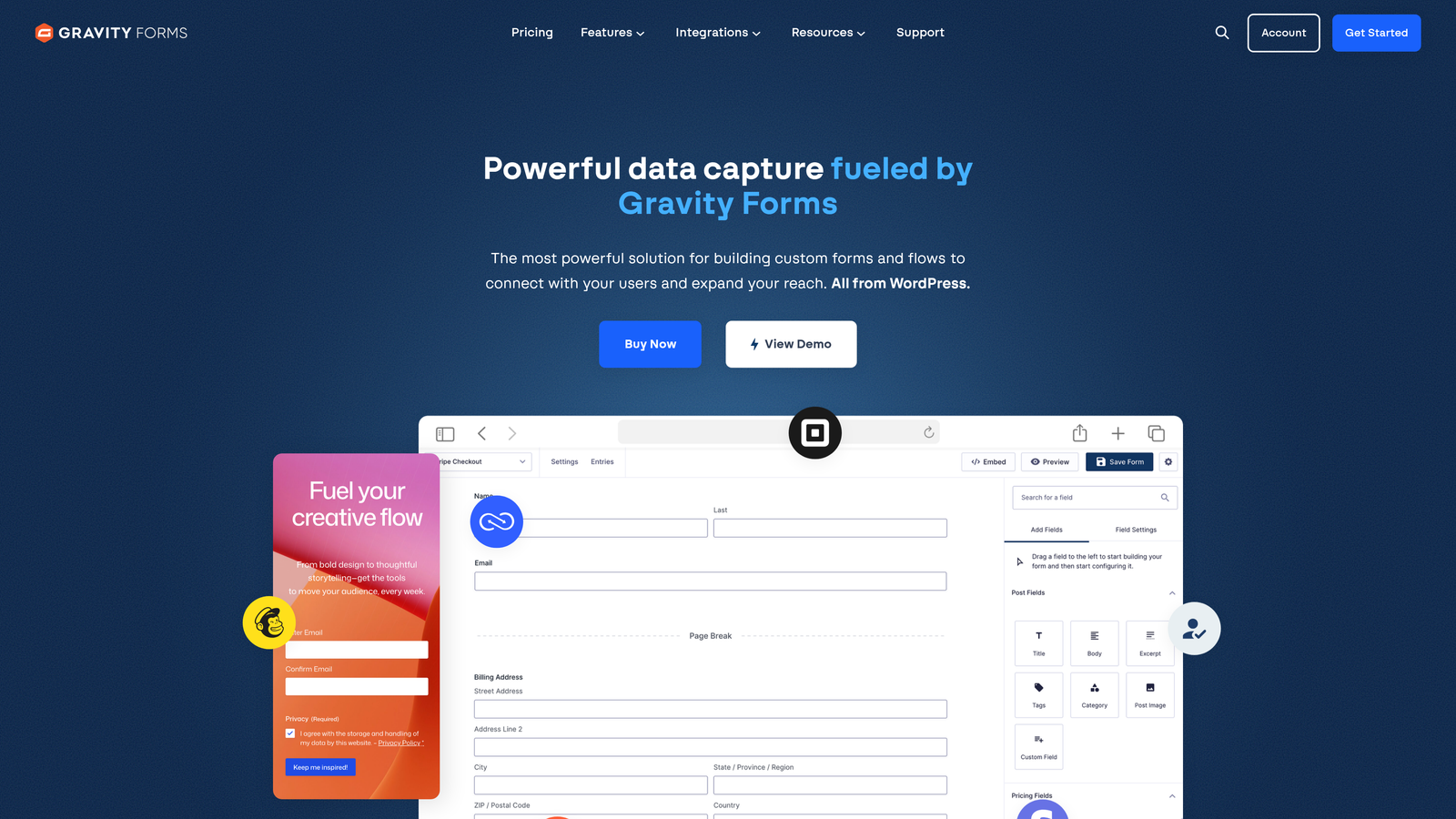
Gravity Forms is a WordPress plugin that builds forms directly within your WordPress admin, offering deep integration with the WordPress ecosystem and an extensive add-on library.
Where This Tool Shines
Being WordPress-native means forms live in your site's database and admin interface—no external platforms or iframe embeds. This gives you complete control over data, styling, and functionality within your existing WordPress environment.
The add-on ecosystem is massive. Third-party developers have built hundreds of extensions covering everything from advanced calculations to payment processing to CRM integrations, making the platform infinitely extensible.
Key Features
WordPress Native: Fully integrated into WordPress admin with no external dependencies.
Add-On Library: Extensive marketplace of official and third-party extensions for specialized functionality.
Conditional Logic: Show or hide fields based on user selections to create dynamic forms.
Multi-Page Forms: Break long forms into multiple pages with progress indicators.
Developer Friendly: Extensive hooks and filters for custom development and integrations.
Best For
WordPress-based businesses that want forms managed within their existing CMS, developers who need customization flexibility, and organizations that prefer self-hosted solutions over SaaS platforms. Particularly valuable for agencies managing multiple WordPress client sites.
Pricing
Annual license model starting around $59/year (Basic) for a single site, $159/year (Pro) for three sites with priority support, and $259/year (Elite) for unlimited sites. One-time payment covers a year of updates and support—no monthly recurring charges.
8. Cognito Forms
Best for: Service businesses needing payment collection with competitive processing rates
Cognito Forms is a form builder with particularly strong payment collection features and competitive credit card processing rates designed for service businesses that collect payments through forms.
Where This Tool Shines
Payment processing is deeply integrated with competitive rates that don't add excessive markup on top of Stripe's fees. You can collect one-time payments, subscriptions, or variable amounts based on form calculations—all within the same form.
Calculation fields are powerful and flexible. Build order forms that calculate totals, registration forms with dynamic pricing, or quote request forms that estimate costs based on user selections—all without custom code.
Key Features
Payment Processing: Accept credit cards and ACH payments through Stripe with transparent pricing.
Advanced Calculations: Build complex formulas and calculations within forms for dynamic pricing.
Repeating Sections: Let users add multiple items or entries within a single form submission.
Document Uploads: Collect files and documents with configurable size and type restrictions.
Workflow Automation: Send confirmations, notifications, and trigger actions based on form data.
Best For
Service businesses collecting payments for bookings, registrations, or orders. Particularly useful for event organizers, consultants, and businesses that need flexible payment options beyond simple fixed-price transactions.
Pricing
Free tier allows unlimited forms with 500 entries per month. Paid plans start around $15/month (Pro) for 2,000 entries, $35/month (Team) for 10,000 entries, and custom enterprise pricing for higher volumes. Payment processing fees are separate.
9. Tally
Best for: Budget-conscious teams needing unlimited forms and responses without subscription costs
Tally is a minimalist form builder with an extremely generous free tier offering unlimited forms and unlimited responses—making it one of the most budget-friendly options for teams just getting started.
Where This Tool Shines
The free tier genuinely includes unlimited forms and responses with no artificial caps. Most platforms gate their free offerings heavily, but Tally gives you core functionality without forcing an upgrade for basic use cases.
The Notion-like interface feels familiar if you've used modern productivity tools. Building forms is intuitive with a clean, minimal design that focuses on content over complex configuration options.
Key Features
Unlimited Free Tier: No caps on forms or responses on the free plan—genuinely unlimited basic usage.
Notion-Style Interface: Familiar block-based editor that's intuitive for users of modern productivity tools.
Conditional Logic: Show or hide questions based on previous answers even on the free tier.
File Uploads: Collect documents and files from respondents with configurable limits.
Team Collaboration: Share forms and collaborate with team members on form building.
Best For
Startups with limited budgets, side projects, small businesses testing form software before committing to paid plans, and teams that need basic form functionality without advanced features. The free tier covers surprisingly many use cases.
Pricing
Free tier includes unlimited forms and responses with core features. Pro plan at $29/month adds custom branding removal, payment collection, advanced integrations, and priority support. The free-to-paid jump is significant, making the free tier viable long-term for many users.
Making the Right Choice for Your Budget
Pricing structures vary dramatically across conversion form platforms, and the cheapest option rarely delivers the best value. Here's how to evaluate total cost of ownership beyond the sticker price.
For Startups and Small Teams (Under $50/month): Tally's free tier offers genuine unlimited usage for basic forms. Cognito Forms at $15/month adds payment processing. Paperform at $24/month includes landing page functionality with unlimited responses.
For Growing Businesses ($50-$200/month): Jotform's Silver plan ($39/month) handles 10,000 submissions with extensive templates. Typeform's Business tier ($83/month) provides the conversational experience with higher response limits. Gravity Forms ($159/year for three sites) works well for WordPress-based businesses.
For Enterprise Teams ($200+/month): Formstack delivers compliance features and workflow automation starting around $150/month for three users. HubSpot Forms becomes cost-effective when bundled with Marketing Hub for teams already using the CRM. Orbit AI scales with your growth, offering AI-powered lead qualification that pays for itself by improving lead quality.
Watch for hidden costs that inflate your actual spend. Response limits force upgrades faster than you expect—a campaign that goes viral can push you into a higher tier overnight. User-based pricing scales with team growth, which matters for collaborative environments. Integration costs add up when you need Zapier or custom API work to connect systems. Compliance features often require enterprise tiers, dramatically increasing costs for regulated industries.
The smartest approach? Start with your lead volume projections and work backward. If you're generating 5,000 form submissions monthly, per-response pricing becomes expensive quickly. If you have a small team but high submission volume, flat-rate pricing makes more sense than per-user models. If lead quality matters more than quantity, investing in AI-powered qualification often delivers better ROI than saving money on a basic form builder.
Transform your lead generation with AI-powered forms that qualify prospects automatically while delivering the modern, conversion-optimized experience your high-growth team needs. Start building free forms today and see how intelligent form design can elevate your conversion strategy.


