

Calculator forms are one of the highest-converting lead generation tools you can deploy. Unlike a standard contact form, they give visitors something immediately useful: a pricing estimate, an ROI projection, a cost breakdown, or a personalized recommendation. That instant value exchange typically drives stronger engagement and higher completion rates than static forms ever will.
The challenge is finding the right builder. Some tools are purpose-built for complex formula logic, others shine on design and UX, and a newer category is layering in AI-powered lead qualification to help sales teams act on what those calculator submissions actually reveal. The right choice depends entirely on what you're building and who you're building it for.
Here are the top calculator form builders in 2026, evaluated on ease of use, calculation logic depth, design flexibility, integrations, and pricing.
1. Orbit AI
Best for: High-growth teams that want calculator forms to actively qualify and score leads for sales.
Orbit AI is an AI-powered form builder that turns calculator submissions into scored, actionable leads for sales teams.

Where This Tool Shines
Most calculator form builders stop at data collection. Orbit AI goes further by qualifying leads during the form interaction itself. As a prospect works through your pricing estimator or ROI calculator, the AI engine is evaluating their inputs in real time and surfacing a lead score your sales team can actually act on.
This makes it particularly valuable for B2B teams where not every calculator submission is worth a follow-up call. Instead of handing sales a flat list of emails, you're handing them a prioritized pipeline with context baked in from the start.
Key Features
AI-Powered Lead Qualification: Scores and qualifies leads automatically based on calculator inputs, so sales teams know exactly who to contact first.
Conditional Logic and Dynamic Fields: Build personalized calculator flows that adapt based on user responses, creating a tailored experience for every visitor.
Conversion-Optimized Templates: Modern, customizable designs built specifically to maximize completion rates, not just look good.
CRM and Marketing Integrations: Connects with the platforms your team already uses to ensure leads flow directly into your existing workflows.
Real-Time Lead Scoring: Scores are generated from calculator inputs as they happen, giving your team immediate, actionable intelligence on each submission.
Best For
High-growth SaaS teams, demand generation marketers, and sales-led organizations that need calculator forms to do double duty: convert visitors and qualify prospects simultaneously. If your team is tired of chasing cold leads from generic form submissions, this is the upgrade worth exploring.
Pricing
Paid plans available. Visit orbitforms.ai for current pricing details, as plans are updated regularly.
2. Outgrow
Best for: Marketers who want a dedicated interactive content platform with deep calculator and analytics features.
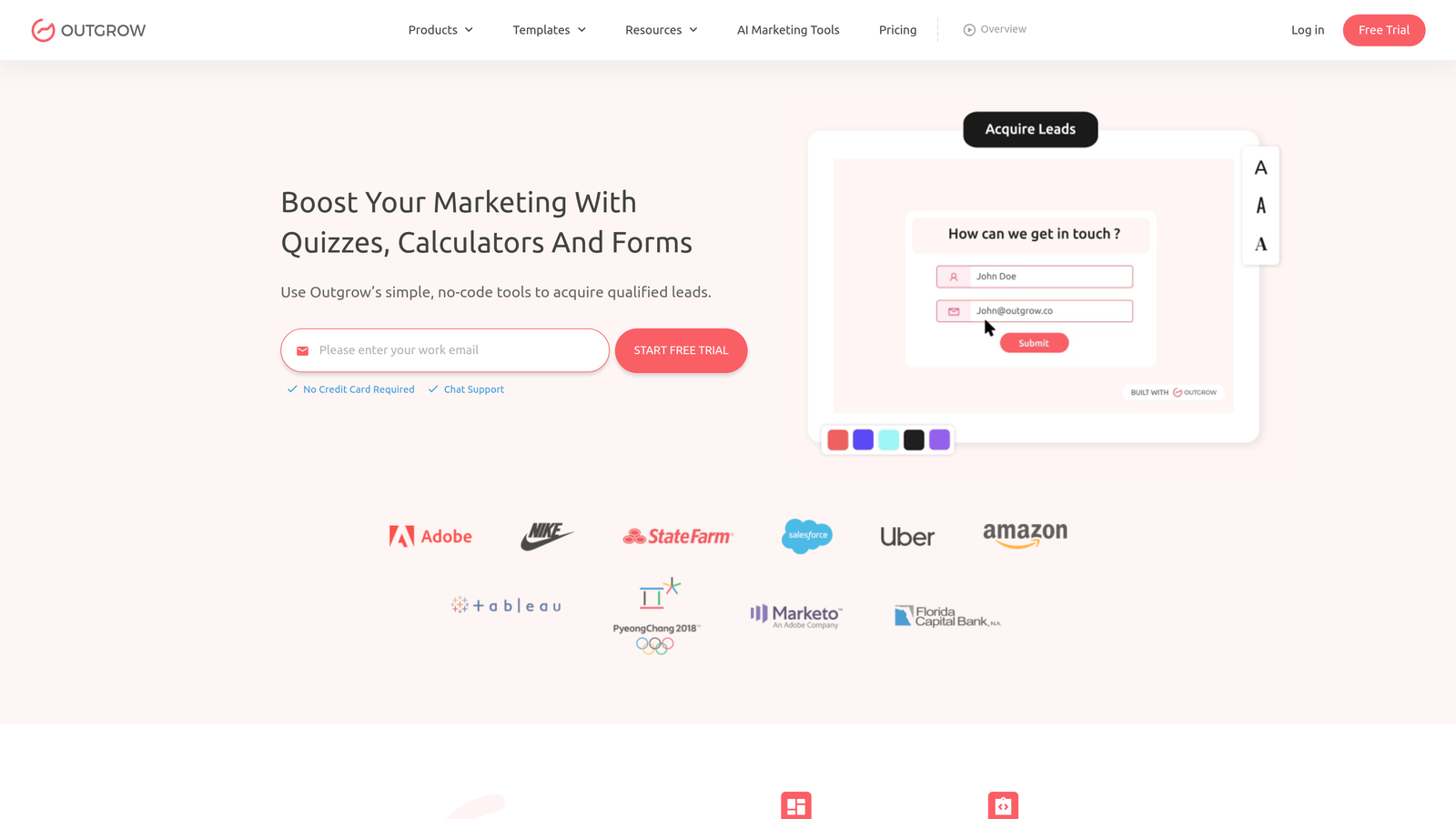
Outgrow is a purpose-built interactive content platform for calculators, quizzes, assessments, and recommendation tools.
Where This Tool Shines
Outgrow is arguably the most feature-complete dedicated calculator platform available. It was built from the ground up for interactive content, which means you're not working around limitations the way you might with a general form builder. The template library includes ROI calculators, pricing estimators, and recommendation engines ready to customize out of the box.
The analytics dashboard is a standout feature. You can track engagement drop-off at each step of your calculator, which gives you real data to optimize completion rates over time rather than just guessing where visitors abandon the flow.
Key Features
Purpose-Built Calculator Templates: Pre-built templates for ROI calculators, pricing tools, and recommendation engines that are ready to customize immediately.
Multi-Step Logic with Branching: Supports complex branching outcomes so different user paths lead to personalized results.
Step-by-Step Analytics: Tracks engagement and drop-off at each individual calculator step, giving you clear optimization data.
Integrated Lead Capture: Lead capture is built directly into the results screen, capturing contact information at peak engagement.
CRM Integrations: Native connections to HubSpot, Salesforce, Mailchimp, and other major platforms.
Best For
Content marketers and demand generation teams who want a polished, analytics-rich interactive content experience and are willing to pay a premium for a tool built specifically for this use case.
Pricing
Starts at approximately $22/month on the Freelancer plan; higher tiers unlock business features. Check outgrow.co for current pricing.
3. Typeform
Best for: Teams that prioritize conversational UX and high completion rates for simpler calculator or scoring forms.
Typeform is a conversational form builder known for its clean, one-question-at-a-time experience with support for variables and basic calculation logic.

Where This Tool Shines
Typeform's core strength is its UX. The single-question format reduces cognitive load and keeps respondents moving through the form, which typically drives stronger completion rates compared to traditional multi-field layouts. For calculator forms that don't require deeply complex math, this UX advantage can matter more than raw formula power.
Its variable system allows you to store user inputs and reference them later in the form, enabling simple score-based or estimate-style results. It's not the right tool for a mortgage amortization calculator, but for a "what's your marketing budget?" lead qualifier with a ballpark estimate at the end, it works well.
Key Features
Conversational Single-Question UX: One question at a time keeps completion rates strong and reduces form abandonment.
Variables and Basic Math: Supports addition, multiplication, and basic operations for simple scoring or estimate outputs.
Logic Jumps: Conditional branching routes respondents to different questions based on prior answers.
Large Template Marketplace: Includes calculator-style and lead gen form templates to speed up setup.
500+ Integrations: Native connections and Zapier support cover virtually every major CRM and marketing tool.
Best For
Marketing teams building simple scoring tools, lead qualification forms, or basic estimate flows where UX polish matters more than advanced formula logic.
Pricing
Free plan available; paid plans start at approximately $25/month. Visit typeform.com for current tier details.
4. Calconic
Best for: Anyone who needs a lightweight, embeddable calculator with full custom formula support and nothing else.
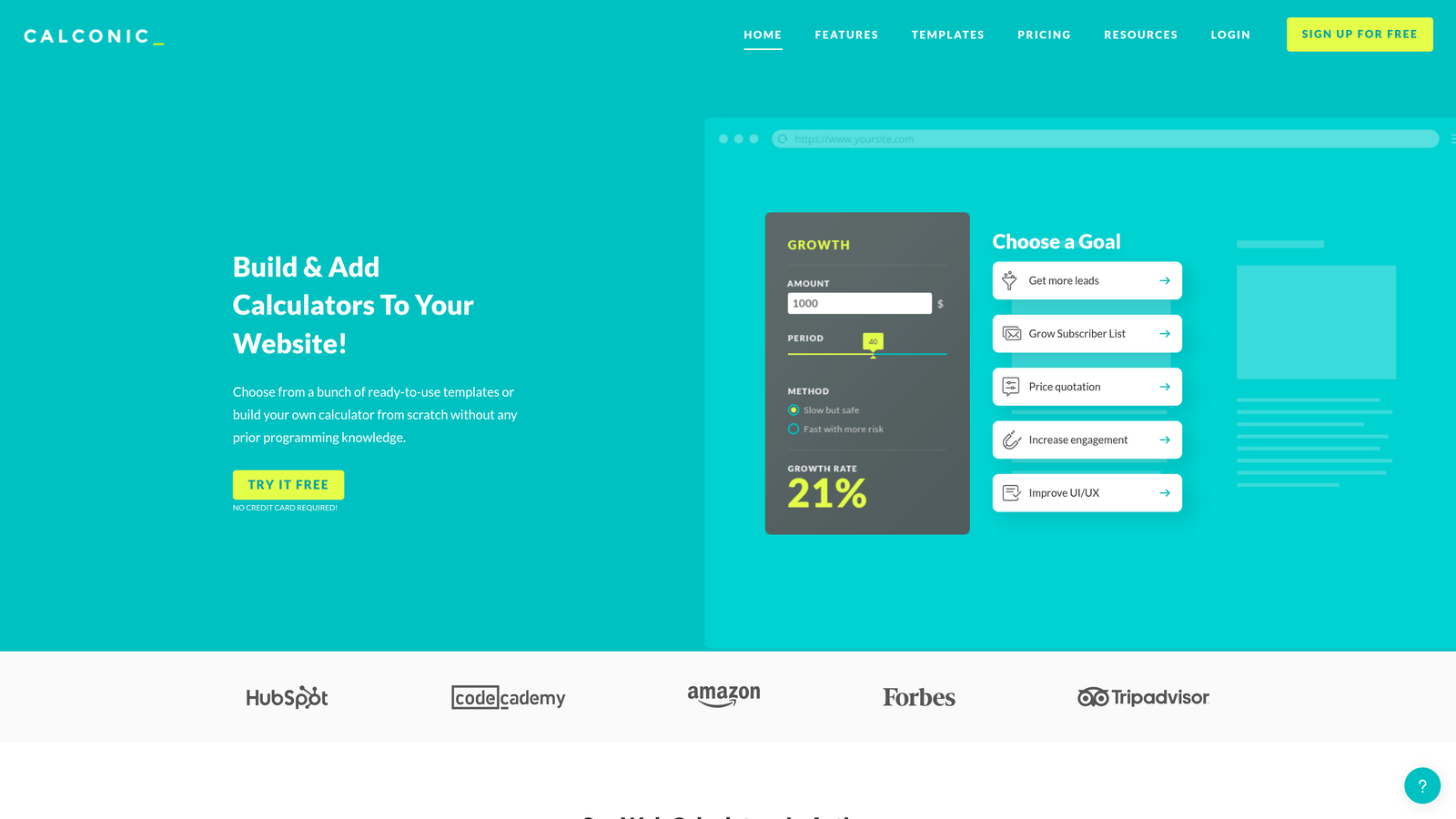
Calconic is a standalone calculator builder designed exclusively for creating embeddable, formula-driven calculators for websites.
Where This Tool Shines
Calconic does one thing and does it well: it builds calculators. There's no quiz functionality, no survey builder, no extra modules to navigate. This focus means the formula builder is more capable than what you'd find in a general-purpose form tool, with full mathematical expression support that can handle complex pricing models or multi-variable calculations.
The lightweight JavaScript embed is another practical advantage. It drops cleanly onto virtually any website platform without performance overhead, making it a popular choice for agencies building client-facing pricing tools or service cost estimators.
Key Features
Custom Formula Builder: Full mathematical expression support for complex, multi-variable calculations beyond basic arithmetic.
Conditional Logic: Show or hide fields dynamically based on user inputs to keep the calculator clean and relevant.
Lightweight JavaScript Embed: Works on any website platform without significant performance impact.
Visual Styling Controls: Brand-matched design customization to make the calculator feel native to your site.
Lead Capture and Email Notifications: Basic lead collection and notification options built in.
Best For
Developers, agencies, and small businesses that need a focused, embeddable calculator tool without paying for a full interactive content platform they'll only use partially.
Pricing
Free plan available; paid plans start at approximately $9/month, making it one of the most affordable dedicated calculator tools available.
5. Involve.me
Best for: Teams building multi-step funnels that combine calculators, quizzes, and lead capture into a single personalized flow.
Involve.me is an interactive funnel builder that combines calculators, quizzes, surveys, and lead capture into cohesive, personalized multi-step experiences.

Where This Tool Shines
Where most calculator builders treat the calculator as the endpoint, Involve.me treats it as one step in a larger funnel. You can build a flow that starts with a quiz to segment the visitor, moves into a calculator to give them a personalized estimate, and ends with a lead capture form, all within a single seamless experience.
The personalization engine is genuinely useful here. Different outcome pages, follow-up content, and messaging can be served based on what the user entered throughout the funnel, which creates a more relevant experience than a generic "thank you" page.
Key Features
Multi-Step Funnel Builder: Combines calculator, quiz, and lead form steps into one continuous, branded experience.
Personalized Outcome Pages: Delivers different results pages and messaging based on individual user inputs.
Score and Formula Logic: Supports both score-based and formula-based calculation approaches.
CRM Integrations: Connects with HubSpot, ActiveCampaign, Salesforce, and other major platforms.
Funnel Analytics: Tracks drop-off and completion rates at each step so you can identify and fix weak points.
Best For
Growth marketers and agencies who want to build sophisticated lead qualification funnels where the calculator is part of a larger, personalized journey rather than a standalone tool.
Pricing
Free plan available; paid plans start at approximately $19/month. Visit involve.me for current plan details.
6. Jotform
Best for: Teams that need a versatile form builder with calculation support, payment integrations, and a massive template library.
Jotform is one of the most widely used form builders globally, offering a calculation widget, payment integrations, and over 10,000 templates.
Where This Tool Shines
Jotform's biggest advantage is breadth. The template library is enormous, and it includes a solid selection of pricing calculators, cost estimators, and order forms that you can deploy quickly. The widget ecosystem extends functionality significantly, and for teams that need payment processing built into their calculator (think: instant quote with checkout), the Stripe, PayPal, and Square integrations are genuinely useful.
It's worth noting that Jotform's calculation capabilities are competent for most use cases but don't match the depth of a dedicated calculator tool like Calconic. For standard pricing formulas and basic math across fields, it handles things well. For highly complex multi-variable models, you may hit limitations.
Key Features
Calculation Widget: Supports basic math operations across form fields for pricing and cost estimation.
Payment Calculator Support: Integrates with Stripe, PayPal, and Square for forms that combine estimation with checkout.
10,000+ Templates: Includes a wide selection of pricing, cost estimator, and order calculator templates.
Conditional Logic: Dynamic form behavior based on user inputs keeps forms relevant and clean.
Large Widget Ecosystem: Hundreds of widgets extend functionality well beyond what's built in natively.
Best For
Small businesses, agencies, and e-commerce teams that need a flexible, well-supported form builder with calculation and payment features and don't need advanced formula logic.
Pricing
Free plan available (up to 5 forms); paid plans start at approximately $34/month. Visit jotform.com for current pricing.
7. Formstack
Best for: Enterprise teams in regulated industries that need calculation fields alongside HIPAA compliance and workflow automation.
Formstack is an enterprise form builder with calculation fields, HIPAA-compliant data handling, workflow automation, and document generation.
Where This Tool Shines
Formstack is built for organizations where forms are mission-critical business processes, not just lead capture tools. The HIPAA compliance makes it one of the few viable options for healthcare organizations building patient intake calculators or cost estimation tools. Add in workflow automation, approval routing, and document generation, and you have a platform that goes well beyond what most form builders offer.
For a healthcare practice building a treatment cost estimator, or a financial services firm creating a loan calculation intake form, Formstack covers compliance and workflow requirements that other tools on this list simply can't match.
Key Features
Calculation Fields: Standard math and formula support for building estimation and pricing forms.
HIPAA Compliance: Certified data handling for healthcare and other regulated industry use cases.
Workflow Automation: Approval routing and automated workflows triggered by form submissions.
Document Generation: Automatically generates documents from form submission data, reducing manual work.
Salesforce Native Integration: Deep Salesforce connectivity for enterprise CRM workflows.
Best For
Enterprise teams in healthcare, legal, or financial services that need compliant, workflow-integrated calculator forms and have the budget to match the platform's capabilities.
Pricing
Plans start at approximately $83/month; enterprise pricing is available for larger organizations. Visit formstack.com for current details.
8. Gravity Forms
Best for: WordPress developers and agencies that want deep customization, advanced pricing fields, and a large add-on ecosystem.
Gravity Forms is a premium WordPress plugin offering advanced pricing and calculation fields with extensive developer customization options.
Where This Tool Shines
If your site runs on WordPress and you have a developer on the team, Gravity Forms is one of the most capable calculator form solutions available. The pricing and calculation fields are core features, not afterthoughts, and the hooks and filters system gives developers precise control over every aspect of form behavior and output.
The add-on library is extensive, covering payment processors, CRM connections, and email marketing platforms. Because it's a WordPress plugin rather than a SaaS platform, there's no monthly subscription for the core product: you pay annually for the license and own the experience entirely.
Key Features
Advanced Pricing and Calculation Fields: Native support for complex pricing logic and multi-field calculations built into the core plugin.
Conditional Logic: Show or hide fields based on prior inputs for clean, dynamic calculator experiences.
Large Add-On Library: Covers Stripe, PayPal, HubSpot, Mailchimp, and many other platforms.
Developer-Friendly Architecture: Extensive hooks and filters for custom behavior, validation, and output formatting.
Unlimited Forms Per License: A single site license covers unlimited forms with no per-form restrictions.
Best For
WordPress-based businesses, agencies managing multiple client sites, and developer teams that want maximum customization without a recurring SaaS subscription.
Pricing
Basic license starts at approximately $59/year; Elite license at approximately $259/year. Requires a WordPress installation to use.
9. Google Forms + Sheets
Best for: Internal use cases or zero-budget situations where basic data collection is the only requirement.
Google Forms is a free, widely accessible form tool where calculation logic is handled through connected Google Sheets formulas rather than natively in the form itself.
Where This Tool Shines
Let's be direct: Google Forms is not a calculator form builder in the traditional sense. It doesn't support native calculation logic. What it does support is a connection to Google Sheets, where you can write formulas that process submitted responses after the fact. For internal tools, quick surveys, or situations where you genuinely have no budget, this workaround can be serviceable.
The zero-cost barrier and universal familiarity make it worth including on this list for completeness, but it's not a realistic option for public-facing lead generation calculators where UX, branding, and real-time results matter.
Key Features
Completely Free: No cost with any Google account, including unlimited responses on the free tier.
Zero Learning Curve: Most users already know how to use it, which makes setup instant.
Calculation via Google Sheets: Formula-based calculations are handled in a connected spreadsheet, not within the form itself.
Basic Conditional Logic: Section branching based on multiple-choice answers covers simple conditional needs.
Google Workspace Integration: Fits naturally into teams already working within Google's ecosystem.
Best For
Internal teams, nonprofits, or individuals who need a zero-cost data collection solution and don't require polished UX, real-time results, or lead generation capabilities.
Pricing
Completely free with a Google account. No paid tiers or upgrades available within Google Forms itself.
Which Calculator Form Builder Is Right for You?
The right tool depends almost entirely on what you're trying to accomplish. Here's a quick way to think through the decision.
If you want AI-powered lead qualification: Orbit AI is the clear choice. It's the only tool on this list that actively scores and qualifies leads during the calculator interaction, which makes it purpose-built for sales-focused teams who need more than a list of email addresses at the end of the day.
If you need a dedicated interactive content platform: Outgrow is the most feature-complete option for teams building a library of calculators, quizzes, and assessment tools with serious analytics requirements.
If you're embedding a standalone calculator on a website: Calconic's focused formula builder and lightweight embed make it the most practical choice, especially at its price point.
If you're building multi-step qualification funnels: Involve.me handles the combination of calculator, quiz, and lead capture in a single flow better than any other tool here.
If you're in a regulated industry: Formstack's HIPAA compliance and workflow automation make it the only viable option for healthcare, legal, or financial services use cases that require certified data handling.
If your site runs on WordPress: Gravity Forms gives developers the deepest customization available in a WordPress-native environment, with a one-time annual license rather than a monthly subscription.
If budget is the only constraint: Google Forms with Sheets is free, but set your expectations accordingly. It's a workaround, not a real calculator form solution for public-facing lead generation.
For high-growth teams that want their calculator forms to do more than collect data, the combination of conversion-optimized design and intelligent lead qualification is what separates a form that fills a spreadsheet from one that fills a pipeline. Start building free forms today and see how AI-powered qualification can transform what your calculator submissions actually deliver for your sales team.


