

Most teams overpay for form builders they barely use, or settle for free tools that quietly kill conversions. The good news: affordable doesn't have to mean limited. Whether you're capturing leads, qualifying prospects, or collecting payments, today's budget-friendly form builders pack serious capability without enterprise price tags.
This list covers the best cheap form builder software options in 2026, evaluated on pricing, features, ease of use, and how well they serve high-growth teams focused on conversion. We've included tools ranging from AI-powered platforms to no-frills free builders, so you can find the right fit for your budget and goals. If you're losing leads from form drop-off, check out our guide on why visitors abandon forms before you pick a tool.
1. Orbit AI
Best for: High-growth teams that need AI-powered lead qualification built directly into the form experience.
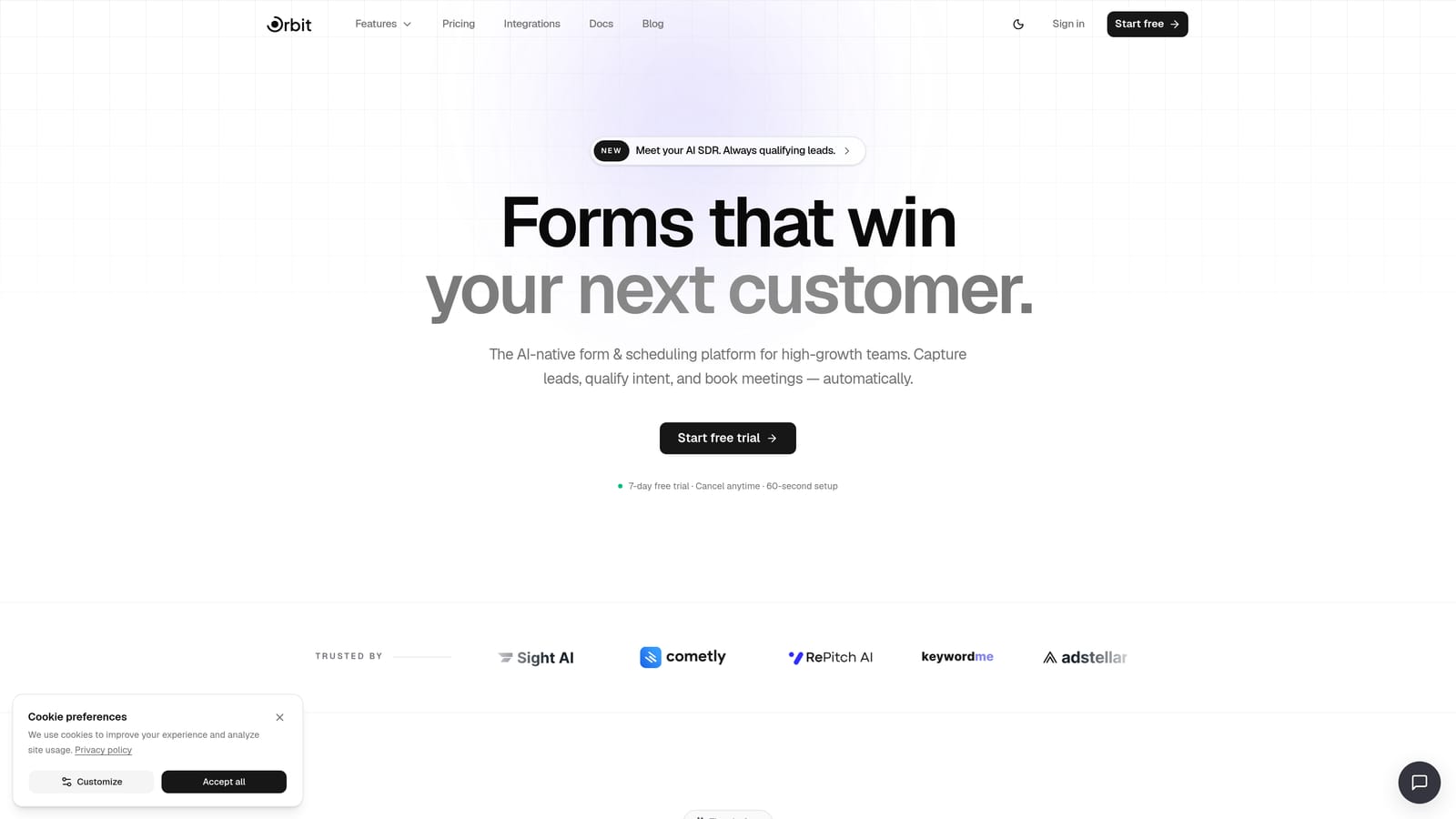
Orbit AI is an AI-powered form builder with built-in lead qualification, designed for teams focused on conversion optimization and lead quality.
Where This Tool Shines
Most form builders collect data and hand it off. Orbit AI does something different: it qualifies leads inside the form itself. AI agents adapt questions based on how respondents answer, scoring and routing leads automatically before they ever hit your CRM. That means your sales team spends time on the right people, not chasing unqualified submissions.
The design quality is another standout. Orbit AI's templates are genuinely modern and conversion-optimized, not the generic layouts you get with most affordable tools. For high-growth teams where first impressions matter, this combination of smart qualification and polished presentation is hard to find at this price point.
Key Features
AI Lead Qualification: AI agents score and route leads automatically based on responses, so qualification happens inside the form flow rather than after submission.
Adaptive Form Questions: The AI adjusts which questions appear based on each respondent's answers, creating a personalized, interview-like experience without manual logic setup.
Built-in Workflows and Sequences: Connect form submissions directly to automated follow-up sequences and contact management without needing a separate tool.
Conversion-Optimized Templates: Modern, beautiful form designs built specifically to reduce drop-off and improve completion rates.
Analytics Dashboard: Track form performance, identify where respondents drop off, and make data-driven improvements to your form flows.
Best For
Orbit AI is the right pick for SaaS teams, marketing teams, and growth-focused businesses where lead quality matters as much as lead volume. If you're running paid acquisition and need to qualify traffic efficiently, the built-in AI qualification alone can justify the cost.
Pricing
See current plans at orbitforms.ai/pricing. Pricing is designed to be accessible for growing teams, with plans that scale as your form volume and team size grow.
2. Tally
Best for: Bootstrapped teams and early-stage startups that need unlimited forms with zero upfront cost.
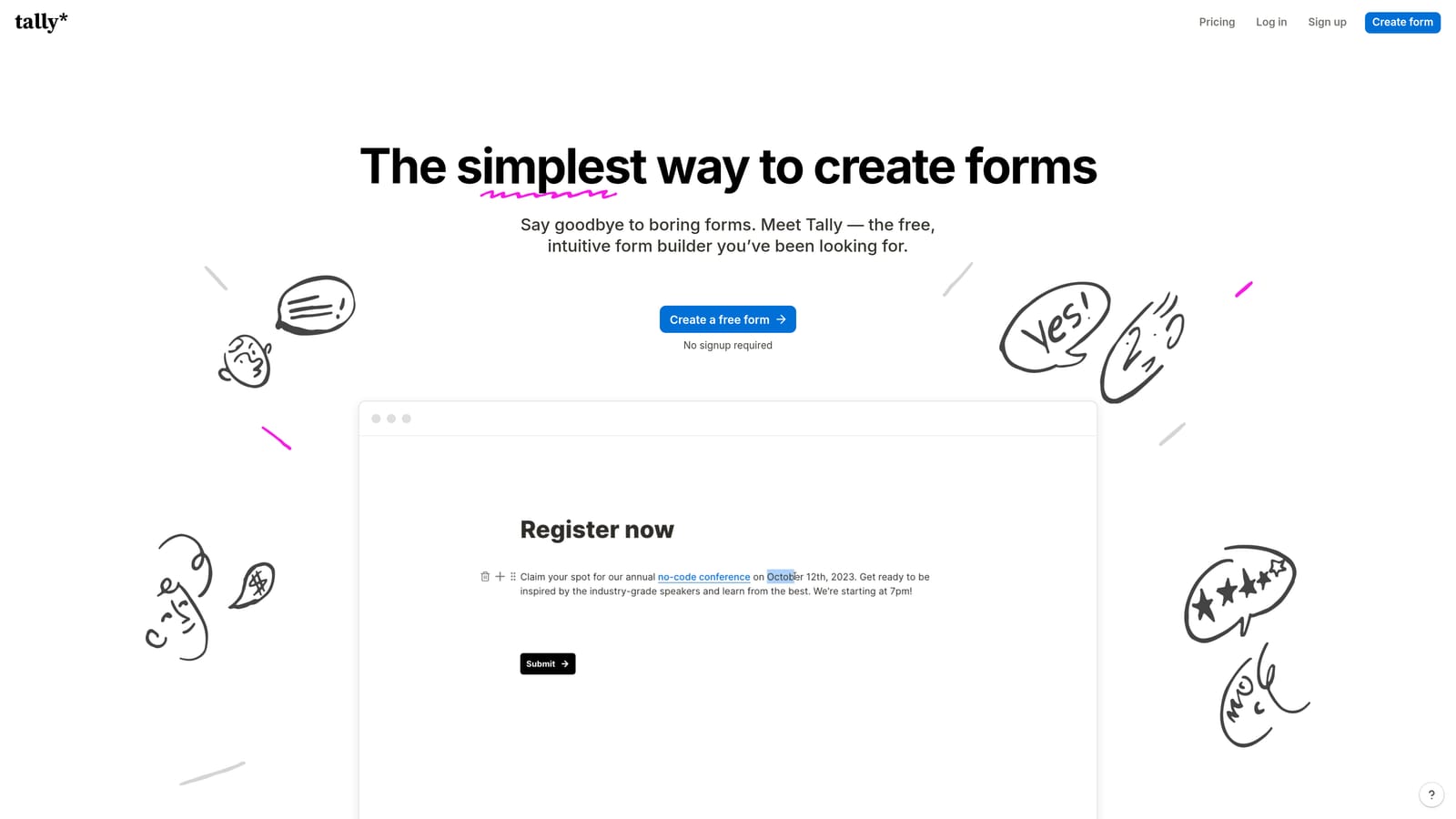
Tally is a free-first form builder with a Notion-like block editor, offering unlimited forms and responses on its free plan.
Where This Tool Shines
Tally's free plan is genuinely unusual in this category. Most free tiers cap responses, add branding, or restrict key features. Tally offers unlimited forms, unlimited responses, and no Tally branding on the free tier. For a bootstrapped team or solo founder, that's a rare deal.
The block-based editor is fast and intuitive, especially if your team already works in Notion. You can build a solid form in minutes without touching settings menus or configuration panels. The tradeoff is that Tally is lighter on advanced logic and native integrations compared to more feature-heavy competitors, so it's best suited to simpler use cases.
Key Features
Unlimited Forms and Responses: The free plan imposes no caps on how many forms you create or how many responses you collect, which is rare in the category.
No Branding on Free Tier: Your forms look clean and professional without Tally's logo attached, even on the free plan.
Block-Based Editor: Build forms quickly using a familiar, Notion-style interface that requires no learning curve for most users.
Conditional Logic and Hidden Fields: Basic logic branching is available to personalize form paths based on respondent input.
Zapier and Native Integrations: Connect Tally to your existing stack via Zapier or a growing set of native integrations.
Best For
Tally is ideal for early-stage startups, personal projects, and small teams that need functional forms quickly without a budget. It's also a strong pick for internal forms, surveys, and feedback collection where conversion optimization isn't the primary goal.
Pricing
Free plan available with no response or form limits. Pro plan available with additional features. Verify current pricing at tally.so/pricing.
3. Typeform
Best for: Teams that want a polished, conversational form experience that feels more like a dialogue than a data entry task.
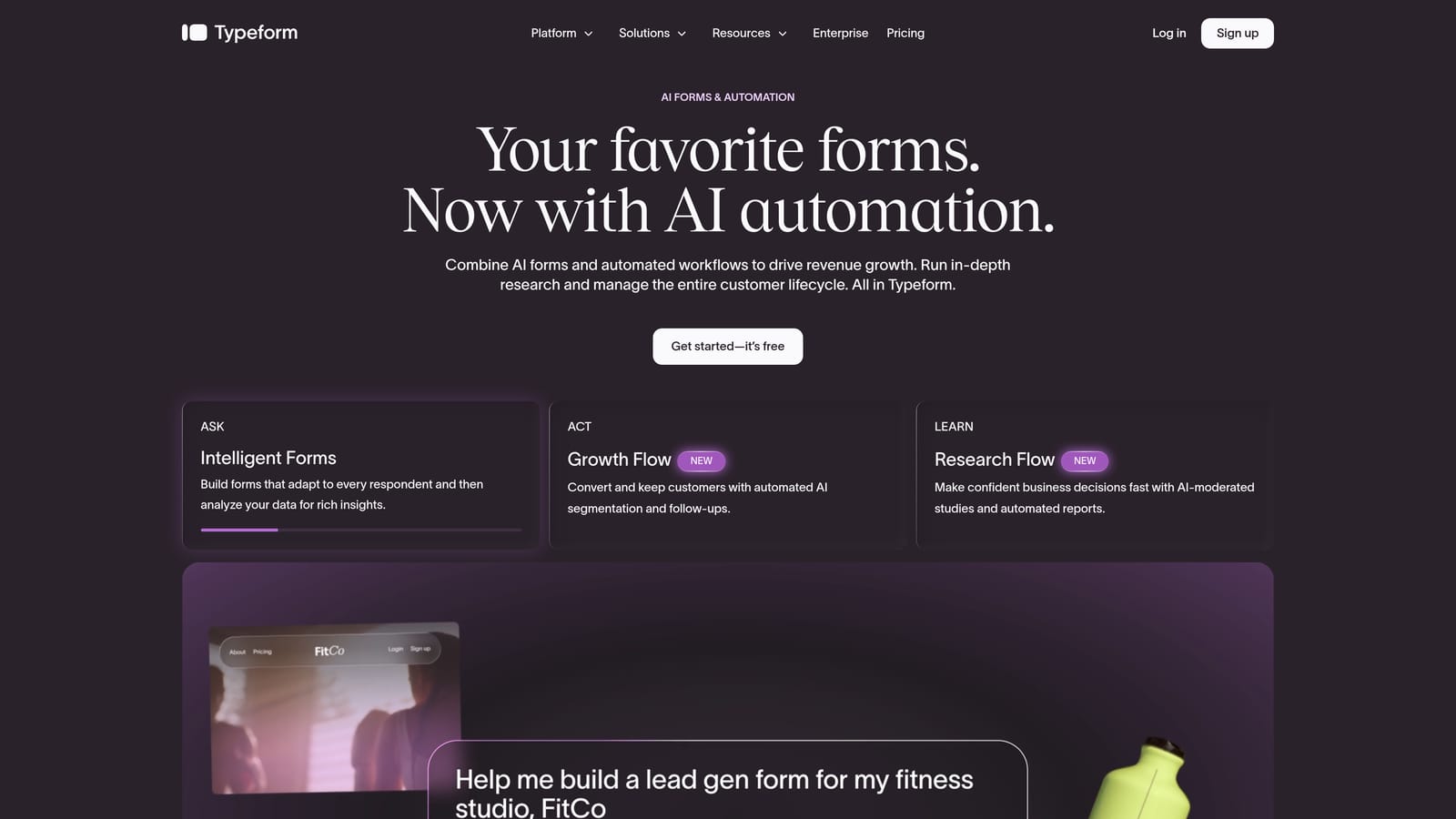
Typeform is a conversational form builder known for its one-question-at-a-time format that creates an engaging, interview-like experience for respondents.
Where This Tool Shines
Typeform's signature UX is genuinely effective at keeping respondents engaged. By presenting one question at a time, forms feel less overwhelming and more like a natural conversation. For lead generation, customer research, and onboarding flows, this format tends to produce higher completion rates than traditional multi-field layouts.
The template library is extensive and the brand customization options are strong, making it easy to build forms that feel native to your product or website. The main consideration: Typeform's paid plans scale with response volume, so it's best value for teams with moderate traffic rather than high-volume campaigns.
Key Features
Conversational One-Question UX: The sequential format reduces cognitive load and keeps respondents focused, which typically improves completion rates.
Logic Jumps and Conditional Branching: Route respondents to different questions based on previous answers, creating personalized form paths.
Strong Template Library: Hundreds of templates across lead gen, research, feedback, and onboarding use cases, all with solid visual design.
Native Integrations: Connects with popular CRM, marketing, and analytics tools out of the box.
Video and Image Support: Embed rich media within questions to add context, personality, or product demonstrations directly inside the form.
Best For
Typeform works well for customer research, brand surveys, lead capture, and onboarding questionnaires where respondent experience is a priority. It's particularly strong for teams that want a premium feel without building a fully custom solution.
Pricing
Free plan available with response limits. Paid plans start in an affordable range but scale up with response volume. Verify current pricing at typeform.com/pricing.
4. Jotform
Best for: Teams that need maximum feature depth at minimal cost, including payments, PDFs, and approval workflows.
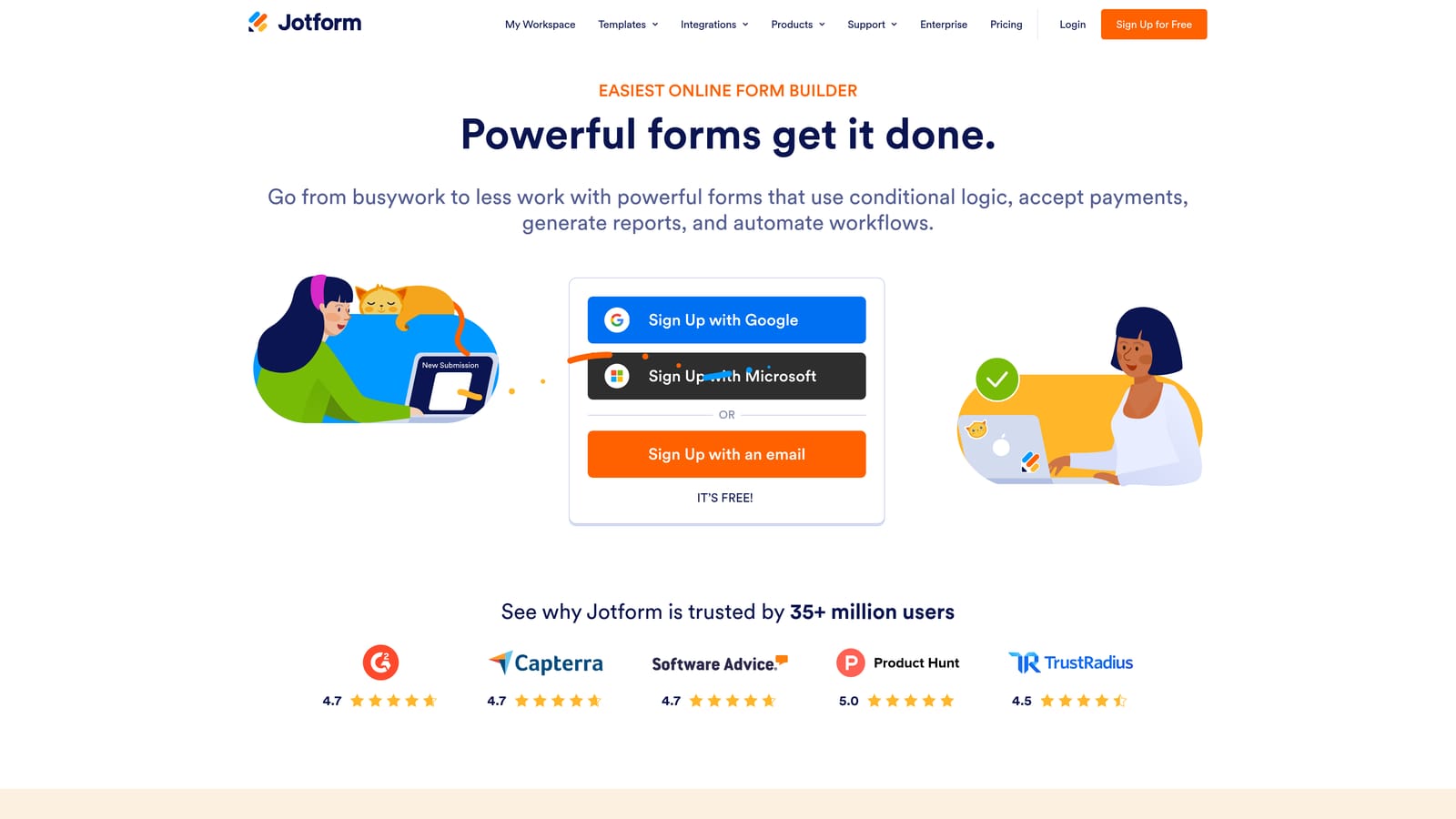
Jotform is one of the most feature-rich affordable form builders available, covering payments, PDFs, approval workflows, and thousands of templates.
Where This Tool Shines
If you need a form builder that can do almost everything, Jotform is hard to beat at its price point. The feature set spans payment collection, PDF generation, e-signatures, approval routing, and a table-based data view, all within the same platform. Most competitors charge significantly more for this breadth of capability.
The template library is enormous. With over 10,000 templates spanning virtually every industry and use case, you can usually start from something close to what you need rather than building from scratch. The tradeoff is a slight learning curve: the interface reflects the tool's depth, and new users may need a little time to orient themselves.
Key Features
10,000+ Form Templates: An industry-leading template library covering every major use case, from lead capture to event registration to job applications.
Native Payment Collection: Accept payments via Stripe, PayPal, Square, and other providers directly within forms, with no third-party workaround required.
PDF Generation and E-Signatures: Automatically generate PDFs from form submissions and collect legally binding e-signatures within the same workflow.
Approval Workflow Builder: Route submissions through multi-step approval processes, useful for HR, procurement, and operations teams.
Broad Integration Ecosystem: Connects with hundreds of tools including major CRMs, project management platforms, and marketing automation systems.
Best For
Jotform is the right choice for operations teams, HR departments, small businesses, and agencies that need a wide range of form capabilities without investing in multiple specialized tools. It's especially strong for payment-enabled forms and document workflows.
Pricing
Free plan available with response and storage limits. Paid plans start at an affordable entry point. Verify current pricing at jotform.com/pricing.
5. Paperform
Best for: Teams that want forms that function as standalone landing pages, with rich media and native payment support.
Paperform is a form builder that blurs the line between forms and landing pages, letting teams embed rich text, images, and video alongside form fields.
Where This Tool Shines
Paperform takes a different approach from most form builders. Instead of a clean, minimal form interface, you get a flexible canvas where text, images, video, and form fields coexist. The result looks more like a purpose-built landing page than a traditional form, which makes it particularly effective for product launches, event registrations, and service bookings.
Native payment and booking support means you can run the entire customer journey, from discovery to purchase, within a single Paperform page. For small teams without a dedicated landing page tool, this can meaningfully reduce tool sprawl. Note that Paperform doesn't offer a permanent free plan, though a free trial is available.
Key Features
Rich Text and Media Embedding: Combine paragraphs, images, video, and form fields on a single page to create context-rich, engaging form experiences.
Native Payment and Booking Support: Accept payments and schedule bookings directly within Paperform pages without additional integrations.
Conditional Logic and Calculations: Show or hide fields based on responses and perform real-time calculations, useful for quotes, pricing estimators, and complex intake forms.
Custom Domains and Brand Control: Publish forms on your own domain with full visual customization to match your brand identity.
Product and Service Sales: Build lightweight storefronts and service pages that collect payment and information in a single flow.
Best For
Paperform suits freelancers, consultants, small businesses, and marketing teams that want a single tool to handle forms, landing pages, payments, and bookings. It's especially effective for event-driven campaigns and service-based businesses.
Pricing
No permanent free plan; a free trial is available. Entry-level paid plans are in the affordable range. Verify current pricing at paperform.io/pricing.
6. Formstack
Best for: Teams that need forms connected to document generation, approval workflows, and e-signatures in a single platform.
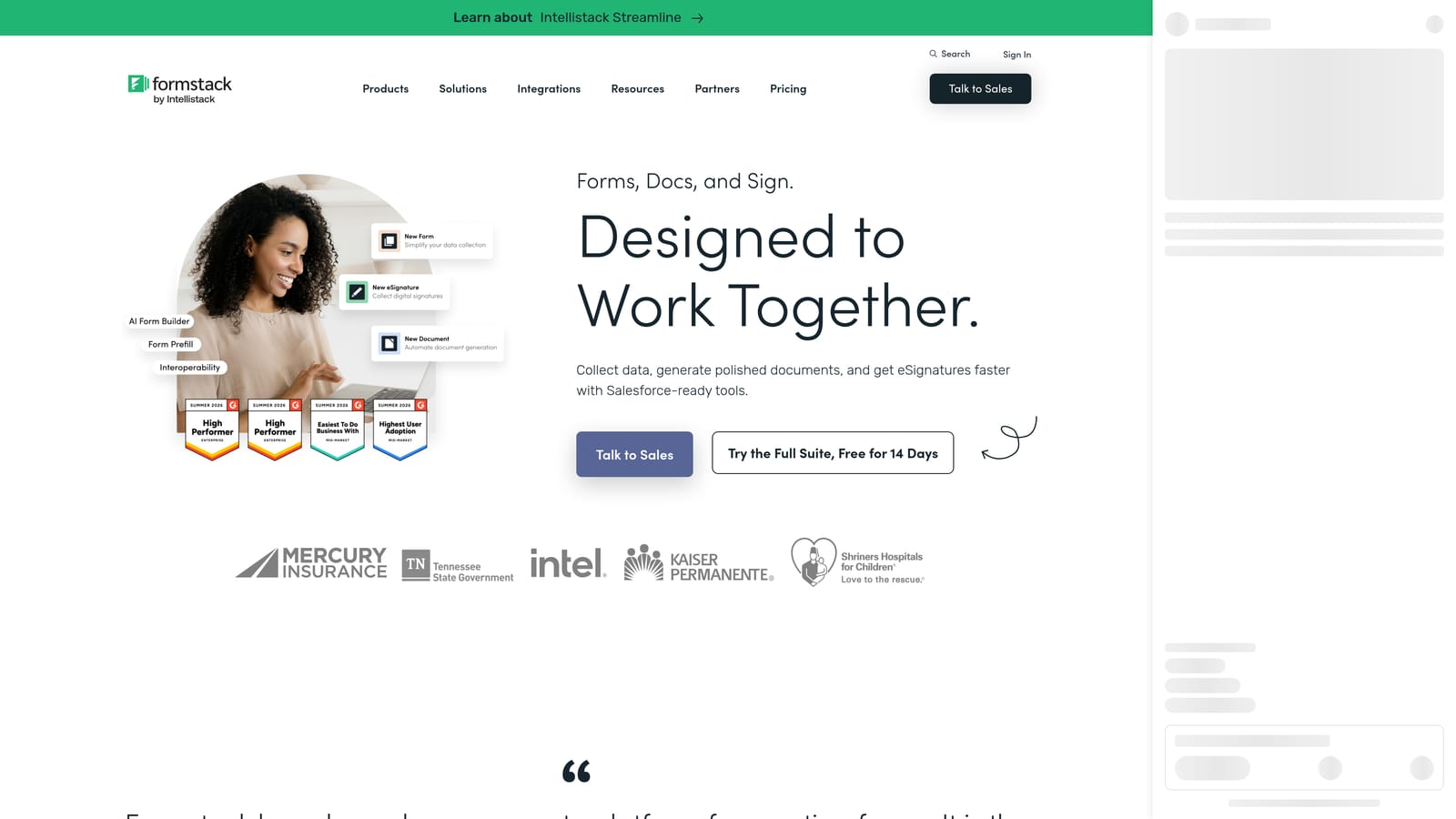
Formstack is a broader form and document automation platform suited to teams needing forms connected to approval workflows, document generation, and e-signatures.
Where This Tool Shines
Formstack isn't just a form builder. It's a workflow automation platform where forms are the starting point, not the end product. When a form is submitted, Formstack can generate a document, route it for approval, collect an e-signature, and push data into your CRM, all without leaving the platform. For operations-heavy teams, that end-to-end capability is genuinely valuable.
It's worth being transparent: Formstack sits at the upper end of the affordable range on this list. You're paying for workflow depth, not just form creation. Teams with straightforward lead capture needs may find better value elsewhere. But for regulated industries, HR teams, and operations functions where form-to-document pipelines matter, Formstack can consolidate several tools into one.
Key Features
Form-to-Document Workflow Automation: Automatically generate polished documents from form submissions, eliminating manual data transfer and formatting work.
Approval Routing and Conditional Workflows: Build multi-step approval chains with conditional routing based on form data, suitable for procurement, HR, and compliance use cases.
Built-in E-Signature Collection: Collect legally binding signatures within the same workflow, removing the need for a separate e-signature tool.
CRM and Database Prefill: Pre-populate forms with existing CRM or database data to reduce friction for returning users and improve data accuracy.
HIPAA-Compliant Options: Available compliance configurations for healthcare and other regulated industries that need secure data handling.
Best For
Formstack is the right fit for HR teams, operations departments, healthcare organizations, and any team that needs forms to trigger multi-step document and approval workflows. It's overkill for simple lead capture but well-suited to complex, regulated, or process-heavy environments.
Pricing
Sits at the upper end of the affordable range on this list. Verify current pricing at formstack.com/pricing.
Which Tool Is Right for Your Budget and Goals?
Six tools, six distinct strengths. Here's a quick decision guide to help you cut through the options.
Zero budget, unlimited forms: Tally is your starting point. The free plan is genuinely generous, and the block editor makes it fast to ship forms without any investment.
Conversion-focused lead generation: Orbit AI is built for this. AI-powered qualification inside the form flow, modern design, and built-in workflows make it the strongest option for teams where lead quality drives revenue.
Respondent experience and beautiful UX: Typeform's conversational format is hard to beat for keeping people engaged through the form. Best for research, onboarding, and brand-forward lead capture.
Maximum features at minimum cost: Jotform packs payments, PDFs, e-signatures, and approval workflows into an affordable package. If feature breadth matters more than design polish, Jotform wins on value.
Forms that function as landing pages: Paperform is the right call when you want rich media, native payments, and a full-page experience without a separate landing page tool.
Workflow automation and document generation: Formstack is the pick for operations and HR teams that need forms connected to multi-step approval and document pipelines.
The most important thing to remember: "cheap" should never mean "conversion-poor." The right form builder pays for itself in better lead quality, higher completion rates, and less time spent on manual follow-up. A free tool that loses half your leads is more expensive than a paid tool that converts them.
If lead qualification and conversion are your priorities, Start building free forms today with Orbit AI and see how intelligent form design changes what your forms can do. Or explore full plan details at orbitforms.ai/pricing.
Still evaluating your options? Our guide on why visitors abandon forms covers the specific friction points that kill completion rates, and what to look for in a tool that solves them.


