

Every form on your website is a conversion opportunity—or a missed one. High-growth teams know that generic forms with endless fields and clunky designs bleed leads. The right form solution doesn't just collect data; it qualifies leads, reduces friction, and turns casual visitors into engaged prospects.
But with dozens of form builders claiming to boost conversions, choosing the right one matters. We evaluated these tools based on conversion-focused features (conditional logic, multi-step flows, A/B testing), ease of implementation, integration capabilities, and real pricing transparency. Whether you're optimizing lead capture, streamlining applications, or qualifying prospects automatically, here are the top solutions built specifically for teams that measure success in conversion rates.
1. Orbit AI
Best for: High-growth teams needing AI-powered lead qualification with beautiful, conversion-focused forms.
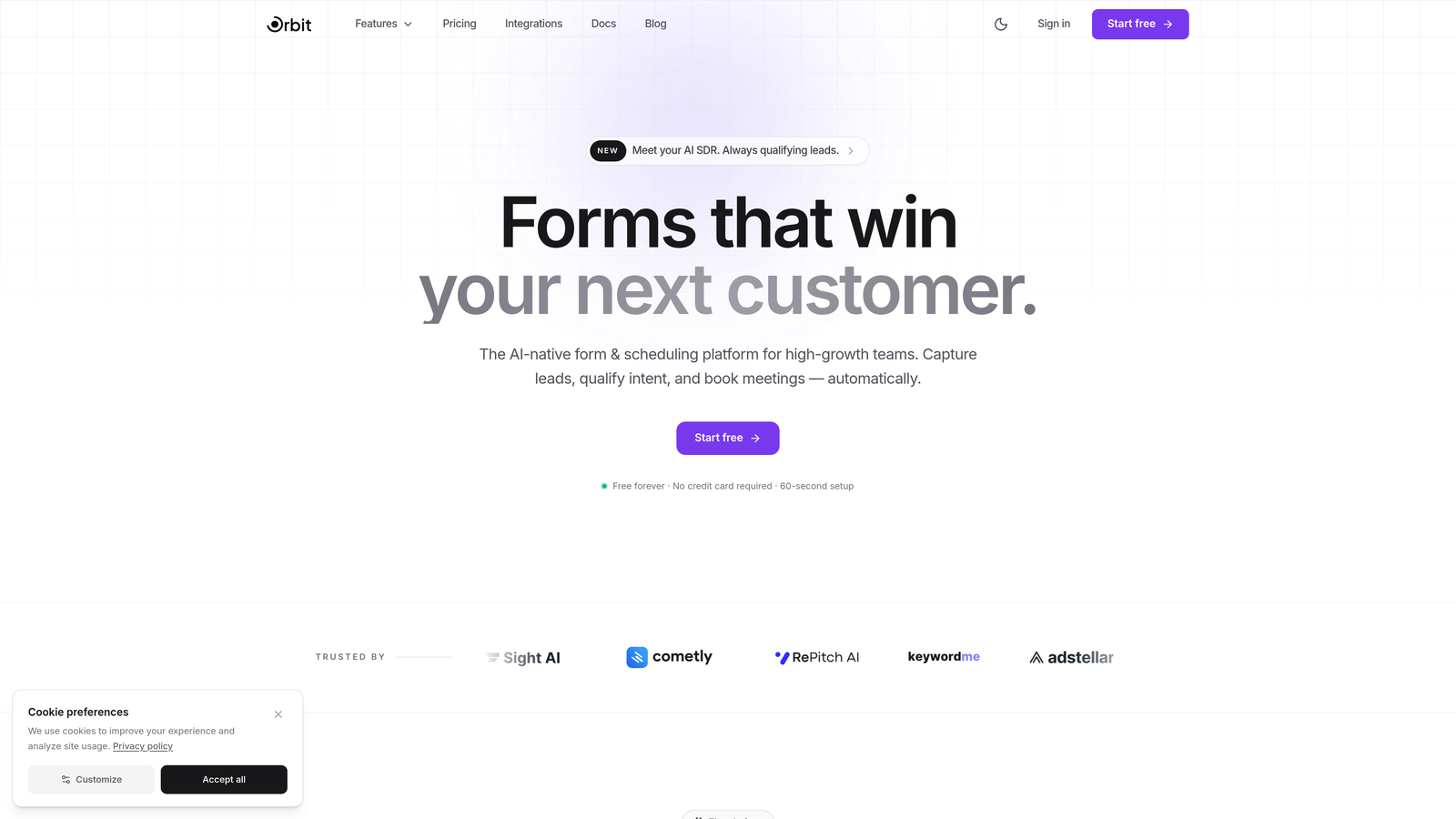
Orbit AI is an AI-powered form builder platform designed specifically for teams that need more than just data collection—they need intelligent lead qualification built into every form.
Where This Tool Shines
What sets Orbit AI apart is its intelligent approach to lead qualification. Instead of manually scoring leads after they submit, the platform uses AI to qualify prospects in real-time based on their responses, routing high-value leads directly to sales while nurturing others through automated workflows.
The multi-step forms with intelligent conditional branching create personalized experiences that adapt based on user responses, reducing form abandonment while gathering more qualified data. The built-in conversion analytics give you immediate visibility into what's working and what's not, eliminating the guesswork from form optimization.
Key Features
AI-Powered Lead Qualification: Automatically scores and qualifies leads based on responses, ensuring your sales team focuses on high-intent prospects.
Multi-Step Conditional Logic: Creates dynamic form experiences that adapt to user responses, reducing friction and improving completion rates.
Conversion Analytics Dashboard: Tracks completion rates, drop-off points, and conversion metrics in real-time to optimize performance.
Seamless CRM Integration: Connects directly with major CRM and marketing automation platforms for instant lead handoff and nurturing workflows.
Modern Mobile-Optimized Designs: Delivers beautiful, fast-loading forms that work flawlessly across all devices without custom coding.
Best For
Orbit AI is ideal for high-growth B2B teams, SaaS companies, and marketing agencies that need to qualify leads at scale while maintaining a premium user experience. If you're tired of generic form builders that treat all leads equally, this platform's intelligent qualification capabilities can transform your lead generation strategy.
Pricing
Free tier available for getting started. Paid plans scale with features and usage, making it accessible for growing teams while offering enterprise capabilities for larger organizations.
2. Typeform
Best for: Creating engaging, conversational form experiences with high completion rates through one-question-at-a-time design.
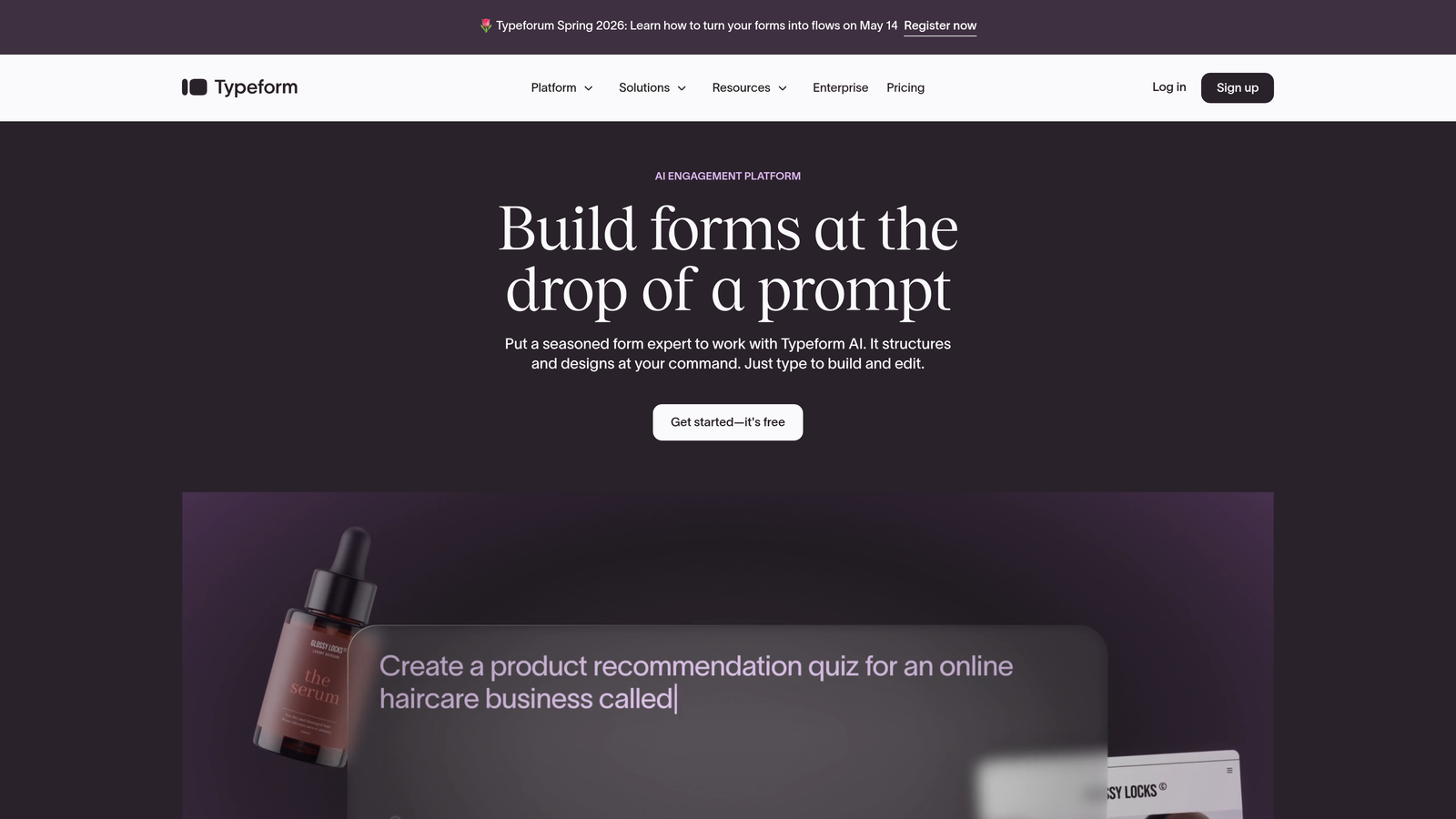
Typeform is a conversational form builder that pioneered the one-question-at-a-time approach, transforming traditional forms into engaging interactions.
Where This Tool Shines
Typeform's conversational format reduces the psychological barrier of long forms by showing only one question at a time. This approach typically improves completion rates because users aren't overwhelmed by seeing a dozen fields upfront. The experience feels more like a conversation than an interrogation.
The platform's design capabilities are exceptional. You can incorporate videos, images, and GIFs into questions, creating visually rich experiences that align with your brand. The logic jumps allow you to create personalized paths based on responses, making each form feel custom-tailored to the user.
Key Features
Conversational One-Question Format: Displays questions sequentially to reduce form abandonment and create engaging experiences.
Rich Media Questions: Incorporates video, images, and GIFs directly into questions for visual engagement.
Logic Jumps and Branching: Creates personalized form paths based on user responses for relevant experiences.
Beautiful Design Customization: Offers extensive branding options with custom themes, colors, and layouts.
Native Platform Integrations: Connects seamlessly with Google Sheets, Slack, HubSpot, Salesforce, and hundreds of other tools.
Best For
Typeform works exceptionally well for customer feedback surveys, lead qualification questionnaires, and application forms where user experience matters as much as data collection. Creative agencies, consumer brands, and teams prioritizing brand experience will appreciate its design-forward approach.
Pricing
Free tier allows 10 responses per month. Basic plan starts at $25/month with 100 responses, while Plus ($50/month) and Business ($83/month) plans unlock advanced features and higher response limits.
3. Leadformly
Best for: Teams serious about conversion optimization who want templates backed by extensive A/B testing data.
Leadformly is a conversion-focused form builder built on the principle that form design directly impacts lead quality and quantity.
Where This Tool Shines
Leadformly's templates aren't just aesthetically pleasing—they're built from extensive A/B testing data. The platform provides conversion-optimized starting points based on what actually works, not just what looks good. This data-driven approach saves you months of testing.
The built-in analytics go beyond basic completion rates. You get heatmaps showing where users click, scroll depth tracking, and field-level analytics that reveal exactly where prospects abandon your forms. This granular insight makes optimization decisions obvious rather than speculative.
Key Features
Conversion-Optimized Templates: Pre-built form templates based on extensive A/B testing data across industries.
Form Analytics and Heatmaps: Tracks user behavior with visual heatmaps and detailed field-level completion metrics.
Multi-Step Form Builder: Creates segmented forms that reduce perceived complexity and improve completion rates.
Lead Scoring Integration: Assigns qualification scores to leads based on their responses for prioritized follow-up.
A/B Testing Capabilities: Tests multiple form variations simultaneously to identify highest-converting designs.
Best For
Leadformly is perfect for performance marketers, growth teams, and agencies managing client lead generation campaigns. If you approach forms as conversion assets rather than data collection tools, this platform speaks your language.
Pricing
Essential plan starts at $37/month for basic features. Professional ($74/month) and Advanced ($149/month) plans unlock additional forms, submissions, and advanced analytics capabilities.
4. Unbounce Smart Builder
Best for: Combining landing page creation with AI-powered form optimization for complete campaign experiences.
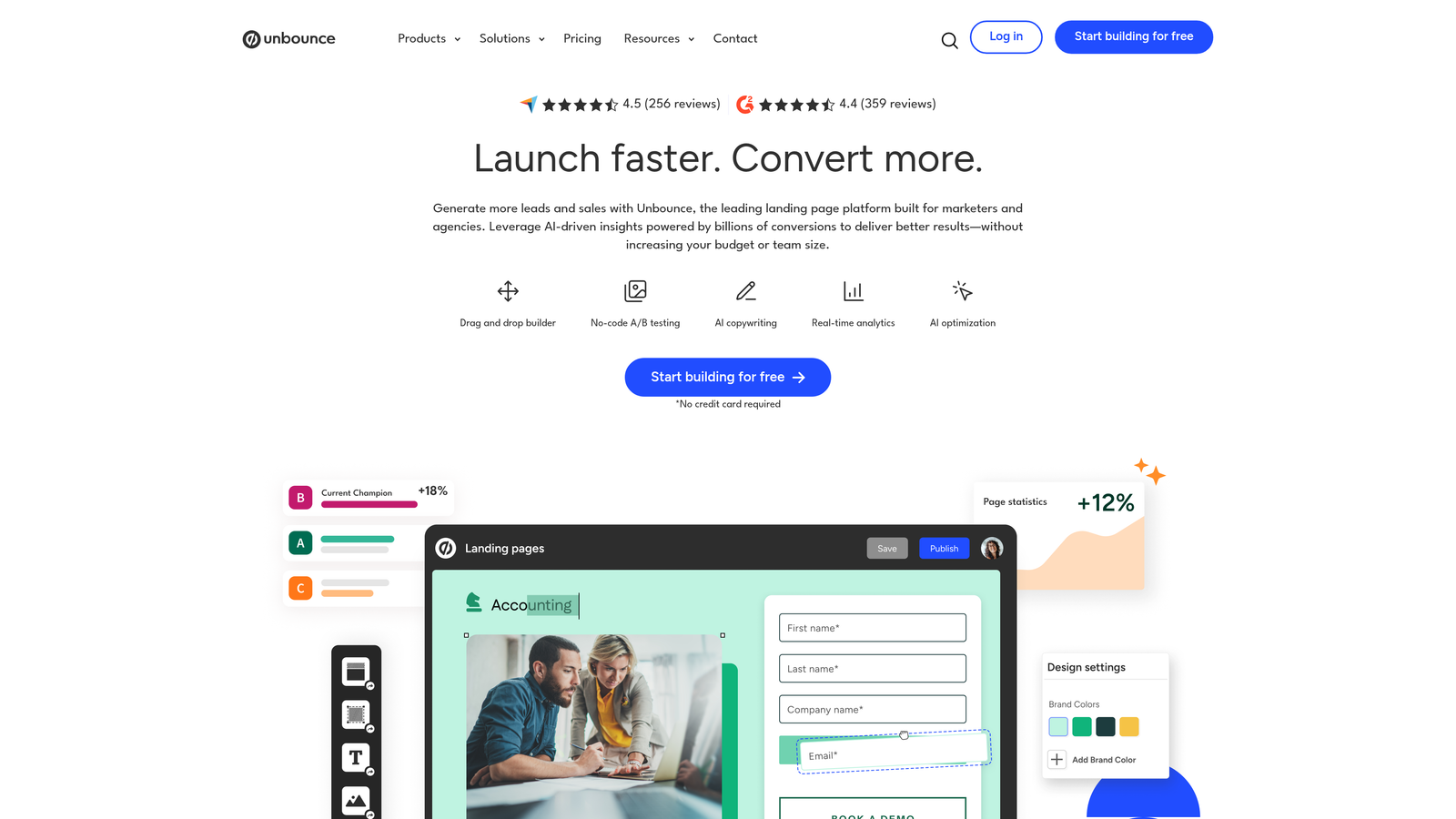
Unbounce Smart Builder is a landing page platform that integrates AI-powered conversion optimization directly into both page and form design.
Where This Tool Shines
The Smart Traffic feature is where Unbounce demonstrates real AI value. It automatically routes visitors to the landing page and form variation most likely to convert them based on their attributes. This goes beyond simple A/B testing by using machine learning to optimize in real-time.
Dynamic text replacement personalizes forms based on the search terms or ads that brought visitors to your page. If someone clicked an ad for "enterprise software," the form they see references enterprise solutions. This contextual relevance typically improves conversion rates significantly.
Key Features
AI-Powered Conversion Optimization: Uses machine learning to automatically improve conversion rates based on visitor behavior patterns.
Smart Traffic Technology: Routes visitors to the page and form variation most likely to convert them individually.
Integrated Landing Page Builder: Combines form creation with landing page design for cohesive campaign experiences.
Dynamic Text Replacement: Personalizes form copy based on search terms or ad creative for contextual relevance.
Extensive Template Library: Offers hundreds of conversion-optimized templates across industries and use cases.
Best For
Unbounce is ideal for paid advertising teams, PPC specialists, and marketing departments running multiple campaigns simultaneously. If you're spending significant budget driving traffic to landing pages, the AI optimization can meaningfully improve your cost per lead.
Pricing
Launch plan starts at $99/month for basic features. Optimize ($145/month) includes A/B testing, while Accelerate ($240/month) and Concierge ($625/month) unlock Smart Traffic and advanced capabilities.
5. HubSpot Forms
Best for: Teams already using HubSpot who need native CRM integration with progressive profiling capabilities.
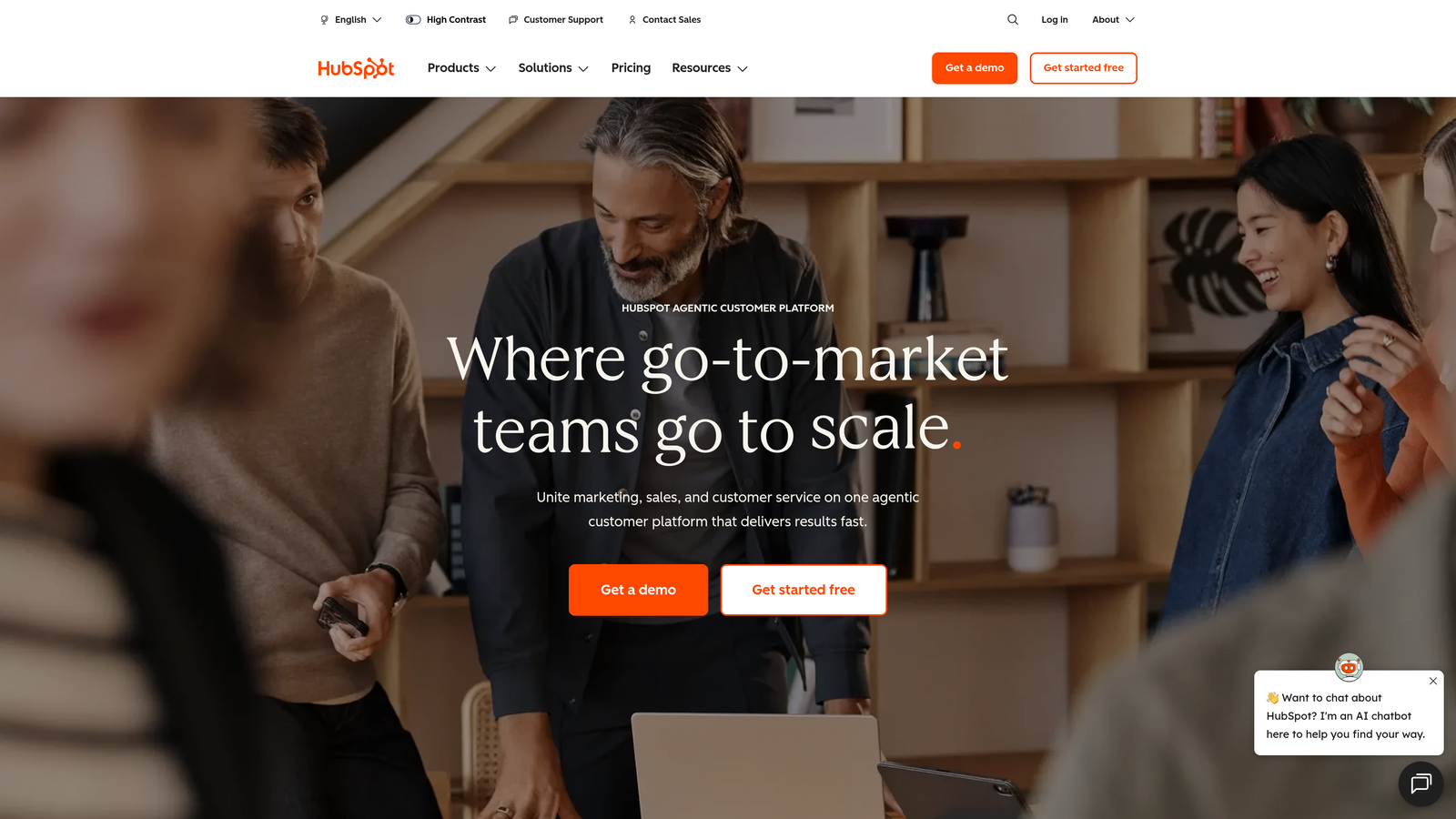
HubSpot Forms is the form solution integrated directly into HubSpot's CRM and marketing platform, offering seamless data flow and intelligent field management.
Where This Tool Shines
Progressive profiling is HubSpot's killer feature for conversion optimization. Instead of asking known contacts for information you already have, the form automatically swaps out completed fields for new questions. This reduces form fatigue while continuously enriching your contact database.
Smart fields adapt based on what HubSpot knows about each visitor. If someone has already provided their company name, that field pre-populates or disappears entirely. This intelligent approach respects the user's time while maintaining high data quality across your CRM.
Key Features
Progressive Profiling: Automatically replaces known information fields with new questions to continuously enrich contact data.
Smart Fields: Pre-populates or hides fields based on existing CRM data for personalized experiences.
Native CRM Integration: Syncs form submissions directly into HubSpot CRM with complete contact timeline tracking.
Dependent Fields: Shows or hides fields based on previous answers for dynamic, relevant forms.
Integrated Analytics: Tracks form performance within the HubSpot dashboard alongside all marketing metrics.
Best For
HubSpot Forms makes the most sense for teams already invested in the HubSpot ecosystem. If you're using HubSpot CRM or Marketing Hub, the native integration and progressive profiling capabilities justify using their form builder over standalone alternatives.
Pricing
Free with HubSpot CRM with basic form capabilities. Advanced features like progressive profiling require Marketing Hub Professional starting at $800/month (when billed annually).
6. Paperform
Best for: Service businesses needing beautiful forms with built-in payment processing and booking capabilities.
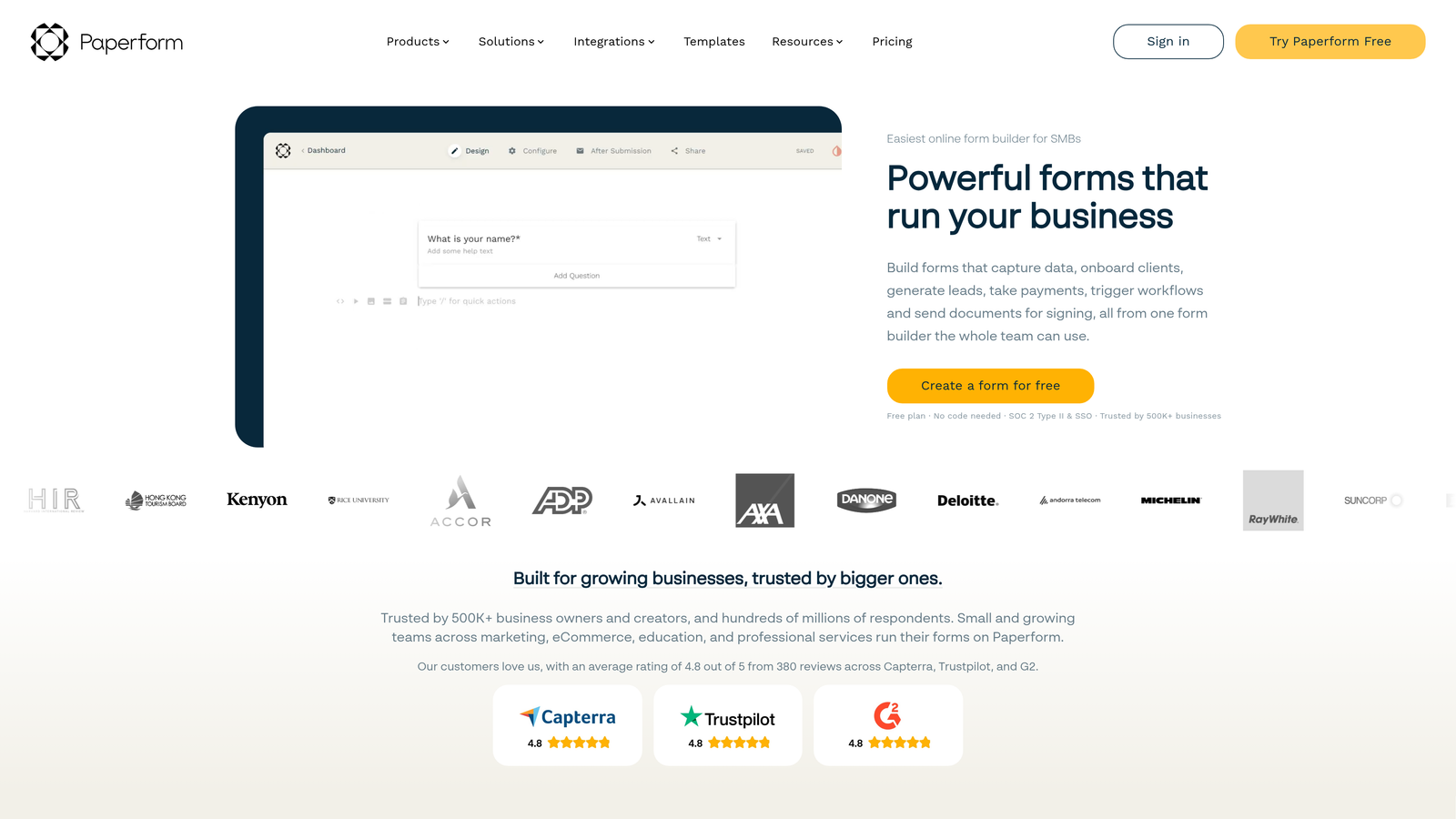
Paperform is a document-style form builder that combines the flexibility of a word processor with powerful form logic and payment integration.
Where This Tool Shines
The document-style editing experience feels incredibly natural. You type your form like you're writing a document, and Paperform intelligently converts text into form fields. This approach makes complex forms surprisingly quick to build without wrestling with drag-and-drop interfaces.
Built-in payment processing sets Paperform apart for service businesses. You can collect deposits, process full payments, or set up payment plans directly within forms—no third-party payment page required. The conditional logic can even adjust pricing based on user selections, perfect for service packages or event registrations.
Key Features
Document-Style Editor: Build forms by typing like a document, with automatic field conversion for intuitive creation.
Payment Processing: Accepts payments through Stripe and PayPal directly within forms without external checkout pages.
Advanced Calculations: Performs complex calculations based on user inputs for dynamic pricing and quotes.
Booking Integration: Connects with scheduling tools for appointment booking within the form experience.
Custom Branding: Offers extensive design customization with custom themes, fonts, and layouts.
Best For
Paperform excels for consultants, coaches, event organizers, and service businesses that need to combine information collection with payment processing. If you're replacing paper applications or manual booking processes, this platform delivers a modern alternative.
Pricing
Essentials plan at $24/month includes unlimited forms and submissions. Pro plan at $49/month adds custom domains, advanced integrations, and priority support.
7. Formstack
Best for: Enterprise teams requiring advanced workflow automation, approval processes, and compliance-ready form solutions.
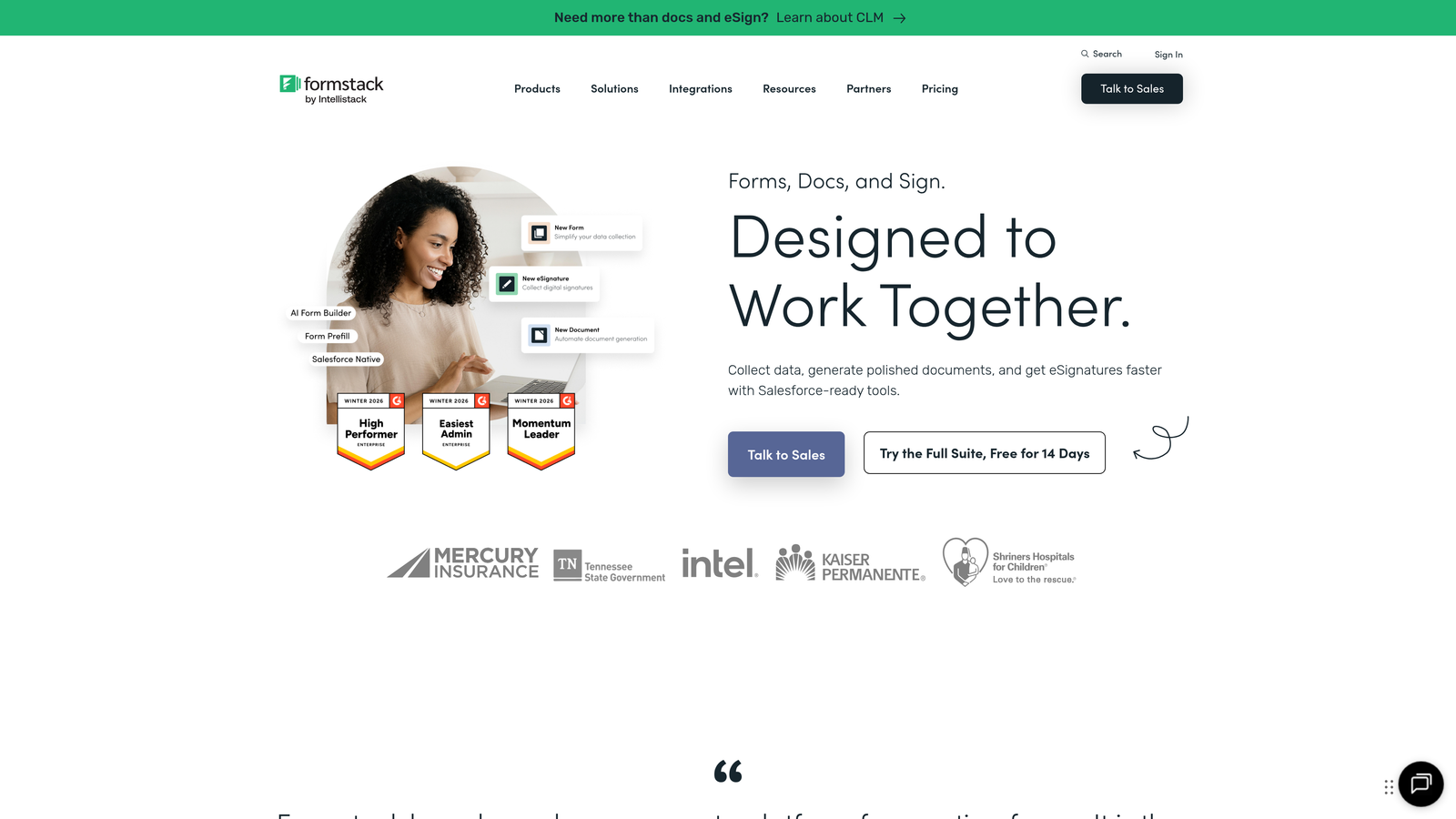
Formstack is an enterprise-grade form platform built for organizations with complex workflows, compliance requirements, and approval processes.
Where This Tool Shines
Formstack's workflow automation capabilities go far beyond basic form submission routing. You can build multi-stage approval processes where submissions move through different stakeholders, trigger document generation, and initiate complex business processes—all without custom development.
For regulated industries, Formstack offers HIPAA-compliant and GDPR-ready options with encryption, audit trails, and data residency controls. The electronic signature integration allows you to collect legally binding signatures within the same form workflow, streamlining contract and agreement processes.
Key Features
Workflow Automation: Creates multi-stage approval processes and automated routing based on form data and business rules.
Compliance Options: Offers HIPAA, GDPR, and other compliance-ready configurations with encryption and audit trails.
Electronic Signatures: Integrates digital signature collection directly into form workflows for contracts and agreements.
Advanced Conditional Logic: Builds complex form branching with multiple conditions and nested logic rules.
Enterprise Integrations: Connects with Salesforce, Microsoft Dynamics, NetSuite, and other enterprise platforms.
Best For
Formstack is designed for healthcare organizations, financial services firms, educational institutions, and enterprises with complex compliance requirements. If you need audit trails, data encryption, and sophisticated approval workflows, this platform handles scenarios that simpler tools can't.
Pricing
Forms plan starts at $50/month for basic features. Suite plan at $208/month includes workflow automation and advanced features. Enterprise pricing available for organizations with specific compliance or volume needs.
8. Jotform
Best for: Teams needing quick deployment with extensive templates, widgets, and integrations for versatile form use cases.
Jotform is a versatile form builder offering over 10,000 templates and an extensive widget library for rapid form deployment across virtually any use case.
Where This Tool Shines
The sheer breadth of templates and widgets makes Jotform incredibly fast for getting forms live. Need a registration form, order form, application, or survey? There's likely a template that gets you 80% of the way there immediately. The widget library extends functionality with calculators, signature fields, appointment scheduling, and hundreds of other specialized components.
The mobile app for iOS and Android allows you to manage forms, view submissions, and even collect data offline—then sync when you're back online. This flexibility is valuable for field teams, event staff, or anyone collecting data away from a desk.
Key Features
10,000+ Templates: Offers pre-built form templates across industries and use cases for rapid deployment.
Extensive Widget Library: Provides hundreds of widgets for specialized functionality like calculations, signatures, and scheduling.
Conditional Logic: Creates smart forms that adapt based on user responses with show/hide and skip logic.
Payment Collection: Integrates with PayPal, Square, Stripe, and other payment processors for transaction forms.
Mobile App: Allows form management and offline data collection through native iOS and Android applications.
Best For
Jotform works well for small businesses, nonprofits, and teams that need versatility across many different form types. If you're managing diverse form needs—from event registrations to job applications to order forms—the template library and widgets provide quick solutions.
Pricing
Free tier includes 5 forms with 100 monthly submissions. Bronze plan at $39/month increases to 25 forms and 1,000 submissions. Silver ($49/month) and Gold ($129/month) plans unlock higher limits and advanced features.
9. Tally
Best for: Startups and lean teams needing unlimited forms with a generous free tier and Notion-style editing experience.
Tally is a simple, fast form builder with a block-based editor inspired by Notion, offering an incredibly generous free tier for budget-conscious teams.
Where This Tool Shines
Tally's free tier is genuinely remarkable—unlimited forms, unlimited submissions, and most core features at no cost. For startups and bootstrapped teams, this eliminates the financial barrier to professional form solutions entirely. You can build sophisticated multi-step forms with conditional logic without spending a dollar.
The Notion-style block editor will feel immediately familiar if you use Notion. You build forms by adding blocks—text, questions, images, dividers—and arrange them with simple drag-and-drop. The clean, minimal designs look modern without requiring design skills or custom CSS.
Key Features
Unlimited Free Tier: Offers unlimited forms and submissions on the free plan with most core features included.
Block-Based Editor: Uses a Notion-inspired interface where you build forms by adding and arranging content blocks.
Conditional Logic: Shows or hides questions based on previous answers for personalized form experiences.
File Uploads and Payments: Collects file attachments and processes payments through Stripe integration.
Clean Minimal Designs: Provides modern, simple form aesthetics that work across devices without customization.
Best For
Tally is perfect for startups, solo entrepreneurs, nonprofits, and early-stage companies that need professional forms without the budget for premium tools. The generous free tier makes it ideal for teams validating ideas or operating with tight financial constraints.
Pricing
Free tier includes unlimited forms and submissions with most features. Pro plan at $29/month adds custom domains, remove Tally branding, and advanced customization options.
Making the Right Choice
The right conversion-optimized form solution depends on your specific growth stage and priorities. If you're a high-growth team that needs intelligent lead qualification built into your forms rather than bolted on afterward, Orbit AI's AI-powered approach eliminates manual scoring while delivering the modern experience today's prospects expect. For teams prioritizing engagement and brand experience, Typeform's conversational format consistently delivers higher completion rates.
Performance marketers running paid campaigns will appreciate Unbounce's AI optimization and Smart Traffic capabilities, while HubSpot users benefit from the native CRM integration and progressive profiling that reduces form fatigue. Enterprise teams with complex compliance requirements should evaluate Formstack's workflow automation and security features.
Budget-conscious startups can't beat Tally's generous free tier, while service businesses needing payment collection will find Paperform's integrated processing invaluable. The common thread among all these tools? They treat forms as conversion assets, not just data collection mechanisms.
The best form solution is the one that aligns with how you measure success. If you're optimizing for completion rates, choose conversational formats. If lead quality matters more than quantity, prioritize qualification features. If you're running sophisticated campaigns, invest in AI-powered optimization. Transform your lead generation with AI-powered forms that qualify prospects automatically while delivering the modern, conversion-optimized experience your high-growth team needs. Start building free forms today and see how intelligent form design can elevate your conversion strategy.


