

Collecting website feedback sounds simple — until you realize most form tools weren't built for it. Generic builders bury you in clunky templates, poor mobile experiences, and zero intelligence about who's actually filling out your forms. For high-growth teams, that's a conversion problem as much as a feedback problem.
This list covers the best feedback form builders for websites in 2026, selected based on ease of use, design quality, logic and branching capabilities, integrations, and how well each tool serves teams focused on turning feedback into action. Whether you're capturing NPS scores, post-purchase sentiment, or qualifying inbound leads through feedback flows, there's a tool here that fits.
We've limited this list to tools we can genuinely recommend — including Orbit AI, our own platform — so you can make a fast, confident decision without wading through bloated comparison tables.
1. Orbit AI
Best for: High-growth SaaS teams who want feedback forms that qualify leads and drive pipeline.
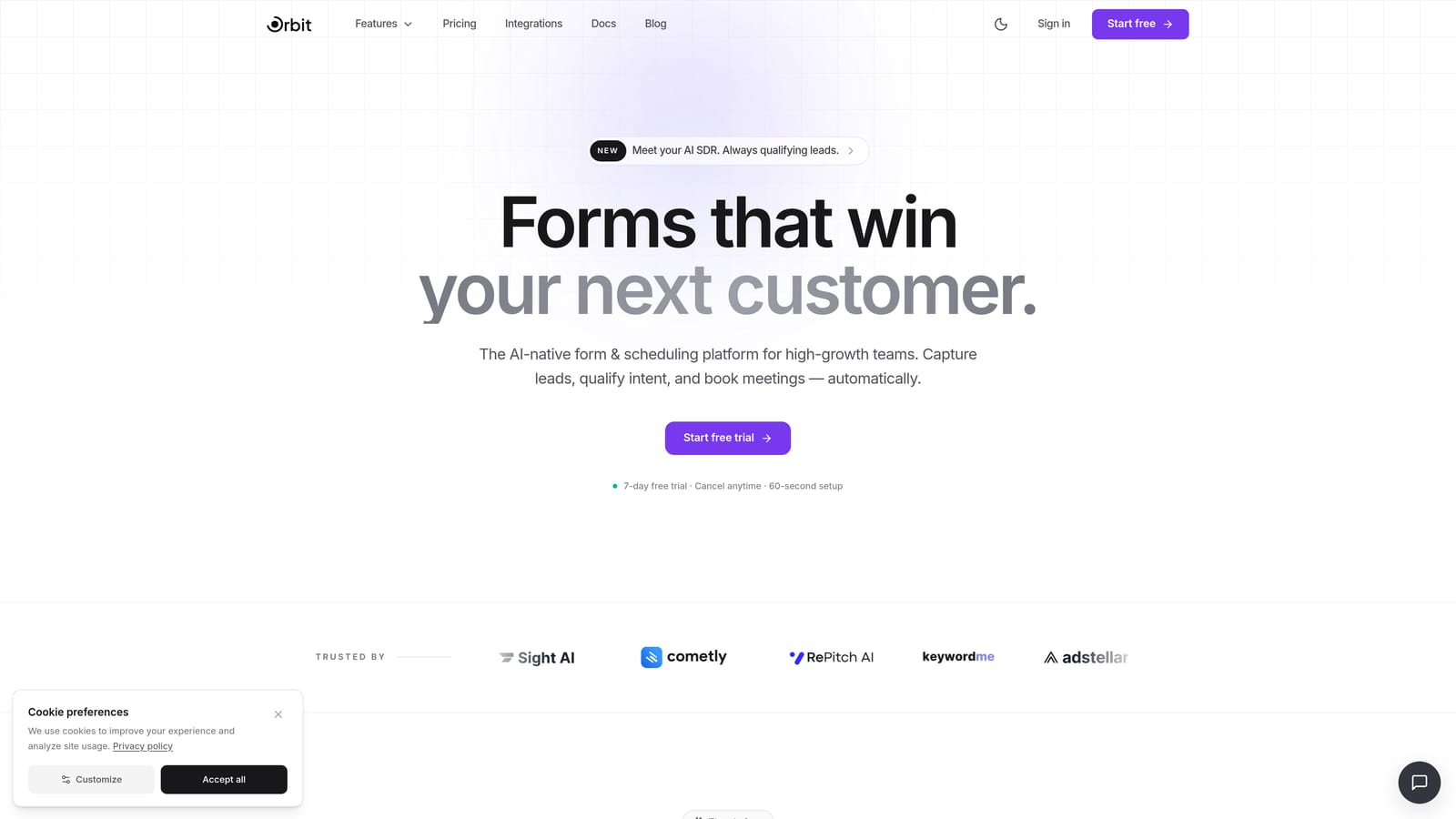
Orbit AI is an AI-powered form builder designed for teams who need feedback forms to do more than collect responses.
Where This Tool Shines
Most feedback tools stop at the submit button. Orbit AI is built around what happens next. Its AI-powered lead qualification layer means that as someone fills out your feedback form, the platform is simultaneously scoring, segmenting, and routing that respondent based on their answers. For a SaaS team running a post-trial survey or a product feedback flow, that's the difference between a spreadsheet of responses and an actionable pipeline signal.
The form design output is clean and modern without requiring a designer. Embed options let you drop forms inline, as popups, or in sidebars — wherever your feedback moment actually lives on your site.
Key Features
AI-Powered Lead Qualification: Automatically scores and routes respondents based on form answers, turning feedback into pipeline intelligence.
Conditional Logic and Smart Branching: Build personalized feedback flows that adapt based on how each person responds, reducing irrelevant questions and improving completion rates.
Conversion-Optimized Form Design: Modern, mobile-responsive templates built specifically for high-growth teams who care about how their forms look and convert.
Lead Scoring and Routing: Assign scores to responses and route high-value leads directly into your CRM or sales workflow without manual intervention.
Flexible Embed Options: Inline, popup, and sidebar embed formats so your feedback form fits naturally into any page experience.
Best For
SaaS teams and growth marketers who want feedback forms that serve double duty: collecting qualitative input while simultaneously qualifying and segmenting respondents. If your feedback form sits at the intersection of product, marketing, and sales, Orbit AI is built for that exact context.
Pricing
Visit orbitforms.ai for current pricing and plan details. A free starting point is available.
2. Typeform
Best for: Teams who want polished, conversational surveys with a low-friction respondent experience.
Typeform is a conversational form builder known for its one-question-at-a-time interface that reduces form fatigue.

Where This Tool Shines
Typeform's signature format works well for feedback scenarios where respondent experience matters. Showing one question at a time reduces cognitive load, which tends to improve completion rates on longer surveys. NPS flows, CSAT surveys, and post-onboarding feedback forms all translate naturally into the Typeform format.
The template library is extensive and includes purpose-built starting points for common feedback use cases. Design quality is strong out of the box, and forms are mobile-responsive without extra configuration.
Key Features
One-Question-at-a-Time Interface: Presents questions sequentially to reduce overwhelm and keep respondents engaged through the full form.
Logic Jumps and Conditional Branching: Available on paid plans, allowing you to route respondents through different question paths based on their answers.
NPS and CSAT Templates: Ready-to-use feedback templates that cover the most common survey formats teams need.
Integration Ecosystem: Connects with HubSpot, Slack, Google Sheets, and a wide range of other tools via native integrations and Zapier.
Mobile-Responsive Design: Clean, branded forms that work well across devices without manual adjustment.
Best For
Teams prioritizing respondent experience and form aesthetics. Typeform is a strong choice for customer-facing surveys where brand impression matters. Keep in mind that complex logic flows can take time to build, and costs can increase at scale.
Pricing
Free tier available; paid plans start around $25/month. Verify current pricing at typeform.com before committing.
3. Tally
Best for: Lean teams and early-stage startups who need functional, no-cost feedback forms fast.
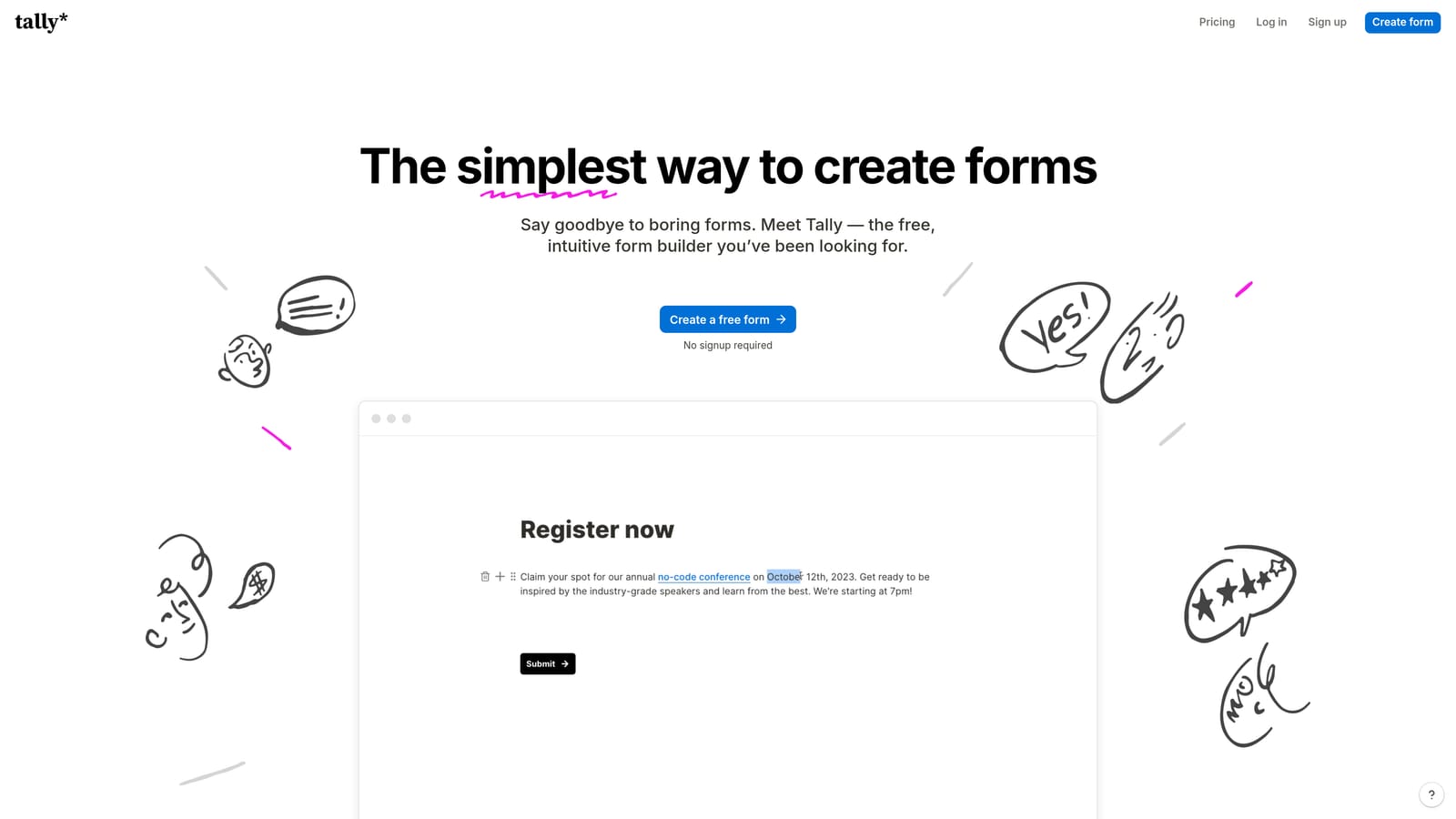
Tally is a free-first form builder with a Notion-style block editor and a genuinely generous free tier.
Where This Tool Shines
Tally's biggest differentiator is what it doesn't charge you for. Most free-tier form tools slap their branding on your forms. Tally doesn't. That alone makes it worth considering for teams that want professional-looking feedback forms without a paid subscription.
The block editor feels familiar if your team already lives in Notion. Building a form is fast, and the free tier includes conditional logic, file uploads, and unlimited responses — capabilities that other tools lock behind paid plans.
Key Features
No Branding on Free Plan: A rare offering in this category that lets you publish clean, unbranded forms without upgrading.
Notion-Style Block Editor: Intuitive drag-and-drop building experience that's quick to learn and fast to use.
Conditional Logic and File Uploads: Available on the free tier, covering the essentials for most feedback form scenarios.
Unlimited Forms and Responses: No artificial caps on free usage, making it genuinely viable for ongoing feedback collection.
Integrations via Zapier and Make: Connect to Google Sheets, Notion, and hundreds of other tools through automation platforms.
Best For
Early-stage startups, solo founders, and lean teams who need a working feedback form without a budget. Tally is also a good fit for internal feedback collection where design polish is less critical than speed and cost.
Pricing
Robust free tier with no time limit; Pro plan available for advanced features. Verify current pricing at tally.so.
4. Paperform
Best for: Teams who want feedback forms that feel like branded, content-rich landing page experiences.
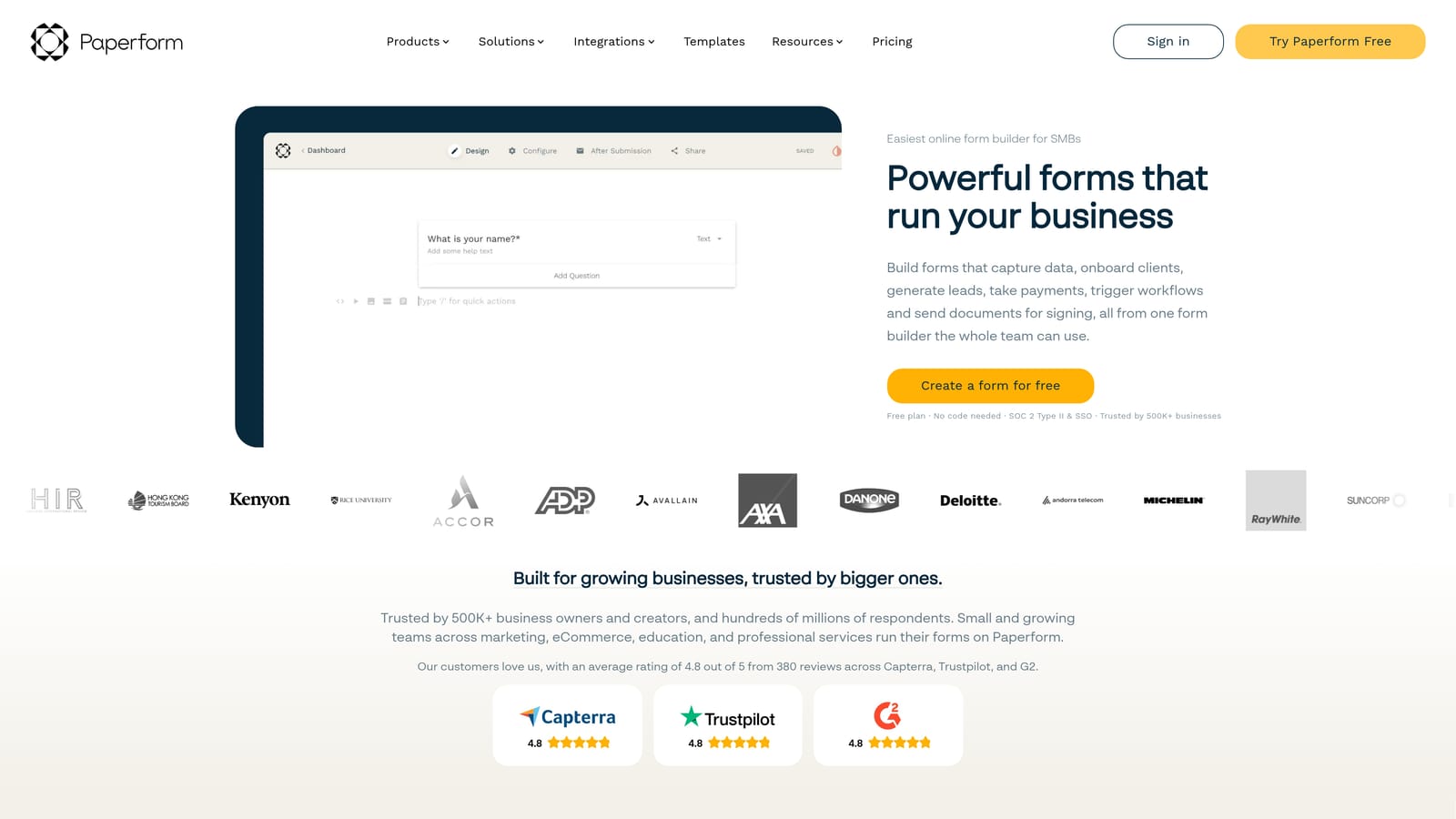
Paperform is a hybrid form builder and landing page tool that lets you freely mix text, images, video, and questions on a single page.
Where This Tool Shines
Paperform occupies a unique space: it's not just a form builder, and it's not quite a landing page tool. That hybrid nature makes it particularly strong for feedback experiences that need context. Think post-event surveys with embedded video, product feedback forms that include feature screenshots, or multi-step flows where you want to guide respondents through a narrative before asking for input.
Design customization is deeper than most form tools. You can match brand colors, fonts, and layouts with enough flexibility to make forms feel like a natural extension of your website rather than a third-party widget.
Key Features
Freeform Content and Question Editor: Mix text blocks, images, video, and form fields freely on one page without rigid structural constraints.
Conditional Logic and Calculations: Build multi-step flows that adapt based on responses, including calculated fields for scoring or pricing.
Payment Collection Built In: Accept payments directly within a form, useful for feedback flows tied to purchases or event registrations.
Deep Design Customization: Font, color, background, and layout controls that go beyond what most form builders offer.
CRM and Productivity Integrations: Connects with major CRMs and tools via native integrations and Zapier.
Best For
Marketing teams and brand-conscious businesses who want feedback forms that feel premium and on-brand. Paperform is overkill for a simple five-question widget but shines for longer, content-rich feedback experiences where presentation matters.
Pricing
Paid plans only; starts around $24/month. No free tier. Verify current pricing at paperform.co.
5. Jotform
Best for: Larger teams with complex integration requirements or compliance needs like HIPAA.
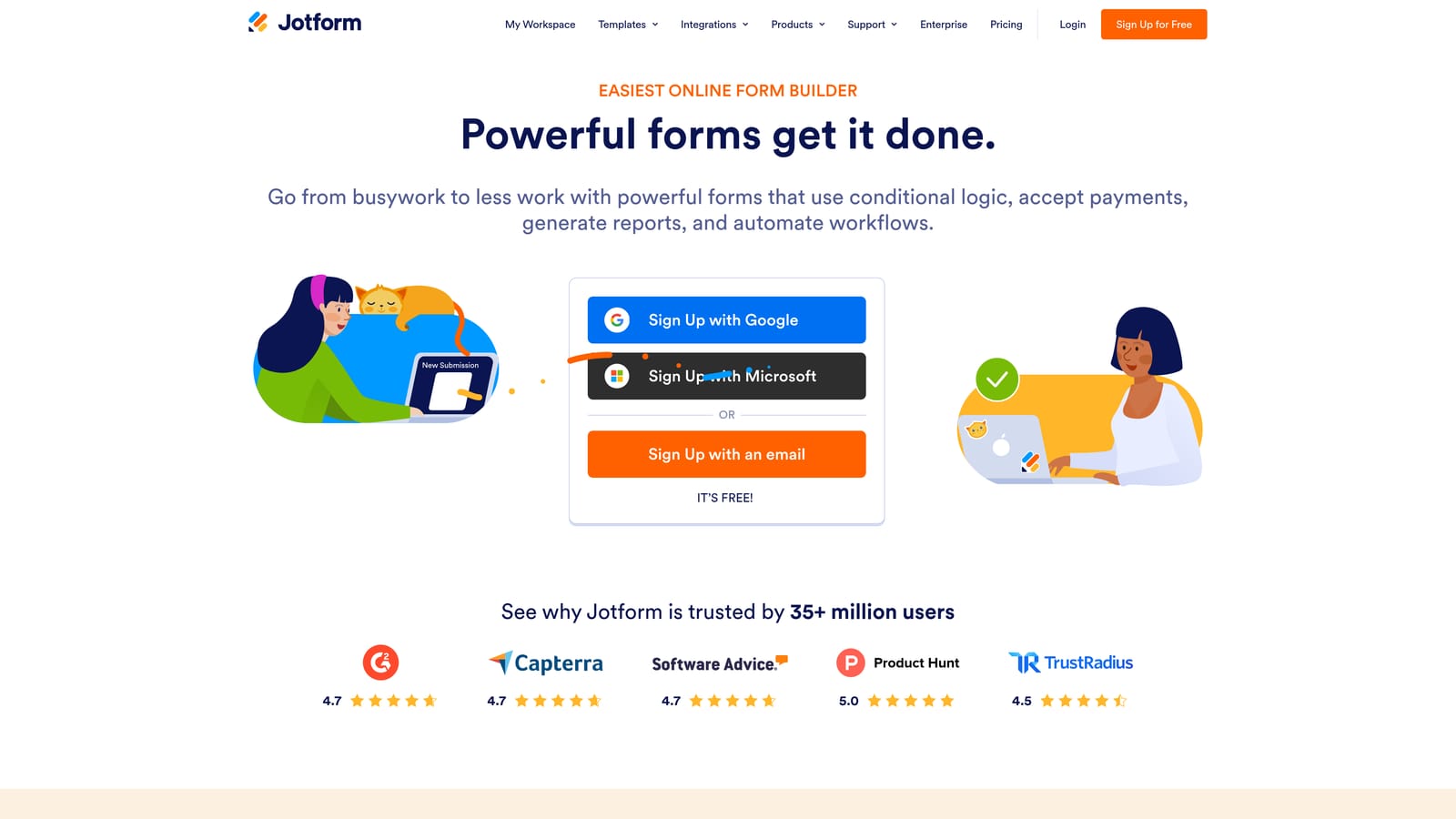
Jotform is a feature-rich form builder with over 150 native integrations and enterprise-grade compliance options.
Where This Tool Shines
Jotform's depth is its defining trait. If you need your feedback form to connect directly with Salesforce, trigger a Slack notification, populate a Google Sheet, and feed into a HubSpot workflow simultaneously, Jotform has the integration infrastructure to support that. For teams operating in regulated industries, HIPAA-compliant plans make it one of the few options that can handle sensitive feedback data.
Submission management is also more developed than most competitors. You get reporting dashboards, inbox-style response management, and filtering tools that make processing large volumes of feedback more manageable.
Key Features
150+ Native Integrations: Direct connections to Salesforce, HubSpot, Slack, Google Sheets, and many more without needing Zapier as a middleware layer.
HIPAA-Compliant Plans: Available for healthcare and other regulated industries that need to handle sensitive form data responsibly.
Advanced Submission Management: Inbox-style response organization, reporting dashboards, and filtering tools for teams processing high volumes of feedback.
Conditional Logic and Multi-Page Forms: Build complex, branching feedback flows with multi-page structures for longer surveys.
Free Tier Available: A functional starting point for smaller teams before scaling into paid plans.
Best For
Mid-size to large teams with complex integration needs, regulated industry requirements, or high submission volumes. The interface can feel dense compared to newer tools, so expect a short learning curve when building more advanced forms.
Pricing
Free tier available; paid plans scale with submissions and feature requirements. Verify current pricing at jotform.com.
6. Formstack
Best for: Organizations where feedback forms are one component of a larger operational or document workflow.
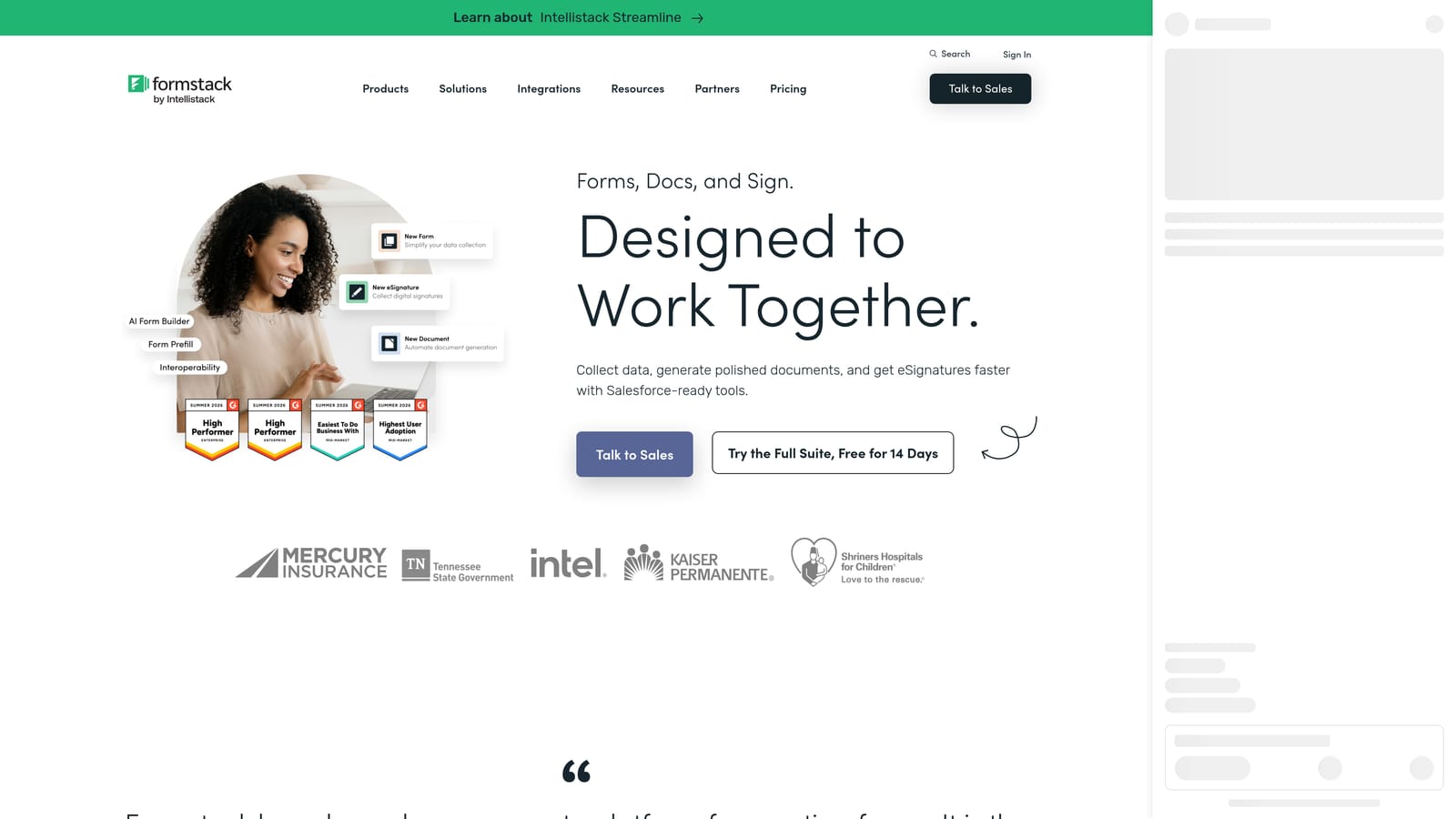
Formstack is a workflow-focused platform that extends beyond form building into document generation, e-signatures, and process automation.
Where This Tool Shines
Formstack is the right tool when a feedback form isn't the end of the process — it's the beginning of one. If a submitted form needs to trigger a document, route to an approver, generate a contract, or kick off a record in Salesforce, Formstack is built to handle that chain of events natively. That's a different value proposition than most form builders, and it's genuinely useful for operations-heavy teams.
Enterprise compliance features and deep Microsoft 365 and Salesforce integrations make it a natural fit for larger organizations that already have structured internal workflows and need forms to slot into them.
Key Features
Document Generation and E-Signatures: Create documents and collect signatures directly from form submissions, eliminating manual handoff steps.
Workflow Automation: Route feedback and form data into business processes including approvals, record creation, and team notifications.
Salesforce and Microsoft 365 Integrations: Native connections to the enterprise tools that large organizations already rely on.
Conditional Logic and Multi-Step Forms: Standard branching and multi-page capabilities for building structured feedback flows.
Enterprise Compliance Features: Security and compliance controls suited to regulated industries and enterprise IT requirements.
Best For
Mid-market and enterprise teams where feedback collection is embedded in a larger operational workflow. If you just need a feedback form for your website, Formstack is likely more platform than you need. If that form needs to trigger a series of downstream business actions, it earns its place.
Pricing
Mid-market to enterprise pricing. Verify current plans and pricing at formstack.com.
Which Tool Is Right for Your Team?
The right feedback form builder depends less on feature lists and more on what you actually need to happen after someone hits submit.
Here's a quick breakdown by use case to help you decide:
Orbit AI: The strongest choice for SaaS and high-growth teams who want feedback forms that actively contribute to lead qualification and pipeline. If you want one tool that captures qualitative input and scores or routes respondents automatically, this is where to start.
Typeform: Best when respondent experience is the priority. Polished conversational surveys work well for NPS, CSAT, and post-onboarding flows where brand impression and completion rates matter.
Tally: The clear winner for teams with tight budgets or early-stage constraints. Generous free tier, no forced branding, and fast to build — it covers most feedback scenarios without a monthly bill.
Paperform: The go-to for branded, content-rich feedback experiences. If your form needs to feel like a curated page rather than a widget, Paperform's hybrid editor gives you that flexibility.
Jotform: Best for teams with complex integration requirements or compliance needs. The depth of its integration ecosystem and HIPAA-compliant options make it the practical choice for regulated industries and large organizations.
Formstack: Right for organizations where forms trigger downstream operational workflows. Document generation, e-signatures, and enterprise automation make it more than a form builder — which is exactly the point.
If you're building feedback flows that need to do more than collect responses, Orbit AI is designed for that exact challenge. Transform your lead generation with AI-powered forms that qualify prospects automatically while delivering the modern, conversion-optimized experience your high-growth team needs. Start building free forms today and see how intelligent form design can elevate your conversion strategy.


