

Long forms kill conversions. When visitors see 15 fields stacked on a single page, they bounce before you even get their email address. Multi page form software solves this by breaking complex forms into digestible steps—showing users one question at a time and guiding them through a natural progression. The result? Completion rates that can double or triple compared to traditional single-page forms.
Whether you're collecting lead information, processing applications, or running surveys, the right multi page form builder makes the difference between abandoned forms and qualified submissions. We evaluated dozens of tools based on ease of use, customization options, integrations, analytics capabilities, and pricing to bring you the top options for 2026.
Here are the best multi page form software solutions available right now.
1. Orbit AI
Best for: Teams that need AI-powered lead qualification built into their multi-step forms
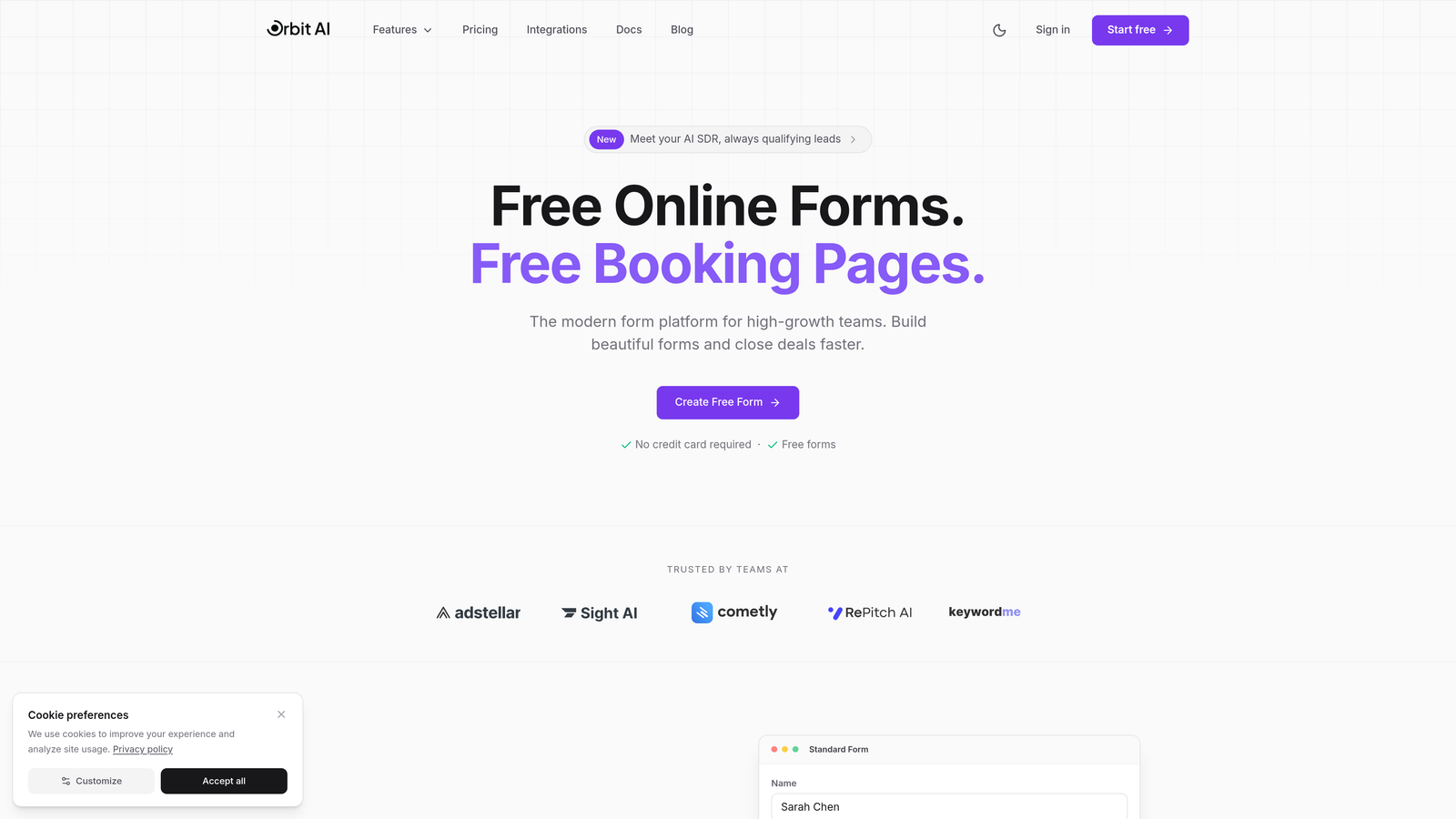
Orbit AI combines intelligent form building with automated lead scoring, helping high-growth teams identify their best prospects while collecting information.
Where This Tool Shines
Orbit AI doesn't just collect responses—it actively qualifies leads as they complete your forms. The platform analyzes submission patterns and responses to score prospects in real-time, routing high-value leads to your sales team immediately while nurturing others through automated workflows.
The form builder itself focuses on conversion optimization with modern, mobile-responsive designs that feel nothing like traditional web forms. Every template is built around best practices for completion rates, with intelligent progress indicators and conditional logic that adapts to user responses.
Key Features
AI-Powered Lead Scoring: Automatically qualifies prospects based on their responses and behavior patterns.
Conditional Logic Routing: Shows or hides form pages based on previous answers to create personalized experiences.
Native CRM Integrations: Connects directly with your sales and marketing stack for seamless data flow.
Real-Time Analytics: Tracks drop-off points and completion rates to optimize your forms continuously.
Conversion-Optimized Templates: Pre-built designs focused on maximum completion rates across all devices.
Best For
Orbit AI works best for B2B companies and high-growth teams that need more than just data collection. If you're spending time manually qualifying leads or struggling to identify which form submissions deserve immediate follow-up, the AI qualification layer saves hours of manual work while improving lead quality.
Pricing
Free tier available for basic forms. Paid plans start at $29/month with AI qualification features and advanced integrations included.
2. Typeform
Best for: Creating beautiful, brand-focused forms with conversational one-question-at-a-time experiences
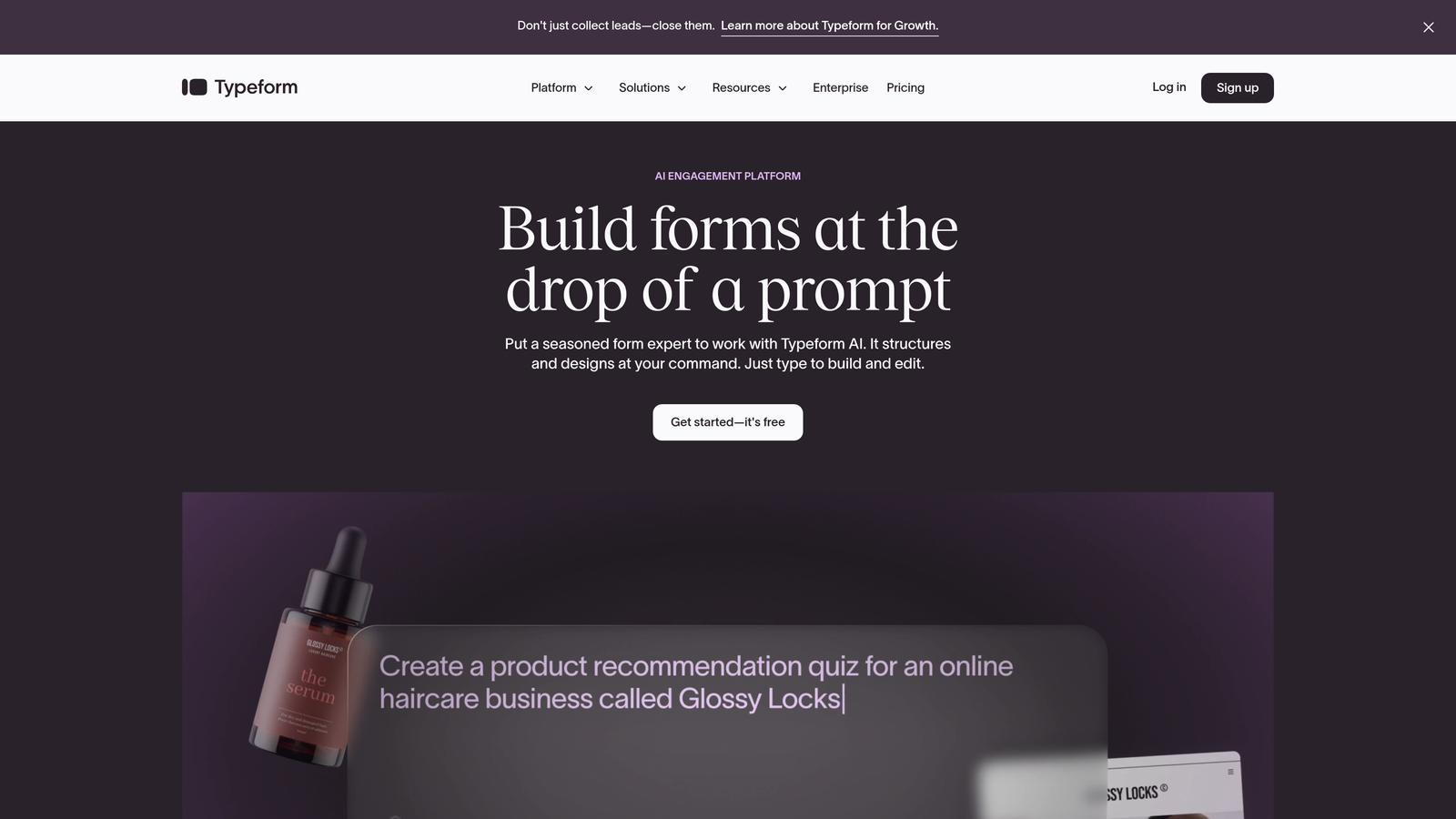
Typeform pioneered the conversational form format, turning traditional questionnaires into engaging experiences that feel more like conversations.
Where This Tool Shines
Typeform's signature approach shows one question per screen, eliminating the overwhelm of long forms. This creates a focused experience where respondents concentrate on a single field at a time, dramatically reducing abandonment rates.
The platform emphasizes design quality above everything else. Every form looks polished and professional, with smooth animations and transitions that make completing forms genuinely pleasant. If your brand identity matters and you want forms that reflect your visual standards, Typeform delivers consistently beautiful results.
Key Features
One-Question-Per-Screen Format: Signature conversational interface that reduces cognitive load and improves completion.
Customizable Themes: Extensive design controls for colors, fonts, backgrounds, and branding elements.
Logic Jumps: Branch questions based on previous answers to create personalized pathways.
Rich Media Embedding: Add videos, images, and GIFs to make forms more engaging.
Integration Ecosystem: Connects with hundreds of tools including Slack, Google Sheets, HubSpot, and Salesforce.
Best For
Typeform suits marketing teams and creative agencies that prioritize brand experience. If you're collecting feedback, running surveys, or capturing leads where presentation matters as much as data, this platform delivers forms that people actually enjoy completing.
Pricing
Free plan available with Typeform branding. Basic plan starts at $25/month for custom branding and logic jumps.
3. Jotform
Best for: Teams needing maximum flexibility with extensive templates and customization options
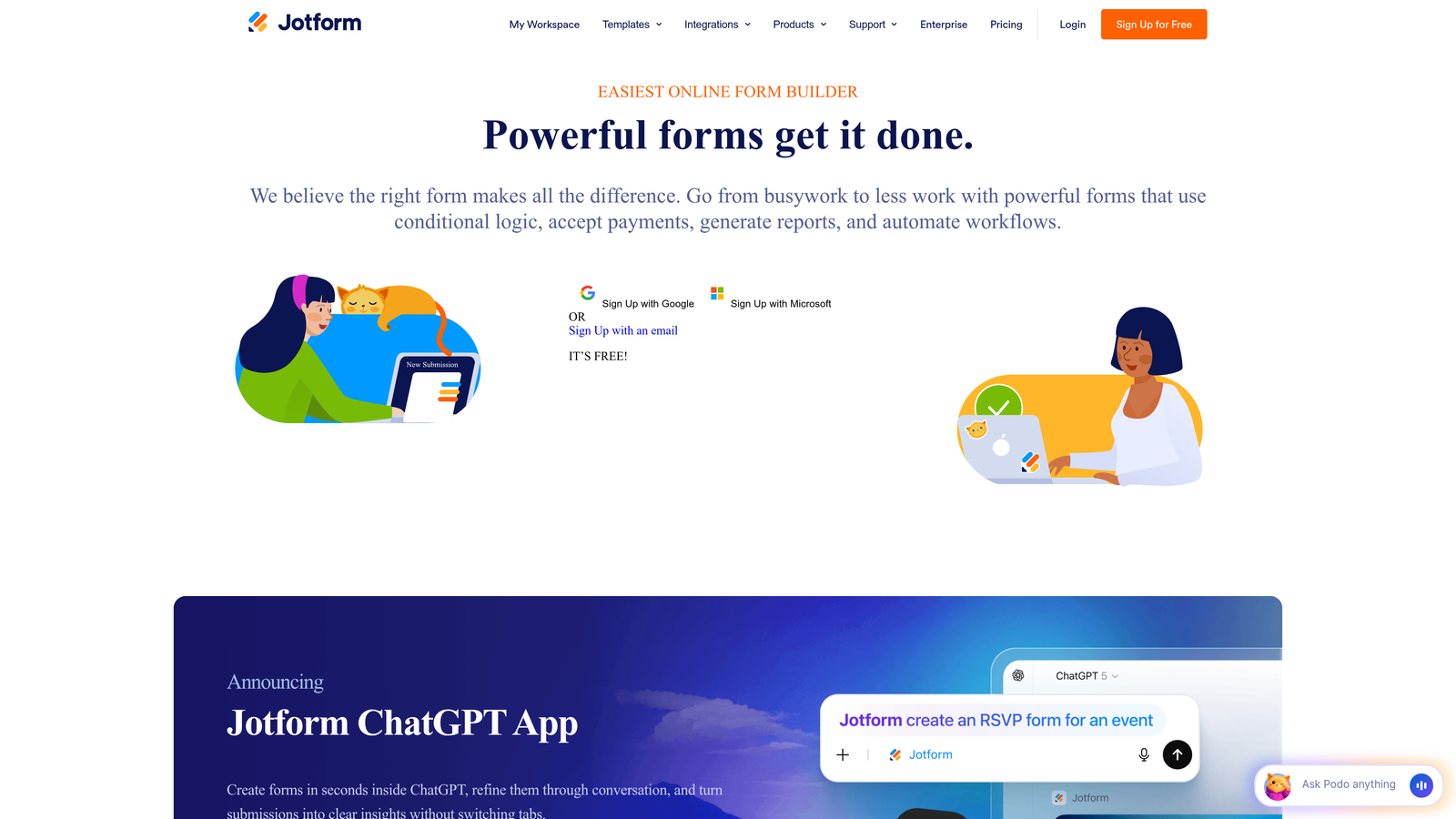
Jotform offers one of the most comprehensive form building platforms, with over 10,000 templates covering virtually every use case imaginable.
Where This Tool Shines
Jotform's template library means you rarely start from scratch. Whether you need event registration forms, job applications, order forms, or customer surveys, there's likely a pre-built template that gets you 80% of the way there. The drag-and-drop builder makes customization straightforward even for non-technical users.
The platform handles complex requirements like payment processing, appointment scheduling, and PDF generation all within the same interface. You can build multi-page forms with conditional logic, collect signatures, process payments, and generate documents from submissions without juggling multiple tools.
Key Features
10,000+ Templates: Pre-built forms for every industry and use case to accelerate creation.
Drag-and-Drop Builder: Intuitive interface for adding fields, pages, and conditional logic without coding.
Page Breaks and Conditional Logic: Create multi-step forms with smart branching based on responses.
Payment Integrations: Accept payments through PayPal, Stripe, Square, and other processors directly in forms.
PDF Generation: Automatically create PDF documents from form submissions for contracts and applications.
Best For
Jotform works well for small businesses and organizations that need versatile form capabilities across multiple departments. If you're building everything from simple contact forms to complex application processes, the extensive feature set and template library provide flexibility without requiring technical expertise.
Pricing
Free plan supports up to 5 forms with limited submissions. Bronze plan starts at $34/month for unlimited forms and higher submission limits.
4. Paperform
Best for: Creating content-rich forms that blend documents and interactive elements into guided experiences
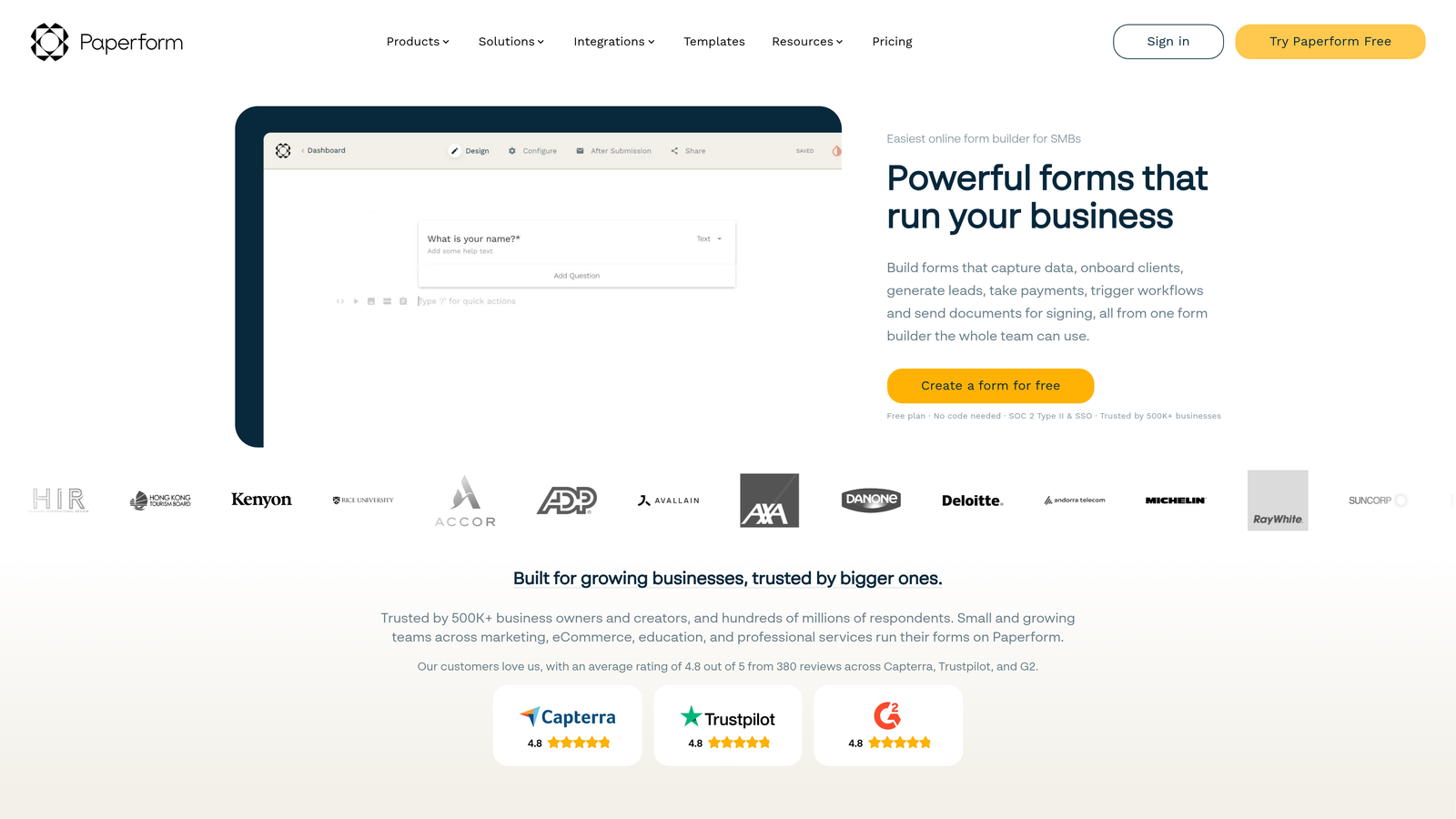
Paperform approaches form building differently, letting you create forms that look more like landing pages with embedded interactive elements.
Where This Tool Shines
Paperform gives you a blank canvas where you can mix text, images, videos, and form fields in any layout you want. This makes it perfect for creating forms that tell a story or need substantial context—think application forms that explain requirements, order forms that showcase products, or booking forms that describe services.
The platform includes native payment processing and product catalog features, making it particularly strong for e-commerce and booking scenarios. You can build complete checkout experiences or service booking flows without needing separate landing page tools.
Key Features
Free-Form Design: Mix text, media, and form fields in any layout using a document-style editor.
Built-In Payment Processing: Accept payments through Stripe, PayPal, or Square without third-party integrations.
Conditional Logic and Calculations: Show or hide sections and calculate totals based on user selections.
Product Catalogs and Bookings: Build complete e-commerce or scheduling experiences within forms.
Custom Success Pages: Create branded confirmation pages with dynamic content based on submissions.
Best For
Paperform suits businesses that need forms with substantial context or product information. Service businesses, consultants, and e-commerce sellers benefit from the ability to combine marketing content with data collection in a single, cohesive experience.
Pricing
Essentials plan starts at $24/month with unlimited forms and submissions. Higher tiers add advanced features and remove Paperform branding.
5. Tally
Best for: Budget-conscious teams needing unlimited forms with modern editing experience
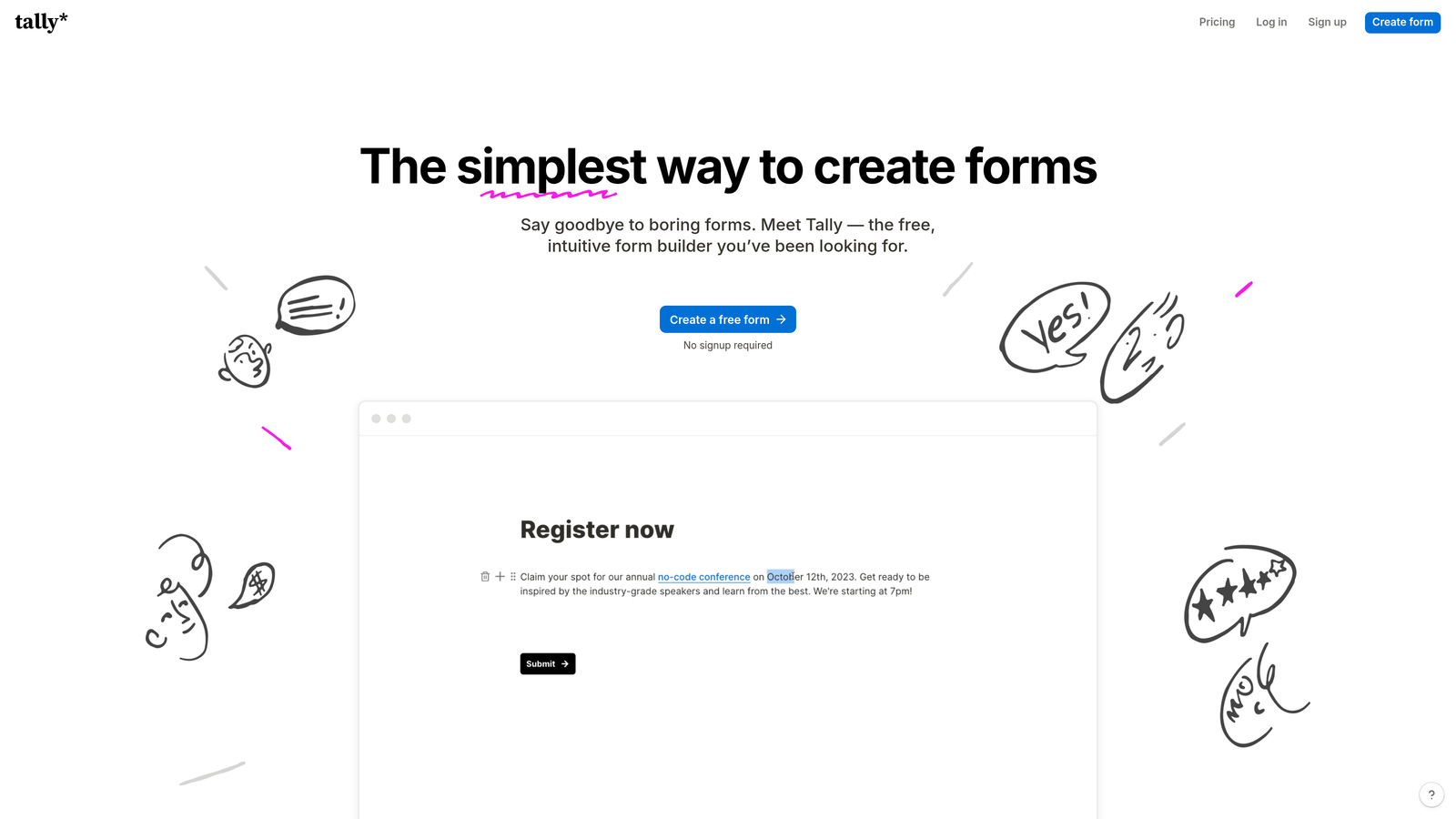
Tally stands out for its generous free plan and Notion-inspired editing interface that makes form building feel intuitive.
Where This Tool Shines
Tally's free plan includes unlimited forms and unlimited submissions—no artificial limits that force you to upgrade. This makes it ideal for startups, solopreneurs, and small teams that need professional forms without monthly costs eating into tight budgets.
The block-based editor works like Notion, letting you add and rearrange form elements by typing commands or dragging blocks. If you're already comfortable with modern document editors, Tally feels immediately familiar. Multi-page forms include clean progress bars and conditional logic without requiring complex setup.
Key Features
Unlimited Free Plan: No limits on forms or submissions, even on the free tier.
Block-Based Editor: Notion-style interface for intuitive form building with keyboard shortcuts.
Multi-Page Forms: Add page breaks with automatic progress indicators for better completion rates.
Conditional Logic: Show or hide questions based on previous answers without complex rule builders.
File Uploads and Signatures: Collect documents and e-signatures directly through your forms.
Best For
Tally works best for startups, content creators, and small businesses that need professional forms without subscription costs. The unlimited free tier makes it perfect for testing form strategies or running multiple campaigns without worrying about usage limits.
Pricing
Free plan with unlimited forms and submissions. Pro plan at $29/month adds custom domains, file storage, and advanced features.
6. Formstack
Best for: Enterprise teams requiring advanced workflows, compliance certifications, and approval processes
Formstack targets enterprise organizations with sophisticated form requirements and strict compliance needs.
Where This Tool Shines
Formstack handles complex enterprise workflows that go beyond simple data collection. The platform includes approval routing, document generation, and e-signature capabilities, letting you automate entire business processes from initial form submission through final document signing.
For healthcare, finance, and other regulated industries, Formstack offers HIPAA compliance and SOC 2 certification. This means you can collect sensitive information with the security controls and audit trails that compliance officers require. The platform also includes advanced conditional logic that can handle intricate branching scenarios.
Key Features
Advanced Conditional Logic: Handle complex branching scenarios with sophisticated rule engines.
HIPAA Compliance: Collect protected health information with proper security controls and business associate agreements.
Document Generation: Automatically create contracts, agreements, or reports from form data.
E-Signature Integration: Route documents for electronic signatures as part of form workflows.
Approval Workflows: Set up multi-step approval processes with routing rules and notifications.
Best For
Formstack suits mid-size to enterprise organizations with complex form requirements and compliance obligations. Healthcare providers, financial institutions, and companies with multi-step approval processes benefit from the advanced workflow and security features.
Pricing
Starter plan begins at $50/month. Enterprise pricing available for teams needing HIPAA compliance and advanced features.
7. Cognito Forms
Best for: Forms requiring advanced calculations and payment collection without transaction fees
Cognito Forms excels at calculation-heavy forms like order forms, registration with variable pricing, and application fees.
Where This Tool Shines
Cognito Forms handles complex calculations that other form builders struggle with. You can create formulas that reference multiple fields, perform mathematical operations, and update totals in real-time as users complete your form. This makes it perfect for order forms with quantity pricing, event registrations with add-ons, or applications with calculated fees.
The payment processing integration doesn't charge transaction fees on paid plans—you only pay the standard credit card processing rates. For high-volume payment collection, this saves significant money compared to platforms that add percentage fees on top of processor costs.
Key Features
Advanced Calculation Fields: Create complex formulas with mathematical operations and conditional calculations.
No Transaction Fees: Paid plans include payment processing without additional percentage charges.
Save and Resume: Let users save partial submissions and return later to complete multi-page forms.
Conditional Sections: Show or hide entire form sections based on user responses or calculations.
Repeating Sections: Allow users to add multiple items or entries within a single form submission.
Best For
Cognito Forms works well for organizations collecting payments through forms—event organizers, membership organizations, and businesses selling products or services through order forms. The calculation capabilities and transaction-fee-free pricing make it economical for high-volume payment collection.
Pricing
Free plan available with limited features. Pro plan starts at $15/month with payment processing and no transaction fees.
8. 123FormBuilder
Best for: Straightforward form creation with quick setup and solid industry templates
123FormBuilder focuses on simplicity and speed, helping teams create professional forms without unnecessary complexity.
Where This Tool Shines
123FormBuilder emphasizes ease of use over advanced features. The drag-and-drop interface is straightforward—you add fields, arrange them on pages, and set up basic conditional logic without wading through complex settings. This makes it ideal for teams that need functional forms quickly without investing time in learning sophisticated platforms.
The template library covers common business scenarios with pre-built forms for contact collection, event registration, job applications, and customer feedback. While not as extensive as Jotform's library, the templates are well-designed and cover the most common use cases for small to mid-size businesses.
Key Features
Drag-and-Drop Builder: Simple interface for adding fields and creating multi-page forms quickly.
Industry Templates: Pre-built forms for common business needs across various industries.
Progress Indicators: Automatic progress bars for multi-page forms to improve completion rates.
Payment Integrations: Accept payments through PayPal, Stripe, and other major processors.
Conditional Logic Rules: Show or hide fields and pages based on user responses.
Best For
123FormBuilder suits small businesses and teams that prioritize simplicity over advanced features. If you need functional multi-page forms without spending days learning complex software, this platform delivers solid results with minimal learning curve.
Pricing
Free plan available with basic features. Gold plan starts at $24.99/month for additional features and higher submission limits.
9. Fillout
Best for: Teams using Notion or Airtable who need forms that sync directly with their databases
Fillout specializes in database-driven forms with native integrations for Notion and Airtable workflows.
Where This Tool Shines
Fillout connects directly to Notion databases and Airtable bases, letting you create forms that read from and write to your existing data structures. This means you can pre-fill form fields with information from your database, create forms that update existing records, or build dynamic forms that change based on database content.
The modern interface feels clean and minimal, focusing on functionality without visual clutter. Multi-page forms include conditional logic and progress indicators, with the added benefit of syncing submissions directly to your workspace databases without third-party automation tools.
Key Features
Native Notion and Airtable Sync: Connect forms directly to databases for seamless data flow.
Multi-Page Conditional Logic: Create branching forms that adapt based on user responses.
Pre-Fill From Databases: Populate form fields automatically with data from connected databases.
Clean, Modern Interface: Minimal design that focuses on usability across devices.
Scheduling and Payments: Built-in features for appointment booking and payment collection.
Best For
Fillout works best for teams already using Notion or Airtable as their primary workspace. If your workflows center around these platforms and you need forms that integrate natively without Zapier or Make, Fillout eliminates the integration complexity.
Pricing
Free plan available with basic features. Starter plan begins at $15/month for advanced features and higher submission limits.
Making the Right Choice
The best multi page form software depends on your specific workflow and priorities. Orbit AI stands out if you need AI-powered lead qualification that actively helps you identify your best prospects while collecting information. The intelligent routing and real-time scoring save hours of manual lead review.
Choose Typeform when brand experience matters most and you want forms that reflect your visual identity. Go with Jotform if you need maximum flexibility and an extensive template library covering virtually every use case. Formstack suits enterprise teams with compliance requirements and complex approval workflows.
For budget-conscious teams, Tally delivers unlimited forms on a generous free plan, while Cognito Forms provides excellent value for payment-enabled forms without transaction fees. Paperform excels at content-rich forms that blend marketing and data collection, and Fillout integrates seamlessly with Notion and Airtable workflows.
The common thread across all these platforms? They break down intimidating forms into manageable steps that people actually complete. Single-page forms with 15 fields create overwhelming experiences that drive visitors away. Multi-step approaches guide users through a natural progression, showing one question at a time and building momentum toward completion.
Start by identifying your primary use case. Are you qualifying leads, processing applications, collecting payments, or running surveys? Your answer determines which features matter most. Then consider your technical comfort level and budget constraints to narrow the field.
Transform your lead generation with AI-powered forms that qualify prospects automatically while delivering the modern, conversion-optimized experience your high-growth team needs. The right multi page form software turns abandoned submissions into qualified leads—and all of these tools will help you capture more completions than a single intimidating page ever could.


