

Choosing form optimization software often comes down to one critical question: what will this actually cost? Between free tiers, per-response pricing, feature-gated plans, and enterprise quotes, comparing options feels like solving a puzzle with missing pieces.
This guide cuts through the confusion by breaking down exactly what you'll pay for the leading form optimization tools—and what you get at each price point. Whether you're a startup watching every dollar or an enterprise team needing advanced analytics, you'll find transparent pricing breakdowns to make an informed decision.
1. Orbit AI
Best for: High-growth teams needing AI-powered lead qualification without per-response pricing surprises
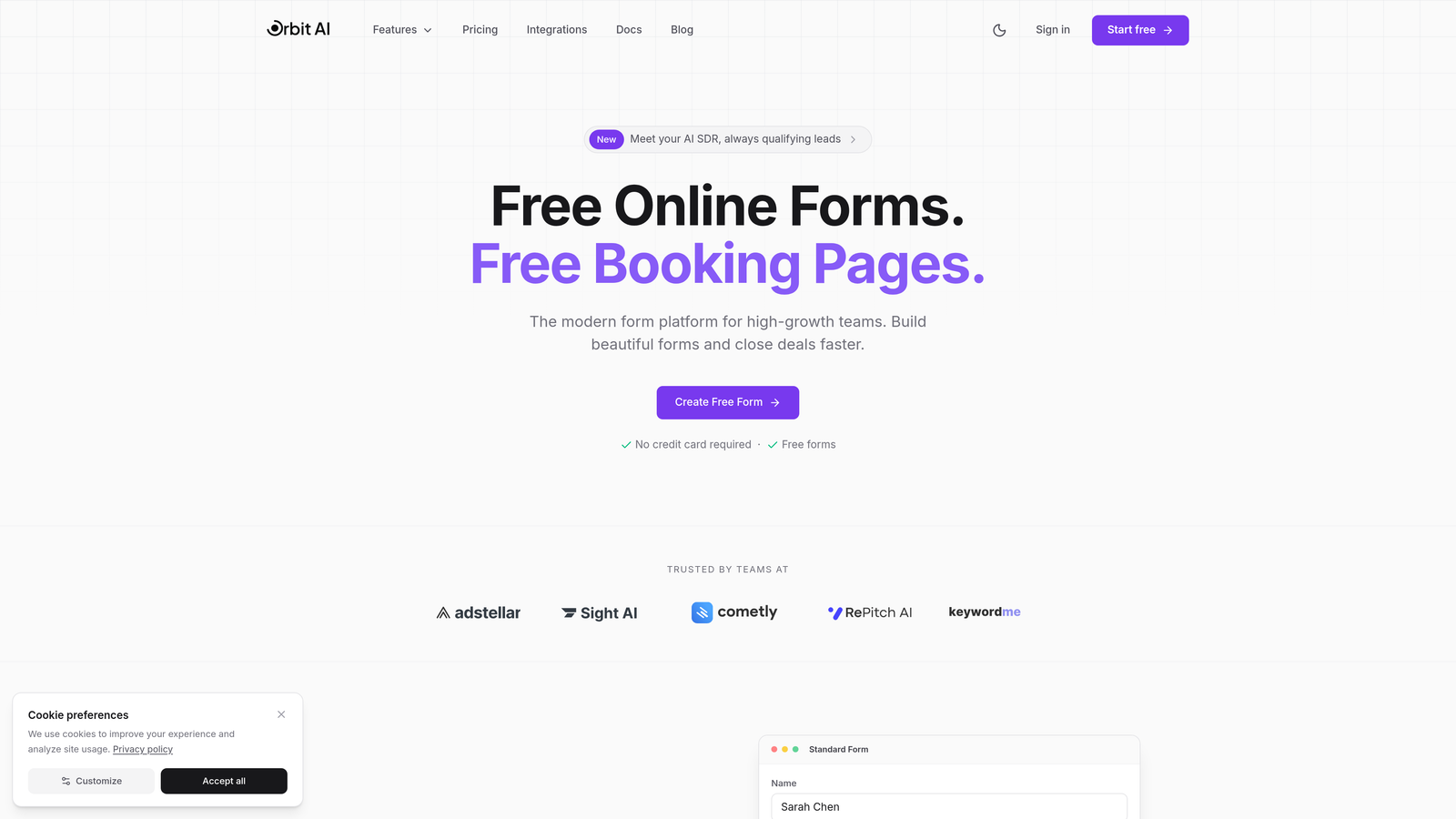
Orbit AI is an AI-powered form builder platform designed specifically for teams focused on conversion optimization and intelligent lead qualification.
Where This Tool Shines
What sets Orbit AI apart is its transparent transparent response model combined with built-in AI lead qualification. While most form tools charge per response or gate their best features behind enterprise tiers, Orbit AI offers predictable pricing regardless of form volume.
The platform's AI capabilities automatically score and qualify leads as they submit forms, helping sales teams prioritize high-intent prospects without manual sorting. For high-growth teams processing hundreds or thousands of form submissions monthly, this eliminates the anxiety of watching per-response costs climb.
Key Features
AI-Powered Lead Qualification: Automatically scores and qualifies leads based on submission data and behavioral signals.
Conversion-Optimized Templates: Pre-built form templates designed specifically for maximizing submission rates and lead quality.
Advanced Analytics Dashboard: Real-time insights into form performance, conversion rates, and lead quality metrics.
Workflow Automation: Trigger sequences and actions based on lead scores and form responses.
Native CRM Integrations: Direct connections to major CRMs with intelligent data mapping and lead routing.
Best For
Orbit AI works best for B2B SaaS companies, marketing agencies, and sales-driven organizations that need to qualify leads at scale. If your team processes significant form volume and wants predictable costs with AI-powered intelligence, this platform delivers both.
Pricing
Transparent pricing with predictable monthly response limits across all plans. Visit orbitforms.ai/pricing for current plan details and features at each tier.
2. Typeform
Best for: Creating beautiful conversational forms with one-question-at-a-time user experience
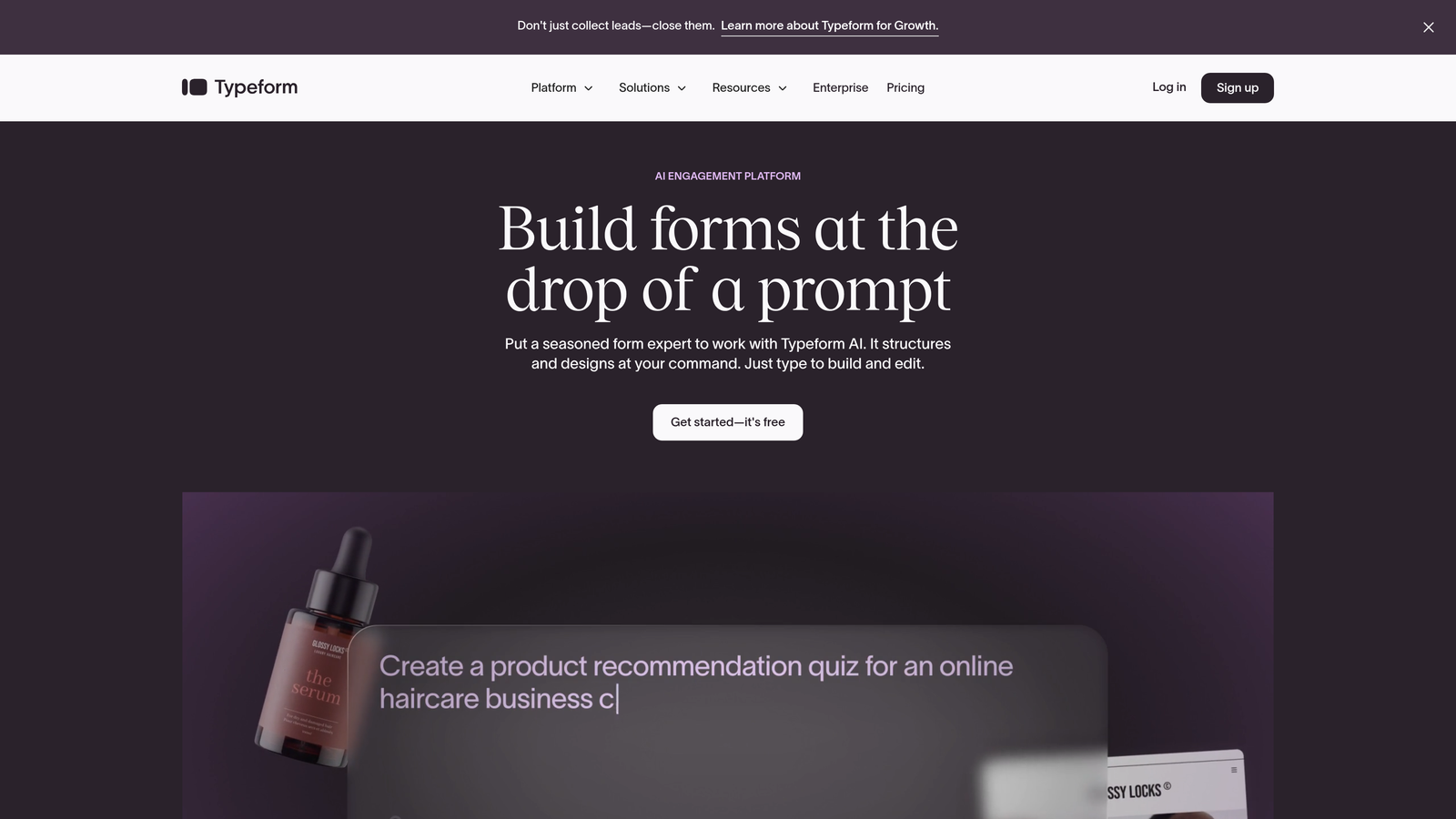
Typeform is a conversational form builder known for its distinctive one-question-at-a-time format that creates engaging, human-feeling experiences.
Where This Tool Shines
Typeform pioneered the conversational form format that feels more like a dialogue than a traditional web form. The interface guides respondents through questions sequentially, reducing form abandonment by making longer surveys feel manageable.
The platform excels at brand customization and visual polish. If your brand identity matters and you want forms that look nothing like generic web forms, Typeform delivers premium design out of the box.
Key Features
Conversational Interface: One-question-at-a-time format that creates engaging, low-friction experiences.
Premium Design Options: Extensive customization including custom fonts, colors, backgrounds, and branding.
Logic Jumps: Conditional branching that adapts questions based on previous responses.
Rich Media Support: Embed videos, images, and GIFs directly into form experiences.
Hidden Fields: Capture UTM parameters and other tracking data automatically.
Best For
Typeform works well for customer research, event registrations, feedback surveys, and any scenario where user experience matters more than raw conversion speed. Marketing teams and agencies love it for client-facing forms.
Pricing
Free tier allows 10 responses monthly. Basic starts at $25/month, Plus at $50/month, and Business at $83/month. Important note: per-response overage fees apply when you exceed plan limits, which can make costs unpredictable at scale.
3. Jotform
Best for: Teams needing extensive templates and a generous free tier with basic functionality
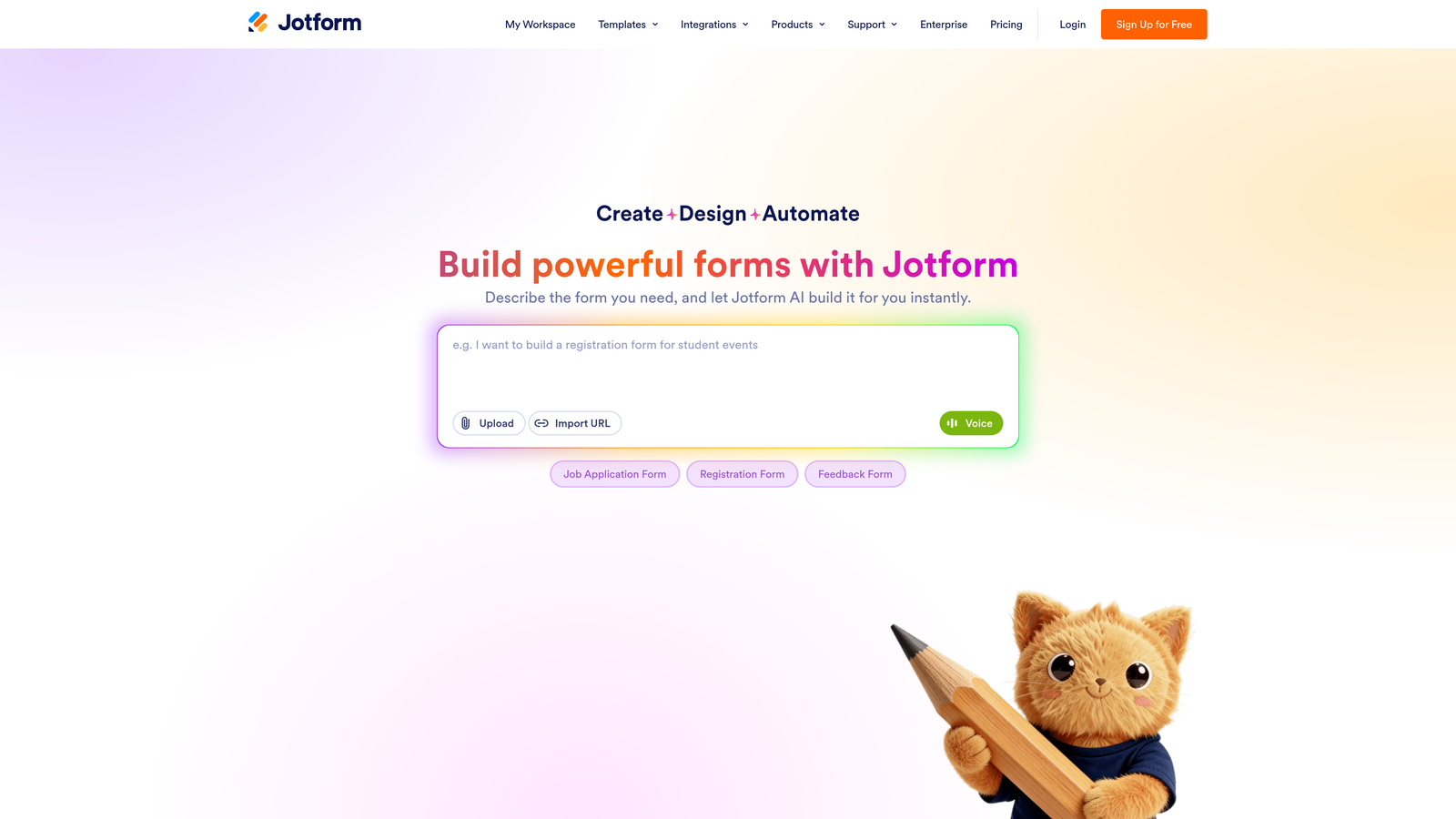
Jotform is a versatile form builder offering one of the largest template libraries and most generous free tiers in the industry.
Where This Tool Shines
With over 10,000 pre-built templates, Jotform eliminates the blank-canvas problem. Whether you need a job application form, event registration, or payment collection form, there's likely a template that gets you 80% of the way there.
The platform's free tier is genuinely useful for small businesses and side projects. Five forms and 100 monthly submissions is enough for many use cases without paying anything. For teams in regulated industries, Jotform offers HIPAA-compliant options that few competitors match.
Key Features
Massive Template Library: Over 10,000 pre-built templates covering virtually every use case imaginable.
PDF Form Generation: Automatically generate PDF documents from form submissions.
Payment Processing: Accept payments through multiple processors including Stripe, PayPal, and Square.
HIPAA Compliance: Healthcare-compliant forms available for medical practices and health-related businesses.
Conditional Logic: Show or hide fields based on user responses.
Best For
Jotform suits small businesses, nonprofits, and organizations needing straightforward forms without advanced optimization features. It's particularly strong for payment collection, event management, and industries requiring compliance certifications.
Pricing
Free plan includes 5 forms and 100 submissions monthly. Bronze starts at $34/month, Silver at $39/month, Gold at $99/month, with Enterprise requiring custom quotes. Plans scale by form count and submission volume.
4. Formstack
Best for: Enterprise teams requiring advanced workflow automation and compliance features
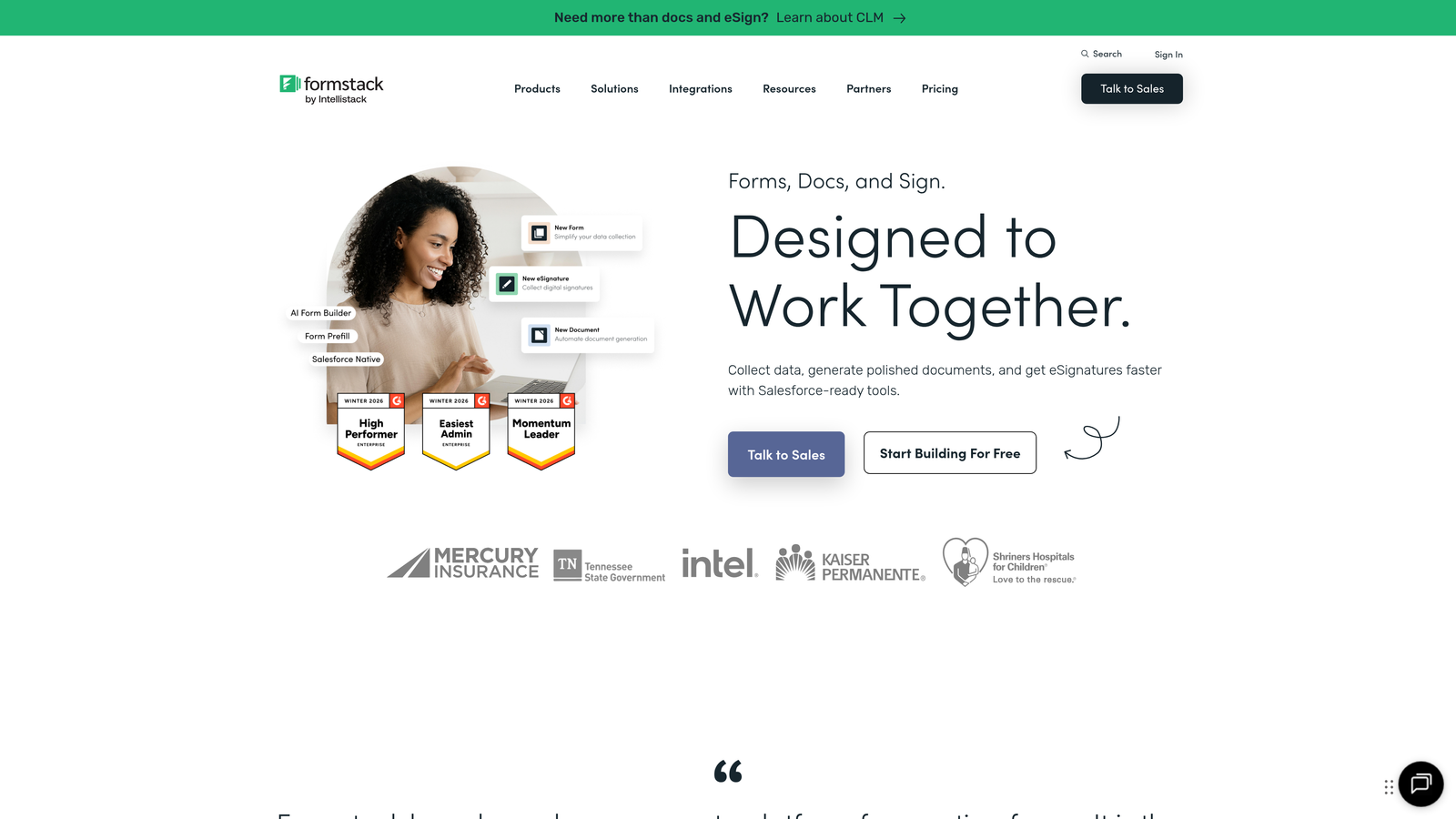
Formstack is an enterprise-focused form platform with sophisticated workflow automation and robust compliance capabilities.
Where This Tool Shines
Formstack positions itself as a workflow automation platform that happens to include forms, rather than just a form builder. The platform excels at complex multi-step processes where form data needs to trigger document generation, approvals, and cross-system workflows.
For organizations in regulated industries, Formstack's compliance features go beyond basic HIPAA support. The platform offers audit trails, data encryption, and compliance reporting that enterprise security teams actually care about.
Key Features
Advanced Workflow Automation: Trigger complex multi-step processes based on form submissions and conditional logic.
Compliance Tools: HIPAA, GDPR, and industry-specific compliance features with audit trails and encryption.
Document Generation: Automatically create contracts, agreements, and documents from form data.
E-Signature Integration: Built-in electronic signature capabilities for contracts and agreements.
Role-Based Permissions: Granular access controls for team collaboration and data security.
Best For
Formstack works best for enterprise organizations, healthcare providers, financial services, and any business with complex approval workflows or strict compliance requirements. If you need forms as part of a broader process automation strategy, Formstack delivers.
Pricing
Starter begins at $50/month, Teams at $83/month, with Pro requiring custom pricing quotes. Compliance add-ons and advanced features typically require higher-tier plans or additional fees.
5. Paperform
Best for: Creating design-forward forms with rich content and unlimited submissions at flat pricing
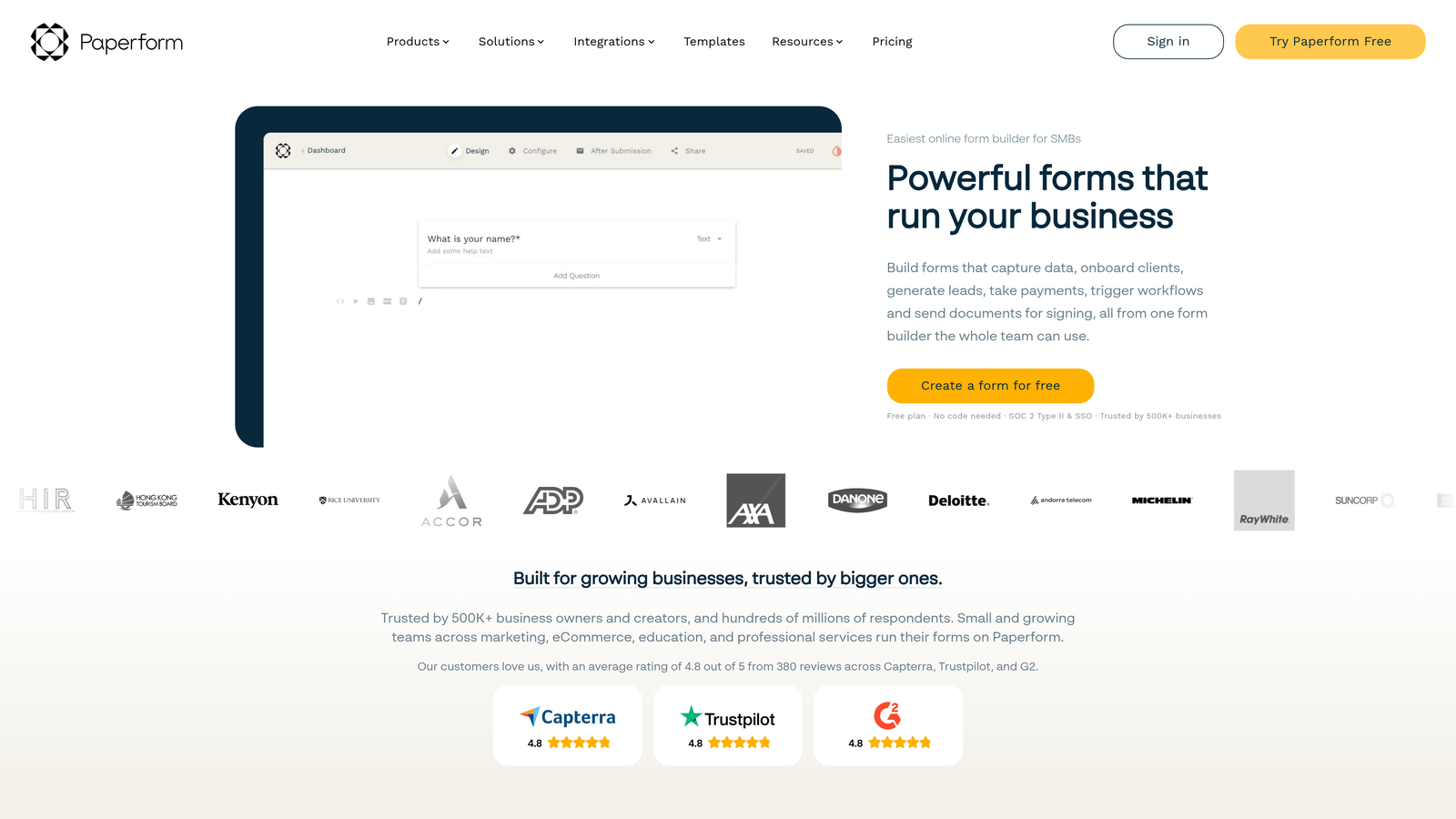
Paperform is a design-focused form builder that treats forms more like interactive documents with rich media and content blocks.
Where This Tool Shines
Paperform's document-style editor lets you mix form fields with rich text, images, videos, and content blocks. This creates experiences that feel less like traditional forms and more like interactive landing pages.
The unlimited submissions model across all paid plans eliminates the anxiety of per-response pricing. Whether you collect 100 or 10,000 submissions monthly, your cost stays predictable. For teams running high-volume campaigns, this pricing structure makes budgeting straightforward.
Key Features
Document-Style Editor: Create forms that look and feel like interactive documents rather than traditional web forms.
Rich Media Embedding: Add videos, images, charts, and content blocks directly into form experiences.
Payment Processing: Accept payments with built-in Stripe and PayPal integrations.
Conditional Logic: Show or hide sections based on user responses with advanced calculation fields.
Custom Calculations: Build pricing calculators, quote generators, and dynamic pricing forms.
Best For
Paperform suits creative agencies, consultants, and businesses that want forms to match their brand aesthetic. It's particularly strong for booking systems, quote requests, and any scenario where you need to mix information with form collection.
Pricing
Essentials starts at $24/month, Pro at $49/month, and Agency at $159/month. All paid plans include unlimited submissions, making costs predictable regardless of form volume.
6. Gravity Forms
Best for: WordPress sites needing deep native integration with extensive plugin ecosystem
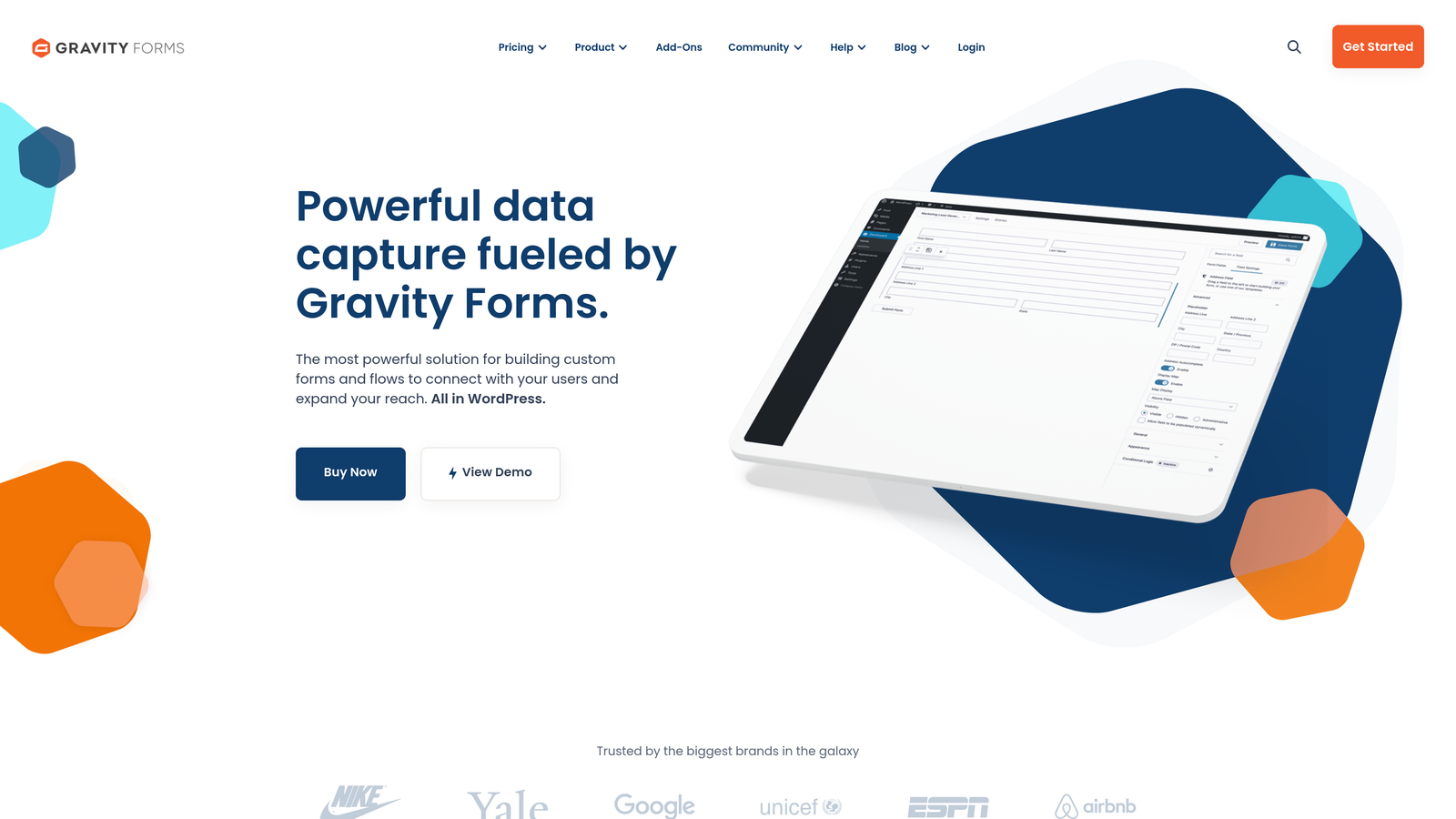
Gravity Forms is a WordPress-native form plugin that has dominated the WordPress form market for over a decade.
Where This Tool Shines
If your website runs on WordPress, Gravity Forms offers integration depth that SaaS form builders can't match. The plugin lives inside your WordPress admin, stores data in your database, and hooks into WordPress themes and plugins seamlessly.
The extensive add-on marketplace extends functionality in virtually any direction. Need to integrate with a specific CRM, payment processor, or marketing tool? There's likely an official or third-party add-on available. This ecosystem makes Gravity Forms incredibly flexible for custom requirements.
Key Features
Native WordPress Integration: Fully integrated into WordPress admin with native user management and permissions.
Add-On Marketplace: Extensive library of official and third-party add-ons for virtually any integration.
Conditional Logic: Show or hide fields based on user selections with complex logic rules.
File Uploads: Allow users to upload files with size and type restrictions.
Calculations: Build pricing calculators, quote forms, and dynamic total fields.
Best For
Gravity Forms is ideal for WordPress-based businesses, agencies managing multiple client sites, and organizations that need forms to integrate deeply with WordPress functionality. If your tech stack centers on WordPress, this is the natural choice.
Pricing
Basic license costs $59 annually for one site, Pro at $159 annually for three sites, and Elite at $259 annually for unlimited sites. This is a one-time annual license fee, not monthly recurring, making it cost-effective for long-term use.
7. HubSpot Forms
Best for: Teams already using HubSpot CRM who want native form integration
HubSpot Forms is a free form builder deeply integrated with HubSpot's CRM and marketing automation platform.

Where This Tool Shines
HubSpot Forms' killer feature is its native CRM integration. Every form submission automatically creates or updates contact records in HubSpot CRM, with full activity history and lead scoring integration. This eliminates the data sync issues that plague third-party form tools.
Progressive profiling sets HubSpot apart from basic form builders. The system remembers what information it already has about a contact and automatically shows different fields on subsequent form submissions. This reduces form friction for repeat visitors while still capturing complete data over time.
Key Features
Native CRM Integration: Seamless connection to HubSpot CRM with automatic contact creation and updates.
Progressive Profiling: Show different fields to returning visitors based on existing contact data.
Smart Fields: Pre-populate form fields with known contact information to reduce friction.
Lead Routing: Automatically assign leads to sales reps based on form data and routing rules.
Marketing Automation: Trigger email sequences and workflows directly from form submissions.
Best For
HubSpot Forms makes perfect sense for businesses already using HubSpot CRM or considering the HubSpot ecosystem. If you're committed to HubSpot's platform, using their native forms eliminates integration complexity and maximizes data utility.
Pricing
Basic forms are completely free with HubSpot's free CRM. Advanced features like progressive profiling and automation require Marketing Hub Starter at $20/month or Professional at $890/month. The free tier is genuinely useful for basic lead capture.
8. Unbounce Smart Builder
Best for: Marketing teams running paid campaigns who need landing pages and forms with AI optimization
Unbounce is a landing page and form optimization platform with AI-powered conversion tools built specifically for paid advertising campaigns.
Where This Tool Shines
Unbounce combines landing page building with form optimization and AI-powered traffic routing. The Smart Traffic feature uses machine learning to automatically send visitors to the landing page variant most likely to convert them based on their attributes.
For teams running significant paid advertising spend, this AI optimization can improve conversion rates without manual A/B testing. The platform understands that forms don't exist in isolation but as part of complete landing page experiences optimized for specific traffic sources.
Key Features
Smart Traffic AI: Machine learning automatically routes visitors to the highest-converting page variant for their profile.
Landing Page Builder: Drag-and-drop builder for creating complete landing page experiences, not just forms.
Built-In A/B Testing: Native split testing for landing pages and forms without external tools.
Dynamic Text Replacement: Automatically customize page copy based on search keywords or URL parameters.
Conversion Intelligence: Analytics and insights focused specifically on conversion optimization metrics.
Best For
Unbounce suits marketing teams running paid advertising campaigns across Google Ads, Facebook, and other channels. If you're spending thousands monthly on ads and need landing pages optimized for conversion, Unbounce delivers ROI through better conversion rates.
Pricing
Build starts at $99/month, Experiment at $149/month, Optimize at $249/month, and Concierge at $649/month. Plans scale by traffic volume and feature access. This is premium pricing justified by the platform's conversion optimization focus.
9. Tally
Best for: Budget-conscious teams wanting unlimited forms and responses without paying anything
Tally is a Notion-inspired form builder offering unlimited forms and responses on its completely free tier.
Where This Tool Shines
Tally's free tier is almost too good to be true. Unlimited forms, unlimited responses, and no feature gates on core functionality. For bootstrapped startups, side projects, and small businesses, this eliminates form costs entirely.
The Notion-style block editor feels familiar to anyone who's used Notion. You build forms by adding blocks for different question types, arranging them with drag-and-drop simplicity. This makes form creation fast and intuitive without a learning curve.
Key Features
Unlimited Free Tier: Truly unlimited forms and responses on the free plan with only Tally branding as the limitation.
Block-Based Editor: Notion-style interface for building forms with drag-and-drop blocks.
File Uploads: Allow respondents to upload files directly through forms.
Payment Collection: Accept payments through Stripe integration even on free plan.
Conditional Logic: Basic show/hide logic based on previous responses.
Best For
Tally works well for startups, indie makers, small businesses, and anyone who needs basic form functionality without budget for paid tools. If you can live with Tally branding and don't need advanced optimization features, the free tier handles most use cases.
Pricing
Free plan includes unlimited forms and responses with Tally branding. Pro plan costs $29/month and adds custom domains, branding removal, team collaboration features, and priority support. The free tier is remarkably generous for basic needs.
Finding Your Perfect Fit
The right form optimization software depends less on features and more on your specific cost structure and use case. Here's how to think about it:
For high-volume lead generation teams, per-response pricing becomes expensive fast. Tools like Orbit AI offer predictable monthly response tiers, while Paperform and Tally offer unlimited submissions on their paid or free plans respectively. If you're processing thousands of monthly form submissions, this pricing model protects your budget from surprise overages.
Enterprise teams in regulated industries should focus on Formstack or Jotform's HIPAA-compliant options. The compliance features and audit trails justify higher costs when data security and regulatory adherence are non-negotiable.
WordPress-based businesses get the best value from Gravity Forms. The annual license model means your per-month cost decreases over time, and the native integration eliminates the complexity of third-party form tools.
If you're already invested in HubSpot's ecosystem, their free forms make perfect sense. The native CRM integration and progressive profiling deliver value that standalone form tools can't match at any price.
For teams focused on conversion optimization rather than just form collection, platforms like Orbit AI and Unbounce offer AI-powered intelligence that goes beyond basic form building. The ability to automatically qualify leads or optimize traffic routing can deliver ROI that justifies premium pricing.
Start building free forms today and see how intelligent form design can elevate your conversion strategy. Transform your lead generation with AI-powered forms that qualify prospects automatically while delivering the modern, conversion-optimized experience your high-growth team needs.


