

Form abandonment is one of the most expensive conversion leaks in any growth stack. When visitors start filling out your lead gen form and then disappear, you're losing qualified prospects you already paid to attract. And without the right data, you're left guessing at why.
The problem is that most teams only see aggregate submission rates. They know their form converts at a certain percentage, but they have no visibility into which specific field killed the deal, how long users hesitated before bailing, or whether mobile visitors are dropping off at twice the rate of desktop users.
Form abandonment analytics tools fix that visibility gap. They show you exactly where users drop off, which fields cause friction, and what changes will actually move the needle on completions. Whether you're optimizing a multi-step lead qualification flow, a checkout form, or a simple contact page, these tools help you stop the bleed.
Here are the top tools built to diagnose and fix form abandonment, evaluated on depth of abandonment data, ease of implementation, and how actionable their insights are for high-growth teams.
1. Orbit AI
Best for: High-growth SaaS and lead gen teams wanting native form analytics with AI-powered lead qualification.
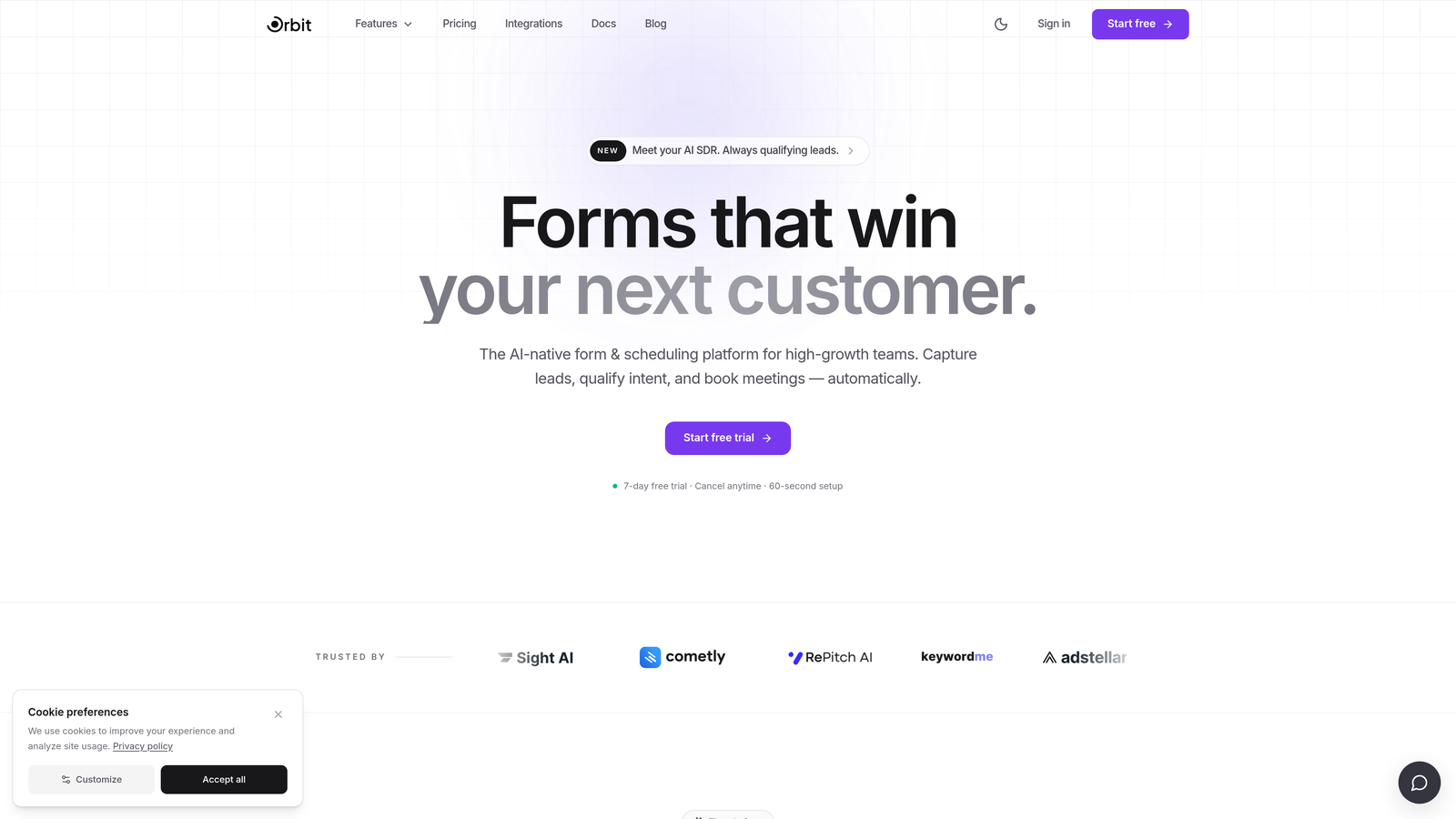
Orbit AI is an AI-powered form builder with native abandonment analytics and lead qualification built directly into the platform, purpose-built for teams that live and die by conversion rates.
Where This Tool Shines
Most teams have to stitch together a form builder, an analytics tool, and a lead scoring system to get the full picture. Orbit AI collapses that stack. You get step-by-step drop-off analytics for multi-step and conversational forms baked right in, so you can see exactly where users are abandoning without installing a separate script or configuring custom events.
What makes Orbit AI genuinely different is the AI-powered lead qualification layer overlaid on your completion data. You can see not just who abandoned, but which of those abandoned leads were high-intent. That changes how you prioritize follow-up and how you redesign your forms. The analytics are connected to your form logic, so acting on what you discover is immediate rather than a separate project.
Key Features
Native Step-by-Step Drop-off Analytics: See exactly which step in a multi-step or conversational form is causing abandonment, with no third-party setup required.
AI-Powered Lead Qualification on Abandonment Data: Identify which incomplete submissions came from high-intent leads so your team focuses follow-up where it matters.
Field-Level Interaction Tracking: Granular data on how users interact with individual fields, without needing external behavioral analytics tools.
Conversion-Optimized Templates: Form templates designed from the ground up to reduce abandonment, giving you a better baseline before you even start optimizing.
Analytics-Integrated Form Logic: Drop-off data connects directly to routing rules and skip logic, so you can act on insights without switching tools.
Best For
Orbit AI is the natural fit for SaaS growth teams, demand generation managers, and anyone running multi-step lead qualification flows who wants their form builder and analytics to be a single, unified system rather than a patchwork of integrations.
Pricing
Paid plans available. Visit orbitforms.ai for current pricing details and to explore the platform.
2. Hotjar
Best for: Teams wanting behavioral context alongside form drop-off data in one platform.
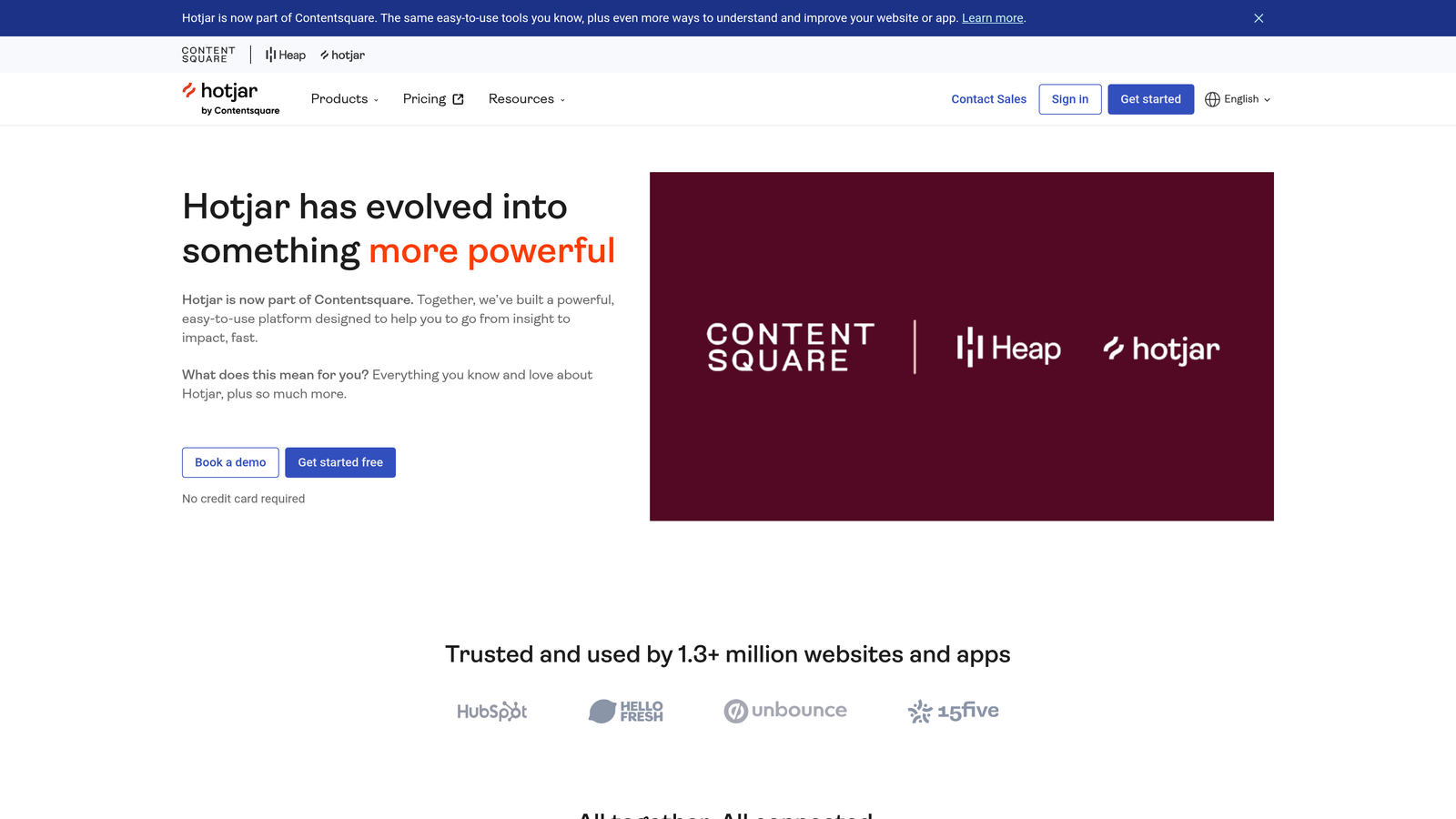
Hotjar is a behavioral analytics platform combining heatmaps, session recordings, and a dedicated Form Analysis feature that gives you field-level abandonment visibility.
Where This Tool Shines
Hotjar's Form Analysis report is one of the most accessible entry points into field-level form analytics. It surfaces drop-off rates, time on field, and blank field rates without heavy developer involvement. But what makes Hotjar particularly useful is the ability to pair that quantitative data with session recordings, so you can watch actual abandonment events and understand the human behavior behind the numbers.
For teams that are also doing broader CRO work, having heatmaps and surveys in the same platform means you're not context-switching between tools to build your full picture.
Key Features
Form Analysis Report: Field-level drop-off rates, time spent per field, and blank field rates in a dedicated report view.
Session Recordings: Watch real users abandon your forms to understand the behavioral context behind the data.
Heatmaps: Scroll and click patterns around form placement reveal whether users are even engaging with your form.
Surveys and Feedback Widgets: Collect qualitative reasons for abandonment directly from users who leave.
CRM and Analytics Integrations: Connects with popular platforms to enrich your existing workflow.
Best For
Marketing teams and CRO practitioners who want a solid form analytics feature alongside broader behavioral tools, and who value the ability to watch session recordings to add qualitative context to their drop-off data.
Pricing
Free plan available. Paid plans start at $32/month. Verify current pricing at hotjar.com.
3. FullStory
Best for: Enterprise teams needing retroactive form behavior analysis across complex digital experiences.
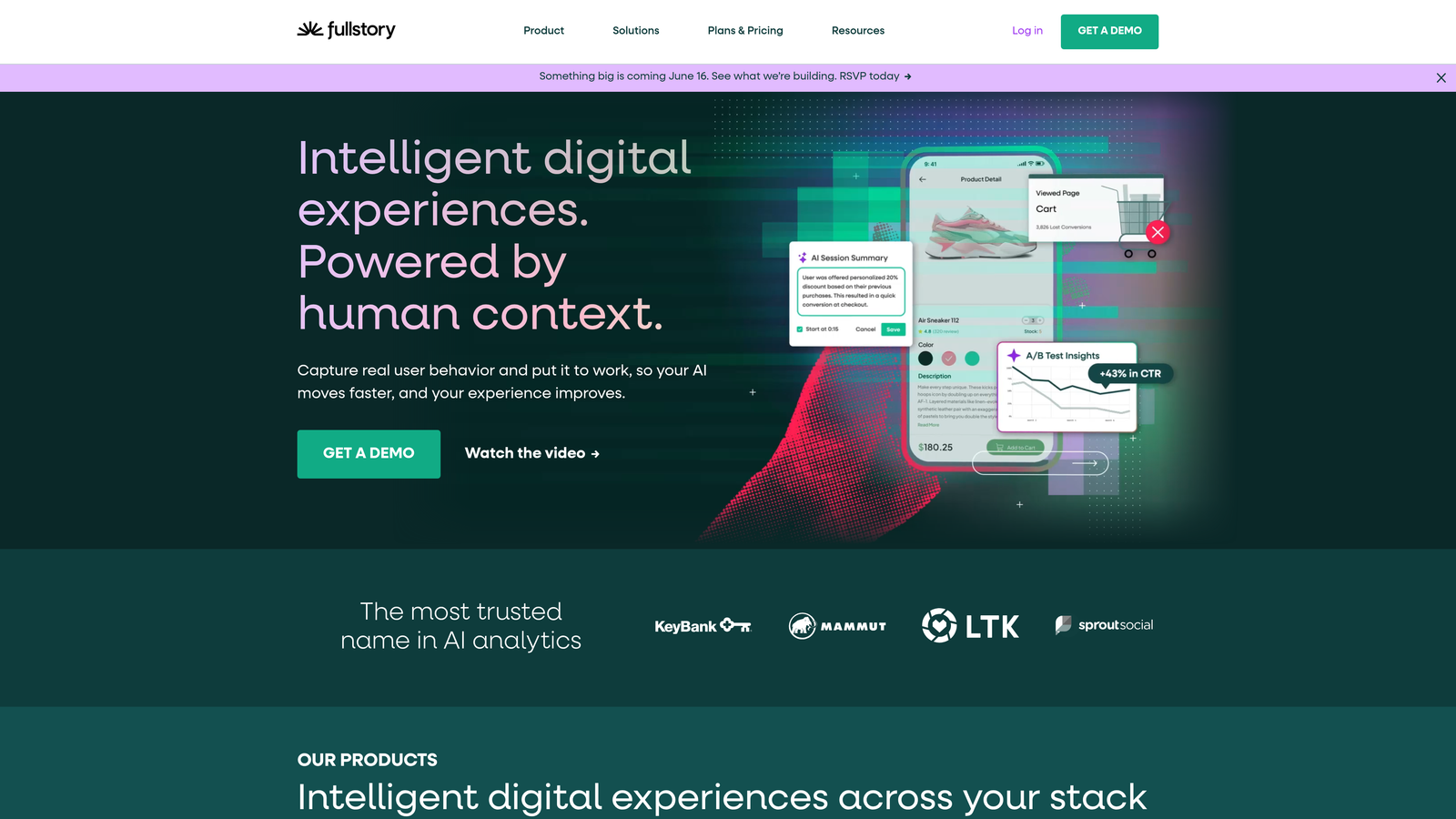
FullStory is an enterprise digital experience platform that auto-captures all user interactions, including granular form behavior, with the ability to query historical data retroactively.
Where This Tool Shines
FullStory's core superpower is that it captures everything from day one, without requiring you to pre-define what you want to track. That means if a form abandonment problem surfaces three months after launch, you can go back and analyze the historical session data as if you'd been tracking it all along. For enterprise teams managing complex, high-traffic experiences, that retroactive capability is genuinely powerful.
The rage click and error click detection is particularly useful for surfacing form UX problems that users don't explicitly complain about. You see frustration signals in the data before they become visible in your conversion metrics.
Key Features
Autocapture: Every user interaction is recorded automatically with no event tagging required upfront.
Retroactive Analysis: Query form behavior from historical session data, even for events you didn't anticipate tracking.
Rage Click and Error Click Detection: Automatically surfaces form UX friction points from behavioral signals.
Cohort Segmentation: Segment form abandonment by user cohort, device type, or traffic source for deeper analysis.
Enterprise Privacy Controls: Robust data governance and privacy tools for organizations with compliance requirements.
Best For
Enterprise product and analytics teams who need comprehensive digital experience data, want retroactive querying capabilities, and have the budget and technical resources to leverage a full DXP platform.
Pricing
Custom enterprise pricing. A free trial is available. Verify current options at fullstory.com.
4. Mouseflow
Best for: Teams wanting purpose-built form analytics with session replay at a mid-market price point.
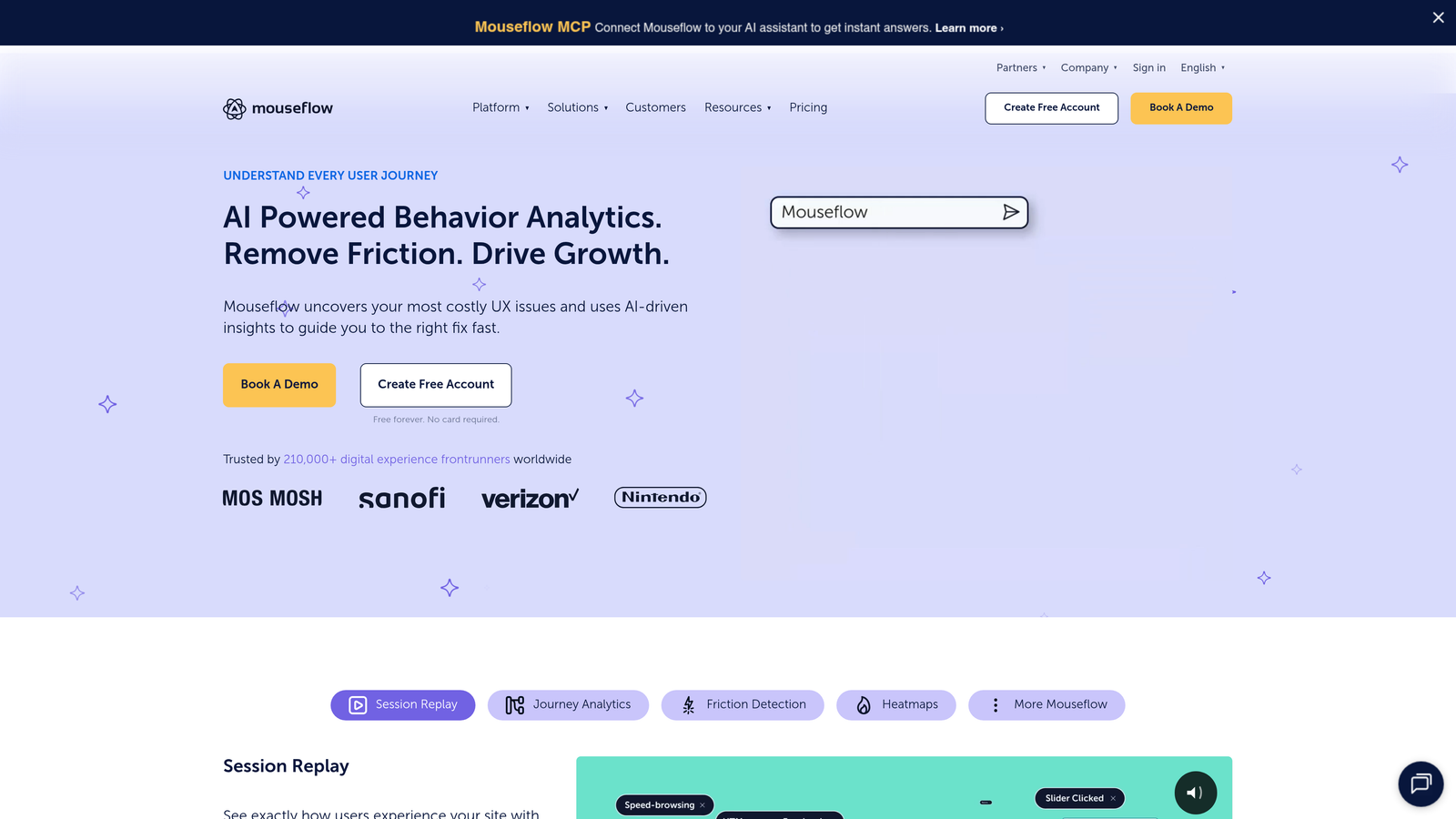
Mouseflow is a session replay and heatmap tool with one of the most purpose-built form analytics modules available at its price range.
Where This Tool Shines
Mouseflow's Form Analytics module goes deeper than many competitors on the metrics that actually matter for diagnosing abandonment. Hesitation time, re-fill rate, and drop-off by field are all tracked at the individual field level. You can see not just that users are abandoning, but whether they're abandoning after staring at a field for 30 seconds or immediately correcting their input multiple times.
The ability to filter session recordings by specific form interaction events means you can jump straight to recordings where users abandoned at a particular field, rather than hunting through hours of general sessions.
Key Features
Dedicated Form Analytics Module: Hesitation time, re-fill rate, blank rate, and drop-off by field in a purpose-built report.
Field-Level Problem Identification: Pinpoints which fields users blank, over-correct, or spend excessive time on.
Filterable Session Recordings: Filter recordings specifically by form interaction events to review relevant abandonment sessions quickly.
Funnel Reports: Track completion rates across multi-step form sequences.
Accessible Pricing: Significantly more affordable than enterprise DXP alternatives with comparable form analytics depth.
Best For
Growing SaaS teams, e-commerce businesses, and CRO practitioners who need serious form analytics depth without enterprise-level pricing or complexity.
Pricing
Free plan available. Paid plans start at $31/month. Verify current pricing at mouseflow.com.
5. Heap
Best for: Product-led growth teams wanting to analyze form behavior alongside the full user journey without pre-instrumentation.
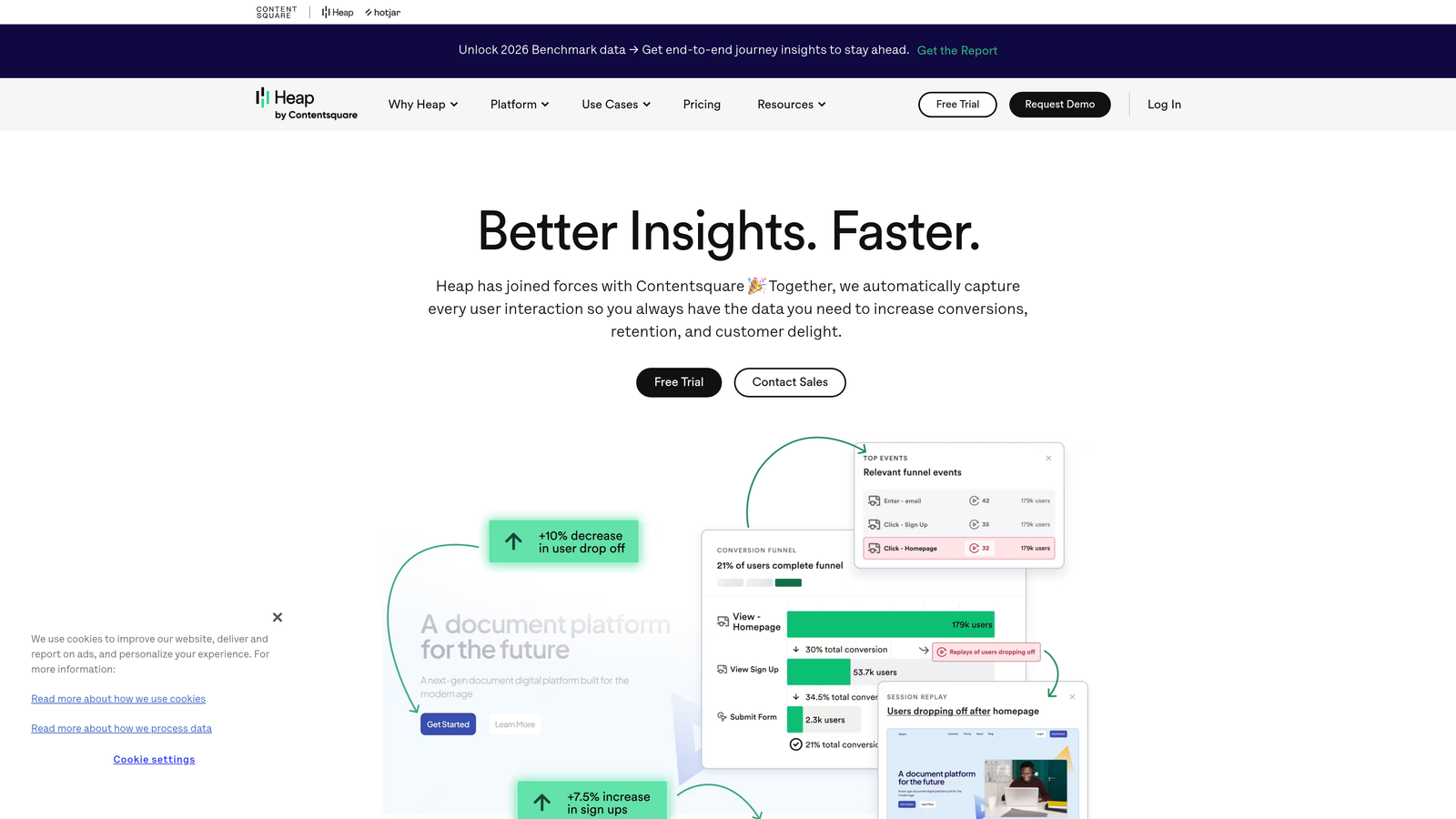
Heap is a product analytics platform that auto-captures all user interactions, including form events, from the moment you install it, with no event tagging setup required.
Where This Tool Shines
Heap's autocapture approach means form abandonment data starts accumulating immediately, even for interactions you didn't know you'd want to analyze later. For teams moving fast, the ability to run retroactive funnel analysis on form behavior without having gone back and tagged events is a genuine time-saver.
Where Heap goes beyond pure form analytics is in its journey mapping. You can see the full user path before and after form abandonment, which is particularly valuable for understanding whether abandonment is a form problem or a broader acquisition and intent problem.
Key Features
Autocapture: All form interactions recorded from day one with no event tagging required.
Retroactive Funnel Analysis: Investigate abandonment patterns from historical data after the fact.
User Property Segmentation: Segment form abandonment by acquisition channel, plan type, or any user property.
Journey Maps: Visualize the full user path before and after form abandonment events.
Integration Ecosystem: Strong connections with CRMs and data warehouses for cross-platform analysis.
Best For
Product analytics teams at SaaS companies who want to understand form abandonment in the context of the full user lifecycle, particularly in product-led growth environments where form behavior intersects with onboarding and activation.
Pricing
Free plan available. Paid plans are custom-priced. Verify current options at heap.io.
6. Google Analytics 4
Best for: Teams with developer resources who want free form abandonment tracking connected to their broader web analytics.
Google Analytics 4 is a free web analytics platform that can track form abandonment through custom events and funnel exploration reports when properly configured.

Where This Tool Shines
GA4 isn't a purpose-built form analytics tool, but for teams with developer resources, it can deliver meaningful abandonment data at zero cost. The Funnel Exploration report lets you visualize multi-step form drop-off, and custom events for form_start and form_submit give you a clear abandonment rate calculation. The real advantage is the connection to your broader analytics ecosystem, including Google Ads campaign data, so you can tie form abandonment directly to acquisition spend.
The trade-off is setup complexity. Unlike tools with dedicated form analytics modules, GA4 requires deliberate implementation effort. You'll get out what you put in.
Key Features
Custom Event Tracking: Form_start and form_submit events enable abandonment rate calculation across your forms.
Funnel Exploration Report: Visualizes multi-step form drop-off in a flexible, configurable report.
Audience Segmentation: Break down abandonment by device, traffic source, geography, and custom audience segments.
Google Ads Integration: Connect form abandonment data directly to campaign performance for acquisition optimization.
Free with No Volume Caps: Standard GA4 has no data volume limits for typical use cases.
Best For
Teams with developer resources who want free form abandonment tracking integrated into their existing analytics stack, or organizations already heavily invested in the Google ecosystem.
Pricing
Free for standard use. GA4 360 (enterprise) is custom-priced. Visit analytics.google.com for details.
7. Zuko
Best for: CRO specialists and conversion-focused teams needing the deepest possible field-level form analytics.
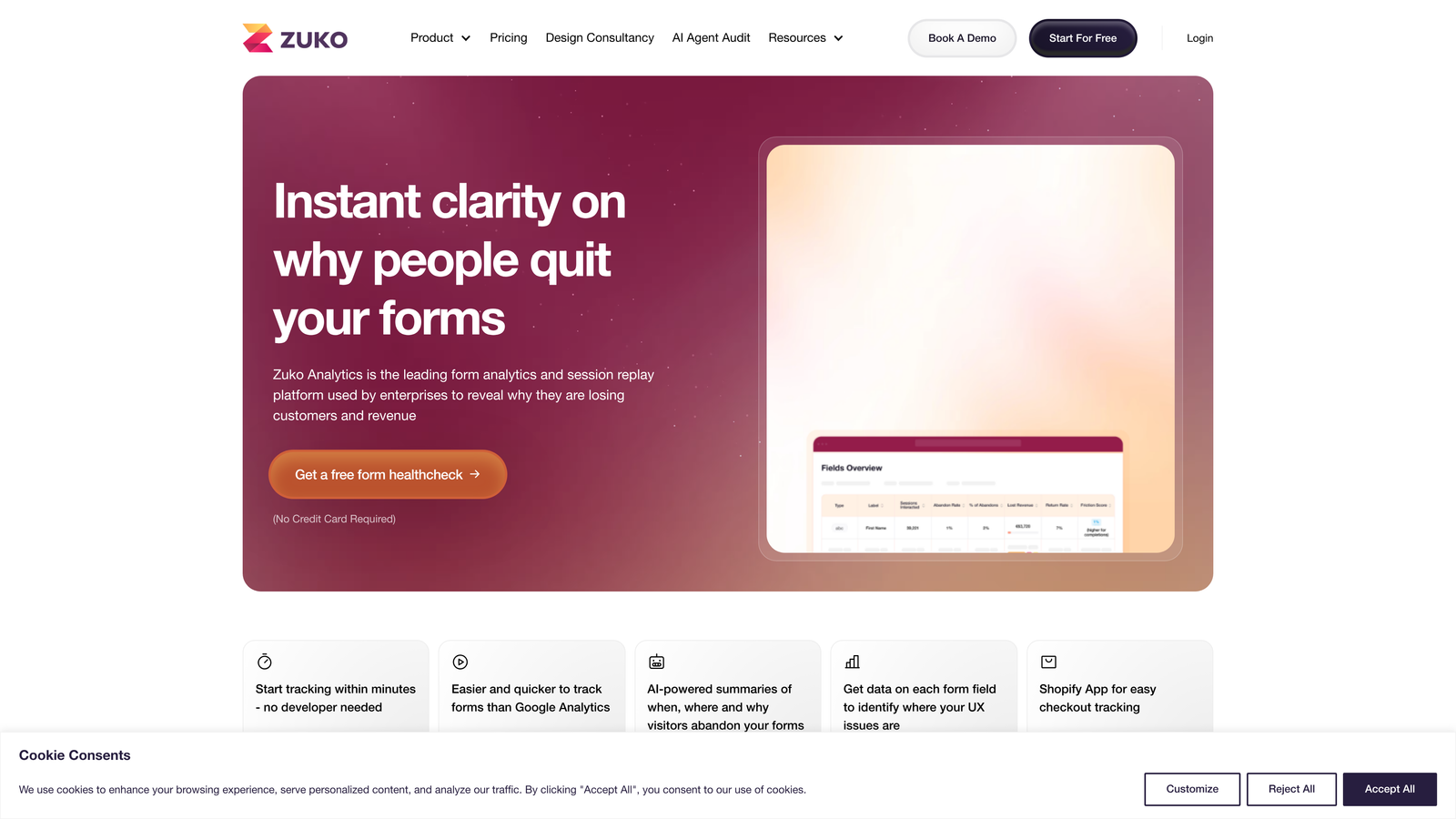
Zuko (formerly Formisimo) is a standalone form analytics platform built exclusively to diagnose and fix form abandonment, with no session recording overhead.
Where This Tool Shines
Zuko is the most specialized tool on this list. It does one thing: form analytics. And it does it with a level of field-level granularity that general behavioral analytics platforms rarely match. Every field interaction is tracked, including time spent, error messages triggered, blank submissions, re-entries, and individual drop-off points. The field-level abandonment funnel is the core product, not a secondary feature bolted onto something else.
The benchmarking data is a notable differentiator. Being able to compare your form performance against industry norms gives CRO teams a meaningful baseline that's hard to get elsewhere, especially for conversion rate context.
Key Features
Comprehensive Field Interaction Tracking: Time spent, error messages, blanks, re-entries, and drop-offs tracked at the individual field level.
Field-Level Abandonment Funnel: The core product view, not a secondary report, giving you immediate clarity on where users leave.
Platform-Agnostic Implementation: Works on any form regardless of the underlying tech stack or CMS.
Industry Benchmarking: Compare your form performance against norms for your industry vertical.
Lightweight Script: Minimal performance impact on your pages compared to full session recording tools.
Best For
CRO agencies, conversion specialists, and in-house optimization teams who need the deepest available field-level data and want a tool built around form analytics as a first-class use case rather than a feature add-on.
Pricing
Paid plans based on monthly form submissions tracked. See zuko.io for current tiers.
8. Lucky Orange
Best for: Growing teams wanting an affordable all-in-one behavioral analytics suite with solid form reporting.
Lucky Orange is an affordable all-in-one behavioral analytics platform combining heatmaps, session recordings, and form analytics in a single dashboard.
Where This Tool Shines
Lucky Orange punches above its price point. The Form Analytics report covers field-level abandonment, hesitation data, and error rates, and it sits alongside dynamic heatmaps, scroll maps, and session recordings in one interface. For teams that want multiple behavioral tools without managing multiple vendor relationships or paying enterprise prices, the value proposition is clear.
The live visitor view is a practical feature that's often overlooked: watching form interactions happen in real time can surface problems that aggregated reports miss, especially during high-traffic periods or after a form change.
Key Features
Form Analytics Report: Field-level abandonment rates, hesitation signals, and error data in a dedicated view.
Dynamic Heatmaps and Scroll Maps: Understand the page-level context around your form placement and engagement.
Live Visitor View: Watch form interactions happen in real time for immediate qualitative insight.
Accessible Pricing: Lower price point than most enterprise behavioral analytics alternatives.
Best For
Small to mid-sized teams, e-commerce businesses, and growing SaaS companies that want a broad behavioral analytics toolkit including form analytics, without the cost or complexity of enterprise platforms.
Pricing
Plans start at $32/month. Free trial available. Verify current pricing at luckyorange.com.
9. Microsoft Clarity
Best for: Budget-conscious teams wanting free session recordings and heatmaps with no data caps.
Microsoft Clarity is a completely free behavioral analytics tool offering session recordings, heatmaps, and interaction data with no session or traffic volume limits.
Where This Tool Shines
The obvious headline is the price: free, with no caps on sessions or data. For startups and teams with limited tooling budgets, Clarity provides a meaningful baseline of behavioral data that would otherwise cost money to access. Session recordings let you watch users interact with and abandon your forms, and the rage click and dead click detection can surface form UX friction points that aren't visible in aggregate metrics.
Clarity doesn't have a dedicated form analytics module with the field-level depth of Zuko or Mouseflow, but its native integration with Google Analytics means you can combine behavioral session data with GA4's custom event tracking for a more complete picture without paying for additional tools.
Key Features
Fully Free with No Caps: Unlimited sessions and no data volume restrictions on the free plan.
Rage Click and Dead Click Detection: Automatically flags form UX friction points from behavioral signals.
Session Recordings: Watch user behavior before and during form abandonment events.
Scroll Maps: Identify whether users are even reaching your form before abandoning the page.
Google Analytics Integration: Combine Clarity's behavioral data with GA4 conversion tracking for a richer view.
Best For
Startups, bootstrapped teams, and organizations with limited analytics budgets who want session recording and basic behavioral data at no cost, particularly as a complement to Google Analytics 4.
Pricing
Completely free. No paid tiers. Visit clarity.microsoft.com to get started.
Which Tool Is Right for Your Team
The right choice depends on where you are in your growth journey and what kind of data you actually need to act on.
If you're a startup working with a zero budget, start with Microsoft Clarity for session recordings and pair it with Google Analytics 4 for custom event-based abandonment tracking. You'll get meaningful visibility without spending anything, though you'll need some developer time to configure GA4 properly.
If you're a growing SaaS team running multi-step lead qualification flows and you want your form builder and analytics to work as a unified system, Orbit AI is the natural fit. The native drop-off analytics, AI-powered lead qualification overlay, and conversion-optimized templates mean you're not stitching together three separate tools to answer the same questions.
If you're a CRO specialist or conversion-focused agency that needs the deepest possible field-level data, Zuko is the standout choice. It's built exclusively for form analytics and the granularity it provides on hesitation time, re-entry rates, and error frequency is hard to match with general behavioral platforms.
For enterprise teams that need retroactive querying, complex cohort analysis, and comprehensive digital experience data beyond just forms, FullStory or Heap are the platforms built for that scale. And if you want an affordable all-in-one behavioral suite with solid form reporting, Hotjar, Mouseflow, and Lucky Orange all offer strong options at accessible price points.
The first step is auditing your current form stack. If you don't know your form start rate, your field-level drop-off data, or which device types are abandoning at the highest rates, you're leaving conversion improvements on the table. Any of the tools above will give you more signal than relying on aggregate submission rates alone.
Transform your lead generation with AI-powered forms that qualify prospects automatically while delivering the modern, conversion-optimized experience your high-growth team needs. Start building free forms today and see how intelligent form design can elevate your conversion strategy.


