

Not all form builders are created equal, especially when your goal is nurturing leads rather than simply collecting them. A basic contact form captures a name and email. A lead nurturing form qualifies intent, triggers follow-up sequences, and feeds your CRM with the context your sales team actually needs.
This list focuses on tools built or well-suited for teams serious about conversion optimization: platforms that go beyond drag-and-drop fields to offer conditional logic, CRM integrations, lead scoring, and automation-ready workflows.
Whether you're running inbound campaigns, qualifying B2B prospects, or building multi-step funnels, the right form builder can meaningfully impact how many leads move from "interested" to "ready to buy." We evaluated each tool on ease of use, lead qualification features, integration depth, and value for high-growth teams. Here's what stood out.
1. Orbit AI
Best for: AI-powered lead qualification and conversion optimization for high-growth SaaS and B2B teams.
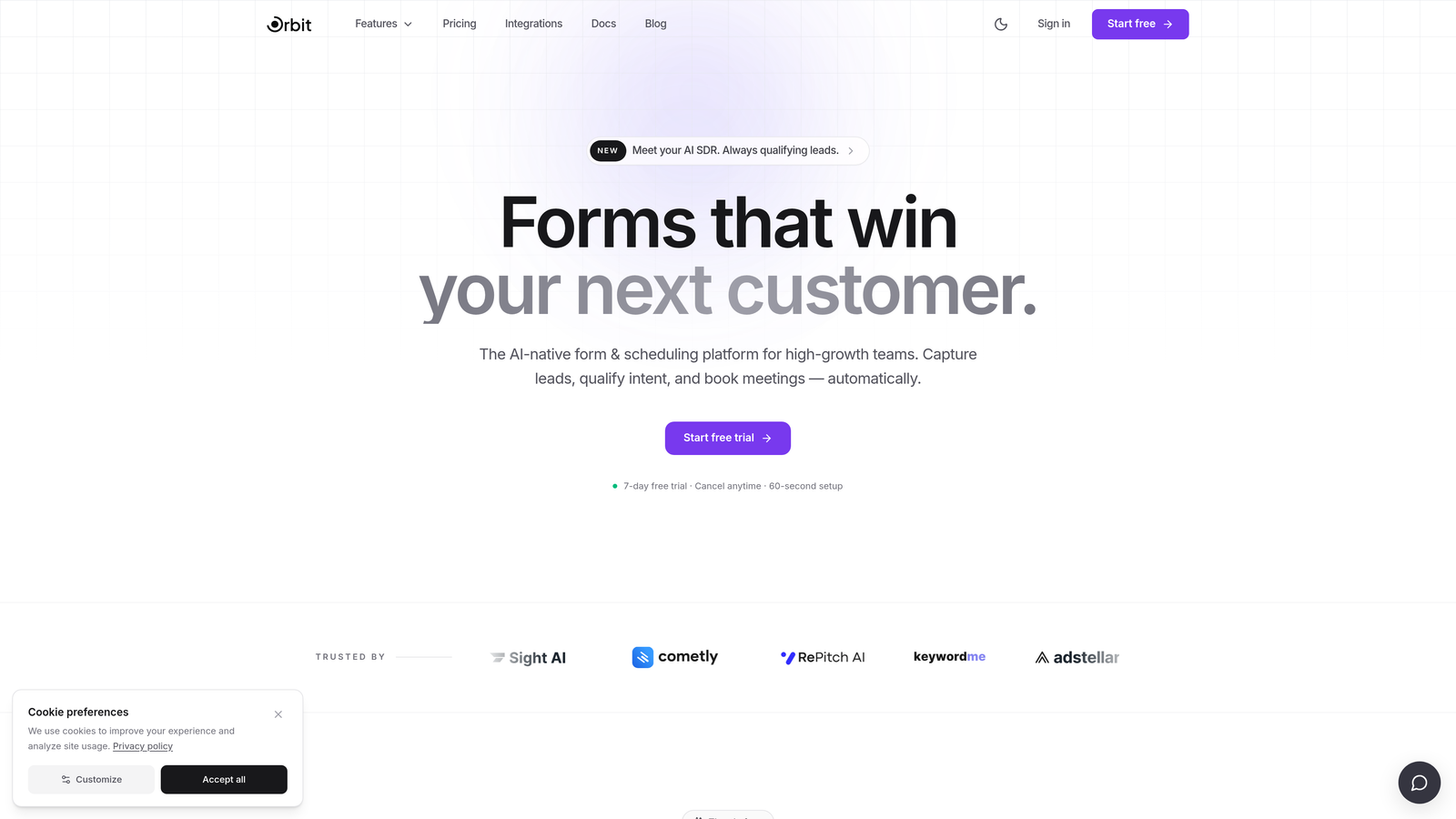
Orbit AI is an AI-powered form builder designed specifically for lead qualification and conversion optimization, built with high-growth teams in mind.
Where This Tool Shines
Most form builders treat qualification as an afterthought, something you bolt on through a CRM workflow after the fact. Orbit AI builds intelligence directly into the form experience itself. The platform combines modern, conversion-optimized design with AI-driven logic that assesses lead quality at the point of capture, not after.
This matters because the gap between a submitted form and a sales-ready lead is where most nurture programs lose momentum. Orbit AI is designed to close that gap by routing, scoring, and structuring data before it ever reaches your CRM, giving your sales team cleaner context and faster follow-up opportunities.
Key Features
AI-Driven Lead Qualification: Intelligent logic built into the form experience assesses and qualifies leads based on their responses, not just their contact details.
Conditional Branching and Smart Routing: Forms adapt in real time based on how respondents answer, creating a personalized path that surfaces the most relevant questions for each lead profile.
Conversion-Optimized Design: Modern, visually polished form layouts designed to reduce abandonment and improve completion rates across devices.
CRM-Ready Data Outputs: Structured, clean data handoff so submissions map directly to your CRM fields without manual cleanup or re-entry.
Built for Pipeline Quality: The platform is oriented around pipeline quality, not just volume, making it a natural fit for teams where lead qualification is a core growth lever.
Best For
High-growth SaaS and B2B teams that want lead qualification to happen at the form level, not downstream in a CRM workflow. Particularly strong for teams running inbound campaigns where lead quality varies significantly and intelligent routing can meaningfully improve sales efficiency.
Pricing
Visit orbitforms.ai for current pricing details and free trial options. A free starting point is available for teams exploring the platform.
2. HubSpot Forms
Best for: Teams already in the HubSpot ecosystem looking for seamless CRM and workflow integration.
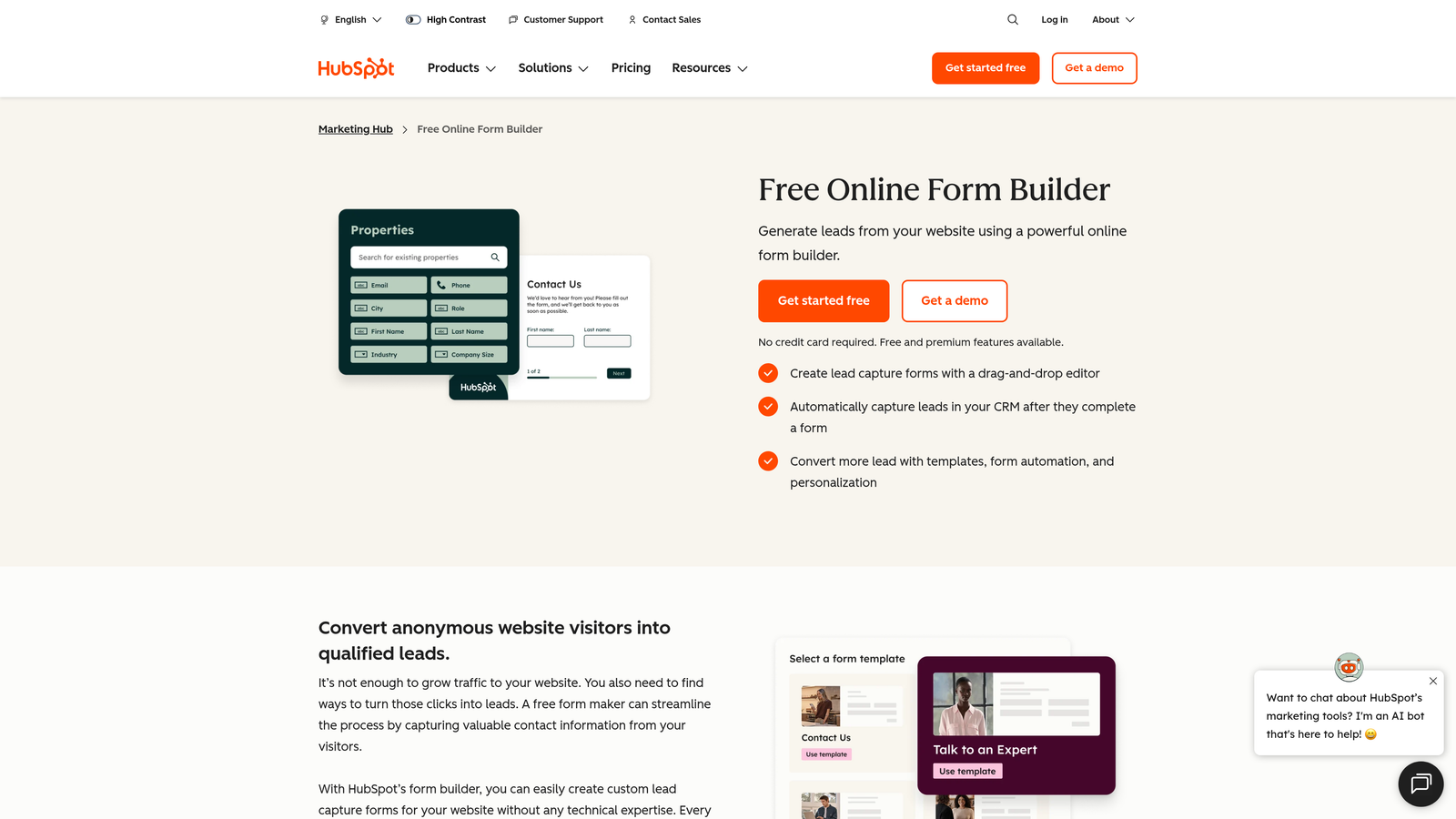
HubSpot Forms is the native form module within HubSpot Marketing Hub, tightly connected to HubSpot CRM, workflows, and lead scoring.
Where This Tool Shines
The form builder itself is straightforward, but that's intentional. HubSpot Forms derives its real value from the ecosystem it plugs into. Every submission automatically updates contact records, can enroll leads in nurture sequences, and feeds HubSpot's lead scoring models without any manual configuration.
For teams whose nurture strategy already lives in HubSpot, adding a form is almost frictionless. The progressive profiling feature on paid plans is particularly useful: returning visitors see different fields each time, gradually building a richer contact profile without overwhelming anyone with a long form upfront.
Key Features
Native CRM Sync: Submissions automatically update HubSpot contact records, keeping your database accurate without manual imports.
Workflow Enrollment: Form submissions can directly trigger nurture sequences, task creation, or internal notifications within HubSpot.
Smart Forms with Progressive Profiling: Returning visitors see new fields rather than ones they've already filled out, improving data depth over time.
Lead Scoring Integration: Form data feeds directly into HubSpot's lead scoring models, helping prioritize follow-up automatically.
Free Tier: Available within HubSpot's free CRM, making it accessible for early-stage teams.
Best For
Teams already using HubSpot as their CRM and marketing automation platform. If you're not in the HubSpot ecosystem, the form builder alone isn't a strong reason to join, but for existing users it's an obvious choice.
Pricing
Free with HubSpot CRM. Advanced features including progressive profiling and automation triggers are available on Marketing Hub Starter at $20 per month and above.
3. Typeform
Best for: High-engagement conversational forms where completion rate and user experience are top priorities.
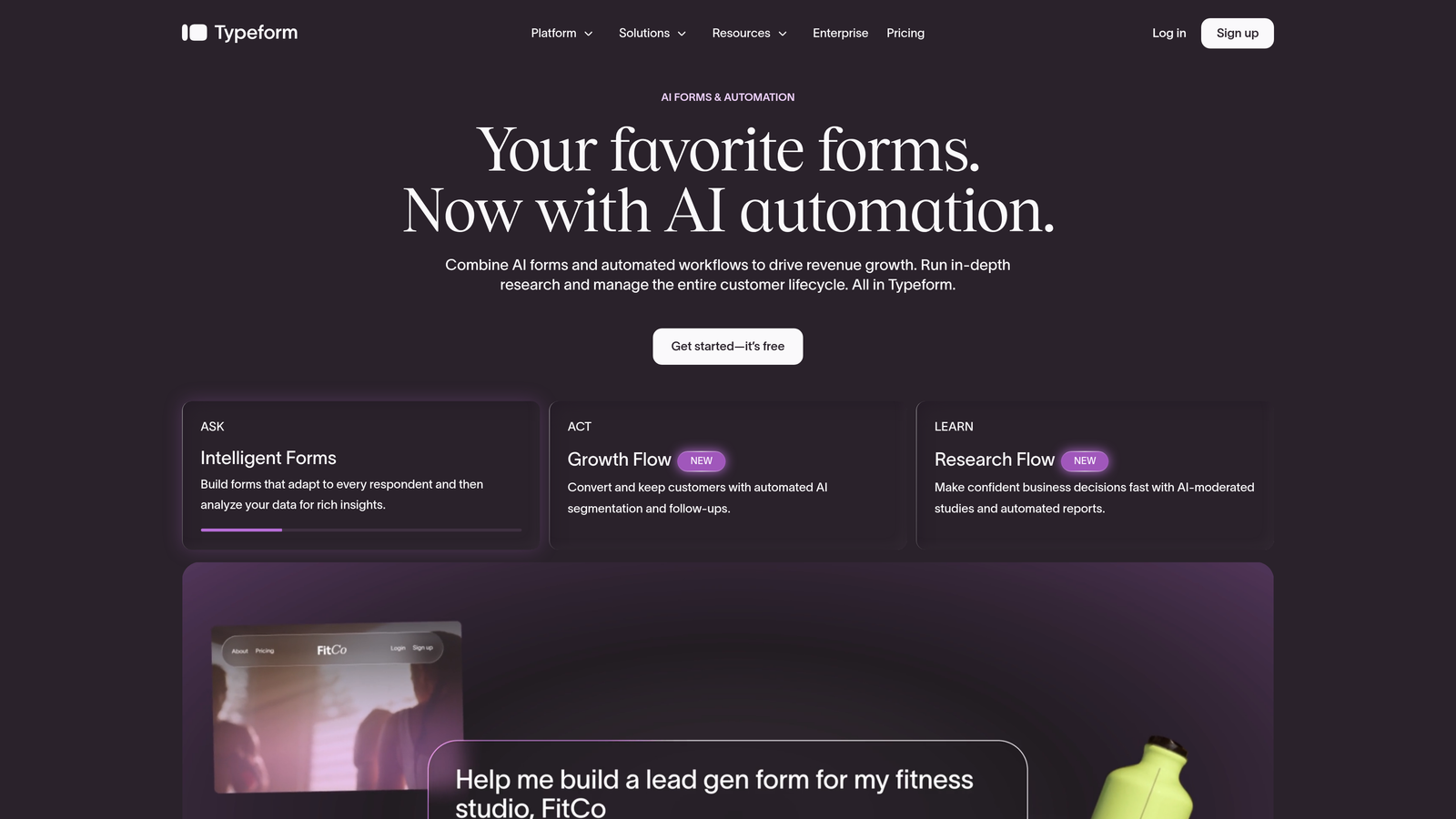
Typeform is a conversational form builder that presents one question at a time, creating an experience closer to a dialogue than a traditional form.
Where This Tool Shines
Typeform pioneered the one-question-at-a-time format, and it remains one of the most visually polished form experiences available. For lead nurturing contexts where first impressions matter, such as top-of-funnel qualification surveys or onboarding flows, the format tends to feel less intrusive than a wall of fields.
Logic jumps allow you to route respondents through different question paths based on their answers, which is useful for segmenting leads by role, company size, or intent. Native integrations with HubSpot, Salesforce, and Mailchimp mean qualified responses can flow directly into your nurture stack.
Key Features
Conversational UX: One question at a time creates a lower-friction experience that can improve engagement for cold or unfamiliar audiences.
Logic Jumps: Conditional routing sends respondents down different question paths based on their answers, enabling lightweight qualification at the form level.
Native Integrations: Direct connectors to HubSpot, Salesforce, Mailchimp, and dozens of other tools, plus Zapier for extended reach.
Branded Experiences: Strong visual customization options for teams where brand consistency matters across touchpoints.
Flexible Embed Options: Works as a standalone page or embedded within landing pages and websites.
Best For
Marketing teams focused on top-of-funnel engagement where form aesthetics and completion rate are key. Also works well for agencies building client-facing qualification flows that need to look polished without heavy development work.
Pricing
Free tier available with limited responses. Paid plans start at $25 per month, with higher tiers unlocking more responses, integrations, and branding control.
4. Jotform
Best for: Teams needing maximum flexibility across form types, industries, and use cases.
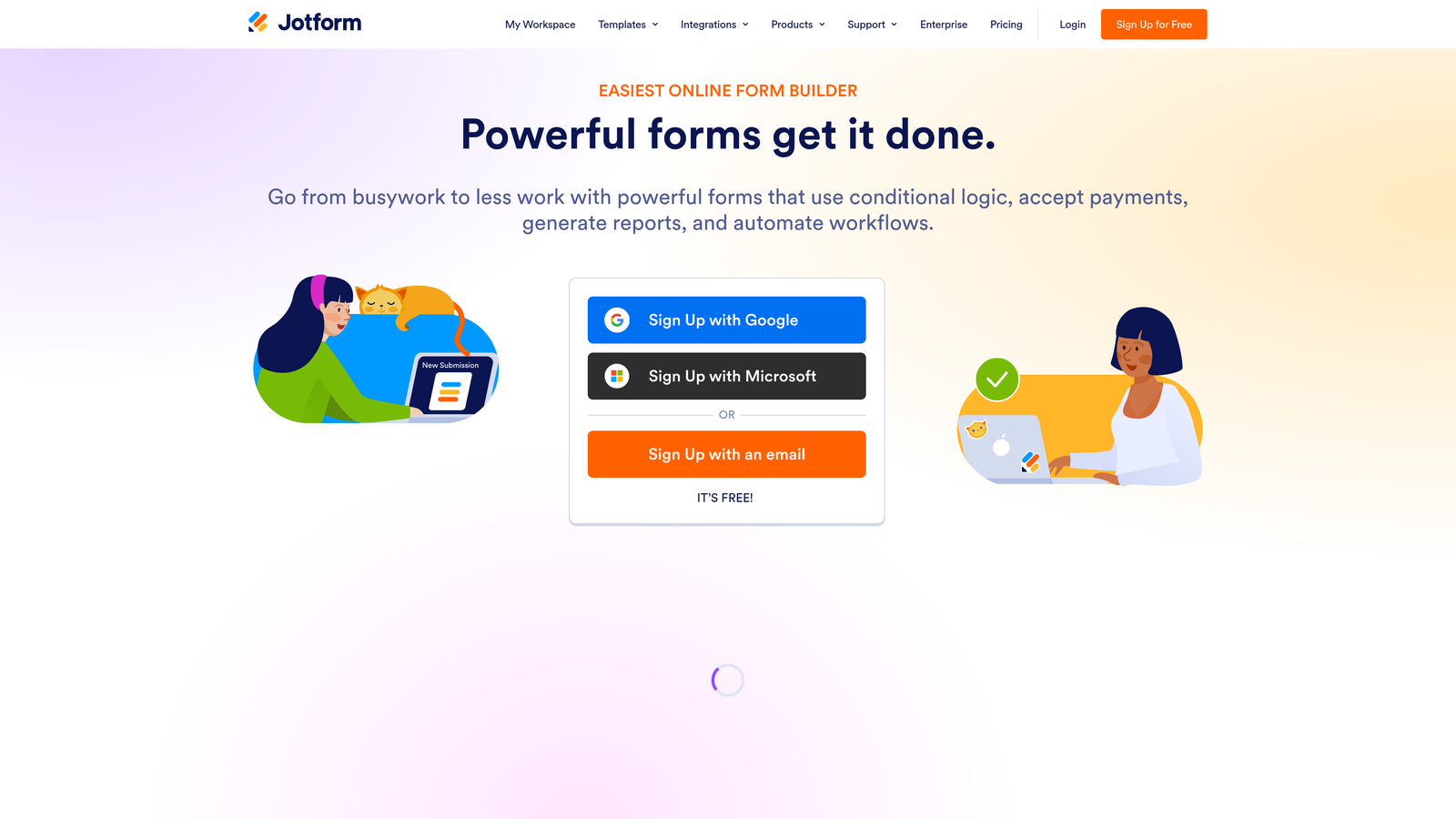
Jotform is a highly flexible, template-rich form builder with thousands of pre-built templates and one of the broadest integration libraries in the category.
Where This Tool Shines
Jotform's strength is sheer versatility. If you need to build a complex multi-page qualification survey, a payment-enabled intake form, or a file upload workflow, Jotform handles all of it without needing add-ons or workarounds. The template library alone covers an enormous range of industries and use cases, making it fast to get started.
For lead nurturing specifically, Jotform Workflows adds basic approval and data routing logic, useful for teams where leads need to be reviewed or assigned before entering a nurture sequence. It's not as opinionated about nurture as some purpose-built tools, but its flexibility makes it adaptable to almost any workflow.
Key Features
Thousands of Templates: Pre-built forms across virtually every industry, significantly reducing setup time for common use cases.
Conditional Logic: Multi-branch logic and multi-page form support for building progressive qualification flows.
Jotform Workflows: Basic approval routing and data handling for teams that need structured review before lead handoff.
Payment and Document Support: Built-in payment collection, e-signatures, and file uploads without additional integrations.
Extensive Integration Library: Connects to hundreds of third-party tools, including major CRMs and marketing platforms.
Best For
Teams with diverse form needs across multiple departments, or those who want a single platform that handles everything from lead capture to contracts. Also a good fit for smaller teams that want a generous free tier to start.
Pricing
Free tier available with usage limits. Paid plans start at $34 per month, scaling with submission volume and feature access.
5. Gravity Forms
Best for: WordPress-based businesses needing advanced conditional logic and a customizable lead capture workflow.
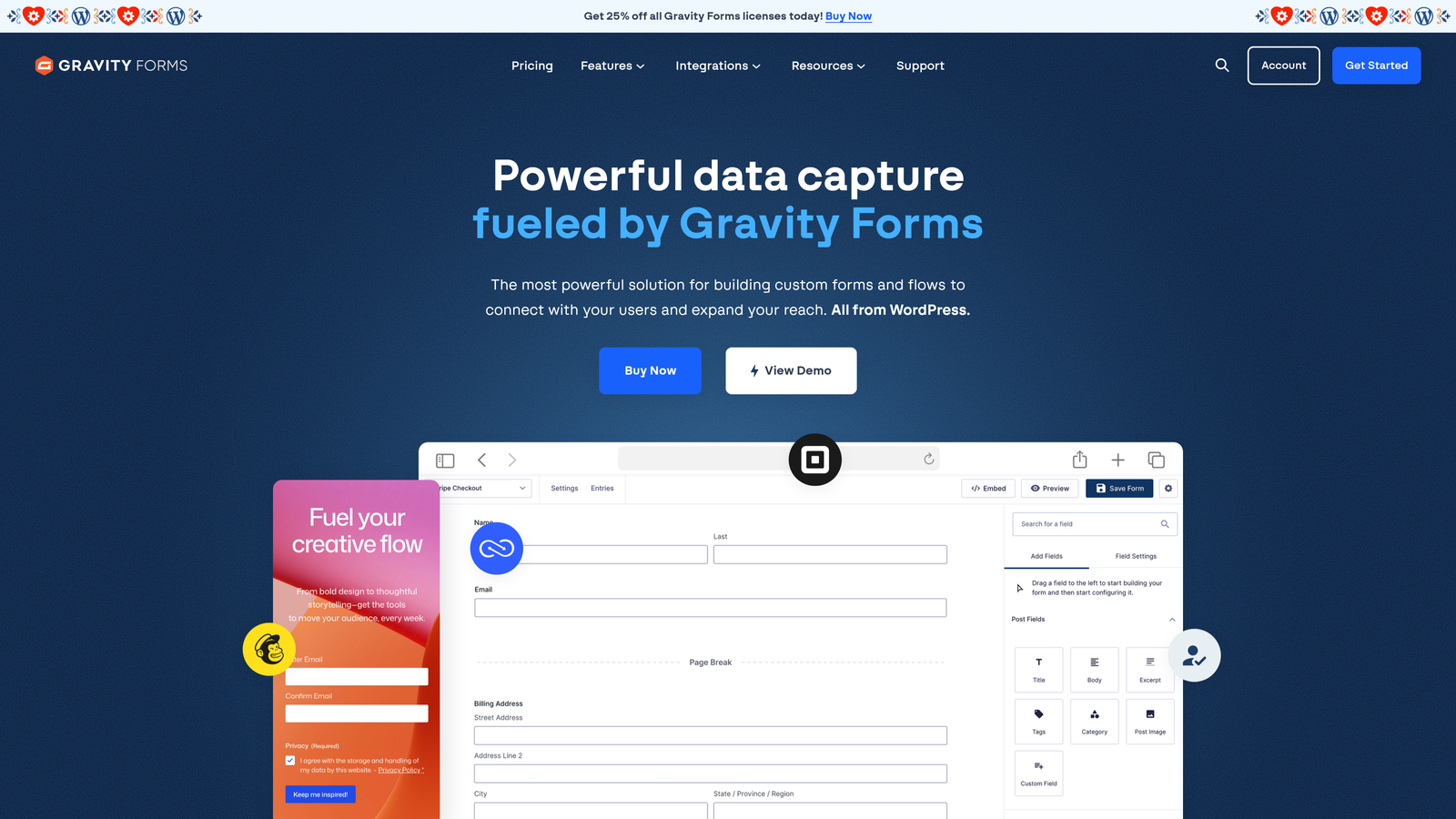
Gravity Forms is a WordPress-native form plugin with advanced conditional logic, multi-page form support, and a broad add-on ecosystem.
Where This Tool Shines
For teams running their marketing site or landing pages on WordPress, Gravity Forms is the most deeply integrated option available. Everything stays within WordPress, there are no external dependencies, and the plugin's conditional logic system is genuinely powerful for building multi-step qualification flows.
The add-on ecosystem extends the platform significantly. Official integrations exist for HubSpot, Salesforce, ActiveCampaign, and Zapier, meaning form submissions can feed directly into your nurture stack with minimal configuration. Teams with developer resources can also use hooks and API access to build custom integrations or qualification logic.
Key Features
Deep WordPress Integration: Lives entirely within WordPress with no external platform dependencies or data routing complexity.
Advanced Conditional Logic: Sophisticated branching and field visibility rules for building complex qualification flows within a single form.
CRM Add-Ons: Official add-ons for HubSpot, Salesforce, ActiveCampaign, and Zapier for connecting form submissions to nurture workflows.
Multi-Step Form Support: Break long qualification forms into multiple pages to reduce perceived friction.
Developer-Friendly: Hooks, filters, and API access for teams that need custom behavior beyond the standard feature set.
Best For
WordPress-based businesses with some technical comfort, particularly those who want full control over their form logic without leaving their existing CMS environment. Not ideal for teams without WordPress or those who prefer a no-code setup.
Pricing
Starts at $59 per year for the Basic license. No free tier is available. Higher license tiers unlock additional add-ons and multi-site use.
6. ActiveCampaign Forms
Best for: Email-first nurture teams already running on ActiveCampaign who want zero-friction form-to-automation connection.
ActiveCampaign Forms is the native form builder within ActiveCampaign, designed to feed directly into its automation, tagging, and email nurture engine.
Where This Tool Shines
The form builder itself is simpler than dedicated form tools, but that's not the point. What ActiveCampaign Forms does exceptionally well is eliminate the gap between form submission and automation trigger. A lead submits a form, gets tagged, enters a nurture sequence, and has their deal stage updated, all within the same platform, instantly.
For teams whose primary nurture channel is email and who are already invested in ActiveCampaign, the native integration removes the need for Zapier connectors or webhook configurations. It's the path of least resistance for keeping your contact data and automation logic in one place.
Key Features
Instant Automation Triggers: Form submissions fire ActiveCampaign automations immediately, with no middleware required.
Contact Tagging: Apply tags on submission to segment contacts and personalize follow-up sequences based on form responses.
Deal Stage Updates: Submissions can update pipeline stages in ActiveCampaign's CRM, keeping sales context current.
Multiple Form Formats: Inline, floating bar, and modal options for flexible placement across your site.
List Segmentation: Route contacts to different lists or segments based on how they answer specific form fields.
Best For
Teams already using ActiveCampaign as their primary marketing automation platform. The form builder is not a reason to choose ActiveCampaign on its own, but for existing users it's a natural and efficient choice.
Pricing
Included with all ActiveCampaign plans, which start at $15 per month. No standalone form pricing applies.
7. Adobe Marketo Engage (Marketo Forms)
Best for: Enterprise marketing teams with existing Marketo investments and complex lead scoring requirements.
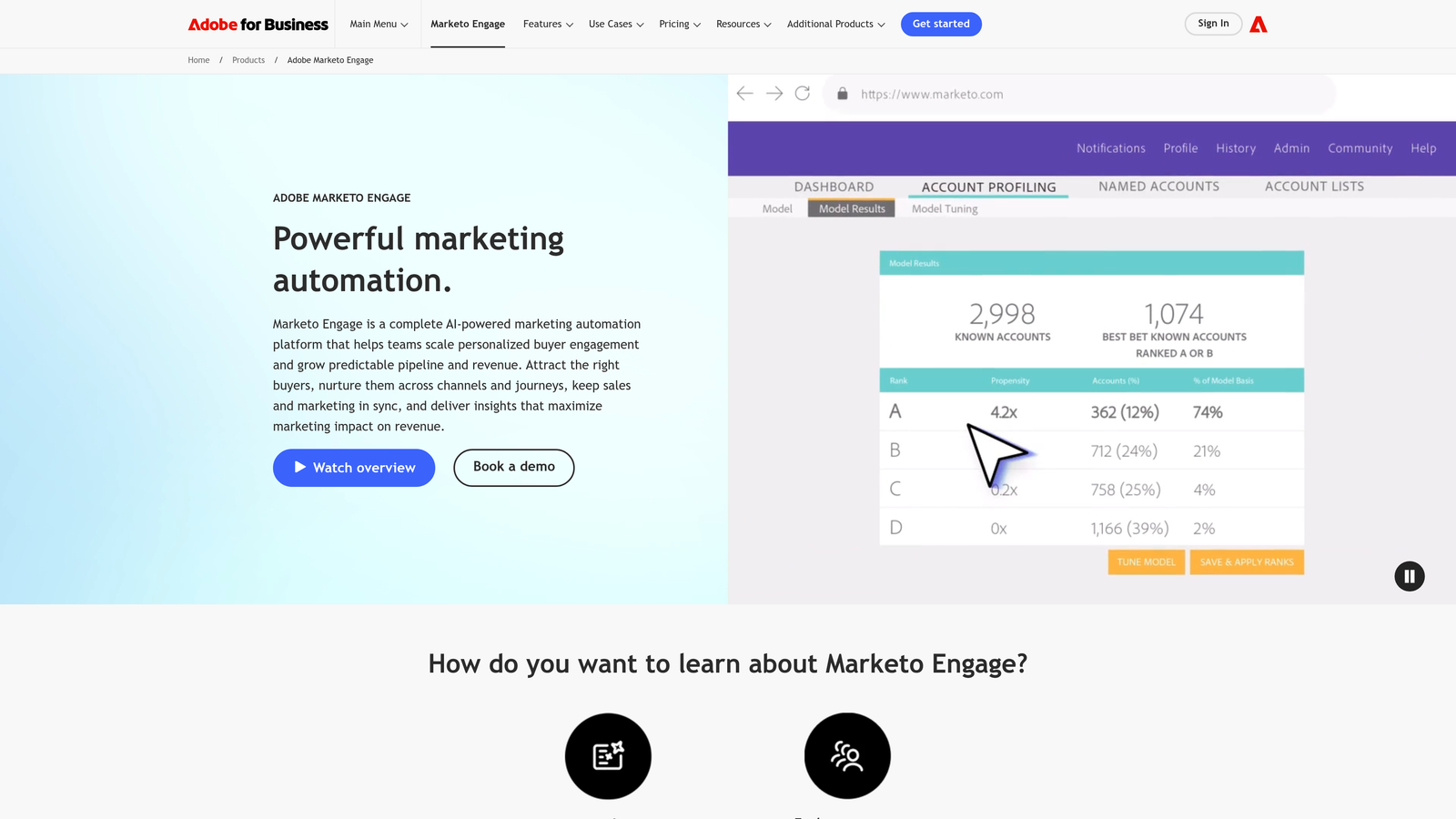
Adobe Marketo Engage includes a native form module with progressive profiling and deep integration with Marketo's lead scoring and lifecycle management capabilities.
Where This Tool Shines
Marketo Forms is not a standalone tool — it's a component of one of the most sophisticated marketing automation platforms in the enterprise space. Its progressive profiling capability is particularly strong: returning visitors see different fields each time they encounter a form, gradually building out a complete contact record without ever presenting a long, intimidating form upfront.
For enterprise teams running complex, multi-touch nurture programs with deep Salesforce or Microsoft Dynamics integration, Marketo Forms connects form activity directly to lead scoring models, lifecycle stage transitions, and CRM sync. It's a powerful setup, though it requires marketing operations expertise to manage effectively.
Key Features
Progressive Profiling: Returning visitors see new fields rather than previously completed ones, building richer profiles over multiple touchpoints.
Native Lead Scoring Integration: Form activity feeds directly into Marketo's lead scoring engine, influencing qualification and routing in real time.
Deep CRM Sync: Native bidirectional sync with Salesforce and Microsoft Dynamics for enterprise-grade data consistency.
Known Contact Pre-Fill: Recognized visitors have known fields pre-populated, reducing friction for returning leads.
Enterprise Compliance: Data governance and compliance features suited for regulated industries and large organizations.
Best For
Enterprise marketing teams with dedicated marketing operations resources and existing Marketo platform investments. Not a practical choice for small or mid-market teams without the budget and technical resources to support the broader Marketo ecosystem.
Pricing
Enterprise pricing applies. Contact Adobe directly for a quote, as pricing is not publicly listed and varies significantly by company size and feature requirements.
8. Paperform
Best for: Agencies and consultants who need branded, multi-purpose forms that double as lightweight landing pages.
Paperform is a document-style form builder that blends form functionality with landing page aesthetics, supporting payments, scheduling, and conditional logic within a single editor.
Where This Tool Shines
Paperform takes a different design philosophy from most form builders. Instead of a field-by-field editor, you work in a freeform document environment where text, images, and form fields coexist on the same canvas. The result is forms that look more like designed pages than traditional input screens, which works particularly well for client-facing intake flows or high-touch B2B qualification forms.
The built-in payment processing and appointment scheduling features make it a practical all-in-one option for service businesses and agencies that want to handle multiple touchpoints, from initial qualification to booking or payment, without stitching together separate tools.
Key Features
Document-Style Editor: Freeform canvas where text, media, and form fields are combined, producing forms that resemble designed landing pages.
Conditional Logic: Multi-section conditional layouts that adapt based on responses, supporting progressive qualification flows.
Built-In Payments and Scheduling: Native payment processing and appointment booking without requiring separate integrations.
Broad Integration Support: Native connectors and Zapier compatibility for connecting to CRMs and marketing platforms.
White-Label and Branding Options: Strong customization for agencies managing forms on behalf of clients.
Best For
Agencies, consultants, and service businesses that need forms to feel like premium branded experiences. Also works well for teams that want payments and scheduling alongside lead capture in a single tool.
Pricing
Plans start at $24 per month. A free trial is available for teams evaluating the platform before committing.
9. Formstack
Best for: Compliance-sensitive industries requiring structured data routing, approval workflows, and enterprise security standards.
Formstack is a data collection and workflow platform with strong compliance credentials, approval workflows, and deep integration with major CRMs.
Where This Tool Shines
Formstack occupies a specific niche in the form builder market: teams in healthcare, finance, legal, or enterprise environments where data handling requirements go beyond what general-purpose tools support. HIPAA, GDPR, and SOC 2 compliance are built into the platform, not bolted on as optional upgrades.
For lead nurturing in regulated industries, this matters significantly. Formstack's approval workflow capabilities also add a layer of structured review before leads enter a nurture sequence, useful for organizations where leads need to be vetted or assigned before outreach begins. Document generation and e-signature capabilities extend its usefulness into post-qualification workflows.
Key Features
Compliance Frameworks: HIPAA, GDPR, and SOC 2 compliance support built into the platform for regulated industry use cases.
Approval Workflows: Structured review and routing logic so leads can be assessed and assigned before entering a nurture sequence.
Conditional Logic: Multi-page forms with conditional branching for building qualification flows within compliance requirements.
CRM Integrations: Native connectors to Salesforce, HubSpot, and other major CRMs for clean data handoff.
Document Generation and E-Signatures: Extends the platform beyond lead capture into downstream workflow steps.
Best For
Enterprise and mid-market teams in healthcare, finance, or legal sectors where compliance is non-negotiable. Also suitable for organizations with complex internal approval requirements before leads reach sales or nurture workflows.
Pricing
Plans start at $83 per month. Enterprise plans with additional compliance and security features are available on request.
Which Tool Is Right for Your Team?
The best form builder for lead nurturing depends less on feature lists and more on where your team is in its growth journey and what your existing tech stack looks like.
If you're a high-growth SaaS or B2B team that wants lead qualification to happen at the form level, with AI-driven logic and CRM-ready outputs, Orbit AI is built specifically for that use case. It's the strongest choice for teams who've outgrown basic form tools and want intelligence built into the capture experience itself, not patched in afterward.
HubSpot Forms is the obvious pick for teams already invested in the HubSpot ecosystem. The form builder is straightforward, but the native CRM sync and workflow triggers make it exceptionally efficient for HubSpot-first organizations.
Typeform excels when top-of-funnel engagement and form aesthetics are priorities. If your audience is cold or unfamiliar and completion rate is the primary concern, the conversational format is worth considering.
Jotform is the most flexible all-rounder, suitable for teams with diverse form needs across multiple departments. Gravity Forms is the go-to for WordPress-based teams with technical resources. ActiveCampaign Forms is the natural fit for email-first nurture teams already on that platform.
For enterprise requirements, Marketo Forms offers unmatched depth in progressive profiling and lead scoring integration, while Formstack is the strongest option in compliance-sensitive industries. Paperform fills the gap for agencies and consultants who need forms that look like premium branded experiences.
The common thread across the best-performing options is this: the form is not just a data collection point. It's the first step in a qualification and nurture workflow. The tools that treat it that way consistently outperform those that don't.
Transform your lead generation with AI-powered forms that qualify prospects automatically while delivering the modern, conversion-optimized experience your high-growth team needs. Start building free forms today and see how intelligent form design can elevate your conversion strategy.


