

Choosing a form builder isn't just about features. It's about whether you're paying the right way for the right tool at the right stage of your growth. Monthly plans offer flexibility when you're testing platforms or scaling a new team. Annual plans typically unlock meaningful savings, but only if you're genuinely committed to the platform long-term.
For high-growth teams running lead generation campaigns, picking the wrong billing cycle can quietly drain budget or lock you into a tool that no longer fits your stack. This guide breaks down nine leading form builders side-by-side, comparing their monthly vs annual pricing structures, what you actually get at each tier, and which billing approach makes sense depending on your team's stage and goals.
Whether you're a startup validating your first lead funnel or a scaling SaaS team optimizing conversion rates, this comparison will help you make a smarter buying decision, not just a cheaper one.
Monthly vs Annual Billing: The Strategic Decision Behind the Discount
Before diving into the tools, it's worth understanding what you're actually deciding when you choose a billing cycle. Annual plans typically require upfront payment, which affects cash flow for smaller or earlier-stage teams. Monthly plans preserve flexibility but usually cost more over a full year.
The real question isn't "which is cheaper?" It's "how confident am I in this tool?" If you're still validating your lead generation process, monthly billing gives you room to pivot. If your form builder is a core part of your conversion stack and you've already proven it works, committing annually is almost always the smarter financial move.
Keep in mind: most platforms gate higher-tier features like conditional logic, file uploads, and CRM integrations behind paid plans regardless of billing cycle. The billing decision is separate from the tier decision. Now, let's get into the tools.
1. Orbit AI
Best for: High-growth SaaS and B2B teams that want forms to qualify leads automatically.
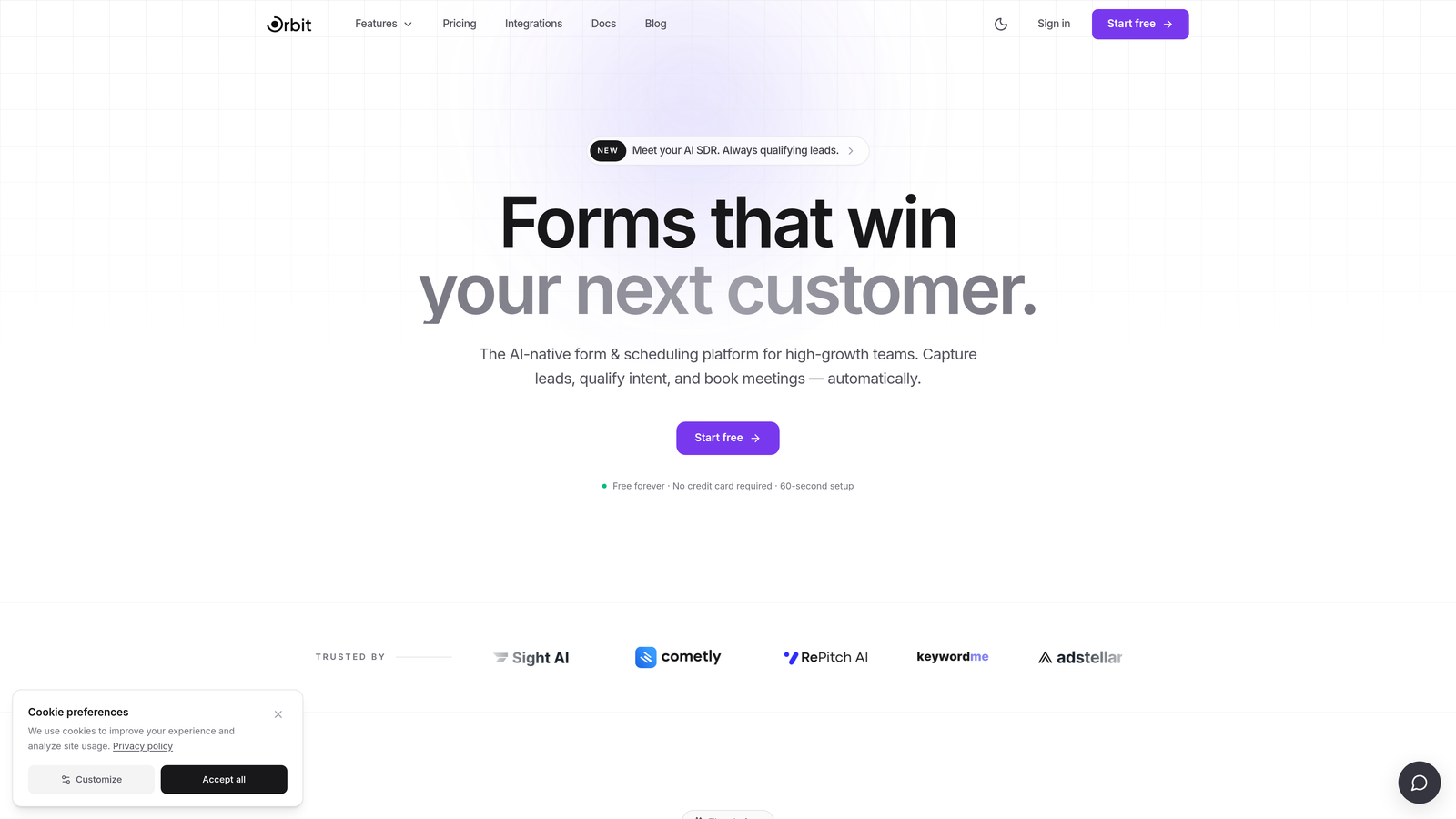
Orbit AI is an AI-powered form builder built specifically for teams where lead quality matters as much as lead volume.
Where This Tool Shines
Most form builders collect data. Orbit AI goes a step further by qualifying it. The platform's built-in lead scoring and AI-powered qualification layer means your sales team receives prioritized, actionable leads rather than a raw list of form submissions to sort through manually.
The design quality is another standout. Orbit AI's templates are built for conversion, not just aesthetics. For SaaS and B2B teams where the form is often the first real touchpoint with a prospect, that distinction matters. You're not just collecting information; you're creating an experience that reflects your brand's credibility.
Key Features
AI-Powered Lead Qualification: Built directly into the form layer, so leads are scored and qualified before they ever reach your CRM.
Conversion-Optimized Templates: Pre-built for SaaS and B2B use cases, designed to maximize completion rates from the start.
Conditional Logic and Dynamic Fields: Personalize the form experience in real time based on how respondents answer earlier questions.
Lead Scoring for Sales Teams: Helps prioritize follow-up so your team focuses on the highest-potential prospects first.
Modern, Designer-Quality UI: Beautiful form experiences that don't require a designer or developer to build.
Best For
Orbit AI is purpose-built for SaaS companies, B2B marketing teams, and growth-focused organizations where lead qualification is a core workflow. If your team is tired of manually sorting through unqualified form submissions, this is the platform built to solve that problem directly.
Pricing
Visit orbitforms.ai for current monthly and annual plan details. Annual billing is available and typically offers savings over month-to-month payment.
2. Typeform
Best for: Teams that prioritize high completion rates and a polished, conversational form experience.
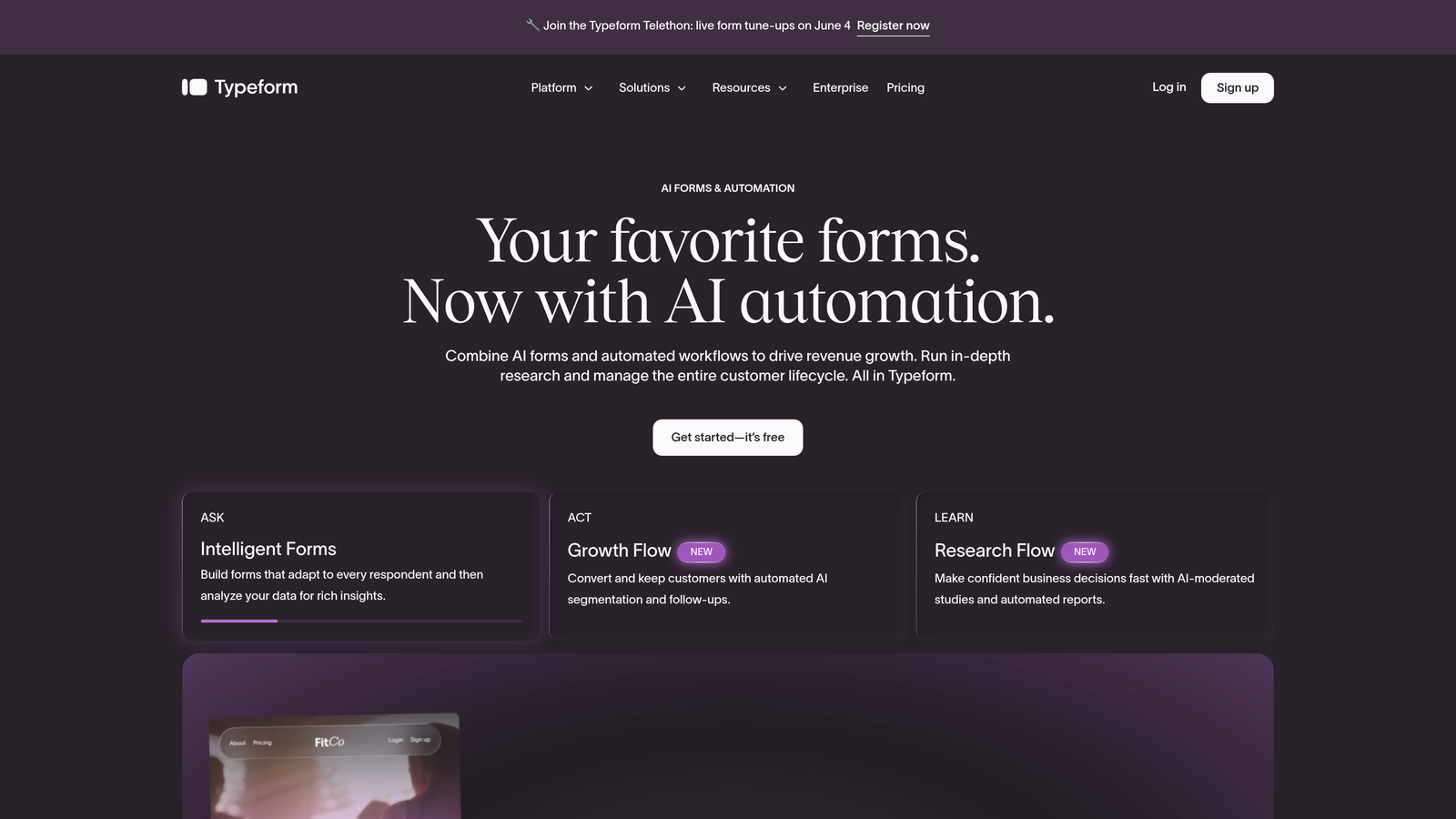
Typeform is a conversational form builder known for its one-question-at-a-time interface and strong brand aesthetic.
Where This Tool Shines
Typeform's core strength is engagement. By presenting one question at a time, it reduces cognitive overload and tends to produce higher completion rates compared to traditional multi-field forms. For surveys, research, and brand-forward lead capture, this format works well.
The integration ecosystem is robust. Native connections with HubSpot, Salesforce, Slack, and other major platforms make it a natural fit for teams already working within established marketing stacks. The analytics on drop-off and completion rates also give you actionable data to optimize over time.
Key Features
Conversational One-Question-at-a-Time UI: Reduces friction and improves completion rates for longer forms.
Logic Jumps and Branching: Route respondents through different paths based on their answers.
Native CRM Integrations: Direct connections to HubSpot, Salesforce, Slack, and more.
Video and Image Embedding: Add rich media directly into questions for more engaging experiences.
Drop-Off and Completion Analytics: Understand exactly where respondents abandon your form.
Best For
Marketing teams, researchers, and agencies building surveys, lead capture forms, or onboarding flows where brand experience and completion rates are the primary metrics. Response limits apply at lower tiers, so high-volume teams should evaluate the Business tier or above.
Pricing
Typeform offers Basic, Plus, Business, and Enterprise tiers with both monthly and annual billing. Annual plans are offered at a discount compared to monthly. Check typeform.com for current rates, as pricing is updated periodically.
3. Jotform
Best for: Teams needing a deep feature set, payment collection, and thousands of ready-to-use templates.
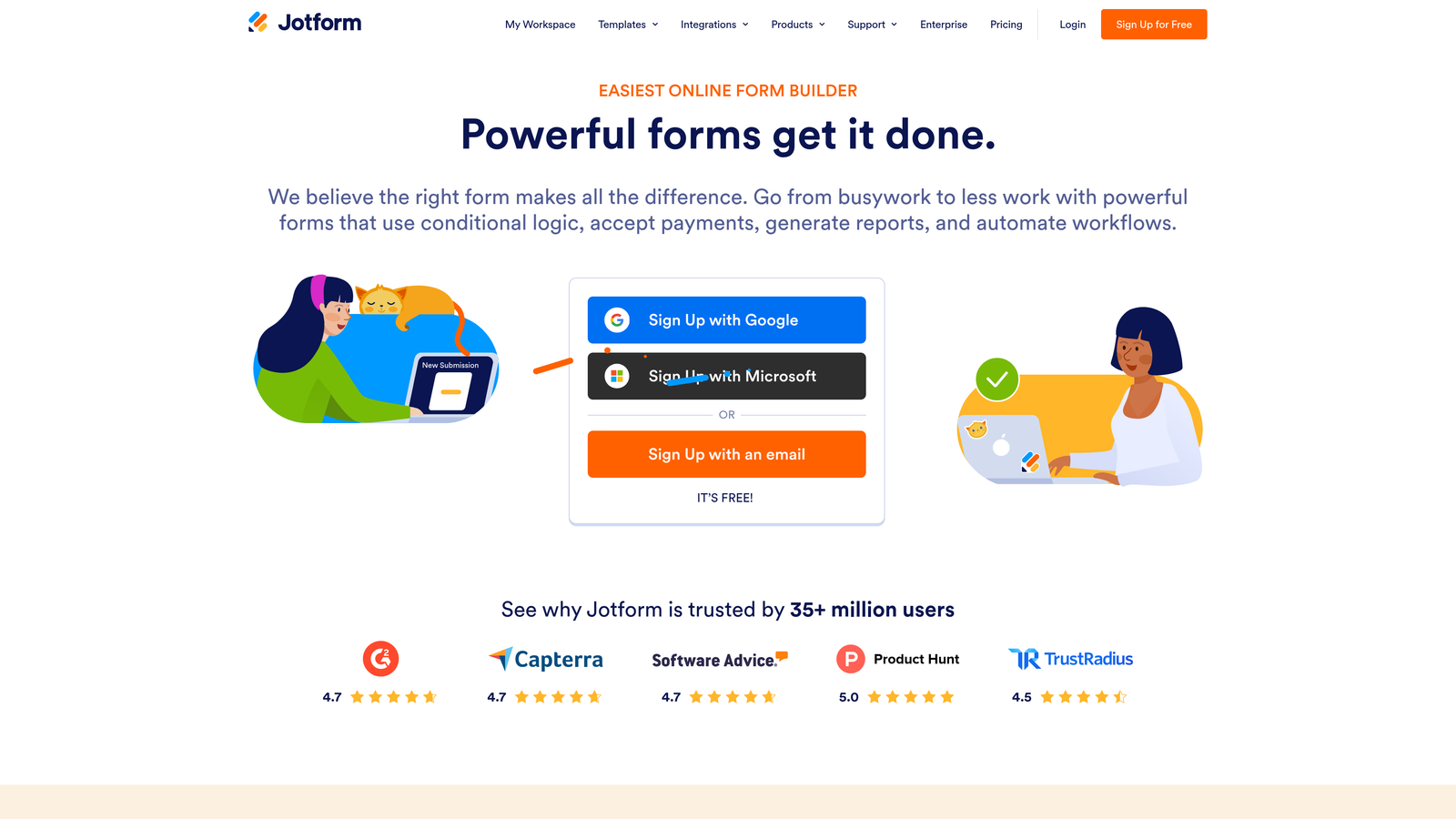
Jotform is one of the most feature-rich form builders on the market, with a library of thousands of templates and strong payment integration support.
Where This Tool Shines
Jotform's breadth is its biggest advantage. Whether you need a simple contact form, a complex multi-step application, or a payment-enabled order form, Jotform likely has a template for it. The drag-and-drop builder requires no coding, and the platform's depth means you rarely hit a wall when requirements get complex.
The HIPAA-compliant tier makes it a viable option for healthcare and legal teams handling sensitive data, which is a meaningful differentiator in a crowded market.
Key Features
Thousands of Pre-Built Templates: Covers virtually every industry and use case, dramatically reducing setup time.
Built-In Payment Collection: Native integrations with Stripe, PayPal, and Square for collecting payments directly through forms.
Conditional Logic and Calculation Fields: Build dynamic forms that adapt to respondent input and calculate values in real time.
HIPAA-Compliant Forms: Available on higher-tier plans for teams in regulated industries.
No-Code Drag-and-Drop Builder: Accessible to non-technical users without sacrificing functionality.
Best For
Small businesses, agencies, and operations teams that need a versatile, all-in-one form platform. Also a strong choice for healthcare, legal, and education teams that need compliance-ready forms without enterprise pricing.
Pricing
Jotform offers a free tier with submission limits, plus Bronze, Silver, Gold, and Enterprise paid plans. Annual billing is available at a discount versus monthly. Check jotform.com for current pricing across tiers.
4. HubSpot Forms
Best for: Teams already using HubSpot's CRM who want native, zero-friction lead capture.
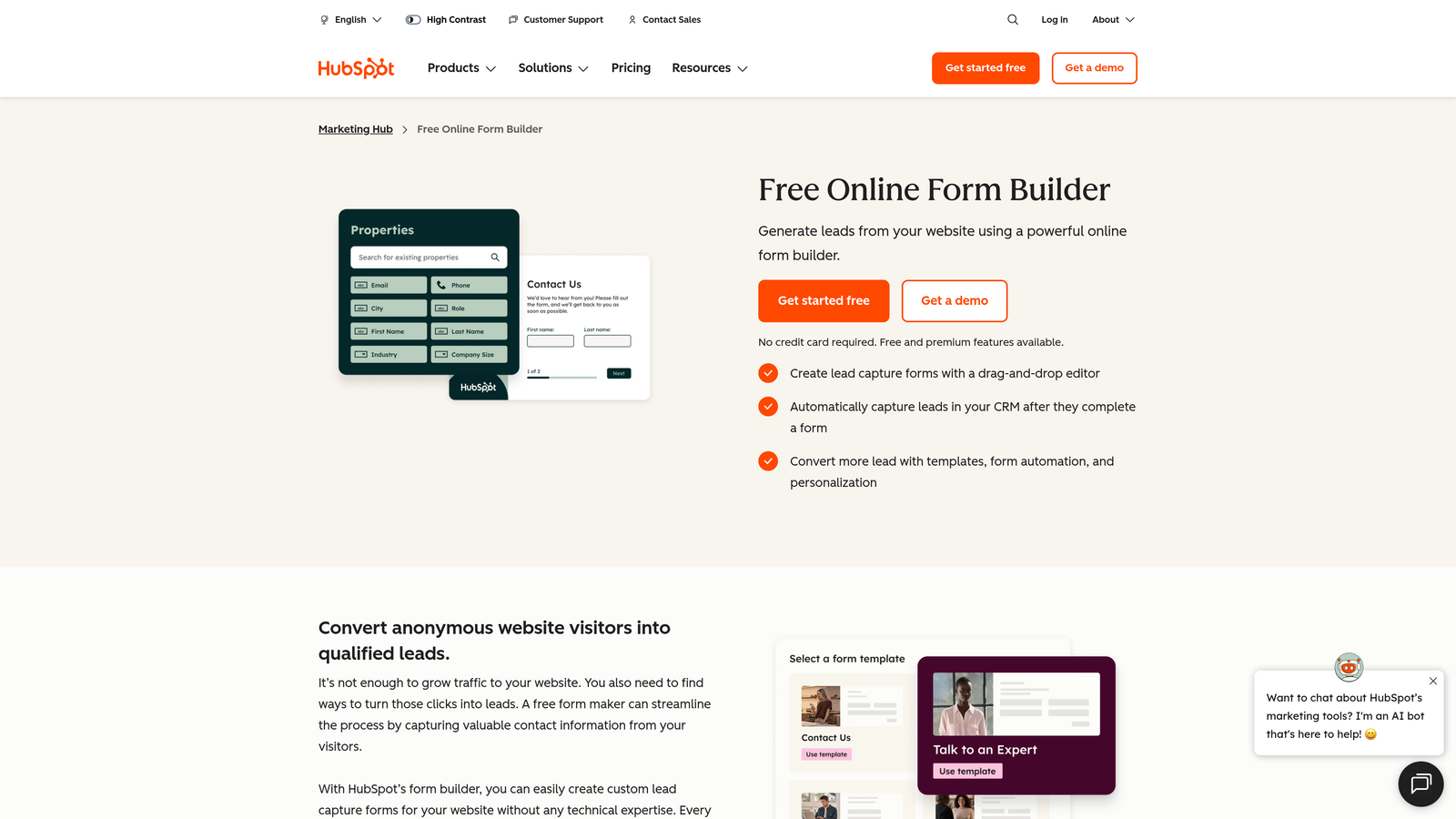
HubSpot Forms is a free form builder included with HubSpot's CRM, with automatic contact sync and native marketing automation.
Where This Tool Shines
If your team lives in HubSpot, the forms tool is a natural extension of that ecosystem. Every submission automatically syncs to your CRM contacts, eliminating the manual data transfer step that plagues teams using third-party form tools. Progressive profiling is a particularly useful feature: it avoids re-asking information HubSpot already has on a contact, which improves the user experience on repeat visits.
The honest caveat is that HubSpot Forms is a supporting tool within a larger platform, not a standalone form builder. Advanced capabilities are tied to Marketing Hub paid plans, not the forms tool itself.
Key Features
Free with Any HubSpot Account: No additional cost to get started if you're already in the HubSpot ecosystem.
Automatic CRM Contact Sync: Form submissions instantly create or update contact records in HubSpot.
Progressive Profiling: Dynamically swaps out fields for returning visitors to collect new data without repetition.
Flexible Embed Options: Deploy on any website or HubSpot landing page with minimal setup.
Submission-Triggered Automation: Kick off follow-up email sequences and workflows directly from a form submission.
Best For
Teams already committed to the HubSpot ecosystem who want seamless lead capture without adding another tool to their stack. Less ideal as a standalone choice if you're not already using HubSpot's CRM or marketing tools.
Pricing
HubSpot Forms is free as part of HubSpot's free tools. Advanced features are tied to Marketing Hub Starter, Professional, and Enterprise plans, which offer annual billing options. Check hubspot.com for current Marketing Hub pricing.
5. Tally
Best for: Early-stage startups and indie makers who want a powerful free tier without billing complexity.
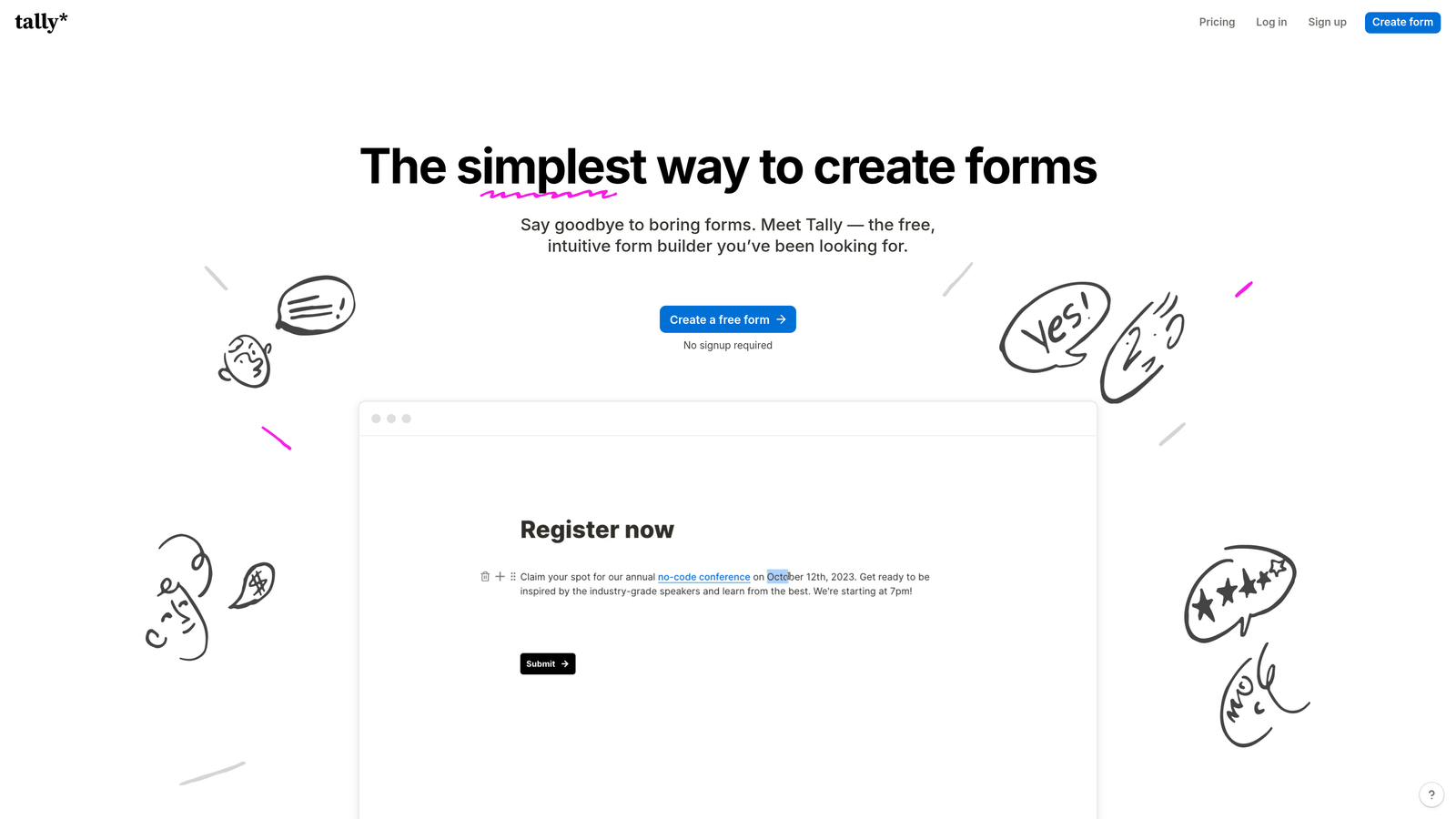
Tally is a minimalist form builder with a Notion-style editor and one of the most generous free plans available in this category.
Where This Tool Shines
Tally's free plan is genuinely impressive: unlimited forms and unlimited responses with no submission caps. For teams in the early validation stage, this removes the monthly vs annual decision entirely. You can build and test extensively without touching a credit card.
The Notion-style block editor makes form building feel intuitive for anyone already familiar with modern productivity tools. Conditional logic is available even on the free tier, which is unusual in this market and makes Tally a strong starting point before committing to a paid platform.
Key Features
Unlimited Forms and Responses on Free Plan: No submission caps, making it genuinely usable without paying.
Notion-Style Block Editor: Fast, familiar interface for building forms without a learning curve.
Conditional Logic on Free Tier: Branch and personalize forms without upgrading.
Custom Domains and White-Labeling: Available on the Pro plan for teams that need branded form experiences.
Zapier and Webhook Integrations: Connect to your existing stack for automated workflows.
Best For
Startups in early stages, indie makers, and small teams that need capable forms without a paid commitment. Also a smart choice for teams that want to test form logic and workflows before investing in a more feature-heavy platform.
Pricing
Tally's free plan covers most basic use cases. The Pro plan is available monthly or annually. Check tally.so for current Pro plan rates, as the annual option typically offers a discount over monthly billing.
6. Paperform
Best for: Teams that want forms to feel like landing pages, with rich content and strong visual design.
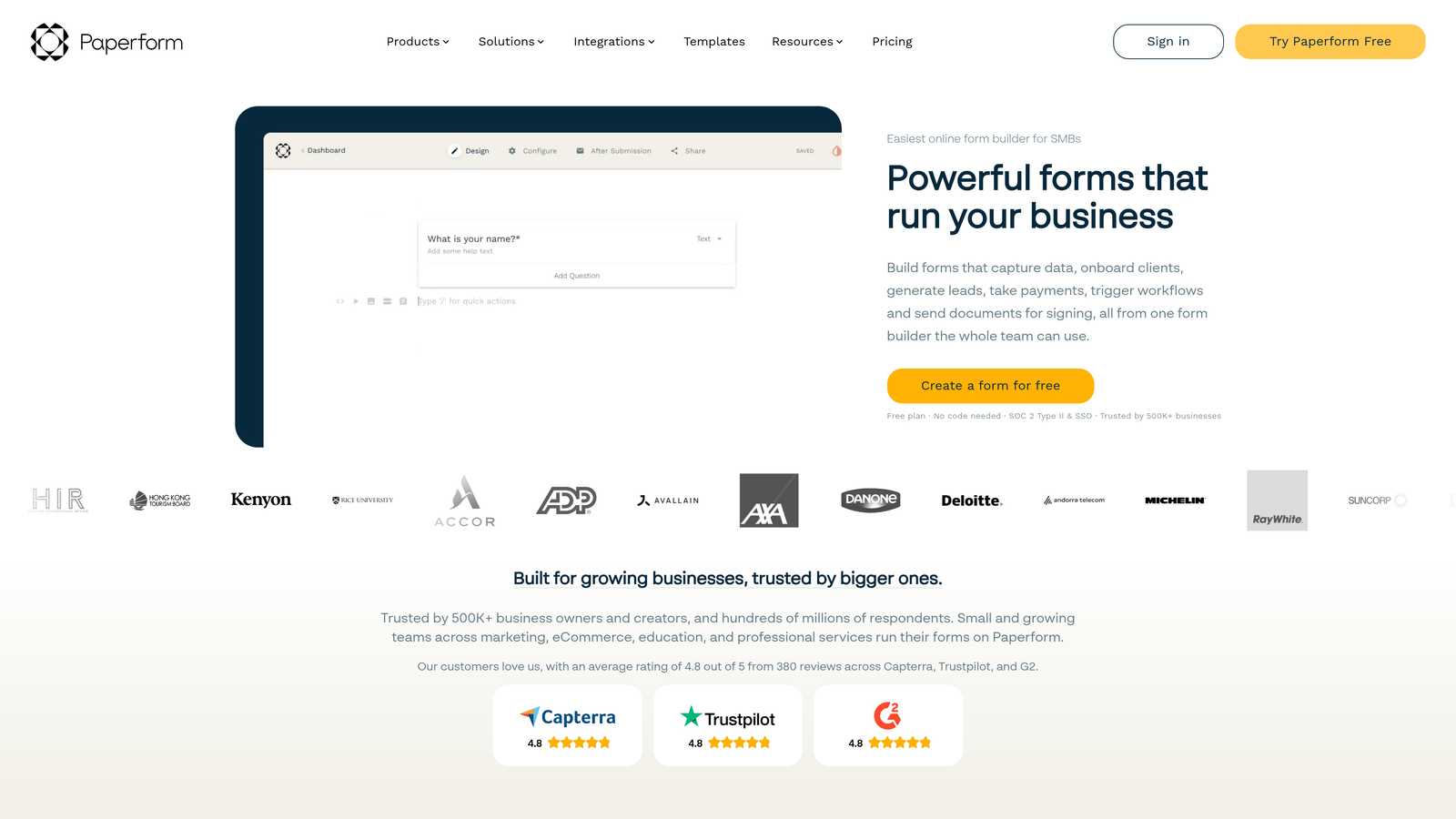
Paperform is a hybrid form builder and landing page editor that blends editorial content with form logic for immersive form experiences.
Where This Tool Shines
Paperform's unique positioning is the combination of rich content and form functionality in a single editor. You can mix text, images, video, and form fields freely, creating experiences that feel more like a branded landing page than a traditional form. This is particularly effective for product demos, event registrations, and intake forms where context and presentation matter.
The built-in scheduling and appointment booking capability adds practical utility beyond standard data collection, making it a versatile tool for service-based businesses and consultants.
Key Features
Hybrid Form and Landing Page Editor: Combine text, images, and video with form fields in a single, cohesive layout.
Payment and Product Fields: Accept payments and sell products directly through form submissions.
Conditional Sections and Logic: Show or hide content blocks based on respondent answers.
Custom Domains and Branded URLs: Maintain brand consistency across all form touchpoints.
Built-In Scheduling and Booking: Collect appointments and availability without a separate scheduling tool.
Best For
Agencies, consultants, and marketing teams that want forms to carry more brand weight. Also well-suited for service businesses that need payment collection and scheduling in a single form experience.
Pricing
Paperform offers Essentials, Pro, and Agency tiers with both monthly and annual billing. Annual plans are discounted compared to monthly. Check paperform.co for current pricing across tiers.
7. Cognito Forms
Best for: Teams building pricing calculators, order forms, and multi-item forms with complex calculation logic.
Cognito Forms is a form builder with advanced calculation fields and payment processing, widely used for order forms and service pricing tools.
Where This Tool Shines
Cognito Forms occupies a specific niche: forms that need to calculate. Whether you're building a pricing estimator, a multi-item order form, or a service quote tool, the platform's calculation engine handles complex math without requiring custom code. This is a capability most general-purpose form builders handle poorly or not at all.
The repeating sections feature is another practical differentiator, allowing respondents to add multiple line items to a single form submission, which is essential for order and inventory use cases.
Key Features
Advanced Calculation Fields: Build pricing formulas, totals, and conditional calculations directly in the form.
Stripe and PayPal Payment Integration: Collect payments based on calculated totals without additional development.
Repeating Sections for Multi-Item Orders: Let respondents add multiple line items within a single form submission.
Conditional Logic and Branching: Adapt form paths based on respondent selections and inputs.
Entry Management and Export Tools: Review, filter, and export submissions efficiently.
Best For
Operations teams, service businesses, and e-commerce adjacent use cases where forms need to calculate pricing, process multi-item orders, or generate quotes. Less suited for marketing-focused lead capture where design and brand experience are the priority.
Pricing
Cognito Forms offers a free tier plus Individual, Pro, Team, and Enterprise plans with both monthly and annual billing. Check cognitoforms.com for current rates.
8. Google Forms
Best for: Internal data collection, quick surveys, and teams that need zero-cost, zero-setup forms.
Google Forms is a completely free form builder included with any Google account, best suited for simple internal use cases.
Where This Tool Shines
Google Forms wins on accessibility. There's no account setup beyond a Google login, no billing decision, and no submission limits. For internal surveys, event RSVPs, or quick data collection tasks, it does the job without any friction. Responses flow automatically into Google Sheets, which is a practical advantage for teams already working in Google Workspace.
The honest limitation is that Google Forms wasn't built for conversion optimization or lead qualification. Customization options are minimal, the design is utilitarian, and the logic capabilities are basic compared to any paid alternative on this list.
Key Features
Completely Free: No cost, no submission limits, no billing cycle to manage.
Unlimited Forms and Responses: No caps on how many forms you create or how many responses you collect.
Automatic Google Sheets Integration: Responses populate a connected spreadsheet in real time.
Basic Branching and Section Logic: Route respondents to different sections based on answers.
Simple Link and Embed Sharing: Share via URL or embed on a website with no technical setup.
Best For
Internal teams, educators, and individuals who need simple, functional forms without any cost or complexity. Not recommended for external-facing lead capture, customer-facing workflows, or any use case where brand presentation and conversion optimization matter.
Pricing
Google Forms is free with any Google account. No monthly vs annual decision required. Google Workspace has its own billing structure, but Forms is included across all tiers.
9. Formstack
Best for: Enterprise teams in regulated industries that need HIPAA compliance, document generation, and workflow automation.
Formstack is an enterprise form and workflow platform with HIPAA compliance, e-signature capabilities, and deep process automation built in.
Where This Tool Shines
Formstack operates at a different level of complexity than most tools on this list. It's not just a form builder; it's a workflow platform that connects forms to documents, approvals, and e-signatures in a single integrated system. For healthcare organizations, legal teams, and enterprise operations that need compliant, auditable data collection processes, this depth is exactly what's required.
The Salesforce integration and enterprise CRM connectivity make it a natural fit for large organizations with established tech stacks. Annual contracts are common at the enterprise tier, reflecting the platform's positioning as a long-term operational investment rather than a flexible month-to-month tool.
Key Features
HIPAA-Compliant Forms: Built for healthcare, legal, and regulated industries with strict data handling requirements.
Document Generation and E-Signature: Create documents from form data and collect legally binding signatures in the same workflow.
Advanced Conditional Logic: Complex field rules and branching for sophisticated multi-step processes.
Salesforce and Enterprise CRM Integrations: Deep connectivity with enterprise sales and marketing platforms.
Approval Workflows and Multi-Step Processes: Route submissions through internal review and approval chains automatically.
Best For
Enterprise teams in healthcare, legal, financial services, and other regulated industries where compliance, workflow automation, and document management are non-negotiable. Pricing is at the higher end of the market, and annual contracts are the norm at enterprise scale.
Pricing
Formstack offers Forms, Suite, and enterprise custom pricing tiers. Annual contracts are common at the enterprise level. Check formstack.com for current plan details and to request a custom quote.
Which Form Builder Is Right for Your Team?
The right form builder depends on two things: what you need the form to do, and how confident you are that this tool will still be the right fit in twelve months. Those two factors together should drive both your platform choice and your billing decision.
Here's how the standouts break down by use case:
For lead qualification and SaaS growth teams: Orbit AI is the purpose-built choice. The AI-powered lead scoring and qualification layer sets it apart from every other tool on this list. If your forms are a core part of your revenue pipeline, this is where to start.
For engagement and completion rates: Typeform remains the benchmark for conversational form experiences. If brand polish and respondent engagement are your top metrics, it's worth the investment, especially on an annual plan once you've validated the format works for your audience.
For versatility and template depth: Jotform covers more ground than almost any competitor. Teams with varied form needs across departments will find the template library and payment features particularly valuable.
For zero-cost validation: Tally's free tier is genuinely capable. If you're still testing your lead funnel and not ready to commit to a paid platform, start here before making any billing decisions.
For enterprise compliance workflows: Formstack is in a category of its own for regulated industries. Annual contracts make sense here because the platform is an operational investment, not a marketing experiment.
On the billing side: if you're still evaluating whether a tool fits your workflow, stay monthly. Once you've run at least one full campaign cycle and confirmed the platform delivers results, switching to annual billing is almost always the smarter financial move. The savings compound, and the commitment forces you to actually build the workflows that generate ROI.
Transform your lead generation with AI-powered forms that qualify prospects automatically while delivering the modern, conversion-optimized experience your high-growth team needs. Start building free forms today and see how intelligent form design can elevate your conversion strategy.


