

Manual form workflows are a silent productivity killer. Every unrouted lead, every submission that sits in an inbox waiting for someone to act on it, every missed follow-up represents real revenue walking out the door. Modern teams need form builders where automation isn't an afterthought — it's baked into the foundation.
The best form builders with automation handle the downstream work for you: updating CRM records, triggering email sequences, routing leads to the right rep, and firing off Slack notifications — all without anyone lifting a finger. That frees your team to focus on what actually moves the needle.
To build this list, we evaluated tools based on depth of built-in automation, integration ecosystem, ease of setup, and overall value for growing teams. Whether you're a founder capturing early leads, a RevOps pro building complex routing logic, or a marketing team running high-volume campaigns, there's a tool here that fits your workflow.
Here are the top form builders with automation worth considering in 2026.
1. Orbit AI
Best for: High-growth teams that want AI-powered lead qualification built directly into the form
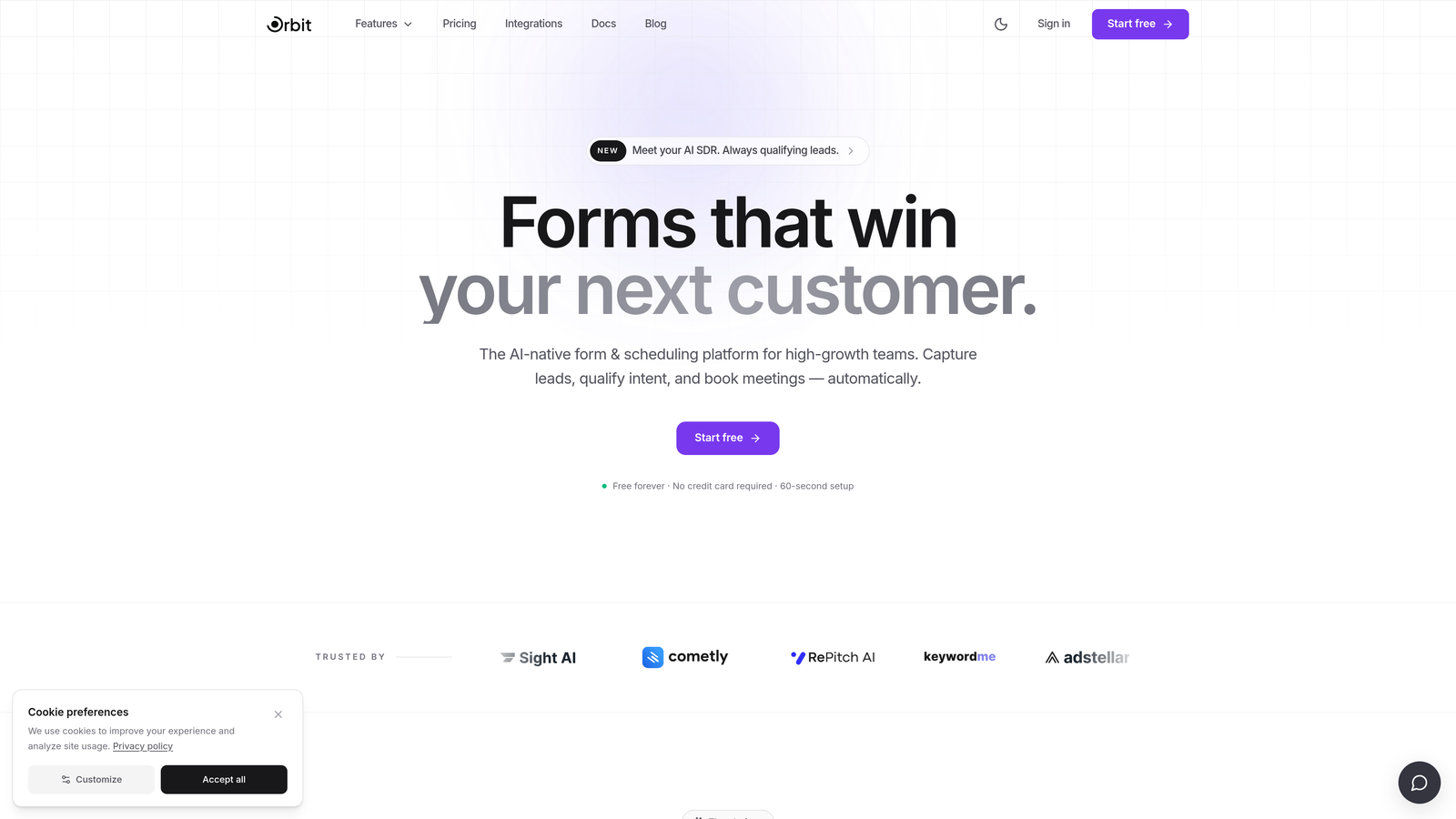
Orbit AI is an AI-powered form builder designed to qualify leads at the point of capture, not after the fact.
Where This Tool Shines
Most form builders collect data and hand it off. Orbit AI goes a step further by using AI to evaluate lead quality the moment someone submits a form. That means your team isn't wading through raw submissions — they're receiving pre-qualified signals with routing already handled.
This is a meaningful shift for growth teams. Instead of building a patchwork of Zapier zaps and CRM rules to approximate lead scoring, Orbit AI handles qualification natively. The result is a tighter feedback loop between form submission and sales action.
Key Features
AI-Powered Lead Scoring: Evaluates lead quality at the point of capture, so routing decisions are made on intelligent signals rather than raw field values.
Automated Lead Routing: Directs qualified leads to the right team member or pipeline stage based on AI-assessed quality signals.
Conversion-Optimized Templates: Form templates built specifically for growth teams, designed to maximize completion rates and capture intent signals.
Native CRM and Marketing Integrations: Connects directly with popular CRMs and marketing tools to push qualified lead data where it needs to go.
Conditional Logic and Dynamic Fields: Builds personalized form paths that adapt based on respondent answers, improving relevance and completion.
Best For
Marketing teams, RevOps professionals, and founders who want intelligent automation built into the form itself rather than bolted on through third-party tools. Particularly strong for teams where lead quality matters as much as lead volume.
Pricing
Visit orbitforms.ai for current plans and pricing details.
2. Typeform
Best for: Teams that prioritize a polished, conversational form experience with strong third-party integrations
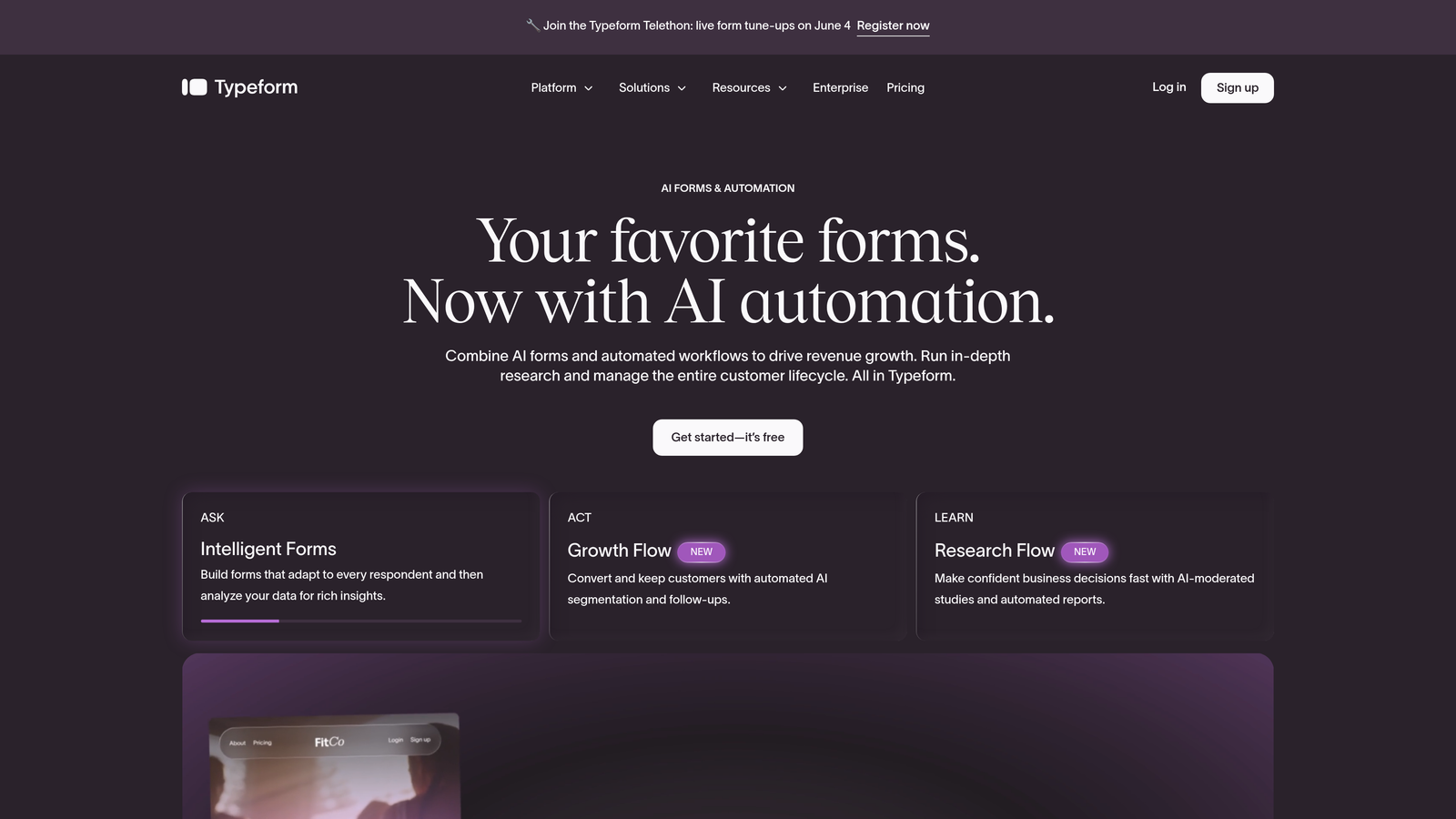
Typeform is a conversational form builder known for its one-question-at-a-time format and clean, engaging design.
Where This Tool Shines
Typeform's core strength is the respondent experience. The one-question-at-a-time format feels less like filling out a form and more like having a conversation, which tends to improve completion rates for longer or more sensitive surveys.
On the automation side, Typeform leans heavily on its integration ecosystem. Through Zapier, Make, HubSpot, and direct webhooks, you can trigger virtually any downstream action from a submission. The trade-off is that complex automation often requires a third-party connector rather than native tooling.
Key Features
Conversational One-Question UX: Presents form fields sequentially to reduce friction and increase engagement.
Logic Jumps and Branching: Creates personalized form paths based on previous answers, keeping the experience relevant.
Deep Integration Ecosystem: Connects with Zapier, Make, HubSpot, Slack, and more for flexible automation.
Webhooks: Sends submission data to any endpoint, enabling custom automation workflows.
Hidden Fields: Passes contextual data (like UTM parameters) through forms for richer lead attribution.
Best For
Marketing teams running surveys, product feedback forms, or lead capture where the respondent experience is a priority. Also well-suited for teams already embedded in the Zapier ecosystem.
Pricing
Free plan available; paid plans start around $25/month. Advanced features like logic jumps require a paid tier.
3. Jotform
Best for: No-code teams that need a wide range of templates and built-in workflow automation without coding
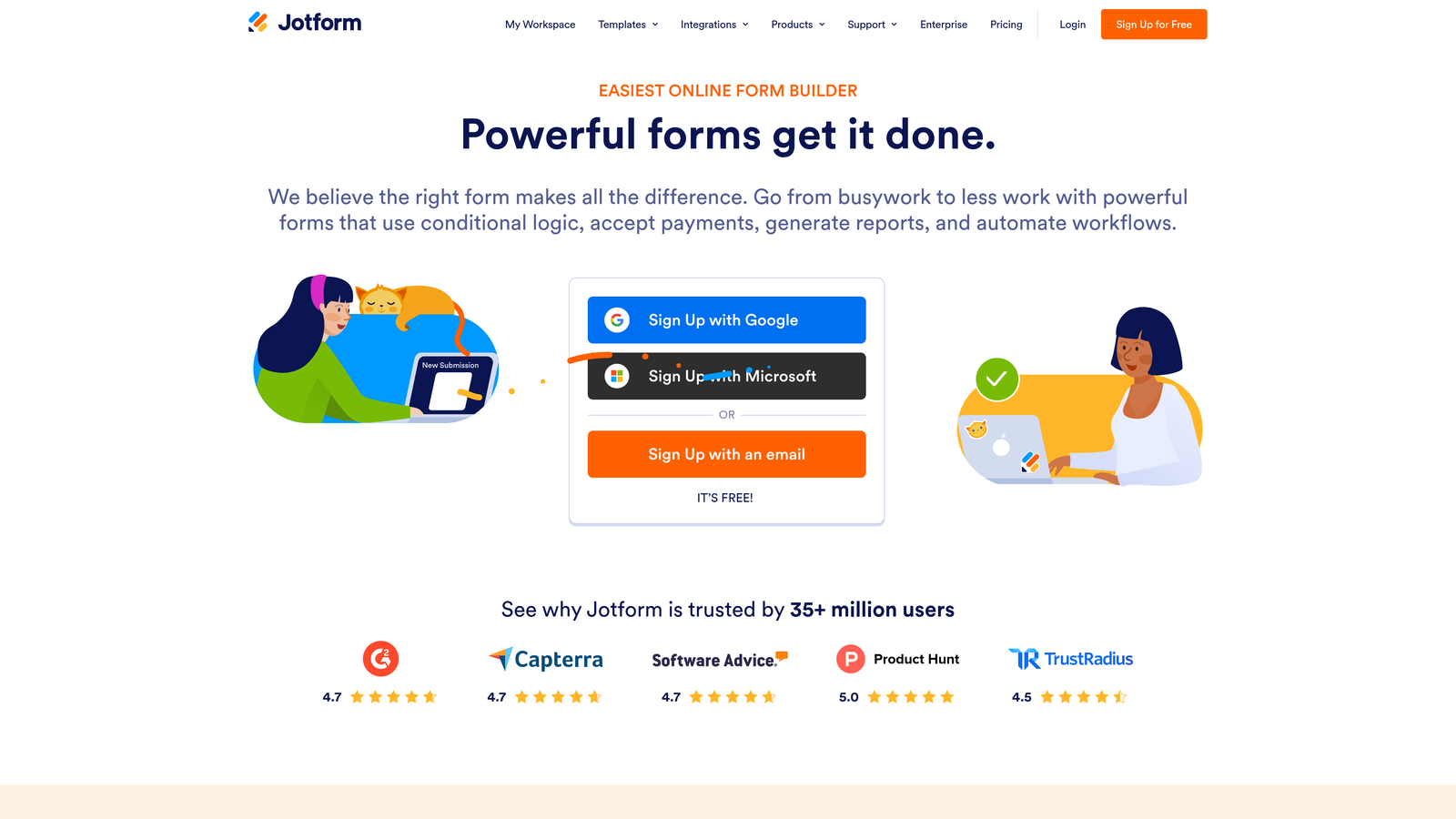
Jotform is a feature-rich no-code form builder with built-in approval workflows, autoresponders, and one of the largest template libraries available.
Where This Tool Shines
Jotform's depth is its differentiator. Where some tools offer one or two automation features, Jotform provides approval workflows, conditional email notifications, autoresponders, and a dedicated data management layer called Jotform Tables — all without touching a line of code.
The template library is genuinely impressive. With over 10,000 templates spanning industries and use cases, teams can get operational quickly without starting from scratch.
Key Features
Built-In Approval Workflows: Routes submissions through multi-step approval chains with conditional logic.
Autoresponder Emails: Sends personalized confirmation emails to submitters automatically based on their responses.
Conditional Email Notifications: Triggers different notification emails to different team members depending on what was submitted.
Native Payment and CRM Integrations: Connects directly with Stripe, PayPal, Salesforce, HubSpot, and many others.
Jotform Tables: Provides a spreadsheet-style interface for managing, filtering, and acting on submission data.
Best For
Operations teams, small businesses, and non-technical users who need a versatile form platform with solid built-in automation and minimal reliance on external tools.
Pricing
Free plan supports up to 5 forms; paid plans start around $34/month with higher submission limits and advanced features.
4. HubSpot Forms
Best for: Teams already using HubSpot who want forms deeply wired into their CRM and marketing automation
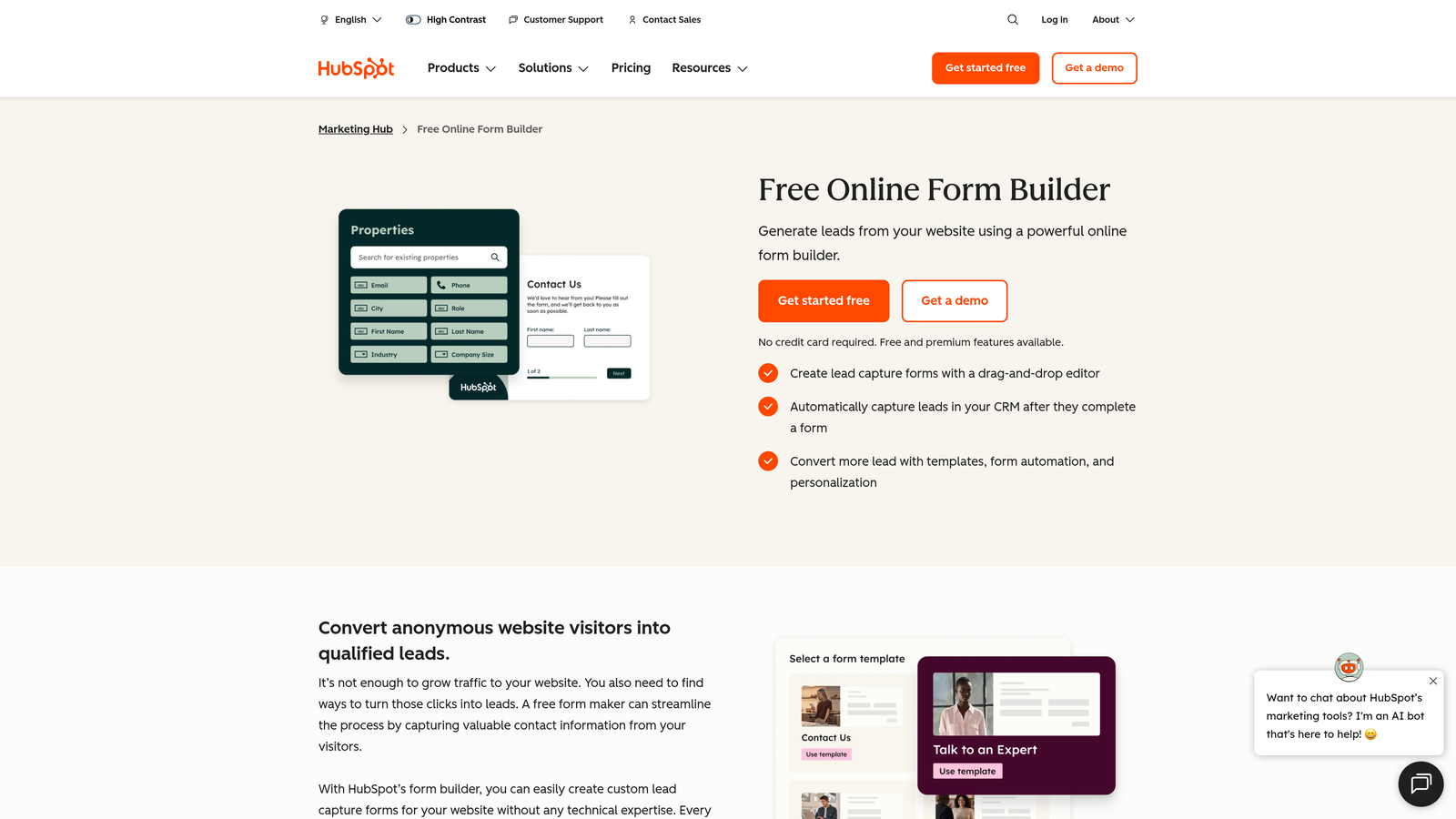
HubSpot Forms is a CRM-native form builder built directly into HubSpot's marketing, sales, and service platform.
Where This Tool Shines
If you're already running HubSpot, the case for using HubSpot Forms is straightforward: every submission automatically creates or updates a contact record, and you can immediately trigger workflows, enroll contacts in email sequences, and assign leads to sales reps — all within the same platform.
The native integration removes the friction that comes with syncing data between separate tools. There's no connector to maintain, no field mapping to troubleshoot. The data just flows.
Key Features
Automatic CRM Contact Creation: Creates or updates HubSpot contact records on every submission without any manual mapping.
Workflow Triggers: Fires marketing workflows, email sequences, and lead nurturing campaigns directly from form submissions.
Progressive Profiling: Replaces fields already known about a contact with new questions on repeat visits, building richer profiles over time.
List Segmentation: Automatically adds contacts to lists based on their form responses for targeted follow-up.
Embedded and Pop-Up Formats: Deploys forms as embedded modules or pop-ups across any web property.
Best For
Marketing and RevOps teams running their go-to-market motion on HubSpot. Less compelling as a standalone tool if you're not already in the HubSpot ecosystem.
Pricing
Basic forms are free with HubSpot CRM; advanced automation and workflows require Marketing Hub, which starts around $20/month per seat.
5. Tally
Best for: Budget-conscious teams and indie builders who want a clean, capable form tool without a monthly bill
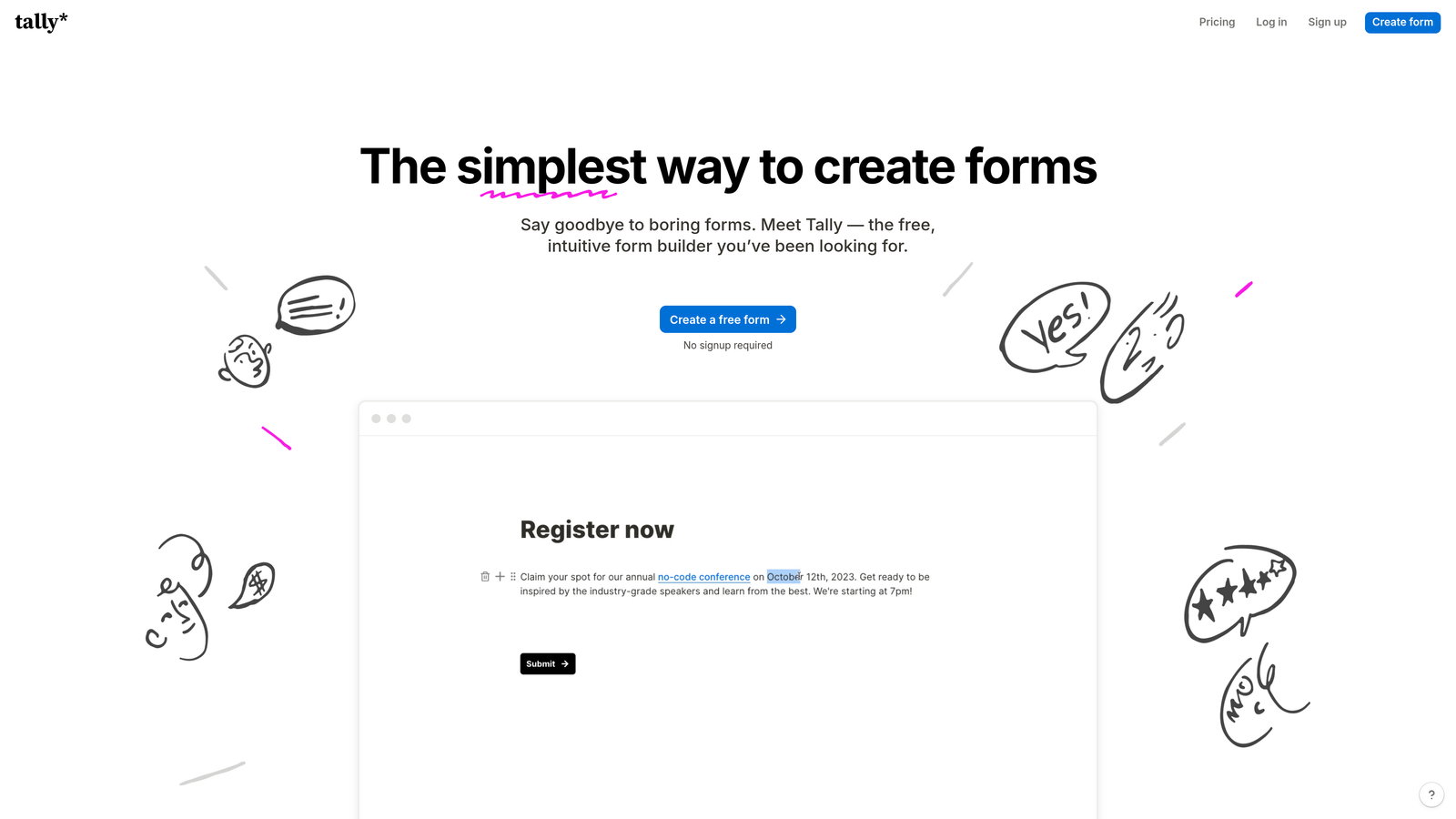
Tally is a lightweight form builder with a Notion-like editor, a generous free tier, and automation via webhooks and native integrations.
Where This Tool Shines
Tally punches well above its price point. The free plan includes unlimited forms and unlimited submissions, which is genuinely rare in this category. The editing experience feels modern and intuitive, borrowing the block-based approach familiar to Notion users.
Automation capabilities are solid for the price. Tally connects natively with Zapier, Notion, Slack, and Google Sheets, and supports webhooks for custom workflows. It won't replace a dedicated workflow platform, but for teams that need reliable submission routing without complexity, it delivers.
Key Features
Unlimited Free Forms and Submissions: No artificial limits on the free tier, making it accessible for early-stage teams.
Notion-Like Block Editor: Familiar, intuitive form-building experience with minimal learning curve.
Native Integrations: Direct connections to Notion, Slack, Google Sheets, and Zapier for downstream automation.
Webhooks: Sends submission payloads to any endpoint for custom integrations.
Conditional Logic and Hidden Fields: Supports branching paths and UTM passthrough for smarter forms.
Best For
Startups, solopreneurs, and small teams who need a capable form tool without the overhead of a paid subscription. Also a strong choice for Notion-heavy teams.
Pricing
Free plan is genuinely generous; Tally Pro starts at $29/month and unlocks custom domains, form branding removal, and additional integrations.
6. Formstack
Best for: Enterprise teams that need multi-step approvals, document generation, e-signatures, and compliance features
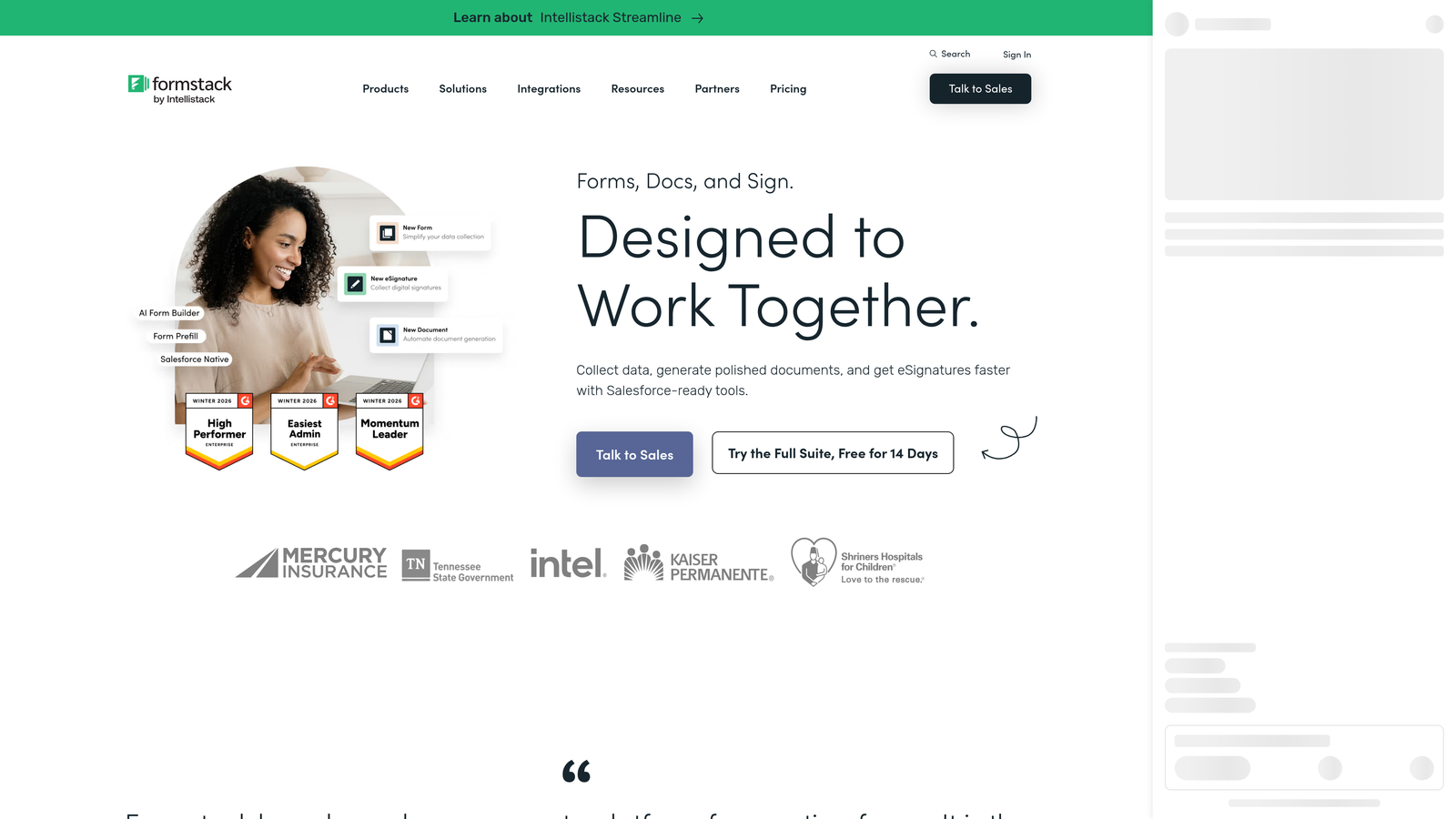
Formstack is an enterprise-grade form and workflow platform that goes well beyond data collection into document generation and process automation.
Where This Tool Shines
Formstack is built for organizations where form submissions kick off complex, multi-step processes. Think onboarding workflows, contract approvals, or compliance-sensitive data collection. The platform combines forms, document generation, and e-signatures into a single system, reducing the need to stitch together multiple tools.
Its Salesforce-native option is particularly valuable for enterprise teams running their operations on Salesforce, enabling form data to flow directly into the CRM without middleware.
Key Features
Multi-Step Approval Workflows: Routes submissions through conditional approval chains with multiple stakeholders.
Native Document Generation: Converts form data into formatted documents automatically using Formstack Documents.
E-Signature Collection: Collects legally binding signatures via Formstack Sign without leaving the platform.
Compliance Features: Supports HIPAA and GDPR requirements, making it suitable for healthcare and regulated industries.
Salesforce-Native Builder: Builds and manages forms directly within Salesforce for seamless CRM integration.
Best For
Mid-market and enterprise operations, HR, legal, and healthcare teams that need form automation tied to document workflows and compliance requirements.
Pricing
Plans start around $50/month; enterprise pricing is available for larger teams with more complex requirements.
7. Fillout
Best for: Teams using Airtable, Notion, or Google Sheets as their operational backend
Fillout is a database-connected form builder with native two-way sync to Airtable, Notion, and Google Sheets.

Where This Tool Shines
Fillout's key differentiator is bidirectional database sync. Rather than simply dumping submission data into a spreadsheet, Fillout can read from and write to your connected database — which means you can pre-fill forms with existing records, update rows rather than just appending them, and build forms that feel like lightweight apps.
For teams that have built their operations around Airtable or Notion, this is a significant workflow upgrade over generic form tools that only push data in one direction.
Key Features
Two-Way Database Sync: Reads from and writes to Airtable, Notion, and Google Sheets for dynamic, record-aware forms.
Pre-Fill from Connected Data: Populates form fields with existing database records to streamline repeat interactions.
Conditional Logic and Multi-Page Forms: Builds branching, multi-step form experiences with clean UX.
Scheduling, Payment, and Quiz Form Types: Supports a range of use cases beyond basic lead capture.
Webhooks and Zapier Integration: Connects to broader automation ecosystems for additional flexibility.
Best For
Product and operations teams that use Airtable or Notion as their source of truth and want forms that interact intelligently with existing records rather than creating new ones blindly.
Pricing
Free plan available; paid plans start around $15/month, making it accessible for smaller teams.
8. Paperform
Best for: Creators and small businesses that want forms that look like landing pages, with built-in payments
Paperform is a content-rich form builder that blends landing page design with form functionality and built-in payment processing.
Where This Tool Shines
Paperform occupies a unique space: it's as much a mini landing page builder as it is a form tool. You can mix text, images, and video with form fields in a free-text editor, creating submission experiences that feel like branded content rather than a standard intake form.
The built-in payment processing via Stripe, Square, and Braintree makes it particularly well-suited for service businesses and creators who want to sell, collect deposits, or take bookings directly through their forms.
Key Features
Content-Rich Free-Text Editor: Mixes media blocks with form fields for a landing page-style experience.
Built-In Payment Processing: Accepts payments via Stripe, Square, and Braintree without a separate e-commerce platform.
Conditional Logic for Automated Responses: Triggers different email responses and page redirects based on submission answers.
3,000+ App Integrations: Connects via Zapier and direct connectors for broad automation coverage.
Custom Domains and Branding: Publishes forms on custom domains with full visual customization.
Best For
Consultants, agencies, coaches, and small businesses that want a polished, branded form experience with payment collection built in. Less suited for high-volume enterprise workflows.
Pricing
Plans start around $24/month; no free plan, but a trial is available.
9. Cognito Forms
Best for: Teams that need advanced calculation logic, repeating sections, or quantity-based payment automation
Cognito Forms is a budget-friendly form builder with unusually powerful calculation fields, repeating sections, and payment automation.
Where This Tool Shines
Cognito Forms handles data complexity that most form builders can't. If you need a form that calculates a quote based on selected quantities, applies conditional pricing rules, or captures repeating line items, Cognito Forms does this natively without requiring custom code or external tools.
It's not the flashiest interface on this list, but the functional depth at its price point is hard to match — particularly for teams that need calculation-heavy forms for quoting, ordering, or event registration.
Key Features
Advanced Calculation Fields: Performs real-time math and logic based on form inputs for dynamic pricing or scoring.
Repeating Sections: Allows respondents to add multiple line items or entries within a single form submission.
Conditional Email Notifications: Sends different notifications to different recipients based on submission data.
Payment Integration: Accepts payments via Stripe, Square, and PayPal with quantity-based pricing logic.
Workflow Actions: Triggers conditional actions based on form responses for lightweight process automation.
Best For
Operations teams, event coordinators, and service businesses that need calculation-heavy forms or repeating data entry sections without paying enterprise prices.
Pricing
Free plan available; paid plans start around $15/month, making it one of the more affordable options with serious functional depth.
Which Form Builder Is Right for Your Team?
The right choice depends heavily on where automation needs to happen and what your existing stack looks like. Here's a quick way to think about it.
If your priority is intelligent lead qualification at the point of capture, Orbit AI is the standout option. It's the only tool on this list that uses AI to evaluate and route leads natively within the form itself, which eliminates the manual scoring and routing work that typically happens downstream.
If your team runs on HubSpot, HubSpot Forms is the obvious choice. The native CRM integration means zero data friction and instant access to the full workflow automation engine your team already uses.
For no-code versatility and a wide range of use cases, Jotform's depth of built-in automation and massive template library make it a reliable workhorse for operations teams. And if budget is the primary constraint, Tally's generous free tier and clean UX make it hard to argue against for early-stage teams.
Enterprise teams with complex approval chains, document generation needs, or compliance requirements should look closely at Formstack. It's purpose-built for that level of process complexity.
One principle worth holding onto: evaluate tools based on your existing stack and your growth trajectory, not just current needs. A tool that handles today's volume but can't scale with your pipeline will cost you more in migration pain later than a slightly higher monthly bill now.
For teams that want automation to start at the very first touchpoint, Start building free forms today with Orbit AI and see how AI-powered qualification can transform what happens the moment a prospect hits submit.


