

When a lead submits a form and hears nothing back for hours, or even days, you've already lost them. The problem isn't a lack of leads. It's a broken, or completely nonexistent, automated follow-up system. High-growth teams are leaving serious revenue on the table by relying on manual outreach, spreadsheets, or simply hoping someone remembers to send that first email.
The good news: the right combination of form builder and automation tools can close that gap entirely. We're talking about qualifying leads the moment they submit, triggering personalized follow-up sequences, and routing hot prospects to your sales team without anyone lifting a finger. Below are the best tools to build or fix your automated lead follow-up system in 2026, starting with the platform built specifically for conversion-focused teams.
1. Orbit AI
Best for: High-growth teams that want AI lead qualification and automated follow-up built into a single platform.
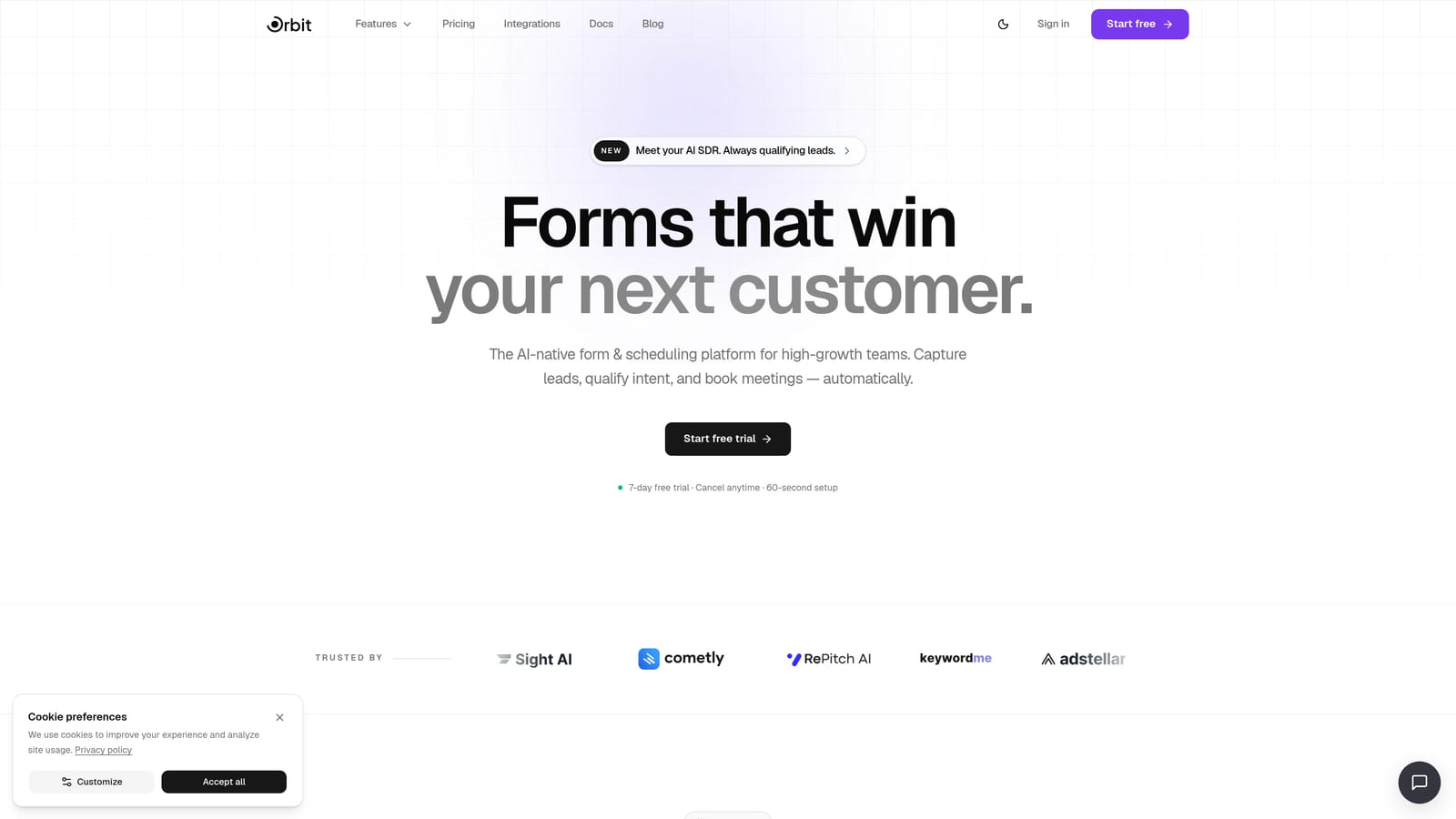
Orbit AI is an AI-powered form builder that qualifies leads at the point of submission and automatically triggers personalized follow-up sequences, with no external automation tools required.
Where This Tool Shines
Most form tools are just data collectors. They capture a submission and hand it off, leaving your team to figure out what happens next. Orbit AI is built around a different philosophy: the form layer itself should be intelligent enough to qualify the lead, score it, and kick off the right follow-up without human intervention.
This matters because speed-to-lead is widely recognized as one of the most critical factors in conversion. Every hour of delay between submission and first contact reduces the likelihood of connecting with a prospect. Orbit AI removes that delay entirely by handling qualification and outreach at the moment of capture.
Key Features
AI Lead Qualification: Built directly into the form layer, so leads are scored and categorized before they ever reach your CRM or inbox.
Automated Follow-Up Sequences: Triggered immediately by form responses, so every lead gets a relevant, personalized message without manual setup for each submission.
Visual Workflow Builder: Route leads by qualification score to different sequences, team members, or calendar links, all without writing a line of code.
Built-In Contact Management and Analytics: Track lead activity, sequence performance, and form conversion data in one place rather than piecing together reports from multiple tools.
Scheduler Integration: Let qualified leads book a call directly from the form, eliminating the back-and-forth that kills momentum.
AI Agents: Intelligent engagement capabilities that go beyond static email sequences, adapting to lead behavior for more relevant outreach.
Best For
Orbit AI is the strongest fit for SaaS companies, B2B teams, and growth-focused businesses that need lead qualification and follow-up to happen automatically, without stitching together a form tool, a Zapier workflow, and a separate email platform. If you're tired of managing three tools to do one job, this is where to start.
Pricing
See current plans at orbitforms.ai/pricing. Pricing is structured for growing teams with different submission volumes and feature needs.
2. Typeform
Best for: Teams that want a conversational form experience to improve lead data quality before routing to an external automation layer.
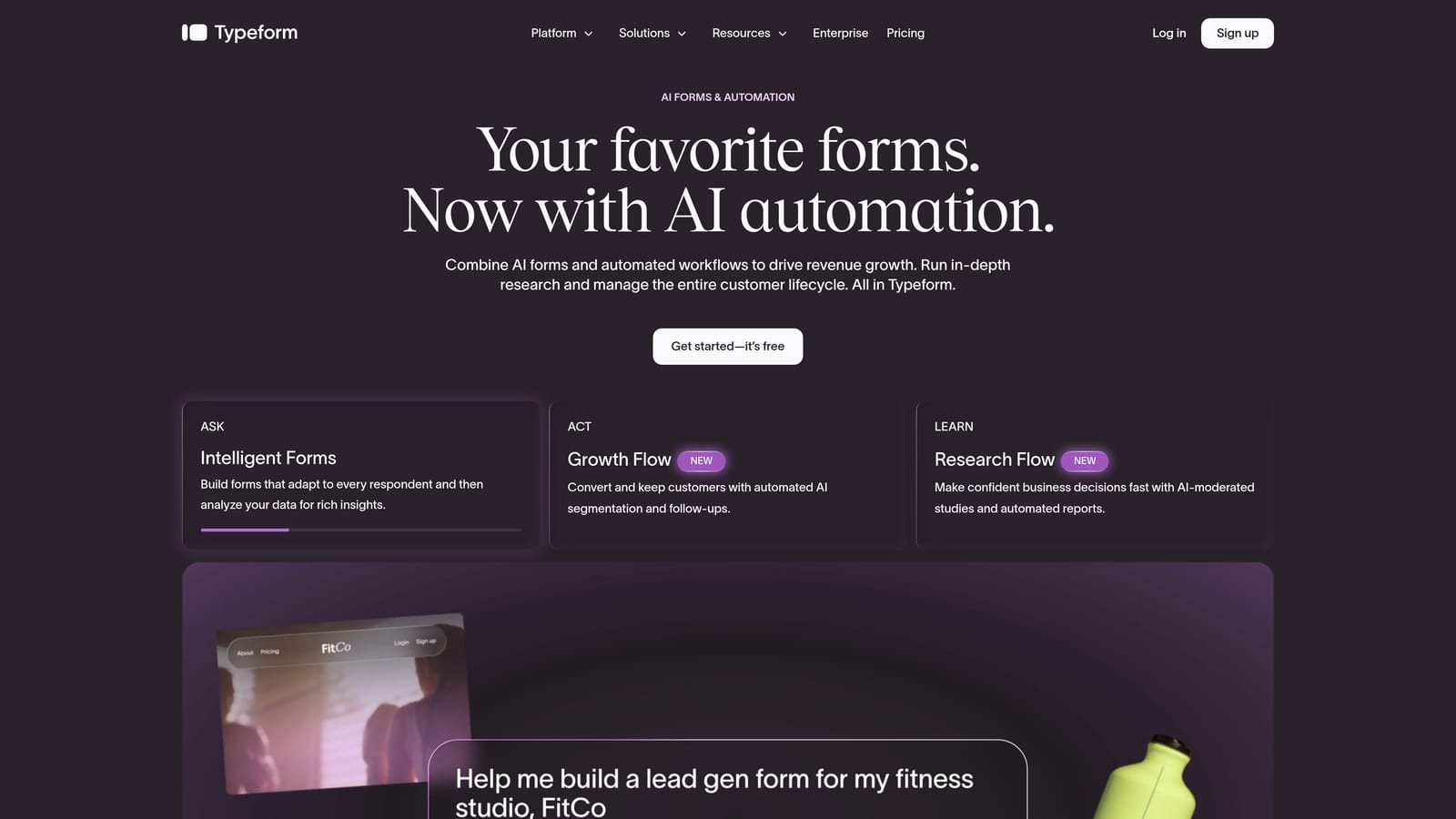
Typeform is a well-established conversational form builder known for its one-question-at-a-time UX that keeps respondents engaged and improves completion rates.
Where This Tool Shines
Typeform's signature experience, presenting one question at a time in a clean, focused interface, genuinely reduces form abandonment. For teams where lead data quality is a problem, the conversational format encourages more thoughtful, complete answers than a traditional multi-field form.
Where Typeform requires additional work is in the follow-up layer. It doesn't have built-in sequence automation. You'll need to connect it to a CRM, an email tool, or Zapier to trigger anything after submission. That's a workable setup, but it adds complexity and potential points of failure in your stack.
Key Features
Conversational Single-Question Flow: Presents one field at a time, reducing cognitive load and improving form completion rates.
Conditional Logic: Branch form paths based on answers, so different lead types see relevant follow-up questions.
Native Integrations: Connects directly with HubSpot, Salesforce, and Zapier for routing data to your existing stack.
Video and Image Embedding: Add visual context within forms to improve engagement or explain complex questions.
Response Analytics: Basic reporting on completion rates, drop-off points, and answer distributions.
Best For
Marketing teams that already have a CRM and email automation platform in place and want a better front-end form experience. Typeform works well as the capture layer when you have the automation infrastructure to handle what comes after submission.
Pricing
Free plan available with limited responses. Paid plans start at a monthly fee and scale with usage. Verify current pricing at typeform.com.
3. Paperform
Best for: Service businesses and agencies that need complex conditional logic and multi-step qualification flows with built-in payment and scheduling support.
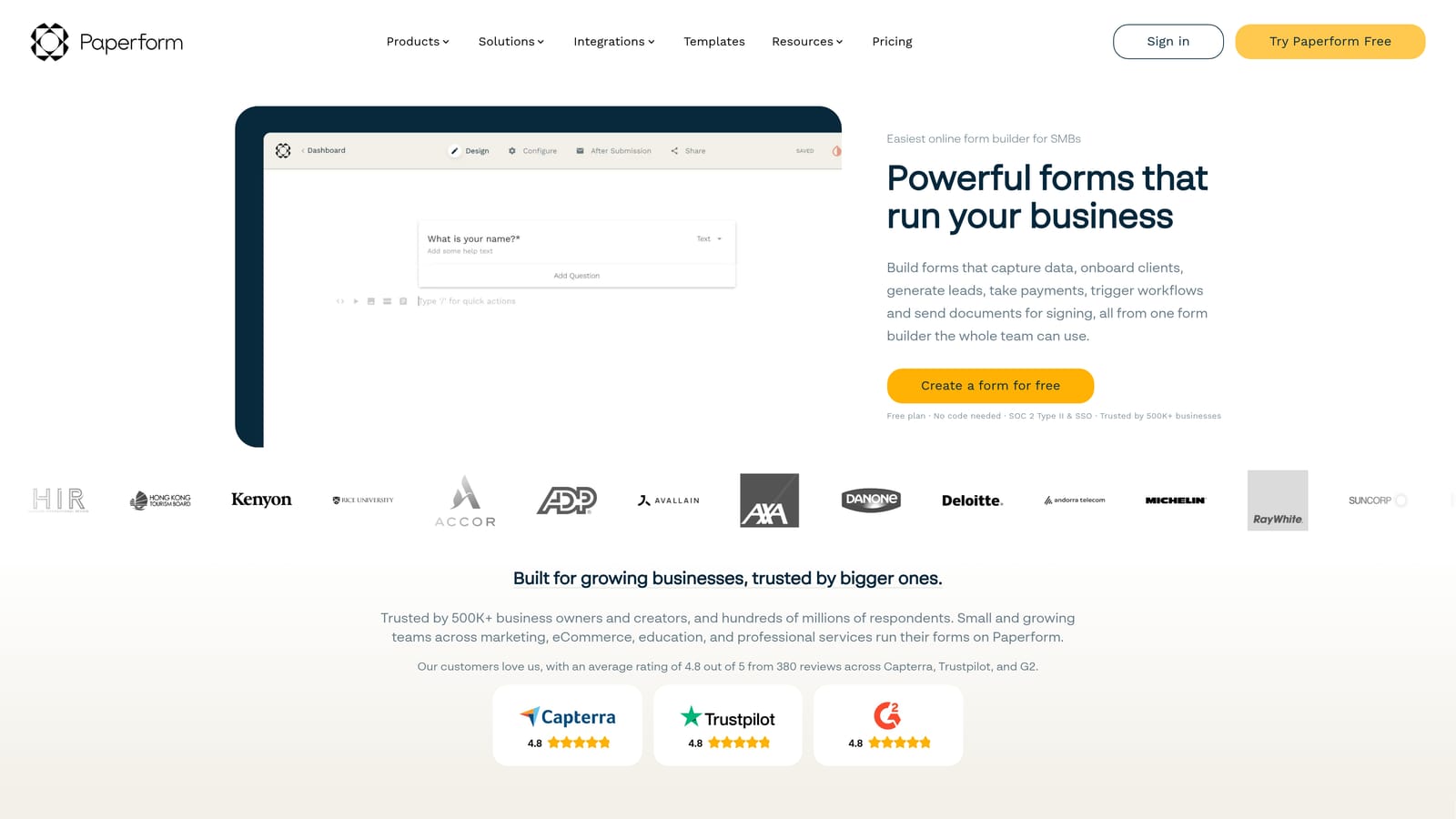
Paperform is a flexible form builder with strong conditional logic, payment processing, and scheduling capabilities, suited for teams building sophisticated qualification workflows.
Where This Tool Shines
Paperform stands out for its depth of conditional logic. You can build multi-page forms that branch extensively based on responses, calculate custom scores from field values, and route users to different outcomes based on what they've entered. For service businesses that need to qualify leads across multiple dimensions before booking a consultation, this level of control is genuinely useful.
Like Typeform, Paperform doesn't include native follow-up sequence automation. Downstream outreach requires connecting to Zapier or a dedicated email platform. It's a capable qualification tool, but you'll still need to build the follow-up layer separately.
Key Features
Advanced Conditional Logic: Build complex branching paths across multi-page forms based on any combination of responses.
Custom Calculation Fields: Score responses numerically to create lead scoring logic directly within the form.
Built-In Payments: Accept payments and sell products or services alongside lead capture, useful for service businesses with upfront deposits.
Scheduling Integration: Connect appointment booking directly to form completion for qualified leads.
Zapier and Native Integrations: Route submission data to CRMs, email platforms, and other tools for downstream automation.
Best For
Agencies, consultants, and service businesses that need detailed qualification logic and want to combine lead capture with payment or scheduling in a single form experience. Less suited for teams that need AI-driven qualification or built-in email sequences.
Pricing
Paid plans only, no free tier. Verify current pricing at paperform.co.
4. Jotform
Best for: High-volume operations teams with an existing CRM that need a reliable, template-rich form builder with broad integration support.
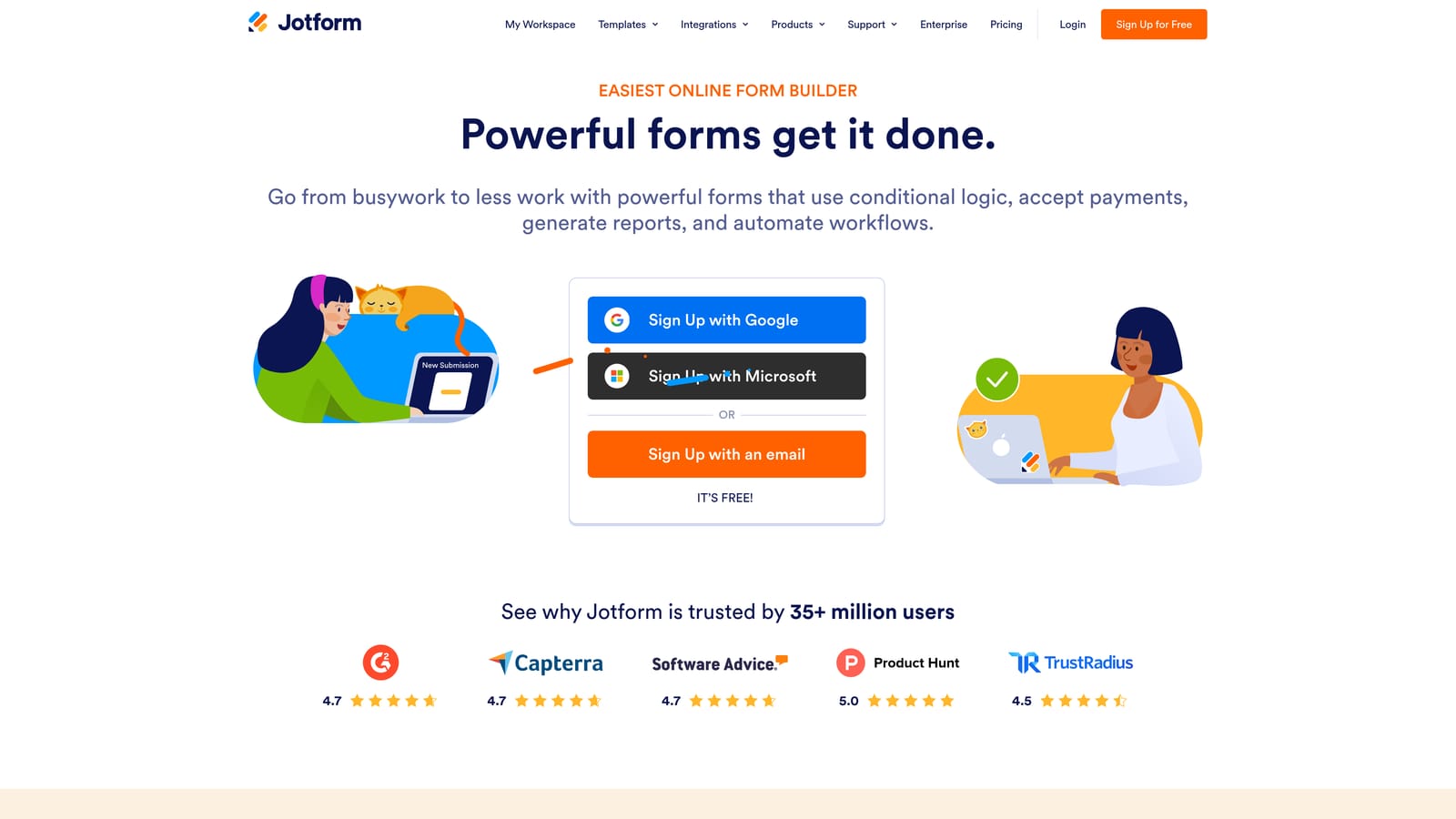
Jotform is one of the most established form builders available, offering an extensive template library and a wide integration ecosystem for connecting form data to virtually any downstream platform.
Where This Tool Shines
Jotform's strength is breadth. With thousands of templates covering nearly every use case, and integrations spanning hundreds of apps including major CRMs, payment processors, and email platforms, it's a dependable choice for teams that need to get forms deployed quickly across multiple workflows.
Jotform Workflows adds some automation capability for approval routing and basic process management, but it's not AI-driven and isn't designed for lead qualification in the way that a purpose-built tool like Orbit AI is. Jotform is better understood as a robust operational form platform than a lead nurture engine.
Key Features
Extensive Template Library: Thousands of pre-built templates covering intake forms, order forms, lead capture, surveys, and more.
Broad Integration Ecosystem: Connects to hundreds of apps including Salesforce, HubSpot, payment processors, and email marketing platforms.
Jotform Workflows: Basic approval routing and process automation for operational use cases.
PDF Generation: Automatically generate formatted PDFs from form submissions, useful for proposals, contracts, and intake documents.
Team Collaboration: Manage forms across team members with role-based access and shared workspaces.
Best For
Operations-heavy teams, agencies managing forms for multiple clients, and businesses with high submission volumes that need a reliable, flexible form platform connected to an existing CRM and email automation stack.
Pricing
Free plan available with submission limits. Paid tiers scale with submission volume and feature needs. Verify current pricing at jotform.com.
5. Tally
Best for: Early-stage teams and bootstrapped startups that need simple lead capture forms without a budget for paid tools.
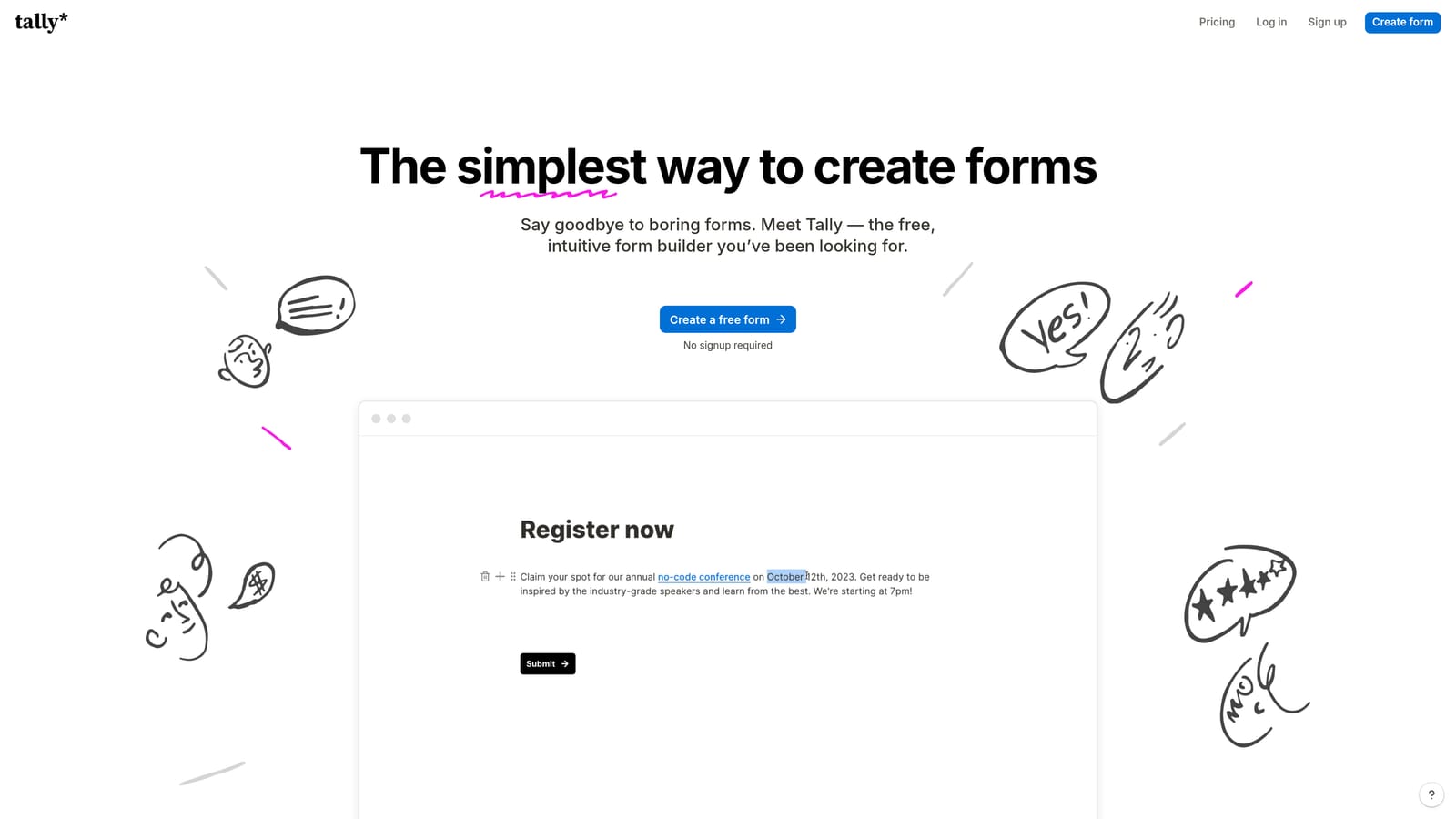
Tally is a minimalist, Notion-inspired free form builder that makes it fast to create and publish forms, with webhook and Zapier support for connecting to external automation workflows.
Where This Tool Shines
Tally's free plan is genuinely generous. Unlimited forms, unlimited submissions, and a clean block-based editor that anyone familiar with Notion can pick up immediately. For teams that just need a functional lead capture form live quickly, without committing to a paid platform, Tally removes almost all friction from the process.
The trade-off is depth. Tally is a capture tool, not a qualification or nurture platform. There's no built-in lead scoring, no native follow-up sequences, and conditional logic is reserved for the paid plan. Any automation you want to trigger after submission requires connecting Tally to an external tool via webhook or Zapier, which adds complexity that grows as your needs do.
Key Features
Unlimited Free Forms and Submissions: No submission caps on the free plan, making it genuinely usable for real lead capture without a paid upgrade.
Notion-Like Block Editor: Familiar, intuitive interface for quickly building forms without a learning curve.
Webhook Support: Connect form submissions to external automation tools like Zapier or Make for downstream workflows.
Conditional Logic: Available on the Pro plan for branching form paths based on responses.
Clean Embed Options: Simple, lightweight embed code that doesn't slow down your site or disrupt page design.
Best For
Bootstrapped startups, solo founders, and early-stage teams that need functional lead capture without a tool budget. As teams grow and need qualification logic or automated follow-up, they'll likely outgrow Tally's native capabilities and need to migrate or supplement with additional tools.
Pricing
Generous free plan with no submission limits. Pro plan available for conditional logic and additional features. Verify current pricing at tally.so.
6. Formstack
Best for: Enterprise teams in regulated industries that need complex workflow routing, document generation, and compliance-grade data handling.
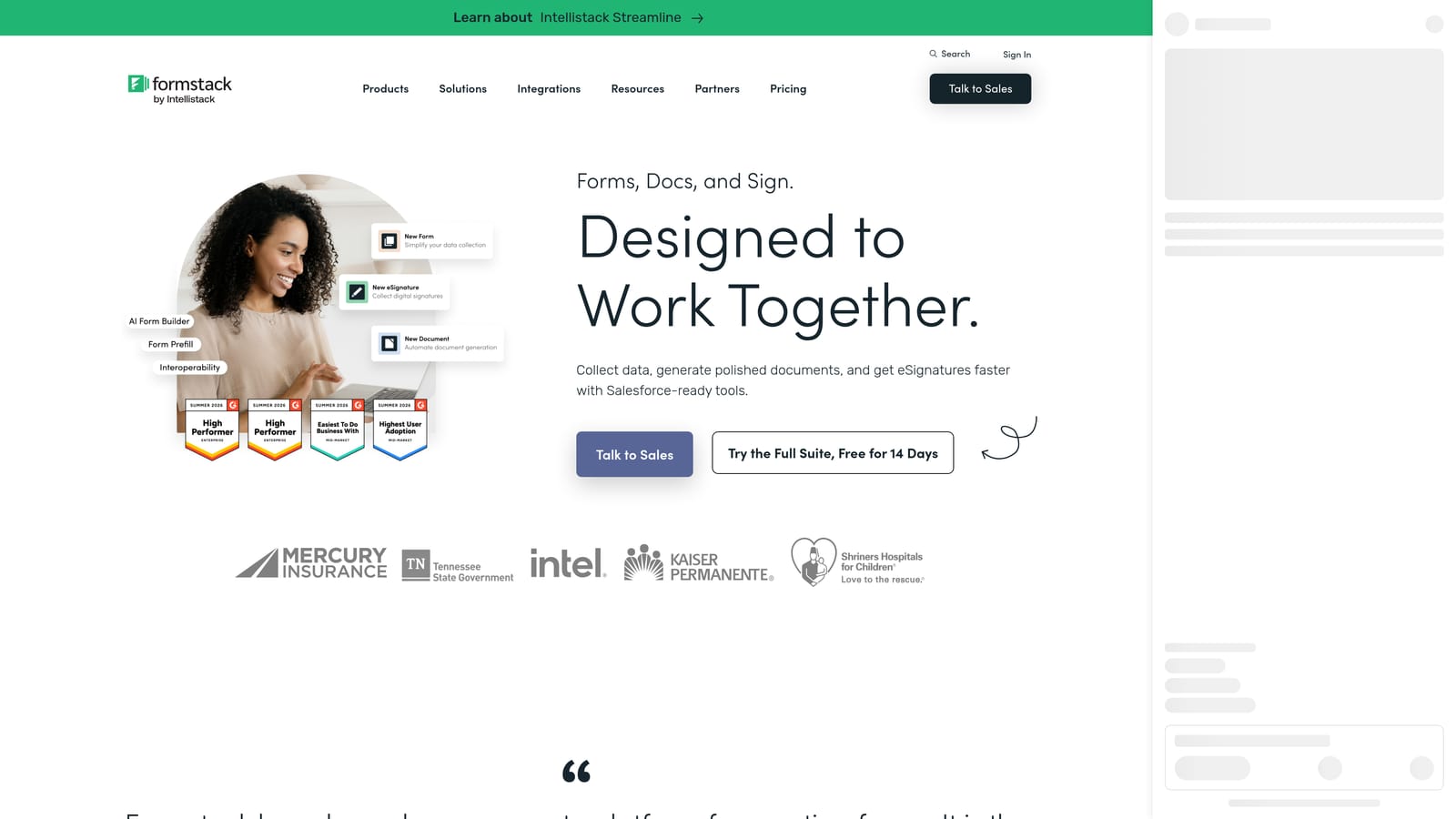
Formstack is an enterprise-grade form and workflow platform that extends well beyond basic lead capture into document generation, e-signatures, and multi-step approval routing.
Where This Tool Shines
Formstack is built for organizational complexity. If your lead or intake process involves multiple approvers, compliance requirements, document generation, or e-signature collection, Formstack handles all of that within a single platform. It's a strong fit for healthcare, financial services, and education environments where data handling standards are non-negotiable.
For pure lead capture and follow-up automation, Formstack is likely more platform than most growth teams need. It's not AI-native for lead qualification, and its pricing reflects its enterprise positioning. Teams that need sophisticated workflow routing in a compliance-sensitive environment will find it well-suited. Teams that primarily need fast, intelligent lead follow-up will find it over-engineered for that specific job.
Key Features
Enterprise Workflow Routing: Multi-step approval chains and conditional routing for complex organizational processes.
Document Generation and E-Signatures: Automatically produce formatted documents from form data and collect legally binding signatures.
Compliance Features: Built-in tools for HIPAA, FERPA, and other regulatory requirements relevant to healthcare, education, and financial services.
Salesforce-Native Integration: Deep, native connection to Salesforce for teams with Salesforce as their CRM backbone.
Advanced Data Security: Role-based access controls, audit trails, and data encryption for enterprise security standards.
Best For
Enterprise organizations in regulated industries that need form and workflow capabilities beyond lead capture: document generation, approval routing, compliance management, and e-signature collection as part of a broader operational workflow.
Pricing
Enterprise pricing with plans tailored to organizational needs. Verify current plans at formstack.com.
Which Tool Is Right for Your Team?
Every tool on this list solves a piece of the lead follow-up puzzle, but they don't all solve the same piece. Here's how to think about the choice.
If you want AI qualification and automated follow-up sequences without stitching three tools together, Orbit AI is the obvious starting point. It's the only platform on this list where the form layer itself handles qualification and triggers personalized outreach, removing the need for a separate automation tool entirely.
If you already have CRM and email automation in place and want a better front-end form experience, Typeform pairs well with your existing stack. For teams with complex conditional logic needs and service-based workflows, Paperform offers the depth you need. Jotform suits high-volume operations teams that need a reliable, integration-rich form platform connected to an existing CRM. Tally is the right call for early-stage teams watching spend, and Formstack fits enterprise environments with compliance requirements and multi-step approval workflows.
The common thread across every option: every team serious about growth needs some form of automated lead follow-up system. Manual follow-up doesn't scale, and every hour of delay between submission and first contact costs you conversions. Start with your form layer, because that's where the lead data originates, and build your automation stack outward from there.
Transform your lead generation with AI-powered forms that qualify prospects automatically while delivering the modern, conversion-optimized experience your high-growth team needs. Start building free forms today and see how intelligent form design can elevate your conversion strategy.


