

Manual form management is quietly one of the biggest time drains on high-growth teams. Building forms, chasing down submissions, manually routing leads to the right rep, and following up before prospects go cold — it adds up fast. Every hour spent on that workflow is an hour not spent closing deals.
Form automation software changes the equation. These platforms go beyond basic form building to automate what happens after someone hits submit: routing data to your CRM, triggering email sequences, scoring and qualifying leads, generating documents, and processing payments. The best ones turn your intake forms into the first step of a fully automated qualification pipeline.
Choosing the right tool depends on a few key factors: depth of automation capabilities, ease of use for non-technical teams, integration ecosystem, AI features, pricing transparency, and how well the platform scales with a growth-focused team. If you're evaluating your current setup, it's worth understanding what modern form automation actually looks like before committing to a platform.
Here are the top form automation tools worth considering in 2026, reviewed for teams serious about lead generation and conversion optimization.
1. Orbit AI
Best for: High-growth teams that need AI-powered lead qualification built directly into the form experience.
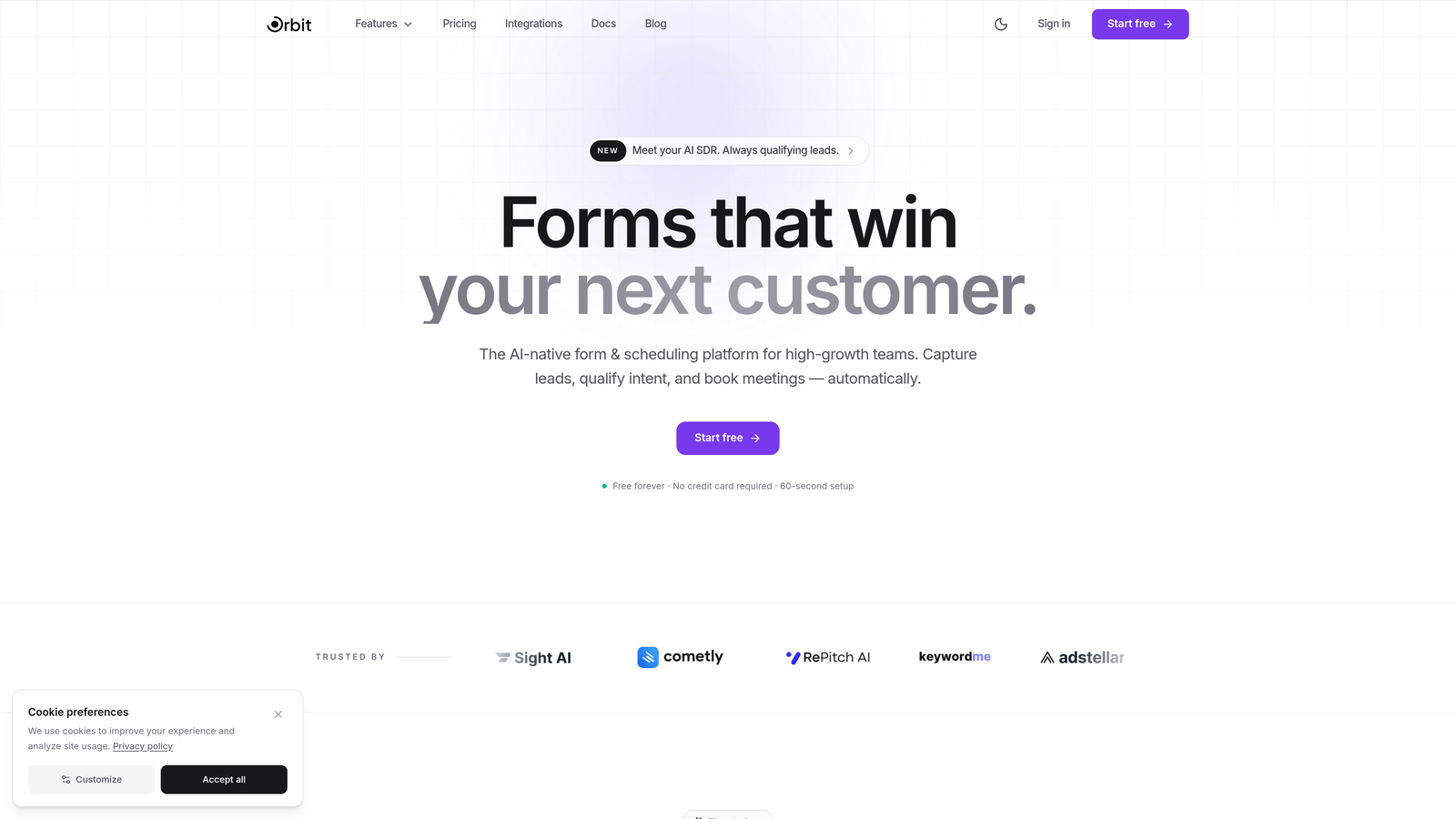
Orbit AI is an AI-powered form builder platform that automates the journey from form submission to scored, routed, and qualified leads.
Where This Tool Shines
Most form tools collect data and hand it off. Orbit AI is built around the idea that qualification should happen at the point of capture, not after the fact in your CRM. Its AI engine evaluates responses in real time and routes leads based on qualification criteria before they ever land in a sales rep's inbox.
For teams running high-volume lead generation campaigns, that upstream qualification is a genuine differentiator. You stop wasting rep time on unqualified submissions and start building pipelines with prospects who actually fit your ideal customer profile.
Key Features
AI-Powered Lead Scoring: Real-time qualification at the point of capture, so every submission arrives pre-scored and prioritized.
Conversion-Optimized Templates: Form templates designed specifically for high-growth teams with conversion best practices built in from the start.
Automated Lead Routing: Submissions are automatically routed to the right team or rep based on qualification criteria you define.
Dynamic Form Fields: Forms adapt in real time based on how users respond, creating a personalized experience that improves completion rates.
Native CRM Integrations: Direct connections to popular CRMs and marketing tools, reducing reliance on middleware and keeping your stack clean.
Best For
Orbit AI is the strongest fit for SaaS companies, B2B teams, and growth marketers who need forms to do more than collect data. If your team is running lead generation at scale and needs qualification baked into the intake process, this is built for that exact workflow.
Pricing
Visit orbitforms.ai for current pricing plans. The platform is designed to scale with high-growth teams, so plan options reflect different usage and feature tiers.
2. Typeform
Best for: Teams that prioritize form experience and completion rates through conversational design.
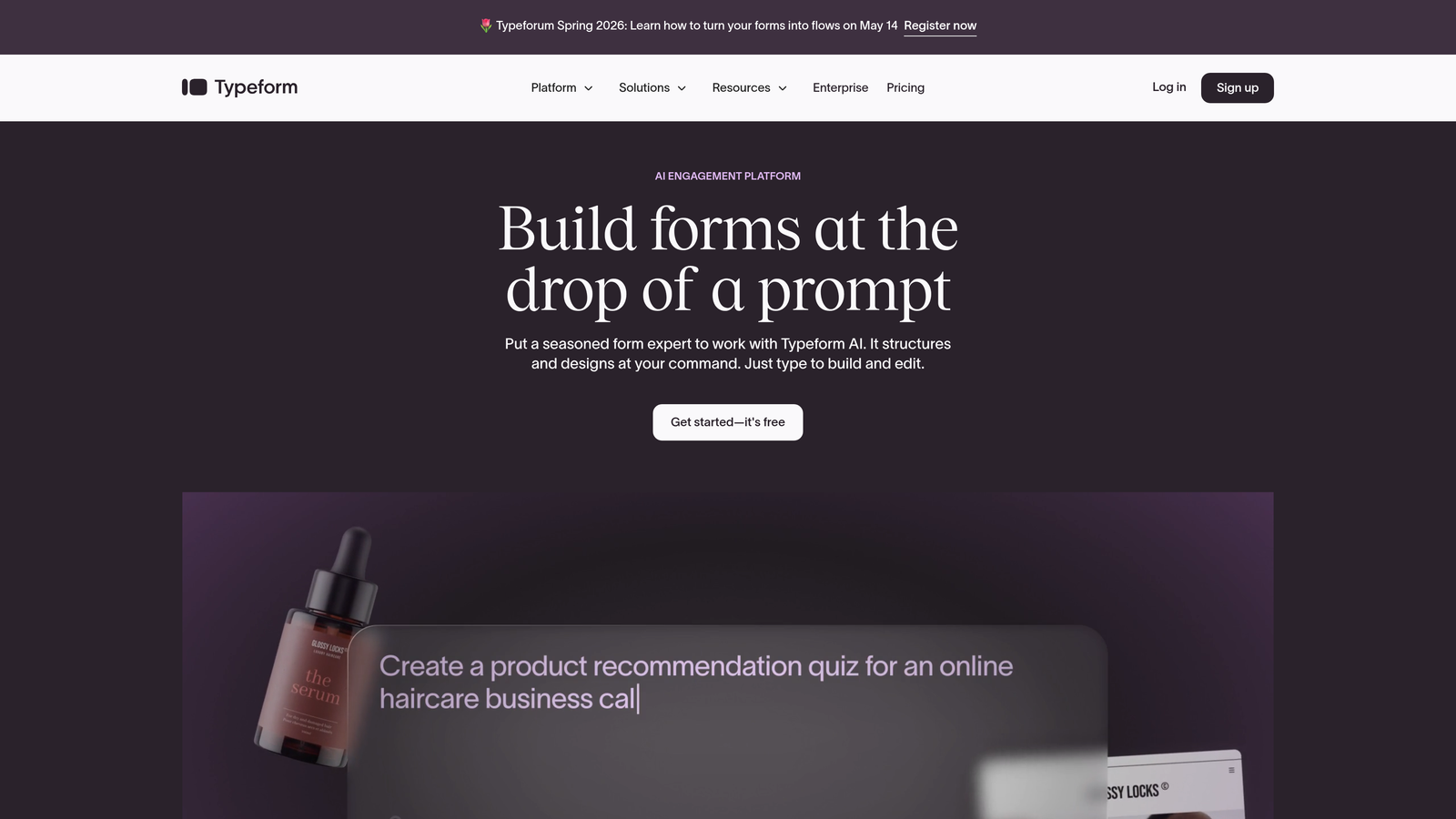
Typeform is a conversational form builder known for its one-question-at-a-time interface that drives high engagement and completion rates.
Where This Tool Shines
Typeform's core strength is the experience it creates for respondents. By presenting one question at a time, it feels less like filling out a form and more like having a conversation. That design philosophy consistently produces stronger completion rates compared to traditional multi-field layouts.
The platform also handles logic branching well, making it possible to build sophisticated conditional flows without touching code. For brand-conscious teams, the customization options are genuinely impressive.
Key Features
Conversational Interface: One-question-at-a-time format that reduces form fatigue and improves completion rates.
Logic Jumps: Conditional branching that personalizes the form path based on each respondent's answers.
Wide Integration Ecosystem: Native connections with Zapier, HubSpot, Slack, Google Sheets, and dozens more tools.
Hidden Fields: Pass UTM parameters and tracking data into submissions for better attribution and personalization.
Brand Kit Support: Fonts, colors, and design elements can be customized to match your brand identity.
Best For
Typeform works well for marketing teams running surveys, lead gen campaigns, and customer feedback programs where form experience directly impacts response quality. Less suited to heavy workflow automation without additional middleware.
Pricing
Free plan available with limited responses. Paid plans start at approximately $25/month, with higher tiers unlocking more responses, logic features, and integrations.
3. Jotform
Best for: Teams that need a wide template library and built-in approval workflows across diverse use cases.
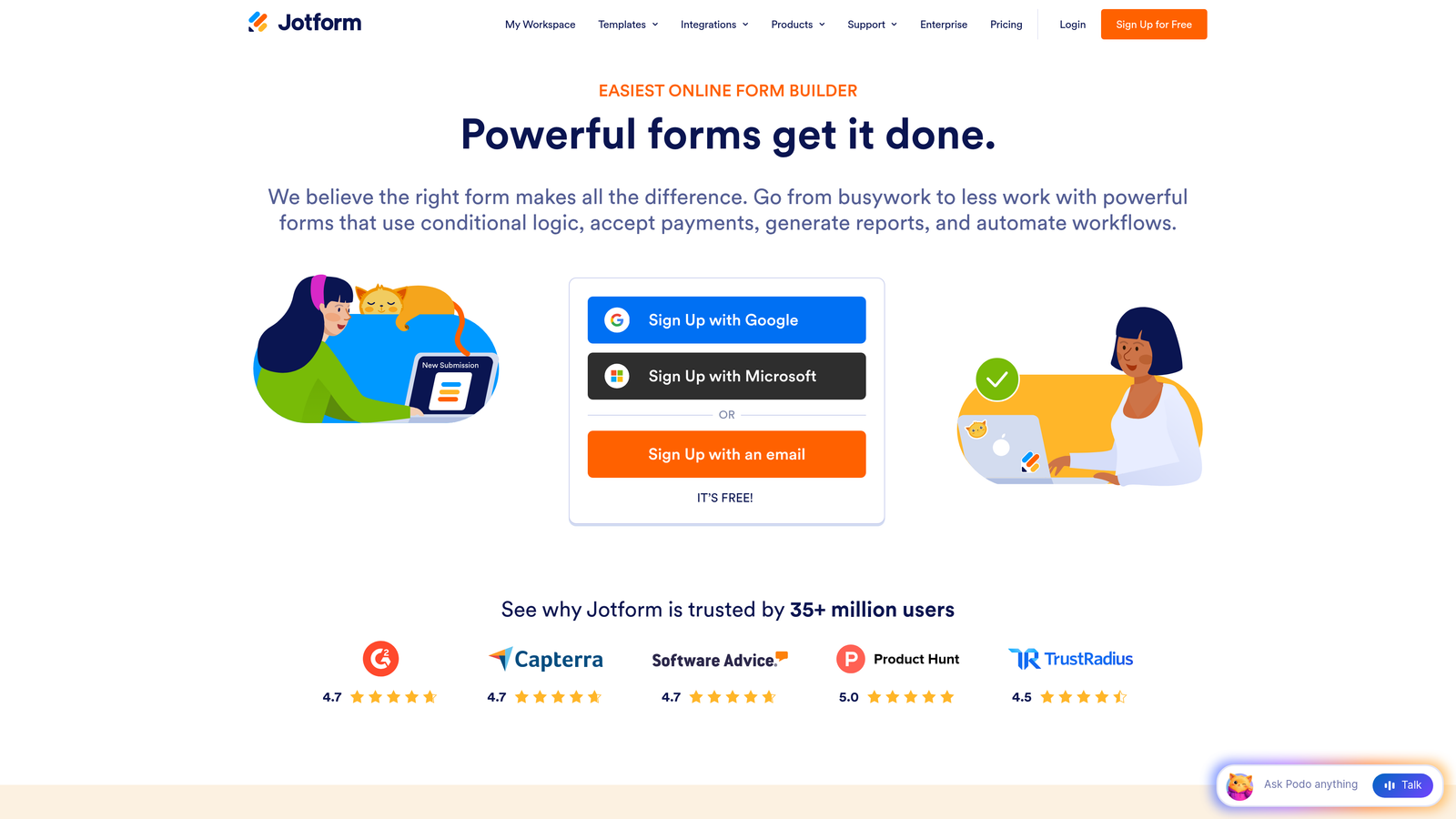
Jotform is a no-code form builder with over 10,000 templates, built-in approval workflows, and a broad range of automation features covering everything from payments to data management.
Where This Tool Shines
Jotform's template library is genuinely one of the largest in the category. Whatever your use case — HR intake forms, event registrations, payment collection, customer surveys — there's almost certainly a template that gets you 80% of the way there before you customize anything.
The approval workflow feature stands out for operations and HR teams. You can route submissions through multi-step approval chains with automated notifications at each stage, all without leaving the platform.
Key Features
10,000+ Templates: One of the largest pre-built template libraries available, covering virtually every industry and use case.
Approval Workflow Automation: Multi-step approval chains with automated notifications and status tracking built in.
Conditional Logic: Multi-page forms with branching logic to show or hide fields based on prior answers.
Payment Processing: Native integrations with PayPal, Stripe, and Square for direct payment collection within forms.
Jotform Tables: A built-in spreadsheet-style view for managing and filtering submission data without exporting.
Best For
Jotform suits operations teams, small businesses, and non-technical users who need versatile form automation across multiple departments. It's particularly strong for organizations that need both data collection and payment processing in one tool.
Pricing
Free plan includes up to 5 forms and 100 monthly submissions. Paid plans start at approximately $34/month with expanded form limits, submissions, and storage.
4. HubSpot Forms
Best for: Teams already using HubSpot CRM who want native form-to-pipeline automation without extra integrations.
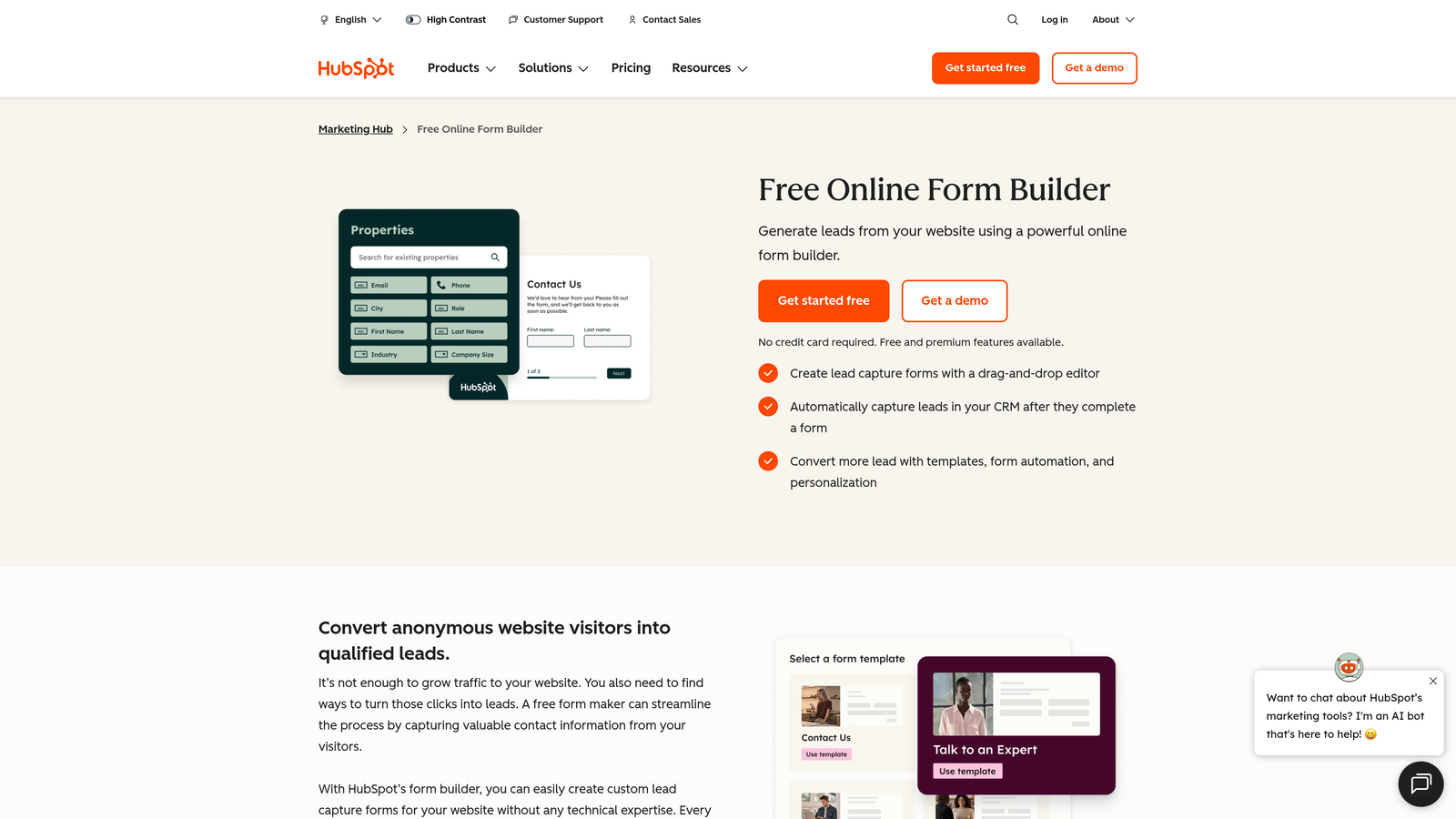
HubSpot Forms is a CRM-native form tool that automatically syncs submissions into HubSpot's contact database and triggers marketing and sales automation workflows instantly.
Where This Tool Shines
The real value of HubSpot Forms is the zero-friction handoff between form submission and CRM action. When someone fills out a form, a contact record is created or updated automatically, and any workflow you've configured in HubSpot fires immediately. There's no middleware, no Zapier zap, no manual export.
Progressive profiling is another standout feature. Rather than showing known contacts the same fields repeatedly, HubSpot Forms surface new questions each time, gradually enriching contact records without overwhelming users with long forms.
Key Features
Automatic CRM Sync: Every submission creates or updates a HubSpot contact record and triggers connected workflows instantly.
Progressive Profiling: Shows different fields to returning visitors, building richer contact data over multiple interactions.
Triggered Email Sequences: Form submissions can automatically enroll contacts into nurture sequences or sales sequences.
Smart Fields: Fields adapt based on what HubSpot already knows about a contact, reducing friction for returning visitors.
Built-in Analytics: Submission rates, conversion tracking, and A/B testing available natively within HubSpot.
Best For
HubSpot Forms is the obvious choice for teams already invested in the HubSpot ecosystem. For teams not using HubSpot, the form tool alone isn't a compelling reason to adopt the full platform.
Pricing
Basic forms are included free with HubSpot CRM. Advanced automation and A/B testing features require Marketing Hub, starting at approximately $20/month for the Starter tier.
5. Formstack
Best for: Enterprise teams that need form building, document generation, and e-signatures in a unified workflow platform.
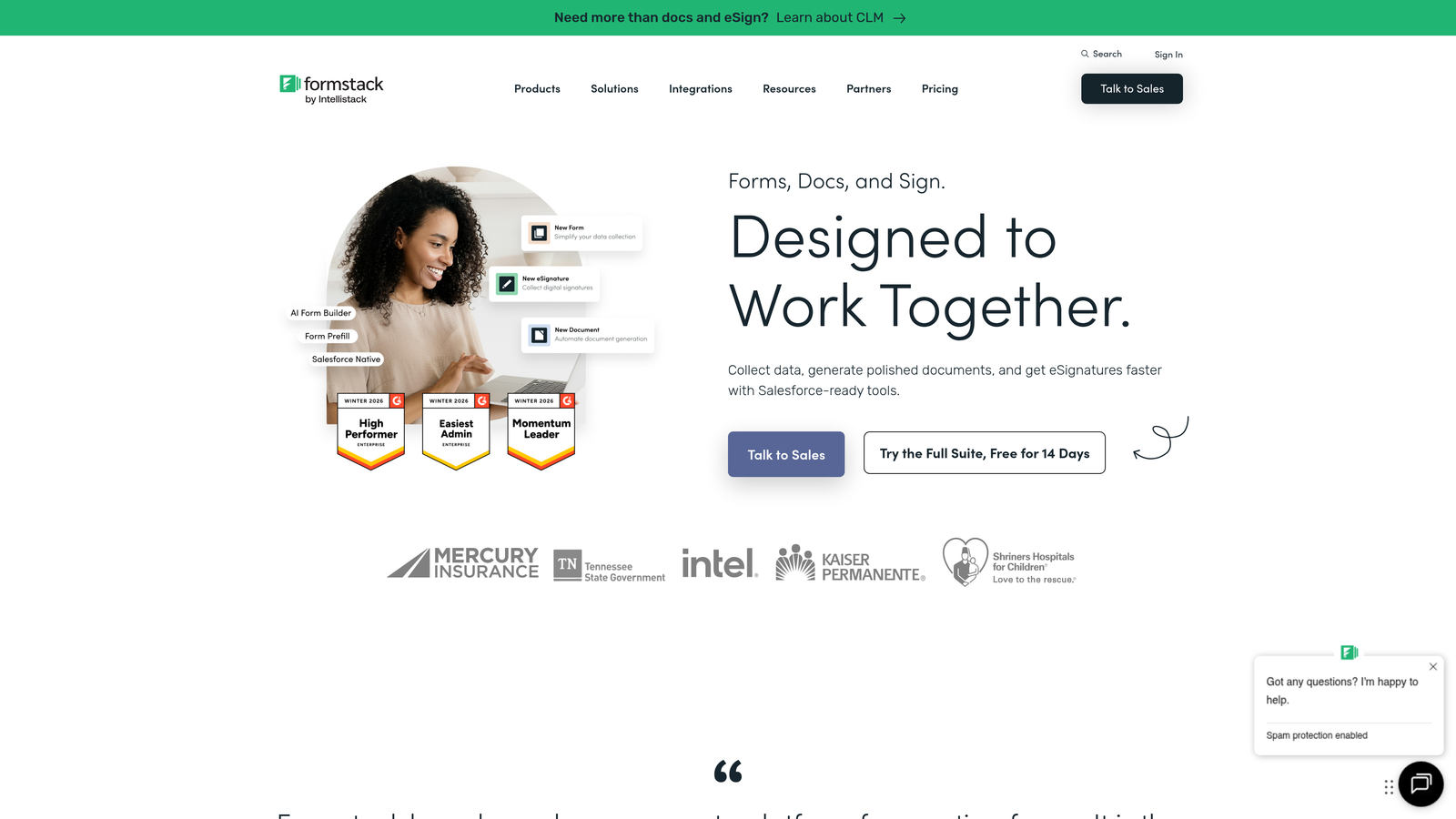
Formstack is an enterprise workflow platform that combines form building, document generation, and electronic signature collection into a single automation suite.
Where This Tool Shines
Formstack goes further than most form tools by handling the full document lifecycle. A form submission can automatically populate a contract template, route it for approval, and collect an e-signature — all within one platform. For teams managing compliance-heavy or document-intensive workflows, that end-to-end capability is significant.
Enterprise security features, including HIPAA compliance, make Formstack a viable option for healthcare, legal, and financial services organizations where data handling requirements are strict.
Key Features
Drag-and-Drop Form Builder: Conditional logic and multi-page form support with an accessible no-code interface.
Document Generation: Automatically populate document templates from form submission data.
Formstack Sign: Built-in e-signature collection without needing a separate tool like DocuSign.
Workflow Routing: Approval chains and task assignment automation across teams and departments.
HIPAA Compliance: Enterprise-grade security features for regulated industries with strict data requirements.
Best For
Formstack is best suited for mid-market and enterprise organizations in regulated industries that need more than data collection. Teams that would otherwise stitch together a form tool, document generator, and e-signature platform will find the consolidation valuable.
Pricing
Plans start at approximately $50/month billed annually. Enterprise pricing is available for larger organizations with more complex requirements.
6. Gravity Forms
Best for: WordPress-based teams that need deep site integration and an extensive add-on ecosystem for form automation.
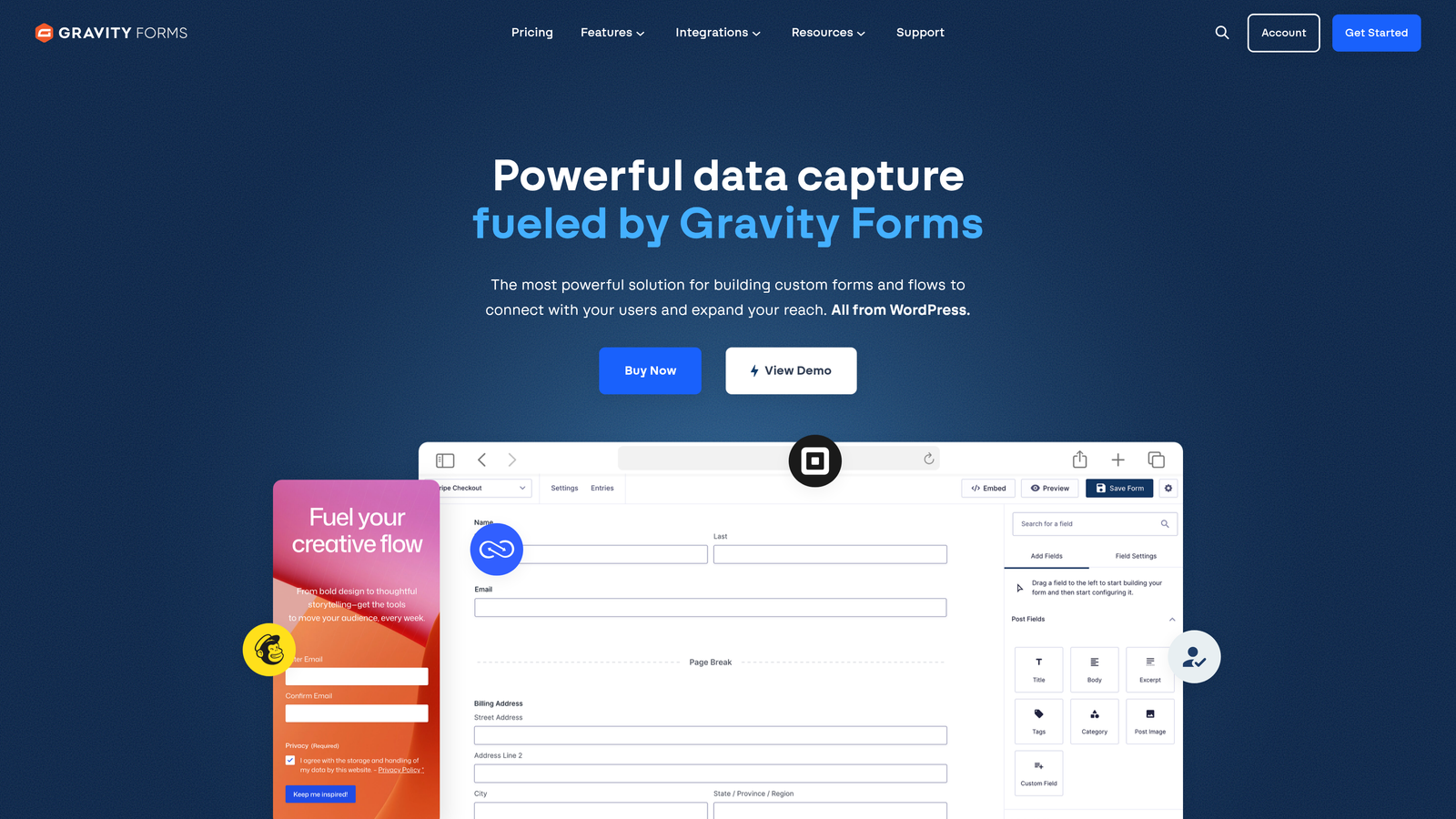
Gravity Forms is a WordPress-native form plugin with over 30 official add-ons that enable complex automated form workflows directly within WordPress sites.
Where This Tool Shines
If your business runs on WordPress, Gravity Forms is the most deeply integrated option available. It doesn't just sit on your site — it connects to your WordPress database, user accounts, and plugins in ways that standalone SaaS form tools simply can't replicate.
The developer-friendly architecture, with extensive hooks and filters, makes it highly customizable for technical teams. Add-ons for CRMs like ActiveCampaign and Mailchimp, payment processors like Stripe, and marketing automation tools extend the platform's capabilities considerably.
Key Features
Deep WordPress Integration: Direct access to WordPress user data, custom post types, and plugin ecosystem.
30+ Official Add-ons: Extend functionality with purpose-built add-ons for CRMs, payments, and marketing tools.
Conditional Logic: Multi-page forms with field-level show/hide logic for tailored form experiences.
Payment Processing: Stripe and PayPal add-ons for collecting payments directly through WordPress forms.
Developer Hooks and Filters: Extensive customization options for developers who need to build beyond standard features.
Best For
Gravity Forms is ideal for WordPress-based businesses, agencies managing multiple client sites, and technical teams who need maximum customization. It's not the right choice for teams not running WordPress or those who prefer a hosted SaaS solution.
Pricing
Annual license starts at $59/year for the Basic tier (single site). The Elite license, which includes all add-ons and unlimited sites, is $259/year.
7. Cognito Forms
Best for: Budget-conscious teams that need calculations, payment processing, and automation on a generous free tier.
Cognito Forms is a budget-friendly form builder with built-in calculation logic, payment processing, and workflow automation features, offering one of the most capable free tiers in the category.
Where This Tool Shines
Cognito Forms punches well above its price point. The free plan includes unlimited forms and submissions, which is genuinely unusual in this market. For small teams or organizations with tight budgets, that alone makes it worth evaluating.
The built-in calculation engine is a standout feature. You can build quote forms, order forms, and pricing calculators without any coding, using a formula-based logic system that handles quantity pricing, conditional totals, and custom calculations.
Key Features
Unlimited Free Forms: The free plan includes unlimited forms and entries, making it one of the most generous free tiers available.
Built-in Calculations: Formula-based calculation fields for quote forms, order totals, and pricing logic without code.
Payment Collection: Stripe, PayPal, and Square integrations for direct payment processing within forms.
Conditional Logic: Show/hide fields and repeating sections for dynamic, multi-step form experiences.
HIPAA-Compliant Options: Data encryption and compliance features available on higher-tier plans.
Best For
Cognito Forms is an excellent fit for small businesses, nonprofits, and teams that need calculation-heavy forms or payment collection without a significant budget. Less suited to teams that need advanced CRM integrations or AI-driven lead qualification.
Pricing
Free plan available with unlimited forms. Paid plans start at approximately $15/month, unlocking additional storage, file uploads, and compliance features.
8. Paperform
Best for: Teams that want a design-forward form experience with built-in payments, scheduling, and automation in one tool.
Paperform is a design-forward form builder that blends content pages with form fields, offering built-in payment processing, appointment scheduling, and automation capabilities in a single platform.
Where This Tool Shines
Paperform's editor is genuinely different from most form builders. Instead of a traditional form interface, you build what feels more like a landing page — mixing text, images, video embeds, and form fields in a freeform layout. The result is form experiences that feel polished and on-brand without needing a separate landing page tool.
The built-in scheduling and payment features mean teams can handle bookings, product sales, and lead capture all within one Paperform, reducing the number of tools needed in a lean stack.
Key Features
Content-Page Editor: Freeform layout combining text, images, and form fields for landing-page-quality form experiences.
Built-in Payments and Scheduling: Accept payments and bookings directly within forms without third-party tools.
Conditional Logic: Calculation fields and conditional branching for dynamic, personalized form flows.
3,000+ App Integrations: Native integrations and Zapier connections covering most major marketing and business tools.
Custom Success Pages: Redirect logic and custom thank-you pages for tailored post-submission experiences.
Best For
Paperform suits creative teams, consultants, and small businesses that want beautiful, functional forms without a separate landing page builder. It's particularly strong for service businesses combining intake forms with scheduling and payment collection.
Pricing
Plans start at approximately $24/month billed annually. Higher tiers unlock more submissions, custom domains, and priority support.
9. Zoho Forms
Best for: Teams running the Zoho ecosystem who need seamless data flow across CRM, helpdesk, and business applications.
Zoho Forms is a form automation tool deeply integrated with the Zoho product suite, enabling automated data flow across CRM, helpdesk, project management, and other Zoho business applications.
Where This Tool Shines
If your organization has adopted Zoho broadly, Zoho Forms becomes significantly more valuable than its standalone feature set suggests. Native integration with over 45 Zoho applications means form data flows directly into Zoho CRM, Zoho Desk, Zoho Projects, and more — without middleware or manual exports.
The offline data collection capability via mobile app is a practical differentiator for field teams, event staff, or anyone collecting data in environments without reliable internet access.
Key Features
45+ Native Zoho Integrations: Seamless data flow across the full Zoho product ecosystem without third-party connectors.
Approval Workflows: Multi-step approval chains with task assignment and automated notifications built in.
Conditional Logic: Form rules and field logic for dynamic, personalized form experiences.
UTM Tracking and Analytics: Lead source attribution and form performance analytics for campaign tracking.
Offline Mobile Collection: Collect form data offline via mobile app and sync when connectivity is restored.
Best For
Zoho Forms is the natural choice for organizations already using Zoho One or multiple Zoho applications. Outside the Zoho ecosystem, its integration advantages largely disappear and other tools in this list offer stronger standalone value.
Pricing
Free plan available with basic features and limited submissions. Paid plans start at approximately $10/month, making it one of the more affordable options for teams already in the Zoho ecosystem.
Which Form Automation Software Fits Your Team?
The right choice here depends heavily on where your team is today and where you're trying to go.
If you're a high-growth SaaS or B2B team running lead generation at scale, Orbit AI is the clear standout. The AI-powered qualification at the point of capture is a genuine capability gap compared to everything else on this list. Instead of collecting leads and sorting them later, you're routing qualified prospects automatically from the moment they submit. That upstream efficiency compounds quickly when you're managing high submission volumes.
For teams already deep in HubSpot, HubSpot Forms is the path of least resistance. The native CRM sync and workflow triggers are hard to beat if your stack is already built around that platform. Similarly, if you're running WordPress and need deep site integration, Gravity Forms remains the most capable option in that environment.
Teams with tighter budgets should look at Cognito Forms for its unusually generous free tier, or Zoho Forms if they're already paying for Zoho One. For teams that want beautiful, conversion-focused form experiences without heavy technical lifting, Typeform and Paperform both deliver on design and completion rates.
Enterprise and regulated-industry teams that need document generation and e-signatures alongside form automation will find Formstack the most complete end-to-end solution.
The broader trend worth noting: form automation is moving fast toward real-time intelligence. Static forms that just collect and store data are giving way to dynamic experiences that qualify, route, and act on submissions automatically. If your team is serious about conversion optimization, the platform you choose today should be built for that direction.
Start building free forms today and see how AI-powered lead qualification can transform your intake process from a data collection step into the first stage of a fully automated growth pipeline.


