

When a prospect fills out your form, that moment is just the beginning. The real power comes from what happens next: routing the lead to your CRM, triggering a personalized email sequence, notifying your sales team on Slack, or updating a pipeline spreadsheet automatically. Form builders that integrate with Zapier make all of this possible without writing a single line of code.
The catch? Not all Zapier integrations are created equal. Some form builders offer rich trigger options, multi-step zap support, and custom actions. Others provide little more than a basic "new submission" trigger that barely scratches the surface of what automation can do.
The tools below were selected based on depth of Zapier integration, form-building capabilities, pricing, and overall suitability for high-growth teams that depend on automated workflows. Whether you're qualifying leads, processing orders, or managing registrations, the right form builder can make your entire workflow dramatically more efficient. Here are the top Zapier-compatible form builders worth your attention in 2026.
1. Orbit AI
Best for: High-growth B2B teams that want AI-powered lead qualification built into their Zapier workflows.
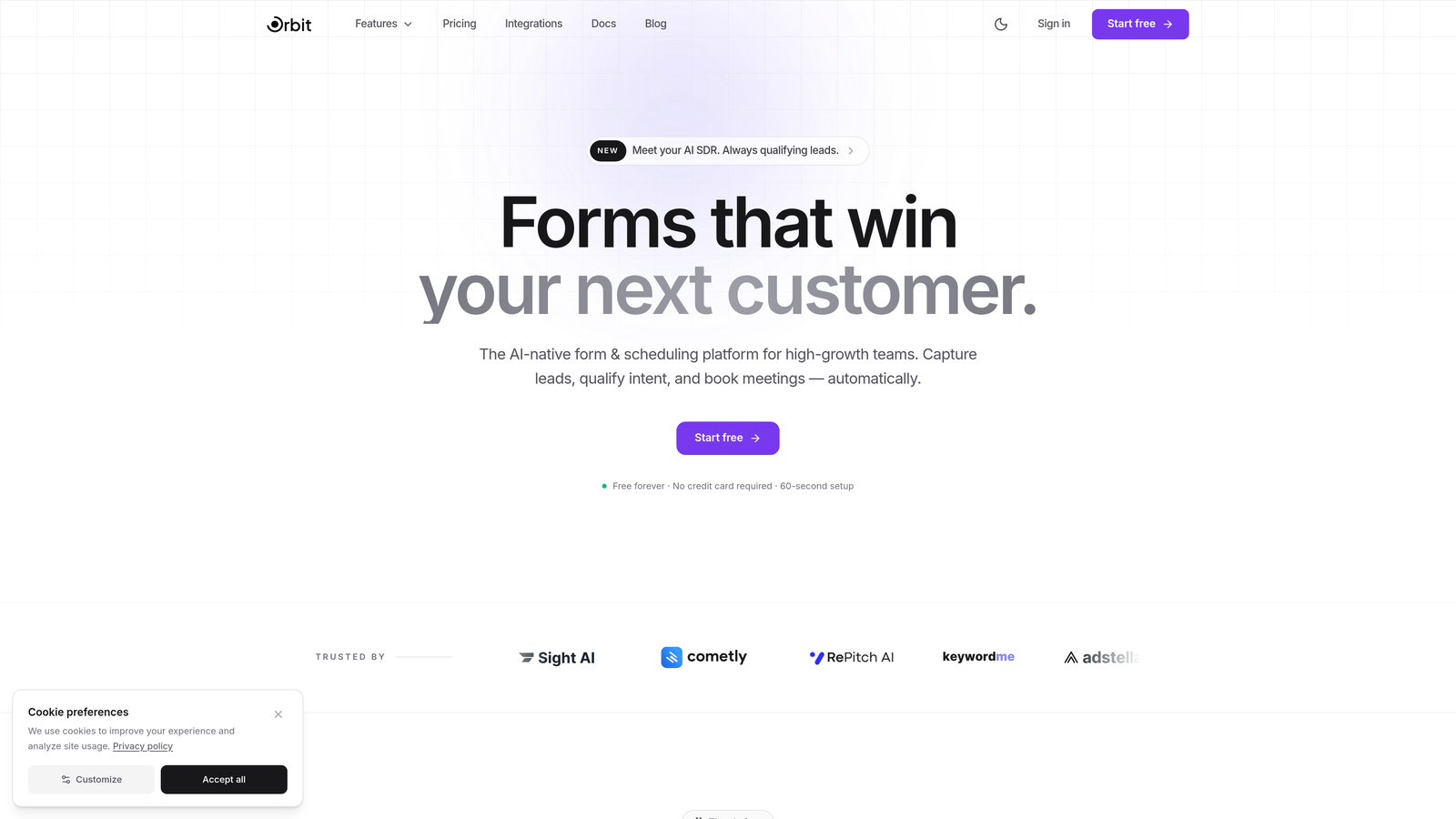
Orbit AI is an AI-powered form builder that scores and qualifies every lead at the point of submission, then triggers Zapier workflows based on lead quality tier.
Where This Tool Shines
Most form builders send every submission into your automation pipeline equally, leaving your CRM cluttered with unqualified leads. Orbit AI takes a different approach by evaluating each submission with built-in AI lead scoring before the workflow ever fires. That means your Zapier zaps can be configured to respond differently depending on whether a lead is high-priority, mid-funnel, or a poor fit.
For sales teams tired of chasing dead-end leads, this is a meaningful shift. Instead of filtering noise after the fact, the qualification happens at the source. The result is a cleaner CRM, faster response times for hot leads, and less wasted effort across the board.
Key Features
AI Lead Scoring: Every form submission is automatically scored and qualified, giving your Zapier workflows meaningful data to act on.
Quality-Tier Triggers: Configure Zapier to trigger different actions based on lead quality tier, so high-value leads get immediate attention while others enter a nurture sequence.
Conversion-Optimized Templates: Pre-built templates designed specifically for B2B lead generation, with modern, responsive design that performs on any device.
Conditional Logic: Dynamic form paths that adapt based on user responses, improving completion rates and data quality.
Sales Pipeline Automation: Built with B2B workflows in mind, making it easy to connect form submissions directly to CRM stages and sales sequences.
Best For
Orbit AI is the best fit for B2B SaaS companies, agencies, and high-growth teams where lead quality matters as much as lead volume. If your sales team spends significant time filtering unqualified submissions out of your CRM, the AI qualification layer alone makes this worth evaluating.
Pricing
Visit orbitforms.ai for current plan details. A free option is available to get started.
2. Typeform
Best for: Brands that want a polished, conversational form experience with reliable Zapier triggers.
Typeform is a conversational form builder known for its one-question-at-a-time format and strong brand design capabilities.

Where This Tool Shines
Typeform's signature UX creates a more engaging experience than a standard multi-field form. By presenting one question at a time, it tends to reduce friction and improve completion rates for longer forms. That engagement quality carries into the data you collect, which is often richer and more thoughtful.
On the Zapier side, Typeform offers triggers for both new completed submissions and partial responses, which is genuinely useful for re-engagement workflows. If someone starts a form but doesn't finish, you can trigger a follow-up automatically.
Key Features
Conversational UX: One-question-at-a-time format that keeps respondents focused and engaged throughout the form.
Partial Response Triggers: Zapier can trigger on incomplete submissions, enabling re-engagement automation for drop-offs.
Logic Jumps: Branching paths that personalize the form experience based on previous answers.
Design Customization: Extensive brand theming options including custom fonts, colors, and background media.
Media Embedding: Add videos and images directly within form questions to improve context and engagement.
Best For
Typeform works well for marketing teams running surveys, lead capture campaigns, or customer research where brand presentation matters. It's especially strong for teams that want their form to feel like an extension of a polished product experience.
Pricing
Free plan available with limited responses. Paid plans start around $25/month, with higher tiers unlocking more responses and advanced features.
3. Jotform
Best for: Teams that need an all-in-one form solution with diverse templates, payment processing, and solid Zapier support.
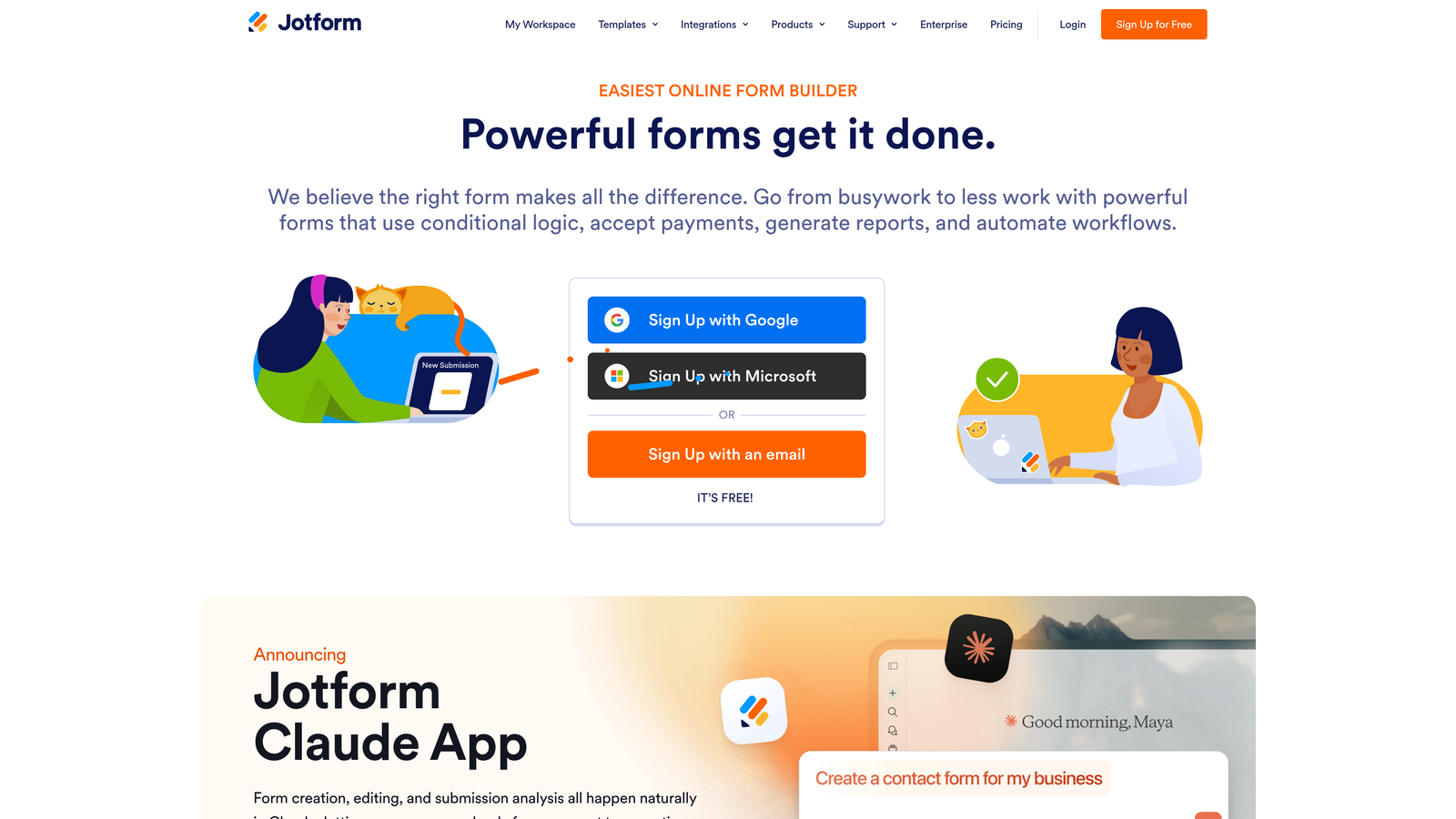
Jotform is a feature-rich form builder with one of the largest template libraries available and mature Zapier compatibility across a wide range of use cases.
Where This Tool Shines
Jotform's depth is its defining characteristic. With over 10,000 templates spanning industries from healthcare to e-commerce, it's rare to encounter a form use case that Jotform hasn't already templated. This makes it particularly fast to deploy for teams managing multiple form types across departments.
Its Zapier integration supports both triggers and actions, and it handles multi-step zaps well. Combined with Jotform Tables for managing submission data, you get a surprisingly complete workflow tool without needing to bolt on additional software.
Key Features
10,000+ Templates: The largest template library in this category, covering virtually every industry and use case.
Native Payment Processing: Accept payments via PayPal, Stripe, and Square directly within forms, no Zapier step required.
Multi-Step Zap Support: Zapier triggers and actions that integrate cleanly into complex, multi-step automation workflows.
Conditional Logic: Drag-and-drop builder with branching logic for dynamic, personalized form experiences.
Jotform Tables: A built-in submission management layer that functions like a lightweight database for your form data.
Best For
Jotform suits organizations that need a single form tool to handle diverse requirements: lead capture, event registration, payment collection, and internal processes. It's a strong pick for operations teams and agencies managing forms across multiple clients or departments.
Pricing
Free plan includes up to 5 forms. Paid plans start around $34/month with significantly higher submission limits and access to advanced features.
4. Tally
Best for: Lean teams and solopreneurs who want unlimited forms, clean design, and Zapier automation without a large budget.
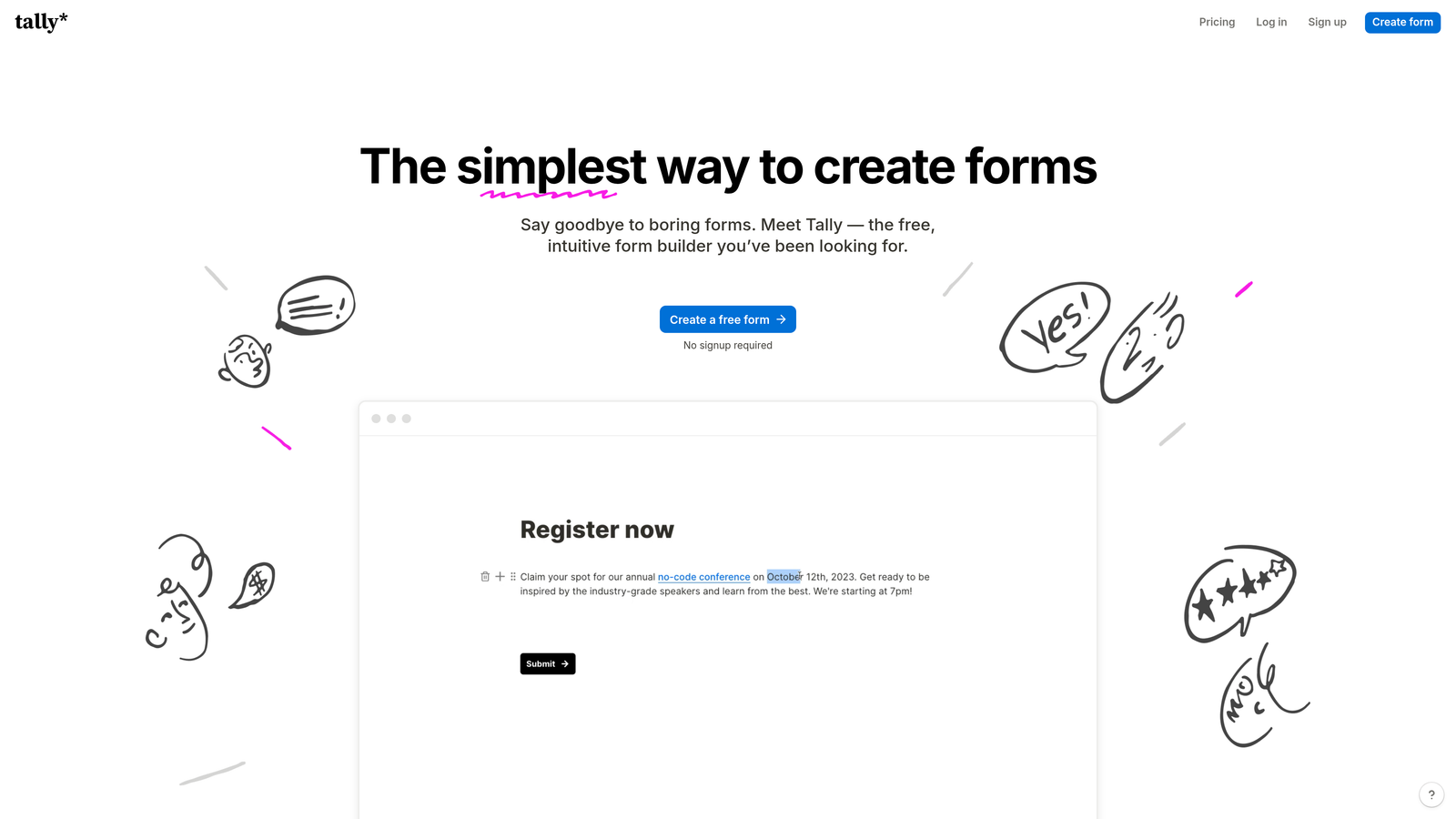
Tally is a minimalist form builder with a Notion-style block editor and a genuinely generous free tier that includes Zapier integration.
Where This Tool Shines
Tally's free plan is unusually generous compared to competitors. You get unlimited forms and unlimited submissions, which removes the anxiety of hitting submission caps mid-campaign. The editing experience feels familiar to anyone who uses Notion, making it fast to pick up without a learning curve.
The Zapier integration covers the core use case well: trigger a workflow on new submission, route data to the right destination. It's not the most advanced integration in this list, but for teams with straightforward automation needs, it does the job cleanly.
Key Features
Unlimited Free Forms: No submission caps or form limits on the free plan, which is rare in this category.
Block-Based Editor: Notion-style interface that makes building forms feel intuitive and fast.
Zapier Integration: Trigger automation workflows on new submissions, connecting to hundreds of downstream apps.
Conditional Logic: Show or hide fields based on previous answers to keep forms relevant and concise.
Hidden Fields: Pass URL parameters into forms silently for tracking and personalization purposes.
Best For
Tally is an excellent choice for startups, freelancers, and small teams that need functional, good-looking forms with Zapier connectivity but can't justify spending heavily on form infrastructure. It's also worth considering for internal forms and ops workflows where aesthetics matter less than speed.
Pricing
Free plan is available with unlimited forms and submissions. Tally Pro starts around $29/month and adds features like custom domains, file upload limits, and priority support.
5. Paperform
Best for: Teams that want a rich, document-style form experience with advanced logic and built-in payment collection.
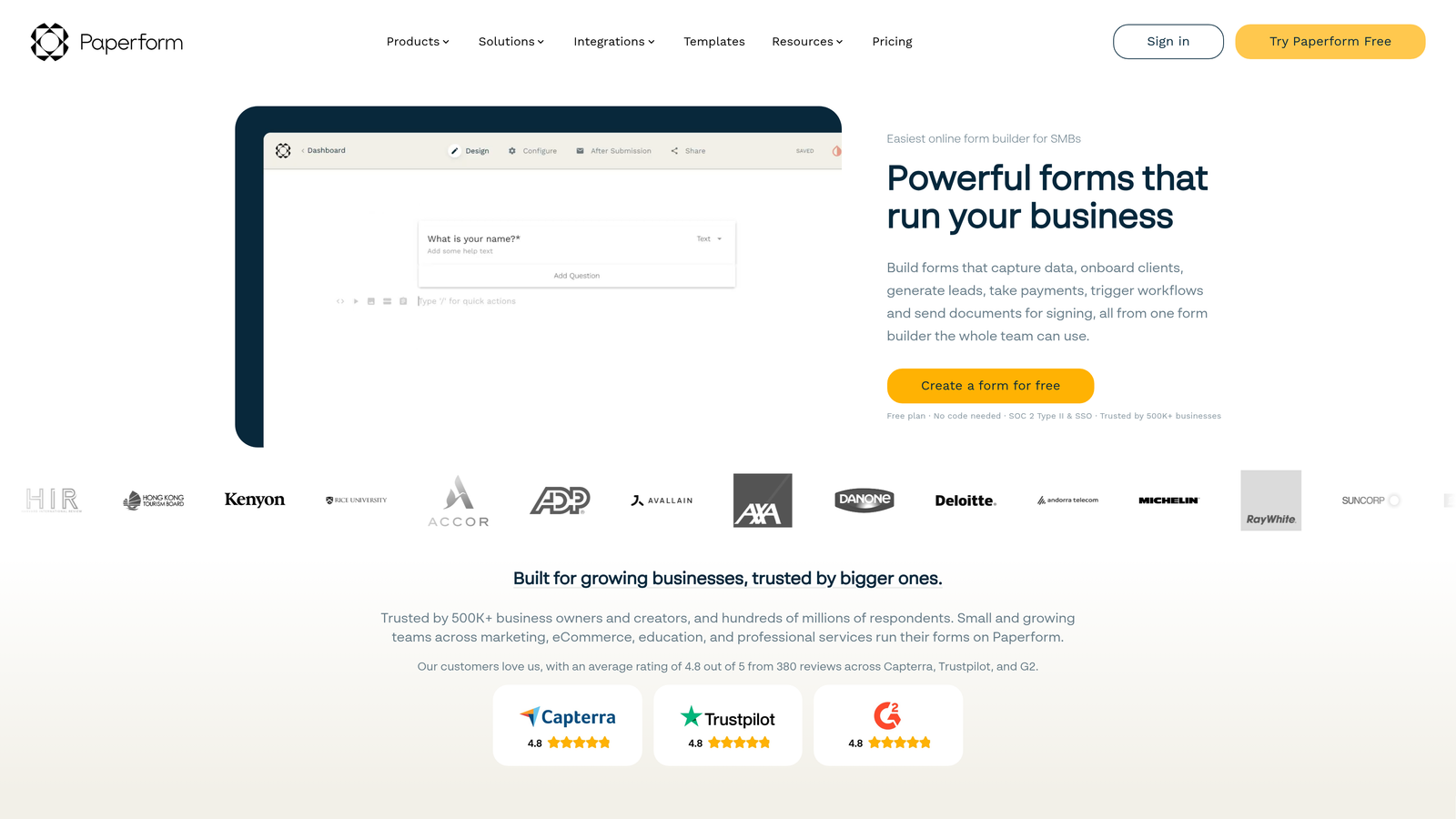
Paperform is a document-style form builder that lets you blend written content, images, and form fields into a single flowing page, with strong Zapier automation support.
Where This Tool Shines
Paperform occupies a unique niche: it feels less like a form and more like a branded landing page with embedded fields. This makes it particularly effective for forms where context matters, such as product inquiry pages, service booking forms, or detailed onboarding questionnaires where you want to explain the "why" alongside the "what."
The calculation fields are a standout feature. You can build forms that compute prices, scores, or totals dynamically based on user inputs, which pairs well with Zapier workflows that need to act on calculated values.
Key Features
Document-Style Editor: Mix text, images, and form fields freely on a single page for context-rich form experiences.
Calculation Fields: Dynamic fields that compute values based on user inputs, useful for quoting, scoring, and pricing forms.
Zapier Triggers: New submission triggers that connect Paperform responses to any Zapier-connected workflow.
Built-In Payments: Accept payments via Stripe, PayPal, and Braintree without needing a separate integration step.
Custom Branding: Full theme control including fonts, colors, and custom CSS for teams with strict brand standards.
Best For
Paperform is a great fit for service businesses, consultants, and marketing teams that want forms to double as mini landing pages. If your forms require explanation or context alongside the questions, the document-style format is genuinely differentiated.
Pricing
Plans start around $24/month. No free plan, but a 14-day free trial is typically available to test before committing.
6. Cognito Forms
Best for: Data-heavy workflows that require calculation fields, repeating sections, and reliable Zapier automation.
Cognito Forms is a powerful form builder built around advanced data collection needs, with calculation logic, repeating entries, and solid Zapier connectivity.
Where This Tool Shines
Cognito Forms handles complexity that simpler builders can't. Its repeating sections feature lets respondents add multiple entries of the same type within a single form submission, which is invaluable for things like line-item order forms, multi-attendee registrations, or equipment request forms. Most competitors require workarounds or separate forms for this.
The calculation engine is similarly robust. You can build formulas that reference other field values, apply conditional calculations, and output totals or scores that feed directly into your Zapier workflows.
Key Features
Advanced Calculations: Formula-based fields that compute values dynamically based on user inputs across the form.
Repeating Sections: Allow respondents to add multiple entries of the same field group within a single submission.
Zapier Triggers: Triggers fire on both new entries and updated entries, giving more flexibility for follow-up workflows.
Payment Integrations: Native support for Stripe, PayPal, and Square for transactional forms.
Data Encryption: Built-in encryption and compliance features for organizations handling sensitive information.
Best For
Cognito Forms is the right choice for operations teams, finance departments, and organizations that need forms to do real computational work. If your form submissions feed into processes that require calculated outputs, this builder handles it better than most.
Pricing
Free plan available with generous limits. Paid plans start around $15/month, making it one of the more affordable options for advanced functionality.
7. Formstack
Best for: Enterprise teams that need forms, document generation, e-signatures, and deep Zapier integration under one platform.
Formstack is an enterprise-grade workflow automation platform that combines forms, documents, and e-signatures with advanced Zapier integration and compliance capabilities.
Where This Tool Shines
Formstack is less a form builder and more a complete workflow automation suite. The ability to move from form submission to document generation to e-signature collection within a single platform reduces the number of tools, integrations, and potential failure points in enterprise workflows. Zapier then extends this further into the broader app ecosystem.
For regulated industries, Formstack's HIPAA compliance and enterprise security features are significant. Many alternatives require expensive add-ons or separate compliance infrastructure to achieve the same level of data protection.
Key Features
Full Workflow Suite: Forms, document generation, and e-signature collection integrated into a single platform.
Advanced Zapier Integration: Multi-step zap support with robust trigger and action options for complex enterprise workflows.
HIPAA Compliance: Built-in compliance features for healthcare, finance, and other regulated industries.
Approval Workflows: Route submissions through internal approval chains before triggering downstream automation.
A/B Testing: Test form variations to optimize conversion rates across different audience segments.
Best For
Formstack is built for enterprise organizations and regulated industries where compliance, document workflows, and security are non-negotiable. If your team needs more than just a form builder and wants a unified workflow platform, Formstack justifies the higher price point.
Pricing
Plans start around $50/month. Enterprise pricing is available for larger organizations with advanced compliance and security requirements.
8. 123FormBuilder
Best for: Organizations handling sensitive data that need compliance options, a built-in database, and Zapier automation.
123FormBuilder is a database-backed form builder with HIPAA-compliant options, team collaboration features, and Zapier integration for automated data routing.
Where This Tool Shines
123FormBuilder's built-in database sets it apart from purely front-end form tools. Every submission is stored and manageable within the platform itself, which reduces dependency on external spreadsheets or databases for teams that need a central record of their form data. This is particularly useful for organizations running compliance-sensitive processes.
The team collaboration and role-based access features make it a practical choice for larger teams where different members need different levels of access to form data and settings.
Key Features
Built-In Database: All submissions are stored in an organized, searchable database within the platform.
HIPAA Compliance: Compliant form options for healthcare organizations and others handling protected information.
Zapier Integration: Trigger automated data routing workflows on new submissions to connect with downstream apps.
Multi-Page Forms: Break long forms into multiple pages with conditional logic to reduce respondent fatigue.
Role-Based Access: Team collaboration tools with granular permissions for different user roles.
Best For
123FormBuilder suits healthcare organizations, nonprofits, and enterprise teams that need compliance-ready forms with internal data management. The combination of HIPAA compliance and Zapier automation makes it a solid choice for regulated workflows that also need to connect to external systems.
Pricing
Free plan available with basic features. Paid plans start around $24/month, with HIPAA-compliant tiers available at higher price points.
9. Fillout
Best for: Operations teams that want native Airtable, Notion, and Google Sheets connections alongside Zapier support.
Fillout is a modern form builder with deep native integrations for popular ops tools, complemented by Zapier support for broader workflow automation.
Where This Tool Shines
Fillout's native integrations with Airtable, Notion, and Google Sheets are genuinely useful for teams that live in those tools. Rather than routing everything through Zapier, you can connect directly to your existing data sources and have form submissions populate records in real time without consuming Zapier task credits.
The pre-fill feature is a practical differentiator. You can pull existing data from connected databases to pre-populate form fields, which is valuable for renewal forms, update requests, or any scenario where you want to show respondents their existing information for confirmation or editing.
Key Features
Native Integrations: Direct connections to Airtable, Notion, and Google Sheets that work independently of Zapier.
Zapier Support: Additional Zapier connectivity for teams that need to reach apps beyond Fillout's native integration set.
Pre-Fill Fields: Pull existing data from connected databases to auto-populate form fields for returning respondents.
Conditional Logic: Dynamic form paths that adapt based on user responses for a personalized experience.
Scheduling and Payments: Built-in scheduling and payment collection features that reduce the need for additional integrations.
Best For
Fillout is an excellent fit for ops-focused teams and startups already using Airtable, Notion, or Google Sheets as their operational backbone. The native integrations reduce Zapier dependency and task costs, while the Zapier layer handles everything else.
Pricing
Free plan available with solid limits for getting started. Paid plans start around $15/month for teams that need advanced features and higher submission volumes.
Which Zapier-Compatible Form Builder Is Right for You?
The best form builder for your Zapier workflows depends less on the form itself and more on what you need to happen the moment someone hits submit. That downstream action is where the real value lives.
Here's a quick-pick guide based on use case:
For AI-qualified lead automation: Orbit AI is the clear choice. The built-in lead scoring means your Zapier workflows are acting on qualified data from the start, not just raw submissions. For B2B teams where lead quality directly impacts sales efficiency, this is a meaningful advantage over every other tool in this list.
For brand-forward conversational forms: Typeform's polished UX and partial response triggers make it the strongest option when form experience and brand presentation are priorities.
For all-around versatility: Jotform's depth of templates, payment options, and mature Zapier support make it the most flexible choice for teams with diverse form needs across departments.
For budget-conscious teams: Tally's generous free plan with Zapier integration is hard to beat when you need functional automation without the overhead cost.
For enterprise compliance needs: Formstack's combination of HIPAA compliance, document generation, and multi-step Zapier support makes it the right fit for regulated industries with complex workflow requirements.
If your team is focused on high-growth lead generation and you want the qualification work done before leads ever reach your CRM, the smarter move is to start at the form level. Start building free forms today with Orbit AI and see how AI-powered lead qualification paired with intelligent Zapier triggers can transform the quality of every workflow your team runs.


