

Most form builders let you collect data. The best ones help you qualify leads, reduce friction, and convert visitors into pipeline without requiring a developer or a tangled stack of Zapier automations. But with so many tools claiming to be "feature-rich," it's genuinely hard to know which ones deliver where it counts.
This list cuts through the noise. We evaluated six form builders on the features that matter most to high-growth teams: conditional logic, AI-powered qualification, payment integrations, design flexibility, and conversion optimization. Whether you're building lead capture forms, onboarding flows, or customer surveys, the right tool depends on your specific use case, team size, and how seriously you take lead quality.
Here's how they stack up.
1. Orbit AI
Best for: High-growth B2B teams that need AI-powered lead qualification built directly into their forms.
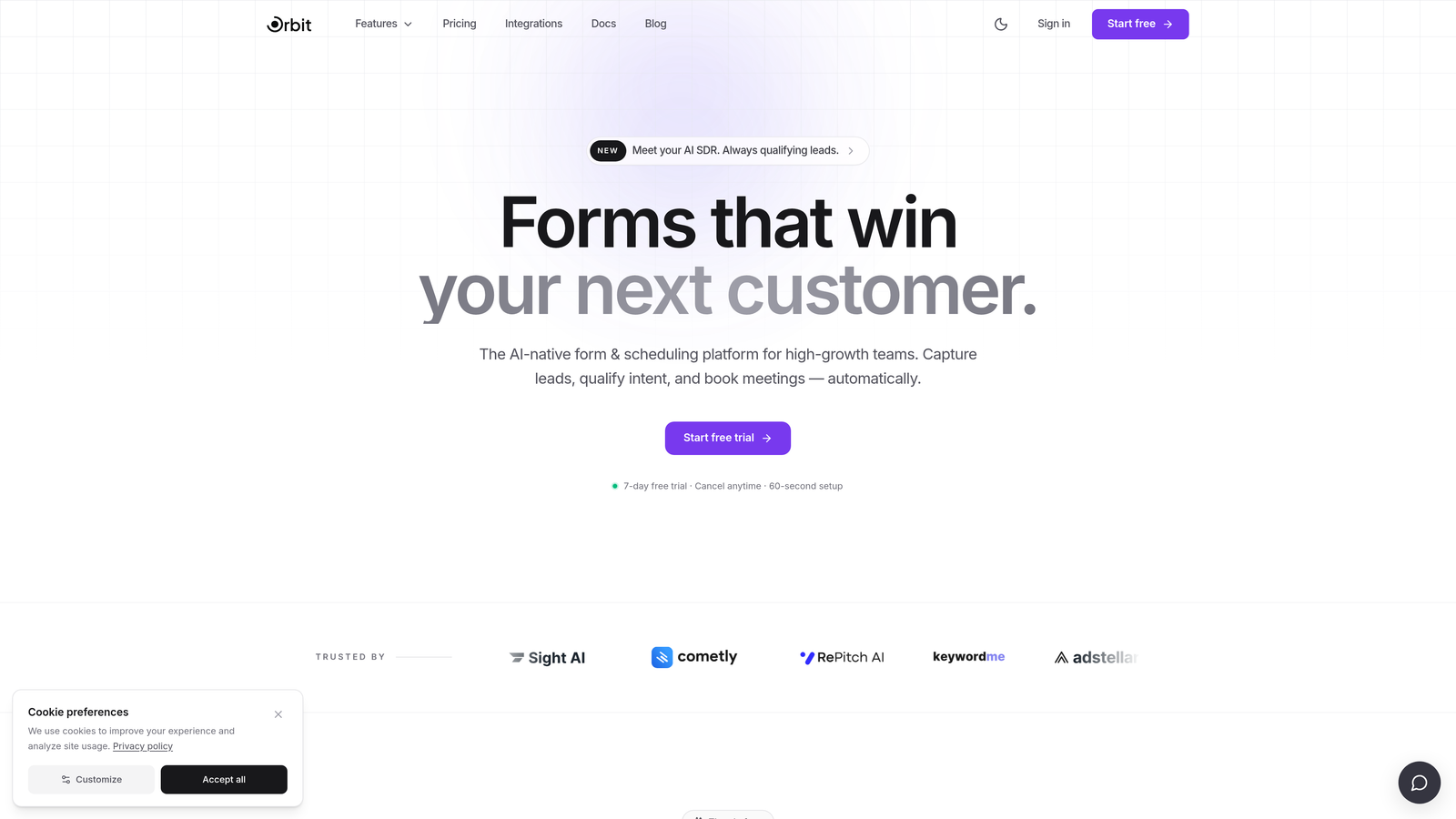
Orbit AI is an AI-powered form builder designed specifically for conversion optimization and real-time lead qualification.
Where This Tool Shines
What separates Orbit AI from most form builders is where the intelligence lives. Lead qualification isn't bolted on through a third-party integration or a CRM workaround. It runs natively inside the form itself, scoring and routing leads in real time as respondents move through the experience.
For demand gen teams and RevOps professionals, this matters. Instead of collecting raw submissions and manually triaging them later, Orbit AI lets you define qualification criteria upfront so your sales team only sees the leads worth pursuing. That's a fundamentally different approach to form-based lead generation.
Key Features
AI-Powered Lead Qualification: Scores and routes leads in real time based on responses, without requiring external automation tools.
Conversion-Optimized Design: Forms are built with friction reduction as a core principle, not an afterthought.
Conditional Logic: Personalize form flows based on respondent answers, creating a tailored experience for each visitor.
Native Qualification Engine: No Zapier chains or third-party middleware required to run lead scoring logic.
B2B SaaS Focus: Purpose-built for the use cases that matter most to high-growth teams: lead capture, demo requests, and onboarding flows.
Best For
Orbit AI is the strongest fit for B2B SaaS companies, demand generation teams, and RevOps professionals who treat lead quality as a first-class priority. If you're tired of sifting through low-intent submissions or patching together qualification logic across multiple tools, this is built for your workflow.
Pricing
Visit orbitforms.ai for current pricing and plan details, as plans are updated regularly.
2. Typeform
Best for: Teams that prioritize respondent experience and brand-forward survey or lead gen forms.
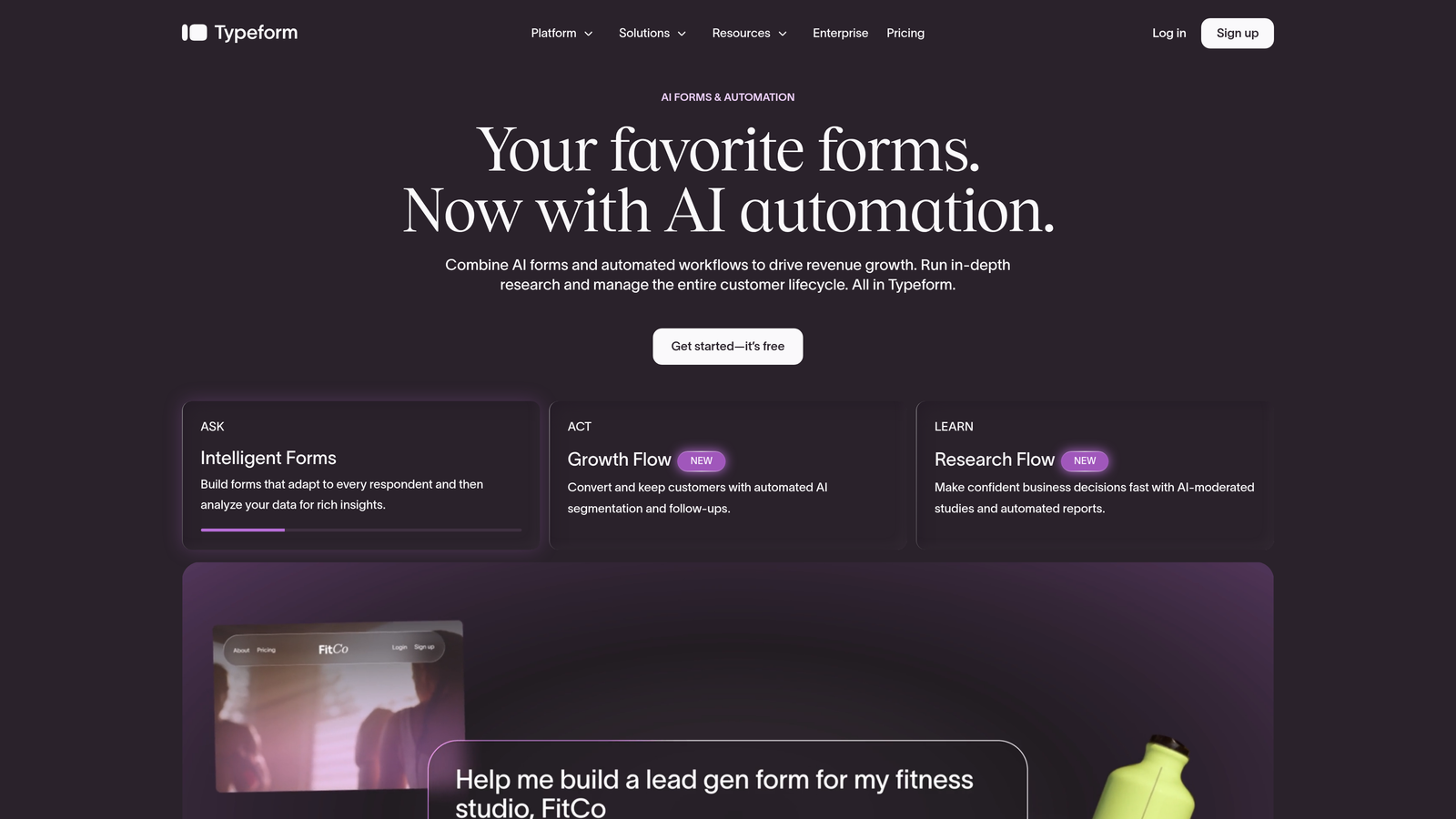
Typeform is a conversational form builder known for its one-question-at-a-time format that drives higher engagement on surveys and lead generation forms.
Where This Tool Shines
Typeform's core innovation is the experience it creates for respondents. By presenting one question at a time in a clean, focused interface, it reduces the visual overwhelm that kills completion rates on traditional multi-field forms. For brand-sensitive teams running NPS surveys, customer research, or top-of-funnel lead capture, this format works well.
The design templates are polished and customizable, making it easy to create forms that feel like an extension of your brand rather than a generic data collection widget.
Key Features
Conversational UX: One-question-at-a-time format keeps respondents focused and engaged throughout the form experience.
Conditional Logic: Logic jumps and branching available on paid plans allow for personalized question paths.
Brand-Friendly Templates: A strong library of polished, customizable templates suited for modern brand aesthetics.
Integration Ecosystem: Native connections to HubSpot, Salesforce, Slack, and other major marketing and sales tools.
Hidden Fields: Pass contextual data through URLs to personalize forms without asking redundant questions.
Best For
Typeform works best for marketing teams running surveys, NPS programs, or top-of-funnel lead capture where respondent experience is the top priority. It's less suited for teams that need native lead qualification or complex routing logic without additional tooling.
Pricing
A free plan is available. Paid plans are listed at current rates on typeform.com. Note that pricing has evolved over recent years, so verify the latest tiers directly on their site before committing.
3. Jotform
Best for: Teams that need a feature-complete form platform covering payments, e-signatures, and approval workflows in one tool.
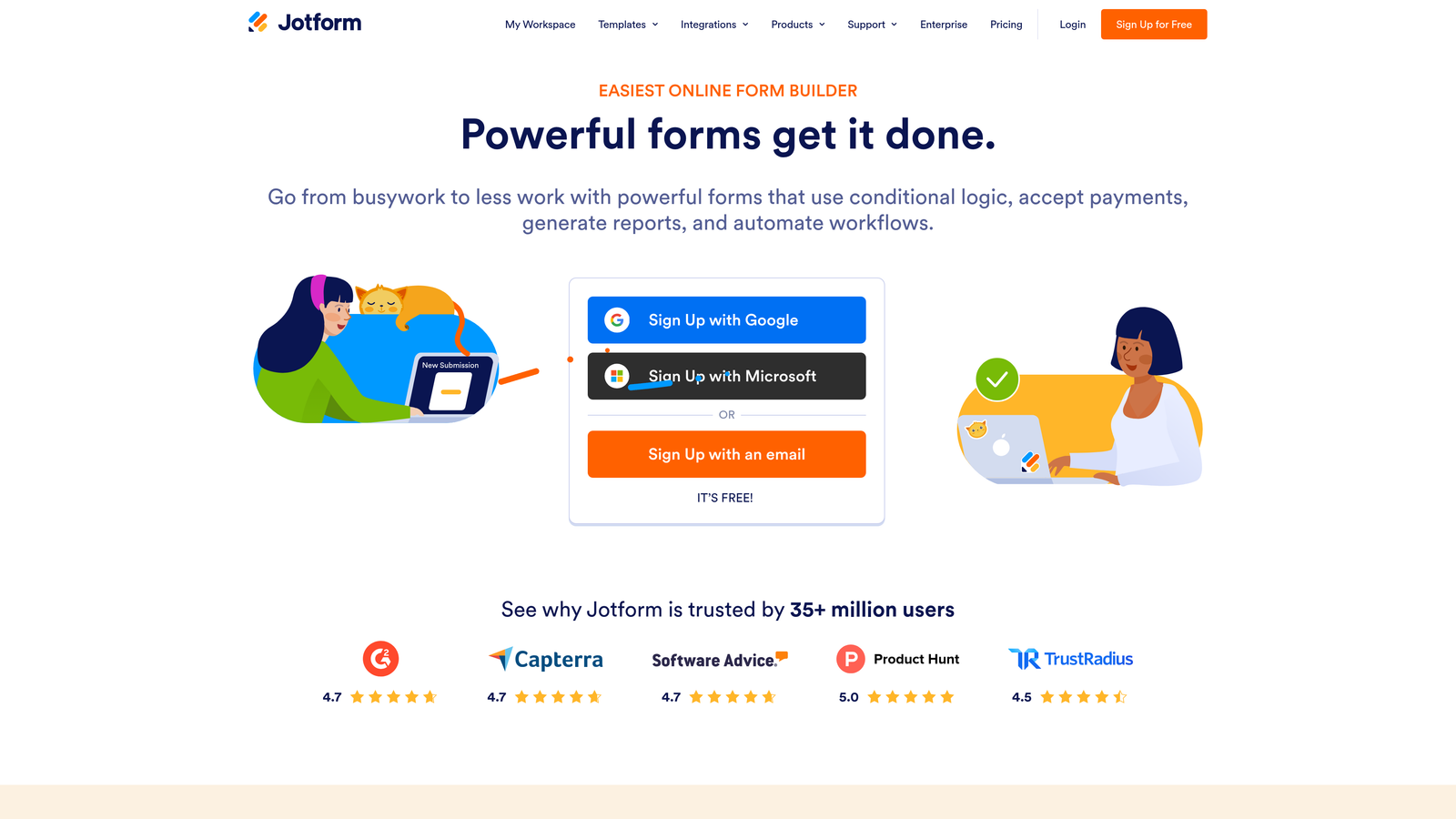
Jotform is one of the most feature-complete form builders available, with one of the largest template libraries and integration ecosystems in the market.
Where This Tool Shines
Jotform's breadth is its defining characteristic. Few tools match its range of supported use cases: payment collection, e-signatures, approval workflows, HIPAA-compliant data handling on higher tiers, and a template library covering hundreds of industries and scenarios. If you need a form builder that can handle almost anything, Jotform is a serious contender.
That said, the depth of features comes with a tradeoff. The interface can feel dense, and teams with simple use cases may find themselves navigating more complexity than they need.
Key Features
Extensive Template Library: Hundreds of templates spanning diverse industries and use cases, reducing setup time significantly.
Payment Collection: Built-in integrations for accepting payments directly through forms, including popular payment processors.
E-Signatures and Approval Workflows: Collect legally binding signatures and route submissions through multi-step approval processes.
HIPAA Compliance: Available on higher-tier plans for teams in regulated industries like healthcare.
Form Analytics: Track conversion rates and respondent behavior to optimize form performance over time.
Best For
Jotform is well-suited for operations teams, HR departments, and businesses in regulated industries that need a single platform to handle diverse form-based workflows. It's less optimized for high-growth SaaS teams focused purely on lead conversion speed.
Pricing
A free plan is available. Multiple paid tiers exist for growing teams and enterprises. Verify current pricing at jotform.com, as plans and limits change.
4. Paperform
Best for: Teams that want form and landing page functionality combined into a single, media-rich experience.
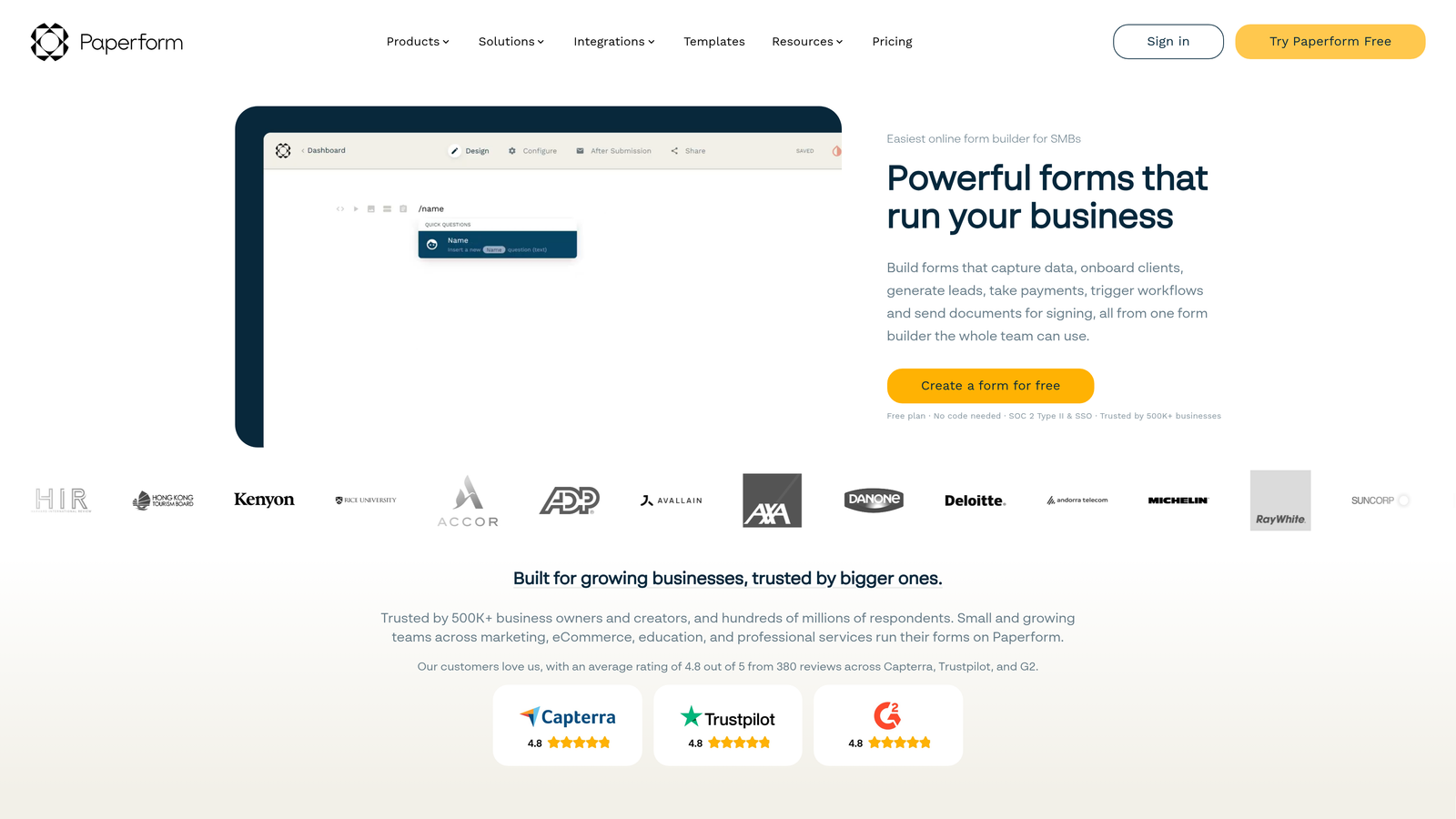
Paperform is a form builder that doubles as a lightweight landing page tool, letting teams create rich, content-filled form pages without a separate page builder.
Where This Tool Shines
Paperform's key differentiator is its flexibility as a content canvas. Unlike traditional form builders that present a bare field structure, Paperform lets you weave rich text, images, and video directly into the form experience alongside your input fields. The result is a form page that reads and feels like a branded landing page.
For teams trying to reduce tool sprawl, this is genuinely useful. You can run a product listing with payment collection, a styled intake form, or a gated content download all from the same platform.
Key Features
Rich Media Integration: Embed text, images, and video directly alongside form fields to create engaging, content-rich pages.
Product Listings and Payments: Built-in support for selling products and collecting payment without a separate e-commerce tool.
Conditional Logic: Show or hide fields and redirect respondents based on their answers.
Branded Form Pages: Styled, customizable pages that function as lightweight landing pages without requiring a separate builder.
Workflow Integrations: Connect to Zapier and select native integrations to automate post-submission actions.
Best For
Paperform suits small to mid-size teams that want to consolidate form building and simple landing page creation into one tool. Teams with complex lead qualification needs or large integration requirements may find it limiting compared to more specialized platforms.
Pricing
Paperform does not offer a permanent free plan. Paid plans are available at paperform.co. Verify current pricing before committing, as plans are subject to change.
5. Tally
Best for: Lean teams and startups that need unlimited forms with a clean, fast editing experience at no cost.
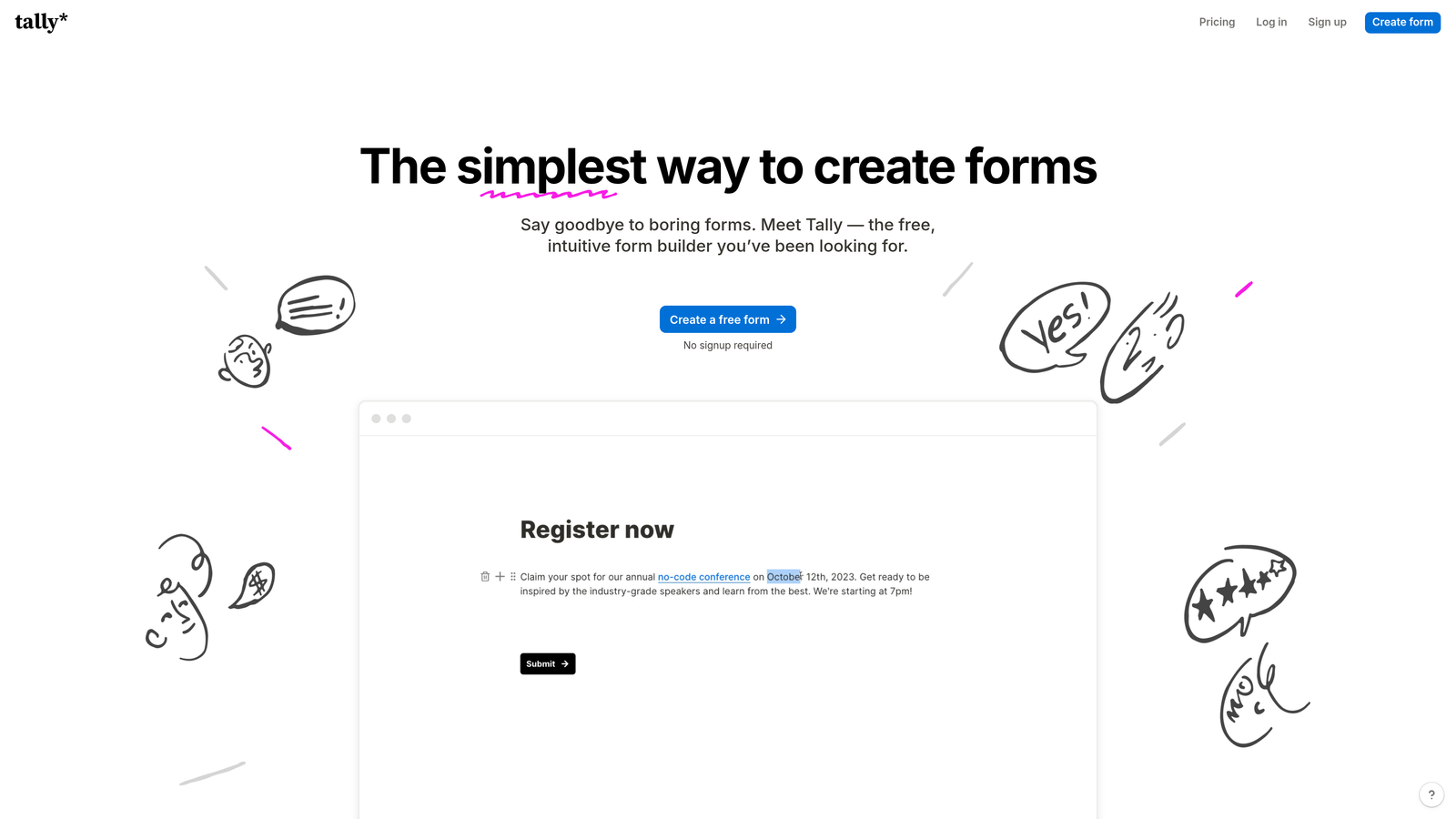
Tally is a free-first form builder with a Notion-inspired block editor, offering a generous free tier that makes it a strong option for teams watching their tool budget.
Where This Tool Shines
Tally's free tier is genuinely useful, not a stripped-down teaser. Unlimited forms and responses (verify current limits at tally.so) make it accessible for startups and indie teams that can't justify per-form or per-response pricing. The Notion-style block editor is fast and intuitive, with a low learning curve for anyone already familiar with modern productivity tools.
The design output is clean and minimal, which works well for teams that want forms to feel lightweight and unobtrusive rather than heavily branded.
Key Features
Generous Free Tier: Unlimited forms and responses available on the free plan, making it accessible for early-stage teams.
Block Editor: Notion-inspired editing experience that's fast to learn and comfortable for non-technical users.
Conditional Logic: Show or hide questions based on previous answers for more personalized form flows.
Hidden Fields: Pass contextual data through URLs to pre-populate or segment responses.
Embeddable Forms: Clean embed options for dropping forms into existing web pages with minimal friction.
Best For
Tally is ideal for startups, indie makers, and lean teams that need functional, attractive forms without a paid subscription. It's less suited for enterprise workflows, complex lead qualification, or teams that need deep CRM integrations out of the box.
Pricing
A generous free tier is available. A Pro plan with additional features is offered at tally.so. Verify current pricing and free tier limits directly on their site.
6. Formstack
Best for: Enterprise teams in regulated industries that need forms, document generation, and approval workflows in one platform.
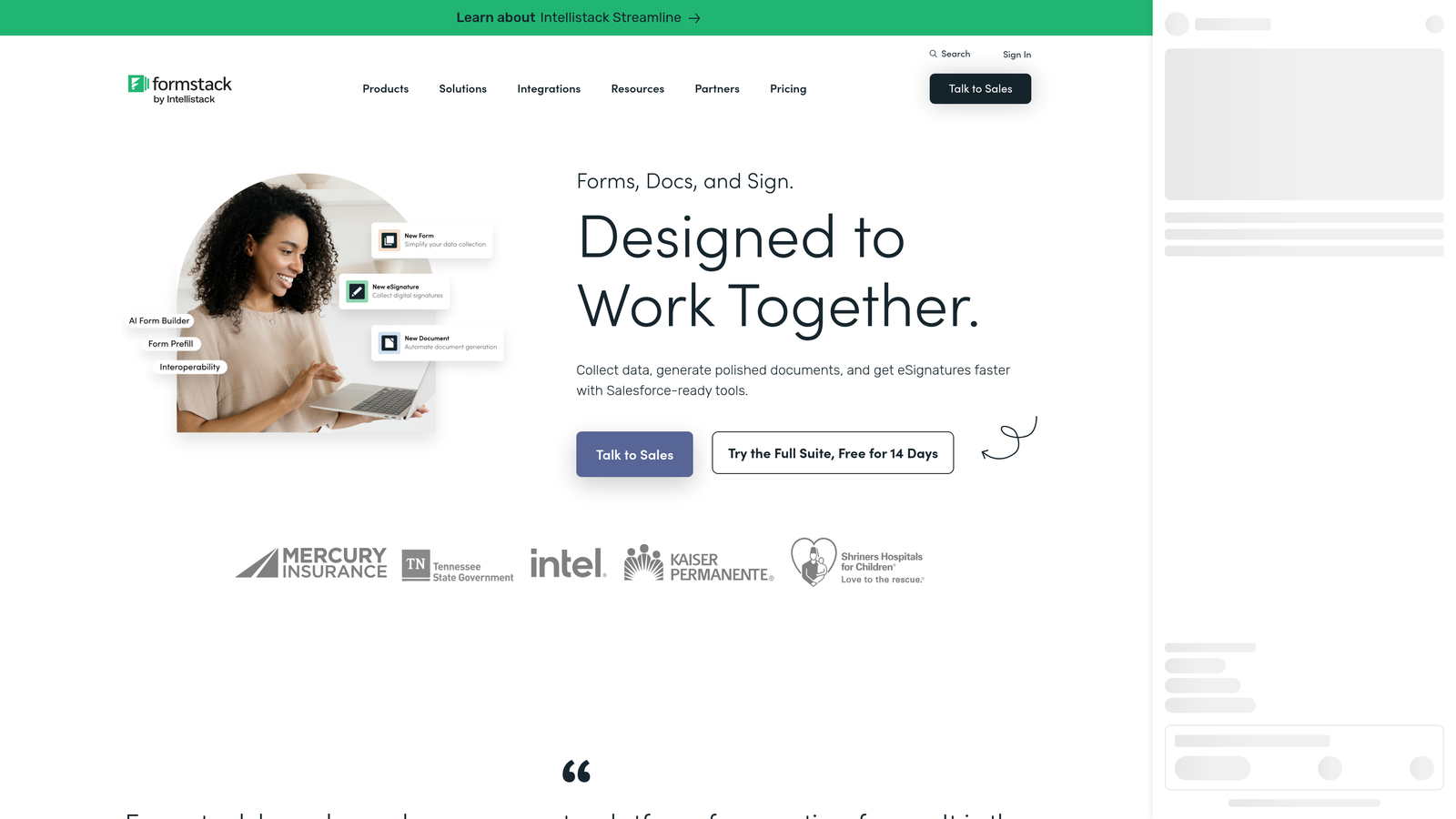
Formstack is an enterprise form and workflow platform that combines data collection with document generation, approval routing, and e-signature capabilities.
Where This Tool Shines
Formstack is built for organizations where forms are part of a larger operational process, not just a data collection endpoint. Multi-step approval routing, document generation triggered by form submissions, and strong compliance features make it a natural fit for healthcare, finance, legal, and other regulated industries.
The platform's depth is real, but it comes with a corresponding learning curve and price point. Teams with straightforward lead capture needs will likely find Formstack over-engineered for their use case.
Key Features
Multi-Step Workflow Automation: Route submissions through complex approval chains with conditional routing logic.
Document Generation: Automatically create documents from form data, reducing manual document assembly time.
E-Signature Collection: Built-in e-signature capabilities for contracts, agreements, and compliance documents.
Compliance Features: Strong data security and compliance controls suited for regulated industries.
Enterprise Integrations: Native connections to Salesforce, HubSpot, and other enterprise-grade tools.
Best For
Formstack is the right choice for enterprise operations teams, healthcare organizations, and legal or financial services firms that need forms embedded in structured, multi-step workflows. It's not optimized for high-velocity lead generation or conversion-focused marketing use cases.
Pricing
Formstack targets enterprise buyers with a higher price point. Verify current plan pricing and feature availability at formstack.com before evaluating for your team.
Which Tool Is Right for Your Team?
Each of these tools has a clear sweet spot, and choosing the wrong one for your use case is an easy mistake to make when every platform claims to be "feature-rich."
Orbit AI is the strongest choice for high-growth B2B teams where lead quality and conversion optimization are the primary goals. The native AI qualification engine means you're not just collecting submissions. You're filtering, scoring, and routing leads automatically without stitching together a stack of third-party tools.
Typeform excels when respondent experience and brand presentation are the priority, particularly for surveys, NPS programs, and top-of-funnel lead capture where a polished, conversational format drives completion rates.
Jotform is the go-to for teams that need maximum feature breadth in a single platform, covering payments, e-signatures, approvals, and compliance use cases across diverse industries.
Paperform suits teams looking to consolidate form building and lightweight landing page creation, especially when rich media content alongside form fields is part of the design strategy.
Tally is the smart pick for lean teams and startups that need unlimited, well-designed forms without a paid subscription commitment.
Formstack belongs in the enterprise toolkit when forms are part of a larger operational workflow involving document generation, approval routing, and compliance requirements.
If your team's focus is lead generation, pipeline quality, and conversion optimization, the tool architecture matters as much as the feature list. A form builder that qualifies leads natively is a fundamentally different asset than one that simply collects submissions.
Transform your lead generation with AI-powered forms that qualify prospects automatically while delivering the modern, conversion-optimized experience your high-growth team needs. Start building free forms today and see how intelligent form design can elevate your conversion strategy.


