

If your form builder can't tell you where leads drop off, which fields cause friction, or how your forms perform over time, you're flying blind. Weak analytics isn't a minor inconvenience — it's a conversion killer. Yet many popular form tools still offer little more than a basic submission count, leaving growth teams guessing about what's actually working.
This list cuts through the noise. We've evaluated nine form builders on the depth of their analytics, conversion tracking capabilities, and whether their data is actually actionable for teams focused on lead generation. Whether you're frustrated with your current tool's reporting or shopping for something new, this guide will help you find a platform that gives you real insight, not just a number in a dashboard.
Tools are ranked by the quality and usefulness of their analytics features, with a clear note on where each platform falls short.
1. Orbit AI
Best for: High-growth SaaS and B2B teams that need lead qualification tied directly to form analytics.
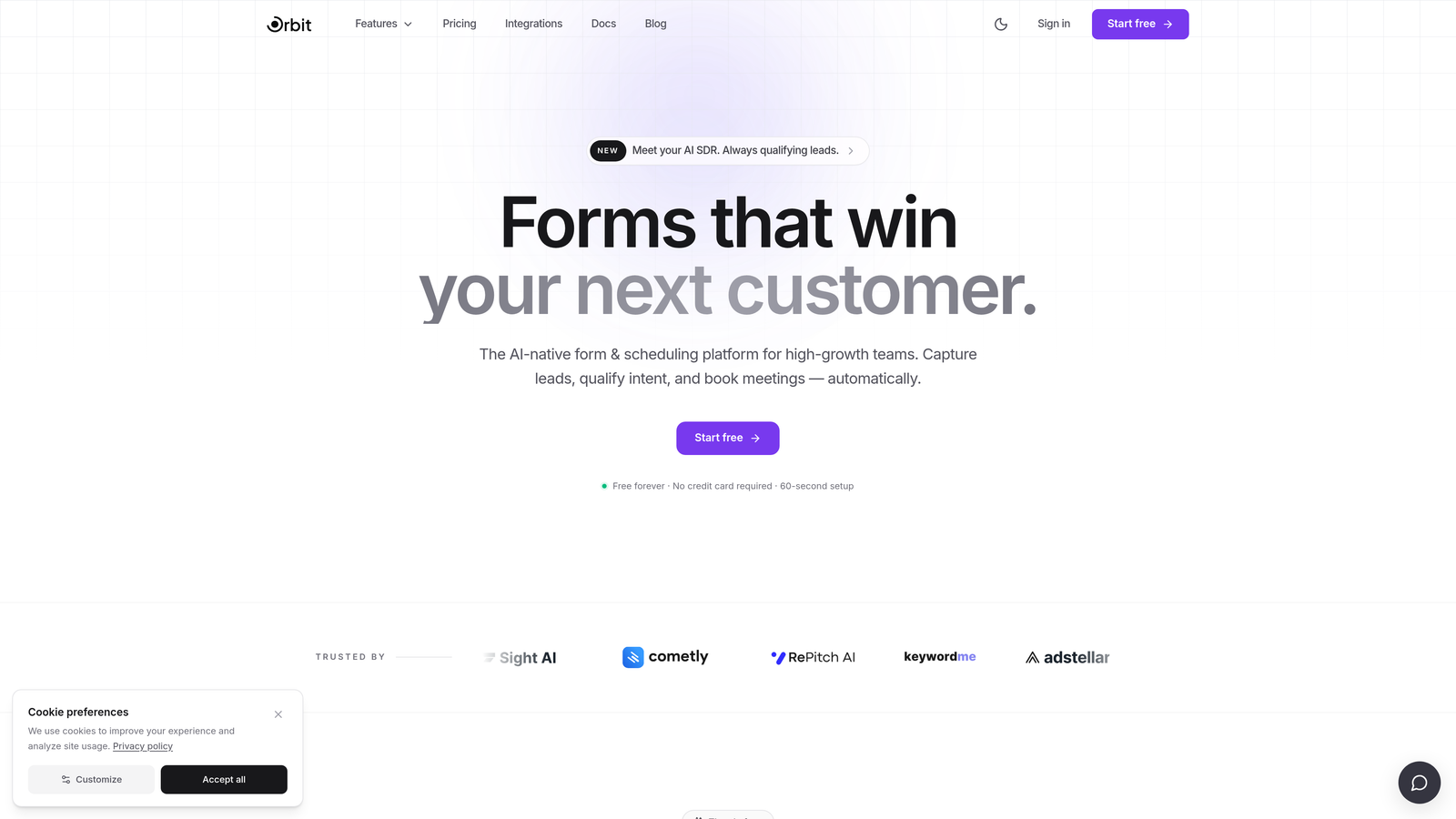
Orbit AI is an AI-powered form builder that combines conversion analytics with native lead qualification, built specifically for teams where form performance directly impacts revenue.
Where This Tool Shines
Most form builders separate data collection from lead quality. Orbit AI closes that gap by scoring leads directly from form responses, so your analytics aren't just telling you how many people submitted — they're telling you which submissions actually matter. That distinction is significant for growth teams who need to prioritize pipeline, not just volume.
The platform also surfaces field-level drop-off data, so you can see exactly where users abandon your forms and make informed decisions about what to cut, reorder, or rephrase. Combined with conversion-optimized design out of the box, it's built to improve results, not just measure them.
Key Features
AI Lead Qualification: Automatically scores leads based on form responses, so your team focuses on the highest-value prospects first.
Conversion Analytics: Tracks performance tied to lead quality, not just raw submission volume — a meaningful difference for B2B pipelines.
Drop-Off Tracking: Field-level data shows exactly where users disengage, making optimization decisions straightforward.
Conversion-Optimized Design: Beautiful, modern form layouts built to reduce friction and improve completion rates from day one.
Growth Team Focus: Purpose-built for lead generation workflows, not generic data collection.
Best For
SaaS companies, B2B marketing teams, and growth-focused organizations that want analytics connected to lead quality. If you're tired of form tools that tell you how many people submitted but not whether any of them were worth pursuing, Orbit AI is the clearest upgrade available.
Pricing
Visit orbitforms.ai for current pricing and plan details. A free tier is available to get started.
2. Typeform
Best for: Teams that prioritize form UX and engagement, with moderate analytics needs on paid plans.
Typeform is a conversational form builder known for its one-question-at-a-time format and polished design, with analytics that improve meaningfully on paid tiers.

Where This Tool Shines
Typeform's biggest strength is user experience. The conversational format genuinely improves engagement, and for teams running surveys, onboarding flows, or lead capture forms, that matters. On paid plans, you get completion rate tracking and drop-off data by question — which is more than most tools at this price point offer natively.
The limitation is scope. Analytics are form-level, not campaign-level. If you want to understand how a form performs across different traffic sources or tie submissions to downstream pipeline data, you'll need to connect Typeform to HubSpot, Salesforce, or another CRM via Zapier. That adds complexity and cost.
Key Features
Question-Level Drop-Off Tracking: Available on paid plans, showing where respondents exit during the form flow.
Conversational Format: One-question-at-a-time design reduces cognitive load and typically improves completion rates.
CRM Integrations: Connects with HubSpot, Salesforce, and Zapier for extended reporting beyond native capabilities.
Logic Jumps: Branching and conditional logic for personalized form flows based on previous answers.
Analytics Ceiling: Campaign-level and cross-form reporting requires third-party tools — not built in natively.
Best For
Marketing teams that value form aesthetics and engagement and are already using a CRM to handle downstream analytics. Less ideal for teams that need self-contained, deep reporting without additional integrations.
Pricing
Free plan available with limited features. Paid plans start at approximately $25/month. Verify current pricing at typeform.com.
3. Jotform
Best for: Teams needing broad feature coverage — payments, workflows, e-signatures — with analytics as a secondary priority.
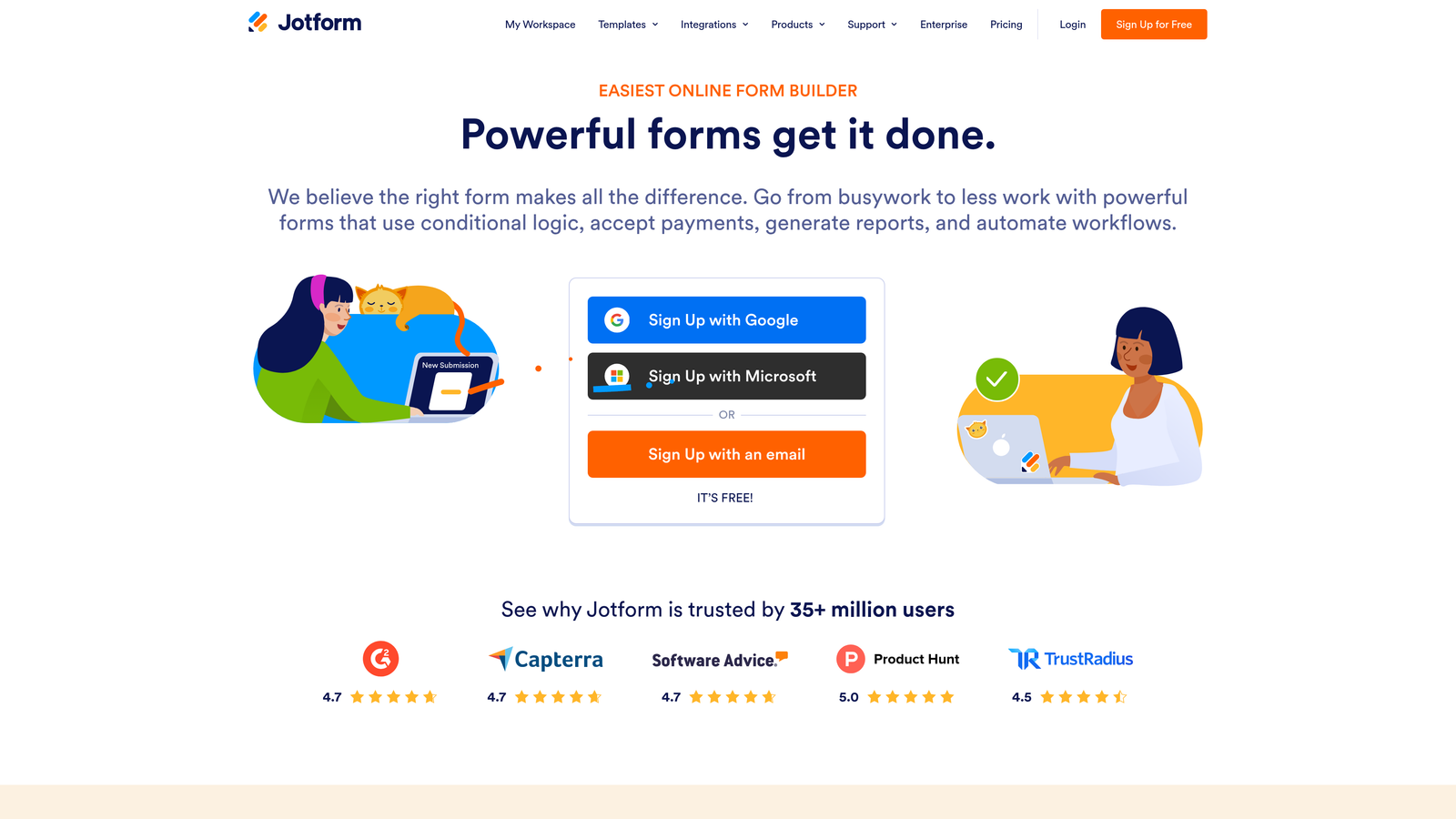
Jotform is a feature-rich form builder with one of the largest template libraries available, offering moderate analytics that scale with your plan tier.
Where This Tool Shines
Jotform's breadth is genuinely impressive. With over 10,000 templates, built-in payment processing, approval workflows, and e-signature support, it covers a wider range of use cases than almost any other tool on this list. For teams managing diverse form needs across departments, that flexibility has real value.
The analytics story is more mixed. Basic reporting is available on the free plan, but meaningful data — including more detailed response analytics — requires upgrading. More importantly, the analytics UI feels like a secondary feature rather than a core product priority. If reporting is your main concern, Jotform's interface will likely feel underwhelming compared to tools built with analytics at the center.
Key Features
Template Library: 10,000+ templates spanning industries, use cases, and form types — one of the largest available.
Payment and Workflow Support: Built-in payment collection, multi-step approvals, and e-signature capabilities.
Integration Ecosystem: Connects with 150+ apps, enabling extended reporting through external tools.
Tiered Analytics: Reporting depth scales with plan level; free tier analytics are minimal.
Analytics as Secondary Feature: The product is optimized for form building, not conversion analysis.
Best For
Operations teams, HR departments, and businesses managing varied form workflows who need feature breadth over analytics depth. Not the right fit for growth teams whose primary goal is conversion optimization.
Pricing
Free plan available. Paid plans start at approximately $34/month. Verify current pricing at jotform.com.
4. HubSpot Forms
Best for: Teams already running their marketing and CRM operations inside the HubSpot ecosystem.
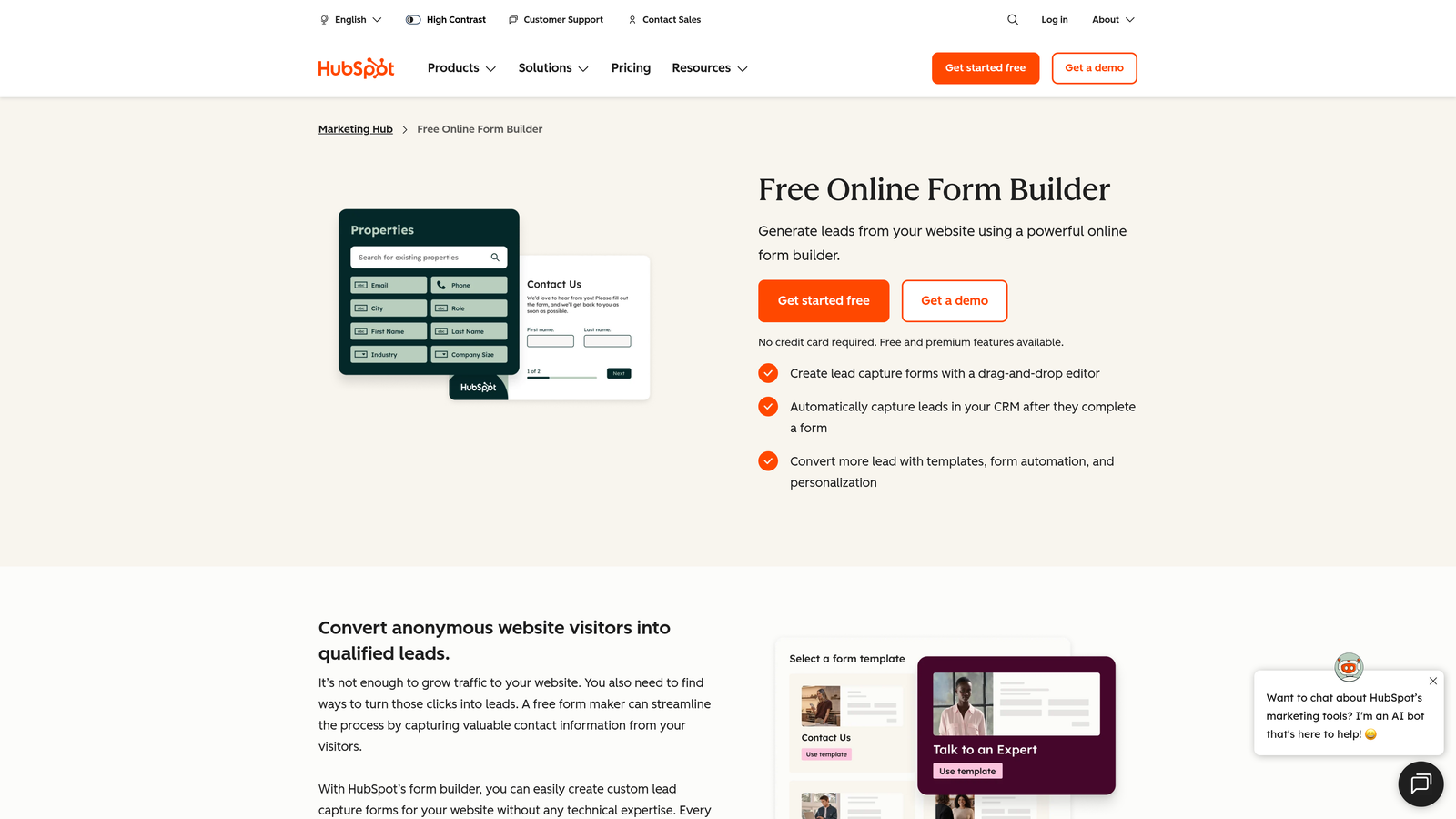
HubSpot Forms is a native form tool that delivers genuinely powerful analytics — but only when used within HubSpot's broader marketing and CRM platform.
Where This Tool Shines
When you're inside HubSpot, form analytics become something more useful: contact intelligence. Submissions flow directly into CRM records, triggering lifecycle stage updates, pipeline movement, and detailed lead histories. Progressive profiling means return visitors see different fields, enriching data over time without re-asking the same questions. For teams already in HubSpot, this is a meaningful advantage.
The catch is significant. Standalone, HubSpot Forms is basic. The analytics power is entirely ecosystem-dependent. If you're not using HubSpot's Marketing Hub, you're not getting the reporting value — and full Marketing Hub access carries a premium price that puts it out of reach for many smaller or earlier-stage teams.
Key Features
CRM Integration: Form submissions populate contact records, lifecycle stages, and deal pipelines automatically.
Progressive Profiling: Returning visitors see new fields, building richer lead profiles over multiple interactions.
Pipeline Reporting: Tie form performance to revenue and conversion stages within HubSpot's reporting suite.
Ecosystem Dependency: Analytics value requires the full HubSpot Marketing Hub — not available standalone.
Free Entry Point: Basic forms are free with HubSpot CRM; advanced analytics require paid tiers.
Best For
HubSpot-native marketing teams who want form data to flow seamlessly into their existing CRM and reporting infrastructure. A poor choice if you're not already committed to the HubSpot ecosystem.
Pricing
Free with HubSpot CRM. Advanced features require Marketing Hub, starting at approximately $800/month. Verify current pricing at hubspot.com.
5. Google Forms
Best for: Internal surveys, low-stakes data collection, and situations where cost is the only consideration.
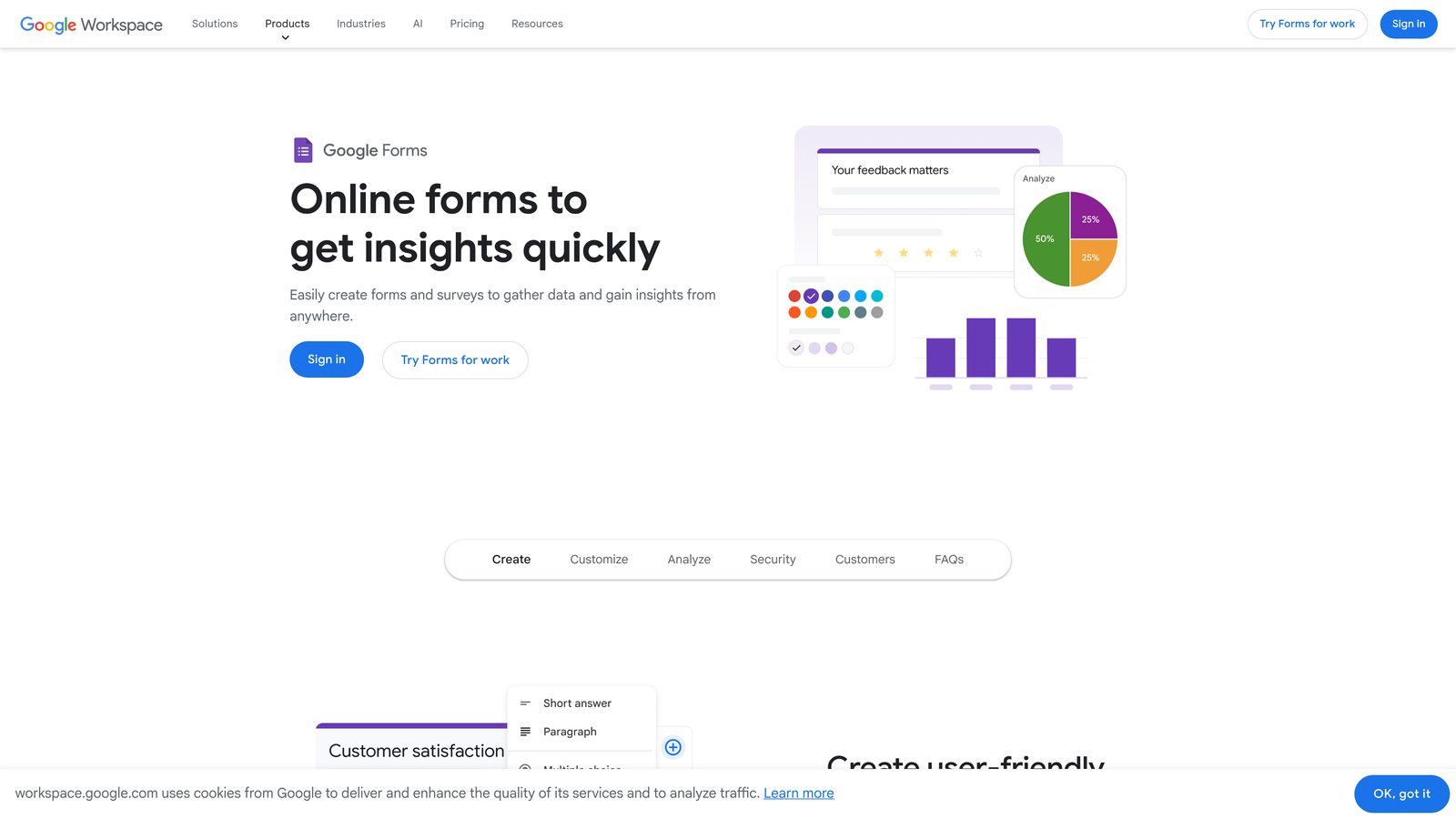
Google Forms is free, widely used, and widely cited as the most prominent example of a form builder with poor analytics.
Where This Tool Shines
Honestly? Google Forms shines brightest when analytics don't matter. It's fast to set up, universally accessible, and costs nothing. For internal team surveys, event RSVPs, or simple data collection where you just need responses in a spreadsheet, it does the job without friction.
The moment you need conversion data, it falls apart. There's no drop-off tracking, no partial submission capture, no field-level performance data, and no conversion rate reporting. You can export to Google Sheets for manual analysis or connect Looker Studio for dashboard-level views, but both require significant setup effort that negates the simplicity advantage. If you're using Google Forms for lead generation, you're operating without a safety net.
Key Features
Response Summary: Basic charts and counts — no conversion or drop-off data included.
Google Sheets Export: Raw data export for manual analysis in spreadsheets.
Looker Studio Compatibility: Dashboard reporting is possible but requires external setup and connection.
No Partial Submission Data: Users who abandon mid-form leave no trace in native reporting.
Completely Free: Zero cost with a Google account — the primary reason it remains widely used.
Best For
Internal use cases, academic research, and low-stakes data collection where submission counts are sufficient. Not appropriate for any team with lead generation, conversion optimization, or pipeline goals.
Pricing
Free with a Google account.
6. Tally
Best for: Individuals and small teams who need clean, simple forms fast — and don't need conversion analytics.
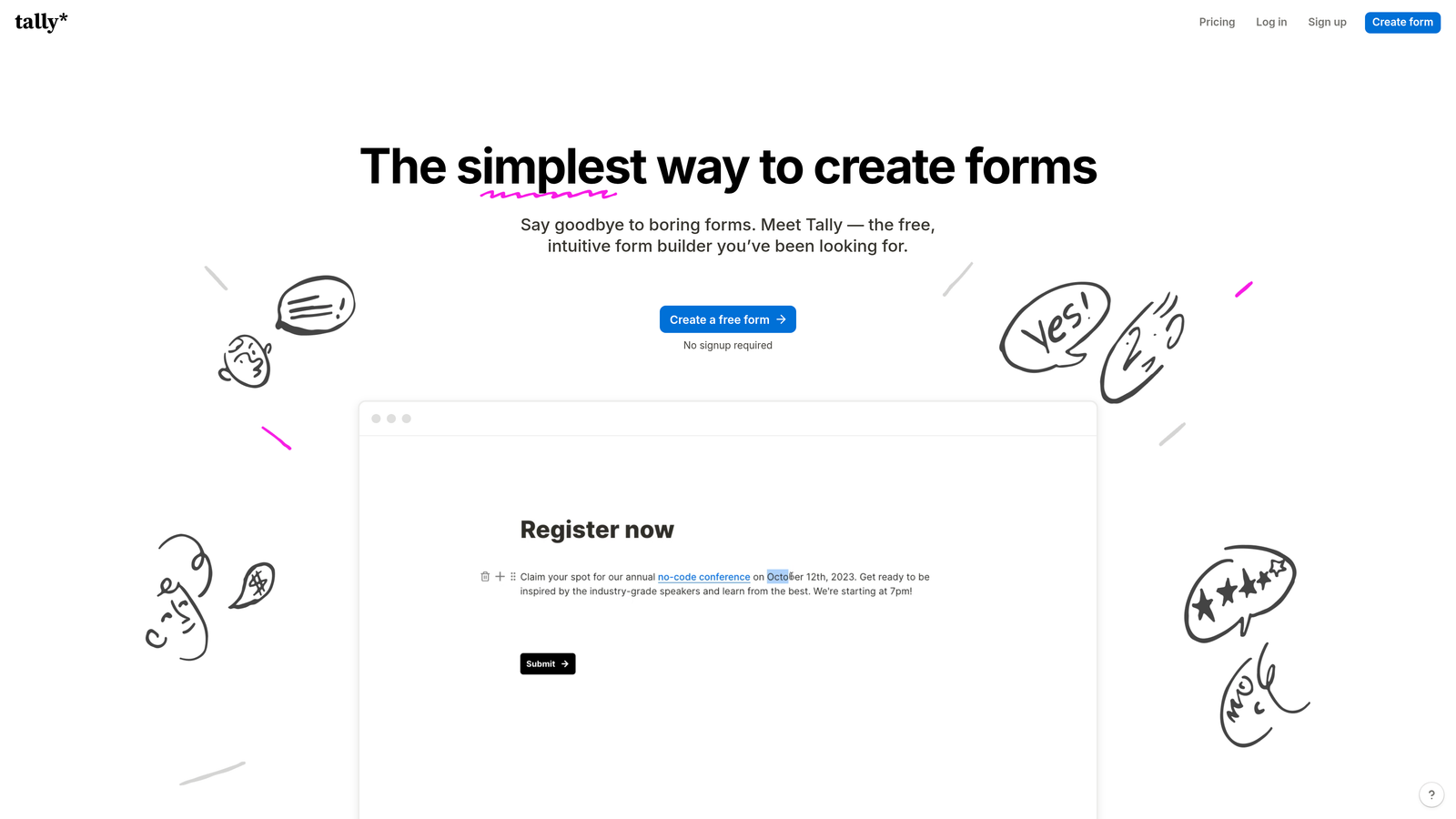
Tally is a free Typeform alternative with a Notion-like editing experience that prioritizes simplicity over analytics depth.
Where This Tool Shines
Tally's editor is genuinely delightful. The block-based interface feels familiar to anyone who uses Notion, and building a form takes minutes. The generous free tier — unlimited forms and unlimited responses — makes it one of the most accessible tools available for individuals and early-stage teams on tight budgets.
Analytics, however, are intentionally minimal. Tally offers a basic response summary and completion count. There's no field-level drop-off tracking, no funnel analytics, and no conversion rate data. The product team has been transparent that simplicity is the priority — which is a legitimate product decision, but it means Tally is a poor fit for any team using forms as a lead generation tool that needs to be optimized over time.
Key Features
Notion-Style Editor: Block-based form building that's fast and intuitive for anyone familiar with modern productivity tools.
Generous Free Tier: Unlimited forms and responses at no cost — a significant advantage for early-stage teams.
Basic Response Summary: Completion counts and simple response data — no advanced analytics.
No Drop-Off Tracking: Field-level abandonment data is not available on any plan.
Simplicity as a Feature: The product intentionally avoids complexity, which limits its analytics ceiling.
Best For
Freelancers, early-stage startups, and teams that need simple forms for non-critical use cases. Growth teams focused on lead conversion should look elsewhere.
Pricing
Free plan available. Tally Pro at approximately $29/month. Verify current pricing at tally.so.
7. Paperform
Best for: Small to mid-sized teams that want better-than-average analytics without enterprise pricing.
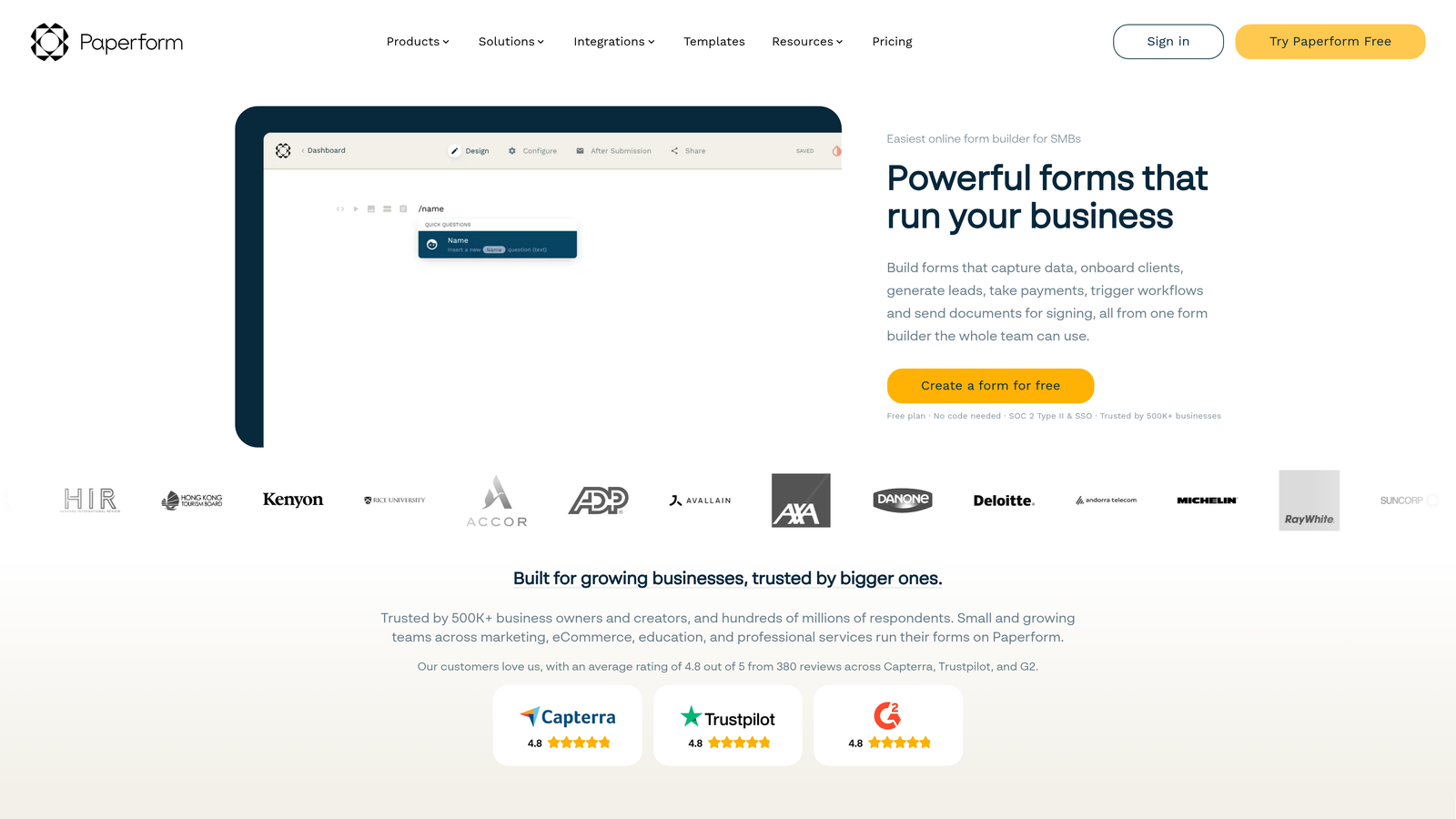
Paperform is a mid-tier form builder that combines forms, payments, and scheduling with conversion analytics that punch above their price point.
Where This Tool Shines
Paperform occupies an interesting space between a form builder and a lightweight landing page tool. The design flexibility is notable — forms can look like polished marketing pages rather than generic data collection interfaces. More importantly for this list, the analytics are meaningfully better than most tools at a comparable price.
View-to-completion conversion tracking and partial submission data are available on paid plans, giving you real insight into where users drop off. That's not a given at this price tier. If you're a small team that needs actionable form analytics but can't justify enterprise-level pricing, Paperform is worth serious consideration.
Key Features
View-to-Completion Tracking: Conversion rate data showing how many visitors who see the form actually complete it.
Partial Submission Data: Captures where users abandon, enabling targeted optimization decisions.
Payment and Scheduling Integration: Combines form collection with payment processing and appointment booking.
Landing Page-Style Design: Template library supports visually rich, marketing-quality form layouts.
Analytics Dashboard: More actionable than most tools at this price point — a genuine differentiator.
Best For
Small businesses, consultants, and growing teams that need conversion analytics and payment functionality without committing to an enterprise platform. A solid middle-ground option.
Pricing
Paid plans start at approximately $24/month. Verify current pricing at paperform.co.
8. Formstack
Best for: Enterprise teams that need deep native analytics, compliance features, and CRM integration at scale.
Formstack is an enterprise-grade form platform with one of the strongest native analytics offerings in this category — at a premium price to match.
Where This Tool Shines
If analytics depth is your primary concern and budget isn't a constraint, Formstack delivers. Field-level analytics show you not just where users abandon, but where they hesitate — time-on-field data reveals friction points that simpler tools miss entirely. A/B testing on higher-tier plans lets you run controlled experiments on form variations, which is rare in this category.
The compliance features are also worth noting for regulated industries. Healthcare and financial services teams often find Formstack's HIPAA and enterprise security capabilities essential. The trade-off is cost: Formstack's pricing starts higher than most alternatives, making it difficult to justify for smaller teams who don't need the full feature set.
Key Features
Field-Level Analytics: Tracks where users hesitate or abandon at the individual field level — not just form-level data.
A/B Testing: Test form variations against each other on higher-tier plans to optimize conversion rates.
Conversion Funnel Data: Time-on-form metrics and completion funnel reporting for detailed performance analysis.
Enterprise CRM Integrations: Deep connections with Salesforce, HubSpot, and other major platforms.
Compliance Features: HIPAA-compliant options and enterprise security for regulated industries.
Best For
Enterprise marketing and operations teams in regulated industries, or organizations that need the deepest available native analytics and have the budget to support it. Overkill for most small to mid-sized teams.
Pricing
Plans start at approximately $83/month; enterprise pricing available. Verify current pricing at formstack.com.
9. Wufoo
Best for: Teams with very basic form needs and no analytics requirements — or teams actively looking for a reason to migrate.
Wufoo is one of the original SaaS form builders, now showing its age — particularly when it comes to reporting capabilities.
Where This Tool Shines
Wufoo deserves credit for longevity. It was a category pioneer, and it still offers a long integration list and a functional form-building experience for simple use cases. The pricing entry point is accessible, and for teams that genuinely only need basic data collection with no analytics ambitions, it technically does the job.
The analytics picture, however, is dated. Entry reports and field-level response summaries are available, but there's no modern funnel analytics, no drop-off tracking, no AI features, and no conversion rate reporting. Wufoo is now owned by the same parent company as Typeform, but the product hasn't kept pace with the category's evolution. It appears frequently in migration discussions specifically because teams outgrow its reporting capabilities quickly.
Key Features
Basic Entry Reports: Response summaries and field-level data — functional but limited in scope.
Integration List: Connects with a range of third-party tools, though analytics remain surface-level regardless.
No Funnel Analytics: Drop-off tracking, partial submissions, and conversion funnels are not available.
No AI Features: No lead scoring, qualification, or intelligent form optimization capabilities.
Accessible Entry Pricing: Lower starting price than most alternatives — the primary remaining advantage.
Best For
Teams with minimal form needs and zero analytics requirements. If you're currently on Wufoo and frustrated by its reporting limitations, that frustration is well-founded — and this list gives you several strong alternatives to consider.
Pricing
Free plan available. Paid plans start at approximately $14.08/month. Verify current pricing at wufoo.com.
Which Form Builder Is Actually Right for You?
Here's the honest summary: most form builders in this list were built for data collection first and analytics second. That's fine if you're running internal surveys or collecting RSVPs. It's a problem if your forms are part of a lead generation engine where conversion performance directly affects revenue.
If you're a high-growth SaaS or B2B team, Orbit AI is the only tool on this list that connects form analytics to lead quality natively — no integrations required, no analytics bolted on as an afterthought.
For enterprise teams with compliance needs: Formstack's field-level analytics and A/B testing make it the strongest native analytics platform at the high end of the market.
For HubSpot-native teams: HubSpot Forms delivers genuine value if you're already living in that ecosystem. Without it, the analytics case falls apart.
For budget-conscious teams that still want conversion data: Paperform offers view-to-completion tracking and partial submission data at an accessible price point — more than you'd expect for what it costs.
For teams on Google Forms, Tally, or Wufoo: Your frustration with analytics is valid. These tools were not designed for conversion optimization, and no amount of workarounds will change that. The right move is to switch.
Transform your lead generation with AI-powered forms that qualify prospects automatically while delivering the modern, conversion-optimized experience your high-growth team needs. Start building free forms today and see how intelligent form design can elevate your conversion strategy.
Want to go deeper? Explore how to increase your form submission rates and how to improve the quality of leads your forms generate — two areas where the right analytics make all the difference.


