

Monthly billing might seem like a small detail, but for growing teams it can make a significant difference. No long-term contracts means you can scale up when you're acquiring leads aggressively, scale back during slower periods, and switch tools without penalty if your needs change. The problem is that many form builders either bury their monthly pricing, push hard for annual commitments, or reserve key features for annual subscribers only.
This list cuts through the noise. We evaluated form software that offers genuine, transparent month-to-month billing without hiding the good stuff behind annual plans. Selection criteria included pricing transparency, feature depth on monthly tiers, ease of use, and overall value for growth-focused teams that need flexibility as much as they need functionality.
Whether you're a startup capturing your first leads or a scaling SaaS team optimizing conversion at every touchpoint, there's a solid option here for you. Here are the top form software tools with monthly billing worth considering in 2026.
1. Orbit AI
Best for: High-growth teams that want AI-powered lead qualification built directly into their forms.
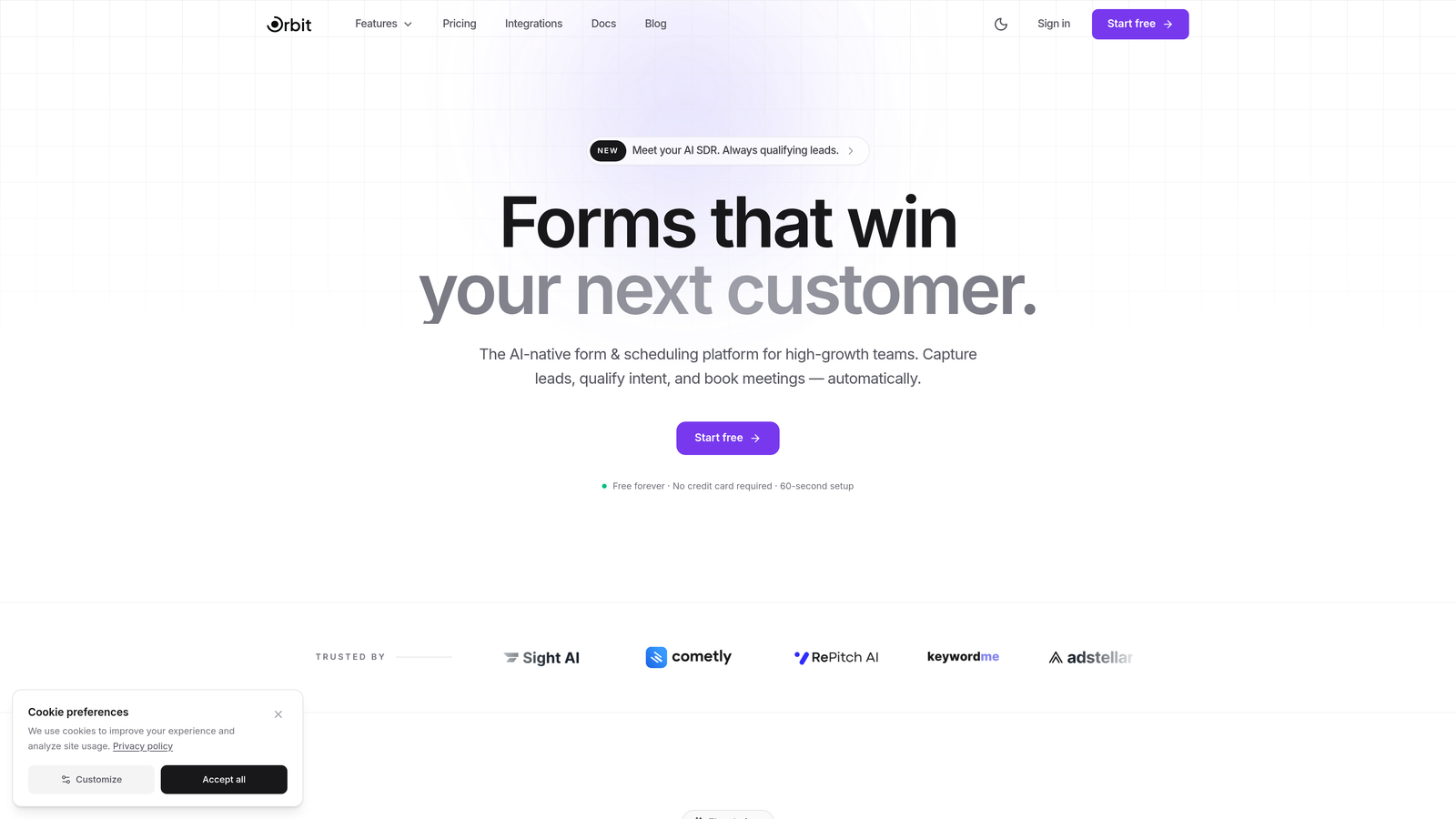
Orbit AI is an AI-powered form builder platform designed specifically for conversion optimization and intelligent lead qualification.
Where This Tool Shines
Most form builders capture data and stop there. Orbit AI goes a step further by qualifying leads as they fill out your form, scoring and segmenting prospects automatically so your sales team spends time on the right conversations. This is a meaningful differentiator in a category where most tools are still focused purely on data collection.
The platform is built with modern design sensibilities and a clear focus on conversion. Templates are optimized to reduce friction and improve completion rates, which matters enormously when you're trying to squeeze more value out of existing traffic rather than just throwing more budget at acquisition.
Key Features
AI-Powered Lead Qualification: Automatically scores and qualifies leads based on form responses, reducing manual triage for sales teams.
Conversion-Optimized Templates: Pre-built templates designed around best practices for engagement and completion rate improvement.
Conditional Logic and Dynamic Fields: Show or hide fields based on previous answers to keep forms relevant and frictionless.
CRM and Marketing Tool Integrations: Connect with popular CRMs and marketing platforms to keep your lead data flowing where it needs to go.
Flexible Monthly Billing: No long-term commitment required, giving teams the freedom to scale usage without being locked in.
Best For
Orbit AI is the natural fit for SaaS companies, growth marketers, and demand generation teams that want more than a data collection tool. If lead quality matters as much as lead volume to your team, the built-in qualification layer makes this worth a serious look.
Pricing
Monthly billing is available with no long-term commitment required. Visit orbitforms.ai for current plan details and pricing tiers.
2. Typeform
Best for: Teams that prioritize form engagement and want a polished, conversational experience for respondents.
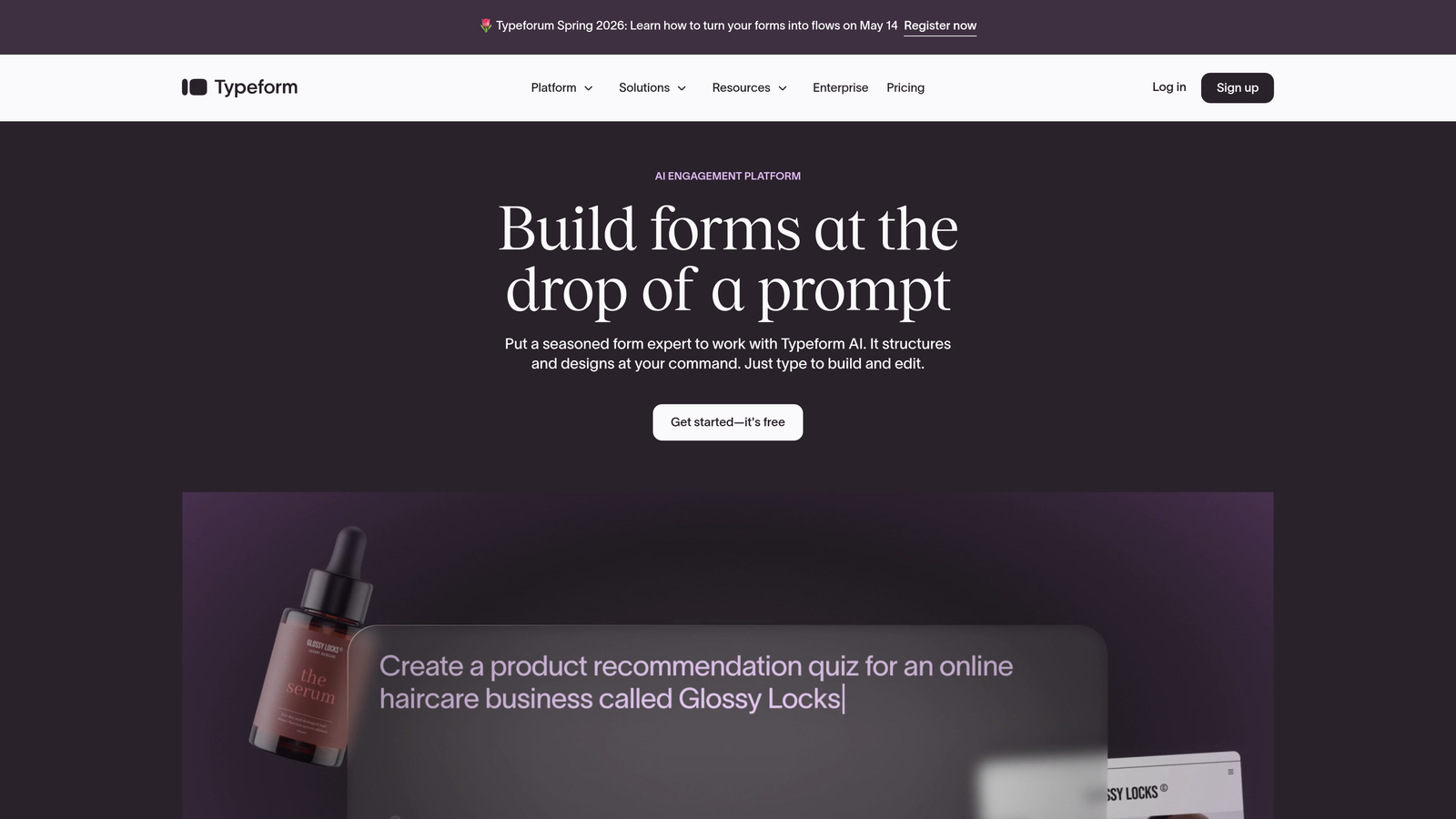
Typeform is a conversational form builder built around a one-question-at-a-time format that drives higher completion rates.
Where This Tool Shines
Typeform's signature UX is genuinely different from traditional form builders. By presenting one question at a time, it mimics the flow of a real conversation, which tends to reduce abandonment and improve the quality of responses. For surveys, lead gen forms, and customer feedback, this approach delivers a noticeably better respondent experience.
The design flexibility is also a strong point. Typeform forms look premium out of the box, and brand customization options make it easy to match your visual identity without needing a designer involved.
Key Features
Conversational Interface: One-question-at-a-time format that keeps respondents focused and engaged throughout the form.
Brand Customization: Fonts, colors, backgrounds, and imagery can all be tailored to match your brand identity.
Logic Jumps: Conditional branching sends respondents down different paths based on their answers.
Native Integrations: Connects directly with Zapier, HubSpot, Slack, Salesforce, and many other tools in the modern stack.
Media Embedding: Video and image content can be embedded within forms to enrich the experience.
Best For
Typeform works well for marketing teams running lead generation campaigns, product teams collecting user feedback, and anyone who wants their forms to feel like a brand touchpoint rather than a generic data entry exercise.
Pricing
Basic plan starts around $25/month on monthly billing. Higher tiers unlock more responses, logic features, and integrations.
3. Jotform
Best for: Teams that need versatility across multiple use cases, from surveys to payment collection to app building.
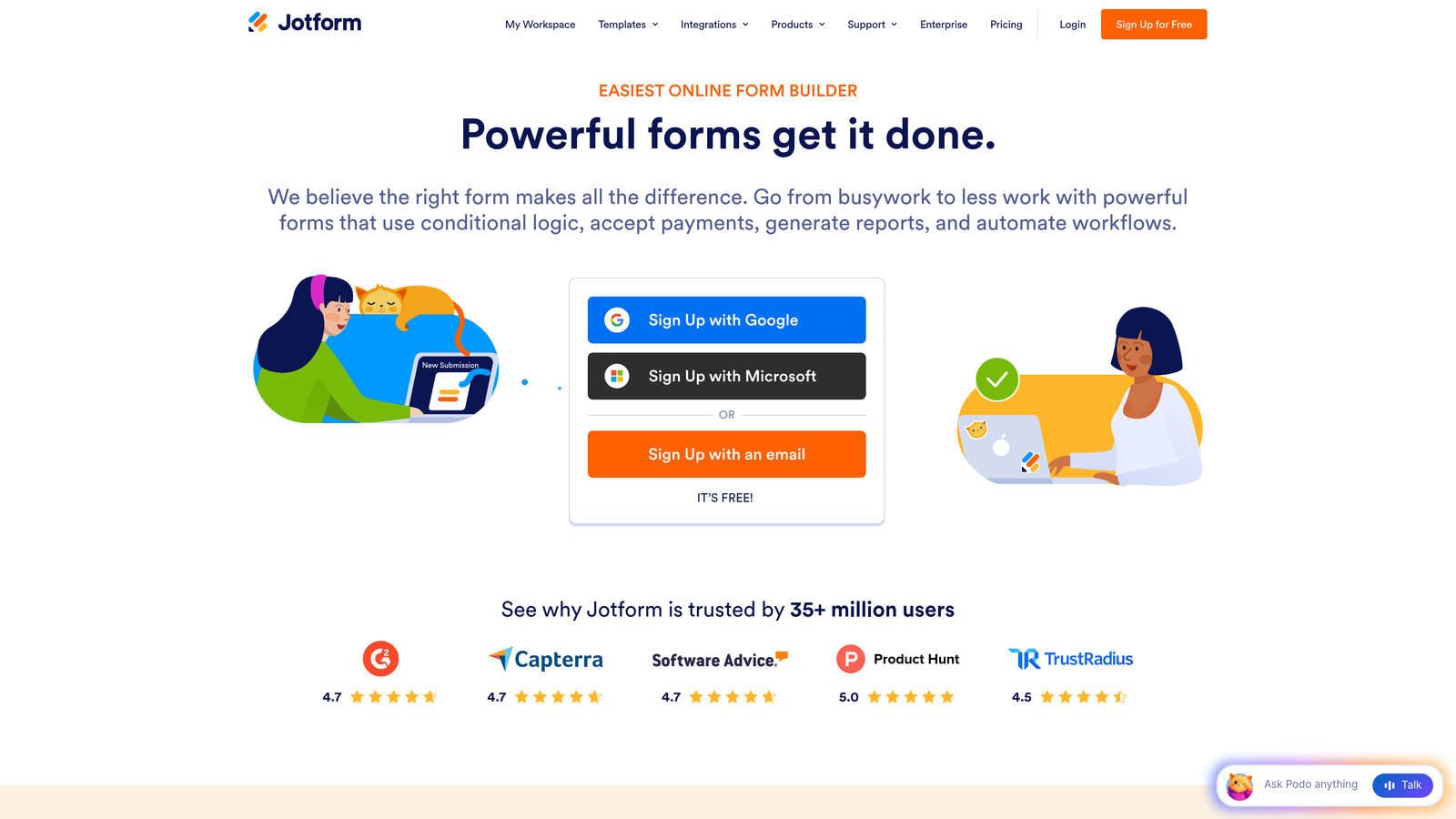
Jotform is a feature-rich no-code form builder with one of the largest template libraries in the category.
Where This Tool Shines
Jotform's breadth is its biggest strength. With over 10,000 templates spanning virtually every industry and use case, you can get a functional form up in minutes without starting from scratch. It's a reliable workhorse for teams that need to build many different types of forms without switching tools.
The Jotform Apps feature is a notable differentiator, allowing teams to bundle multiple forms into a no-code mobile app experience. For operations-heavy teams managing registrations, approvals, or data collection workflows, this extends the platform well beyond basic form building.
Key Features
Massive Template Library: 10,000+ templates across industries, making it fast to get started on almost any form type.
Drag-and-Drop Builder: Intuitive visual editor with a wide range of widgets and field types.
Jotform Apps: Build no-code mobile apps from your forms, useful for teams managing complex data collection workflows.
Payment Collection: Native integrations with PayPal, Stripe, and Square for order forms and registrations.
Generous Free Tier: Five forms and 100 submissions per month at no cost, making it accessible for smaller teams testing the waters.
Best For
Jotform suits operations teams, small businesses, and organizations that need a flexible, all-purpose form tool without a steep learning curve. It's especially strong when payment collection or complex multi-step workflows are involved.
Pricing
Bronze plan starts around $39/month on monthly billing. A free tier is available with limited submissions and forms.
4. Tally
Best for: Startups and indie teams that want a clean, simple form builder with an unusually generous free plan.
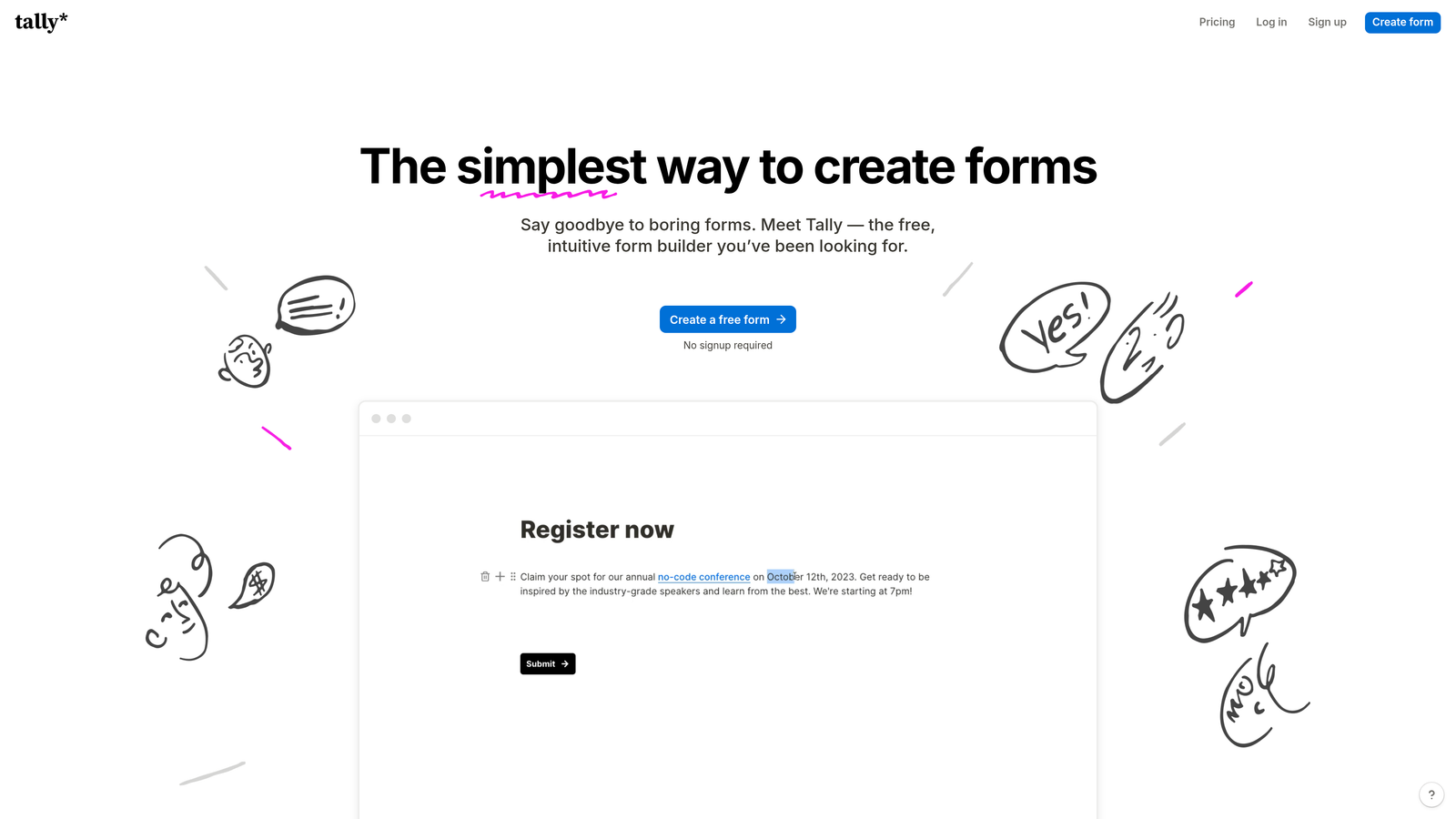
Tally is a minimalist form builder with a Notion-style editing experience that keeps things fast and friction-free.
Where This Tool Shines
Tally's free plan is genuinely impressive. Unlimited forms and unlimited submissions at no cost is rare in this category, and it makes Tally an easy recommendation for teams that are early in their journey or simply don't need enterprise-level features. There's no catch hiding in the submission limits.
The block-based editor will feel immediately familiar to anyone who uses Notion, which lowers the learning curve significantly. Building a form in Tally feels more like writing a document than configuring a tool, which is a meaningful UX advantage for non-technical users.
Key Features
Unlimited Free Forms: No submission caps or form limits on the free plan, which is highly unusual in the category.
Notion-Style Editor: Block-based editing interface that's intuitive for anyone familiar with modern productivity tools.
Conditional Logic: Show and hide fields based on respondent answers, with hidden field support for tracking parameters.
Custom Domains and Branding: Remove Tally branding and use your own domain on the paid Pro plan.
Integration Options: Connect via Zapier, webhooks, and native integrations with tools like Notion and Google Sheets.
Best For
Tally is ideal for early-stage startups, solopreneurs, and small teams that want solid form functionality without a monthly bill. The Pro plan is worth it when custom branding or advanced integrations become a priority.
Pricing
Pro plan is $29/month on monthly billing. A generous free tier with unlimited forms and submissions is available with no credit card required.
5. Paperform
Best for: Teams that want forms to function as full landing pages, complete with rich content and built-in e-commerce.
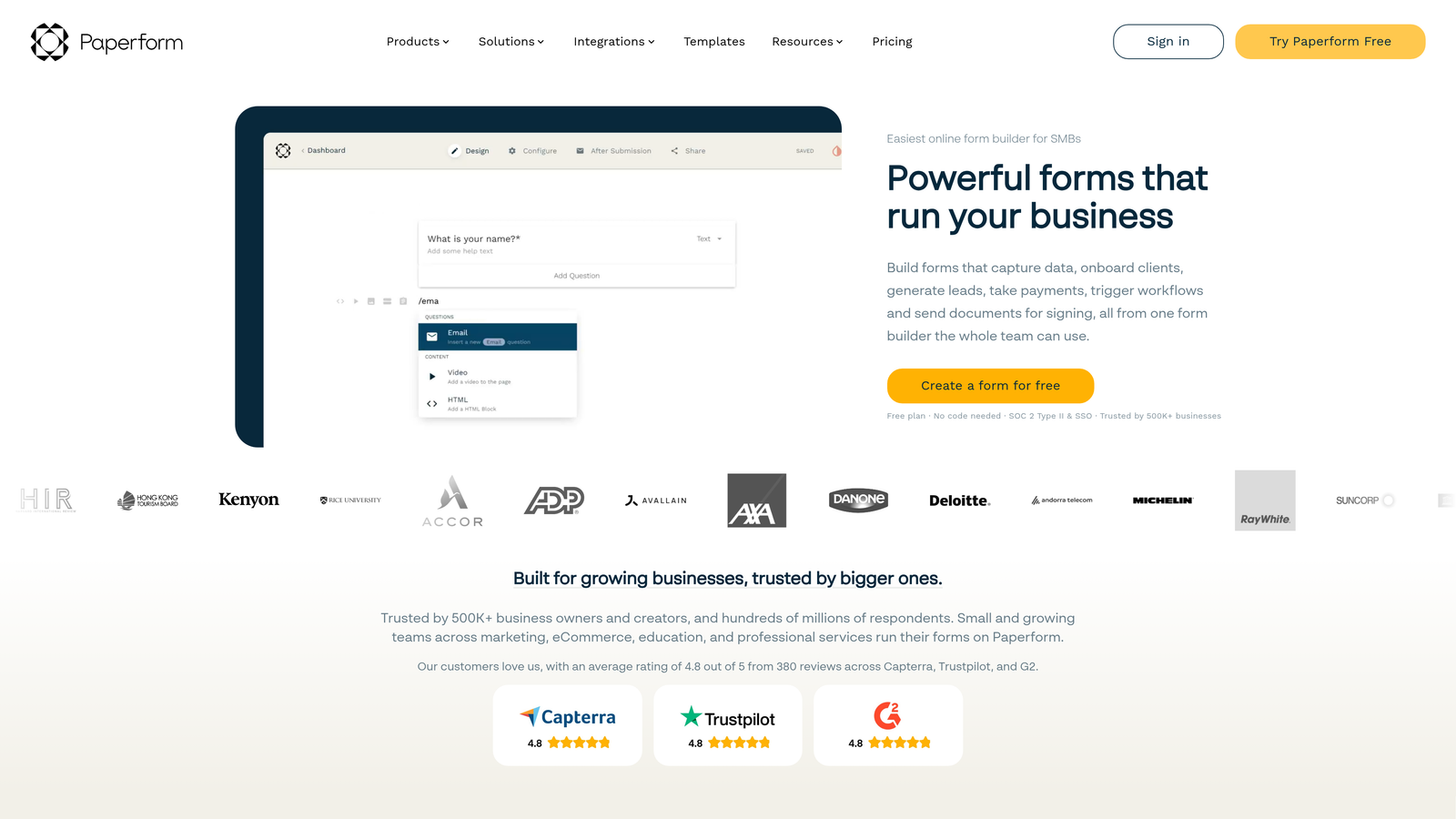
Paperform is a form builder that doubles as a landing page creator, supporting rich media, product sales, and content-heavy form experiences.
Where This Tool Shines
Paperform blurs the line between a form and a landing page. You can mix written content, images, video, and form fields freely within the same canvas, which opens up use cases that traditional form builders can't handle. Think product order pages, event registration pages, or consultation intake forms that also serve as a first impression of your brand.
The scheduling and booking functionality is another strong point. For service businesses or teams managing appointments, Paperform handles this natively without requiring a separate scheduling tool in the stack.
Key Features
Landing Page-Style Forms: Combine rich written content, media, and form fields in a single, cohesive page experience.
Built-In Payments: Accept payments and sell products directly through your forms without a third-party checkout tool.
Calculation Fields: Perform real-time calculations based on user inputs, useful for quotes, pricing estimators, and scoring.
Design Flexibility: 650+ templates with strong visual customization options across typography, color, and layout.
Scheduling and Bookings: Native appointment booking functionality built directly into the form builder.
Best For
Paperform is a strong fit for service businesses, consultants, and marketing teams that want a single tool to handle landing pages, lead capture, payments, and bookings without stitching together multiple platforms.
Pricing
Essentials plan starts around $24/month on monthly billing. Higher tiers add more submissions, custom domains, and advanced features.
6. Formstack
Best for: Enterprise teams that need forms, document generation, and e-signatures in a single connected workflow platform.
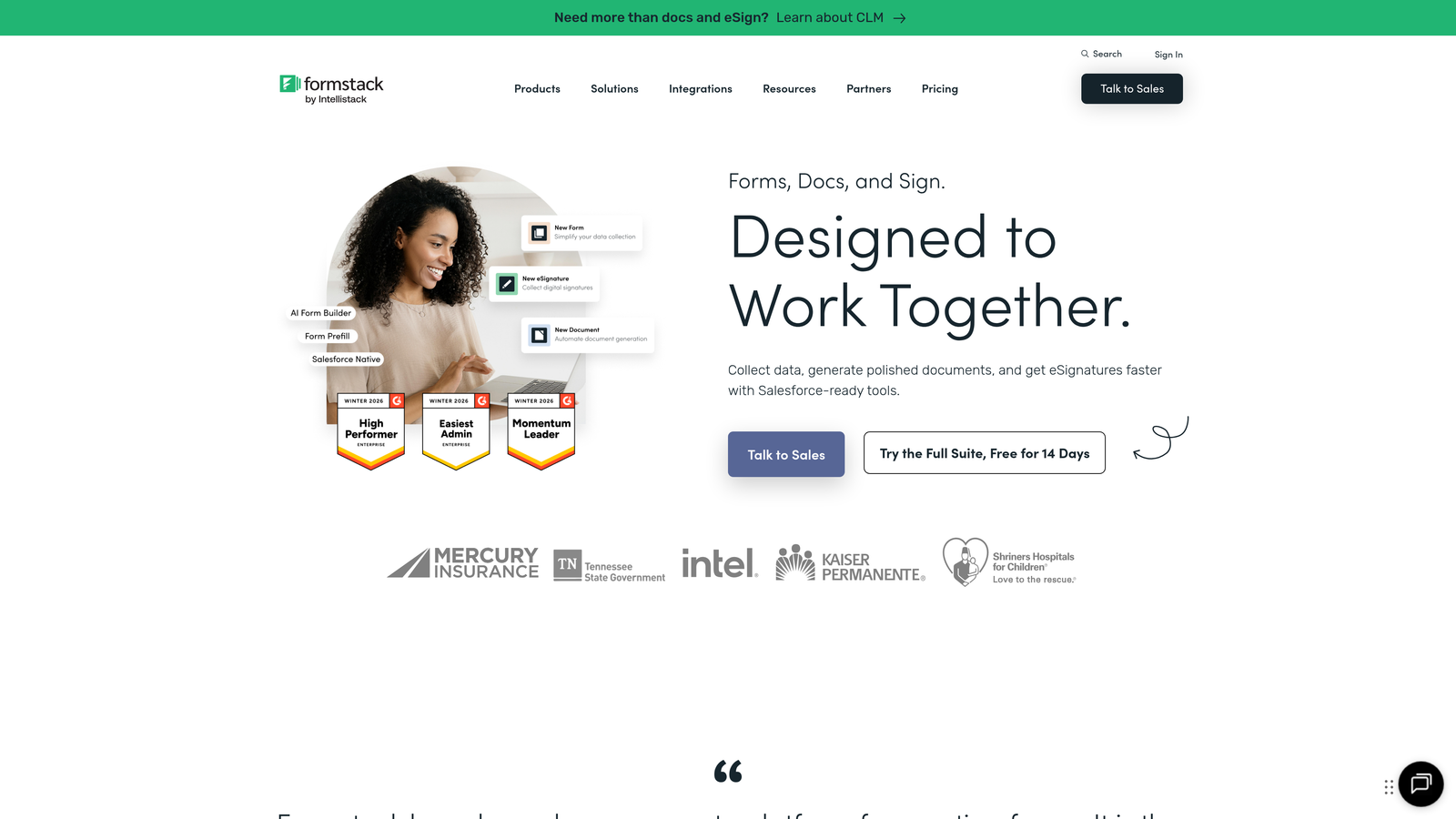
Formstack is an enterprise-grade form and workflow platform that extends well beyond basic data collection.
Where This Tool Shines
Formstack is built for organizations where forms are part of a larger operational workflow, not just a lead capture mechanism. The platform connects forms to document generation and e-signature capabilities, which makes it genuinely useful for HR teams, legal departments, healthcare organizations, and any business managing approval-heavy processes.
HIPAA compliance and enterprise security options set Formstack apart from most consumer-grade form builders. For regulated industries, this is often a non-negotiable requirement that immediately narrows the field of viable options.
Key Features
Workflow Automation: Route form submissions through multi-step approval and notification workflows beyond basic email alerts.
Document Generation: Automatically populate documents with form data, reducing manual data entry in document-heavy processes.
E-Signature Support: Collect legally binding signatures as part of the form workflow without a separate tool.
HIPAA Compliance: Enterprise security and compliance options suitable for healthcare and other regulated industries.
A/B Testing: Test different form versions to optimize completion rates and conversion performance over time.
Best For
Formstack is best suited for mid-market and enterprise organizations with complex internal workflows, compliance requirements, or a need to connect forms to document and signature processes at scale.
Pricing
Forms plan starts around $50/month on monthly billing. Enterprise pricing is available for larger organizations with advanced compliance needs.
7. Cognito Forms
Best for: Teams that need payment-enabled forms without paying platform transaction fees on top of their subscription.
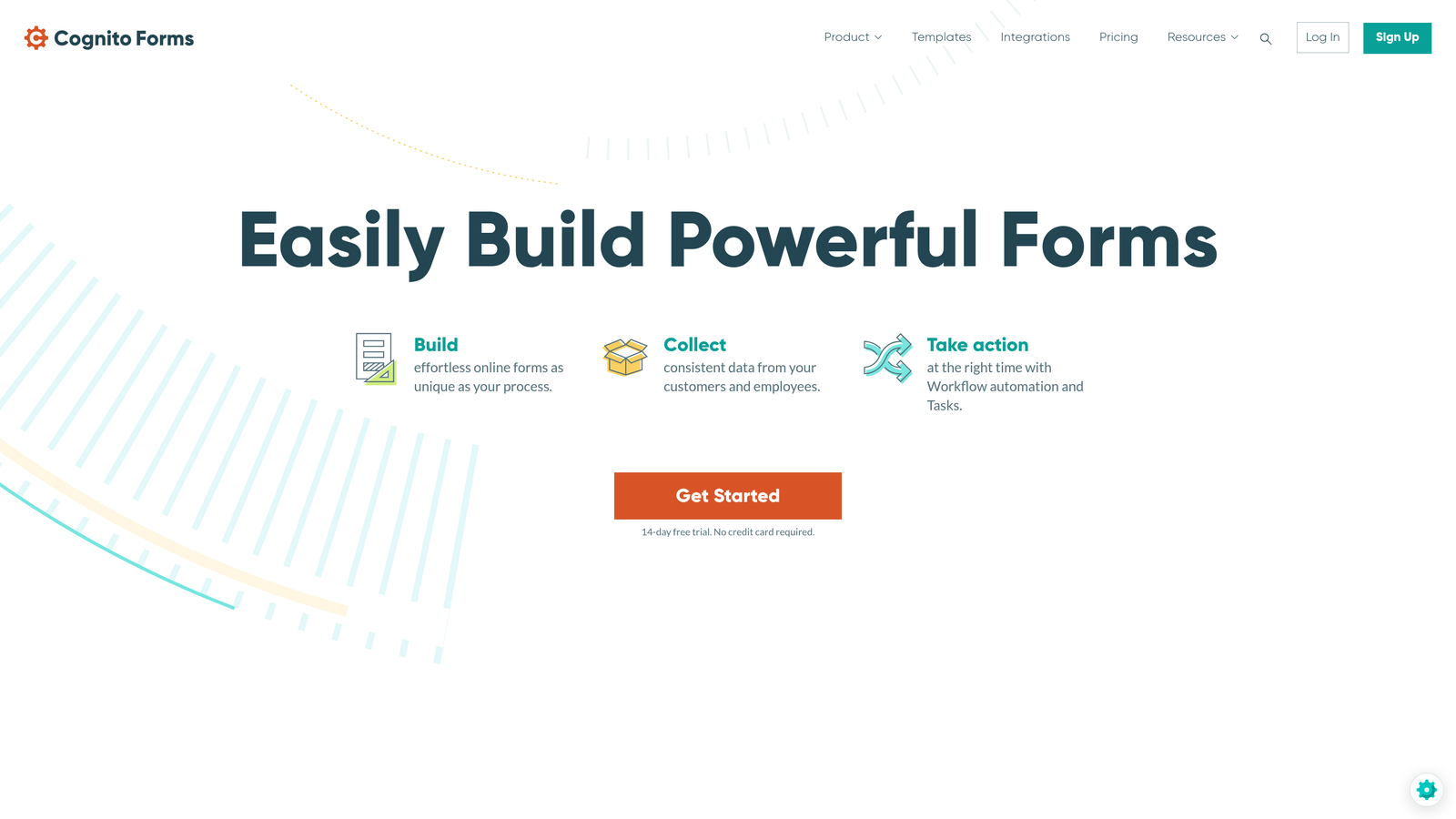
Cognito Forms is a form builder with strong native payment collection and no additional transaction fees on paid plans.
Where This Tool Shines
The no-transaction-fee model is what makes Cognito Forms stand out in the payment-enabled form space. Many competitors take a cut of every transaction processed through their platform. Cognito Forms does not, which makes it significantly more cost-effective for teams processing a meaningful volume of payments through their forms.
The repeating sections feature is also worth highlighting. It allows respondents to dynamically add rows to a form, which is particularly useful for order forms, event registrations with multiple attendees, or any scenario where the number of entries isn't fixed in advance.
Key Features
Payment Collection: Native integrations with Stripe, PayPal, and Square for collecting payments directly through forms.
No Platform Transaction Fees: Paid plans do not charge additional fees on top of standard payment processor rates.
Repeating Sections: Allow respondents to dynamically add multiple entries within a single form submission.
Advanced Calculations: Perform complex calculations within forms, useful for pricing estimators and custom quote builders.
Inventory and Quantity Limits: Set limits on registrations, ticket sales, or product quantities directly within the form.
Best For
Cognito Forms is a smart choice for event organizers, small businesses selling products or services through forms, and any team where transaction fees from a form platform would meaningfully impact margins.
Pricing
Pro plan starts around $15/month on monthly billing, making it one of the more affordable paid options in this list.
8. 123FormBuilder
Best for: Organizations in regulated industries that need HIPAA and GDPR compliance built into their form platform.
123FormBuilder is a compliance-focused form builder with strong security features designed for healthcare, legal, and regulated sectors.
Where This Tool Shines
Compliance isn't an afterthought at 123FormBuilder. HIPAA-compliant forms, GDPR data residency options, and audit trail capabilities are built into the platform rather than bolted on as expensive add-ons. For healthcare providers, financial services firms, or any organization subject to data protection regulations, this removes a significant amount of risk from the form-building process.
The workflow automation and approval routing features make it practical for internal processes as well, not just external-facing forms. Teams can build multi-step approval workflows where form submissions trigger reviews, notifications, and sign-offs before data is acted upon.
Key Features
HIPAA Compliance: Compliant form options for healthcare organizations collecting protected health information.
GDPR Tools: Data residency options and consent management features for organizations serving EU-based users.
Drag-and-Drop Builder: Visual form editor with 200+ templates covering common business and compliance use cases.
Payment and E-Signature Fields: Collect payments and signatures within the same compliant form workflow.
Approval Workflows: Route submissions through structured review and approval processes before final processing.
Best For
123FormBuilder is the right choice for healthcare providers, legal teams, HR departments, and any organization where data privacy regulations directly govern how forms can be built and how data must be handled.
Pricing
Gold plan starts around $32/month on monthly billing. HIPAA-compliant plans are available at higher tiers with appropriate data handling agreements.
9. HubSpot Free Form Builder
Best for: Teams already using HubSpot CRM that want native form-to-CRM integration without additional tooling.
HubSpot's Form Builder is a free form tool natively embedded within the HubSpot ecosystem, with direct CRM integration out of the box.
Where This Tool Shines
If your team is already living inside HubSpot, the form builder is a natural choice. Every submission automatically creates or updates a contact record in the CRM, triggers workflows, and feeds into HubSpot's reporting without any integration configuration required. The time saved on setup alone is a meaningful advantage for teams that want to move fast.
The progressive profiling feature on paid Marketing Hub tiers is worth noting. Instead of asking for the same information every time a known contact fills out a form, HubSpot surfaces new questions to gradually build out the contact profile. This reduces form friction while improving data quality over time.
Key Features
Free Unlimited Forms: Build and publish as many forms as you need at no cost on the free tier.
Native CRM Integration: Form submissions automatically populate HubSpot CRM contacts with no manual setup or Zapier required.
Multiple Form Types: Create embedded forms, pop-up forms, and standalone form pages within the same tool.
Progressive Profiling: Available on paid tiers, this feature asks known contacts new questions rather than repeating fields they've already answered.
Workflow Automation: Trigger HubSpot workflows, email sequences, and notifications directly from form submissions.
Best For
HubSpot's form builder is ideal for marketing and sales teams already invested in the HubSpot platform. As a standalone form tool, it has limitations in design flexibility and customization, but within the HubSpot ecosystem it's hard to beat for speed and integration depth.
Pricing
The form builder is free with a HubSpot account. Advanced features like progressive profiling require Marketing Hub Starter at approximately $20/month on monthly billing.
Which Tool Is Right for Your Team?
Every tool on this list offers genuine monthly billing, but the right choice depends on what you're actually trying to accomplish with your forms.
For teams where lead quality is the priority, Orbit AI stands apart. The built-in AI qualification and scoring layer turns your forms into an active part of the sales process, not just a data collection step. That's a meaningful capability that traditional form builders simply don't offer.
If engagement and completion rates are your primary concern, Typeform's conversational format consistently delivers. For sheer versatility across use cases, Jotform's template depth and payment features make it a reliable all-rounder. Tally is the clear winner on value, especially for teams that want solid functionality without a monthly bill. Formstack is the go-to for enterprise teams with compliance requirements and complex approval workflows.
The broader point is this: monthly billing gives your team the flexibility to choose the right tool for where you are right now, not where you hope to be in twelve months. You can upgrade, downgrade, or switch without the sunk-cost pressure of an annual contract. For high-growth teams moving quickly, that flexibility is genuinely valuable.
If AI-powered lead qualification, modern form design, and conversion optimization are on your roadmap, Orbit AI was built for exactly that. Start building free forms today and see how intelligent form design can elevate your conversion strategy without locking you into anything long-term.


