

When a lead fills out your form, every second of delay before it hits your CRM is a second your competitor could be reaching out first. The best form-CRM combos eliminate that gap entirely, routing qualified leads straight into your pipeline, triggering automations, and giving your sales team the context they need to close.
But not all integrations are created equal. Some tools offer shallow Zapier-based connections that break under volume; others offer deep, native sync with field mapping, lead scoring, and conditional routing built in. This list covers tools evaluated on integration depth, form flexibility, lead qualification capabilities, and ease of setup. Whether you're running a lean startup or scaling a high-volume demand gen operation, there's a fit here for your stack.
1. Orbit AI
Best for: SaaS and B2B teams that want to qualify leads before they enter the CRM
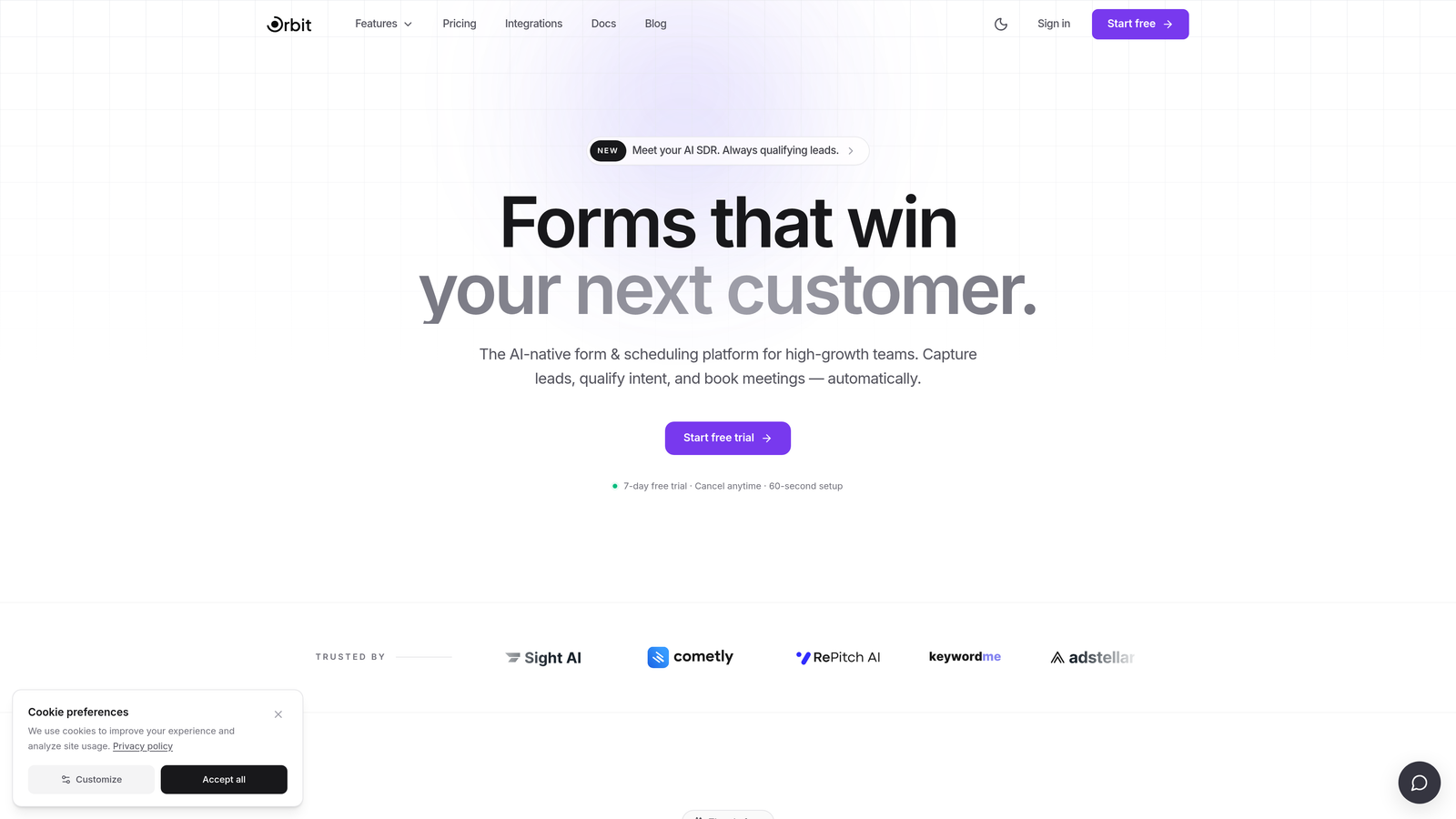
Orbit AI is an AI-powered form builder with built-in lead qualification that scores and routes leads before they reach your CRM, keeping pipelines clean and sales teams focused.
Where This Tool Shines
Most form tools are passive collectors: they gather data and dump it into your CRM, leaving your sales team to sort through the noise. Orbit AI takes a fundamentally different approach by embedding lead qualification directly into the form flow. Before a submission ever touches your pipeline, the AI has already assessed it against your criteria.
This matters most for high-growth teams dealing with volume. When your CRM stays clean and your reps only see leads that meet your threshold, follow-up speed and conversion rates both benefit. The conversion-optimized templates also mean you're not sacrificing form quality for functionality.
Key Features
AI-Driven Lead Qualification: Scores and filters leads within the form flow itself, so only qualified prospects reach your CRM pipeline.
Conditional Logic and Dynamic Fields: Forms adapt in real time based on user responses, creating a personalized experience that improves completion rates.
CRM Integration with Lead Scoring Data: Passes qualification scores and enriched field data through to your CRM, giving sales reps immediate context on every new lead.
Real-Time Lead Routing: Routes submissions to the right rep, team, or pipeline stage based on qualification criteria the moment the form is submitted.
Conversion-Optimized Templates: Pre-built form designs built around best practices for lead capture, reducing the time from setup to live form.
Best For
SaaS companies and B2B demand gen teams that receive high form volumes and need to protect pipeline quality. Particularly valuable for teams where sales reps are spending too much time disqualifying leads that should never have entered the CRM in the first place.
Pricing
Visit orbitforms.ai for current pricing details and free trial options.
2. HubSpot Forms
Best for: Teams already on HubSpot CRM who want zero-friction native form sync
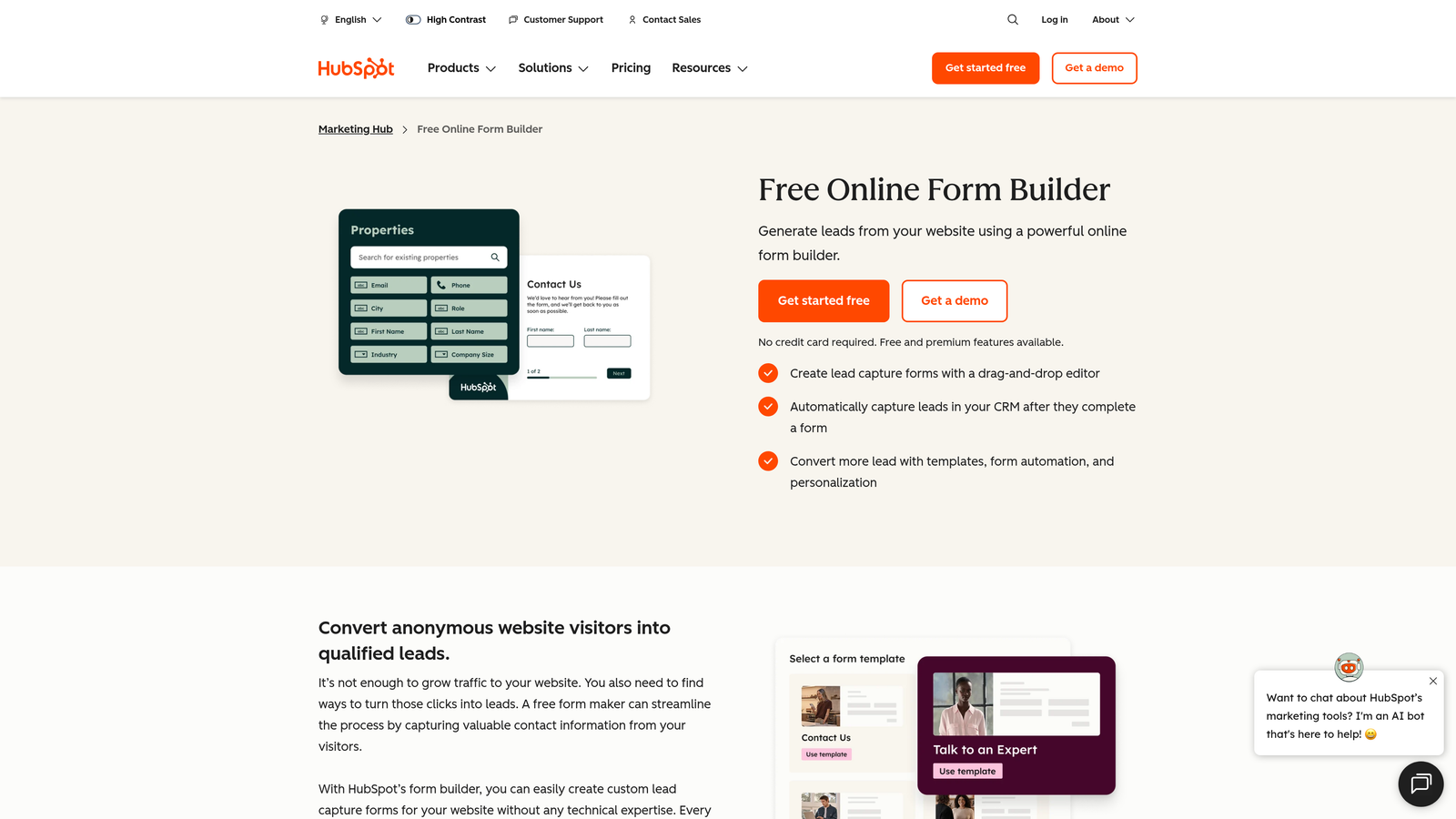
HubSpot Forms is a native form builder included with HubSpot CRM, where submissions sync instantly to contact records, lists, and marketing workflows with no middleware required.
Where This Tool Shines
The integration story here is as clean as it gets: there is no integration. HubSpot Forms and HubSpot CRM are the same platform, so a submission creates a contact record, enrolls them in a list, and fires a workflow in real time. No Zapier, no field mapping headaches, no sync delays.
Progressive profiling is a particularly useful feature for teams building long-term nurture sequences. Rather than asking the same questions repeatedly, HubSpot Forms can surface new fields for returning visitors, gradually enriching contact records over multiple touchpoints.
Key Features
Zero-Latency Native Sync: Form submissions write directly to HubSpot CRM contact records the moment they're submitted.
Automatic List Enrollment: Contacts are added to smart lists immediately, enabling segmentation-based workflows without manual steps.
Workflow Triggers: Any form submission can instantly kick off HubSpot automation sequences, from lead nurture emails to internal notifications.
Progressive Profiling: Returns visitors see different fields over time, enriching contact data without overwhelming users with a long form upfront.
Free Tier Available: Full form functionality is included with HubSpot's free CRM plan, making it accessible for teams at any stage.
Best For
Teams that have standardized on HubSpot CRM and want a no-overhead form solution that works natively. Less ideal for teams needing advanced form design or those on a different CRM.
Pricing
Free with HubSpot's free CRM plan. Advanced form features are included in paid Marketing Hub tiers. Check hubspot.com for current plan details.
3. Typeform
Best for: Top-of-funnel lead capture where form engagement and completion rate are the priority
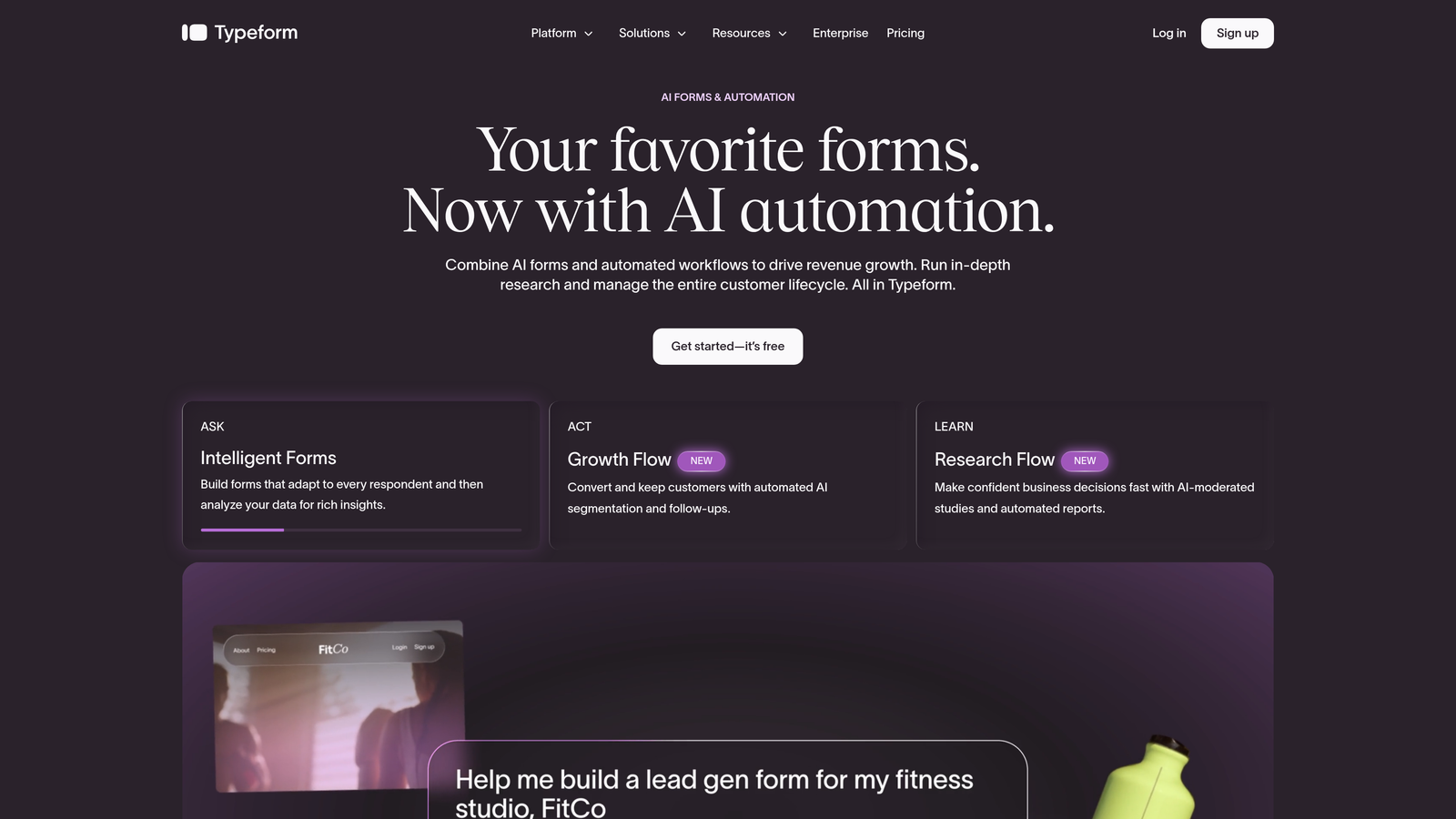
Typeform is a conversational form builder known for high-engagement design, with native integrations to HubSpot, Salesforce, and other major CRMs.
Where This Tool Shines
Typeform's one-question-at-a-time format consistently outperforms traditional multi-field forms in completion rate for top-of-funnel use cases. When you're asking cold prospects to share information, the conversational experience reduces friction and feels less like a data collection exercise.
The CRM integrations are solid for most teams. Native connections to HubSpot and Salesforce handle the majority of use cases, and Zapier and Make extend coverage to virtually any CRM in the market. The tradeoff is that Typeform is not a CRM-native tool, so integration depth depends on how much you configure.
Key Features
Conversational Format: One question at a time keeps respondents engaged and reduces abandonment compared to traditional form layouts.
Native CRM Integrations: Direct connections to HubSpot and Salesforce without requiring middleware for the most common use cases.
Logic Jumps: Branching logic personalizes the form path based on answers, ensuring relevance throughout the experience.
Custom Branding: Full control over colors, fonts, and imagery to match your brand identity across embedded and standalone forms.
Zapier and Make Support: Extends CRM connectivity beyond native integrations for teams on less common platforms.
Best For
Marketing teams focused on maximizing top-of-funnel conversion rates where form aesthetics and engagement are as important as the data collected. Works well for surveys, quizzes, and lead gen campaigns alongside traditional contact forms.
Pricing
Free plan available with limited responses. Paid plans unlock higher response volumes and advanced features. Check typeform.com for current pricing.
4. Gravity Forms
Best for: WordPress-based teams that need deep CRM integration through a plugin ecosystem
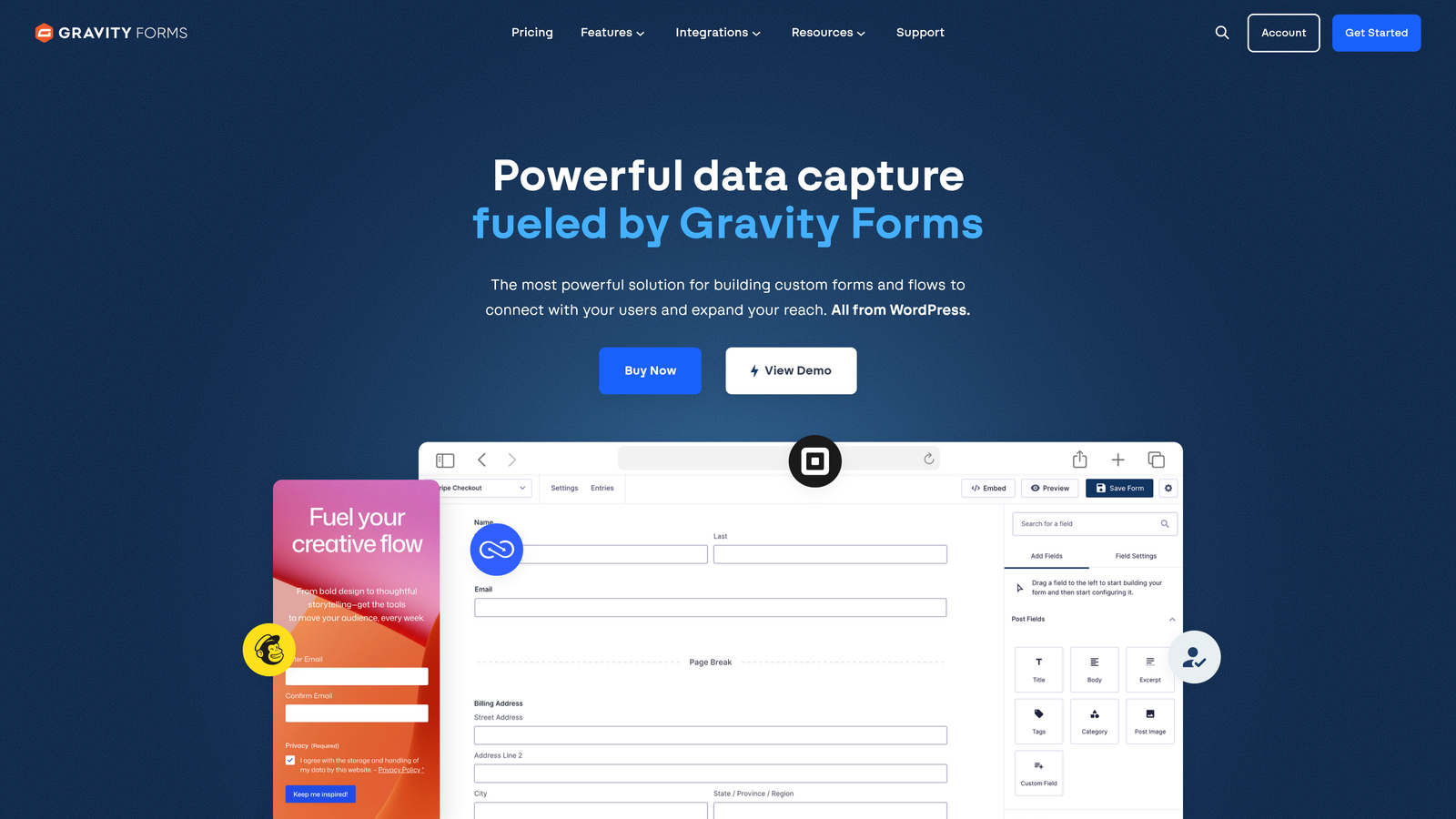
Gravity Forms is a WordPress-native form plugin with a rich add-on ecosystem covering Salesforce, HubSpot, Zoho CRM, and more.
Where This Tool Shines
If your website runs on WordPress, Gravity Forms is the most powerful native option available. The plugin itself is feature-rich, but the real value is the add-on ecosystem. Salesforce, HubSpot, and Zoho CRM integrations are available as dedicated add-ons, giving WordPress teams CRM connectivity without leaving their existing infrastructure.
Developers particularly appreciate the hooks and filters architecture, which allows for custom logic, field manipulation, and integration behavior beyond what the UI exposes. For teams with technical resources, this flexibility is difficult to match.
Key Features
CRM Add-Ons: Dedicated integrations for Salesforce, HubSpot, and Zoho CRM available through the add-on library.
Advanced Conditional Logic: Complex branching rules control field visibility, form routing, and submission behavior.
Multi-Page Forms: Break long forms into steps to improve completion rates without sacrificing data collection depth.
Developer Hooks and Filters: Extensive PHP hooks allow developers to customize virtually every aspect of form behavior and data handling.
Calculations and Payment Fields: Built-in support for calculated fields, file uploads, and payment processing through add-ons.
Best For
WordPress-native marketing and development teams that need enterprise-level form functionality within their existing CMS. Less suitable for teams not on WordPress or those without developer resources to configure CRM add-ons.
Pricing
Annual license required for the core plugin; CRM add-ons may require higher-tier licenses or separate purchases. Check gravityforms.com for current pricing tiers.
5. Jotform
Best for: Agencies and teams managing forms across multiple CRM platforms simultaneously
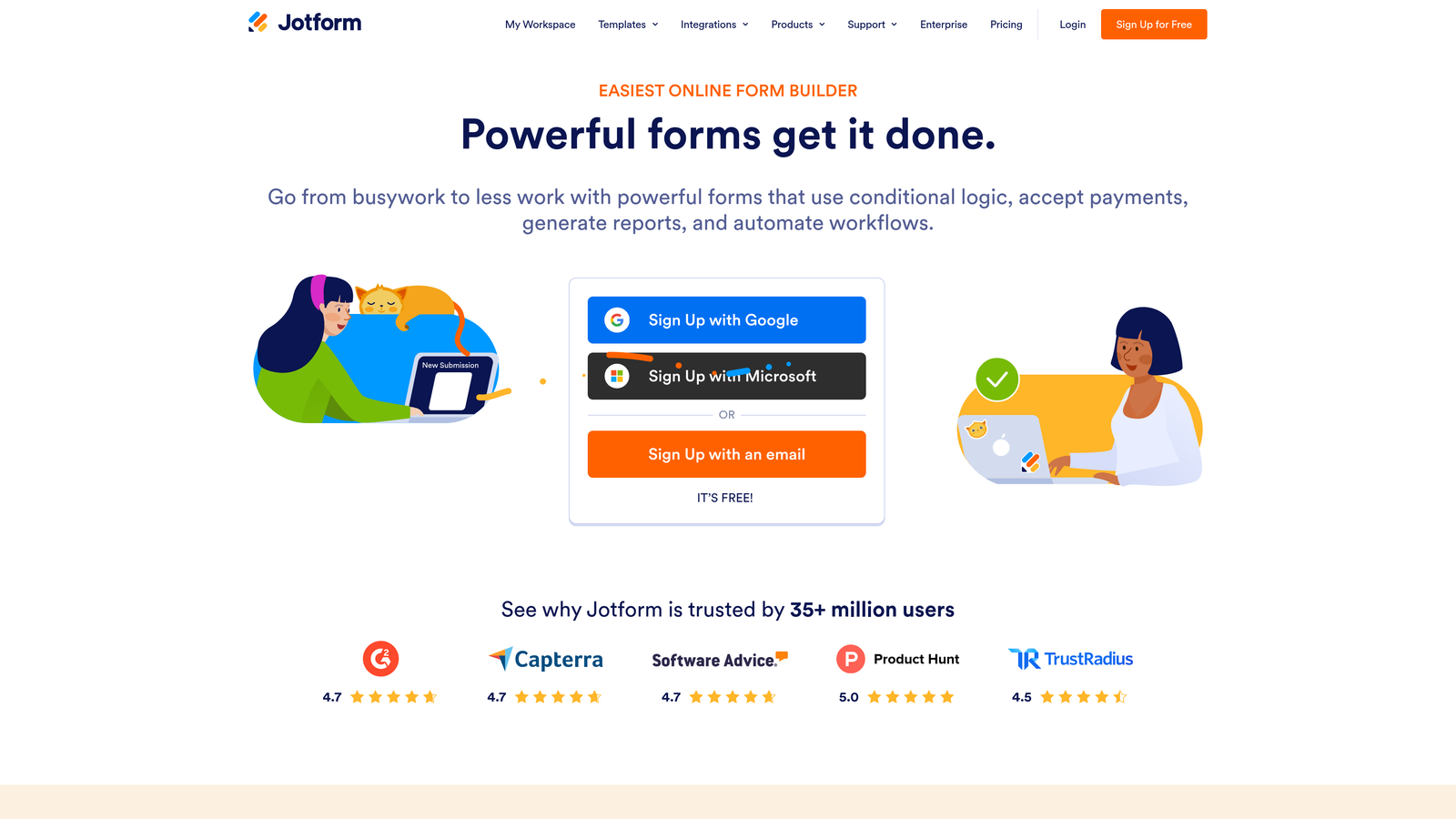
Jotform is a versatile form builder with one of the broadest CRM integration libraries available, covering over 100 platforms natively.
Where This Tool Shines
The breadth of Jotform's integration library is genuinely impressive. Native connections to Salesforce, HubSpot, Zoho, Pipedrive, and dozens of other CRMs mean that agencies managing multiple clients across different stacks can use a single form tool without compromise. This is a real operational advantage when you're not standardized on one CRM.
The template library is also extensive, which accelerates time-to-launch for teams that need to build forms quickly. With over 10,000 templates available, most use cases have a starting point that requires only light customization.
Key Features
100+ Native CRM Integrations: Connects directly to Salesforce, HubSpot, Zoho, Pipedrive, and many others without requiring Zapier middleware.
10,000+ Templates: One of the largest template libraries available, covering virtually every industry and form type.
Conditional Logic and Calculations: Dynamic field visibility and calculated outputs for complex form requirements.
HIPAA-Compliant Forms: Available on higher-tier plans for healthcare and regulated industry use cases.
Jotform Tables: Built-in spreadsheet-style data management for teams that want to review submissions without logging into their CRM.
Best For
Digital agencies managing multiple clients on different CRMs, and operations teams that need broad integration coverage without custom development. Also a strong choice for regulated industries requiring HIPAA compliance.
Pricing
Free plan available with submission limits. Paid plans scale by submission volume and feature access. Check jotform.com for current pricing.
6. Formstack
Best for: Enterprise teams using Salesforce who need deep object mapping and workflow automation
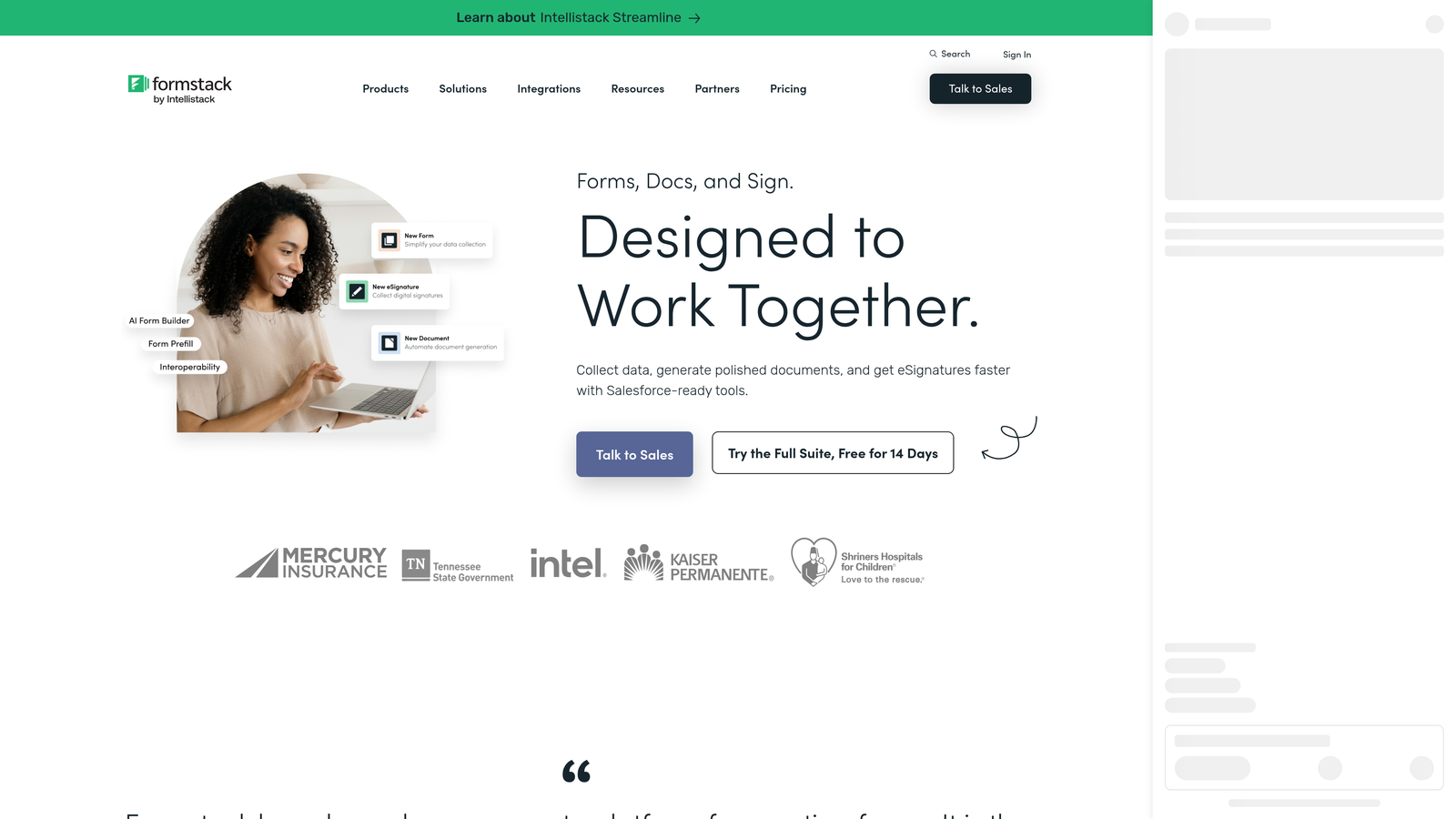
Formstack is an enterprise-grade form platform built with Salesforce as a first-class integration, supporting deep object mapping and workflow automation.
Where This Tool Shines
Formstack treats Salesforce as a peer platform rather than an afterthought. The integration goes well beyond basic lead creation: you can map form fields to any Salesforce object, update existing records, create opportunities, and trigger approval workflows, all without custom development. For Salesforce-heavy organizations, this depth is difficult to replicate with lighter tools.
The document generation capability is a notable differentiator. Form submissions can automatically populate Salesforce-connected documents, contracts, or proposals, which compresses the time between form submission and the next step in a sales or service process.
Key Features
Native Salesforce Integration: Full object and field mapping across Leads, Contacts, Accounts, Opportunities, and custom objects.
Record Creation and Updates: Create new Salesforce records or update existing ones based on form submission logic.
Advanced Approval Workflows: Route submissions through multi-step approval chains before CRM records are created or updated.
Document Generation: Automatically populate documents and contracts from form data, integrated with Salesforce records.
HIPAA and GDPR Compliance: Enterprise compliance features for regulated industries and international data requirements.
Best For
Mid-market and enterprise organizations running Salesforce as their primary CRM, particularly those with complex data models or approval requirements. Overkill for smaller teams or those not deeply invested in the Salesforce ecosystem.
Pricing
Paid plans only; enterprise pricing available for larger deployments. Check formstack.com for current plan details.
7. ActiveCampaign Forms
Best for: Teams that want form submissions to instantly trigger complex marketing automations and CRM updates
ActiveCampaign Forms is a form builder native to the ActiveCampaign platform, where submissions directly trigger CRM updates and complex marketing automations without any sync delay.
Where This Tool Shines
ActiveCampaign's strength is its automation engine, and the forms are a direct on-ramp to it. When a form is submitted, the platform can simultaneously update a contact record, assign a deal, apply tags, enroll the contact in a nurture sequence, and notify a sales rep. All of this happens within the same platform, with no data transfer between systems.
Contact scoring that updates based on form interactions is particularly useful for lead qualification workflows. Teams can build progressive scoring models where each form submission adjusts a contact's score, helping sales prioritize outreach without manual review.
Key Features
Native CRM and Automation Integration: Forms live inside ActiveCampaign's combined CRM and automation engine, eliminating sync latency entirely.
Instant Deal and Tag Creation: Submissions can create deals, apply contact tags, and trigger automation sequences simultaneously.
Multiple Form Formats: Inline, floating bar, and modal popup formats for flexible placement across your website.
Contact Scoring Updates: Form interactions automatically adjust lead scores, feeding into sales prioritization workflows.
Conditional Content: Personalize form content and follow-up messaging based on contact data already in ActiveCampaign.
Best For
Teams that have standardized on ActiveCampaign for both CRM and email marketing automation. The forms are most powerful when used as part of a broader ActiveCampaign automation strategy rather than as a standalone tool.
Pricing
Included with ActiveCampaign paid plans. Check activecampaign.com for current plan pricing.
8. Pipedrive Web Forms
Best for: Sales-led teams on Pipedrive who want form submissions to create deals automatically
Pipedrive Web Forms is a built-in web form tool within Pipedrive CRM that maps submissions directly to deals, contacts, and pipeline stages with no integration setup required.
Where This Tool Shines
Pipedrive Web Forms is built around a sales-first mental model. The goal isn't just to capture a contact: it's to create a deal in the right pipeline stage and assign it to the right rep the moment a form is submitted. For sales-led organizations where every lead should become a deal, this framing removes unnecessary steps from the process.
The setup experience is notably simple. Because the forms live inside Pipedrive, field mapping to deal and contact properties is straightforward, and there's no external tool to configure or maintain. The tradeoff is limited design flexibility compared to dedicated form builders.
Key Features
Automatic Deal and Contact Creation: Submissions create or update Pipedrive contacts and deals without any manual intervention.
Pipeline Stage Assignment: New leads are placed into a specific pipeline stage on submission, so reps always know where to find and act on them.
Custom Field Mapping: Map any form field to any Pipedrive deal or contact field, including custom fields.
Flexible Delivery: Embed forms on any website or share via direct link for campaigns and outbound sequences.
Rep Notifications: Automatic alerts to sales reps when new submissions arrive, reducing response time.
Best For
Sales-led teams that run their entire pipeline in Pipedrive and want a no-overhead form solution that feeds directly into their deal flow. Not the right choice for teams needing advanced form design, multi-step experiences, or integrations with non-Pipedrive systems.
Pricing
Included with Pipedrive paid plans. Check pipedrive.com for current plan details.
9. Zoho Forms
Best for: Teams already using the Zoho ecosystem who want tight cross-product integration
Zoho Forms is a form builder deeply integrated across the Zoho ecosystem, including Zoho CRM, Zoho Campaigns, and Zoho Analytics, for teams already invested in the Zoho stack.
Where This Tool Shines
The value proposition of Zoho Forms is ecosystem depth rather than standalone feature richness. For teams already using Zoho CRM, Zoho Campaigns, and Zoho Analytics, the integration between these products is tight and well-maintained. A form submission can create a CRM lead, enroll the contact in a Campaigns email sequence, and populate an Analytics dashboard, all without leaving the Zoho environment.
The offline submission capability via mobile app is a practical differentiator for field sales teams or event-based lead capture, where internet connectivity isn't guaranteed but form submissions still need to sync to CRM when connectivity is restored.
Key Features
Native Zoho Ecosystem Integration: Direct connections to Zoho CRM, Zoho Campaigns, and Zoho Analytics within a single platform login.
CRM Module Mapping: Map form fields to Leads, Contacts, and Accounts modules in Zoho CRM with full field-level control.
Conditional Logic and Multi-Page Forms: Dynamic field visibility and multi-step form structure for complex data collection.
Approval Workflows: Route submissions through approval chains within the Zoho ecosystem before CRM records are created.
Offline Mobile Submissions: Capture form data without internet access via the mobile app; submissions sync when connectivity returns.
Best For
Organizations that have standardized on the Zoho suite across CRM, marketing, and analytics. Delivers strong value within the Zoho ecosystem but offers less compelling reasons to adopt if your team is on a different CRM platform.
Pricing
Free plan available with basic features. Paid plans unlock higher submission limits and advanced integrations. Check zoho.com/forms for current pricing.
Which Tool Is Right for Your Stack?
The right choice depends less on which tool has the most features and more on where your biggest friction point actually is. Here's a quick reference to cut through the decision:
If pipeline quality is your problem: Start with Orbit AI. The built-in lead qualification means your CRM only receives leads that meet your criteria, which is a fundamentally different approach from every other tool on this list.
If you're all-in on HubSpot: HubSpot Forms is the obvious choice. The native sync is seamless, and the free tier makes it accessible at any stage.
If Salesforce is your CRM and your data model is complex: Formstack offers the deepest Salesforce integration available, with full object mapping and approval workflows that go well beyond basic lead creation.
If you're a WordPress shop: Gravity Forms with the appropriate CRM add-on is the most natural fit for teams that don't want to introduce external tools into their stack.
If you're managing multiple clients on different CRMs: Jotform's breadth of native integrations makes it the most practical choice for agencies.
If you're on Pipedrive or Zoho: The native form tools built into each platform are worth trying first before adding external tools to your stack.
For high-growth teams where lead quality and conversion speed are the metrics that matter, the combination of AI-powered qualification and clean CRM routing is where the real leverage is. Transform your lead generation with AI-powered forms that qualify prospects automatically while delivering the modern, conversion-optimized experience your team needs. Start building free forms today and see how intelligent form design can change what lands in your pipeline.


