

Formstack is a capable platform. But for most small businesses, it's a bit like renting a warehouse when you need a storage unit. The feature depth is real, the compliance credentials are solid, and the enterprise workflow tools are genuinely useful — if you're an enterprise. If you're a lean SaaS team, a service business, or a growing e-commerce operation, you're likely paying for complexity you don't need and navigating setup processes that weren't designed with you in mind.
The good news: the form builder market has matured significantly, and there are tools built specifically for teams that want fast setup, transparent pricing, and forms that actually convert. This guide covers the best Formstack alternatives for small businesses in 2026, evaluated on ease of use, pricing transparency, lead capture capabilities, and design quality.
We've placed Orbit AI first because it's our product — but every tool on this list earns its spot on merit. Here's what's worth your time.
1. Orbit AI
Best for: Small businesses and SaaS teams that want forms to qualify leads automatically, not just collect them.
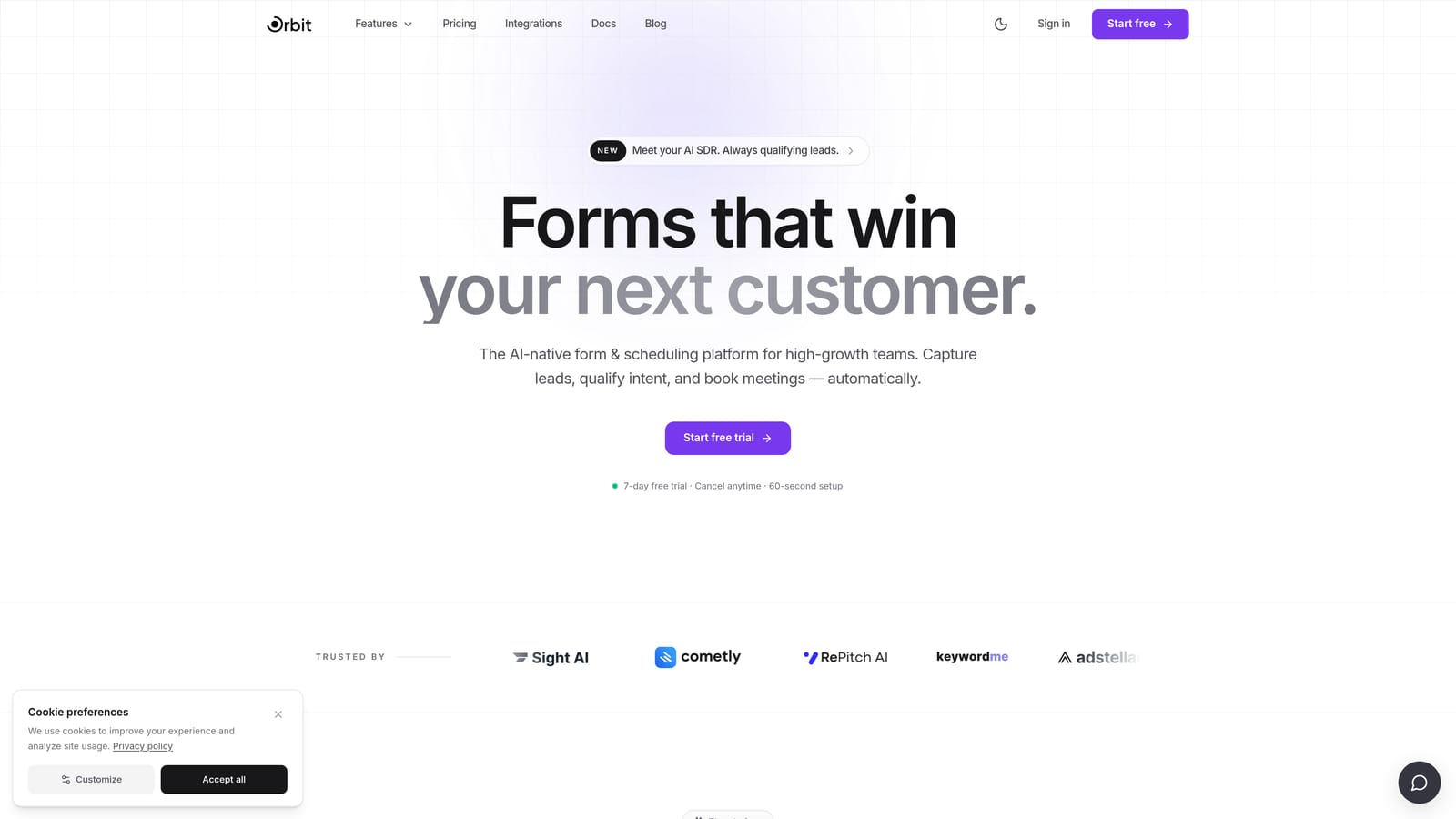
Orbit AI is an AI-powered form builder that adds intelligent lead qualification directly into the form layer, so your team spends time on the right prospects from the start.
Where This Tool Shines
Most form builders stop at data collection. Orbit AI goes a step further by scoring and routing submissions automatically based on the answers respondents give. For small businesses where sales time is limited, that distinction matters: instead of manually sorting through every submission, your team sees prioritized leads ready to act on.
The form builder itself is modern and fast to use, with conditional logic, conversion-optimized templates, and clean design output that holds up visually without requiring a designer. It's built for high-growth teams that care about lead quality, not just volume — which makes it a natural fit for SaaS, agencies, and service businesses running active lead generation campaigns.
Key Features
AI-Powered Lead Qualification: Automatically scores submissions based on form responses, surfacing the highest-value leads without manual review.
Drag-and-Drop Form Builder: Intuitive editor with conditional logic that lets you build branching, personalized form experiences without writing code.
Conversion-Optimized Templates: Pre-built templates designed specifically for lead generation, not generic data collection.
Lead Routing and Prioritization: Routes qualified leads to the right team members based on criteria you define inside the form layer itself.
Brand-Matched Design Output: Clean, modern form aesthetics that integrate smoothly with your existing website and brand standards.
Best For
Orbit AI is the right fit for small businesses and growing SaaS teams that run lead generation as a core function and want their forms to do more than collect data. If your team is spending time manually qualifying form submissions, this tool removes that step entirely. Less relevant for teams with purely internal or administrative form needs.
Pricing
Scalable plans built for growing teams. Check orbitforms.ai for current pricing, as plans are updated regularly to reflect new features.
2. Tally
Best for: Bootstrapped teams and solopreneurs who need to ship forms fast without spending anything upfront.
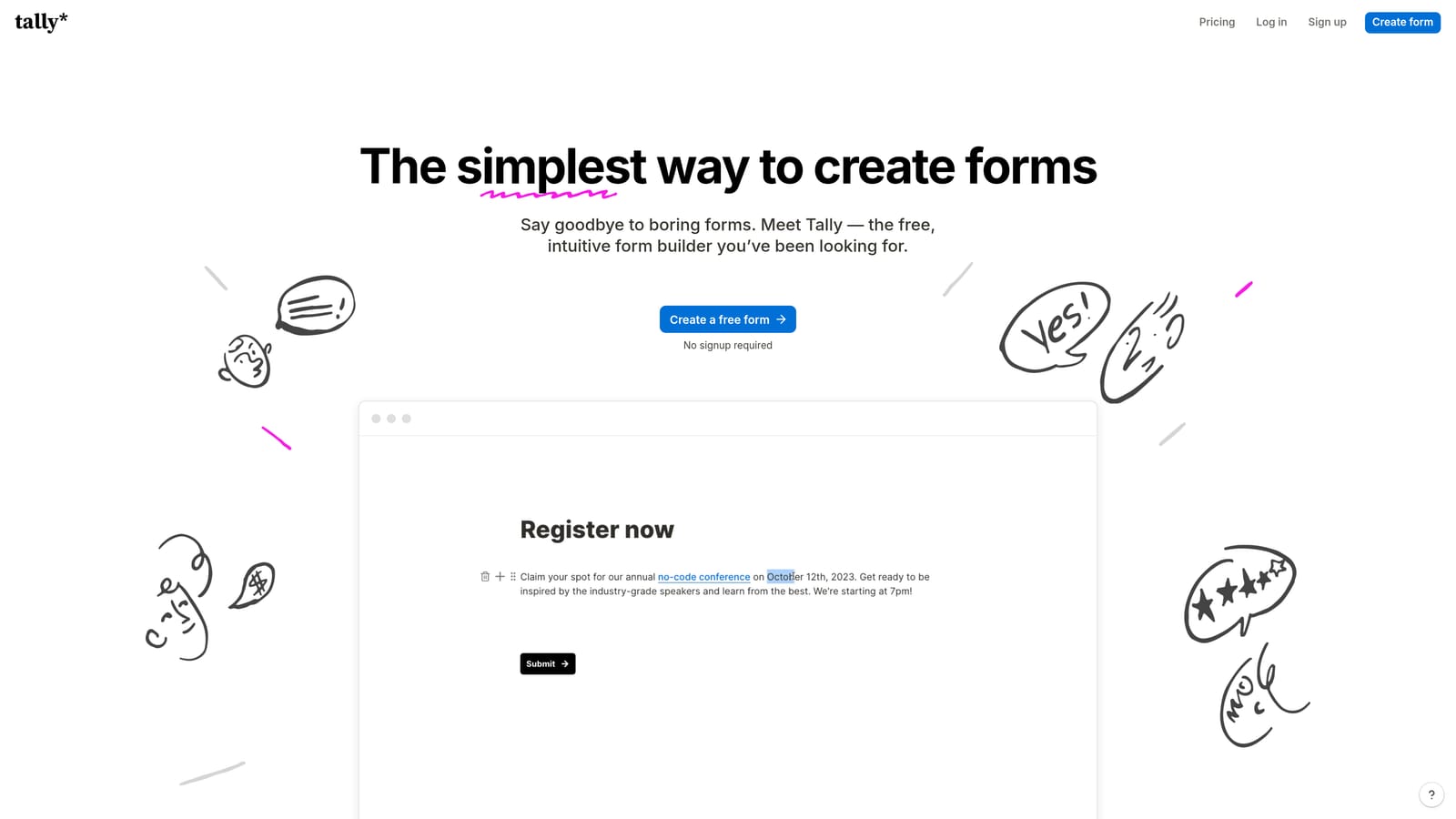
Tally is a lightweight, Notion-inspired form builder with one of the most generous free plans in the market today.
Where This Tool Shines
Tally's block-based editor feels immediately familiar if your team already lives in Notion or similar tools. You can build a functional, good-looking form in minutes without a tutorial. For small businesses that just need to collect contact information, run a quick survey, or capture event registrations, Tally handles it cleanly and without friction.
The free plan is genuinely useful — not a stripped-down teaser. Unlimited forms and unlimited responses at no cost makes Tally one of the few tools where you can run real operations before ever opening your wallet. That said, if you need advanced integrations, custom domains, or deeper logic, you'll be looking at the paid tier.
Key Features
Unlimited Free Forms and Responses: The free plan doesn't cap your usage, which is rare and valuable for early-stage businesses watching costs closely.
Block-Based Editor: Clean, Notion-style interface that's fast to learn and comfortable for non-technical users.
Basic Conditional Logic: Show or hide fields based on previous answers, with calculation support for simple use cases.
Easy Embedding: Drops cleanly into websites, Notion pages, and other tools without complex setup.
Pro Plan Upgrades: Custom domains, additional integrations, and removed Tally branding on the paid tier.
Best For
Tally is ideal for bootstrapped founders, solopreneurs, and small teams that need functional forms without a budget commitment. It's a strong starting point, though teams with more complex lead generation needs or heavy integration requirements will likely outgrow it.
Pricing
Free plan available with no usage caps. Pro plan adds custom domains and integrations — verify current rates at tally.so.
3. Typeform
Best for: Lead gen campaigns and brand-forward experiences where form design and engagement rate matter.
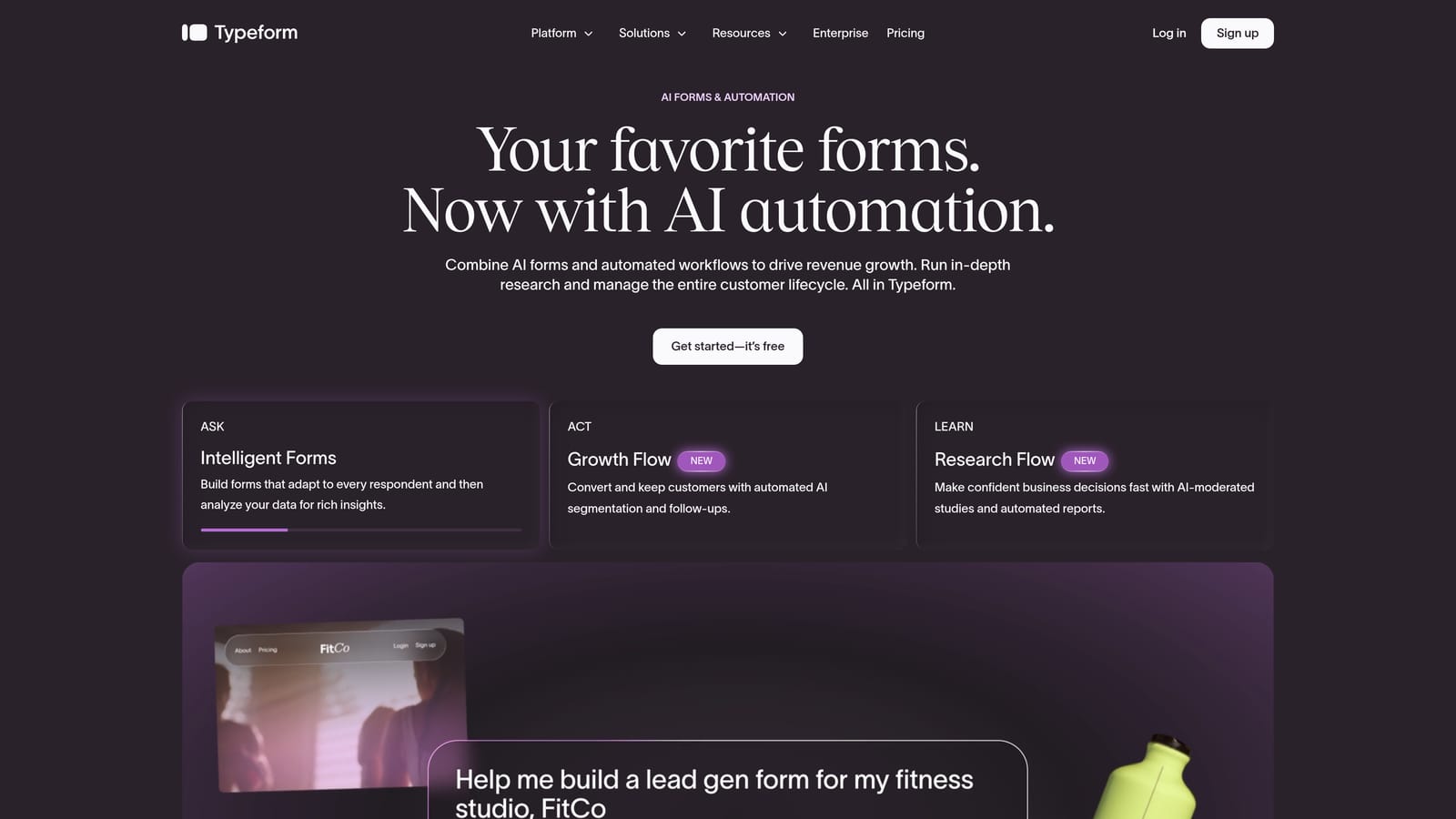
Typeform is the original conversational form builder, known for its one-question-at-a-time interface that keeps respondents engaged through the full form experience.
Where This Tool Shines
Typeform's core format works: showing one question at a time reduces cognitive load and keeps completion rates higher than traditional multi-field forms. For lead generation campaigns, product quizzes, or customer surveys where drop-off is a real problem, that format difference can make a meaningful impact on the data you actually collect.
The design and branding customization is also among the strongest in this category. If your forms are customer-facing and need to feel polished and on-brand, Typeform delivers that without requiring design resources. The tradeoff is cost: pricing scales with response volume, which can become a concern for high-traffic small businesses running active campaigns.
Key Features
Conversational Single-Question Format: One question at a time keeps respondents focused and typically improves completion rates compared to traditional forms.
Design and Branding Customization: Strong visual controls for fonts, colors, backgrounds, and brand alignment.
Logic Jumps and Branching: Route respondents through different question paths based on their answers.
CRM and Marketing Tool Integrations: Connects with major platforms including HubSpot, Salesforce, Mailchimp, and others.
Quiz and Calculator Form Types: Built-in support for scored quizzes and calculation-based forms, useful for lead qualification and product recommendation flows.
Best For
Typeform suits small businesses running brand-forward lead generation, customer research, or product recommendation quizzes where design and engagement quality matter. Teams with high response volumes should model out costs carefully before committing, as pricing scales with usage.
Pricing
Paid plans that scale by response volume. Check typeform.com for current tiers and limits before committing.
4. Jotform
Best for: Small businesses that need a broad template library and wide integration support across diverse use cases.
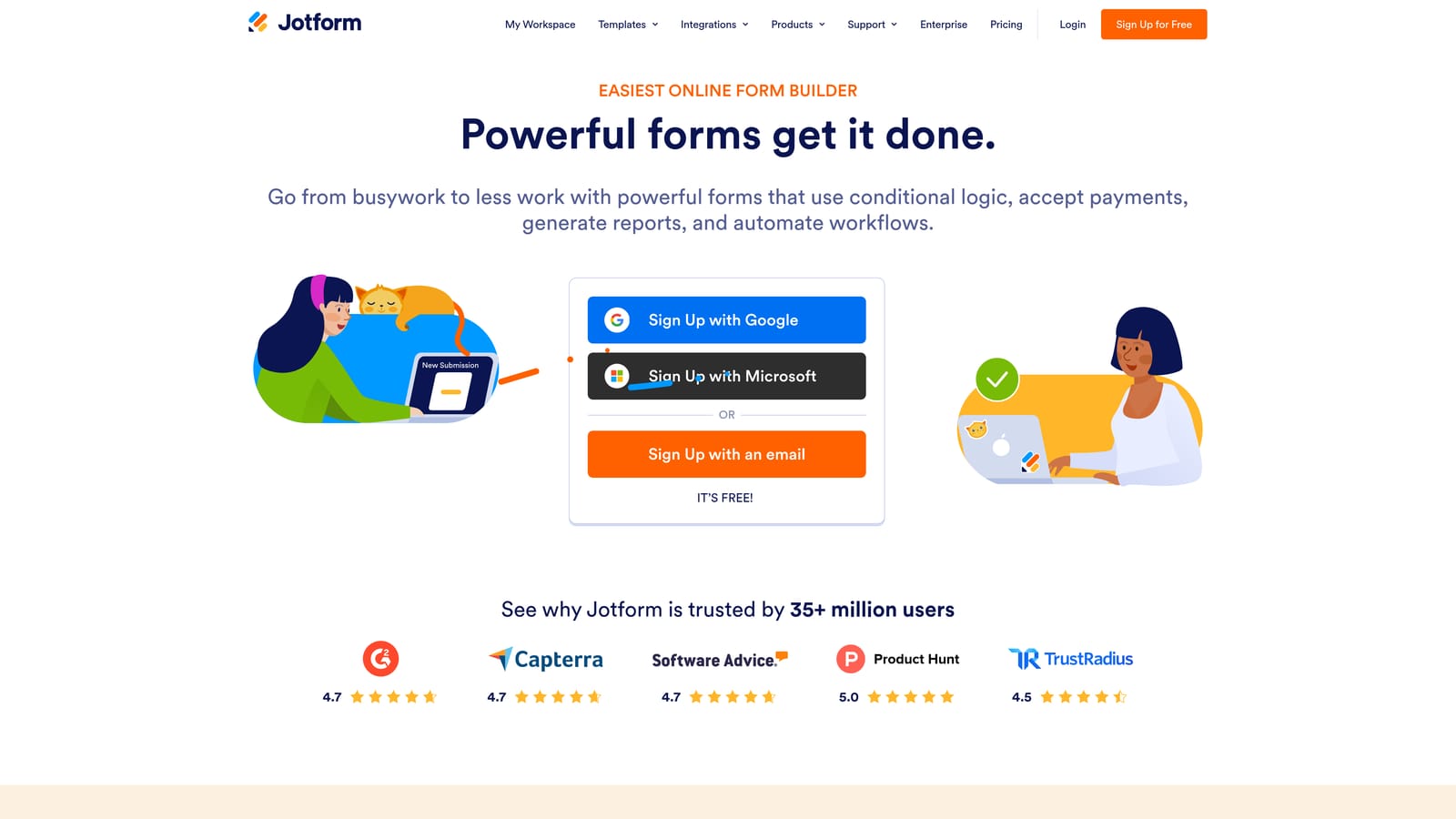
Jotform is a feature-rich form builder with one of the largest template libraries available, making it easy to get started quickly regardless of your industry or use case.
Where This Tool Shines
Jotform's template library is genuinely impressive in scope. Whether you're building a client intake form, a payment collection page, a healthcare questionnaire, or an event registration flow, there's almost certainly a starting point already there. For small businesses that want to move fast without building from scratch, that breadth saves real time.
The integration list is similarly wide. Jotform connects with a large range of CRMs, payment processors, and productivity tools, which matters for small businesses that have already assembled a working tech stack and need new tools to slot in without friction. The free plan comes with submission limits, so high-volume users will need to assess the paid tiers.
Key Features
10,000+ Ready-Made Templates: One of the largest template libraries in the category, spanning industries from healthcare to e-commerce to nonprofits.
Payment Collection: Built-in support for Stripe, PayPal, and other processors — useful for order forms, deposits, and event registrations.
Wide Integration Library: Connects with CRMs, Google Workspace, project management tools, and more without needing Zapier as a middleman.
HIPAA-Compliant Plans: Healthcare and regulated industry use cases are supported on specific plan tiers.
Free Plan with Submission Limits: A functional free tier for lower-volume use cases, with paid plans scaling up from there.
Best For
Jotform is a strong fit for small businesses that operate across multiple form use cases and want a single tool that handles all of them. Particularly well-suited to service businesses, healthcare-adjacent teams, and operations that need payment collection built directly into forms.
Pricing
Free plan available with monthly submission limits. Paid plans scale with submissions and feature access — check jotform.com for current plan details.
5. Paperform
Best for: Service businesses and creators who want forms that feel more like landing pages than data collection tools.
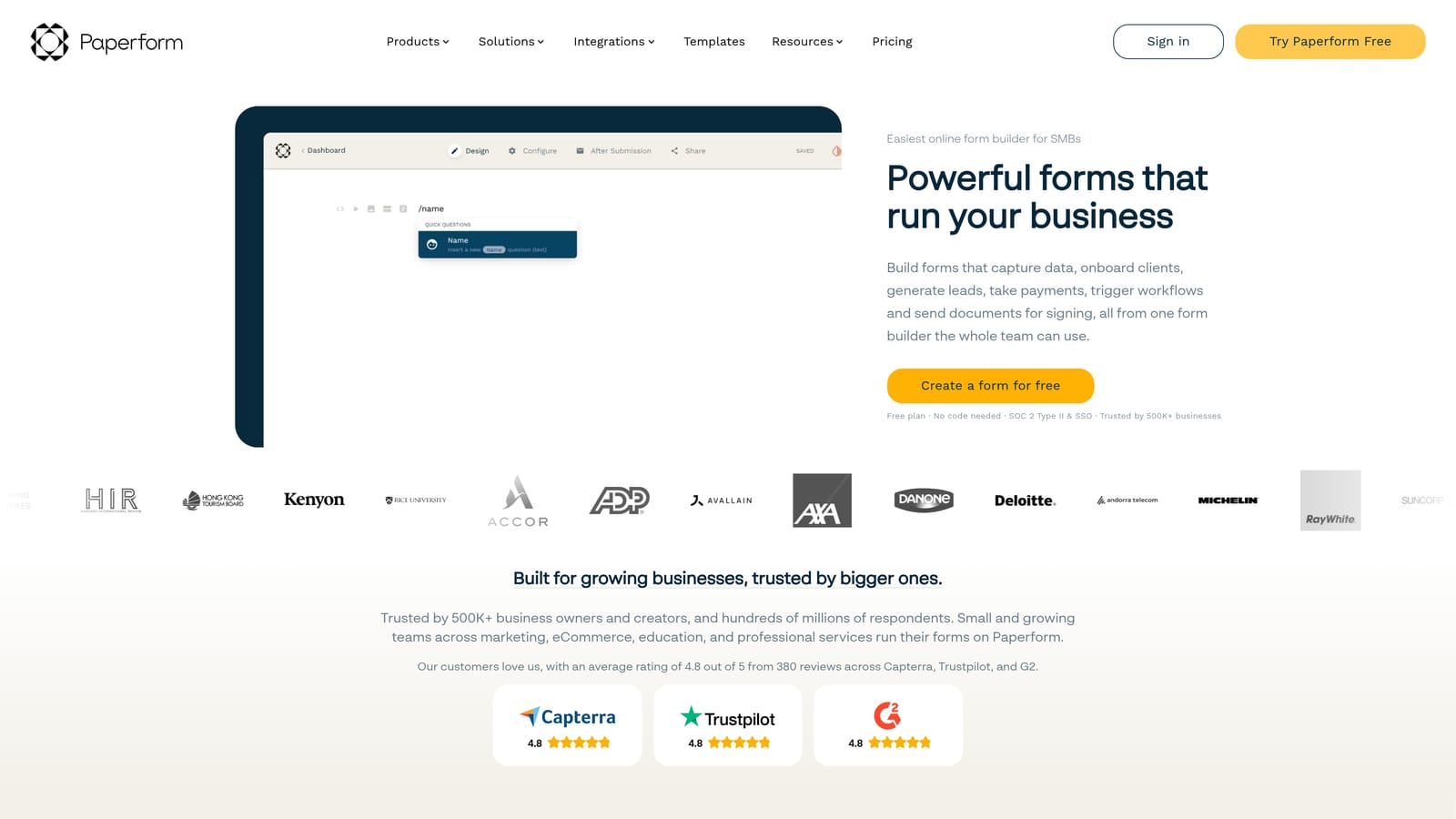
Paperform is a form builder that blurs the line between forms and landing pages, letting small businesses create rich, media-heavy experiences that go well beyond standard data collection.
Where This Tool Shines
Paperform's core idea is that a form doesn't have to look like a form. You can embed images, video, rich text, and product listings alongside your questions, creating something closer to a full landing page experience. For coaches, consultants, and service businesses where the form itself is part of the sales process, that format difference is genuinely useful.
The built-in scheduling, booking, and order form capabilities mean Paperform can serve as a lightweight alternative to several separate tools. If you're currently stitching together a form builder, a booking tool, and a simple product page, Paperform might consolidate that into one. Worth noting: there's no free plan, only a paid subscription with a free trial period.
Key Features
Page-Like Form Design: Supports images, video, and rich text inline with form questions, creating a full-page experience rather than a bare form.
Product Listings and Order Forms: Built-in capability to list products, collect orders, and process payments directly within the form.
Appointment Scheduling and Booking: Native scheduling tools built into the form layer without needing a separate booking platform.
Conditional Logic and Calculations: Show and hide fields based on responses, with calculation support for pricing, scoring, and custom outputs.
Zapier, Slack, and Business Tool Integrations: Connects with the tools most small businesses already use without complex setup.
Best For
Paperform is best suited to coaches, consultants, and small service businesses where the form experience is part of the client-facing brand. Also a good fit for teams looking to consolidate booking, ordering, and intake into a single tool. Not the right choice for teams on tight budgets, given the paid-only model.
Pricing
No free plan; paid-only with a free trial to start. Verify current pricing and trial terms at paperform.co.
6. Formstack
Best for: Regulated industries where HIPAA compliance, document generation, and e-signature workflows are non-negotiable requirements.
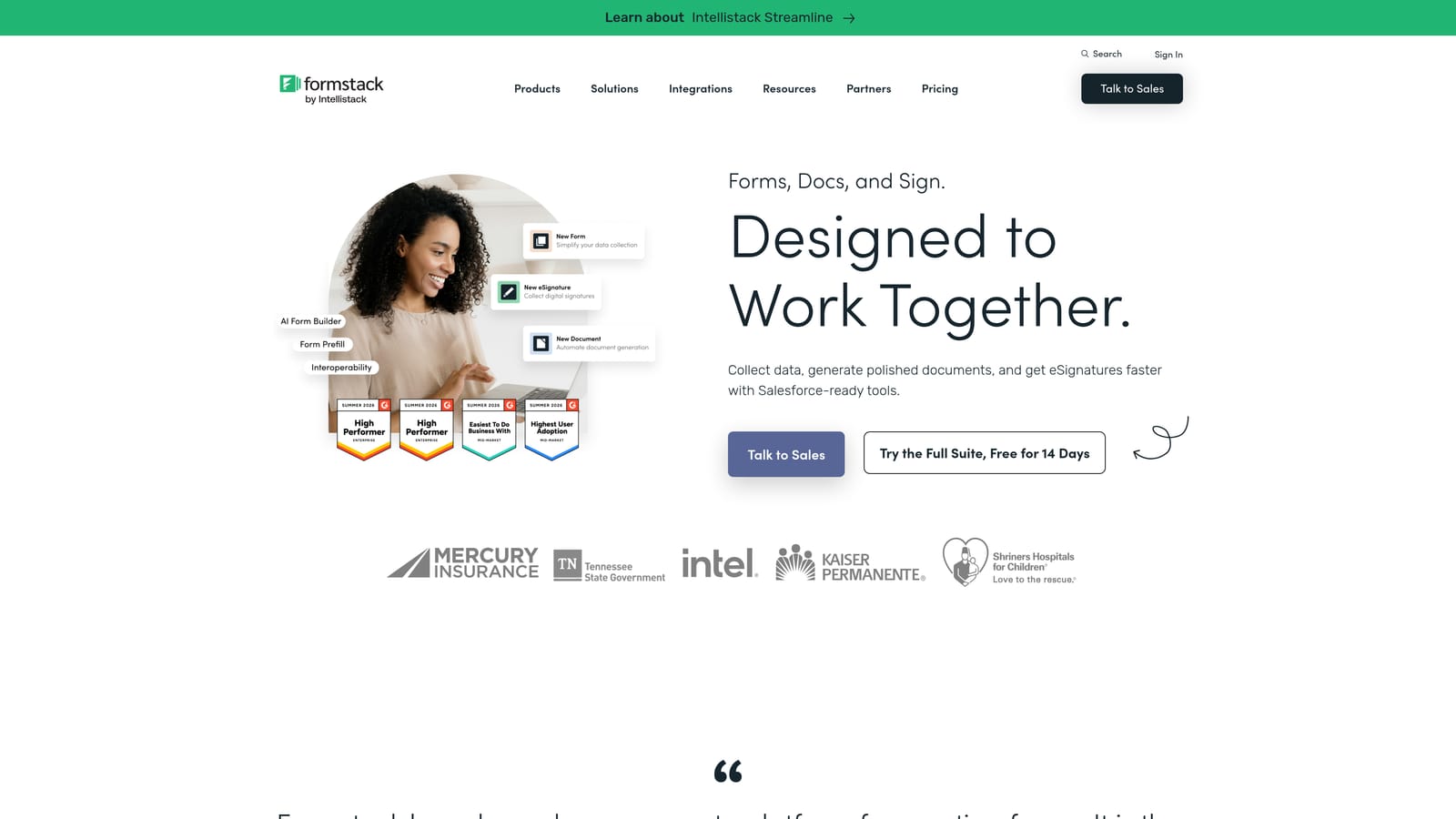
Formstack is the tool many small businesses are moving away from — but it remains the right choice for a specific, narrow set of use cases where compliance depth matters more than cost efficiency.
Where This Tool Shines
Formstack's strength is its compliance and document workflow stack. If your business operates in healthcare, legal, or another regulated industry and you need HIPAA-compliant forms, document generation, and e-signature capabilities in a single platform, Formstack delivers that in a way most alternatives don't. The audit trails and compliance reporting are built for teams that face real regulatory scrutiny.
The Salesforce integration is also notably deep, which matters for businesses already invested in that CRM ecosystem. For everyone else, particularly small businesses without compliance requirements, the pricing and complexity are hard to justify when lighter alternatives handle the core job more efficiently.
Key Features
HIPAA-Compliant Forms: Purpose-built compliance for healthcare and regulated industries, with the documentation to back it up.
Document Generation and E-Signatures: Creates and routes documents directly from form submissions, with e-signature workflows built in.
Advanced Workflow Automation: Connects forms to documents to approvals in multi-step workflows suited to regulated processes.
Salesforce Integration: Deep, native connectivity with Salesforce for enterprise CRM workflows.
Audit Trails and Compliance Reporting: Tracks every interaction with forms and documents for compliance and accountability purposes.
Best For
Formstack is the right call for healthcare organizations, legal teams, and other regulated businesses where compliance infrastructure is genuinely required. For general small business use cases without those requirements, the cost-to-value ratio is difficult to justify against the alternatives on this list.
Pricing
Enterprise-focused pricing that typically runs higher than alternatives. Check formstack.com for current plans before budgeting.
Which Tool Is Right for Your Business?
The right choice here depends on what you actually need your forms to do. Here's a quick way to think through it.
If your primary goal is lead generation and you want your forms to qualify prospects automatically, not just collect submissions, Orbit AI is the tool built specifically for that job. The AI-powered qualification layer is a genuine differentiator for sales-focused small businesses and SaaS teams where lead quality matters as much as volume.
If you're bootstrapped and need something free and fast to launch, Tally is the obvious starting point. The unlimited free plan is rare in this space and genuinely functional for early-stage operations.
If design and engagement quality are central to your lead gen campaigns, Typeform delivers the most polished conversational experience. Just model out the response-volume pricing before scaling campaigns.
If you need broad template coverage and payment collection across multiple use cases, Jotform handles the widest range of scenarios in a single tool. Strong for service businesses with diverse form needs.
If your forms are part of a client-facing sales or booking experience, Paperform creates the richest page-like format of any tool on this list.
And if you're in a regulated industry where HIPAA compliance and document workflows are genuinely required, Formstack remains the most complete solution for that specific context.
For most small businesses focused on growth and lead generation, the combination of intelligent qualification, fast setup, and conversion-optimized design makes Orbit AI the strongest fit. Start building free forms today and see how AI-powered lead qualification can change what your forms actually deliver for your business.


