

In the search for a reliable free HTML form builder, it's easy to get lost. A simple contact form might have been enough in the past, but today's growth-focused teams need more powerful tools for lead capture, customer feedback, and data collection. The right form builder doesn't just collect information; it actively qualifies leads, integrates seamlessly with your CRM, and ensures every submission is secure and compliant. A basic HTML <form> tag simply can't compete with the dynamic, data-driven capabilities required to build a qualified pipeline and understand your audience.
This guide cuts through the noise. We've compiled a comprehensive list of the best free form builders available, moving beyond surface-level marketing claims to provide a detailed, practical analysis. Our goal is to help you select the right platform for your specific needs, whether you're a startup marketer, a sales leader, or a product manager. We'll evaluate each tool based on critical factors like its integration capabilities, security protocols like GDPR readiness, ease of embedding, and the quality of its templates.
You will find a detailed breakdown for each option, including:
- Key features and honest limitations.
- Practical use cases for B2B SaaS, marketing agencies, and sales teams.
- Integration analysis with popular CRMs and marketing automation tools.
- Direct links and screenshots to help you evaluate each platform quickly.
We'll start with our top recommendation, Orbit AI, and then explore other powerful alternatives like Jotform, Tally, and HubSpot Forms. By the end of this article, you'll have a clear understanding of which free HTML form builder will best support your team’s goals, from simple contact forms to complex, multi-step lead qualification workflows.
1. Orbit AI
Orbit AI earns its top position by fundamentally redefining what a form can achieve. It moves beyond simple data collection, transforming every submission into a qualified sales opportunity. This makes it an exceptionally powerful free HTML form builder for growth-focused B2B teams who need to connect marketing efforts directly to revenue. The platform combines a user-friendly visual builder with a sophisticated, always-on AI Sales Development Representative (SDR) that operates in the background.
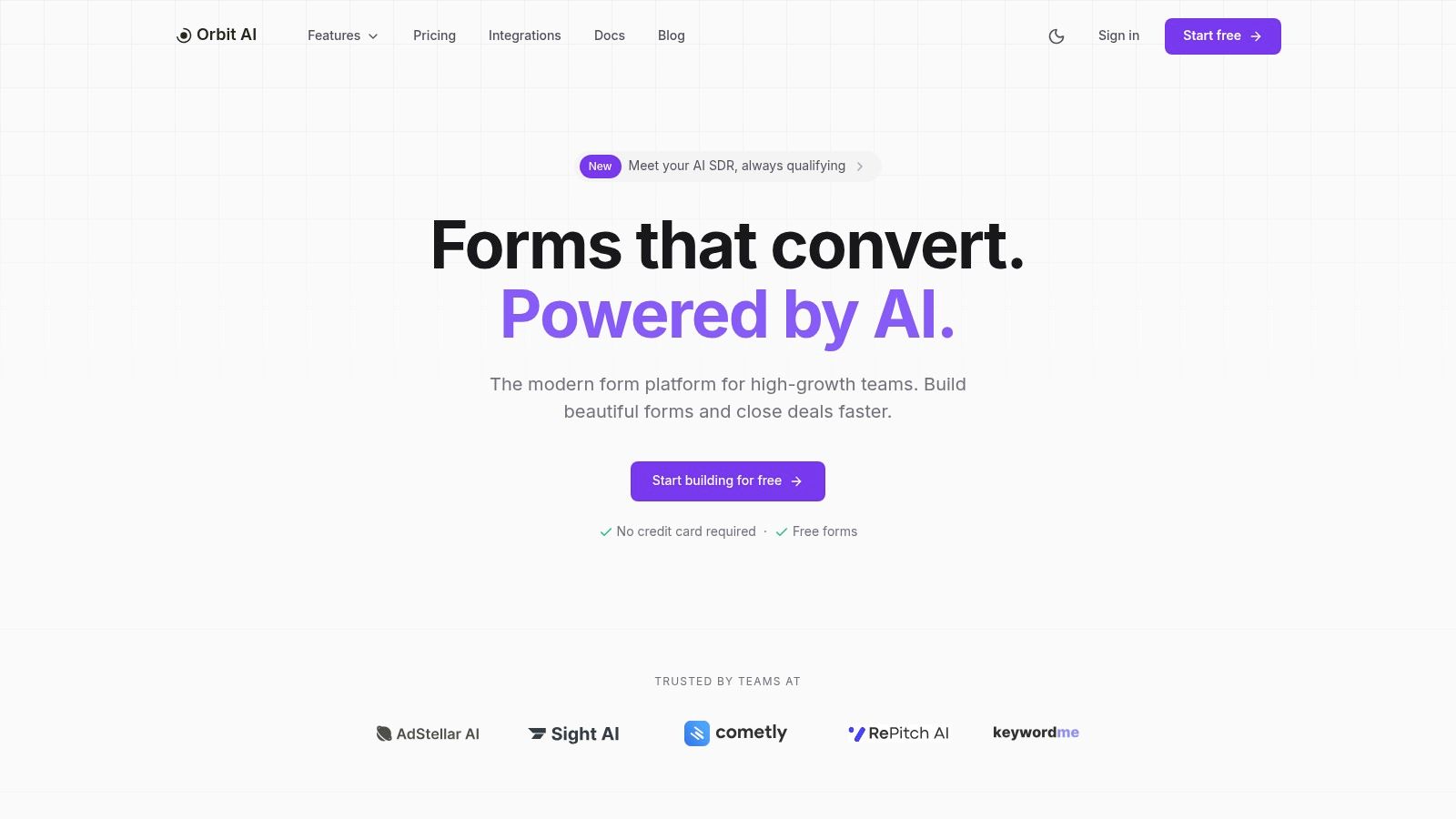
While marketing teams can quickly deploy beautiful, high-converting forms using pre-built templates, the real distinction is what happens post-submission. The AI SDR automatically enriches lead data, applies intelligent lead scoring, and surfaces the most sales-ready opportunities for immediate follow-up. This automated qualification eliminates manual triage and ensures sales teams focus only on high-intent prospects.
Key Strengths & Use Cases
- Automated Lead Qualification: The AI SDR is a game-changer for sales efficiency. It's ideal for B2B SaaS companies that receive a high volume of demo requests or content downloads and need to instantly separate high-value leads from low-intent submissions.
- High-Performance Forms: Customers frequently report faster load times and higher conversion rates compared to legacy builders. This is critical for landing pages and paid ad campaigns where every second impacts lead capture performance.
- Seamless Integration & Security: With over 50 native integrations, Orbit AI connects directly to popular CRMs and marketing automation platforms. Enterprise-grade encryption and GDPR readiness make it a secure choice for handling sensitive lead data.
- Frictionless Collaboration: The platform allows unlimited team members on any plan, empowering entire marketing and sales organizations to collaborate without incurring extra seat-based costs.
Best for: Growth-oriented B2B companies, sales teams needing a qualified pipeline, and digital agencies seeking a performance-focused form solution.
| Feature Highlights | Assessment |
|---|---|
| AI SDR | Continuously qualifies, enriches, and scores leads. |
| Form Builder | Visual, template-driven, and optimized for speed. |
| Analytics | Real-time insights on drop-off, conversion, and sources. |
| Integrations | 50+ connections to CRMs and marketing tools. |
| Security | Enterprise-grade encryption and GDPR compliance. |
You can start building for free without a credit card to experience the core features firsthand. While detailed pricing for advanced tiers requires contacting their sales team, the free offering provides significant value for teams looking to leverage AI in their lead generation. To explore how this technology compares to other approaches, you can learn more about AI lead generation tools and their impact on modern sales funnels.
Website: https://orbitforms.ai
2. Google Forms
Google Forms is a ubiquitous and reliable entry point into the world of online forms, making it a natural choice for many looking for a free HTML form builder. Its primary advantage is its seamless integration into the Google ecosystem. If your team already operates within Google Workspace, deploying a form is incredibly fast and intuitive, with virtually no learning curve.
The platform excels at creating simple, functional forms for internal surveys, quick feedback collection, or basic lead capture. Its standout feature is the native, real-time integration with Google Sheets, which automatically organizes all submissions into a structured spreadsheet for easy analysis. This makes data management straightforward without needing complex third-party tools. You can embed the form directly into a webpage using a simple iframe, making it accessible to non-technical users.
Best Use Case & Limitations
Google Forms is ideal for internal data gathering, event registrations, and simple customer surveys where advanced branding and complex logic are not required. It’s a powerful tool for startups and marketing teams needing to validate ideas or collect initial data without any financial investment.
However, its limitations become apparent when professional branding and advanced functionality are needed. Customization options are minimal, making it difficult to match the form’s design to your brand's aesthetic. It also lacks sophisticated conditional logic and field validation, which can impact user experience and data quality. For teams needing more robust features, exploring a dedicated alternative to Google Forms becomes a necessary next step.
- Pros: Completely free with a Google account, unlimited forms and responses, native Google Sheets integration.
- Cons: Limited design customization, lacks advanced conditional logic, not ideal for complex, multi-step forms.
3. Microsoft Forms
Microsoft Forms is the direct counterpart to Google Forms for organizations deeply embedded in the Microsoft 365 ecosystem. As a lightweight, no-code tool, it offers a simple way to create surveys, quizzes, and polls. Its key advantage is its native integration with other Microsoft products, allowing for a streamlined workflow for users already familiar with Office, Teams, and SharePoint.
The platform excels at creating clean, straightforward forms for internal communication, employee feedback, and simple event sign-ups. A major selling point is its direct data export to Microsoft Excel, which automatically organizes submissions into a familiar spreadsheet format for analysis. This feature makes it an excellent choice for teams that rely on Excel for data management and reporting. Embedding the form on a webpage is handled through a standard iframe, making it accessible even for users without technical skills.
Best Use Case & Limitations
Microsoft Forms is ideal for internal data collection within organizations that operate on Microsoft 365. It is a powerful tool for educators creating quizzes or for corporate teams gathering internal feedback without needing to onboard a new software solution. It serves as a great starting point for those looking for a free HTML form builder.
However, its limitations become clear when more sophisticated branding or functionality is required. Design and layout customization options are restricted, making it challenging to align the form with a specific brand identity. While it handles basic logic, it lacks the advanced conditional routing and complex validation found in more specialized tools. For companies needing greater control over their form’s appearance and behavior, Microsoft Forms may feel too constrained.
- Pros: Completely free for Microsoft account holders, seamless integration with Microsoft 365 apps, straightforward UI and response management in Excel.
- Cons: Limited branding and layout flexibility, advanced features often require upgrading to other paid Microsoft products.
4. Typeform
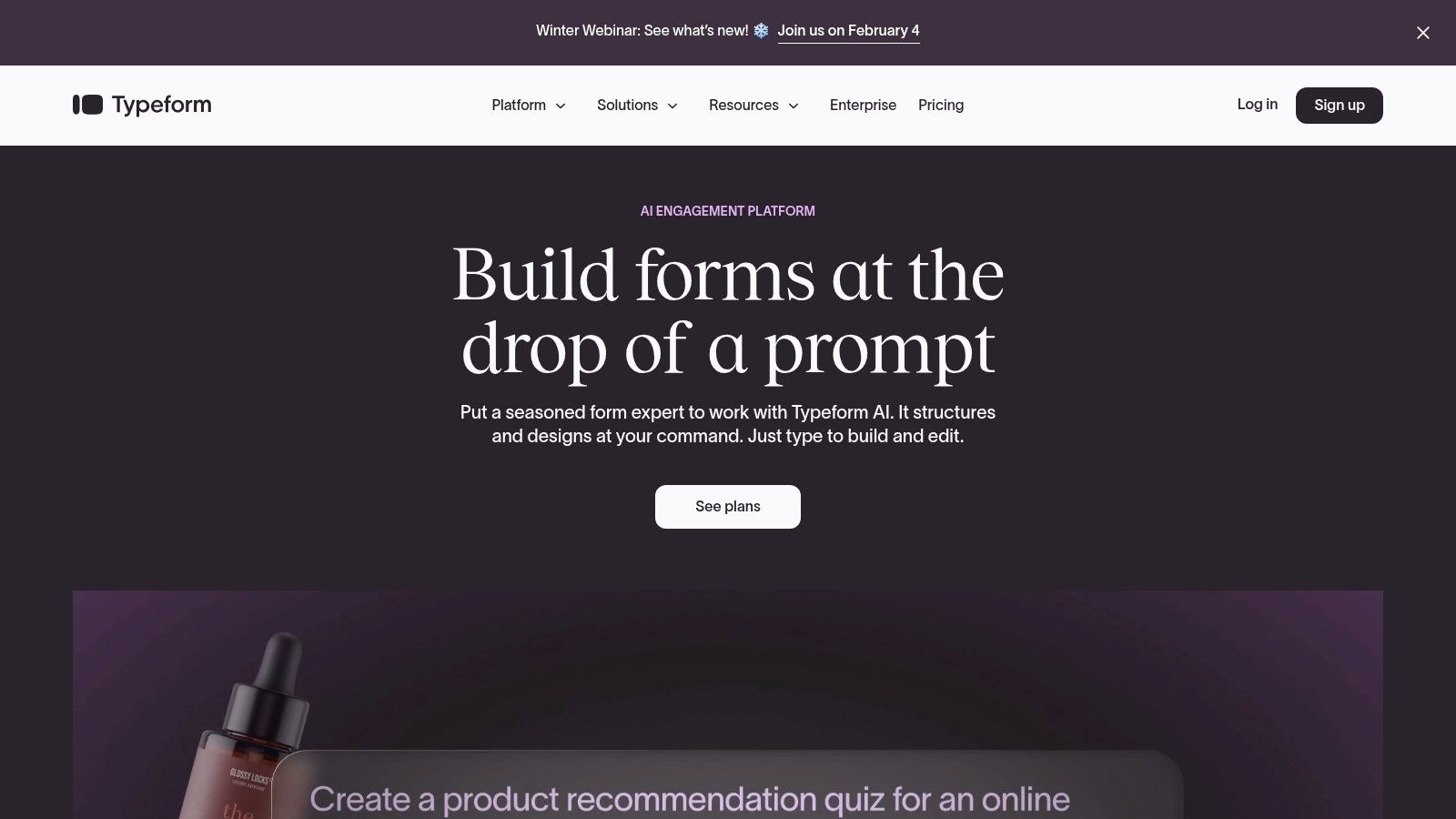
Typeform is renowned for its design-centric approach, transforming standard data collection into an engaging, conversational experience. Its signature one-question-at-a-time interface is designed to feel more like a friendly chat than a form, which can significantly boost user engagement and completion rates. This makes it an excellent free HTML form builder for user-facing applications like surveys, quizzes, and lead capture where the user experience is paramount.
The platform provides a smooth, visually appealing builder that makes creating beautiful forms intuitive. You can embed these interactive forms directly into your website with a simple HTML snippet, ensuring a seamless integration with your existing design. Even on the free plan, you gain access to powerful features like Logic Jumps, which allow you to create dynamic paths based on user answers.
Best Use Case & Limitations
Typeform is ideal for marketing campaigns, customer feedback surveys, and creative quizzes where brand personality and user experience are critical. Its modern feel helps capture attention and can lead to higher-quality responses from a more engaged audience. The extensive template library provides a great starting point for various use cases.
However, the free plan's limitations are significant. With a cap of only 10 responses per month and limited features, it functions more as a trial than a long-term solution for any serious data collection. As your needs grow, the cost of paid plans can become a considerable factor. For those who need higher response volumes without the price tag, exploring other powerful Typeform alternatives is often a necessary step for scaling businesses.
- Pros: Exceptional user experience boosts completion rates, beautiful design and templates, powerful conditional logic features.
- Cons: Very restrictive free plan (10 responses/month), advanced features and higher response limits are gated behind expensive paid plans.
5. Jotform
Jotform is a powerhouse in the drag-and-drop form builder space, offering a massive ecosystem of templates and widgets that make it an excellent free HTML form builder for a wide range of projects. Its primary strength lies in its sheer versatility. You can create almost any type of form imaginable, from simple contact forms to complex event registrations with payment processing, all without writing a single line of code.
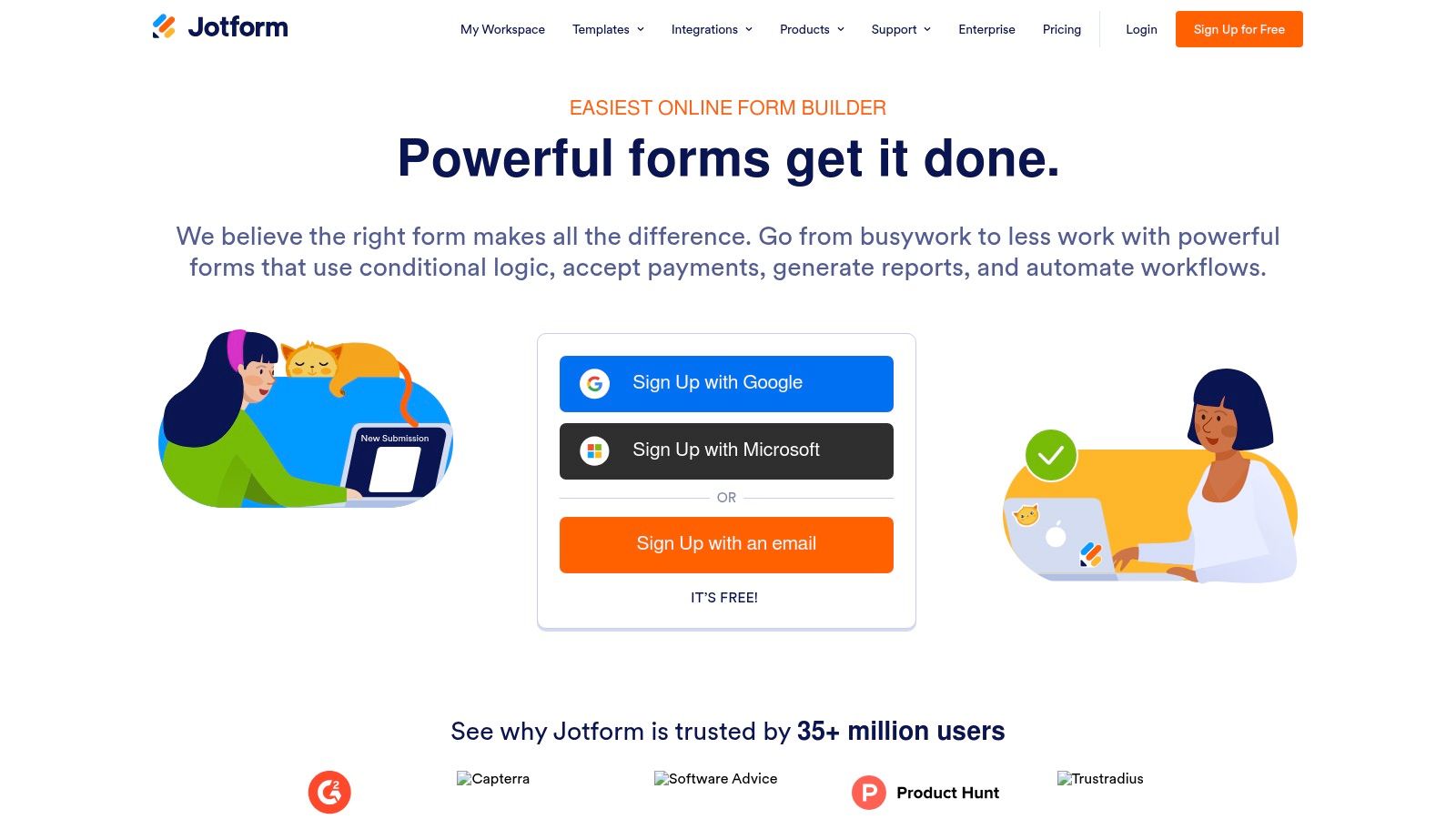
The platform provides a vast library of over 10,000 templates and hundreds of specialized field types and widgets, including appointment schedulers, signature fields, and file uploaders. It also integrates seamlessly with popular services like Google Sheets, Slack, and Mailchimp, allowing you to build automated workflows easily. Embedding forms into your website is straightforward, and the ability to export submissions as professional-looking PDFs is a standout feature for many businesses.
Best Use Case & Limitations
Jotform is ideal for small businesses, non-profits, and marketing teams that need feature-rich forms for specific tasks like lead generation, payment collection, or detailed surveys. Its extensive template library saves significant time, and the intuitive interface makes it easy to build effective web forms without technical expertise.
However, the free plan comes with limitations. Forms will display Jotform branding, and there are caps on monthly submissions (100), form views (1,000), and available storage (100 MB). While these limits are generous for small-scale projects, growing businesses may quickly find themselves needing to upgrade. Advanced security and compliance features like HIPAA compliance are also reserved for paid tiers, making it less suitable for organizations handling sensitive data on the free plan.
- Pros: Very feature-rich free plan, huge template and widget library, easy to embed and automate.
- Cons: Free plan includes Jotform branding and has usage caps, advanced security and compliance require paid plans.
6. Tally
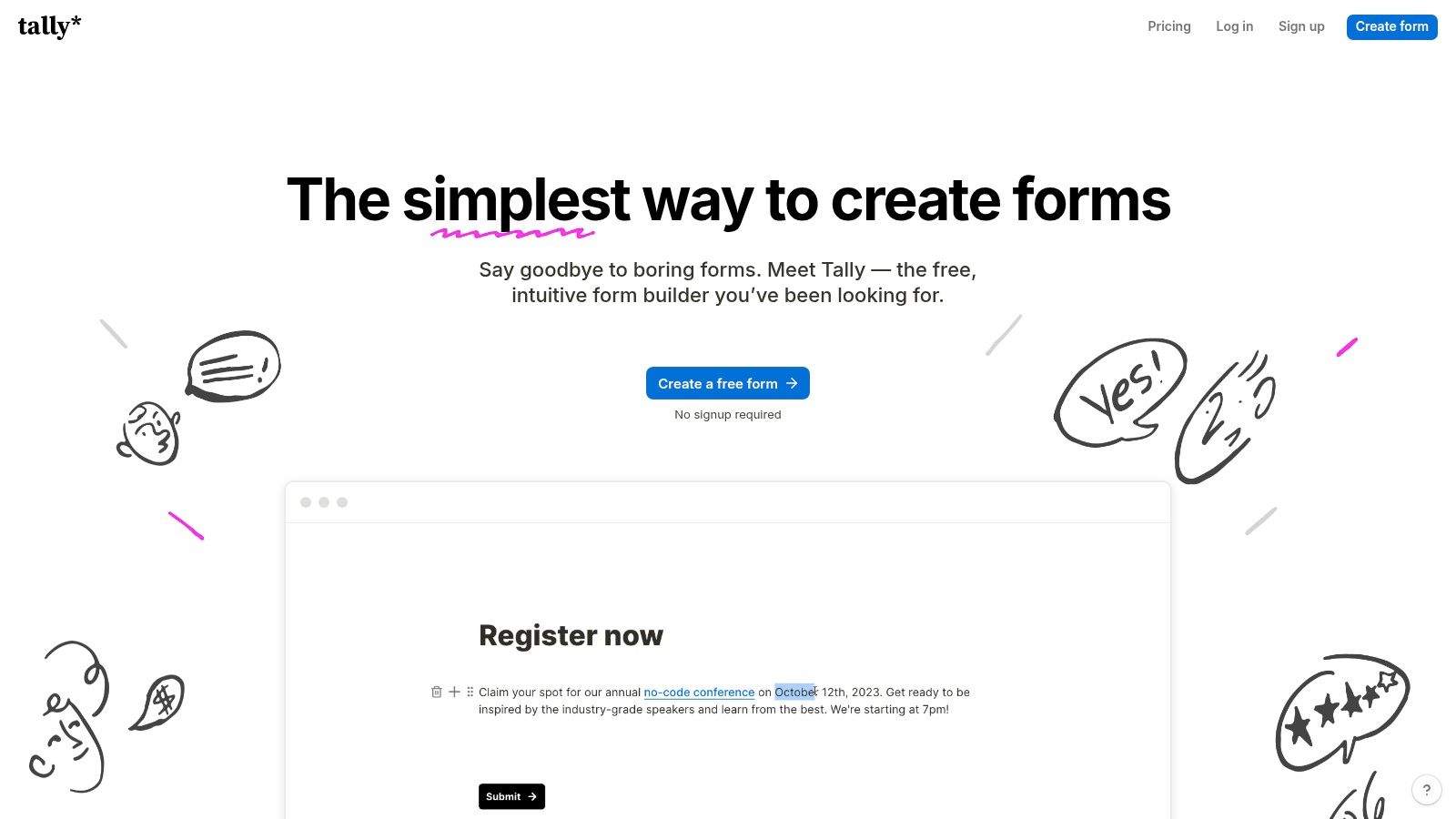
Tally has quickly become a favorite in the creator and startup communities, offering a Notion-style building experience that is both intuitive and powerful. It stands out by providing an incredibly generous free tier, making it one of the most functional free HTML form builder options available. Users can create unlimited forms with unlimited submissions, a feature that many competitors place behind a paywall.
Its interface feels more like writing a document than configuring a form, which significantly speeds up the creation process. For teams needing more than just basic fields, Tally's free plan includes conditional logic, calculations, and even payment integrations with Stripe. Embedding the form is straightforward, using a standard code snippet that integrates cleanly into most websites.
Best Use Case & Limitations
Tally is perfect for startups, creators, and small businesses that need robust form capabilities without a budget. It excels at user feedback surveys, simple application forms, and lead capture where advanced enterprise features are not a priority. The ability to accept payments for free makes it a fantastic tool for selling simple products or collecting registration fees.
The primary limitation of the free plan is the mandatory Tally branding. While subtle, it may not be suitable for established brands requiring a completely white-labeled experience. Advanced features like custom domains, partial submission capture, and key enterprise controls such as custom data retention policies are reserved for its paid plans.
- Pros: Exceptionally generous free plan with unlimited forms and submissions, intuitive Notion-like user experience, supports logic and payments at no cost.
- Cons: Free forms include Tally branding, file uploads are limited (10 MB per file), advanced branding and security controls require a Pro plan.
7. Formspree
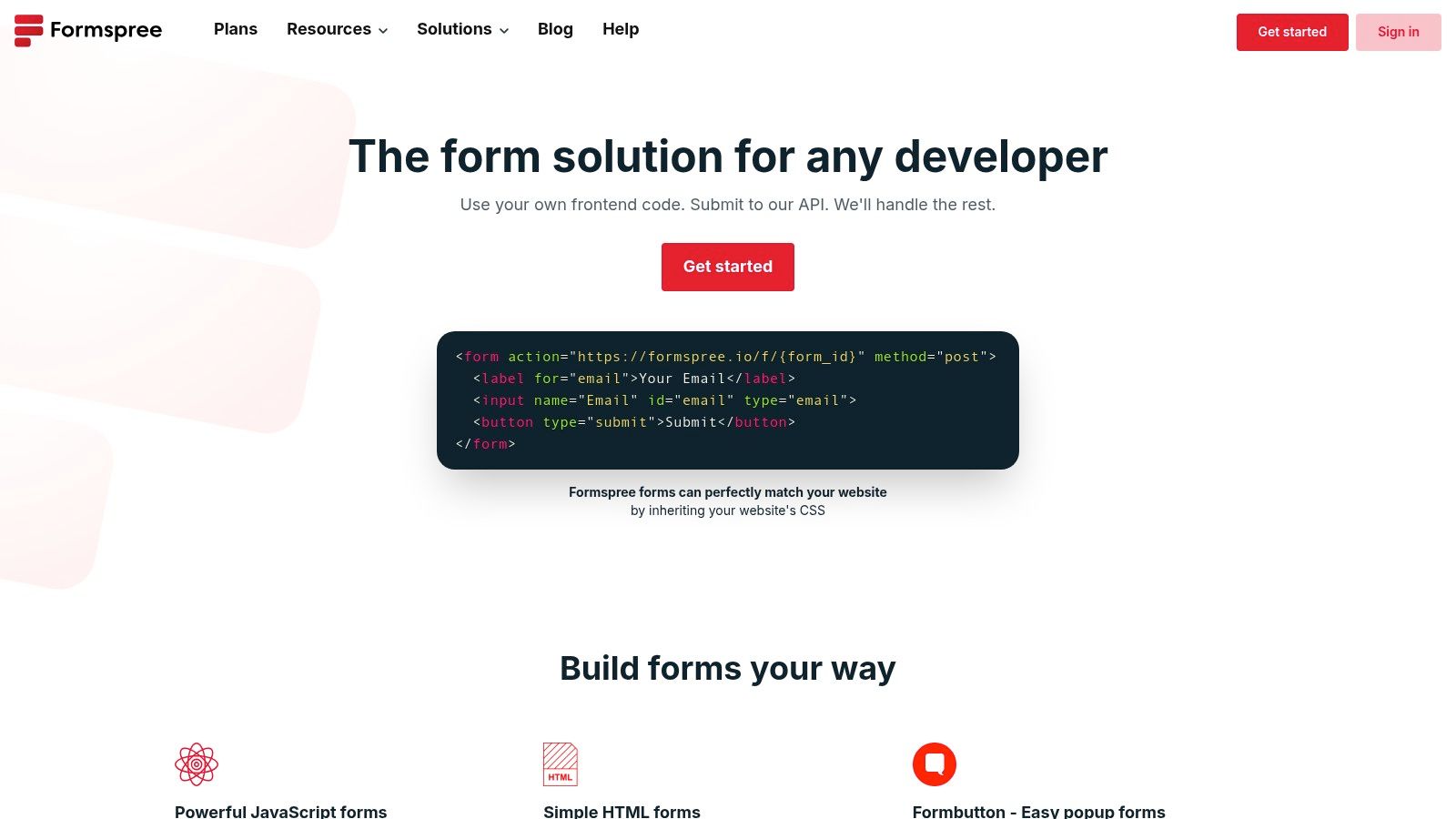
Formspree is a developer-centric tool that offers a powerful solution for those needing a backend for their custom HTML forms. It acts as a form endpoint, allowing you to simply point your existing HTML form’s action attribute to their URL to start collecting submissions. This makes it an incredibly fast and lightweight free HTML form builder for static websites or projects where setting up a dedicated backend is overkill.
Its core strength lies in its simplicity and direct integration with raw HTML. You build the form with your own code, and Formspree handles the submission processing, spam filtering, and email notifications. This approach gives developers complete control over the form's appearance and behavior, eliminating the need for iframes or restrictive drag-and-drop builders. The dashboard provides a clean interface to view and manage all incoming data.
Best Use Case & Limitations
Formspree is the perfect choice for developers building static sites with platforms like Jekyll, Hugo, or Gatsby, as well as for simple contact forms on single-page applications. It’s ideal for portfolios, project sites, and marketing landing pages where you need a reliable way to capture leads or feedback without managing server-side code.
The primary limitation is its free tier’s submission cap, which starts at 50 per month, making it unsuitable for high-traffic sites without a paid upgrade. While it excels at backend processing, it offers no visual form-building tools, meaning you must write the HTML yourself. Advanced features like file uploads, webhooks for CRM integrations, and complex conditional logic are also reserved for paid plans, which might necessitate a more all-in-one solution like Orbit AI for teams needing scalable functionality from the start.
- Pros: Extremely easy to set up with existing HTML, generous "free forever" tier for low-volume projects, gives full design control to the developer.
- Cons: Low monthly submission limit on the free plan, requires knowledge of HTML, many essential integrations and features are behind a paywall.
8. FormSubmit
FormSubmit offers a radically simple approach for anyone needing a functional backend for a custom HTML form without any registration or complex setup. It strips away the traditional form builder interface entirely, acting as a direct endpoint for your existing HTML code. You simply point your form's action attribute to their URL, and submissions are forwarded directly to your email address, making it an excellent free HTML form builder for static sites and prototypes.
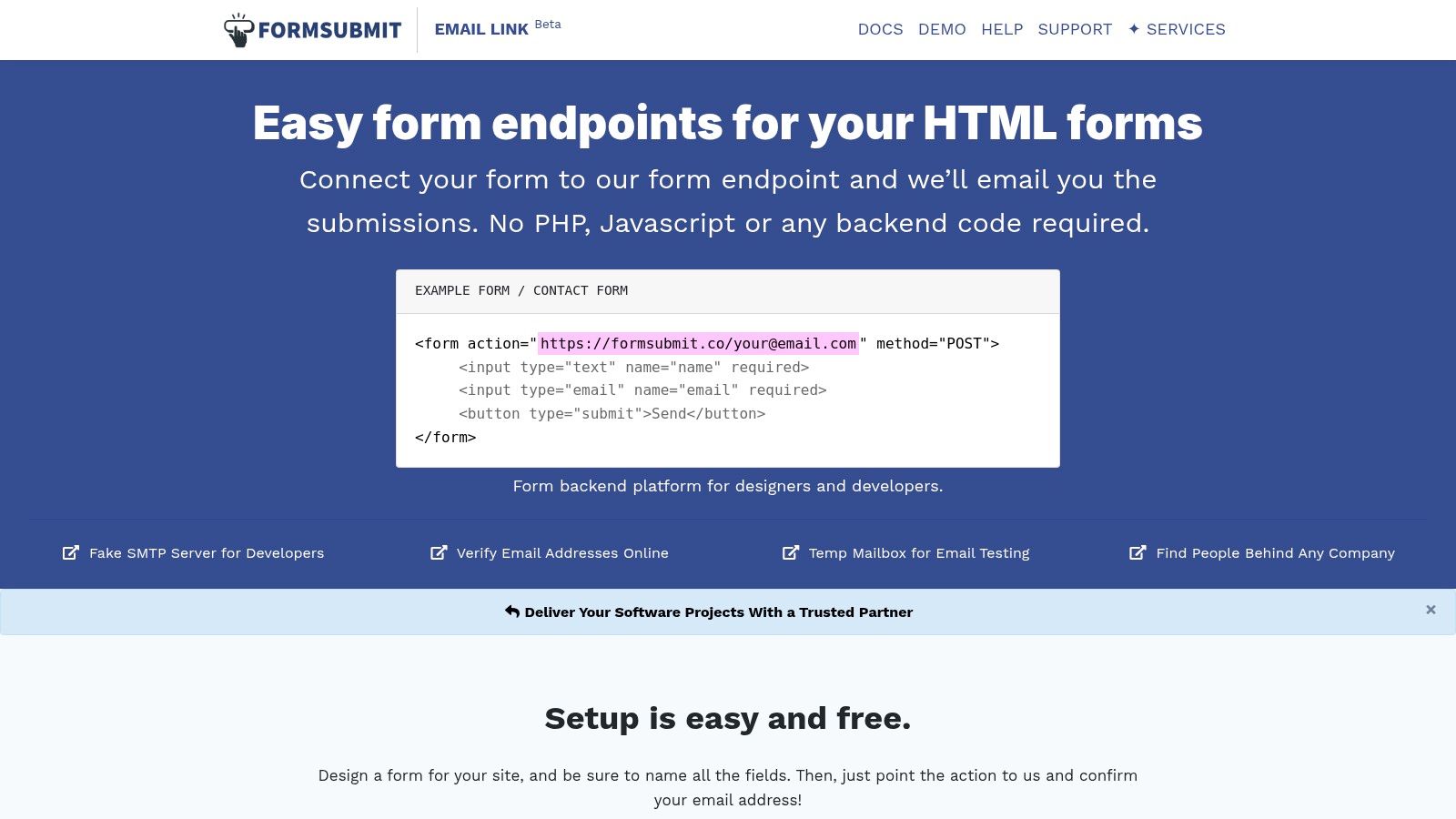
The platform's primary appeal is its "zero-config" nature. After pointing your form to their service, the first submission triggers a confirmation email to verify your ownership, and you’re ready to go. Advanced features like auto-responses, custom redirects, and integrations with services like reCAPTCHA are controlled through simple hidden input fields within your HTML. This gives developers full control over the form's appearance and behavior while offloading the backend processing.
Best Use Case & Limitations
FormSubmit is the perfect solution for developers building static websites, personal portfolios, or quick prototypes who need a reliable contact form without the overhead of a server-side language or database. Its simplicity makes it ideal for single-page applications or sites hosted on platforms like GitHub Pages or Netlify where a quick, functional backend is all that's required.
The main limitation is its reliance on an email-based workflow. It lacks a centralized dashboard for managing submissions, analytics, or complex user data, which can become unwieldy for high-volume forms or team-based workflows. For businesses needing robust data management, integrations, and performance tracking, a more comprehensive tool like Orbit AI is a far more scalable and professional choice.
- Pros: Extremely simple setup with no registration, completely free for basic use, developers retain full control over the form's HTML and CSS.
- Cons: Email-based submissions are hard to scale, lacks a central dashboard for analytics or submission management, not ideal for complex business workflows.
9. Netlify Forms
Netlify Forms is a powerful and developer-centric solution for anyone building static or Jamstack websites hosted on the Netlify platform. Rather than being a traditional drag-and-drop builder, it offers serverless form handling that works by detecting a simple HTML form tag in your code during deployment. This eliminates the need for any backend code or external services to process form submissions, making it an incredibly streamlined free HTML form builder for modern web projects.
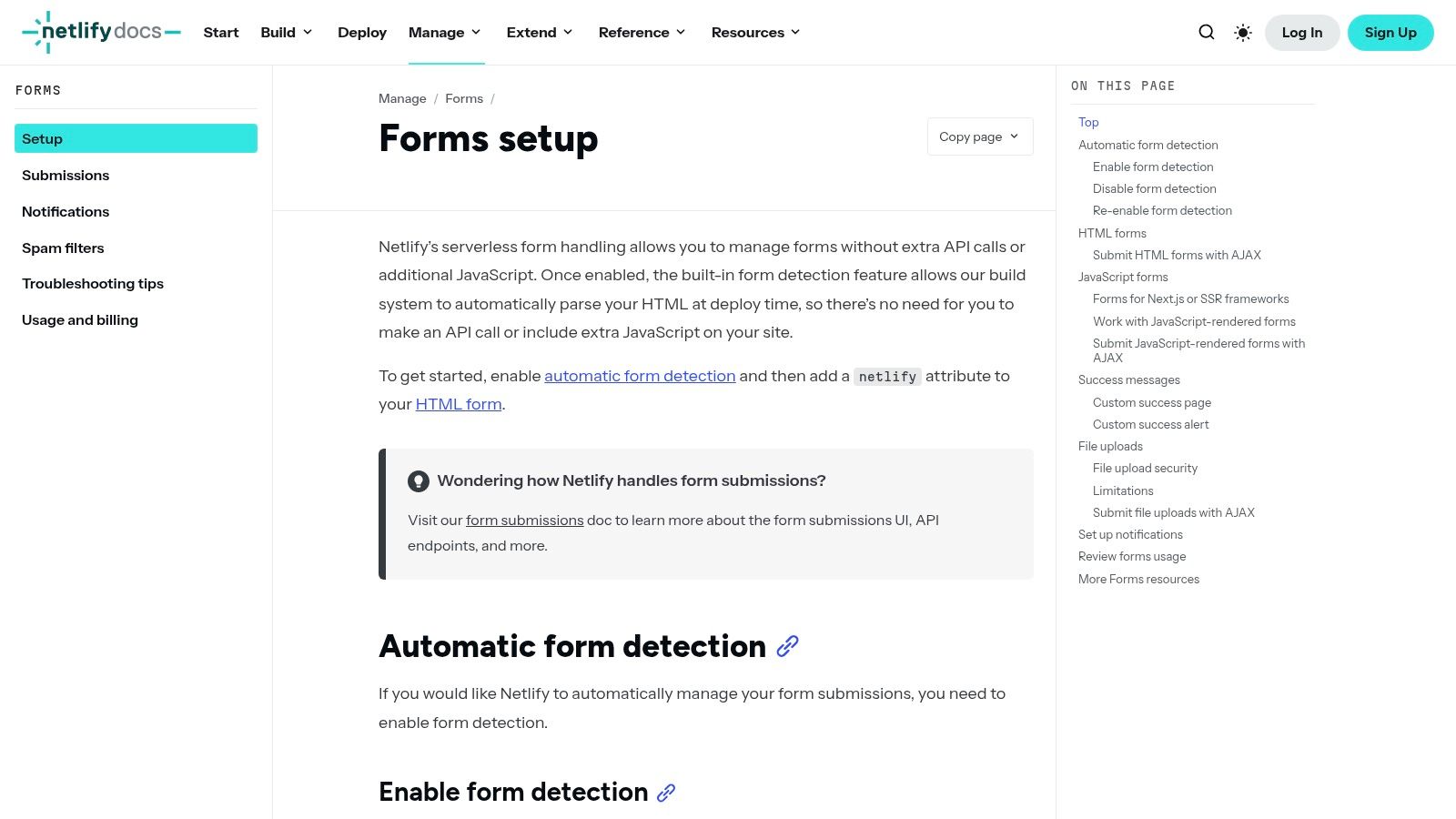
The platform automatically handles submissions, provides spam filtering with Akismet, and collects entries directly in your Netlify dashboard. From there, you can export data as a CSV or trigger serverless functions and webhooks to integrate with tools like Slack, Zapier, or your CRM. This tight integration with the Netlify ecosystem is its primary advantage, allowing for sophisticated, automated workflows directly tied to your site's deployment pipeline.
Best Use Case & Limitations
Netlify Forms is the perfect choice for developers and teams already committed to the Netlify ecosystem for hosting their static sites. It is ideal for contact forms, simple lead capture, and feedback collection on portfolio sites, marketing pages, or blogs where maintaining a serverless architecture is a priority. The ability to trigger serverless functions on submission opens up powerful possibilities for custom data processing.
The main limitation is its dependency on the Netlify platform; you cannot use this service if your site is hosted elsewhere. The free tier includes 100 form submissions per site per month, which may be insufficient for high-traffic websites. While it handles the backend logic beautifully, you are still responsible for building and styling the HTML form itself, unlike the all-in-one solutions provided by platforms like Orbit AI.
- Pros: Seamless integration for Jamstack sites on Netlify, no backend management required, powerful automation with serverless functions and webhooks.
- Cons: Only works for sites hosted on Netlify, free tier has submission limits, requires manual HTML/CSS for form design.
10. HubSpot Forms (Free CRM + Marketing tools)
HubSpot Forms offers much more than a simple form builder; it's an entry point into a comprehensive marketing and sales ecosystem. Its key differentiator is the direct, automatic integration with HubSpot's powerful and free CRM. This means every form submission instantly becomes a detailed contact record, creating a seamless pipeline from lead capture to customer relationship management without any extra setup.
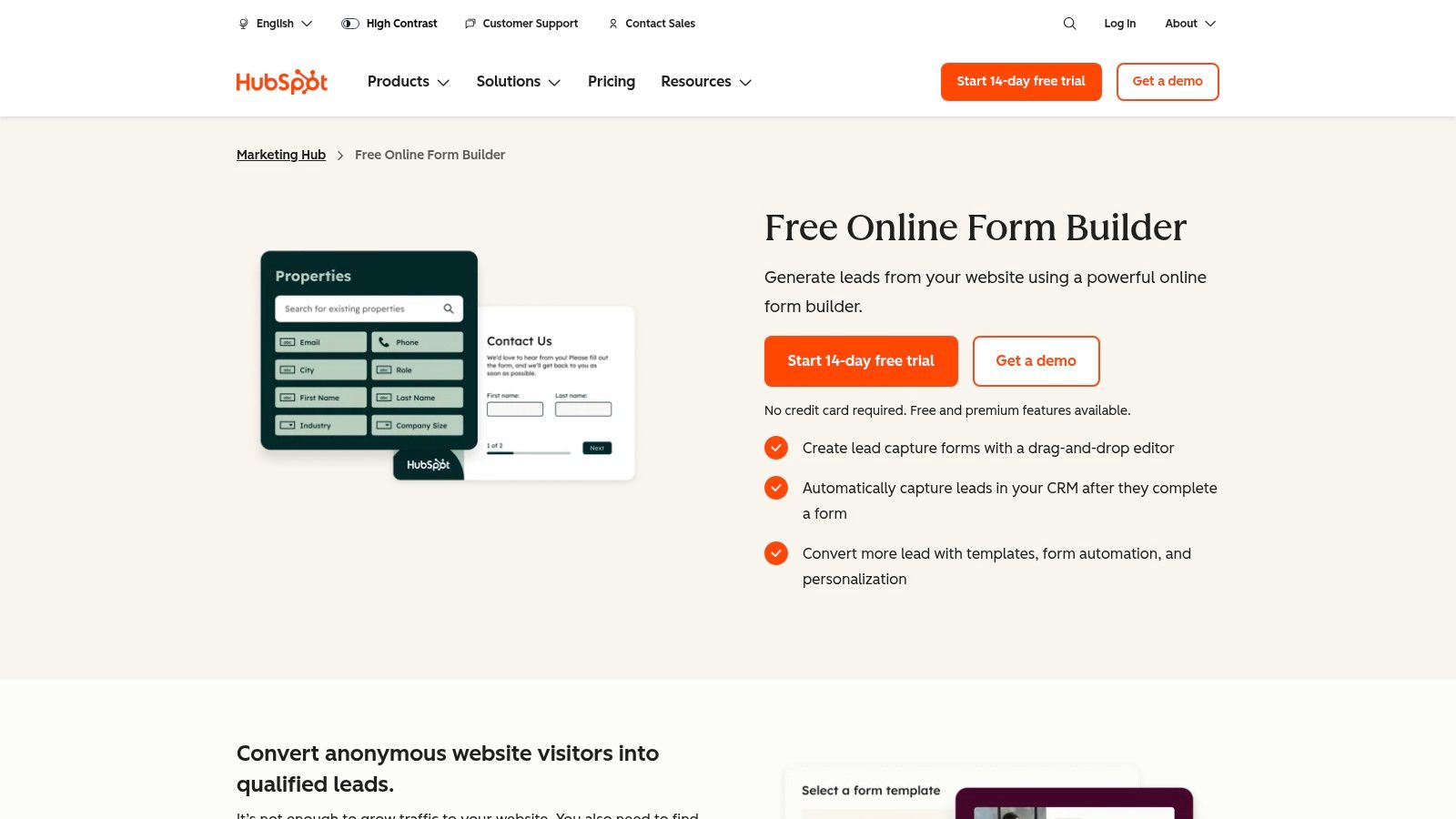
The drag-and-drop editor simplifies the creation of embedded forms, pop-ups, and standalone pages. Because it’s connected to a CRM, the platform can prevent duplicate contact creation and enrich profiles with submission data. This makes it an excellent free HTML form builder for businesses focused on lead generation and nurturing from day one. You can follow up with new leads using HubSpot’s free email marketing tools, creating a unified workflow from a single platform.
Best Use Case & Limitations
HubSpot Forms is the ideal choice for small businesses and marketing teams that need a free form builder tightly coupled with a CRM. If your primary goal is to capture leads and immediately start managing and marketing to them, this all-in-one solution is incredibly efficient. It helps teams understand the entire customer journey, from the first form fill to the final sale.
The main limitation is that the free version comes with mandatory HubSpot branding. Customization options are also somewhat restricted compared to dedicated form tools, and advanced features like progressive profiling and automation are locked behind paid Marketing Hub subscriptions. While the integrated approach is a huge benefit, those needing full design control or complex logic without paying for a full marketing suite might find it constraining. For more advanced strategies, you might want to learn more about how to qualify leads with forms using specialized tools.
- Pros: Seamless integration with a powerful free CRM, includes email marketing and contact management, easy to embed and use.
- Cons: HubSpot branding on all free forms, limited design customization, advanced features require paid plans.
11. Zoho Forms
Zoho Forms is a powerful, full-featured online form builder that offers a surprisingly generous free plan, making it an excellent choice for businesses already invested in or considering the Zoho ecosystem. It provides a sophisticated balance of user-friendly design tools and robust backend logic, positioning it as a significant step up from more basic form solutions. Its drag-and-drop interface, combined with a wide array of customizable themes, allows for the creation of professional-looking forms without touching any code.
What sets Zoho Forms apart is its deep integration capabilities and data management features, even on the free tier. Users can configure email notifications, redirect to thank-you pages, and track submissions with UTM parameters. The platform’s ability to connect with other Zoho products like Zoho CRM or Zoho Sheet is a major advantage, creating a seamless workflow for lead management and data analysis. This makes it a compelling free HTML form builder for small businesses needing an all-in-one solution.
Best Use Case & Limitations
Zoho Forms is ideal for small to medium-sized businesses that require more than just simple data collection. It’s perfect for generating sales leads, processing online orders with payment fields, and conducting detailed customer feedback surveys. Teams that need to connect form data directly to a CRM or other business applications will find its native integrations highly valuable.
However, the free plan does have clear boundaries. While offering 500 submissions per month across three forms is generous, businesses with higher traffic will quickly need to upgrade. The user interface, while powerful, can feel slightly more complex and heavier compared to minimalist builders. Advanced automation, logic rules, and higher submission limits are reserved for paid tiers, which is a key consideration for scaling operations.
- Pros: Generous free plan with 500 submissions/month, broad native integrations with Zoho apps and third parties, includes payment fields.
- Cons: UI can feel heavier than simpler tools, advanced automation and higher limits require paid plans, only three forms on the free tier.
12. Airtable Forms
Airtable Forms offers a unique approach to form building by integrating forms directly with its powerful, flexible database. Instead of just collecting data, Airtable immediately organizes it into a structured base, transforming submissions into actionable records. This makes it an exceptional free HTML form builder for teams that need more than just a spreadsheet of responses.
The primary advantage is that each form is a "view" of an existing Airtable base. When someone fills out the form, their response instantly populates a new record in your table. This creates a single source of truth that can be used to build a lightweight CRM, a project tracker, or a content calendar. You can then extend this data with Airtable's native automations, various views (like Kanban or calendar), and extensive integrations. Forms can be embedded into any website, connecting your frontend data capture directly to your backend operations.
Best Use Case & Limitations
Airtable Forms is ideal for operations-heavy tasks where the submitted data needs to be acted upon immediately. Think of use cases like internal bug reporting, applicant tracking, or managing content submissions, where each entry kicks off a workflow. It empowers teams to build simple yet powerful internal tools without writing a single line of code.
However, the free plan comes with notable limitations. Forms will carry Airtable branding, and design customization options are quite basic, making it less suitable for public-facing, brand-centric lead capture. Furthermore, the free tier has limits on the number of records per base and total storage, which can be restrictive for high-volume data collection projects or long-term use.
- Pros: Responses write directly into a powerful database, easy to extend with automations and integrations, ideal for building internal tools and workflows.
- Cons: Free plan includes Airtable branding, limited design customization, record and storage limits can constrain larger projects.
12 Free HTML Form Builders — Feature Comparison
| Product | Core features | Unique selling point | Best for | Pricing note |
|---|---|---|---|---|
| Orbit AI (Recommended) | AI SDR, visual builder, templates, real-time analytics, 50+ integrations, enterprise security | Always-on AI lead qualification + smart lead scoring; high-converting, fast forms | Growth teams, sales-marketing alignment, enterprises | Start free (no credit card); paid pricing via sales (not public) |
| Google Forms | Unlimited forms/responses, real-time collaboration, Sheets export, easy embed | Simple, reliable, fast to deploy within Google ecosystem | Internal surveys, basic lead capture, teams on Google Workspace | Free with Google account |
| Microsoft Forms | Surveys/quizzes, built-in analytics, Excel export, collaboration | Seamless integration with Microsoft 365 tools | Education, businesses using Microsoft 365 | Included with Microsoft account/365 (limits vary) |
| Typeform | One-question-at-a-time UX, logic jumps, templates, embeds | Conversational interface that improves completion rates | Customer surveys, engaging lead forms | Free tier limited (10 responses/mo); paid for higher caps & analytics |
| Jotform | Drag-and-drop builder, hundreds of fields/widgets, PDF export, payments | Very feature-rich with many widgets and integrations | Complex forms, payments, PDF workflows | Free plan shows branding/usage caps; paid tiers for advanced security |
| Tally | Notion-style builder, logic, calculations, Stripe payments, analytics | Generous free plan with fast, flexible form building | Creators, marketers, simple-to-mid complexity forms | Free for most needs (branding/limits on free); Pro for custom domains |
| Formspree | HTML endpoints, email notifications, webhooks, API, uploads on paid | Quick backend for static HTML forms—no server required | Developers, static site workflows | Free tier (low monthly submissions); paid for higher volume/features |
| FormSubmit | Zero-registration endpoint, autoresponse via hidden fields, simple test playground | Easiest setup for prototypes and contact forms | Prototypes, simple contact forms on static sites | Free to start (email-based flow) |
| Netlify Forms | Automatic form detection at build, spam filtering, webhooks, CSV export | Built-in, serverless form handling tightly integrated with Jamstack deploys | Static/Jamstack sites hosted on Netlify | Included with Netlify hosting; usage tied to plan credits |
| HubSpot Forms | Drag-and-drop forms, CRM sync, progressive profiling, reporting | Native forms that feed HubSpot CRM and marketing tools | Teams wanting forms + CRM + simple nurturing in one place | Free CRM tier (branding/limits); advanced features in paid Marketing Hub |
| Zoho Forms | Drag-and-drop builder, themes, PDF export, payment fields, webhooks | Strong native integrations across Zoho ecosystem | Teams using Zoho apps; mid-size businesses | Free plan (up to 3 forms, 500 submissions/mo); paid for higher limits |
| Airtable Forms | Shareable form view, responses write to bases, permissions & collaboration | Database-backed forms that write directly to structured records | Ops teams, lightweight CRM, workflows needing structured data | Free plan with branding/limits; paid plans increase records & storage |
Choosing the Right Builder to Turn Clicks into Conversations
Navigating the landscape of the modern free HTML form builder reveals a powerful truth: the right tool does more than just collect data. It acts as a digital handshake, the first point of contact that can transform a passive visitor into an engaged lead, a new subscriber, or a valued customer. Throughout this guide, we've explored a diverse array of builders, from the AI-powered sophistication of Orbit AI to the straightforward simplicity of Google Forms and the developer-centric efficiency of Netlify Forms. Your final decision hinges not on finding a single "best" tool, but on identifying the builder that best aligns with your specific operational needs, technical resources, and strategic goals.
The journey from a simple contact form to a sophisticated, multi-step lead qualification engine is unique to every organization. A key takeaway is the critical importance of evaluating your primary use case. Are you a startup needing to validate an idea quickly? A tool like Tally or Airtable offers unparalleled speed and ease of use. Are you a developer building a static site who just needs a reliable endpoint for submissions? Formspree and FormSubmit provide no-fuss, backend-as-a-service solutions that get the job done with minimal configuration.
For larger teams and scale-ups, the decision-making matrix expands. Integration capabilities become paramount. A form builder that doesn't seamlessly connect with your CRM, like HubSpot or Zoho, creates data silos and manual work, actively hindering your growth. Similarly, security and compliance, especially GDPR readiness, are non-negotiable for any business handling user data. This is where platforms with a clear commitment to security protocols and data privacy earn their place in your tech stack.
From Static Fields to Dynamic Engagement
The most significant shift in the form-building space is the move away from static, one-way data collection towards dynamic, two-way conversations. This is the fundamental difference that sets next-generation tools apart. While traditional builders are excellent at capturing information, they often stop there. The future lies in tools that can understand, qualify, and act on that information in real time.
Consider these final guiding principles as you make your choice:
- Prioritize the User Experience: A clunky, confusing, or slow-loading form will decimate your conversion rates. Tools like Typeform and Orbit AI excel by prioritizing a conversational, user-friendly interface that feels less like a chore and more like an interaction.
- Evaluate the Total Cost of "Free": A free HTML form builder might not cost money, but it can cost significant time in setup, manual data entry, or lead follow-up. Calculate the value of your team's time. A slightly more advanced tool that automates qualification and CRM updates can deliver a far higher ROI.
- Plan for Scalability: The tool you choose today should support your growth tomorrow. Consider the limitations of free plans. Will you hit a submission cap just as your biggest campaign launches? Does the platform offer a clear upgrade path with the advanced features you'll eventually need, like conditional logic, payment integrations, or advanced analytics?
- Embrace Automation and Intelligence: The most powerful strategy is to close the gap between submission and action. Look for builders that can not only capture a lead but also qualify it, route it to the correct sales rep, and even book a meeting, all without human intervention. This is where AI-driven platforms provide a distinct competitive advantage.
Ultimately, the humble web form is one of the most critical conversion points on your website. Choosing the right free HTML form builder is a strategic decision that directly impacts your pipeline, operational efficiency, and customer experience. By carefully assessing your needs against the capabilities we've outlined, you can select a solution that not only gathers information but actively accelerates your growth.
Ready to transform your static forms into an automated lead conversion engine? See how Orbit AI uses conversational AI to qualify visitors, book meetings, and sync directly with your CRM in real time. Start building smarter forms for free with Orbit AI and turn every click into a qualified opportunity.


