

If you've spent time with Gravity Forms, you already know its strengths: a mature WordPress plugin with a deep add-on ecosystem, developer familiarity, and years of proven reliability. But here's what's changed. Teams scaling beyond WordPress, prioritizing conversion optimization, or looking for native lead intelligence are running into real limitations. The WordPress dependency alone is a dealbreaker for many modern stacks, and the builder interface hasn't kept pace with what today's drag-and-drop and conversational tools offer.
This guide is for teams actively evaluating whether to stay with Gravity Forms or move to something built for the way lead generation works in 2026. The tools below were selected based on ease of use, design flexibility, AI and automation capabilities, integration depth, and pricing transparency. Whether you're building lead capture flows, onboarding sequences, or multi-step qualification funnels, there's a modern solution here that fits. For foundational context, check out our guide on how to build effective web forms and our roundup of the best form builders for WordPress.
1. Orbit AI
Best for: High-growth teams that want forms to qualify and prioritize leads, not just collect them.
Orbit AI is an AI-powered form builder platform built specifically for teams where lead quality matters as much as lead volume.
Where This Tool Shines
Most form builders are passive. They collect data and hand it off. Orbit AI is different because lead qualification is baked directly into the form experience itself. As a prospect moves through a form, the platform scores and prioritizes them in real time, so your sales team isn't sifting through submissions looking for the good ones.
The conversational logic adapts based on how respondents answer, creating a dynamic experience that feels personalized rather than generic. For high-growth teams running paid acquisition or inbound campaigns, this kind of intelligent filtering can meaningfully change how sales time gets allocated.
Key Features
AI-Powered Lead Qualification: Built-in scoring engine evaluates responses in real time and surfaces high-intent leads automatically.
Conversational Adaptive Logic: Questions adjust dynamically based on previous answers, creating a tailored experience for each respondent.
Conversion-Optimized Templates: Pre-built templates designed specifically for lead generation, not generic data collection.
Real-Time Lead Prioritization: Sales teams see prioritized leads immediately, reducing time-to-contact on the highest-value prospects.
Platform Independence: No WordPress required. Orbit AI runs as a standalone cloud platform that fits any tech stack.
Best For
SaaS companies, growth marketers, and sales-led teams running active lead generation campaigns where lead quality and speed-to-follow-up are critical. Particularly strong for teams that have outgrown basic form collection and need forms that actively contribute to pipeline quality.
Pricing
Visit orbitforms.ai for current plan details. A free starting option is available for teams ready to explore the platform.
2. Typeform
Best for: Teams that prioritize respondent experience and strong brand expression in their forms.
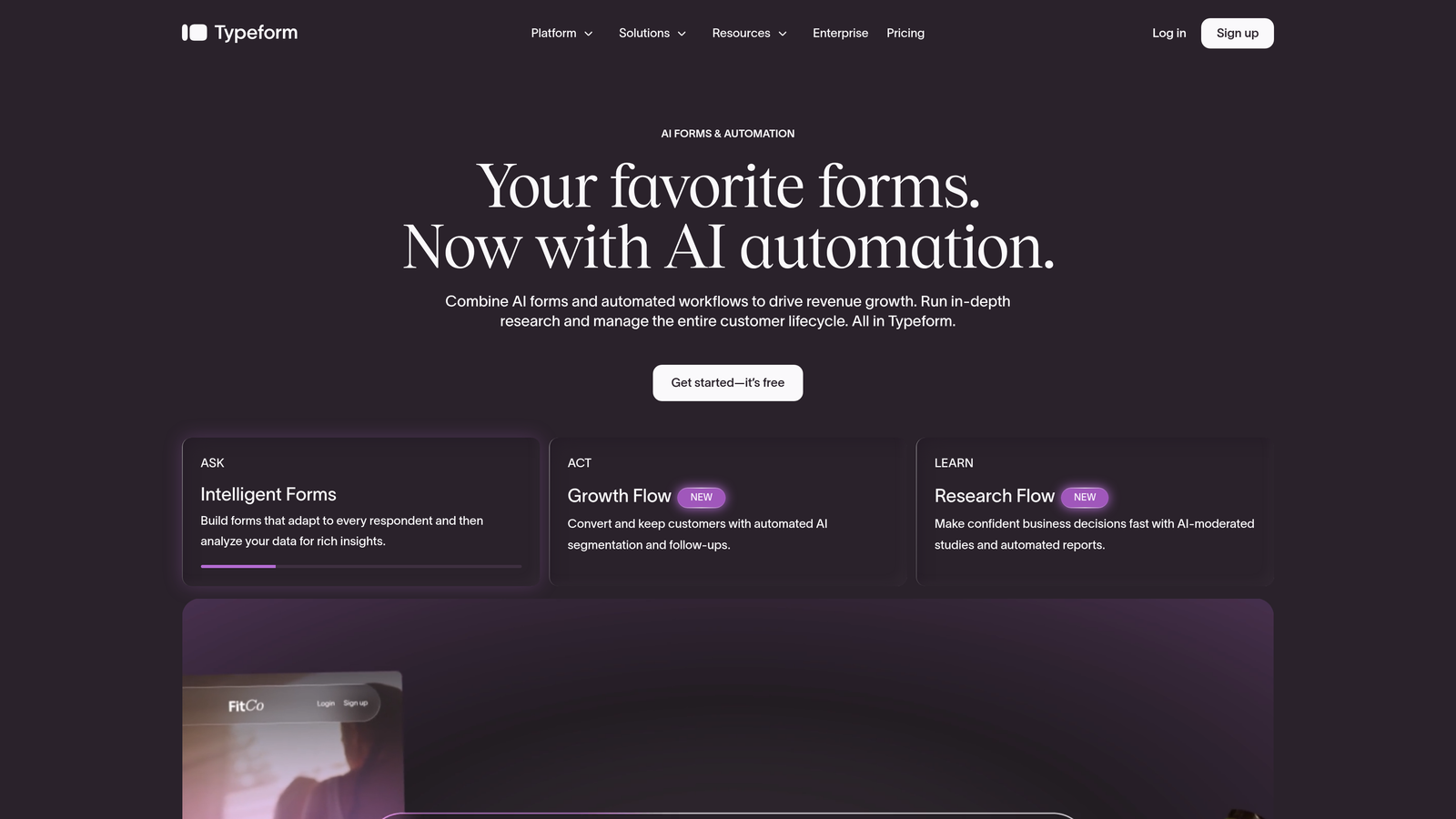
Typeform is a conversational form builder known for its one-question-at-a-time interface and polished, brand-forward design.
Where This Tool Shines
Typeform's signature format reduces cognitive load by presenting one question at a time, which typically leads to higher completion rates on longer forms. The experience feels more like a conversation than a survey, making it well-suited for customer research, brand questionnaires, and lead capture flows where impression matters.
The customization options are genuinely strong. You can embed images, videos, and GIFs directly into questions, and the branding controls let you match the form to your visual identity without needing a designer involved.
Key Features
One-Question-at-a-Time UX: Conversational format that presents questions sequentially for a focused, engaging experience.
Rich Media Embedding: Add images, videos, and GIFs directly into form questions to increase engagement.
Logic Jumps: Conditional branching that routes respondents through different question paths based on their answers.
Native Integrations: Connects directly with popular CRM, email, and marketing tools including HubSpot, Salesforce, and Mailchimp.
Brand Customization: Full control over colors, fonts, backgrounds, and layout to match your brand identity.
Best For
Marketing teams, brand-conscious businesses, and anyone running surveys, quizzes, or lead gen forms where respondent experience and visual polish are top priorities. Less ideal for teams needing complex backend database connections or deep developer customization.
Pricing
Free plan available with limited responses. Paid plans start at around $25/month, with higher tiers unlocking more responses, logic features, and integrations.
3. Jotform
Best for: Teams needing a versatile, template-rich form builder with built-in payment processing and CMS independence.
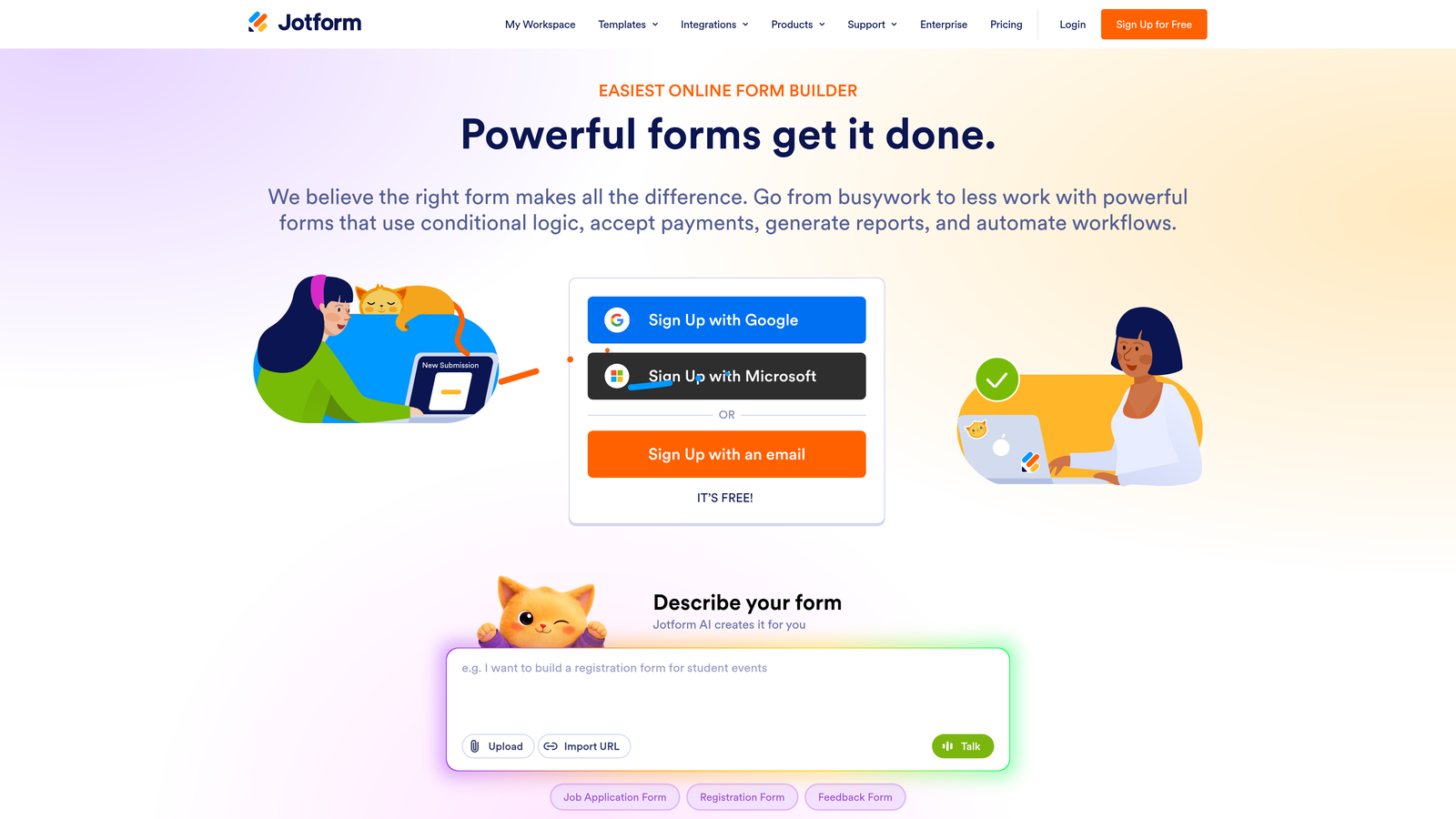
Jotform is a no-code form platform with one of the largest template libraries available and strong out-of-the-box functionality for diverse use cases.
Where This Tool Shines
Jotform's breadth is its defining characteristic. With over 10,000 templates spanning industries from healthcare to e-commerce to education, teams can get a polished form live in minutes without starting from scratch. The drag-and-drop builder is intuitive, and the platform handles everything from simple contact forms to complex multi-step applications.
Built-in payment processing via Stripe, PayPal, and Square makes it a practical choice for teams collecting payments or donations directly through forms, without needing a separate integration layer.
Key Features
10,000+ Templates: Massive pre-built template library covering virtually every industry and form type.
Drag-and-Drop Builder: Visual builder with conditional logic that requires no coding knowledge.
Built-In Payments: Native payment collection via PayPal, Stripe, and Square without third-party plugins.
HIPAA Compliance: Optional HIPAA-compliant setup for healthcare organizations handling sensitive patient data.
Jotform Tables: Submission management interface that organizes form data as a structured, queryable database.
Best For
Small to mid-sized businesses, nonprofits, and healthcare teams that need a flexible, standalone form platform with strong template support and payment capabilities. A solid Gravity Forms replacement for teams migrating off WordPress entirely.
Pricing
Free plan supports up to 5 forms. Paid plans start at around $34/month with higher submission limits and advanced features.
4. Tally
Best for: Startups and solo operators who want unlimited forms without paying anything upfront.
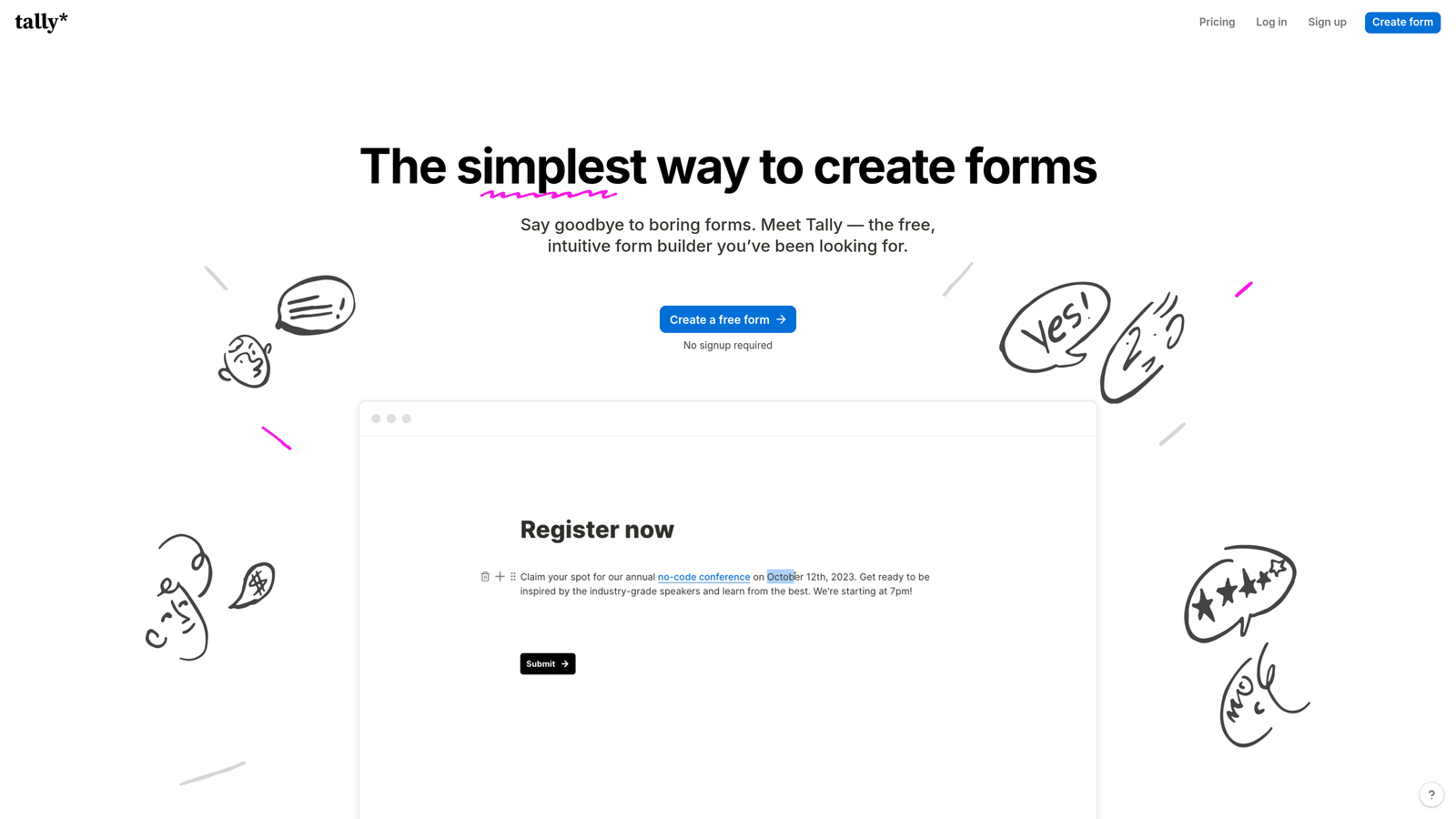
Tally is a minimalist form builder with a Notion-style editing experience and one of the most generous free tiers in the market.
Where This Tool Shines
The free plan is genuinely unlimited: unlimited forms, unlimited submissions, no watermarks. For early-stage teams or indie operators who need functional, clean forms without a monthly bill, Tally is hard to beat. The block-based editor feels immediately familiar if you've spent time in Notion, making the learning curve nearly flat.
Despite its minimalist aesthetic, Tally handles conditional logic, hidden fields, and custom branding on paid plans. It's not the most feature-rich tool on this list, but for straightforward use cases, the simplicity is a feature in itself.
Key Features
Unlimited Free Forms: No form or submission limits on the free plan, making it genuinely usable without upgrading.
Notion-Style Editor: Block-based editing interface that's intuitive for anyone familiar with modern productivity tools.
Conditional Logic: Standard branching and hidden fields available on both free and paid plans.
Custom Domains: Connect your own domain and remove Tally branding on the Pro plan.
Native Integrations: Direct connections to Notion, Google Sheets, Airtable, and Zapier for workflow automation.
Best For
Early-stage startups, freelancers, content creators, and small teams that need clean, functional forms without a recurring cost. Also useful for internal forms and lightweight data collection where advanced analytics aren't required.
Pricing
Free plan with unlimited forms and submissions. Tally Pro is $29/month, adding custom domains, branding removal, and priority support.
5. HubSpot Forms
Best for: Teams already using HubSpot CRM who want forms that feed directly into their existing contact and marketing workflows.
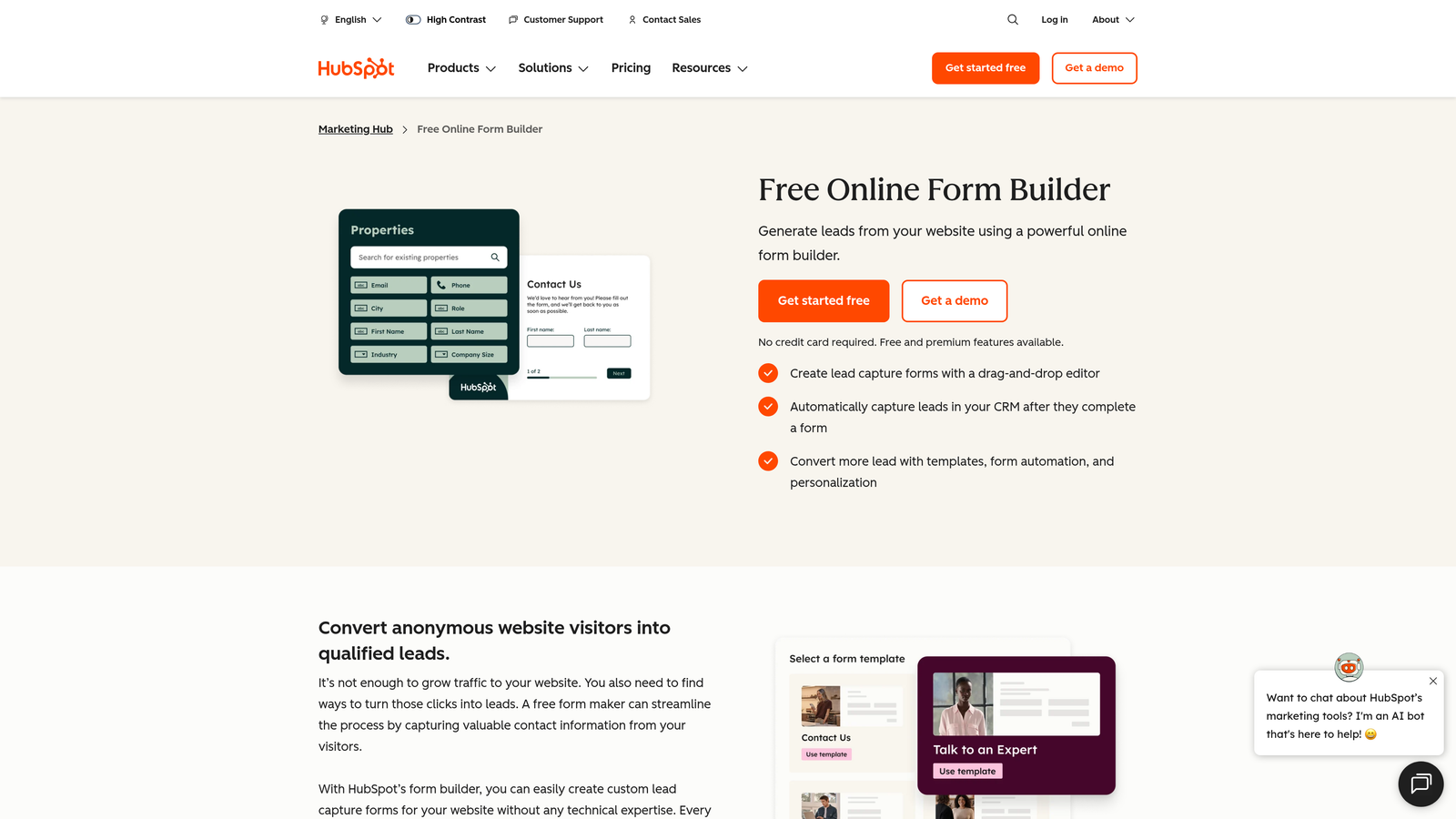
HubSpot Forms is a native form builder embedded within HubSpot's CRM and marketing platform, built around inbound lead capture and progressive profiling.
Where This Tool Shines
If your team lives in HubSpot, this is the most frictionless option on the list. Form submissions automatically create or update contact records, trigger workflows, and feed into your marketing automation without any integration configuration. The native connection eliminates the data handoff problem that plagues most form-to-CRM setups.
Progressive profiling is a particularly useful feature: instead of asking returning visitors the same questions, HubSpot Forms automatically surfaces new fields to gradually build richer contact profiles over time. It's a smart way to reduce form friction while collecting more complete data.
Key Features
Native CRM Integration: Submissions automatically create or update HubSpot contact records with zero configuration.
Progressive Profiling: Smart fields that present new questions to returning visitors, building richer profiles incrementally.
Smart Fields: Pre-fill known data for existing contacts to reduce repetition and improve completion rates.
Built-In Analytics: Form performance data and A/B testing within the HubSpot dashboard.
Free Tier: Full form functionality available within HubSpot's free CRM plan.
Best For
Marketing and sales teams already invested in the HubSpot ecosystem. Less compelling as a standalone form tool for teams not using HubSpot, since the value is primarily in the native CRM connection rather than the form builder itself.
Pricing
Free with HubSpot's free CRM. Advanced features including A/B testing and smart content require Marketing Hub paid tiers starting at around $20/month.
6. Paperform
Best for: Teams that want forms to function as full landing pages with rich content, not just input fields.
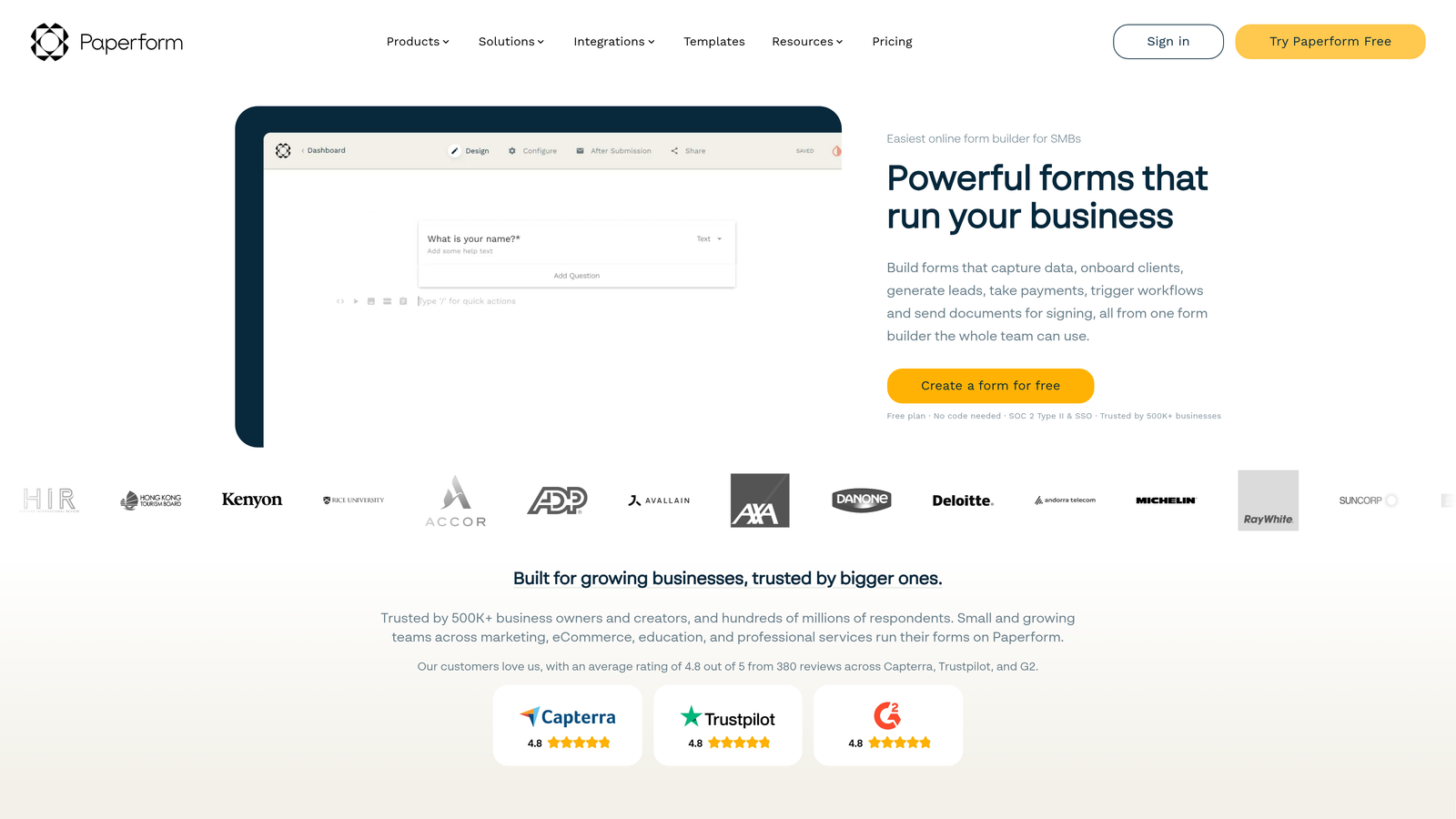
Paperform is a content-rich form builder that combines text, images, video, and form fields into beautiful standalone pages built to convert.
Where This Tool Shines
Paperform occupies a unique space between form builder and landing page tool. You can write copy, embed media, add product images, and layer in form fields all within the same editor, creating an experience that feels like a curated page rather than a generic form. This makes it particularly effective for product order forms, event registrations, and consultation booking flows where context matters.
The built-in payment and product catalog features mean teams can run lightweight e-commerce or service booking without connecting a separate payment platform.
Key Features
Form-as-Page Design: Blend text, images, video, and form fields into a single, cohesive page experience.
Built-In Payments: Accept payments and sell products directly through forms with Stripe integration.
Calculation Fields: Dynamic pricing or scoring fields that compute values based on respondent inputs.
Custom Branding: Full control over fonts, colors, and themes to match your brand identity.
Integrations: Native connections to Zapier, Mailchimp, Slack, and other popular tools.
Best For
Creative agencies, service businesses, and e-commerce teams that want forms to carry the same visual weight as their other marketing assets. Strong for anyone who finds standard form builders too visually limiting.
Pricing
Plans start at around $24/month. No permanent free plan, but a trial is available to explore the platform before committing.
7. Fillout
Best for: Teams that want form data to sync directly into Airtable, Notion, or other database backends without manual exports.
Fillout is a database-connected form builder with deep native sync to popular no-code and spreadsheet platforms.

Where This Tool Shines
Fillout's two-way database sync is its standout capability. Rather than exporting CSVs or building Zapier chains, form submissions flow directly into your Airtable base, Notion database, or Google Sheet in real time. You can also pre-fill forms from existing records, which is particularly useful for update forms, renewal flows, or customer-facing data verification.
For teams already running operations in Airtable or Notion, Fillout effectively turns those databases into the backend for fully functional form workflows without any custom development.
Key Features
Two-Way Database Sync: Native real-time sync with Airtable, Notion, SmartSuite, and Google Sheets in both directions.
Pre-Fill from Records: Populate form fields automatically from existing database entries for update or verification flows.
Multi-Page Forms: Build multi-step forms with conditional logic and progress indicators.
Scheduling and Payments: Built-in scheduling, payment collection, and e-signature fields without third-party tools.
Generous Free Plan: Meaningful free tier that lets teams test the platform with real workflows before upgrading.
Best For
Operations teams, product teams, and no-code builders who use Airtable, Notion, or Google Sheets as their primary data layer. Ideal for teams that want forms to be a native extension of their existing database infrastructure.
Pricing
Free plan available with solid functionality. Paid plans start at around $15/month, making it one of the more accessible paid options on this list.
8. Feathery
Best for: Developers and product teams building complex, multi-step flows like onboarding, KYC, or embedded product signups.
Feathery is a developer-friendly form builder designed for sophisticated product flows that go well beyond what standard form tools can handle.
Where This Tool Shines
Feathery is built for scenarios where a form isn't just a form: it's a product experience. Think multi-step onboarding flows, identity verification sequences, or complex signup funnels that need custom logic, API connections, and pixel-perfect design control. The platform supports custom CSS and JavaScript injection, giving developers full control without abandoning the visual builder entirely.
The React SDK enables teams to embed Feathery flows directly into their product interfaces, making it a strong choice for SaaS companies that need forms to feel native to their application rather than bolted on.
Key Features
Advanced Multi-Step Logic: Complex branching flows with conditional routing across multiple pages and states.
Custom Code Injection: Add custom CSS and JavaScript directly within the builder for deep design and behavior control.
Native API Integrations: Connect directly to internal APIs for product-embedded data flows without middleware.
Identity Verification Fields: Built-in support for document upload and identity verification use cases.
React SDK: Embed Feathery forms natively within React applications for seamless product integration.
Best For
SaaS product teams, engineering-led organizations, and fintech or compliance-heavy businesses that need form flows with the sophistication of custom development but the speed of a visual builder.
Pricing
Free plan available for getting started. Paid plans start at around $49/month, reflecting the platform's positioning toward product and developer teams with more complex requirements.
9. Formstack
Best for: Enterprise teams that need forms, document generation, and e-signatures unified in a single compliance-ready platform.
Formstack is an enterprise-grade form and workflow platform that extends well beyond form building into automated document generation and integrated e-signatures.
Where This Tool Shines
Formstack's value proposition is the full workflow: a form submission can automatically generate a populated document, route it for e-signature, and sync the completed record to Salesforce, all within the same platform. For enterprise teams managing contracts, compliance documentation, or client onboarding, this end-to-end capability eliminates significant manual work.
Compliance coverage is also notably strong. HIPAA, GDPR, and SOC 2 options make Formstack viable in regulated industries where most lighter-weight form tools can't be used.
Key Features
Advanced Conditional Logic: Sophisticated form branching and field rules for complex data collection scenarios.
Formstack Documents: Automatically generate populated documents (PDFs, Word files) from form submission data.
Formstack Sign: Integrated e-signature collection within the same platform, no third-party tool required.
Compliance Options: HIPAA, GDPR, and SOC 2 compliance configurations for regulated industries.
Salesforce-Native Integration: Deep Salesforce sync for enterprise CRM workflows and reporting.
Best For
Enterprise organizations, healthcare providers, financial services firms, and legal teams that need forms embedded in larger document and compliance workflows. The pricing reflects an enterprise positioning, so it's less suited for small teams with straightforward form needs.
Pricing
Plans start at around $50/month. Enterprise pricing is available for larger organizations with custom compliance and volume requirements.
Which Tool Is Right for Your Team
The right choice depends on what you're actually trying to accomplish. Here's a quick-hit breakdown to make the decision easier.
Best for AI lead qualification: Orbit AI is the only tool on this list with native lead scoring and prioritization built into the form experience. If pipeline quality is your primary concern, it's the clear starting point.
Best for brand experience: Typeform's conversational format and rich media support make it the strongest choice for teams where respondent experience and visual polish drive engagement.
Best free option: Tally's unlimited free plan is genuinely hard to beat for teams that need functional, clean forms without a monthly commitment.
Best for CRM-native workflows: HubSpot Forms wins if your team is already running on HubSpot. The native CRM connection and progressive profiling create a seamless inbound lead capture loop.
Best for database-connected teams: Fillout is the natural fit for teams running Airtable or Notion as their operational backbone, with two-way sync that eliminates manual data movement.
Best for enterprise workflows: Formstack's combination of form building, document generation, and e-signatures in a compliance-ready package makes it the strongest choice for regulated industries and complex organizational workflows.
Best for developers: Feathery's custom code support, React SDK, and API-first approach make it the go-to for product and engineering teams building forms as native product experiences.
The broader shift happening here is worth noting. Modern form solutions are moving well past data collection. The best tools in 2026 are beginning to function as intelligent lead engines: qualifying prospects, adapting to behavior, and feeding prioritized signals directly to sales and marketing systems. Gravity Forms helped define what web forms could do inside WordPress. The tools above define what they can do everywhere else.
If lead qualification and conversion optimization are your priorities, start building free forms today with Orbit AI and see how intelligent form design can elevate your conversion strategy. For deeper guidance on getting the most from your forms, explore our resources on how to qualify leads with forms and how to improve form conversion rates.


