

When your forms are processing thousands of submissions per month, the stakes change fast. You need infrastructure that won't buckle under load, smart routing to handle leads at scale, and analytics that surface signal from noise. A basic drag-and-drop builder designed for occasional contact forms simply won't cut it.
This list focuses specifically on form builders built, or well-suited, for high-volume environments: enterprise pipelines, lead generation funnels, large-scale surveys, and conversion-optimized flows that need to perform consistently at volume. We evaluated tools on submission handling capacity, automation depth, CRM integrations, conditional logic, and how well they support teams that live or die by their conversion rates.
Whether you're a SaaS company capturing thousands of trial signups, an agency running multi-client campaigns, or a growth team optimizing every touchpoint in your funnel, one of these tools will match your scale.
1. Orbit AI
Best for: High-growth SaaS teams that need forms to qualify and route leads automatically at scale.
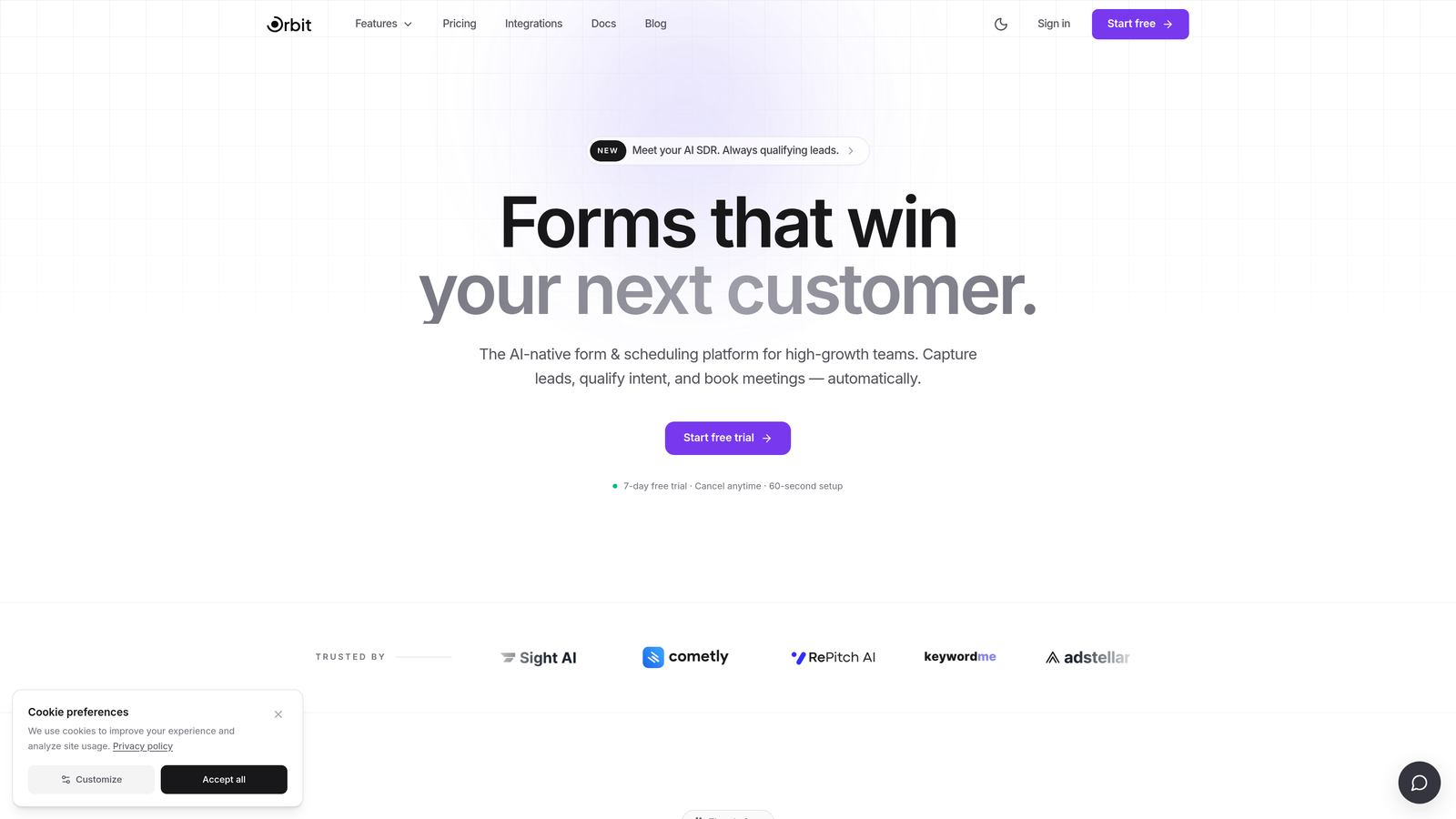
Orbit AI is an AI-powered form builder designed for teams where every lead matters and manual qualification simply doesn't scale.
Where This Tool Shines
Most form builders stop at data collection. Orbit AI is built around what happens next: scoring the lead, understanding intent, and routing the right prospects to the right place without anyone touching a spreadsheet. For high-growth teams running serious lead generation volume, that shift from passive collection to active qualification is the difference between a form and a pipeline asset.
The conversion-focused design philosophy shows throughout. Templates are modern and built to reduce friction, conditional logic adapts the experience based on what respondents say, and the analytics layer is oriented around conversion performance rather than raw submission counts.
Key Features
AI-Powered Lead Qualification: Scores and qualifies leads directly within the form flow, so your sales team receives pre-filtered, prioritized prospects.
Conversion-Optimized Templates: Modern, customizable designs built specifically to reduce abandonment and improve completion rates at scale.
Adaptive Conditional Logic: Form paths adjust dynamically based on responses, creating a personalized experience for each respondent without extra manual setup.
CRM and Automation Integrations: Connects to your existing stack for seamless lead routing the moment a form is submitted.
Conversion Analytics: Reporting focused on what actually moves the needle, including where drop-offs happen and which form variants perform best.
Best For
SaaS companies, growth teams, and demand generation marketers who need forms that do more than collect data. If your team is running high-volume inbound and needs intelligent lead qualification baked into the form itself, Orbit AI is purpose-built for that workflow.
Pricing
Check orbitforms.ai for current pricing tiers. A free starting option is available for teams getting started.
2. Typeform
Best for: Marketing teams that want high completion rates through an engaging, conversational form experience.
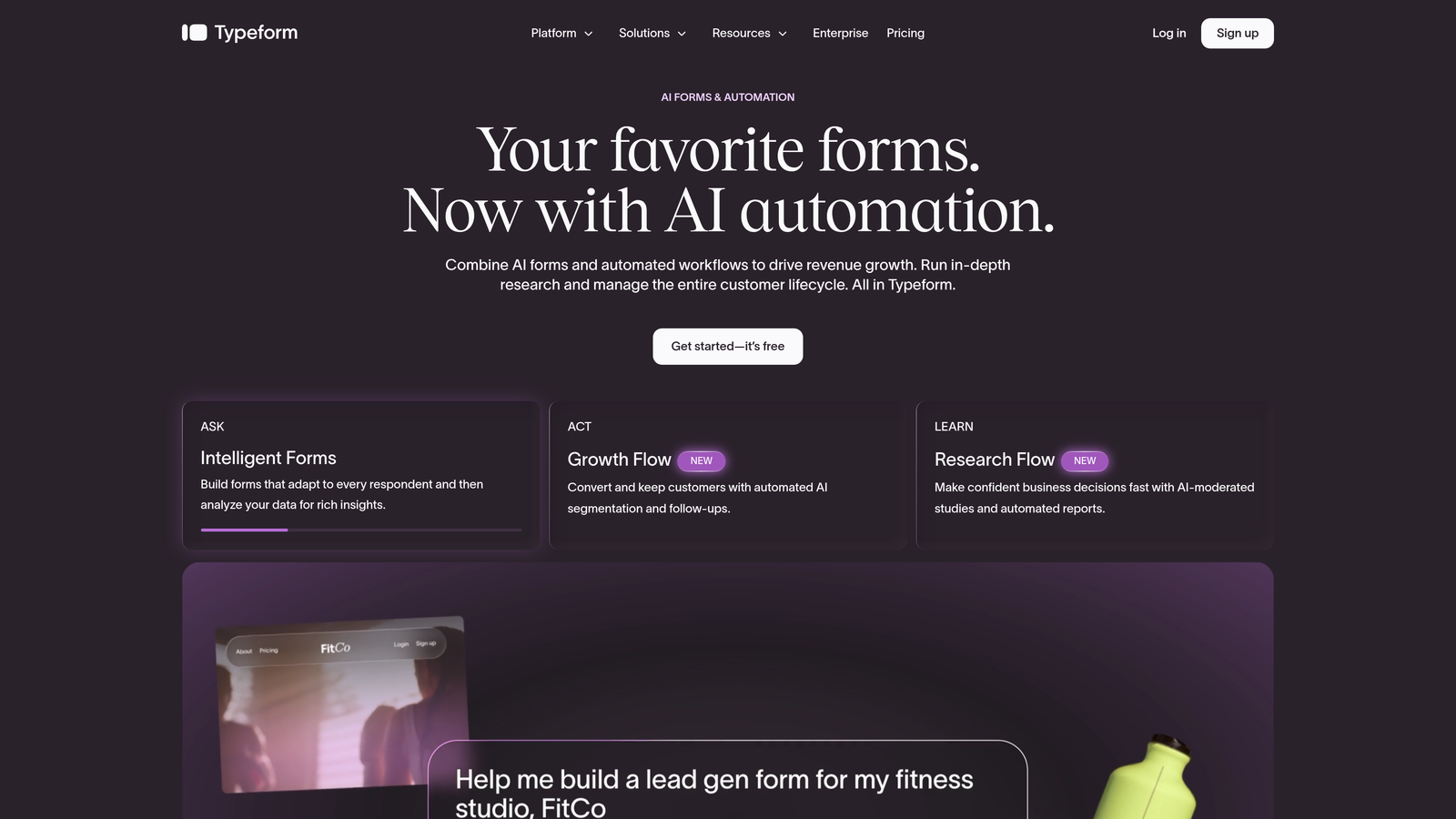
Typeform is a conversational form builder known for its one-question-at-a-time format that keeps respondents engaged through longer, more complex forms.
Where This Tool Shines
Typeform's signature format works particularly well for forms where drop-off is the primary problem. By presenting one question at a time in a clean, focused interface, it reduces the cognitive load that causes respondents to abandon traditional multi-field forms. For surveys, onboarding flows, and qualification questionnaires, this approach consistently outperforms standard form layouts in completion rates.
At higher plan tiers, Typeform supports the volume and team features that growing businesses need, including deeper integrations with major CRMs and automation platforms.
Key Features
Conversational Sequential Format: One question at a time keeps respondents focused and reduces abandonment across longer form flows.
Logic Jumps and Branching: Personalized form paths based on answers, so respondents only see questions relevant to their situation.
Native CRM Integrations: Direct connections to Salesforce, HubSpot, Slack, and other major platforms without middleware.
Media Embedding: Video and image support within questions for richer, more engaging form experiences.
Drop-off Analytics: Per-question analytics that show exactly where respondents are leaving the form.
Best For
Marketing and product teams focused on survey quality, lead qualification questionnaires, and customer research where completion rate and respondent experience are the primary metrics.
Pricing
Free plan available; paid plans start around $25/month. Verify current pricing at typeform.com as tiers have evolved.
3. HubSpot Forms
Best for: Revenue teams already operating inside the HubSpot ecosystem who need zero-friction CRM sync.
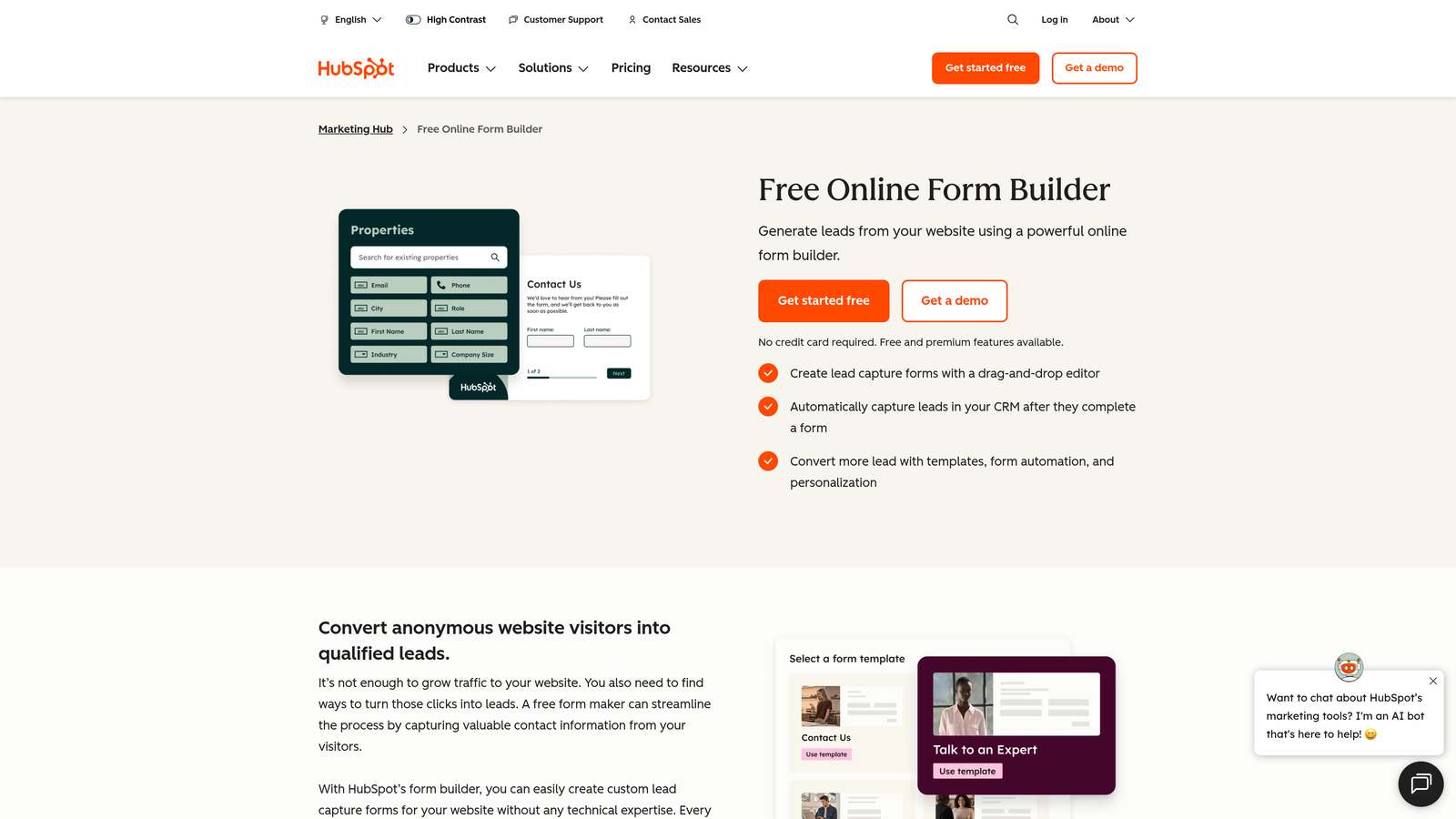
HubSpot Forms is a native form builder included in HubSpot's Marketing Hub that feeds submissions directly into the HubSpot CRM and workflow engine.
Where This Tool Shines
If your team lives in HubSpot, the case for HubSpot Forms is straightforward: every submission becomes a CRM record instantly, with no connector, no Zapier step, and no data mapping required. At high volume, that elimination of integration overhead matters significantly. Leads flow into sequences, workflows trigger automatically, and your team works from a single source of truth.
Progressive profiling is a standout capability for teams running multiple touchpoints. Rather than re-asking fields you already know, forms surface new questions for returning visitors, building richer contact profiles over time without friction.
Key Features
Native CRM Sync: Submissions create or update contacts, companies, and deals in HubSpot automatically, with no middleware needed.
Progressive Profiling: Known fields are replaced with new questions for returning visitors, enriching contact data across multiple interactions.
Workflow Triggers: Form submissions can directly activate HubSpot sequences, notifications, and automation flows.
Flexible Embed Options: Embedded forms, standalone pages, and pop-up formats available across the platform.
Free Tier Access: Core form functionality available within HubSpot's free CRM tier.
Best For
Teams already invested in the HubSpot ecosystem, particularly those running inbound marketing programs where form-to-CRM speed and workflow automation are critical.
Pricing
Free with HubSpot CRM; advanced features are tied to Marketing Hub subscription tiers, which scale from Starter through Enterprise.
4. Jotform
Best for: Teams needing broad use case coverage, a massive template library, and enterprise-grade submission handling.
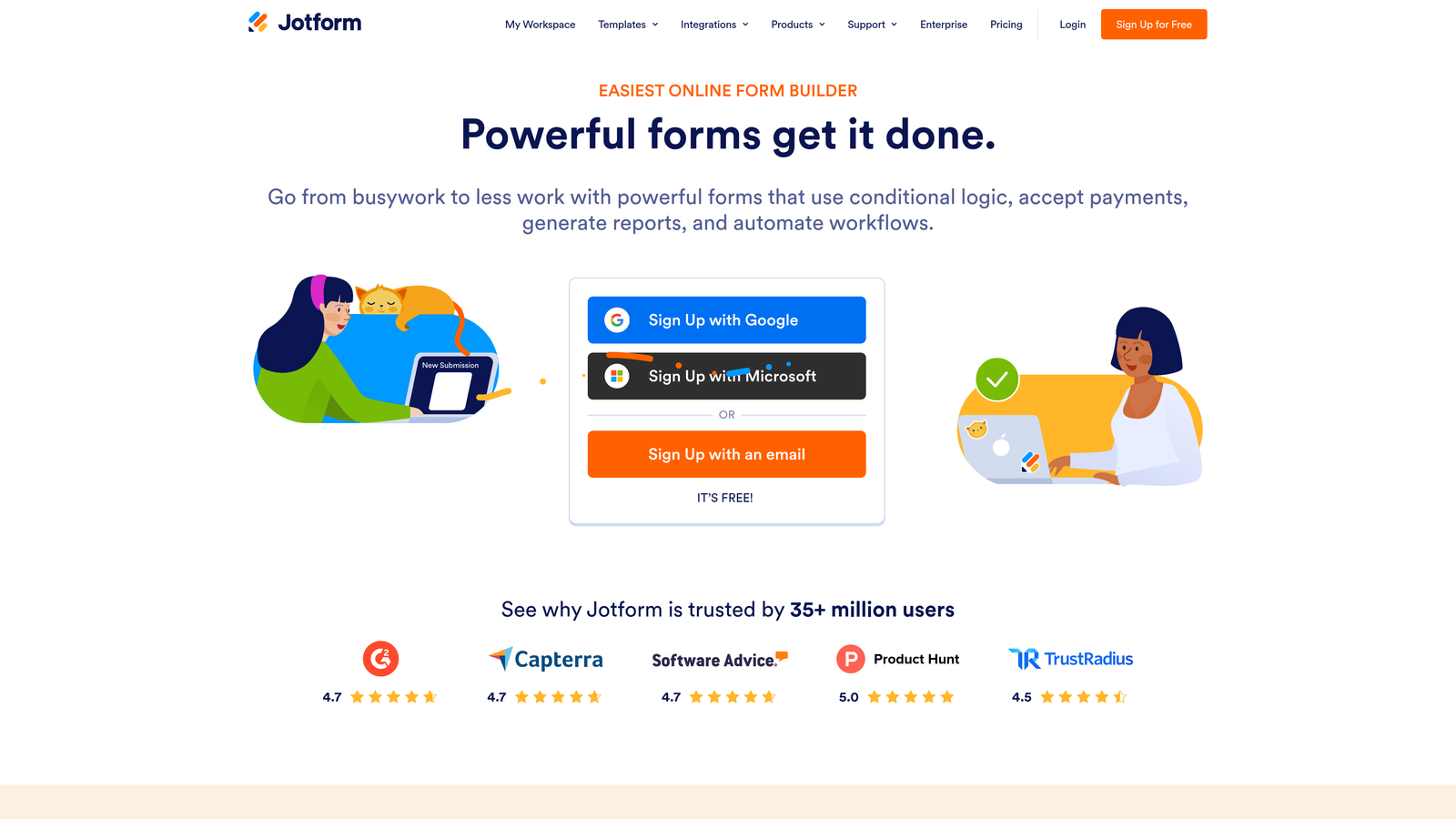
Jotform is a versatile form builder with one of the largest template libraries available, offering enterprise-grade submission handling across a wide range of use cases.
Where This Tool Shines
Jotform's breadth is its defining characteristic. Whether you're building payment forms, HIPAA-compliant intake forms, HR workflows, or customer surveys, there's almost certainly a template that gets you most of the way there before you write a single field. For teams managing multiple form types across different departments or clients, that template depth saves meaningful time.
The Enterprise plan removes submission limits and adds white-labeling, making it a practical choice for agencies and large organizations that need to scale across many simultaneous campaigns or clients.
Key Features
Thousands of Templates: Covers payments, healthcare, HR, education, surveys, and more, with pre-built starting points for nearly every use case.
Enterprise Submission Handling: Custom submission limits and white-labeling available on Enterprise plans for high-volume environments.
Built-in Payment Processing: Native Stripe, PayPal, and Square integrations for transactional forms without third-party tools.
HIPAA Compliance: Available on higher tiers for healthcare and regulated industry use cases.
Jotform Tables: Database-style submission management for teams that need to organize and act on large volumes of response data.
Best For
Agencies managing multi-client form portfolios, enterprises with diverse form needs across departments, and any team in a regulated industry that needs compliance certifications alongside volume.
Pricing
Free plan available; paid plans start around $34/month. Enterprise pricing is custom and negotiated based on volume and features.
5. Gravity Forms
Best for: WordPress-based businesses and developers who need deep customization and an extensive add-on ecosystem.
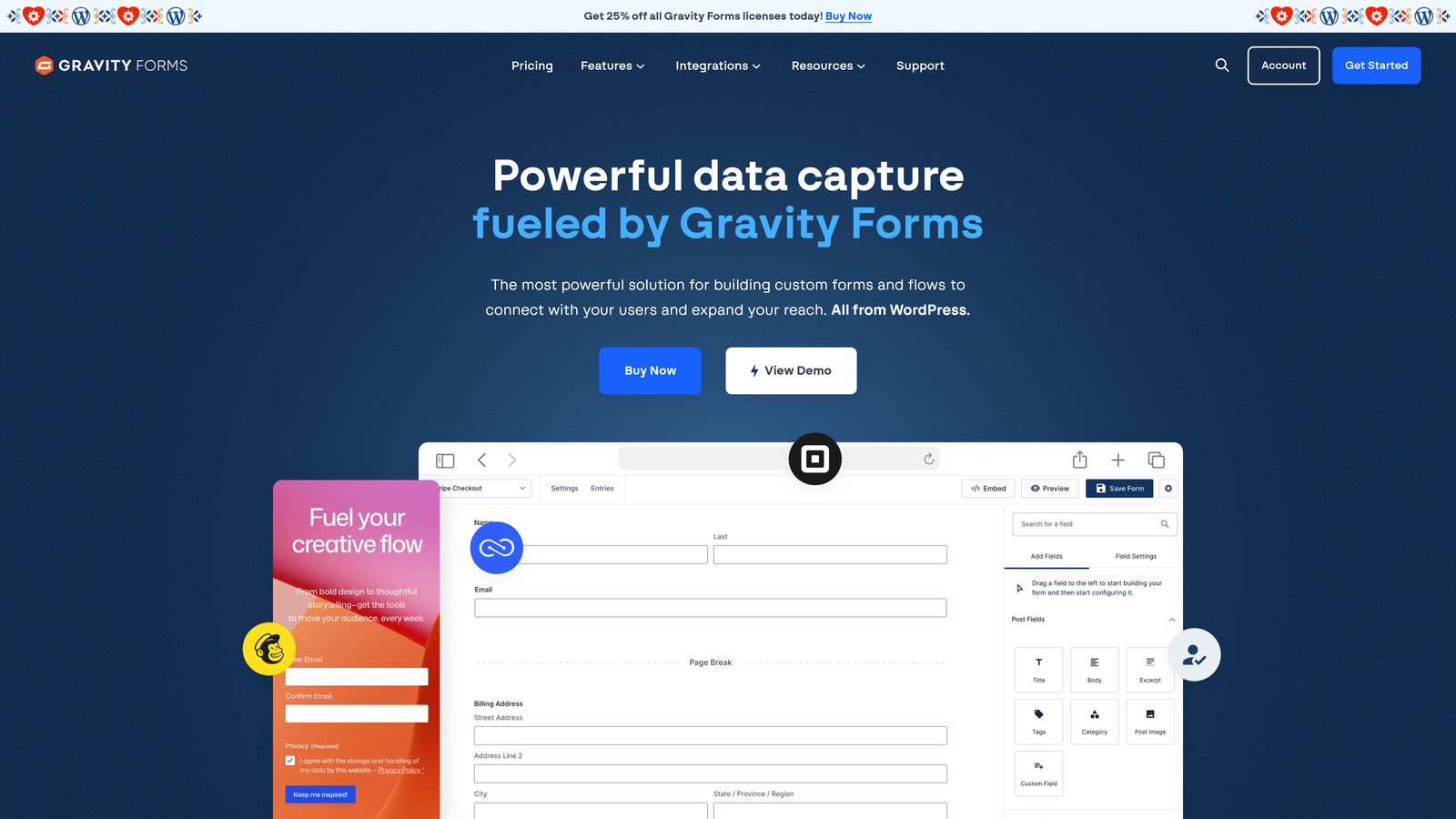
Gravity Forms is a powerful WordPress form plugin with advanced conditional logic, extensive add-ons, and deep integration into the WordPress ecosystem.
Where This Tool Shines
For businesses built on WordPress, Gravity Forms is the gold standard. The add-on ecosystem covers virtually every integration you'd need, from Stripe and PayPal to Salesforce and Mailchimp, and the developer-facing tools give technical teams full control over form behavior through hooks, filters, and REST API access.
The conditional logic implementation is among the most sophisticated available in any form builder. Combined with multi-page form support and calculation fields, it handles complex workflows that would require custom development in most other tools.
Key Features
Advanced Conditional Logic: Show, hide, or require fields based on any combination of previous responses, with multi-page form support throughout.
Extensive Add-On Ecosystem: Official and community add-ons for Stripe, PayPal, Salesforce, Mailchimp, Slack, and dozens more platforms.
Calculation Fields: Dynamic pricing, scoring, and formula fields that compute values based on respondent input.
File Uploads and Signatures: Supports document collection and e-signature workflows within standard form flows.
Developer-Friendly Architecture: Full REST API access, hooks, and filters for custom integrations and behavior modifications.
Best For
WordPress developers, digital agencies, and businesses running their primary web presence on WordPress who need a form solution that can grow with complex requirements over time.
Pricing
Annual license starting around $59/year for the Basic plan; the Elite plan provides full add-on access at a higher tier. License-based pricing rather than a monthly SaaS subscription.
6. Formstack
Best for: Compliance-heavy industries that need high-volume form handling alongside document generation and e-signatures.
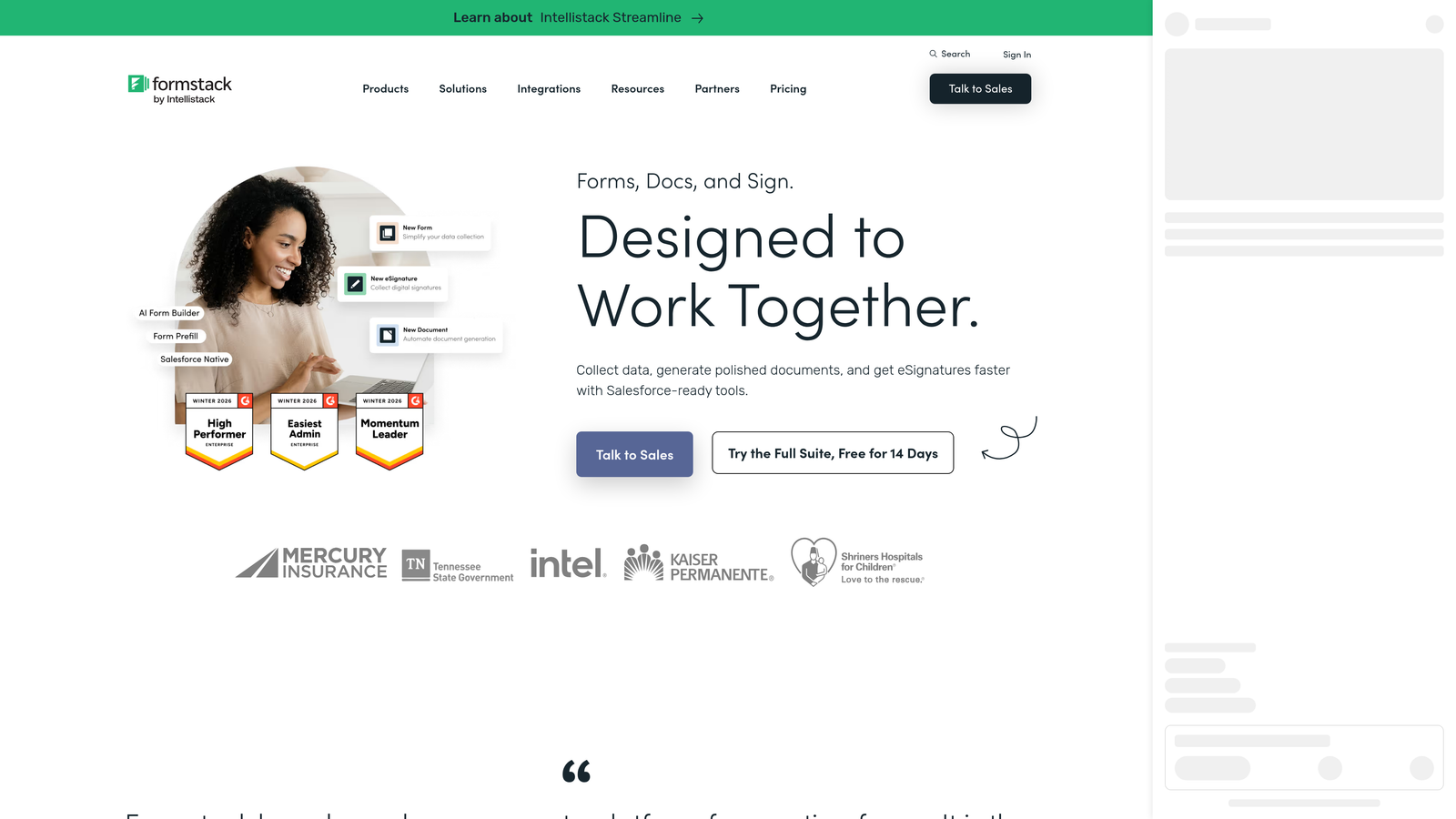
Formstack is an enterprise form and workflow platform built for regulated environments, combining high-volume form handling with document generation and e-signature capabilities.
Where This Tool Shines
Formstack is the tool you reach for when compliance isn't optional. HIPAA, GDPR, and SOC 2 certifications are built into the platform, not bolted on as add-ons. For healthcare organizations, financial services firms, and legal teams, that compliance infrastructure removes significant risk from form-based data collection at scale.
Beyond forms, Formstack extends into document generation and e-signatures, making it a workflow platform rather than just a form builder. Teams that need to move from form submission through document creation to signed agreement in a single automated flow will find that capability genuinely useful.
Key Features
Compliance Certifications: HIPAA, GDPR, and SOC 2 compliance built into the platform for regulated industry requirements.
Document Generation: Create and populate documents automatically from form submission data.
E-Signature Integration: Collect legally binding signatures as part of multi-step form and document workflows.
Multi-Step Approval Workflows: Route submissions through internal approval processes before finalizing records.
CRM Prefill: Pre-populate form fields from CRM or database records to reduce data entry for known contacts.
Best For
Healthcare organizations, financial services teams, legal departments, and any enterprise operating in a regulated environment where data handling requirements are strict and non-negotiable.
Pricing
Plans start around $83/month; enterprise pricing is available for larger deployments. Verify current tiers at formstack.com.
7. Paperform
Best for: Teams that want forms to function as standalone landing pages with rich content and flexible layouts.
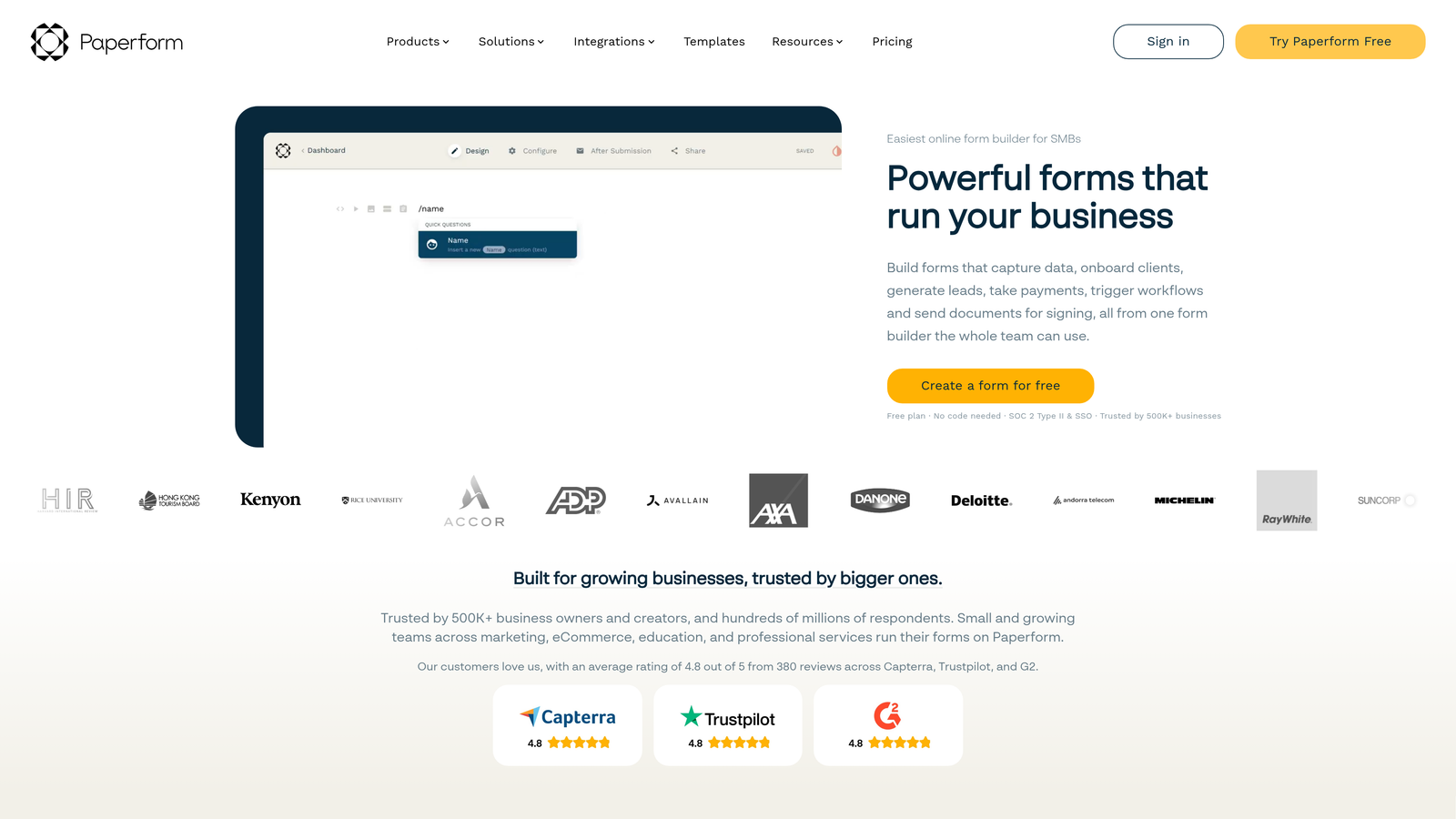
Paperform is a form builder that treats each form as a mini landing page, combining rich content, product fields, and flexible layouts for high-converting form experiences.
Where This Tool Shines
Paperform sits at an interesting intersection between form builder and landing page tool. You can embed text blocks, images, and video directly within the form itself, which makes it genuinely effective for forms that need to educate or persuade while collecting information. Think product intake forms, event registrations with detailed descriptions, or lead gen pages that need to do some selling before asking for contact details.
The product and inventory fields add lightweight e-commerce capability without requiring a separate platform, which is useful for small teams running simple transactional flows alongside their lead generation forms.
Key Features
Rich Content Embedding: Text, images, and video sit directly within the form page, not just above or below it.
Product and Inventory Fields: Built-in support for simple e-commerce flows without requiring a separate storefront platform.
Custom Domains and Branding: Full white-label control including custom domain hosting for standalone form pages.
Conditional Logic and Multi-Step Forms: Adaptive form paths and multi-step experiences available across plan tiers.
Broad Integration Support: Connects to Zapier, Slack, Notion, and major CRM platforms for downstream automation.
Best For
Small SaaS teams, creators, and marketers who want forms that double as lightweight landing pages, particularly for product launches, event registrations, or lead capture flows that benefit from richer context.
Pricing
Essentials plan starts around $29/month; Agency plans are available for teams managing multiple clients or brands.
8. Microsoft Forms
Best for: Enterprise organizations already on Microsoft 365 that need internal survey and data collection at scale.
Microsoft Forms is a straightforward form and survey tool included with Microsoft 365, built for internal enterprise use cases with native integration across the Microsoft stack.
Where This Tool Shines
The value proposition here is simple: if your organization runs on Microsoft 365, you already have access to Microsoft Forms at no additional cost. For internal surveys, employee feedback collection, training assessments, and event registrations distributed across large workforces, that zero-additional-cost access is genuinely compelling.
The native integration with Teams, SharePoint, Excel, and Power Automate means forms slot directly into existing enterprise workflows without any connector setup. Response data flows into Excel for analysis, Power Automate handles downstream routing, and Teams handles distribution, all within the ecosystem your organization already manages.
Key Features
Included with Microsoft 365: No additional licensing cost for organizations already subscribed to Microsoft 365.
Native Microsoft Stack Integration: Direct connections to Teams, SharePoint, Excel, and Power Automate without third-party tools.
Branching Logic: Adaptive survey paths that show different questions based on previous responses.
Real-Time Response Tracking: Built-in charts and summary views update as responses come in.
Large Respondent Volume Support: Handles the scale required for organization-wide internal surveys without submission caps becoming a concern.
Best For
Enterprise IT and HR teams, internal communications departments, and any Microsoft 365 organization that needs reliable, high-volume survey and data collection for internal audiences without additional tooling costs.
Pricing
Included with Microsoft 365 subscription at no additional cost. No standalone pricing tier.
9. Tally
Best for: Budget-conscious teams and startups that need unlimited submission volume without paying for it.
Tally is a Notion-inspired free form builder offering unlimited submissions on its free tier, making it a strong option for teams that need volume without the price tag.
Where This Tool Shines
Tally's free tier is genuinely unusual in this market: unlimited submissions with no artificial caps, combined with conditional logic and multi-step forms that most tools lock behind paid plans. For early-stage startups, indie makers, and budget-conscious teams that are still scaling into their form volume, that combination removes a real barrier.
The Notion-inspired block-based building experience makes form creation fast and intuitive for teams already comfortable with that editing paradigm. It's not the most feature-rich tool on this list, but for teams that prioritize volume capacity and cost efficiency over advanced automation, it punches well above its price point.
Key Features
Unlimited Submissions on Free Plan: No submission caps on the free tier, which is a significant differentiator in a market where most tools charge by volume.
Block-Based Builder: Notion-style editing experience that's fast and familiar for teams already using block-based tools.
Conditional Logic on Free Tier: Adaptive form paths available without requiring a paid upgrade.
Lightweight Embed: Clean iframe embedding that doesn't add significant load to host pages.
Automation Integrations: Connects to Zapier, Make, and direct webhooks for downstream workflow automation.
Best For
Startups, indie makers, and lean growth teams that need reliable high-volume form handling without committing to a paid plan, particularly those already using Notion-style tools in their workflow.
Pricing
Free plan includes unlimited submissions. Pro plan is around $29/month for advanced features including custom domains and priority support.
Which Tool Is Right for Your Team?
The right high-volume form builder depends less on feature checklists and more on where your biggest bottleneck actually lives. Here's a quick framework for cutting through the options.
If your team is a high-growth SaaS company and lead qualification is the core challenge, Orbit AI is purpose-built for exactly that workflow. It goes beyond collection into scoring and routing, which is the capability gap that most form builders leave open.
If your revenue team lives in HubSpot and CRM sync speed matters most, HubSpot Forms removes every layer of friction between form submission and pipeline action. No connectors, no mapping, just data flowing directly where it needs to go.
If compliance is non-negotiable in your industry, Formstack is the clear choice. Its HIPAA, GDPR, and SOC 2 certifications are built into the platform, not added on, and the document generation capabilities extend its value well beyond form collection.
If your entire web presence runs on WordPress, Gravity Forms integrates more deeply into that environment than any SaaS alternative can. The add-on ecosystem and developer tooling give technical teams flexibility that hosted platforms simply can't match.
If budget is the primary constraint and you need volume without the cost, Tally's unlimited free tier is genuinely hard to argue with for early-stage teams.
For everyone else, Typeform, Jotform, Paperform, and Microsoft Forms each serve distinct needs: conversational engagement, broad template coverage, landing-page-style forms, and enterprise internal surveys, respectively.
The best form builder for high-volume environments is the one that handles your specific type of volume, whether that's lead qualification throughput, compliance-sensitive data, or sheer submission scale, without creating new bottlenecks downstream.
If you're running a high-growth team where every form submission is a potential pipeline opportunity, the intelligence layer matters as much as the infrastructure. Start building free forms today with Orbit AI and see how AI-powered lead qualification can transform your form from a data collection tool into an active part of your conversion strategy.


