

Building effective job application forms can make or break your hiring pipeline. A clunky, outdated form drives away qualified candidates, while a well-designed one captures the right information and creates a positive first impression of your company. The right job application form builder helps you collect candidate data efficiently, screen applicants automatically, and integrate seamlessly with your existing HR tools.
We evaluated dozens of form builders based on ease of use, customization options, applicant tracking features, and integration capabilities. Here are the top picks for teams serious about improving their hiring process.
1. Orbit AI
Best for: High-growth teams wanting AI-powered candidate screening with conversion-optimized form design
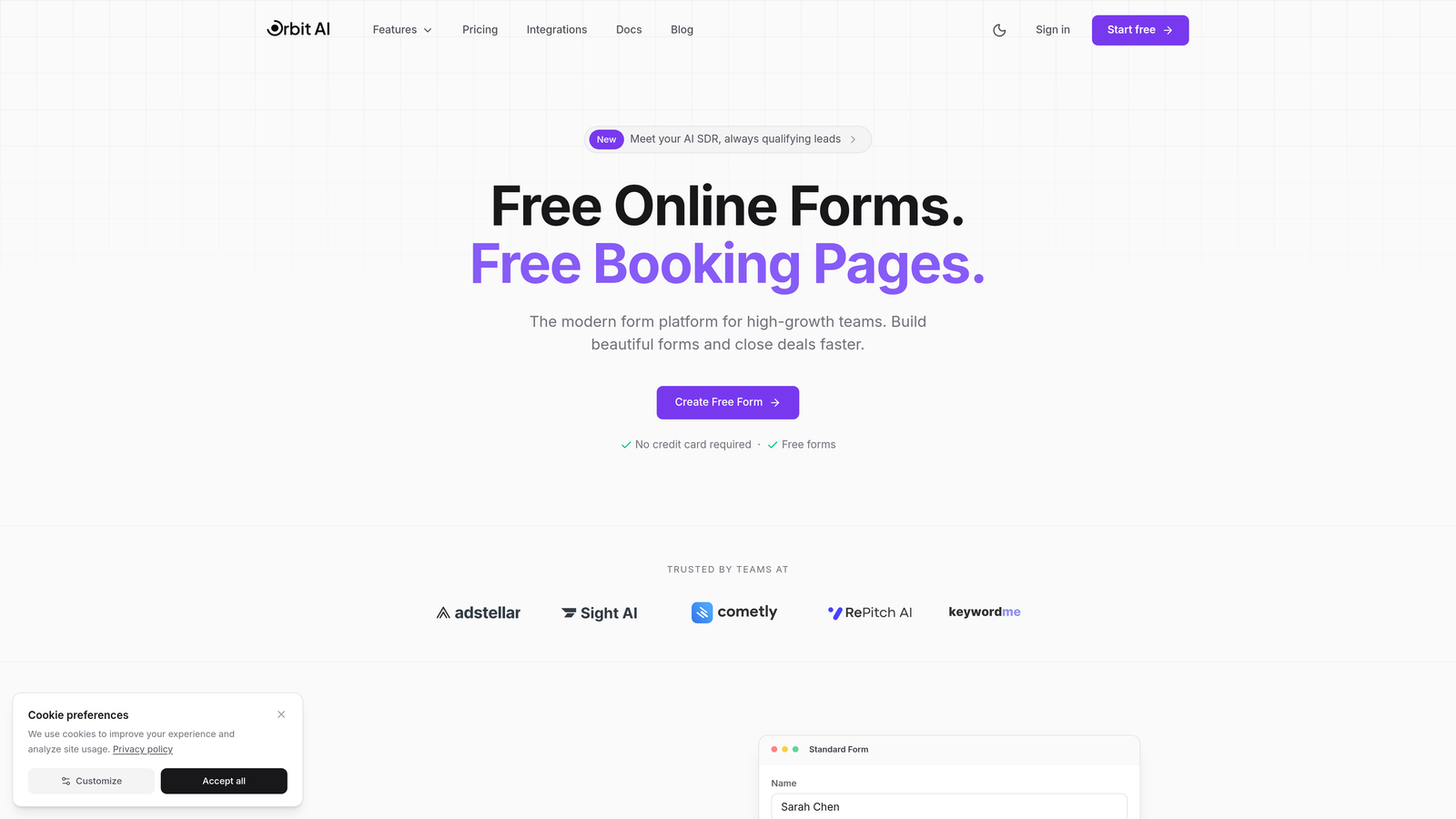
Orbit AI is an AI-powered form builder designed for teams who need more than basic data collection from their application forms.
Where This Tool Shines
What sets Orbit AI apart is its intelligent candidate qualification system. While most form builders simply collect responses, Orbit AI actively analyzes applicant data to score and rank candidates based on your criteria. This means your hiring team spends less time manually reviewing applications and more time connecting with qualified prospects.
The platform focuses on conversion optimization, which matters more than most teams realize. When your application form loads slowly or feels outdated, top candidates abandon it. Orbit AI's modern design approach keeps completion rates high while gathering the information you actually need.
Key Features
AI-Powered Qualification: Automatically scores and ranks candidates based on your custom criteria, surfacing the best matches first.
Conversion-Optimized Design: Modern, mobile-responsive forms built to maximize completion rates and reduce abandonment.
Conditional Logic: Show role-specific questions based on previous answers, creating personalized screening flows without overwhelming applicants.
HR Tool Integrations: Connects with popular ATS platforms and HR systems to streamline your existing workflow.
Real-Time Analytics: Track application completion rates, drop-off points, and candidate quality metrics to continuously improve your hiring funnel.
Best For
High-growth companies and modern HR teams who receive significant application volume and need intelligent screening to identify top candidates quickly. Particularly valuable for teams moving beyond basic form collection toward data-driven hiring decisions.
Pricing
Free tier available for teams getting started. Paid plans start at competitive rates designed for growing teams with higher application volumes.
2. Typeform
Best for: Creating engaging, conversational application experiences that feel more human than traditional forms
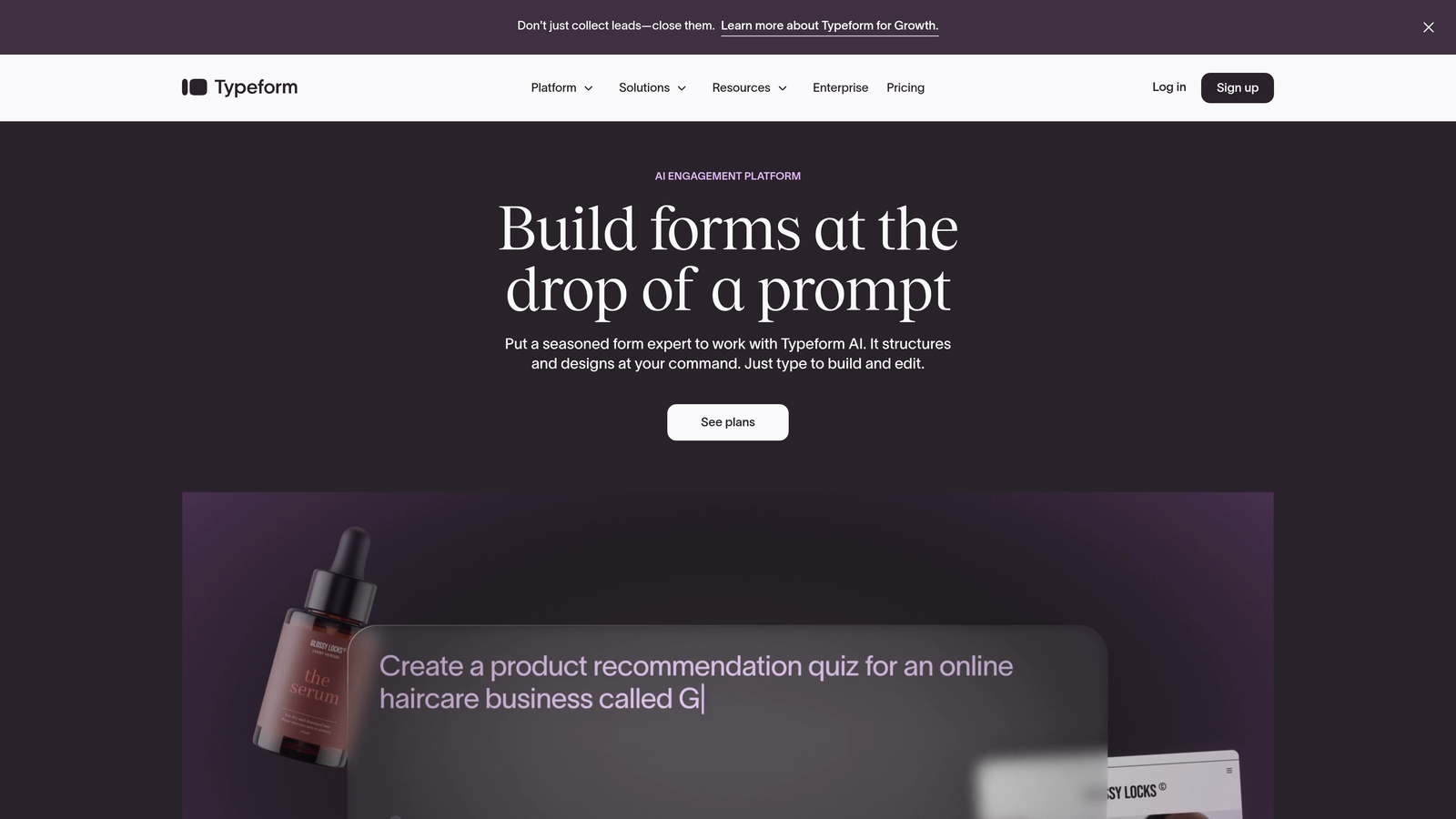
Typeform pioneered the one-question-at-a-time format that transformed how people think about online forms.
Where This Tool Shines
Typeform excels at making application processes feel like conversations rather than interrogations. The one-question-at-a-time approach reduces cognitive load and creates a more thoughtful, engaging experience. Candidates often complete Typeform applications at higher rates because the format feels less overwhelming than traditional multi-field forms.
The design flexibility is exceptional. You can create beautifully branded application experiences with custom backgrounds, colors, and fonts that reinforce your employer brand from the first interaction.
Key Features
Conversational Format: One-question-at-a-time presentation that creates engaging, human-feeling interactions with applicants.
Design Customization: Extensive branding options including custom backgrounds, fonts, and colors to match your company identity.
Logic Jumps: Create personalized application flows that adapt based on candidate responses, showing relevant questions while hiding irrelevant ones.
Media Embedding: Add videos, images, and GIFs to create rich, engaging application experiences that showcase your company culture.
Integration Ecosystem: Native integrations plus Zapier connectivity to connect with virtually any HR tool or ATS platform.
Best For
Companies prioritizing candidate experience and employer branding. Particularly effective for creative roles, customer-facing positions, or organizations where cultural fit matters as much as skills.
Pricing
Free tier allows up to 10 responses per month. Basic plan starts at $25/month for increased responses and features.
3. JotForm
Best for: Teams wanting extensive pre-built templates and comprehensive features without technical complexity
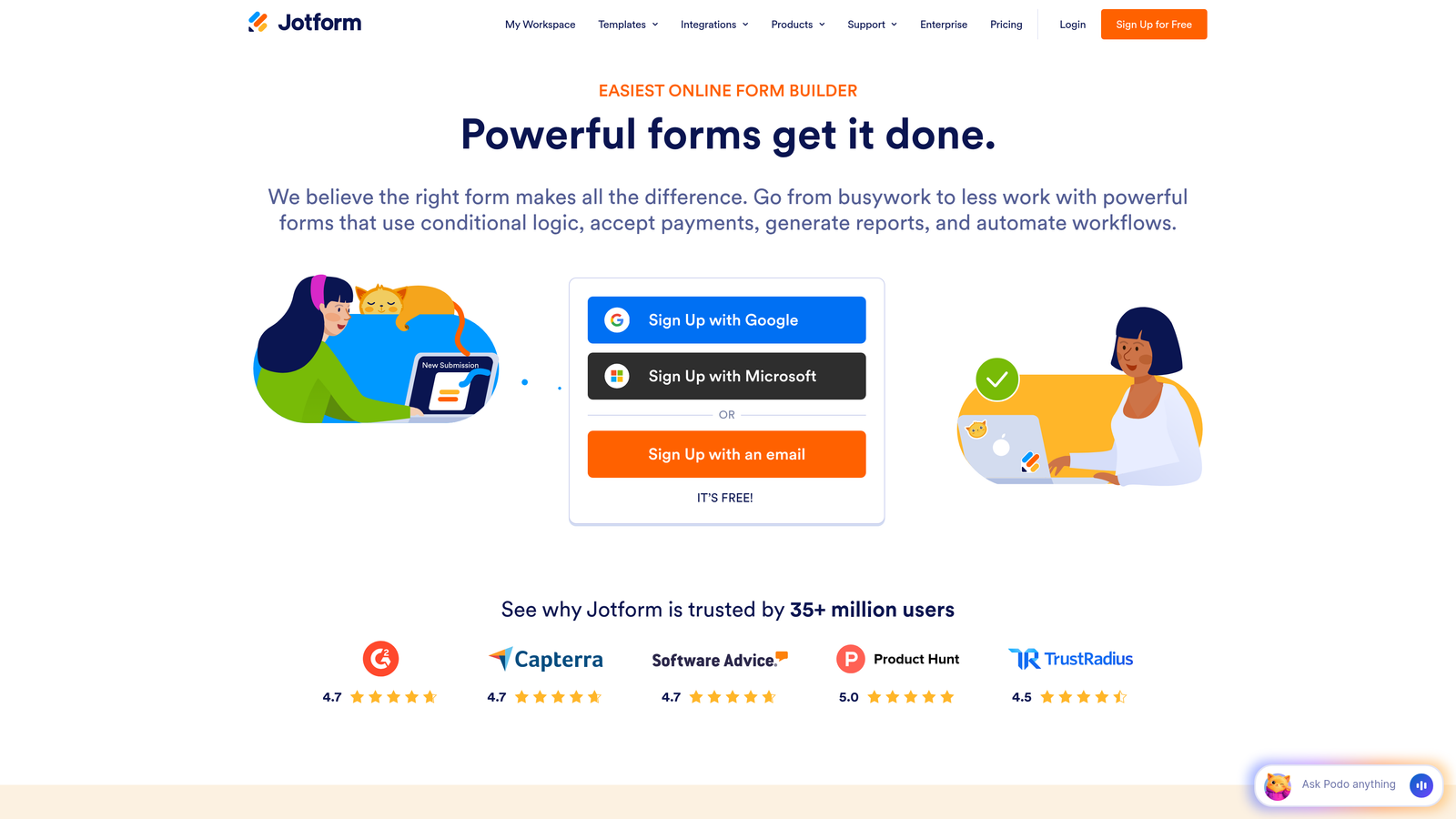
JotForm offers one of the most feature-rich form building experiences with thousands of templates and powerful customization options.
Where This Tool Shines
JotForm's template library is unmatched. With over 10,000 templates including hundreds specifically designed for job applications across different industries and roles, you can launch professional application forms in minutes. The drag-and-drop builder makes customization intuitive even for non-technical users.
The platform handles the entire hiring workflow beyond just applications. You can collect e-signatures for offer letters, generate PDF versions of applications for record-keeping, and automate notifications to hiring managers when qualified candidates apply.
Key Features
Massive Template Library: Over 10,000 pre-built templates including extensive job application options for every industry and role type.
Drag-and-Drop Builder: Intuitive visual editor that requires no coding knowledge to create professional, functional application forms.
E-Signature Collection: Built-in electronic signature capability for offer letters, background check authorizations, and employment agreements.
PDF Generation: Automatically convert submitted applications into formatted PDF documents for easy review and archiving.
Extensive Integrations: Over 100 integrations including major ATS platforms like Greenhouse, Lever, and BambooHR.
Best For
HR teams at small to mid-sized companies who need comprehensive functionality without the learning curve of enterprise platforms. Ideal when you want to get started quickly using proven templates rather than building from scratch.
Pricing
Free tier includes up to 5 forms with 100 monthly submissions. Bronze plan starts at $34/month for increased capacity and advanced features.
4. Google Forms
Best for: Teams already using Google Workspace who need simple, free application collection with minimal setup
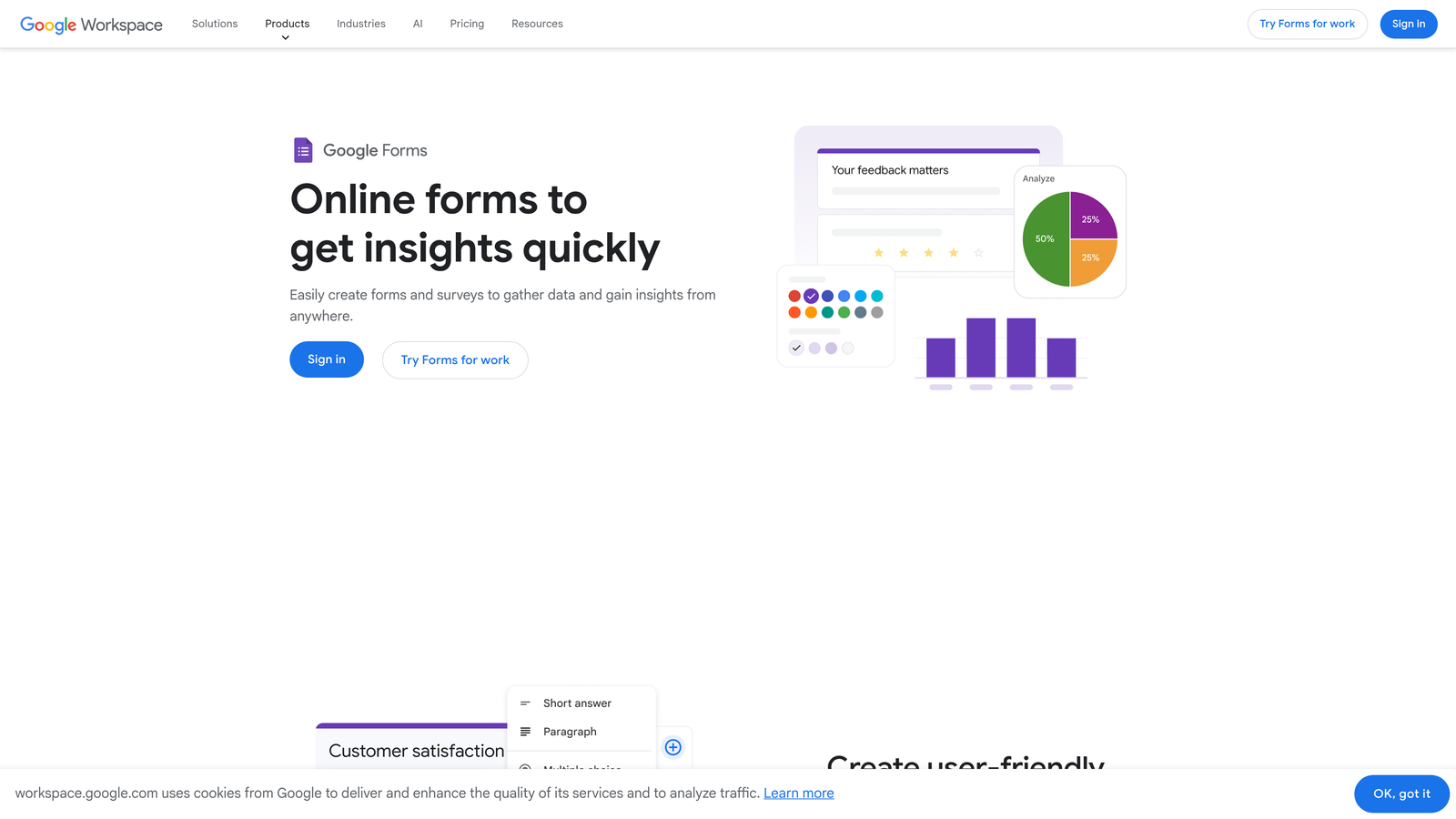
Google Forms provides straightforward form building that integrates seamlessly with the Google ecosystem.
Where This Tool Shines
Google Forms wins on accessibility and simplicity. It's completely free, requires no special account beyond a standard Google login, and integrates natively with Google Sheets for instant data organization. For small businesses or teams with straightforward hiring needs, this removes all barriers to getting started.
The real-time collaboration features let multiple team members work on form design simultaneously, which streamlines the approval process when HR, hiring managers, and legal all need input on application questions.
Key Features
Zero Cost: Completely free to use with unlimited forms and responses, no hidden fees or upgrade pressure.
Google Sheets Integration: Responses automatically populate into spreadsheets for easy sorting, filtering, and analysis.
Real-Time Collaboration: Multiple team members can edit forms simultaneously, seeing changes instantly like other Google Workspace tools.
Basic Conditional Logic: Show or hide questions based on previous answers to create somewhat personalized application flows.
Mobile Responsive: Forms automatically adapt to any device, ensuring candidates can apply from phones or tablets without issues.
Best For
Small businesses, startups, and non-profits with limited budgets and straightforward hiring needs. Best when you're already using Google Workspace and want simple integration without learning new tools.
Pricing
Completely free with any Google account. No paid tiers or premium features to consider.
5. Workable
Best for: Companies wanting application forms integrated with full applicant tracking and recruiting tools
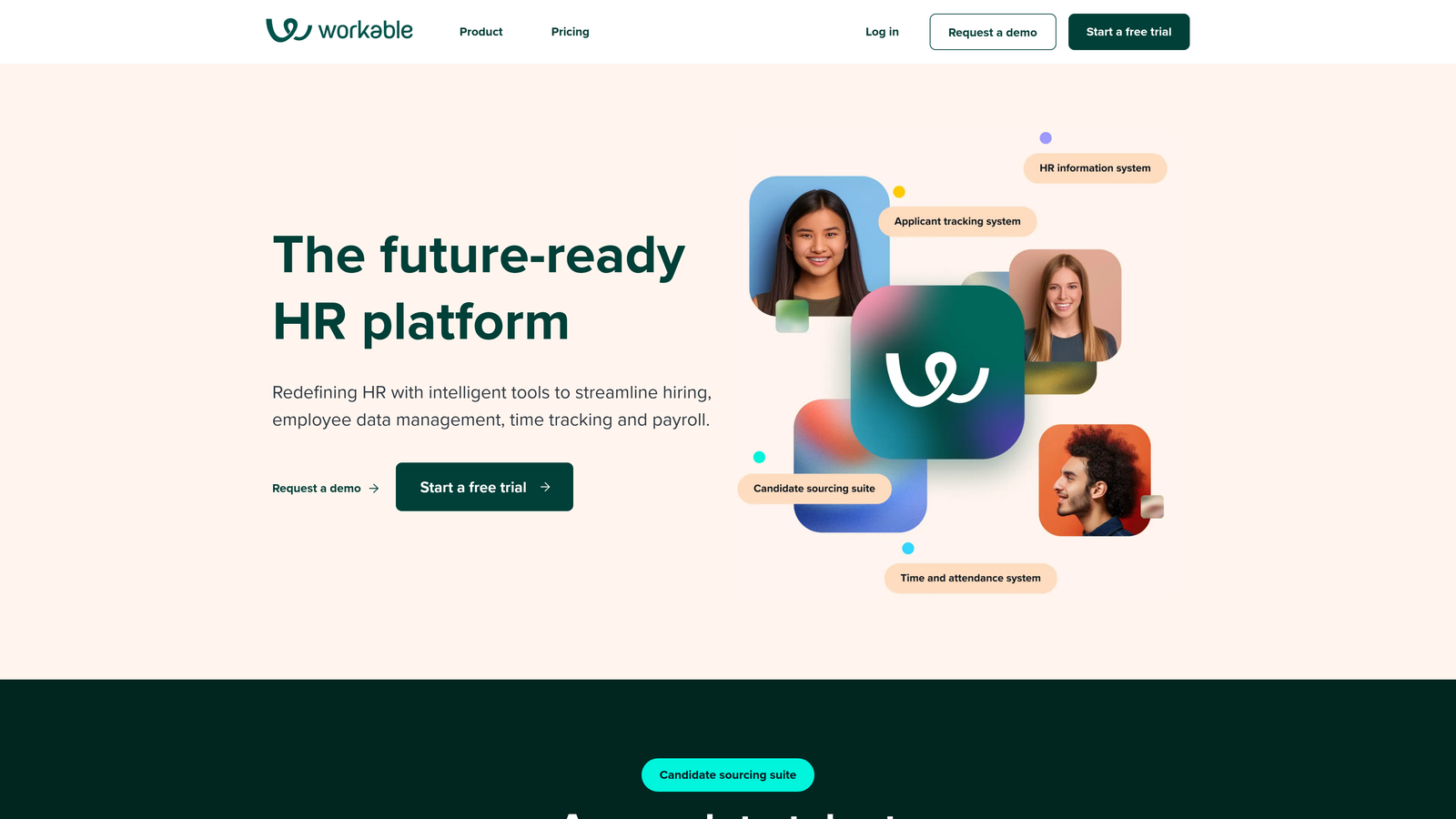
Workable is a comprehensive recruiting platform that includes application forms as part of an all-in-one hiring solution.
Where This Tool Shines
Workable takes a different approach by embedding application forms within a complete recruiting ecosystem. When a candidate submits an application, it doesn't just sit in a form database—it automatically enters your hiring pipeline with scheduling tools, interview scorecards, and collaborative evaluation features ready to go.
The AI-powered sourcing capabilities help you find candidates proactively while your application forms handle inbound applicants. This dual approach gives you more control over your talent pipeline than standalone form builders can provide.
Key Features
Integrated ATS: Application forms feed directly into a full applicant tracking system with pipeline management and candidate communication tools.
AI-Powered Sourcing: Beyond passive applications, actively find and reach out to qualified candidates using AI-driven search capabilities.
Customizable Career Pages: Create branded career sites with job listings and embedded application forms that reinforce your employer brand.
Interview Scheduling: Built-in calendar integration and scheduling tools eliminate the back-and-forth of coordinating interviews.
Offer Management: Generate, send, and track offer letters within the same platform where you collected applications.
Best For
Mid-sized to enterprise companies ready to invest in comprehensive recruiting infrastructure. Most valuable when you need more than just forms and want integrated tools for the entire hiring lifecycle.
Pricing
Starter plan begins at $149/month. Standard and Premier pricing varies based on company size and hiring volume.
6. Tally
Best for: Teams wanting simple, fast form creation with generous free features and no-code flexibility
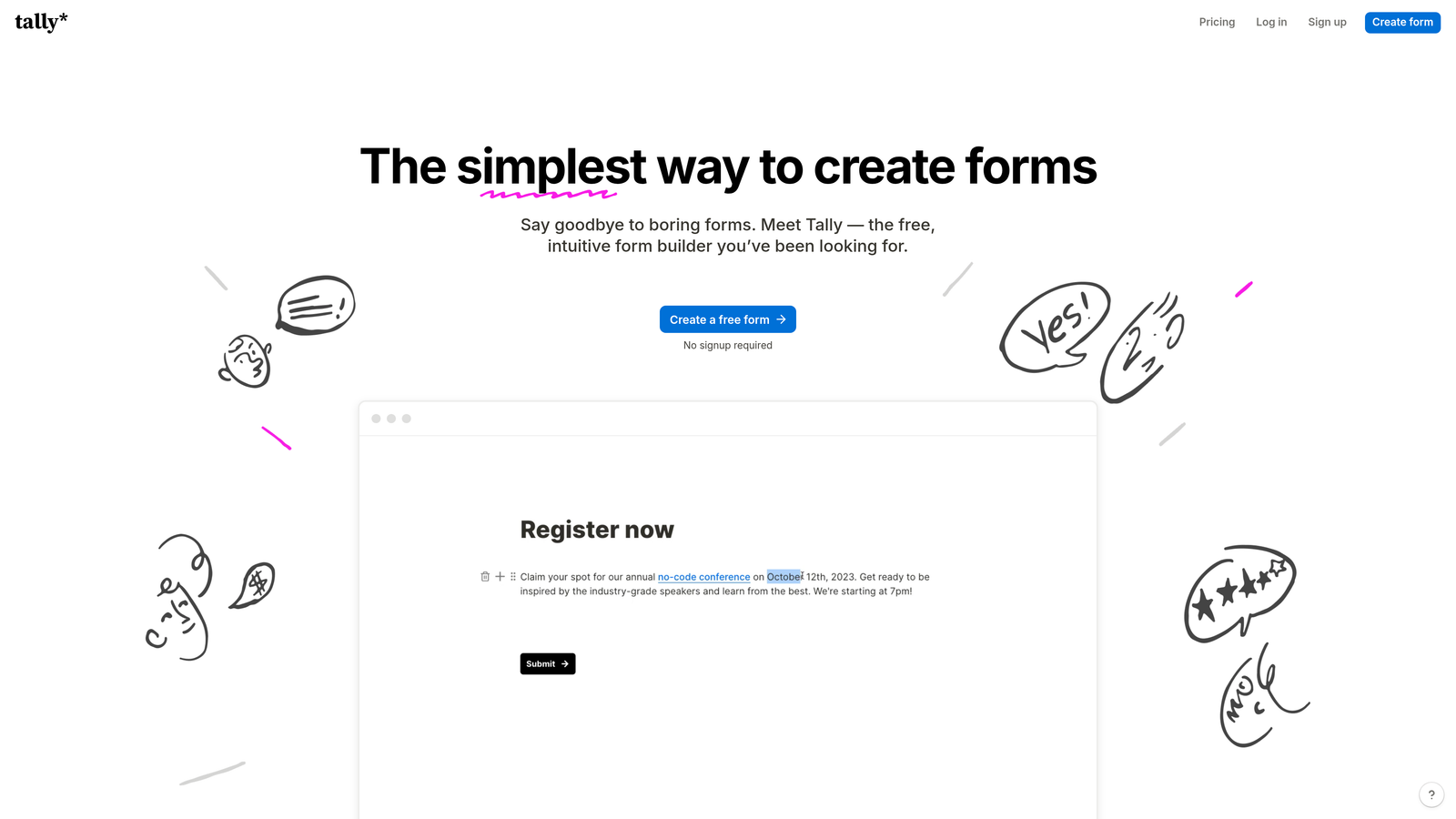
Tally brings a Notion-inspired editing experience to form building with an impressively generous free tier.
Where This Tool Shines
Tally's block-based editor feels immediately familiar to anyone who's used Notion or similar tools. You build forms by adding and arranging blocks—text, questions, images—in a way that feels more like document creation than traditional form building. This makes it incredibly fast to create and modify application forms.
The free tier is remarkably generous, offering unlimited forms and unlimited responses without the artificial restrictions many competitors impose. For small teams or companies with unpredictable hiring volume, this removes the anxiety of hitting response limits mid-campaign.
Key Features
Block-Based Editor: Notion-style interface that makes form creation feel intuitive and fast, especially for teams already using block-based tools.
Unlimited Free Forms: No artificial limits on form count or monthly responses on the free tier, unusual in this market.
No-Code Conditional Logic: Create smart application flows that adapt based on responses without writing any code or complex rules.
Custom Domains: Use your own domain for application forms even on free plans, maintaining professional branding throughout.
Webhooks and Integrations: Connect to other tools via webhooks or native integrations to automate your hiring workflow.
Best For
Startups and small teams who value speed and simplicity over advanced features. Particularly appealing if you're already using Notion for other workflows and want a similar editing experience for forms.
Pricing
Free tier with unlimited forms and responses. Pro plan at $29/month adds advanced features like custom branding and priority support.
7. Paperform
Best for: Creating beautifully branded application experiences with rich media and document-style layouts
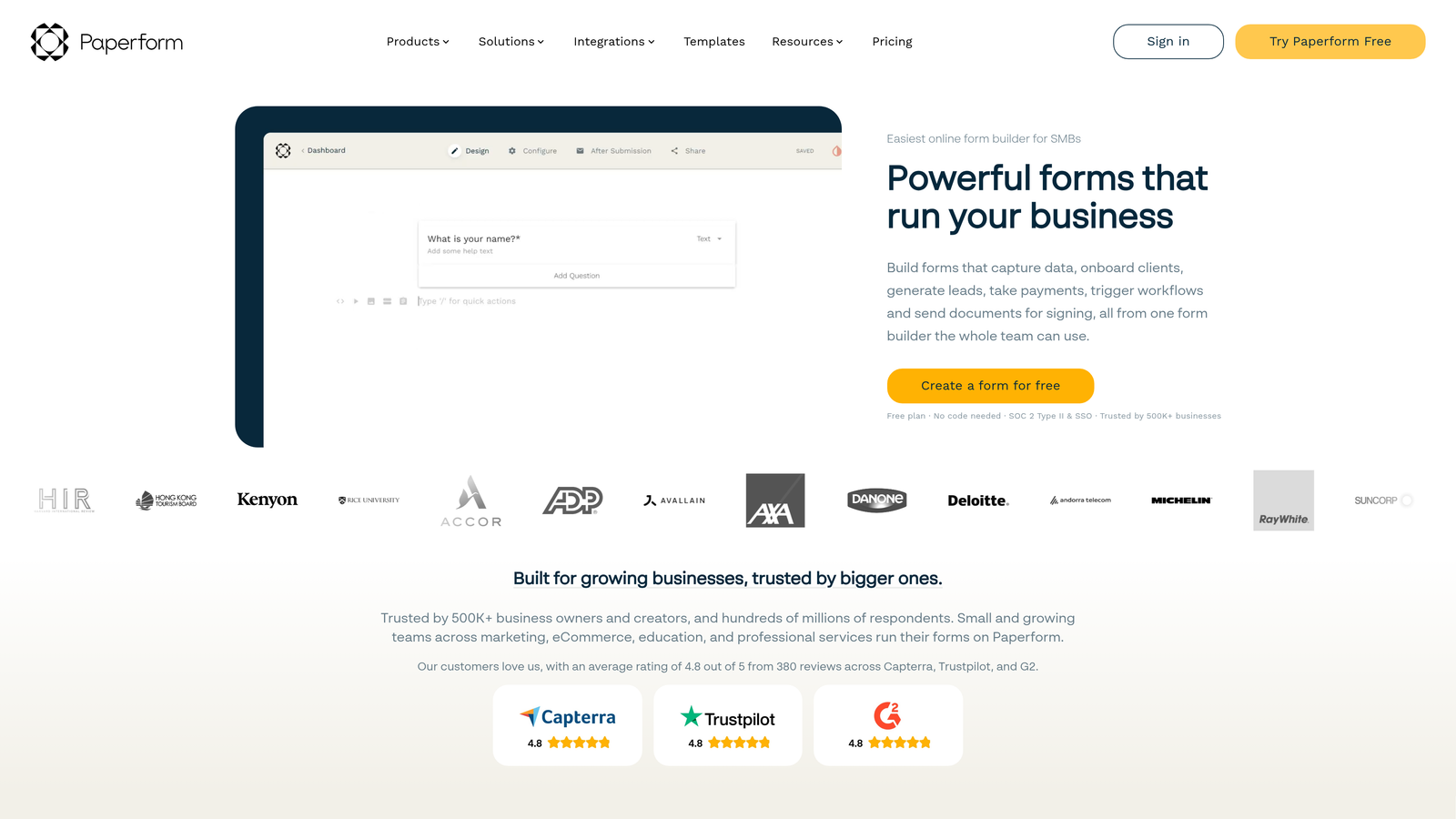
Paperform transforms form building into document design, creating application experiences that feel more like interactive web pages.
Where This Tool Shines
Paperform's document-style approach lets you create application forms that don't feel like forms. You can embed rich text, images, videos, and even payment fields within a flowing layout that reads like a webpage. This makes it exceptional for creating engaging career pages where the application is part of a larger narrative about your company.
The styling options go deeper than most competitors. Custom CSS support means you can match your exact brand guidelines down to specific fonts, spacing, and animations if you have design resources available.
Key Features
Document-Style Layout: Create forms that flow like web pages rather than traditional field-by-field structures, improving engagement and completion.
Rich Media Embedding: Add videos, images, and formatted text throughout your application to tell your company story while collecting data.
Advanced Conditional Logic: Build complex, multi-path application flows that adapt based on role, experience level, or other candidate attributes.
Payment Collection: Built-in payment processing if you charge application fees for certain programs or positions.
Custom CSS: Complete design control for teams with development resources who want pixel-perfect brand alignment.
Best For
Companies where employer branding matters significantly—creative agencies, design firms, or any organization competing for talent based on culture and experience rather than just compensation.
Pricing
Essentials plan starts at $24/month. Pro plan at $49/month adds advanced features and higher submission limits.
8. Cognito Forms
Best for: Organizations with complex, multi-stage application processes requiring advanced logic and calculations
Cognito Forms specializes in handling sophisticated form logic that goes beyond what most builders can manage.
Where This Tool Shines
Cognito Forms handles complexity that breaks other form builders. Need to calculate scoring based on multiple weighted criteria? Want applicants to save their progress and return later to complete lengthy applications? Need repeating sections where candidates can add multiple previous positions with different fields for each? Cognito Forms manages these scenarios smoothly.
The workflow and approval routing features let you build multi-stage processes where applications move through different reviewers or departments based on specific criteria, automating what would otherwise require manual coordination.
Key Features
Advanced Conditional Logic: Create complex decision trees and calculations that adapt forms based on dozens of variables and conditions.
Save and Resume: Allow candidates to save partially completed applications and return later, critical for lengthy or detailed hiring processes.
Repeating Sections: Let applicants add multiple entries for work history, education, or references without duplicating entire form sections.
Document Uploads: Collect resumes, portfolios, and other files with configurable size limits and file type restrictions.
Workflow Routing: Automatically route applications through approval chains or to different reviewers based on role, department, or qualification criteria.
Best For
Large organizations, government agencies, or companies with formal, multi-stage hiring processes. Most valuable when your application requirements are too complex for simpler tools to handle elegantly.
Pricing
Free tier available with basic features. Pro plan starts at $15/month for advanced logic and increased submission capacity.
9. 123FormBuilder
Best for: Healthcare, government, and regulated industries requiring HIPAA or GDPR compliance
123FormBuilder focuses on enterprise security and compliance features that regulated industries require.
Where This Tool Shines
123FormBuilder takes security and compliance seriously in ways that matter for regulated industries. HIPAA compliance isn't just a checkbox—it includes business associate agreements, encryption at rest and in transit, and audit logging that healthcare organizations need for legal protection when collecting applicant data.
The enterprise SSO support and advanced user permissions let large organizations maintain security standards while giving different teams access to relevant application data without compromising sensitive information.
Key Features
HIPAA and GDPR Compliance: Built-in compliance features including BAAs, encryption, and data processing agreements for regulated industries.
Advanced Security: End-to-end encryption, secure data storage, and comprehensive audit trails for sensitive applicant information.
Workflow Automation: Route applications through approval processes and trigger actions based on submission data without manual intervention.
E-Signature Integration: Collect legally binding signatures on offer letters, background check authorizations, and employment agreements.
Enterprise SSO: Single sign-on support for large organizations using SAML or OAuth authentication systems.
Best For
Healthcare organizations, government agencies, financial institutions, and other regulated industries where compliance and security aren't optional. Also suitable for large enterprises with complex security requirements.
Pricing
Gold plan starts at $24.99/month. Platinum plan at $44.99/month includes advanced security and compliance features.
Making the Right Choice
The best job application form builder depends on your specific needs and constraints. If you're a high-growth team that wants AI-powered candidate screening combined with modern, conversion-optimized forms, Orbit AI delivers intelligent qualification that saves your team hours of manual review while keeping completion rates high.
For maximum candidate engagement and beautiful branding, Typeform's conversational approach creates memorable application experiences. When you need extensive templates and comprehensive features without complexity, JotForm's massive library gets you started fast. Budget-conscious teams already using Google Workspace will find Google Forms perfectly adequate for straightforward hiring needs.
Choose Workable when you want application forms integrated with full ATS capabilities and recruiting tools. Tally works well for teams wanting simplicity and speed with generous free features. Paperform excels at creating beautifully branded, media-rich application experiences. Pick Cognito Forms for complex, multi-stage processes with advanced logic requirements. Select 123FormBuilder when compliance and security are non-negotiable.
The right choice ultimately depends on your hiring volume, technical requirements, and how much you value features like AI-powered screening, advanced customization, or regulatory compliance. Most platforms offer free trials—test the finalists with your actual application questions to see which feels right for your team and candidates.
Transform your lead generation with AI-powered forms that qualify prospects automatically while delivering the modern, conversion-optimized experience your high-growth team needs. Start building free forms today and see how intelligent form design can elevate your conversion strategy.


