

Job application forms are often the first touchpoint between your company and a potential hire. A clunky, outdated form can cost you top candidates before they even hit submit, and in a competitive hiring market, that's a loss you can't afford.
Whether you're a high-growth startup hiring at scale or a lean team trying to qualify applicants faster, the right form tool makes a real difference. The best job application form builders go beyond basic fields: they screen candidates intelligently, integrate with your HR stack, and keep the experience frictionless on any device.
This list covers the top tools worth considering in 2026, evaluated on ease of use, customization depth, candidate experience, integrations, and pricing transparency. Whether you need AI-powered screening, branded design, or simple ATS connectivity, there's an option here for your team.
1. Orbit AI
Best for: High-growth teams that want to screen candidates automatically at the point of submission.
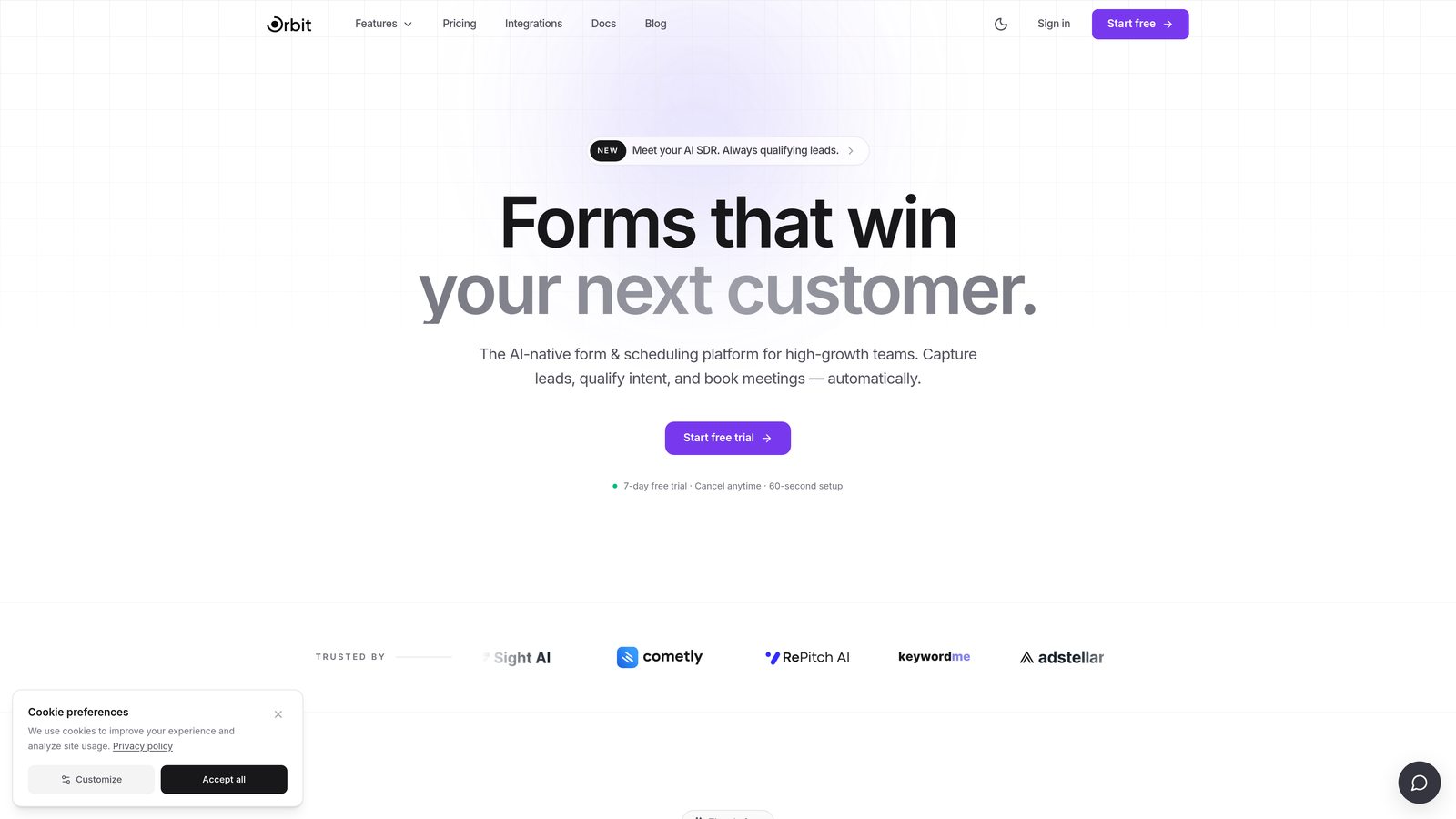
Orbit AI is an AI-powered form builder that applies lead qualification logic to candidate screening, turning your application form into an active filter rather than a passive data collector.
Where This Tool Shines
Most job application forms just collect information and dump it into a spreadsheet. Orbit AI's approach is structurally different: it evaluates responses as candidates submit them, scoring or routing applicants based on criteria you define. Think of it like a sales qualification funnel, but for hiring pipelines.
This is especially valuable for teams receiving high application volumes. Instead of a recruiter manually reviewing every submission, the form itself flags strong candidates, deprioritizes poor fits, and routes responses to the right person automatically. The result is less time spent on unqualified applicants and faster movement on the ones who matter.
Key Features
AI-Driven Qualification Logic: Automatically scores, routes, or flags candidates based on their responses at the moment of submission.
Conditional Branching: Show or hide questions based on prior answers, creating a personalized application experience without extra friction.
Mobile-Optimized Design: Forms look polished and perform well on any device out of the box, with no extra configuration needed.
Real-Time Routing and Notifications: Candidate responses trigger instant workflows, so the right team member is notified at the right time.
Conversion-Focused Form Flows: Built specifically for high-volume, high-stakes submission environments where drop-off rates matter.
Best For
Orbit AI is the strongest fit for high-growth companies and recruiting teams that treat hiring like a pipeline. If you're dealing with large applicant volumes and want to reduce the manual triage burden on recruiters, the qualification layer here is genuinely useful. It's also a strong choice for teams that care about candidate-facing design quality.
Pricing
Visit orbitforms.ai for current pricing and plan details. A free starting point is available.
2. Typeform
Best for: Employer brand-conscious teams that want a premium candidate experience.
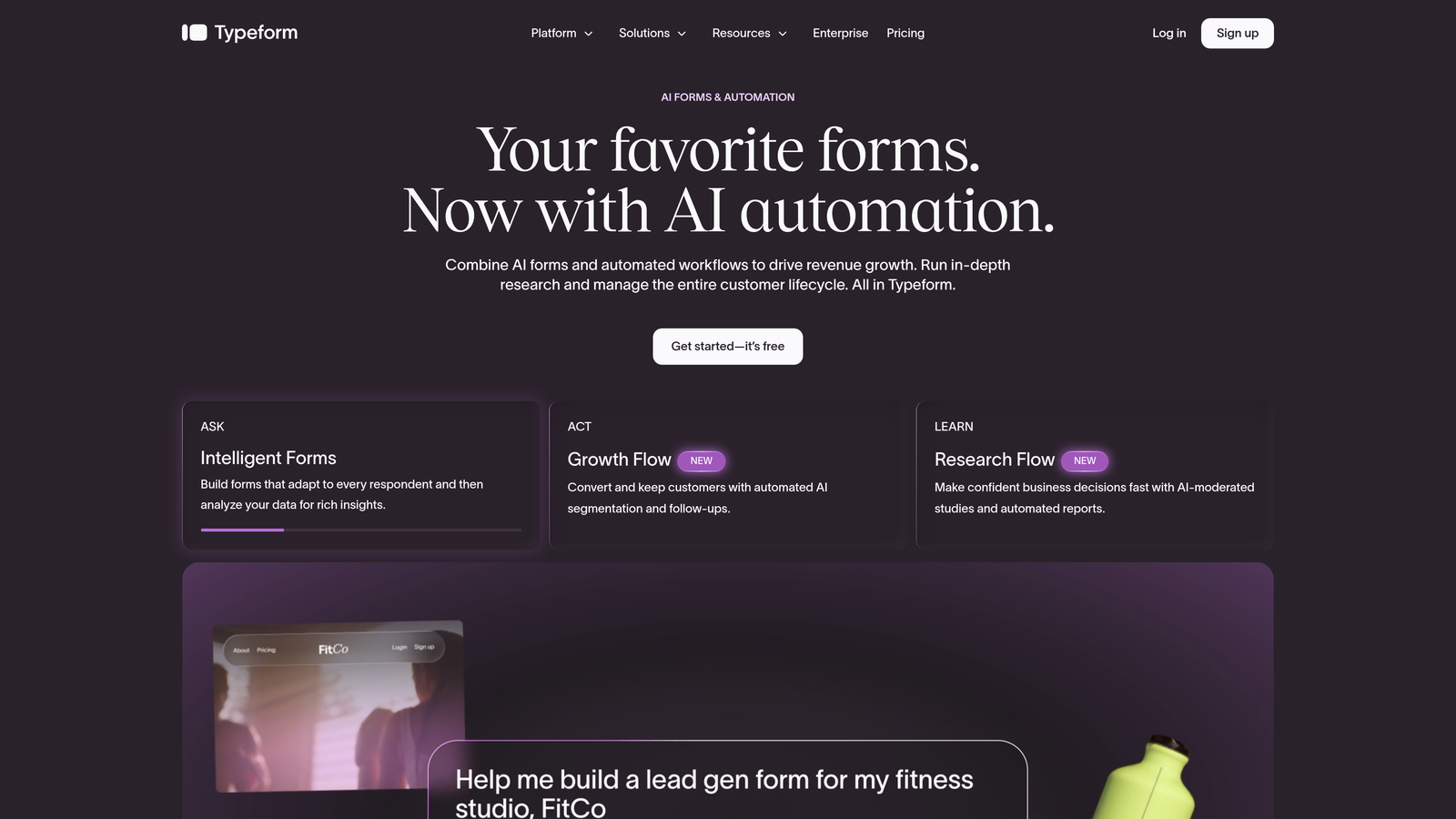
Typeform is a conversational form builder known for its one-question-at-a-time interface that makes long application forms feel far less intimidating.
Where This Tool Shines
Typeform's signature format works particularly well for job applications because it reduces the visual overwhelm of a traditional multi-field form. Candidates move through questions at their own pace, which can meaningfully reduce drop-off on longer applications.
The visual design is polished by default, which helps companies project a thoughtful employer brand before a candidate has even spoken to anyone on the team. For roles where first impressions matter, that's worth something.
Key Features
Conversational Single-Question Flow: Presents one question at a time to reduce cognitive load and keep candidates moving forward.
Logic Jumps: Conditional routing based on previous answers, allowing different paths for different candidate types.
Branded Templates: Visually polished, customizable templates that align with your company's look and feel.
Video Question Support: Allows async video responses for early-stage screening, reducing the need for a first-round call.
Integrations: Connects with Zapier, Slack, Google Sheets, and a range of other tools for downstream workflow automation.
Best For
Typeform suits marketing-forward companies, creative agencies, and startups where employer brand and candidate experience are a priority. It's less suited for teams that need deep ATS functionality built in, but works well as a top-of-funnel application layer connected to other tools via Zapier.
Pricing
Free plan available with limited responses. Paid plans start at around $25/month billed annually, with higher tiers unlocking more responses and advanced features.
3. Google Forms
Best for: Small teams or early-stage companies that need a free, no-setup solution immediately.
Google Forms is a free, no-frills form builder embedded in Google Workspace and the default starting point for teams with no tool budget.
Where This Tool Shines
There's something to be said for zero friction. Google Forms requires no account setup beyond a Google login, no payment details, and no learning curve. You can build a functional job application form in under ten minutes and share it via link or embed it on a careers page.
Responses flow automatically into Google Sheets, which gives you a basic but workable candidate tracker without any additional configuration. For very small teams doing occasional hiring, this is often more than enough.
Key Features
Completely Free: No submission limits, no branding fees, no paid tiers required for core functionality.
Google Sheets Integration: All responses populate automatically into a connected spreadsheet for easy review and sorting.
Basic Conditional Logic: Section-level branching allows you to show different follow-up questions based on earlier answers.
Instant Sharing: Share via link, embed on a page, or restrict access to specific Google accounts.
Familiar Interface: No onboarding required — most users can build a form without reading any documentation.
Best For
Google Forms is best for very small businesses, nonprofits, or teams doing one-off or infrequent hiring. It's not the right tool for high-volume recruiting, branded candidate experiences, or teams that need conditional logic depth or ATS integration.
Pricing
Completely free with any Google account. No paid tiers or submission caps.
4. JotForm
Best for: Teams that want a large template library and built-in workflow features without building from scratch.
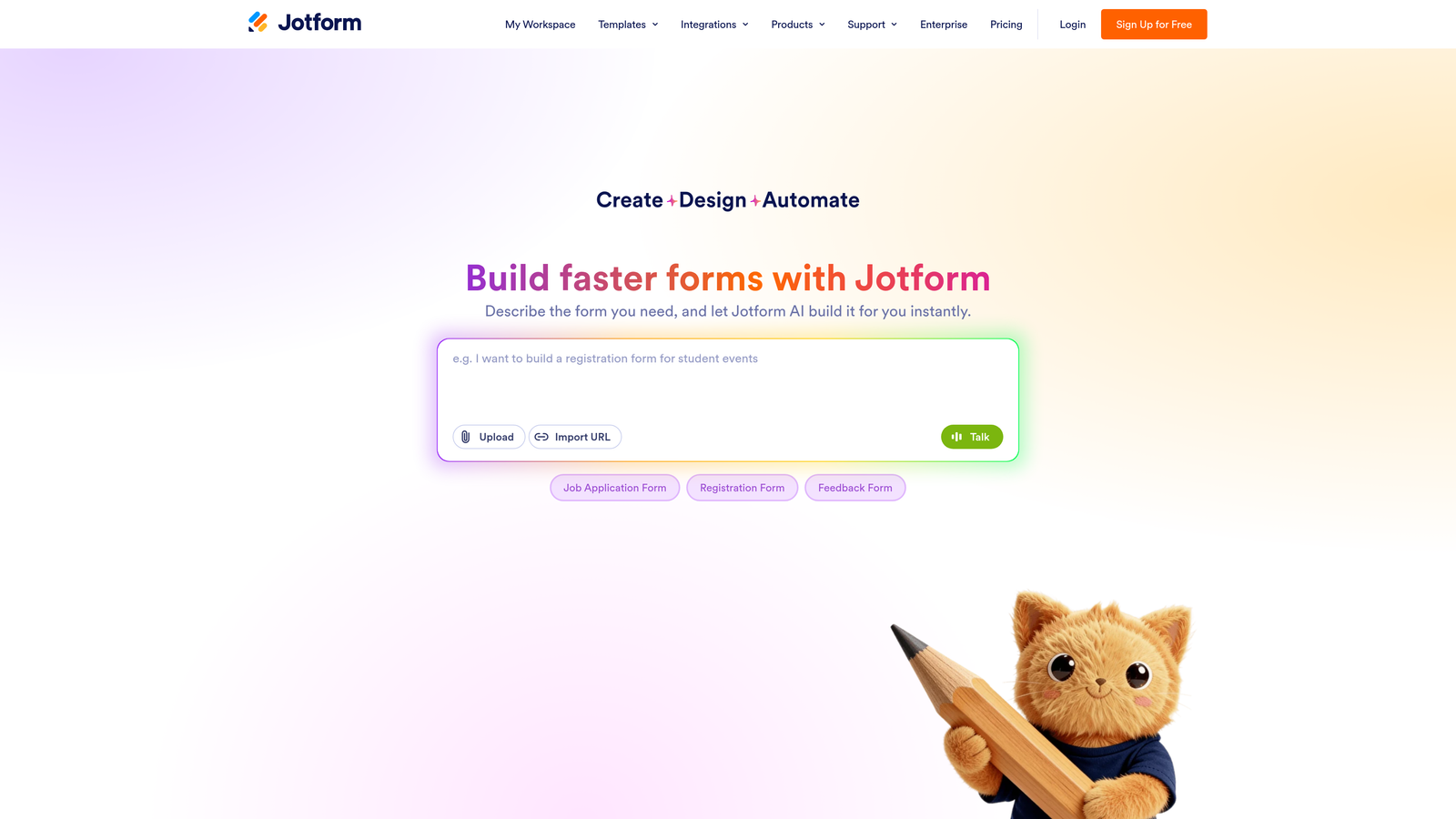
JotForm is a feature-rich form builder with one of the largest template libraries available, including a dedicated set of HR and job application templates.
Where This Tool Shines
JotForm's depth is its main advantage. Beyond basic form building, it supports file uploads for resumes and portfolios, e-signature collection, and multi-step approval workflows, all without requiring a separate tool. That makes it a strong option for HR teams that want everything in one place.
The template library is genuinely useful here. Rather than building an application form from scratch, you can start with a job-specific template and customize from there, which significantly cuts setup time for teams hiring across multiple roles simultaneously.
Key Features
10,000+ Templates: Includes job application-specific forms across industries, ready to customize immediately.
Resume and File Upload Support: Candidates can attach CVs, portfolios, and supporting documents directly in the form.
Native HR Integrations: Connects with Slack, Google Drive, and various HR tools for downstream routing.
E-Signature and Approval Workflows: Useful for offer letters, NDAs, or internal approval steps tied to application stages.
HIPAA-Compliant Plan: Available for regulated industries that need healthcare-grade data security.
Best For
JotForm works well for HR generalists, operations teams, and mid-sized companies that want a versatile form builder with workflow depth. It's particularly strong for teams in regulated industries or those that need e-signature capabilities built into the application process.
Pricing
Free plan supports up to 100 submissions per month. Paid plans start at $34/month with higher submission limits and advanced features.
5. Greenhouse
Best for: Enterprise recruiting teams that need a full ATS with deeply customizable application forms built in.
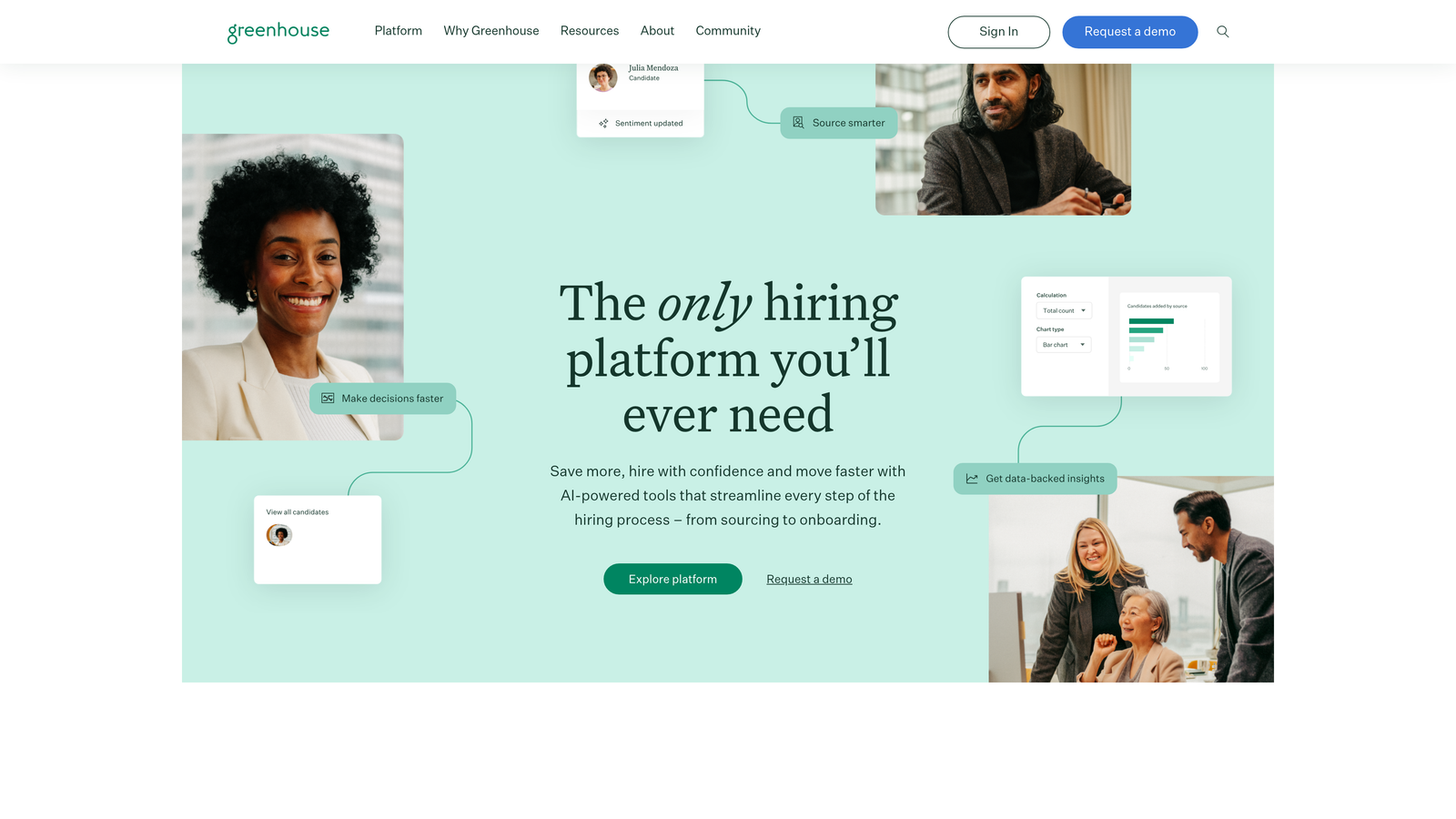
Greenhouse is an enterprise-grade applicant tracking system where job application forms are a native component of a comprehensive recruiting platform, not a standalone tool.
Where This Tool Shines
Greenhouse is built for organizations that take structured hiring seriously. Application forms can be customized per job posting, and every question ties into a broader evaluation framework that includes interview kits, scorecards, and DEI reporting. It's not just about collecting applications — it's about creating a consistent, auditable hiring process.
The compliance and reporting capabilities are particularly strong. Teams can track diversity metrics from the application stage, maintain audit trails for legal compliance, and generate pipeline reports that connect application data to hiring outcomes.
Key Features
Per-Job Application Customization: Tailor application questions to each specific role and department without affecting other postings.
DEI Data Collection and Reporting: Built-in tools for collecting and analyzing diversity data throughout the hiring funnel.
Structured Interview Kits: Application stage connects directly to interview frameworks for consistent candidate evaluation.
Deep HRIS Integrations: Connects with major HR systems, background check tools, and payroll platforms.
Compliance and Audit Trails: Designed for organizations with legal and regulatory requirements around hiring documentation.
Best For
Greenhouse is best suited for enterprise companies and scaling organizations with dedicated recruiting teams. If you need a standalone form builder, it's not the right fit. But if you're running structured, high-volume hiring with compliance requirements, it's one of the most capable platforms available.
Pricing
Custom enterprise pricing. Contact Greenhouse directly for a quote based on company size and needs.
6. Workable
Best for: Mid-market teams that want customizable application forms plus full pipeline management in one platform.
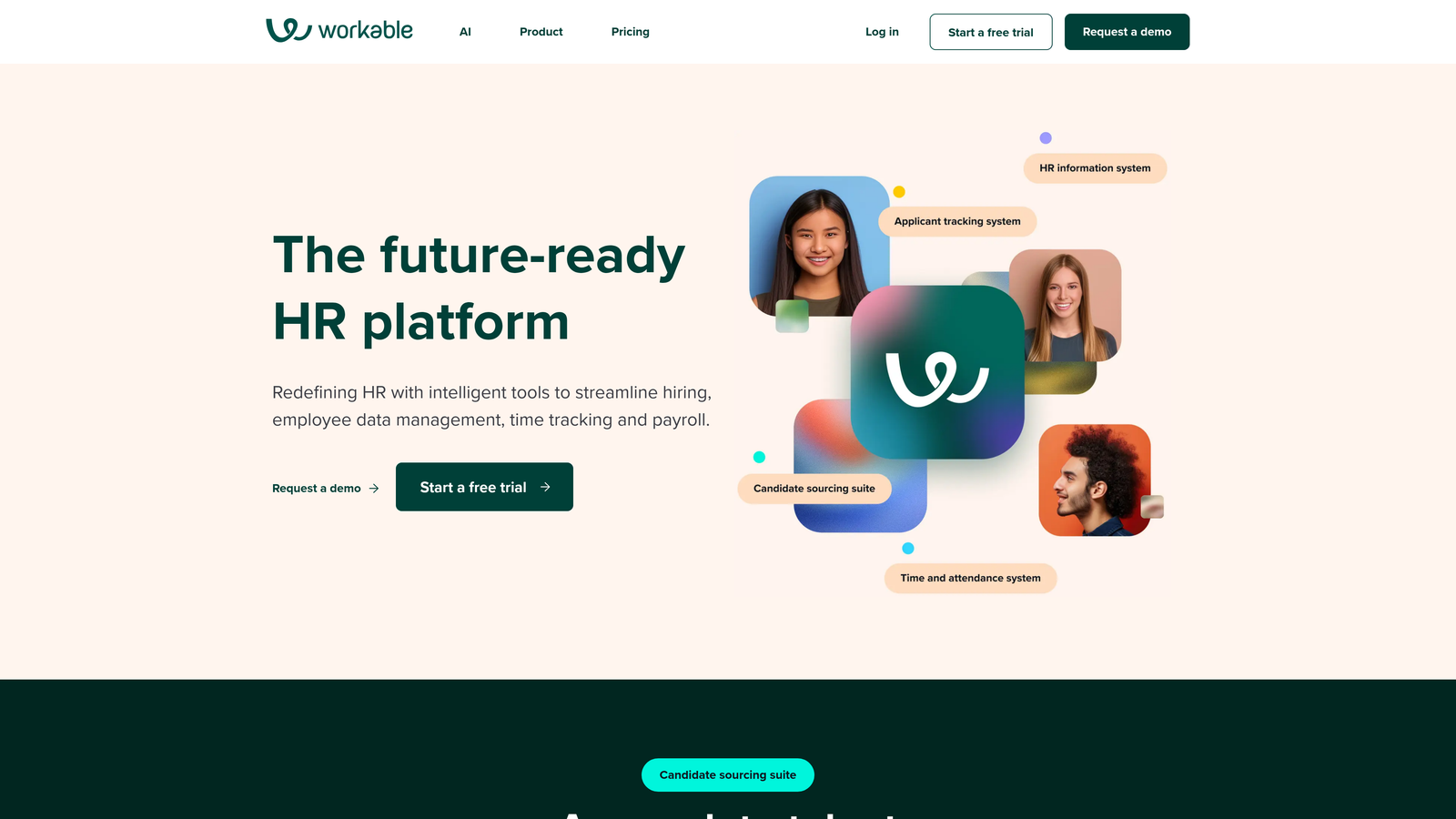
Workable is a mid-market ATS that combines flexible application forms with a complete candidate pipeline management system and a built-in career page builder.
Where This Tool Shines
Workable hits a practical sweet spot between the simplicity of standalone form builders and the complexity of enterprise ATS platforms. You can build customized application forms per role, post to over 200 job boards with a single click, and manage the entire candidate journey from one dashboard.
The mobile app for reviewers is a genuinely useful feature for hiring managers who want to rate and comment on candidates without sitting at a desk. It makes collaborative hiring more accessible for distributed or field-based teams.
Key Features
Conditional Application Questions: Customize form fields per role with branching logic for more relevant candidate data collection.
Built-In Career Page Builder: Create a branded careers page without a separate tool or developer involvement.
One-Click Multi-Board Posting: Distribute job listings to 200+ job boards simultaneously from a single interface.
Mobile Review App: Hiring managers can review, rate, and comment on candidates from their phones.
Team Scorecards: Structured collaborative evaluation tied to each candidate's application and interview stage.
Best For
Workable is a strong choice for growing companies in the 50 to 500 employee range that want an all-in-one recruiting solution. It's particularly well suited for teams that are posting frequently across multiple job boards and need a streamlined review process for multiple stakeholders.
Pricing
Subscription plans start at approximately $149/month. Pay-per-job pricing is also available for teams with lower hiring volume.
7. Tally
Best for: Startups and lean teams that want polished, flexible forms without paying for a premium tool.
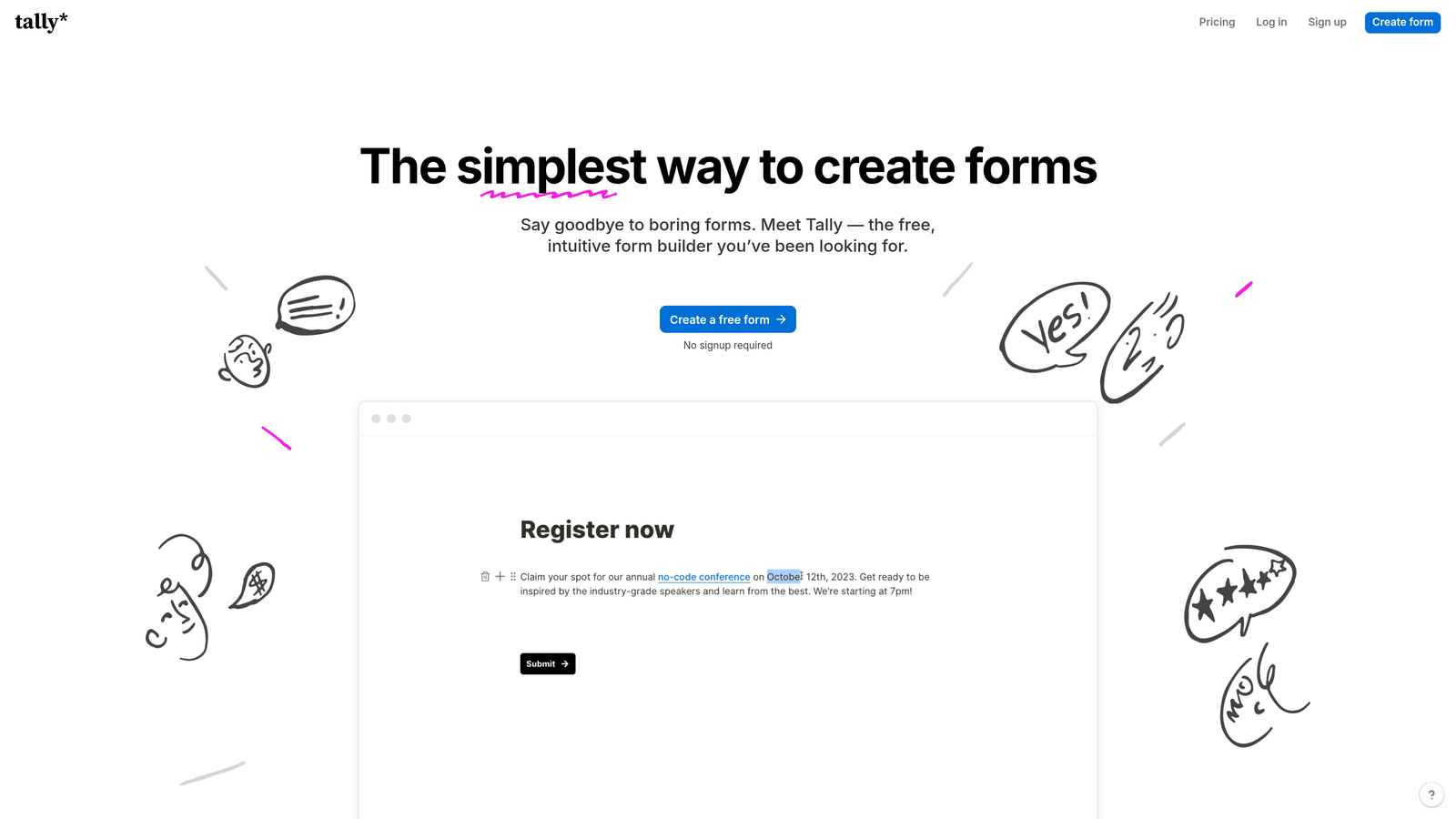
Tally is a block-based form builder with a clean, Notion-inspired interface and one of the most generous free tiers in the market.
Where This Tool Shines
What makes Tally stand out is what it doesn't do: it doesn't plaster its branding on your free-tier forms. Most form builders use their free plan as an advertisement, displaying "Powered by [Tool]" on every submission page. Tally skips that, which means your application form can look professional even before you've spent a dollar.
The block-based editor is intuitive for anyone who's used Notion. You can build multi-page forms with conditional logic, embed them anywhere with a lightweight script, and connect responses to Google Sheets or your ATS via Zapier or Make. For the price, it's hard to beat.
Key Features
No Branding on Free Plan: Unlike most competitors, Tally doesn't add its logo to free-tier forms, keeping your candidate experience clean.
Block-Based Editor: Intuitive drag-and-drop building experience familiar to anyone who uses Notion or similar tools.
Conditional Logic on Free Tier: Multi-page forms and conditional branching are available without a paid plan.
Lightweight Embed: Embed forms anywhere with a simple script, no performance overhead.
Zapier and Make Integration: Route responses to Google Sheets, Slack, or your ATS without native integrations.
Best For
Tally is ideal for early-stage startups, small businesses, and indie teams that need a professional-looking application form without a tool budget. It's not a replacement for an ATS, but as a top-of-funnel collection layer, it punches well above its price point.
Pricing
Free plan available with no branding restrictions. Tally Pro is $29/month and unlocks additional customization and integrations.
8. Formstack
Best for: Regulated industries that need secure, compliant, auditable application workflows.
Formstack is an enterprise form builder with best-in-class compliance credentials and built-in workflow automation for organizations where data security is non-negotiable.
Where This Tool Shines
Formstack is built for environments where a data breach or compliance failure has real consequences. Healthcare organizations, financial institutions, and government agencies use it specifically because of its HIPAA, GDPR, and SOC 2 Type II compliance certifications. For most hiring scenarios, this level of security is overkill. But for the right industry, it's essential.
Beyond compliance, Formstack's workflow automation is genuinely sophisticated. Application submissions can trigger multi-step approval chains, generate documents automatically, and route to specific reviewers based on field values, all without custom development.
Key Features
HIPAA, GDPR, and SOC 2 Type II Compliance: Built-in certifications for regulated industries that require healthcare or government-grade data protection.
Approval Routing Workflows: Automate multi-step review and approval chains triggered by application submissions.
Document Generation: Automatically produce offer letters, NDAs, or other documents from form submission data.
Advanced Field Encryption and Access Controls: Granular permissions and encryption for sensitive candidate data.
Salesforce and HRIS Integrations: Connects with major enterprise systems for seamless data flow across your HR stack.
Best For
Formstack is the right choice for healthcare organizations, financial services companies, and government agencies that must meet strict data security and compliance standards in their hiring processes. It's not cost-effective for general-purpose use, but for regulated environments, the compliance features justify the investment.
Pricing
Plans start at $83/month billed annually. Enterprise plans with advanced compliance features are available at custom pricing.
9. Lever
Best for: Collaborative hiring teams where multiple stakeholders evaluate candidates across structured stages.
Lever is a collaborative ATS built for organizations where hiring is a team sport, with customizable application forms embedded throughout a structured evaluation process.
Where This Tool Shines
Lever's core strength is what happens after a candidate submits their application. The platform is designed around structured, collaborative evaluation: multiple team members can leave feedback, submit scorecards, and track candidates through defined stages, all tied back to the original application data.
The nurture campaign feature is also worth noting. Lever allows recruiting teams to maintain relationships with passive candidates, which is increasingly valuable in competitive talent markets. You're not just collecting applications — you're managing a candidate relationship pipeline.
Key Features
Custom Application Fields Per Job: Tailor application questions by role and department for more relevant, targeted data collection.
Structured Feedback and Scoring: Tied directly to application stage, ensuring consistent evaluation across all reviewers.
Passive Candidate Nurture: Built-in campaign tools to stay connected with candidates who aren't ready to apply yet.
Pipeline Health Reporting: Analytics on source quality, stage conversion, and time-to-hire tied to application data.
Integrations with Slack, Zoom, LinkedIn, and Background Check Tools: Connects with the tools your team already uses throughout the hiring process.
Best For
Lever is best suited for tech companies and scaling organizations that run panel-style or committee-based hiring. If multiple people are involved in evaluating each candidate and you need structured, consistent feedback across the team, Lever's collaborative framework is well designed for that workflow.
Pricing
Custom pricing based on team size and needs. Contact Lever for a demo and quote.
Which Tool Is Right for Your Team?
The right job application form tool depends almost entirely on what problem you're actually trying to solve. Here's a quick way to think through it.
If your biggest challenge is applicant volume and recruiter time spent on unqualified submissions, Orbit AI is the most differentiated option on this list. Its qualification logic turns the form itself into a screening layer, which is a genuinely different approach from the rest of the tools here.
If candidate experience and employer brand are your top priorities, Typeform delivers the most polished, conversational application flow. For teams that want something free and functional right now, Google Forms and Tally are both solid options, with Tally offering more design flexibility and conditional logic at no cost.
JotForm is the strongest standalone form builder for teams that need workflow depth, file uploads, and e-signature support without committing to a full ATS. If you're ready for a full recruiting platform, Workable is the most practical mid-market ATS, while Greenhouse and Lever are better suited for enterprise or collaborative hiring environments with structured evaluation requirements. For regulated industries where compliance is a hard requirement, Formstack is in a category of its own.
The broader point is this: most teams outgrow their application form setup faster than they expect. Starting with a tool that can qualify candidates automatically, adapt to different roles, and integrate cleanly with the rest of your stack saves a lot of painful migration later.
If you're building for growth and want forms that do more than collect data, Start building free forms today with Orbit AI and see how intelligent qualification logic can change the way your team handles applicants from the very first touchpoint.


