

Watching leads abandon your forms halfway through is one of the most frustrating experiences in digital marketing. You've done the hard work of driving traffic, crafting compelling copy, and building a landing page that converts — and then users hit your form and disappear. The revenue impact compounds quietly: every abandoned form is a qualified prospect you'll likely never recover.
The good news is that low form completion rates are a solvable problem, and the solutions go well beyond aesthetic tweaks. The tools in this list tackle abandonment from multiple angles: smarter form builders that reduce friction at the source, analytics platforms that diagnose exactly where users drop off, and testing tools that help you iterate toward higher completion systematically.
Selection criteria for this list included ease of implementation, proven UX patterns, analytics depth, and integration flexibility. If you're not sure what "good" looks like for your industry, it's worth reviewing form submission rate benchmarks to establish a baseline before you start optimizing. Here are the top solutions worth your attention in 2026.
1. Orbit AI
Best for: High-growth teams that want AI-powered adaptive forms with built-in lead qualification.
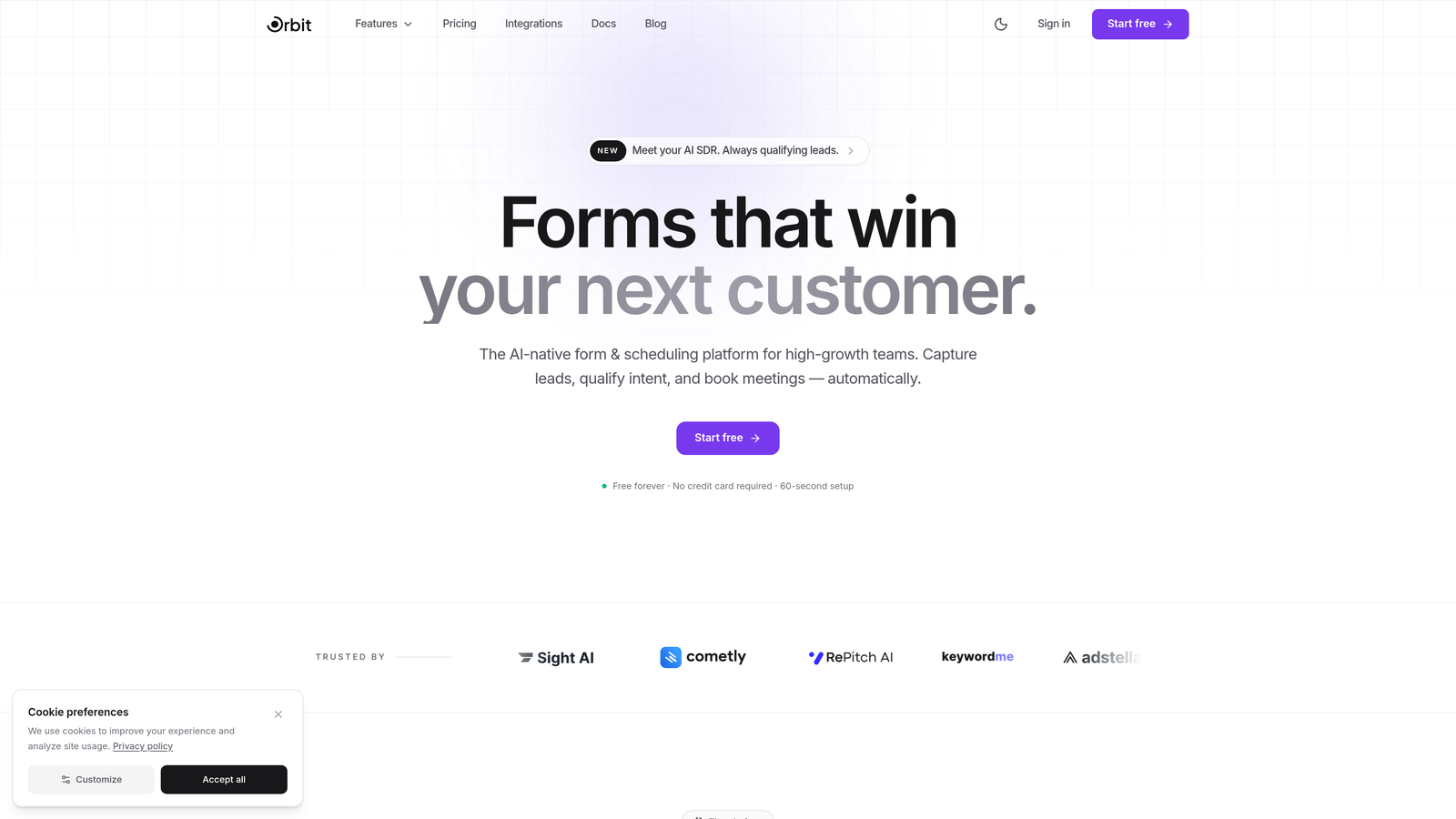
Orbit AI is an AI-powered form builder that uses conversational, adaptive forms and built-in lead qualification to maximize completion rates while capturing high-quality lead data.
Where This Tool Shines
Most form builders give you the tools to build a form. Orbit AI takes a different approach: it uses AI to make the form itself smarter. Forms adapt dynamically based on how users respond, showing only the fields that are relevant to each individual. The result is a shorter, more personal experience that feels like a conversation rather than a data entry task.
The built-in lead qualification layer is what sets it apart for growth teams. Instead of adding fields to gather more data, Orbit AI scores and routes leads automatically in the background. You get richer lead intelligence without making your forms longer — which directly addresses one of the most common causes of form abandonment.
Key Features
AI-Driven Adaptive Forms: Dynamically shows or hides fields based on user responses, reducing perceived form length without sacrificing data quality.
Built-In Lead Qualification: Scores and routes leads automatically without requiring additional form fields from the user.
Conversational Form UX: Designed to feel like a dialogue rather than a traditional data entry form, improving engagement and completion.
Mobile-First Design Templates: Modern, conversion-optimized templates built for the devices where form abandonment is highest.
CRM and Marketing Automation Integrations: Connects with popular platforms so qualified leads flow directly into your existing workflows.
Best For
High-growth SaaS teams, demand generation marketers, and businesses that need to qualify leads at scale without adding friction to the form experience. Particularly strong for teams that want both form optimization and lead intelligence in a single platform.
Pricing
Free plan available for getting started. Paid plans unlock advanced AI features and team collaboration capabilities — pricing scales with usage and team size.
2. Typeform
Best for: Teams that want a polished, one-question-at-a-time experience that keeps users engaged.
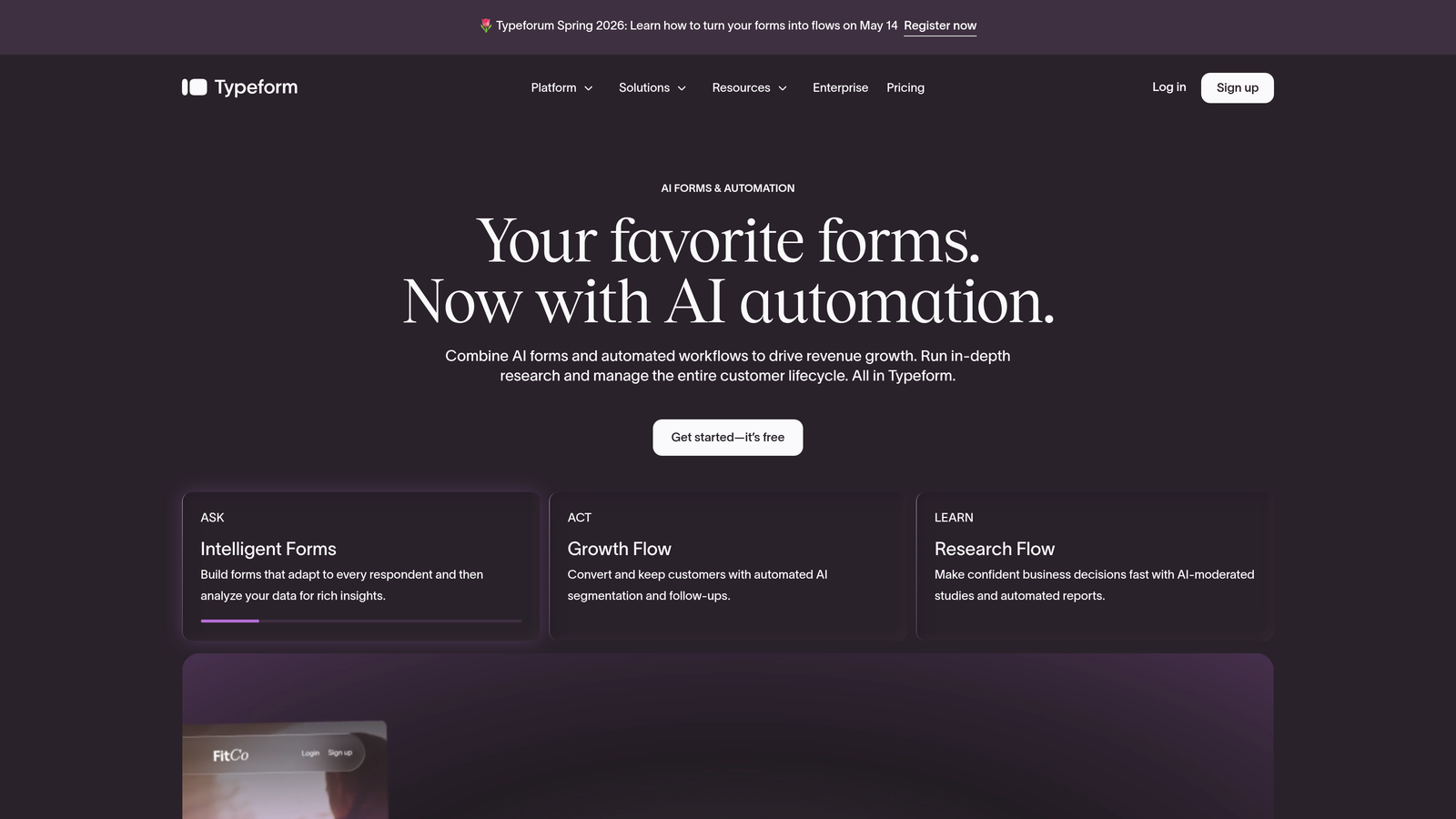
Typeform is a conversational form builder known for its one-question-at-a-time interface that reduces perceived form length and keeps respondents moving forward.
Where This Tool Shines
Typeform's core insight is that showing users one question at a time makes even long forms feel manageable. By removing the visual weight of a full form, it reduces the "this is going to take forever" reaction that causes early abandonment. The experience feels more like a guided conversation than a traditional form.
The design quality is genuinely excellent. Forms are brand-customizable, visually polished, and work beautifully on mobile. For teams where brand perception matters alongside conversion, Typeform delivers both without compromise.
Key Features
One-Question-at-a-Time UI: Reduces cognitive load and perceived effort, keeping users focused on each step rather than the full form.
Logic Jumps and Conditional Branching: Personalizes the form path based on earlier answers, removing irrelevant questions automatically.
Brand-Customizable Design: Full control over colors, fonts, and imagery to match your visual identity.
Native Integrations: Connects with hundreds of tools including HubSpot, Salesforce, Slack, and Zapier.
Video and Image Embedding: Allows rich media within forms to add context or reinforce value propositions mid-form.
Best For
Marketing teams, SaaS companies, and agencies that prioritize user experience and brand presentation alongside completion rates. Also strong for surveys, lead gen forms, and onboarding flows where engagement quality matters.
Pricing
Free tier available with basic features. Paid plans start at around $25/month, with higher tiers for larger response volumes and advanced logic features.
3. Jotform
Best for: Teams that need a versatile, template-rich builder for complex or multi-step forms.
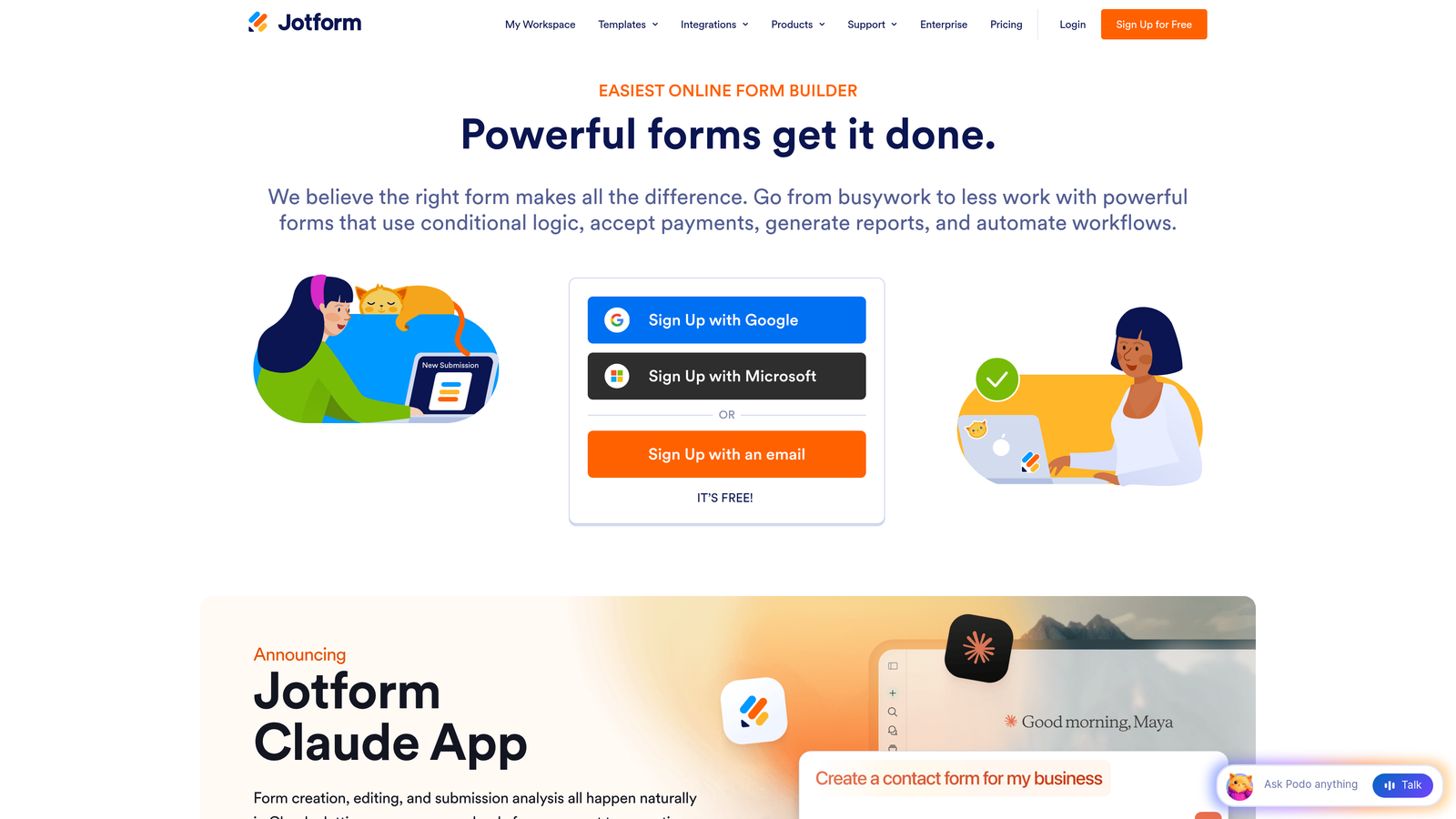
Jotform is a feature-rich form builder with over 10,000 templates, drag-and-drop editing, and powerful conditional logic to streamline even complex form workflows.
Where This Tool Shines
Jotform's depth is its defining strength. With one of the largest template libraries in the market, teams can launch forms quickly without building from scratch. The drag-and-drop builder is accessible to non-technical users while still supporting sophisticated conditional logic for more complex use cases.
Multi-page forms with progress indicators are particularly valuable for reducing abandonment on longer forms. Breaking a form into steps and showing users how far they've come encourages completion, and Jotform makes this straightforward to implement.
Key Features
10,000+ Pre-Built Templates: Covers virtually every industry and use case, enabling fast deployment without starting from zero.
Conditional Logic: Hides irrelevant fields dynamically, keeping forms focused and shorter for each individual user.
Multi-Page Forms with Progress Indicators: Reduces form fatigue by breaking long forms into digestible steps with visible progress.
Payment and E-Signature Support: Extends beyond lead capture into transactional workflows.
HIPAA-Compliant Options: Makes Jotform viable for healthcare teams with strict data compliance requirements.
Best For
Small to mid-size businesses, agencies managing multiple clients, and teams in regulated industries like healthcare that need compliance-ready forms alongside strong UX features.
Pricing
Free plan available with submission and storage limits. Paid plans start at around $34/month, scaling with submission volume and feature requirements.
4. Hotjar
Best for: Teams that need to diagnose form abandonment before making changes.
Hotjar is a behavior analytics platform with form analysis, session recordings, and heatmaps that help you identify exactly where users drop off and why.
Where This Tool Shines
Before you can fix low completion rates, you need to understand where the problem actually lives. Hotjar's form analytics show you field-by-field drop-off data, revealing which specific questions are causing abandonment. This turns guesswork into a targeted optimization strategy.
The combination of quantitative form analytics and qualitative session recordings is especially powerful. You can see the numbers showing where users leave, then watch actual recordings to understand the behavior behind those numbers. This pairing accelerates diagnosis considerably.
Key Features
Form Analytics: Shows field-by-field drop-off rates, time spent per field, and where users abandon entirely.
Session Recordings: Lets you watch real user interactions with your forms to identify friction points qualitatively.
Heatmaps and Scroll Maps: Provides page-level context around where your form sits and how users engage with surrounding content.
Feedback Widgets: Allows you to ask users directly why they didn't complete a form, adding voice-of-customer data.
Script-Based Installation: Works on virtually any site with a simple tag — no complex setup required.
Best For
Growth and UX teams that need data to justify form changes before investing in redesigns. Particularly valuable as a diagnostic layer alongside any form builder already in your stack.
Pricing
Free basic plan available. Paid plans start at around $32/month, with higher tiers for larger traffic volumes and extended data retention.
5. Zuko
Best for: Teams that need granular, field-level form analytics beyond what general analytics tools provide.
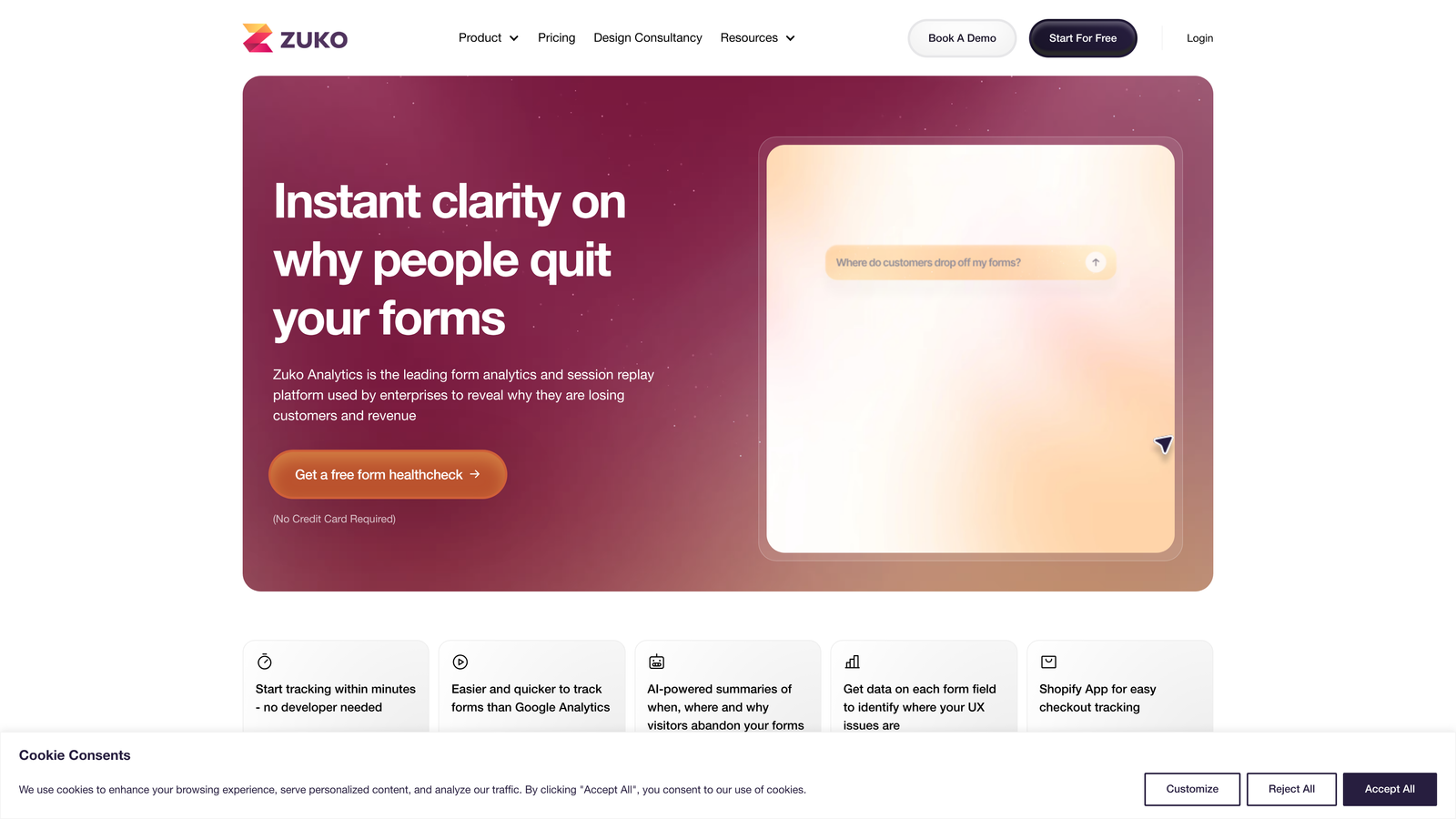
Zuko is a dedicated form analytics platform (formerly Formisimo) that provides granular field-level data on completion, hesitation, and abandonment across any form.
Where This Tool Shines
Zuko goes deeper than general behavior analytics tools when it comes to forms specifically. It tracks not just where users leave, but how they interact with each individual field: time spent, number of corrections, re-entries, and hesitation patterns. This level of granularity is invaluable for diagnosing subtle friction that aggregate data would miss.
Because Zuko works with any form regardless of what builder was used to create it, it fits naturally into existing stacks without requiring a platform migration. Teams can layer it onto forms they've already built to get actionable data immediately.
Key Features
Field-Level Analytics: Tracks time spent, corrections, and re-entries per field to surface friction that drop-off rates alone don't reveal.
Abandonment Funnel Visualization: Shows exactly where users exit multi-step forms in a clear, visual format.
Segmentation: Breaks down performance by device type, traffic source, and user segment for more targeted optimization.
Real-Time Dashboards and Automated Reports: Keeps teams informed without manual data pulls.
Builder-Agnostic: Works with any form on any website, regardless of the technology used to build it.
Best For
CRO specialists, UX researchers, and enterprise teams running high-volume forms where even small improvements in completion rates have significant revenue impact.
Pricing
Plans start at around £100/month. Enterprise pricing is available for larger organizations with higher traffic volumes and custom reporting needs.
6. Unbounce Smart Builder
Best for: Teams that want to optimize the entire landing page context around their forms, not just the form itself.
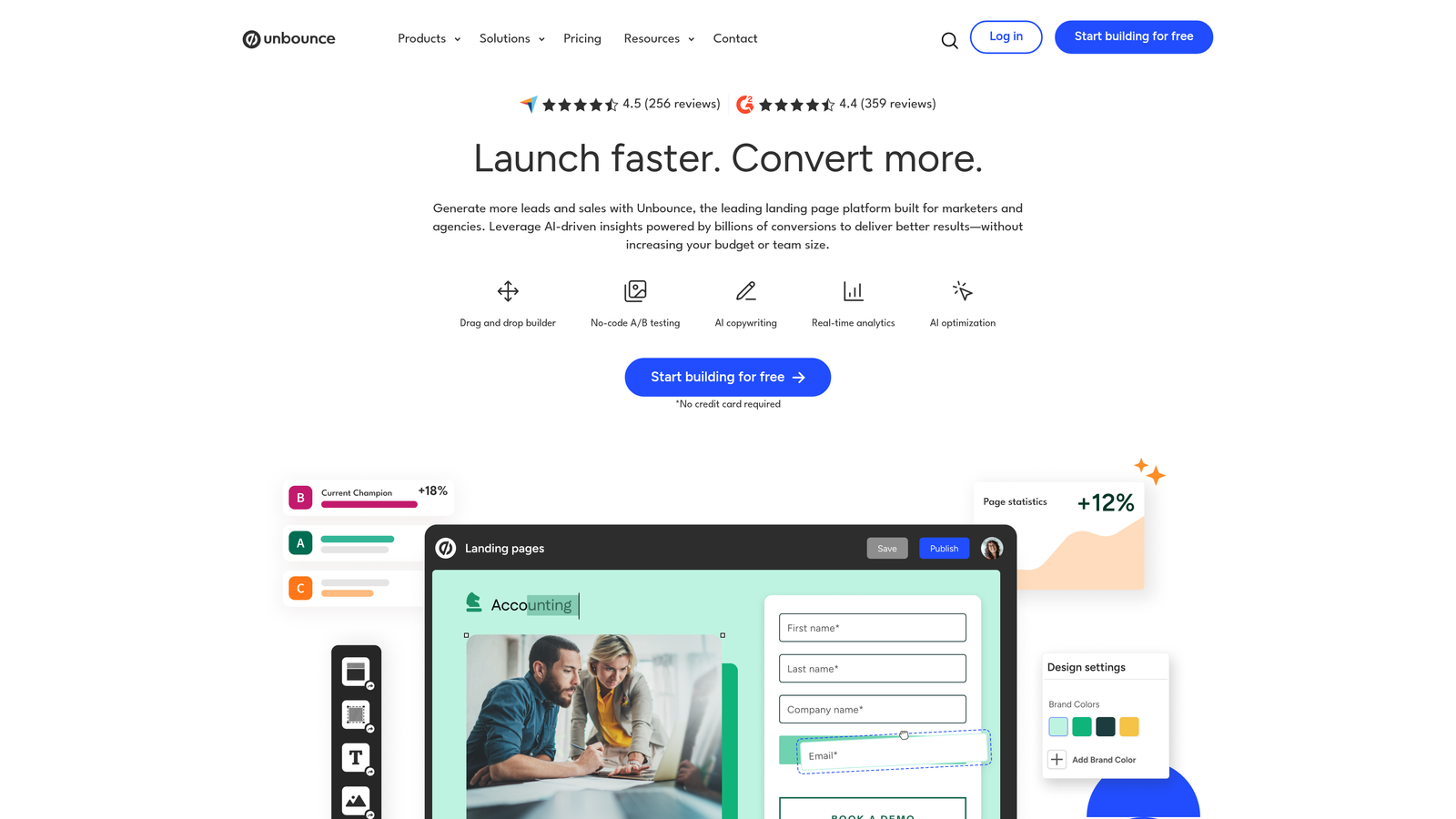
Unbounce Smart Builder is an AI-powered landing page builder that improves form completion by optimizing the full page experience surrounding your form.
Where This Tool Shines
Form completion doesn't happen in isolation. The page surrounding your form — the headline, the copy, the visual hierarchy, the trust signals — all influence whether a user decides to fill it out. Unbounce addresses this by optimizing the entire landing page, not just the form fields themselves.
The Smart Traffic feature is particularly relevant for completion rate optimization. It uses AI to route visitors to the page variant most likely to convert based on their profile, meaning different users see the version of your page (and form) that's most likely to resonate with them specifically.
Key Features
AI-Driven Layout and Copy Recommendations: Suggests improvements to page structure and messaging to support form completion.
Smart Traffic: Routes visitors automatically to the highest-converting page variant based on visitor attributes.
Drag-and-Drop Landing Page Builder: Enables fast creation of form-centric landing pages without developer dependency.
Built-In A/B Testing: Allows systematic testing of page and form variations within the same platform.
Pop-Up and Sticky Bar Form Options: Extends form placement beyond the main page body for additional conversion opportunities.
Best For
Paid media teams, demand generation marketers, and agencies that run high-volume campaigns where landing page and form performance are tightly linked.
Pricing
Plans start at around $99/month. Pricing scales based on the number of domains and monthly visitor volume.
7. Gravity Forms
Best for: WordPress-based teams that need deep conditional logic and save-and-continue functionality for longer forms.
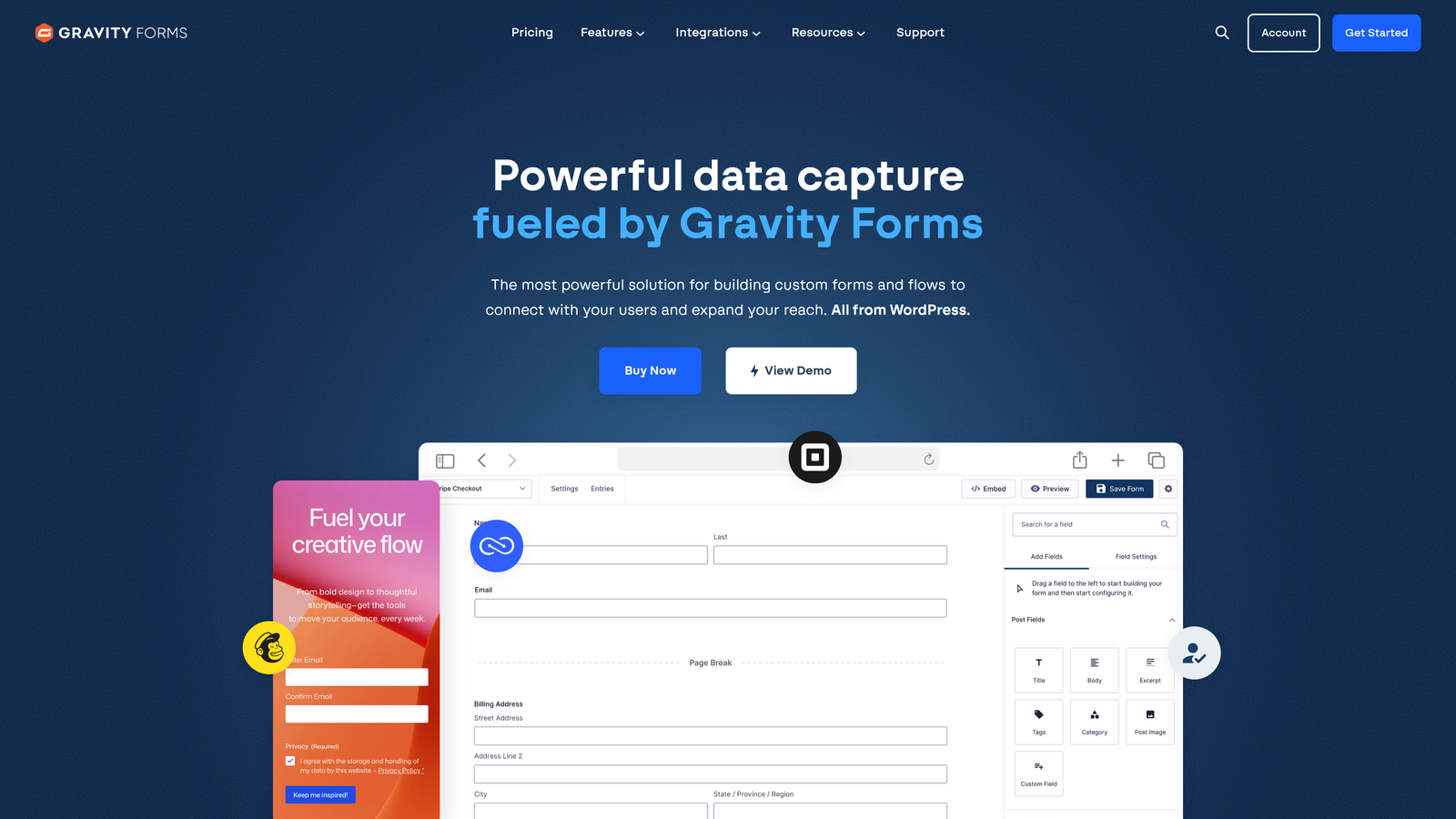
Gravity Forms is a WordPress-native form plugin with multi-step pagination, save-and-continue functionality, and extensive conditional logic for reducing form fatigue.
Where This Tool Shines
For teams running on WordPress, Gravity Forms is the most capable native option for tackling form abandonment. Its save-and-continue feature is a genuine differentiator: users who can't complete a form in one session can return later without losing their progress, which is particularly valuable for longer application or registration forms.
The conditional logic engine is robust enough to handle complex branching scenarios, keeping forms focused and relevant for each user. Combined with multi-step pagination and progress bars, it gives teams the tools to make long forms feel manageable without rebuilding them from scratch.
Key Features
Multi-Step Pagination with Progress Bars: Breaks long forms into steps and shows users how far they've progressed, reducing abandonment caused by form fatigue.
Save and Continue Later: Lets users bookmark their progress and return to complete the form, recovering completions that would otherwise be lost.
Extensive Conditional Logic: Hides irrelevant fields based on previous answers, keeping forms lean and relevant.
Deep WordPress and WooCommerce Integration: Fits naturally into existing WordPress ecosystems without compatibility friction.
Large Add-On Ecosystem: Extends functionality to payments, CRMs, and email marketing platforms through official and third-party add-ons.
Best For
WordPress site owners, agencies building client sites on WordPress, and teams with complex form requirements like multi-step applications, registrations, or quote requests.
Pricing
Starts at $59/year for a single site license. Higher tiers cover multiple sites and include access to premium add-ons.
8. Leadformly
Best for: Teams that want forms pre-built around conversion rate optimization best practices without doing the research themselves.
Leadformly is a lead capture form tool built on CRO research, with multi-step layouts, smart field ordering, and built-in best practices designed to maximize completion from the start.
Where This Tool Shines
The core value proposition of Leadformly is that it embeds CRO best practices directly into the form-building experience. Rather than requiring teams to research optimal field ordering, question framing, or progress indicator placement, Leadformly applies these principles by default. It's a strong option for teams that want better-performing forms without a dedicated optimization specialist.
The multi-step layout approach, combined with smart field ordering that puts lower-commitment questions first, follows well-established principles for reducing early abandonment. Teams can get these gains without building custom logic from scratch.
Key Features
CRO Best Practices Built In: Forms are structured around proven conversion principles out of the box, reducing the need for manual optimization.
Multi-Step Layouts with Progress Indicators: Guides users through forms in digestible steps with visible progress to encourage completion.
Conditional Logic and Smart Field Ordering: Surfaces easier questions first and hides irrelevant fields to reduce friction at each stage.
Built-In Analytics and A/B Testing: Provides performance data and testing capabilities within the platform.
Embeddable on Any Website: Works across platforms and landing pages without requiring a specific CMS.
Best For
Small to mid-size marketing teams, lead generation agencies, and businesses that want conversion-optimized forms without investing heavily in CRO expertise or custom development.
Pricing
Plans start at around $37/month. Higher tiers are available for larger lead volumes and additional team members.
9. VWO (Visual Website Optimizer)
Best for: Teams running systematic A/B testing programs to find the highest-completing form variation through experimentation.
VWO is a full-stack experimentation platform for A/B testing form variations — field count, layout, CTA copy, multi-step versus single-step — to identify the version that converts best for your specific audience.
Where This Tool Shines
VWO is the right tool when you've already made intuitive improvements to your forms and want to validate them scientifically. It lets you test specific hypotheses: does a two-step form outperform a single-step? Does changing the CTA from "Submit" to "Get My Report" move the needle? The visual editor makes it possible to create test variations without writing code.
The statistical engine uses Bayesian analysis to deliver confident results, which matters for teams making decisions based on test outcomes. Pairing VWO's testing capabilities with a dedicated analytics tool like Hotjar or Zuko creates a powerful diagnostic-and-test loop for continuous form optimization.
Key Features
A/B and Multivariate Testing: Tests form element variations systematically, including field count, layout structure, and CTA copy.
Visual Editor: Creates test variations directly in the browser without requiring developer involvement for most changes.
Funnel Analysis and Session Recordings: Provides context around how form changes affect the broader conversion funnel.
Heatmaps and Click Maps: Shows how users interact with form elements visually, complementing quantitative test data.
Bayesian Statistical Engine: Delivers statistically confident results to support reliable decision-making from test outcomes.
Best For
Growth teams, CRO specialists, and enterprise marketing organizations running structured experimentation programs where data-driven decisions justify the investment in a dedicated testing platform.
Pricing
Free starter plan available. Paid plans with full testing features start at around $357/month, positioning VWO as a tool for teams with meaningful traffic volumes and a dedicated optimization function.
Picking the Right Fix for Your Forms
The tools on this list solve the same underlying problem from very different angles, and the right choice depends on where your form abandonment is actually coming from.
If you're building new forms and want to maximize completion from day one, start with a smart form builder. Orbit AI is the strongest option for teams that want AI-driven adaptability and built-in lead qualification in a single platform. Typeform is the go-to for teams where experience quality and brand presentation are non-negotiable. Jotform and Gravity Forms are excellent for teams with complex, multi-step requirements — particularly if you're on WordPress.
If your forms are already live and you're not sure why users are dropping off, invest in diagnostics first. Hotjar gives you a strong starting point with session recordings and field-level analytics. Zuko goes deeper if you need granular field interaction data or you're running high-volume forms where small improvements have significant revenue impact.
Once you have a hypothesis about what's causing abandonment, VWO lets you test it rigorously. And if your form's context — the landing page around it — is contributing to the problem, Unbounce Smart Builder addresses that layer specifically.
The most effective approach for many teams is layered: a smart form builder for reducing friction at the source, an analytics tool for ongoing diagnosis, and a testing platform for iterating systematically. You don't need all nine tools — you need the right combination for your stack and your specific problem.
If you're ready to tackle the form builder layer first, Start building free forms today with Orbit AI and see how intelligent, adaptive form design can transform your lead generation results. AI-powered forms that qualify prospects automatically while delivering the modern, conversion-optimized experience your growth team needs — without adding a single unnecessary field.


