

Startups move fast, and your forms need to keep up. Whether you're qualifying leads, onboarding users, or collecting product feedback, the form builder you choose has a direct impact on conversion rates and pipeline quality. The problem is that most legacy tools were built for a different era: clunky interfaces, zero intelligence, and no native way to separate high-intent leads from tire-kickers.
This list focuses on modern form builders designed for growth-minded teams. We evaluated tools based on ease of use, AI and logic capabilities, integrations with popular SaaS stacks, mobile responsiveness, and startup-friendly pricing. Whether you need conversational flows, lead qualification, or just beautiful forms that don't bounce visitors, there's something here for every growth stage.
For deeper context on what makes a form convert, check out our guides on how to improve form conversion rates and multi-step form best practices.
1. Orbit AI
Best for: B2B and SaaS teams that need AI-powered lead qualification built directly into the form layer.
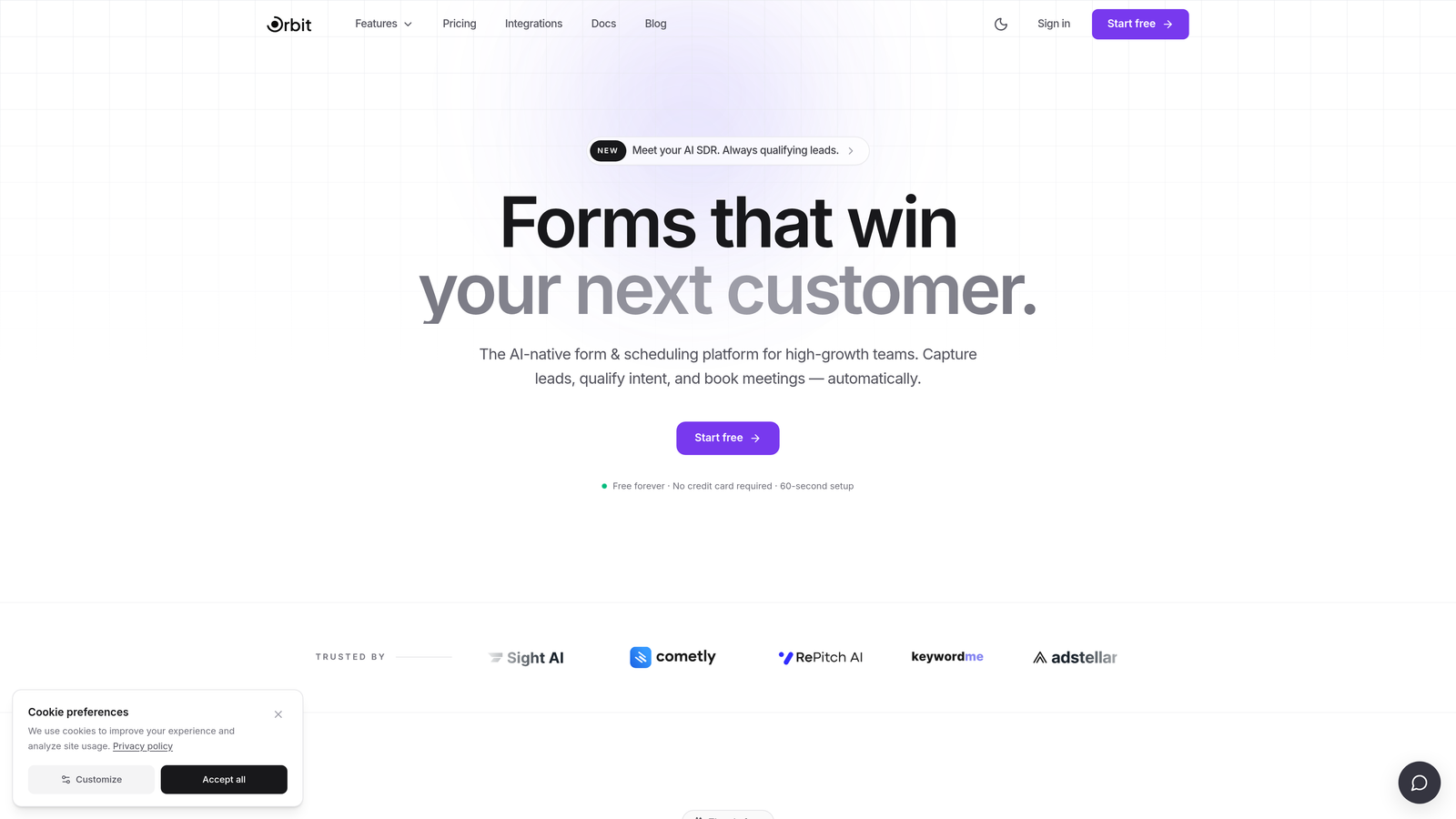
Orbit AI is an AI-powered form builder with native lead qualification capabilities, built specifically for high-growth SaaS teams focused on conversion optimization.
Where This Tool Shines
Most form builders treat qualification as an afterthought, leaving your CRM to sort the signal from the noise after submission. Orbit AI flips that model. Lead scoring and qualification logic live inside the form experience itself, so your team only sees the leads worth pursuing before they ever hit your pipeline.
The design quality is another standout. Forms built on Orbit AI look genuinely modern, which matters when your brand is competing for attention against polished SaaS competitors. Conditional routing based on lead quality signals means high-intent prospects can be fast-tracked while lower-fit submissions are handled differently, all without a single CRM rule.
Key Features
AI-Powered Lead Qualification: Built natively into the form layer, not bolted on as a downstream CRM rule, so qualification happens in real time during submission.
Conversion-Optimized Design: Modern, beautiful UI that's designed to reduce drop-off and keep visitors engaged through the full form flow.
Smart Conditional Routing: Route leads based on quality signals captured during the form experience, separating high-intent prospects automatically.
Real-Time Lead Scoring: Score leads without requiring manual setup in a separate CRM, keeping your workflow lean and fast.
B2B and SaaS Workflow Focus: Purpose-built for the lead generation and pipeline workflows that growth-stage SaaS teams actually run.
Best For
Orbit AI is the right fit for B2B SaaS teams that are serious about lead quality, not just lead volume. If your sales team is spending time manually qualifying form submissions or your CRM is cluttered with low-fit leads, this is the tool built to solve that problem at the source.
Pricing
Plans are available at orbitforms.ai. Check the site directly for current pricing tiers and what's included at each level.
2. Typeform
Best for: Teams that want a polished, conversational form experience with strong brand customization.
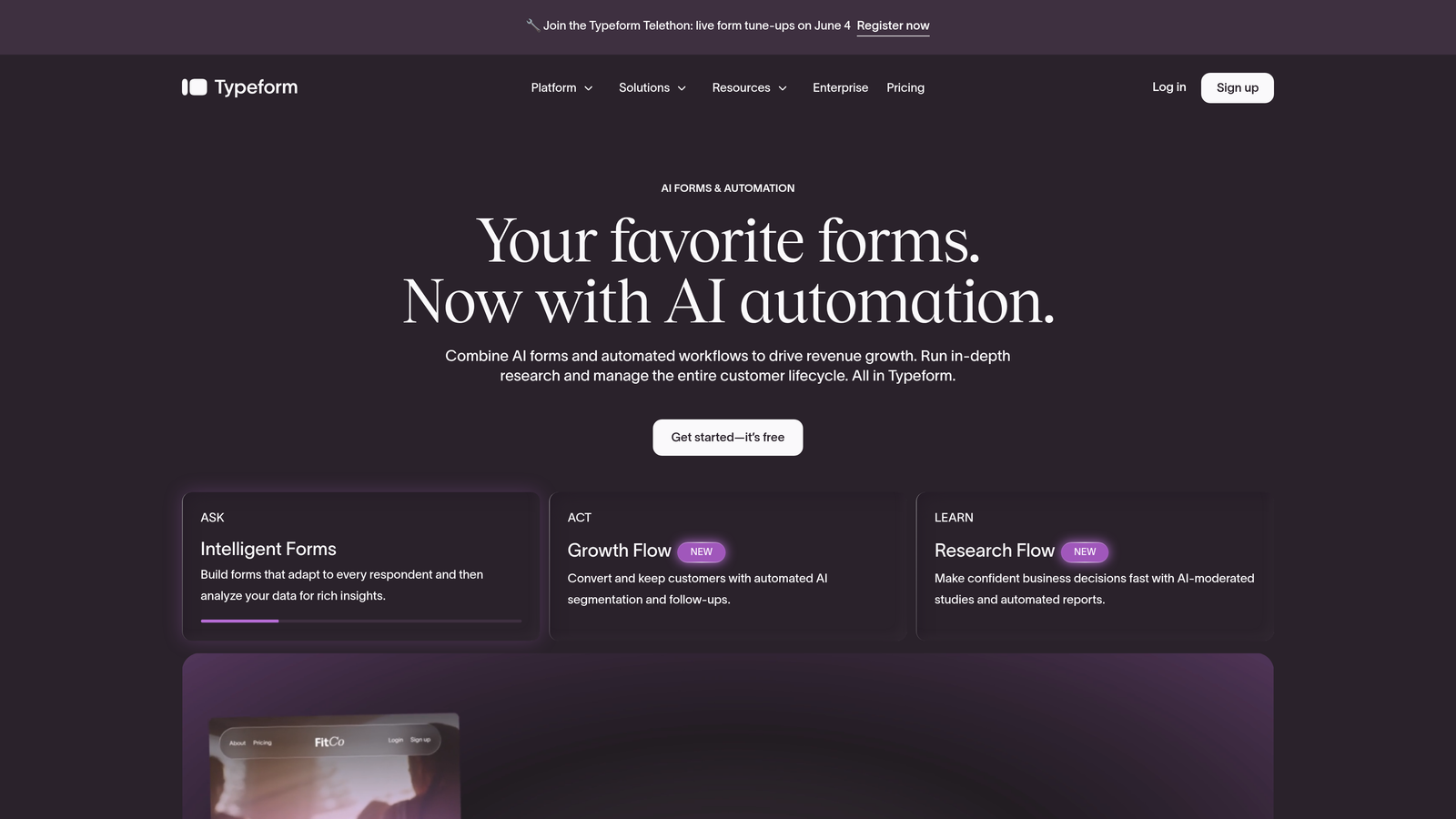
Typeform is a conversational form builder known for its one-question-at-a-time format and visually polished, brand-friendly design.
Where This Tool Shines
Typeform pioneered the idea that forms don't have to feel like forms. By presenting one question at a time, it creates an experience closer to a conversation than a spreadsheet, which tends to improve completion rates on longer surveys and qualification flows.
The brand customization options are genuinely strong. You can match fonts, colors, and imagery to your product's visual identity, which matters when your form is the first touchpoint a prospect has with your brand. If you're exploring alternatives, our Typeform alternatives guide covers how it compares to other tools in this space.
Key Features
Conversational Question Flow: One-at-a-time format reduces cognitive load and keeps respondents engaged through longer form sequences.
Brand Customization: Deep visual control over fonts, colors, backgrounds, and imagery to match your brand identity.
Logic Jumps: Conditional branching lets you tailor the question path based on previous answers.
Integration Library: Connects with HubSpot, Slack, Zapier, and a wide range of SaaS tools out of the box.
Rich Media Embedding: Add video and images directly within the form to provide context or increase engagement.
Best For
Typeform works well for startups that prioritize form aesthetics and conversational UX, particularly for lead capture, NPS surveys, and customer research. It's less suited for teams that need native lead qualification or deep database integrations.
Pricing
Free plan available with limited responses. Paid plans start at approximately $25 per month, scaling with response volume and feature access.
3. Tally
Best for: Bootstrapped and early-stage startups that need unlimited forms and responses without paying anything.
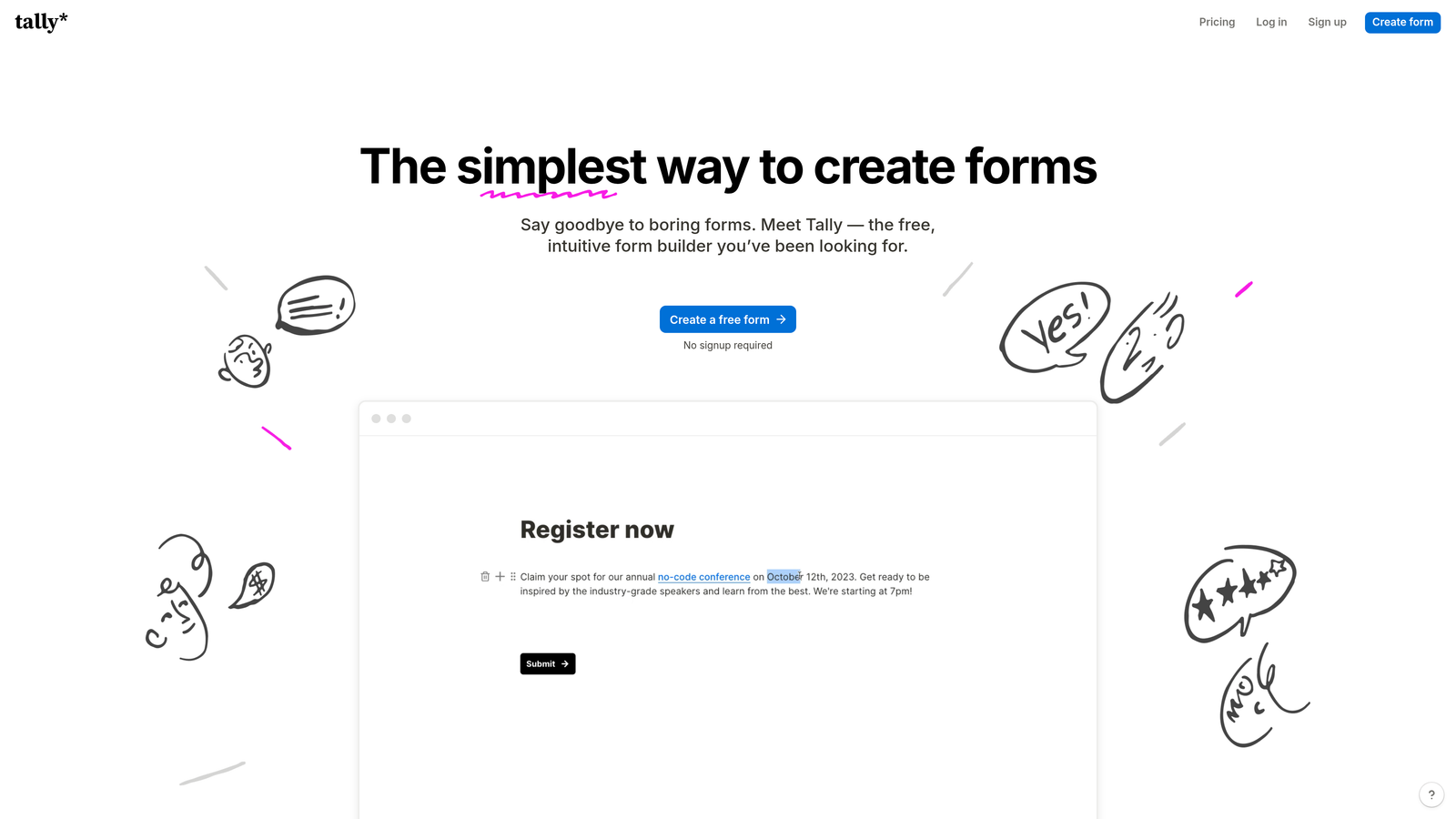
Tally is a Notion-inspired, no-code form builder with one of the most generous free tiers in the market, making it a go-to for early-stage and resource-conscious teams.
Where This Tool Shines
The free plan is the headline feature: unlimited forms and unlimited responses with no submission caps. For a pre-revenue or early-stage startup watching every dollar, that's a significant advantage over tools that meter your access from day one.
The block-based editor will feel immediately familiar to anyone who uses Notion. Building a form is fast and intuitive, and the output looks clean without requiring design effort. It's not the most feature-rich tool on this list, but for straightforward data collection it punches well above its price point.
Key Features
Unlimited Free Plan: No caps on forms or responses, which is genuinely rare among modern form builders.
Notion-Style Editor: Block-based building experience that's fast to learn and comfortable for teams already in the Notion ecosystem.
Conditional Logic: Branch question paths based on responses, available even on the free plan.
Flexible Embedding: Embed forms in websites, Notion pages, Webflow sites, and more without friction.
Pro Branding Controls: Custom domains and branding removal are available on the Pro plan for teams that need a polished, white-labeled experience.
Best For
Tally is ideal for bootstrapped founders, early-stage teams, and anyone who needs functional forms without a budget. It also works well for internal workflows where design polish is less critical than speed and cost.
Pricing
Free plan with unlimited forms and responses. Pro plan is approximately $29 per month, adding custom domains and additional customization options.
4. HubSpot Forms
Best for: Inbound marketing teams already operating within the HubSpot ecosystem who need deep CRM sync.
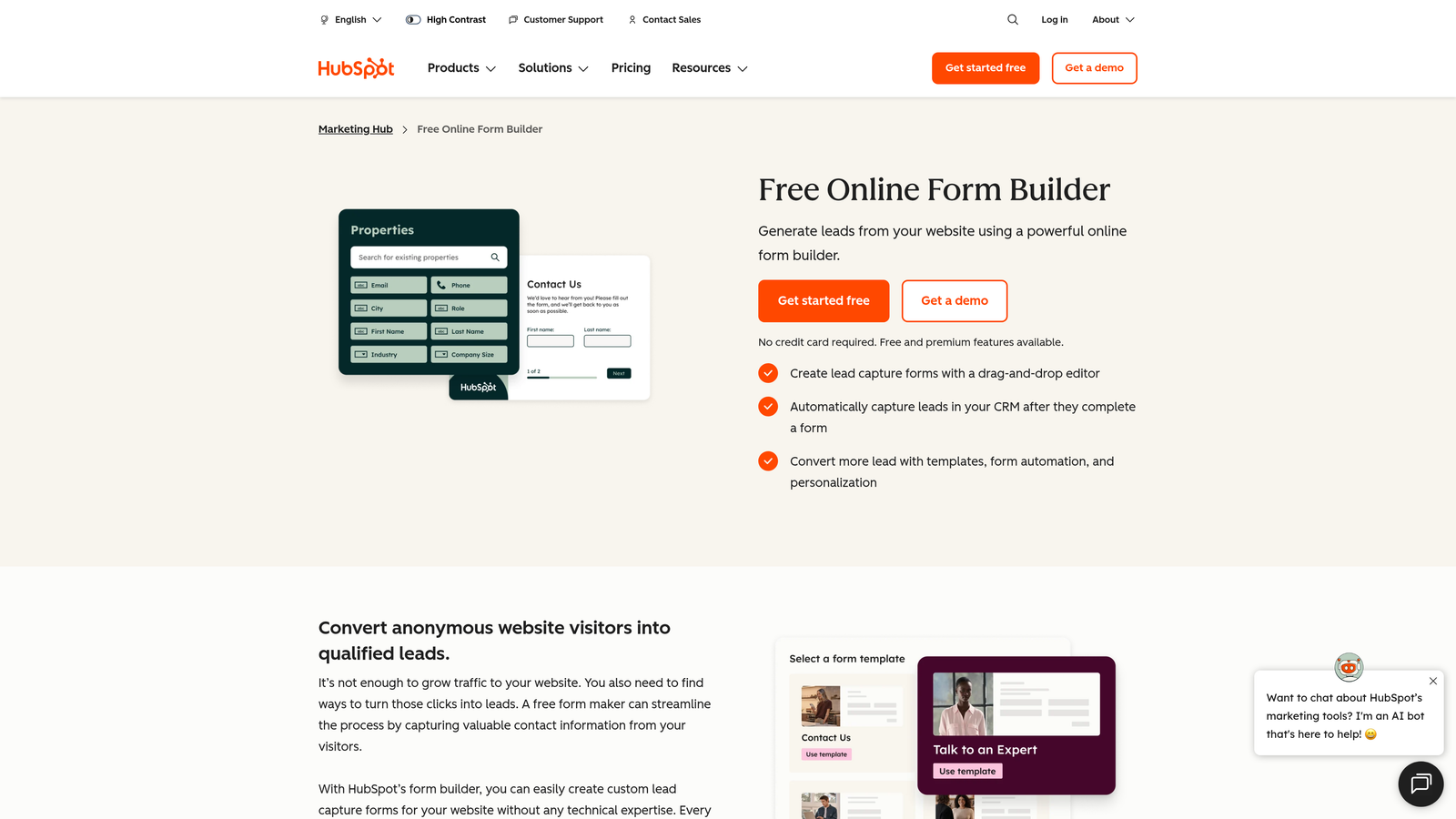
HubSpot Forms is a native form builder within the HubSpot platform, offering progressive profiling and seamless CRM contact management for inbound-focused teams.
Where This Tool Shines
Progressive profiling is the standout capability here. Rather than asking returning visitors the same fields they've already filled out, HubSpot Forms shows different, incremental questions each time, building a richer contact profile over multiple interactions. For teams running inbound marketing at scale, this is a meaningful conversion advantage.
The native CRM sync means every submission maps directly to contacts and deals in HubSpot without any integration setup. If your team lives in HubSpot, the forms tool is a natural extension of that workflow rather than a separate product to manage.
Key Features
Progressive Profiling: Shows different fields to returning visitors, progressively enriching contact data without re-asking known information.
Native CRM Sync: Submissions map directly to HubSpot contacts and deals with no middleware required.
Smart Form Adaptation: Forms adjust based on what HubSpot already knows about a contact, reducing friction for returning visitors.
Built-In Analytics: Form performance reporting and A/B testing are available within the HubSpot dashboard.
Free Tier Access: Included at no cost with HubSpot's free CRM, making it accessible even for early-stage teams.
Best For
HubSpot Forms is the right choice for teams that have already committed to HubSpot as their CRM and marketing platform. Outside of that ecosystem, the tool offers less compelling value compared to standalone form builders.
Pricing
Free with HubSpot's free CRM tier. Advanced features are available through Marketing Hub paid plans starting at approximately $20 per month.
5. Jotform
Best for: Teams that need complex workflows including payments, e-signatures, and approval automation in a single platform.
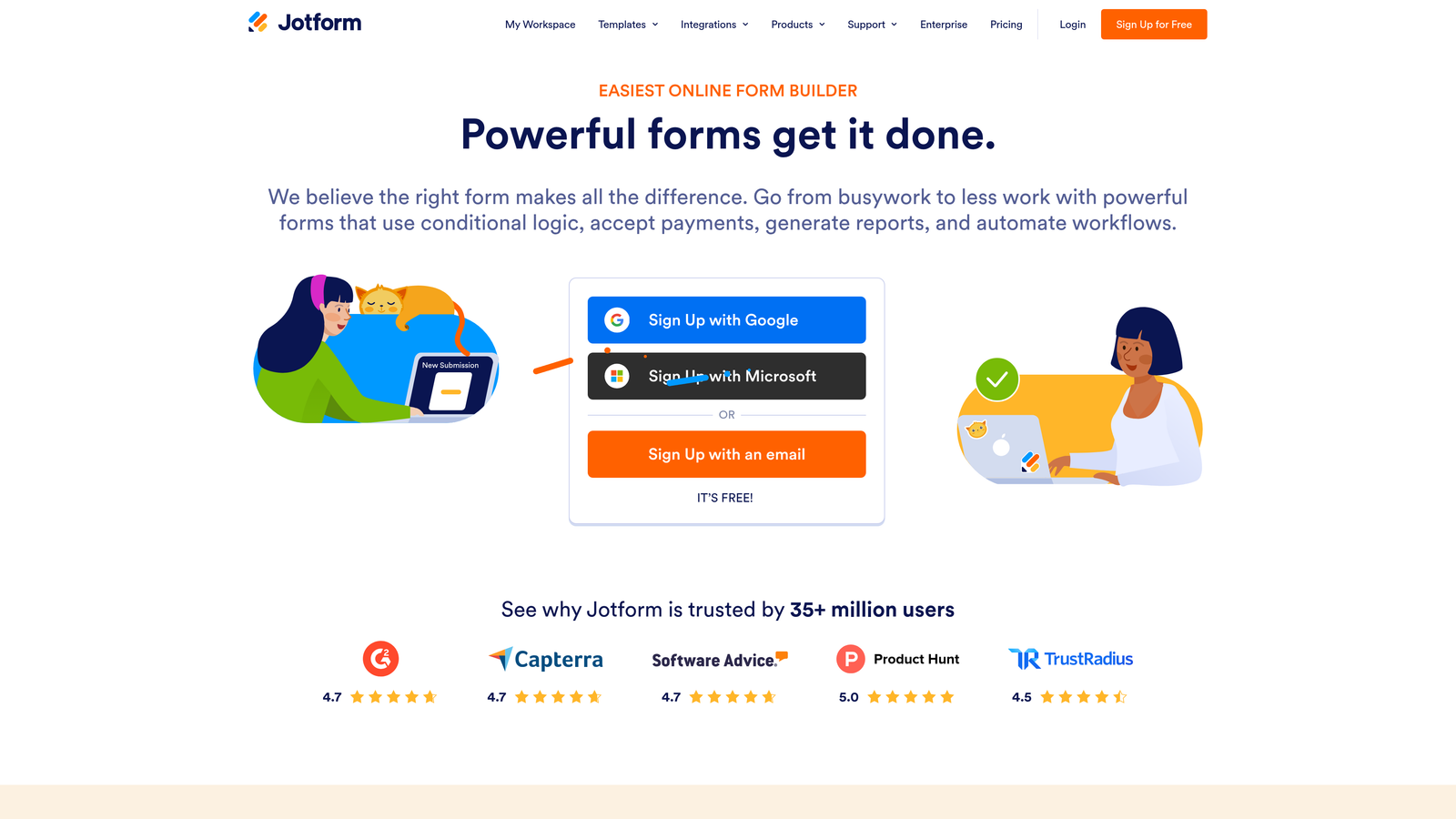
Jotform is a feature-rich form builder supporting payment collection, e-signatures, document generation, and one of the largest template libraries available across any form tool.
Where This Tool Shines
Jotform's depth is its defining characteristic. Where most form builders focus on data collection, Jotform extends into full workflow automation: collect a payment, trigger an approval chain, generate a signed document, and notify the right team member, all from a single form submission.
The template library is enormous, covering use cases across industries from healthcare intake forms to event registrations to sales contracts. For a startup that needs to move quickly without building from scratch, that library is a genuine time-saver.
Key Features
Massive Template Library: Over 10,000 templates spanning industries and use cases, reducing setup time significantly.
Payment Collection: Native integrations with Stripe, PayPal, and Square for collecting payments directly through forms.
E-Signature and Document Generation: Collect legally binding signatures and auto-generate documents from form data.
Approval Workflows: Route submissions through multi-step approval chains with notifications and status tracking.
Broad Integration Support: Connects with Salesforce, Slack, Google Sheets, and hundreds of other tools.
Best For
Jotform suits startups that need more than a standard lead capture form, particularly those handling contracts, payments, or internal approval processes. It's overkill for simple lead gen but excellent for operational complexity.
Pricing
Free plan available with submission limits. Paid plans start at approximately $34 per month, scaling with submission volume and feature access.
6. Fillout
Best for: Technical startup teams that need forms to read from and write to databases like Notion, Airtable, or Supabase directly.
Fillout is a database-connected form builder that enables two-way data sync with Notion, Airtable, Supabase, and PostgreSQL, making it a strong choice for product and technical teams.

Where This Tool Shines
Most form builders write data to a spreadsheet or CRM and stop there. Fillout goes further by connecting forms directly to your existing data layer. You can pre-populate fields from database records, update existing entries rather than just creating new ones, and build forms that behave more like lightweight app interfaces than static collection tools.
The scheduling and booking form support is a practical bonus for early-stage teams that haven't yet invested in dedicated scheduling software. Combined with Stripe payments and a clean mobile-responsive UI, Fillout covers a lot of ground for its price point.
Key Features
Two-Way Database Sync: Read and write directly to Notion, Airtable, Supabase, and PostgreSQL without custom code or middleware.
Multi-Step Conditional Logic: Build branching, multi-page forms with logic that adapts based on responses.
Scheduling and Booking Support: Native scheduling form functionality for teams that need appointment booking built into their workflow.
Stripe Payment Collection: Accept payments directly through forms without a separate payment tool.
Modern Mobile-Responsive UI: Clean design that works well across devices without additional configuration.
Best For
Fillout is best suited for technical founders and product teams who want forms that interact with their existing data infrastructure. Less ideal for non-technical teams that don't have a structured database to connect to.
Pricing
Free plan available. Paid plans start at approximately $19 per month, making it one of the more affordable options for teams that need database connectivity.
7. Paperform
Best for: Startups that want a hybrid form and landing page experience for campaign pages and product launches.
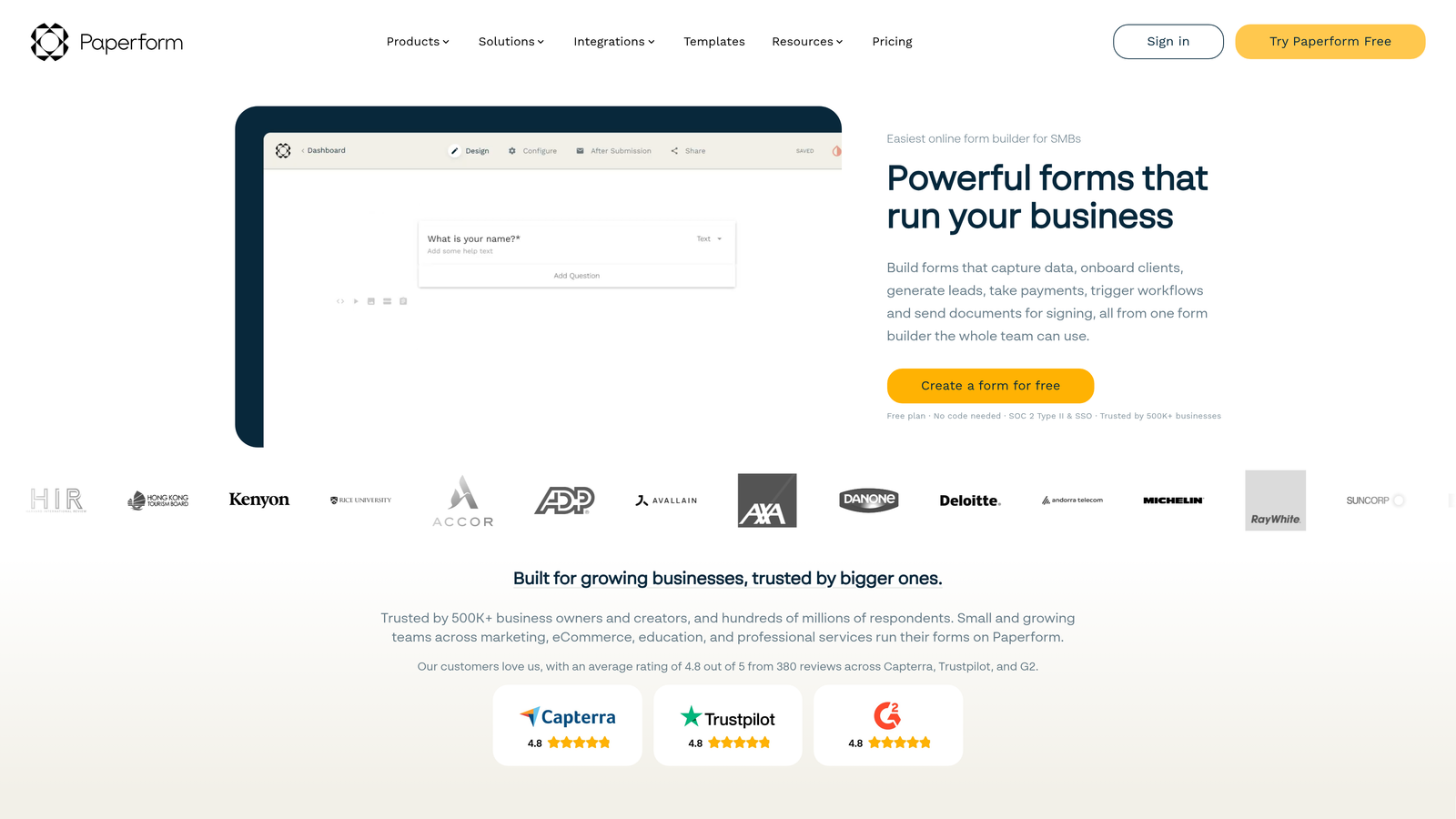
Paperform is a hybrid form and landing page builder that lets you embed rich media alongside form fields, combining content and conversion in a single, shareable page.
Where This Tool Shines
Paperform occupies an interesting niche: it's part form builder, part lightweight landing page tool. You can write copy, embed videos, add images, and place form fields all on the same canvas. For startups running product launches or campaign pages without a dedicated landing page tool, this hybrid approach can save both time and tooling costs.
The built-in payment and subscription collection makes it viable for simple commerce use cases too, and the 300-plus integration library covers most standard SaaS stacks via native connectors and Zapier.
Key Features
Rich Content Embedding: Combine video, images, and formatted text alongside form fields on a single page.
Payment and Subscription Collection: Accept one-time payments and recurring subscriptions directly through Paperform pages.
Conditional Logic and Calculated Fields: Build dynamic forms that respond to answers and perform calculations in real time.
Custom Domain Support: Available on all paid plans, enabling a branded URL for every form or page.
300+ Integrations: Connect to your existing stack via native integrations and Zapier.
Best For
Paperform works well for marketing-focused startup teams that want to run campaigns without spinning up a separate landing page tool. It's less suited for pure lead qualification workflows or teams that need deep database connectivity.
Pricing
No free tier. Paid plans start at approximately $24 per month. Factor this in if you're evaluating tools at the bootstrapped stage.
8. Feathery
Best for: Developer-led teams building complex onboarding flows or in-product forms that require pixel-perfect design control and custom code.
Feathery is a developer-friendly form builder that pairs a visual editor with a React SDK, giving technical teams both design flexibility and code-level customization in one platform.
Where This Tool Shines
Feathery sits at the intersection of no-code and full-code. Non-technical team members can build and iterate in the visual editor, while engineers can drop into the React SDK to add custom logic, connect proprietary APIs, or achieve pixel-perfect design control that visual editors typically can't deliver.
For product teams building user onboarding flows or in-app forms, this is a meaningful advantage. You're not constrained by what the drag-and-drop editor can do, and you're not starting from scratch in code either. The document generation and e-signature support adds additional utility for teams handling contracts or compliance workflows.
Key Features
Visual Editor Plus React SDK: Combine no-code building with full code customization through a React component library.
Advanced Conditional Logic: Multi-step flows with complex branching logic for sophisticated onboarding and qualification sequences.
Document Generation and E-Signature: Generate documents and collect signatures directly within form flows.
API and Webhook Integrations: Connect to custom backends and proprietary systems beyond standard SaaS integrations.
Pixel-Perfect Design Control: Achieve precise visual fidelity for in-product forms that need to match your application's design system.
Best For
Feathery is the right choice for technical startup teams building product-embedded forms, complex onboarding sequences, or any form experience where standard visual editors fall short. Less practical for non-technical teams without engineering resources.
Pricing
Free tier available for basic use. Paid plans start at approximately $49 per month, reflecting the platform's developer-focused feature set.
9. Google Forms
Best for: Internal data collection, team surveys, and quick data gathering where design and brand control are not a priority.
Google Forms is a completely free, zero-setup form tool within Google Workspace, best suited for internal use cases rather than customer-facing conversion flows.
Where This Tool Shines
There's no faster way to get a form live than Google Forms. No account setup beyond a Google account, no pricing decisions, no learning curve. For internal surveys, team feedback collection, or quick data gathering, it does the job without any friction whatsoever.
The native Google Sheets export means responses are immediately available in a familiar format that most teams already know how to work with. For internal workflows where speed matters more than design, Google Forms remains a practical default.
Key Features
Completely Free: No submission limits, no paid tiers, no hidden costs. Included with any Google account.
Native Google Sheets Export: Responses sync automatically to a connected spreadsheet for easy analysis and sharing.
Basic Conditional Logic: Simple branching based on multiple-choice answers covers straightforward use cases.
Instant Sharing: Share via link or embed on any website with no additional configuration.
Zero Learning Curve: Anyone familiar with Google Workspace can build and deploy a form in minutes.
Best For
Google Forms is the right tool for internal data collection: employee surveys, quick team polls, event RSVPs, and similar use cases. For any customer-facing form where conversion rate, brand consistency, or lead quality matters, the limitations in design and logic will quickly become apparent.
Pricing
Free. Included with any Google account, with no submission caps or paid upgrade paths required.
Which Tool Is Right for Your Startup?
The right form builder depends on where you are in your growth journey and what you're actually trying to accomplish with your forms.
If lead quality is your primary concern and you're running a B2B SaaS go-to-market motion, Orbit AI is the purpose-built choice. It's the only tool on this list that handles qualification at the form layer itself, which means cleaner pipelines and less manual sorting downstream.
For teams that prioritize conversational UX and brand polish, Typeform remains a strong option. If you're bootstrapped and watching every dollar, Tally's unlimited free plan is hard to beat for getting functional forms live without any cost. Teams already committed to HubSpot will find HubSpot Forms the most natural fit, while technical teams building product-embedded flows should look closely at Feathery or Fillout depending on whether database connectivity or code-level customization is the priority.
For startups that need payments, approvals, and e-signatures in a single platform, Jotform covers the most operational ground. And if you need a quick internal survey tool with zero setup, Google Forms still does that job better than anything else at its price point (free).
The modern form layer is no longer just a data collection checkbox. It's a conversion surface, a qualification engine, and often the first real interaction a prospect has with your product. Choosing the right tool means that surface works for you, not against you.
Transform your lead generation with AI-powered forms that qualify prospects automatically while delivering the modern, conversion-optimized experience your high-growth team needs. Start building free forms today and see how intelligent form design can elevate your conversion strategy.


