

The form you build in an afternoon can make or break your lead pipeline. A clunky, confusing form doesn't just frustrate respondents—it quietly kills completion rates and sends qualified prospects straight to a competitor. But "user-friendly" is one of those phrases that means something different depending on who you ask.
For a marketer, user-friendly means drag-and-drop simplicity and beautiful templates. For a developer, it means clean code output and flexible endpoints. For the person actually filling out the form, it means speed, clarity, and zero friction. The best tools manage to serve all three. If you want to go deeper on the fundamentals, our guides on how to build effective web forms and how to reduce form field friction cover the strategic side in detail.
To build this list, we evaluated each tool on five criteria: how intuitive the builder interface is, how steep the learning curve feels for a non-technical user, template quality, the respondent experience on the receiving end, and how fast you can go from zero to a polished, published form. Here are the top tools that genuinely deliver on user-friendliness across all those dimensions.
1. Orbit AI
Best for: High-growth teams that want AI-assisted form creation with built-in lead qualification
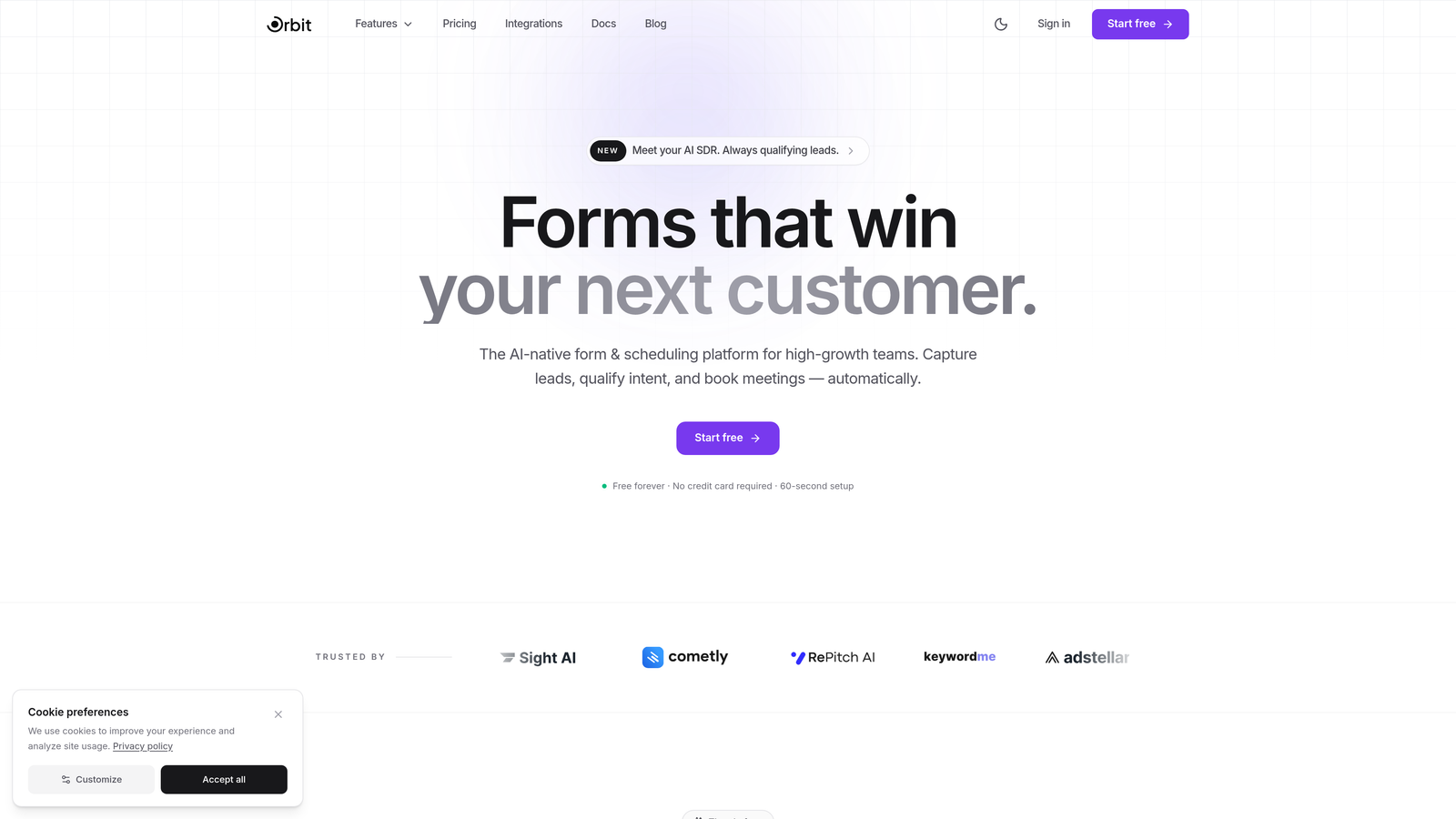
Orbit AI is an AI-powered form builder that helps growth-focused teams create conversion-optimized forms with intelligent field suggestions and built-in lead qualification scoring.
Where This Tool Shines
Most form builders make you start from scratch or hunt through templates hoping one fits your use case. Orbit AI flips that model. You describe what you want to accomplish—qualify SaaS trial signups, capture event registrations, screen enterprise leads—and the AI suggests fields, layouts, and conditional logic tailored to that goal. It removes the blank-canvas paralysis that slows teams down.
What separates Orbit AI from the broader field is the lead qualification layer built directly into the submission flow. Rather than exporting raw responses to a spreadsheet and manually sorting leads, the platform scores and qualifies submissions automatically. For high-growth teams where speed-to-lead matters, that native intelligence is a meaningful advantage over assembling the same workflow across three separate tools.
Key Features
AI-Assisted Form Creation: Describes your goal and the AI recommends fields, layout structure, and branching logic to match—no guesswork required.
Built-In Lead Qualification Scoring: Automatically scores submissions based on criteria you define, so your team focuses on the highest-value leads first.
Modern Respondent Experience: Clean, distraction-free form design built to maximize completion rates rather than just look good in screenshots.
Conditional Logic and Dynamic Fields: Show or hide fields based on previous answers without needing to configure complex rule trees manually.
CRM and Marketing Tool Integrations: Connects with popular CRMs and marketing platforms so qualified leads flow directly into your existing stack.
Best For
Orbit AI is the strongest fit for SaaS companies, growth marketers, and sales teams who need forms that do more than collect data. If you're building lead gen funnels, running product demos, or qualifying inbound pipeline, the AI-powered creation and native scoring remove significant manual work from the process.
Pricing
Free tier available for getting started. Paid plans unlock advanced AI features and full lead qualification capabilities. Visit orbitforms.ai for current plan details.
2. Typeform
Best for: Teams that want a conversational, one-question-at-a-time respondent experience
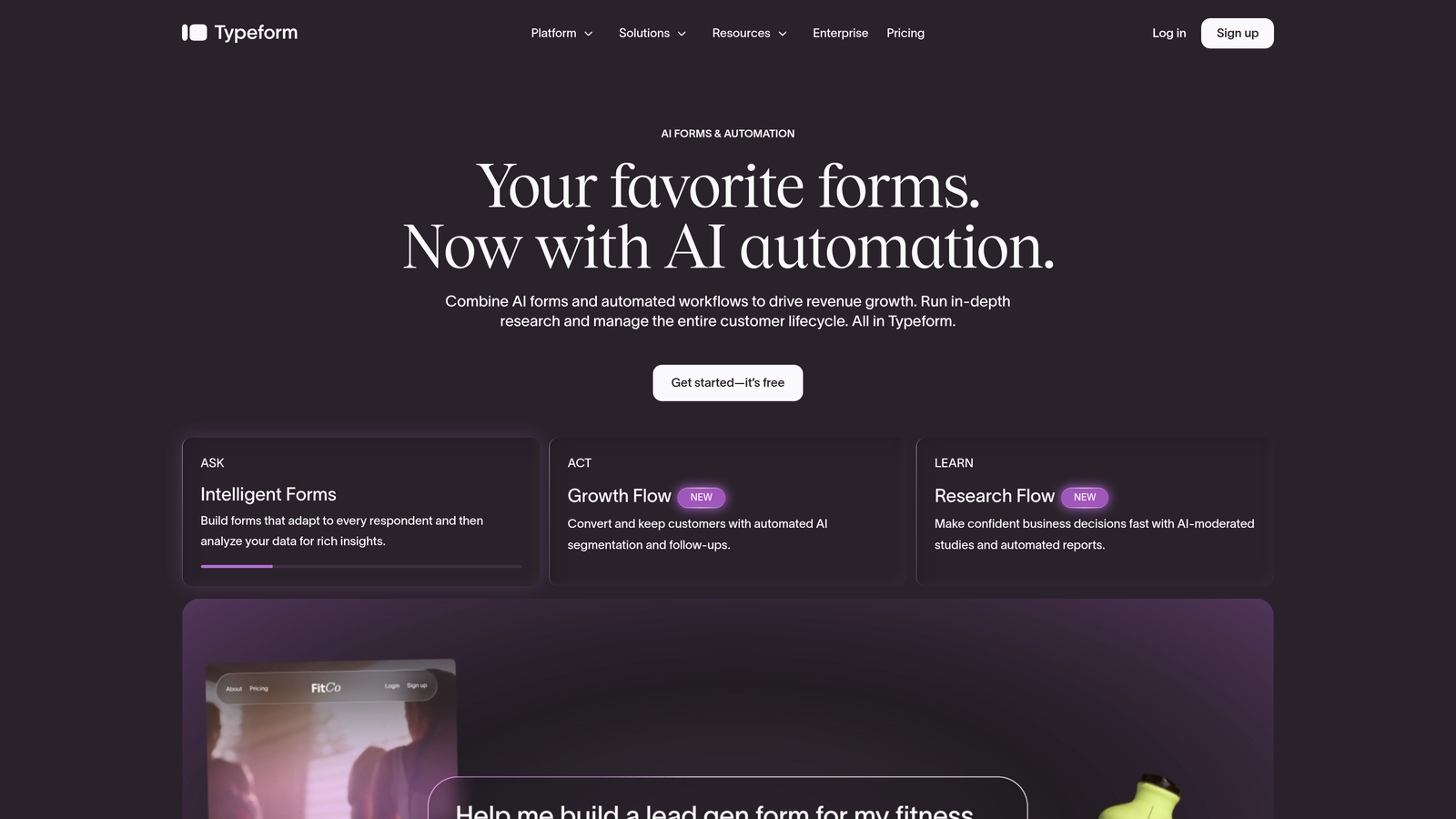
Typeform is a conversational form builder renowned for its polished, human-feeling survey and form experiences that present one question at a time.
Where This Tool Shines
Typeform's signature format—one question at a time, full-screen, with smooth animations—genuinely changes how respondents feel about filling out a form. It feels less like a form and more like a conversation, which tends to reduce drop-off on longer surveys and applications.
The builder itself is clean and well-designed. Adding logic jumps, setting up branching paths, and choosing from its modern template library are all intuitive enough that a non-technical marketer can build a sophisticated flow without reading documentation.
Key Features
Conversational One-Question Format: Presents each question in full-screen focus, reducing cognitive load and improving respondent engagement.
Logic Jumps and Branching: Routes respondents through personalized paths based on their answers, keeping forms relevant and concise.
Strong Template Library: Modern, professionally designed templates across categories from lead gen to customer research.
Polished Respondent Experience: Smooth transitions, clean typography, and mobile-optimized layouts as standard.
Wide Integration Support: Connects with Zapier, HubSpot, Slack, and dozens of other tools for seamless data routing.
Best For
Typeform works best for teams prioritizing respondent experience above all else—customer surveys, brand research, job applications, and lead capture forms where impression and completion quality matter more than raw volume.
Pricing
Free plan available with limited responses per month. Paid plans start around $25/month, with higher tiers unlocking more responses and advanced features.
3. Jotform
Best for: Teams that need a massive template library and a mature, full-featured form ecosystem
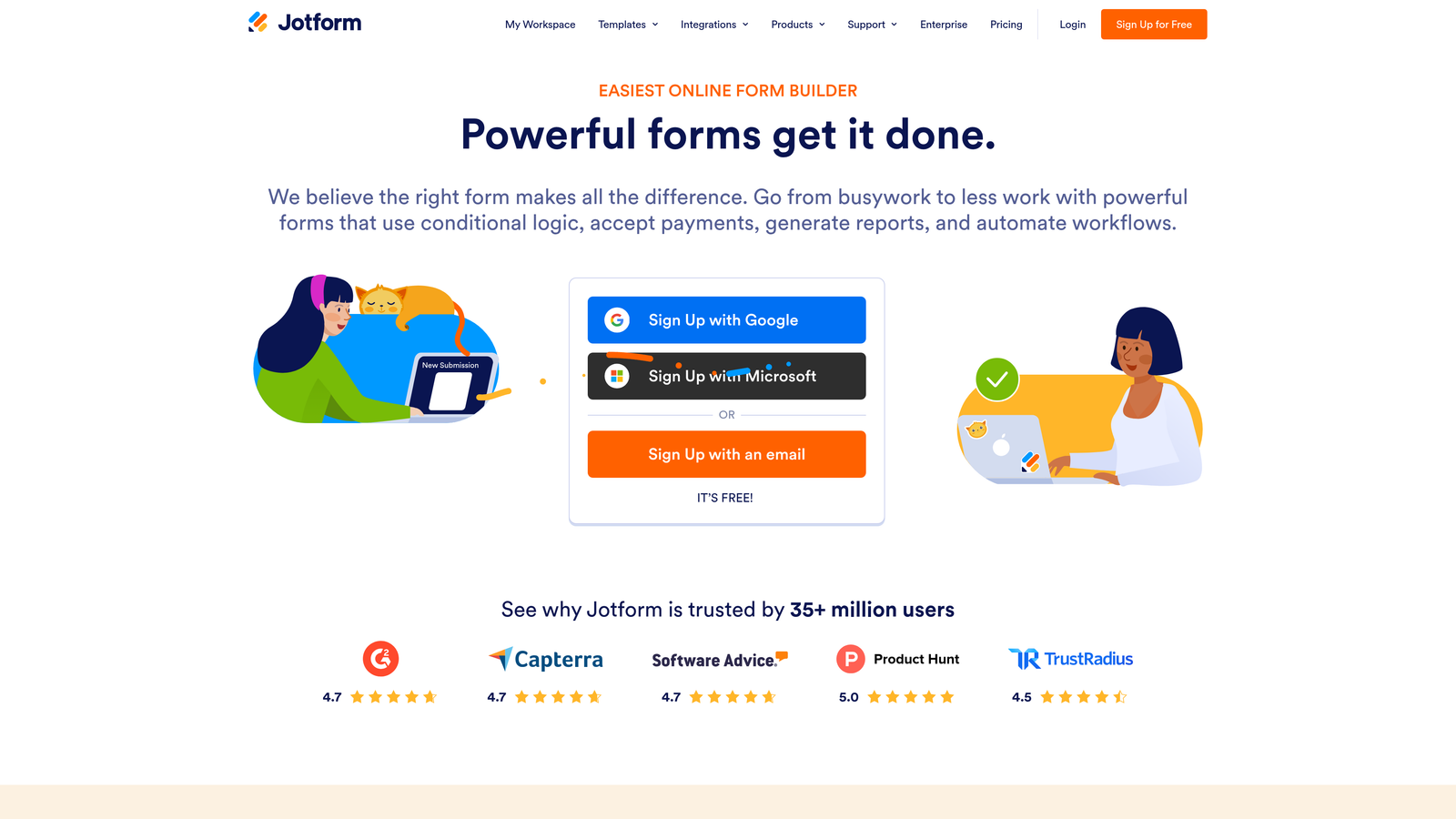
Jotform is a versatile drag-and-drop form builder with one of the largest template libraries in the industry and a rich marketplace of widgets and integrations.
Where This Tool Shines
If there's a form use case you can think of, Jotform almost certainly has a template for it. With over 10,000 pre-built templates spanning industries from healthcare to e-commerce to education, the starting point for any project is rarely a blank canvas. That breadth makes it genuinely useful for teams with diverse needs across departments.
Beyond templates, Jotform has accumulated years of feature development. Payment collection, PDF generation, e-signatures, appointment scheduling, and a dedicated data management view (Jotform Tables) are all available within the same platform, which reduces the need to stitch together multiple tools.
Key Features
10,000+ Pre-Built Templates: Covers virtually every industry and use case, making it easy to find a strong starting point quickly.
Drag-and-Drop Builder with Widget Marketplace: Extensive library of add-on widgets for specialized functionality beyond standard form fields.
Payment Collection: Accepts payments via Stripe, PayPal, and Square directly within forms.
PDF Generation and E-Signature Support: Creates signed documents and PDF outputs from form submissions automatically.
Jotform Tables: A built-in spreadsheet-style view for organizing and managing submission data without exporting.
Best For
Jotform suits organizations that need a single platform to handle many different form types—operations teams, HR departments, small businesses managing payments, and anyone who values breadth of templates and a mature, stable feature set.
Pricing
Free plan includes 5 forms and 100 submissions per month. Paid plans start around $34/month with higher submission limits and additional features.
4. Tally
Best for: Users who want to build forms fast using a keyboard-first, document-style interface
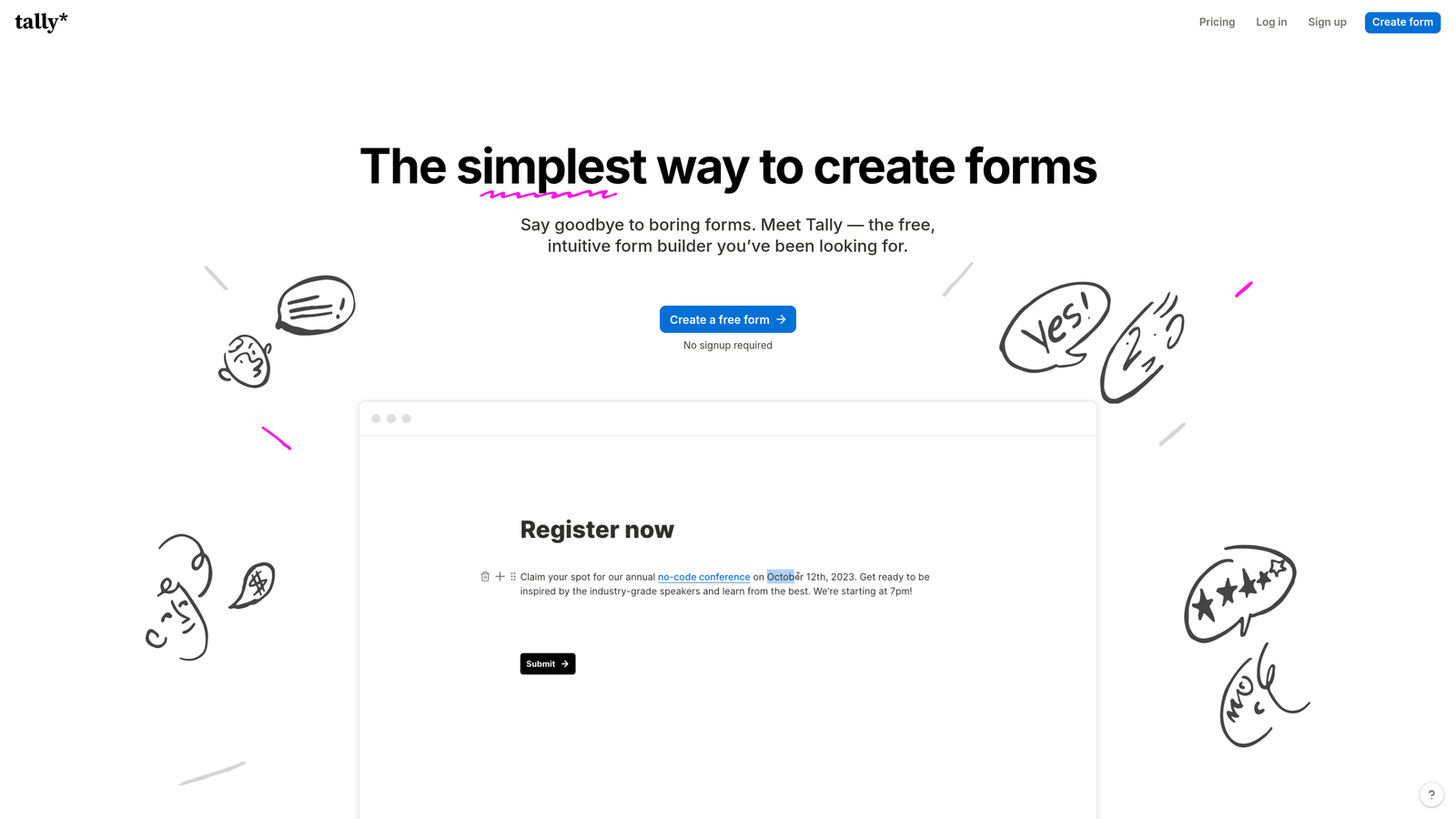
Tally is a minimalist, Notion-inspired form builder that lets you create forms by simply typing, with no drag-and-drop required.
Where This Tool Shines
Tally's interface feels immediately familiar if you've ever used Notion or any modern document editor. You type a question, hit a slash command to choose the field type, and move on. There's no toolbar to learn, no sidebar to navigate, and no friction between thinking of a question and adding it to your form. For teams that value speed and simplicity, it's genuinely hard to beat.
The free tier is unusually generous. Unlimited forms and unlimited submissions are included at no cost, along with conditional logic, hidden fields, and calculation fields that most competitors lock behind paid plans. That combination makes Tally an exceptional value, particularly for early-stage teams watching their tool spend.
Key Features
Document-Style, Keyboard-First Building: Create forms by typing naturally, just like writing a document—no drag-and-drop or visual builder required.
Generous Free Tier: Unlimited forms and submissions on the free plan, which is rare in this category.
Conditional Logic Included Free: Logic branching, hidden fields, and calculation fields available without upgrading.
Clean Respondent Experience: Distraction-free, minimal design that keeps respondents focused on answering.
Notion and Webhook Integrations: Connects natively with Notion and supports webhooks for custom data routing.
Best For
Tally is ideal for indie makers, startups, and individuals who want powerful form functionality without a learning curve or a monthly bill. It's also a strong choice for Notion-heavy teams who want their forms to feel like a natural extension of their workspace.
Pricing
Free for most features including unlimited forms and submissions. Tally Pro is $29/month and adds custom domains, branding removal, and priority support.
5. Google Forms
Best for: Teams already in the Google Workspace ecosystem that need a completely free, no-setup solution
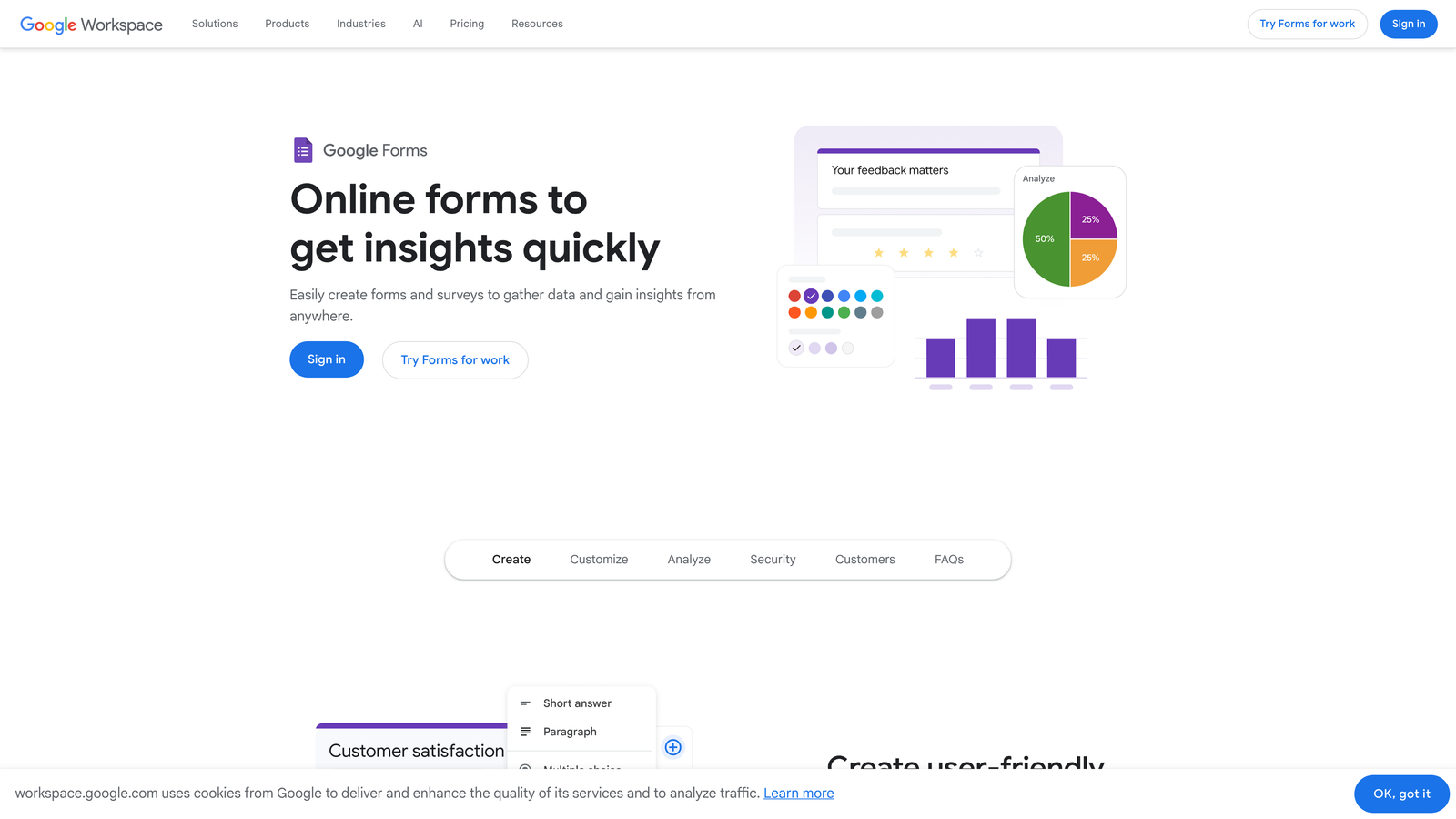
Google Forms is Google's free, straightforward form tool that integrates seamlessly with Google Sheets and the rest of the Workspace suite.
Where This Tool Shines
Google Forms wins on accessibility and zero friction to get started. If you have a Google account, you have Google Forms—no signup, no credit card, no configuration. For teams that live in Google Workspace, the workflow from form to spreadsheet to shared analysis is completely seamless and already familiar to everyone on the team.
The trade-off is that Google Forms is intentionally basic. It won't win any design awards, and its conditional logic is limited to section-level branching rather than field-level rules. But for internal surveys, event registrations, quick polls, and simple data collection, it handles the job reliably without any overhead.
Key Features
Completely Free with No Submission Limits: No caps on forms, responses, or storage—just a Google account required.
Instant Google Sheets Integration: Every response flows directly into a connected spreadsheet for real-time analysis and sharing.
Real-Time Collaboration: Multiple team members can edit the same form simultaneously, just like a Google Doc.
Basic Conditional Logic: Go-to-section branching lets you route respondents based on their answers at a section level.
Quiz Mode with Auto-Grading: Built-in quiz functionality with automatic scoring, useful for training and assessments.
Best For
Google Forms is the right call for internal use cases, educational settings, and any situation where simplicity and zero cost outweigh design quality and advanced features. It's not built for high-conversion lead gen, but it's unbeatable for what it is.
Pricing
Completely free with any Google account. No paid tiers or submission limits.
6. Fillout
Best for: Teams that want forms to act as a native front-end layer for Airtable, Notion, or Google Sheets
Fillout is a form builder designed specifically to connect with databases like Airtable, Notion, and Google Sheets through native two-way sync.

Where This Tool Shines
Most form tools treat database connections as an afterthought—you collect data in the form, then push it somewhere else via Zapier. Fillout inverts that approach. It treats your existing database as the source of truth and builds forms around it, enabling pre-filled forms from existing records, updates to existing entries, and real bidirectional data flow without middleware.
The builder itself is clean and modern, with a drag-and-drop interface that doesn't require any technical knowledge to navigate. Multi-page forms, conditional logic, scheduling fields, and file uploads are all available within a polished design environment that produces forms respondents actually enjoy completing.
Key Features
Native Two-Way Database Sync: Connects directly with Airtable, Notion, and Google Sheets for bidirectional data flow without third-party automation tools.
Pre-Fill from Existing Records: Populate form fields automatically from database records, useful for update forms and returning user flows.
Conditional Logic and Multi-Page Forms: Build sophisticated multi-step forms with branching logic in a clean visual environment.
Built-In Scheduling, Payment, and File Upload Fields: Specialized field types included natively without needing additional integrations.
Modern Templates: Clean, contemporary designs that produce forms that look professional without custom styling.
Best For
Fillout is the best choice for operations teams, product teams, and no-code builders who use Airtable or Notion as their data layer and want forms that integrate deeply rather than just dumping data into a new table.
Pricing
Free plan available. Paid plans start around $19/month with higher submission limits and advanced features.
7. Paperform
Best for: Teams that want a branded, content-rich form that doubles as a landing page
Paperform is a form builder and landing page creator that lets you blend rich content—text, images, video—with form fields in a single, fully branded experience.
Where This Tool Shines
Paperform sits at an interesting intersection between form builder and mini landing page tool. Instead of sending someone to a landing page and then a separate form, you can build a single document-style page that tells a story, shows product images, embeds a video, and collects payment or information all in one flow. For small businesses and solopreneurs especially, that consolidation is a genuine time-saver.
The branding and customization options are among the strongest in the category. Custom fonts, colors, background images, and domain mapping give you a level of visual control that most form tools reserve for their highest-tier plans.
Key Features
Rich Content Editor: Mix text blocks, images, video embeds, and form fields freely in a single document-style layout.
Strong Branding and Customization: Full control over fonts, colors, backgrounds, and custom domains for a fully on-brand experience.
Built-In Payment Processing and Product Catalog: Accept payments and sell products directly within the form without a separate e-commerce tool.
Conditional Logic and Calculation Fields: Dynamic form behavior and calculated outputs, useful for quotes and configurators.
600+ Templates and 3,000+ Integrations: Broad starting-point library and extensive integration options via Zapier and native connections.
Best For
Paperform is a strong fit for service businesses, consultants, and marketers who want a single URL that handles both content and conversion—booking forms, product order forms, intake questionnaires, and event registrations with a premium look.
Pricing
Plans start around $24/month. No permanent free tier, but a 14-day free trial is available to test the platform before committing.
8. Formspark
Best for: Developers who want a lightweight form backend for custom-coded HTML forms
Formspark is a backend-as-a-service for forms, providing a submission endpoint for developers who want to write their own HTML forms without managing server infrastructure.
Where This Tool Shines
Formspark solves a specific and real developer pain point: you've built a beautiful custom form in HTML and CSS, and now you need somewhere to send the submissions. Setting up a server, managing a database, and configuring email notifications just to handle a contact form is overkill. Formspark gives you a form endpoint you can point your action attribute at, and it handles the rest.
There's no visual builder here, and that's intentional. Formspark is for developers who want complete control over the front-end and just need the backend handled reliably. It's particularly well-suited for static sites, Jamstack projects, and any custom build where a visual form tool would feel like a step backward.
Key Features
Form Endpoint for Custom HTML: Point your existing HTML form's action attribute at a Formspark URL and submissions are handled automatically.
Spam Protection: Built-in support for Botpoison and reCAPTCHA to filter out automated spam submissions.
Email Notifications and Webhook Forwarding: Receive submission alerts by email and route data to other services via webhooks.
File Upload Support: Handles file attachments within form submissions without additional infrastructure.
Framework-Agnostic: Works with any static site generator, JavaScript framework, or custom HTML build.
Best For
Formspark is exclusively for developers and technical teams who are building custom front-ends and need a reliable, low-cost backend for form submissions. If you want a visual builder, this is not your tool.
Pricing
Free tier includes 250 submissions. Paid plans start at $9/month for higher submission volumes and additional features.
9. HubSpot Free Form Builder
Best for: Teams already using HubSpot CRM who want forms that feed directly into contact lifecycle tracking
HubSpot's Form Builder is a drag-and-drop form tool embedded within HubSpot's CRM platform, where every submission automatically creates or updates a contact record with full lifecycle visibility.
Where This Tool Shines
The core value proposition here is tight CRM integration rather than form-building sophistication. When someone submits a HubSpot form, they don't just become a row in a spreadsheet—they become a contact record with a tracked history, enriched properties, and eligibility for workflows, sequences, and lead scoring. For teams running inbound marketing, that native connection eliminates a whole category of integration work.
Progressive profiling is a standout feature: instead of showing the same fields to a returning visitor, HubSpot can automatically swap in new questions to enrich the contact record over time. That keeps forms short and conversion-friendly without sacrificing the depth of data your sales team needs.
Key Features
Automatic CRM Contact Creation: Every submission creates or updates a HubSpot contact record with no manual import required.
Drag-and-Drop Builder with Dependent Field Logic: Conditional fields that show or hide based on previous answers, built within a straightforward visual interface.
Progressive Profiling: Automatically replaces already-known fields with new questions for returning visitors, keeping forms concise while building richer contact data.
Built-In Conversion Analytics: Native reporting on form views, submissions, and conversion rate without needing a separate analytics tool.
Free Tier with Unlimited Forms: Full form builder and CRM access available at no cost, with advanced marketing features in paid tiers.
Best For
HubSpot's form builder is the obvious choice for any team already invested in the HubSpot ecosystem. It's also worth considering for growing teams that want CRM functionality bundled with their form tool from day one, without paying for separate platforms.
Pricing
Free with a HubSpot CRM account, including unlimited forms. Advanced features like A/B testing and smart content are part of Marketing Hub paid plans starting around $20/month.
Which Tool Is Right for Your Team?
The honest answer is that "most user-friendly" depends entirely on which user you're optimizing for. The right tool for a developer building a custom static site looks nothing like the right tool for a marketer who needs to launch a lead capture form before end of day.
Here's a quick-pick guide based on use case:
AI-powered optimization and lead qualification: Orbit AI is built specifically for growth teams that want forms to do more than collect data. The AI-assisted creation and native lead scoring remove significant manual work from the pipeline.
Conversational respondent UX: Typeform's one-question-at-a-time format creates the most engaging respondent experience in the category, particularly for longer surveys and applications.
Massive template library: Jotform's depth of templates and widgets makes it the most versatile choice for teams with diverse form needs across multiple departments.
Minimalist speed: Tally's keyboard-first interface and generous free tier make it the fastest path from idea to published form, with no friction and no cost for most use cases.
Free and simple: Google Forms remains the most accessible option for teams in the Google Workspace ecosystem who need basic data collection without any overhead.
Database-connected forms: Fillout's native two-way sync with Airtable, Notion, and Google Sheets makes it the best choice when your data layer already exists and you need forms that integrate deeply.
Branded landing page experience: Paperform's content-rich editor makes it the strongest option when you want a single URL that handles both storytelling and conversion.
Developer control: Formspark is the cleanest solution for custom HTML forms that need a reliable backend without the overhead of building one.
CRM-native tracking: HubSpot's form builder is the natural fit for any team running inbound marketing on HubSpot who wants submissions to feed directly into contact lifecycle management.
The best form tool is the one your team will actually use consistently and that your respondents will actually complete. If you're focused on lead generation and conversion optimization, check out our guides on how to improve form conversion rates and the best lead capture tools for startups for a deeper dive into building forms that perform.
Ready to put AI to work on your lead gen forms? Start building free forms today and see how intelligent form design can transform your conversion strategy.


