

Multi-step forms consistently outperform single-page forms for lead generation, but choosing the right software means navigating a maze of pricing tiers, feature gates, and hidden limits. Whether you're a SaaS team qualifying inbound leads or a growth marketer optimizing conversion funnels, the cost-to-value ratio matters as much as the feature set.
This guide breaks down nine of the best multi-step form software options in 2026, with honest pricing breakdowns and the use cases each tool serves best. We've focused on platforms that go beyond basic form building: think conditional logic, lead scoring, AI qualification, and CRM integrations that actually move the needle.
If you want to dig deeper into what makes multi-step forms work, check out our guide on multi-step form best practices before you commit to a platform.
1. Orbit AI
Best for: High-growth SaaS and B2B teams that want AI-powered lead qualification built directly into their form flow.
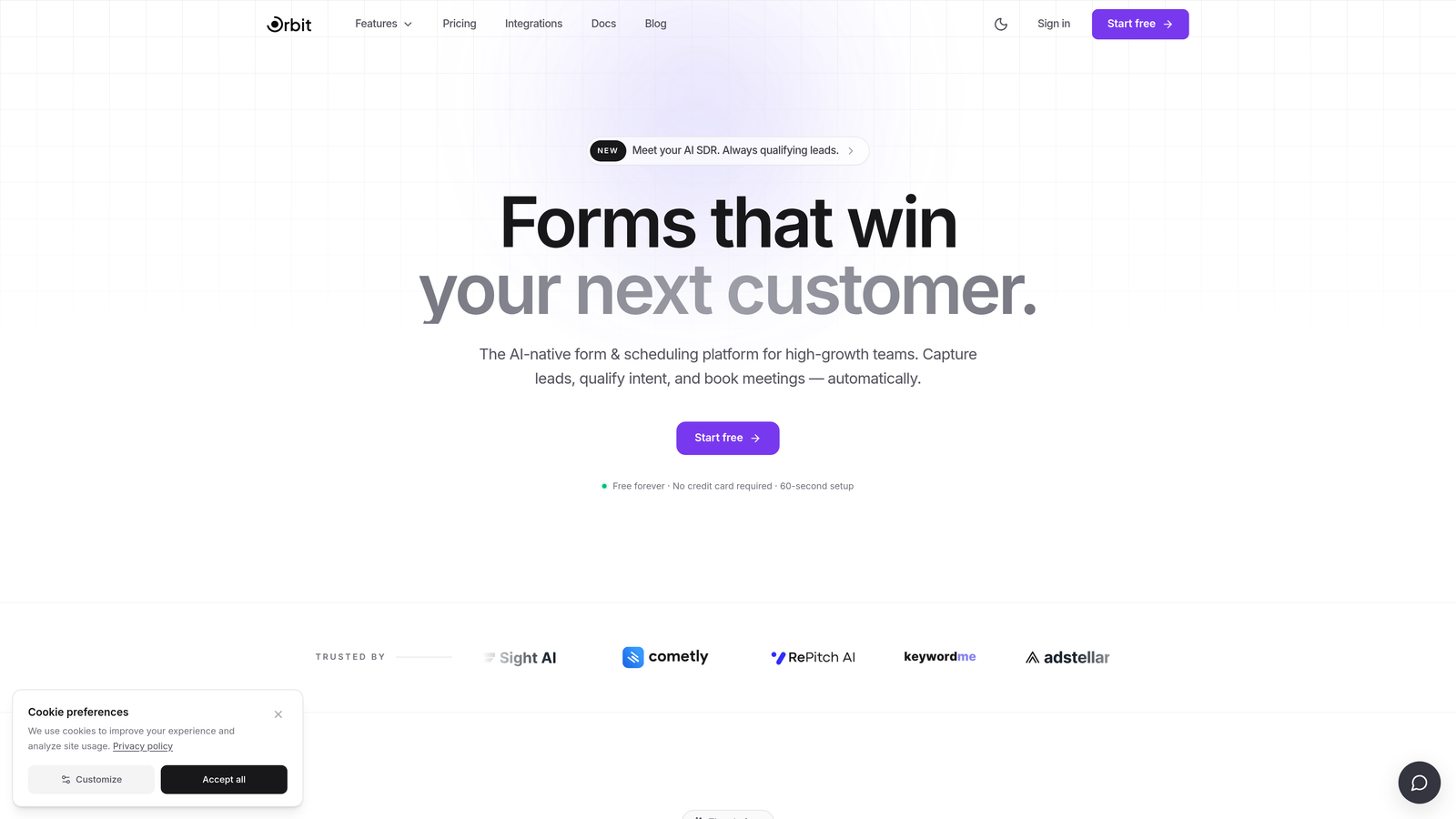
Orbit AI is an AI-powered multi-step form builder with built-in lead qualification and conversion optimization, designed specifically for teams that treat every form submission as a revenue event.
Where This Tool Shines
What separates Orbit AI from most form builders on this list is that lead qualification isn't an afterthought bolted on through a third-party integration. The AI scoring and routing layer is baked directly into the form flow, which means your leads are assessed and segmented the moment they finish a form, without requiring a separate tool like Clearbit or manual CRM tagging.
For high-growth teams running B2B acquisition campaigns, this matters a lot. Instead of dumping raw submissions into a CRM and hoping sales reps sort them out, Orbit AI automates the triage layer, so your team focuses on qualified prospects rather than wading through noise.
Key Features
AI-Powered Lead Qualification: Scores and routes leads automatically based on form responses, reducing manual triage and speeding up follow-up.
Conditional Logic and Branching: Build multi-step flows that adapt in real time based on what respondents select, creating a personalized path through your form.
Conversion-Optimized Templates: Pre-built templates designed for B2B lead gen use cases, so you're not starting from a blank canvas every time.
Native CRM Integration: Lead routing and CRM sync without relying on Zapier or third-party middleware, keeping your stack lean.
Mobile-First Design: Modern, responsive form design that performs on any device, which matters when a significant share of your traffic comes from mobile.
Best For
SaaS companies, B2B marketing teams, and growth-focused operators who need forms that do more than collect data. If your current workflow involves manually scoring leads after they hit your CRM, Orbit AI is built to eliminate that step entirely.
Pricing
Visit orbitforms.ai for current pricing tiers. Pricing details change frequently, so check the source directly before making a decision.
2. Typeform
Best for: Teams prioritizing high-polish, conversational form experiences with strong visual branding.
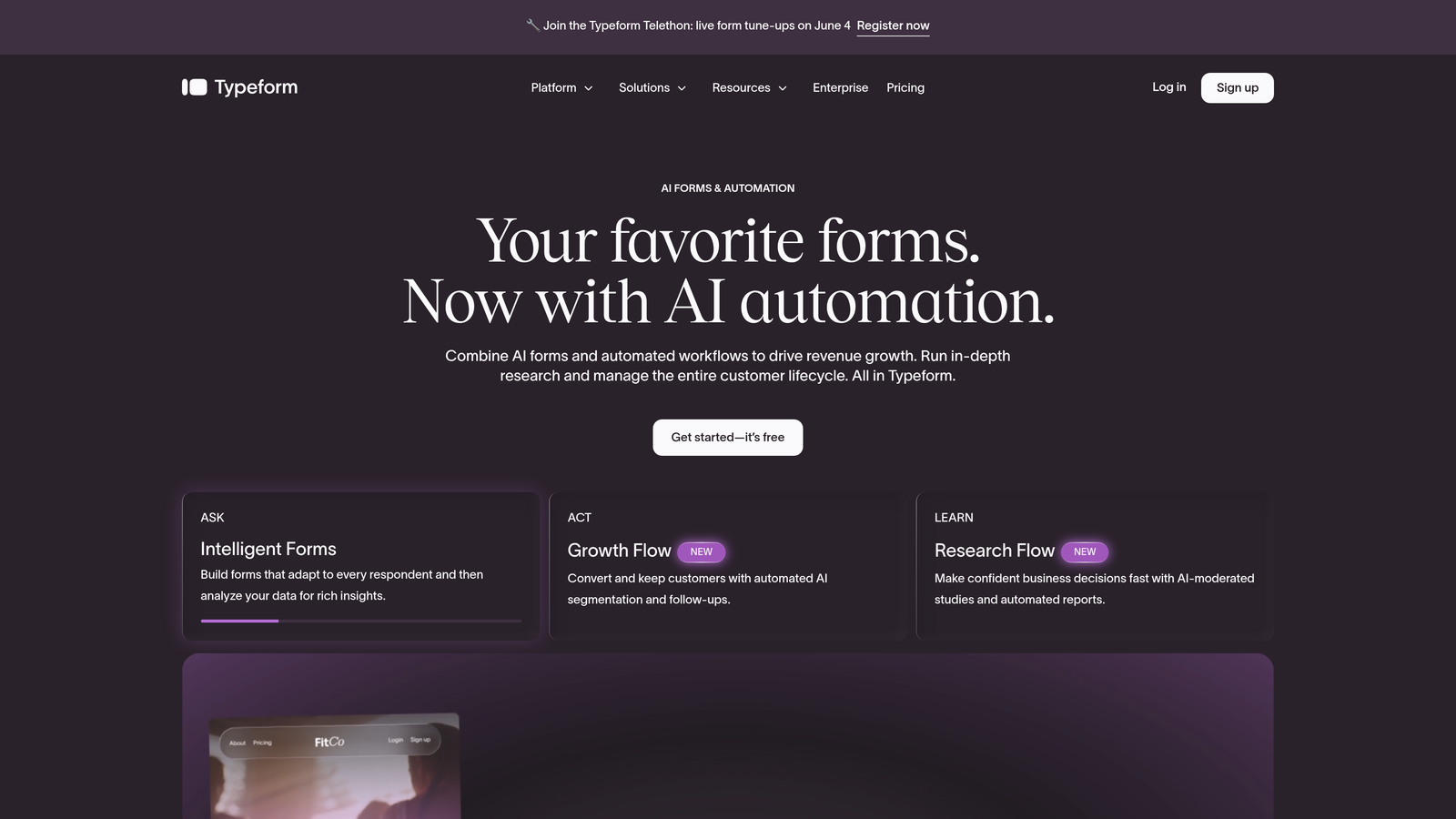
Typeform is a conversational form builder known for its one-question-at-a-time UX and some of the cleanest form design in the market.
Where This Tool Shines
Typeform's signature format, presenting one question at a time in a full-screen experience, tends to feel less like filling out a form and more like having a conversation. This makes it particularly effective for consumer-facing surveys, brand research, and top-of-funnel lead capture where first impressions matter.
The brand customization options are genuinely strong. If your forms need to feel like a seamless extension of your product or marketing site, Typeform gives you the controls to make that happen. The trade-off is that response limits can make it expensive at scale.
Key Features
Conversational Multi-Step Format: One-question-at-a-time flow that reduces form fatigue and typically improves completion rates.
Logic Jumps and Conditional Branching: Route respondents through different question paths based on their answers.
Visual Customization: Extensive branding controls including fonts, colors, background images, and custom domains on paid plans.
CRM and Marketing Integrations: Connects with HubSpot, Salesforce, Mailchimp, and other major platforms.
Video and Image Embedding: Add rich media directly into your form steps to increase engagement.
Best For
Marketing teams running consumer surveys, brand-forward lead capture forms, or any scenario where visual presentation is a priority. Less ideal for high-volume B2B lead gen where response cap costs can add up quickly.
Pricing
A free plan is available with limited responses. Paid plans start in the range of $25 to $50 per month, scaling by response volume. Verify current pricing at typeform.com before committing.
3. Jotform
Best for: Teams that need a wide feature set, generous templates, and built-in payment or document workflows.
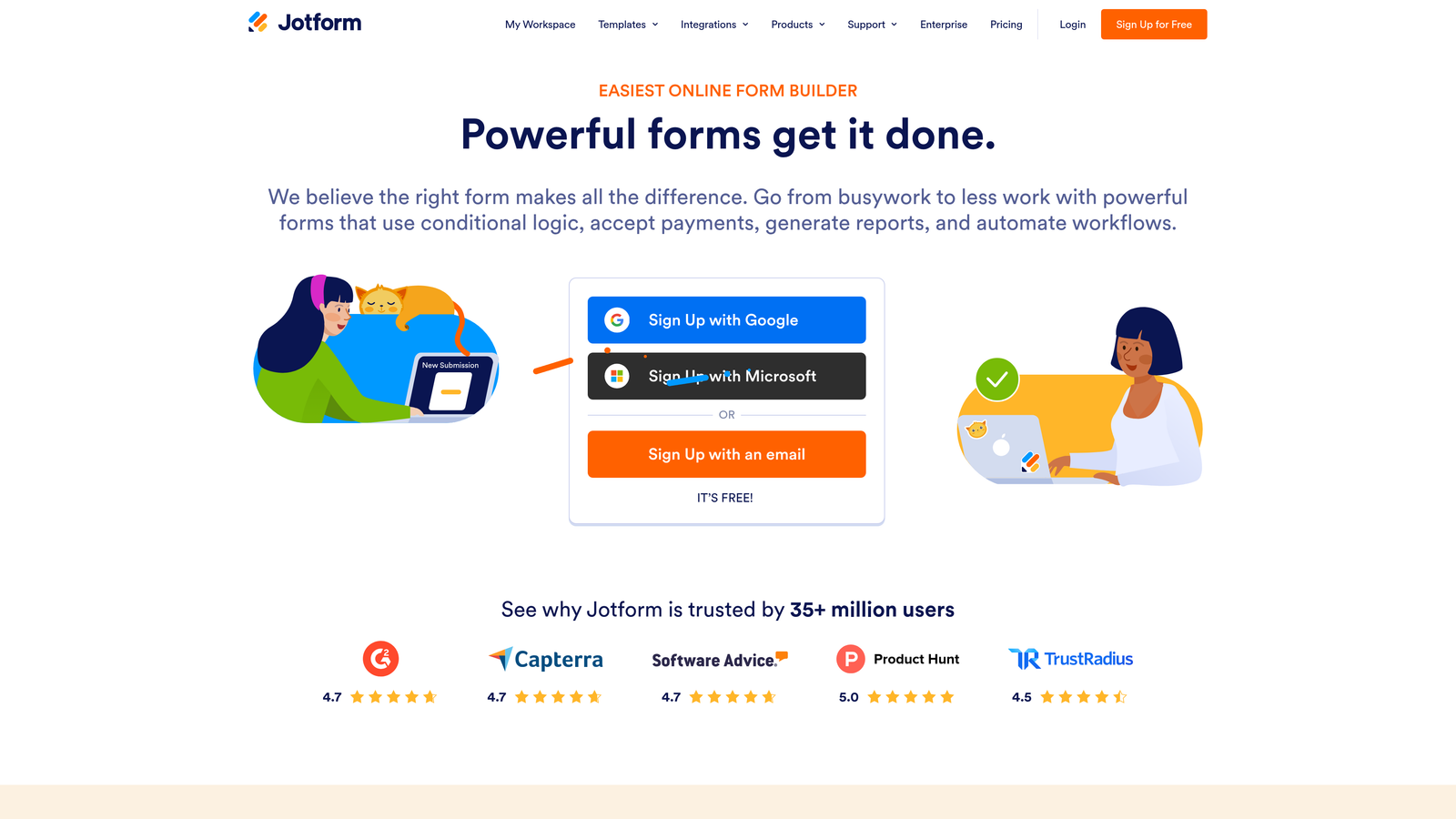
Jotform is a feature-rich form builder with one of the largest template libraries in the market and a free tier that's genuinely useful for getting started.
Where This Tool Shines
Jotform's breadth is its biggest selling point. With over 10,000 templates and support for payments, PDFs, approvals, and multi-step logic all within a single platform, it's one of the few tools that can serve wildly different use cases without requiring additional software.
For teams that need forms to do operational heavy lifting, such as collecting payments, generating documents, or routing approvals, Jotform handles all of that natively. It's less focused on lead qualification specifically, but as a general-purpose form platform it's hard to beat for the price.
Key Features
10,000+ Templates: One of the largest template libraries available, covering multi-step formats across dozens of industries.
Built-In Payment Processing: Native integrations with Stripe, PayPal, and Square for collecting payments directly through forms.
PDF Generation: Automatically generate documents and PDFs from form submissions.
Conditional Logic: Smart field logic that adapts the form based on respondent inputs.
Approval Workflow Automation: Route form submissions through multi-step approval chains without additional tools.
Best For
SMBs, operations teams, and anyone who needs forms to power workflows beyond simple lead capture. Also a strong choice for teams that want a generous free tier before committing to a paid plan.
Pricing
Free plan available with Jotform branding. Paid tiers scale by submission volume and storage. Verify current plan names and pricing at jotform.com.
4. HubSpot Forms
Best for: Teams already using HubSpot CRM who want native form-to-CRM sync without any data mapping.
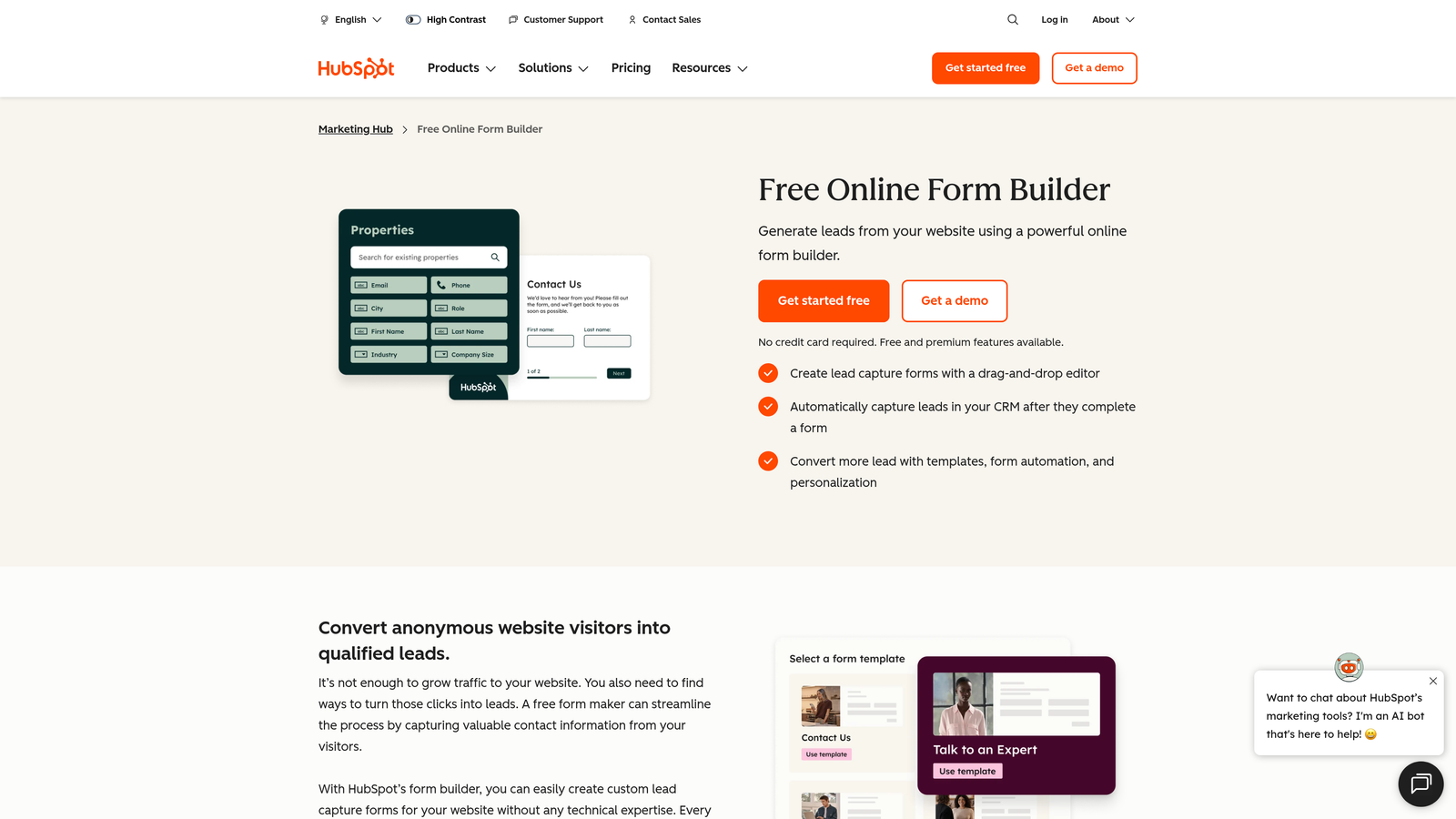
HubSpot Forms is the native form builder within HubSpot's marketing ecosystem, offering seamless lead capture that flows directly into the CRM.
Where This Tool Shines
If your team is already paying for HubSpot, the forms tool is genuinely one of the best-integrated options available. There's no data mapping, no middleware, and no sync delays. Form submissions become CRM contacts instantly, with all the lead nurturing automation that HubSpot's workflows provide.
The progressive profiling feature is a particularly smart touch. Instead of asking the same questions repeatedly, HubSpot shows new fields to contacts who've already submitted a form, gradually building out richer profiles over time without increasing form friction.
Key Features
Native CRM Sync: Form submissions map directly to HubSpot contact records with zero manual configuration.
Multi-Step Forms: Available on Marketing Hub tiers, with conditional logic to guide respondents through branching paths.
Progressive Profiling: Dynamically show new questions to returning contacts, reducing repetition and improving data quality over time.
Automated Nurturing Workflows: Trigger email sequences, lead scoring updates, and task assignments directly from form submissions.
A/B Testing: Available on paid tiers for optimizing form performance over time.
Best For
Teams already invested in the HubSpot ecosystem. As a standalone form tool evaluated outside of HubSpot, the value proposition weakens considerably. Best treated as a component of the broader HubSpot stack rather than a standalone purchase.
Pricing
Basic forms are free with HubSpot CRM Free. Advanced features including multi-step forms require Marketing Hub Starter at $15 or more per seat per month, with higher tiers available. Verify current pricing at hubspot.com.
5. Tally
Best for: Individuals, early-stage teams, and Notion users who want a capable free form builder with multi-step logic.
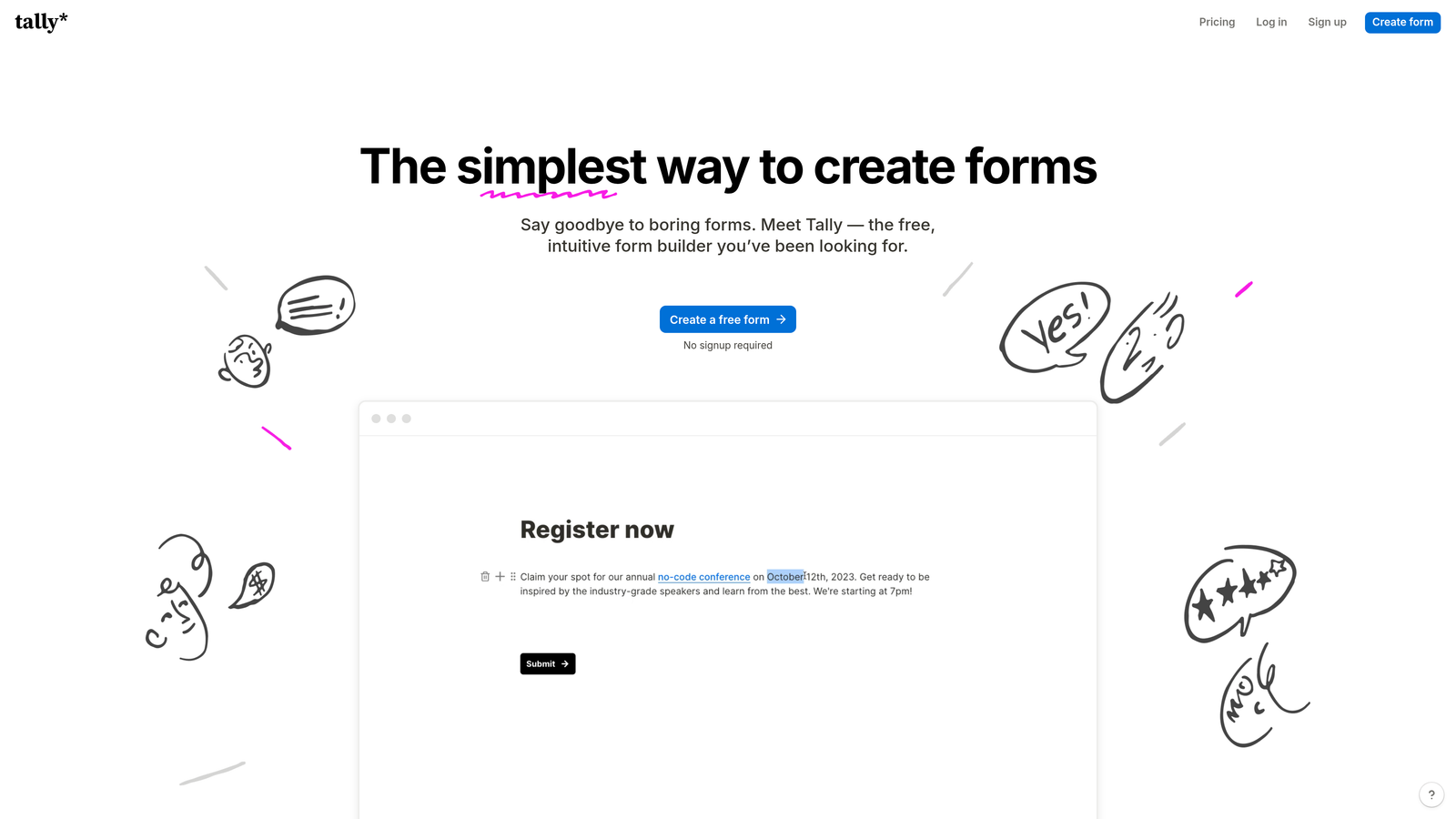
Tally is a Notion-inspired form builder with a surprisingly capable free plan that includes multi-step logic, which is unusual in a market where conditional branching is typically gated behind paid tiers.
Where This Tool Shines
Tally's free plan is genuinely one of the most generous in this category. Unlimited forms, unlimited submissions, and multi-step conditional logic are all available without paying a cent. For early-stage teams or solo operators running lean, this is a meaningful differentiator.
The builder interface has a clean, block-based feel that will be immediately familiar to anyone who uses Notion. It embeds cleanly into websites, web apps, and Notion pages, making it a natural fit for product-led teams who want forms that feel native to their existing tools.
Key Features
Multi-Step Logic on Free Plan: Conditional branching and multi-step flows available without a paid subscription, unlike most competitors.
Unlimited Forms and Submissions: No response caps on the free tier, removing a common pain point with other tools.
Clean Block-Based Builder: Notion-style interface that's fast to learn and pleasant to use.
Flexible Embedding: Embeds smoothly into websites, Notion pages, and web applications.
Tally Pro Upgrades: Custom domains, branding removal, and additional features available on the paid plan.
Best For
Startups, freelancers, and small teams who want capable multi-step forms without a budget commitment. Less suited for high-volume enterprise lead gen or teams that need advanced qualification and CRM routing out of the box.
Pricing
Free plan with generous limits. Tally Pro is approximately $29 per month. Verify current pricing at tally.so.
6. Growform
Best for: Performance marketers and lead gen agencies running high-volume acquisition campaigns.
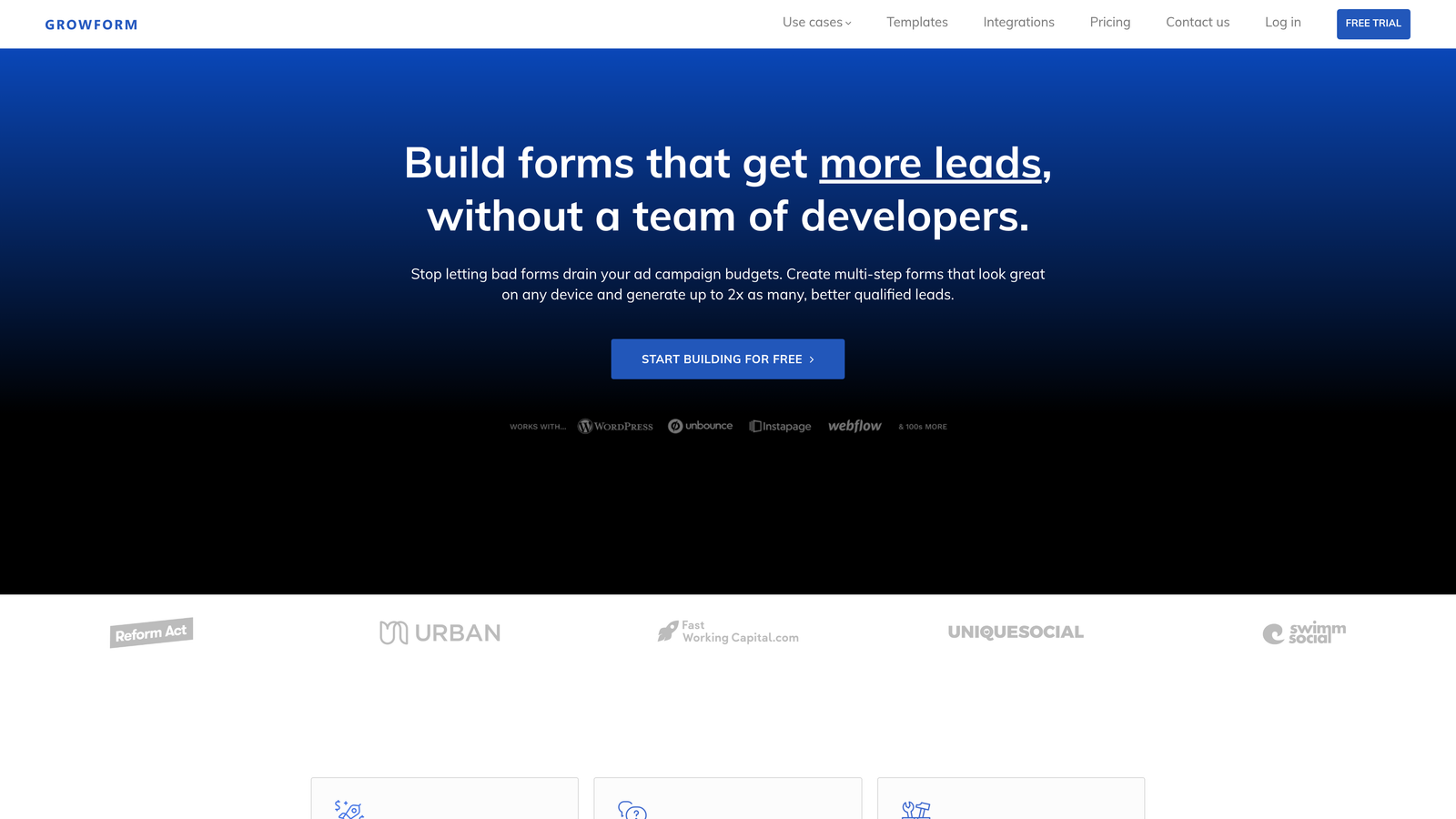
Growform is a multi-step form builder purpose-built for lead generation campaigns, not a general-purpose form tool that happens to support multi-step flows.
Where This Tool Shines
Growform's entire design philosophy is oriented around maximizing form completion rates. The step-by-step UX is built to reduce drop-off at each stage, and the templates are drawn from common lead gen verticals rather than generic use cases. For agencies running paid acquisition campaigns across multiple clients, this focus on conversion is exactly what's needed.
The agency-friendly features are a practical touch. Client management, white-labeling options, and webhook integrations for lead delivery make it easier to run multiple campaigns from a single account without the operational chaos that comes from juggling separate tools.
Key Features
Purpose-Built for Lead Gen: Every feature is oriented toward improving form completion and lead capture, not general data collection.
Step-by-Step Completion UX: Multi-step design specifically engineered to reduce abandonment and increase submission rates.
Webhook and CRM Integrations: Flexible lead delivery options for connecting to downstream CRM and marketing tools.
Agency Client Management: Features designed to support multi-client workflows for agencies and consultants.
Vertical-Specific Templates: Conversion-focused templates for common lead gen industries like home services, finance, and insurance.
Best For
Performance marketers, lead gen agencies, and acquisition-focused teams who want a tool built specifically for the job rather than a general form builder adapted for lead gen.
Pricing
Tiered plans available for solo users and agencies. Verify current pricing at growform.co.
7. Paperform
Best for: SMBs and solopreneurs who want forms that double as standalone landing pages with built-in payments and scheduling.
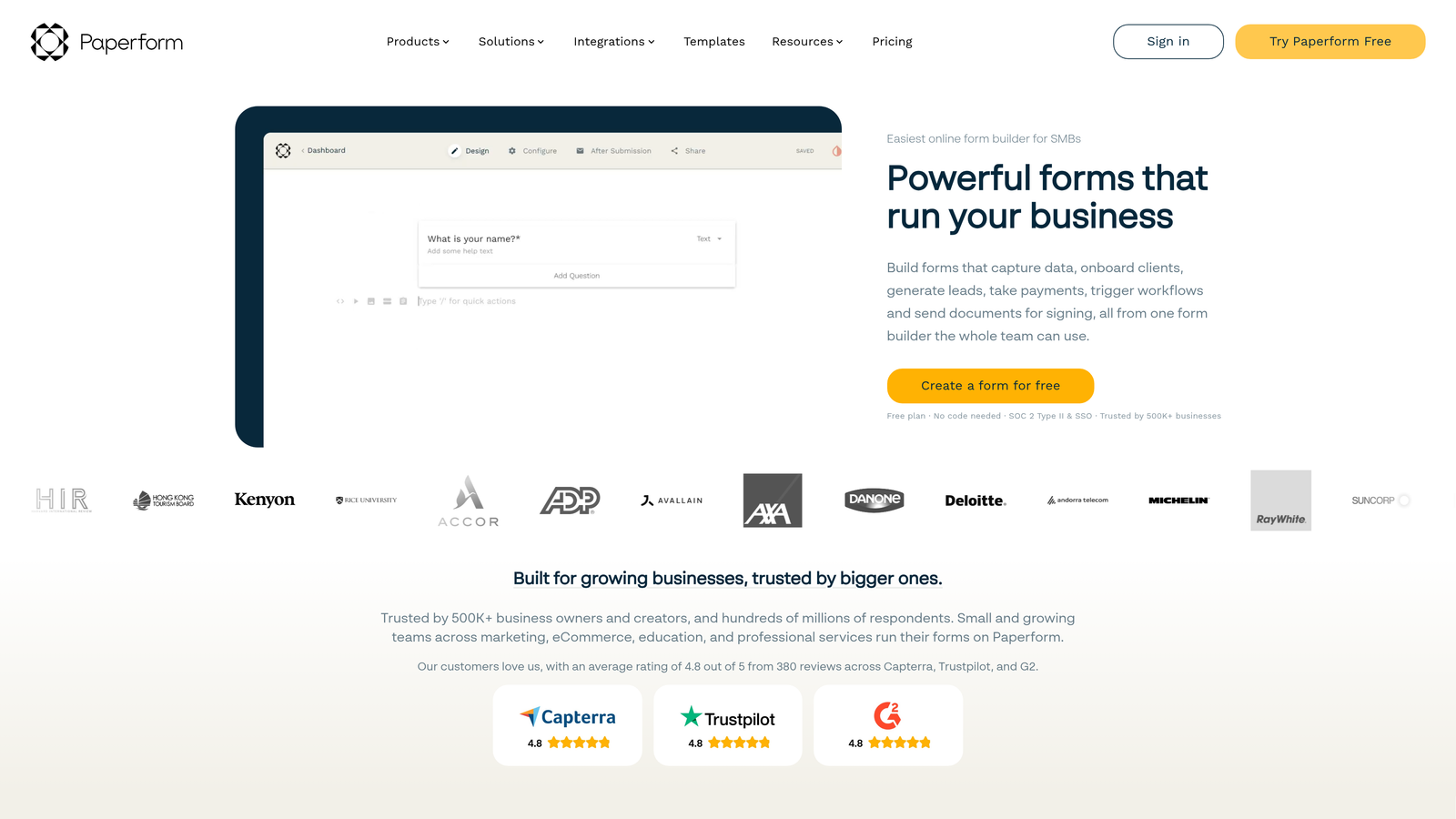
Paperform is a hybrid form and landing page builder that supports payments, appointment booking, and rich content embedding within a single form experience.
Where This Tool Shines
Paperform sits in an interesting niche: it's more than a form builder but less than a full landing page platform. The result is a tool that works well for small businesses that want to consolidate their lead capture, payment collection, and scheduling into a single shareable link rather than stitching together multiple tools.
The rich media embedding support is genuinely useful. You can build forms that include video explanations, image galleries, and descriptive content blocks alongside your questions, which creates a more complete experience for respondents who need context before they convert.
Key Features
Forms as Landing Pages: Build standalone form pages that function as complete conversion experiences, not just embedded widgets.
Built-In Stripe Payments: Accept payments and sell products directly through form submissions without additional tools.
Scheduling Integration: Appointment booking built into the form flow for service-based businesses.
Conditional Logic and Multi-Step Flows: Branching logic to create adaptive, multi-step form experiences.
Rich Media Embedding: Add video, images, and content blocks to provide context within the form itself.
Best For
Small businesses, consultants, and solopreneurs who want an all-in-one tool for lead capture, payments, and scheduling. Not the right fit for enterprise teams or high-volume B2B lead qualification workflows.
Pricing
Essentials, Pro, and Business tiers are available. Verify current pricing at paperform.co.
8. Formstack
Best for: Enterprise teams in regulated industries that need compliance features, document generation, and complex workflow routing.
Formstack is an enterprise-grade form and workflow automation platform with document generation, approval routing, and compliance capabilities built in.
Where This Tool Shines
Formstack is built for organizations where forms are part of a larger operational workflow, not just a lead capture mechanism. Healthcare teams using HIPAA-compliant data collection, finance teams routing approval chains, and large ops teams generating documents from submissions are all natural fits for what Formstack does well.
The Salesforce integration is particularly deep compared to most tools on this list. For enterprise teams running Salesforce as their system of record, Formstack's native connector reduces the friction of getting form data into the right places without custom development work.
Key Features
Advanced Workflow Routing: Multi-step approval chains and conditional routing for complex operational processes.
Document Generation: Automatically generate populated documents and PDFs from form submission data.
HIPAA-Compliant Data Handling: Compliance features for healthcare and other regulated industries.
Enterprise CRM Integrations: Deep Salesforce integration and connections to other enterprise platforms.
Multi-Step Forms with Field Calculations: Conditional logic combined with calculated fields for complex data collection scenarios.
Best For
Enterprise teams in healthcare, finance, legal, and large operations environments. The price point and feature complexity make it a poor fit for lean startup teams or straightforward lead gen use cases.
Pricing
Professional tiers start in the $50 to $100 or more per month range. Enterprise pricing is available on request. Verify current pricing at formstack.com.
9. Leadpages
Best for: Marketers running paid acquisition campaigns who want multi-step forms embedded within conversion-optimized landing pages.
Leadpages is primarily a landing page builder with integrated lead capture forms, designed for marketers who want forms as part of a complete page-level conversion experience.
Where This Tool Shines
Leadpages approaches the problem from the opposite direction of most tools on this list. Rather than building forms that you embed into pages, Leadpages builds pages around forms. The result is a tighter connection between your landing page design and your lead capture flow, which is particularly valuable for paid acquisition campaigns where every element of the page is optimized for a single conversion goal.
The A/B testing capability at the page level is a meaningful differentiator for teams running paid traffic. Being able to test landing page variants alongside form variants in a single platform reduces the complexity of identifying what's actually driving conversion improvements.
Key Features
Multi-Step Opt-In Flows: Multi-step lead capture embedded within landing pages for a seamless conversion experience.
Drag-and-Drop Landing Page Builder: Conversion-focused templates and a visual builder for creating complete campaign pages.
A/B Testing: Test landing page and form variants to optimize conversion rates over time.
Pop-Up and Alert Bar Formats: Additional form placement options beyond standard embedded forms.
Lead Notifications and CRM Integrations: Basic lead delivery and integration options for downstream follow-up.
Best For
Performance marketers and growth teams running paid acquisition campaigns who want their forms tightly integrated with landing page design. Less suited for teams that need standalone form infrastructure or advanced lead qualification capabilities.
Pricing
Standard and Pro plans are available. Verify current pricing at leadpages.com.
Which Tool Is Right for Your Growth Stage
The nine tools on this list cover a wide spectrum, from free-tier builders to enterprise platforms with quote-based pricing. The right choice depends less on feature checklists and more on where you are in your growth journey and what you need forms to actually do.
Here's a quick-reference breakdown by use case:
Best for AI-powered lead qualification: Orbit AI is the clear standout here. The built-in scoring and routing layer removes a step that most other tools require you to handle elsewhere in your stack.
Best free option with multi-step logic: Tally offers the most capable free plan in the market, with unlimited submissions and conditional branching available without paying anything.
Best for enterprise and compliance: Formstack is purpose-built for organizations that need workflow routing, document generation, and regulatory compliance features.
Best for HubSpot users: HubSpot Forms is the obvious choice if you're already in the HubSpot ecosystem. Outside of that context, it's harder to justify.
Best for performance marketers: Growform and Leadpages both serve acquisition-focused teams well, with Growform excelling at standalone multi-step lead gen and Leadpages offering tighter landing page integration.
On pricing, the landscape in 2026 follows a fairly consistent pattern. Most tools offer a free tier with response or submission limits. Mid-tier plans typically unlock conditional logic, integrations, and branding removal. Enterprise plans are almost universally quote-based. The biggest hidden cost to watch for across all platforms is response or submission overages, which can make an apparently affordable plan significantly more expensive at scale.
One trend worth noting: AI-powered qualification features are typically gated behind mid-to-upper pricing tiers on most platforms. If automated lead scoring is a priority for your team, factor that into your total cost calculation before committing to a plan.
Transform your lead generation with AI-powered forms that qualify prospects automatically while delivering the modern, conversion-optimized experience your high-growth team needs. Start building free forms today and see how intelligent form design can elevate your conversion strategy.


