

When your form lives inside your product, landing page, or app rather than behind a redirect, the experience feels seamless and conversions tend to follow. The right embeddable form builder lets you drop a polished, fully functional form anywhere on your site without pulling in a developer. But "embeddable" means different things depending on the tool: some offer a basic iframe, others provide native JavaScript snippets, popup overlays, or full-page takeovers that still feel completely on-brand.
This guide covers the best embeddable form builder solutions available in 2026, chosen from a shortlist of tools built for teams that care about conversion, design, and data quality. Whether you're capturing leads for a SaaS product, qualifying inbound inquiries, or running multi-step surveys, there's a right fit here. Each tool has been evaluated on embed flexibility, design customization, conditional logic, integrations, and pricing transparency.
If you want to go deeper on conversion strategy, our guide on how to improve form conversion rates is worth reading alongside this one.
1. Orbit AI
Best for: High-growth SaaS and demand gen teams that want AI-powered lead qualification built directly into the form flow.
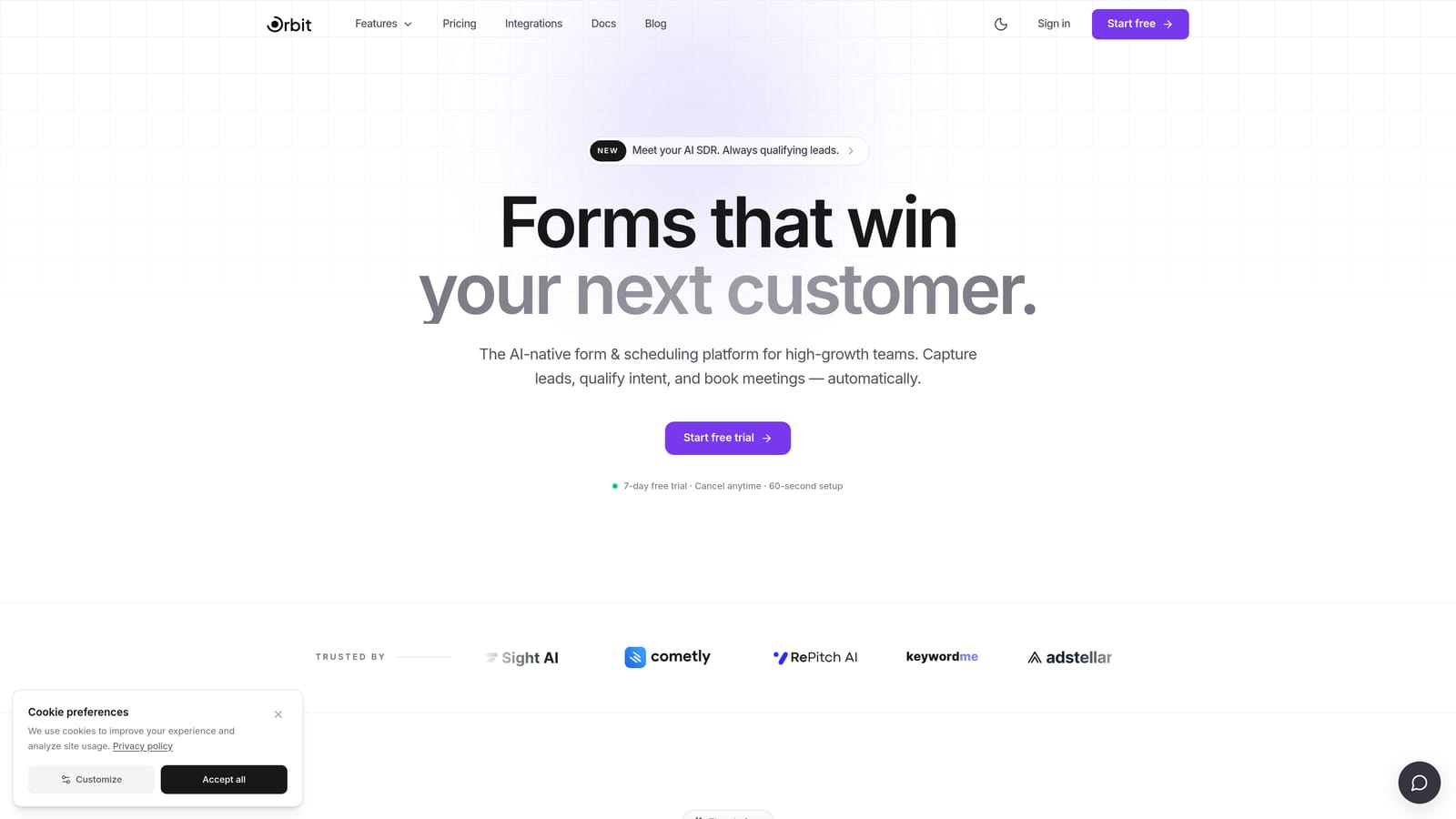
Orbit AI is an AI-powered form builder with built-in lead qualification designed for conversion-focused growth teams.
Where This Tool Shines
Orbit AI approaches embeddable forms differently from most builders. Rather than simply collecting responses, it qualifies leads as they move through the form, adapting questions based on what a respondent has already answered. This means your CRM receives pre-scored, pre-qualified data instead of raw submissions that need manual review.
The embed output is clean and flexible, supporting inline, popup, and other formats that match your brand without the telltale look of a third-party form. For SaaS teams running paid acquisition or inbound demand gen, that combination of conversion-optimized design and intelligent routing is genuinely difficult to find in a single tool.
Key Features
AI-Powered Lead Qualification: Questions adapt dynamically based on responses, pre-qualifying prospects before they ever reach your CRM.
Flexible Embed Options: Supports inline, popup, and additional embed types with clean output that matches your existing brand design.
Lead Routing and Scoring: Built-in logic to route and score leads automatically, reducing manual triage for sales teams.
CRM-Ready Data Output: Form submissions arrive structured and enriched, not raw, making handoffs to tools like HubSpot or Salesforce smoother.
Conversion-Optimized Design: Modern, polished form UI built specifically for lead generation use cases, not generic data collection.
Best For
Orbit AI is the strongest fit for high-growth SaaS companies, demand gen marketers, and revenue teams that want their forms to do qualification work, not just data entry. If lead quality and CRM hygiene matter as much as volume, this is the tool built around that problem.
Pricing
See orbitforms.ai for current plan details. Plans are designed to scale with team size and lead volume.
2. Typeform
Best for: Marketing teams and researchers who prioritize respondent experience and brand-polished conversational forms.
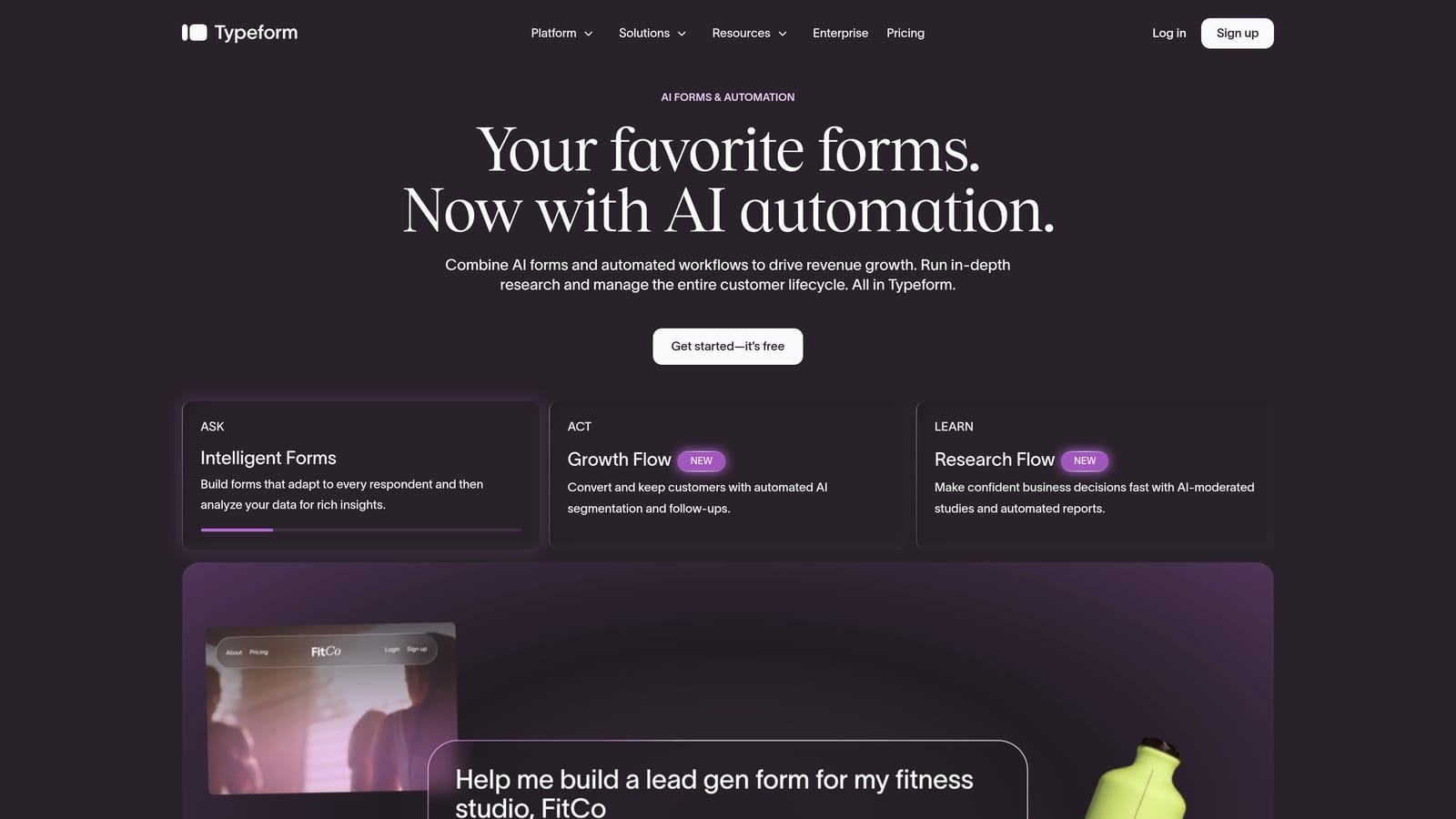
Typeform is a conversational form builder known for its one-question-at-a-time format and premium design aesthetic.
Where This Tool Shines
Typeform's core differentiator is the respondent experience. The single-question flow reduces the visual overwhelm of a traditional form, which can meaningfully improve completion rates for longer surveys and multi-step flows. It's one of the most recognizable form experiences on the web for good reason.
On the embed side, Typeform offers solid flexibility: standard inline embeds, popups, sliders, and popover options give teams real choices for how and where forms appear. Brand-level theming requires a paid plan, but even the free tier produces forms that look considerably more polished than most alternatives. Teams exploring options should also check our Typeform alternatives post for a broader comparison.
Key Features
Conversational Question Flow: One question at a time reduces form fatigue and keeps respondents engaged through longer sequences.
Multiple Embed Types: Standard inline, popup, slider, and popover options give teams flexibility for different placement contexts.
Integration Ecosystem: Native connections to HubSpot, Salesforce, Zapier, and a wide range of marketing and CRM tools.
Logic Jumps and Branching: Conditional logic available on paid plans to route respondents through personalized question paths.
Custom Theming: Brand colors, fonts, and background customization for teams that need forms to feel on-brand.
Best For
Typeform works best for marketing teams, researchers, and product teams running surveys or onboarding flows where respondent experience is the top priority. It's less optimized for high-volume lead qualification workflows where scoring and routing logic are essential.
Pricing
A free tier is available with limited responses and features. Paid plans start at a monthly fee with higher response limits and advanced features. Check typeform.com for current pricing.
3. Tally
Best for: Early-stage startups and solo founders who need professional-looking forms without the cost.
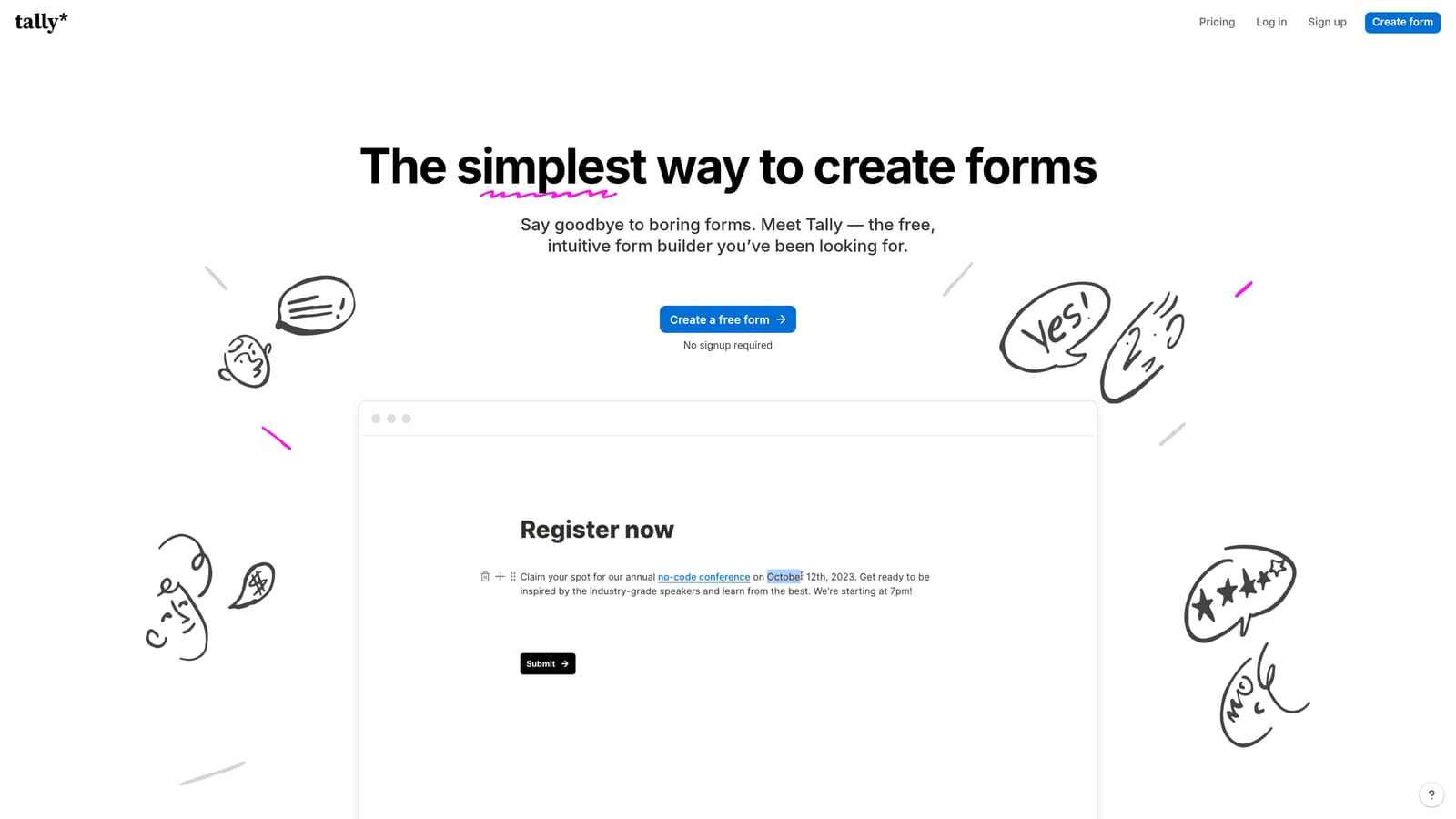
Tally is a lightweight, Notion-inspired form builder with a genuinely generous free tier and clean embed output.
Where This Tool Shines
Tally's biggest draw is its free tier. Unlike most builders that cap responses aggressively or watermark every submission, Tally's free plan is built to be genuinely usable, not just a trial. The block-based editor will feel immediately familiar to anyone who uses Notion, making it one of the fastest tools to get up and running with.
The embed output is clean and avoids the "generic form builder" aesthetic that plagues many free tools. Inline iframe and popup embed options cover the most common placement needs. Where Tally falls short is in advanced qualification logic and AI-driven features, making it better suited to simpler collection tasks than complex lead gen workflows.
Key Features
Block-Based Editor: Notion-style editing interface that's fast to learn and intuitive for non-technical users.
Generous Free Tier: No response limits on the free plan (verify current terms at tally.so), making it genuinely usable at zero cost.
Inline and Popup Embeds: Clean iframe-based embed and popup options for flexible placement.
Conditional Logic and Hidden Fields: Available on both free and paid plans, adding branching capability without upgrading.
Minimal, Modern Design: Form output that looks considered and clean rather than templated.
Best For
Tally is ideal for early-stage startups, indie makers, and small teams that need polished forms quickly and cheaply. It's a strong choice for waitlists, feedback forms, and basic lead capture, but teams with serious qualification requirements will outgrow it.
Pricing
Free tier available with no response limits (confirm current terms at tally.so). The paid plan adds custom domains, branding removal, and additional features. See tally.so for current pricing.
4. Paperform
Best for: Teams that want their embedded form to function as a mini landing page with payments and rich content built in.
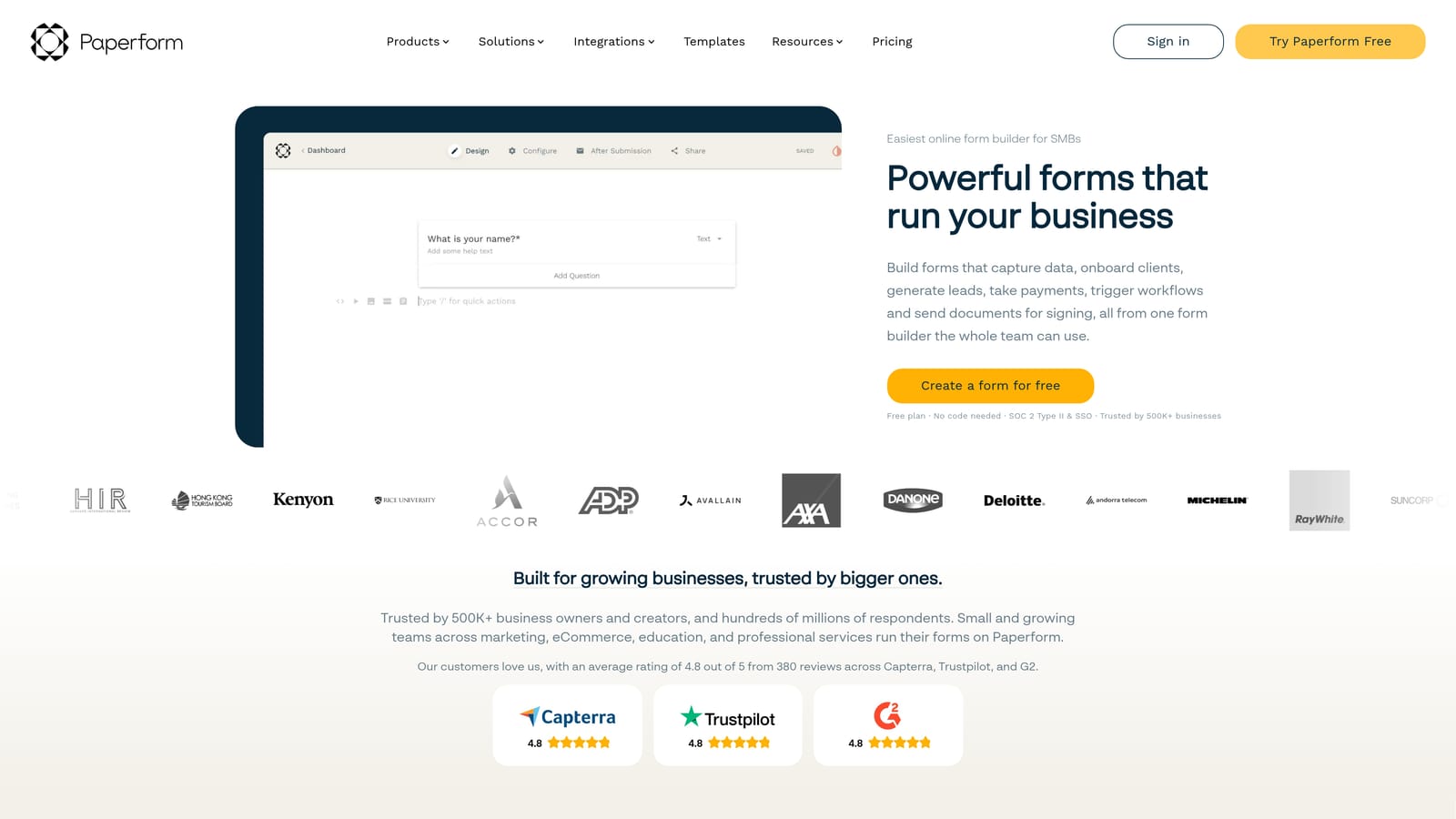
Paperform is a document-style form builder that blends form fields with rich content elements like text, images, video, and payment processing.
Where This Tool Shines
Paperform occupies a unique position in this category. Where most form builders separate the form from the landing page, Paperform lets you build both in one place. You can write sales copy, drop in a product image, embed a video, and add form fields all within the same editor, then embed the whole thing as an inline block, popup, or slider.
The built-in payment processing (Stripe, PayPal, and Square) and scheduling features make it especially useful for teams selling services, running workshops, or collecting payments alongside lead data. It's a heavier tool than Tally or Typeform, but the feature depth justifies the weight for the right use case.
Key Features
Document-Style Editor: Mix text, images, video, and form fields in a single editor to create rich, content-forward form experiences.
Built-In Payment Processing: Native Stripe, PayPal, and Square integrations for collecting payments directly through the form.
Multiple Embed Types: Inline, popup, and slider embed options for flexible placement across different page contexts.
Scheduling and Booking: Appointment booking functionality built directly into the form flow without third-party tools.
Conditional Logic and Calculations: Advanced branching and calculation fields for complex, multi-step form workflows.
Best For
Paperform suits service businesses, coaches, event organizers, and product teams that want a form and a landing page in one embeddable unit. It's particularly strong when payment collection or appointment booking is part of the conversion flow.
Pricing
Paid plans only with no permanent free tier. Check paperform.co for current plan details and pricing tiers.
5. Jotform
Best for: Power users and enterprise teams with complex requirements who need deep template coverage and compliance options.
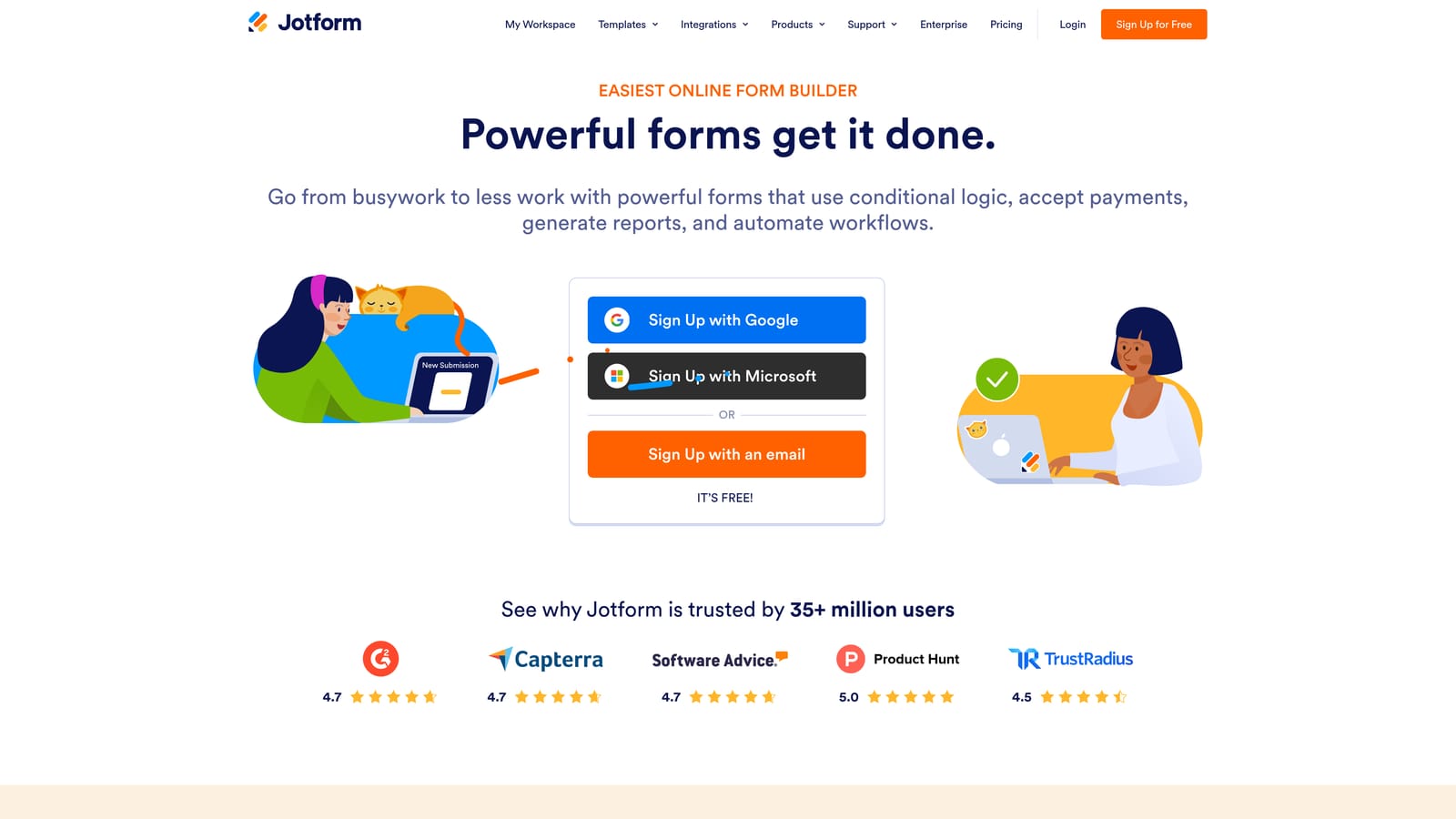
Jotform is a feature-rich form builder with one of the largest template libraries available and broad embed type support.
Where This Tool Shines
Jotform's template library is genuinely impressive. With over 10,000 templates spanning virtually every industry and use case, teams can get to a working form faster than with any builder that starts from scratch. This breadth also extends to embed options: inline, lightbox, full-page, and card form embeds give teams more placement flexibility than most competitors offer.
The compliance story is also a real differentiator. HIPAA-compliant plans make Jotform one of the few options for healthcare teams and organizations handling sensitive data. The tradeoff is complexity: Jotform can feel heavy and overwhelming for simple use cases, and the interface reflects years of feature layering rather than a clean, modern rebuild.
Key Features
10,000+ Templates: The largest template library in this category, covering virtually every industry and form type.
Multiple Embed Types: Inline, lightbox, full-page, and card form embed options for maximum placement flexibility.
HIPAA-Compliant Plans: Dedicated compliance options for healthcare and other sensitive data use cases.
Extensive Integrations: Wide integration library plus Zapier support for connecting to virtually any tool in your stack.
Advanced Logic and Workflows: Conditional logic, calculation fields, and approval workflows for complex, multi-step processes.
Best For
Jotform is best suited to operations teams, enterprise organizations, and healthcare providers that need compliance features, deep customization, and a template for nearly every scenario. It's less ideal for lean SaaS teams that want a clean, fast-to-deploy form experience.
Pricing
Free tier available with submission and storage limits. Paid plans scale by features and submission volume. See jotform.com for current pricing.
6. Formstack
Best for: Mid-market and enterprise teams in operations-heavy industries that need forms, documents, and e-signatures in one platform.
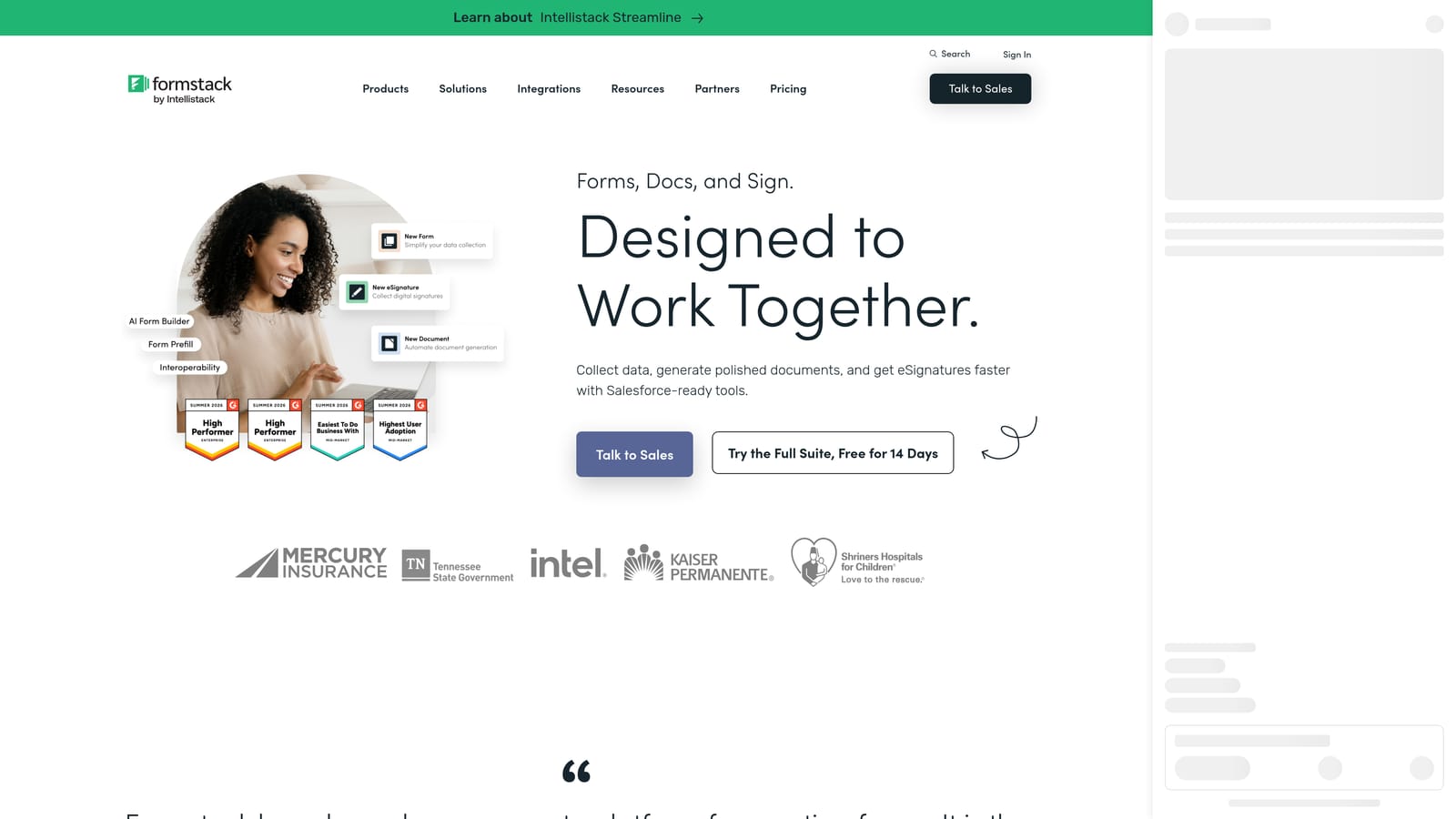
Formstack is a workplace productivity platform that combines forms, documents, and e-signatures with strong embed controls and compliance features.
Where This Tool Shines
Formstack isn't just a form builder: it's a broader document workflow platform where forms are the entry point to a larger process. If your team needs a form submission to trigger a document generation step, route through an approval workflow, and collect an e-signature before anything reaches your CRM, Formstack handles that end-to-end without stitching together multiple tools.
The embed controls are solid, and the conditional logic and branching capabilities are well-suited to complex intake forms, compliance workflows, and multi-department processes. HIPAA and GDPR compliance options are built in, which matters for regulated industries. The price point reflects the enterprise positioning: this is not the right tool for a five-person startup.
Key Features
Forms, Documents, and E-Signatures: An integrated platform covering the full document workflow, not just data collection.
Strong Embed Controls: Flexible embed options with conditional logic and branching for complex form structures.
Built-In Compliance: HIPAA and GDPR compliance options for regulated industries and sensitive data handling.
Approval Workflows: Multi-step process automation that routes submissions through review and approval stages.
Enterprise Integrations: Native Salesforce integration and connections to other enterprise tools in the stack.
Best For
Formstack is the right choice for mid-market and enterprise teams in HR, legal, healthcare, or operations that need forms to trigger broader document and approval workflows. Teams looking for a lightweight lead capture solution will find it overbuilt and overpriced for their needs.
Pricing
Higher price point targeting mid-market and enterprise buyers. Check formstack.com for current plan details.
Which Tool Is Right for Your Team
The best embeddable form builder depends almost entirely on what you need the form to do after someone fills it out.
For lead generation and qualification: Orbit AI is the strongest fit. The AI-powered qualification logic, CRM-ready data output, and conversion-optimized design are built specifically for this use case. No other tool on this list approaches the form as a qualification engine rather than a data collection box.
For conversational surveys and brand-forward experiences: Typeform remains the benchmark for respondent experience. If completion rate on a longer survey is your primary concern and you don't need advanced lead routing, it's a natural choice.
For early-stage teams on a budget: Tally's free tier is genuinely hard to beat. It produces clean, professional forms without the cost or complexity of the enterprise tools.
For forms that double as landing pages with payments: Paperform's document-style approach is unique in this category and particularly strong when selling services or collecting payments alongside lead data.
For enterprise compliance and template depth: Jotform covers the widest range of use cases with HIPAA-compliant options and the largest template library available.
For document workflow automation: Formstack makes sense when forms are the entry point to a broader approval and document generation process in a mid-market or enterprise environment.
If your priority is converting more of the traffic you're already generating into qualified pipeline, the form experience itself is worth investing in. Transform your lead generation with AI-powered forms that qualify prospects automatically while delivering the modern, conversion-optimized experience your high-growth team needs. Start building free forms today and see how intelligent form design can elevate your conversion strategy.


