

Accepting payments online should feel effortless for both you and your customers. Yet many businesses still struggle with clunky checkout experiences, abandoned carts, and integration headaches that drain revenue. The right payment form builder eliminates these friction points, letting you create secure, conversion-optimized payment flows without touching code.
Whether you're collecting one-time payments, managing subscriptions, or processing donations, the tools in this guide handle the heavy lifting. We evaluated each platform based on payment flexibility, security compliance, ease of customization, and integration capabilities to help you find your perfect match.
1. Orbit AI
Best for: High-growth teams that need intelligent lead qualification before payment collection
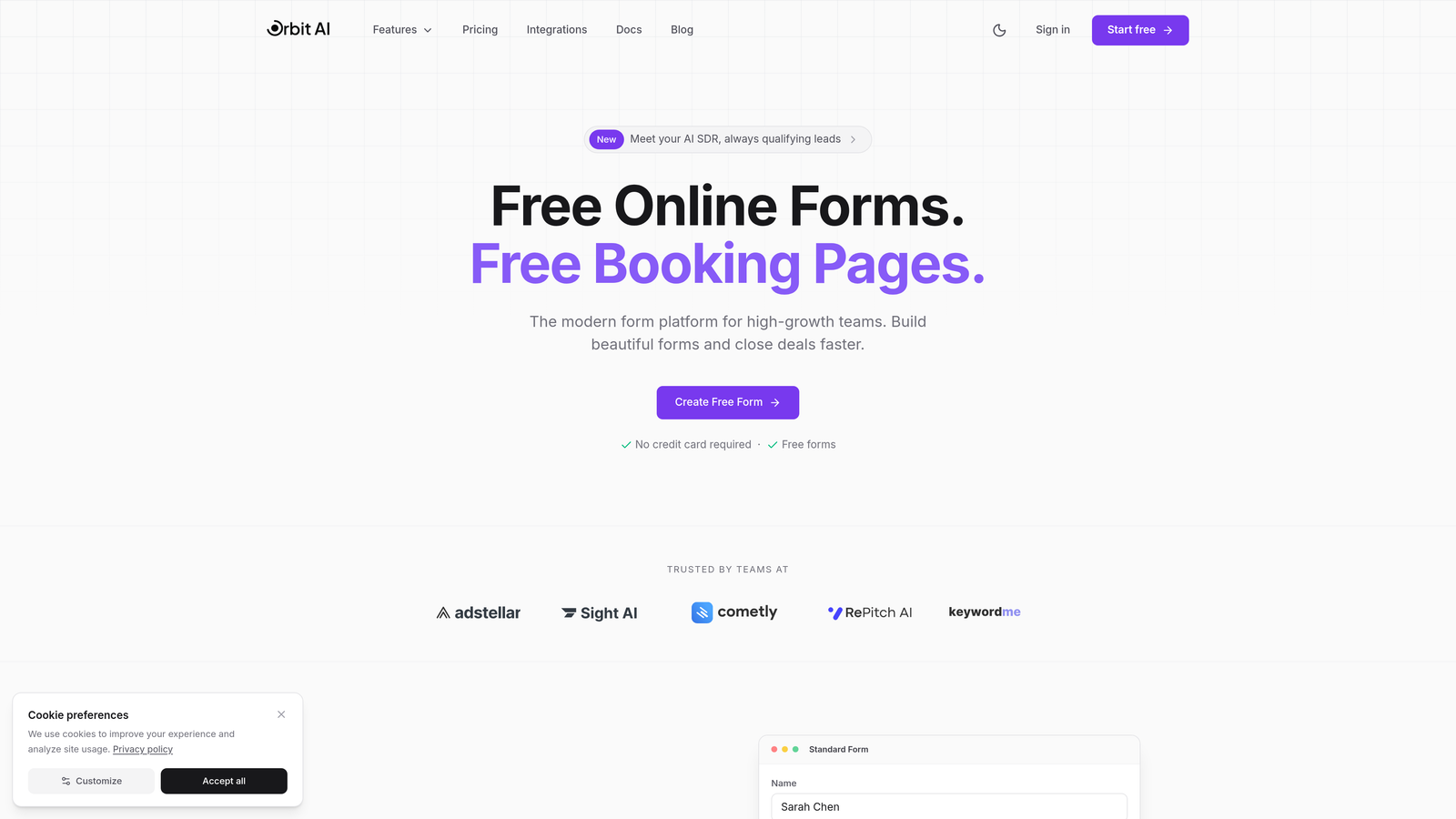
Orbit AI brings artificial intelligence to payment form building, automatically qualifying leads before they reach your payment page.
Where This Tool Shines
The platform's AI agents analyze prospect responses in real-time, routing qualified leads to payment while filtering out poor-fit customers before they convert. This dramatically reduces refunds and support headaches.
For businesses focused on conversion optimization, Orbit AI's modern form design templates are built specifically to reduce friction and increase completion rates. The interface feels intuitive for both form creators and end users.
Key Features
AI Lead Qualification: Intelligent agents assess prospect fit before payment collection, ensuring you're selling to the right customers.
Native Stripe Integration: Secure payment processing with full PCI DSS compliance built directly into the form experience.
Conversion-Optimized Design: Templates and customization options specifically engineered to maximize form completion rates.
Workflow Automation: Trigger post-payment actions automatically, from email sequences to CRM updates.
Real-Time Analytics: Track form performance, conversion rates, and revenue metrics in a unified dashboard.
Best For
SaaS companies, digital agencies, and service businesses that want to qualify leads intelligently while maintaining a modern, professional payment experience. Particularly valuable for teams tired of processing refunds from poor-fit customers.
Pricing
Free tier available for getting started. Paid plans begin at competitive rates with scaling options for growing teams.
2. Stripe Payment Links
Best for: Businesses already using Stripe who need instant, no-code payment pages
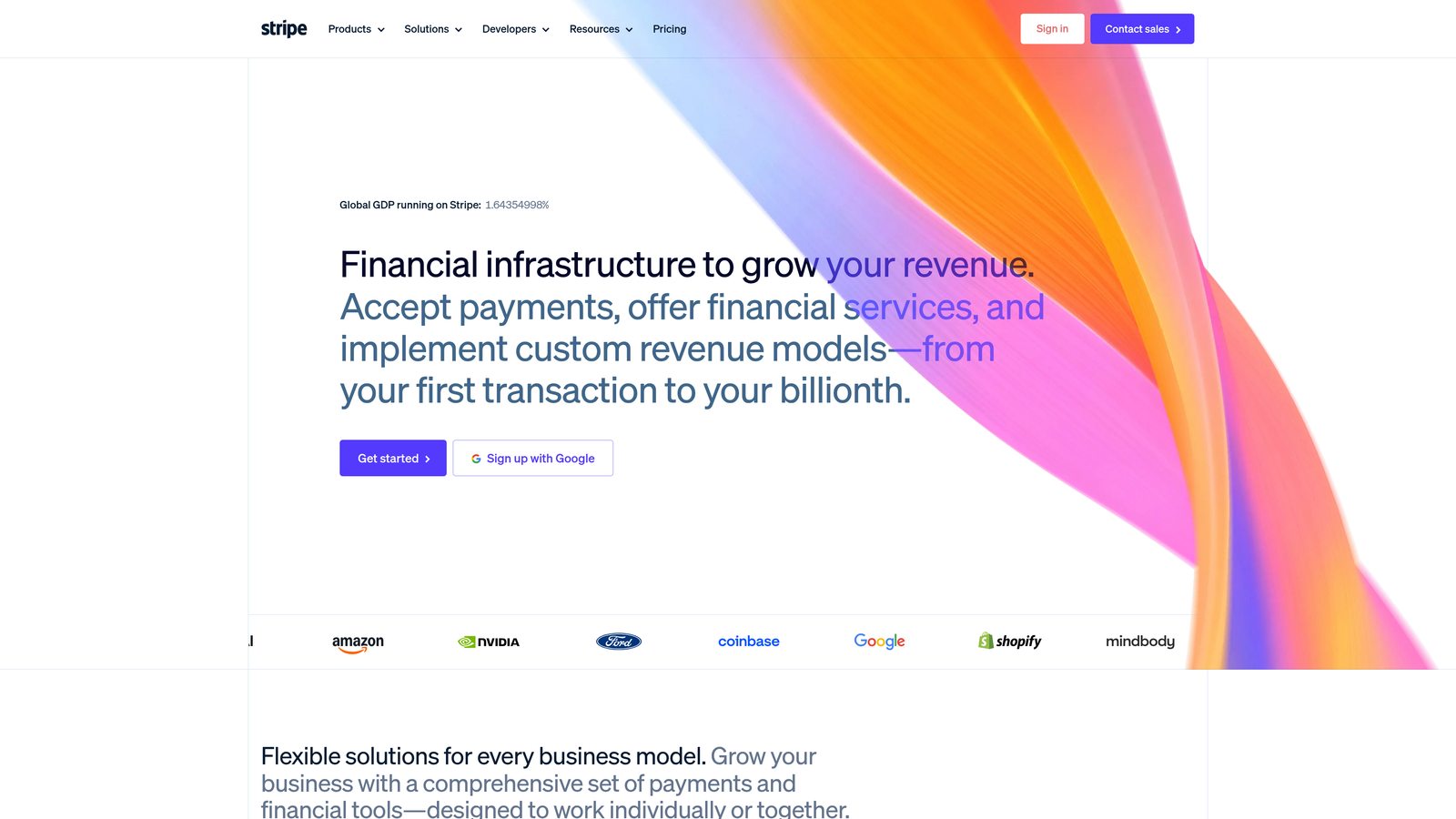
Stripe Payment Links turns the payment infrastructure giant's robust platform into shareable payment pages you can create in minutes.
Where This Tool Shines
If you're already in the Stripe ecosystem, Payment Links is the fastest path to collecting payments. Create a link, share it anywhere, and start accepting money immediately with zero technical setup.
The mobile checkout experience is exceptionally smooth, with Stripe's years of conversion optimization baked into every page. Customers can save payment methods for future purchases, reducing friction on repeat transactions.
Key Features
Instant Link Creation: Generate shareable payment pages in under a minute from your Stripe dashboard.
Unified Dashboard: All payment data, customer information, and analytics live in the same Stripe interface you already know.
Subscription Support: Handle both one-time payments and recurring billing through the same link system.
Automatic Tax Calculation: Stripe Tax integration calculates sales tax automatically based on customer location.
Mobile Optimization: Checkout flows designed specifically for mobile conversion, where most transactions happen.
Best For
Existing Stripe users, freelancers needing quick invoice alternatives, and businesses selling simple products or services without complex form requirements.
Pricing
No monthly platform fee. Standard Stripe transaction fees apply: 2.9% plus 30 cents per successful charge.
3. Jotform
Best for: Organizations needing maximum flexibility with 150+ payment gateway options
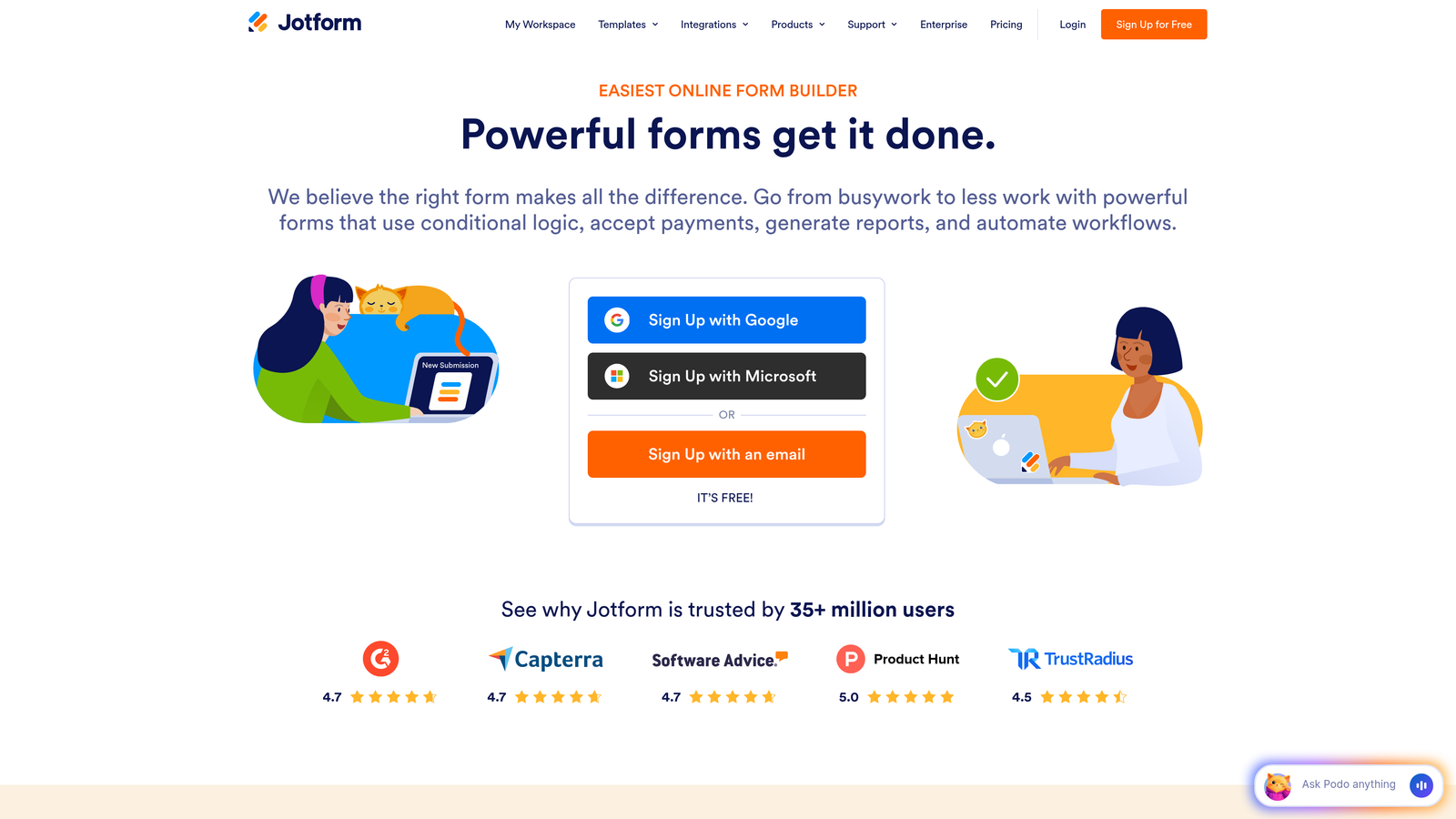
Jotform is the Swiss Army knife of form builders, supporting more payment processors than any competitor.
Where This Tool Shines
The platform's true superpower is integration breadth. Whether you need to accept payments through Stripe, Square, PayPal, Authorize.Net, or dozens of regional processors, Jotform connects to them all.
With over 10,000 templates spanning every industry imaginable, you'll find pre-built payment forms for registration fees, donations, product orders, and service bookings. The drag-and-drop builder makes customization straightforward even for non-technical users.
Key Features
150+ Payment Integrations: Connect to virtually any payment processor your business needs, from global giants to regional specialists.
10,000+ Templates: Pre-built forms for every use case eliminate starting from scratch.
Drag-and-Drop Builder: Intuitive interface that doesn't require coding knowledge or technical expertise.
Conditional Logic: Create dynamic pricing that changes based on customer selections or responses.
HIPAA Compliance: Enterprise plans offer healthcare-grade security for medical practices and health organizations.
Best For
Enterprises with specific payment processor requirements, healthcare organizations needing HIPAA compliance, and businesses managing complex pricing structures with conditional logic.
Pricing
Free tier supports basic forms with limited submissions. Paid Bronze plan starts at $34 monthly with expanded features and submission limits.
4. Typeform
Best for: Brands prioritizing engagement through conversational, one-question-at-a-time interfaces
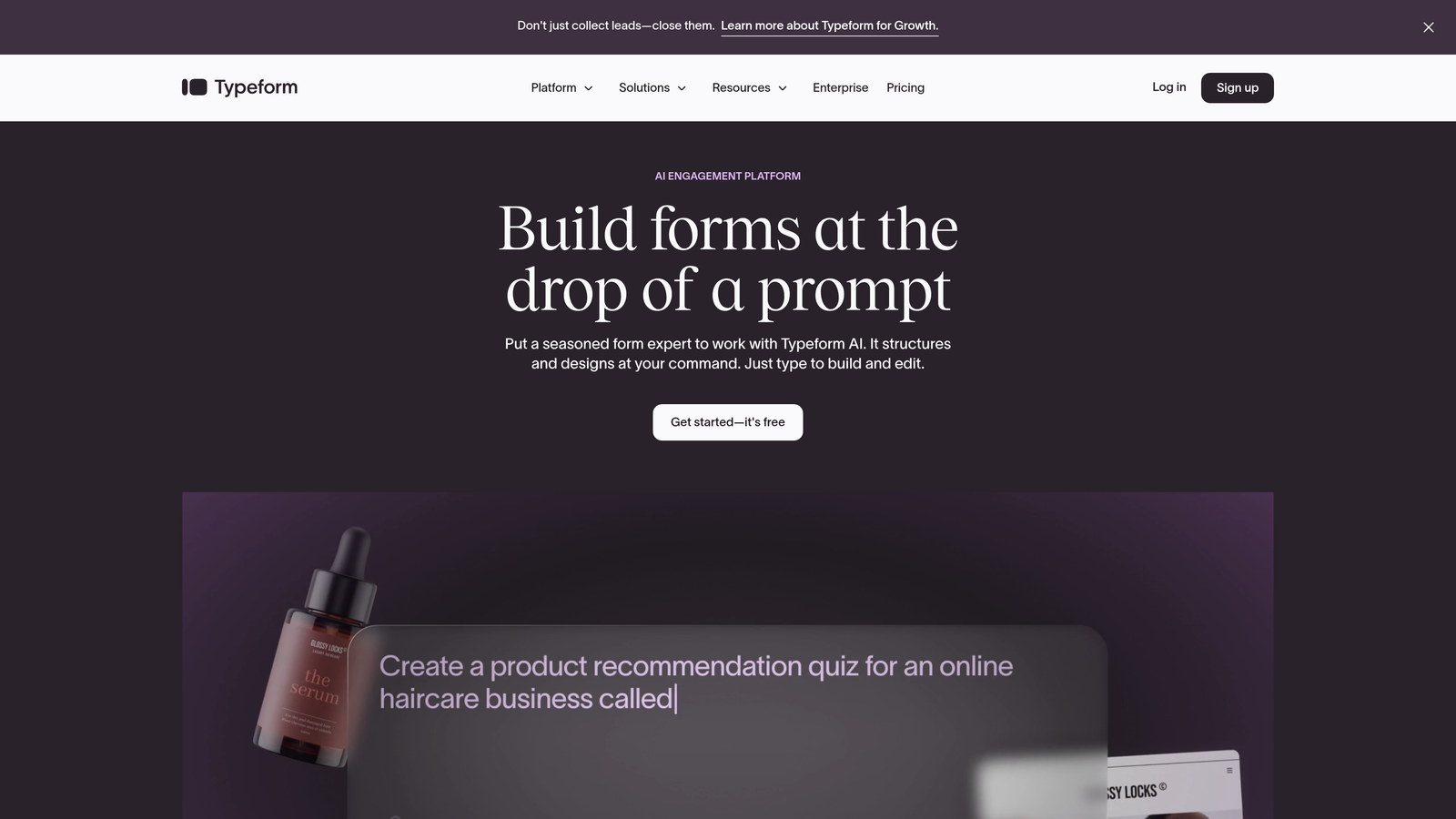
Typeform reimagines payment forms as conversations, presenting one question at a time for higher completion rates.
Where This Tool Shines
The conversational interface feels less like a form and more like a guided conversation. This approach significantly reduces form abandonment, particularly for longer payment flows that collect detailed customer information.
Logic jumps create personalized experiences based on previous answers, showing relevant questions and pricing only to appropriate customers. The visual design options let you match your brand perfectly while maintaining Typeform's signature clean aesthetic.
Key Features
Conversational Interface: One question appears at a time, creating a focused experience that feels natural and less overwhelming.
Stripe and PayPal Integration: Accept payments through two of the world's most trusted processors.
Logic Jumps: Show different questions and pricing based on previous responses for truly personalized flows.
Brand Customization: Full control over colors, fonts, backgrounds, and button styles to match your identity.
High Engagement Rates: The platform's unique approach consistently delivers above-average completion rates.
Best For
Consumer brands, creative agencies, and businesses selling premium services where the checkout experience directly reflects brand quality and attention to detail.
Pricing
Basic plan from $25 monthly. Payment collection features require the Plus plan at $50 monthly or higher.
5. Square Online
Best for: Retail and restaurant businesses unifying online and in-person payment experiences
Square Online creates a seamless ecosystem where online payments sync perfectly with physical point-of-sale systems.

Where This Tool Shines
The killer feature is unified inventory and customer data across all sales channels. When someone buys online, your in-store inventory updates instantly. Customer purchase history follows them whether they shop in person or online.
For restaurants and retail stores adapting to omnichannel commerce, Square Online eliminates the nightmare of managing separate systems. Built-in options for curbside pickup, local delivery, and shipping make it easy to offer flexible fulfillment.
Key Features
Free Store Builder: Launch a complete online store without monthly platform fees on the free tier.
POS Synchronization: Inventory, customers, and sales data sync automatically with Square's point-of-sale hardware.
Built-In Invoicing: Send professional invoices and collect payments without third-party tools.
Flexible Fulfillment: Support for pickup, delivery, and shipping from a single interface.
Inventory Management: Track stock levels across all sales channels with automatic updates.
Best For
Restaurants, retail stores, and service businesses that sell both online and in person, needing unified payment and inventory systems without complexity.
Pricing
Free tier available with basic features. Plus plan at $29 monthly adds advanced capabilities. Transaction fees are 2.9% plus 30 cents per online payment.
6. PayPal.Me and PayPal Buttons
Best for: Global businesses leveraging PayPal's worldwide recognition and trust
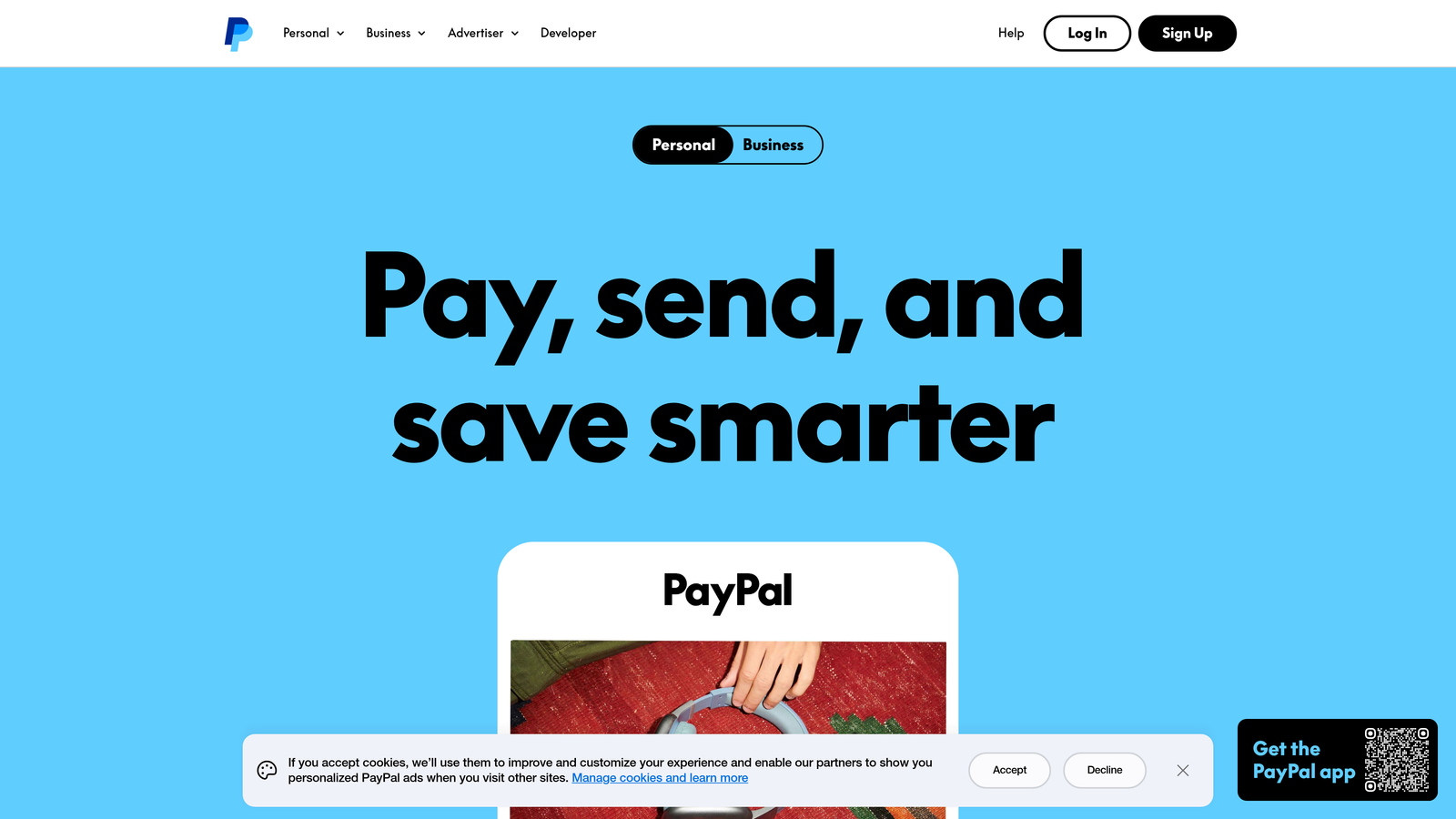
PayPal offers personal payment links and embeddable buttons that capitalize on decades of consumer trust.
Where This Tool Shines
PayPal.Me creates personalized payment links you can share anywhere—social media, emails, text messages. The instant recognition factor reduces customer hesitation, particularly with international buyers who may distrust unfamiliar payment processors.
Buy Now Pay Later options through PayPal Credit give customers financing flexibility without you managing credit decisions or risk. PayPal handles the credit evaluation, payment collection, and default risk while you receive full payment upfront.
Key Features
PayPal.Me Links: Personalized payment URLs you can share anywhere for instant payment collection.
Embeddable Buttons: Add payment buttons to any website with simple copy-paste code.
Buy Now Pay Later: Offer financing options that increase average order values without credit risk.
Global Currency Support: Accept payments in 25+ currencies from customers in 200+ markets.
Buyer Protection: PayPal's dispute resolution builds customer confidence in unfamiliar sellers.
Best For
International sellers, freelancers working with global clients, and businesses where PayPal's brand recognition significantly reduces payment friction and cart abandonment.
Pricing
No monthly platform fees. Transaction fees are 2.99% plus a fixed fee based on currency (typically 30-50 cents in USD).
7. Cognito Forms
Best for: Complex pricing scenarios requiring advanced calculations and conditional logic
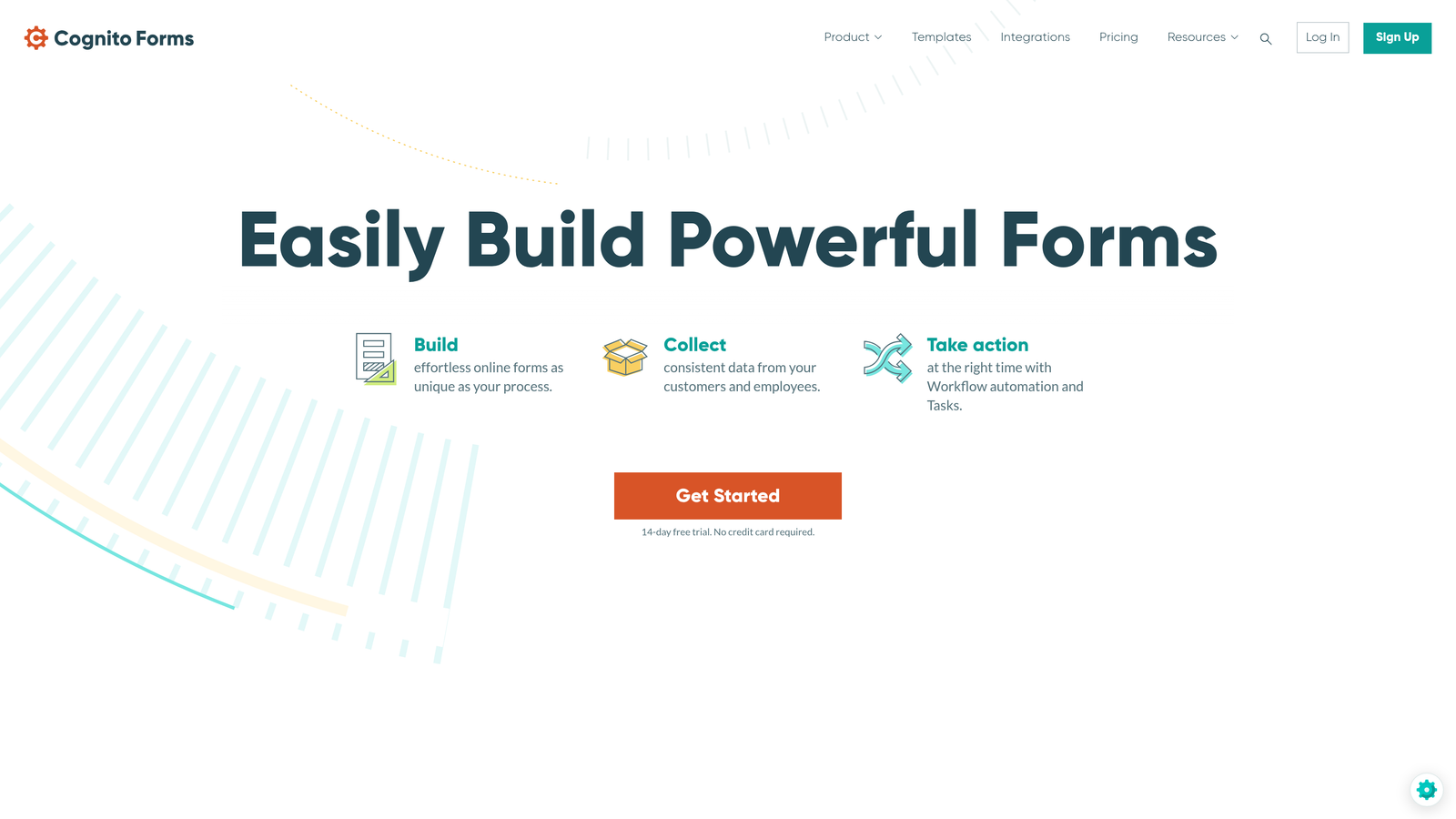
Cognito Forms excels at calculation-heavy payment forms where pricing depends on multiple variables and customer choices.
Where This Tool Shines
The calculation engine handles complex pricing formulas that would break simpler form builders. Need to calculate event registration fees based on attendee count, add-on selections, early bird discounts, and member status? Cognito Forms manages this effortlessly.
The generous free tier makes it accessible for small organizations and nonprofits, while enterprise features like data encryption and compliance certifications scale to larger organizations with strict security requirements.
Key Features
Advanced Calculations: Build complex pricing formulas using spreadsheet-like functions and conditional logic.
Conditional Pricing: Change prices dynamically based on any combination of customer responses or selections.
Multiple Processors: Integrate with Stripe, PayPal, or Square based on your preference.
Data Encryption: All form data encrypted at rest and in transit for maximum security.
Generous Free Tier: Unlimited forms and fields with reasonable monthly submission limits at no cost.
Best For
Event organizers with tiered pricing, membership organizations with complex fee structures, and nonprofits needing sophisticated donation forms without expensive monthly fees.
Pricing
Free plan supports basic needs with some limitations. Pro plan starts at $15 monthly for expanded features and higher submission volumes.
8. Paperform
Best for: Service businesses and creatives wanting beautiful, content-rich payment pages
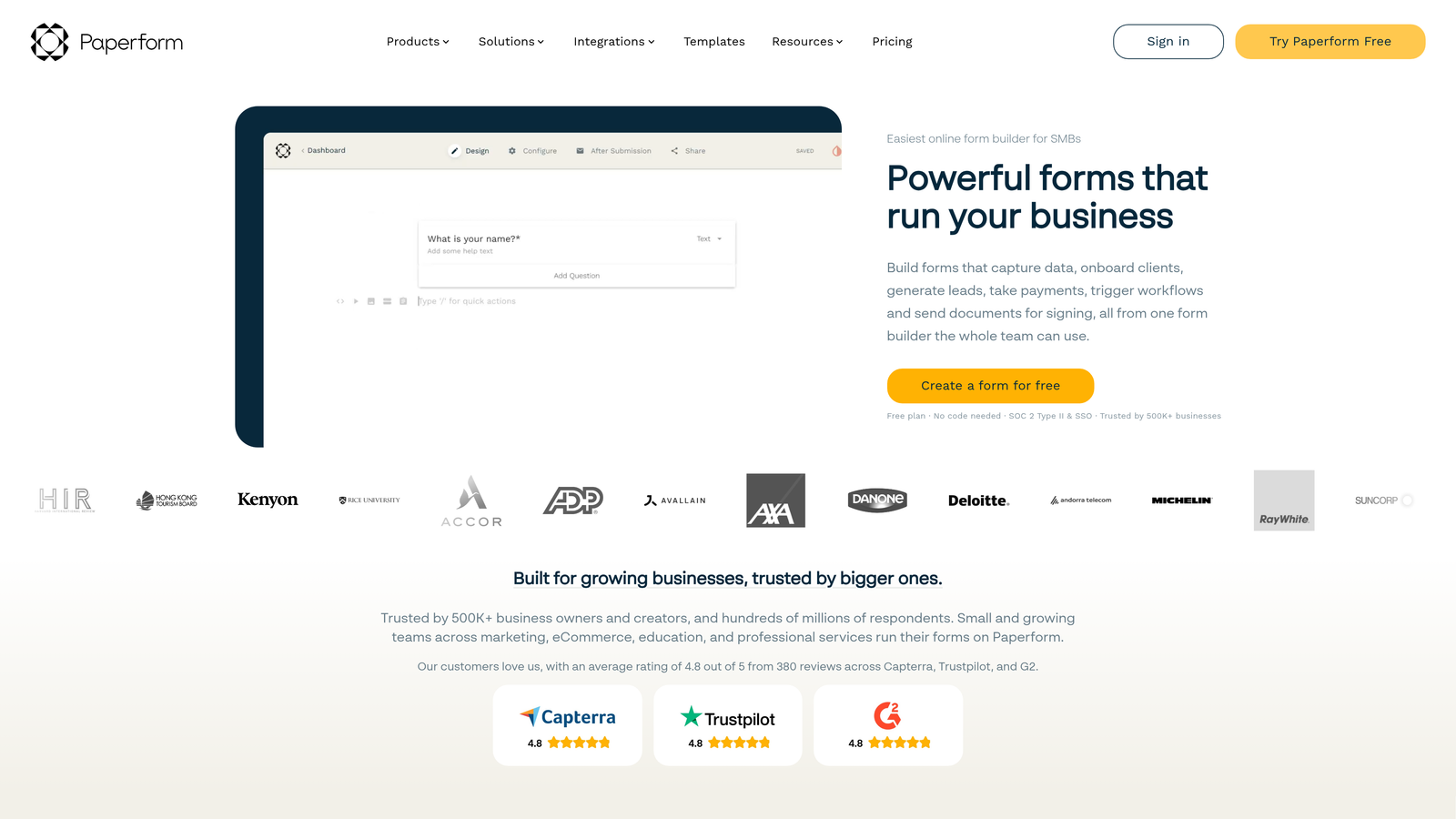
Paperform treats payment forms like landing pages, letting you blend rich content with payment collection seamlessly.
Where This Tool Shines
The document-style editor feels more like building a webpage than filling out form fields. You can weave images, videos, product descriptions, and testimonials throughout the payment experience, creating a compelling narrative that drives conversions.
Product catalogs with variants make it perfect for selling physical goods or service packages. Customers can select sizes, colors, or service tiers before checking out, all within a beautifully designed single-page experience.
Key Features
Document-Style Pages: Build payment forms that look like custom landing pages with rich media and content.
Product Catalogs: Showcase multiple products with variants, images, and descriptions in organized galleries.
Multiple Processors: Accept payments through Stripe, PayPal, Braintree, or Square based on your needs.
Appointment Booking: Combine scheduling with payment collection for service-based businesses.
Custom Success Pages: Design branded confirmation pages with next steps, resources, or upsell opportunities.
Best For
Coaches, consultants, creative agencies, and boutique service providers where the payment experience should reflect premium positioning and attention to aesthetic detail.
Pricing
Essentials plan starts at $24 monthly with all core features. Higher tiers add team collaboration and advanced integrations.
9. Google Forms + Payment Add-ons
Best for: Budget-conscious organizations already using Google Workspace
Google Forms becomes a payment form builder through third-party add-ons that extend its free functionality.
Where This Tool Shines
The base platform costs nothing and integrates seamlessly with Google Sheets, Docs, and Calendar. For organizations already living in Google Workspace, this eliminates learning curves and integration headaches.
Add-ons like Payable or Form Publisher bolt payment processing onto Google Forms' familiar interface. While less elegant than dedicated payment platforms, this approach works surprisingly well for straightforward payment collection needs.
Key Features
Completely Free Base: Google Forms itself costs nothing, even for unlimited forms and responses.
Google Workspace Integration: Automatic syncing with Sheets, Calendar, and other Google tools you already use.
Payment Add-ons: Extensions like Payable add Stripe integration for under $20 monthly.
Simple Interface: The familiar Google Forms builder requires zero training for most users.
Automatic Spreadsheet Sync: All responses flow directly into Google Sheets for easy analysis and reporting.
Best For
Schools, nonprofits, community organizations, and small businesses with tight budgets who need basic payment collection without monthly platform fees.
Pricing
Google Forms is free. Payment add-ons typically cost $10-30 monthly depending on features and transaction volume.
Making the Right Choice
The best payment form builder depends entirely on your specific needs and existing infrastructure. Let's break down the decision by common scenarios.
For High-Growth Teams Focused on Conversion: Orbit AI's intelligent lead qualification ensures you're collecting payments from the right customers while delivering the modern, optimized experience that maximizes completion rates. The AI-powered approach reduces refunds and support headaches by filtering poor-fit prospects before they convert.
For Existing Stripe Users: Payment Links offers the fastest path to accepting payments if you're already in the Stripe ecosystem. Create shareable links in seconds without learning new platforms or managing additional integrations.
For Maximum Integration Flexibility: Jotform's 150+ payment processor integrations make it the clear choice when you need to work with specific gateways or regional processors that other platforms don't support.
For Brand-Focused Experiences: Typeform's conversational interface creates memorable checkout experiences that reflect premium positioning. The one-question-at-a-time approach consistently delivers higher completion rates than traditional forms.
For Omnichannel Retail: Square Online unifies your online and in-person sales in ways dedicated form builders simply cannot match. The synchronized inventory and customer data eliminate the operational headaches of managing multiple systems.
For Global Commerce: PayPal's worldwide recognition and built-in buyer protection reduce friction with international customers who may hesitate with unfamiliar processors.
For Complex Pricing: Cognito Forms handles calculation-heavy scenarios that would break simpler platforms, making it perfect for events, memberships, and tiered pricing structures.
For Content-Rich Pages: Paperform lets you build payment experiences that feel like custom landing pages, ideal for service businesses and creatives who want to tell a story alongside payment collection.
For Tight Budgets: Google Forms with payment add-ons delivers surprising functionality at minimal cost, particularly for organizations already using Google Workspace.
Security should be non-negotiable regardless of which platform you choose. Verify that your selected tool maintains PCI DSS compliance and encrypts sensitive payment data. Look for platforms that keep card details off your servers entirely by tokenizing payments through their processor integrations.
Mobile optimization matters more than most businesses realize. Test your payment forms on actual mobile devices before launching. A checkout experience that works beautifully on desktop but frustrates mobile users will cost you significant revenue.
Consider your growth trajectory when evaluating pricing. A platform that seems affordable today might become expensive as transaction volumes scale. Conversely, paying for enterprise features you won't use for years rarely makes financial sense.
Transform your lead generation with AI-powered forms that qualify prospects automatically while delivering the modern, conversion-optimized experience your high-growth team needs. Start building free forms today and see how intelligent form design can elevate your conversion strategy.


