

If your team is still manually routing form submissions, chasing unqualified leads, or stitching together clunky integrations just to get data where it needs to go, you're leaving serious pipeline on the table. Form automation platforms have evolved well beyond simple data capture. Today's best tools handle conditional logic, lead scoring, CRM sync, and even AI-powered qualification, all without a developer in the loop.
This guide covers the top form automation platforms in 2026, evaluated on automation depth, ease of use, integration ecosystem, and conversion optimization features. Whether you're a SaaS team scaling lead gen or an agency managing multiple client workflows, there's a right tool for your stack. We've included pricing tiers, ideal use cases, and honest tradeoffs so you can make a confident decision fast.
1. Orbit AI
Best for: SaaS and high-growth teams that need forms to actively qualify and route leads
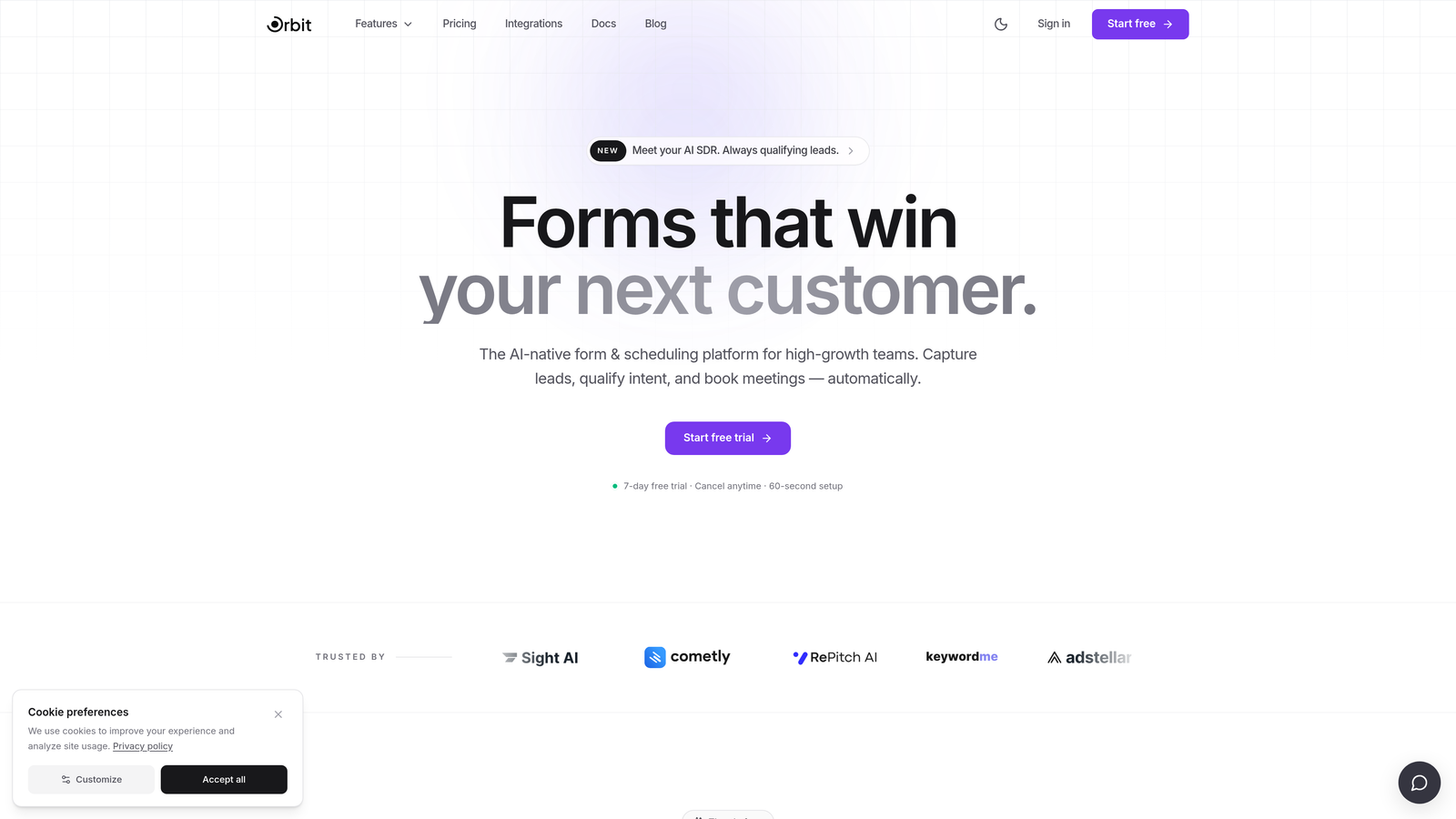
Orbit AI is an AI-powered form builder built specifically for teams that need forms to do more than collect data — it qualifies leads, scores submissions, and routes prospects automatically.
Where This Tool Shines
Most form tools treat qualification as an afterthought, something you bolt on with a Zapier workflow after the submission lands in your CRM. Orbit AI flips that model entirely. The AI qualification layer lives inside the form experience itself, which means your prospects are being scored and routed in real time, not after the fact.
The result is a tighter handoff between marketing and sales. Instead of passing every submission to your team and hoping they sort it out, Orbit AI ensures that only the right leads move forward, while others are handled automatically based on their qualification outcome.
Key Features
AI-Powered Lead Qualification: Built natively into the form flow, not added via third-party automation, so qualification happens before the submission even hits your CRM.
AI-Driven Conditional Logic: Branching and routing decisions are informed by AI scoring, not just static if/then rules, which makes the logic more adaptive to real prospect behavior.
Conversion-Optimized Templates: Modern, beautiful form designs built with completion rates in mind, so you're not starting from a blank canvas every time.
Automatic Lead Routing: Qualified leads get routed to the right rep, sequence, or workflow automatically based on their score and segment.
SaaS-Focused Workflow Design: The platform is purpose-built for marketing and growth teams, not generic business users, which keeps the feature set focused and the UX clean.
Best For
Orbit AI is the strongest fit for SaaS companies, demand gen teams, and growth marketers who care deeply about lead quality, not just lead volume. If your current forms are generating noise instead of pipeline, this is the tool built to solve that specific problem.
Pricing
Pricing is available directly on the Orbit AI website. The platform offers a free tier to get started.
2. Typeform
Best for: Teams that want high completion rates on longer, more engaging forms
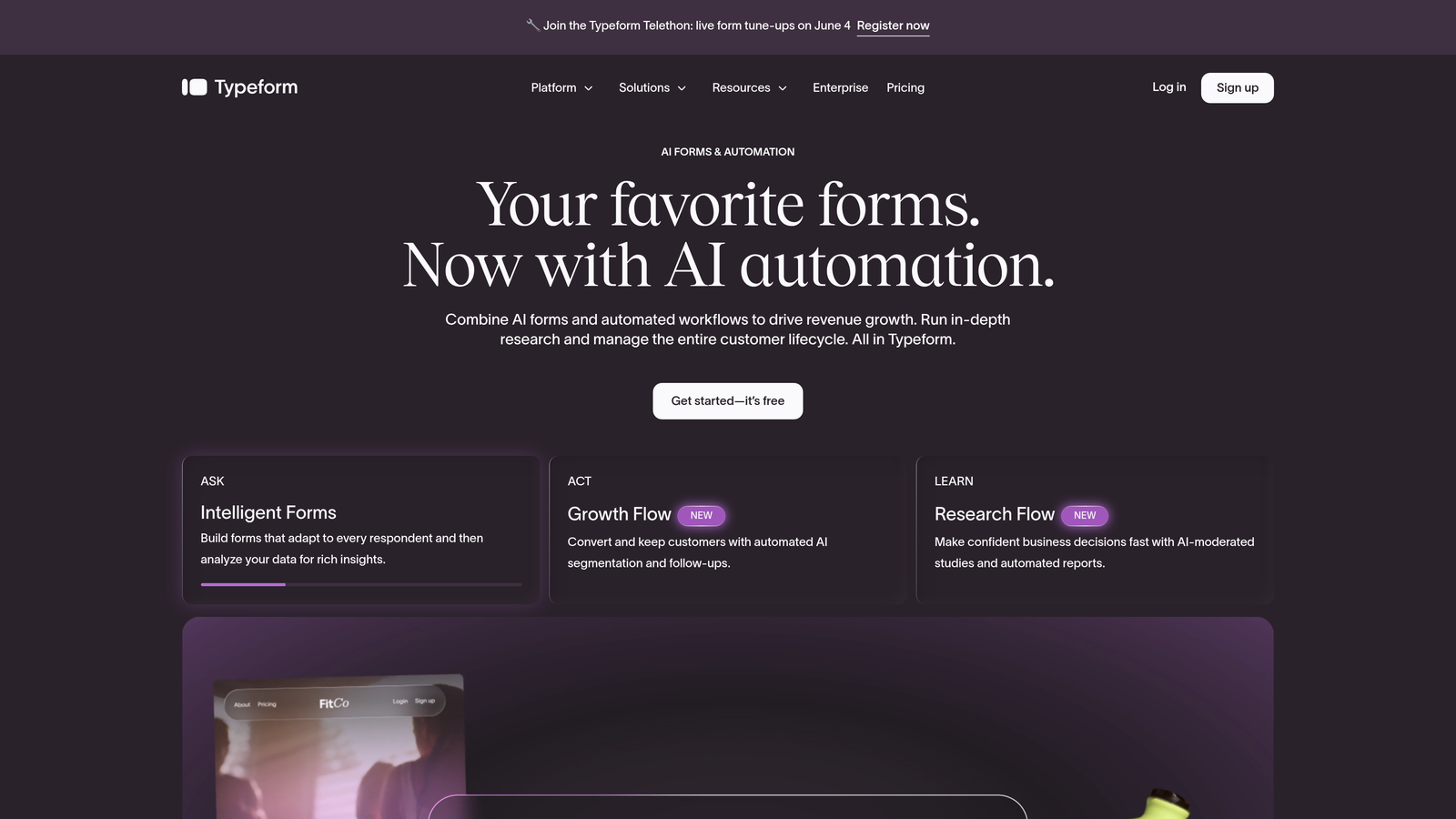
Typeform is a conversational form builder known for its one-question-at-a-time format that keeps respondents engaged through longer forms.
Where This Tool Shines
Typeform's signature UX, presenting one question at a time rather than a wall of fields, genuinely changes how respondents experience a form. For surveys, research studies, or longer qualification flows, this approach tends to reduce drop-off and improve data quality because users aren't overwhelmed upfront.
The design controls are also a real strength. Typeform gives you meaningful brand customization, including fonts, colors, and background media, so your forms feel like a natural extension of your brand rather than a generic embed.
Key Features
Conversational One-Question UX: Each question appears individually, creating a more natural, dialogue-like experience for respondents.
Logic Jumps and Branching: Build personalized form paths based on previous answers, so each respondent sees only what's relevant to them.
Brand Customization: Full control over visual styling, including video backgrounds and rich media embedding for a polished presentation.
Native Integrations: Direct connections to Salesforce, HubSpot, Slack, and more, plus Zapier for extended workflow automation.
Video Questions: Embed video prompts directly into the form flow for a more human, engaging experience.
Best For
Typeform works well for marketing teams running surveys, product research, or multi-step lead qualification flows where engagement and completion rate are the primary concern. It's less suited for teams that need deep automation or AI-driven lead scoring built in.
Pricing
Free plan available. Paid plans start at $25/month. Note that pricing scales with response volume, which can become costly for high-traffic forms.
3. HubSpot Forms
Best for: Teams already running on HubSpot who want zero-friction CRM integration
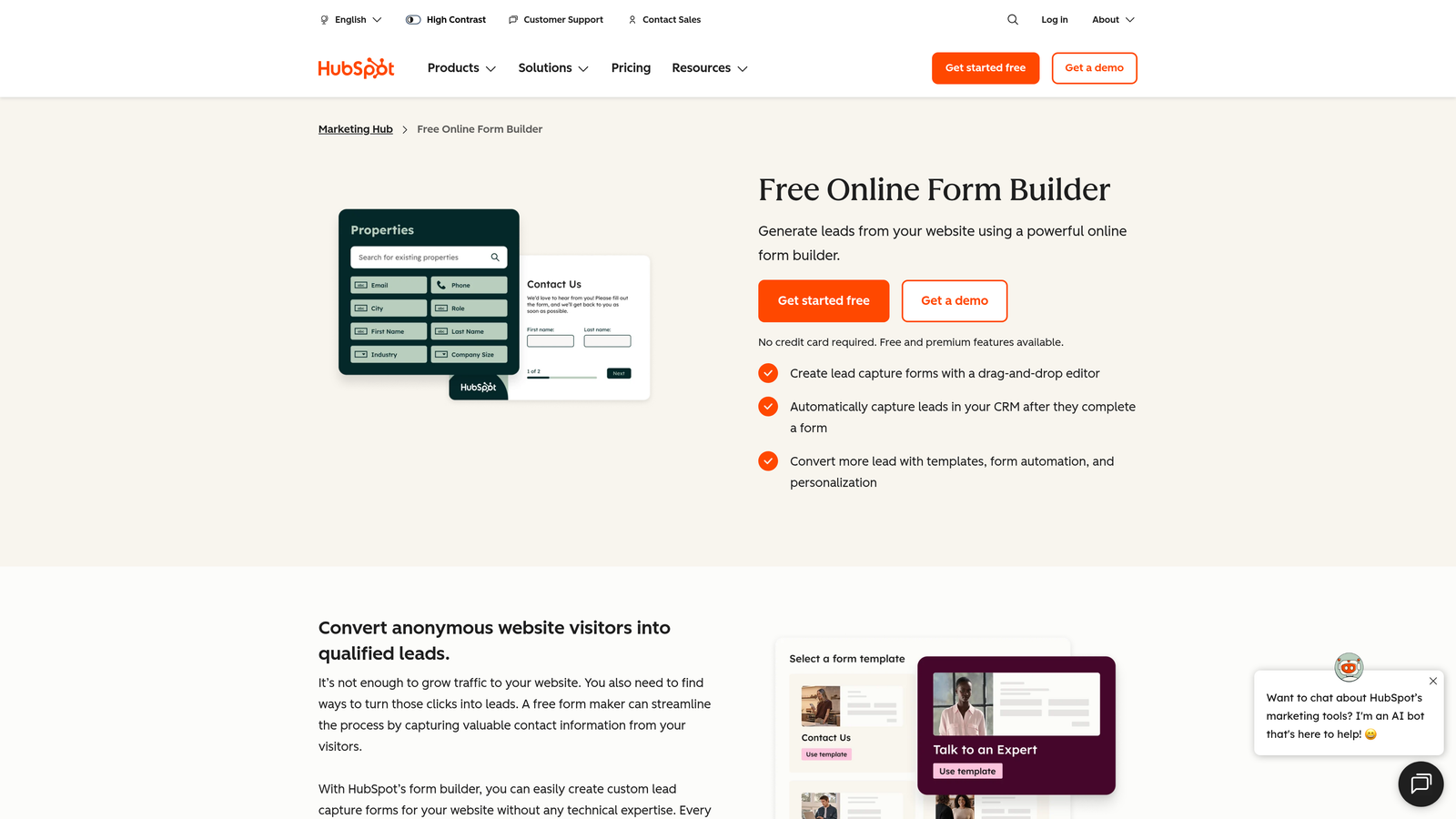
HubSpot Forms is a native form builder embedded in the HubSpot CRM and Marketing Hub ecosystem, designed for seamless lead capture and workflow automation.
Where This Tool Shines
If your team lives in HubSpot, the native forms tool removes an entire layer of integration complexity. Form submissions instantly create or update contact records, trigger email sequences, assign tasks, and feed into lead scoring, all without a single Zapier step. That kind of tight ecosystem integration is genuinely difficult to replicate with standalone tools.
The progressive profiling feature is particularly valuable for teams with high return visitor traffic. Instead of asking the same questions again, HubSpot Forms automatically surfaces new fields for contacts it already recognizes, reducing friction while enriching your data over time.
Key Features
Instant CRM Sync: Every submission maps directly to HubSpot contact records with no third-party connector required.
Progressive Profiling: Automatically shows new fields to returning visitors, so you collect more data without increasing form length.
Workflow Triggers: Form submissions can instantly kick off email sequences, task assignments, and internal notifications.
Native Lead Scoring: Form data feeds directly into HubSpot's lead scoring engine without any manual mapping.
Free to Start: Fully functional within HubSpot's free CRM tier, making it accessible for early-stage teams.
Best For
HubSpot Forms is the obvious choice for teams already paying for HubSpot Marketing Hub. For teams not on HubSpot, the design limitations and platform lock-in make it harder to justify as a standalone form solution.
Pricing
Free with HubSpot CRM. Advanced automation features require Marketing Hub, which starts at $15/month per seat.
4. Jotform
Best for: Teams that need versatile forms with built-in payments, approvals, and file handling
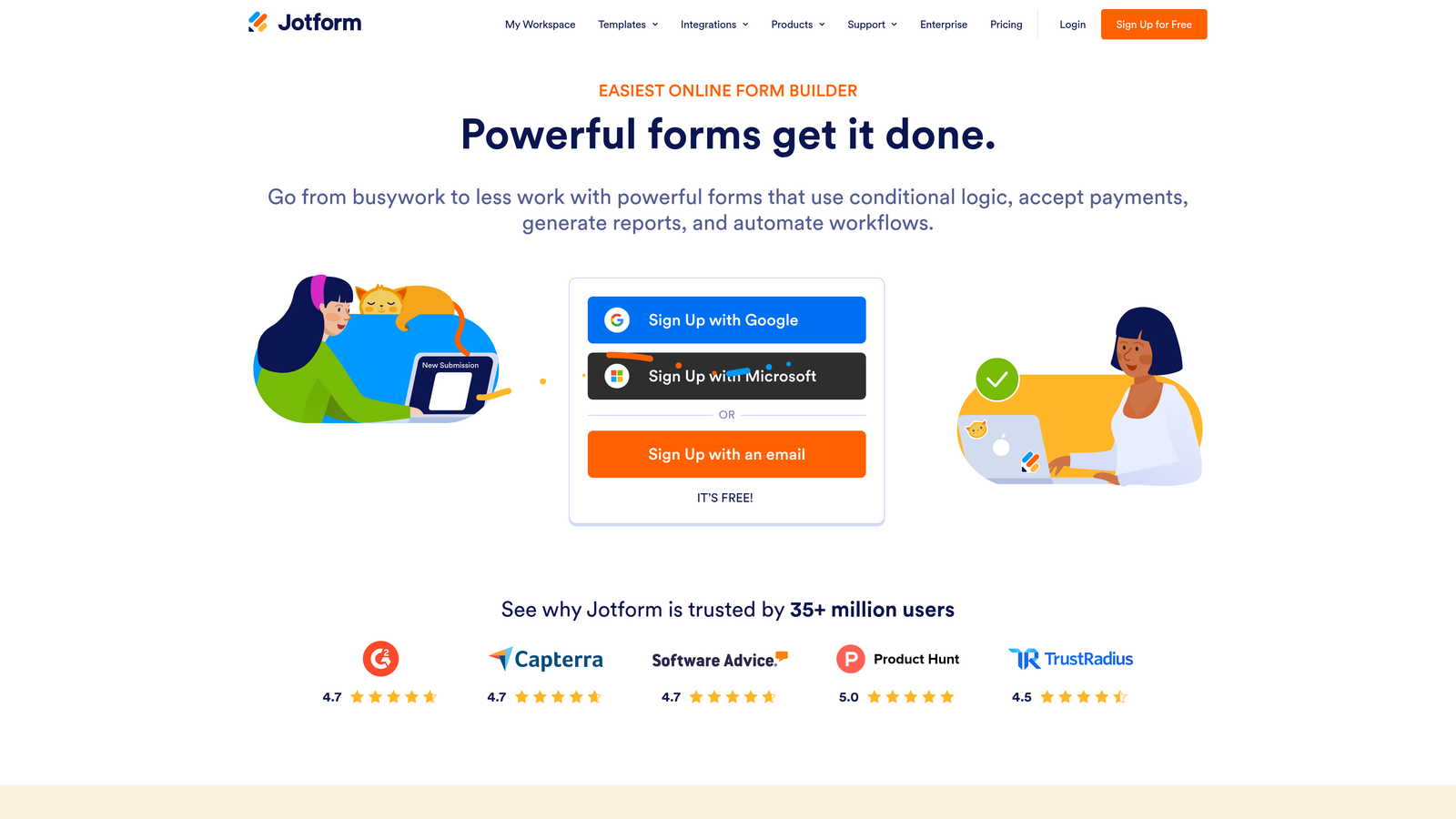
Jotform is a highly versatile form builder with one of the largest template libraries available and broad support for payments, approvals, and file uploads.
Where This Tool Shines
Jotform's depth of use cases is genuinely impressive. Most form builders are optimized for lead capture or surveys. Jotform handles those, but also extends into payment collection, document signing, multi-step approval workflows, and file intake, making it a strong choice for operations-heavy teams that need forms to drive internal processes, not just marketing pipelines.
The template library is a practical time-saver. With thousands of pre-built forms across industries, you can find a solid starting point for almost any use case rather than building from scratch.
Key Features
Massive Template Library: Over 10,000 templates spanning industries from healthcare and legal to e-commerce and education.
Native Payment Processing: Accept payments directly through forms via Stripe, PayPal, and Square without a separate checkout tool.
Jotform Approvals: Build multi-step review and sign-off workflows where submissions move through defined approval stages.
E-Signature Collection: Collect legally binding signatures within the form experience, no separate signing tool required.
Broad Integration Library: Connects natively with Salesforce, Google Sheets, Slack, and hundreds of other tools.
Best For
Jotform is an excellent fit for operations teams, agencies, and SMBs that need one platform to handle a wide variety of form types. It's less optimized for teams focused primarily on conversion rate and lead quality in a SaaS context.
Pricing
Free plan available with branding limitations. Paid plans start at $34/month.
5. Formstack
Best for: Mid-market and enterprise teams that need forms, documents, and e-signatures in one platform
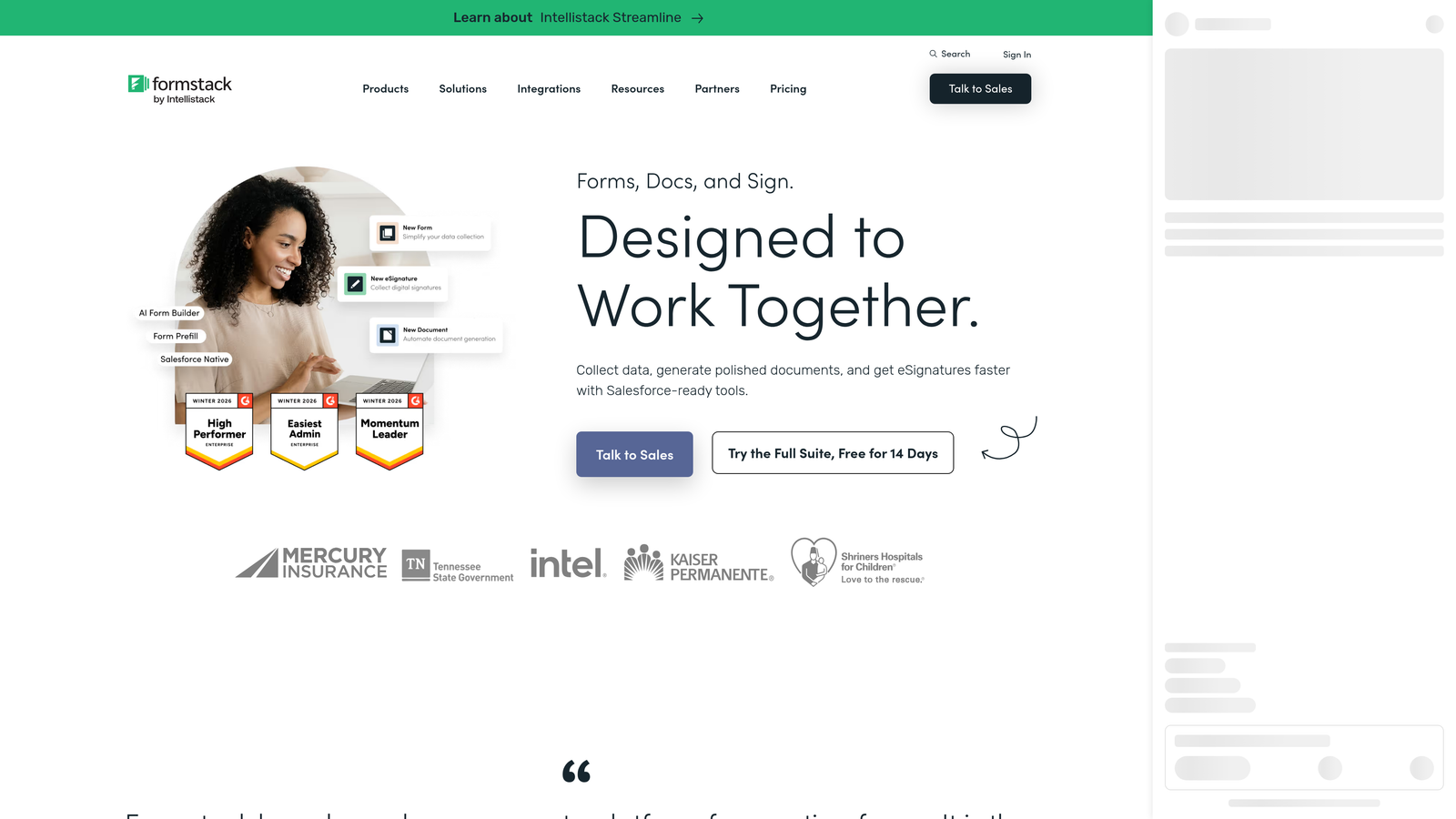
Formstack is an enterprise-grade platform that combines forms, document generation, and e-signatures into a unified workflow automation suite.
Where This Tool Shines
Formstack's core differentiator is its bundled approach. Rather than buying a form tool, a document automation tool, and an e-signature solution separately, Formstack combines all three into a single platform with native data flow between them. A form submission can automatically populate a contract template and route it for signature, all within one system.
For regulated industries like healthcare and legal, the HIPAA compliance option is a meaningful capability that narrows the field of viable tools considerably. The Salesforce-native version also makes it a strong fit for enterprise teams that live primarily in that CRM.
Key Features
Bundled Forms, Documents, and Signatures: All three workflow layers in one platform, with native data passing between them.
Advanced Conditional Logic: Complex branching and approval routing that goes well beyond basic if/then rules.
HIPAA Compliance: Available for healthcare, legal, and other regulated use cases that require strict data handling standards.
Salesforce-Native Version: A purpose-built Salesforce integration for teams that need deep CRM alignment, not just a basic connector.
Enterprise Security Controls: Data encryption, role-based access, and compliance controls suited for larger organizations.
Best For
Formstack is built for mid-market and enterprise teams in regulated industries or organizations with complex document workflows. The price point reflects that positioning, so it's less suitable for lean startups or teams with simpler needs.
Pricing
Plans start at $83/month. Enterprise pricing is available on request.
6. Tally
Best for: Lean teams and early-stage startups that need powerful forms without a budget
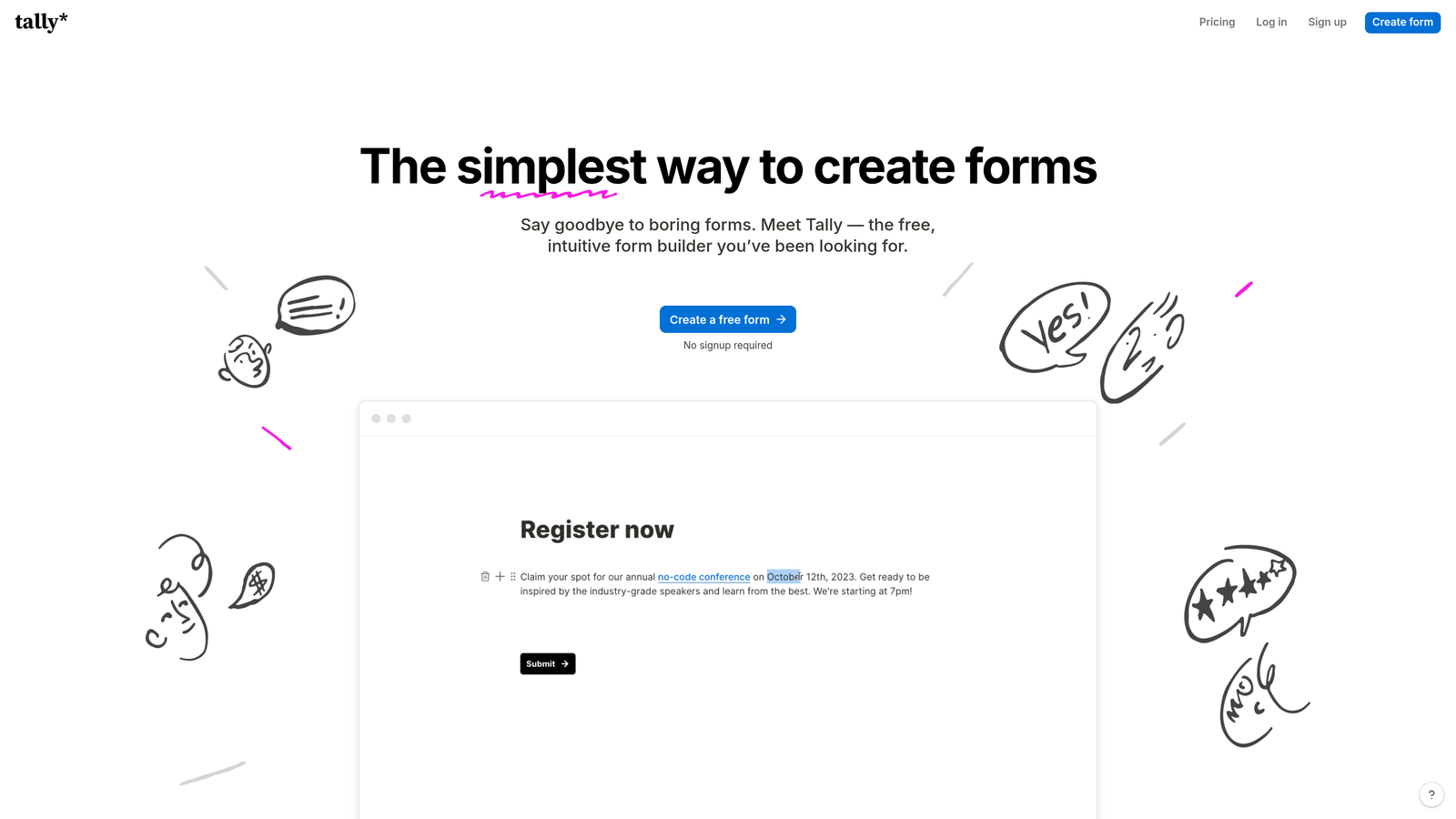
Tally is a Notion-inspired form builder with a generous free tier that includes unlimited forms, logic jumps, and integrations, ideal for lean teams.
Where This Tool Shines
Tally's free plan is genuinely differentiated. Unlimited forms, unlimited submissions, conditional logic, hidden fields, and calculations are all available without paying a cent. For early-stage teams or individuals who need capable forms without a budget commitment, this is a hard offer to beat.
The block-based editor will feel immediately familiar to anyone who uses Notion. The learning curve is minimal, which means you can go from signup to live form in minutes rather than hours. It's a refreshingly lightweight experience in a category that often over-engineers the basics.
Key Features
Unlimited Forms and Submissions on Free Plan: No artificial caps that force you to upgrade before you're ready.
Block-Based Editor: Intuitive Notion-style interface with a very low learning curve for new users.
Logic and Calculations on Free Tier: Conditional logic, hidden fields, and calculation fields are available without upgrading.
Flexible Integration: Connect via Zapier, Make, and direct webhooks to route data wherever you need it.
Lightweight Embedding: Embed forms anywhere via iframe or popup with minimal performance impact on your pages.
Best For
Tally is the strongest option for early-stage startups, solo operators, and lean teams that need capable, well-designed forms without committing to a paid plan. Teams that need deep native integrations or enterprise-grade automation will likely outgrow it.
Pricing
Free plan available with no submission limits. Tally Pro is $29/month for additional customization and branding controls.
7. Gravity Forms
Best for: WordPress-based teams that need deep customization and a rich add-on ecosystem
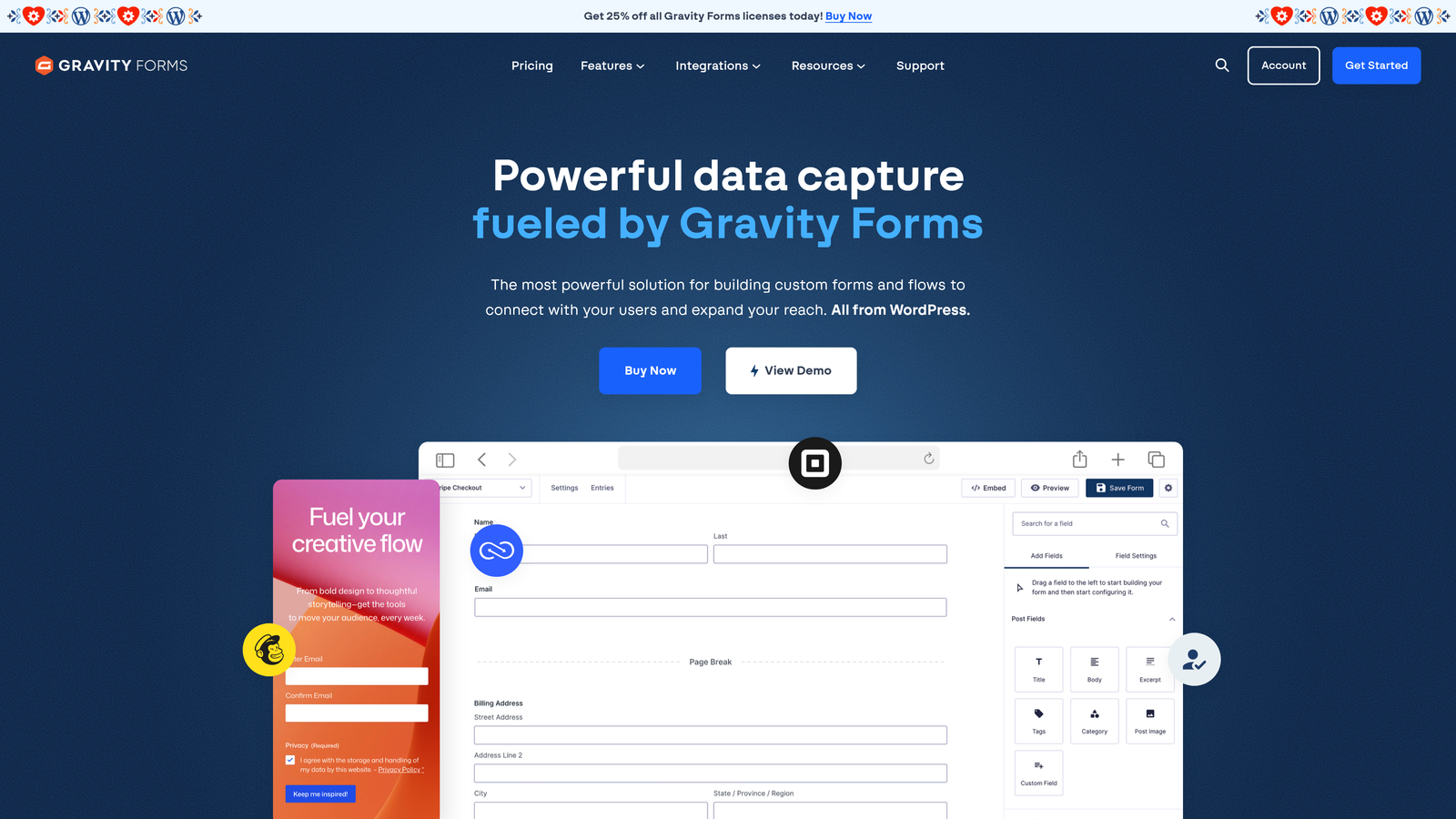
Gravity Forms is the leading WordPress-native form plugin with a rich add-on ecosystem for payments, CRM connections, and advanced conditional logic.
Where This Tool Shines
For teams building on WordPress, Gravity Forms is the category standard for good reason. It integrates directly with the WordPress environment, meaning you get access to hooks, filters, and custom development options that hosted SaaS form tools simply can't match. If your developers want to extend form behavior programmatically, Gravity Forms is built for that.
The add-on ecosystem is extensive. Official and third-party add-ons connect Gravity Forms to Stripe, Salesforce, HubSpot, ActiveCampaign, and dozens of other platforms, giving WordPress teams a level of integration depth that rivals purpose-built automation platforms.
Key Features
Deep WordPress Integration: Native support for WordPress hooks and filters, giving developers full control over form behavior.
Extensive Add-On Ecosystem: Official add-ons for Stripe, Salesforce, HubSpot, ActiveCampaign, and many more platforms.
Multi-Page Forms and File Uploads: Handle complex, multi-step forms and file intake natively without workarounds.
Conditional Logic and Dynamic Population: Build adaptive forms that respond to user input and pre-populate fields from URL parameters or existing data.
Annual License Model: Flat annual fee with no per-submission pricing, which makes cost predictable at scale.
Best For
Gravity Forms is the right choice for WordPress-native teams that need serious form capabilities and developer flexibility. It's not relevant for teams on other platforms, and the annual license model means there's no free tier to test before committing.
Pricing
Basic license starts at $59/year. Elite license at $259/year, which includes all add-ons.
8. Paperform
Best for: SMBs and creators who want forms that feel like designed landing pages
Paperform is a freeform editor that blends text, images, and form fields into a single document-style experience, creating forms that feel like designed landing pages.
Where This Tool Shines
Paperform's editor breaks the standard mold of "add a field, add another field." Instead, you write and design freely, mixing prose, images, and form inputs in any arrangement you want. The result is forms that feel more like crafted web pages than clinical data collection tools, which can meaningfully improve the experience for respondents.
Built-in payment processing and appointment scheduling make Paperform a practical all-in-one tool for service businesses, consultants, and creators who want to collect information and take action in the same form flow.
Key Features
Freeform Document Editor: Mix text, images, and form fields freely without a rigid field-by-field structure.
Built-In Payments and Scheduling: Accept payments and bookings directly within the form, no third-party checkout required.
Prefill and Conditional Sections: Pre-populate fields from URL parameters and show or hide sections based on previous answers.
Custom Domains and Full Branding: Host forms on your own domain with complete visual brand control.
300+ Integrations: Connect via native connectors and Zapier to route data into your existing stack.
Best For
Paperform is a strong fit for SMBs, service providers, and creators who prioritize form aesthetics and want payment or scheduling built in. It's less focused on enterprise automation or AI-driven lead qualification, so high-growth SaaS teams may find it limiting.
Pricing
Starts at $24/month on the Essentials plan. No permanent free tier, but a 14-day trial is available.
9. Microsoft Forms + Power Automate
Best for: Organizations standardized on Microsoft 365 that need internal workflow automation
Microsoft Forms is Microsoft's native form tool that becomes a serious automation platform when paired with Power Automate, ideal for organizations already running on Microsoft 365.
Where This Tool Shines
Microsoft Forms on its own is a capable but relatively basic tool. The real power unlocks when you connect it to Power Automate. Suddenly, form submissions can trigger approval workflows in Teams, update SharePoint lists, push data into Dynamics 365, populate Excel reports, and send conditional notifications, all within the Microsoft ecosystem your team already uses.
For organizations where Microsoft 365 is the standard, this combination has a compelling cost argument: the form tool is already included in most business subscriptions, and Power Automate adds automation depth at a relatively low marginal cost compared to buying a dedicated platform.
Key Features
Native Microsoft 365 Integration: Direct connections to Teams, SharePoint, Dynamics 365, and Excel without any third-party connectors.
Power Automate Flows: Build approvals, notifications, and data routing workflows triggered by form submissions.
Included in Microsoft 365 Subscriptions: No additional software cost for organizations already on Microsoft 365 business plans.
Branching Logic and Validation: Built-in conditional branching and response validation within the Forms interface.
Enterprise Compliance Controls: Data residency options and compliance features suited for large regulated organizations.
Best For
This combination is the obvious choice for IT-managed enterprise environments standardized on Microsoft 365. For teams outside the Microsoft ecosystem, or those prioritizing conversion optimization and lead quality, the learning curve of Power Automate and the design limitations of Forms make it a difficult recommendation.
Pricing
Microsoft Forms is included with Microsoft 365 Business plans starting at $6/user/month. Power Automate starts at $15/user/month for premium connectors and more complex flows.
Which Tool Is Right for Your Team?
The right form automation platform depends less on feature checklists and more on where your team's actual bottleneck lives. Here's a quick decision guide to help you cut through the options.
If lead quality is your primary problem: Orbit AI is the standout choice. It's the only platform on this list that builds AI-powered qualification directly into the form flow, which means your pipeline gets cleaner before a lead ever reaches your CRM. High-growth SaaS teams running active lead gen programs should start here.
If you're already on HubSpot: HubSpot Forms is the path of least resistance. The native CRM sync, progressive profiling, and workflow triggers are hard to replicate with a standalone tool, and the free tier makes it easy to justify.
If you're on a tight budget: Tally's free plan is genuinely capable, covering unlimited forms, conditional logic, and integrations without a credit card. It's the strongest starting point for early-stage teams.
If you need enterprise compliance or document workflows: Formstack's bundled approach to forms, documents, and signatures, combined with HIPAA compliance options, makes it the right fit for regulated industries and larger organizations.
If you're building on WordPress: Gravity Forms is the category standard. The add-on ecosystem and developer flexibility are difficult to match within the WordPress environment.
If your team runs on Microsoft 365: The Forms plus Power Automate combination offers automation depth at a low marginal cost for organizations already in that ecosystem.
For teams where form performance directly impacts pipeline quality, the conversation has moved beyond which tool looks the best or integrates the easiest. The real question is whether your forms are actively contributing to revenue, or just collecting data and hoping for the best.
Transform your lead generation with AI-powered forms that qualify prospects automatically while delivering the modern, conversion-optimized experience your high-growth team needs. Start building free forms today and see how intelligent form design can elevate your conversion strategy.


